
NICH: GPT Anonymizer Overview
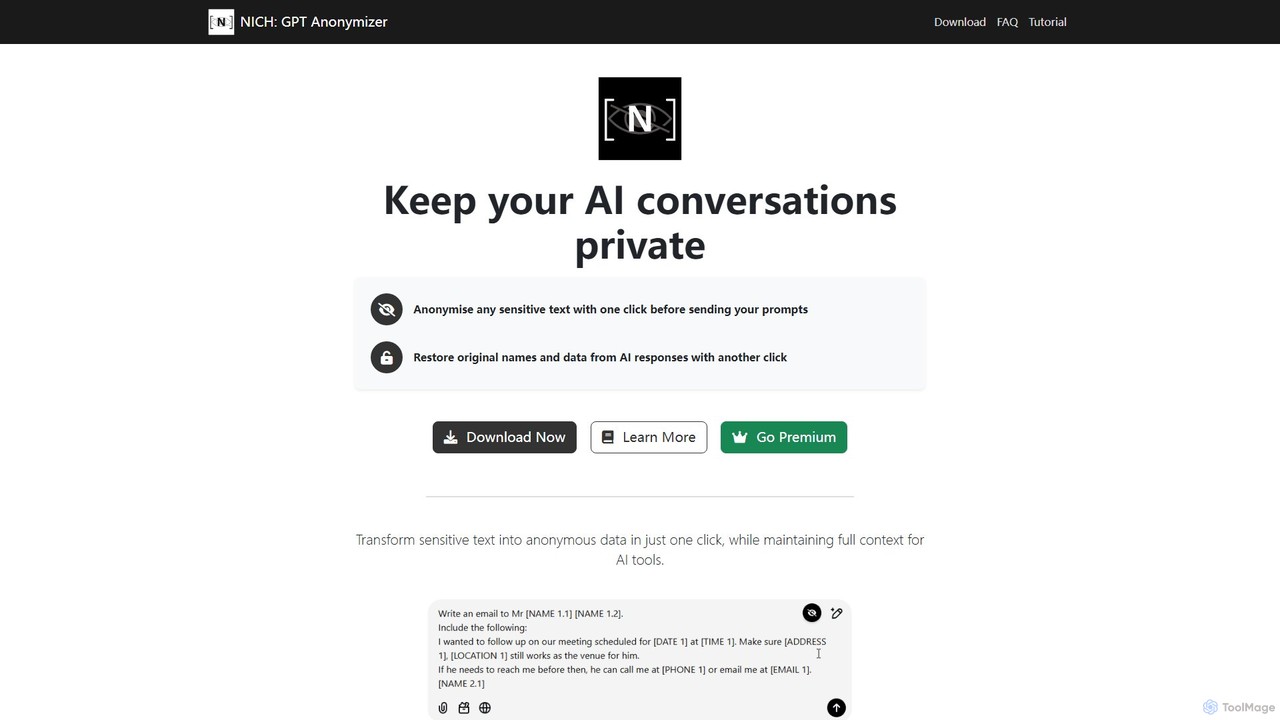
NICH: GPT Anonymizer is a powerful tool designed for individuals and professionals who use AI assistants like ChatGPT but are concerned about data privacy. It functions as a Google Chrome extension coupled with a local application, ensuring that sensitive information is protected before it's transmitted to any third-party AI service. With a single click, NICH intelligently identifies and replaces personal details, company information, email addresses, and other confidential data with anonymous placeholders. This allows users to leverage the full power of AI for tasks like drafting emails, analyzing documents, or getting coding help, without exposing private data. After the AI generates a response, another click de-anonymizes the text, restoring the original information seamlessly. The core of NICH's architecture is its commitment to privacy; all anonymization and de-anonymization processes occur entirely on the user's device. This means no data is ever sent to the cloud or NICH's servers, and the tool can even function without an internet connection, offering unparalleled security and peace of mind.
How to use NICH: GPT Anonymizer
Using NICH is designed to be simple and intuitive, integrating directly into your workflow. First, you need to install both the NICH Anonymizer application on your Windows or macOS system and the NICH: GPT Anonymizer extension for Google Chrome. Once installed, follow these steps:
1. Anonymize Text: When you are in a text field on any website, ready to write a prompt for an AI, simply click the NICH icon that appears. NICH will instantly scan your text and convert sensitive details like names, emails, and company info into safe, generic placeholders, while preserving the context for the AI.
2. Send to AI: Send the now-anonymized prompt to your chosen AI service (e.g., ChatGPT, DeepSeek).
3. De-anonymize Response: When the AI provides a response containing the placeholders, highlight the entire response text.
4. Restore Original Data: Right-click the highlighted text and select "Copy Deanonymised" from the context menu. A confirmation message will appear, and the fully restored, original text will be copied to your clipboard.
5. Paste: Paste the restored content into your email, document, or application. All placeholders will be automatically reverted to the original details.
Core Features of NICH: GPT Anonymizer
- Smart Data Detection: Automatically identifies and masks a wide range of sensitive information, including names, personal details, company information, emails, phone numbers, addresses, and locations.
- Custom Data Masking: Allows users to define custom patterns for anonymization, providing flexibility for specific industry or company jargon.
- One-Click Anonymization & De-anonymization: Streamlines the privacy process with simple, intuitive controls for masking and restoring data.
- 100% On-Device Processing: All data processing happens locally on your computer. Your original text never leaves your device, ensuring maximum privacy and security.
- Offline Capability: The core anonymization function can work without an internet connection, as processing is not cloud-dependent.
- Context Preservation: Anonymizes data without losing the essential context of the prompt, ensuring the AI can still provide accurate and relevant responses.
Use Cases for NICH: GPT Anonymizer
NICH is ideal for a variety of professional settings where confidentiality is paramount:
• Legal Professionals: Draft and review contracts or legal documents with AI assistance without exposing client names, case details, or other privileged information.
• Medical Professionals: Analyze private medical records, research patient symptoms, or draft communications using AI tools while protecting patient confidentiality (PHI).
• HR & Recruitment Teams: Use AI to draft job descriptions, screen resumes, or create employee communications without revealing candidate or employee personal data.
• Customer Support Teams: Get AI-powered help to draft responses to customer inquiries without sending sensitive customer data (like account numbers or personal complaints) to the AI.
• General Business Use: Safely write internal memos, business plans, or sensitive emails with AI, protecting company secrets and employee information.
Advantages of NICH: GPT Anonymizer
The primary advantage of NICH is its robust privacy-first architecture. By processing all data locally, it eliminates the risk of data leaks or unauthorized access associated with cloud-based services. This on-device approach guarantees that users maintain full control over their information. The tool is incredibly easy to use, integrating seamlessly into existing workflows with just a couple of clicks. It effectively bridges the gap between the utility of powerful AI models and the critical need for data security, allowing users to work efficiently without compromising on privacy.
Pricing and Plans
NICH: GPT Anonymizer operates on a freemium model:
• Free Plan: This plan is suitable for casual users and includes up to 10 anonymizations per day.
• Premium Plan: For heavy users and professionals, the premium subscription offers enhanced features. The pricing is available as follows:
- Monthly: £3.9 per month.
- Yearly: £39.0 per year (offering a significant saving over the monthly plan).
Premium benefits include unlimited anonymizations, faster processing speeds, priority customer support, and access to regular updates and new features. Payments are processed securely via Stripe, and subscriptions can be managed directly from the Chrome extension.
NICH: GPT Anonymizer Alternatives
Twitti
Twitti is a powerful ChatGPT browser extension that integrates AI into any tab. It enhances writing, boosts social media engagement, and increases productivity with 25+ tones, advanced copywriting frameworks, and a one-time purchase model, eliminating recurring subscriptions.
Chrome
Neosync
Neosync is an open-source platform for data anonymization and synthetic data generation. It helps developers and data scientists create safe, privacy-compliant, and realistic datasets for testing, development, and AI model training, ensuring referential integrity across databases.
Data Generation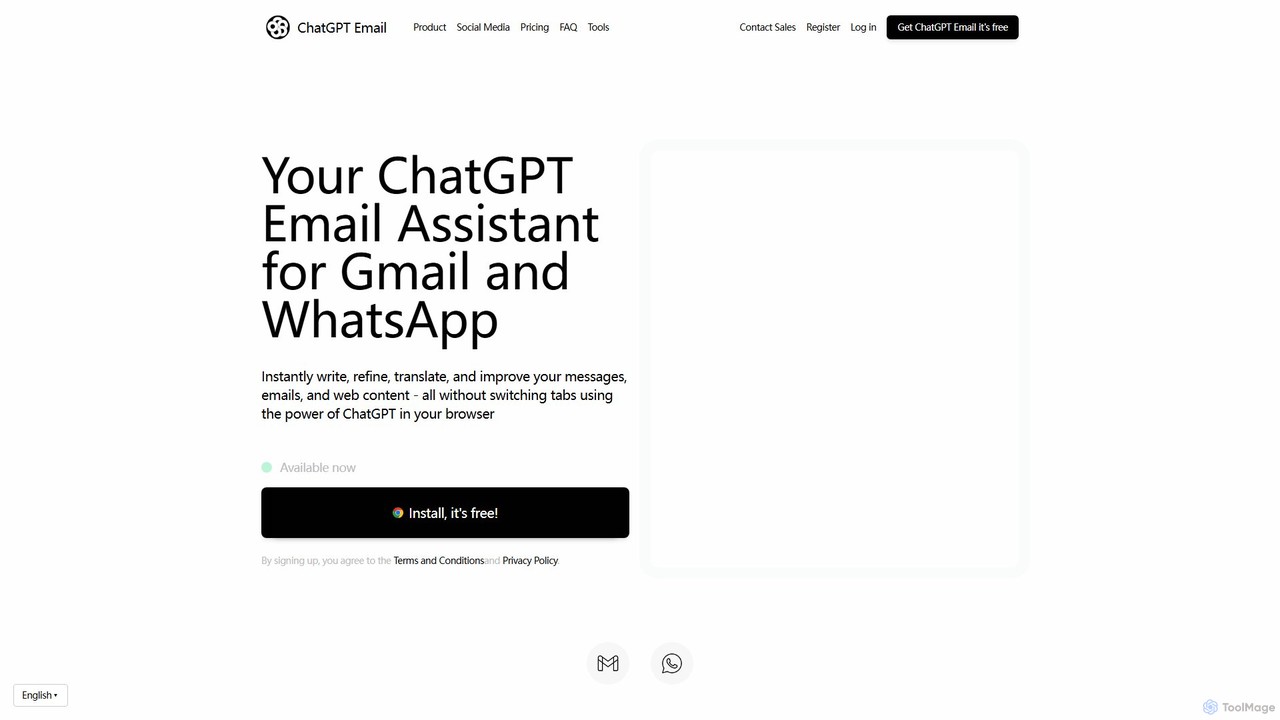
ChatGPT Email
ChatGPT Email is an AI-powered browser extension for Chrome that integrates with Gmail and WhatsApp. It leverages models like GPT-4, Claude, and Gemini to help you instantly write, refine, translate, and improve your emails and messages. Adjust the tone, overcome language barriers, and save significant time on daily communications, all without leaving your current tab.
Chrome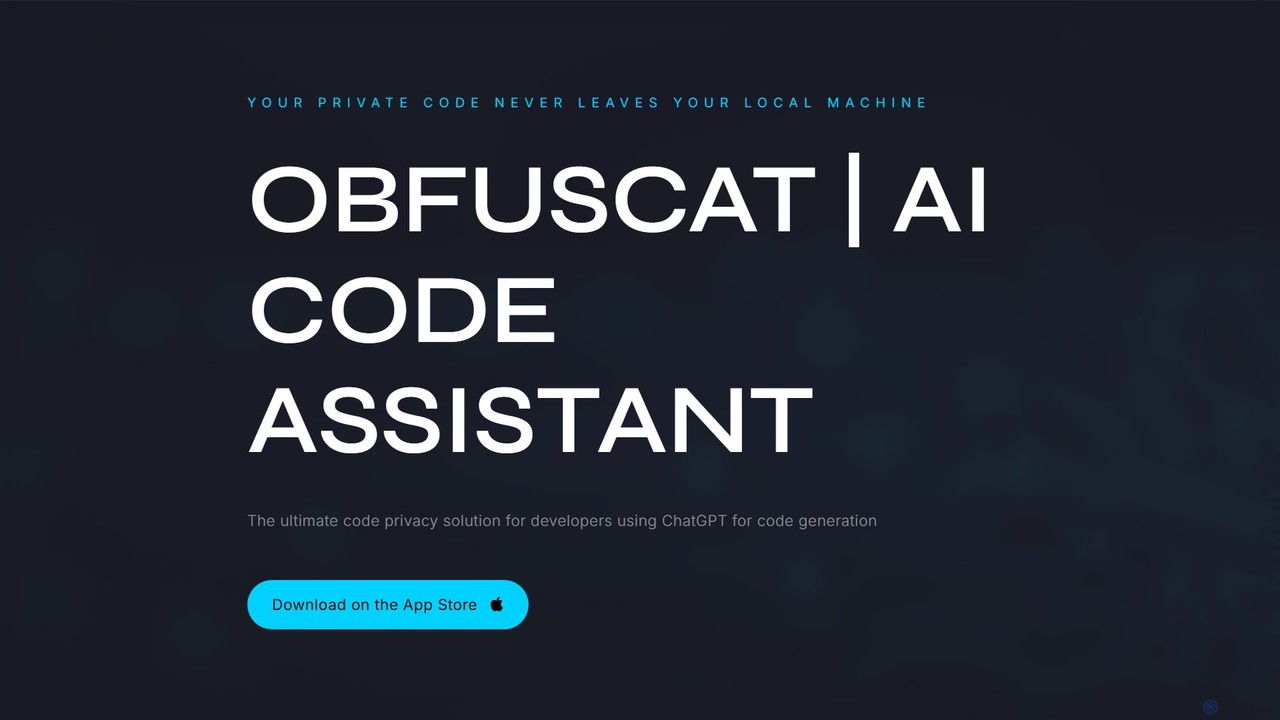
ObfusCat
ObfusCat is a privacy-focused AI code assistant for developers. It acts as a security layer, masking sensitive and proprietary code locally on your machine before sending it to ChatGPT for assistance. This allows you to leverage AI for code generation, bug fixing, and analysis without exposing your intellectual property.
Code Assistant
ChatGPT Phantom
ChatGPT Phantom is a free, privacy-focused browser extension that integrates ChatGPT, Google Bard, and Bing Chat into a single powerful copilot. It enables users to generate real-time, data-driven content like news articles, YouTube scripts, and code, enhancing productivity for creators, writers, and developers.
ProductivityNICH: GPT Anonymizer Categories
NICH: GPT Anonymizer Embed Widget
Copy this embed code to place the badge on your blog, article, or product site and send readers directly to this ToolMage detail page.

Related AI tools
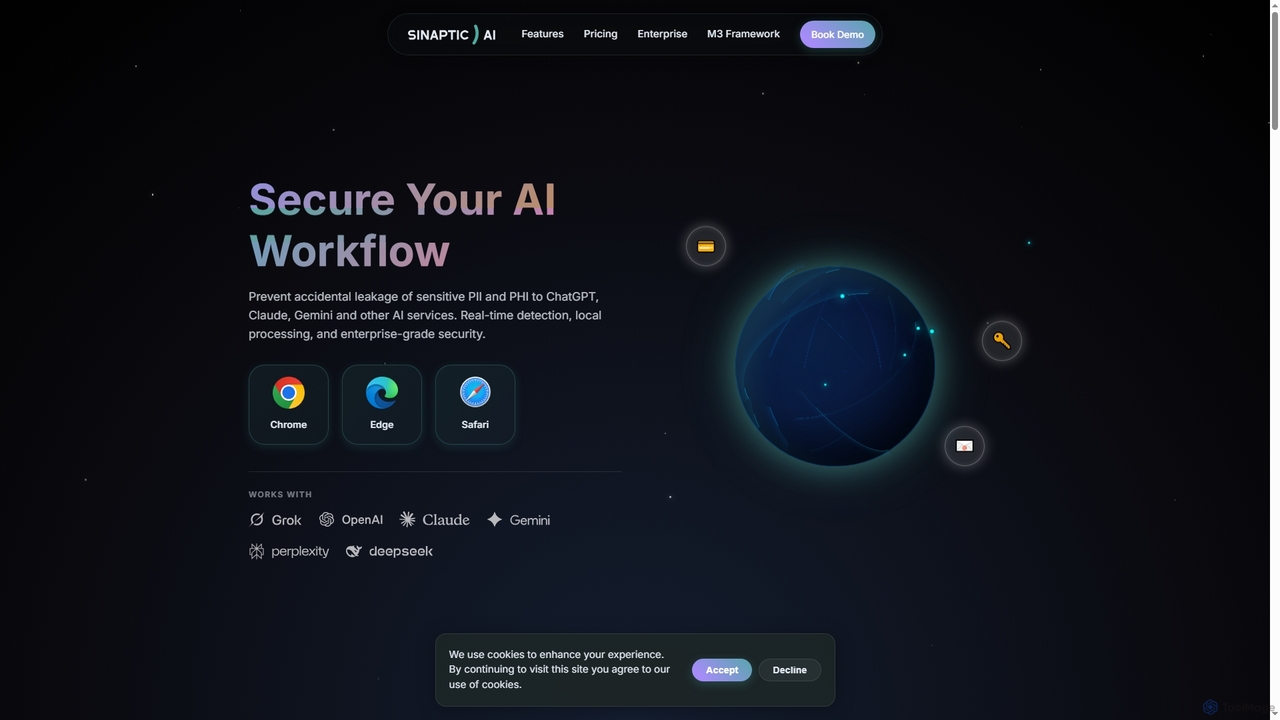
Sinaptic
Sinaptic is a browser extension that safeguards sensitive personal and health information (PII/PHI) from accidental leakage to AI tools like ChatGPT, Claude, and Gemini. It offers real-time detection, local processing for privacy, and enterprise-grade security to ensure data protection in AI workflows.
Security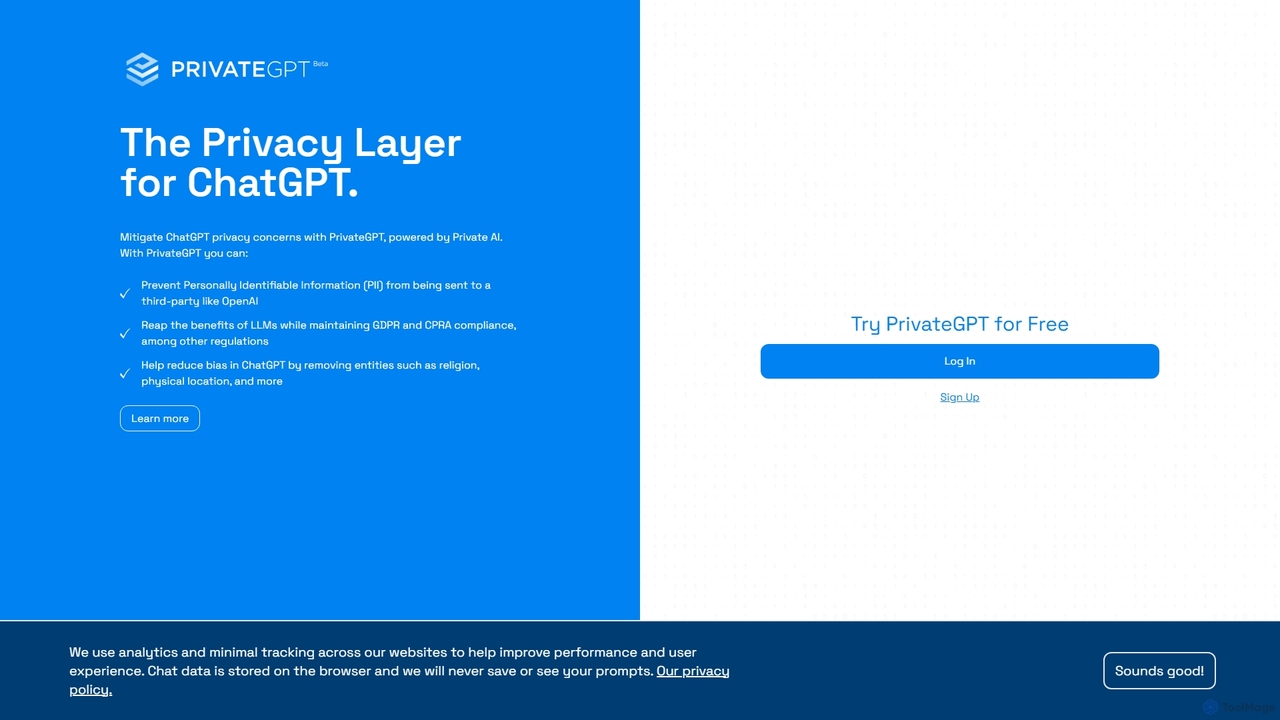
PrivateGPT
PrivateGPT is a privacy layer for ChatGPT, designed to prevent sensitive data and Personally Identifiable Information (PII) from being sent to third-party LLMs. It automatically redacts PII from your prompts, ensuring you can leverage the power of AI while maintaining strict data privacy and compliance with regulations like GDPR and CPRA. It also helps reduce AI bias by removing sensitive personal attributes.
ApiNeosync
Neosync is an open-source platform for data anonymization and synthetic data generation. It helps developers and data scientists create safe, privacy-compliant, and realistic datasets for testing, development, and AI model training, ensuring referential integrity across databases.
Data GenerationObfusCat
ObfusCat is a privacy-focused AI code assistant for developers. It acts as a security layer, masking sensitive and proprietary code locally on your machine before sending it to ChatGPT for assistance. This allows you to leverage AI for code generation, bug fixing, and analysis without exposing your intellectual property.
Code AssistantChatGPT Phantom
ChatGPT Phantom is a free, privacy-focused browser extension that integrates ChatGPT, Google Bard, and Bing Chat into a single powerful copilot. It enables users to generate real-time, data-driven content like news articles, YouTube scripts, and code, enhancing productivity for creators, writers, and developers.
Productivity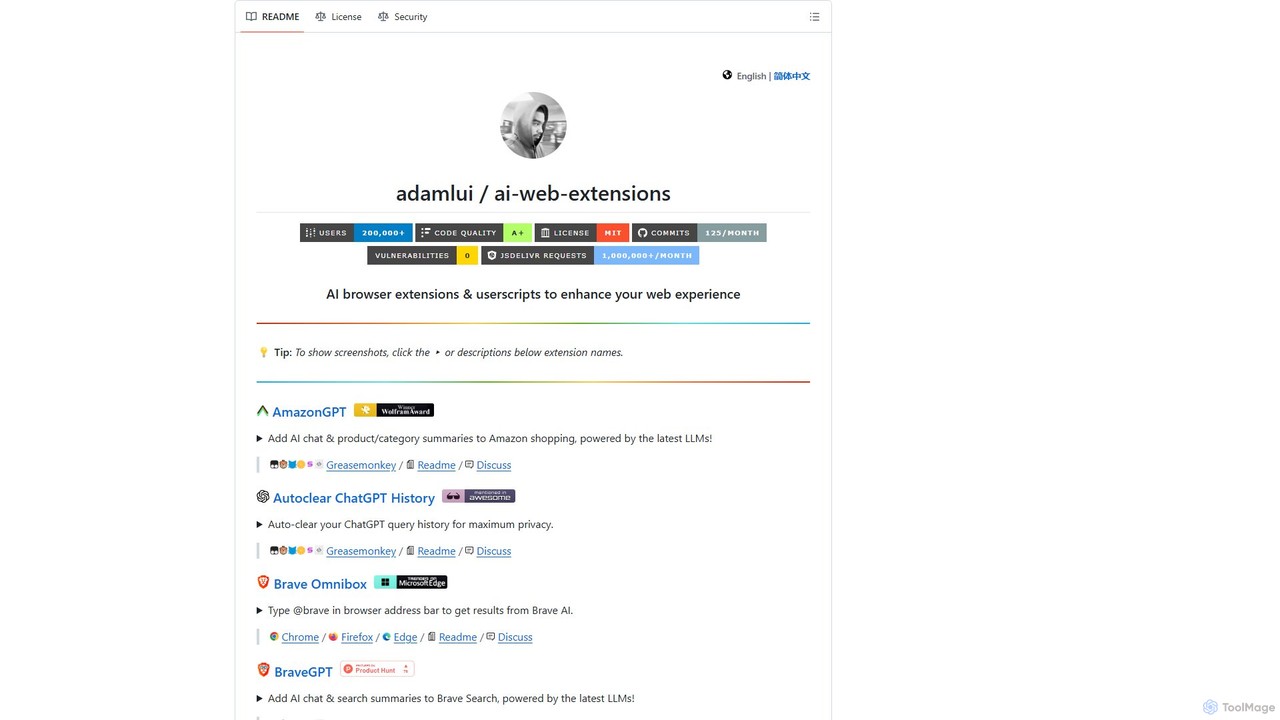
ChatGPT EVO
ChatGPT EVO is a powerful suite of open-source browser extensions and userscripts designed to augment your web experience. It seamlessly integrates AI functionalities from models like ChatGPT into your daily browsing, including search engines, e-commerce sites, and the browser's address bar, boosting productivity and providing instant information.
Code Assistant
duckduckgpt
A free, open-source browser extension that enhances DuckDuckGo search with AI-powered chat and summaries. It integrates seamlessly, providing instant answers and concise summaries from the latest LLMs like GPT-4o, right alongside your search results.
Browser Extension
hoggo
hoggo is an AI-powered compliance automation platform designed to streamline third-party risk management. Built by former Data Protection Officers, it helps legal, privacy, and security teams automate vendor assessments, monitor risks in real-time, and generate audit-ready documentation. By reducing manual work by up to 80%, hoggo allows teams to focus on strategic initiatives while ensuring compliance with regulations like GDPR, DORA, and the AI Act.
Compliance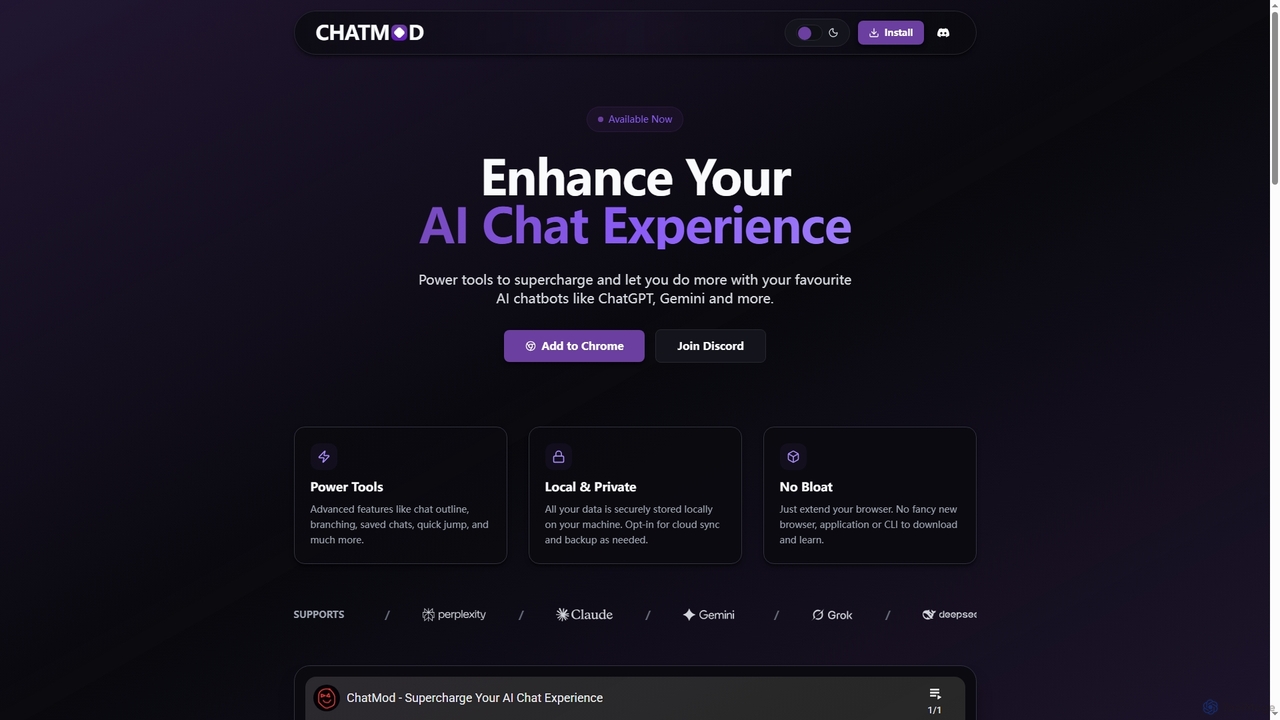
ChatMod
ChatMod is a powerful browser extension designed to supercharge your AI chat experience across platforms like ChatGPT, Gemini, Perplexity, and more. It offers advanced features for chat organization, navigation, and productivity, all while keeping your data local and private.
Chat Management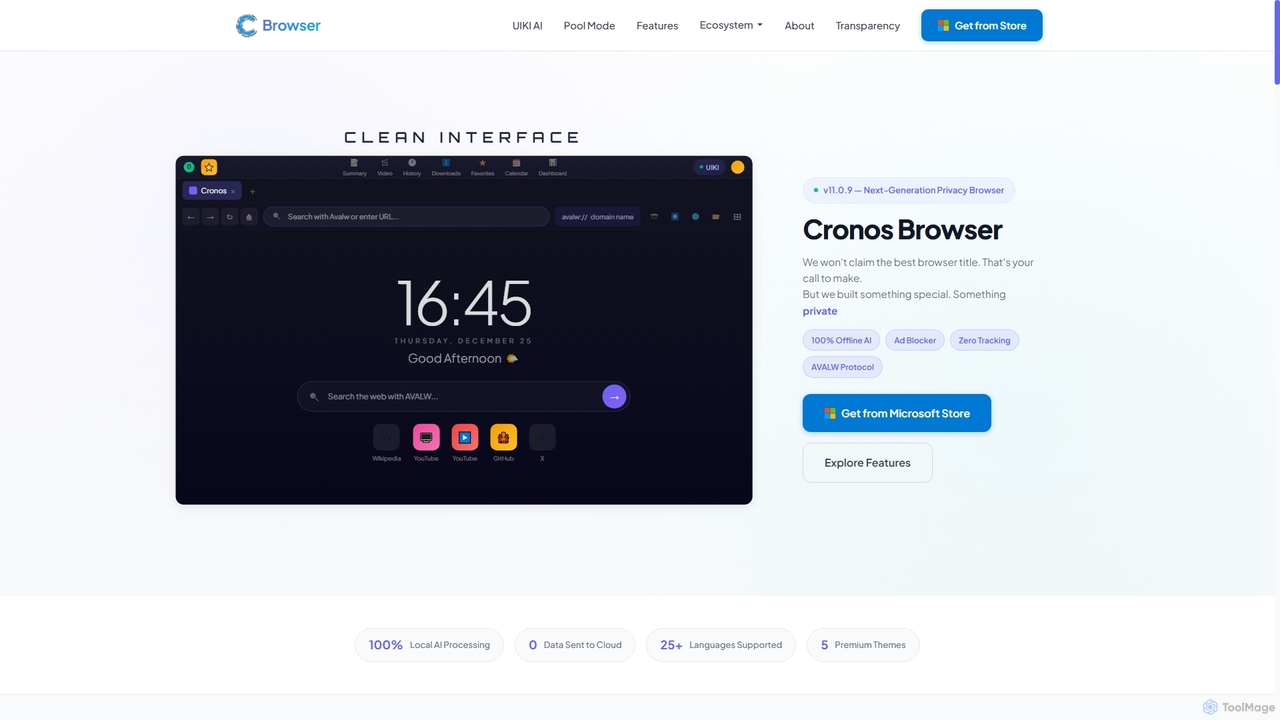
Cronos
Cronos is a privacy-first web browser integrating 100% local AI, offering unparalleled data protection and enhanced performance. It features an offline AI assistant, a decentralized network, built-in ad blocking, and advanced security protocols, ensuring your browsing experience is fast, secure, and completely private without cloud data transmission.
Privacy Browser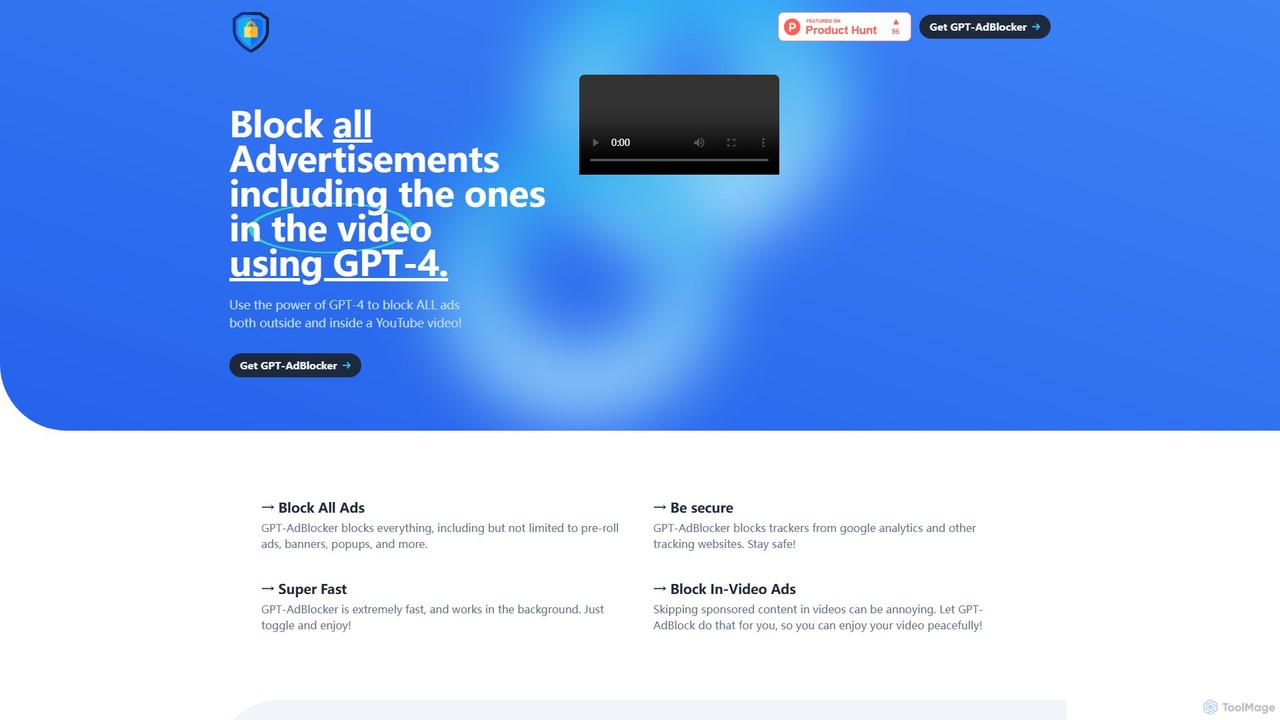
GPT-AdBlocker
GPT-AdBlocker is an advanced browser extension that leverages the power of GPT-4 to provide a comprehensive ad-blocking experience. It not only blocks traditional ads like banners and pop-ups but also intelligently identifies and skips sponsored segments within YouTube videos. With built-in tracker blocking and a future-proof architecture, it offers a faster, safer, and more seamless browsing and viewing experience, all from a single, lightweight extension.
Browser Extensions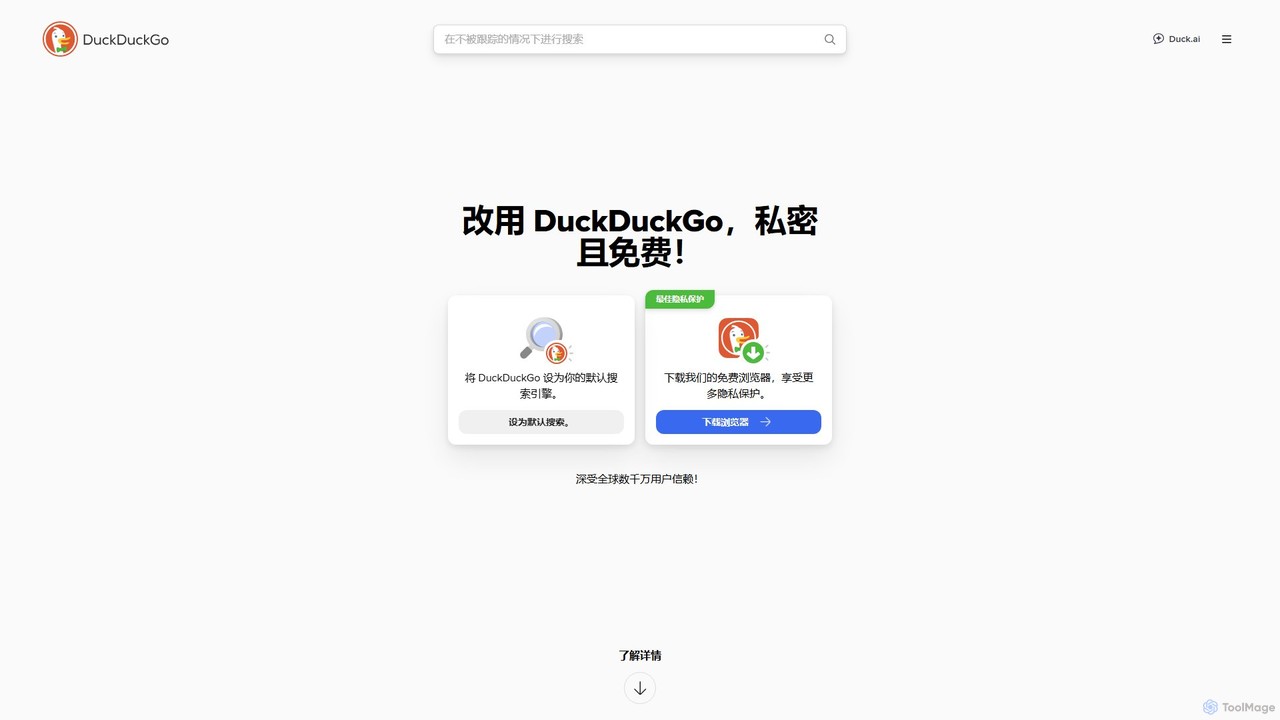
DuckDuckGo
DuckDuckGo is an all-in-one privacy-focused internet suite, featuring a private search engine, a secure browser, and the AI-powered Duck.ai. It protects your online activities by blocking trackers, managing cookie pop-ups, and offering tools like Email Protection and a VPN, all without collecting your personal data.
Chat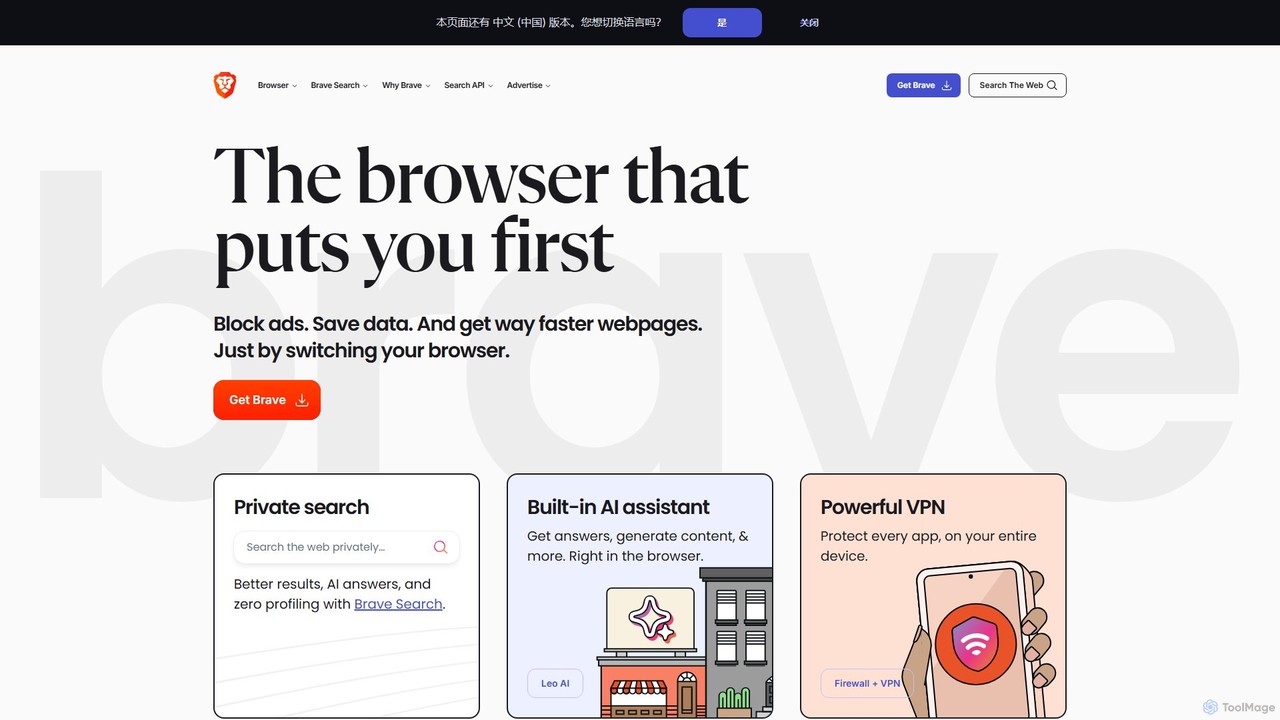
Brave
Brave is a privacy-first web browser that automatically blocks ads and trackers. It offers a faster, more secure browsing experience, complete with an independent search engine, a built-in crypto wallet, and an AI assistant named Leo. Users can also opt-in to earn cryptocurrency (BAT) for viewing privacy-respecting ads.
Crypto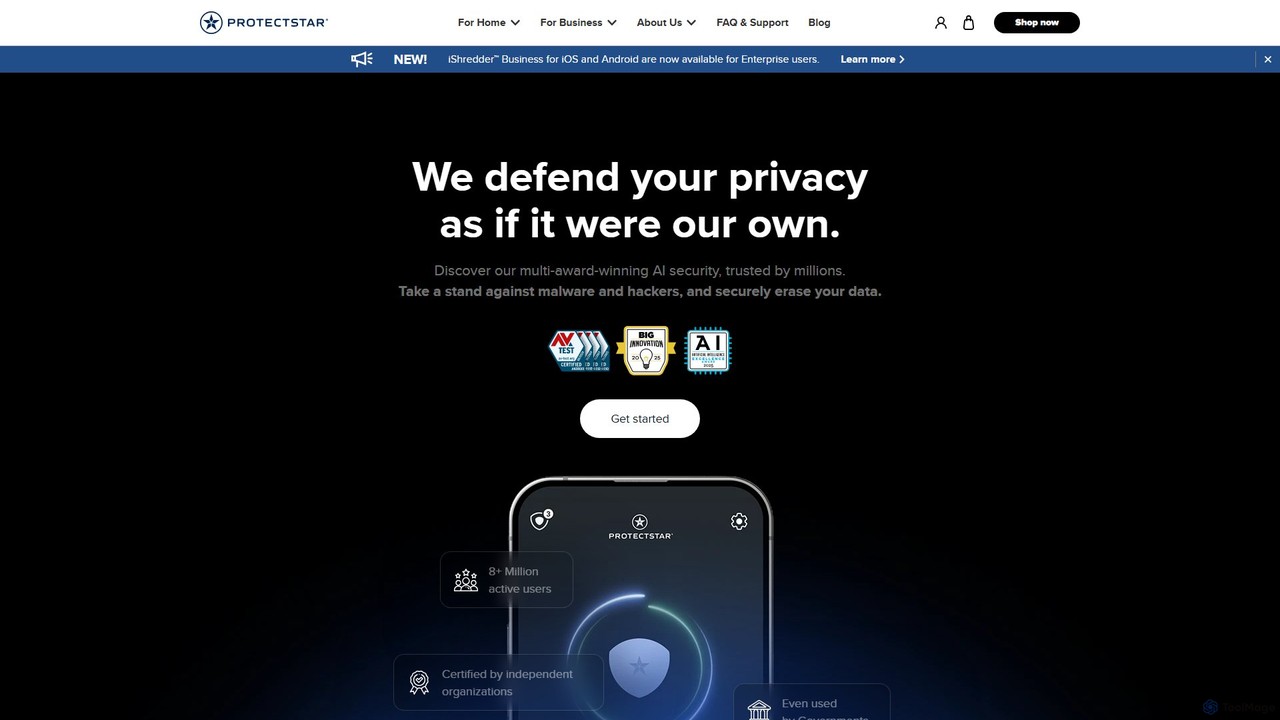
Protectstar
Protectstar offers a suite of AI-powered security applications for mobile devices. It provides comprehensive protection against spyware, viruses, and hackers with tools like Anti Spy, Antivirus AI, and iShredder. Trusted by millions, it uses advanced AI to detect threats in real-time while ensuring user privacy and data security through certified data erasure methods.
Antivirus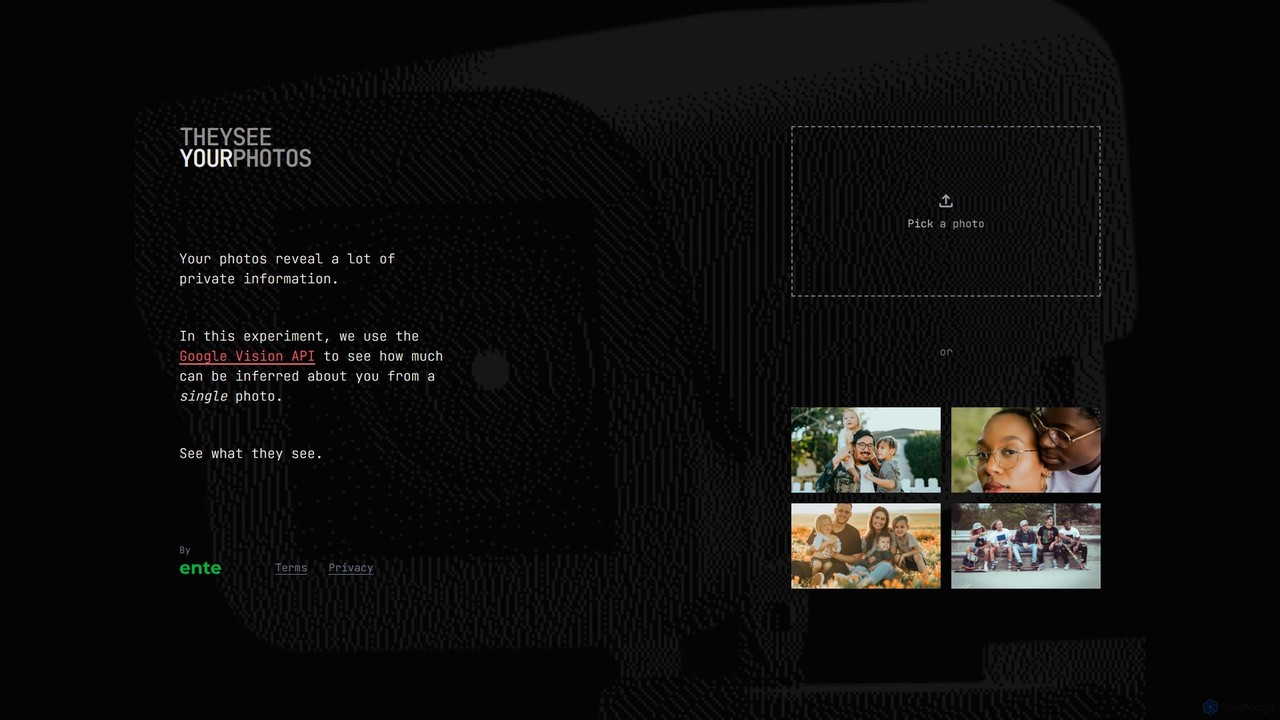
They See Your Photos
An educational AI tool that demonstrates the privacy risks of sharing photos online. Upload an image, and it uses Google's Vision API to reveal the vast amount of information that can be inferred, including objects, text, locations, and emotions, raising awareness about digital footprints.
Technology
NICH: GPT Anonymizer Comments (0)
Sign in to comment.
Sign inNo comments yet.