ToolMage
Sign in

Best 7 Video Tools for Video

Popular Video Tools in Video include Tubly, PlaylistRandomizer, Snipo, Summarize.tech, YouBrief, GPT-AdBlocker, and Thumbly, helping you work more efficiently.

Summarize.tech
Freemium

Summarize.tech

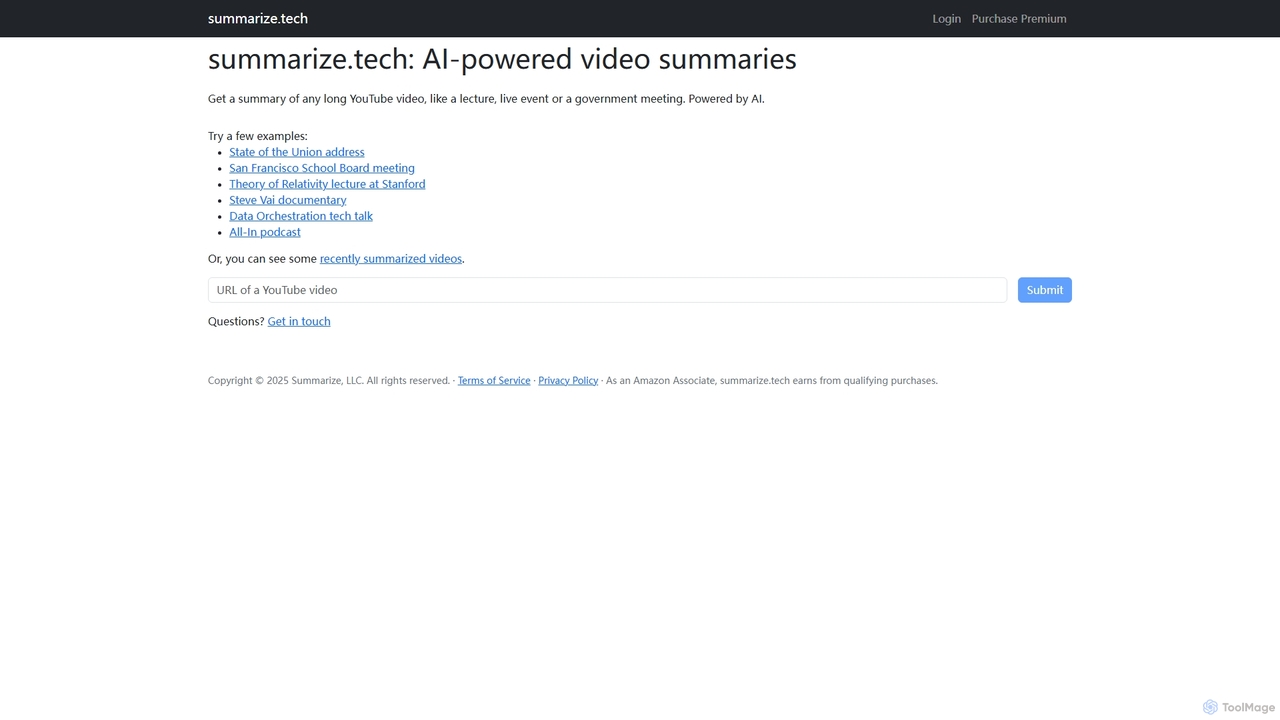
Summarize.tech is an AI-powered tool that instantly generates concise text summaries of long YouTube videos. Ideal for students, researchers, and professionals, it helps you quickly grasp the key points of lectures, live events, government meetings, and documentaries without watching them in their entirety. Simply paste a YouTube URL to save time and boost your learning and research efficiency.

Learning
Visits 17.1KFavorites 107Likes 118
Thumbly
Freemium

Thumbly

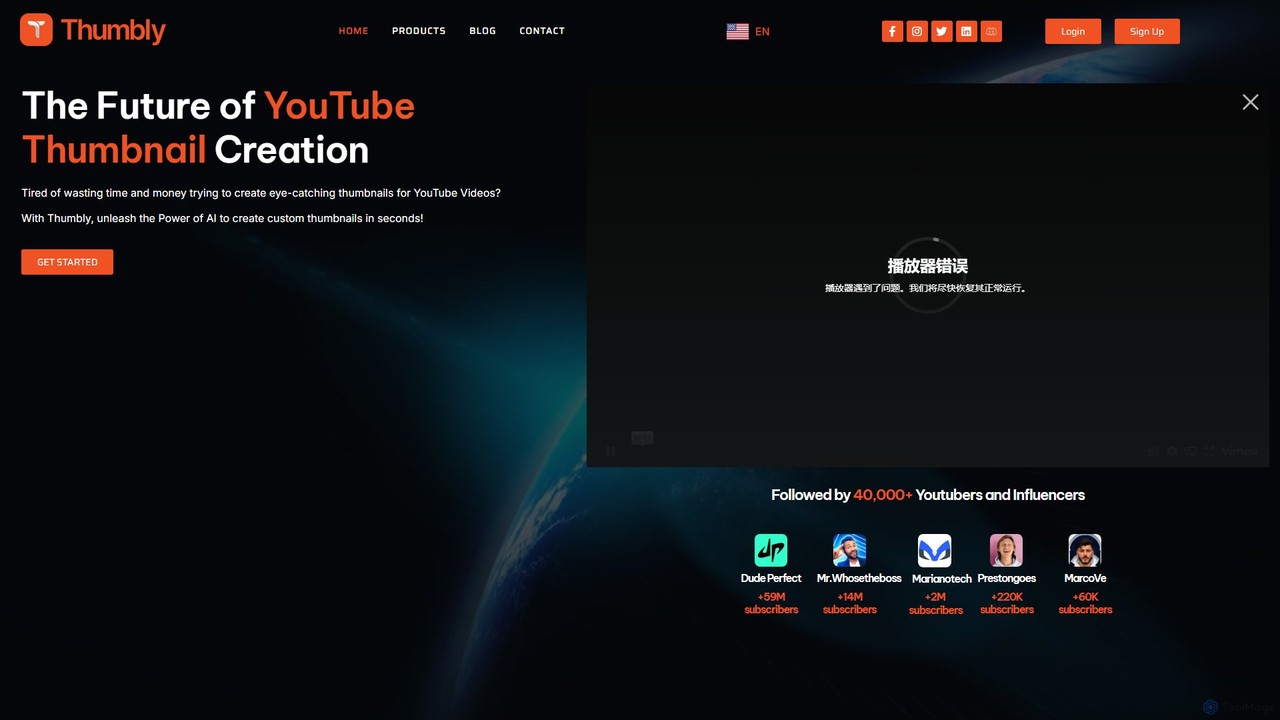
Thumbly is an AI-powered platform designed for YouTubers and content creators to generate eye-catching, clickbait-style thumbnails in seconds. By simply describing your video content, the AI produces multiple customizable design options, helping to increase click-through rates and save valuable time and resources. It's trusted by over 40,000 creators to elevate their channel's visual appeal and engagement.

Image Generator
Visits 4.4KFavorites 98Likes 94
YouBrief
Free

YouBrief

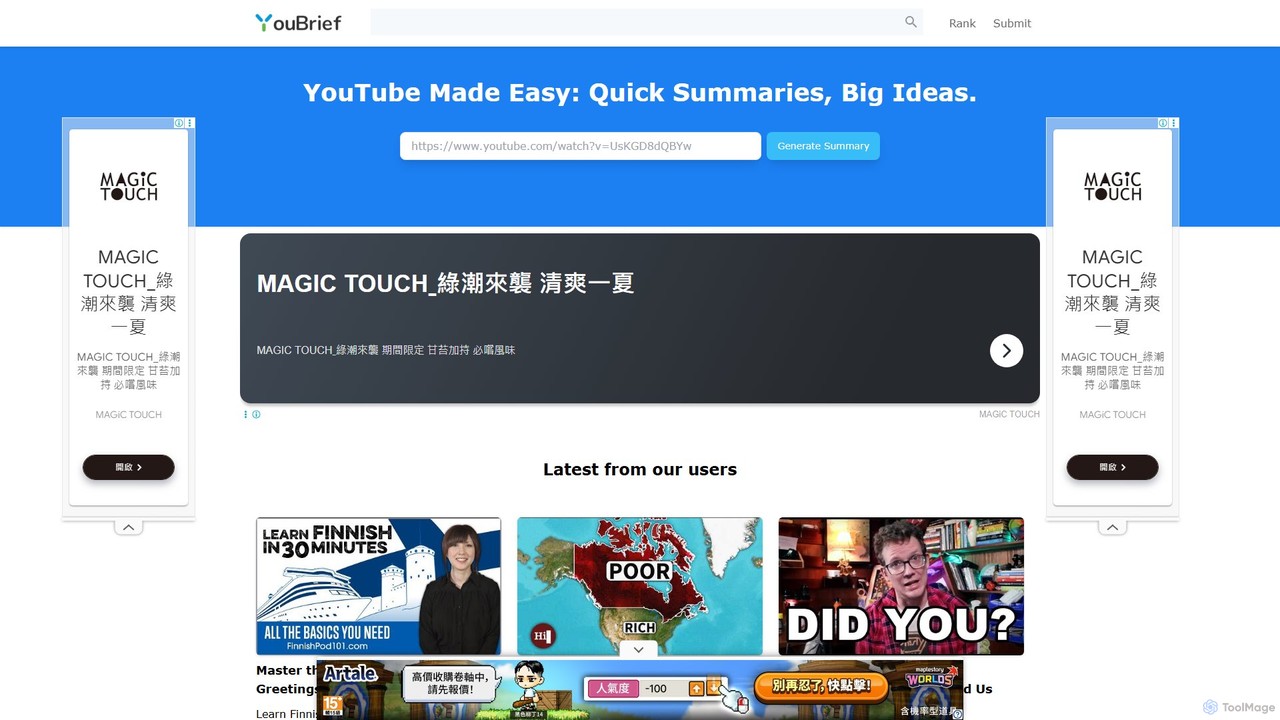
YouBrief is an AI-powered tool that transforms long YouTube videos into concise, easy-to-read summaries. It extracts key insights, generates Q&A sections, and provides timestamped breakdowns to help you learn faster and save time. Ideal for students, professionals, and lifelong learners who want to absorb video content efficiently.

Learning
Visits 4.6KFavorites 120Likes 127
GPT-AdBlocker
Freemium

GPT-AdBlocker

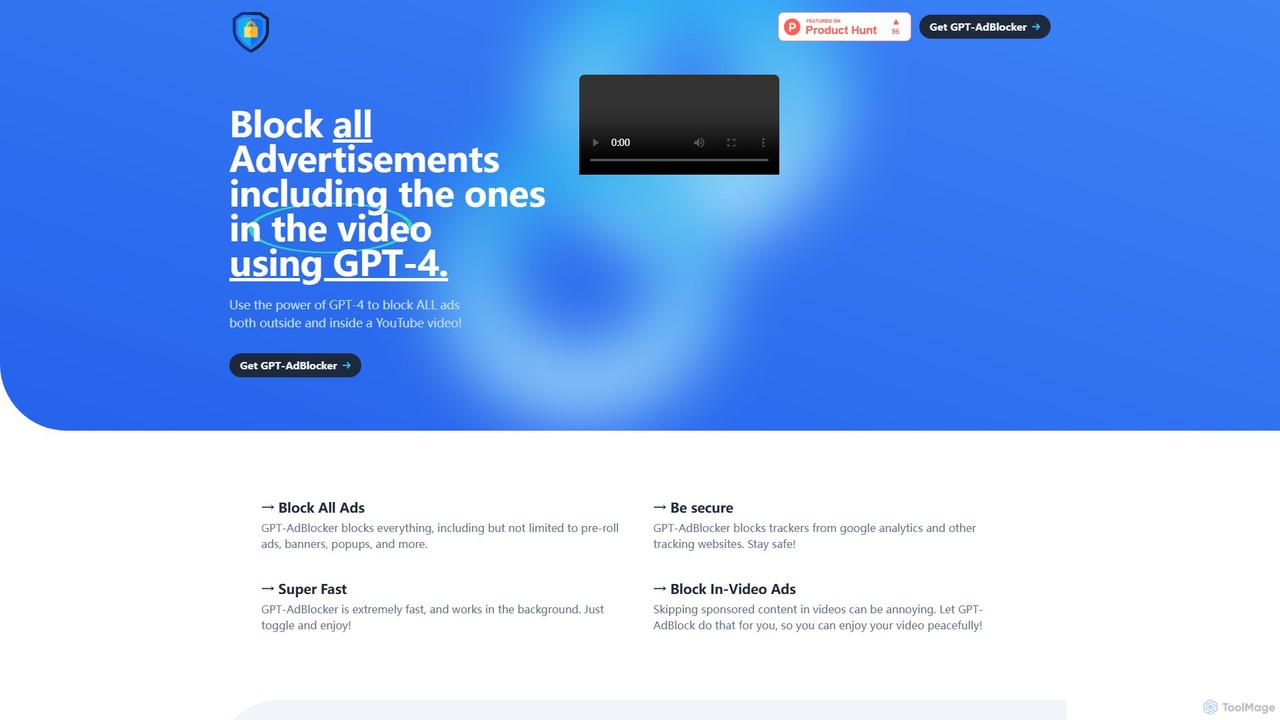
GPT-AdBlocker is an advanced browser extension that leverages the power of GPT-4 to provide a comprehensive ad-blocking experience. It not only blocks traditional ads like banners and pop-ups but also intelligently identifies and skips sponsored segments within YouTube videos. With built-in tracker blocking and a future-proof architecture, it offers a faster, safer, and more seamless browsing and viewing experience, all from a single, lightweight extension.

Browser Extensions
Visits 4.4KFavorites 116Likes 142
Snipo
Freemium

Snipo

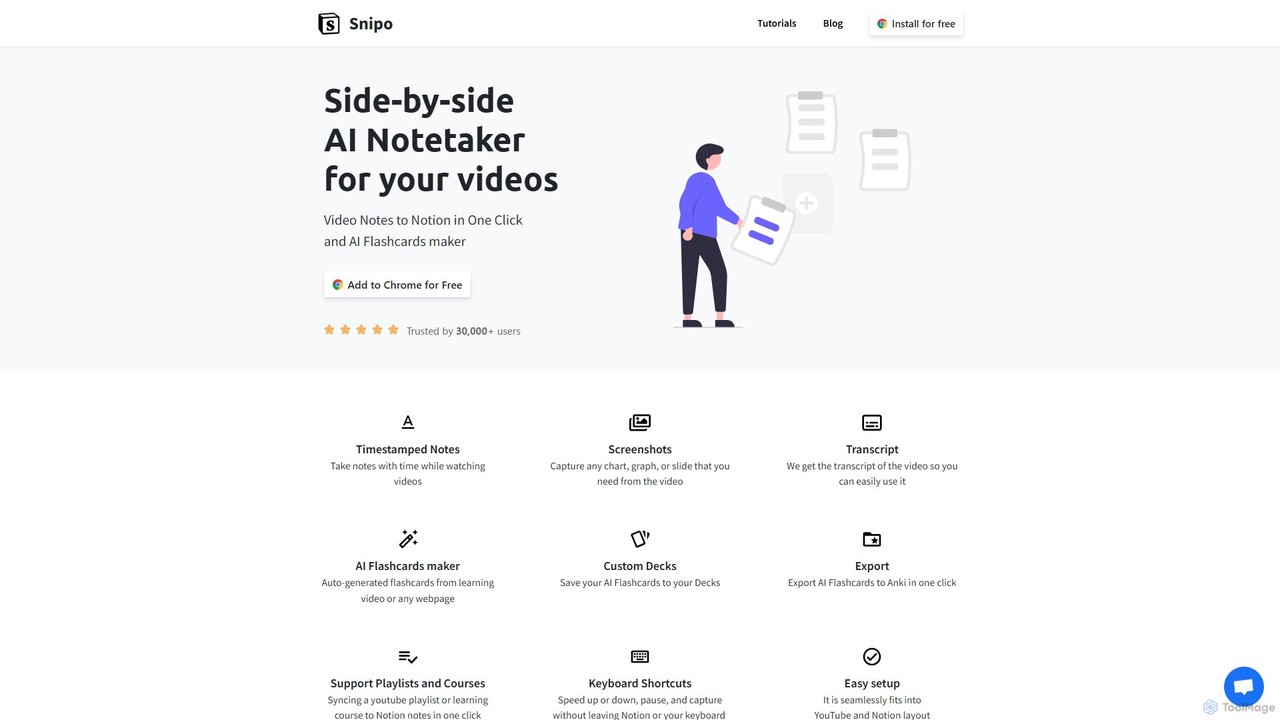
Snipo is a browser extension that revolutionizes video note-taking by seamlessly integrating with YouTube, Udemy, and Coursera, and syncing everything to Notion. Capture timestamped notes, screenshots, and video transcripts effortlessly. Utilize its AI-powered flashcard generator to enhance learning and export to Anki with a single click. Streamline your study and research workflow by turning passive video watching into an active, organized learning experience.

Learning Tools
Visits 22.7KFavorites 112Likes 131
Tubly
Freemium

Tubly

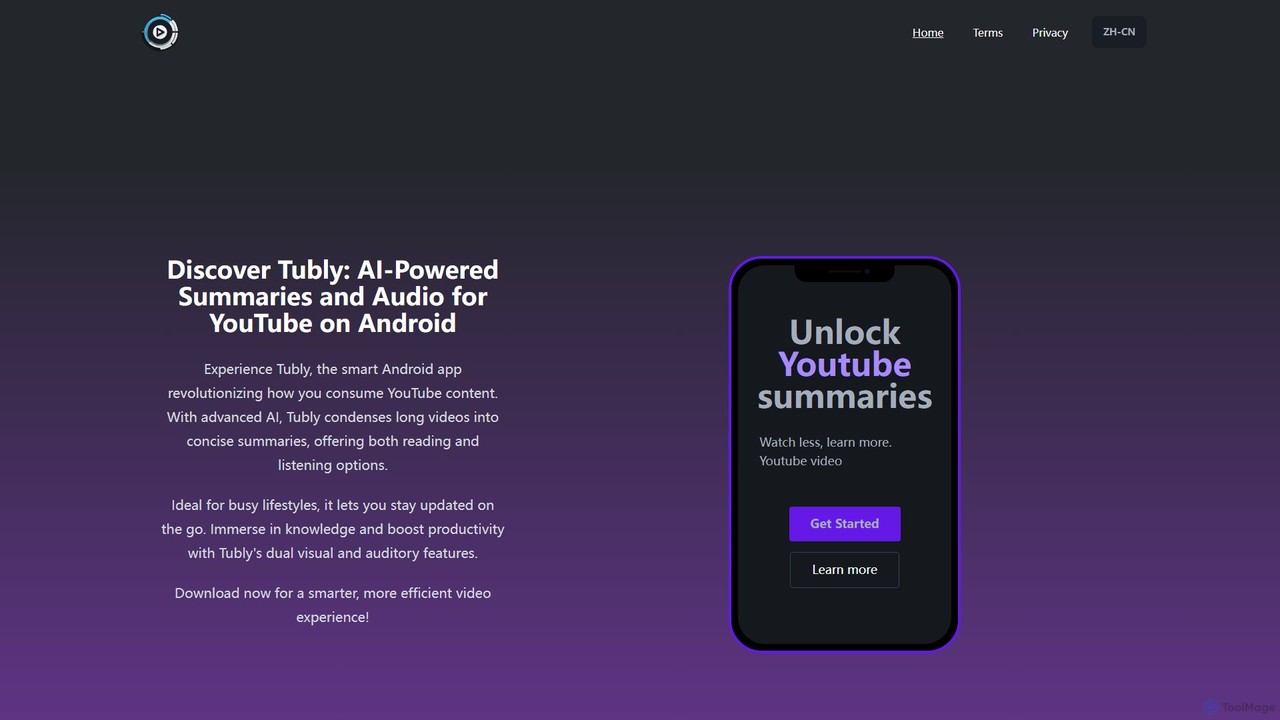
Tubly is an AI-powered Android app that transforms long YouTube videos into concise text and audio summaries. It features multilingual translation, interactive timestamps, and a feed summarizer to help you learn more in less time. Ideal for busy individuals, it boosts productivity by making video content easily digestible on the go.

Learning
Visits 113.6KFavorites 114Likes 103
PlaylistRandomizer
Free

PlaylistRandomizer

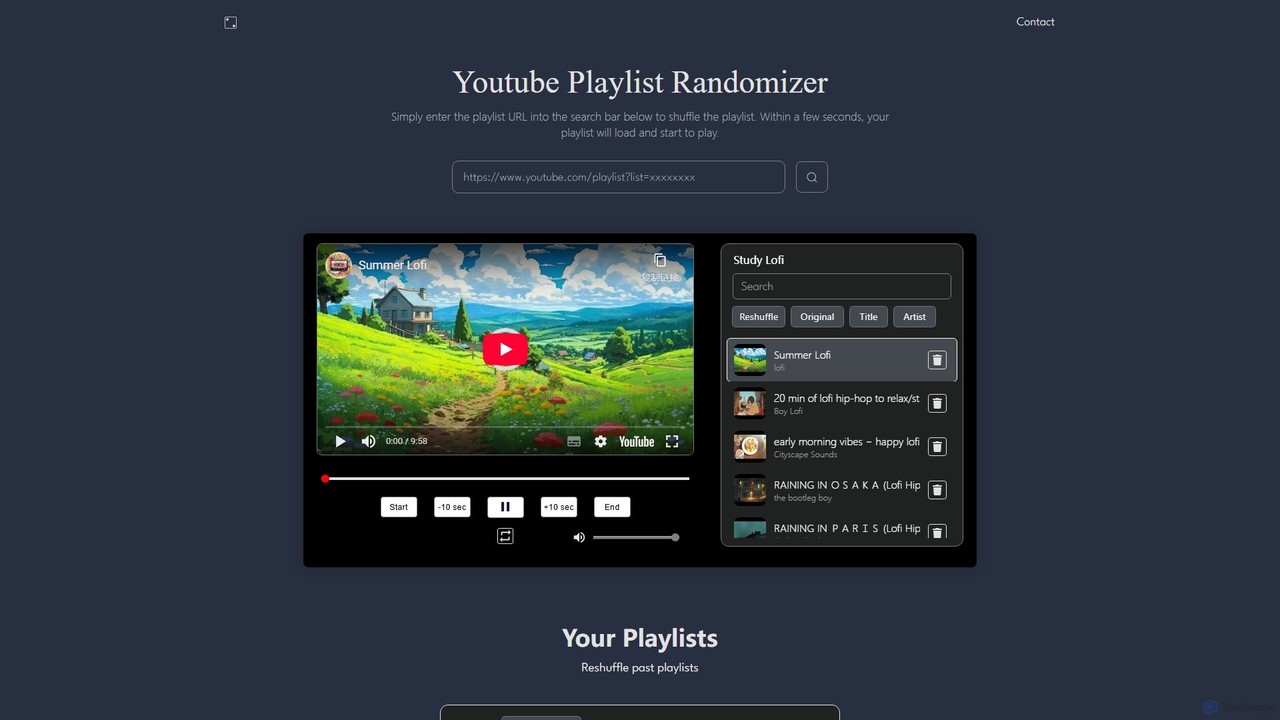
A powerful web tool that truly shuffles YouTube playlists of up to 20,000 videos. Users can search for playlists or create custom ones by combining multiple URLs. It provides a seamless playback experience with enhanced controls, overcoming the limitations of YouTube's native shuffle feature for a fresh and unpredictable listening or viewing session.

Playlist Tools
Visits 26.2KFavorites 108Likes 119

About Video Tools

AI Video Tools are a comprehensive suite of applications that leverage artificial intelligence to automate and enhance various aspects of video production and editing. These tools utilize machine learning models for tasks like scene analysis, content generation, and intelligent editing, enabling users to create professional-quality videos with greater efficiency. They are widely used for everything from simple enhancements and automated clip assembly to generating entire videos from text prompts. This technology significantly lowers the technical barrier and time investment required for compelling video creation.

Core Features

  • Automated Editing & Assembly: AI automatically cuts, trims, and sequences clips based on content analysis, music rhythm, or predefined templates.
  • Content Generation & Synthesis: Includes creating video from text or images, generating realistic avatars, and synthesizing voiceovers from text.
  • Intelligent Enhancement & Restoration: AI-powered upscaling, noise reduction, color correction, and stabilization to improve the quality of raw footage.
  • Smart Object & Scene Manipulation: Advanced tools for object removal, background replacement, and automated motion tracking without manual keyframing.

Applicable Scenarios

These tools are invaluable for content creators, marketers, and businesses. Marketers use them to rapidly generate social media ads and product demos at scale. Educators can create engaging instructional videos from lesson plans, while enterprises automate the production of training materials and corporate communications, often localizing them with AI-generated voiceovers.

Selection Criteria

When selecting an AI Video Tool, first define your primary need (e.g., editing, generation, enhancement). Evaluate the tool's ease of use versus the complexity of its features. Consider the pricing model—subscription, pay-per-use, or a one-time purchase—and how it aligns with your budget. Finally, review the quality and style of the AI output to ensure it matches your brand's standards.

Featured tool rankings

Video Tools use cases

1

Automated Social Media Ad Creation

A marketing team needs to produce multiple video ad variations for a new product campaign on different platforms. Using an AI Video Tool, they input key product images, ad copy, and brand guidelines. The AI generates dozens of short video clips in various formats (square, vertical, horizontal), automatically syncing visuals to background music and adding animated text overlays. This process reduces production time from days to hours, allowing the team to A/B test a wide range of creative concepts and significantly improve ad performance.

2

Creating Engaging Educational Content

An educator wants to convert their written lecture notes into a series of engaging micro-learning videos. They use a text-to-video AI tool, pasting in sections of their notes. The AI automatically finds relevant stock footage and images, generates a synthetic voiceover, and adds captions. For more complex topics, they use an AI avatar feature to create a consistent virtual instructor who explains concepts. This allows the educator to produce a full course curriculum of videos in a fraction of the time it would take to film and edit manually, making learning more accessible for students.

3

Enhancing Raw Footage for Professional Use

A small business owner records a customer testimonial on a smartphone. The raw footage is shaky, has poor lighting, and background noise. Instead of hiring a professional editor, they upload the video to an AI enhancement tool. The AI automatically stabilizes the footage, adjusts the color and brightness for a cinematic look, and removes background noise while enhancing the speaker's voice. The final video looks polished and professional, ready to be used on their website and social media, increasing credibility without a large budget.

4

Automating Corporate Training Videos

An HR department needs to create standardized onboarding videos for new hires in multiple languages. They write a script and use an AI Video Tool with avatar and voice synthesis features. They choose a professional-looking AI avatar and input the script. The tool generates a video of the avatar presenting the material. Then, they simply provide translated scripts to generate the same video in Spanish, German, and Japanese. This ensures consistency across all training materials and saves significant costs and time associated with hiring actors and translation services.

5

Streamlining Video Podcast Production

A podcaster records interviews using multiple cameras. The editing process is time-consuming. They adopt an AI video tool that automatically analyzes the audio to switch between camera angles, focusing on whoever is speaking. The tool also identifies and removes filler words like 'um' and 'ah' and generates a full transcript. Furthermore, it can identify key moments and automatically create short, shareable clips formatted for TikTok and Instagram Reels. This AI-driven workflow cuts the post-production time by over 70% and helps the podcaster grow their audience on social media.

6

Generating Video Variations from a Single Image

A graphic designer creates a stunning promotional image for a music festival. To maximize its impact on social media, they use an AI video tool to animate it. They upload the static image, and the AI generates multiple short video clips with different animation styles: parallax effects, subtle movements in the clouds, and pulsating lights around the stage. The designer can then choose the best variations to use as Instagram Stories, animated banners, and event screen backgrounds, transforming a single asset into a dynamic and versatile marketing campaign without needing animation skills.

Video Tools FAQ

What are AI Video Tools?

AI Video Tools are software applications that use artificial intelligence to automate or enhance tasks in the video creation process. Unlike traditional editors that require manual control over every step, these tools leverage machine learning for functions like automated editing, generating video from text, enhancing video quality, and creating AI avatars. Their primary goal is to make video production faster, more accessible, and more efficient for users of all skill levels.

How do AI Video Tools differ from traditional video editors?

The main difference lies in automation and generation. Traditional editors like Adobe Premiere Pro or Final Cut Pro provide a timeline and a manual toolset, giving the user full creative control. AI Video Tools automate many of these manual processes. Key differences include:

  • Workflow: Traditional editors are timeline-based, while many AI tools are prompt-based or template-driven.
  • Content Creation: AI tools can generate new content (videos, avatars, voiceovers) from scratch, which traditional editors cannot.
  • Editing Process: AI can automatically perform edits like cutting, scene detection, and color correction, whereas this is a manual task in traditional software.
  • Skill Level: AI tools are generally designed to be more accessible to beginners, while traditional editors have a steeper learning curve.

What are the key features to look for in an AI Video Tool?

When evaluating AI Video Tools, look for features that match your specific needs. Some of the most valuable and common features include:

  • Text-to-Video Generation: Creates video content from a simple text prompt or script.
  • AI-Assisted Editing: Automatically removes silences, suggests cuts, or assembles clips based on analysis.
  • Video Enhancement: Includes AI upscaling, noise reduction, and color correction to improve visual quality.
  • Avatar and Voice Synthesis: Generates realistic digital presenters and voiceovers, useful for training and marketing content.
  • Automated Subtitling and Transcription: Transcribes audio to text and creates synchronized captions, improving accessibility.
The best tool for you will depend on whether your primary goal is content creation, editing efficiency, or quality improvement.

Who can benefit from using AI Video Tools?

A wide range of users can benefit from AI Video Tools, as they lower the barrier to entry for video production. Key beneficiaries include:

  • Marketers: To quickly create promotional videos, social media ads, and product demos at scale.
  • Content Creators: To streamline their editing workflow, generate ideas, and produce more content faster.
  • Businesses & HR: To automate the creation of training materials, corporate announcements, and onboarding videos.
  • Educators: To convert lesson plans and text materials into engaging video lectures and tutorials.
  • Individuals & Small Business Owners: To create professional-looking videos for their websites or social channels without needing extensive technical skills or a large budget.

How do I choose the right AI Video Tool for my needs?

Choosing the right tool depends on a clear understanding of your goals. Follow these steps to make an informed decision:

  1. Define Your Primary Use Case: Are you generating videos from text, editing existing footage faster, or enhancing video quality? Your main goal will narrow down the options.
  2. Assess Ease of Use: Consider your technical skill level. Some tools are incredibly simple with drag-and-drop interfaces, while others offer more advanced controls that require some learning.
  3. Evaluate Output Quality and Style: Review examples of videos created with the tool. Does the aesthetic (e.g., avatar style, animation quality) align with your brand or project?
  4. Consider Pricing and Limits: Compare subscription plans, pay-per-video models, and any limitations on video length, resolution, or number of exports. Choose a plan that fits your budget and expected usage.