
Snipo Overview
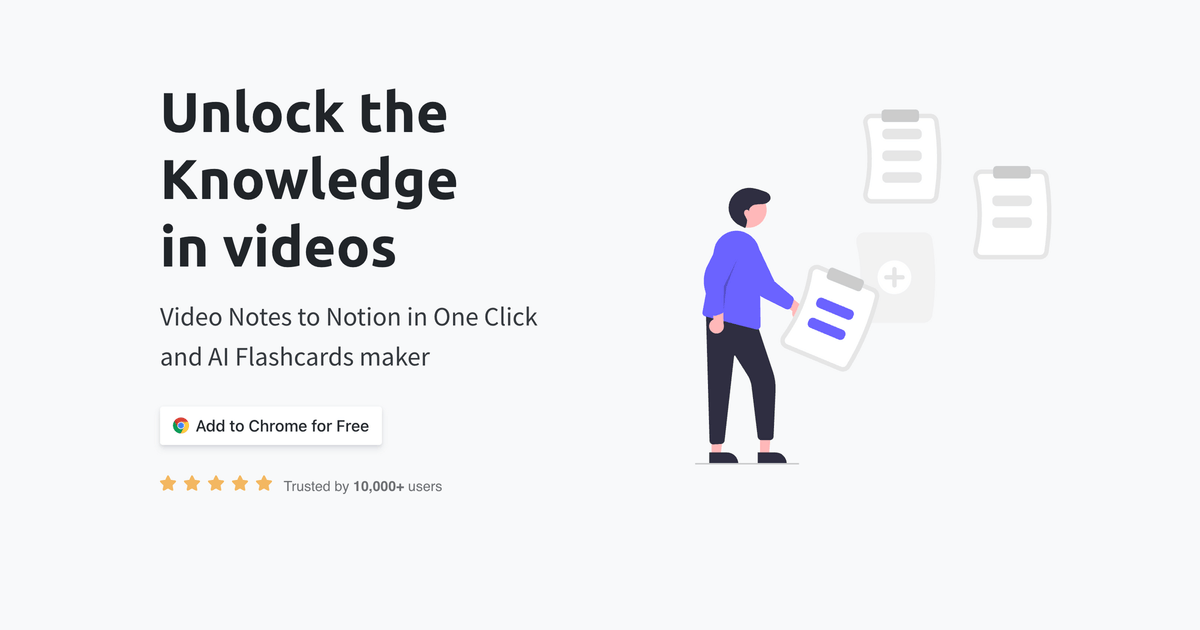
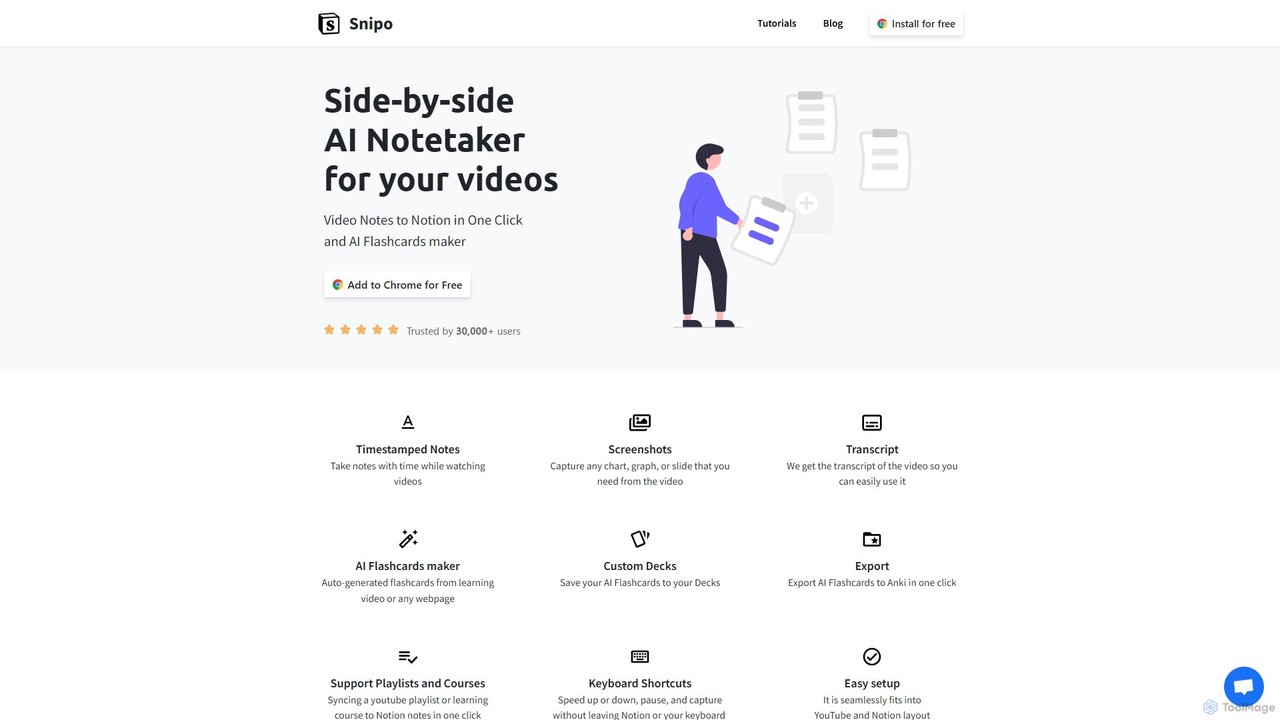
Snipo is a powerful and intuitive browser extension designed to transform how you learn from online videos. It acts as a bridge between popular video platforms like YouTube, Udemy, and Coursera, and your favorite note-taking workspace, Notion. By eliminating the friction of switching between tabs and manually transcribing information, Snipo allows you to capture knowledge in real-time. You can take timestamped notes, grab crucial screenshots, access full video transcripts, and even use AI to automatically generate flashcards for effective revision. It's an indispensable tool for students, professionals, researchers, and anyone dedicated to lifelong learning, turning passive video consumption into an active, structured, and highly efficient educational process.
How to use Snipo
Getting started with Snipo is designed to be simple and seamless, integrating directly into your existing workflow. Here’s a step-by-step guide:
- Installation: Begin by installing the Snipo browser extension from your browser's official web store. It's a quick and easy setup.
- Navigate to a Video: Open any video on a supported platform, such as a tutorial on YouTube, a lecture on Coursera, or a course module on Udemy.
- Activate Snipo: Below the video player, you will find a new "Snipo Notes" button. Click it to launch the tool.
- Split-Screen View: Snipo will automatically create a convenient split-screen layout, showing the video on one side and your designated Notion note page on the other. This allows you to watch and take notes without ever leaving the page.
- Take Notes: As you watch, type your notes into the Notion panel. Use keyboard shortcuts to add timestamps, which link your notes directly to the specific moment in the video. This makes reviewing your notes incredibly contextual and efficient.
- Capture Visuals: Need to save a chart, a slide, or a code snippet? Use the screenshot feature to instantly capture the video frame and embed it directly into your Notion notes.
- Utilize Transcripts: Access the full, searchable transcript of the video. You can easily copy and paste key sentences or paragraphs into your notes for detailed records.
- Generate AI Flashcards: Leverage the power of AI to automatically create flashcards from the video's content or any webpage. These flashcards are perfect for active recall and reinforcing what you've learned. You can save them to custom decks within Snipo.
- Export to Anki: For serious learners who use spaced repetition, Snipo allows you to export your AI-generated flashcards to Anki with a single click.
- Sync Courses & Playlists: Save time by syncing an entire YouTube playlist or an online course structure from Udemy or Coursera directly to Notion. Snipo will create a structured set of note pages for you automatically.
Core Features of Snipo
- Timestamped Notes: Automatically link your notes to the exact time in the video, allowing for quick reference and context during review.
- Screenshot Capture: Instantly capture and embed important visuals, graphs, slides, or code from the video into your Notion page.
- Full Video Transcripts: Get a complete, searchable transcript for any supported video, making it easy to find and use specific information.
- AI Flashcard Generator: Automatically create question-and-answer flashcards from video content or any webpage to test your knowledge and improve retention.
- Custom Decks & Anki Export: Organize your flashcards into custom decks and seamlessly export them to Anki for powerful, spaced-repetition-based learning.
- Playlist & Course Syncing: Import the structure of an entire YouTube playlist or an online course from Udemy/Coursera into Notion in one click, creating an organized note-taking system.
- Customizable Keyboard Shortcuts: Control video playback (play, pause, speed up/down) and note-taking functions without taking your hands off the keyboard.
- Seamless Integration: Snipo's interface is designed to fit perfectly within the layouts of YouTube, Udemy, Coursera, and Notion, providing a non-intrusive and natural user experience.
Use Cases for Snipo
Snipo is a versatile tool that caters to a wide range of users:
- Students and E-Learners: Efficiently take structured notes from online courses on Udemy and Coursera. Create flashcards to prepare for exams and sync entire course structures for a comprehensive overview.
- Software Developers & Coders: Follow along with coding tutorials on YouTube, capturing timestamped notes on complex functions and taking screenshots of code blocks for future reference.
- Researchers and Academics: Gather data and insights from video lectures, interviews, and documentaries. Use timestamped notes and transcripts for accurate citations and analysis.
- Content Creators and Marketers: Analyze competitor videos, deconstruct successful content, and pull key quotes or statistics for research and scriptwriting.
- Language Learners: Use video transcripts alongside timestamped notes to improve listening skills, learn new vocabulary, and practice comprehension.
Advantages of Snipo
The primary advantage of Snipo is its ability to create a focused and efficient learning environment. By merging video content and note-taking into a single, unified workflow, it significantly reduces context switching and distractions. The AI-powered features, such as the flashcard generator, promote active learning over passive consumption. Its deep integration with Notion and Anki means it fits perfectly into the ecosystem of tools already used by millions of productive individuals. The ability to sync entire courses saves hours of manual setup, allowing learners to focus on what truly matters: understanding and retaining knowledge.
Pricing and Plans
Snipo operates on a freemium model, making its core features accessible to everyone while offering advanced capabilities for power users.
- Free Plan: This plan is ideal for casual users. It typically includes core features like timestamped notes and screenshots but may have limitations on the number of notes, AI flashcard generations, or course syncs per month. It's a great way to get started and experience the core benefits of the tool.
- Pro Plan: Aimed at dedicated learners, students, and professionals, the Pro plan unlocks the full potential of Snipo. It offers unlimited notes, unlimited screenshots, unlimited AI flashcard generation, unlimited Anki exports, and priority customer support. This plan ensures an unrestricted and premium learning experience.
For the most current and detailed pricing information, please visit the official Snipo website.
Traffic
Latest traffic
Status
Monthly traffic trend
- 2025-9: 23.3K
- 2026-1: 26.8K
- 2026-2: 21.7K
- 2026-3: 24.0K
- 2026-4: 20.8K
- 2026-5: 18.2K
Geography
Top 5 countries / regions
- 🇺🇸United States44.2%
- 🇮🇳India40.0%
- 🇨🇴Colombia6.6%
- 🇬🇧United Kingdom5.2%
- 🇶🇦Qatar4.1%
Traffic sources
| Source type | Percentage |
|---|---|
Direct | 73.1% |
Referral | 26.9% |
Top keywords
| Keyword | Cost per click |
|---|---|
| notion get transcription of youtube vide | $0.00 |
| snipo | $5.71 |
| snipo for vlc | $0.00 |
| snipo notes | $0.00 |
| snipo obsidian | $0.00 |
Snipo Alternatives
recallify
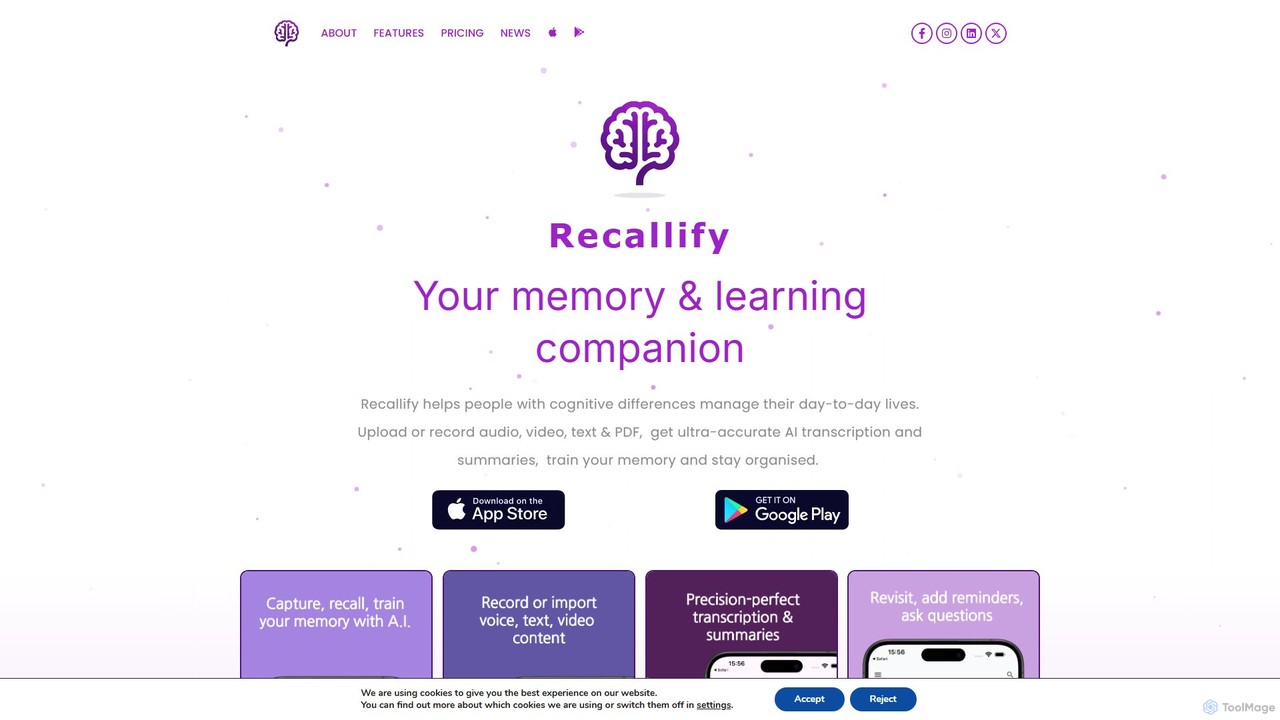
Recallify is an AI-powered memory and learning companion designed to support individuals with cognitive differences and boost productivity for everyone. It records, transcribes, and summarizes audio, video, and text, turning your experiences into reviewable notes. Using science-backed techniques like spaced repetition and auto-generated quizzes, it helps you strengthen memory recall, stay organized, and enhance learning. Ideal for students, professionals, and daily life management.
Learning Tools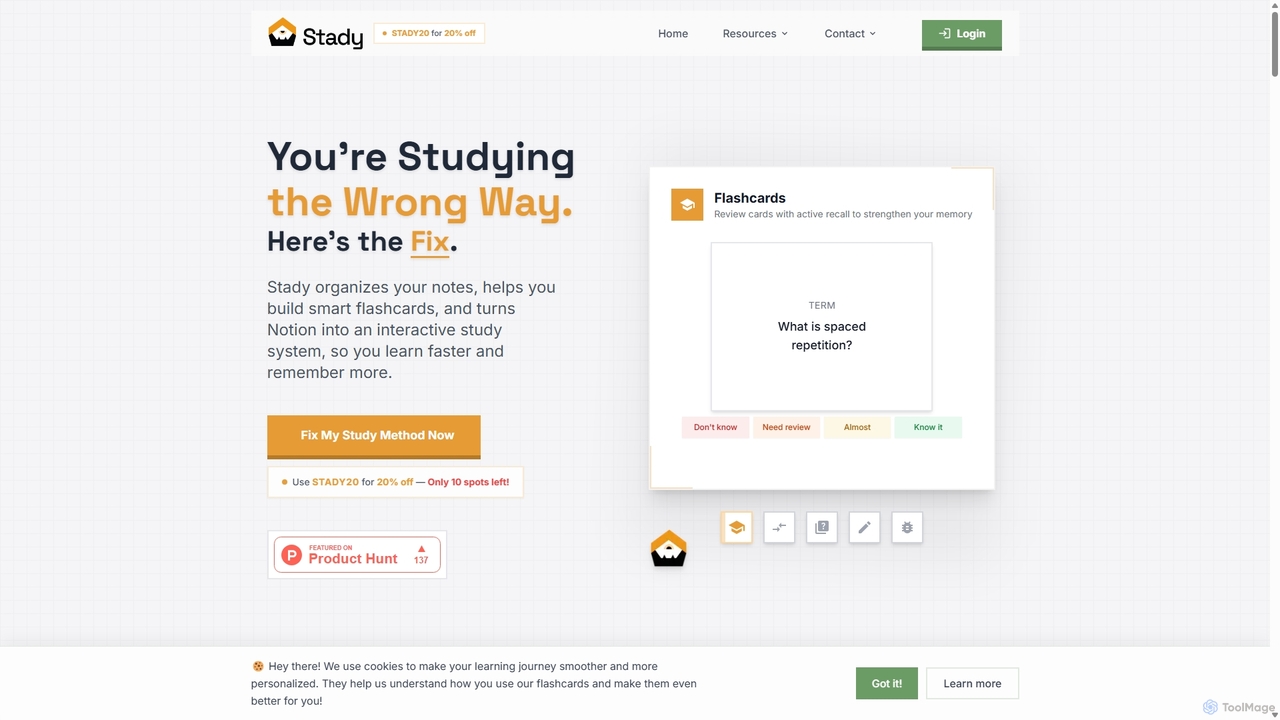
Stady
Stady transforms your Notion workspace into a powerful, interactive study system. It allows you to create smart flashcards directly from your notes, leveraging scientifically-proven methods like spaced repetition and active recall. With gamified features and progress tracking, Stady helps students learn faster, retain more information, and make studying more engaging and effective.
Study Tools
Assistena
Assistena is a free AI-powered study companion designed to enhance academic performance. It helps students create flashcards, quizzes, and summaries instantly from various sources like PDFs, websites, and YouTube videos, streamlining the learning process and improving knowledge retention.
Study Tools
Turbo
Turbo is an advanced AI note-taker and study tool designed to transform various content formats like lectures, PDFs, videos, and audio into editable notes, flashcards, quizzes, and podcasts. It helps students and professionals study smarter, organize information, and collaborate efficiently, leveraging AI for enhanced learning and productivity.
Transcription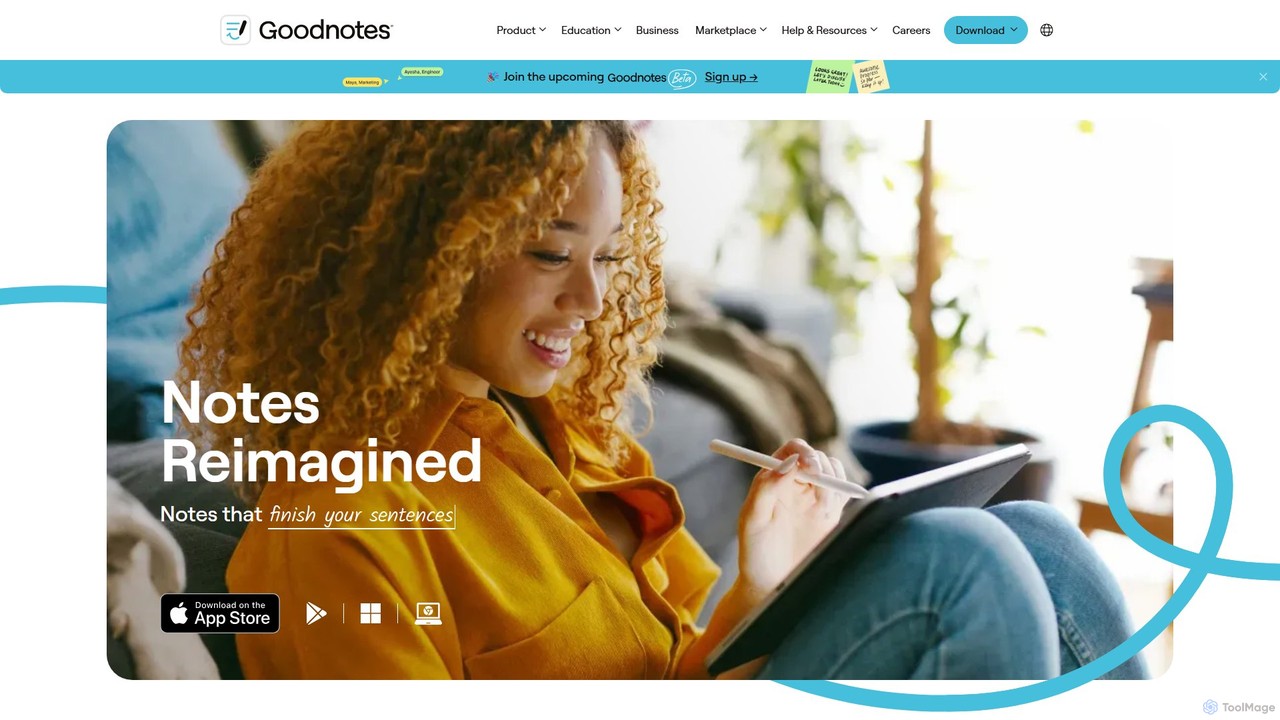
Goodnotes
Goodnotes is a leading digital note-taking app that enhances the handwriting experience with powerful AI features. It allows users to create, organize, and search handwritten notes, annotate PDFs, and study with interactive flashcards. Available across iOS, Android, Windows, and Web, it's designed for students, professionals, and anyone looking to digitize their notebooks and boost productivity.
Document ManagementSnipo Categories
Snipo Embed Widget
Copy this embed code to place the badge on your blog, article, or product site and send readers directly to this ToolMage detail page.

Related AI tools
Stady
Stady transforms your Notion workspace into a powerful, interactive study system. It allows you to create smart flashcards directly from your notes, leveraging scientifically-proven methods like spaced repetition and active recall. With gamified features and progress tracking, Stady helps students learn faster, retain more information, and make studying more engaging and effective.
Study ToolsAssistena
Assistena is a free AI-powered study companion designed to enhance academic performance. It helps students create flashcards, quizzes, and summaries instantly from various sources like PDFs, websites, and YouTube videos, streamlining the learning process and improving knowledge retention.
Study Tools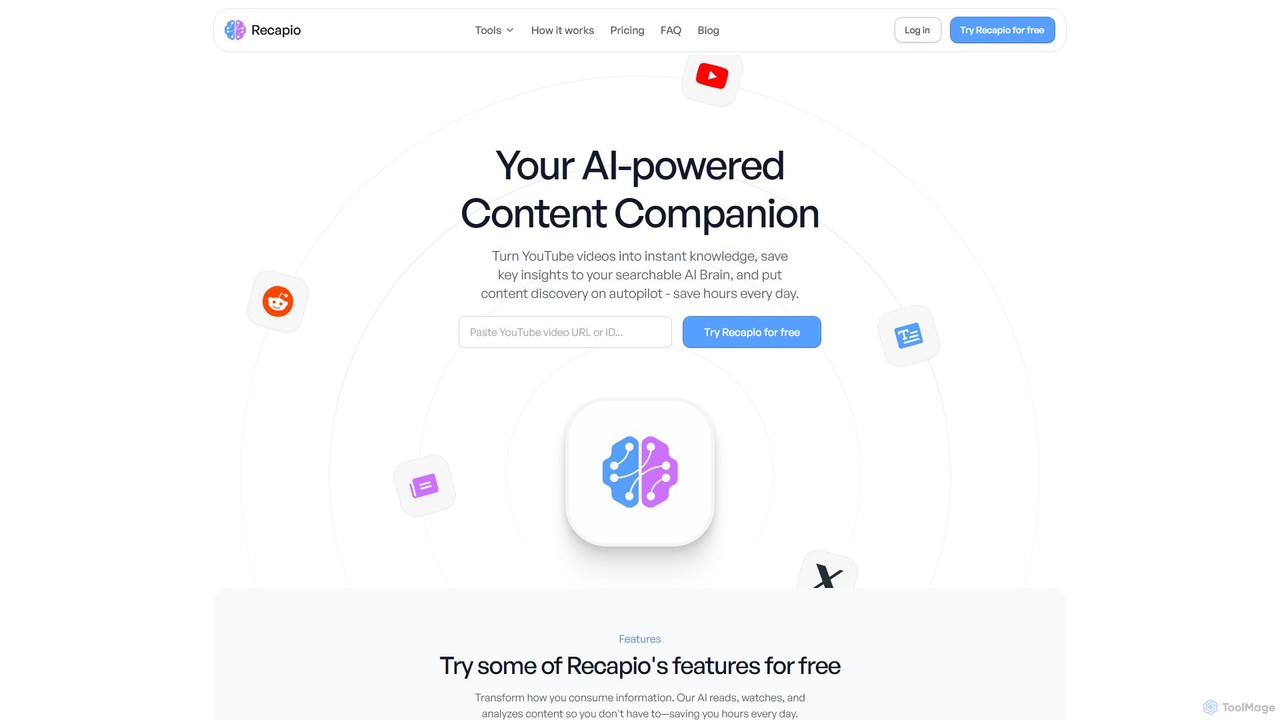
RecapioGPT
RecapioGPT is an AI-powered second brain and content summarizer that transforms YouTube videos, articles, and web posts into a searchable knowledge base. Chat with your content, get daily recaps, and organize insights to save time and learn smarter.
Research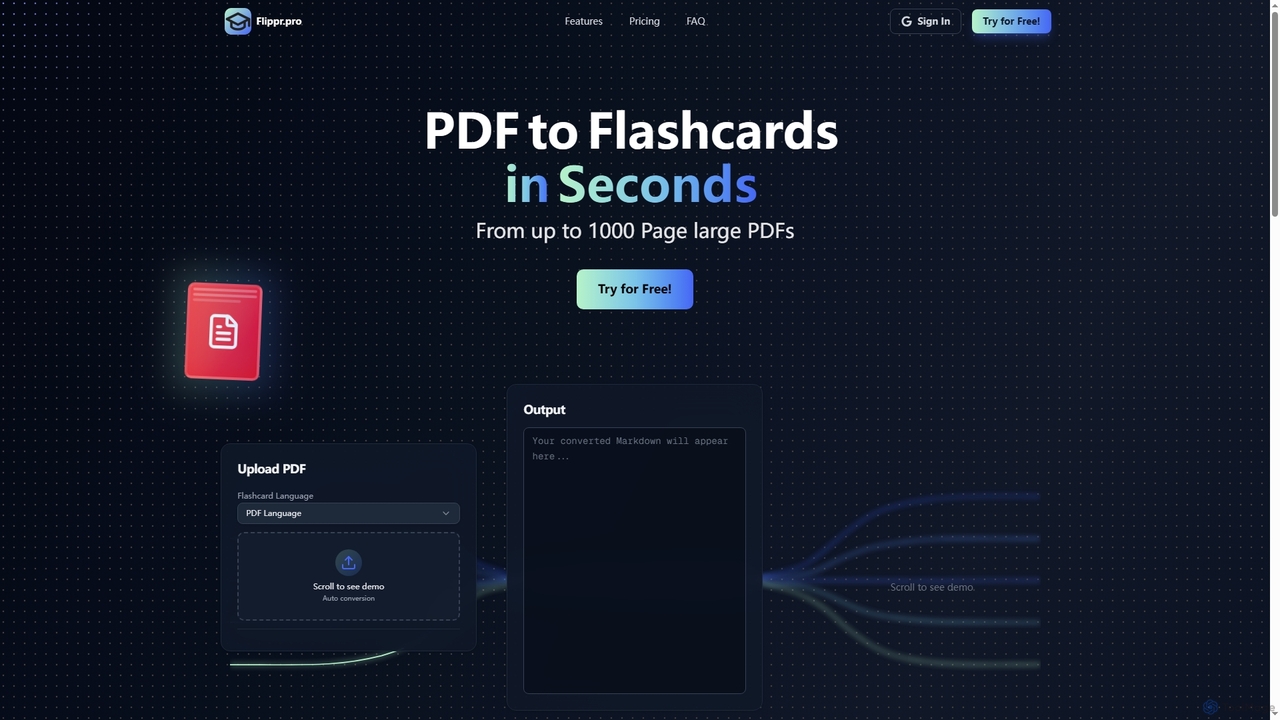
Flippr
Flippr is an AI-powered study tool that rapidly converts PDF documents into interactive flashcards. Designed for students and professionals, it streamlines the learning process by transforming extensive study materials into digestible, easy-to-review formats in seconds.
ConversionTurbo
Turbo is an advanced AI note-taker and study tool designed to transform various content formats like lectures, PDFs, videos, and audio into editable notes, flashcards, quizzes, and podcasts. It helps students and professionals study smarter, organize information, and collaborate efficiently, leveraging AI for enhanced learning and productivity.
TranscriptionGoodnotes
Goodnotes is a leading digital note-taking app that enhances the handwriting experience with powerful AI features. It allows users to create, organize, and search handwritten notes, annotate PDFs, and study with interactive flashcards. Available across iOS, Android, Windows, and Web, it's designed for students, professionals, and anyone looking to digitize their notebooks and boost productivity.
Document Management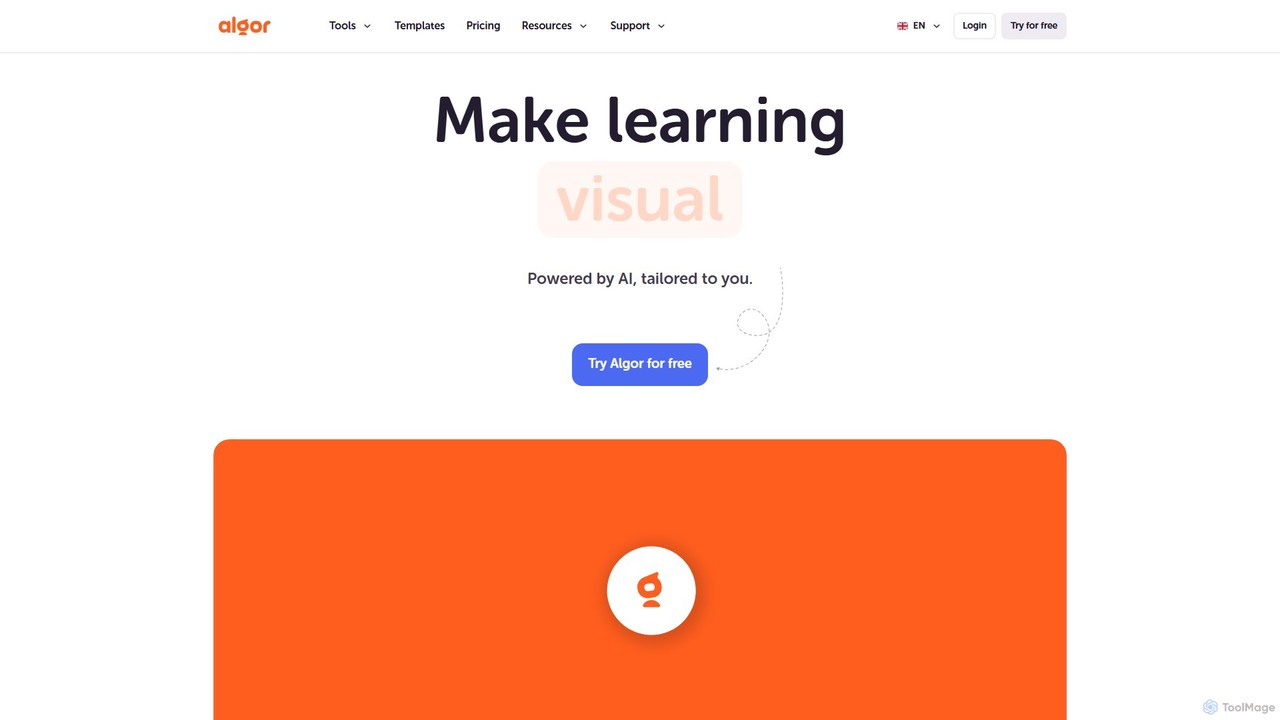
Algor Education
Algor Education is an all-in-one AI learning platform that transforms any text or document into personalized, visual study aids. It automatically generates concept maps, mind maps, flashcards, quizzes, and summaries to help students, educators, and lifelong learners study smarter, retain information better, and save time.
Study Assistant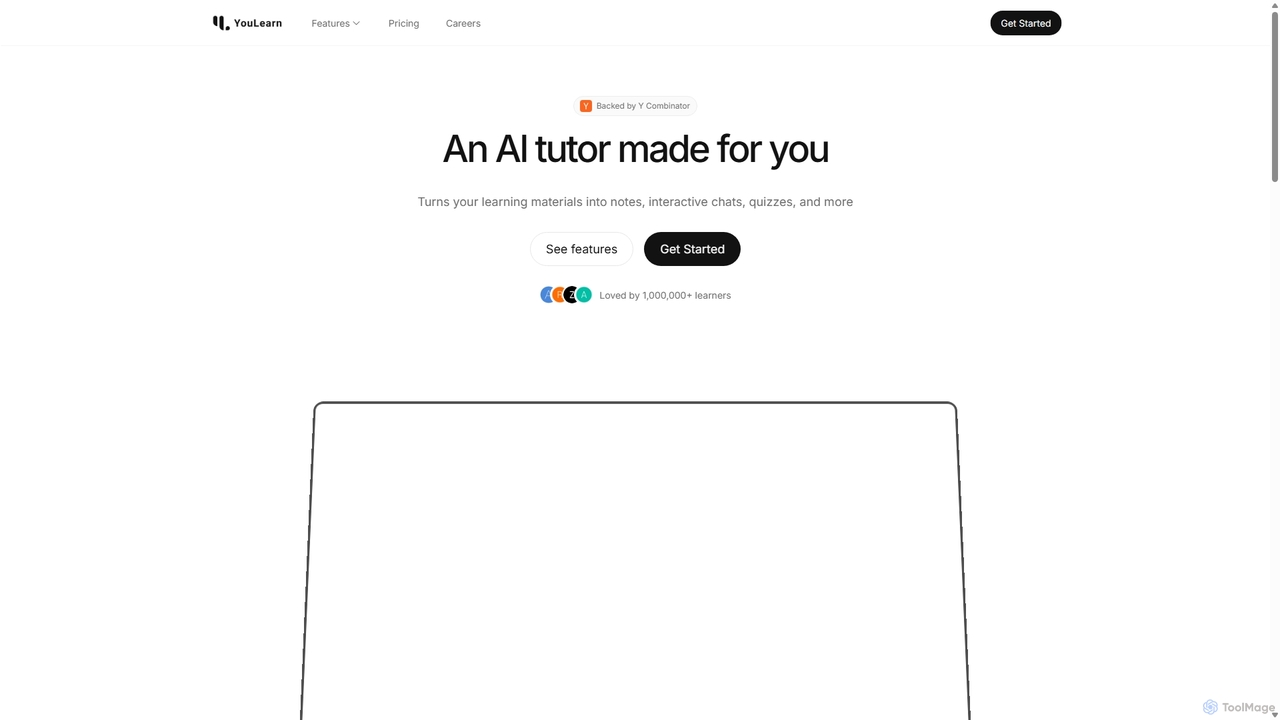
YouLearn
YouLearn is a Y Combinator-backed AI tutor that transforms any learning material—like PDFs, YouTube videos, and lectures—into interactive study tools. It creates summaries, flashcards, and quizzes, and offers an AI chat feature to simplify complex topics, helping over a million students and professionals learn smarter and faster.
Learning Assistant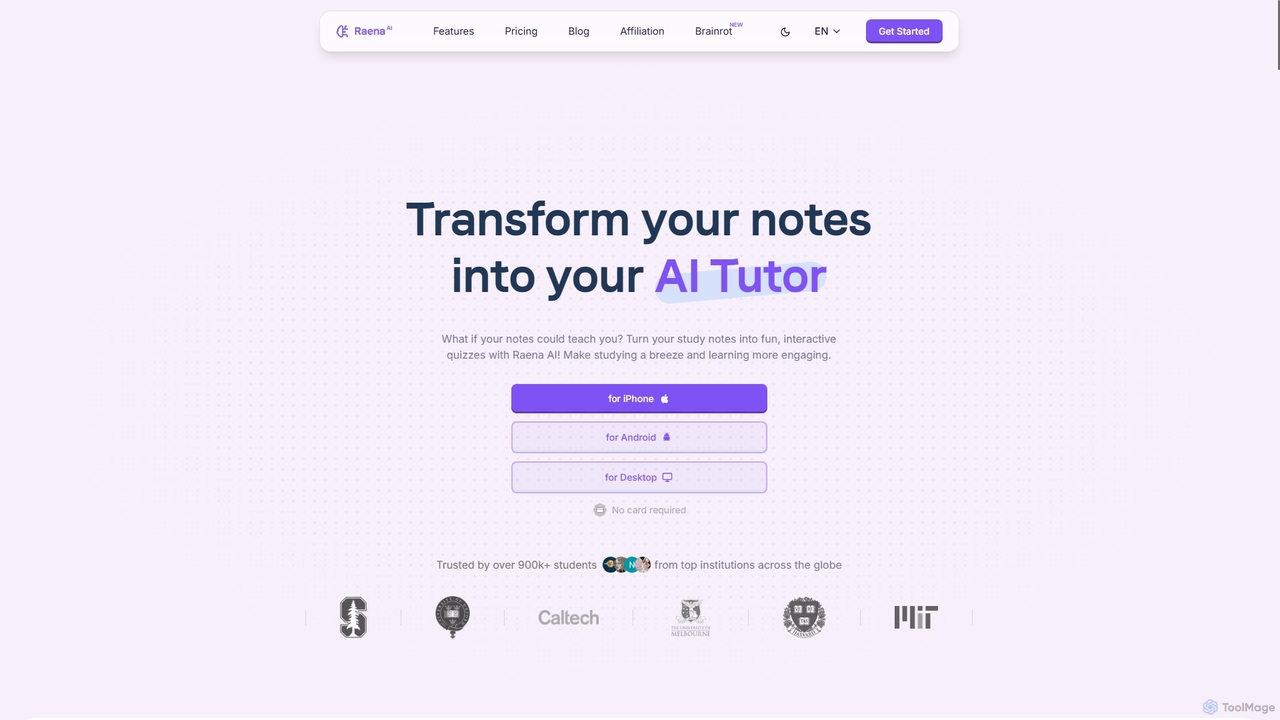
Raena AI
Raena AI is the ultimate AI-powered study application designed to transform your notes into interactive learning tools. It helps students improve retention and reduce study time by generating quizzes, summaries, flashcards, mind maps, and even audio podcasts from any study material. With a personal AI tutor and collaborative features, Raena makes learning more efficient, engaging, and stress-free.
Study Assistant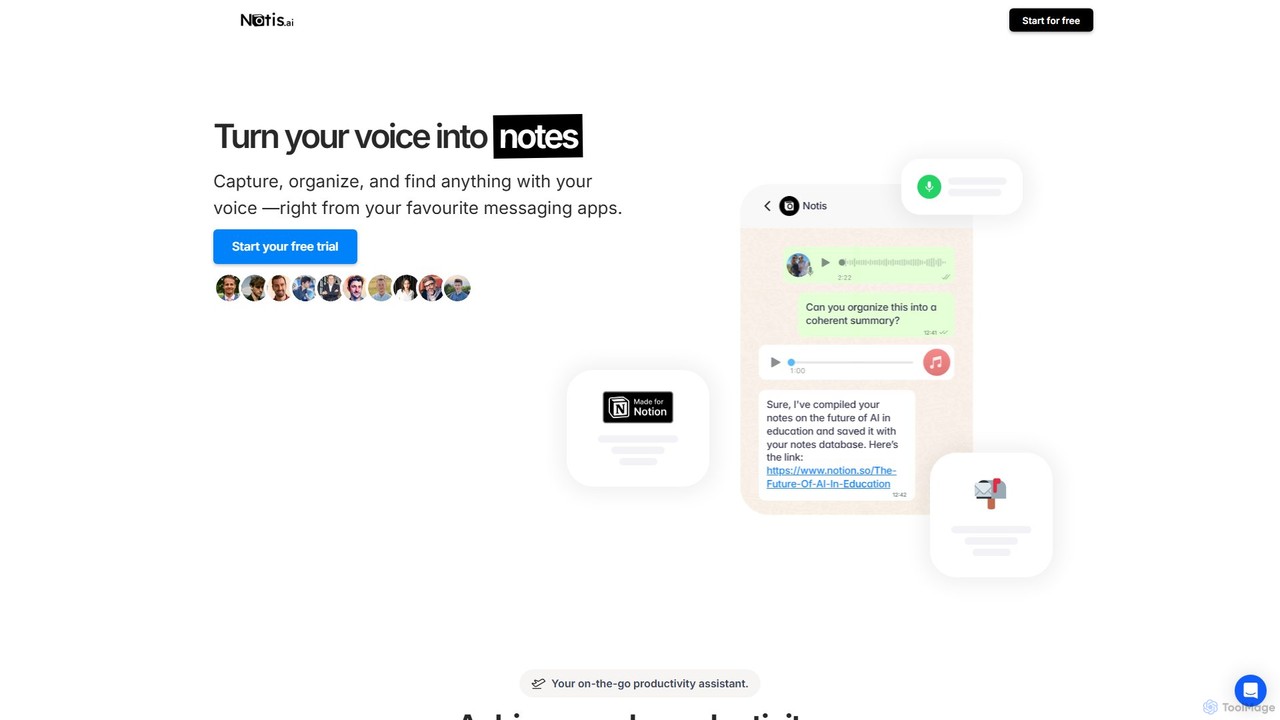
Notis
Notis is an AI-powered productivity assistant that turns your voice, text, and images into structured entries in Notion. Operating directly from messaging apps like WhatsApp and Telegram, it helps you capture ideas, manage tasks, draft content, and organize your life without ever opening the Notion app.
Content Creation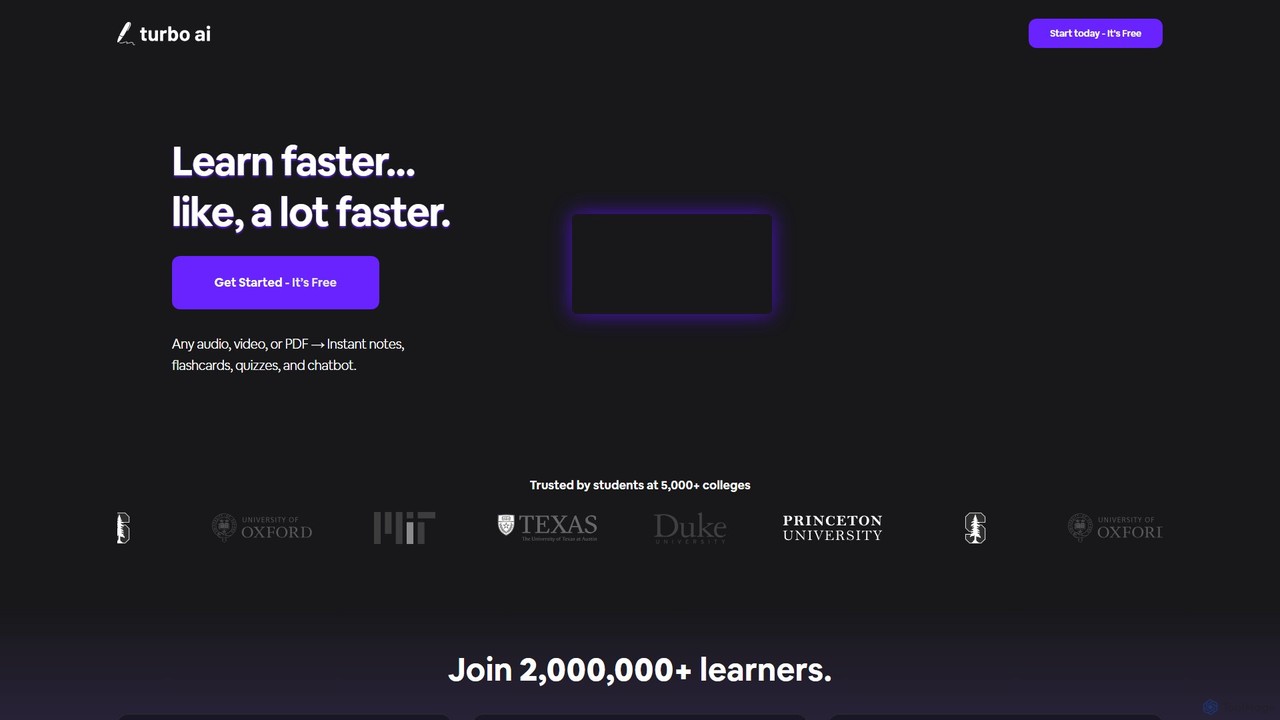
TurboLearn AI
TurboLearn AI is an AI-powered study assistant that transforms educational content like lectures, videos, and PDFs into comprehensive notes, interactive flashcards, and quizzes. It helps students and professionals learn faster and more efficiently by automating note-taking and creating personalized study materials, including an interactive chatbot for asking questions about the content.
Study Tools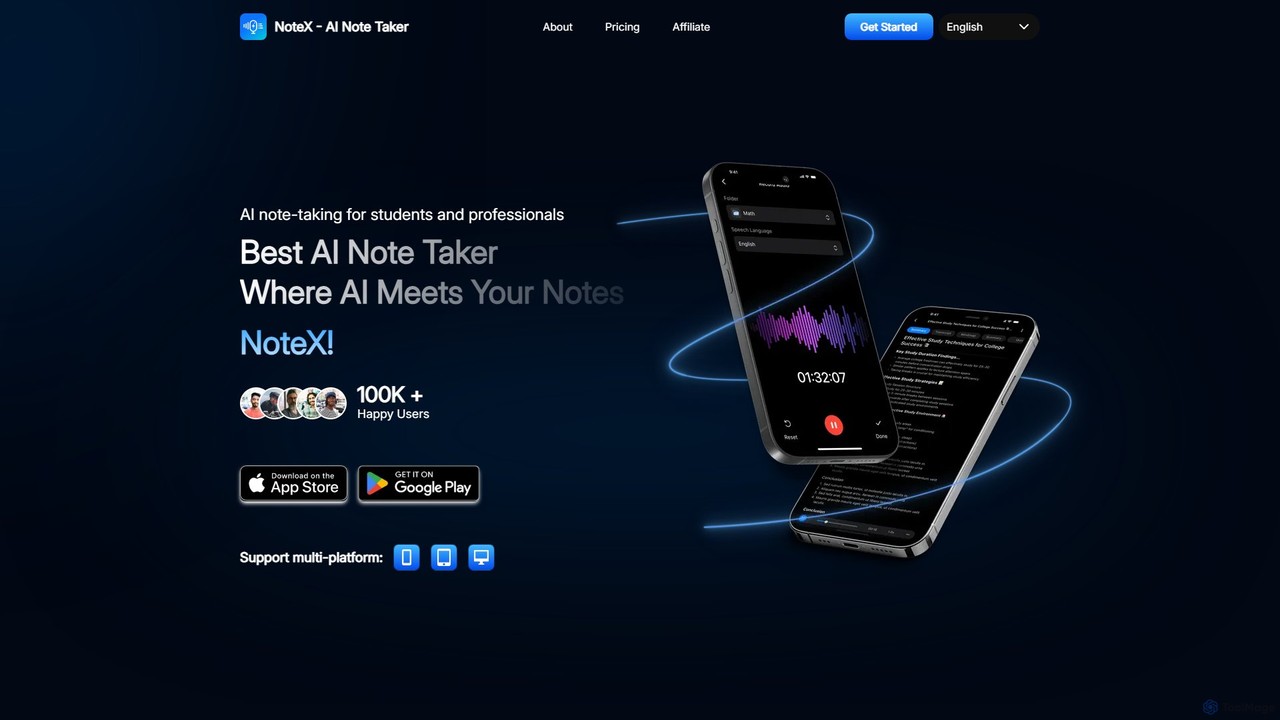
NoteX
NoteX is an AI-powered note-taking application designed for students and professionals. It automatically transcribes audio and video, generates intelligent summaries, and creates mind maps, quizzes, and flashcards from your notes. With cross-device sync and support for over 100 languages, NoteX streamlines information capture, enhances learning, and boosts productivity.
Transcription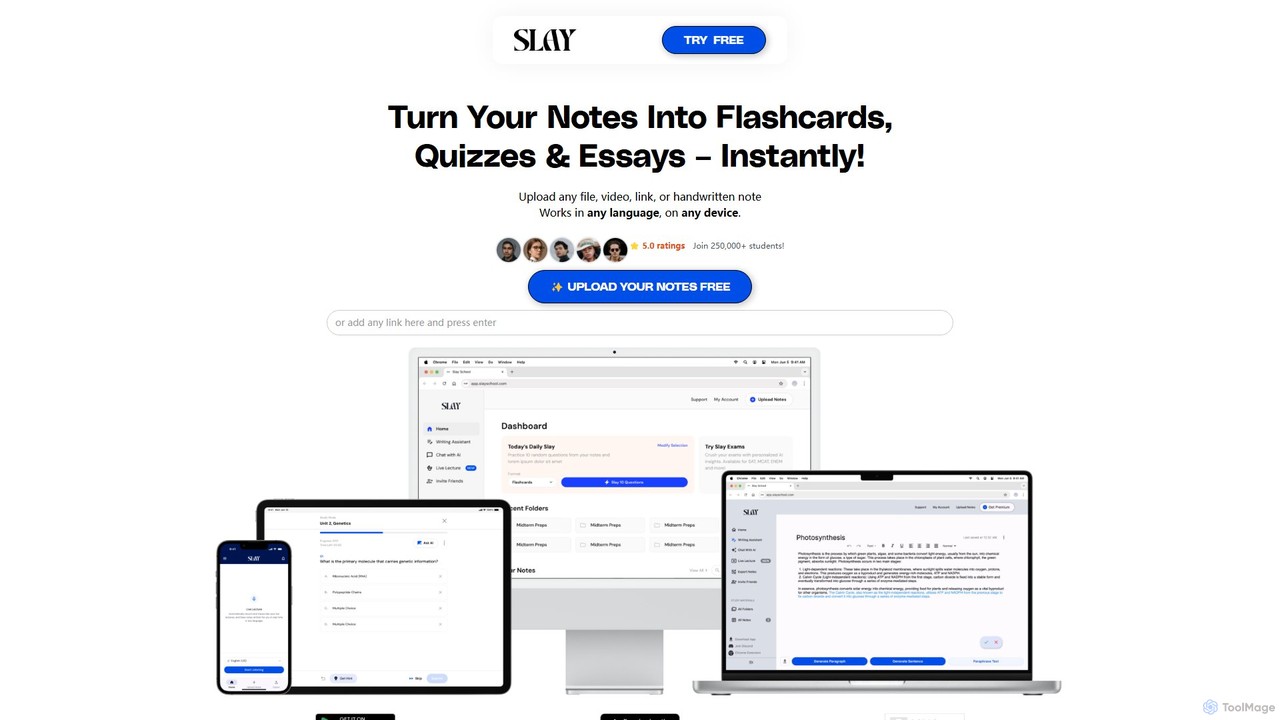
Slay School
Slay School is an AI-powered learning platform that instantly transforms your study materials—including notes, PDFs, videos, and links—into interactive flashcards, quizzes, and essays. Designed for students and educators, it uses science-backed methods like spaced repetition to enhance learning, save time, and improve retention.
For Educators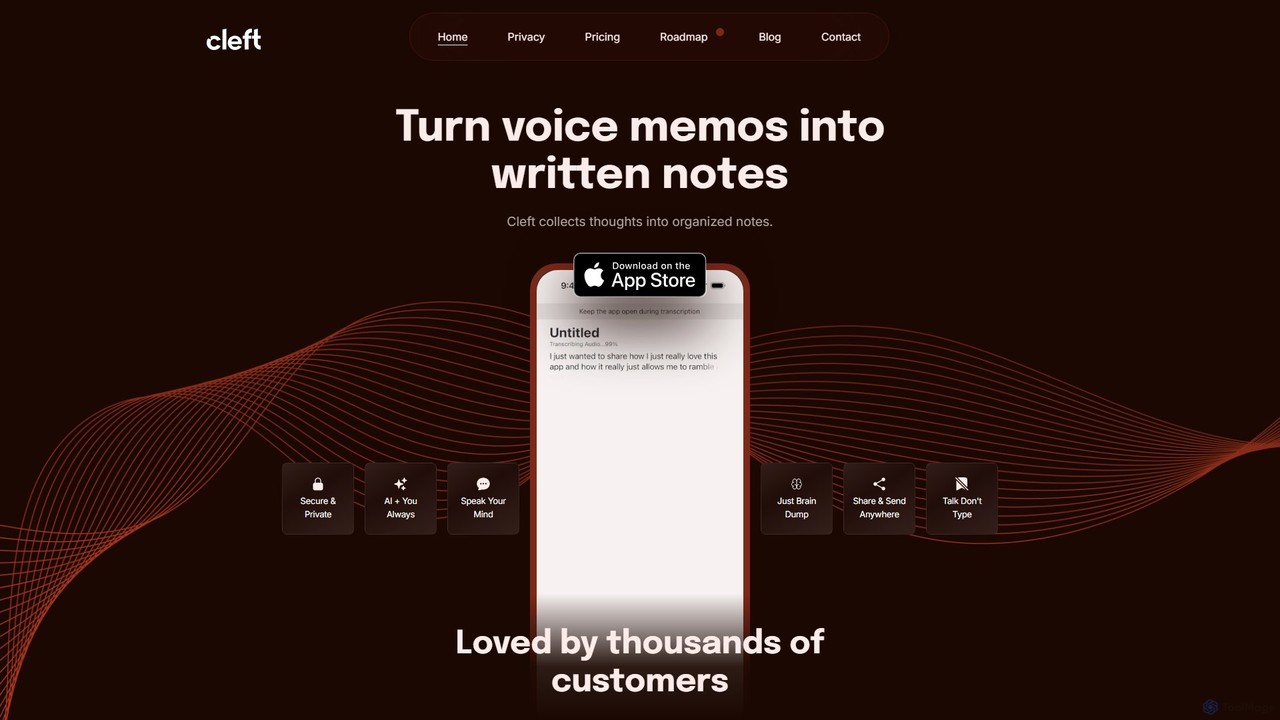
Cleft Notes
Cleft Notes is an AI-powered voice scribe that transforms your spoken thoughts into organized, summarized, and structured written notes. Available on iPhone, iPad, and Mac, it's designed to capture ideas effortlessly, making it ideal for professionals, creatives, and neurodivergent individuals. Just talk, and Cleft turns your ramblings into coherent text, checklists, and outlines.
Voice Recording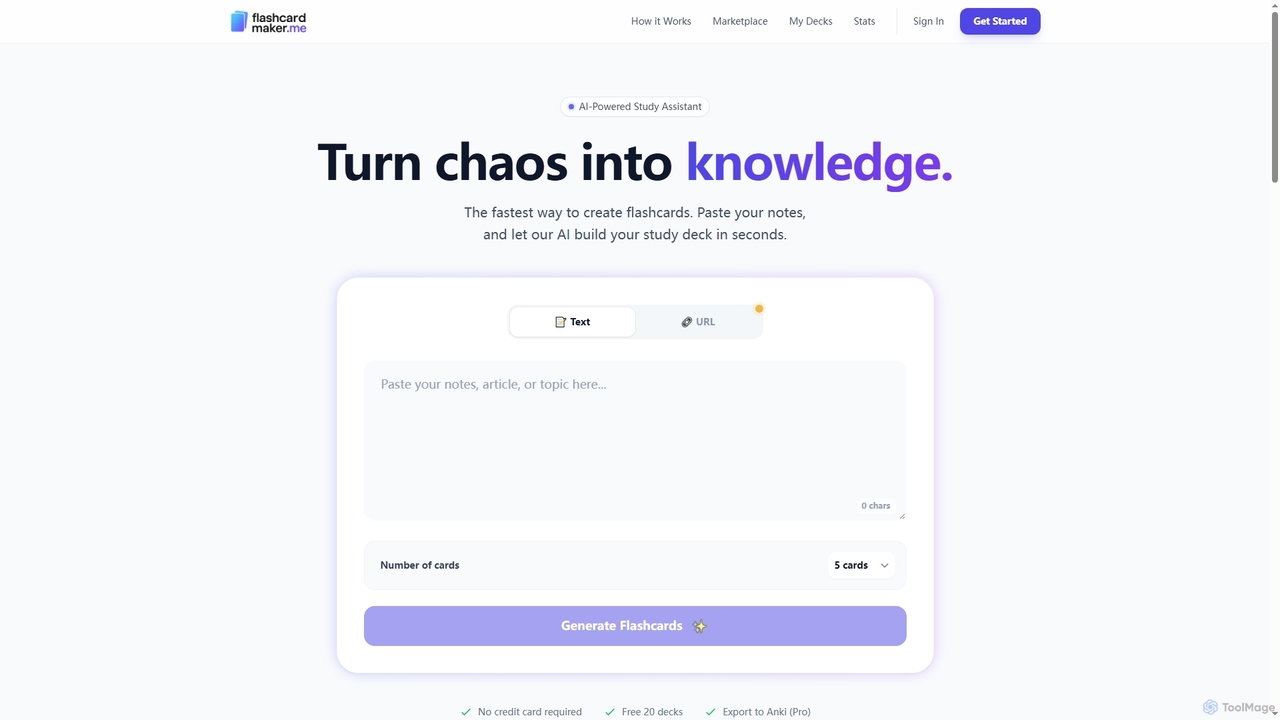
Flashcardmaker
Flashcardmaker is an AI-powered study assistant that instantly generates flashcard decks from your notes, text, or URLs. It uses smart spaced repetition and AI grading to optimize learning, offering multiple interactive study modes like quizzes and audio learning to help users master any subject efficiently.
Study Tools
Snipo Comments (0)
Sign in to comment.
Sign inNo comments yet.