
Slay School
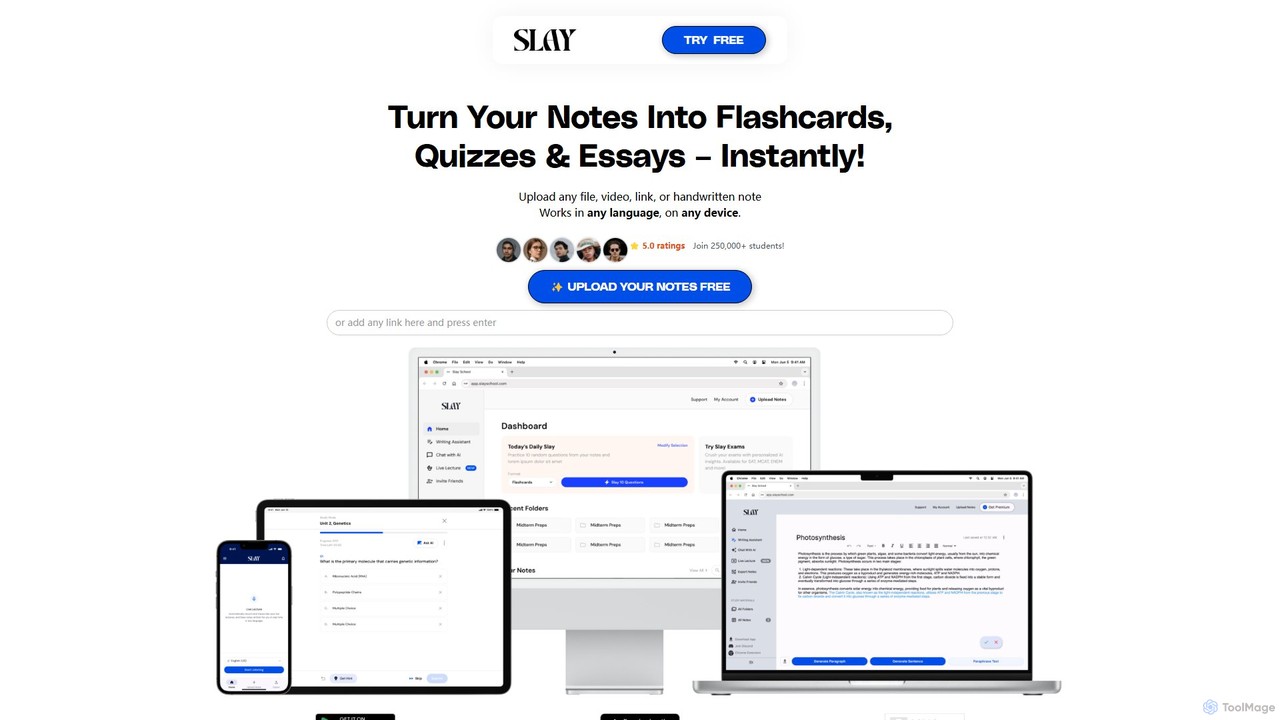
Slay School is an AI-powered learning platform that instantly transforms your study materials—including notes, PDFs, videos, and links—into …
Slay School is an AI-powered learning platform that instantly transforms your study materials—including notes, PDFs, videos, and links—into interactive flashcards, quizzes, and essays. Designed for students and educators, it uses science-backed methods like spaced repetition to enhance learning, save time, and improve retention.
About For Educators
AI tools for Educators are specialized applications designed to assist teachers, professors, and trainers in creating educational materials and managing classroom tasks. These tools leverage large language models and pedagogical algorithms to generate content like lesson plans, quizzes, and learning activities. They aim to reduce administrative workload, enabling educators to focus more on student interaction and personalized instruction. Many platforms offer features for differentiating instruction to meet diverse student needs.
Core Features
- Lesson Plan Generation: Automatically create structured lesson plans, syllabi, and curriculum outlines based on topics and learning objectives.
- Assessment Creation: Generate diverse question types, quizzes, and grading rubrics for evaluating student comprehension.
- Content Differentiation: Adapt educational materials for various reading levels and learning styles to support personalized instruction.
- Administrative Automation: Streamline tasks like generating report card comments, creating parent emails, and organizing class resources.
Use Cases
These tools are widely used across K-12 and higher education. A history teacher might use them to generate discussion prompts for a new unit, while a university professor could create a bank of exam questions. Corporate trainers also utilize them to develop engaging training modules and assessments for employees.
How to Choose
When selecting a tool, consider its alignment with your curriculum standards and subject area. Evaluate its integration capabilities with your existing Learning Management System (LMS). Assess the level of customization it allows for generated content and prioritize platforms with strong data privacy policies to protect student information.
For EducatorsUse Cases
Automated Lesson Plan Creation
A middle school science teacher needs to prepare a week-long unit on photosynthesis. Instead of starting from scratch, they input the topic, grade level, and key learning objectives into an AI tool. The tool generates a detailed daily lesson plan, including an introduction, core activities, discussion questions, and a concluding assessment. The teacher can then review, edit, and customize the plan, saving several hours of preparation time and ensuring all curriculum standards are covered.
Differentiated Worksheet Generation
An elementary school teacher has a classroom with students at varying reading levels. To teach a new math concept, they use an AI tool to create differentiated worksheets. The teacher provides the core concept and specifies three different difficulty levels. The AI generates three versions of the worksheet with adjusted problem complexity and language, allowing every student to practice the concept at an appropriate level of challenge.
Rapid Quiz and Assessment Design
A university lecturer needs to create a formative quiz to check student understanding of a complex chapter. They upload the chapter text or a PDF of their lecture notes to an AI assessment tool. The platform analyzes the content and generates a 20-question multiple-choice quiz, complete with correct answers and distractors. This process reduces the time spent on question writing from hours to minutes.
Personalized Student Feedback Generation
A high school English teacher is grading 30 essays. To provide constructive feedback more efficiently, they use an AI tool that analyzes student writing based on a predefined rubric. The tool identifies common grammatical errors, suggests improvements for sentence structure, and helps draft personalized comments on argumentation and clarity. This assists the teacher in providing detailed, consistent feedback to every student without manual repetition.
Creating Engaging Classroom Activities
A foreign language teacher wants to create an interactive activity to practice new vocabulary. They input the list of vocabulary words and the target language level into an AI tool. The tool suggests several activity ideas, such as creating a role-playing scenario, generating a crossword puzzle, or writing a short story incorporating the words. This provides fresh, creative ideas to enhance student engagement.
Summarizing Complex Topics for Students
A history professor needs to provide students with a concise summary of a dense academic article for pre-reading. They paste the article's text into an AI summarization tool designed for education. The tool generates a summary highlighting the main arguments, evidence, and conclusions, written in language accessible to undergraduate students. This helps students grasp the core concepts before diving into the more complex original text.