

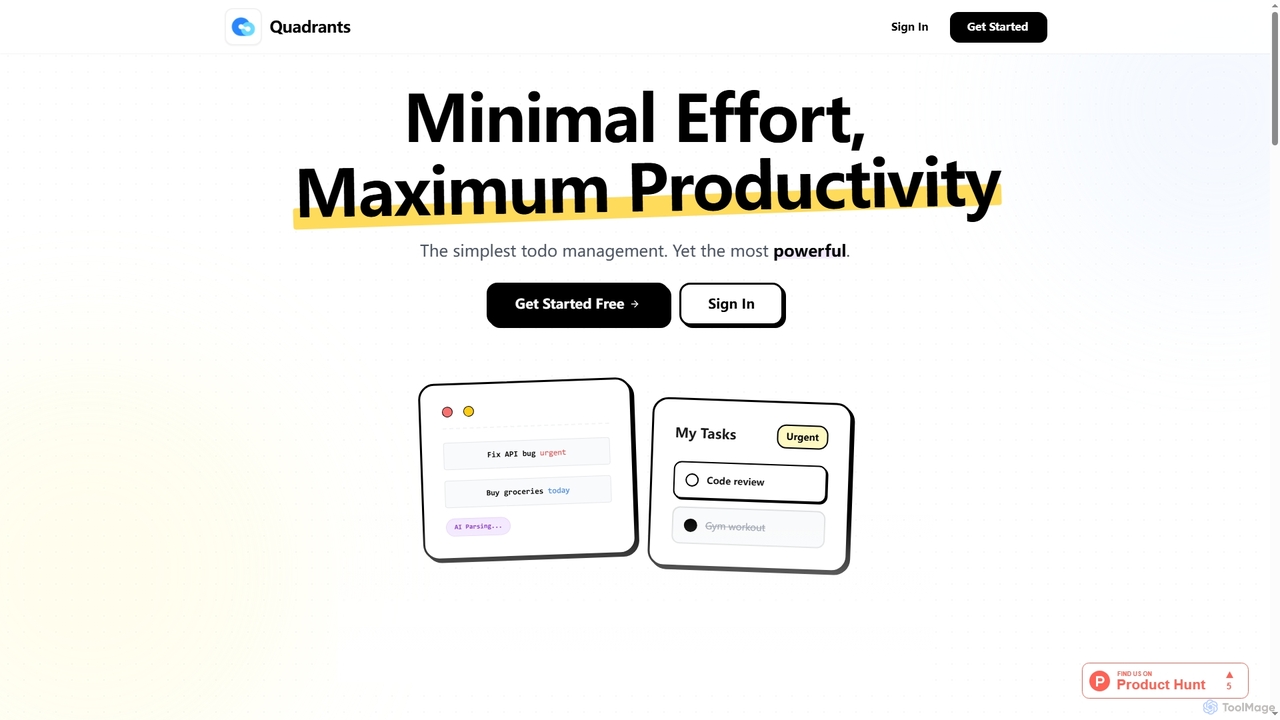
Quadrants Overview
Quadrants is an intuitive and powerful AI task manager built on the proven Eisenhower Matrix framework. It simplifies task management by helping users prioritize based on urgency and importance, eliminating the complexity often found in traditional project management tools. Designed for both solo users and collaborative teams, Quadrants offers a visual, drag-and-drop interface that makes your next steps clear and helps you focus on what truly matters.
How to use Quadrants
To use Quadrants, simply add tasks using its quick capture feature, even with natural language input. The AI will automatically analyze and assign optimal urgency and importance, placing tasks into the visual matrix view. Users can drag and drop tasks to adjust their position, preview AI suggestions, and accept or revert changes, always maintaining control. For teams, tasks can be assigned with colors, and projects can be shared to track progress and collaborate in real-time.
Core Features of Quadrants
- Visual Overview: See all your tasks at a glance in an intuitive matrix view based on urgency and importance.
- AI Smart Organize: AI automatically categorizes and prioritizes tasks, learning your patterns and preferences.
- Team Collaboration: Work together in real-time, assign tasks with colors, track who's doing what, and share projects.
- Quick Capture: Add multiple tasks instantly using natural language input.
- Auto-prioritization: Tasks are automatically sorted into quadrants (Urgent/Important, Important/Not Urgent, Urgent/Not Important, Not Urgent/Not Important).
- Clear Next Steps: Always know what to work on next without endless scrolling or hidden tasks.
- Focus Mode: Dedicated modes to help you concentrate on critical tasks.
- Drag-and-Drop Interface: Easily move tasks between quadrants to adjust priority.
- Intelligent Adaptation: AI learns your task patterns and preferences, offering personalized suggestions.
Use Cases for Quadrants
Quadrants is versatile for various productivity needs. Individuals can use it for personal to-do lists, academic assignments, or managing freelance projects, benefiting from its AI-driven prioritization to stay focused. Entrepreneurs and small business owners can leverage it to manage their diverse responsibilities, ensuring critical tasks are always addressed. Teams can utilize Quadrants for project planning, task delegation, and real-time collaboration, enhancing overall team workflow and accountability across shared projects.
Advantages of Quadrants
The primary advantages of Quadrants lie in its simplicity combined with powerful AI. It reduces decision fatigue by automatically prioritizing tasks, making your next move obvious. The visual matrix provides an immediate, comprehensive overview of your workload, preventing tasks from getting lost. Its real-time collaboration features foster seamless teamwork, while the AI's adaptive learning ensures the system becomes more efficient over time, tailoring to individual and team needs. It's designed for quick adoption, requiring no tutorials to start.
Pricing and Plans
Quadrants offers a freemium model with two main plans:
- Free Plan: Priced at $0/month, this plan is perfect for getting started. It includes up to 2 projects, unlimited tasks, basic collaboration features, and community support.
- Pro Plan: Available for $9.9/month, the Pro plan is designed for power users and teams. It offers unlimited projects, unlimited tasks, advanced collaboration features, and priority support.
Users can cancel their Pro subscription at any time, with features remaining active until the end of the billing period. If a user downgrades from Pro with more than 2 projects, their data remains safe, but they will need to upgrade again to create new ones. Currently, team members require individual Pro subscriptions, but team pricing is actively being developed and will be announced soon.
Quadrants FAQ
Quadrants Alternatives
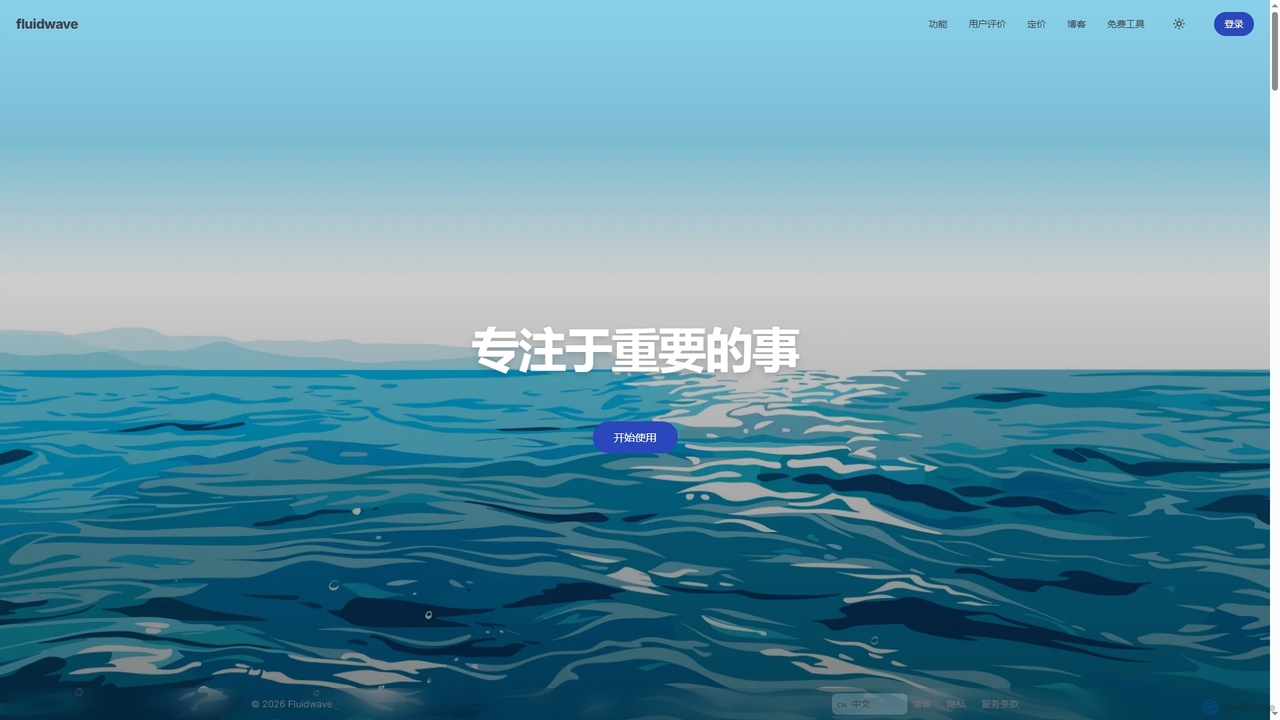
Fluidwave
Fluidwave is an AI-powered task management platform designed to boost productivity by intelligently organizing tasks, auto-prioritizing them, and connecting users with human virtual assistants for delegation. It helps individuals and teams stay focused and efficient.
Virtual Assistant
Omniverse
Omniverse is an all-in-one AI-powered productivity platform designed to centralize your workflow. It integrates a powerful writing assistant, task management, knowledge base, and data analysis into a single, intuitive workspace. Streamline your projects, automate repetitive tasks, and unlock new levels of efficiency by leveraging a unified AI that understands the full context of your work.
All In One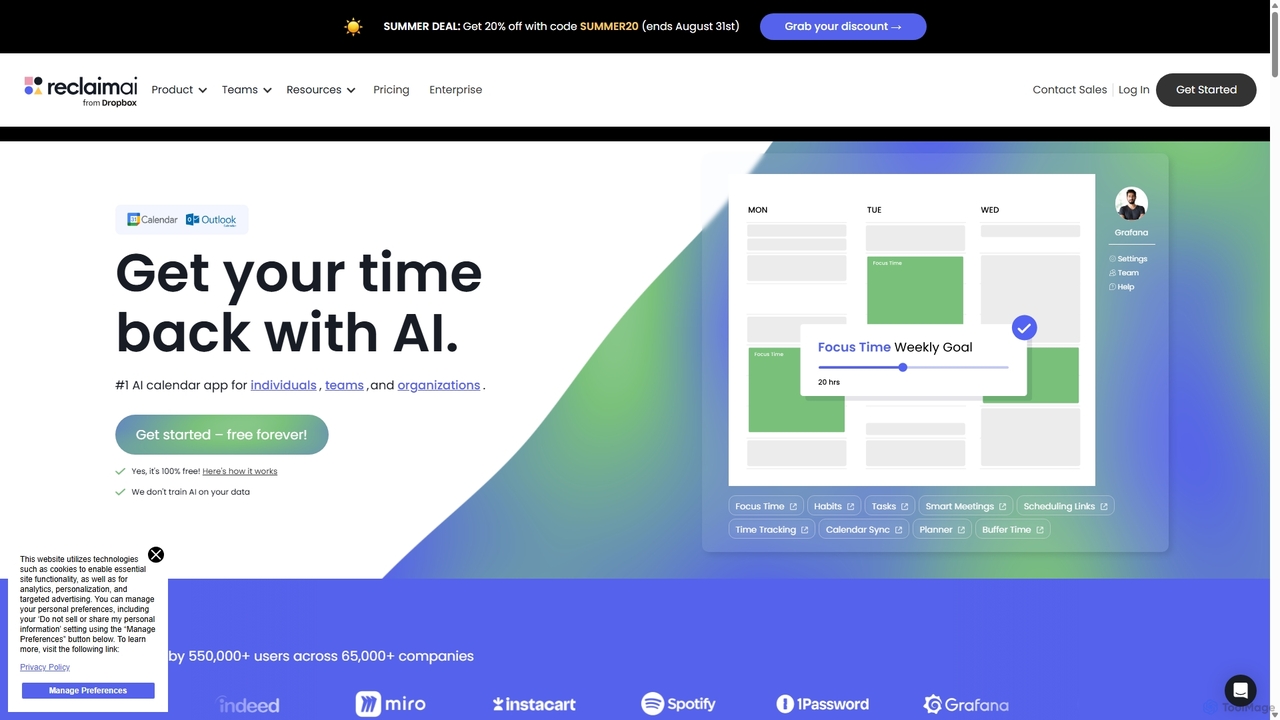
Reclaim.ai
Reclaim.ai is an intelligent AI calendar assistant that automates your schedule for optimal productivity and work-life balance. It intelligently blocks time for tasks, habits, and focus work, finds the best times for meetings, and syncs all your calendars. By defending your time and creating a flexible plan, Reclaim helps you focus on what matters most.
Calendar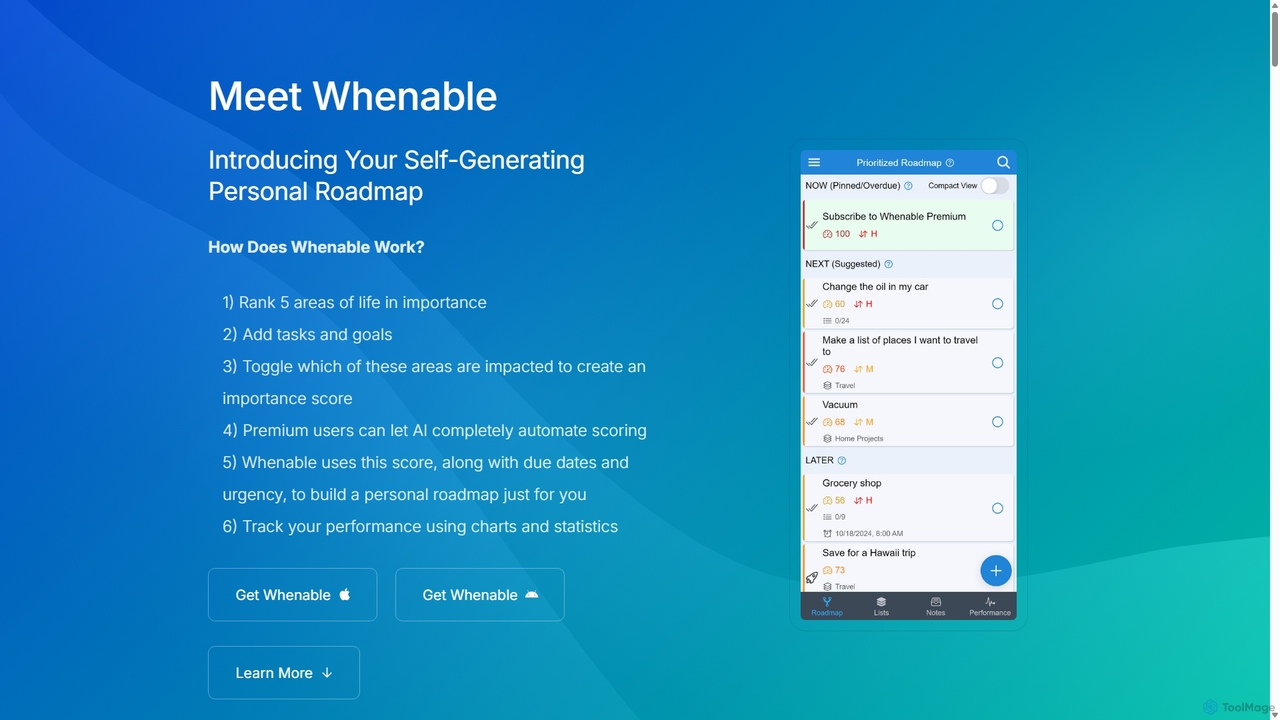
Whenable
Whenable is an AI-powered productivity app that transforms your overwhelming to-do list into a manageable, prioritized life roadmap. By ranking your life areas and leveraging AI, it automatically organizes tasks into NOW, NEXT, and LATER categories, helping you focus on what truly matters and celebrate your achievements.
Personal Development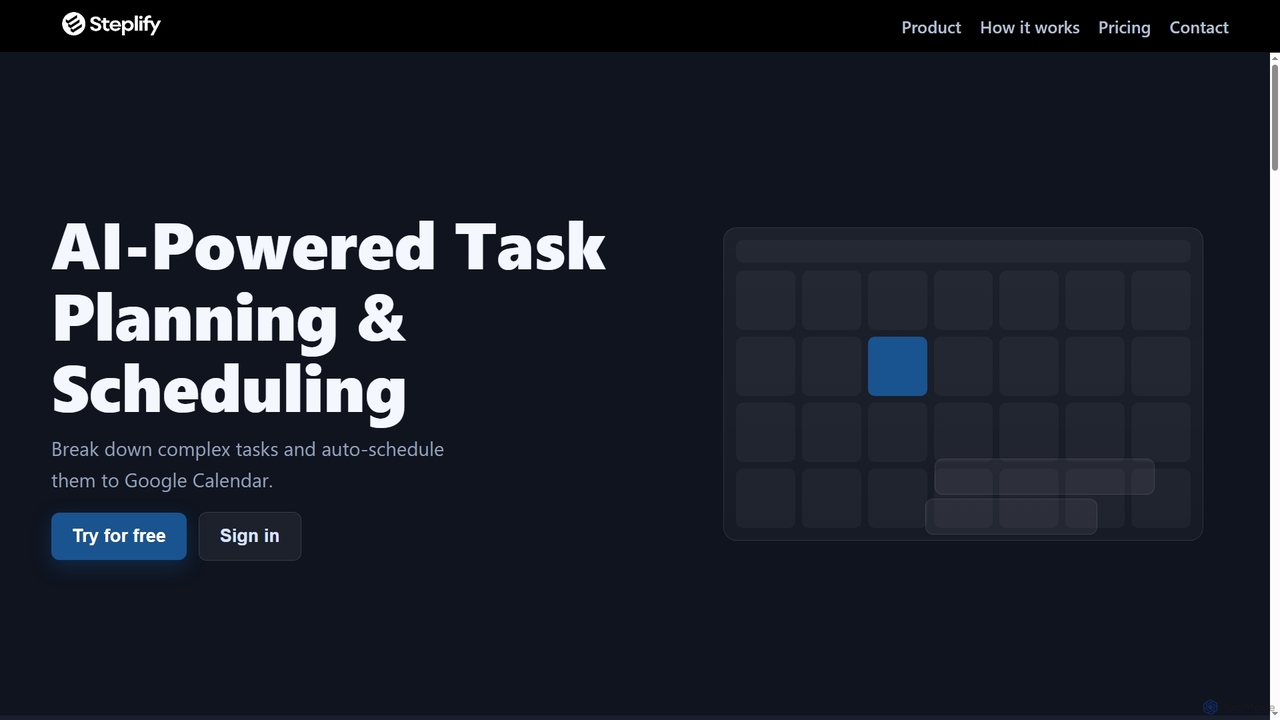
Steplify
Steplify is an AI-powered personal calendar that transforms complex tasks and projects into manageable, scheduled steps. It uses smart time estimation based on your habits and automatically syncs with Google Calendar, helping users overcome procrastination and achieve their goals with an organized, personalized plan.
Project ManagementQuadrants Categories
Quadrants Jobs
Quadrants Embed Widget
Copy this embed code to place the badge on your blog, article, or product site and send readers directly to this ToolMage detail page.

Related AI tools
Fluidwave
Fluidwave is an AI-powered task management platform designed to boost productivity by intelligently organizing tasks, auto-prioritizing them, and connecting users with human virtual assistants for delegation. It helps individuals and teams stay focused and efficient.
Virtual AssistantWhenable
Whenable is an AI-powered productivity app that transforms your overwhelming to-do list into a manageable, prioritized life roadmap. By ranking your life areas and leveraging AI, it automatically organizes tasks into NOW, NEXT, and LATER categories, helping you focus on what truly matters and celebrate your achievements.
Personal Development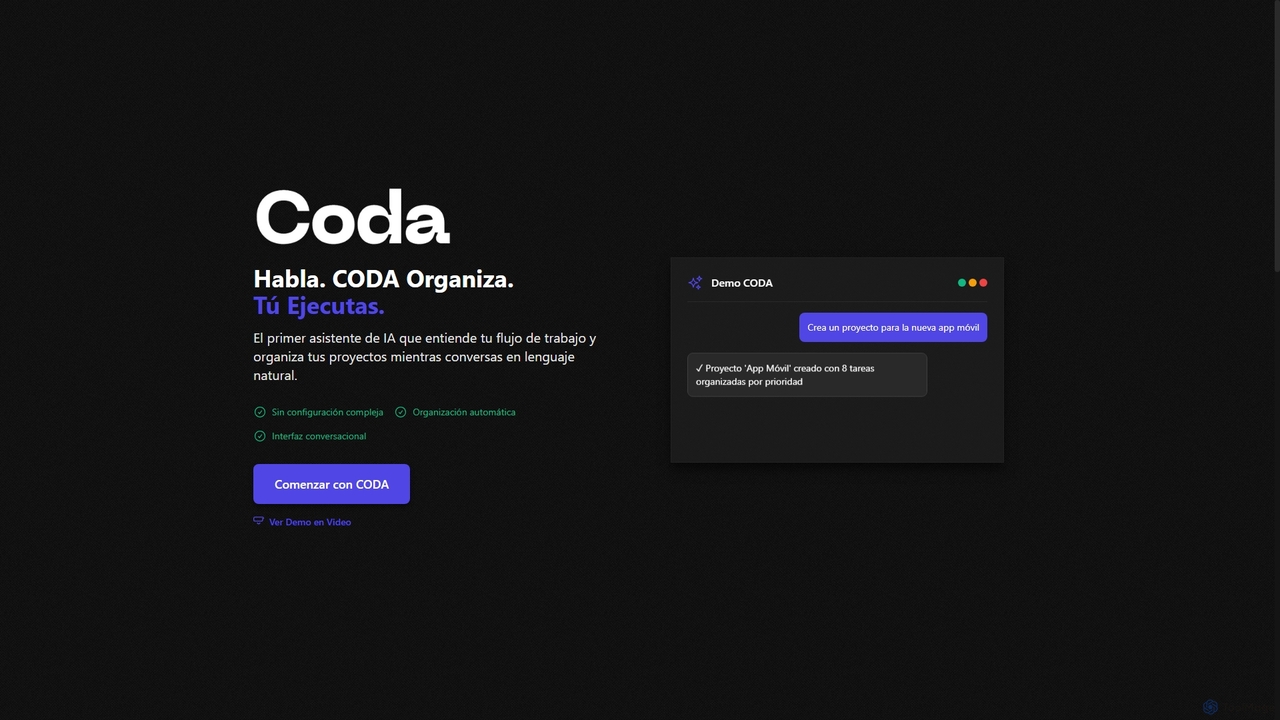
Coda
Coda is an intelligent AI assistant designed to streamline project management and task organization. It understands natural language commands, automatically structuring your projects and tasks without complex setups, allowing you to focus on execution rather than organization.
Natural Language ProcessingReclaim.ai
Reclaim.ai is an intelligent AI calendar assistant that automates your schedule for optimal productivity and work-life balance. It intelligently blocks time for tasks, habits, and focus work, finds the best times for meetings, and syncs all your calendars. By defending your time and creating a flexible plan, Reclaim helps you focus on what matters most.
Calendar
Jyek
Jyek is an AI agent platform that understands objectives, creates execution plans, uses tools, and delivers verifiable results for complex, multi-step tasks.
Automation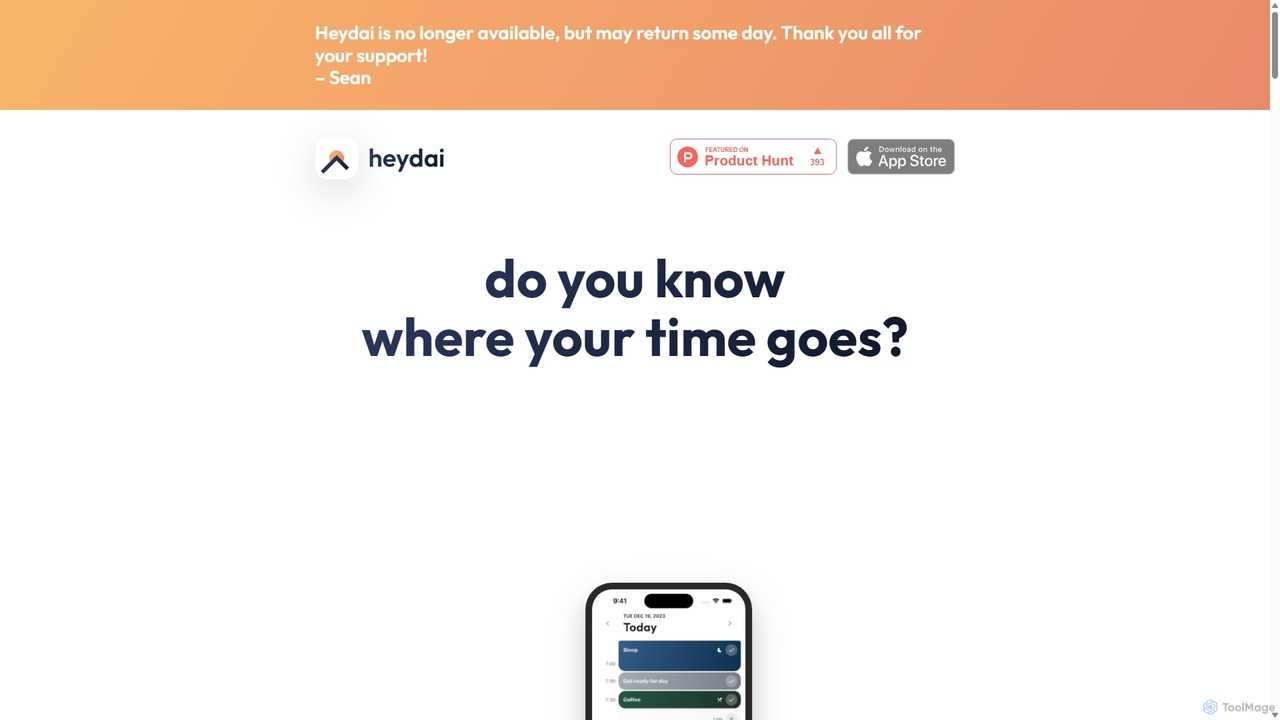
Heydai
Heydai is an AI-powered daily planner and time tracker designed to help you understand where your time goes. It provides a visual timeline, in-depth analytics, and intelligent recommendations to align your daily activities with your long-term goals, boosting productivity and ensuring your time matches your priorities.
Analytics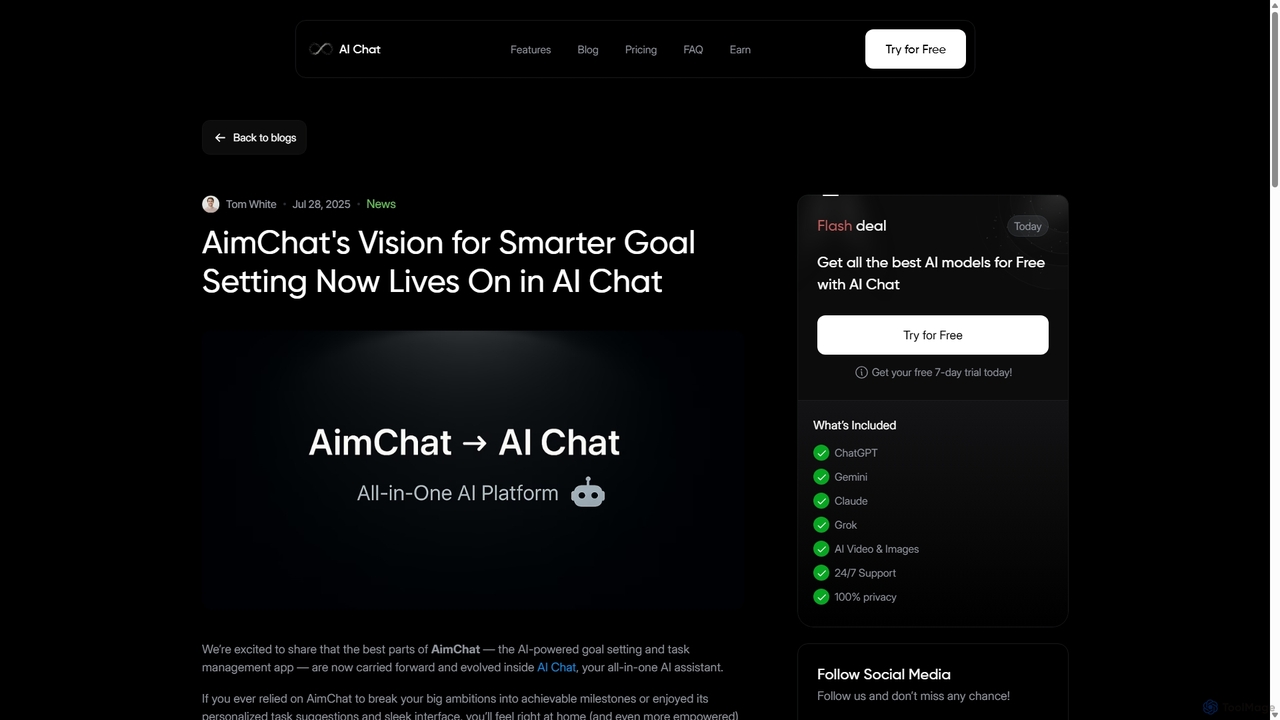
AI Chat
AI Chat is an all-in-one AI assistant that integrates top models like ChatGPT, Claude, and Gemini into a single platform. Evolving from the goal-setting app AimChat, it combines advanced conversational AI with powerful task management, research, and content creation tools to streamline your workflow and help you achieve your ambitions.
Assistant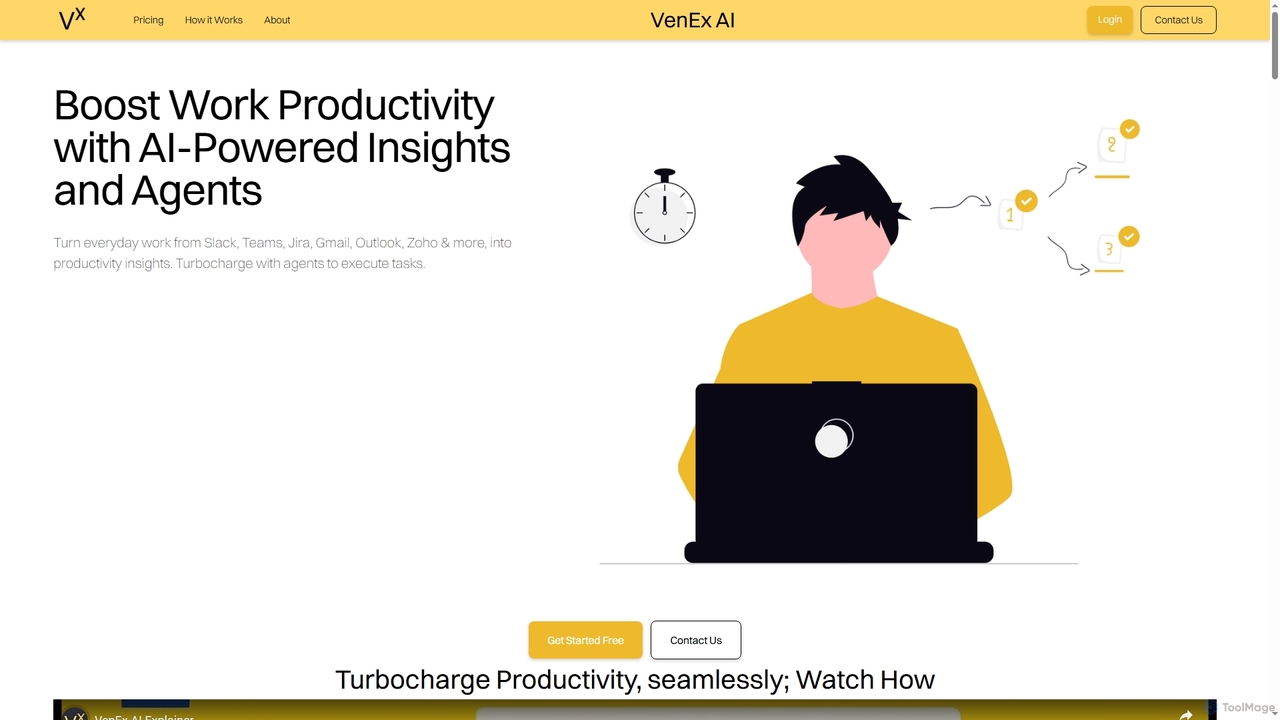
VenEx AI
VenEx AI is an advanced AI-powered platform designed to significantly boost workplace productivity and performance. It integrates seamlessly with popular work tools like Slack, Teams, Jira, and Gmail to generate real-time, data-backed insights, automate routine tasks, and provide objective performance assessments for individuals, managers, and organizations.
Performance Tracking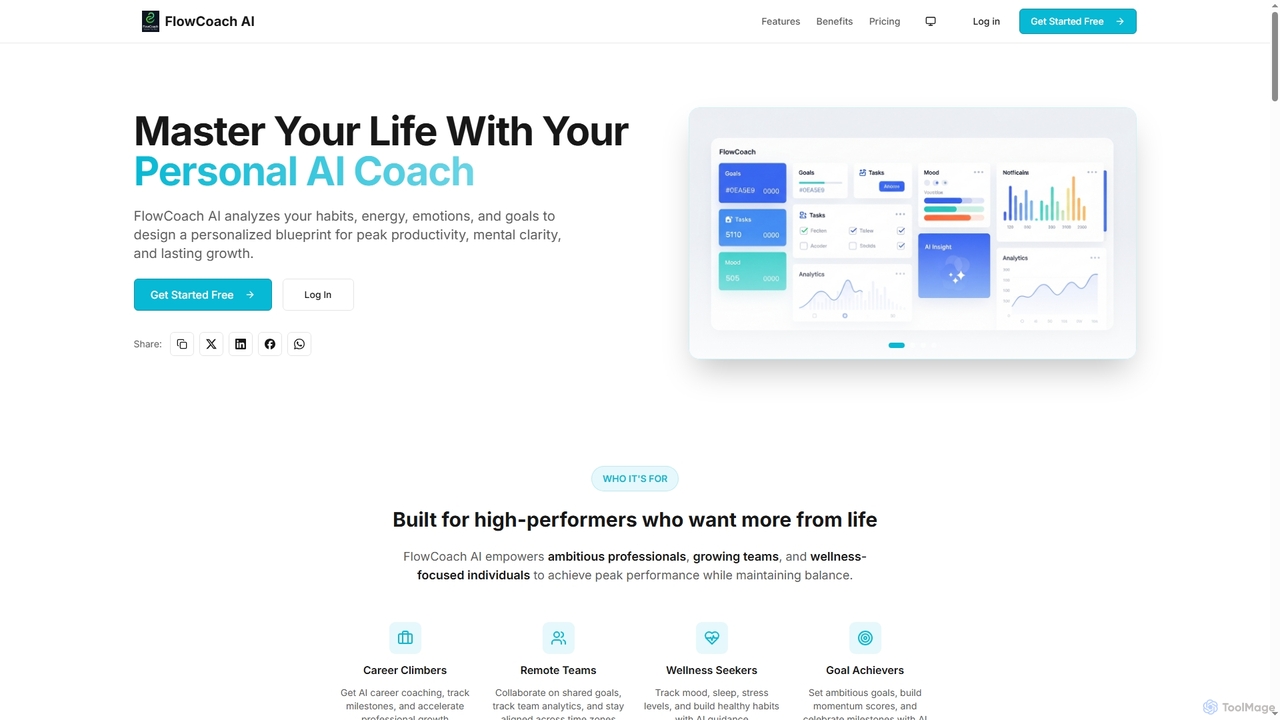
FlowCoach AI
FlowCoach AI is an AI-powered personal coaching platform designed to enhance productivity, mental clarity, and personal growth. It analyzes habits, emotions, and goals to create a personalized blueprint for high-performers, teams, and wellness seekers. The platform integrates AI coaching, wellness tracking, goal management, and team collaboration to optimize various aspects of life.
Team Management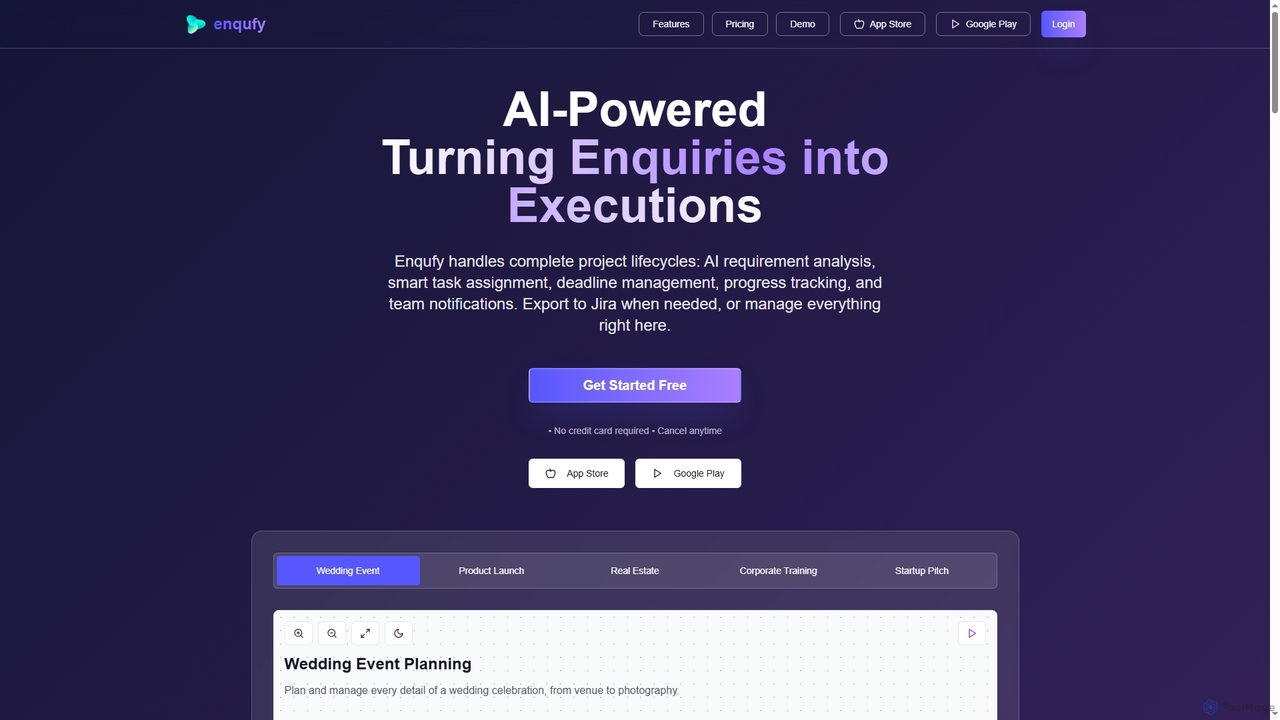
Enqufy
Enqufy is an AI-powered workflow automation platform designed to transform enquiries into structured, actionable project lifecycles. It streamlines task assignment, deadline management, and team collaboration, offering real-time progress tracking and performance analytics for businesses of all sizes. Available on web and mobile, it enhances efficiency and productivity across diverse industries.
PlanningOmniverse
Omniverse is an all-in-one AI-powered productivity platform designed to centralize your workflow. It integrates a powerful writing assistant, task management, knowledge base, and data analysis into a single, intuitive workspace. Streamline your projects, automate repetitive tasks, and unlock new levels of efficiency by leveraging a unified AI that understands the full context of your work.
All In OneSteplify
Steplify is an AI-powered personal calendar that transforms complex tasks and projects into manageable, scheduled steps. It uses smart time estimation based on your habits and automatically syncs with Google Calendar, helping users overcome procrastination and achieve their goals with an organized, personalized plan.
Project Management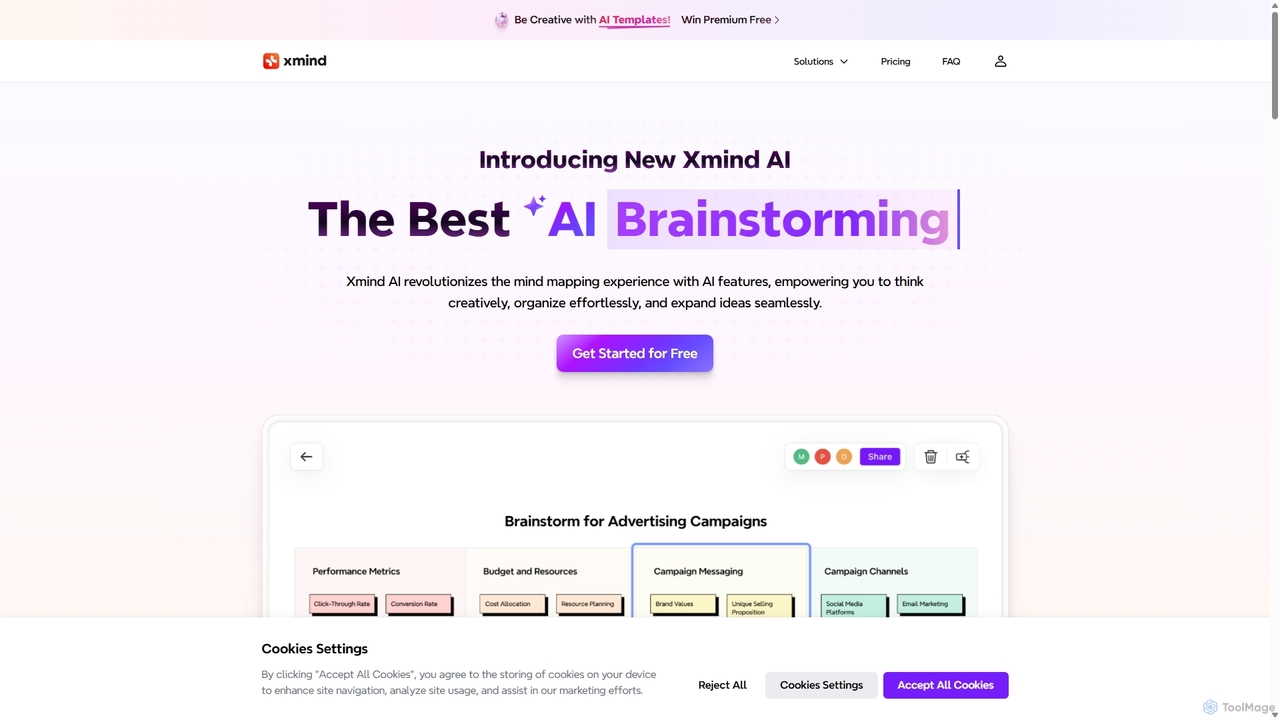
Xmind AI
Xmind AI is an advanced AI-powered mind mapping and brainstorming tool designed to enhance creativity and productivity. It helps users visualize thoughts, organize complex information, and collaborate with teams in real-time. With features like AI-driven idea generation, content summarization, and automated to-do lists, Xmind AI transforms abstract concepts into structured, actionable plans.
Teamwork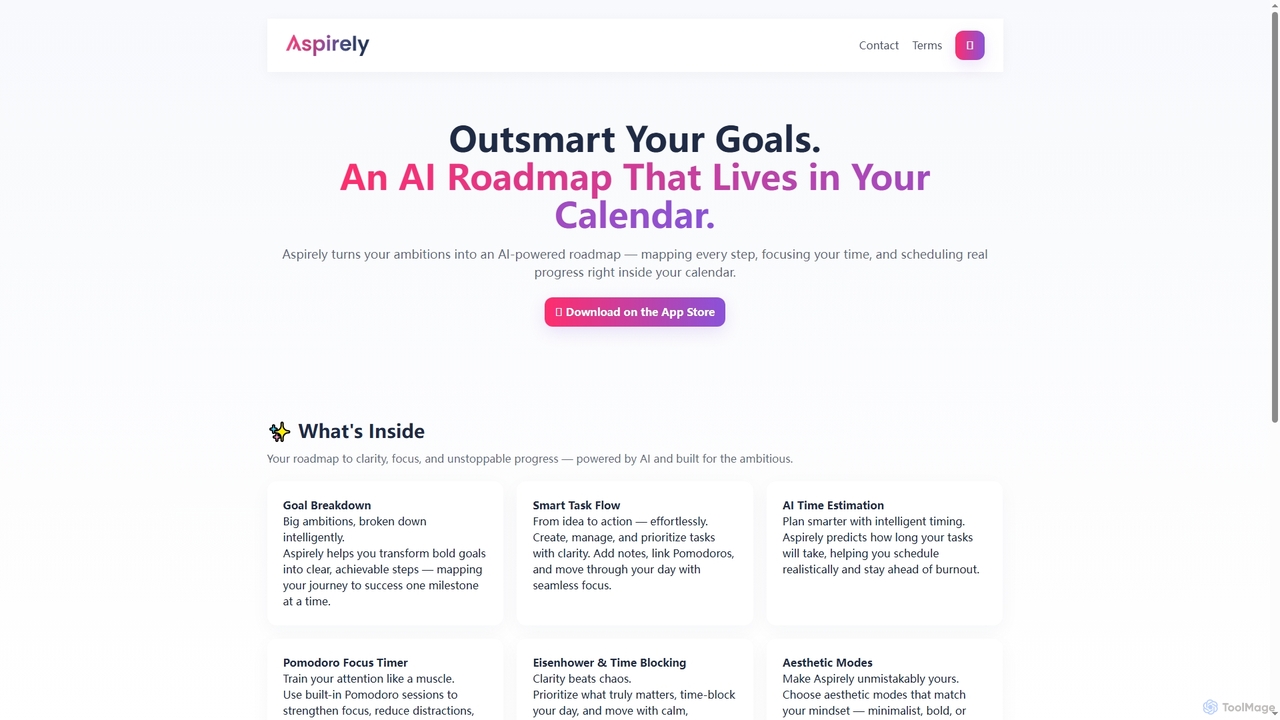
Aspirely
Aspirely is an AI-powered productivity app that transforms your goals into an intelligent roadmap. It breaks down ambitions into manageable steps, estimates task duration, and schedules them directly into your calendar, integrating focus techniques like Pomodoro and Eisenhower matrix.
Goal Setting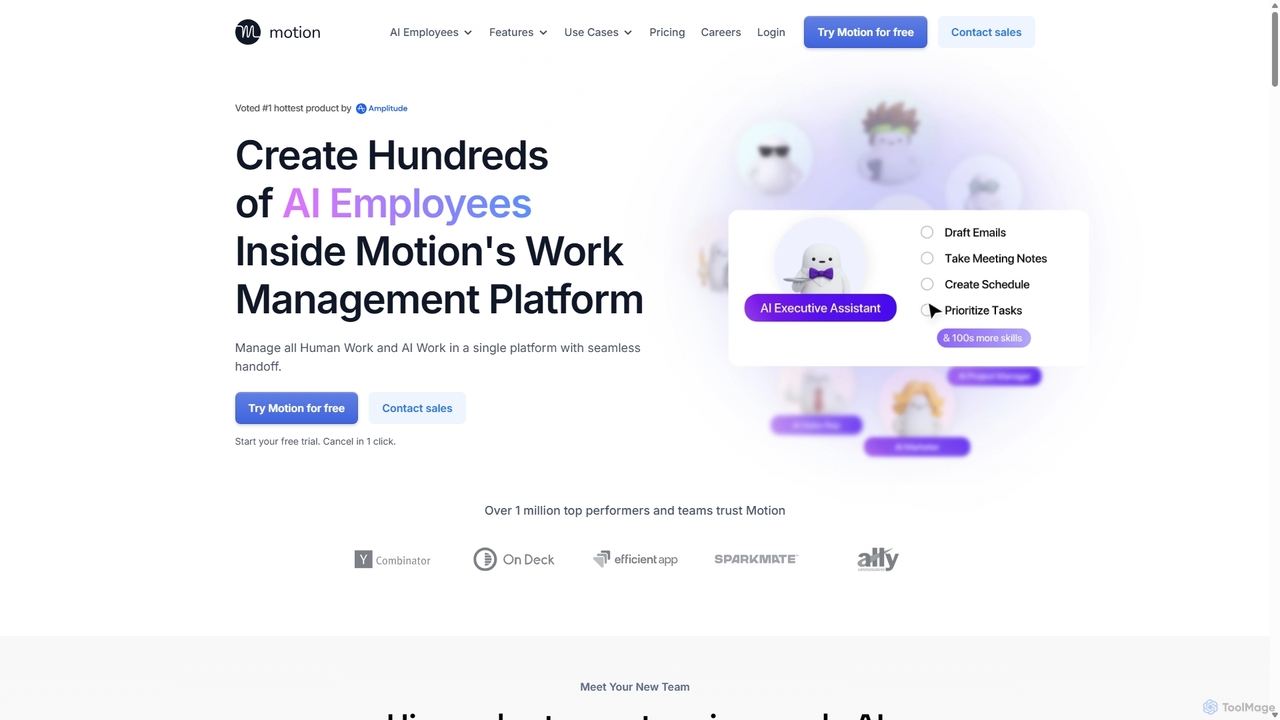
Motion
Motion is an AI-powered platform that provides a suite of AI Employees and productivity tools to automate tasks, manage projects, and organize schedules. It's designed to 10x your team's output by handling everything from calendar management and email replies to sales outreach and customer support, all within a single integrated workspace.
Virtual Assistant
Quadrants Comments (0)
Sign in to comment.
Sign inNo comments yet.