Collaboration Best in category 4 results Team Workflow AI Tool

Popular AI tools in the Team Workflow field of Collaboration include Arkhet、Quadrants、Cacoon、LitContent, etc., helping you quickly improve efficiency.

Quadrants

Quadrants

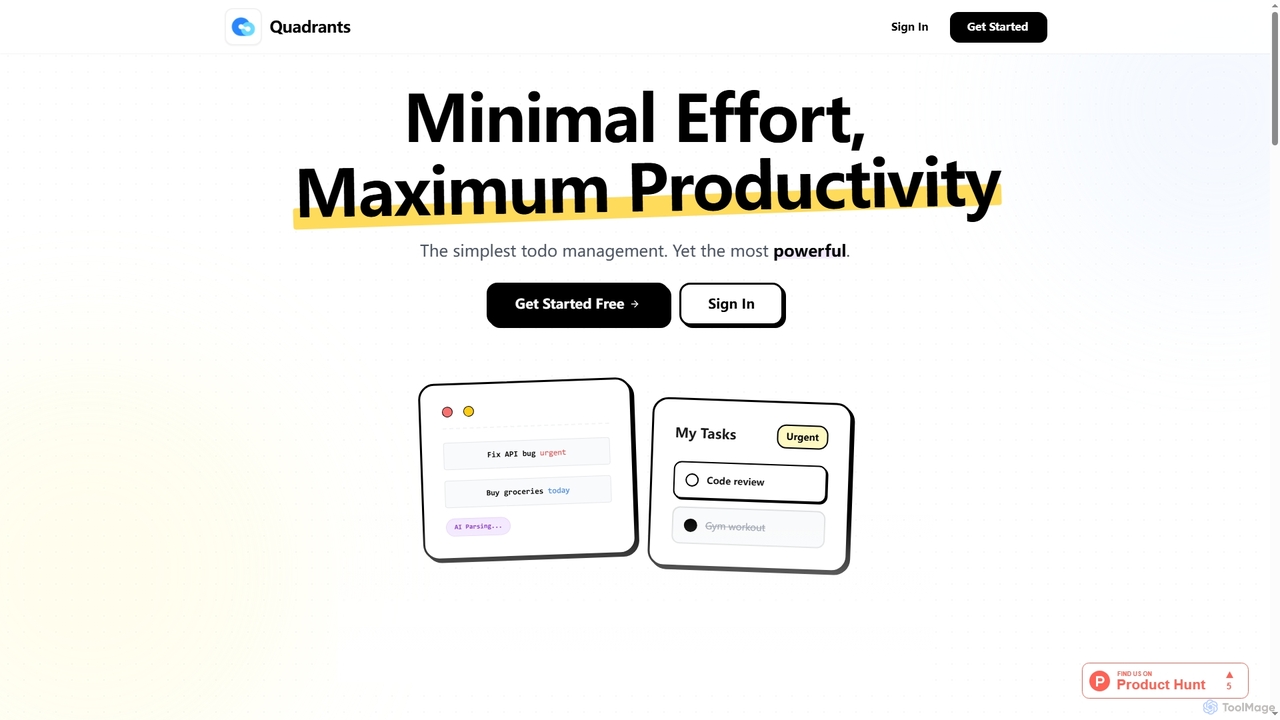
Quadrants is an AI-powered task manager designed for maximum productivity with minimal effort. It uses the Eisenhower Matrix …

2.6K
Arkhet

Arkhet

Arkhet is an AI-first prototyping platform designed for product teams, enabling visual thinkers to generate interactive UI prototypes …

4.5K
LitContent

LitContent

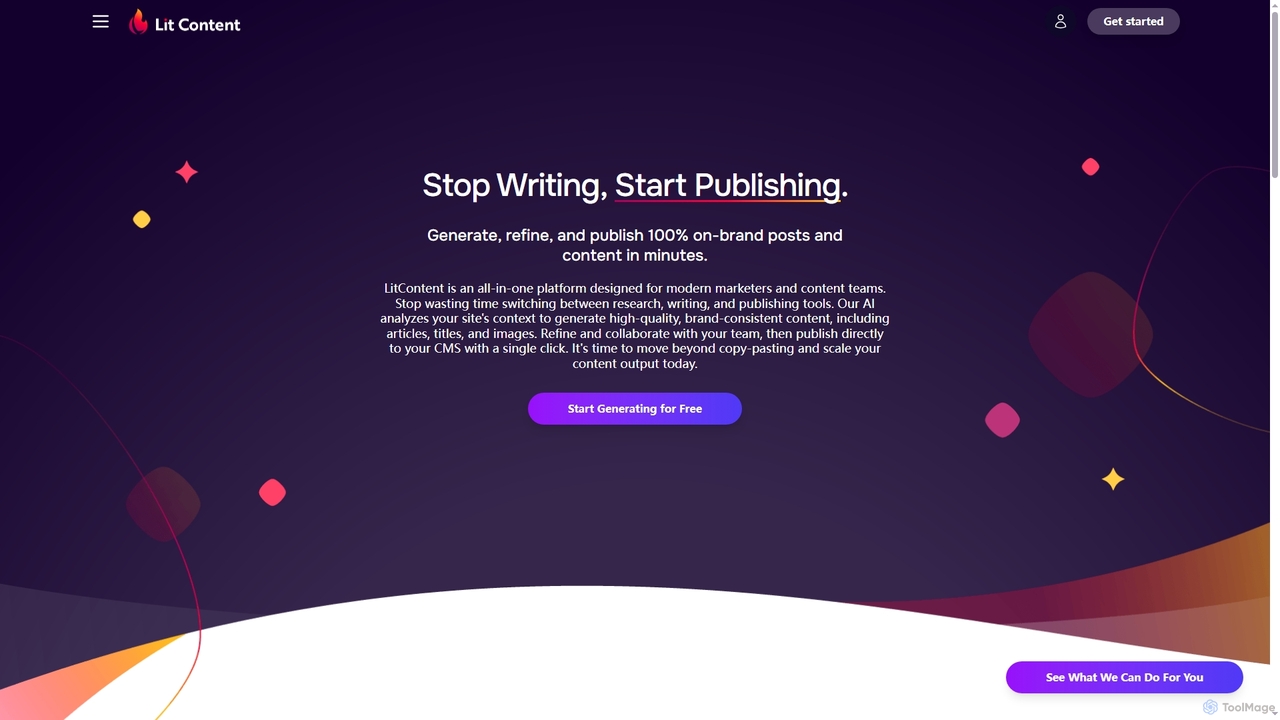
LitContent is an all-in-one AI platform for modern marketers and content teams, enabling them to generate, refine, and …

2.5K
Cacoon

Cacoon

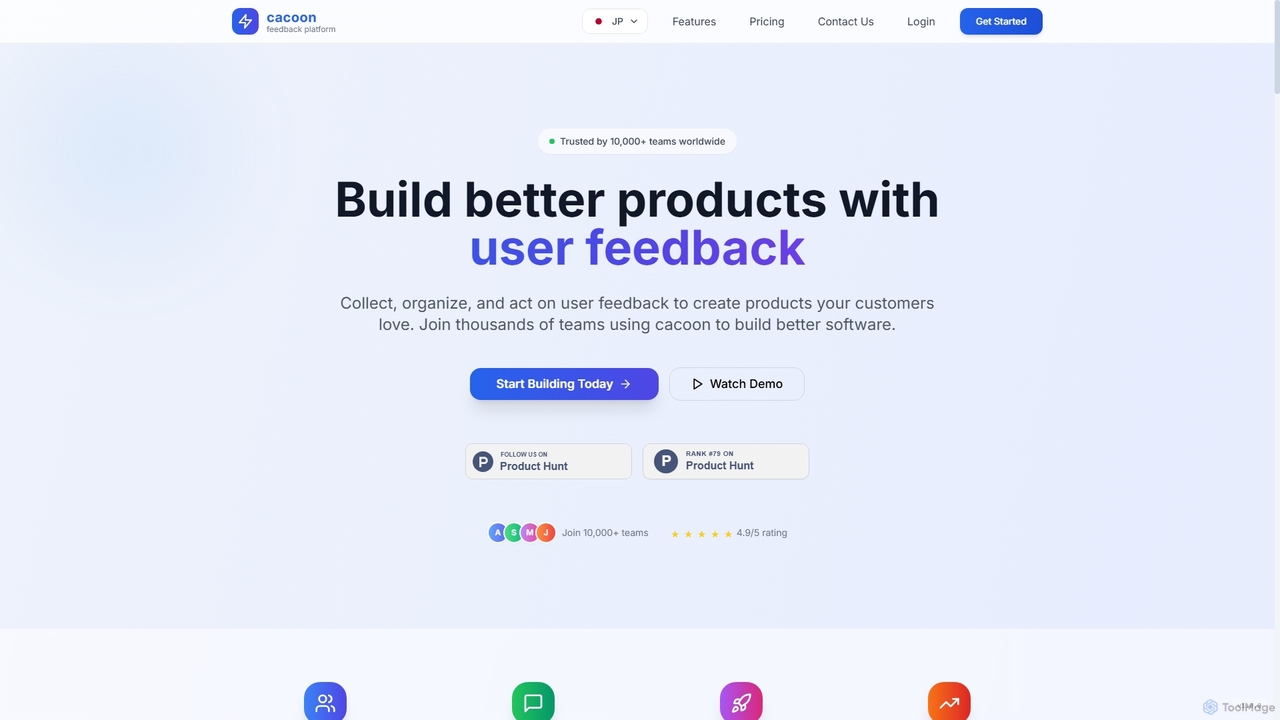
Cacoon is an AI-powered product management platform designed to help teams collect, organize, and act on user feedback …

2.6K

About Team Workflow

Team Workflow tools are AI-powered platforms designed to automate, manage, and optimize multi-step processes involving multiple team members. These tools connect disparate tasks, applications, and people into a unified, automated sequence, moving work forward without manual intervention. They are crucial for standardizing repetitive procedures, reducing human error, and providing clear visibility into the status of any given process. By defining triggers and actions, teams can build robust workflows for everything from content approvals to employee onboarding.

Core Features

  • Visual Workflow Builder: Design complex, multi-step processes using a drag-and-drop interface without writing code.
  • Automated Triggers and Actions: Set up rules that automatically initiate tasks based on specific events (e.g., a new form submission).
  • Cross-App Integration: Connect with hundreds of third-party apps like CRMs, cloud storage, and communication tools to create a seamless data flow.
  • Conditional Logic: Implement 'if/then' branching in workflows to handle different scenarios and decision points automatically.
  • Process Analytics: Monitor workflow performance, identify bottlenecks, and gain insights to continuously optimize team processes.

Use Cases

These tools are widely adopted in departments where repeatable processes are common. For instance, marketing teams use them for content approval cycles, HR departments for employee onboarding and offboarding, IT for support ticket routing, and finance for invoice processing. Any sequence of tasks that requires handoffs between people or systems is a prime candidate for a team workflow tool.

How to Choose

When selecting a Team Workflow tool, first evaluate its integration library to ensure it connects with your existing software stack. Consider the complexity of the workflow builder—whether it's truly no-code or requires some technical knowledge. Also, assess its scalability to handle more complex processes as your team grows, and review the analytics features to ensure you can effectively measure performance and ROI.

Team WorkflowUse Cases

1

Automating Marketing Content Approval

A content marketing manager needs to streamline the blog post approval process, which involves a writer, an editor, a graphic designer, and a legal reviewer. Using a team workflow tool, they build a visual workflow. When a writer submits a draft in a shared drive, it automatically triggers a task for the editor. Once the editor marks it as 'complete', a new task is assigned to the graphic designer to create visuals. After the visuals are added, the entire package is routed to the legal team for a final check. This automation eliminates email chains, reduces approval time by over 50%, and ensures no step is missed.

2

Streamlining New Employee Onboarding

An HR department aims to provide a consistent and efficient onboarding experience. They design a workflow that starts when a candidate accepts an offer. The workflow automatically sends a welcome email, creates tasks for IT to set up hardware and accounts, notifies the hiring manager to schedule a first-week plan, and enrolls the new hire in required training modules. The system tracks the completion of each step, providing HR with a dashboard view of every new hire's progress. This ensures a smooth transition for the employee and frees up HR personnel from manual tracking and follow-ups.

3

Managing IT Support Ticket Routing

An IT department struggles with manually assigning support tickets, leading to delays. They implement a workflow tool connected to their helpdesk system. When a new ticket is submitted, the workflow uses AI-powered text analysis to categorize the issue (e.g., 'hardware', 'software', 'network'). Based on the category and user's department, it automatically assigns the ticket to the correct specialist's queue and sets a priority level. The system also sends automated status updates to the user as the ticket moves through stages like 'In Progress' and 'Resolved'. This reduces response times and ensures tickets are handled by the most qualified person.

4

Automating Sales Lead Qualification and Nurturing

A sales team wants to ensure that new leads from their website are handled promptly and consistently. They create a workflow that triggers when a new lead fills out a contact form. The workflow first enriches the lead data using a third-party service. Based on company size and industry, it either assigns the lead to a senior sales representative for immediate follow-up or enrolls them in an automated email nurturing sequence. The workflow also logs all activities in the CRM, providing a complete history of interactions without any manual data entry from the sales team.

5

Coordinating Software Bug Triage and Resolution

A software development team uses a workflow tool to manage their bug reporting process. When a QA tester files a bug report in a tool like Jira, a workflow is triggered. It analyzes the report's content to add relevant labels (e.g., 'UI', 'backend', 'critical'). It then automatically assigns the bug to the lead developer of the corresponding feature team and posts a notification in the team's Slack channel. When the developer changes the bug's status to 'Ready for QA', the workflow reassigns it back to the original tester for verification. This system ensures bugs are routed correctly and communication is centralized.

6

Processing and Approving Financial Invoices

A finance department receives dozens of invoices daily via email, leading to manual data entry and slow approvals. They set up a workflow where all invoices sent to a specific email address are automatically parsed by an AI tool. The tool extracts key information like vendor name, invoice number, amount, and due date, then creates a new record in their accounting software. The workflow then routes the invoice to the relevant department head for approval based on the vendor. Once approved, a final notification is sent to the finance team to schedule the payment. This automates data entry and creates a clear, auditable approval trail.

Team WorkflowFrequently Asked Questions