ToolMage
Sign in

Best 360 Knowledge Management AI tools for Productivity

Popular Knowledge Management AI tools in Productivity include Notion, Feishu, Britannica, Glean, Wikiwand, Glasp, FlowUs, Zhida, YouMind, and CSDN SO, helping you work more efficiently.

Readit
Freemium

Readit

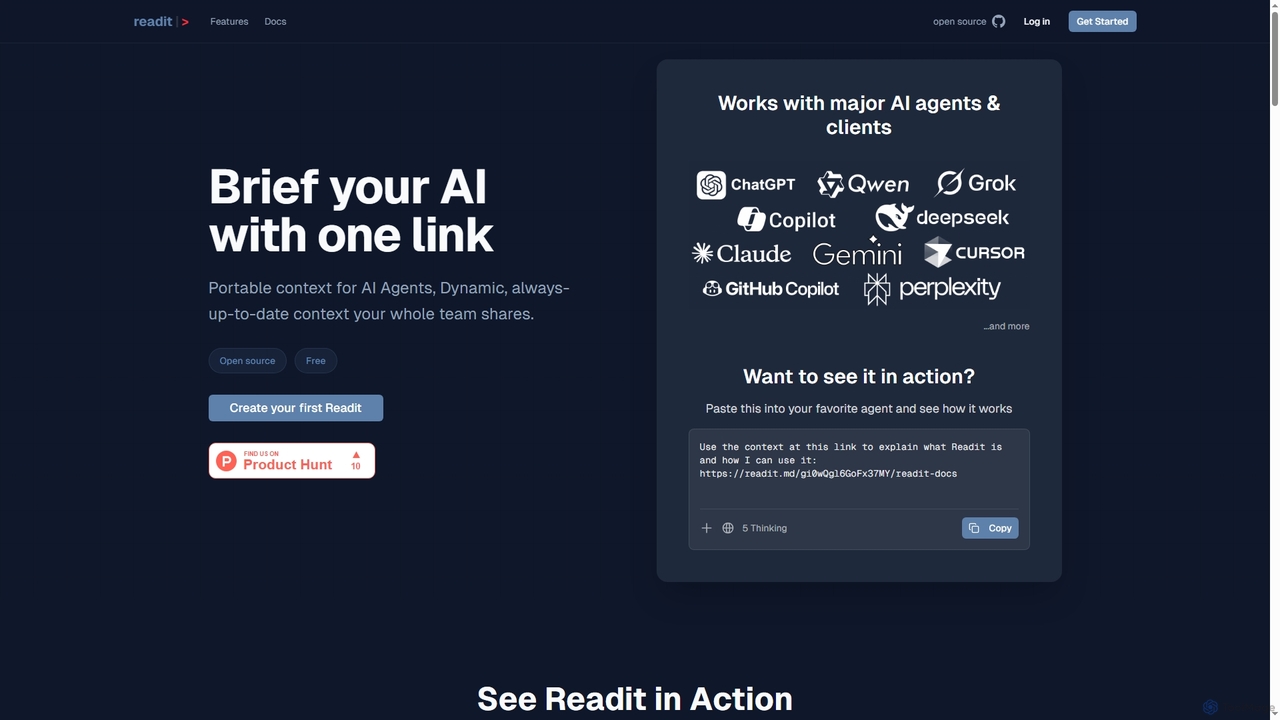
Readit is an open-core platform providing portable, dynamic, and always-up-to-date context for AI agents and teams. It centralizes instructions, files, and references into a single shareable link, eliminating the need for repetitive copy-pasting and ensuring consistent knowledge across different AI tools and collaborators.

Prompt Engineering
Visits 9.4KFavorites 109Likes 116
Omnibox

Omnibox

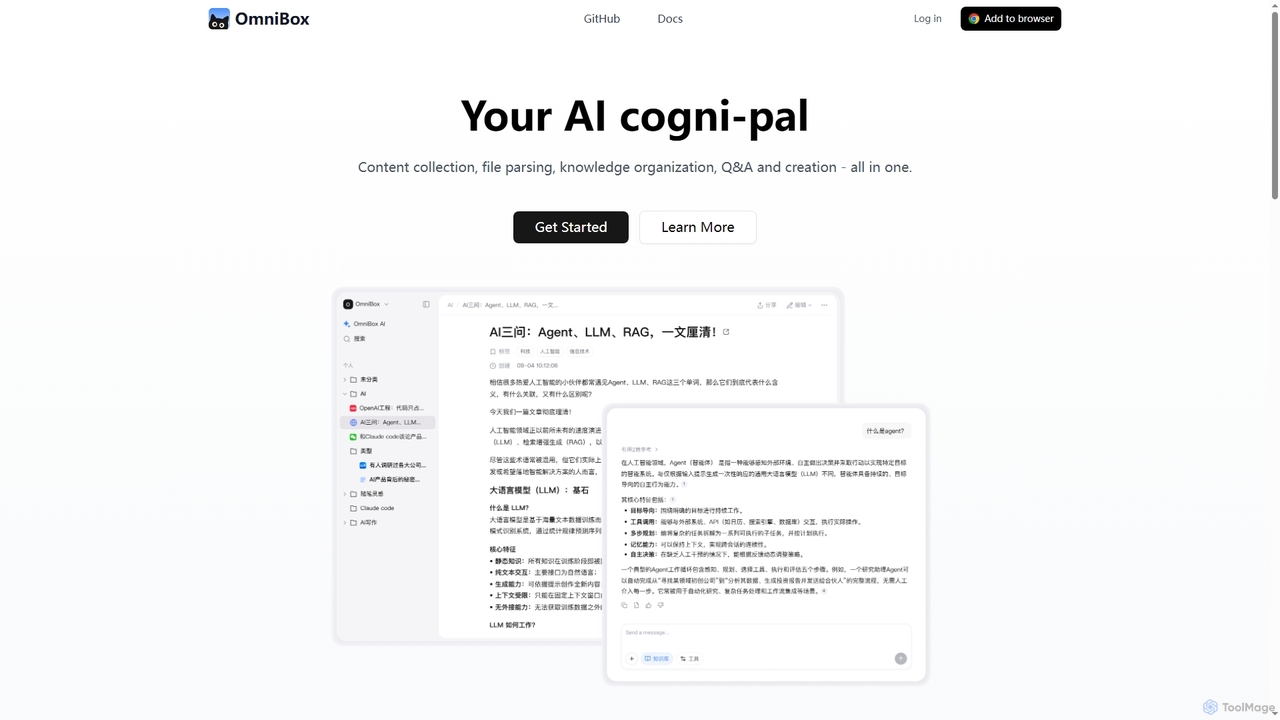
Omnibox is an AI-powered knowledge companion designed to streamline your information workflow. It helps you collect web content and local files, parse them into editable documents, and build a centralized, searchable knowledge base. Ask questions and get traceable answers from your own data.

Knowledge Management
Visits 36.1KFavorites 139Likes 162
MindBase

MindBase

MindBase is an AI-powered knowledge base designed for professionals and learners. It centralizes articles, YouTube videos, and documents into a single workspace. The tool automatically generates summaries and flashcards to enhance learning and allows you to chat directly with your knowledge repository to find answers and insights quickly.

Study Tools
Visits 6.3KFavorites 123Likes 115
Cogniage
Freemium

Cogniage

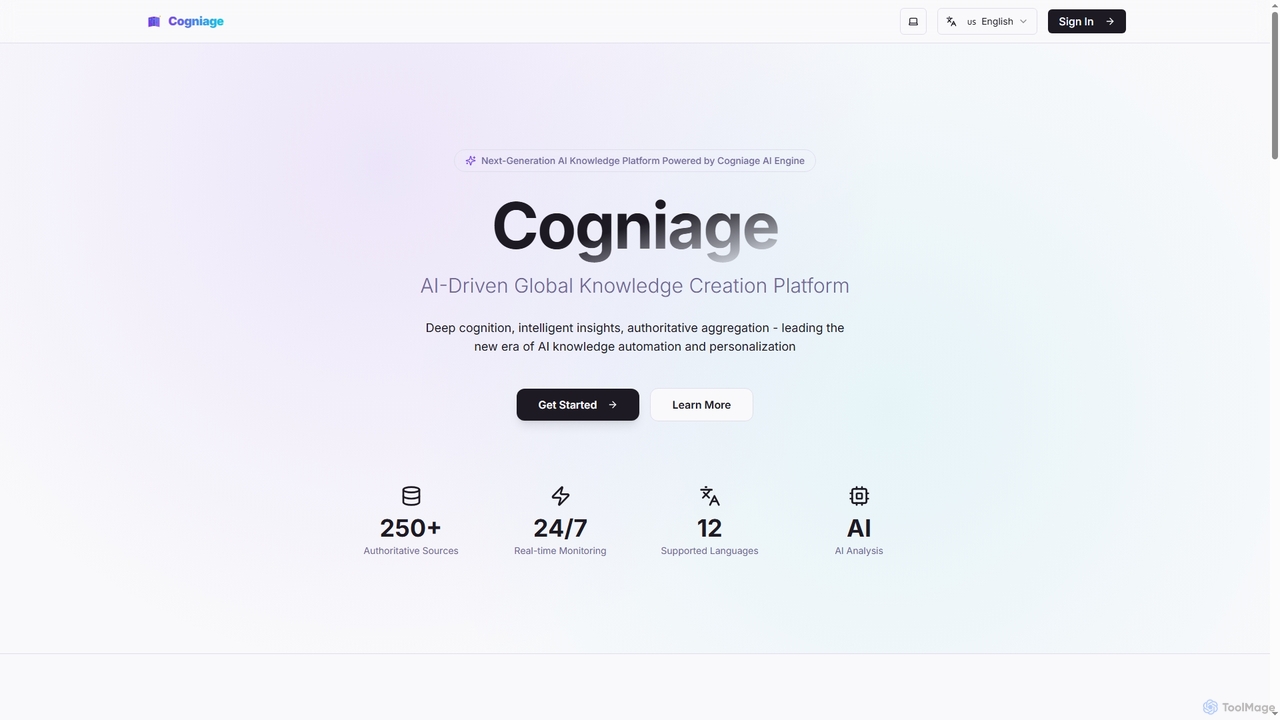
Cogniage is an AI-driven knowledge platform that aggregates, analyzes, and personalizes information from over 250 authoritative global AI sources. It uses its proprietary AI engine to provide deep insights, professional summaries, and trend analysis, helping users stay ahead in the rapidly evolving field of artificial intelligence.

Ai & Tech
Visits 7KFavorites 143Likes 148
KnowledgeBase
Paid

KnowledgeBase

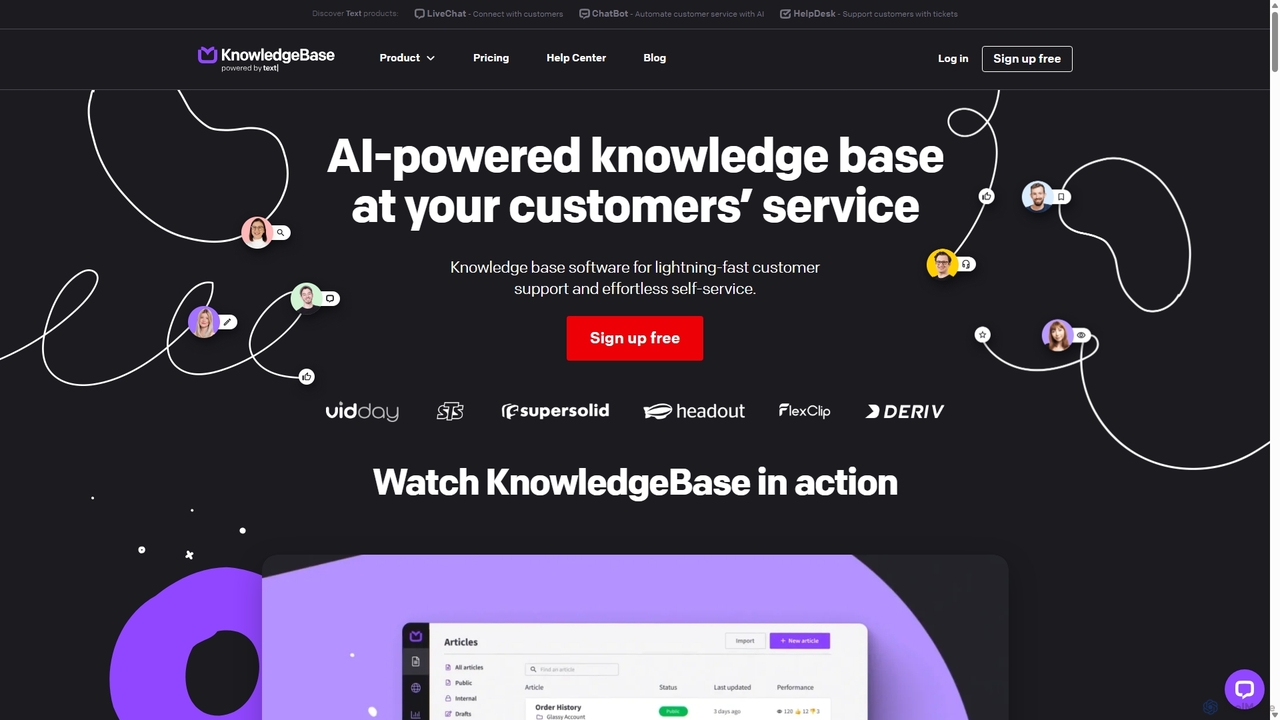
KnowledgeBase is an AI-powered software for creating and managing both external customer help centers and internal knowledge bases. It empowers businesses to offer 24/7 self-service support, reduce agent workload, and ensure consistent information delivery. Key features include AI article generation, intelligent search, and seamless integrations with support tools like LiveChat.

Help Center
Visits 30KFavorites 132Likes 123
Glean
Paid

Glean

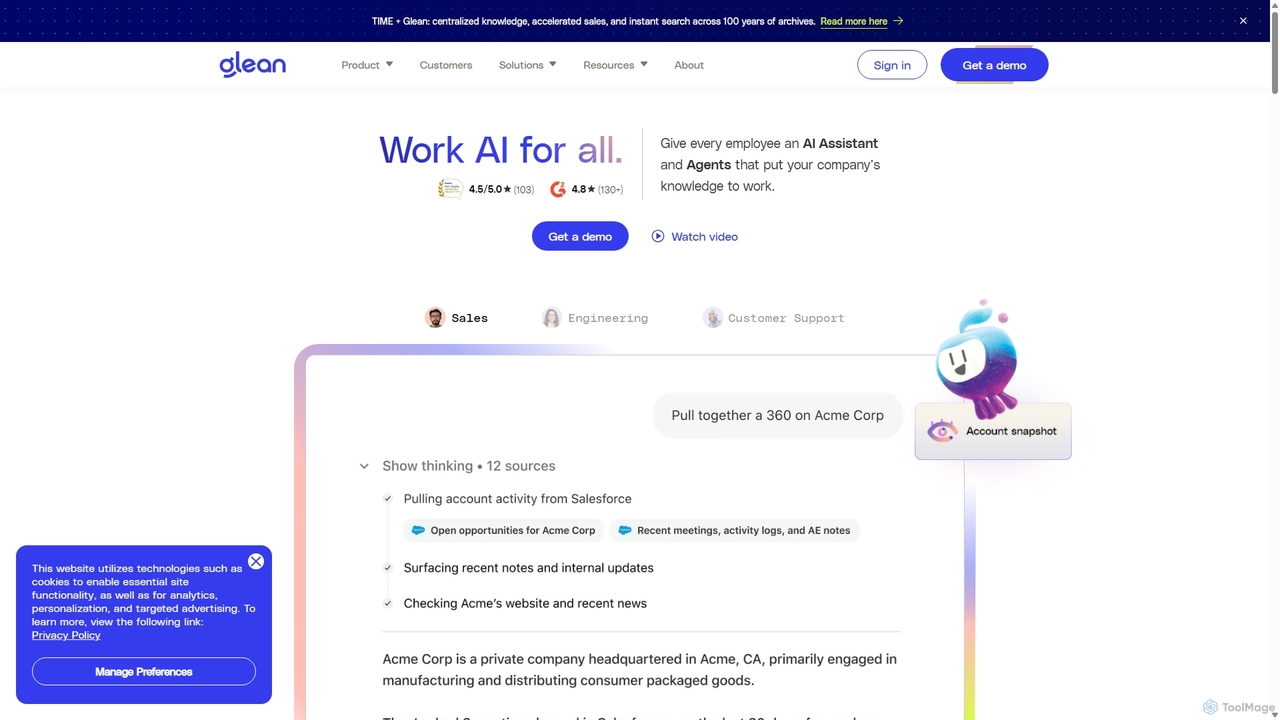
Glean is an enterprise-grade AI work platform designed to enhance productivity. It combines a powerful, permissions-aware search engine with a generative AI assistant and customizable AI agents. Glean connects to all your company's applications, allowing employees to find information, generate content, and automate workflows securely and efficiently, all grounded in your organization's unique knowledge base.

Enterprise Search
Visits 3.2MFavorites 119Likes 120
Ragobble
Paid

Ragobble

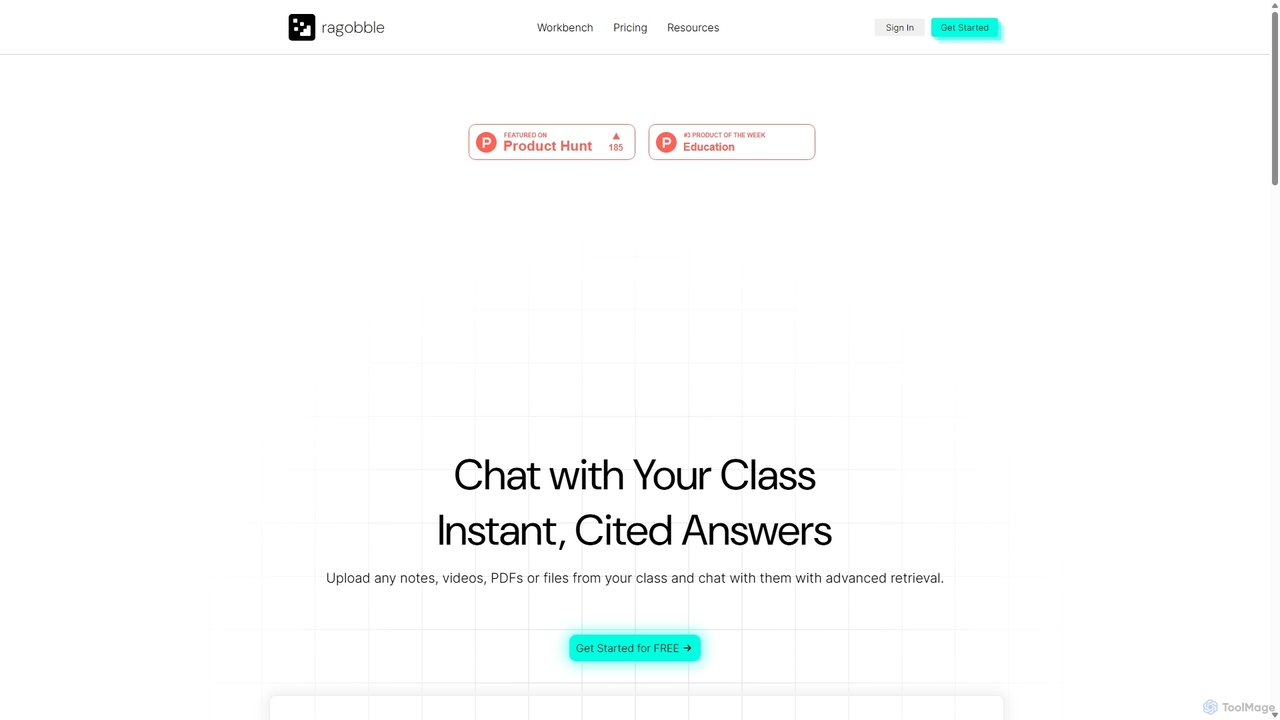
Ragobble is an AI-powered RAG platform designed for students and researchers. It allows users to create centralized knowledge bases from their course materials, including documents, videos, and links. By conversing with their own data, users can get quick, accurate answers, generate summaries, and streamline their study and research process, making learning more interactive and efficient.

Research
Visits 5.6KFavorites 97Likes 100
Perfect Memory AI
Freemium

Perfect Memory AI

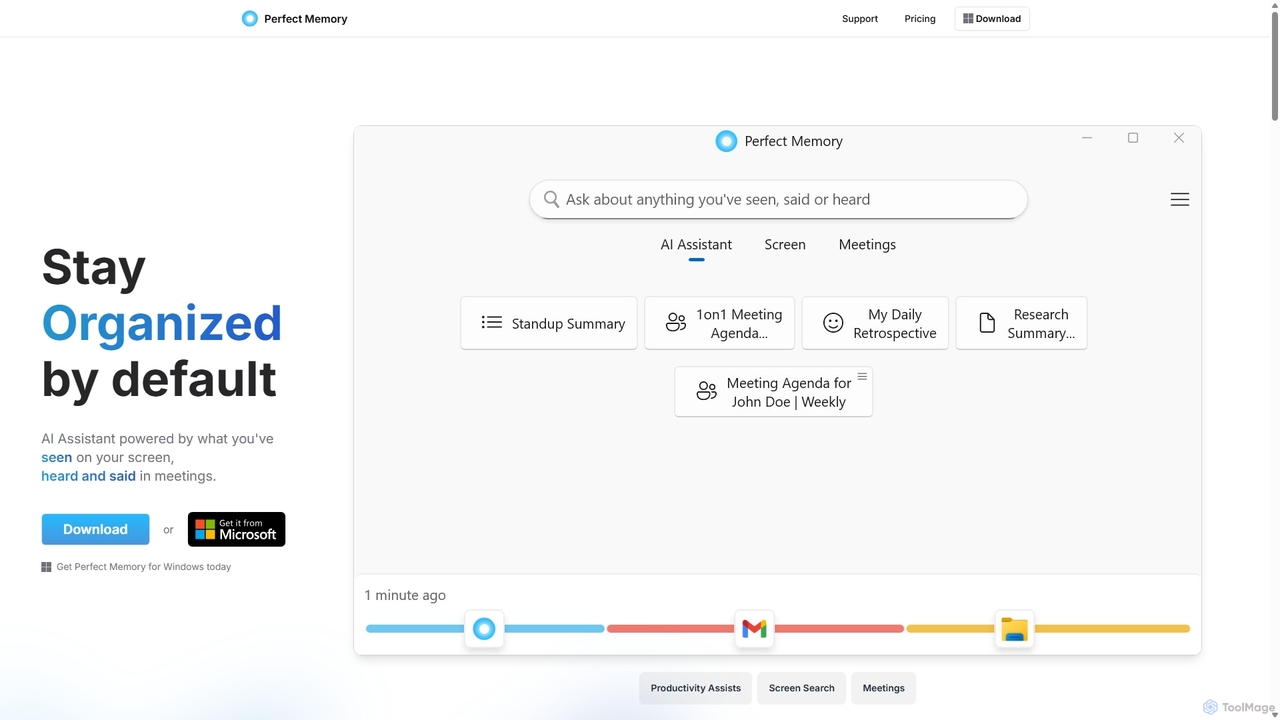
Perfect Memory AI is a privacy-focused productivity assistant that acts as your second brain. It records your screen activity and meetings, making everything you've seen or heard fully searchable. With a powerful AI assistant, it helps you recall information, summarize research, and prepare for meetings, all while keeping your data securely on your local device.

Local Processing
Visits 6.7KFavorites 168Likes 138
Omniverse
Freemium

Omniverse

Omniverse is an all-in-one AI-powered productivity platform designed to centralize your workflow. It integrates a powerful writing assistant, task management, knowledge base, and data analysis into a single, intuitive workspace. Streamline your projects, automate repetitive tasks, and unlock new levels of efficiency by leveraging a unified AI that understands the full context of your work.

All In One
Visits 6.3KFavorites 142Likes 144
Wikiwand
Freemium

Wikiwand

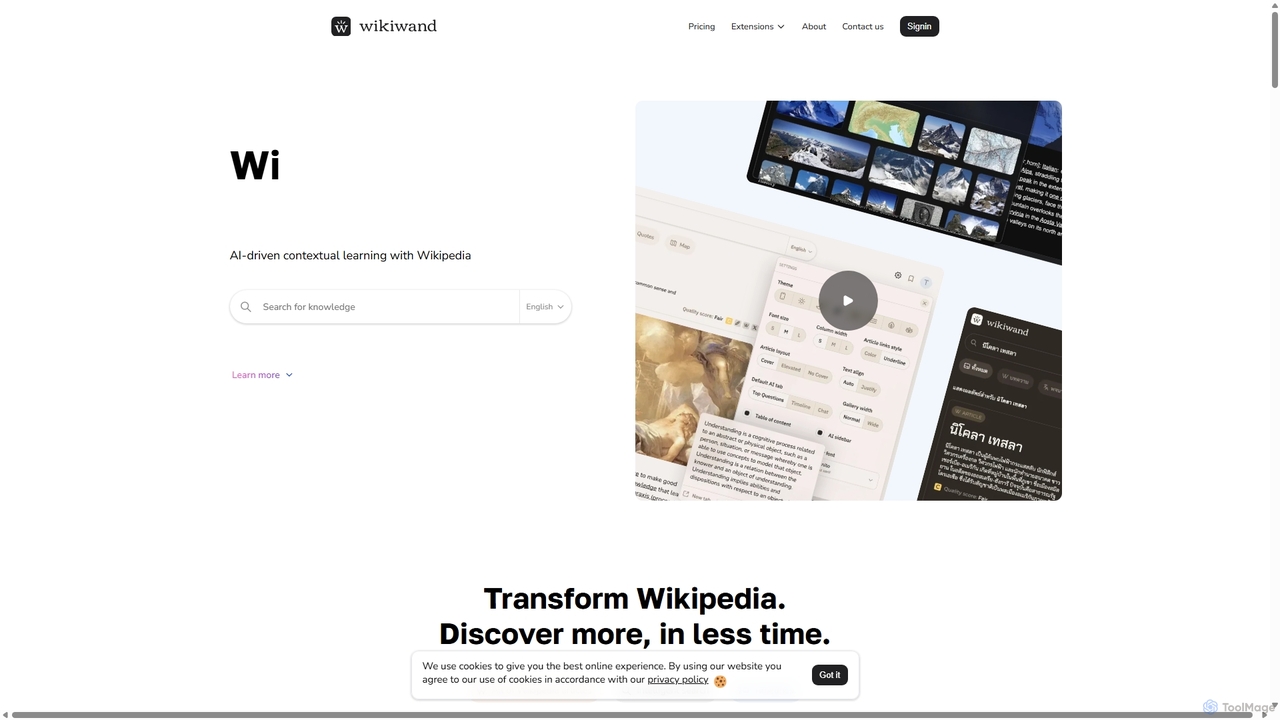
Wikiwand is an AI-powered platform that modernizes the Wikipedia reading experience. It offers a sleek, user-friendly interface and integrates AI tools like article summaries, interactive timelines, and a contextual chat assistant to help users discover and understand information faster. By combining Wikipedia's vast knowledge with advanced design and AI features, Wikiwand streamlines research and learning, making knowledge consumption more efficient and enjoyable.

Research
Visits 3.2MFavorites 128Likes 131
Philonet.ai

Philonet.ai

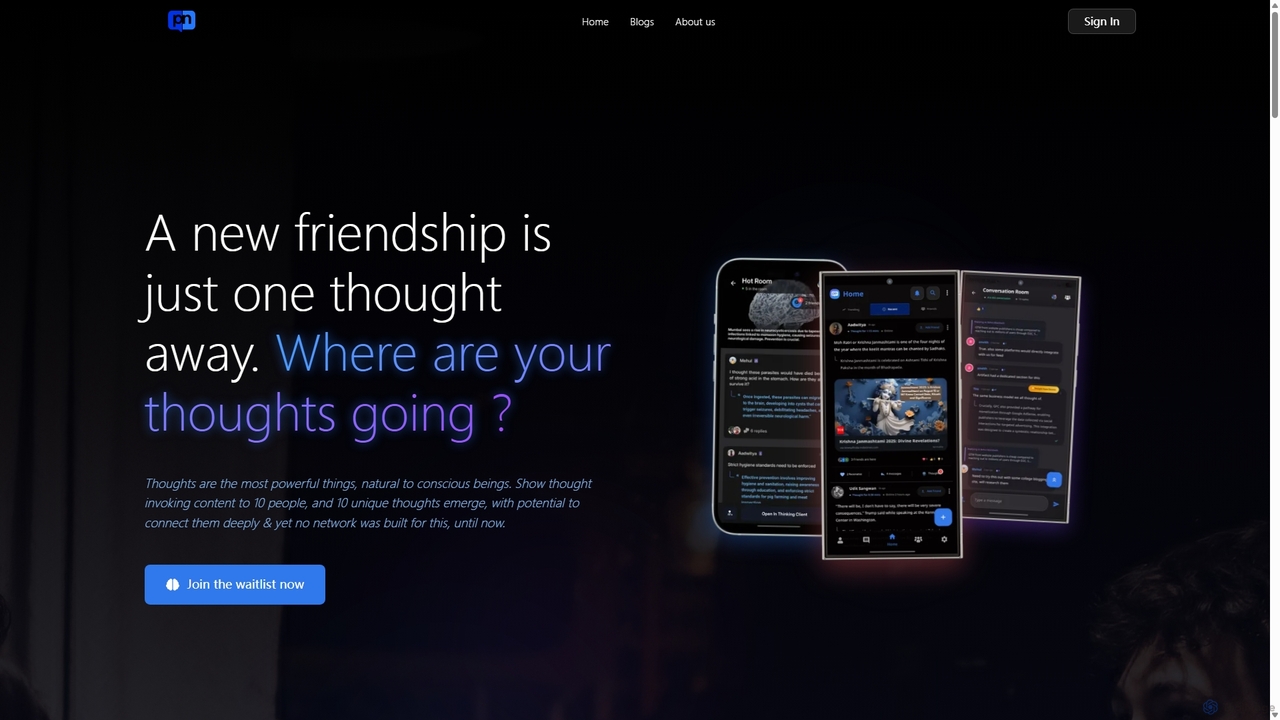
Philonet.ai (formerly philoquent.ai) is a conversational social network that connects users based on intellectual compatibility. It transforms passive content consumption into active, collaborative discussions by allowing users to share thoughts on any web content and join real-time conversations with like-minded individuals.

Research
Visits 5.6KFavorites 124Likes 126
FlashcardX
Freemium

FlashcardX

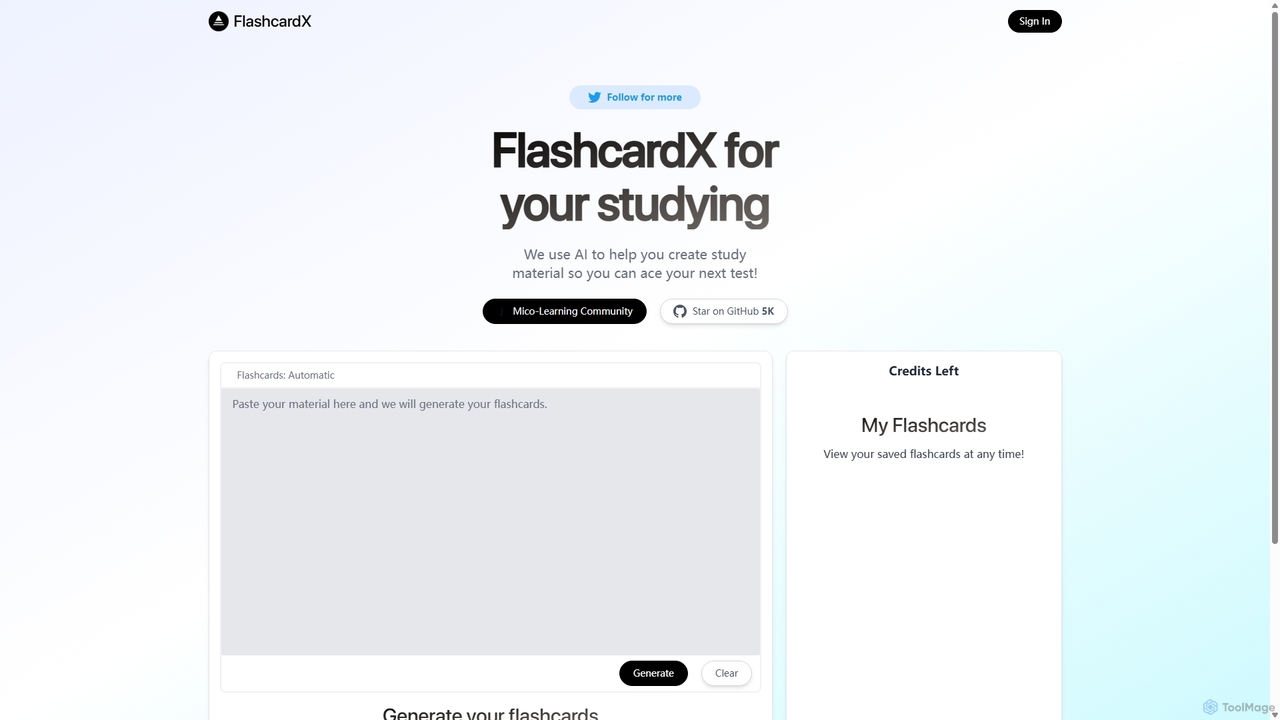
FlashcardX is an AI-powered study tool that automates the creation of flashcards. Simply paste text from articles, textbooks, or notes, and our AI will instantly generate key vocabulary and concept cards. It's designed to make studying more efficient, engaging, and effective for students, professionals, and lifelong learners.

Text Extraction
Visits 5.7KFavorites 127Likes 140
Fathom Lexicon
Paid

Fathom Lexicon

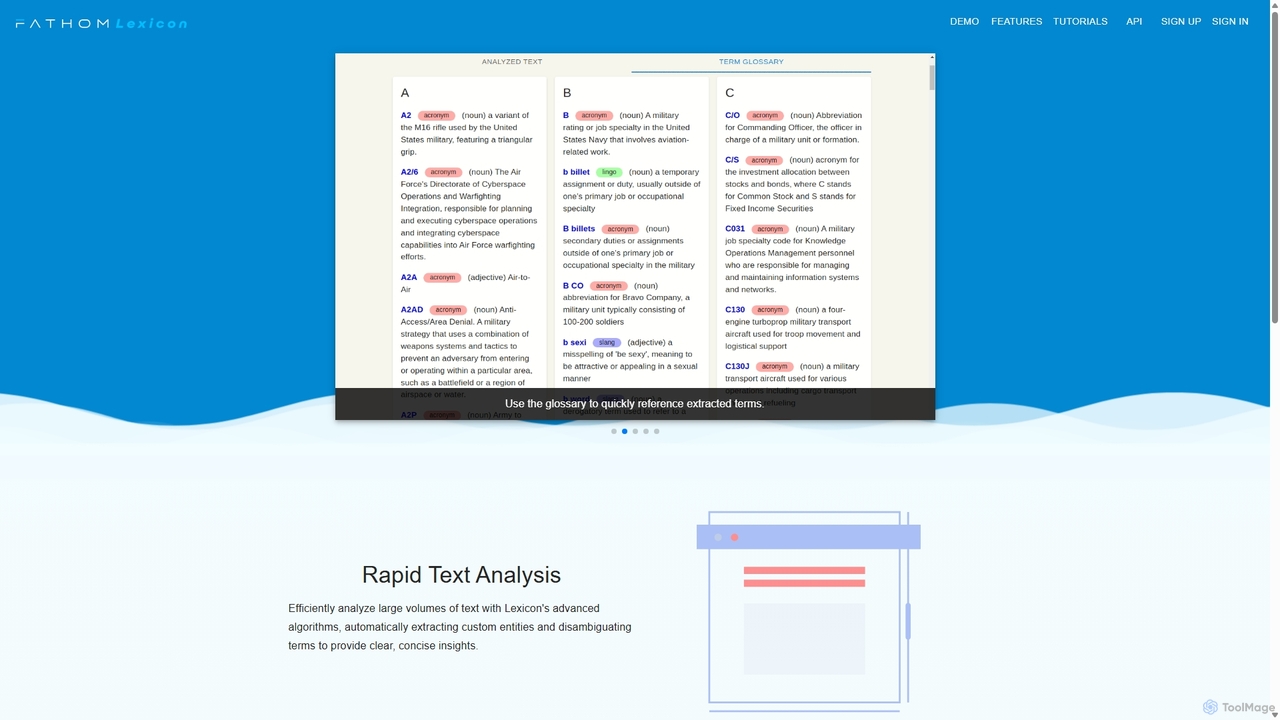
Fathom Lexicon is an AI-powered text analysis platform that automatically finds, defines, and organizes organization-specific nomenclature. It extracts jargon, acronyms, and lingo from large volumes of text to create a centralized, searchable glossary, improving communication and knowledge management.

Communication
Visits 5.7KFavorites 149Likes 123
Super
Paid

Super

Super is an AI platform that transforms your company's scattered data into a unified, searchable knowledge base. It connects with tools like Slack, Google Drive, and Notion to provide instant answers, automate workflows, and deploy ready-to-use AI assistants, boosting team productivity and efficiency.

Enterprise Search
Visits 28.6KFavorites 126Likes 99
Learniverse
Freemium

Learniverse

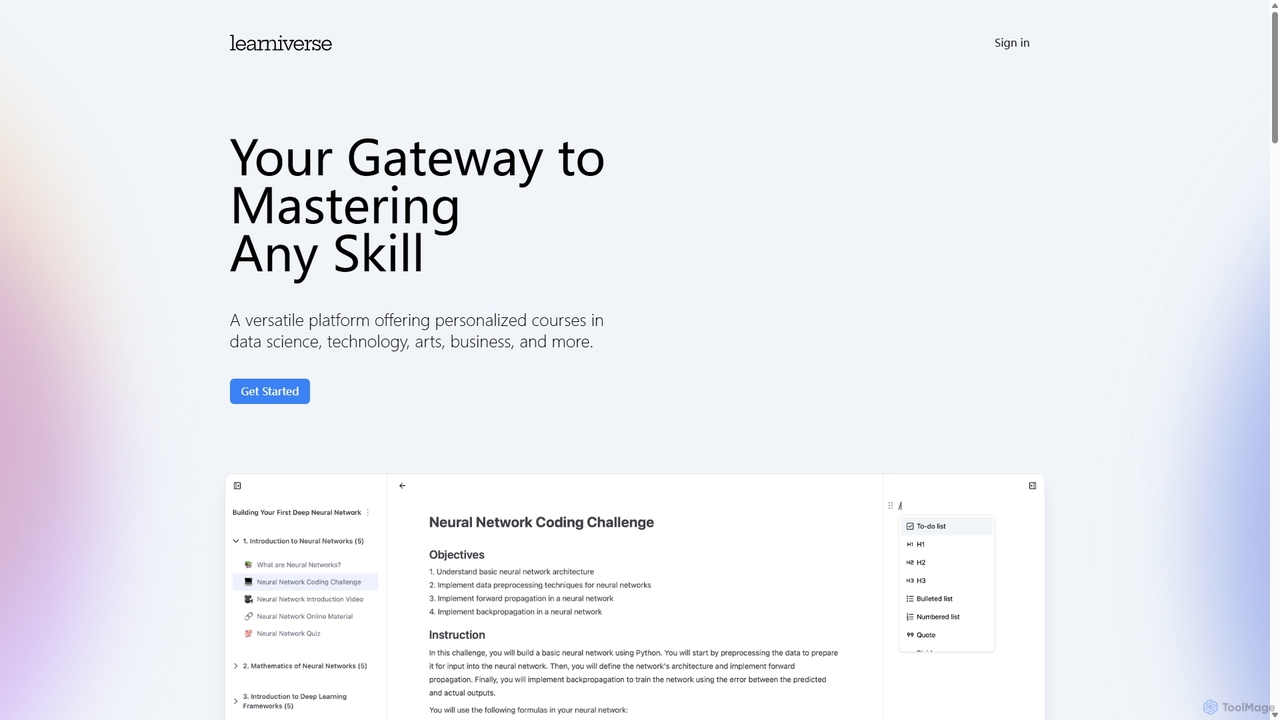
Learniverse is an AI-powered learning platform that creates personalized courses to help you master any skill. By defining your goals and current knowledge, you receive a custom-tailored curriculum leveraging top online resources, interactive lessons, coding challenges, and research papers. It's designed for students, professionals, and lifelong learners across various fields.

Coding Education
Visits 6.5KFavorites 109Likes 110
RAGDrive
Free

RAGDrive

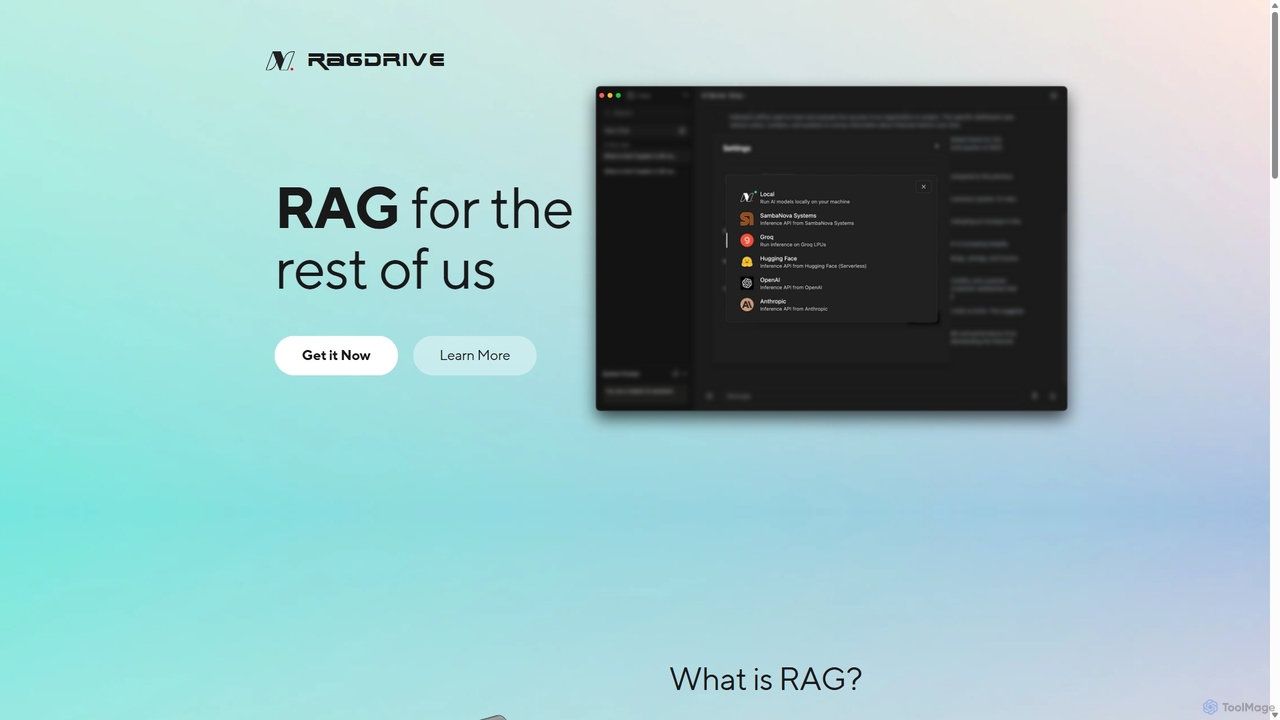
RAGDrive is a free, open-source, and no-code tool that allows you to chat with your documents privately and offline. Using RAG technology, it turns your files into an interactive knowledge base, accessible across Windows, Mac, iOS, and Android.

Open Source
Visits 5.8KFavorites 134Likes 121
Hebbia
Paid

Hebbia

Hebbia is an advanced AI platform for finance, law, and enterprise sectors. It excels at analyzing vast amounts of complex data, transforming documents, contracts, and reports into actionable insights. It automates complex workflows and accelerates decision-making with enterprise-grade security and full transparency.

Data Analysis
Visits 15.8KFavorites 143Likes 127
Pilot
Freemium

Pilot

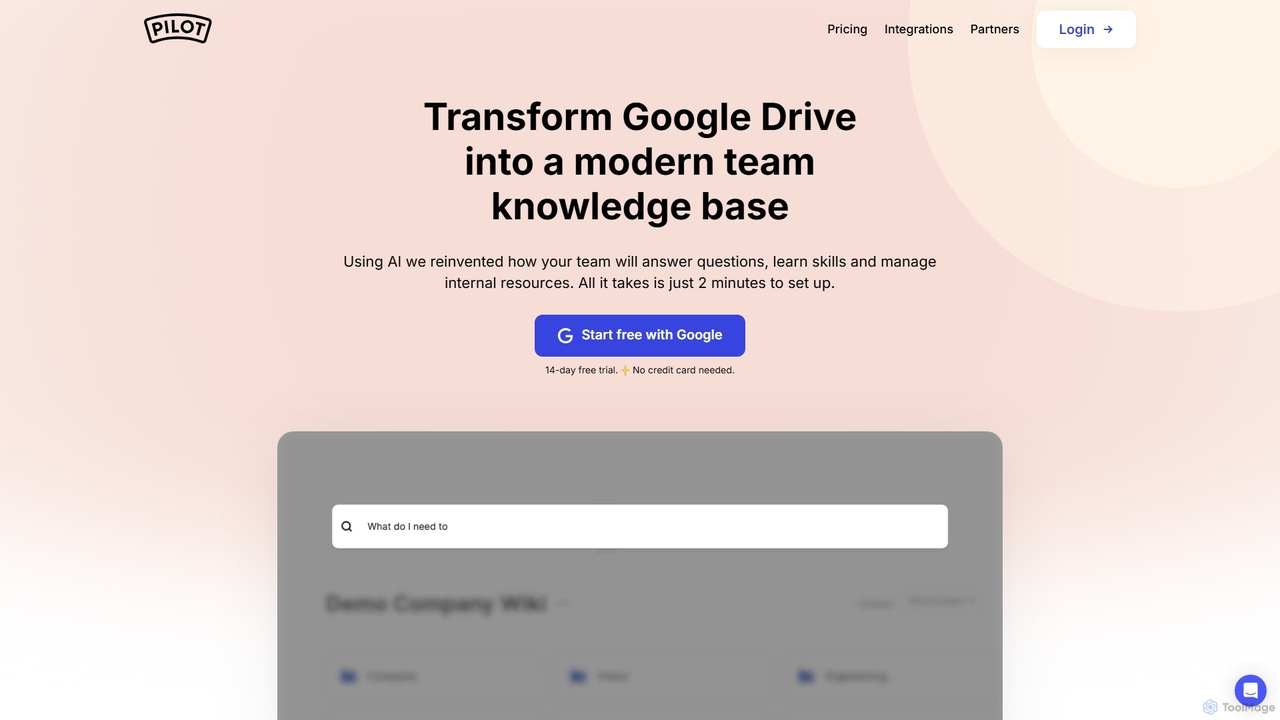
Pilot is an AI-powered knowledge base and wiki designed for teams using Google Workspace. It transforms your Google Docs, Sheets, and Slides into a centralized, searchable hub of information. With its conversational AI search, Pilot allows teams to instantly find answers from internal documents, streamline employee onboarding, and foster a culture of knowledge sharing.

Knowledge Base
Visits 7.5KFavorites 126Likes 129
Novice

Novice

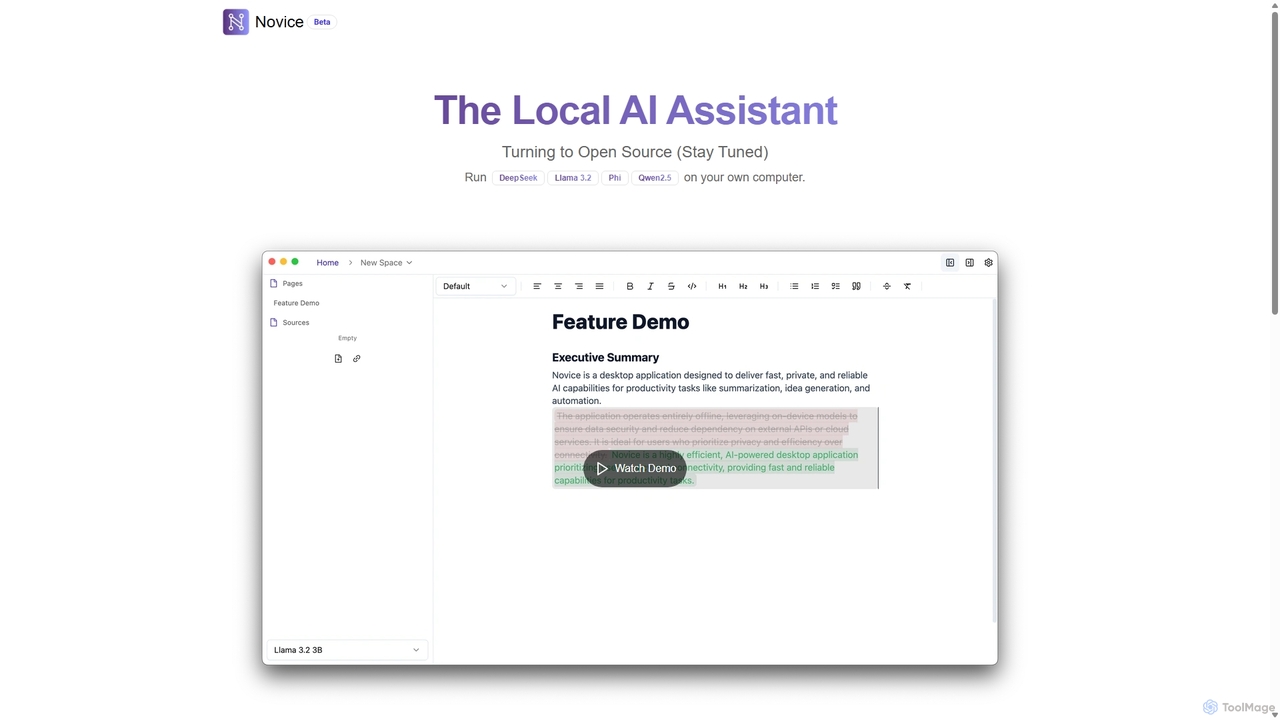
Novice is a local-first AI assistant that runs powerful language models like Llama 3.2 and Phi directly on your computer. It transforms your documents into a private, offline knowledge base, allowing you to analyze, summarize, and query information with complete data privacy. Every answer is backed by clear citations from your sources, ensuring accuracy and trust.

Local Ai
Visits 5.7KFavorites 128Likes 141
Savvy
Freemium

Savvy

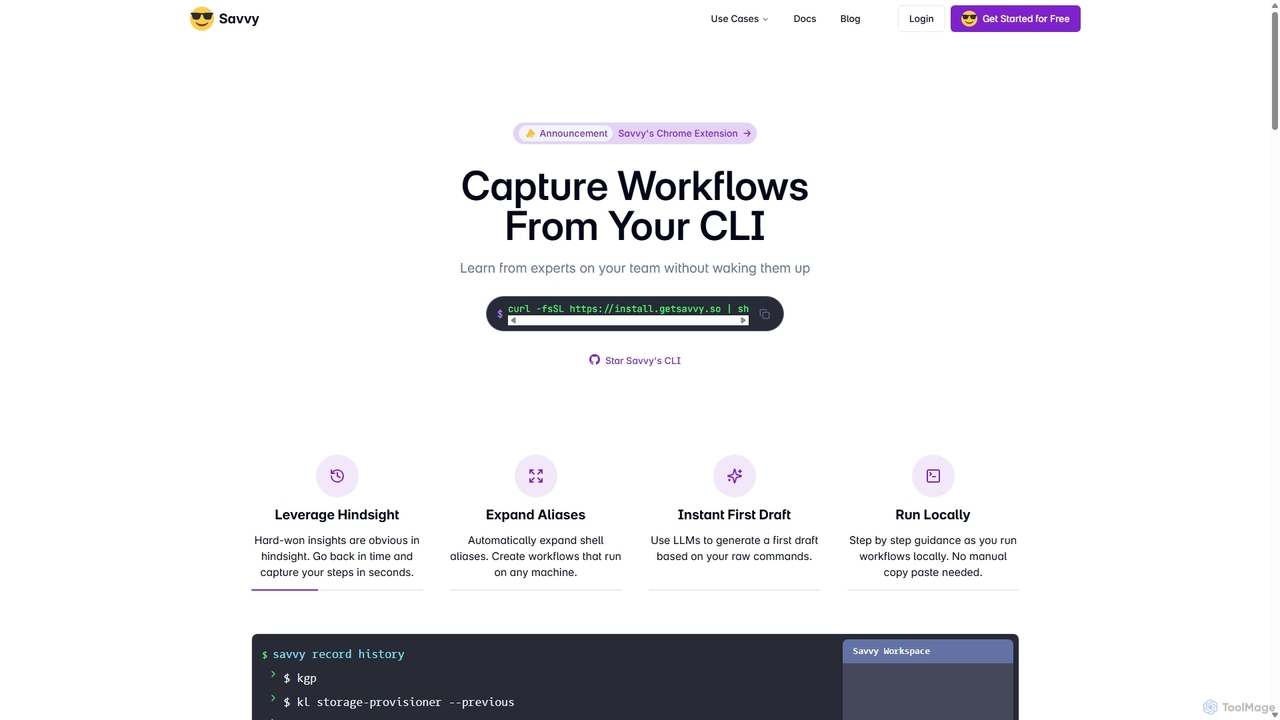
Savvy is an AI-powered tool for developers that captures Command Line Interface (CLI) actions to create shareable, step-by-step workflows. It helps teams document tribal knowledge, accelerate new hire onboarding, and resolve incidents faster by turning complex command sequences into easy-to-follow guides. With features like sensitive data redaction and AI-generated documentation, Savvy enhances productivity and collaboration for technical teams.

Command Line
Visits 8.8KFavorites 129Likes 143
MyScale Chat
Freemium

MyScale Chat

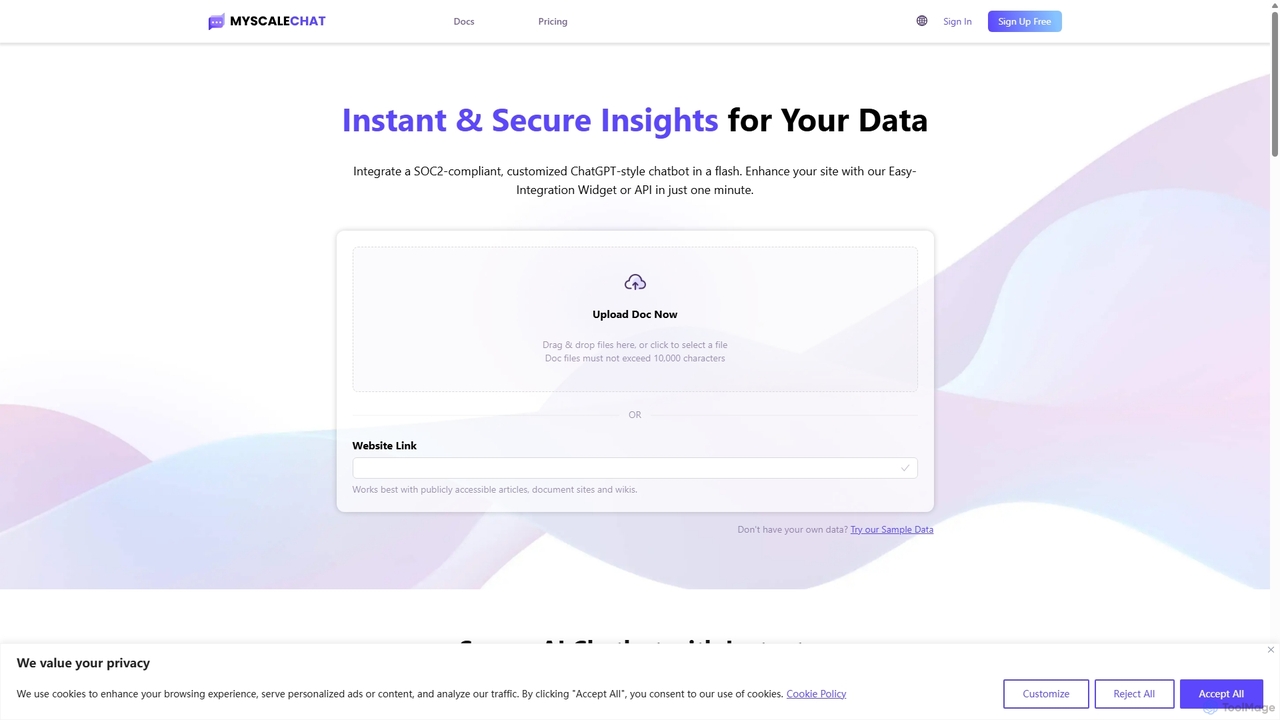
MyScale Chat is an AI-powered platform that enables users to build custom chatbots by chatting with their own data. Leveraging the high-performance MyScale vector database, it provides instant, secure, and accurate insights from documents, websites, or knowledge bases. It's designed for developers and businesses to create sophisticated RAG (Retrieval-Augmented Generation) applications, transforming private data into interactive, intelligent conversational agents.

Document Analysis
Visits 5.7KFavorites 157Likes 159
Bookmark
Freemium

Bookmark

Bookmark is an AI-powered knowledge management platform that helps you save, organize, and rediscover digital content. It uses AI to automatically summarize articles, tag content, and enable powerful semantic search, transforming your collection of links into a personal knowledge base or a collaborative team hub.

Study Tools
Visits 5.7KFavorites 142Likes 159
Qatalog
Freemium

Qatalog

Qatalog is an intelligent work hub that unifies your teams, tools, and knowledge. It uses AI to create a central source of truth, enabling seamless search across all applications, clear visibility into projects and goals, and contextual understanding of who is working on what. By connecting disparate systems like Slack, Jira, and Google Drive, Qatalog reduces context switching and boosts productivity.

Enterprise Search
Visits 5.8KFavorites 121Likes 119
Notion
Freemium

Notion

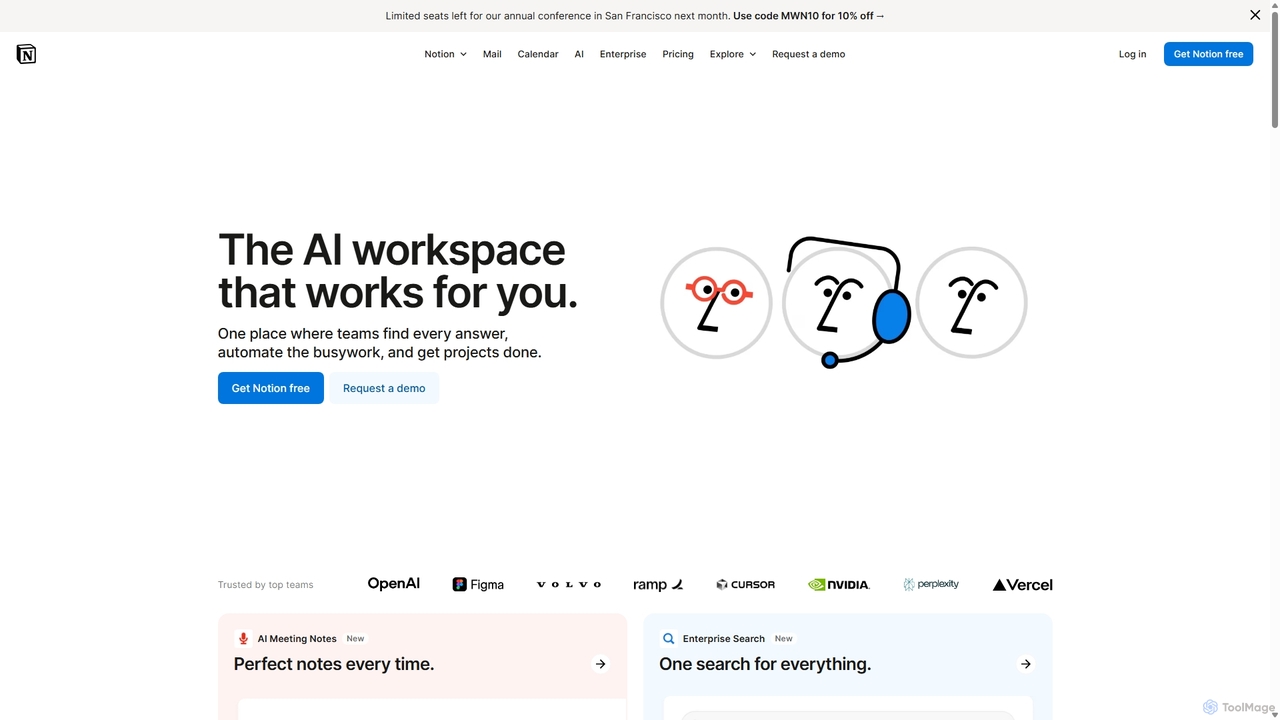
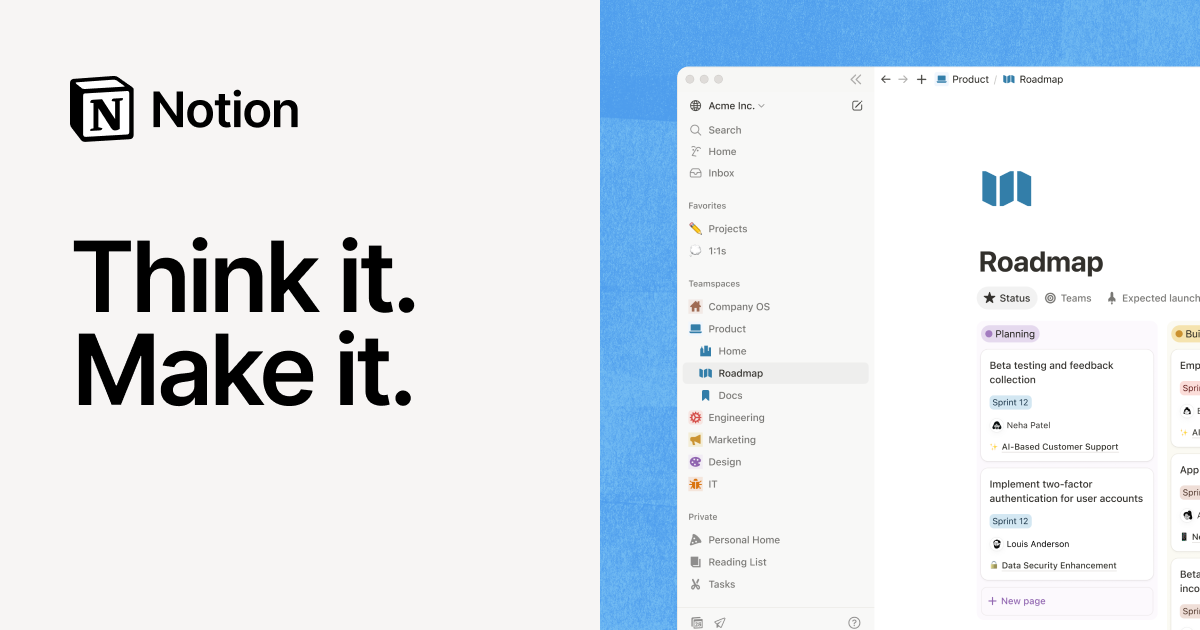
Notion is an all-in-one AI workspace that combines notes, docs, project management, and wikis into a single, highly customizable platform. It empowers teams and individuals to organize information, manage projects, and collaborate more effectively, all within a flexible, block-based editor enhanced with powerful AI capabilities.

Knowledge Management
Visits 152.1MFavorites 157Likes 146

About Knowledge Management

AI Knowledge Management tools are a specialized category of productivity software that uses artificial intelligence to capture, organize, and retrieve information. These tools leverage technologies like Natural Language Processing (NLP) and semantic search to understand the context and meaning within documents, notes, and conversations. They transform scattered company data into a centralized, intelligent, and queryable 'second brain'. This allows teams to find accurate answers quickly, uncover hidden insights, and make better-informed decisions without manually sifting through countless files.

Core Features

  • Semantic Search: Find information based on conceptual meaning and intent, not just exact keywords.
  • Automated Content Organization: AI automatically tags, categorizes, and links related pieces of information from various sources.
  • Information Synthesis: Generate summaries, key takeaways, or answers from multiple documents in response to a query.
  • Conversational Q&A: Ask questions in natural language and receive direct answers sourced from the knowledge base.
  • Knowledge Graph Visualization: Map out and display the relationships between different concepts, people, and projects.

Use Cases

These tools are particularly valuable for medium to large enterprises, research teams, customer support departments, and product development groups. For instance, a support team can instantly find solutions to complex customer issues, while an R&D team can accelerate innovation by synthesizing findings from numerous research papers and internal reports.

How to Choose

When selecting an AI Knowledge Management tool, consider its integration capabilities with your existing platforms (like Slack, Google Drive, Notion). Evaluate the security protocols and access control features to protect sensitive data. Assess the quality and speed of its search and synthesis engine, and consider the user interface's ease of use for non-technical team members.

Featured tool rankings

Knowledge Management use cases

1

Building a Corporate 'Second Brain'

An operations manager at a fast-growing tech company centralizes all internal documentation, including project plans from Notion, meeting notes from Google Docs, and key discussions from Slack channels. The AI knowledge management tool ingests and indexes all this unstructured data. Now, any employee can ask questions like, 'What were the key decisions from the Q3 product sync?' and receive a synthesized answer with links to the source documents. This reduces repetitive questions by 70% and ensures a single source of truth across the organization.

2

Accelerating New Employee Onboarding

A human resources department uses an AI knowledge base to streamline the onboarding process. They upload all training materials, company policies, and departmental guides. New hires are encouraged to ask the system questions like 'How do I request PTO?' or 'What is our process for code reviews?'. The system provides instant, accurate answers, freeing up HR staff and team mentors from answering basic queries. This approach helps new employees become productive 30% faster and feel more self-sufficient from day one.

3

Streamlining Customer Support Resolutions

A customer support team for a SaaS product connects their knowledge management tool to their help desk articles, technical documentation, and past support tickets. When a complex customer query arrives, an agent types the issue into the knowledge base. The AI instantly surfaces relevant troubleshooting steps, links to specific API documentation, and even finds similar resolved tickets from the past. This allows agents to resolve complex issues in under 5 minutes, a task that previously took over 20 minutes of manual searching, improving customer satisfaction scores by 15%.

4

Enhancing Market Research and Analysis

A market research analyst uploads dozens of industry reports, competitor analyses, and customer survey results into their AI knowledge hub. Instead of reading hundreds of pages, they can ask high-level questions like, 'What are the top three trends in the renewable energy sector according to these reports?' The tool synthesizes information from all documents to provide a concise, evidence-backed summary. This allows the analyst to produce comprehensive competitive landscape reports in a single day, a process that used to take a full week.

5

Personal Knowledge Management for Researchers

A PhD student uses an AI knowledge tool to manage hundreds of academic papers, lecture notes, and research data. The tool automatically identifies key themes and connections between different papers. The student can ask, 'Which authors discuss the theory of cognitive dissonance in relation to social media?' and instantly get a list of relevant sources and summaries. The knowledge graph feature helps visualize the evolution of research in their field, sparking new ideas for their thesis and saving countless hours of manual organization.

6

Preserving Institutional Knowledge

A large engineering firm faces the challenge of experienced engineers retiring and taking valuable knowledge with them. They implement an AI knowledge management system where senior engineers document their project experiences, design rationales, and lessons learned. The system structures this information, making it easily searchable for junior engineers. When a new project faces a familiar challenge, a young engineer can query the system for 'best practices for seismic retrofitting in concrete structures' and access decades of institutional wisdom, preventing costly mistakes and preserving the firm's competitive edge.

Knowledge Management FAQ

What are AI Knowledge Management tools?

AI Knowledge Management tools are advanced software systems that use artificial intelligence to help organizations and individuals capture, organize, and access information more effectively. Unlike traditional storage systems like folders or basic wikis, they use technologies like semantic search and NLP to understand the content's meaning. This allows users to ask questions in natural language and get synthesized answers from across all connected data sources, turning scattered information into an accessible and intelligent knowledge base.

How do AI Knowledge Management tools differ from note-taking apps like Notion or Evernote?

While note-taking apps are excellent for capturing and structuring personal or team information, AI Knowledge Management tools go a step further. The key difference lies in intelligence and retrieval.

  • Intelligence: AI tools actively analyze and connect information automatically, creating knowledge graphs and surfacing insights you might miss. Note-taking apps rely on manual organization (folders, tags).
  • Retrieval: AI tools use semantic search to find answers based on meaning, not just keywords. You can ask complex questions, and they synthesize answers from multiple sources. Note-taking apps offer basic keyword search within pages.
In essence, note-taking apps are for storage and organization, while AI knowledge tools are for discovery and synthesis.

How to choose the right AI Knowledge Management tool?

Selecting the right tool depends on your specific needs. Consider these key factors:

  • Integrations: Does it connect seamlessly with the tools your team already uses, such as Google Drive, Slack, Notion, or Jira?
  • Security and Permissions: Does it offer robust access controls to ensure that sensitive information is only visible to authorized personnel?
  • Search Quality: Test the tool with your own documents. How relevant and accurate are the search results and synthesized answers?
  • User Experience: Is the interface intuitive for all team members, not just technical users? A tool is only effective if people use it.
  • Scalability: Can the tool handle your current volume of data and scale as your organization grows?

Who can benefit from using AI Knowledge Management tools?

A wide range of users can benefit. For businesses, it's invaluable for customer support teams, R&D departments, HR for onboarding, and any team that relies on a large body of shared information. It helps preserve institutional knowledge when employees leave. For individuals, researchers, writers, and students can use these tools to manage vast amounts of information, connect ideas, and accelerate their research and writing processes. Essentially, anyone looking to turn information overload into actionable insights can find value in these tools.

Is my data secure with AI Knowledge Management tools?

Security is a critical consideration for reputable AI Knowledge Management providers. Most leading tools offer robust security features, including:

  • End-to-end encryption: Data is encrypted both in transit and at rest.
  • Access controls: Administrators can define granular permissions, ensuring users only see the information they are authorized to access.
  • Compliance certifications: Many providers comply with industry standards like SOC 2 and GDPR, demonstrating their commitment to data security and privacy.
However, it is always essential to review the specific security policies and compliance certifications of any tool you are considering to ensure they meet your organization's requirements.