


SPAICE Overview
SPAICE is a next-generation AI-powered platform that revolutionizes how individuals and teams think, collaborate, and create. It provides a unique, node-based visual workspace, similar to a mind map or a neural network, where users can structure their thoughts, data, and conversations in a non-linear, interconnected way. At its core, SPAICE integrates a powerful suite of AI models, including OpenAI's latest GPT-4o, enabling users to generate ideas, conduct research, and receive contextually aware assistance directly within their visual canvas.
The platform is designed around the concept of "Spaces," which are collaborative environments where users can create and connect "Nodes." Each node can contain text, an idea, a question, or a task, and the AI can interact with these nodes, using the entire visual tree as context for its responses. This deep contextual understanding allows for more nuanced, accurate, and relevant AI-generated content compared to traditional linear chatbots. With features for real-time collaboration, live data integration from sources like X/Twitter and news feeds, and advanced AI parameter controls, SPAICE is the ultimate tool for anyone looking to augment their cognitive workflow.
How to use SPAICE
Using SPAICE is an intuitive process designed to enhance creative and analytical workflows. Here’s a typical user journey:
- Create a Space: Start by creating a new "Space," which acts as your project canvas or whiteboard.
- Add Nodes: Click anywhere on the canvas to add a "Node." A node can be a starting topic, a question, a piece of data, or a simple keyword.
- Connect Your Thoughts: Drag and drop to create connections between nodes, visually organizing the relationships between different ideas. This builds your knowledge tree.
- Engage the AI: Select a node or a group of connected nodes and prompt the AI. You can choose from various models (like GPT-4o, etc.) and customize its behavior using advanced settings like temperature and reasoning level.
- Expand and Iterate: The AI will generate new nodes based on your prompt and the context of the connected tree. You can then edit, connect, or use these new nodes to further prompt the AI, creating a cycle of human-computer co-creation.
- Collaborate in Real-Time: Share your Space with team members. You can see their cursors, track their contributions with user color-coding, and build the knowledge graph together.
Core Features of SPAICE
- Visual Node-Based Canvas: Freely organize ideas, tasks, and data in a flexible mind-map-style interface.
- Multi-Model AI Access: Seamlessly switch between a variety of top-tier AI models, including GPT-4.1, GPT-4o, and others, to find the best one for your task.
- Deep Contextual Understanding: The AI can use the entire visual tree or specific branches as context, leading to highly relevant and coherent responses.
- Real-Time Collaboration: Work with your team in a shared visual space, with features like online presence indicators and user color-coding.
- Live Data Integration: Enhance your research by allowing the AI to search the web, X/Twitter, news, and RSS feeds for up-to-date information.
- Advanced AI Customization: Fine-tune AI behavior with detailed controls for reasoning level, token limits, temperature, and custom instructions.
- API Access: Integrate SPAICE's powerful visual and AI capabilities into your own applications and workflows.
Use Cases for SPAICE
SPAICE is a versatile tool suitable for a wide range of applications:
- Researchers & Academics: Aggregate findings, map out literature reviews, and use AI to identify connections and summarize complex topics.
- Strategists & Consultants: Brainstorm business strategies, conduct market analysis with live data, and present complex plans in a clear, visual format.
- Content Creators & Writers: Outline articles, books, or scripts, and use AI to overcome writer's block, generate plot points, or draft sections.
- Software Developers & Project Managers: Map out system architecture, plan project timelines, and collaboratively troubleshoot problems in a shared visual environment.
- Students & Educators: Create interactive study guides, break down complex subjects, and foster collaborative learning in a visual way.
Advantages of SPAICE
SPAICE offers significant advantages over traditional productivity and AI tools. Its visual-first approach allows for a more natural representation of complex thought processes. The ability to leverage multiple AI models provides unparalleled flexibility, while the deep contextual awareness ensures the AI acts as a true partner in your thinking process. Real-time collaboration transforms it from a personal tool into a powerful team hub for innovation and problem-solving.
Pricing and Plans
SPAICE operates on a freemium model, making it accessible to everyone. While specific details are available on the official website, the pricing structure typically includes:
- Free Tier: Allows individual users to explore the core features with a limited number of AI requests or nodes.
- Subscription Plans: Paid tiers for professionals and teams, offering higher usage limits, access to the most advanced AI models, priority support, and enhanced collaboration features.
Users are encouraged to sign in to explore the full capabilities and subscribe to a plan that best fits their needs.
SPAICE Alternatives
Constella
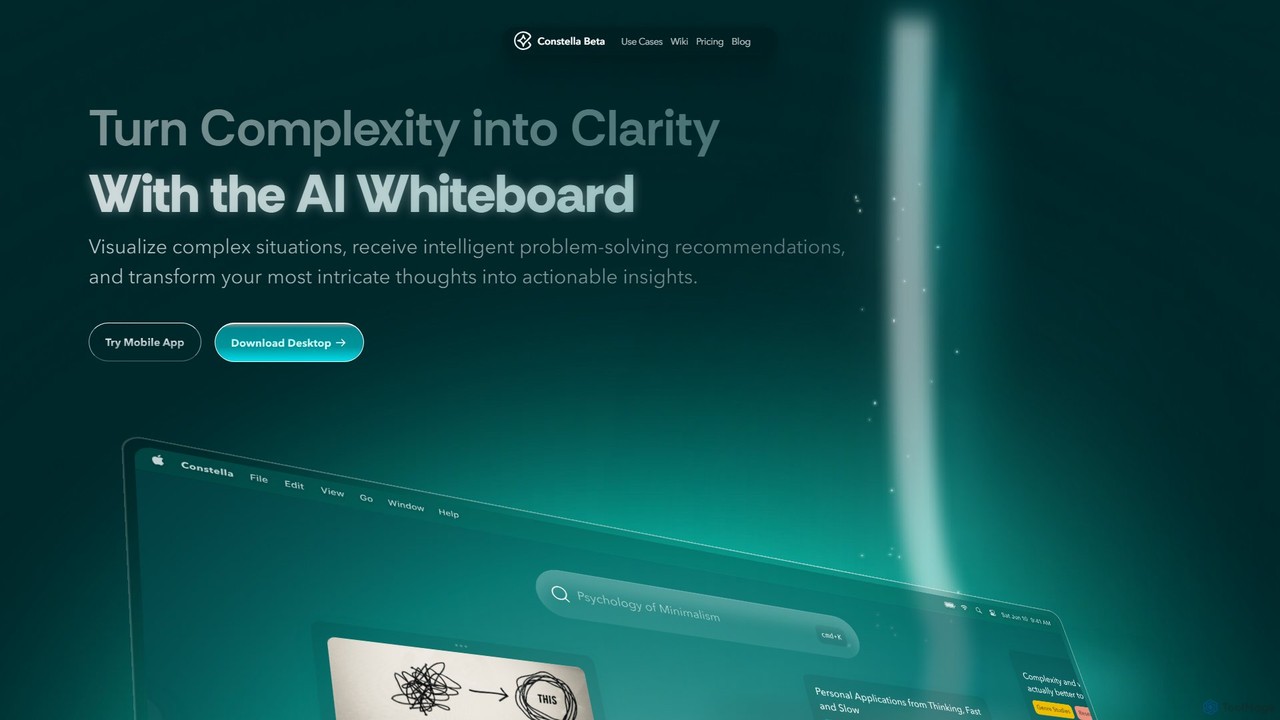
Constella is an AI-powered second brain application that uses a visual infinite graph to help you capture, connect, and visualize your thoughts. It moves beyond traditional folders, allowing you to organize ideas non-linearly, uncover hidden patterns, and receive intelligent problem-solving recommendations. Ideal for personal knowledge management, research, and creative thinking.
Knowledge Management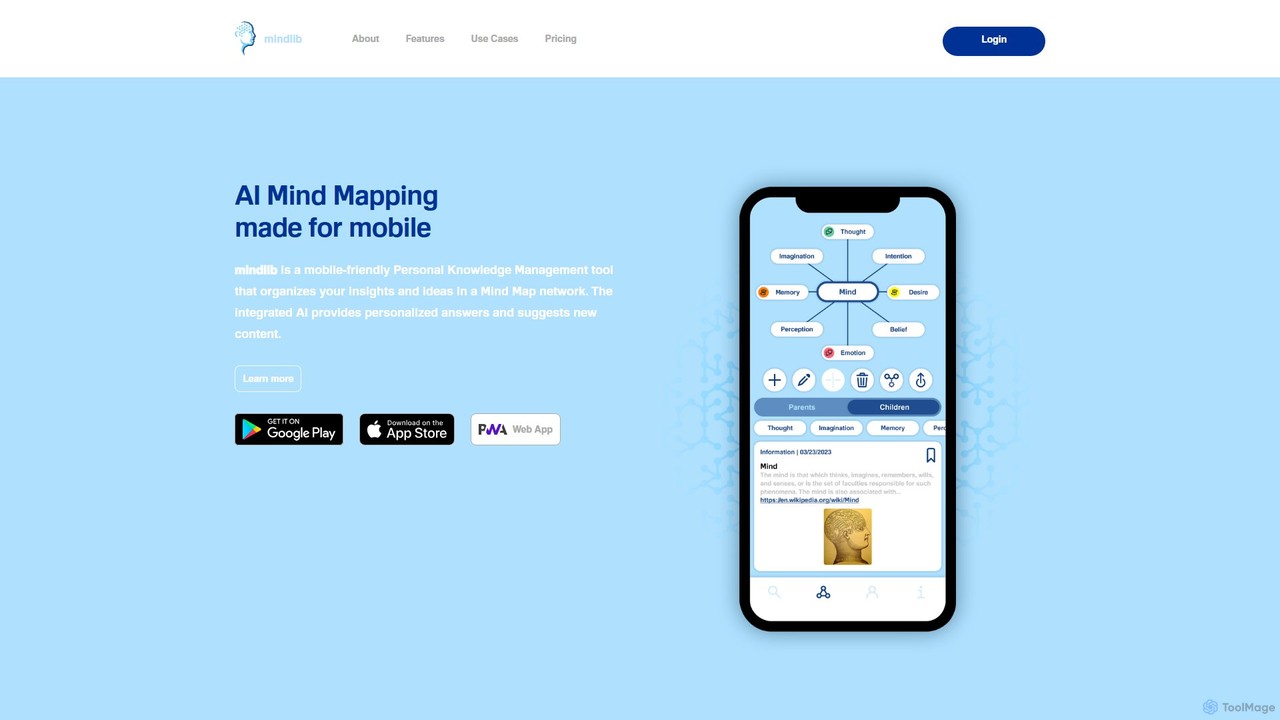
mindlib
mindlib is a mobile-first AI mind mapping tool for personal knowledge management (PKM). It helps you build a 'second brain' by organizing ideas and insights into a connected network of mind maps. The integrated AI provides personalized answers based on your knowledge base and helps you explore and expand your ideas conversationally.
Learning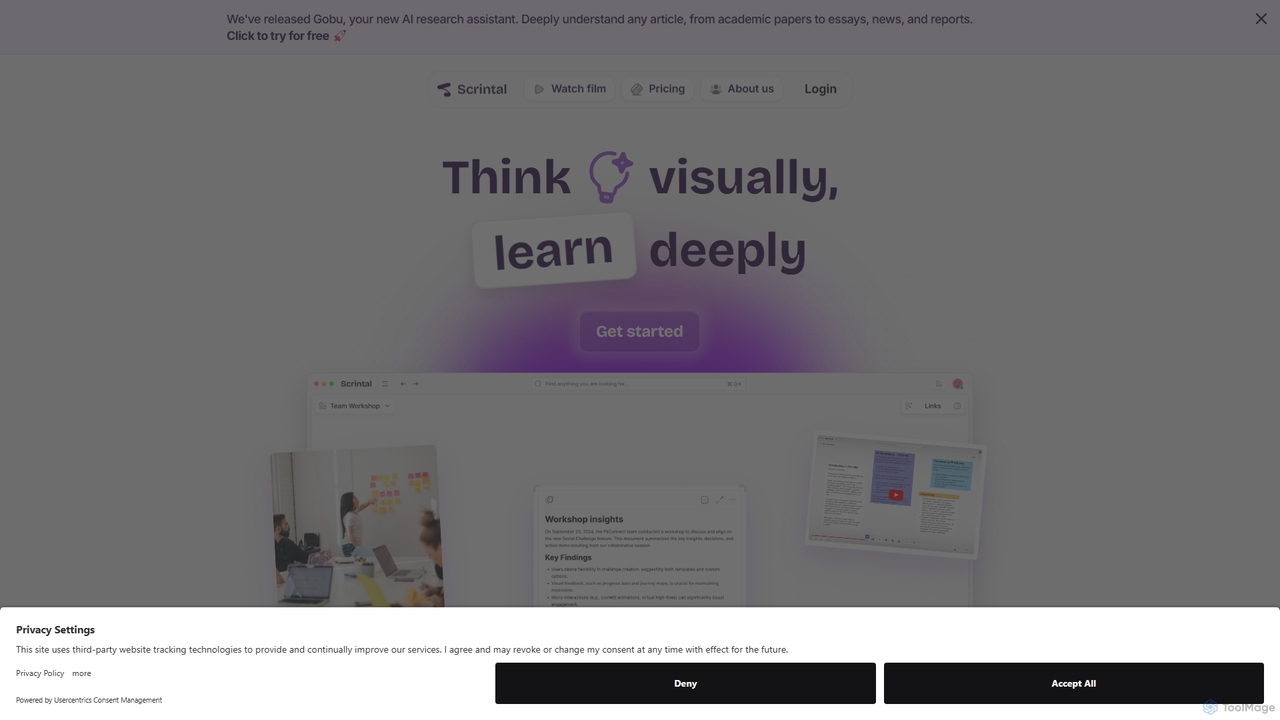
Scrintal
Scrintal is an AI-powered visual note-taking and research tool designed for thinkers, researchers, and students. It combines an infinite canvas for brainstorming with a powerful block-based editor and an AI assistant, Gobu. Organize ideas, connect concepts with bi-directional links, and seamlessly turn your visual thoughts into structured written documents.
Research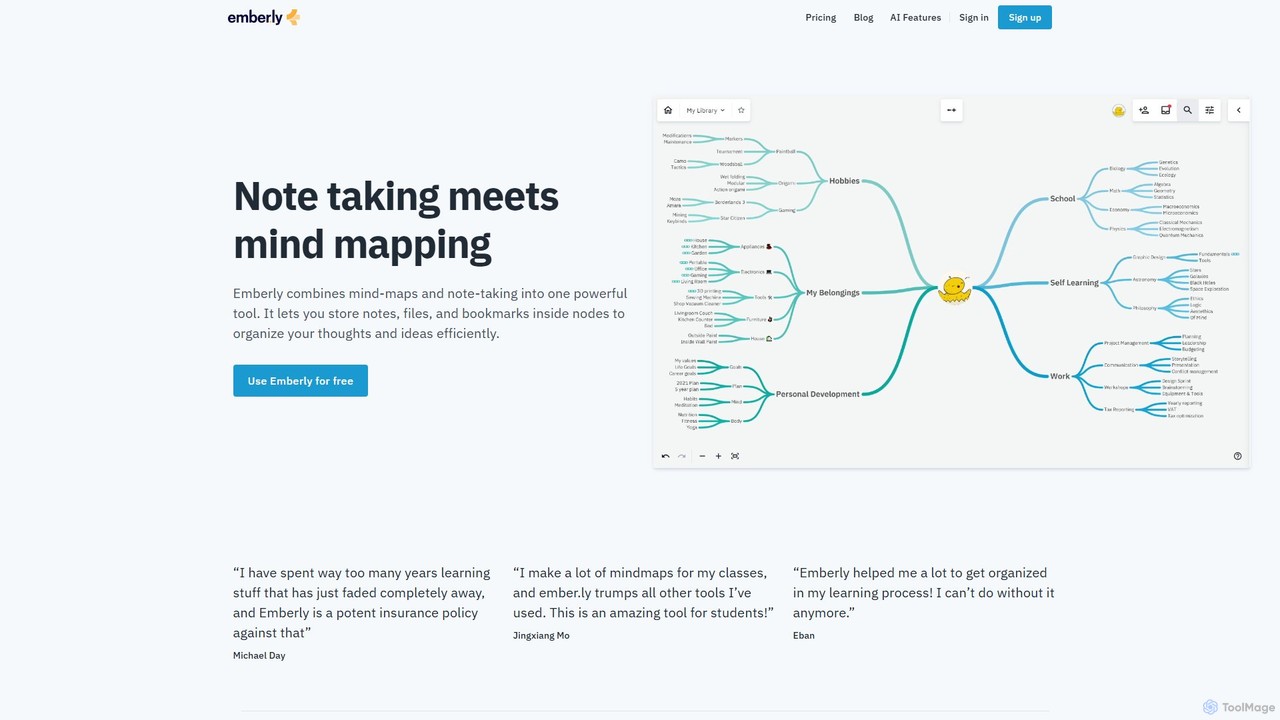
Emberly
Emberly is an AI-enhanced knowledge management tool that combines mind mapping and note-taking. It allows you to visually organize your notes, files, and bookmarks in one place. Leverage AI to generate mind maps, create quizzes from your notes, and assist with your writing, making learning and organization more efficient and intuitive.
Note Taking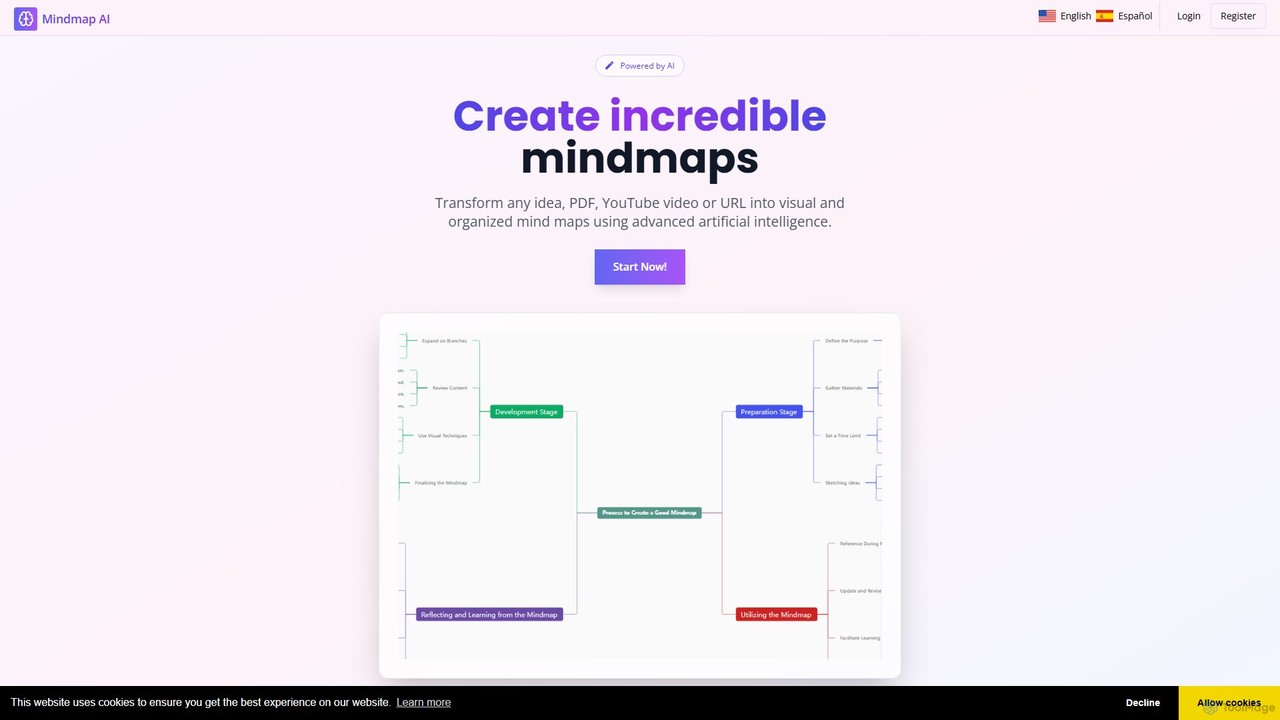
MindMap AI
MindMap AI is an intelligent tool that instantly transforms your ideas, documents, and multimedia files into structured mind maps. Featuring an interactive AI Copilot, it facilitates dynamic brainstorming, idea expansion, and visual organization. It supports a wide range of input formats, including text, PDF, audio, and video, making it a versatile solution for students, professionals, and creatives to visualize and structure information effortlessly.
BrainstormingSPAICE Categories
SPAICE Embed Widget
Copy this embed code to place the badge on your blog, article, or product site and send readers directly to this ToolMage detail page.

Related AI tools
Constella
Constella is an AI-powered second brain application that uses a visual infinite graph to help you capture, connect, and visualize your thoughts. It moves beyond traditional folders, allowing you to organize ideas non-linearly, uncover hidden patterns, and receive intelligent problem-solving recommendations. Ideal for personal knowledge management, research, and creative thinking.
Knowledge Managementmindlib
mindlib is a mobile-first AI mind mapping tool for personal knowledge management (PKM). It helps you build a 'second brain' by organizing ideas and insights into a connected network of mind maps. The integrated AI provides personalized answers based on your knowledge base and helps you explore and expand your ideas conversationally.
Learning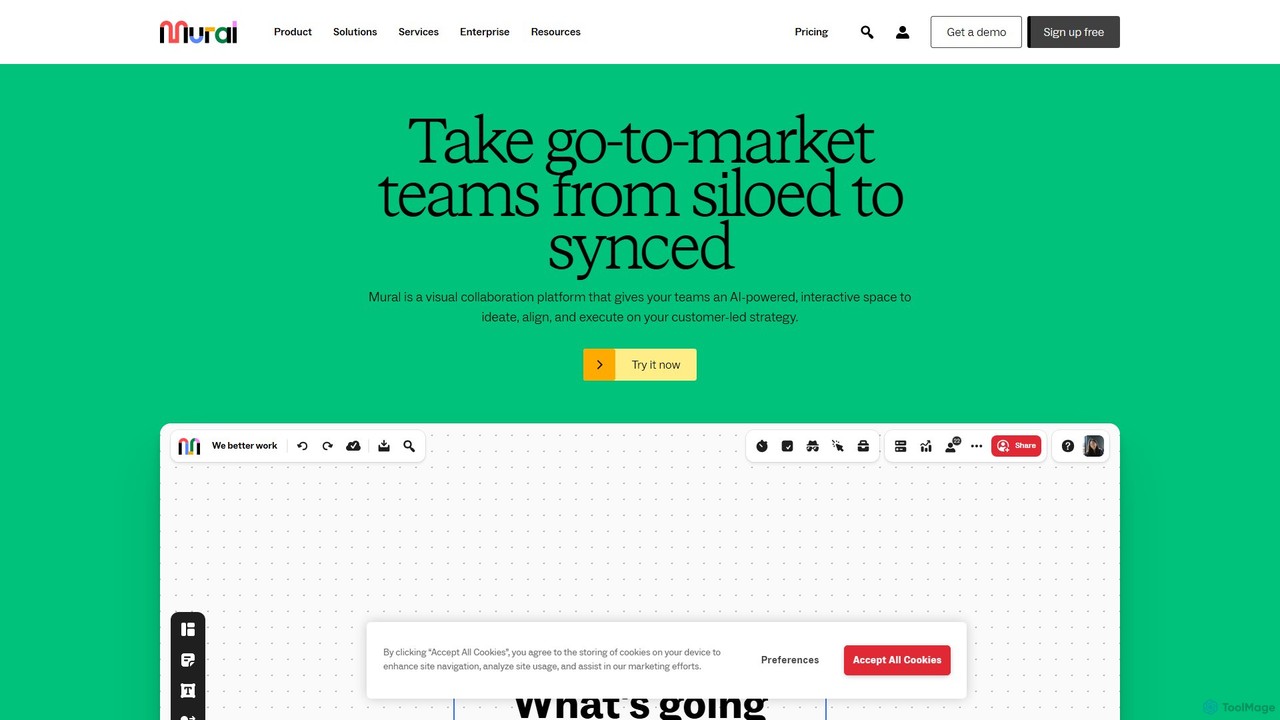
Mural
Mural is an AI-powered visual collaboration platform and digital whiteboard designed for teams. It provides an interactive space to brainstorm ideas, align on strategies, and execute projects, enhancing productivity and breaking down communication silos.
Brainstorming
Lucidspark
Lucidspark is an AI-powered virtual whiteboard designed to enhance team collaboration, brainstorming, and project planning. It provides an infinite canvas for teams to connect, ideate, and move seamlessly from concept to execution. With features like Collaborative AI, extensive templates, and deep integrations, Lucidspark helps teams unlock their most innovative ideas and turn them into actionable plans.
Project Management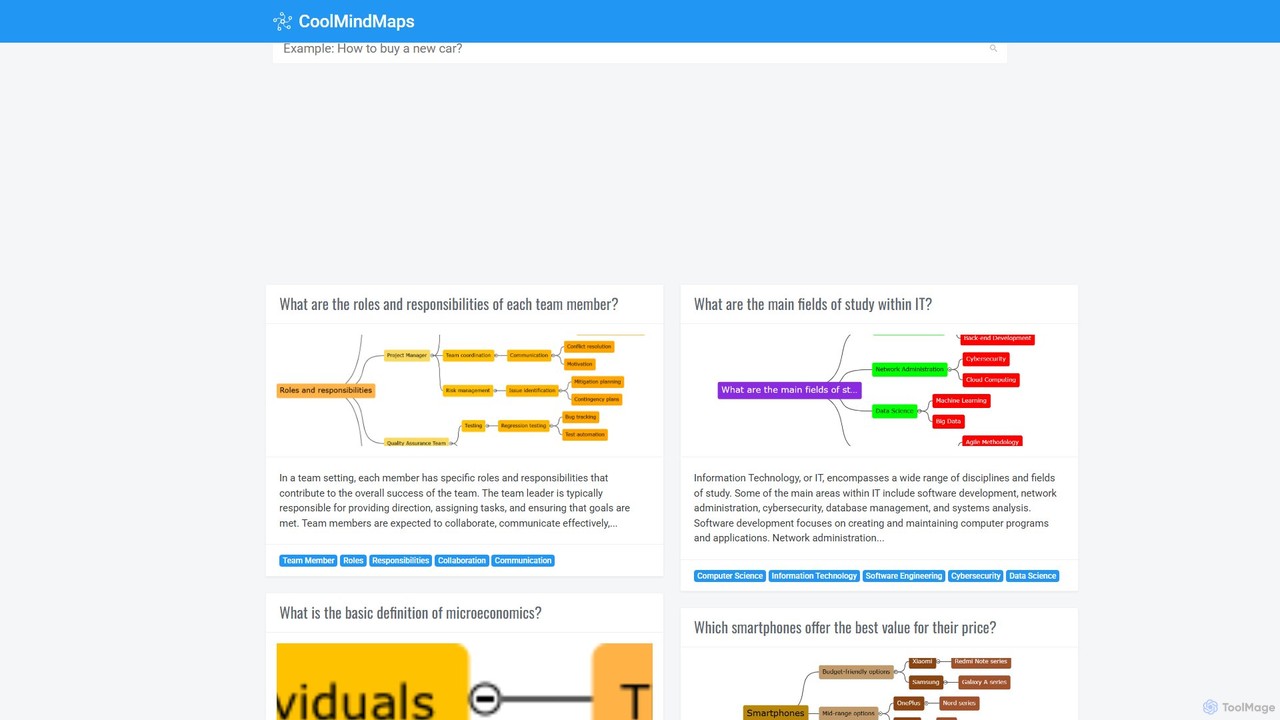
CoolMindMaps
CoolMindMaps is an AI-powered tool that transforms your questions and topics into clear, structured mind maps. Simply enter a query, and the AI instantly generates a visual breakdown of key concepts, definitions, and related ideas. It's perfect for students, writers, and professionals who need to quickly research, brainstorm, and organize information on any subject. With multi-language support, it makes complex knowledge accessible and easy to understand.
ResearchScrintal
Scrintal is an AI-powered visual note-taking and research tool designed for thinkers, researchers, and students. It combines an infinite canvas for brainstorming with a powerful block-based editor and an AI assistant, Gobu. Organize ideas, connect concepts with bi-directional links, and seamlessly turn your visual thoughts into structured written documents.
ResearchMindMap AI
MindMap AI is an intelligent tool that instantly transforms your ideas, documents, and multimedia files into structured mind maps. Featuring an interactive AI Copilot, it facilitates dynamic brainstorming, idea expansion, and visual organization. It supports a wide range of input formats, including text, PDF, audio, and video, making it a versatile solution for students, professionals, and creatives to visualize and structure information effortlessly.
Brainstorming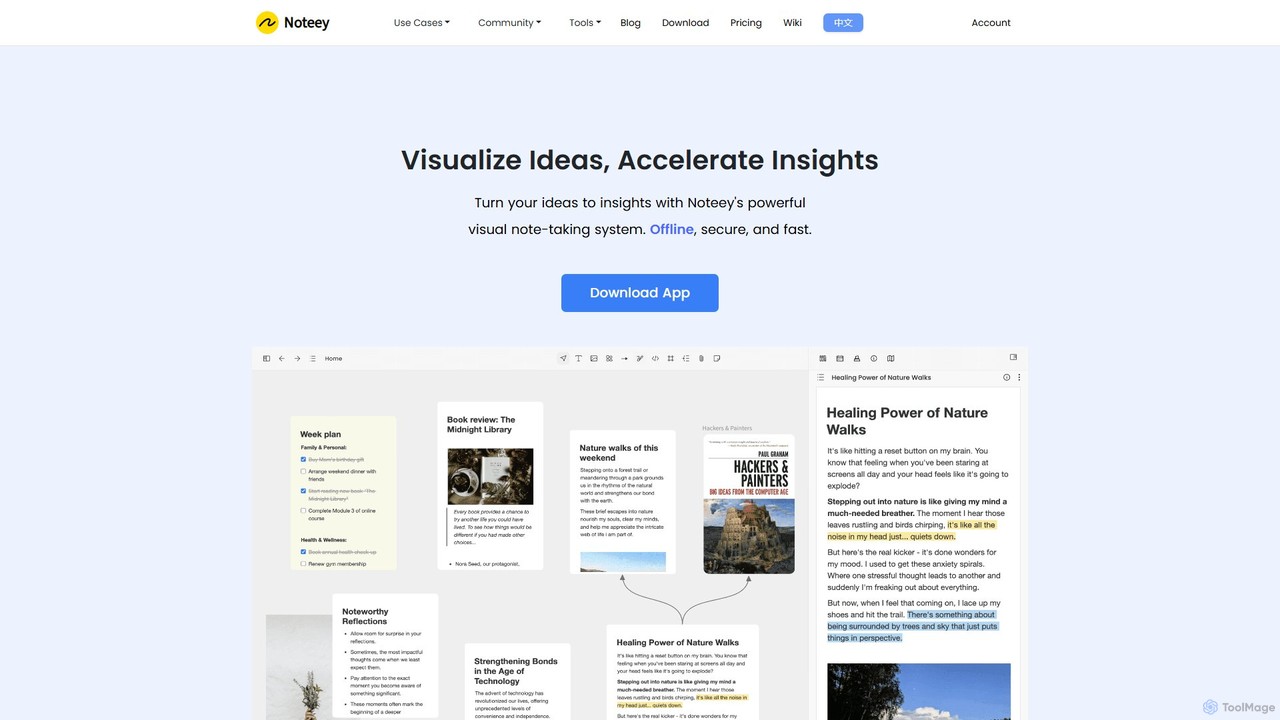
noteey
Noteey is an offline-first visual note-taking and knowledge management app for Mac & Windows. It features an infinite canvas to visually organize ideas, notes, PDFs, videos, and mind maps, helping you turn fragmented information into structured insights. Ideal for researchers, students, and creative thinkers.
Research
Jyek
Jyek is an AI agent platform that understands objectives, creates execution plans, uses tools, and delivers verifiable results for complex, multi-step tasks.
Automation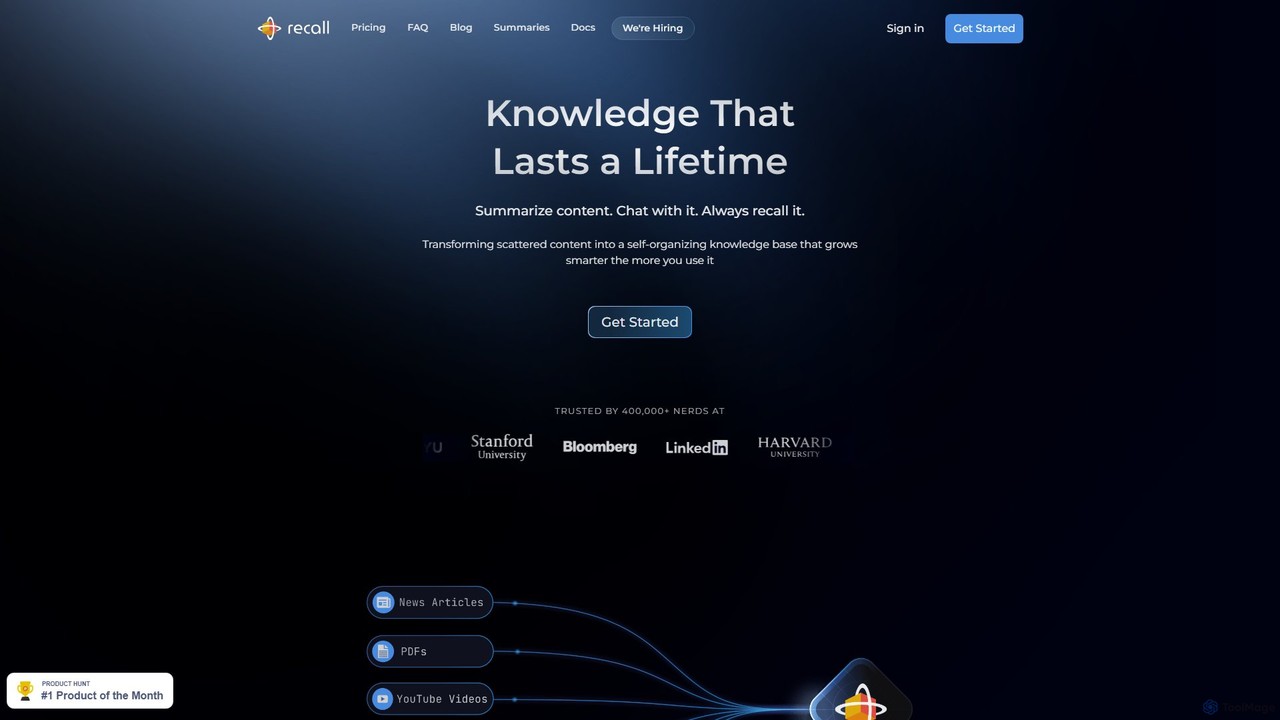
Recall
Recall is an AI-powered knowledge management tool that transforms scattered content into a self-organizing knowledge base. It summarizes articles, YouTube videos, PDFs, and more, allows you to chat with your content, and uses features like augmented browsing and spaced repetition to help you remember everything you learn.
Research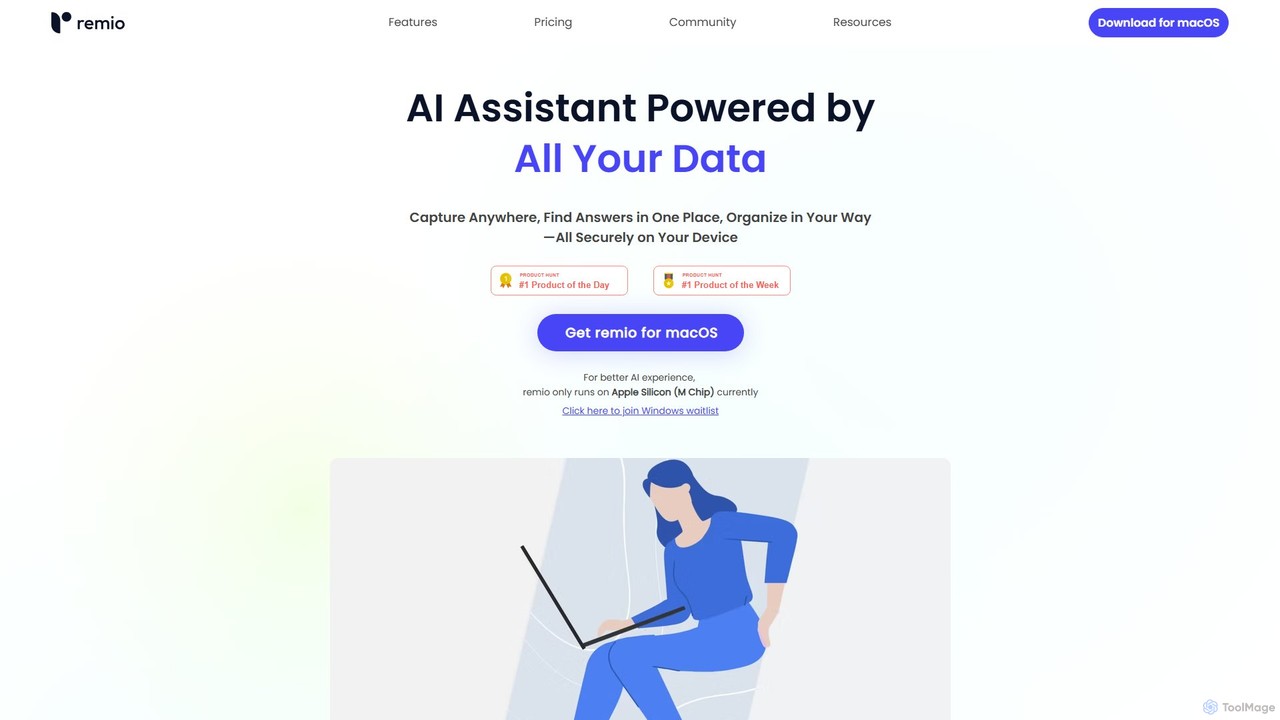
remio
remio is a local-first AI assistant that unifies all your data—notes, files, and web content—into a single, private knowledge base. It allows you to capture information from anywhere, find answers instantly with AI-powered search, and organize your knowledge securely on your device, boosting your productivity and creativity.
Personal Assistant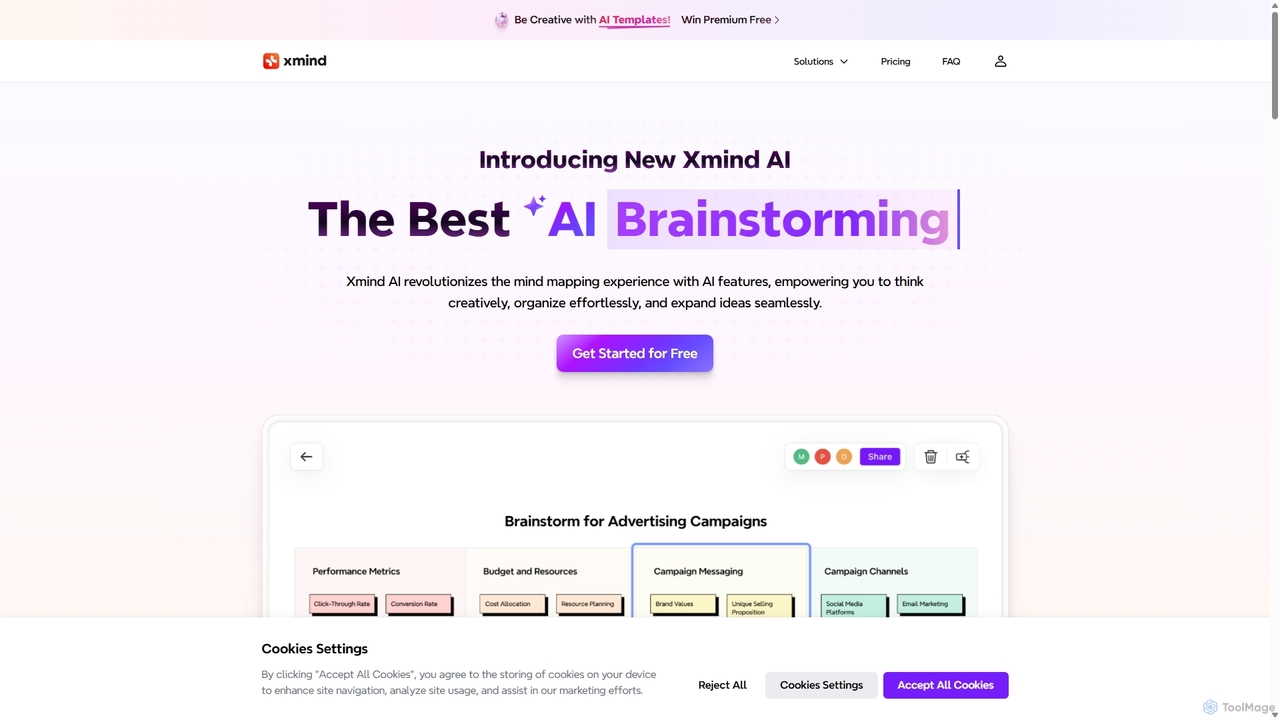
Xmind AI
Xmind AI is an advanced AI-powered mind mapping and brainstorming tool designed to enhance creativity and productivity. It helps users visualize thoughts, organize complex information, and collaborate with teams in real-time. With features like AI-driven idea generation, content summarization, and automated to-do lists, Xmind AI transforms abstract concepts into structured, actionable plans.
Teamwork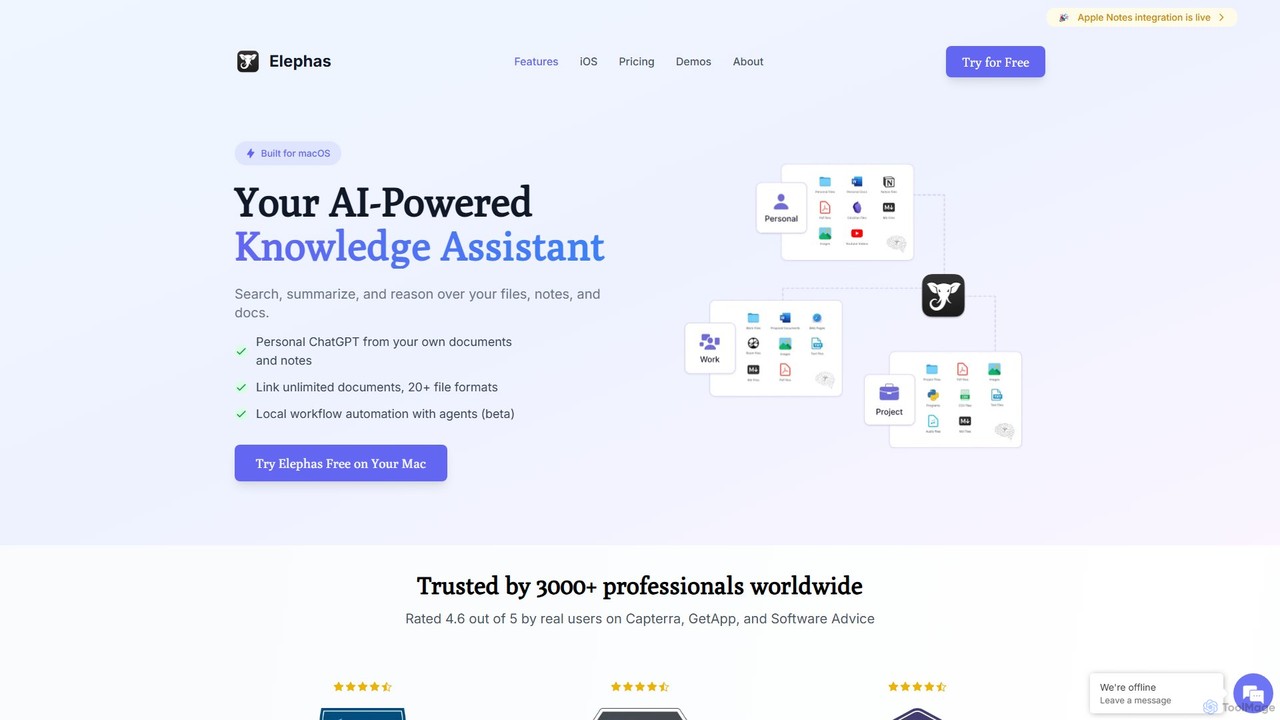
Elephas
Elephas is a personal AI knowledge assistant for Mac, iPhone, and iPad. It transforms your scattered notes, documents, and files into a searchable "Super Brain," allowing you to chat with your data, get instant answers, and supercharge your writing and research across all your apps with a focus on privacy and offline capabilities.
Code Assistant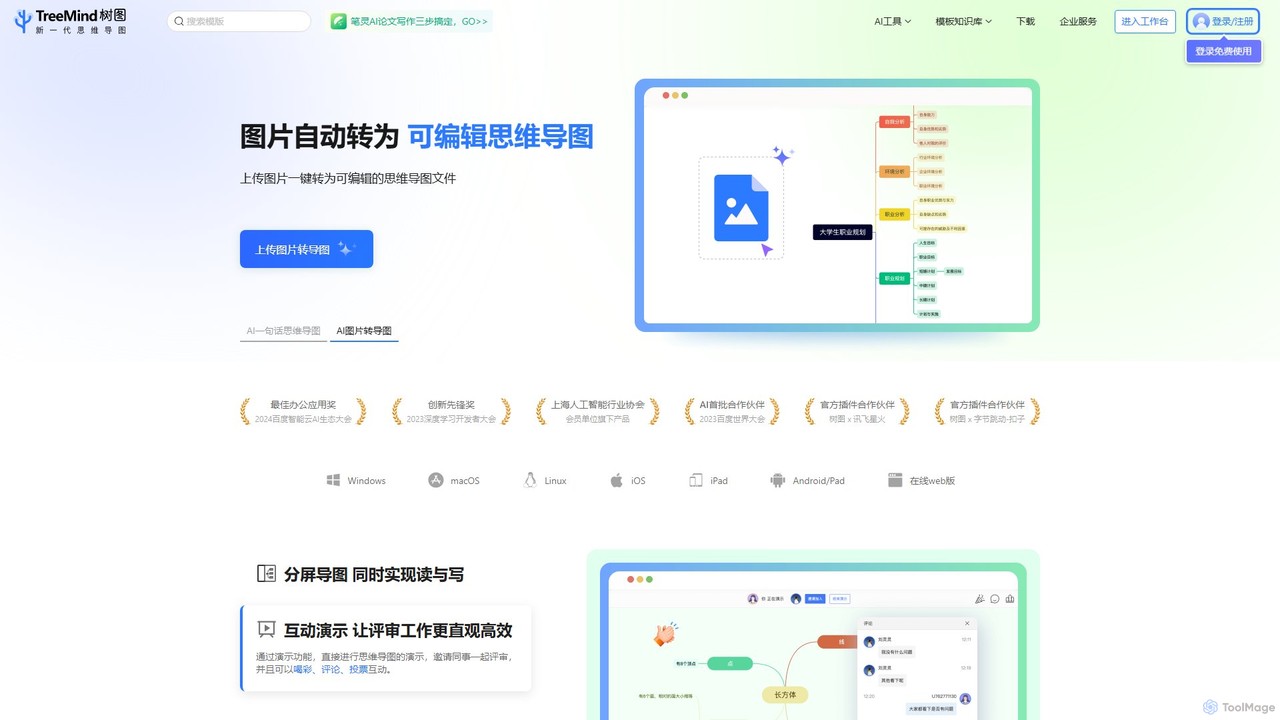
TreeMind
TreeMind is a next-generation AI-powered mind mapping tool that allows users to generate, organize, and visualize ideas effortlessly. It supports creating mind maps from a single sentence, images, or documents, and offers real-time collaboration, cross-platform synchronization, and a vast library of templates and design assets.
Generative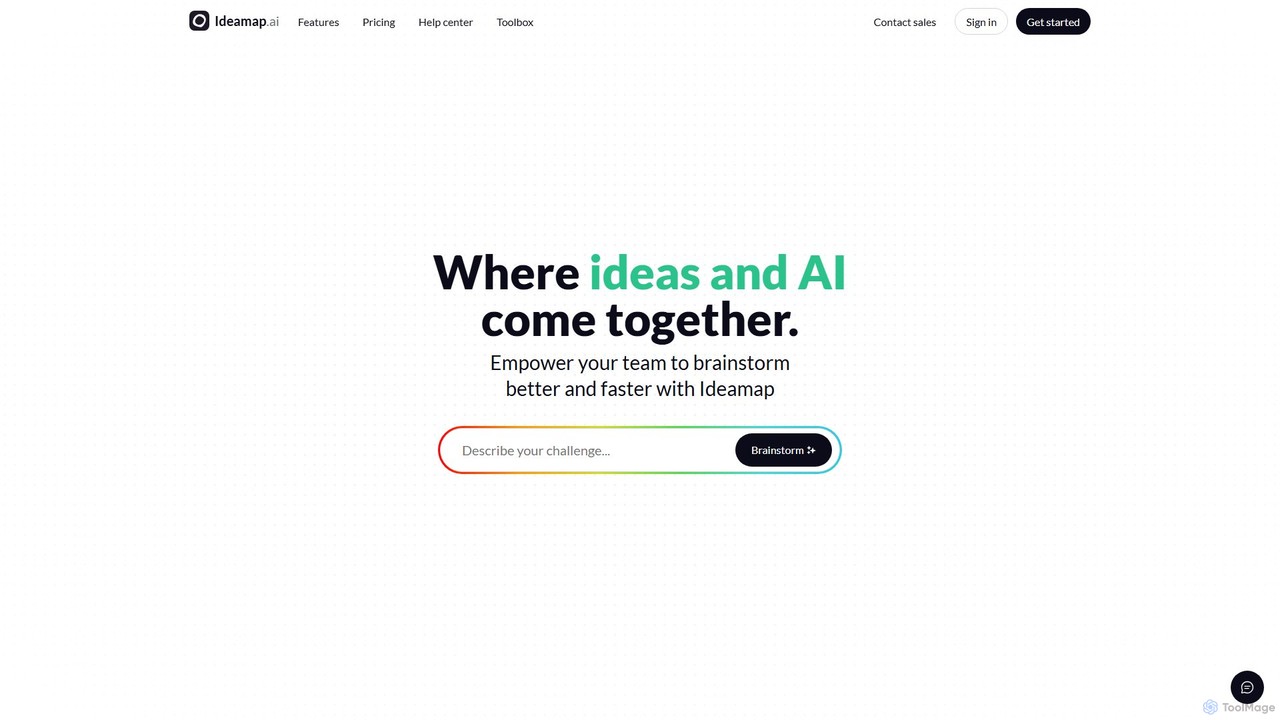
Ideamap
Ideamap is an AI-powered brainstorming and mind-mapping tool designed to transform your ideas into structured visual maps. It helps users generate, organize, and expand on concepts collaboratively. By leveraging AI, Ideamap accelerates the creative process, making it ideal for teams, strategists, and creators to unlock new insights and plan projects effectively.
Strategy
SPAICE Comments (0)
Sign in to comment.
Sign inNo comments yet.