
MyChatbots.AI Overview
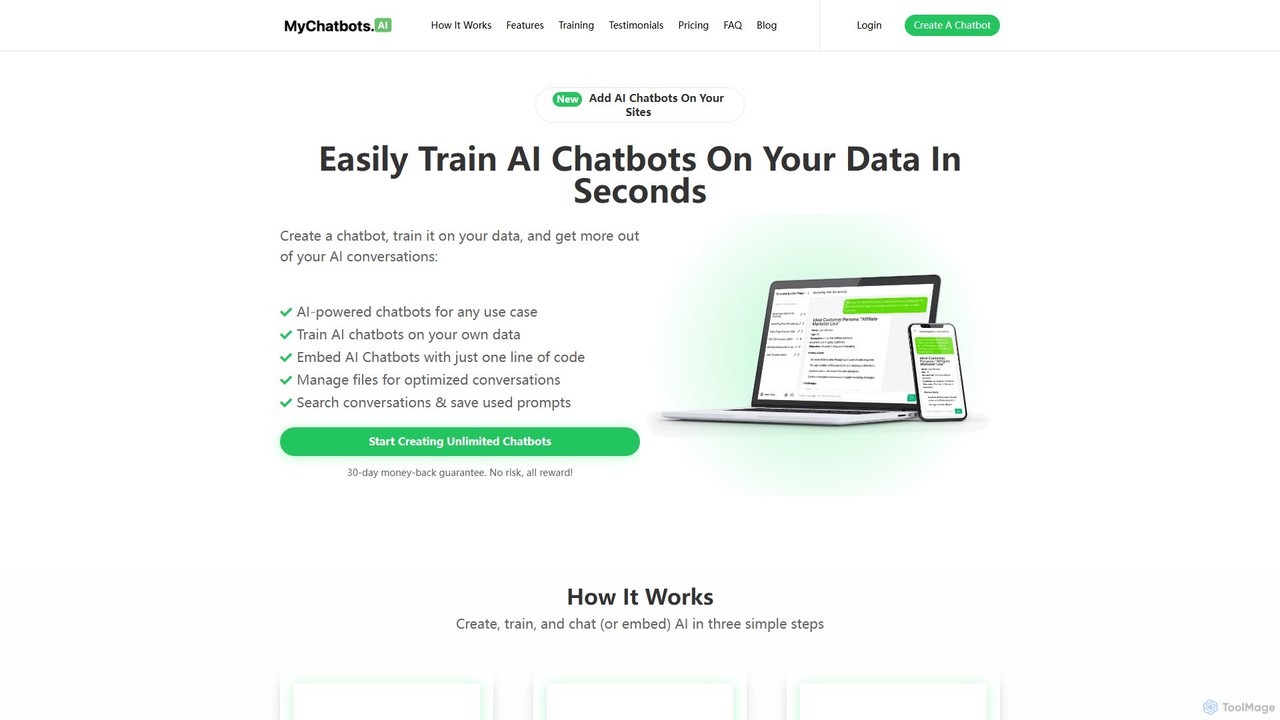
MyChatbots.AI is a powerful and user-friendly platform designed to empower anyone to build and deploy intelligent AI chatbots without writing a single line of code. The core philosophy of the tool is to move away from generic, pre-programmed AI responses and enable the creation of highly personalized assistants trained on your specific data. This means you can upload documents, knowledge bases, FAQs, and other text-based files to create a chatbot that truly understands the context of your business or project.
Whether you're looking to enhance customer service, automate lead qualification on your website, or create an internal knowledge hub for your team, MyChatbots.AI provides a streamlined solution. With just a few clicks, you can have a custom chatbot ready to engage with users, answer complex questions based on the information you provided, and operate 24/7.
How to use MyChatbots.AI
The platform is designed for simplicity and efficiency, following a straightforward three-step process:
- Create a Chatbot: Start by creating a new chatbot in your dashboard. You can customize its name, personality, and initial instructions to align with your brand's voice and specific goals.
- Train it on Your Data: This is the key step. Upload your data sources, which can include PDF files, text documents, or copied text. MyChatbots.AI processes this information, making it the knowledge base for your chatbot. The more relevant and comprehensive the data, the more accurate and helpful your chatbot will be.
- Start a Conversation or Embed: Once trained, you can immediately start chatting with your bot within the MyChatbots.AI platform to test its responses. When you're ready, you can embed the chatbot onto any website by simply copying and pasting a single line of JavaScript code.
Core Features of MyChatbots.AI
- Custom Data Training: Upload your own files (PDFs, TXT, etc.) to create a chatbot with specialized knowledge.
- No-Code Chatbot Builder: An intuitive interface allows for the creation and customization of chatbots without any programming skills.
- Easy Website Embedding: Add a fully functional chat widget to your site with a single line of code.
- Unlimited Chat Widgets: Even on basic plans, you can deploy your chatbots across multiple websites.
- Conversation Management: Search through past conversations and save useful prompts for future reference and optimization.
- Bring Your Own Key (BYOK): Connect your own OpenAI API key, giving you control over your API usage and costs.
- Efficient File Management: Easily upload, manage, and update the files used to train your chatbots.
Use Cases for MyChatbots.AI
The flexibility of custom data training opens up numerous applications:
- Enhanced Customer Support: Train a chatbot on your product manuals, FAQs, and support documents to provide instant, accurate answers to customer queries, reducing support ticket volume.
- Lead Generation & Sales: Embed a chatbot on your landing pages to engage visitors, answer questions about your products or services, and qualify leads by collecting contact information.
- Internal Knowledge Management: Create an internal assistant for your team. Upload company policies, project documentation, and internal reports so employees can quickly find information without searching through drives or asking colleagues.
- Personal Research Assistant: Upload academic papers, articles, and e-books to create a chatbot that can help you summarize content, find specific information, and brainstorm ideas.
- Educational Tool: Tutors and educators can create chatbots based on course materials to help students study and answer their questions.
Advantages of MyChatbots.AI
Compared to generic AI tools, MyChatbots.AI offers significant advantages:
- Hyper-Personalization: Responses are based on your specific training data, not a generic, public dataset. This ensures relevance and accuracy.
- Improved Communication Quality: Delivers consistent, high-quality interactions that reflect your brand's knowledge and tone.
- Increased Efficiency: Automates information retrieval and customer interaction, freeing up human resources for more complex tasks.
- Simplicity and Speed: Go from data upload to a live, embedded chatbot in minutes. The user-friendly interface is accessible to beginners.
- Cost-Effective: The lifetime deal and BYOK model offer a predictable and often lower-cost alternative to per-message pricing models.
Pricing and Plans
MyChatbots.AI offers several plans to fit different needs and budgets. All plans require you to bring your own OpenAI API key.
- Launch Deal (Lifetime Access): A one-time payment of $99 for unlimited chatbots, chat widgets, conversations, messages, and files.
- Basic Plan: $9 per month, which includes 1 chatbot, 100 conversations, 10,000 messages, and 100 files.
- Pro Plan: $29 per month, offering 10 chatbots, 1000 conversations, 100,000 messages, and 100 files.
The platform also offers a 30-day money-back guarantee, making it a risk-free investment.
MyChatbots.AI Alternatives
Berri
Berri is a no-code platform that allows you to build custom AI chatbots trained on your own data. Instantly transform your documents, websites, and knowledge bases into an interactive, conversational AI assistant to enhance customer support, generate leads, or streamline internal knowledge sharing.
Chatbot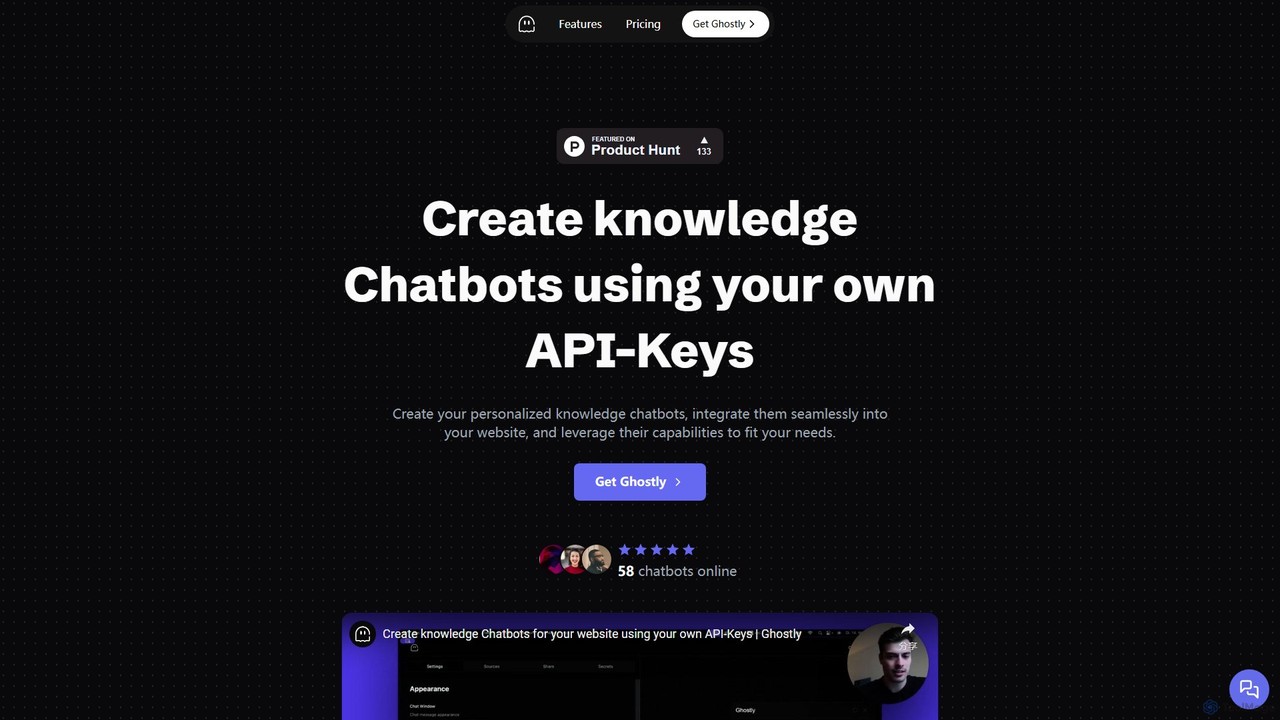
Ghostly
Ghostly is a platform for creating custom AI chatbots trained on your own data. It features a unique 'Bring Your Own API Key' model, allowing you to control AI usage costs directly. Easily build, customize, and embed a chatbot on your website in minutes by uploading files or adding URLs. It supports GPT-3.5, GPT-4, and GPT-4o, offering deep customization of behavior and appearance to match your brand.
Chatbot
KBaseBot
KBaseBot is an AI-powered platform that effortlessly transforms your existing content—such as websites, documents, and text—into intelligent, interactive chatbots. Powered by GPT-4o, it automates customer support, generates leads, and streamlines internal documentation without any coding required. Easily embeddable and customizable, it helps businesses enhance user engagement and save valuable time.
Chatbot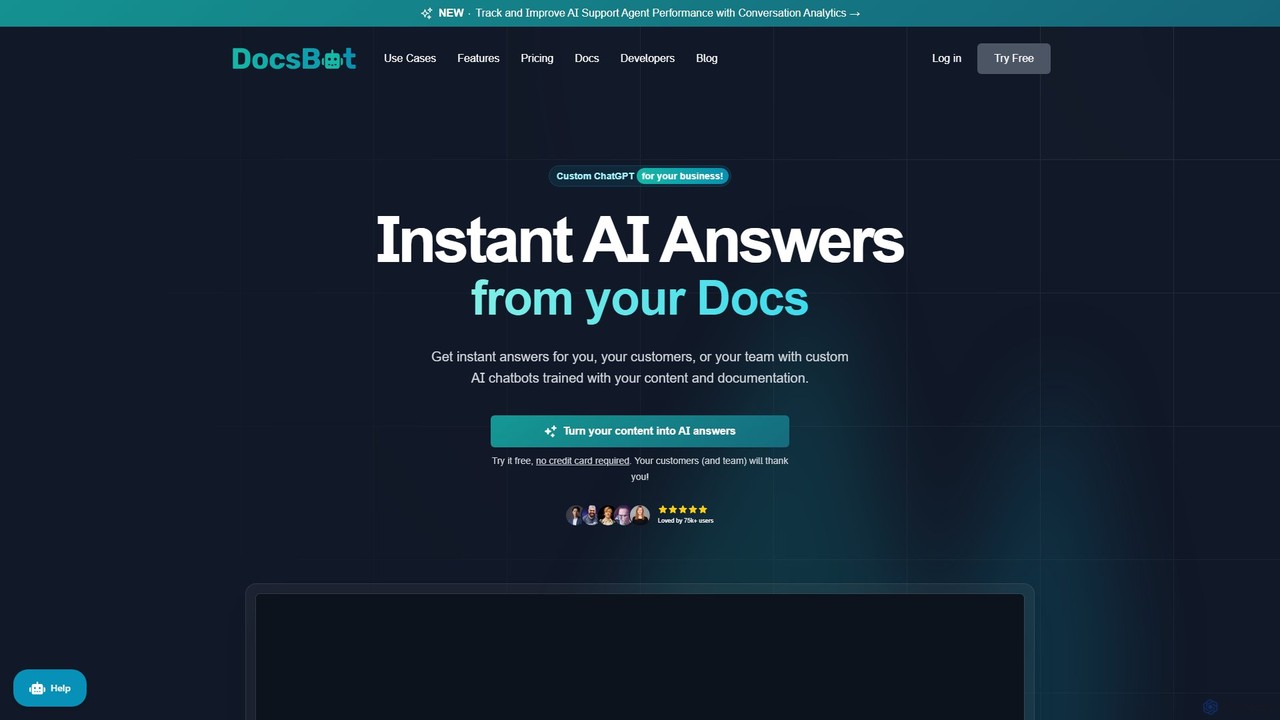
DocsBot
DocsBot is an AI-powered platform that allows businesses to create custom chatbots trained on their own documentation and content. It provides instant, accurate answers for customers and employees, automating support, improving internal knowledge access, and accelerating research without any coding.
Chatbot
Owlbot
Owlbot is an advanced AI chatbot platform that allows you to create custom chatbots trained on your own data. It supports 95 languages, integrates with multiple data sources like documents and websites, and offers features like lead generation, API access, and a choice of 12+ LLM models to automate customer support and internal queries.
ChatbotMyChatbots.AI Categories
MyChatbots.AI Embed Widget
Copy this embed code to place the badge on your blog, article, or product site and send readers directly to this ToolMage detail page.

Related AI tools
Ghostly
Ghostly is a platform for creating custom AI chatbots trained on your own data. It features a unique 'Bring Your Own API Key' model, allowing you to control AI usage costs directly. Easily build, customize, and embed a chatbot on your website in minutes by uploading files or adding URLs. It supports GPT-3.5, GPT-4, and GPT-4o, offering deep customization of behavior and appearance to match your brand.
Chatbot
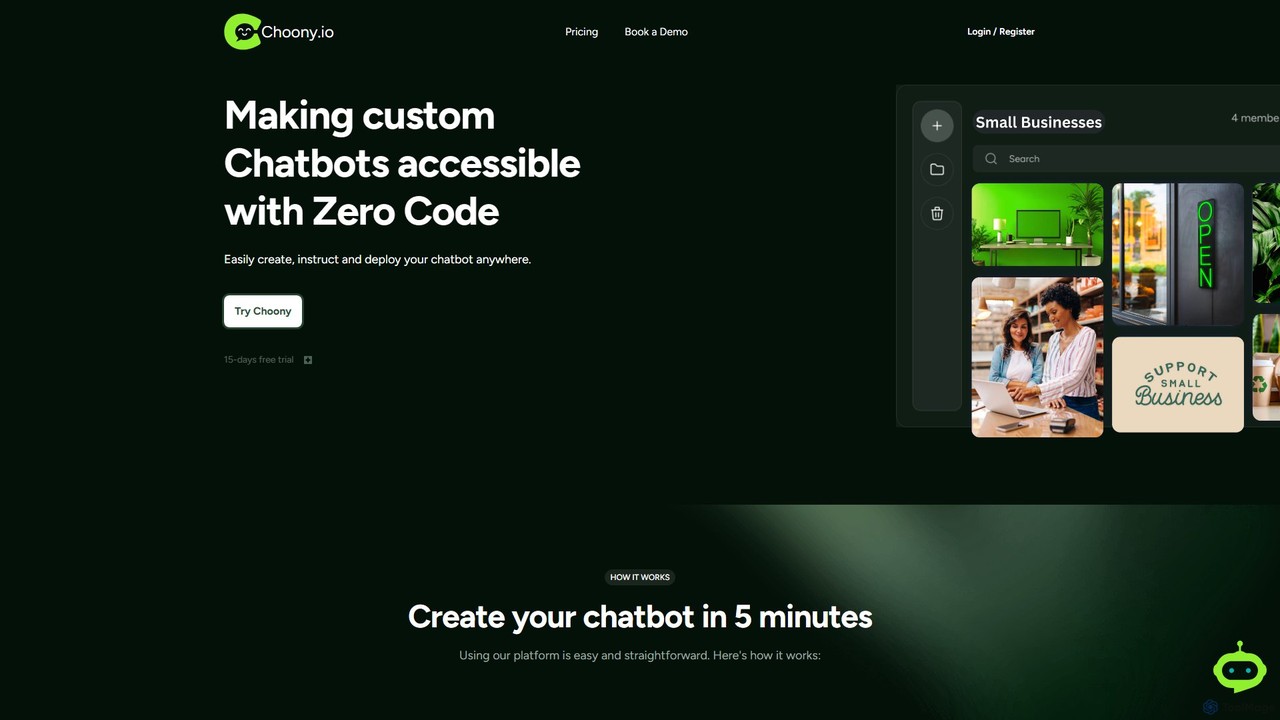
Choony
Choony is a no-code platform that allows users to easily create, train, and deploy custom AI chatbots powered by OpenAI's GPT-4. Design, instruct, and embed a branded chatbot on your website in minutes to enhance customer support, generate leads, and automate responses without any programming knowledge.
Chatbot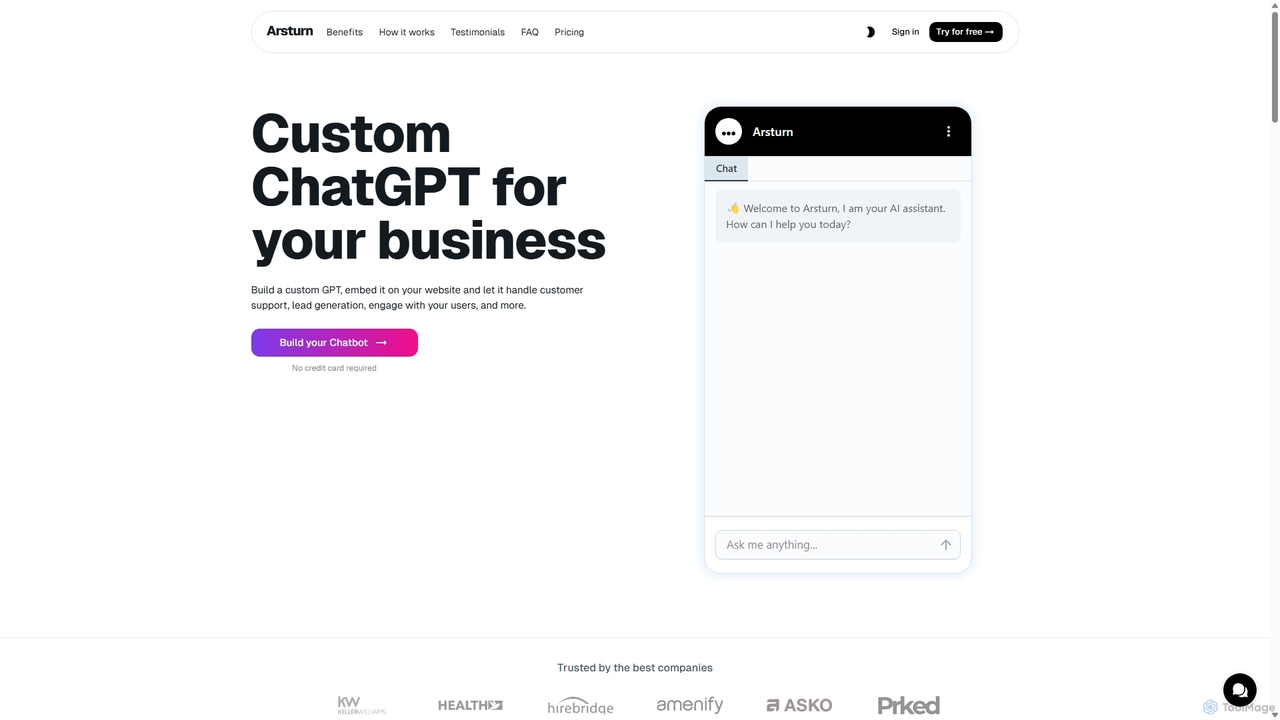
Arsturn
Arsturn is a no-code AI chatbot builder that allows you to create custom ChatGPT-powered chatbots for your website. Train the chatbot on your own data—files, URLs, or text—to provide instant, accurate answers, boost user engagement, and increase conversions. It offers full customization, insightful analytics, and seamless integration.
Chatbots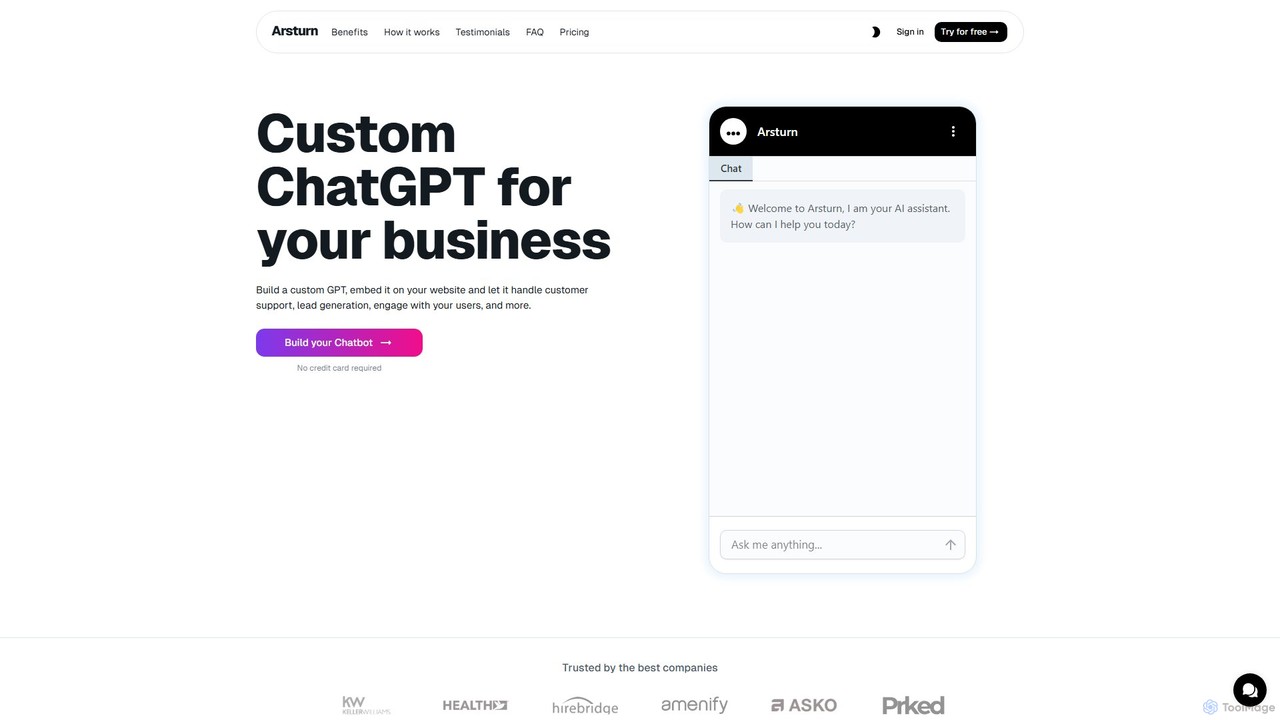
Arsturn
Arsturn is a no-code AI chatbot builder that allows you to create custom ChatGPT-powered chatbots for your website. Train the AI on your own data, including files, website content, and text, to provide instant, accurate answers to user questions, boost engagement, and increase conversions.
Chatbot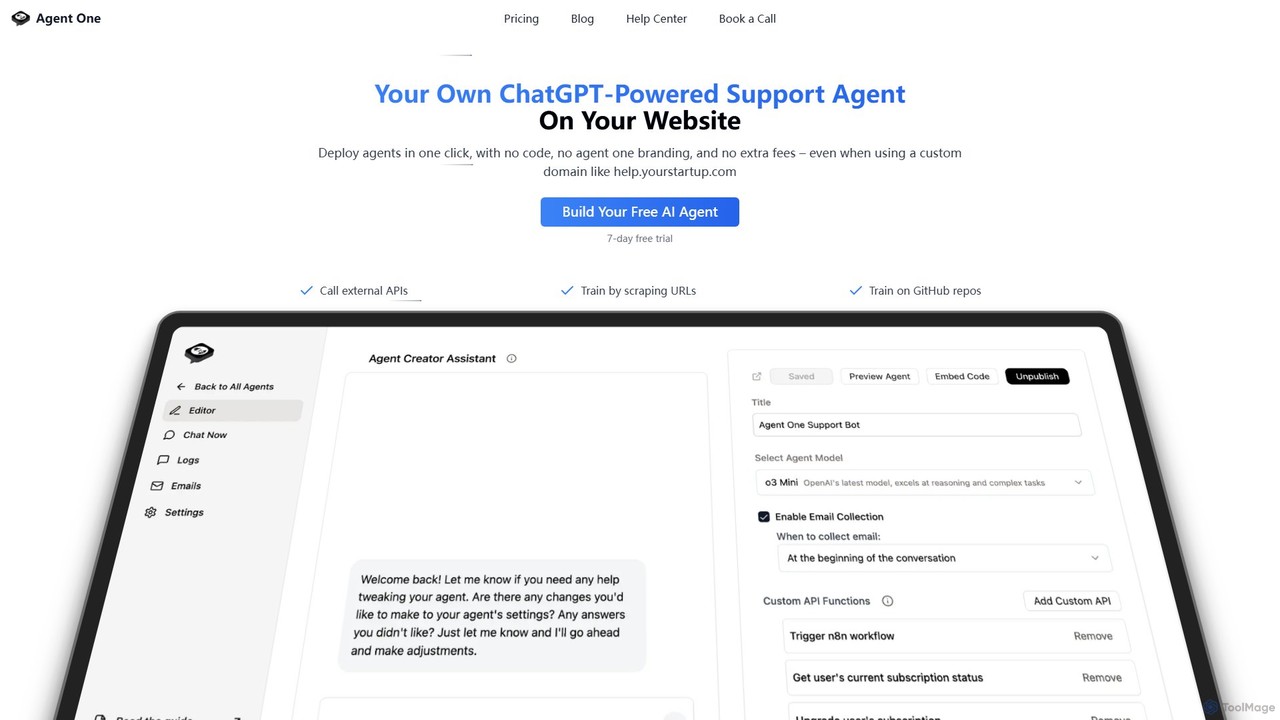
Agent One
Agent One is a no-code platform for building and deploying custom AI agents. Train agents on your website content, documents, or APIs to automate customer support, generate leads, and create interactive SEO pages. Deploy with one click as an embeddable widget or on a custom domain, with full control over branding and agent personality.
Chatbot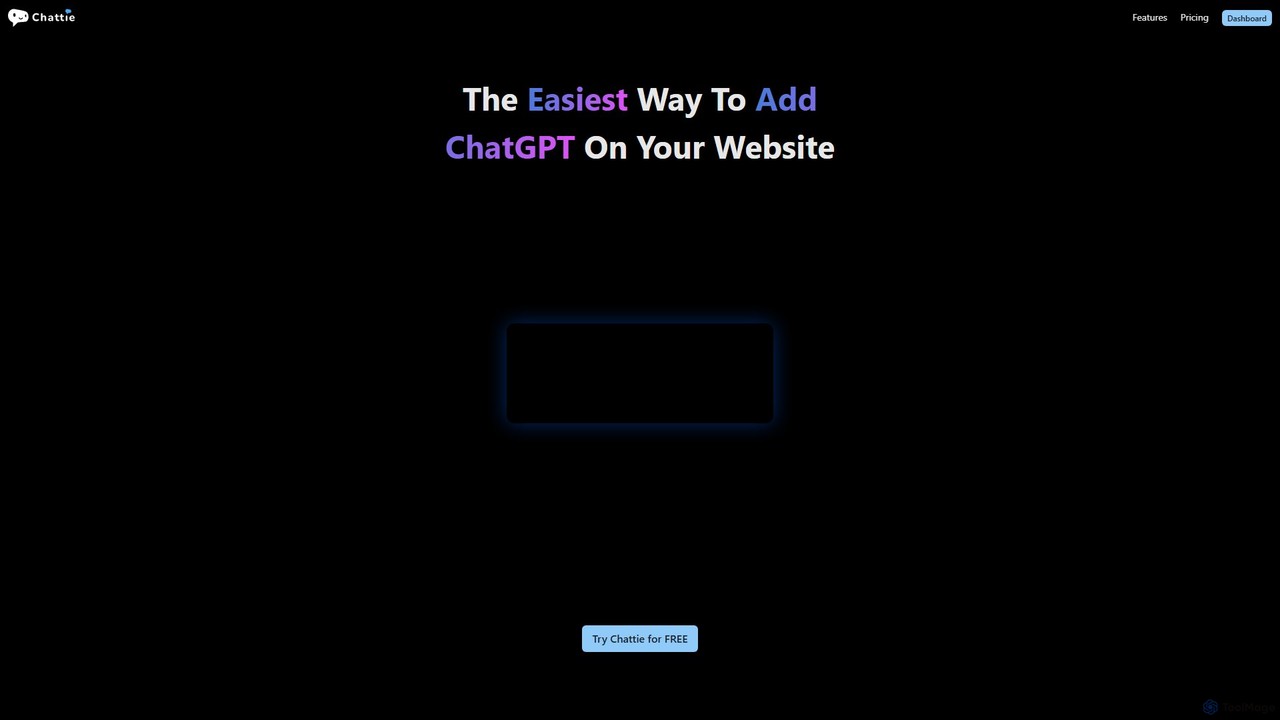
Chattie
Chattie is a no-code platform that allows you to easily add a custom ChatGPT-powered chatbot to your website. Train the AI on your own data, including web pages, PDFs, and text files, to provide instant, accurate answers. It features full visual customization, detailed analytics, and scalable plans for businesses of all sizes to enhance customer support and user engagement.
Chatbot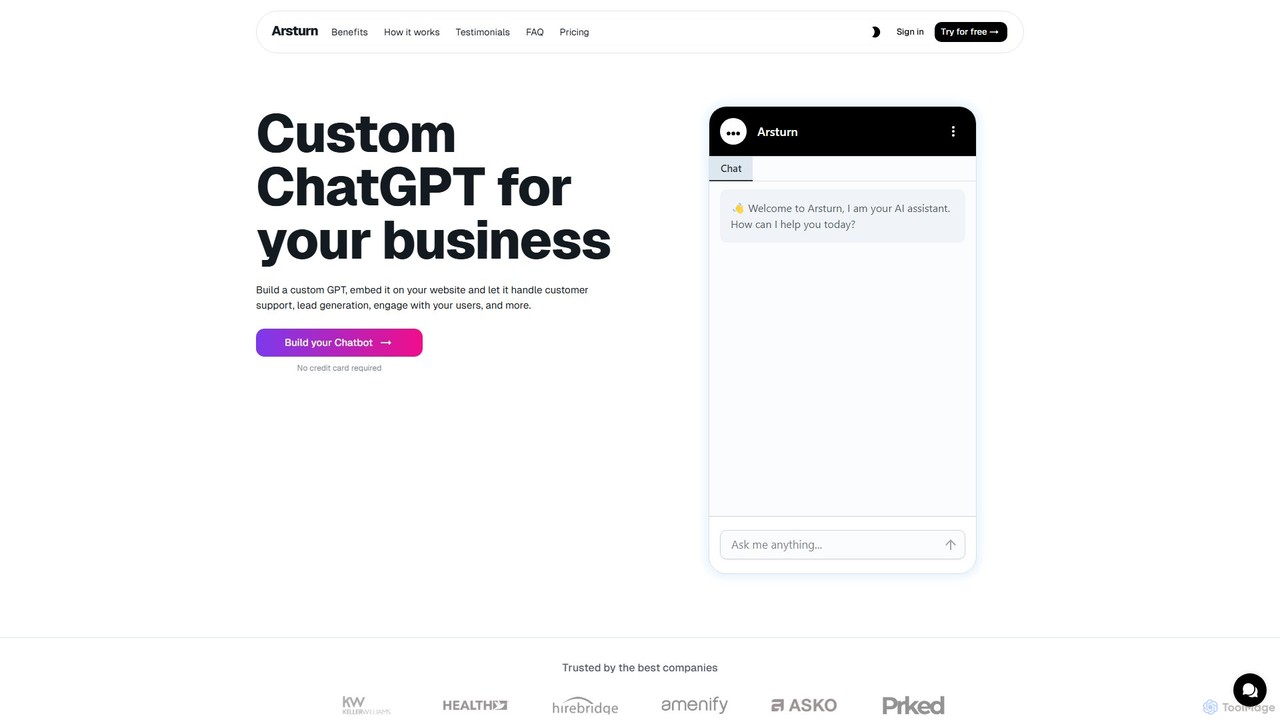
Arsturn
Arsturn is a no-code AI chatbot builder that lets you create custom ChatGPT-powered assistants for your website. Train the chatbot on your own data—files, text, or URLs—to provide instant, accurate answers to visitors. It's designed to boost audience engagement, automate customer support, and increase conversions without any coding skills required.
Chatbots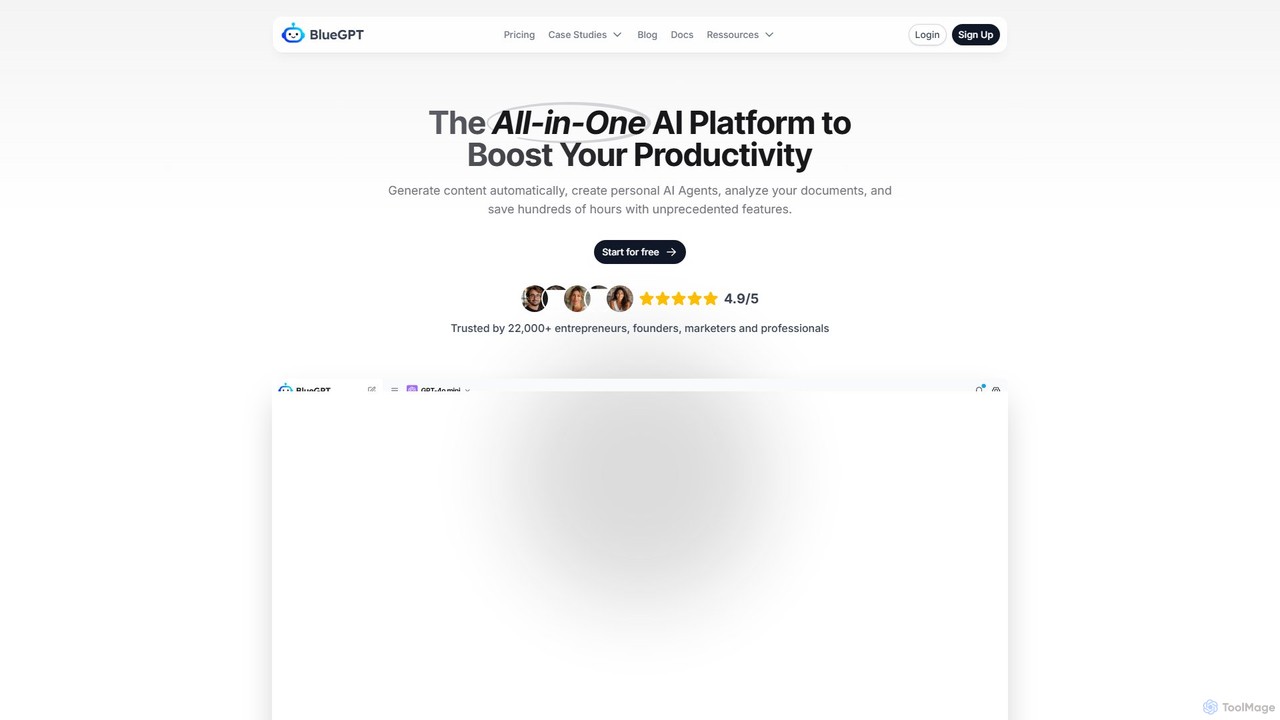
bluegpt
bluegpt is a no-code AI platform that allows you to build custom chatbots trained on your own data. Easily upload documents, scrape websites, and create a personalized AI assistant for customer support, lead generation, or internal knowledge management in minutes.
Automation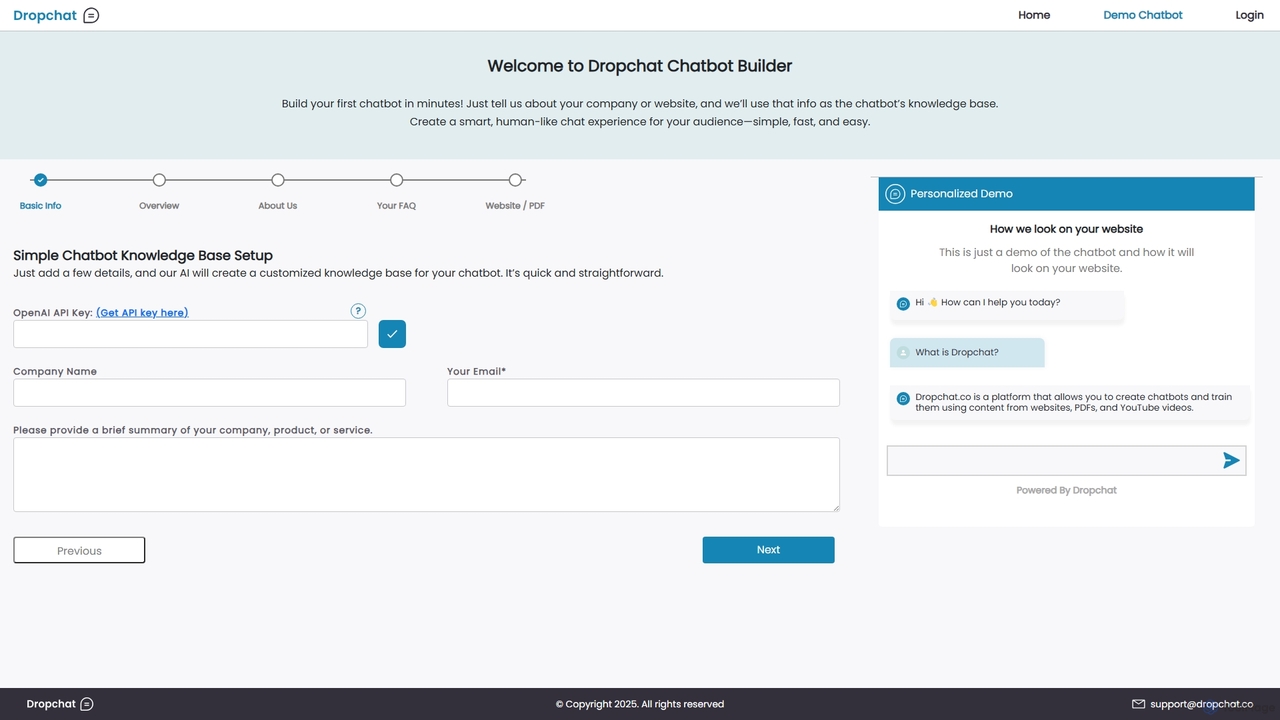
Dropchat
Dropchat is an AI-powered platform that allows you to build custom chatbots in minutes. Train your chatbot using your own data, such as websites, PDFs, and YouTube videos, to provide instant customer support, generate leads, and enhance user engagement without any coding knowledge.
Chatbots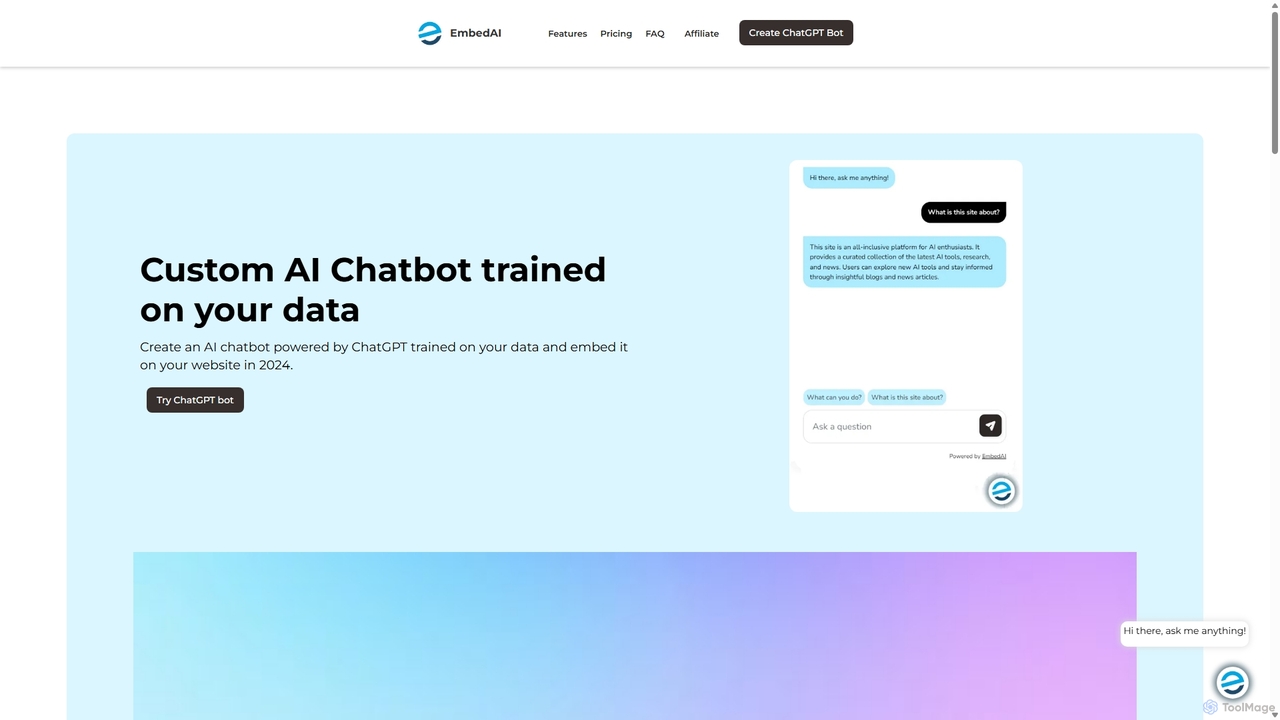
EmbedAI
EmbedAI is an AI chatbot builder that allows you to create custom ChatGPT & Gemini-powered chatbots trained on your own data. Easily upload files, link websites, or use YouTube videos to train your bot. Customize its appearance and embed it on your website to automate customer support, enhance user engagement, and provide instant answers in over 100 languages.
ChatbotsBerri
Berri is a no-code platform that allows you to build custom AI chatbots trained on your own data. Instantly transform your documents, websites, and knowledge bases into an interactive, conversational AI assistant to enhance customer support, generate leads, or streamline internal knowledge sharing.
ChatbotKBaseBot
KBaseBot is an AI-powered platform that effortlessly transforms your existing content—such as websites, documents, and text—into intelligent, interactive chatbots. Powered by GPT-4o, it automates customer support, generates leads, and streamlines internal documentation without any coding required. Easily embeddable and customizable, it helps businesses enhance user engagement and save valuable time.
Chatbot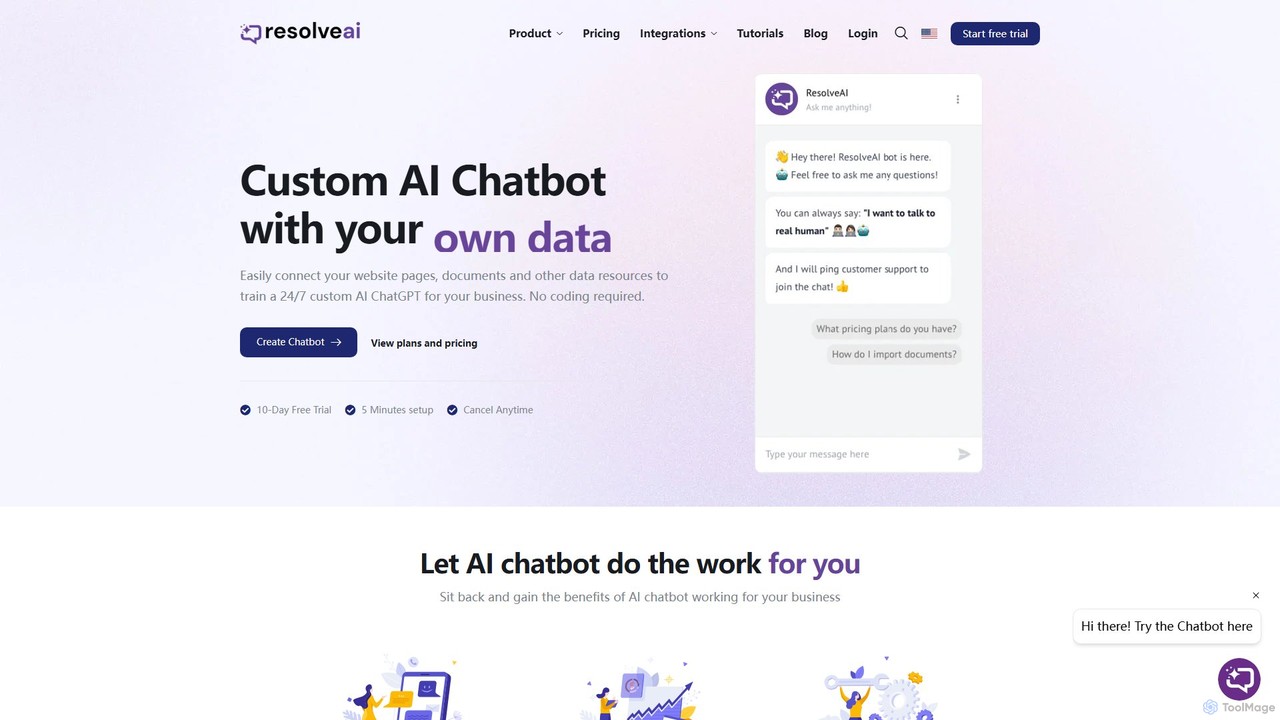
resolveai
resolveai is a no-code platform that enables businesses to create custom AI chatbots trained on their own data. Easily connect website pages, documents, and other resources to build a 24/7 AI assistant that reflects your brand's persona. It enhances customer engagement, automates support, and increases conversion rates. Key features include integrations with popular platforms like WhatsApp and Slack, a booking assistant, and human chat takeover, all with a simple 5-minute setup.
Chatbot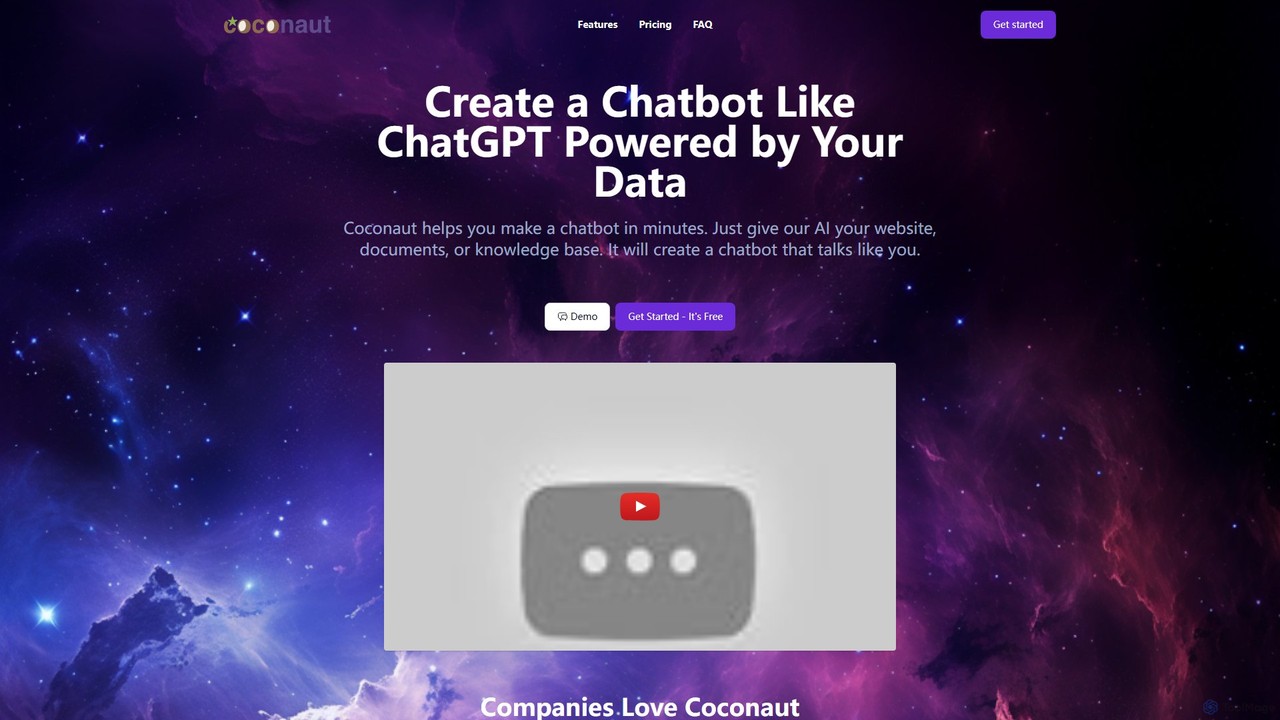
Coconaut.ai
Coconaut.ai is a no-code platform that allows you to create custom AI chatbots powered by your own data. Simply provide a website URL or upload documents, and Coconaut will build a ChatGPT-like bot that understands your content and can be easily embedded into your website to enhance customer engagement and automate support.
Chatbot
MyChatbots.AI Comments (0)
Sign in to comment.
Sign inNo comments yet.