FinanceGPT Chat
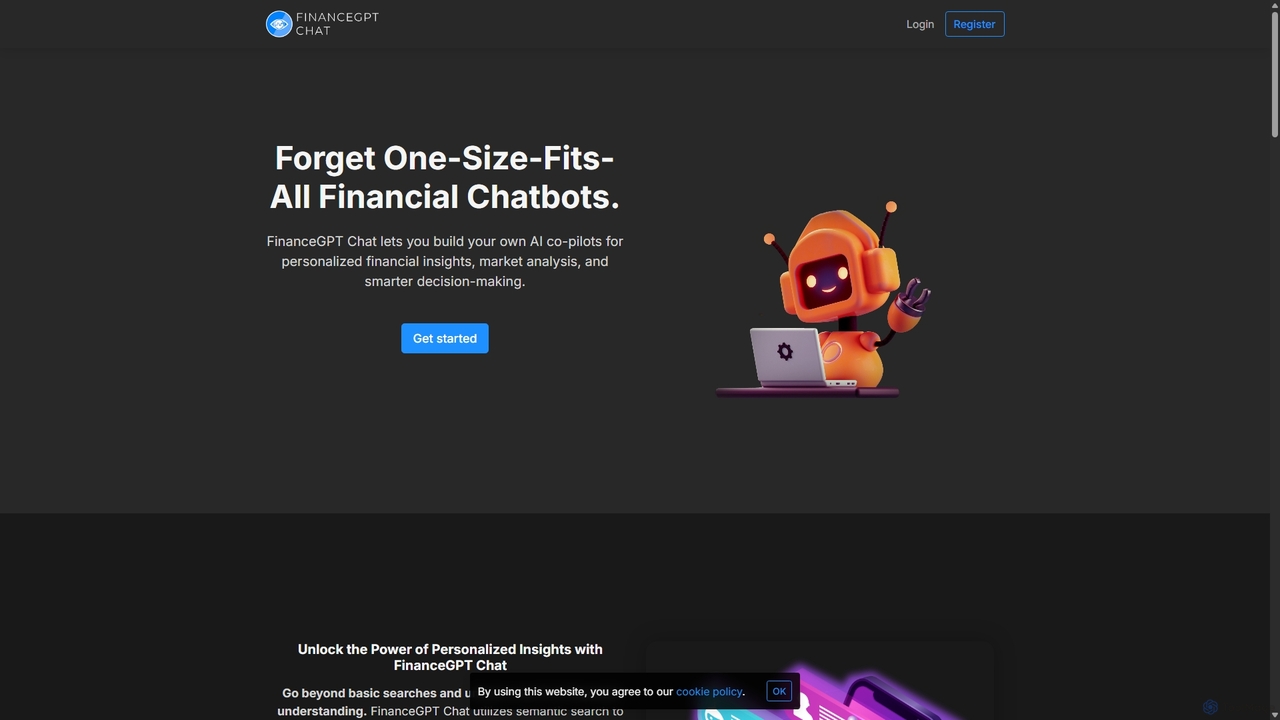
FinanceGPT Chat is a platform for building custom AI co-pilots tailored for financial analysis, market insights, and investment …
FinanceGPT Chat is a platform for building custom AI co-pilots tailored for financial analysis, market insights, and investment decision-making. It allows users to upload financial documents and connect data sources to create personalized assistants that understand complex queries through semantic search, delivering highly relevant and actionable insights.
MyChatbots.AI
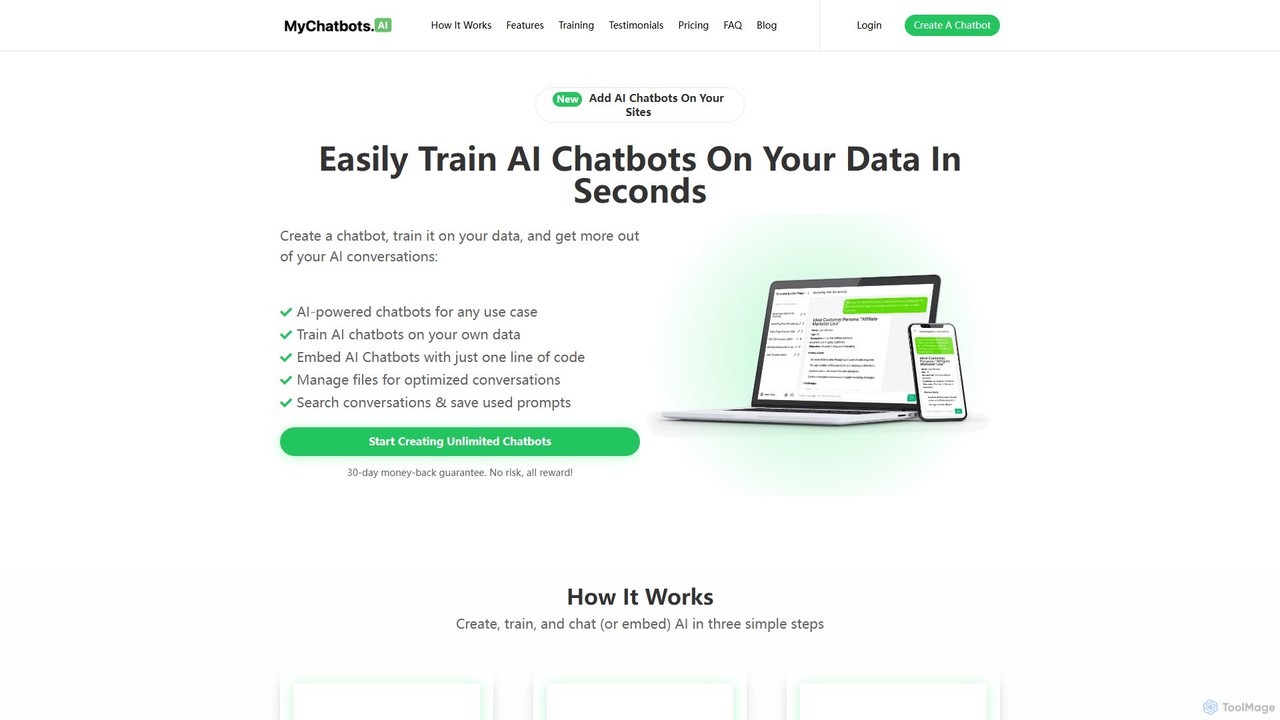
MyChatbots.AI is a no-code platform that allows you to create, train, and embed custom AI chatbots on your …
MyChatbots.AI is a no-code platform that allows you to create, train, and embed custom AI chatbots on your websites. Train your chatbot using your own data, such as PDFs and text files, to provide personalized, context-aware responses for customer support, lead generation, or internal knowledge management. It features a simple three-step setup and a 'Bring Your Own Key' model for flexible API usage.
About No Code Builder
No Code Builders are platforms that enable users to create software applications through graphical user interfaces and configuration instead of traditional programming. These tools utilize visual, drag-and-drop components to assemble user interfaces, define data models, and orchestrate business logic. They are designed to empower non-technical users, such as business analysts and entrepreneurs, to build and deploy functional web and mobile applications rapidly. This approach significantly lowers the barrier to software development, accelerating prototyping and the creation of internal tools.
Core Features
- Visual Drag-and-Drop Interface: Intuitively build application layouts and user interfaces without writing HTML or CSS.
- Workflow Automation: Define business logic and user journeys using visual flowcharts and rule-based triggers.
- Pre-built Templates & Components: Start projects quickly with a library of ready-to-use screens, elements, and functionalities.
- Database and Data Management: Visually create and manage data structures within the platform without SQL knowledge.
- API Integration: Connect to third-party services and data sources through guided, visual configuration.
Use Cases
No Code Builders are widely used by startups to quickly launch a Minimum Viable Product (MVP) and test market fit. Businesses leverage them to create custom internal tools, such as project management dashboards or employee onboarding portals, without relying on stretched IT resources. Marketers also use these platforms to build interactive landing pages and automate lead-capture workflows.
How to Choose
When selecting a No Code Builder, first consider the type of application you need to build (web, mobile, backend). Evaluate the platform's scalability to ensure it can support future user growth. Assess its integration capabilities with your existing software stack. Finally, examine the pricing model and the degree of customization allowed to ensure it aligns with your budget and long-term technical requirements.
No Code BuilderUse Cases
Build a Startup MVP Without Code
An entrepreneur with a new business idea needs to validate their concept quickly without a large technical team or budget. Using a No Code Builder, they can visually design the user interface, set up a database for user accounts and product listings, and implement core logic like user sign-ups and payment processing through pre-built integrations. This allows them to launch a functional Minimum Viable Product (MVP) in weeks instead of months, gathering real user feedback and demonstrating traction to potential investors far more efficiently.
Develop Custom Internal Business Tools
An operations manager in a mid-sized company needs a custom tool to track inventory and manage supplier orders, but the IT department has a long backlog. Using a No Code Builder, the manager can create a dedicated application themselves. They can build forms for data entry, set up a database to store inventory levels, and create automated workflows that trigger reorder alerts when stock is low. This empowers the department to solve its own operational challenges, improving efficiency without waiting for developer resources.
Automate Business Processes and Workflows
A human resources team spends hours manually processing leave requests submitted via email. A business analyst can use a No Code Builder to automate this entire process. They can create a web form for employees to submit requests, build a workflow that routes the request to the correct manager for approval, and set up automatic notifications to inform the employee of the decision. This eliminates manual data entry, reduces approval times, and creates a clear, auditable trail for all requests, freeing up the HR team for more strategic tasks.
Create a Simple Mobile App for a Small Business
A local coffee shop owner wants to create a simple mobile app for customers to view the menu, see daily specials, and collect loyalty points. Without the budget for a mobile app developer, they turn to a No Code Builder. They use a pre-built template for a restaurant app, customize it with their branding and menu items, and set up a simple QR code-based loyalty system. Within a few days, they can publish the app to app stores, providing a better customer experience and a new marketing channel without writing a single line of code.
Launch an Interactive Marketing Campaign
A marketing team wants to launch an interactive quiz or a calculator as part of a new campaign to generate leads. Instead of commissioning a custom web development project, they use a No Code Builder. They can visually design the quiz, define the logic for calculating results, and create a form to capture user information at the end. The resulting microsite can be built and launched in a single afternoon, allowing the team to be more agile and creative with their marketing efforts without technical dependencies.
Build a Client Portal or Membership Site
A consultant or a content creator needs a secure online space for clients or members to access exclusive content, track project progress, or manage their subscriptions. Using a No Code Builder, they can create a password-protected portal. They can set up user roles and permissions, build pages to display specific content based on a user's membership level, and integrate with payment gateways for subscription management. This provides a professional and scalable solution for managing a client or member base without the complexity of custom development.