

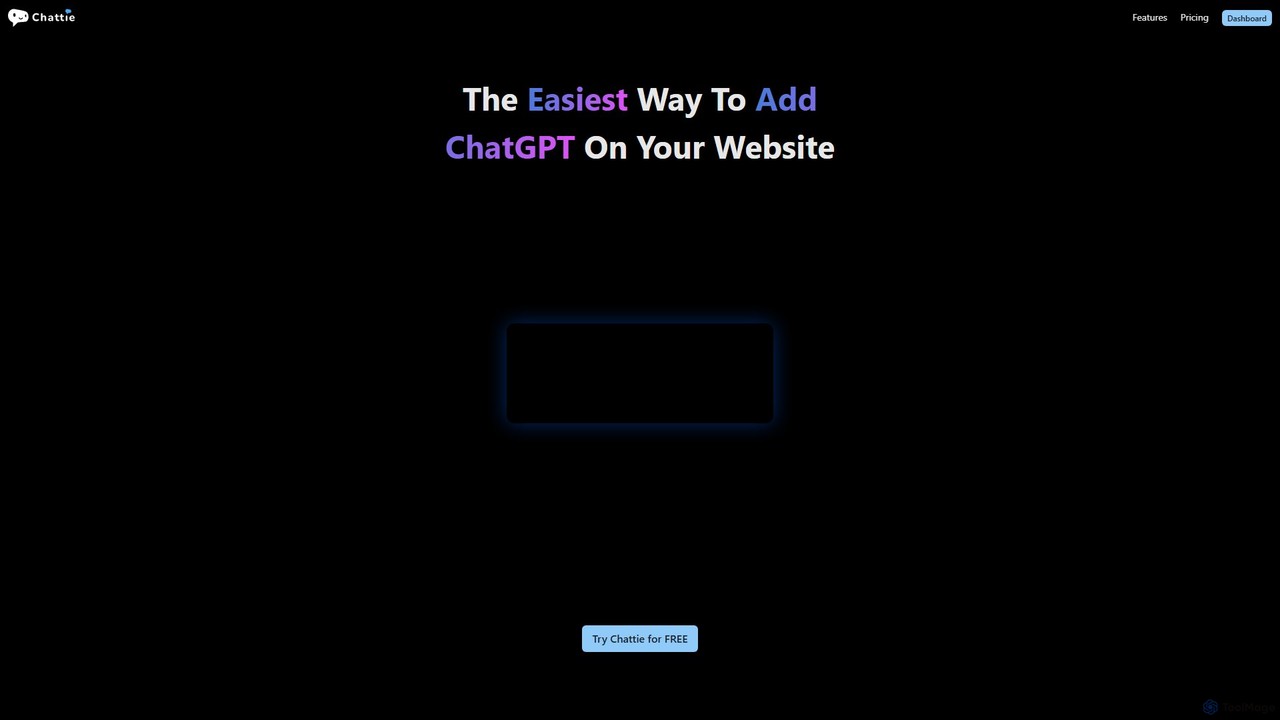
Chattie Overview
Chattie offers the simplest way to integrate a powerful, ChatGPT-driven chatbot directly onto your website. This tool is designed for businesses and individuals who want to provide instant, AI-powered support and engagement without any coding knowledge. The core strength of Chattie lies in its ability to create chatbots that are not generic, but are instead deeply trained on your specific data. You can feed it information from various sources, including website pages, uploaded documents like PDFs, DOCX, EPUBs, CSVs, and markdown files, or even by simply pasting text. This ensures the chatbot's responses are relevant, accurate, and aligned with your brand's voice and information.
The platform is built for ease of use and rapid deployment. Once your data is provided, Chattie automatically generates helpful prompts and conversation snippets, allowing you to launch a functional chatbot in minutes. This feature is particularly useful for users who may not know where to start with prompt engineering, as it provides a solid foundation for user interaction.
How to use Chattie
Using Chattie is a straightforward, multi-step process designed for non-technical users:
- Sign Up: Start by creating an account on the Chattie website, which typically includes a free trial to explore the features.
- Create a Chatbot: In your dashboard, initiate the creation of a new chatbot. Give it a name and define its basic purpose.
- Train Your Chatbot: This is the most crucial step. Provide your custom data to the platform. You can do this by entering website URLs for Chattie to crawl, uploading files (like FAQs in PDF, product catalogs in CSV, or policy documents in DOCX), or pasting raw text directly.
- Customize the Appearance: Navigate to the Theme Editor. Here you can preview the chatbot on your website, choose from pre-made themes, change the colors and icons, or for advanced users, apply custom CSS to perfectly match your website's branding.
- Configure Prompts: Use the automatically generated prompts or create your own to guide users and start conversations effectively.
- Embed on Your Website: Chattie will provide you with a small snippet of JavaScript code. Simply copy this code and paste it into your website's HTML, usually just before the closing `` tag.
- Analyze and Iterate: Once live, use the Chattie dashboard to monitor performance. Review chat history, analyze the charts and stats, and understand the topics your users are most interested in. Use these insights to refine your data and improve the chatbot's effectiveness.
Core Features of Chattie
- Custom Data Training: Train your chatbot with a wide range of data sources including web pages, PDF, DOCX, EPUB, CSV, MD files, and pasted text.
- No-Code Platform: An intuitive interface that allows anyone to build and deploy a sophisticated AI chatbot without writing a single line of code.
- Full CSS Customization: A powerful theme editor allows for complete visual control, from simple color changes to full CSS overrides to ensure seamless brand integration.
- Auto-Generated Prompts: The system automatically creates relevant prompts and snippets based on your data to facilitate immediate and meaningful user interactions.
- Advanced Analytics Dashboard: Gain valuable insights into user behavior with detailed stats, charts, and automatically generated topics from chat histories.
- White Labeling: Available on higher-tier plans, this feature allows you to remove all Chattie branding for a fully native experience.
- Scalable Infrastructure: With multiple plans, Chattie can support everyone from small businesses to large agencies with high traffic volumes.
Use Cases for Chattie
Chattie is versatile and can be applied in various scenarios to improve efficiency and user experience:
- 24/7 Customer Support: Automate responses to frequently asked questions about your products, services, shipping policies, or business hours, freeing up your human support team for more complex issues.
- Lead Generation: Engage website visitors proactively, ask qualifying questions, and collect contact information (like names and emails) to grow your sales pipeline.
- E-commerce Assistant: Help online shoppers find products, compare features, get recommendations, and receive assistance during the checkout process, reducing cart abandonment.
- User Onboarding: Guide new users through your software or platform, explaining features and answering initial questions to improve activation and retention rates.
- Internal Knowledge Management: Deploy an internal chatbot for your team, trained on company documents, policies, and procedures, to provide employees with instant access to information.
Advantages of Chattie
Choosing Chattie provides several key benefits:
- Simplicity: True to its slogan, it's designed to be the easiest way to get a custom chatbot running on a website.
- Personalization: The ability to train on your own data makes the chatbot a true expert on your specific business, providing far more value than a generic AI.
- Enhanced User Experience: Visitors get instant answers to their questions any time of day, leading to higher satisfaction and engagement.
- Cost-Efficiency: Automating routine inquiries significantly reduces the workload on customer support staff, lowering operational costs.
- Actionable Insights: The analytics dashboard doesn't just show you chat logs; it helps you understand what your customers are looking for, revealing gaps in your content or product offerings.
Pricing and Plans
Chattie offers a freemium model with a free trial and several paid tiers, with a discount for annual billing (2 months free).
- Essential Plan: $29 per month. Includes 5 chatbots, 3,000 messages/month, and 20 MB of training text. Ideal for small businesses or personal websites.
- Pro Plan: $99 per month. Includes 20 chatbots, 12,000 messages/month, 100 MB of training text, and white labeling. This is their most popular plan, suited for growing businesses.
- Agency Plan: $499 per month. Includes 100 chatbots, 80,000 messages/month, 1 GB of training text, and white labeling. Designed for agencies or large enterprises with extensive needs.
Chattie Alternatives
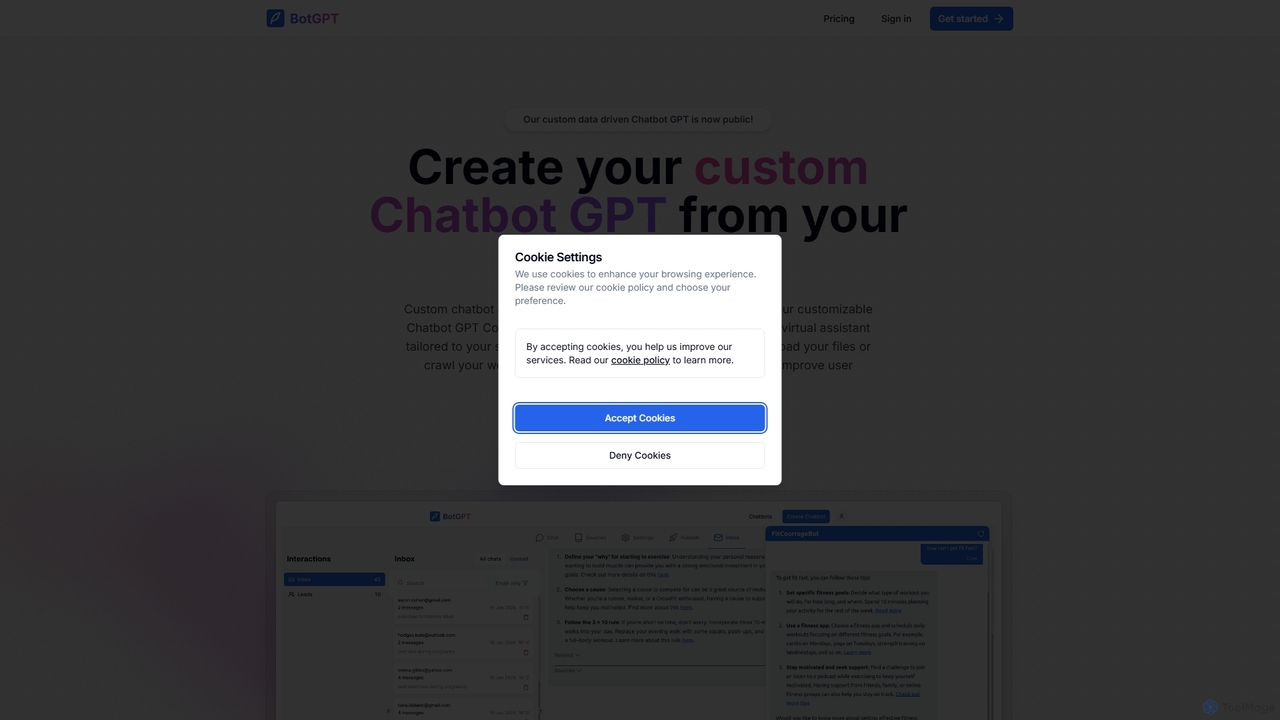
BotGPT
BotGPT is a powerful AI platform that allows you to create a custom ChatGPT-style chatbot trained on your own data. Easily upload files or crawl your website to build a virtual assistant in minutes. Embed the customizable widget on your site to enhance customer engagement, automate support, and capture leads 24/7. It offers multi-platform support and prioritizes data privacy, making it an ideal solution for businesses of all sizes.
Chatbot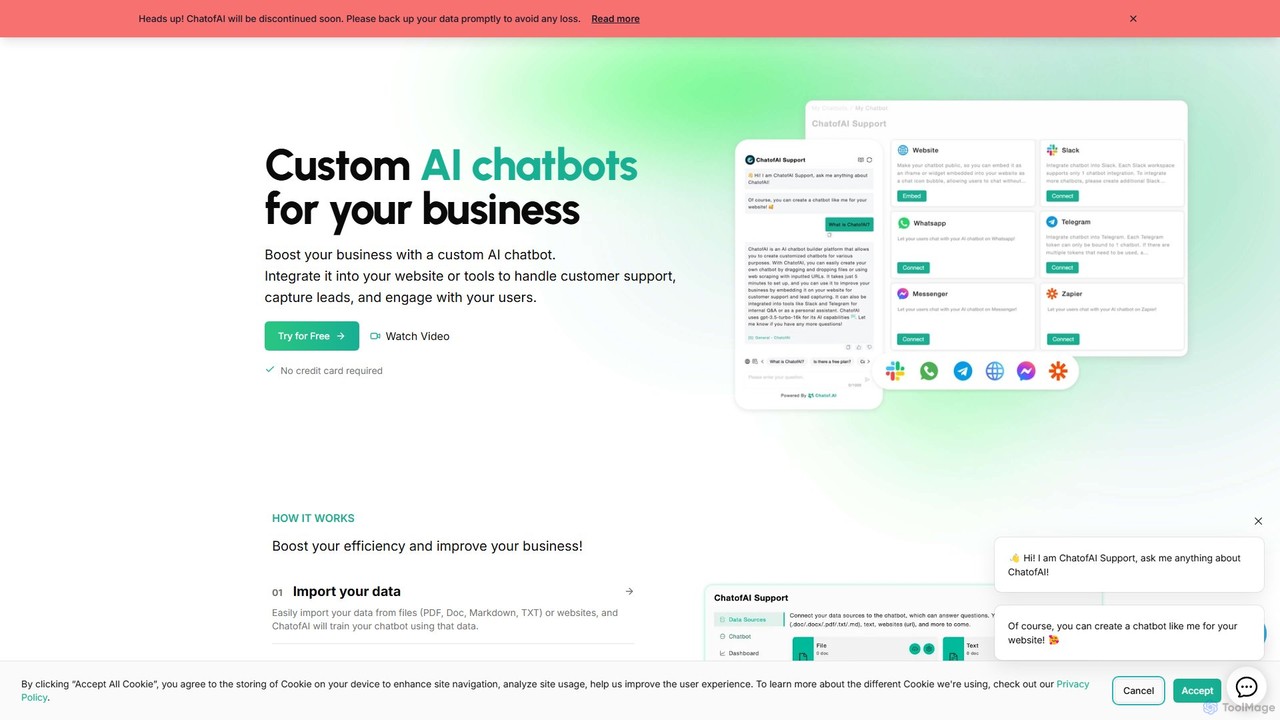
Chatof
Chatof is a no-code platform for creating custom AI chatbots from your business data. Train your chatbot with documents or websites to handle customer support, generate leads, and serve as an internal knowledge base. Please note: The Chatof service is being discontinued soon. It features integrations with websites, Slack, and Telegram, along with lead generation forms, advanced analytics, and multi-language support.
Chatbot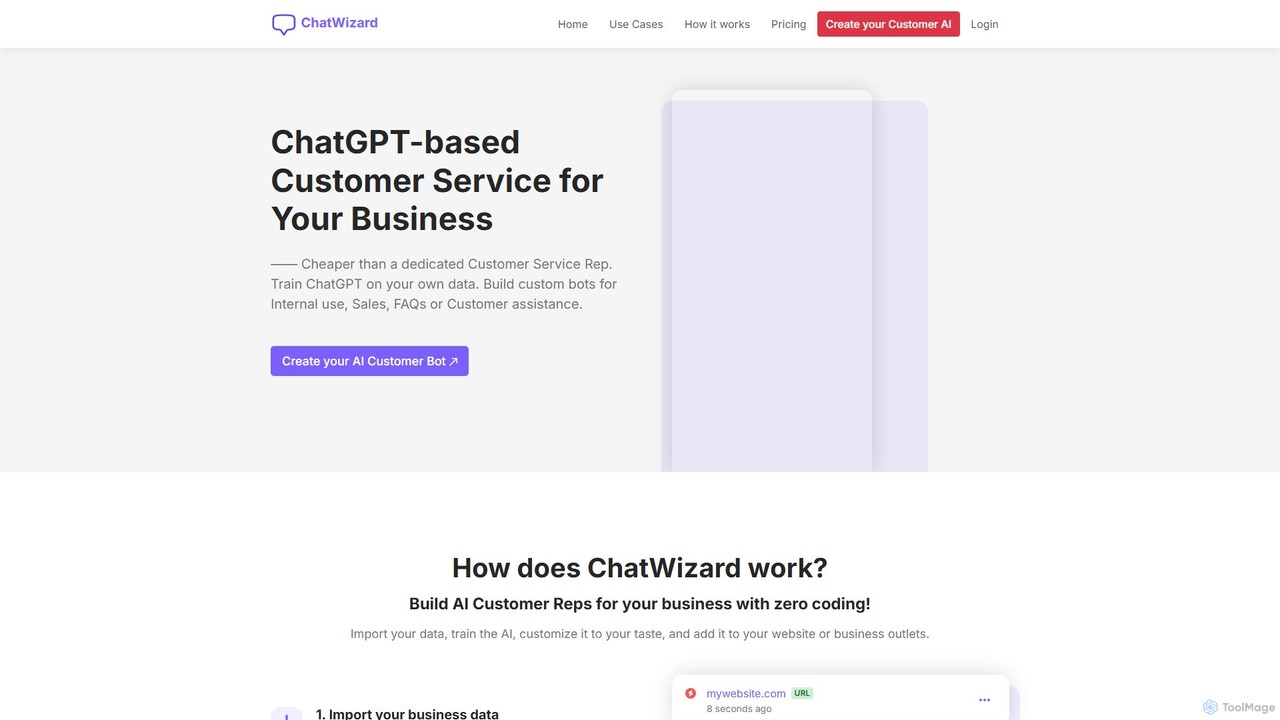
ChatWizardAI
ChatWizardAI is a no-code platform that enables businesses to build custom ChatGPT-powered chatbots. Train your AI on website content, PDFs, and documents to create intelligent assistants for customer service, sales, and internal FAQs. Easily embed the customizable widget on any website to provide 24/7 support, enhance user engagement, and drive business growth. It supports over 30 languages, making global customer interaction seamless.
Chatbot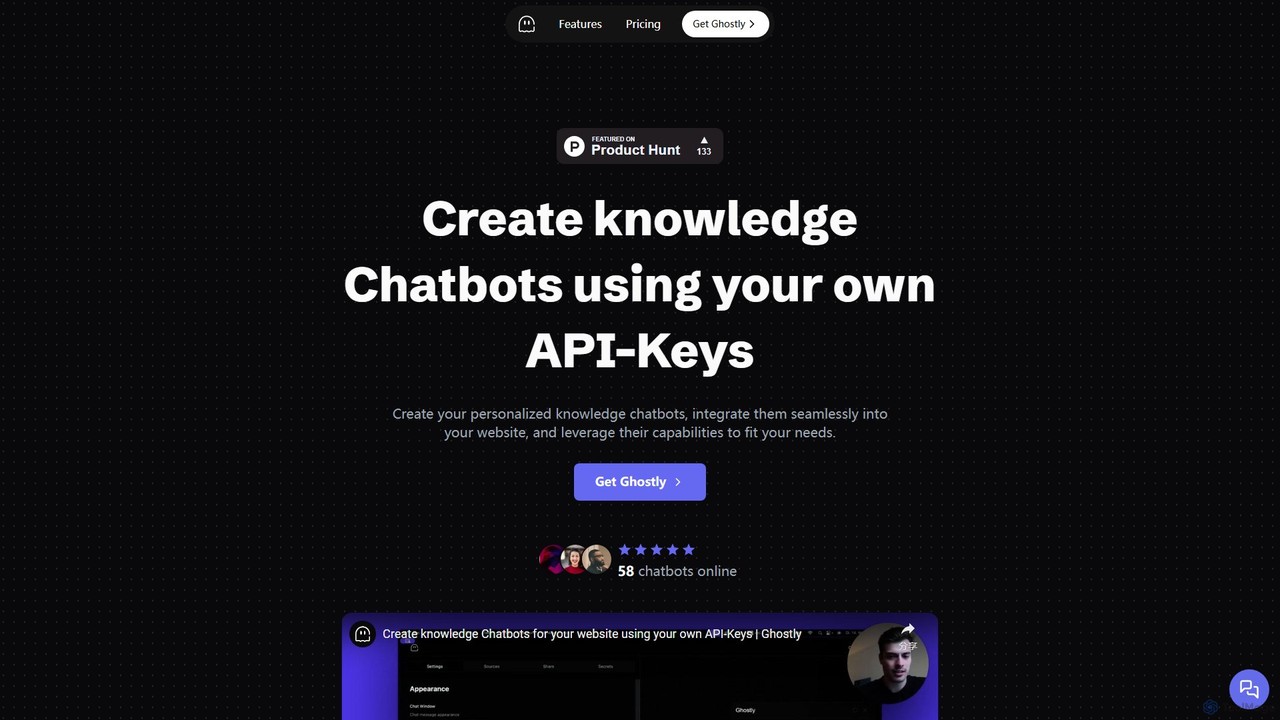
Ghostly
Ghostly is a platform for creating custom AI chatbots trained on your own data. It features a unique 'Bring Your Own API Key' model, allowing you to control AI usage costs directly. Easily build, customize, and embed a chatbot on your website in minutes by uploading files or adding URLs. It supports GPT-3.5, GPT-4, and GPT-4o, offering deep customization of behavior and appearance to match your brand.
Chatbot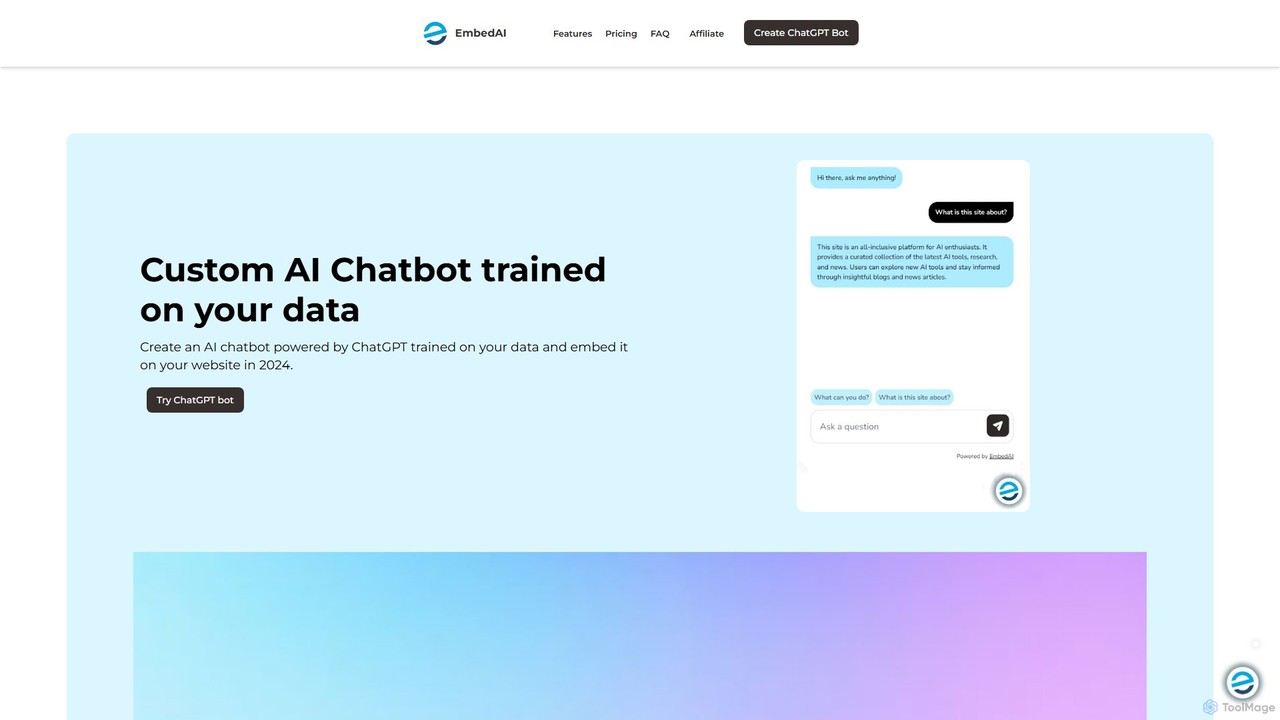
EmbedAI
EmbedAI is an AI chatbot builder that allows you to create custom ChatGPT-powered assistants trained on your own data. Easily upload files, link websites, or connect YouTube videos to build a knowledgeable chatbot. You can customize its appearance and embed it on your website via a chat bubble or code to enhance customer support, lead generation, and user engagement. It supports over 100 languages and integrates with various platforms like Shopify, Notion, and Zapier.
ChatbotChattie Categories
Chattie Embed Widget
Copy this embed code to place the badge on your blog, article, or product site and send readers directly to this ToolMage detail page.

Related AI tools
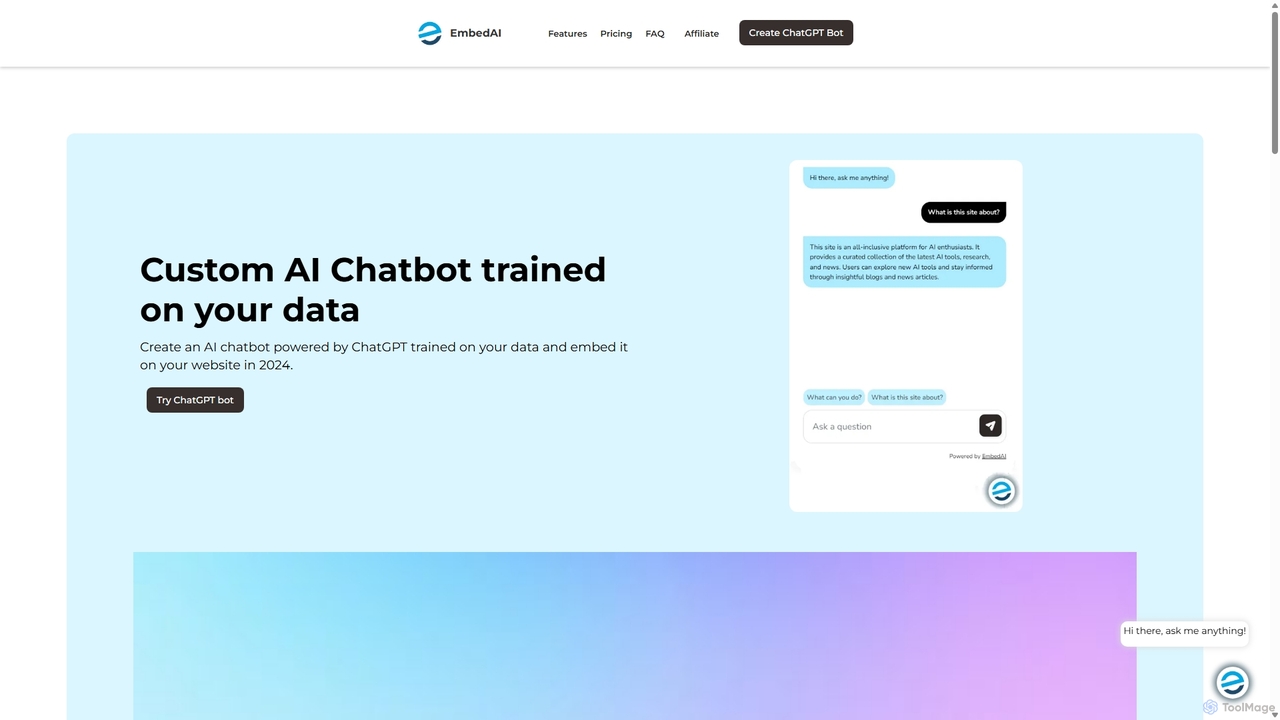
EmbedAI
EmbedAI is an AI chatbot builder that allows you to create custom ChatGPT & Gemini-powered chatbots trained on your own data. Easily upload files, link websites, or use YouTube videos to train your bot. Customize its appearance and embed it on your website to automate customer support, enhance user engagement, and provide instant answers in over 100 languages.
Chatbots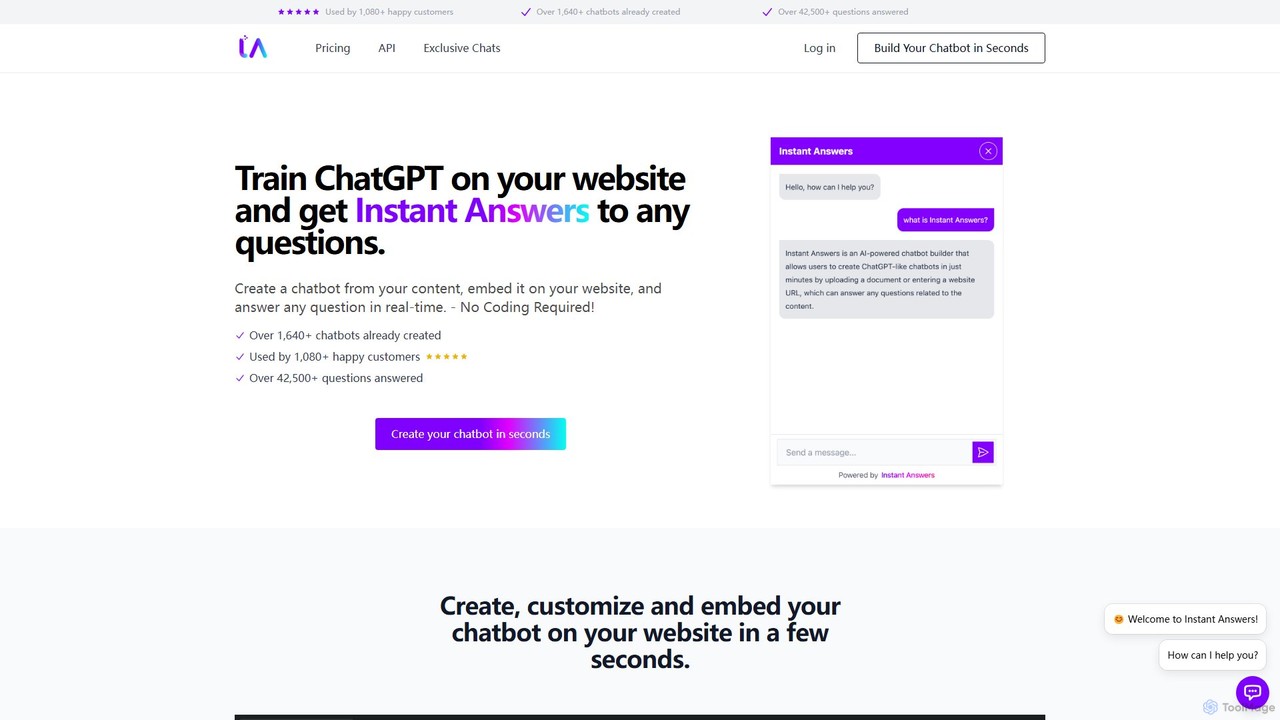
Instant Answers
Instant Answers is a no-code AI chatbot builder that allows you to train a ChatGPT-like assistant on your own website content, documents, or data. Create a custom chatbot in minutes, embed it on your site, and provide real-time, accurate answers to visitor questions 24/7. It supports various data formats, offers deep customization, and provides conversation analytics to enhance customer support and engagement.
Chatbot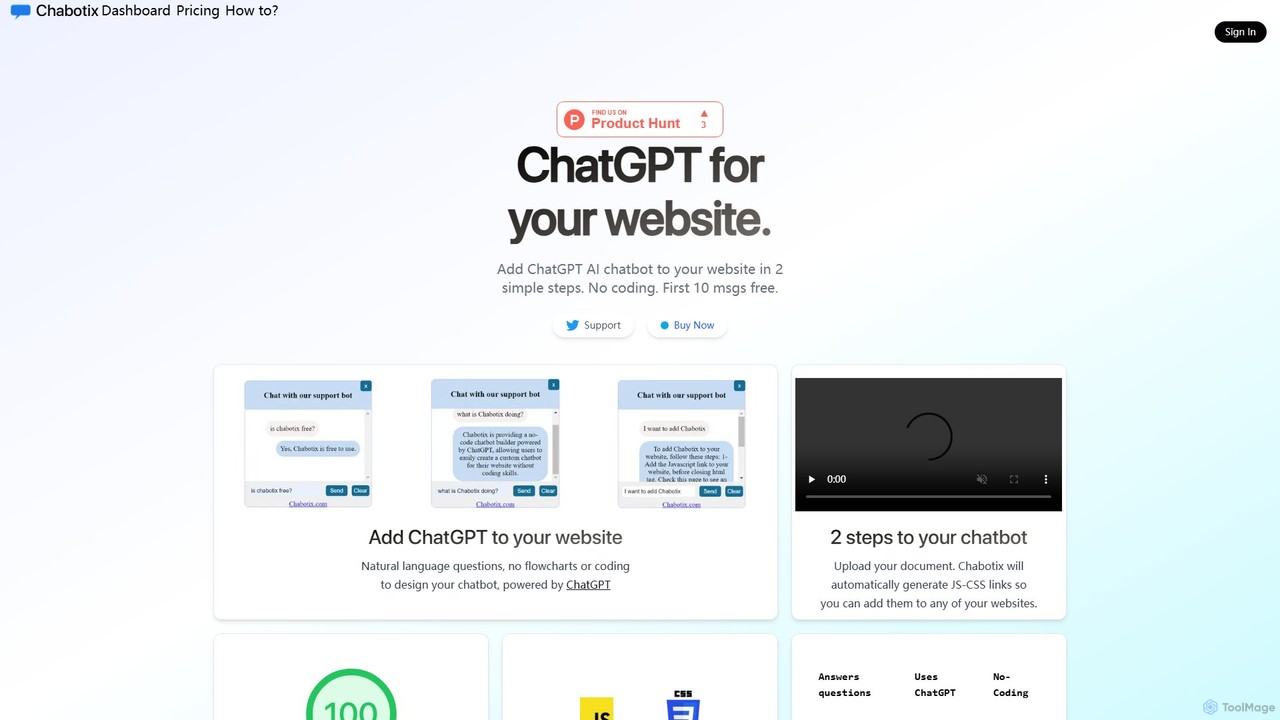
Chabotix
Chabotix is a no-code platform that allows you to create a custom ChatGPT-powered AI chatbot for your website in minutes. Simply upload your documents, and Chabotix generates a chatbot trained on your data. It provides instant, accurate answers to user questions, enhances customer support, and can even recommend products, all through a simple copy-paste integration.
ChatbotBotGPT
BotGPT is a powerful AI platform that allows you to create a custom ChatGPT-style chatbot trained on your own data. Easily upload files or crawl your website to build a virtual assistant in minutes. Embed the customizable widget on your site to enhance customer engagement, automate support, and capture leads 24/7. It offers multi-platform support and prioritizes data privacy, making it an ideal solution for businesses of all sizes.
ChatbotChatof
Chatof is a no-code platform for creating custom AI chatbots from your business data. Train your chatbot with documents or websites to handle customer support, generate leads, and serve as an internal knowledge base. Please note: The Chatof service is being discontinued soon. It features integrations with websites, Slack, and Telegram, along with lead generation forms, advanced analytics, and multi-language support.
Chatbot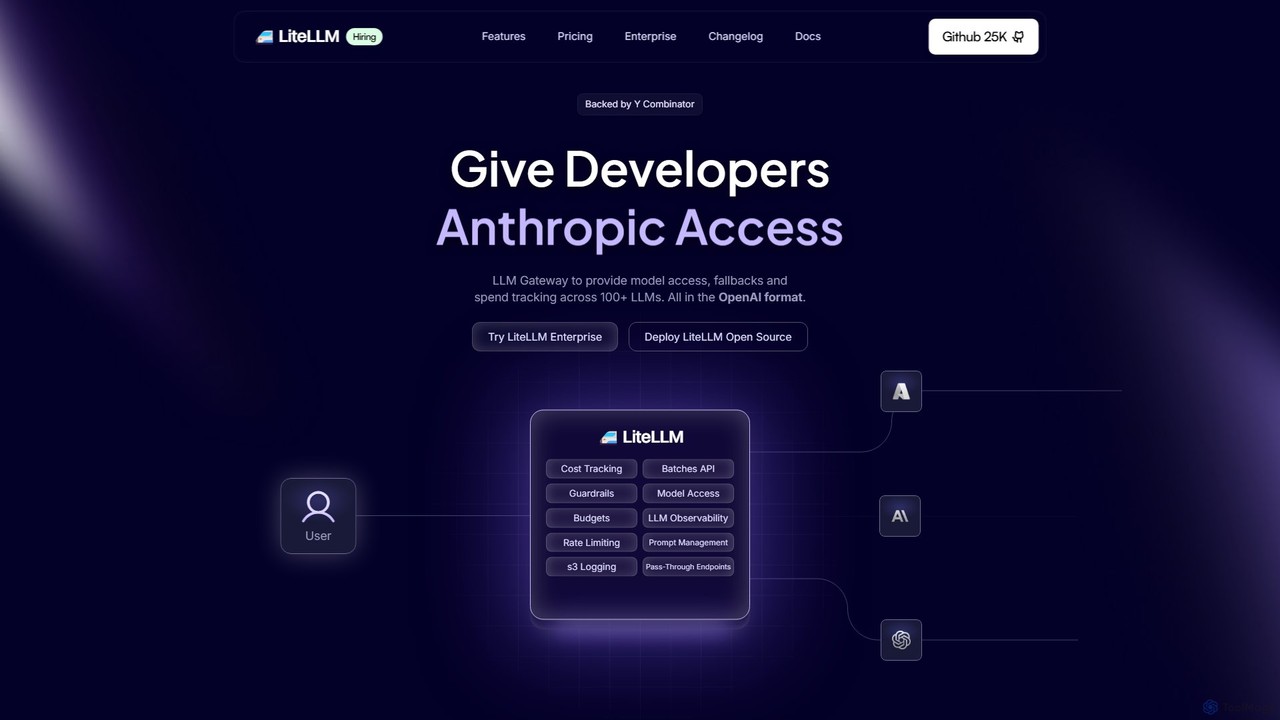
Berri
Berri is a no-code platform that allows you to build custom AI chatbots trained on your own data. Instantly transform your documents, websites, and knowledge bases into an interactive, conversational AI assistant to enhance customer support, generate leads, or streamline internal knowledge sharing.
Chatbot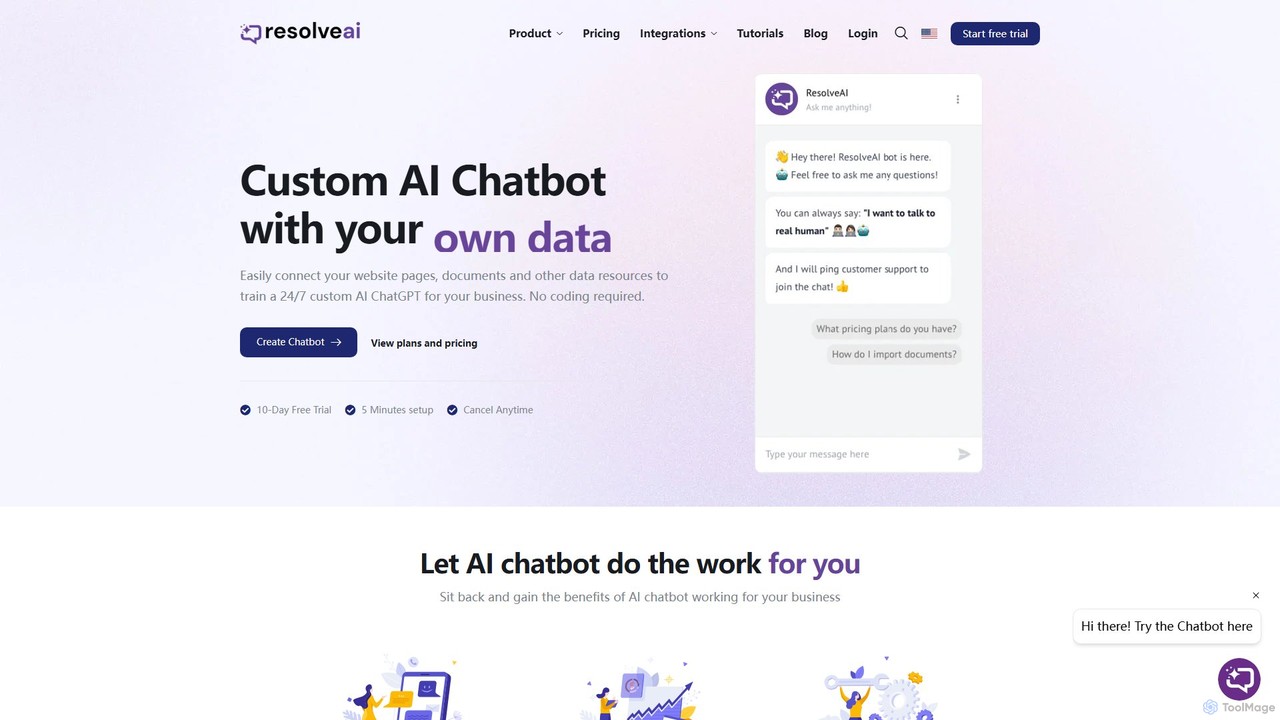
resolveai
resolveai is a no-code platform that enables businesses to create custom AI chatbots trained on their own data. Easily connect website pages, documents, and other resources to build a 24/7 AI assistant that reflects your brand's persona. It enhances customer engagement, automates support, and increases conversion rates. Key features include integrations with popular platforms like WhatsApp and Slack, a booking assistant, and human chat takeover, all with a simple 5-minute setup.
Chatbot
Jyek
Jyek is an AI agent platform that understands objectives, creates execution plans, uses tools, and delivers verifiable results for complex, multi-step tasks.
Automation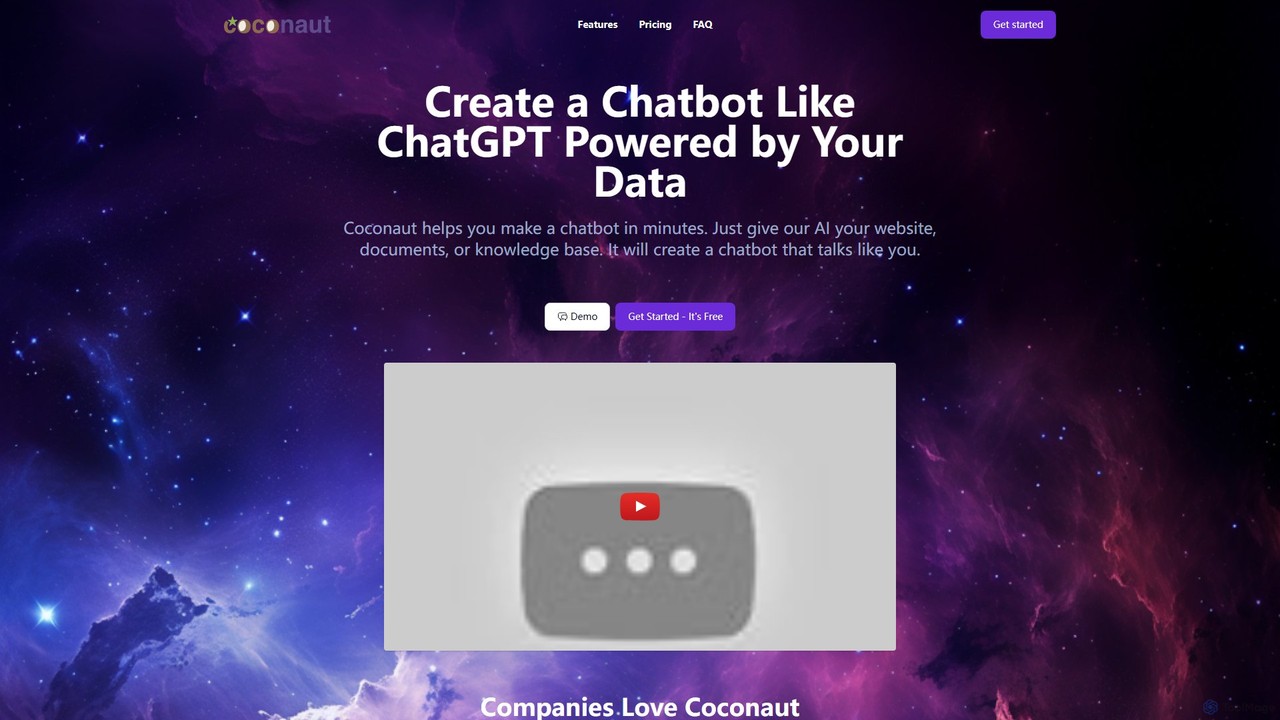
Coconaut.ai
Coconaut.ai is a no-code platform that allows you to create custom AI chatbots powered by your own data. Simply provide a website URL or upload documents, and Coconaut will build a ChatGPT-like bot that understands your content and can be easily embedded into your website to enhance customer engagement and automate support.
Chatbot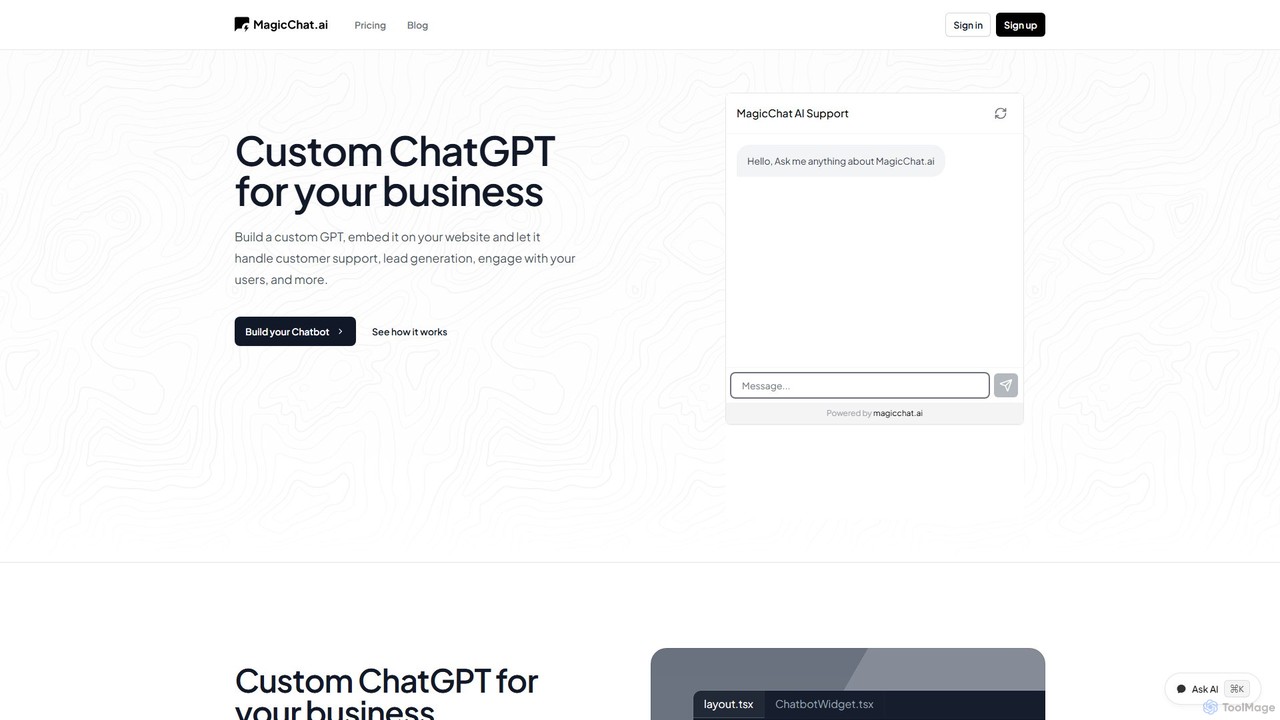
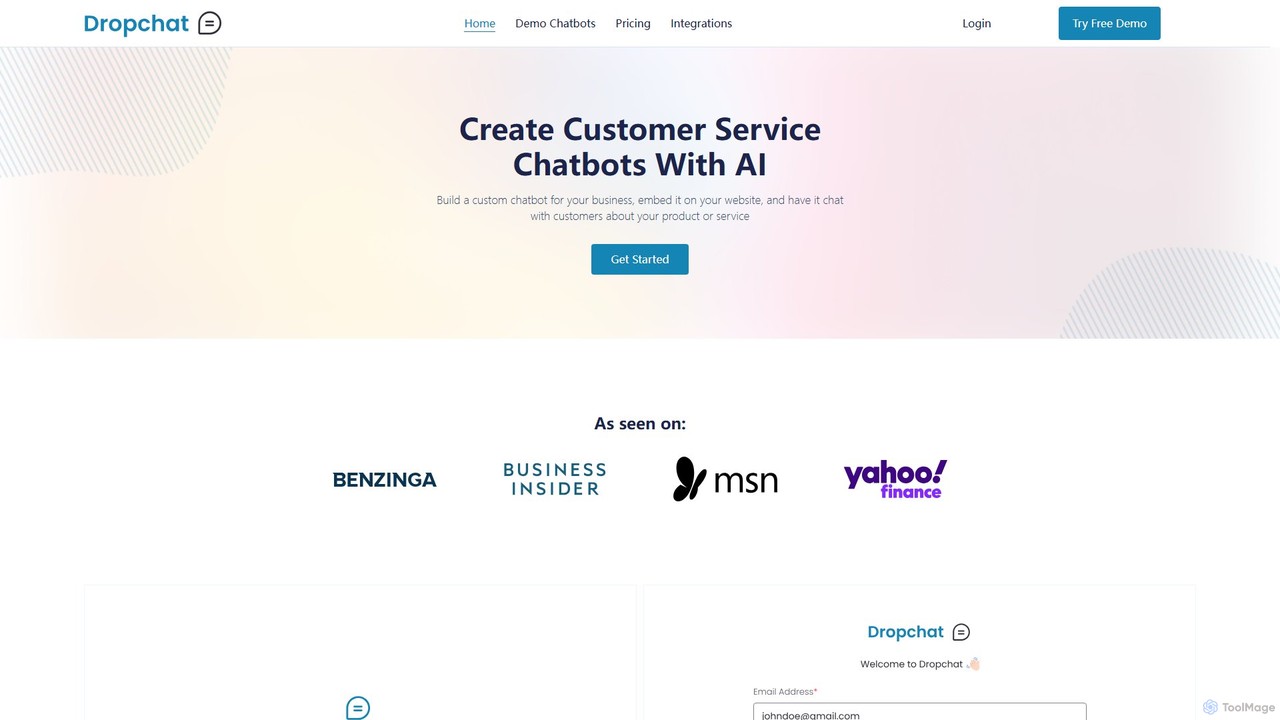
Dropchat
Dropchat is a no-code AI platform that allows businesses to build custom chatbots from their own data. Easily create and embed intelligent chatbots on your website to automate customer service, answer questions 24/7, and engage visitors using content from PDFs, websites, and YouTube videos.
Chatbot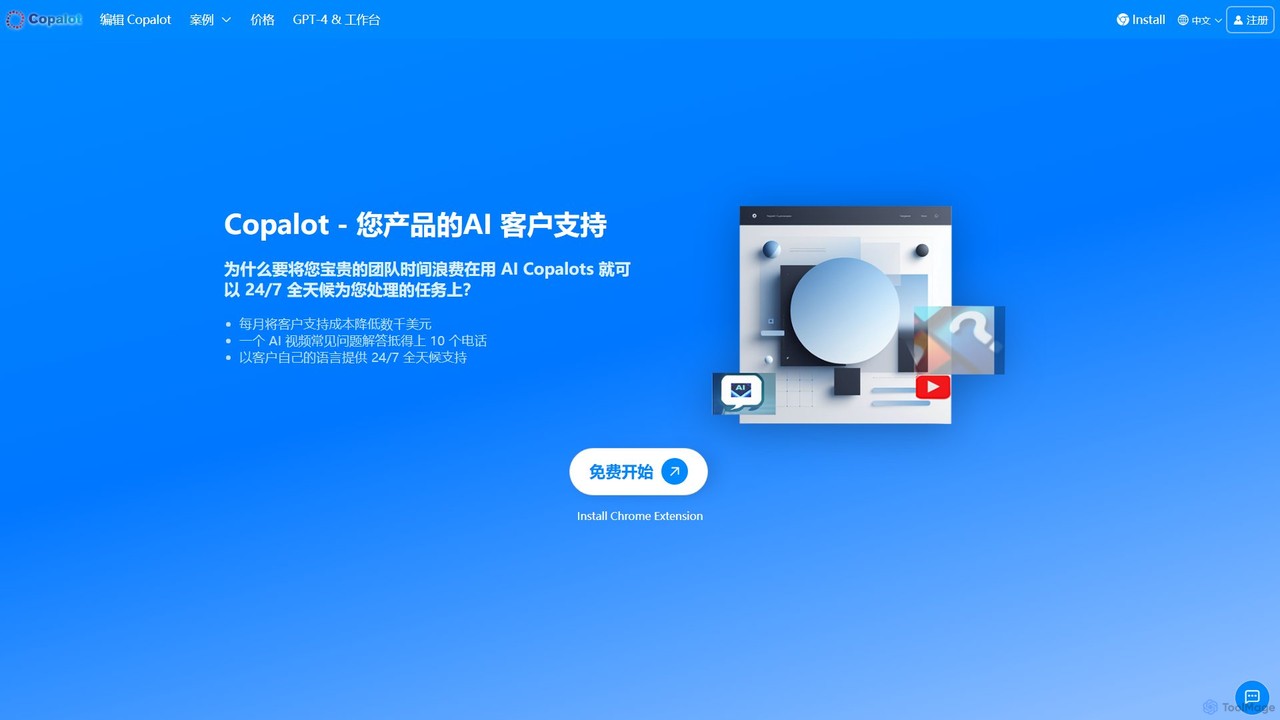
Copalot
Copalot is an AI-powered platform that creates intelligent customer support chatbots from your existing content. Simply upload product manuals, documents, or provide a website URL to generate an AI assistant that provides 24/7 support. It features a seamless human-AI collaboration model, allowing agents to take over conversations when needed, significantly reducing support costs and improving customer satisfaction.
Chatbot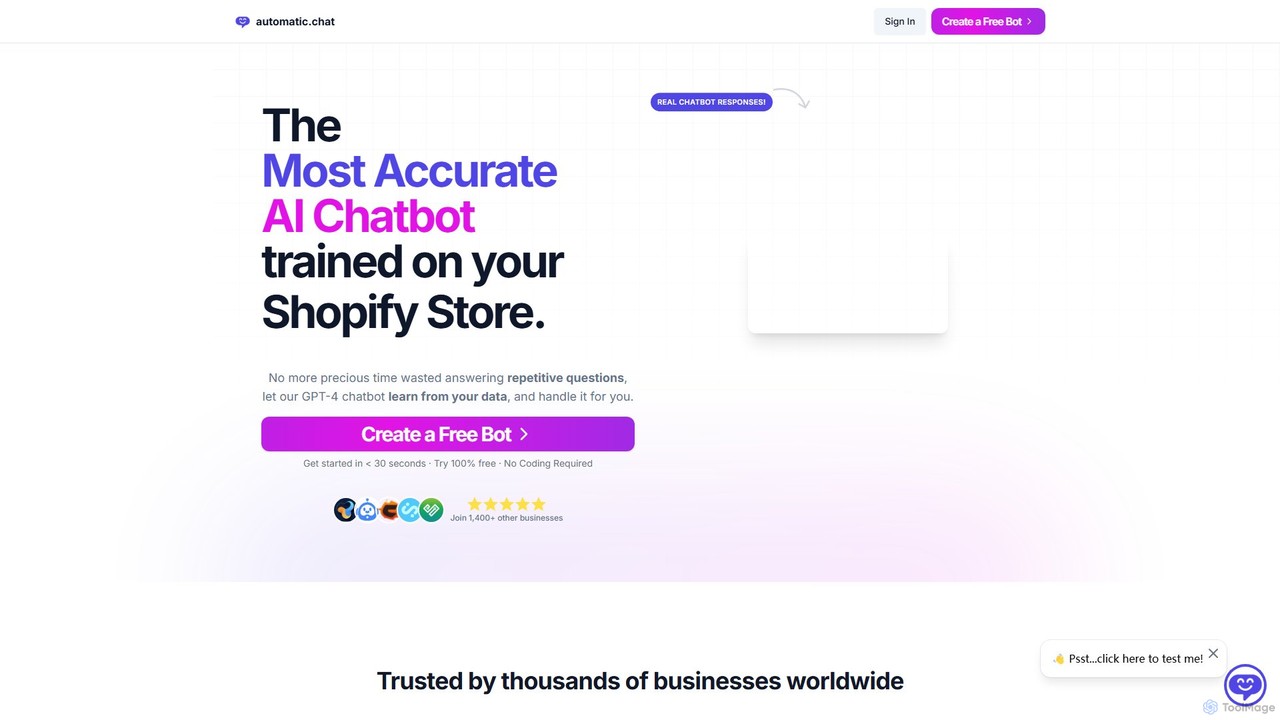
Automatic.chat
Automatic.chat is a no-code AI chatbot builder powered by GPT-4. It allows businesses to create a custom chatbot trained on their own data, such as websites, PDFs, and documents. This automates customer support, answers repetitive questions 24/7, and enhances user engagement. Features include full customization, detailed analytics, chat history, and multilingual support, all designed to save time and improve customer satisfaction.
Chatbot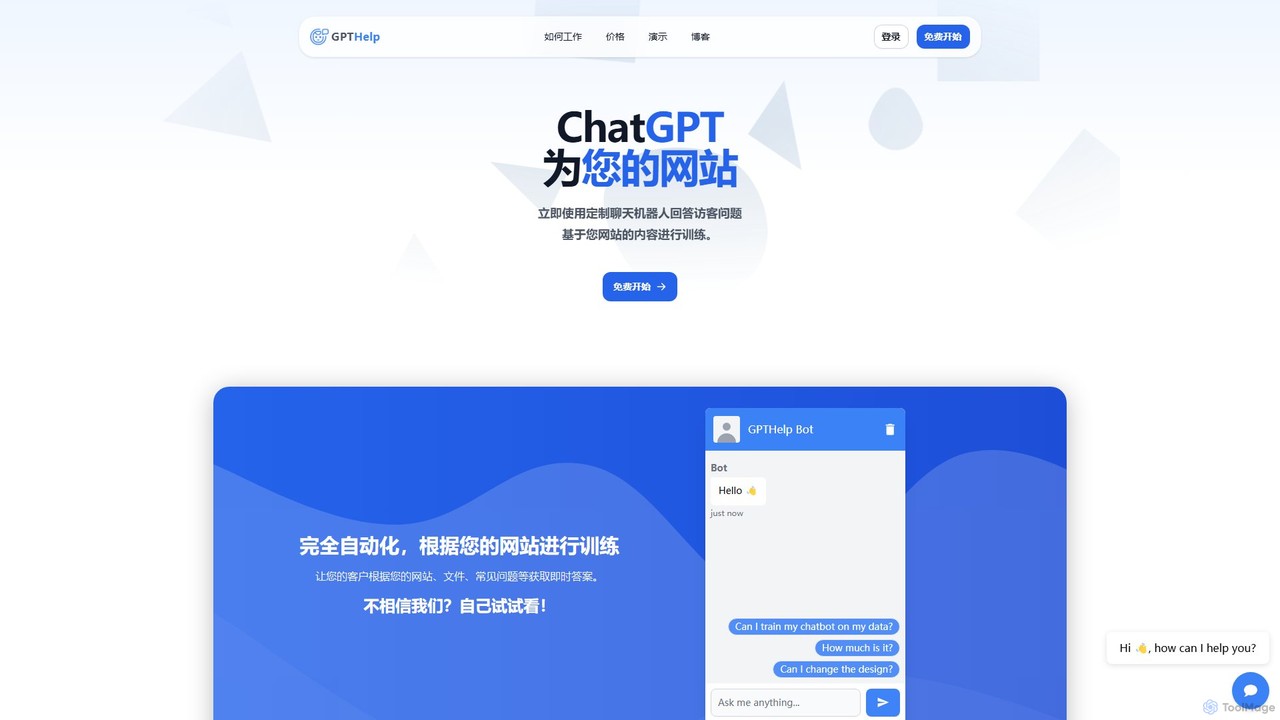
GPTHelp.ai
GPTHelp.ai is an AI-powered platform that allows you to create a custom chatbot for your website in minutes. It trains on your website content, documents, and FAQs to provide instant, accurate answers to visitor questions, automating customer support and enhancing user engagement 24/7.
Chatbot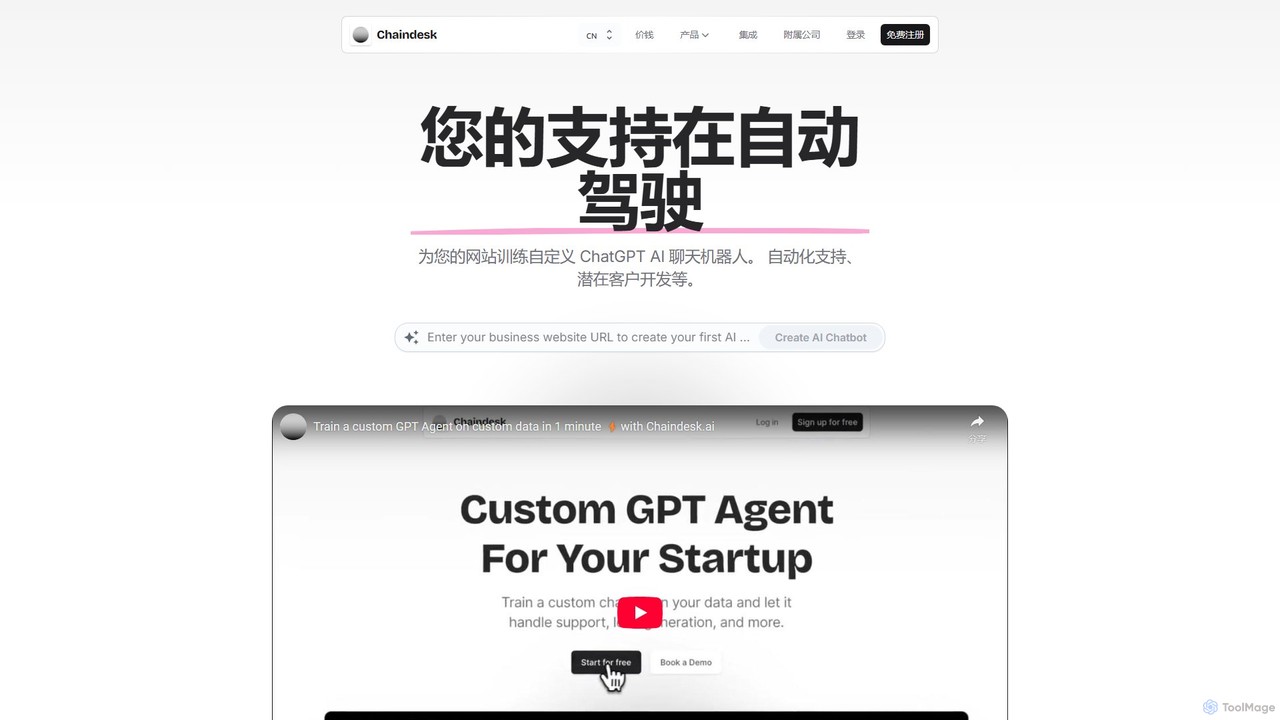
Chaindesk
Chaindesk is a no-code platform that allows you to build custom AI chatbots, powered by models like GPT-4, trained on your own data. Automate customer support, generate leads, and provide instant, 24/7 answers across multiple channels. It integrates with various data sources like Notion, Google Drive, and websites, offering a comprehensive AI support ecosystem with features like a shared inbox, human handover, and AI-powered email assistance.
Chatbot
Chattie Comments (0)
Sign in to comment.
Sign inNo comments yet.