ToolMage
Sign in

Best 16 No Code Builder AI tools for Productivity

Popular No Code Builder AI tools in Productivity include GetResponse, EmbedAI, OpenGPT, BotGPT, Chatsistant, ChatWizardAI, DataSavvy.chat, Linkstac, Bothatch, and ailawyerlab, helping you work more efficiently.

Chatolia
Freemium

Chatolia

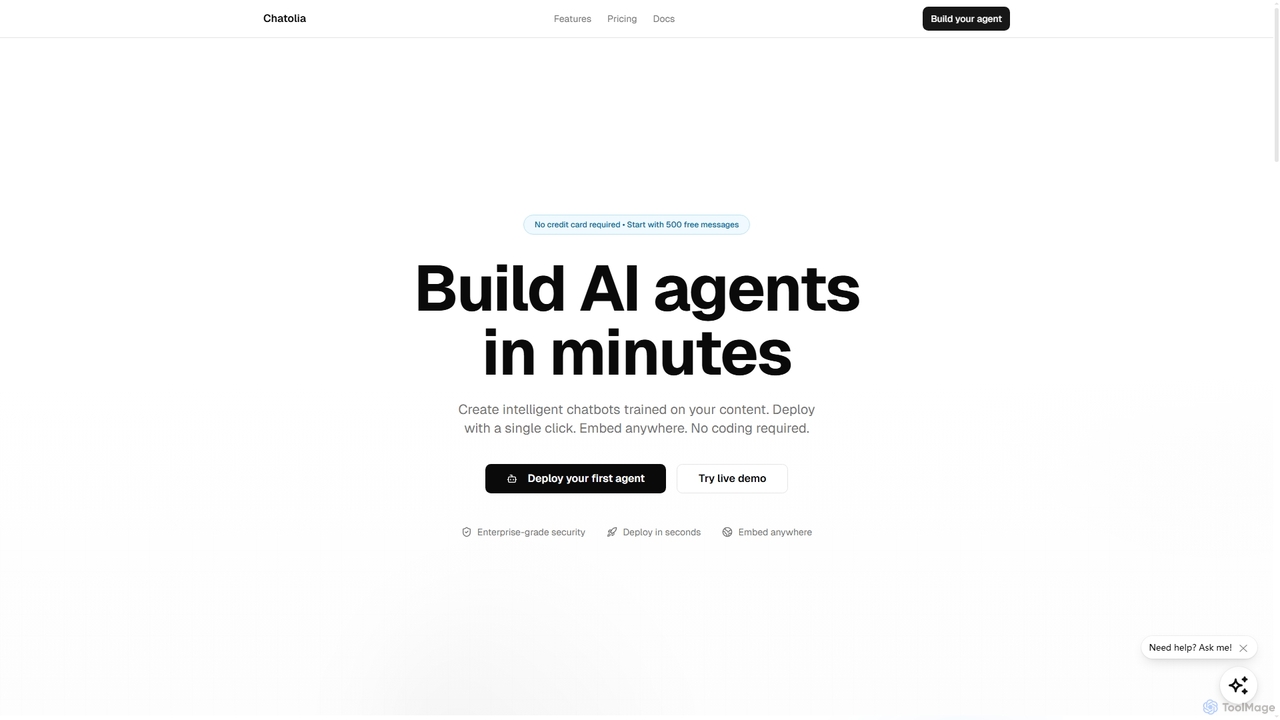
Chatolia is a no-code platform for building and deploying intelligent AI chatbots. Train agents on your own content, such as documents and URLs, and embed them on any website in minutes. It offers access to various AI models like GPT-4, Claude, and Gemini, with features for multi-agent workspaces and team collaboration. Ideal for creating AI-powered customer support agents.

Chatbot
Visits 6.5KFavorites 139Likes 123
BotGPT
Freemium

BotGPT

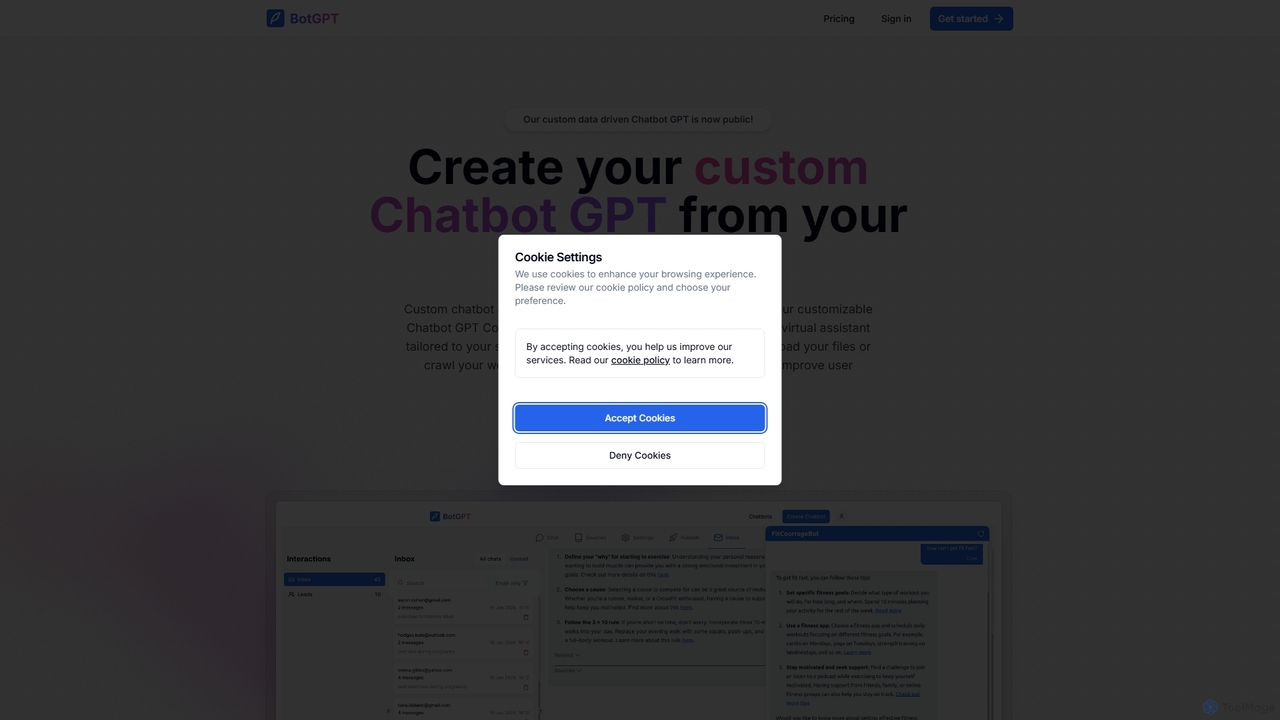
BotGPT is a powerful AI platform that allows you to create a custom ChatGPT-style chatbot trained on your own data. Easily upload files or crawl your website to build a virtual assistant in minutes. Embed the customizable widget on your site to enhance customer engagement, automate support, and capture leads 24/7. It offers multi-platform support and prioritizes data privacy, making it an ideal solution for businesses of all sizes.

Chatbot
Visits 11.2KFavorites 130Likes 142
Bothatch
Freemium

Bothatch

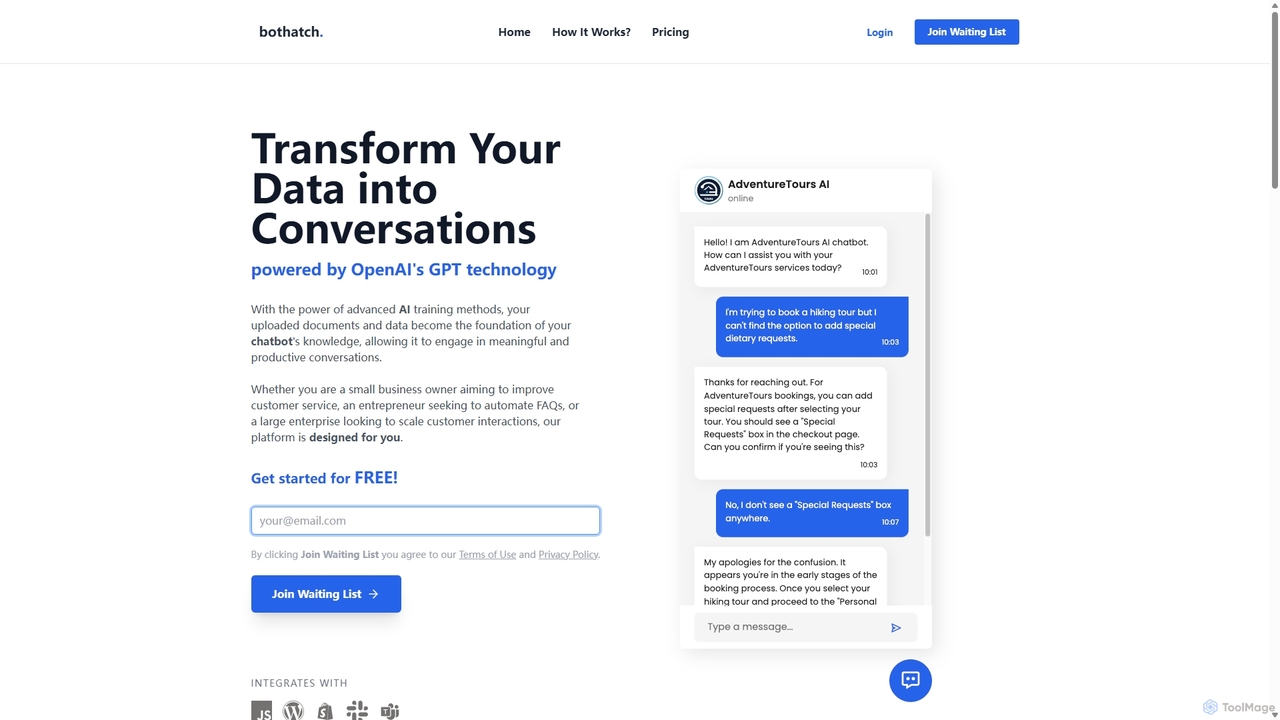
Bothatch is a no-code platform that allows users to create custom GPT-powered chatbots trained on their own data. By uploading documents like product manuals, FAQs, or blog posts, businesses can build intelligent AI assistants. These chatbots can be integrated into websites, Shopify stores, and other platforms to automate customer support, answer queries 24/7, and enhance user engagement, transforming static data into interactive conversations.

Chatbots
Visits 7.1KFavorites 140Likes 130
CypherScribe
Paid

CypherScribe

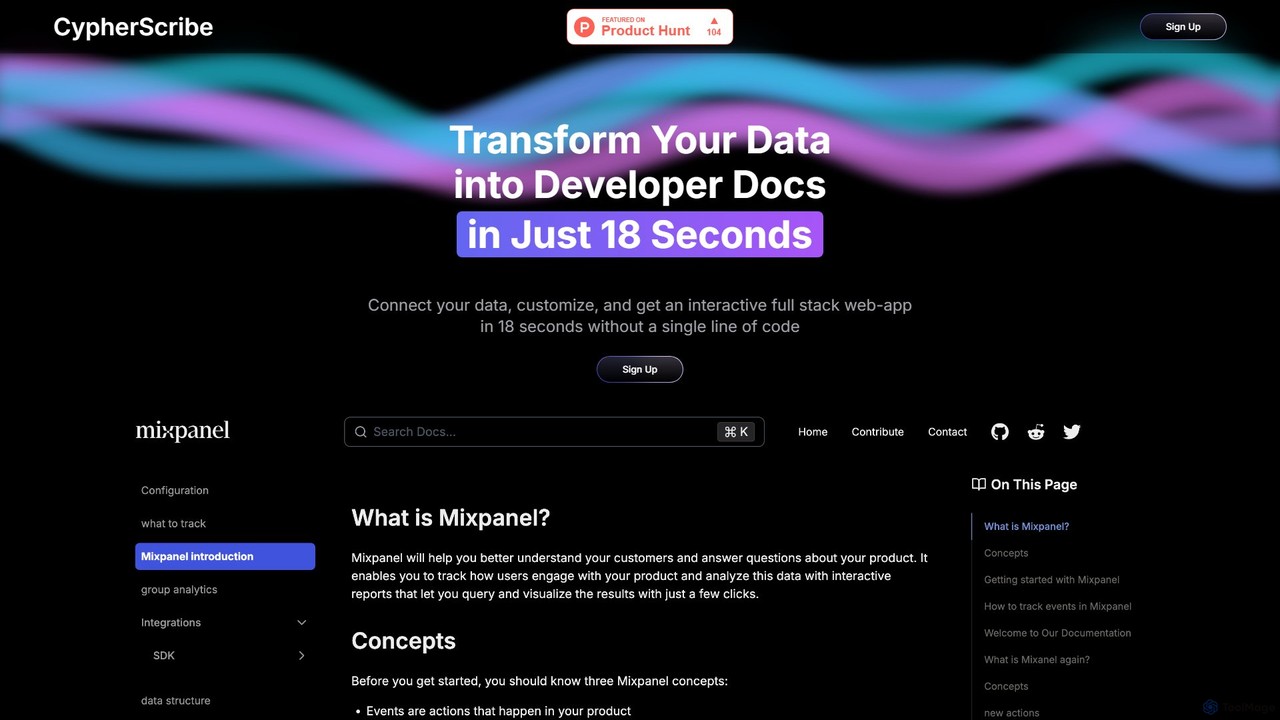
CypherScribe is an AI-powered, no-code platform that instantly transforms your data into a fully interactive, full-stack developer documentation website. In just 18 seconds, connect your data, customize the appearance, and launch a professional, SEO-optimized documentation site with an integrated AI chatbot. It's designed to save development time by automating the entire documentation creation and hosting process, complete with custom domains, a rich editor, and powerful search capabilities.

Knowledge Base
Visits 6.5KFavorites 113Likes 89
EmbedAI
Freemium

EmbedAI

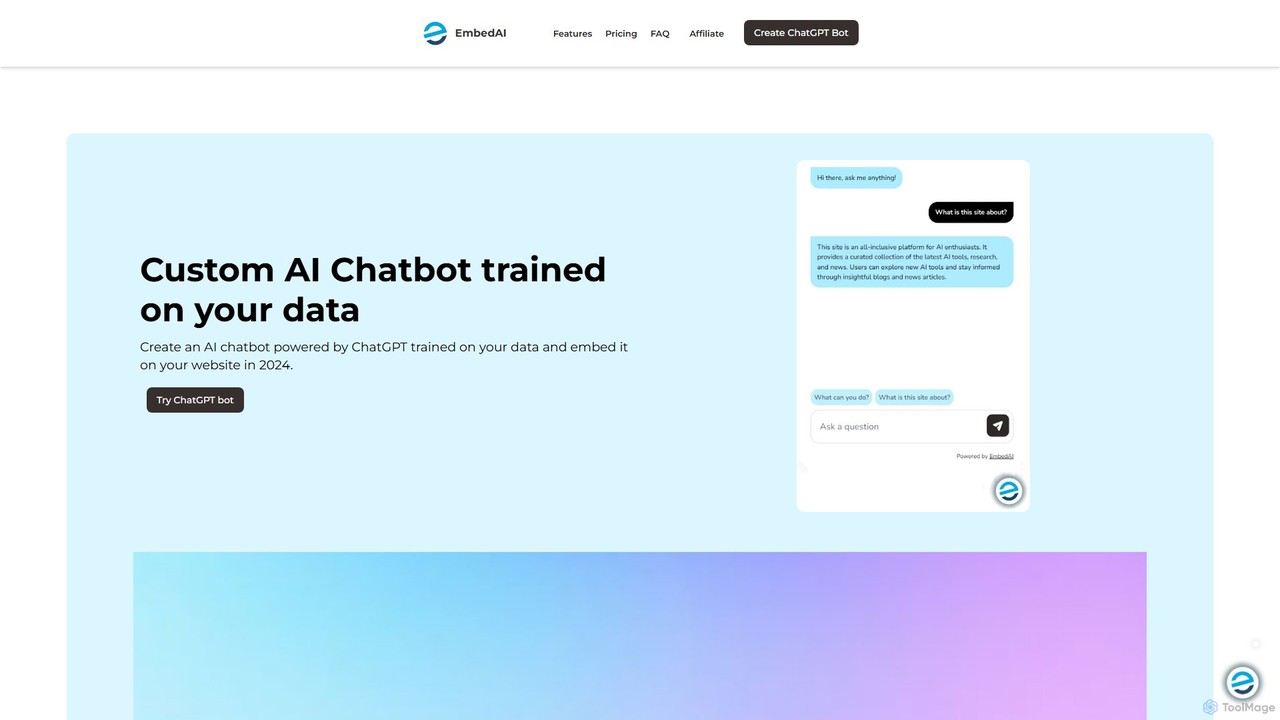
EmbedAI is an AI chatbot builder that allows you to create custom ChatGPT-powered assistants trained on your own data. Easily upload files, link websites, or connect YouTube videos to build a knowledgeable chatbot. You can customize its appearance and embed it on your website via a chat bubble or code to enhance customer support, lead generation, and user engagement. It supports over 100 languages and integrates with various platforms like Shopify, Notion, and Zapier.

Chatbot
Visits 29.4KFavorites 110Likes 109
Chattie
Freemium

Chattie

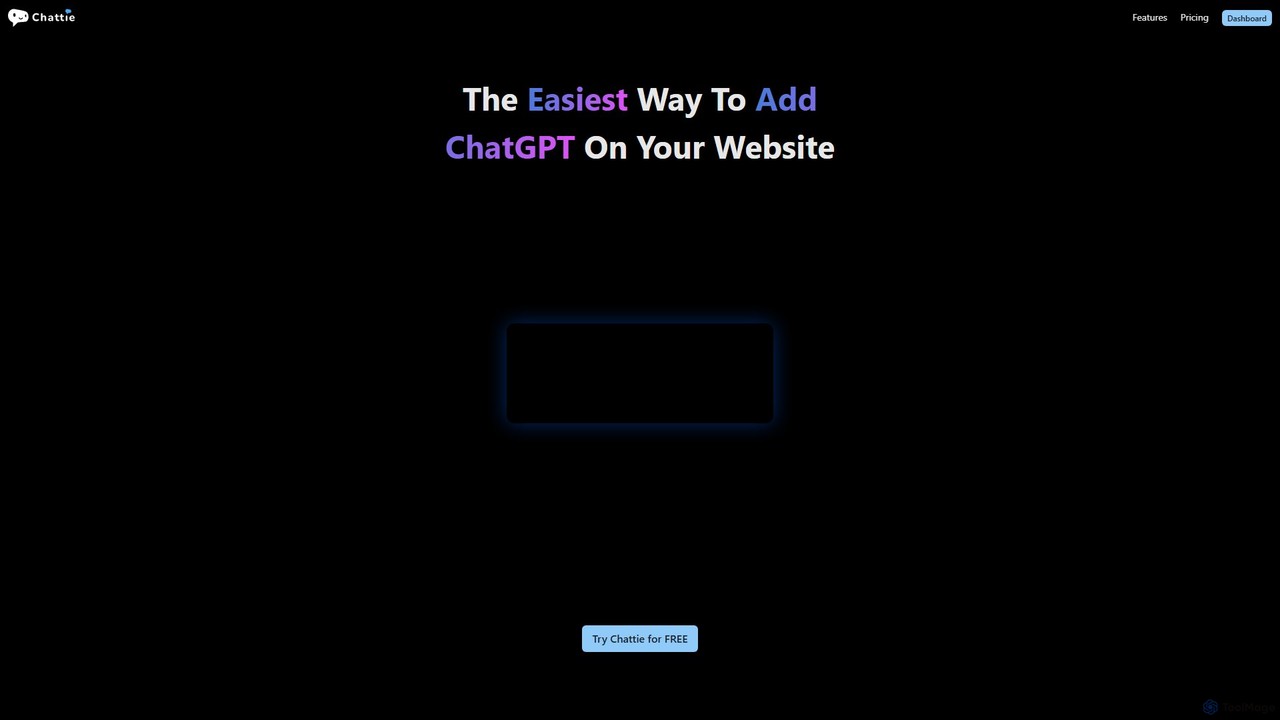
Chattie is a no-code platform that allows you to easily add a custom ChatGPT-powered chatbot to your website. Train the AI on your own data, including web pages, PDFs, and text files, to provide instant, accurate answers. It features full visual customization, detailed analytics, and scalable plans for businesses of all sizes to enhance customer support and user engagement.

Chatbot
Visits 6.3KFavorites 136Likes 152
smobi
Paid

smobi

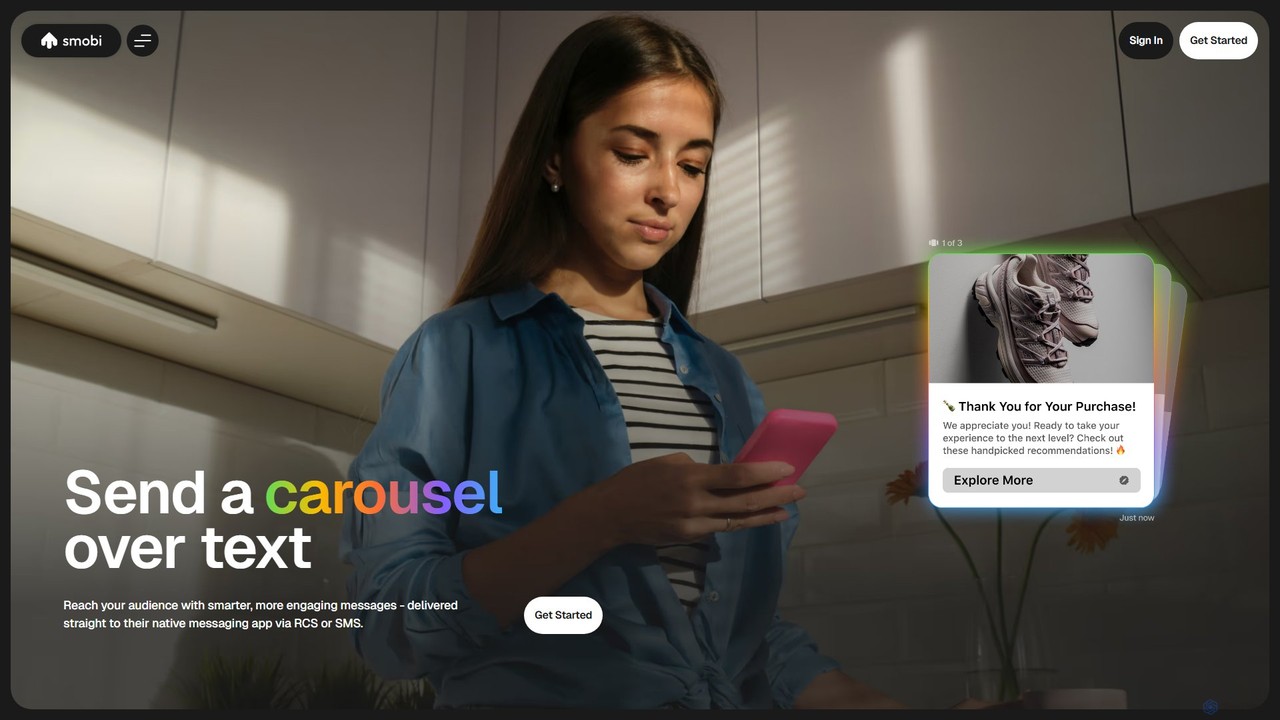
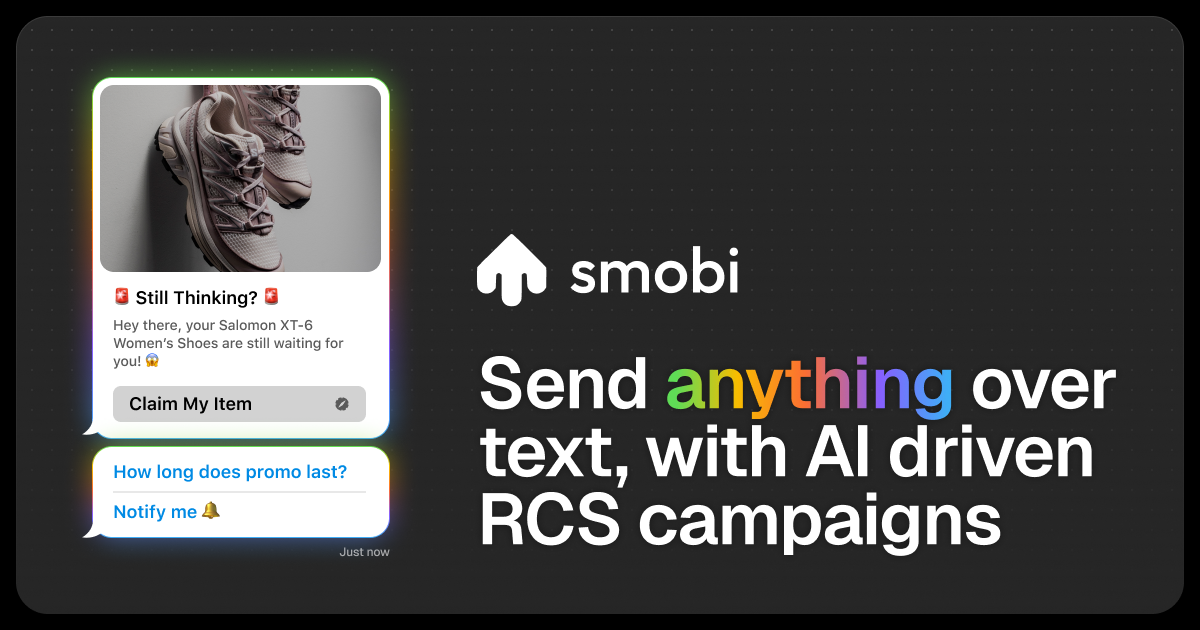
Smobi is an AI-powered platform for building interactive SMS and RCS messaging agents. It enables businesses to transform standard text messages into rich, app-like experiences with features like carousels, videos, and AI-driven replies. Using a no-code workflow builder, companies can automate customer communication, enhance engagement, and significantly boost sales and conversion rates.

Chatbot
Visits 6.4KFavorites 149Likes 145
DataSavvy.chat
Freemium

DataSavvy.chat

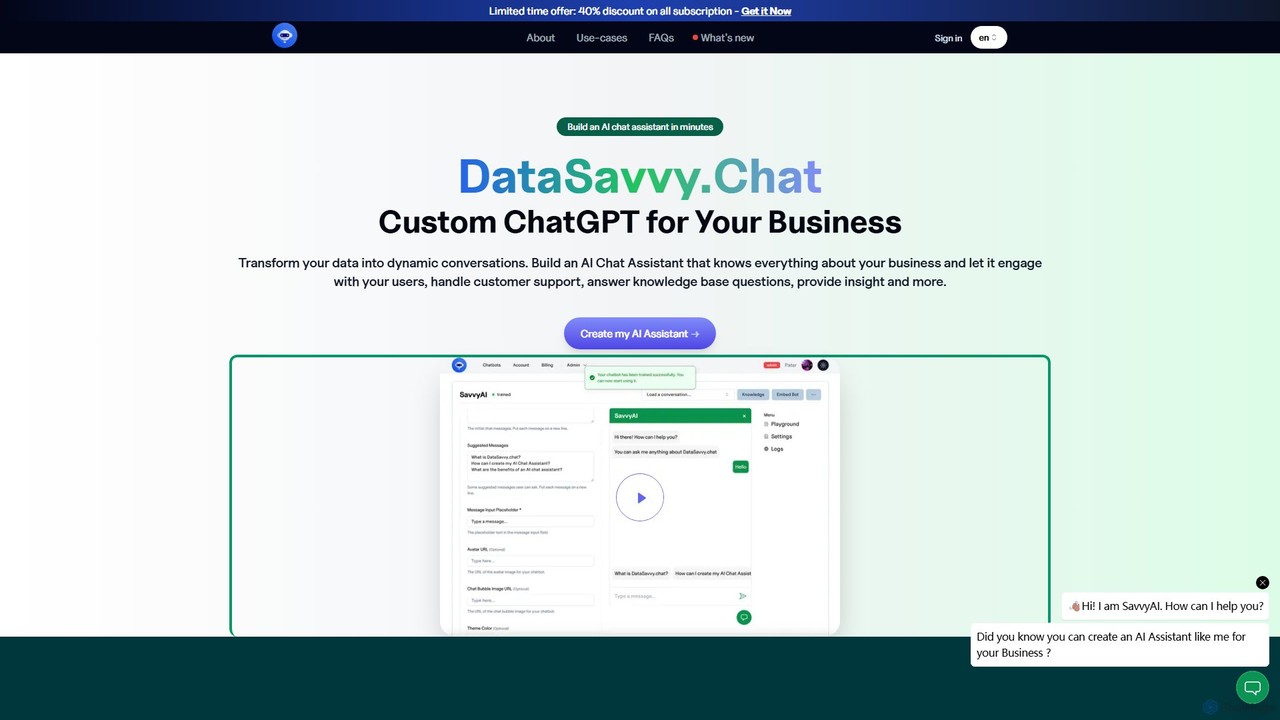
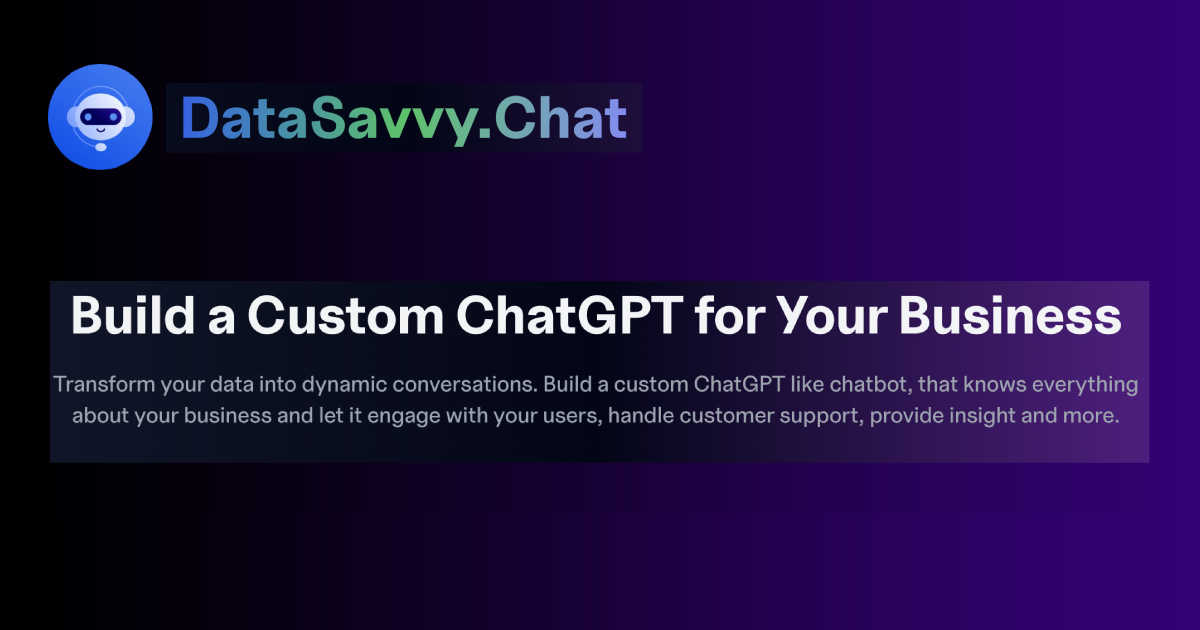
DataSavvy.chat is a no-code platform that allows businesses to create custom AI chat assistants in minutes. By training on your own data, such as documents, FAQs, and knowledge bases, you can build a chatbot that handles customer support, generates leads, provides data insights, and more. It offers multilingual support, 24/7 availability, and customizable appearances to seamlessly integrate with your website and enhance user engagement.

Chatbot
Visits 7.5KFavorites 158Likes 145
ailawyerlab
Freemium

ailawyerlab

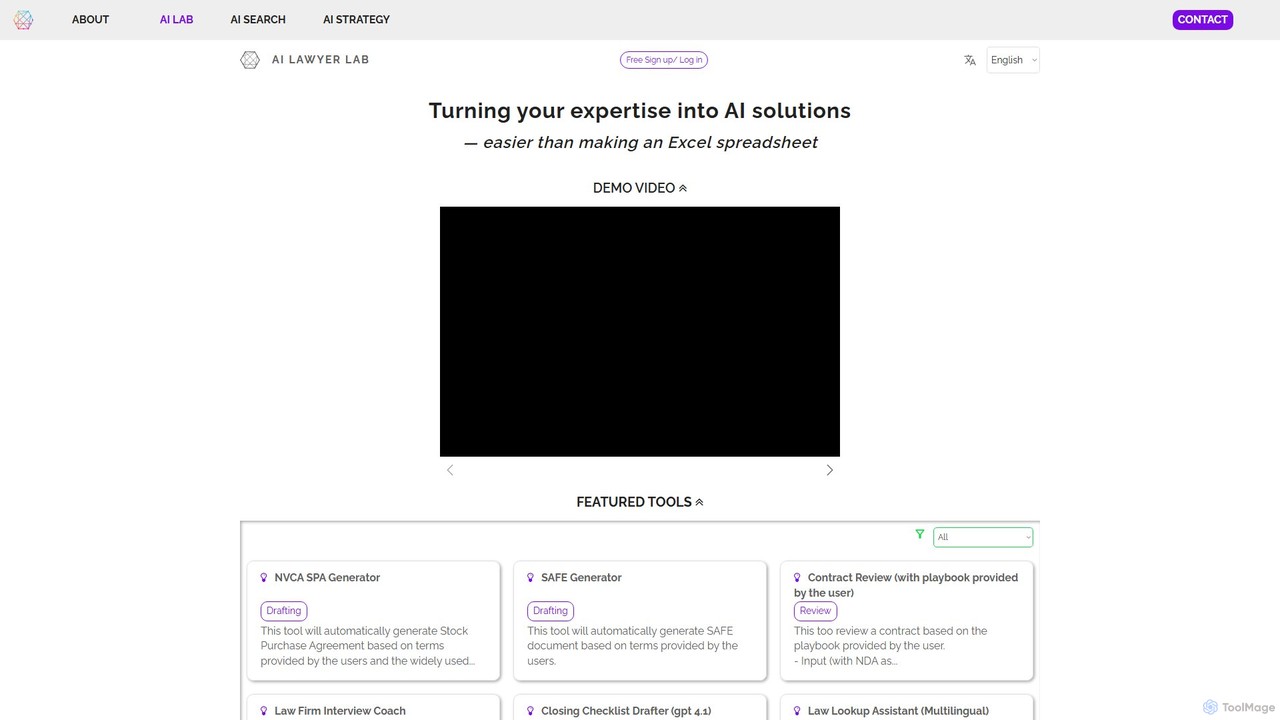
A no-code platform for legal professionals to build, customize, and deploy their own AI-powered tools. Transform legal expertise into automated solutions for tasks like document drafting, contract review, legal research, and compliance management, without writing any code.

Contract Management
Visits 7.1KFavorites 135Likes 137
GetResponse
Freemium

GetResponse

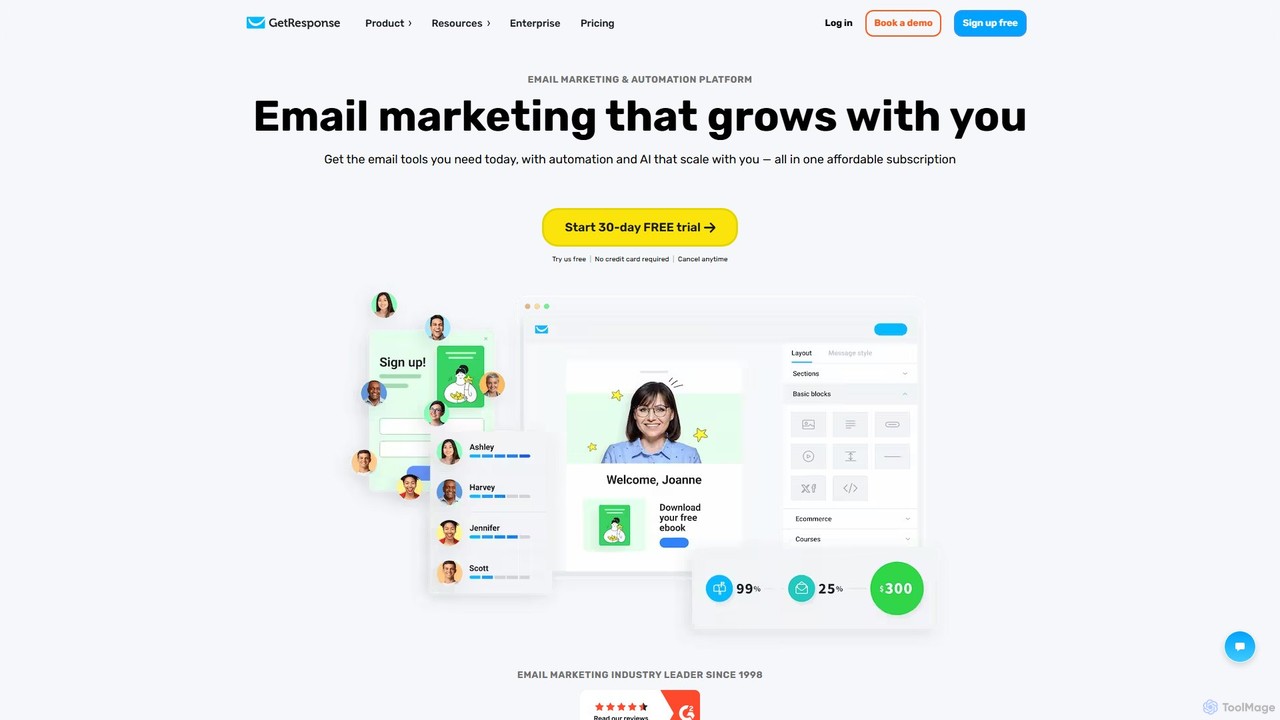
GetResponse is an all-in-one online marketing platform offering email marketing, marketing automation, a website builder, and landing pages. It leverages AI to help businesses grow their audience, engage customers, and boost sales through a scalable, user-friendly interface.

Email Marketing
Visits 2.3MFavorites 105Likes 133
Chatsistant
Freemium

Chatsistant

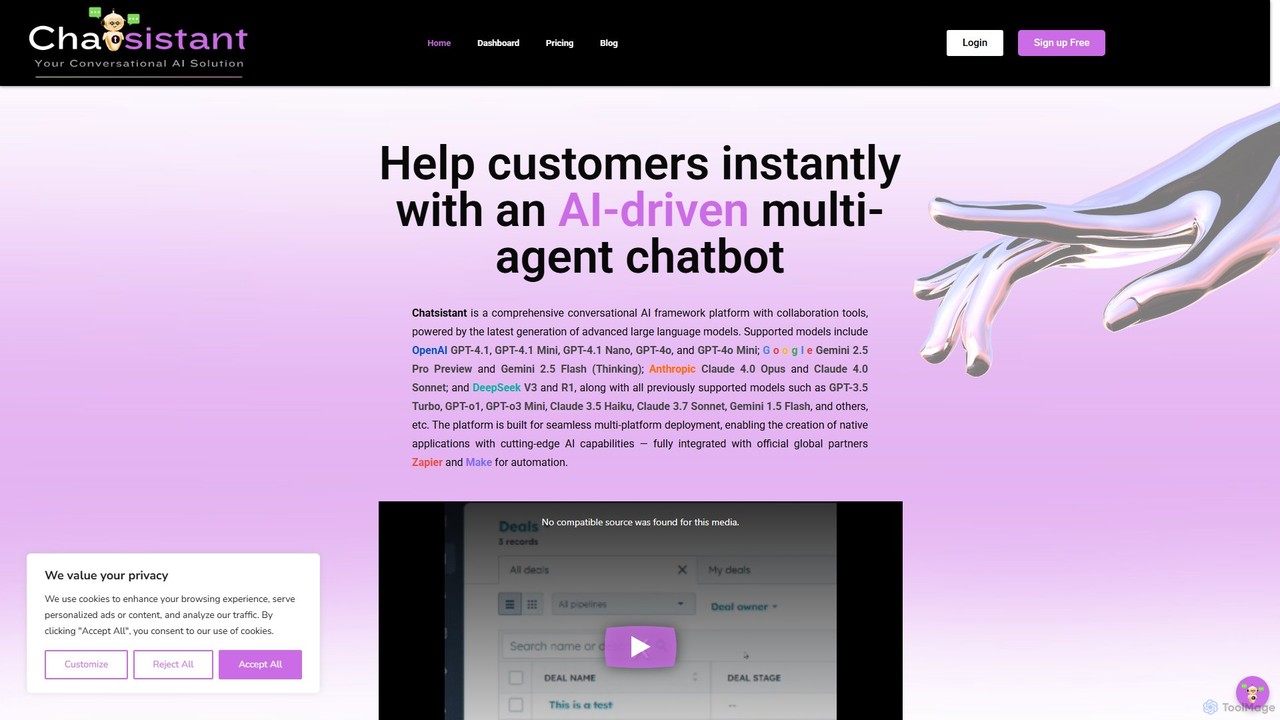
Chatsistant is a no-code AI chatbot builder powered by Retrieval-Augmented Generation (RAG) technology. It allows businesses to create custom, data-driven conversational AI assistants that provide accurate answers from a specific knowledge base. Easily deploy chatbots on websites and other platforms to enhance customer support, generate leads, and automate communication without writing a single line of code.

Chatbot
Visits 11KFavorites 126Likes 119
Chatof
Freemium

Chatof

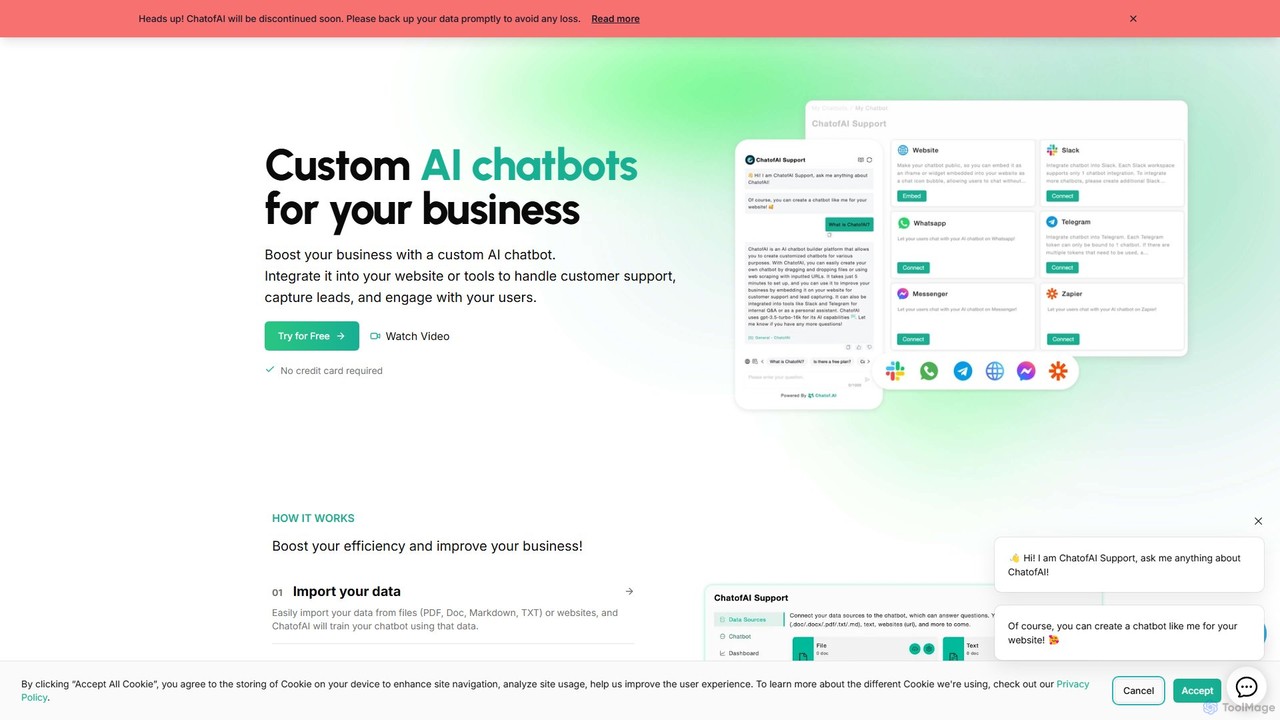
Chatof is a no-code platform for creating custom AI chatbots from your business data. Train your chatbot with documents or websites to handle customer support, generate leads, and serve as an internal knowledge base. Please note: The Chatof service is being discontinued soon. It features integrations with websites, Slack, and Telegram, along with lead generation forms, advanced analytics, and multi-language support.

Chatbot
Visits 6.3KFavorites 151Likes 147
Linkstac
Freemium

Linkstac

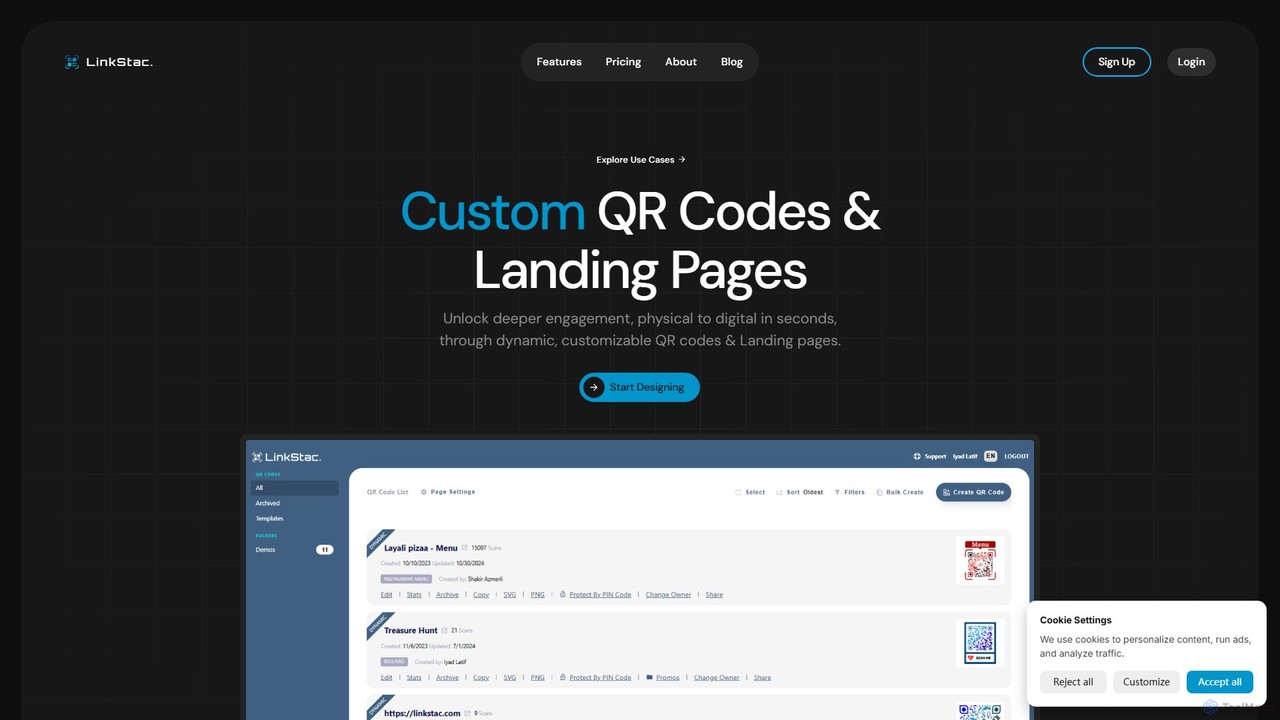
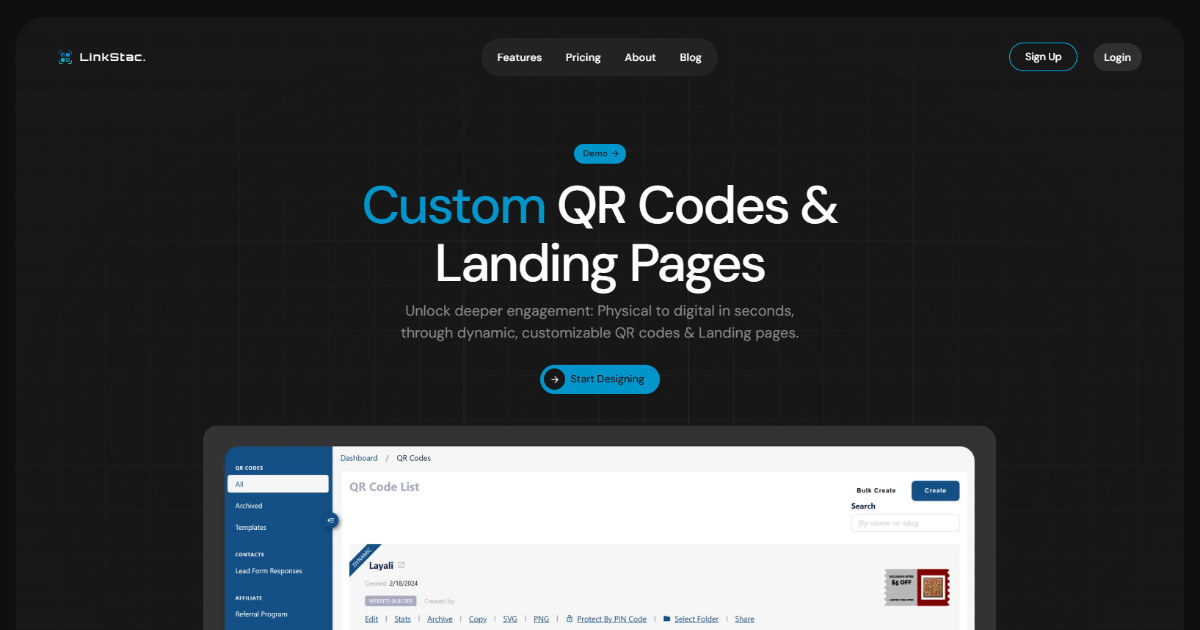
Linkstac is an AI-powered platform for creating highly customized, dynamic QR codes and no-code landing pages. It helps businesses and individuals bridge the gap between physical and digital interactions, offering tools for biolinks, event invites, digital menus, and lead generation, complete with real-time analytics to track engagement.

Landing Page Builder
Visits 7.1KFavorites 139Likes 163
Ghostly
Freemium

Ghostly

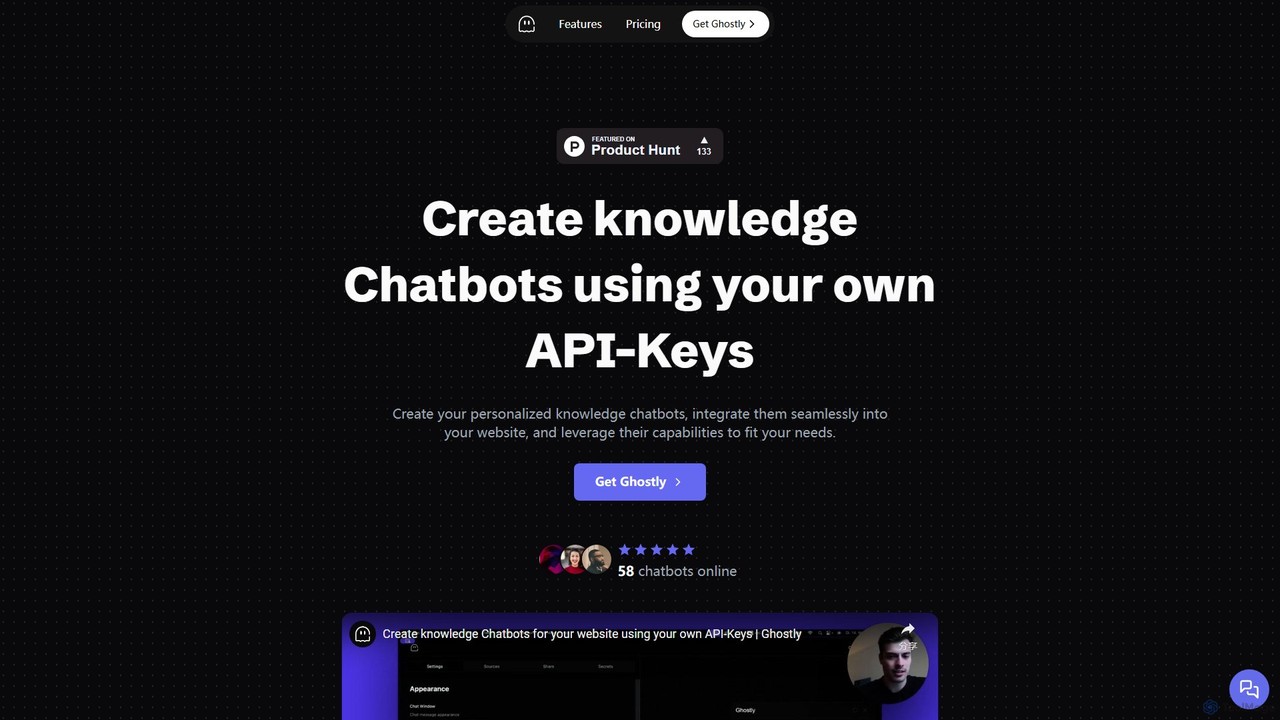
Ghostly is a platform for creating custom AI chatbots trained on your own data. It features a unique 'Bring Your Own API Key' model, allowing you to control AI usage costs directly. Easily build, customize, and embed a chatbot on your website in minutes by uploading files or adding URLs. It supports GPT-3.5, GPT-4, and GPT-4o, offering deep customization of behavior and appearance to match your brand.

Chatbot
Visits 7KFavorites 149Likes 161
OpenGPT
Freemium

OpenGPT

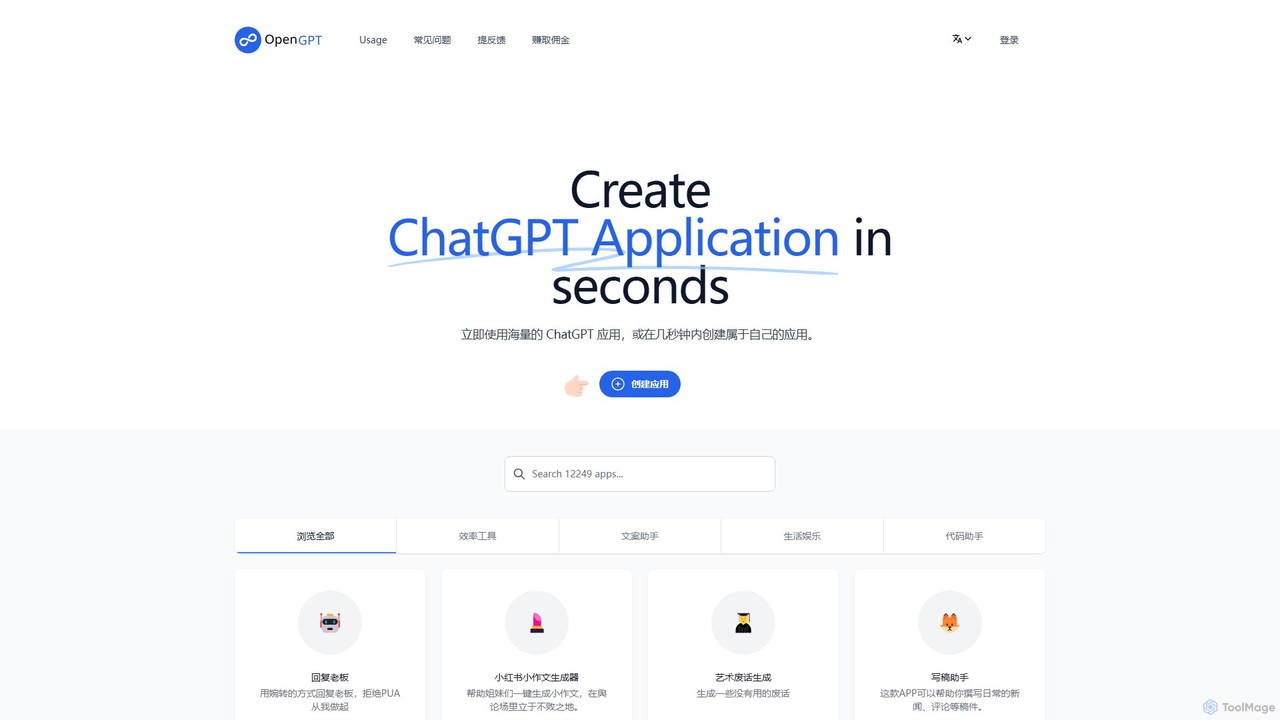
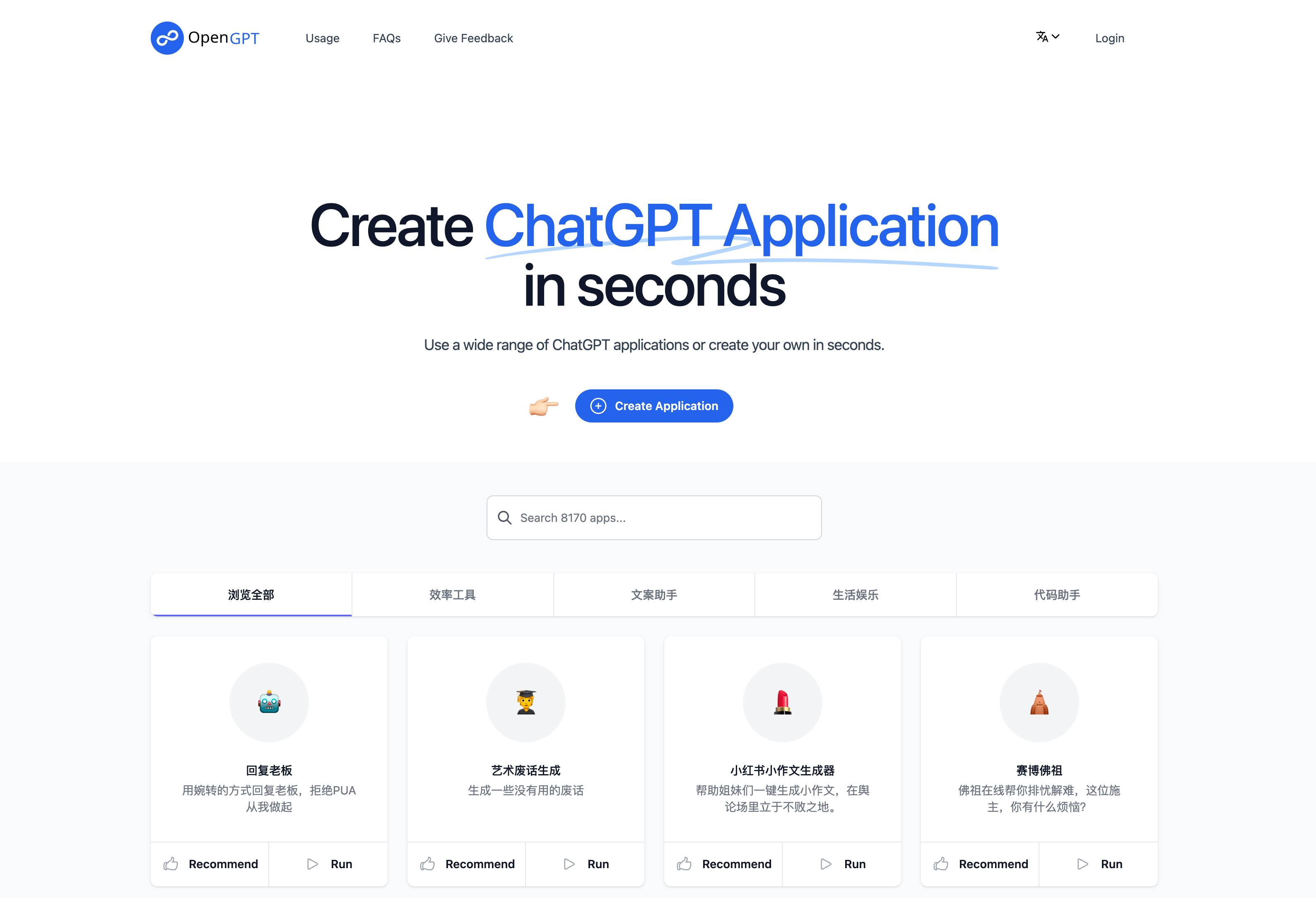
OpenGPT is a no-code platform that allows users to create and share custom ChatGPT-powered applications in seconds. It offers a vast library of pre-built apps for tasks like content creation, social media marketing, professional writing, and entertainment. Users can either leverage existing tools or build their own specialized AI assistants by simply providing instructions, making advanced AI accessible to everyone without any coding knowledge.

Generators
Visits 12.8KFavorites 162Likes 166
ChatWizardAI
Freemium

ChatWizardAI

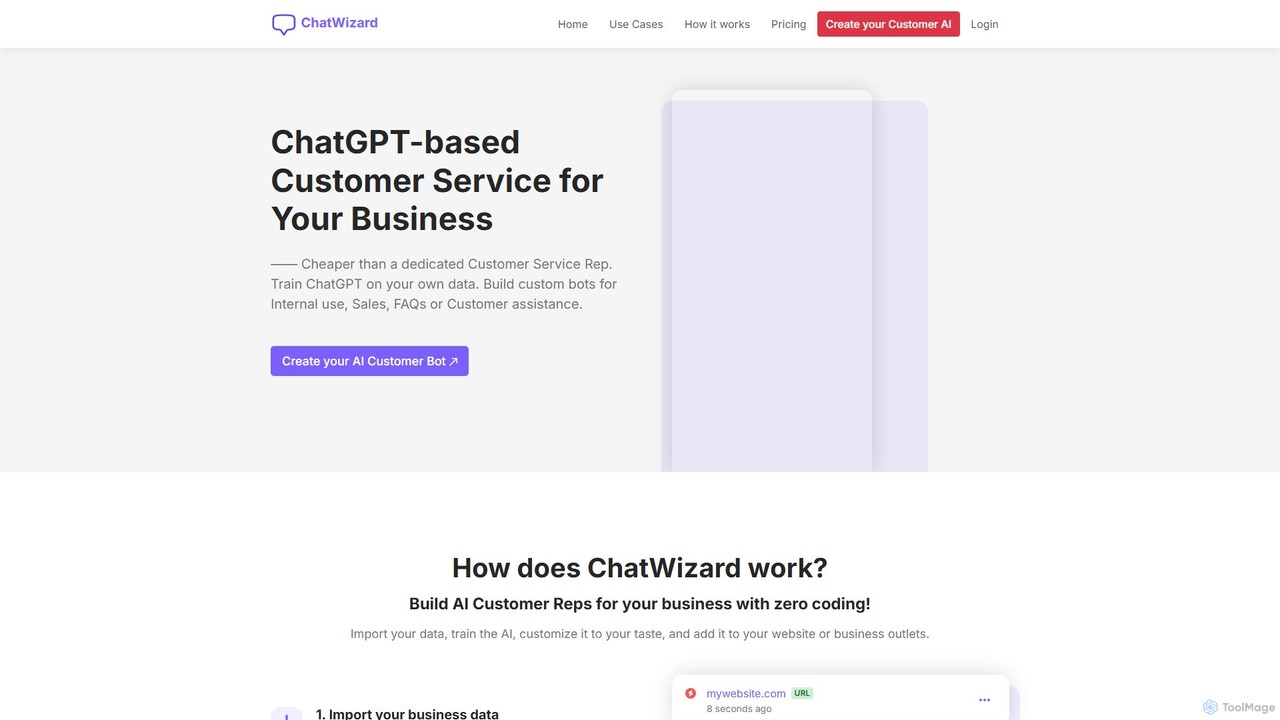
ChatWizardAI is a no-code platform that enables businesses to build custom ChatGPT-powered chatbots. Train your AI on website content, PDFs, and documents to create intelligent assistants for customer service, sales, and internal FAQs. Easily embed the customizable widget on any website to provide 24/7 support, enhance user engagement, and drive business growth. It supports over 30 languages, making global customer interaction seamless.

Chatbot
Visits 7.6KFavorites 136Likes 162

About No Code Builder

No Code Builders are visual development platforms that enable users to create applications without writing any code. These tools utilize intuitive drag-and-drop interfaces and pre-built components to assemble user interfaces, manage data, and define complex workflows. This approach dramatically lowers the barrier to software creation, empowering non-technical users to build and launch custom web apps, mobile apps, and internal tools. As a key part of the productivity ecosystem, No Code Builders accelerate innovation by allowing teams to rapidly prototype, test, and deploy solutions.

Core Features

  • Visual Drag-and-Drop Editor: Build application interfaces and logic by visually arranging components on a canvas.
  • Pre-built Templates & Components: Start with ready-to-use templates for common applications like directories, marketplaces, or dashboards.
  • Database and API Integration: Visually connect to internal databases or third-party services like Stripe, Google Maps, and Airtable.
  • Workflow Automation: Design and automate business processes, such as user onboarding or approval sequences, with visual logic builders.
  • One-Click Deployment: Publish applications to the web or app stores with minimal configuration and maintenance.

Use Cases

No Code Builders are widely used by entrepreneurs to launch Minimum Viable Products (MVPs), small businesses to create custom internal tools, and marketing teams to build interactive landing pages or campaign-specific apps. Operations managers also use them to automate internal processes, such as inventory management or HR requests, replacing cumbersome spreadsheets and manual data entry.

How to Choose

When selecting a No Code Builder, first consider the type of application you need to build (web, mobile, internal tool). Evaluate its scalability to ensure it can handle your expected user traffic and data volume. Check its integration capabilities to confirm it connects with your existing software stack. Finally, review the pricing model and assess the platform's customization limits to ensure it meets your long-term needs.

Featured tool rankings

No Code Builder use cases

1

Launch a Startup MVP Without a Technical Co-founder

An entrepreneur with a business idea but no coding skills can use a No Code Builder to create a Minimum Viable Product (MVP). By using a drag-and-drop interface, they can design the user interface, set up a user database for sign-ups, and integrate a payment gateway like Stripe. This allows them to launch a functional web application in weeks instead of months, validate their concept with real users, and gather feedback for iteration, all while saving significant initial development costs.

2

Automate Internal Business Operations

An operations manager in a medium-sized company can build a custom internal tool to streamline workflows. For example, they can create an application for managing employee leave requests. The app would feature a form for submissions, a dashboard for managers to approve or deny requests, and automated email notifications. This replaces inefficient email chains and spreadsheets, providing a centralized system that reduces administrative overhead and improves process visibility for everyone.

3

Create a Client Portal for a Service Agency

A digital marketing agency can use a No Code Builder to create a secure, branded portal for its clients. Within this portal, clients can log in to view project timelines, access key performance reports, upload necessary assets, and communicate with their account manager. This enhances the client experience by providing a single source of truth and transparency. It also improves the agency's efficiency by centralizing communication and file sharing, reducing the time spent searching through emails and different cloud storage services.

4

Build a Niche Community or Marketplace Website

A community organizer or entrepreneur can build a two-sided marketplace without code. For example, a platform connecting local artists with buyers. They can create user profiles for both artists and buyers, allow artists to upload and manage their portfolios, and implement a search and filter system for buyers. By integrating with a payment processor, the platform can handle transactions securely. This enables the creation of a niche online business that would otherwise require a substantial investment in custom development.

5

Develop a Simple Mobile App for an Event

An event organizer can quickly build a mobile app for a conference or festival. Using a no-code mobile app builder, they can include features like the event schedule, speaker profiles, an interactive venue map, and push notifications for important announcements. This provides attendees with a convenient, all-in-one resource on their phones. The ability to build and deploy this app rapidly without hiring a mobile development agency makes it a cost-effective solution for temporary events.

6

Create Interactive Calculators and Quizzes for Marketing

A marketing team can use a No Code Builder to create engaging lead generation tools like an ROI calculator or a personality quiz. These interactive elements can be embedded directly into a website or landing page. Users input their data, and the no-code application instantly provides a personalized result, capturing the user's email in the process. This is a more effective way to generate qualified leads compared to static forms, and it can be built and launched by the marketing team without any developer involvement.

No Code Builder FAQ

What is a No Code Builder?

A No Code Builder is a software development platform that allows individuals, especially those without programming skills, to create applications through a graphical user interface instead of traditional coding. They use visual elements like drag-and-drop components and pre-built templates to construct fully functional web and mobile applications. The primary goal is to democratize app development, making it faster, cheaper, and more accessible to a wider audience, such as business users and entrepreneurs.

What is the main difference between No Code and Low Code builders?

The primary difference lies in their target audience and the need for coding knowledge.

  • No Code: Designed for non-technical users (e.g., marketers, business analysts). It uses a purely visual, declarative approach where users configure pre-built blocks. No coding is required.
  • Low Code: Aimed at professional developers to accelerate their workflow. It provides a visual development environment but allows and often requires developers to write custom code for complex logic, integrations, or UI customizations.
In short, No Code empowers business users to build, while Low Code enhances developer productivity.

What kinds of applications can I build with a No Code Builder?

No Code Builders are versatile and can be used to create a wide range of applications. Common examples include:

  • Web Applications: Marketplaces, social networks, client portals, and internal dashboards.
  • Mobile Applications: Simple apps for events, internal company directories, or customer loyalty programs.
  • Internal Tools: Custom CRMs, project management systems, inventory trackers, and approval workflows.
  • Websites: Interactive and data-driven websites that go beyond static content.
While powerful, they may not be suitable for applications requiring heavy graphical processing (like complex games) or highly specialized, performance-intensive computations.

How do I choose the right No Code Builder for my project?

Choosing the right tool depends on your specific needs. Consider these factors:

  • Platform Type: Do you need to build a responsive web app, a native mobile app (iOS/Android), or an internal tool?
  • Scalability: Assess the platform's ability to handle growing numbers of users and data. Check their infrastructure and performance limits.
  • Integrations: Make a list of essential third-party tools (like payment gateways, CRMs, or analytics services) you need to connect with.
  • Data & Logic Complexity: Evaluate how well the platform handles complex data relationships and conditional logic for your application's workflows.
  • Pricing: Compare pricing models. Some charge per user, per app, or based on usage (e.g., database records or workflow runs).

Are applications built with No Code Builders secure and scalable?

Yes, reputable No Code platforms prioritize security and scalability. They are typically built on robust cloud infrastructure like Amazon Web Services (AWS) or Google Cloud, which provides a high level of security and performance. These platforms handle security updates, server maintenance, and scaling infrastructure for you. They often offer features like user role management, privacy controls, and compliance with standards like GDPR. However, it's crucial to choose an established provider and follow best practices for application security, such as managing user permissions correctly.