

Chatof Overview
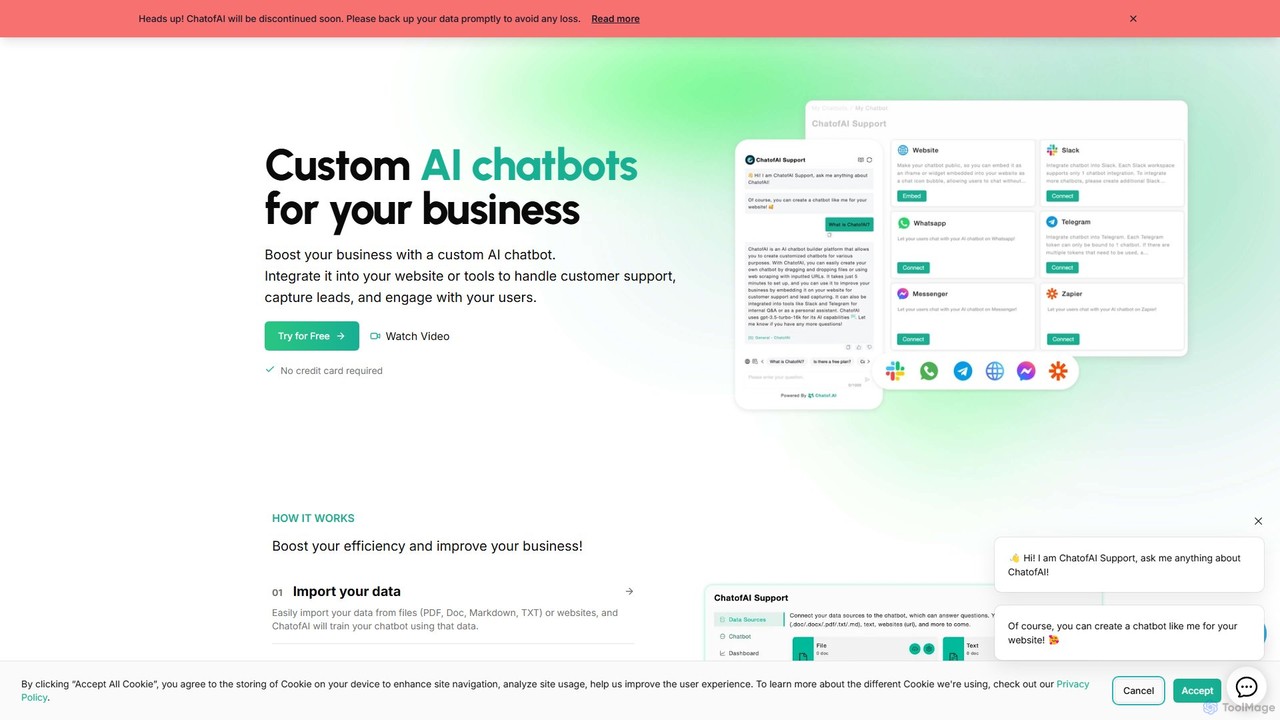
Important Notice: The Chatof service will be discontinued soon. Existing users are advised to back up their data promptly to avoid any loss.
Chatof was a powerful, no-code platform designed to help businesses create and deploy custom AI chatbots. By leveraging a company's own data—such as PDFs, documents, or website content—Chatof enabled the creation of intelligent assistants capable of transforming customer interaction and internal workflows. The primary goal of the platform was to boost business efficiency by automating customer support, capturing valuable leads, and engaging users in a meaningful way. It provided a user-friendly interface that allowed anyone, regardless of technical skill, to build, train, and integrate a sophisticated chatbot into their existing digital ecosystem.
How to use Chatof
The process of creating and deploying a chatbot with Chatof was designed to be simple and intuitive, following a clear, step-by-step workflow:
- Import Your Data: Begin by uploading your knowledge base. You could easily import data from various sources, including files like PDF, DOC, Markdown, and TXT, or by simply providing website URLs. Chatof would then process and use this information to train your chatbot.
- Customize Your Chatbot: Tailor the chatbot's appearance to match your brand identity. Users could customize the logo, color scheme, and welcome messages to ensure a seamless integration with their website's theme.
- Configure Lead Generation: Recognizing that AI can't solve every issue, Chatof allowed you to set up a lead capture form within the chatbot. You could customize the form fields and display options to collect contact information from users for later follow-up by a human agent.
- Integrate with Your Tools: Seamlessly embed your newly created chatbot onto your website with a simple code snippet. Additionally, Chatof offered integrations with popular workplace tools like Slack and Telegram, allowing it to function as an internal Q&A bot or personal assistant.
- Monitor and Retrain: Use the advanced dashboard to gain insights into your chatbot's interactions with customers. Analyze conversation logs, identify common questions, and use this data to improve the chatbot's performance by retraining it with updated information.
Core Features of Chatof
- Reliable AI Assistant with Citations: In its Q&A mode, every response provided by the AI was backed by citations, allowing users to click through to the source material. This transparency built trust and ensured accuracy.
- Multi-Source Data Training: Train a single chatbot using a combination of different data sources, such as multiple documents and website pages, to create a comprehensive knowledge base.
- Lead Generation Forms: A built-in feature to capture user information when the chatbot couldn't resolve a query, turning support interactions into sales or support opportunities.
- Advanced Analytics Dashboard: Monitor chatbot performance, track user interactions, and understand customer queries to continuously refine your AI assistant.
- Extensive Customization: Full control over the chatbot's visual appearance, including brand colors, logos, and initial greeting messages, to align with your brand's style.
- Whitelabel Option: The ability to remove all Chatof branding, providing a completely native experience for your users.
- Multi-Language Support: The chatbot could automatically detect the user's language and respond accordingly, supporting over 80 languages for global reach.
- Powerful AI Models: Built on the latest OpenAI LLM models, ensuring high-quality, context-aware responses that were both cost-effective and powerful.
- Secure and Private: All user data was hosted on secure servers with robust encryption and strict access controls to ensure data privacy.
Use Cases for Chatof
Chatof was a versatile tool applicable to various business needs:
- 24/7 Website Customer Support: Embed the chatbot on your website to provide instant answers to frequently asked questions around the clock, reducing the load on human support agents and improving customer satisfaction.
- Automated Lead Capture: Use the chatbot to engage website visitors, qualify them as leads, and collect their contact information for your sales team, directly from the chat interface.
- Internal Knowledge Base & Q&A: Integrate the chatbot with Slack or Telegram to create an internal helpdesk. New hires and existing employees could ask questions about company policies, procedures, or technical documentation and receive instant, accurate answers.
- Personal AI Assistant: Individuals could use it to create a personal assistant trained on their own documents, notes, and research, helping to quickly find information and boost personal productivity.
Advantages of Chatof
Businesses and individuals who used Chatof benefited from several key advantages. Its no-code nature made advanced AI technology accessible to non-technical users, democratizing chatbot creation. The platform significantly boosted efficiency by automating repetitive tasks and providing instant information. This led to improved customer engagement and satisfaction through 24/7 support. The lead generation feature provided a direct way to increase sales opportunities. Furthermore, its customizability, security, and multi-language capabilities made it a flexible and trustworthy solution for a global audience.
Pricing and Plans
As the Chatof service is being discontinued, it is no longer available for purchase.
Previously, Chatof likely operated on a freemium model. It offered a free trial that did not require a credit card, allowing users to test the platform's capabilities. For continued use and access to advanced features like the whitelabel option, increased message limits, or more chatbots, users would have subscribed to paid plans. However, specific details of these legacy plans are no longer relevant due to the impending shutdown of the service.
Chatof Alternatives
Chattie
Chattie is a no-code platform that allows you to easily add a custom ChatGPT-powered chatbot to your website. Train the AI on your own data, including web pages, PDFs, and text files, to provide instant, accurate answers. It features full visual customization, detailed analytics, and scalable plans for businesses of all sizes to enhance customer support and user engagement.
Chatbot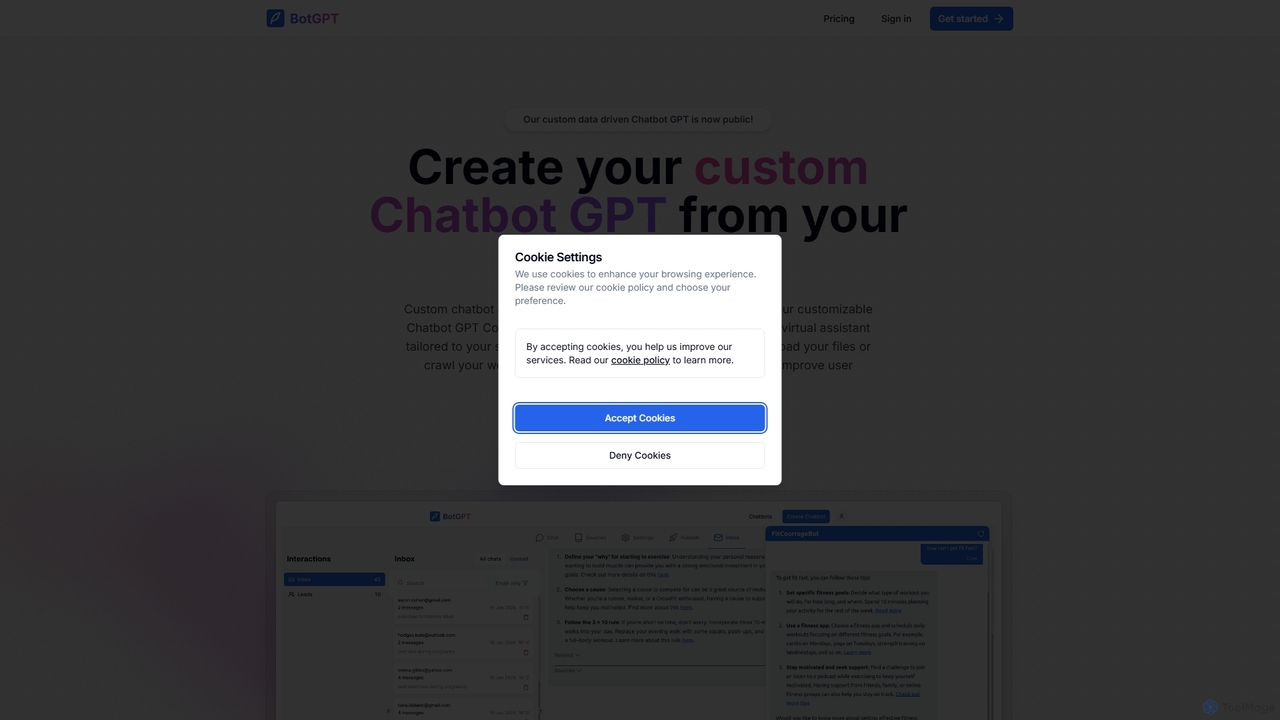
BotGPT
BotGPT is a powerful AI platform that allows you to create a custom ChatGPT-style chatbot trained on your own data. Easily upload files or crawl your website to build a virtual assistant in minutes. Embed the customizable widget on your site to enhance customer engagement, automate support, and capture leads 24/7. It offers multi-platform support and prioritizes data privacy, making it an ideal solution for businesses of all sizes.
Chatbot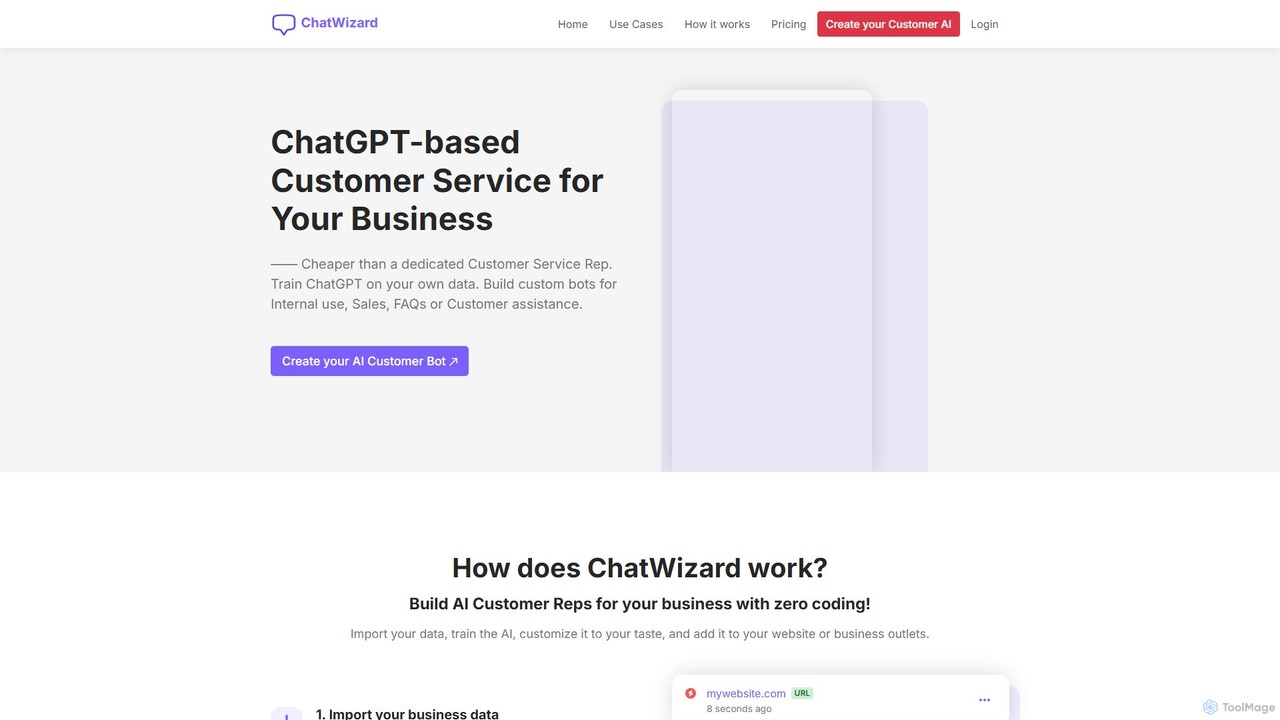
ChatWizardAI
ChatWizardAI is a no-code platform that enables businesses to build custom ChatGPT-powered chatbots. Train your AI on website content, PDFs, and documents to create intelligent assistants for customer service, sales, and internal FAQs. Easily embed the customizable widget on any website to provide 24/7 support, enhance user engagement, and drive business growth. It supports over 30 languages, making global customer interaction seamless.
Chatbot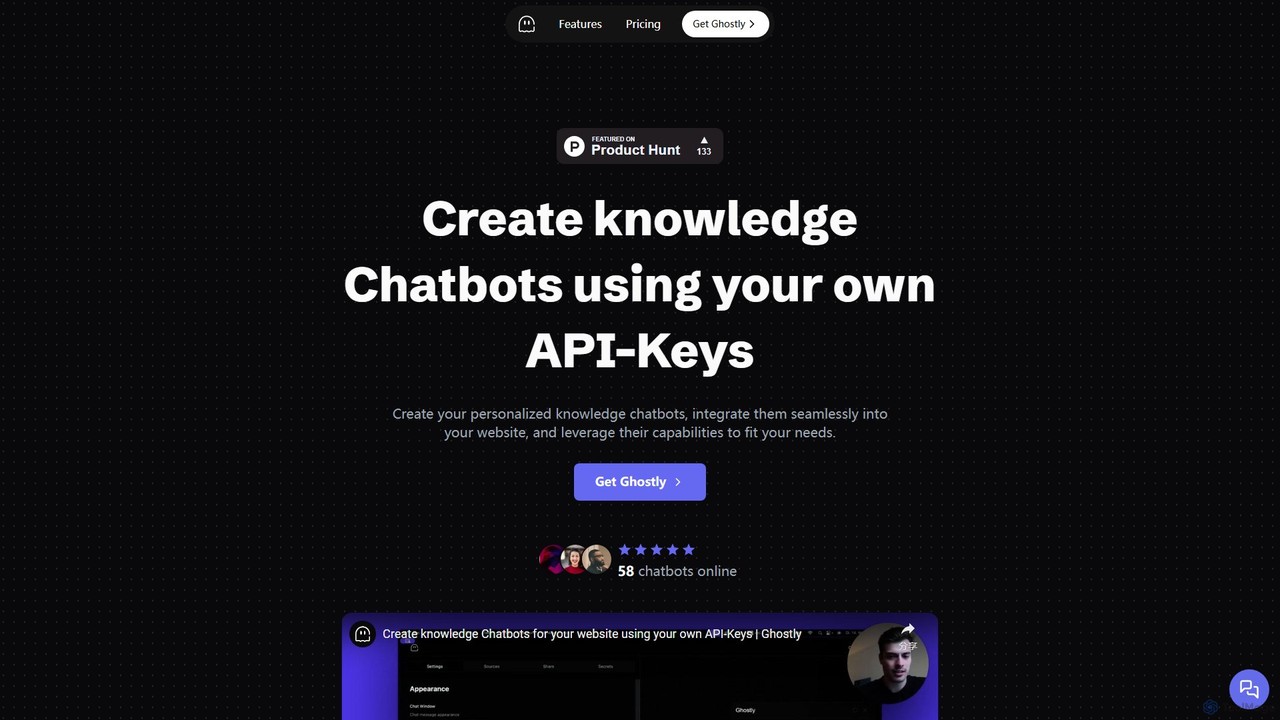
Ghostly
Ghostly is a platform for creating custom AI chatbots trained on your own data. It features a unique 'Bring Your Own API Key' model, allowing you to control AI usage costs directly. Easily build, customize, and embed a chatbot on your website in minutes by uploading files or adding URLs. It supports GPT-3.5, GPT-4, and GPT-4o, offering deep customization of behavior and appearance to match your brand.
Chatbot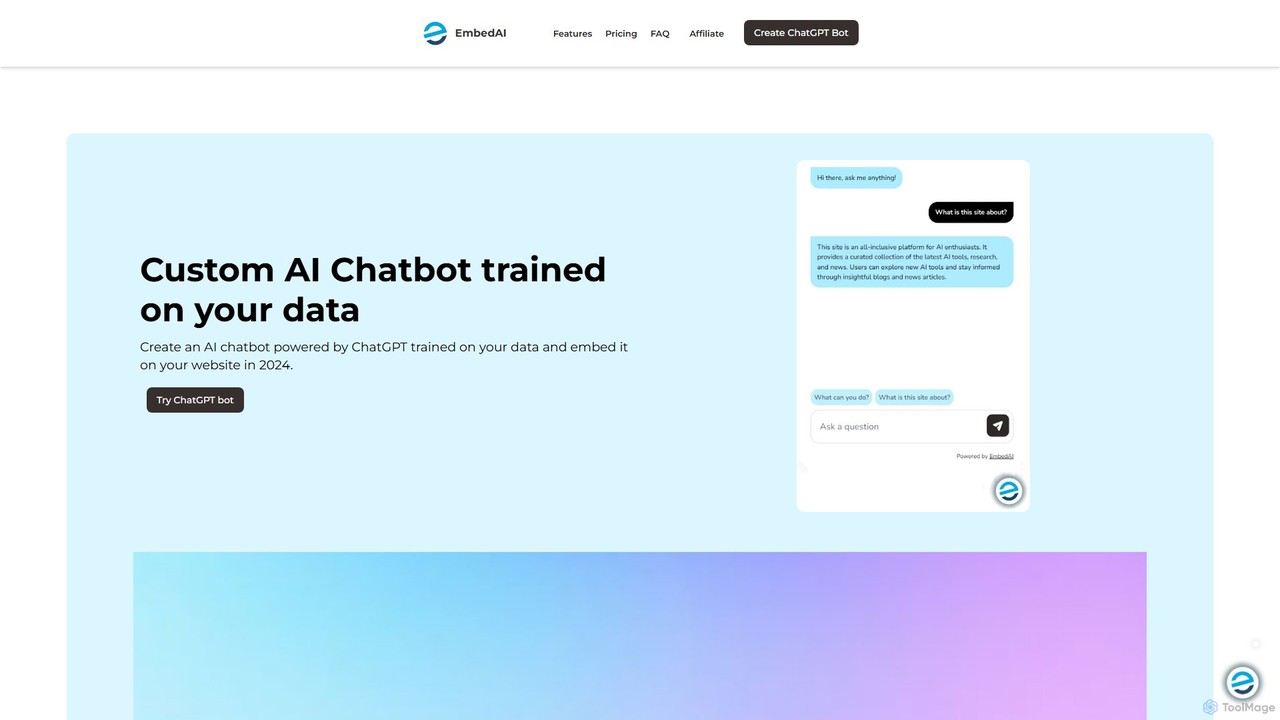
EmbedAI
EmbedAI is an AI chatbot builder that allows you to create custom ChatGPT-powered assistants trained on your own data. Easily upload files, link websites, or connect YouTube videos to build a knowledgeable chatbot. You can customize its appearance and embed it on your website via a chat bubble or code to enhance customer support, lead generation, and user engagement. It supports over 100 languages and integrates with various platforms like Shopify, Notion, and Zapier.
ChatbotChatof Categories
Chatof Embed Widget
Copy this embed code to place the badge on your blog, article, or product site and send readers directly to this ToolMage detail page.

Related AI tools
Chattie
Chattie is a no-code platform that allows you to easily add a custom ChatGPT-powered chatbot to your website. Train the AI on your own data, including web pages, PDFs, and text files, to provide instant, accurate answers. It features full visual customization, detailed analytics, and scalable plans for businesses of all sizes to enhance customer support and user engagement.
Chatbot
Berri
Berri is a no-code platform that allows you to build custom AI chatbots trained on your own data. Instantly transform your documents, websites, and knowledge bases into an interactive, conversational AI assistant to enhance customer support, generate leads, or streamline internal knowledge sharing.
Chatbot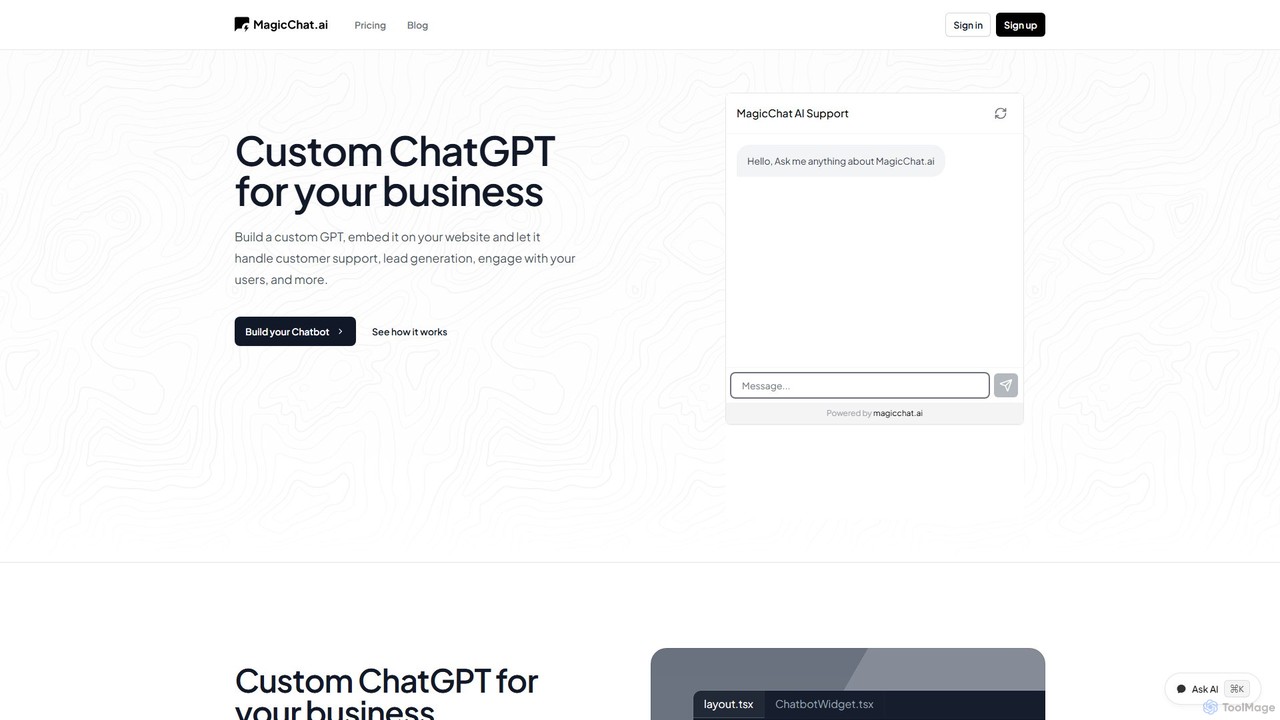
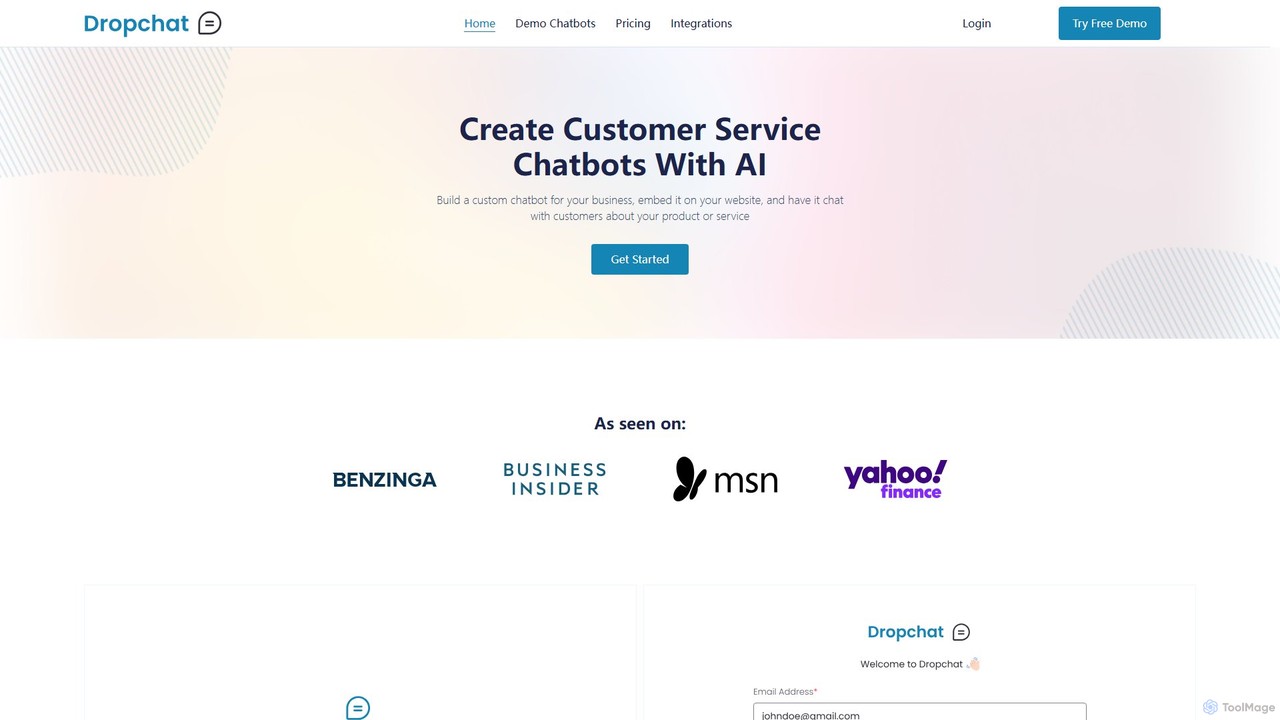
Dropchat
Dropchat is a no-code AI platform that allows businesses to build custom chatbots from their own data. Easily create and embed intelligent chatbots on your website to automate customer service, answer questions 24/7, and engage visitors using content from PDFs, websites, and YouTube videos.
Chatbot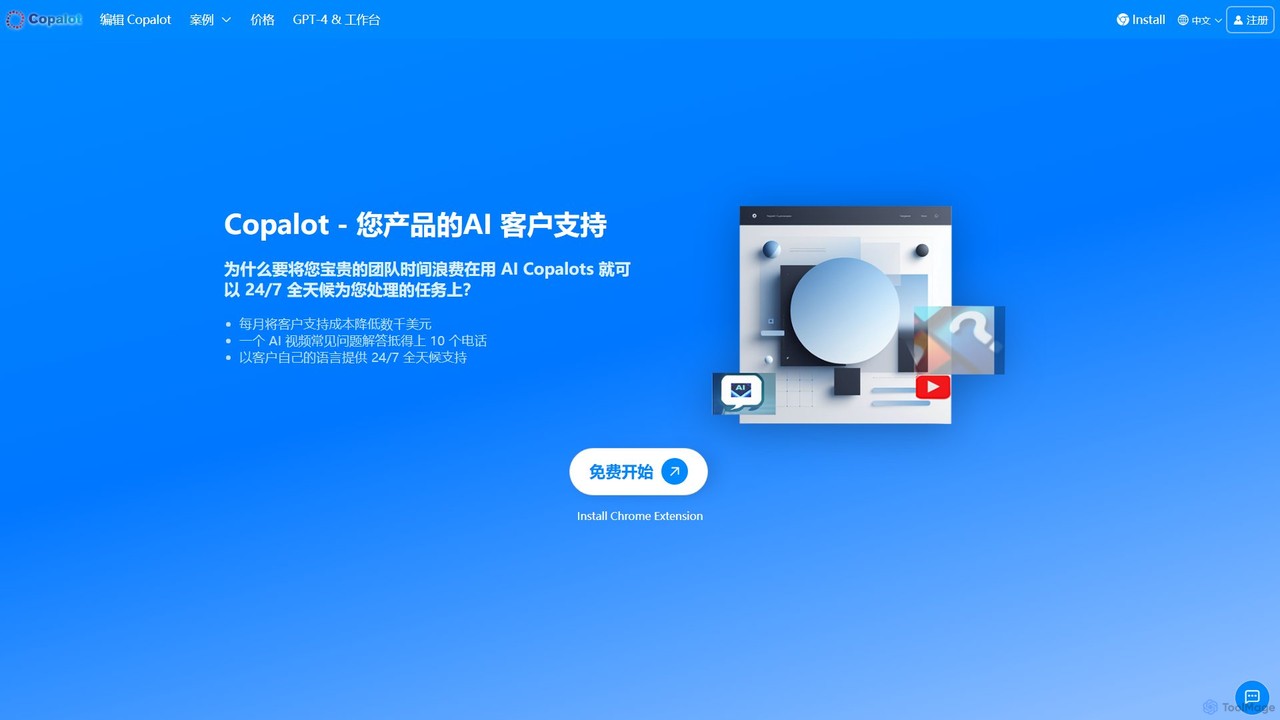
Copalot
Copalot is an AI-powered platform that creates intelligent customer support chatbots from your existing content. Simply upload product manuals, documents, or provide a website URL to generate an AI assistant that provides 24/7 support. It features a seamless human-AI collaboration model, allowing agents to take over conversations when needed, significantly reducing support costs and improving customer satisfaction.
Chatbot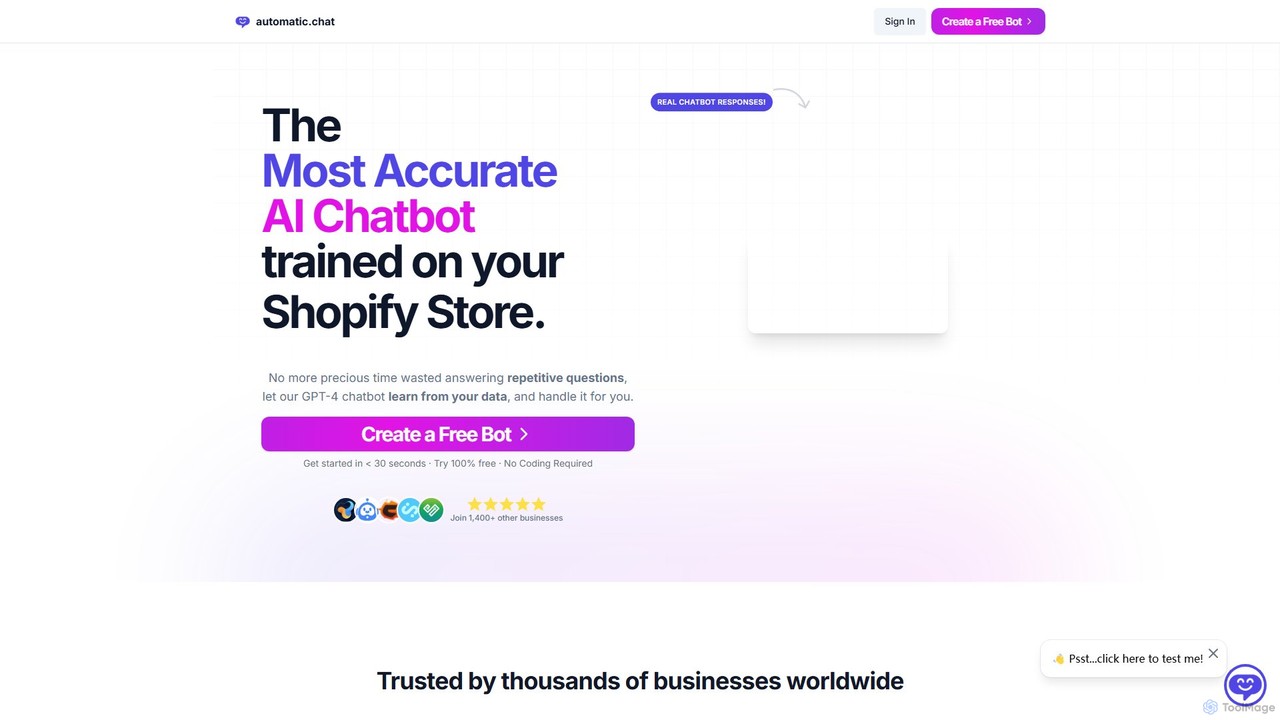
Automatic.chat
Automatic.chat is a no-code AI chatbot builder powered by GPT-4. It allows businesses to create a custom chatbot trained on their own data, such as websites, PDFs, and documents. This automates customer support, answers repetitive questions 24/7, and enhances user engagement. Features include full customization, detailed analytics, chat history, and multilingual support, all designed to save time and improve customer satisfaction.
Chatbot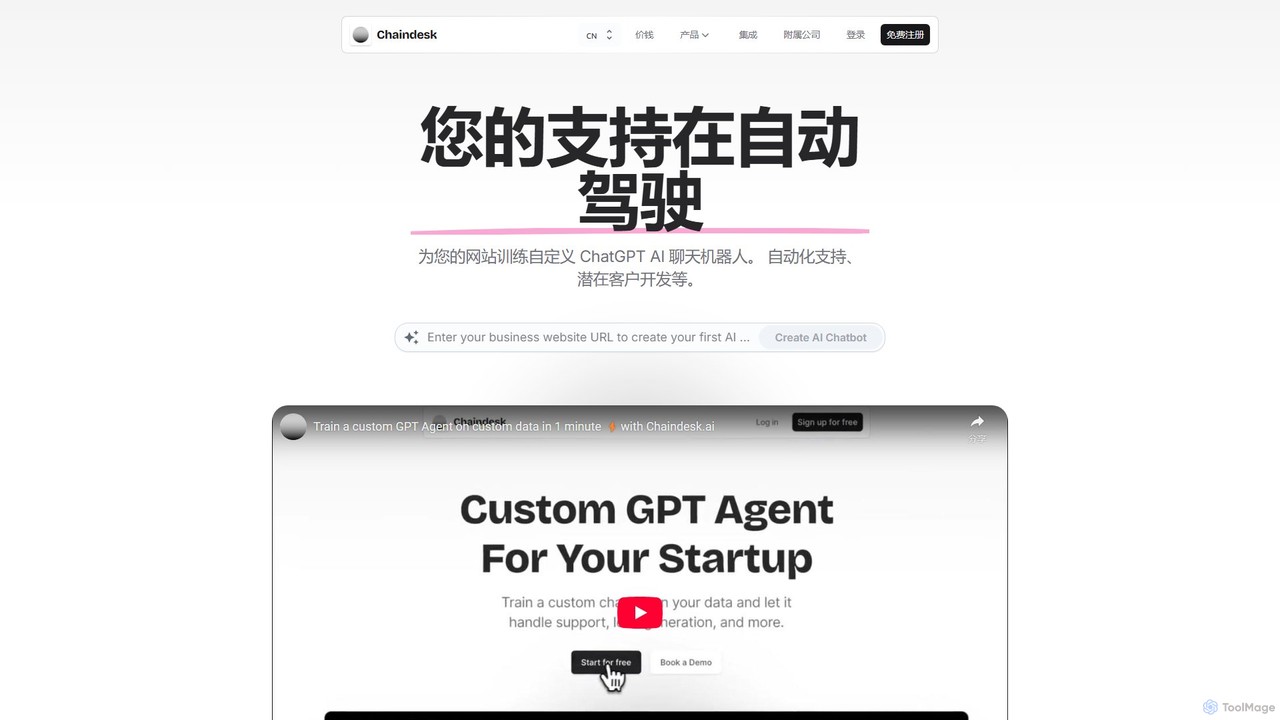
Chaindesk
Chaindesk is a no-code platform that allows you to build custom AI chatbots, powered by models like GPT-4, trained on your own data. Automate customer support, generate leads, and provide instant, 24/7 answers across multiple channels. It integrates with various data sources like Notion, Google Drive, and websites, offering a comprehensive AI support ecosystem with features like a shared inbox, human handover, and AI-powered email assistance.
Chatbot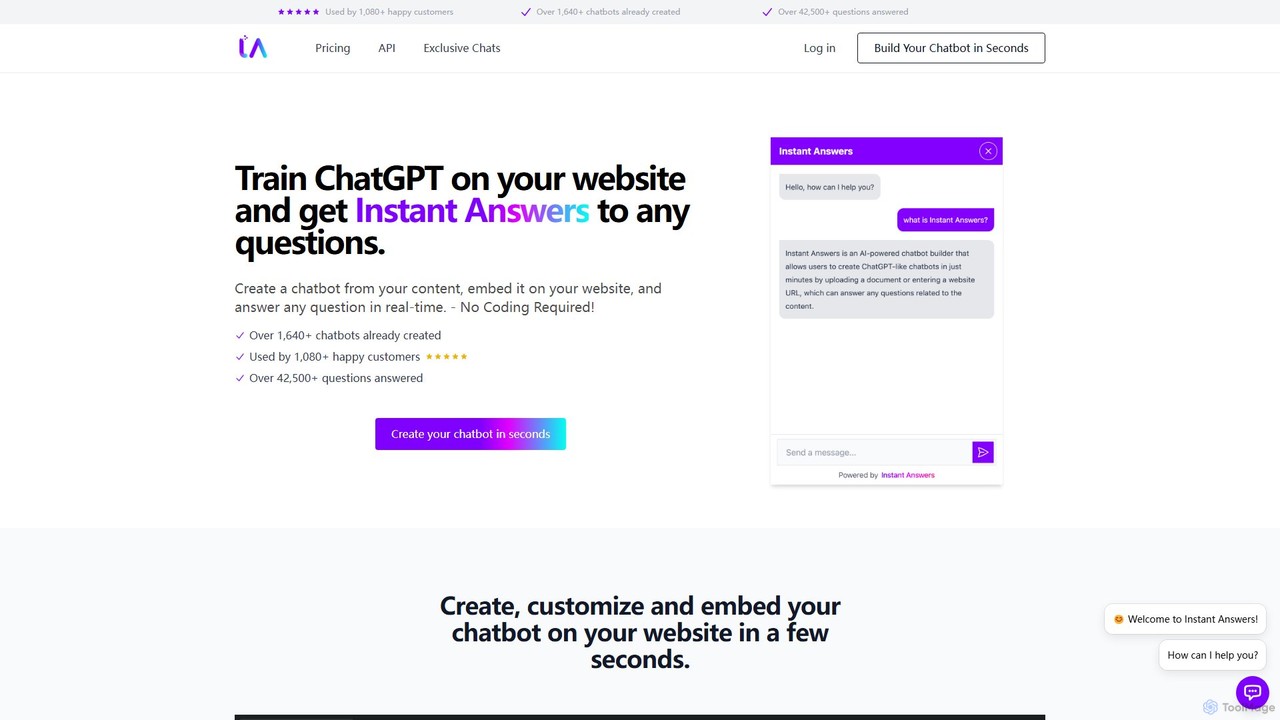
Instant Answers
Instant Answers is a no-code AI chatbot builder that allows you to train a ChatGPT-like assistant on your own website content, documents, or data. Create a custom chatbot in minutes, embed it on your site, and provide real-time, accurate answers to visitor questions 24/7. It supports various data formats, offers deep customization, and provides conversation analytics to enhance customer support and engagement.
Chatbot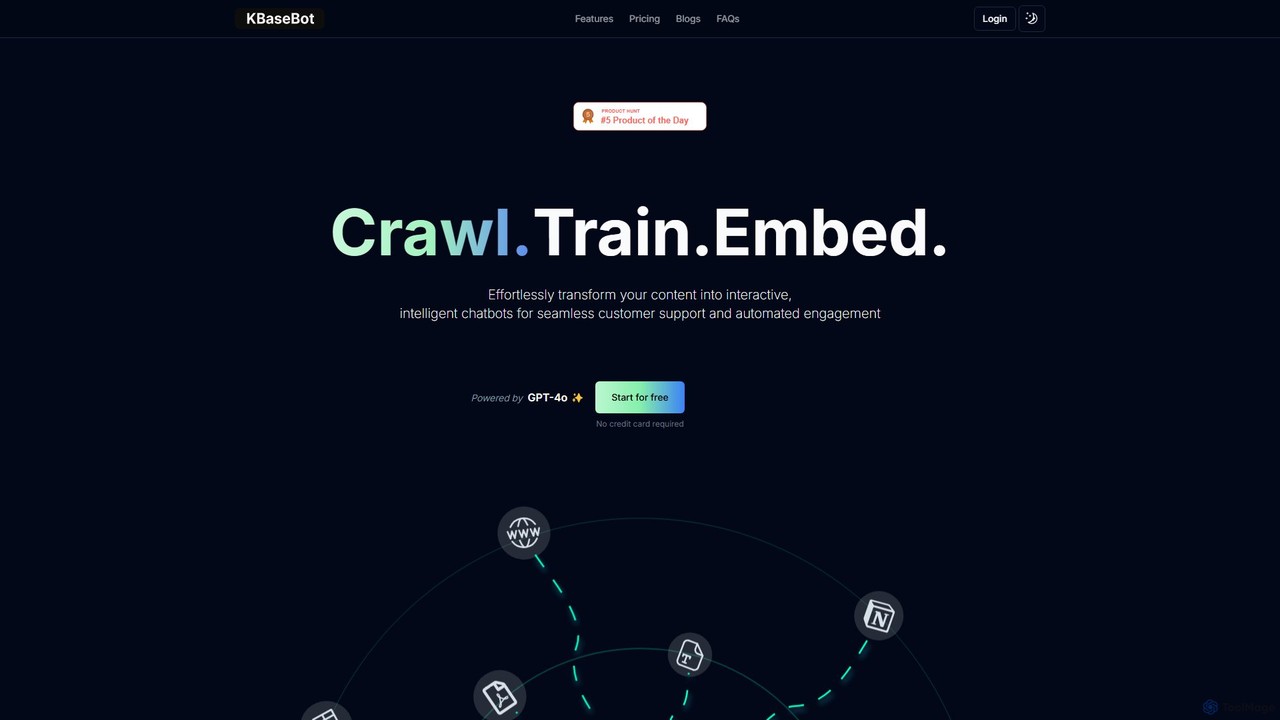
KBaseBot
KBaseBot is an AI-powered platform that effortlessly transforms your existing content—such as websites, documents, and text—into intelligent, interactive chatbots. Powered by GPT-4o, it automates customer support, generates leads, and streamlines internal documentation without any coding required. Easily embeddable and customizable, it helps businesses enhance user engagement and save valuable time.
Chatbot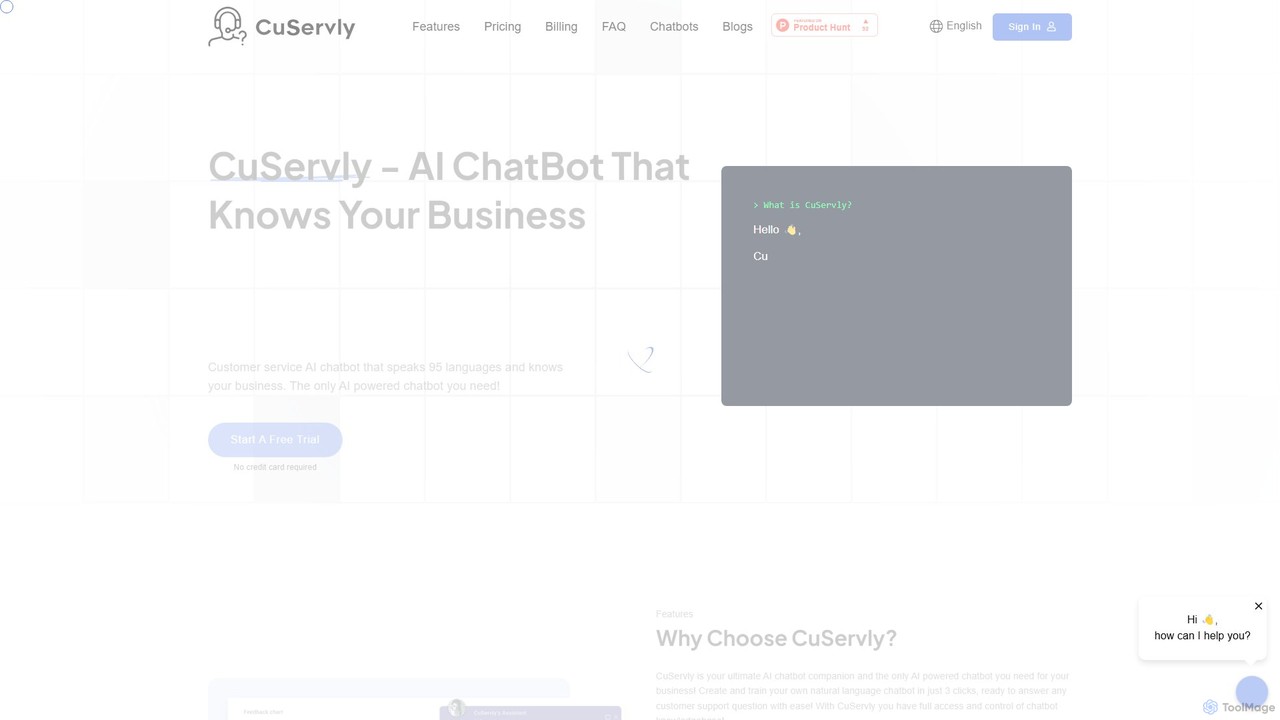
Cuservly
Cuservly is an AI chatbot platform that enables businesses to create and train custom chatbots using their own data. Deploy intelligent assistants on your website to automate customer support, generate leads, and provide 24/7 instant answers based on your web pages and documents.
Chatbot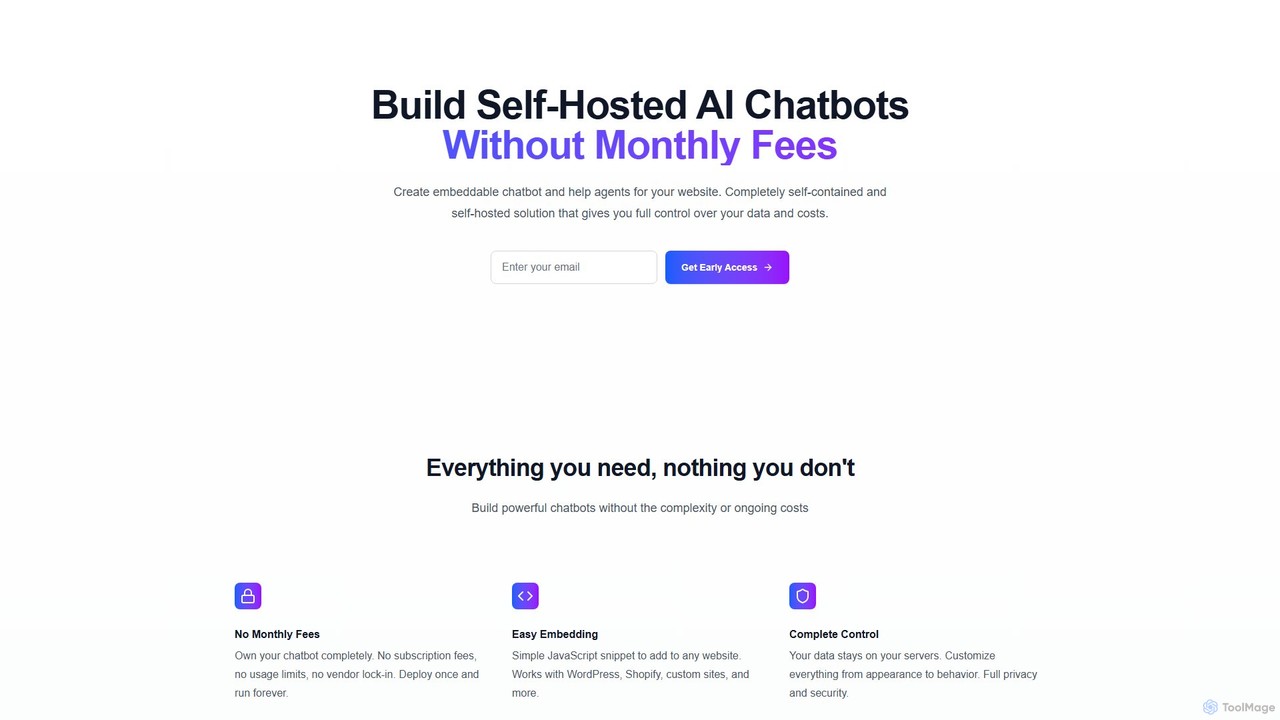
SiteRetriever
SiteRetriever is a self-hosted AI chatbot solution that lets you build and deploy intelligent chatbots on your website without monthly fees. Gain full control over your data, customize the bot's appearance and behavior, and provide instant, accurate responses. It's a one-time purchase for complete ownership and data privacy.
Chatbot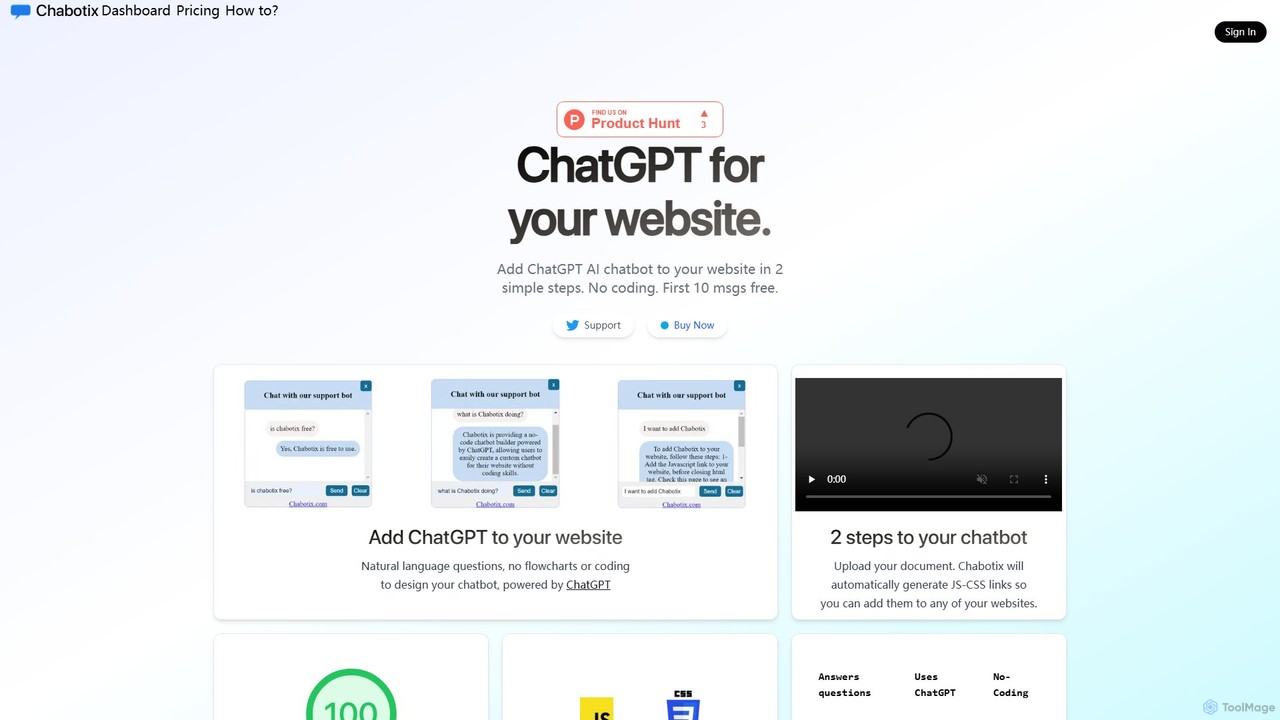
Chabotix
Chabotix is a no-code platform that allows you to create a custom ChatGPT-powered AI chatbot for your website in minutes. Simply upload your documents, and Chabotix generates a chatbot trained on your data. It provides instant, accurate answers to user questions, enhances customer support, and can even recommend products, all through a simple copy-paste integration.
Chatbot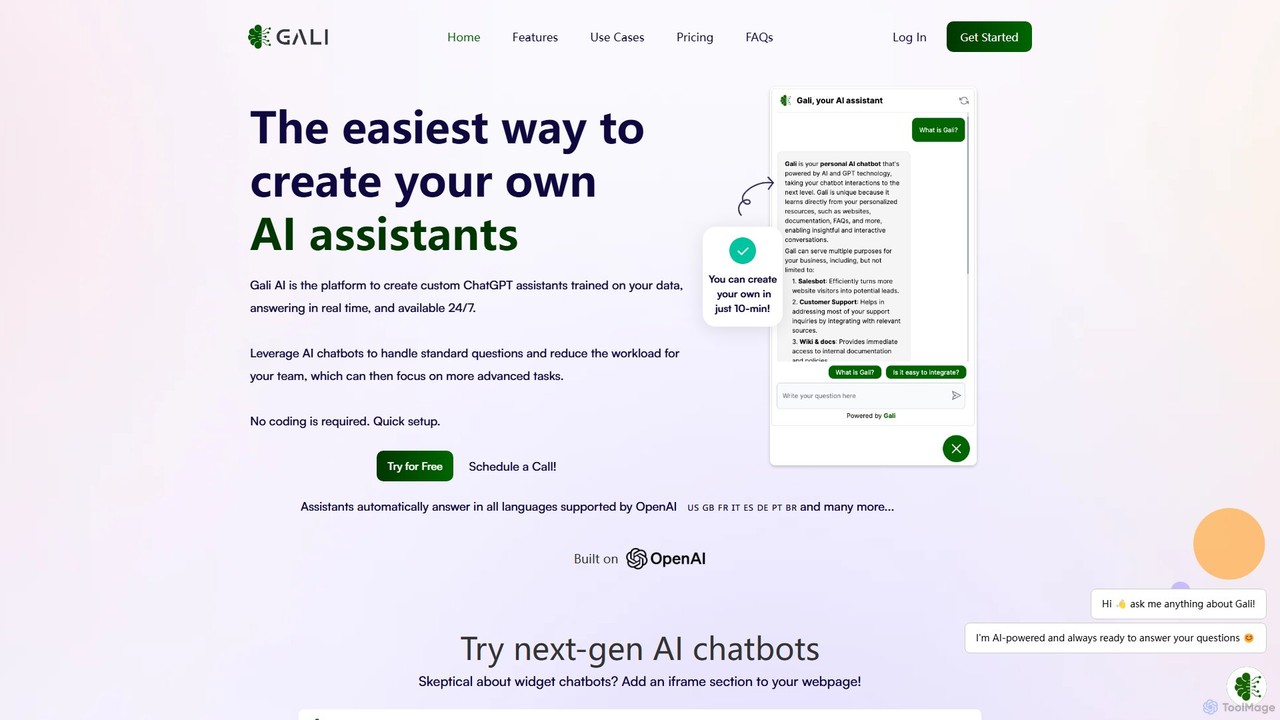
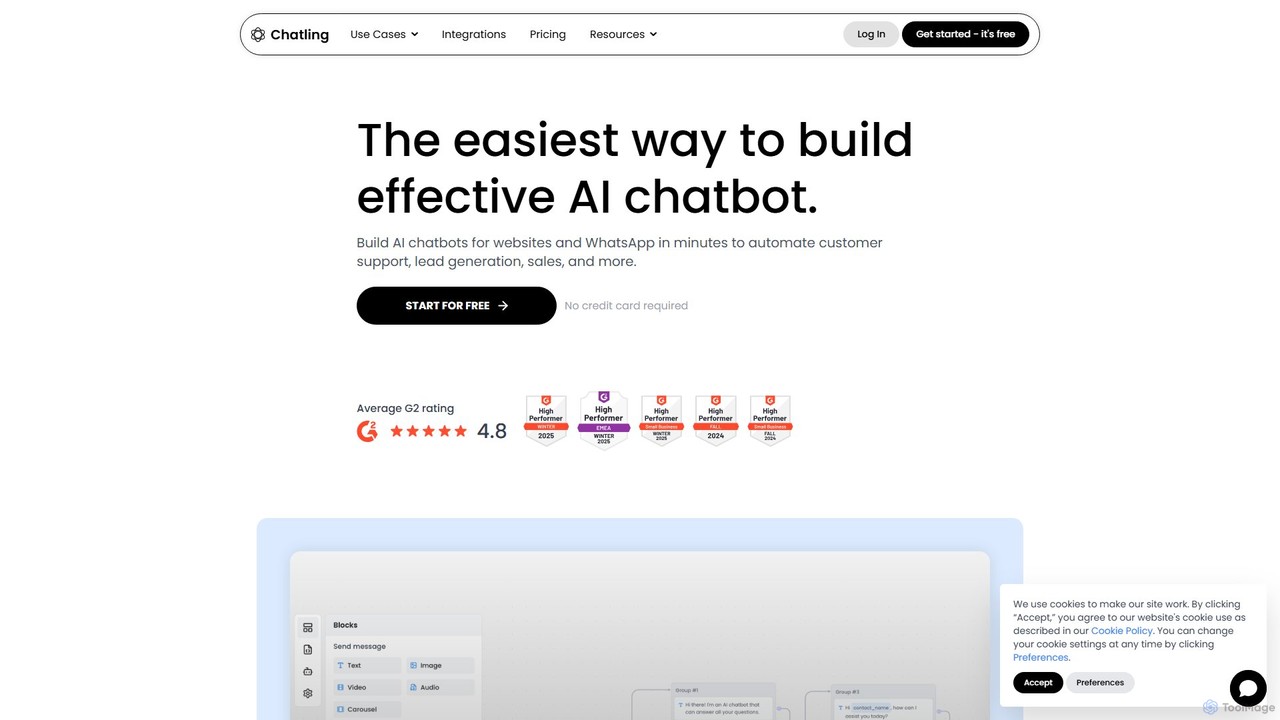
Chatling
Chatling is a no-code platform that allows you to build a custom AI chatbot trained on your own data. Instantly answer visitor questions, generate leads, and improve customer support 24/7. Simply provide a link to your website or upload files, and Chatling will create a ChatGPT-like chatbot that can be embedded on your site in minutes.
Chatbots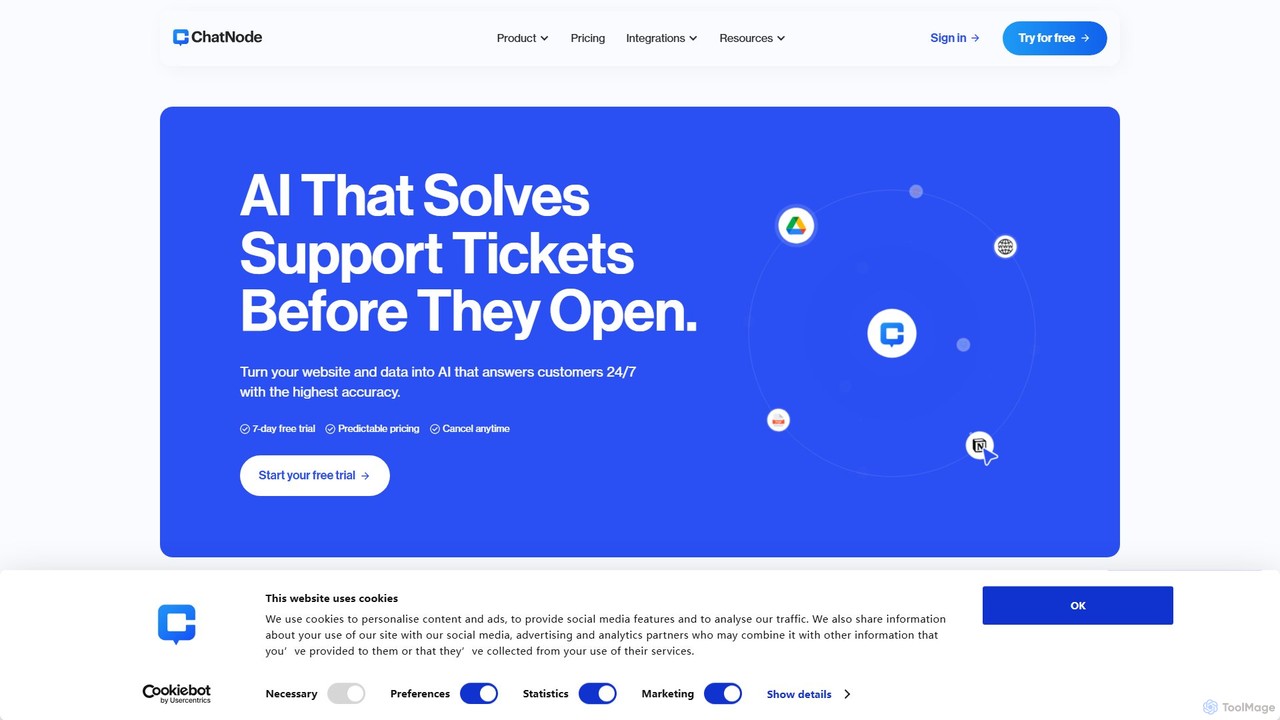
ChatNode
ChatNode is a no-code AI chatbot builder that allows you to create custom chatbots trained on your own data. Easily add a ChatGPT-like assistant to your website to automate customer support, answer questions 24/7, and generate leads, significantly reducing response times and improving user engagement.
Chatbot
Chatof Comments (0)
Sign in to comment.
Sign inNo comments yet.