

DataLang Overview
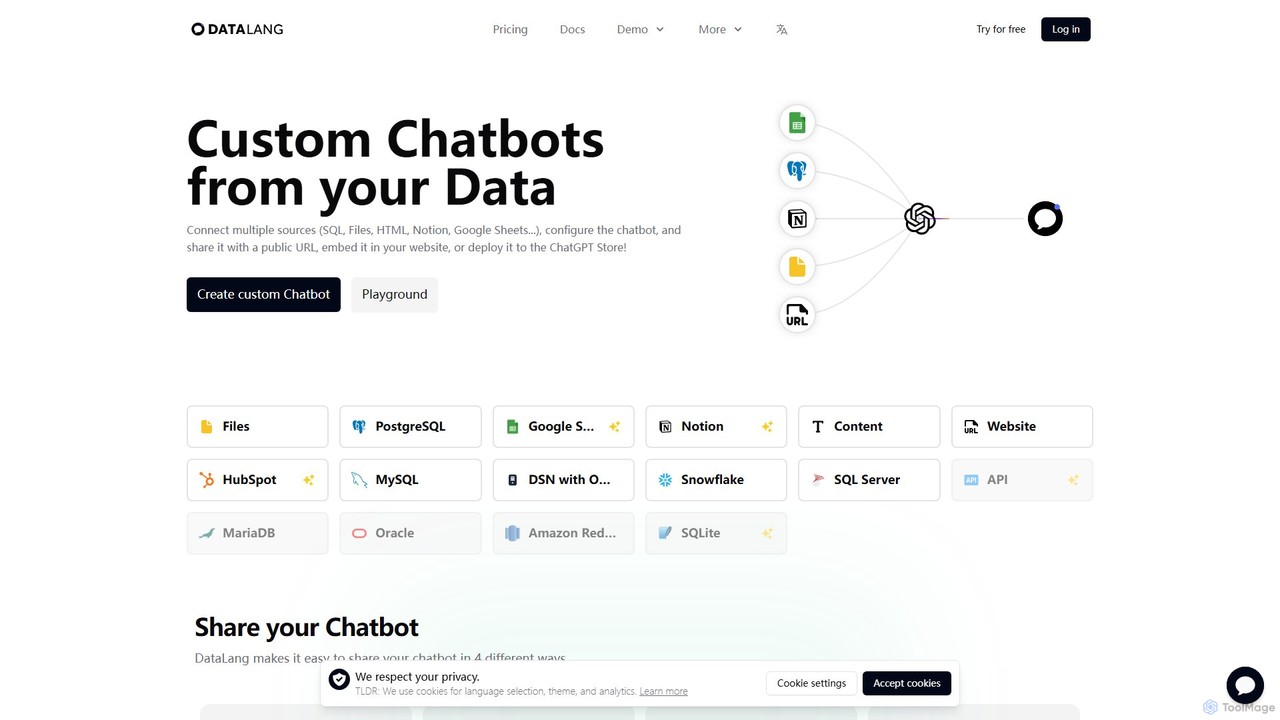
DataLang is a versatile and user-friendly platform designed to empower businesses and individuals to build custom AI chatbots trained on their unique data. It bridges the gap between complex datasets and accessible, conversational interfaces. By connecting to a wide array of data sources, DataLang allows you to unlock the value hidden within your information, making it interactive and queryable through natural language.
The platform supports an extensive list of data sources, including various SQL databases (PostgreSQL, MySQL, SQL Server, MariaDB, Oracle, Amazon Redshift, SQLite, Snowflake), files (like CSVs or text documents), popular productivity tools (Notion, Google Sheets), and even content from websites or other platforms like HubSpot. This flexibility ensures that no matter where your data resides, you can leverage it to create a knowledgeable chatbot.
How to use DataLang
DataLang simplifies the chatbot creation process into four straightforward steps, making it accessible even for users without a technical background:
- Set up your Data Source: The first step is to connect DataLang to your data. You can configure connections to your databases, upload files, or link to services like Notion or Google Sheets. The platform provides a secure way to establish these connections.
- Add a Data View: To ensure security and control, you don't expose your entire database. Instead, you create a 'Data View'. This is essentially a specific query or a defined subset of your data (e.g., 'SELECT * FROM Sales WHERE customer = X') that the chatbot will be allowed to access. This feature is crucial for controlling data privacy and relevance.
- Chat with your data: Once your data views are configured, you can select which ones to use for training your chatbot. DataLang uses this curated information to train a GPT model, enabling it to understand and answer questions based solely on the data you've provided.
- Share it!: After your chatbot is trained and tested, DataLang offers multiple deployment options. You can share it with a simple public URL, embed it as a widget directly onto your website for customer interaction, publish it as a custom GPT in the official GPT Store, or integrate it into other applications using its API.
Core Features of DataLang
- Multi-Source Connectivity: Connect to a vast range of data sources including SQL databases, files, Notion, Google Sheets, HubSpot, and websites.
- Custom GPT Publishing: Easily package and publish your data-powered chatbot to the ChatGPT Store, making it accessible to a wider audience or your customers.
- Flexible Deployment: Share your chatbot through a public link, embeddable website widget, or a powerful API for custom integrations.
- Granular Data Control: Use 'Data Views' to precisely define which data the AI can access, ensuring security and context-accuracy.
- Database to API: A unique feature that allows you to expose data from your database as a secure API endpoint, which can then be consumed by your custom GPT or other applications.
- No-Code/Low-Code Interface: The entire process is designed to be intuitive, allowing users of all skill levels to build powerful chatbots without writing extensive code.
- Self-Hosting for Enterprises: For organizations with strict data privacy requirements, DataLang offers a self-hosted option, allowing you to run the platform on your own infrastructure.
Use Cases for DataLang
DataLang can be applied in numerous scenarios to enhance efficiency and engagement:
- Internal Knowledge Base: Create a chatbot for employees to ask questions about company policies, project data stored in Notion, or sales figures from a SQL database.
- Enhanced Customer Support: Build a support bot trained on your product documentation and FAQs to provide instant, 24/7 assistance to your customers.
- Personalized Client Services: For SaaS companies, create a unique, secure GPT for each major client, trained on their specific usage data and reports.
- Interactive Data Analysis: Enable marketing or sales teams to query performance data using natural language instead of needing a data analyst to run reports.
- Lead Generation: Embed a chatbot on your website to engage visitors, answer their questions about your services, and qualify leads.
Advantages of DataLang
DataLang offers significant advantages by transforming static data into a dynamic asset. It democratizes data access, allowing non-technical team members to gain insights without needing to learn complex query languages. This saves time, reduces the burden on technical teams, and empowers faster decision-making. The high level of customization and security through 'Data Views' ensures that you maintain full control over your information. Its scalability, from a free plan to an enterprise-level self-hosted solution, makes it suitable for projects of any size.
Pricing and Plans
DataLang offers a tiered pricing model to suit different needs:
- Free: $0/month. Includes 1 user, 1 data source, and 100 credits. Ideal for creating a simple chatbot.
- Basic: $19/month. Includes 2 users, 10 data sources, and 1,000 credits/month. Suited for individual users or small projects.
- Pro: $49/month. The recommended plan, it includes 6 users, 50 data sources, 3,000 credits/month, and basic support. Designed for small teams.
- Business: $399/month. For large teams, it offers 12 users, 1,000 data sources, 20,000 credits/month, and priority support.
- Self-hosted: Starting at $20,000/year. Deploy DataLang on your own infrastructure with unlimited users, data sources, and credits. Includes an account manager and yearly updates.
Yearly subscriptions offer a 17% discount.
Traffic
Latest traffic
Status
Monthly traffic trend
- 2025-9: 354
- 2026-1: 1.4K
- 2026-2: 2.0K
- 2026-3: 1.9K
- 2026-4: 964
- 2026-5: 1.6K
Geography
Top 5 countries / regions
- 🇵🇪Peru100.0%
Top keywords
| Keyword | Cost per click |
|---|---|
| ngrok chat | $0.00 |
| oracle chat with your data | $0.00 |
| rita - google sheets | $0.00 |
| webp.duanta | $0.00 |
DataLang Alternatives

Chat Thing
Chat Thing is a no-code platform for building custom AI chatbots trained on your own data. Connect sources like Notion, websites, and YouTube to create intelligent agents for customer support, lead generation, and internal documentation. Deploy bots across multiple channels including websites, Slack, and Discord, with advanced features like power-ups and analytics.
Automation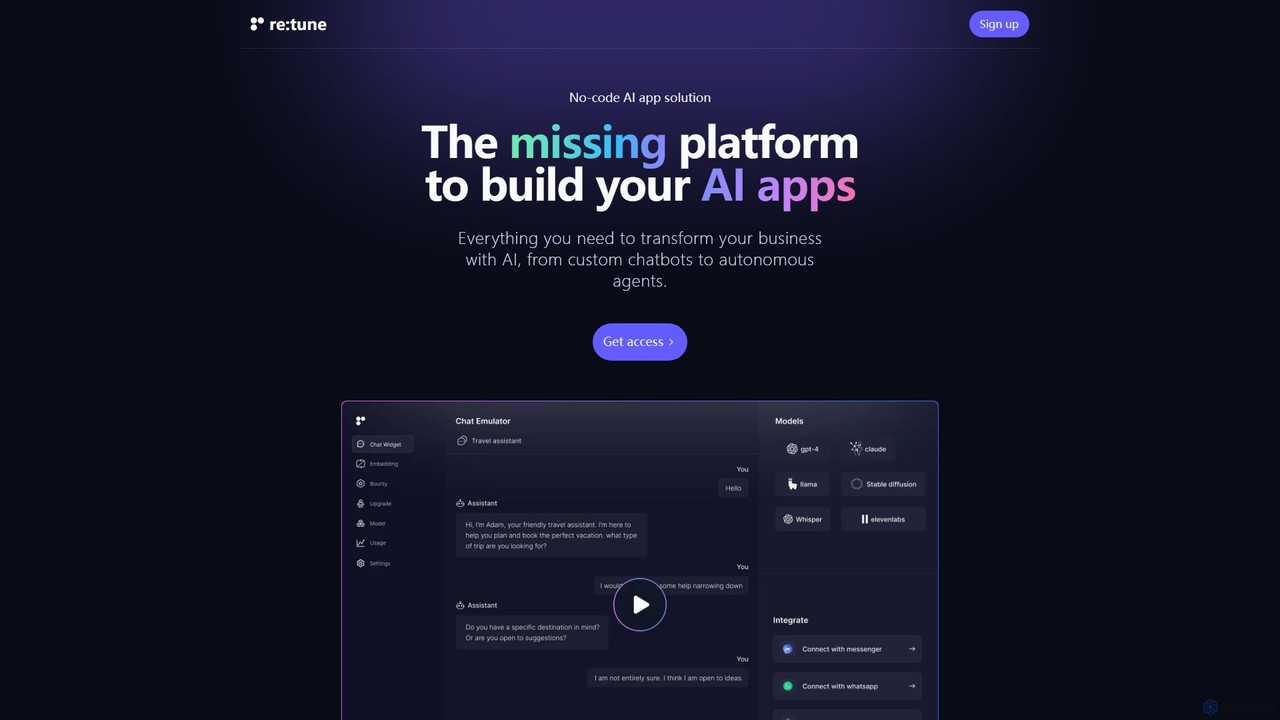
re:tune
re:tune is a no-code platform for building, training, and integrating custom AI applications. Create personalized AI chatbots and autonomous agents for customer support, sales, and more, using your own data and integrating with your favorite tools without writing a single line of code.
Automation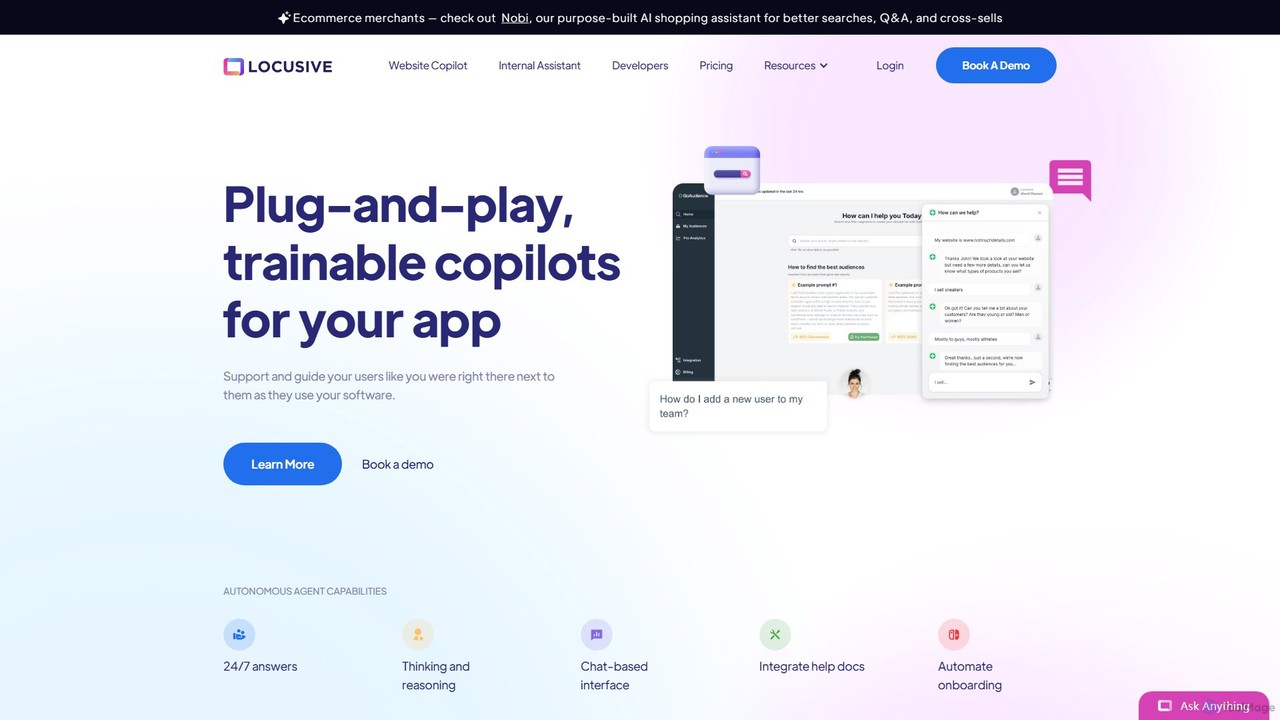
Locusive
Locusive is a platform for building and deploying trainable AI copilots and autonomous agents. It connects to your internal data sources like databases and help docs, allowing users to get answers, analyze data, and automate tasks through natural language chat.
Automation
BotMagic
BotMagic is a powerful platform for creating customizable AI chatbots. It caters to businesses, startups, and AI enthusiasts, enabling them to build bots for internal productivity, customer engagement, and rapid AI application development. The platform features a comprehensive productivity suite, robust security, and advanced controls for a seamless bot creation experience.
Automation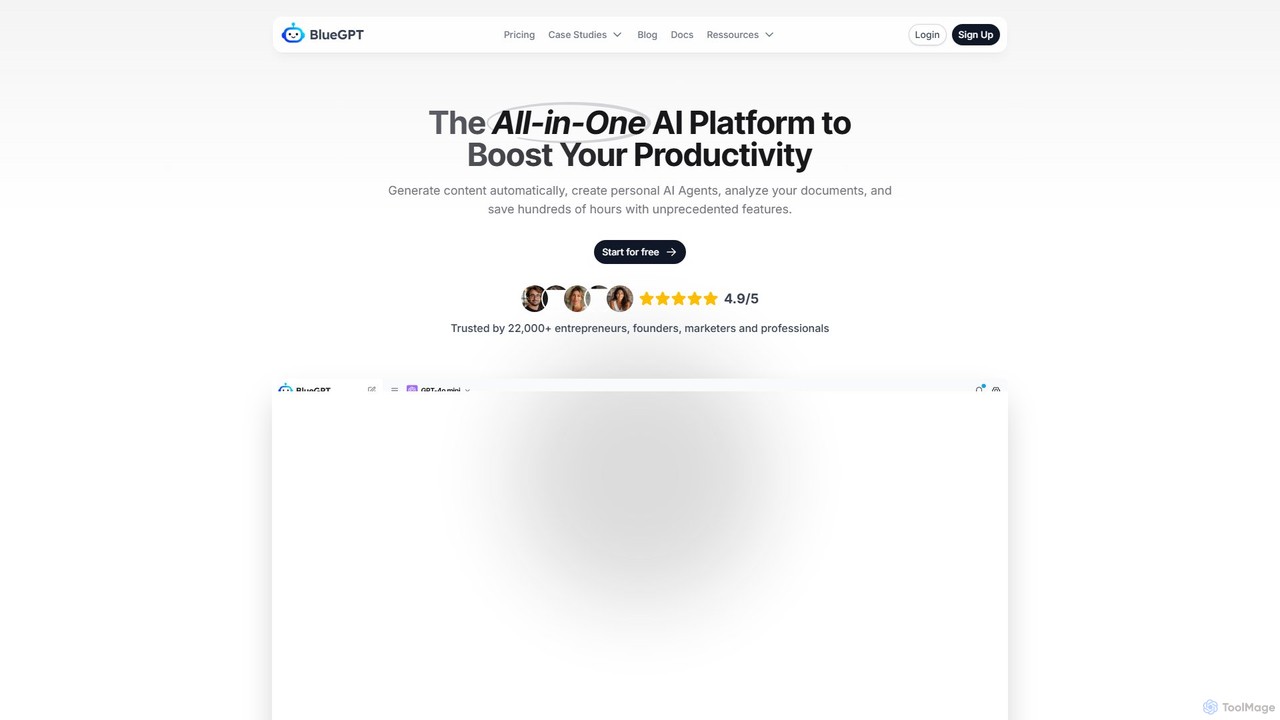
bluegpt
bluegpt is a no-code AI platform that allows you to build custom chatbots trained on your own data. Easily upload documents, scrape websites, and create a personalized AI assistant for customer support, lead generation, or internal knowledge management in minutes.
AutomationDataLang Categories
DataLang Embed Widget
Copy this embed code to place the badge on your blog, article, or product site and send readers directly to this ToolMage detail page.

Related AI tools
bluegpt
bluegpt is a no-code AI platform that allows you to build custom chatbots trained on your own data. Easily upload documents, scrape websites, and create a personalized AI assistant for customer support, lead generation, or internal knowledge management in minutes.
Automation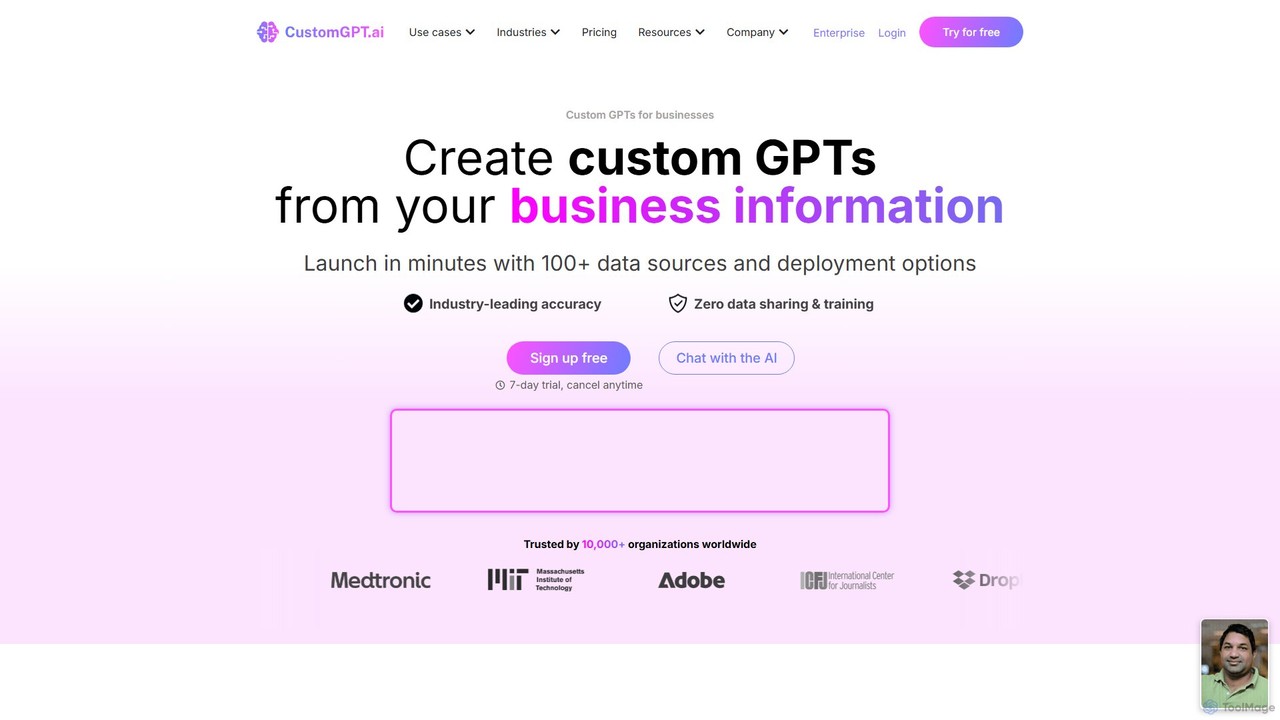
CustomGPT.ai
CustomGPT.ai is a no-code platform that enables businesses to create secure, custom AI chatbots trained exclusively on their own content. It supports over 100 data sources, ensures high accuracy by preventing hallucinations, and allows for easy deployment on websites or integration via API. Ideal for customer support, internal knowledge management, and sales enablement, it helps organizations automate processes and enhance user engagement without requiring technical expertise.
Custom Chatbot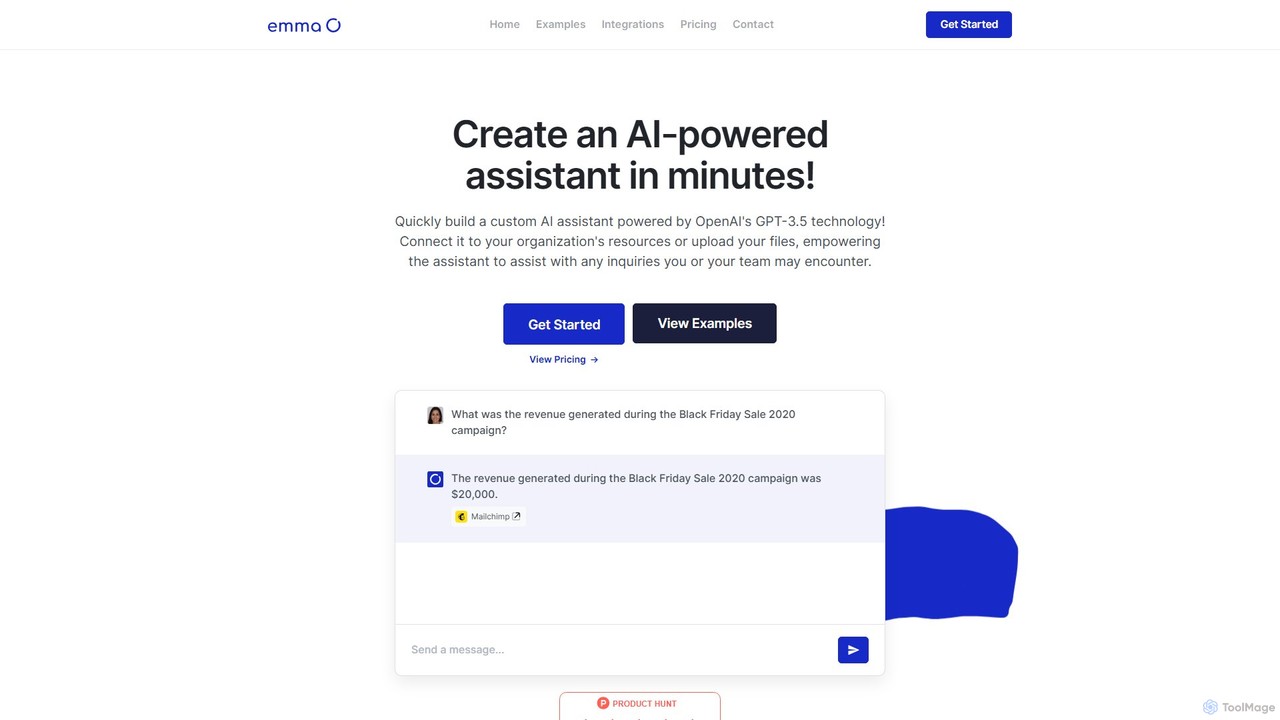
getemma
getemma is an AI platform that enables you to build a custom AI assistant powered by GPT-4 technology in minutes. Connect it to your business data, files, and integrations like Slack, Shopify, and Gmail to automate information retrieval, answer complex queries, and supercharge team productivity across departments such as sales, HR, and customer support.
Knowledge Management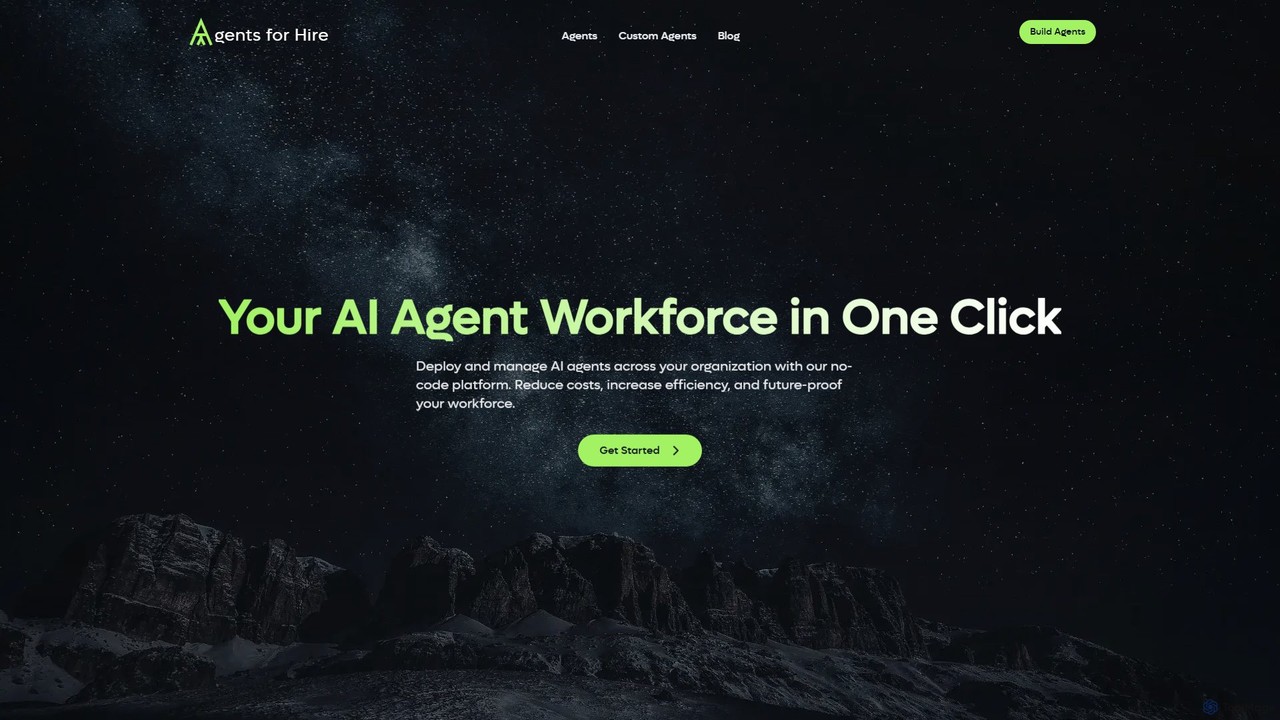
Agents for Hire
Agents for Hire is a no-code platform that empowers businesses to build, customize, and deploy a dedicated AI agent workforce. It enables seamless integration with existing systems and training on company-specific data, automating tasks in customer service, data analysis, employee onboarding, and more to boost efficiency and reduce costs.
Customer Support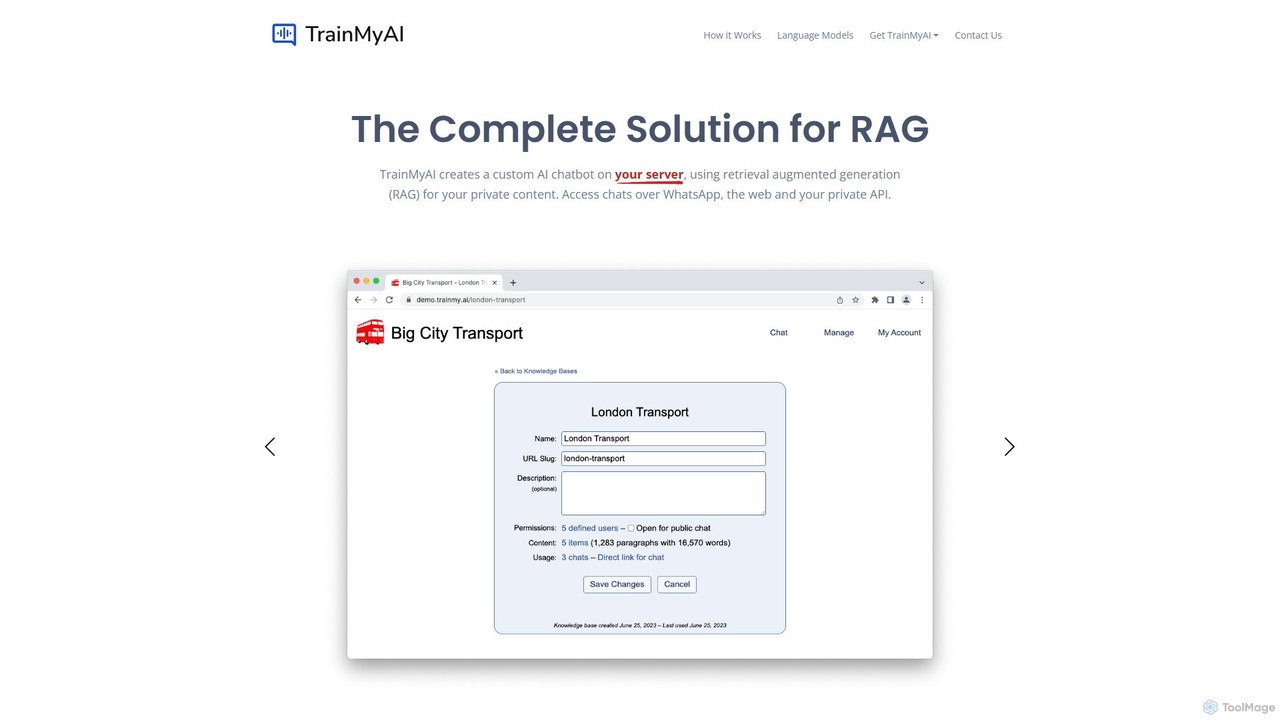
TrainMyAI
TrainMyAI is a complete, self-hosted solution for building Retrieval-Augmented Generation (RAG) AI chatbots. It allows you to create accurate, secure chatbots based on your own private data, preventing hallucinations and ensuring full control over your information. It's designed for enterprises needing customizable, trustworthy AI assistants for customer support, internal knowledge management, and more.
Help Desk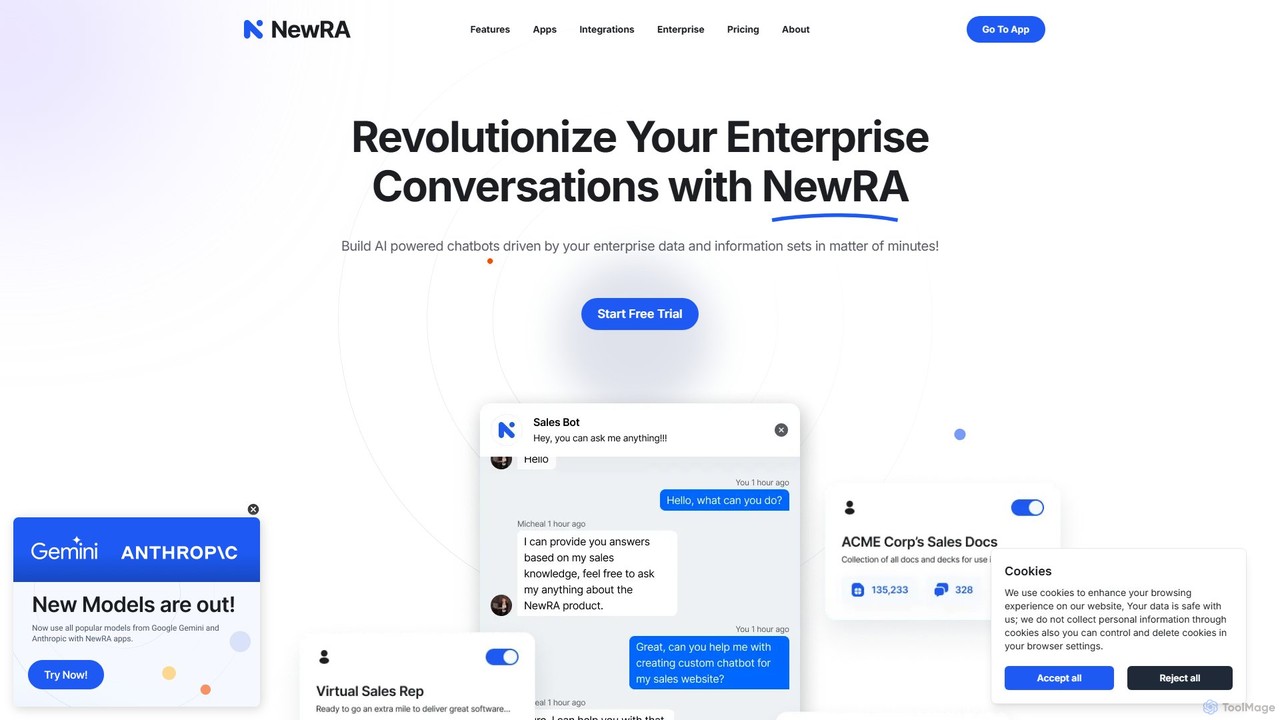
NewRA
NewRA is a no-code, cloud-based RAG platform that enables businesses to build custom AI chatbots powered by their own enterprise data. In minutes, you can connect documents, websites, and cloud storage to create intelligent assistants for customer service, sales, and internal knowledge management, ensuring accurate, context-aware responses.
Help Desk
kloud.chat
kloud.chat is a no-code AI platform that enables users to build custom chatbots trained on their own data. Upload documents, add website links, or connect to knowledge bases to create intelligent assistants for customer support, internal information retrieval, and user engagement without any programming skills.
Help DeskChat Thing
Chat Thing is a no-code platform for building custom AI chatbots trained on your own data. Connect sources like Notion, websites, and YouTube to create intelligent agents for customer support, lead generation, and internal documentation. Deploy bots across multiple channels including websites, Slack, and Discord, with advanced features like power-ups and analytics.
Automationre:tune
re:tune is a no-code platform for building, training, and integrating custom AI applications. Create personalized AI chatbots and autonomous agents for customer support, sales, and more, using your own data and integrating with your favorite tools without writing a single line of code.
AutomationLocusive
Locusive is a platform for building and deploying trainable AI copilots and autonomous agents. It connects to your internal data sources like databases and help docs, allowing users to get answers, analyze data, and automate tasks through natural language chat.
AutomationBotMagic
BotMagic is a powerful platform for creating customizable AI chatbots. It caters to businesses, startups, and AI enthusiasts, enabling them to build bots for internal productivity, customer engagement, and rapid AI application development. The platform features a comprehensive productivity suite, robust security, and advanced controls for a seamless bot creation experience.
Automation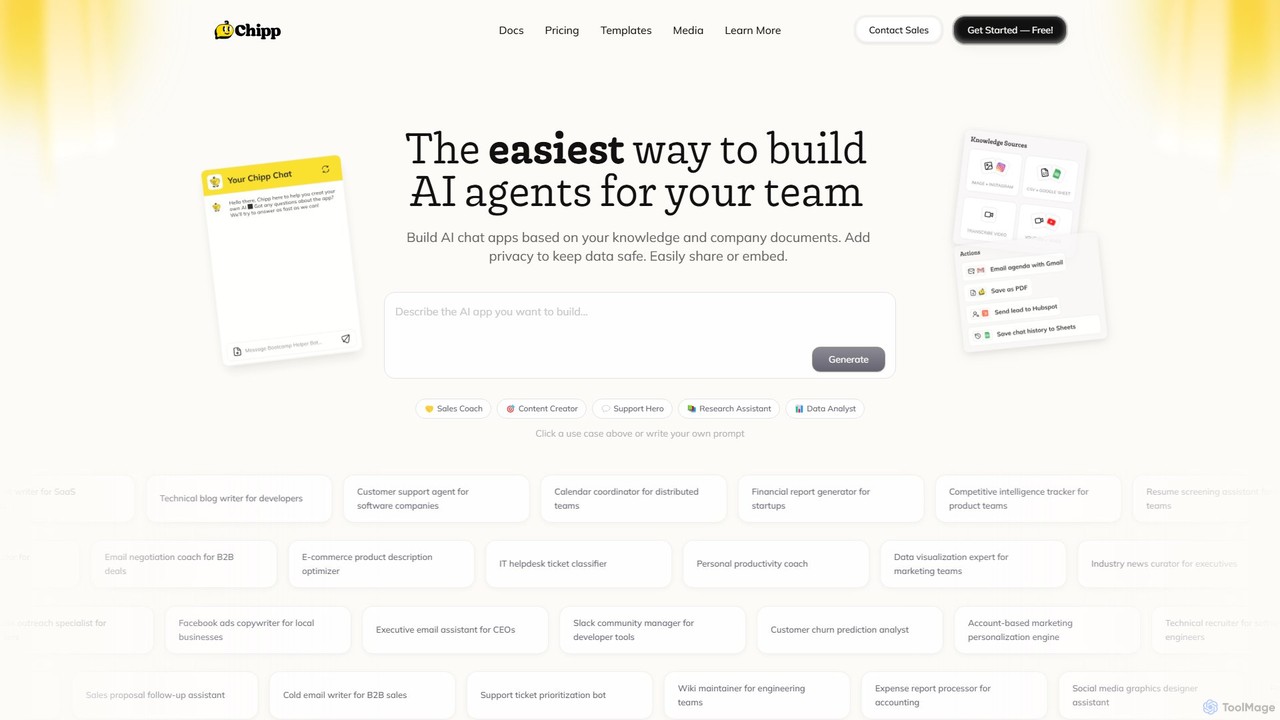
Chipp
Chipp is a no-code platform that empowers teams and individuals to build, share, and monetize custom AI agents. Based on your own knowledge bases and company documents, you can create specialized chatbots for sales, customer support, data analysis, and more, with a strong focus on privacy and ease of use.
Help Desk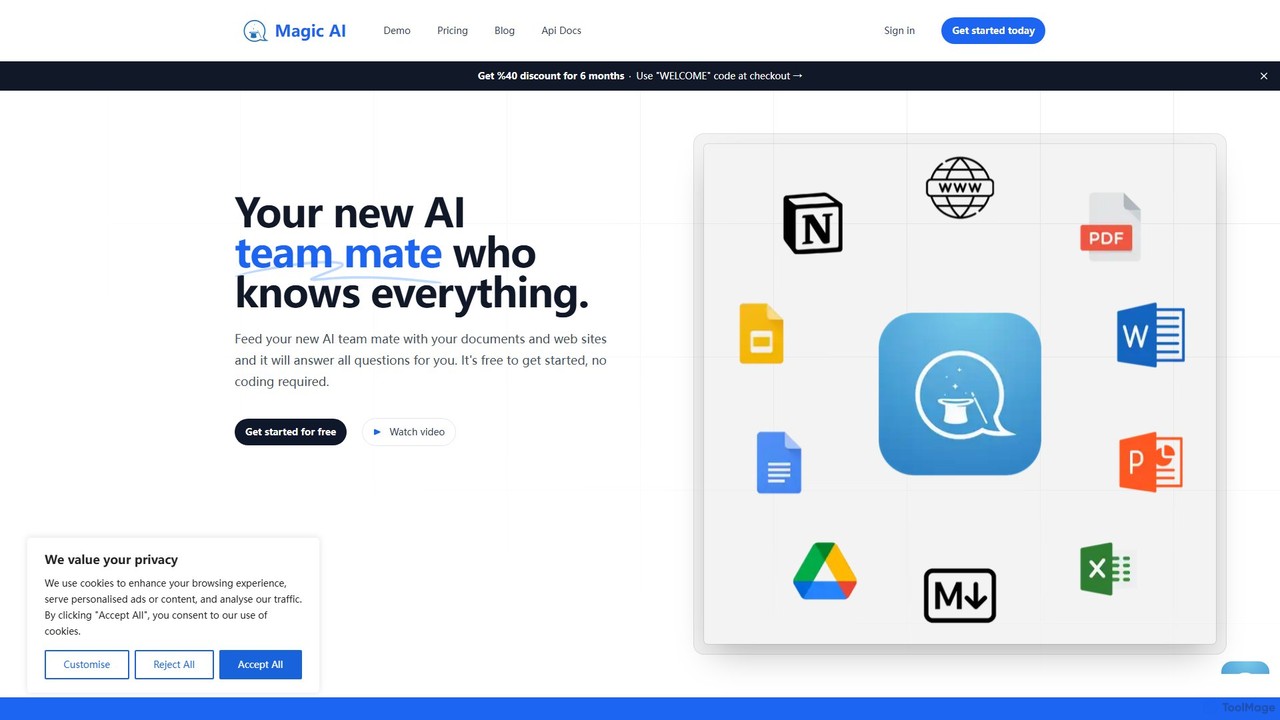
Magic AI
Magic AI is a no-code platform that transforms your documents and website content into intelligent AI chatbots. Create a knowledgeable AI teammate to enhance team productivity, automate customer support, and centralize your knowledge base. Get started for free and build your custom chatbot in minutes.
Chatbot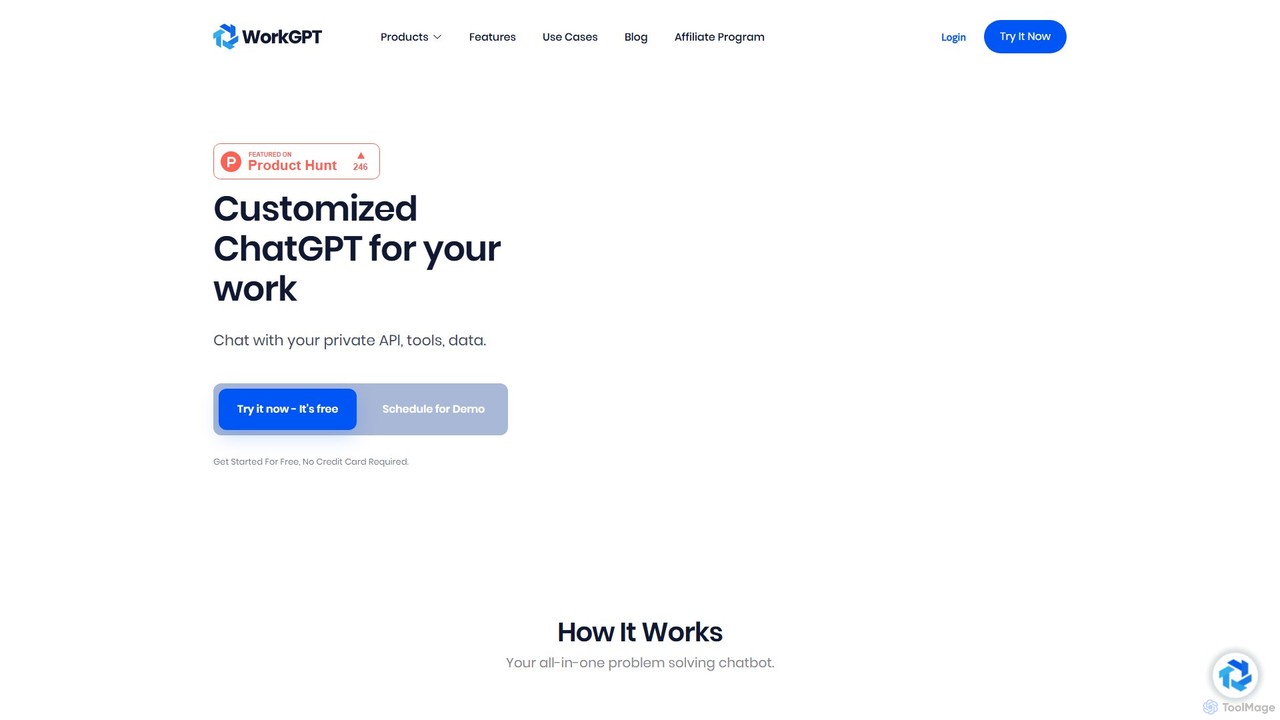
WorkGPT
WorkGPT is a powerful AI platform that allows you to build custom ChatGPT-like agents and chatbots tailored for your work. It functions as an all-in-one problem-solving tool, enabling you to automate tasks, analyze data, and enhance productivity by creating AI assistants trained on your specific knowledge base.
Automation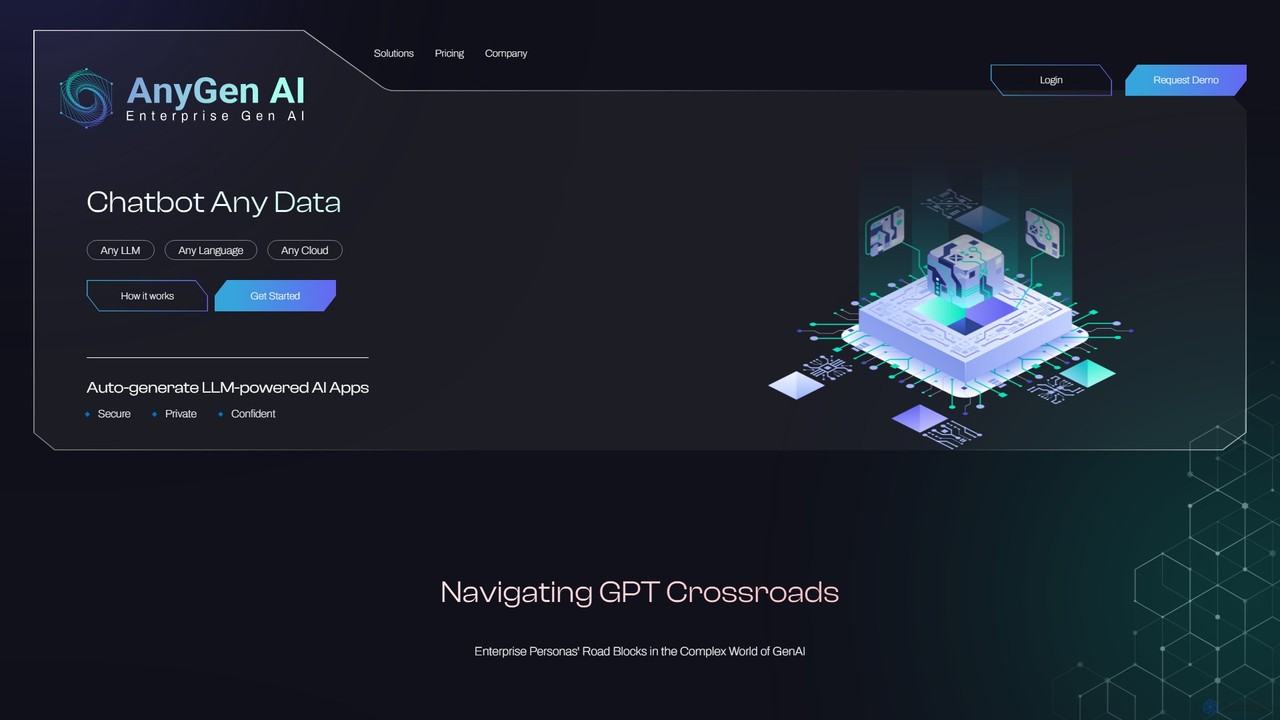
AnyGen
AnyGen is an enterprise-grade, no-code platform for building secure, custom AI chatbots and applications using your own data. It supports any LLM, any cloud, and any language, enabling rapid innovation with a focus on security and privacy.
Custom Chatbot
DataLang Comments (0)
Sign in to comment.
Sign inNo comments yet.