

Chat Thing Overview
Chat Thing provides a powerful and intuitive platform for businesses and individuals to create custom AI agents, or chatbots, trained on their specific content. By leveraging your own data from sources like Notion, websites, YouTube, and more, you can build intelligent bots that automate tasks, save time, and enhance user engagement. Whether you're overwhelmed with support requests, need to answer repetitive questions in your community, or want to create interactive documentation, Chat Thing offers a comprehensive solution. The platform is designed to be more advanced than standard OpenAI GPTs, offering a rich feature set and excellent personalized support to over 10,000 users.
How to use Chat Thing
Getting started with Chat Thing is a straightforward process designed for users of all technical levels. First, sign up for a free account to explore the platform's capabilities. Once logged in, you can create your first bot. The next step is to connect your data sources; this could be a public website URL, a Notion workspace, a YouTube channel, or uploaded documents. Chat Thing will automatically crawl and sync this content. After your data is connected, you can customize your bot's behavior, including its personality, response style, and the underlying AI model (e.g., GPT-4o, Claude, Gemini). For more advanced functionality, you can integrate 'Power-ups' to connect with third-party services like Zapier or Notion Databases. Finally, deploy your bot across various channels, such as embedding it as a widget on your website, or integrating it into your Slack, Discord, or Telegram communities. You can then monitor conversations through the analytics dashboard to refine and improve your bot's performance over time.
Core Features of Chat Thing
- Multi-source Data Training: Connect and train your bot on data from various sources including websites, Notion, YouTube, and file uploads.
- Automatic Data Syncing: Keep your bot's knowledge base up-to-date with automatic and periodic syncing of your data sources.
- Multi-channel Deployment: Deploy a single bot across multiple platforms like your website, app, Slack, Discord, WhatsApp, and Telegram.
- Advanced 'Power-ups': Extend your bot's capabilities by integrating with third-party services like Zapier and Notion Databases to perform actions.
- Conversation Analytics: Gain insights into how users interact with your bot through a detailed analytics dashboard and conversation viewer.
- AI Model Selection: Choose from the latest AI models, including GPT-4o, Claude, and Gemini, and adjust advanced settings like temperature.
- Multilingual Support: Train your bot in one language and receive responses in many others. The user interface is also customizable for different locales.
- Brand Customization: Seamlessly integrate the bot with your brand by customizing colors, logos, and the overall appearance of the chat widget.
- Response Guards: Prevent hallucinations and ensure accuracy by using AI to validate bot responses before they are sent to the user.
- API Access: Utilize the developer-friendly API for custom integrations and more complex workflows.
Use Cases for Chat Thing
Chat Thing is versatile and can be applied to solve a wide range of real-world problems. For Customer Support, you can create a 24/7 support agent trained on your help docs to provide instant answers. In Community Management, a bot can handle frequently asked questions in your Discord or Slack, freeing up moderators. For Lead Generation, an interactive bot on your website can engage visitors, qualify leads, and schedule demos. Businesses can use it for Internal Knowledge Management by creating an HR bot that answers employee questions based on a company handbook in Notion. It can also serve as an In-App Assistant, guiding users through your software, similar to a modern, intelligent 'Clippy'. Content creators can build Blog Bots that allow readers to ask questions and find information across all published articles.
Advantages of Chat Thing
Chat Thing stands out by offering a combination of power and ease of use. Its no-code interface makes advanced AI technology accessible to everyone, regardless of their technical expertise. The platform provides more advanced features and greater customization than standard OpenAI GPTs, including the ability to integrate with external tools via 'Power-ups'. The multi-channel deployment capability allows you to meet your users where they are, creating a consistent experience across your website, social platforms, and internal communication tools. A strong emphasis on security and privacy ensures that your data is never used for training AI models and is stored securely. Finally, the platform's robust analytics and feedback mechanisms enable continuous improvement of your AI agents.
Pricing and Plans
Chat Thing offers a flexible pricing structure to suit various needs, including a free tier for personal projects and testing. All annual plans include a discount equivalent to two months free.
Free: Includes 1 chatbot, 1 data source, 600,000 storage tokens, and 80,000 message tokens. No credit card required.
Basic ($11.67/month, billed annually): 3 chatbots, 1 data source per bot, increased token limits, and UI theming.
Standard ($40.83/month, billed annually): 6 chatbots, 3 data sources per bot, access to premium models (GPT-4o, Claude), removal of Chat Thing branding, Slack/Discord/WhatsApp integrations, and API access.
Pro ($82.50/month, billed annually): 50 chatbots, 10 data sources per bot, significantly higher token limits, and more Bot Tasks.
Enterprise ($249.17/month, billed annually): Unlimited chatbots and data sources, the highest token limits, and the option to use your own OpenAI API key.
Traffic
Latest traffic
Status
Monthly traffic trend
- 2026-1: 9.1K
- 2026-2: 19.5K
- 2026-3: 16.4K
- 2026-4: 9.4K
- 2026-5: 16.8K
Geography
Top 5 countries / regions
- 🇺🇸United States45.1%
- 🇳🇬Nigeria25.8%
- 🇻🇳Vietnam11.8%
- 🇬🇧United Kingdom10.2%
- 🇮🇳India7.2%
Chat Thing Alternatives
re:tune
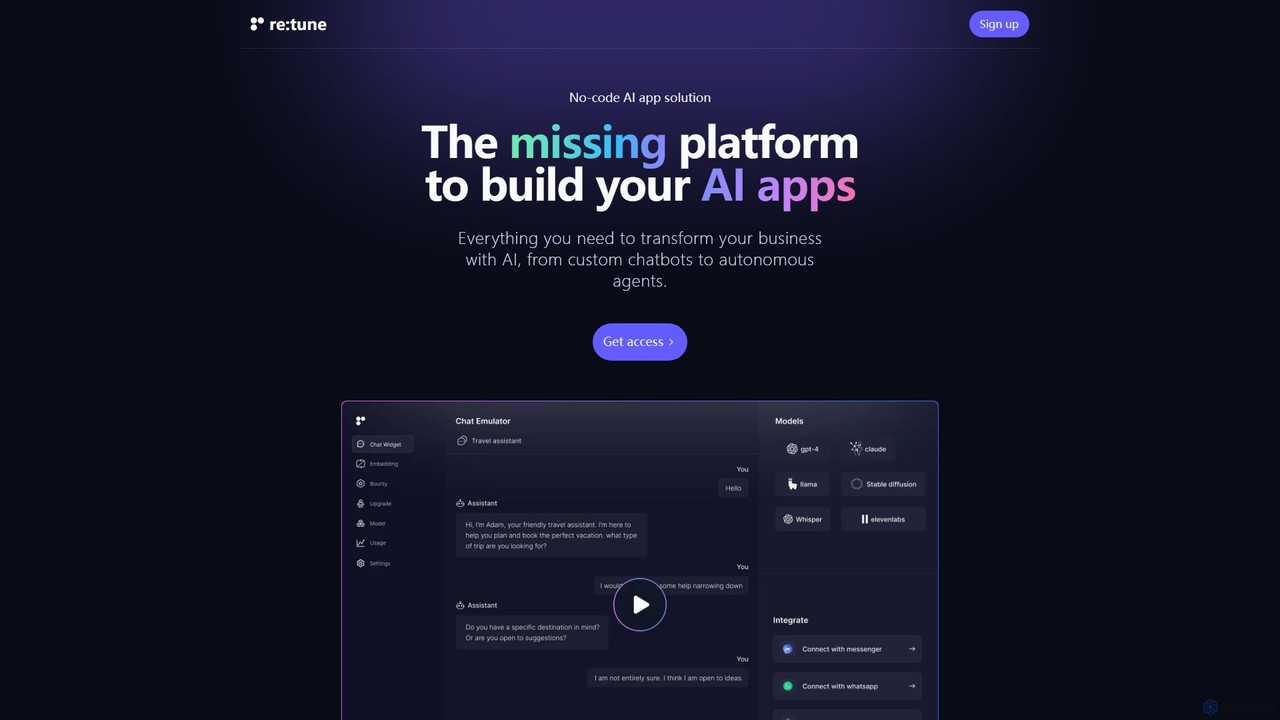
re:tune is a no-code platform for building, training, and integrating custom AI applications. Create personalized AI chatbots and autonomous agents for customer support, sales, and more, using your own data and integrating with your favorite tools without writing a single line of code.
Automation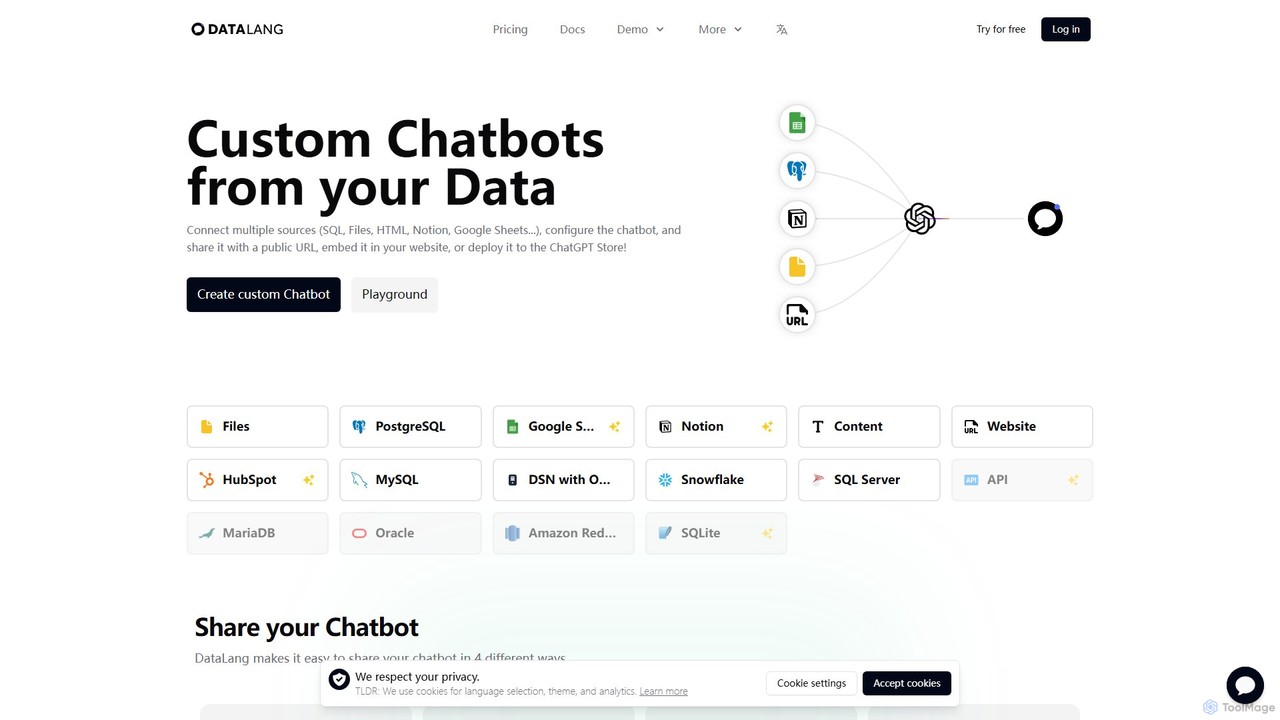
DataLang
DataLang is a powerful platform that enables you to create custom AI chatbots from your own data sources. Connect to SQL databases, files, Notion, Google Sheets, and more to build intelligent chatbots. Deploy them via a public URL, embed them on your website, or publish them to the ChatGPT Store to transform your data into interactive conversational experiences.
Automation
BotMagic
BotMagic is a powerful platform for creating customizable AI chatbots. It caters to businesses, startups, and AI enthusiasts, enabling them to build bots for internal productivity, customer engagement, and rapid AI application development. The platform features a comprehensive productivity suite, robust security, and advanced controls for a seamless bot creation experience.
Automation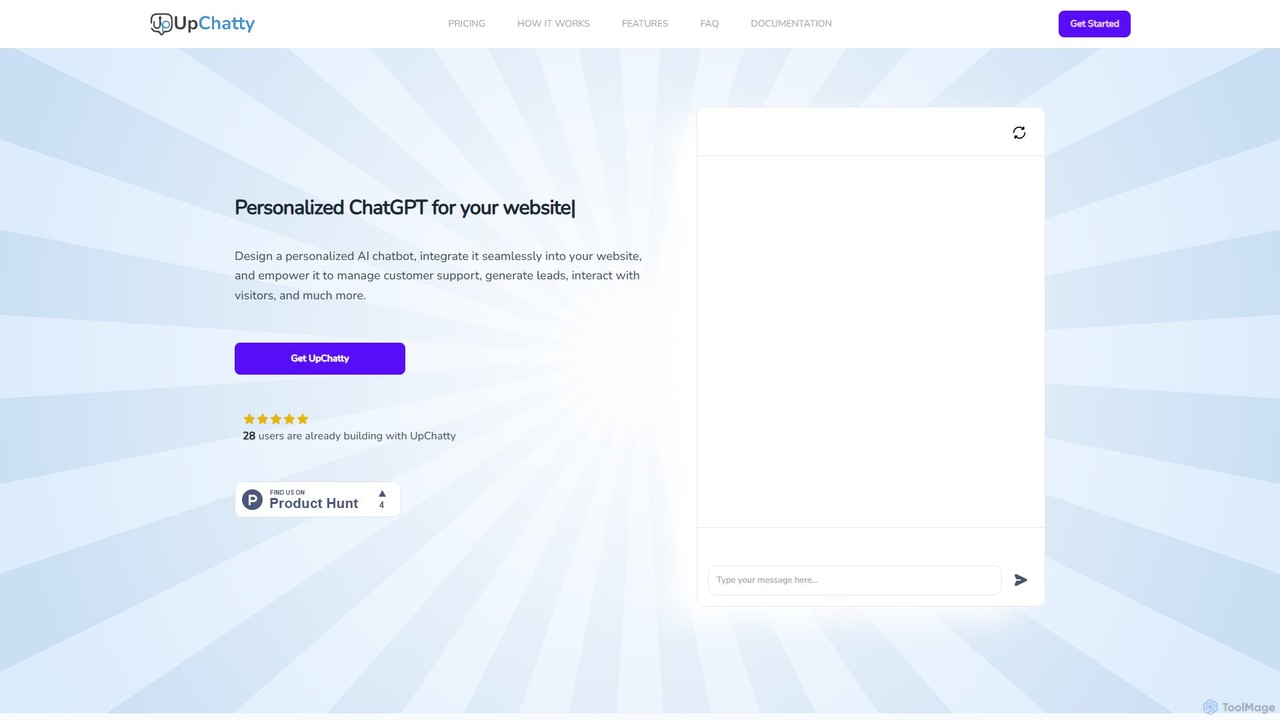
UpChatty
UpChatty is a no-code platform for creating and deploying personalized AI chatbots on your website. Train your chatbot with your own data, customize its appearance and personality, and integrate it seamlessly to handle customer support, generate leads, and engage visitors in over 80 languages. It offers advanced features like model cascading and a fully whitelabel solution.
Automation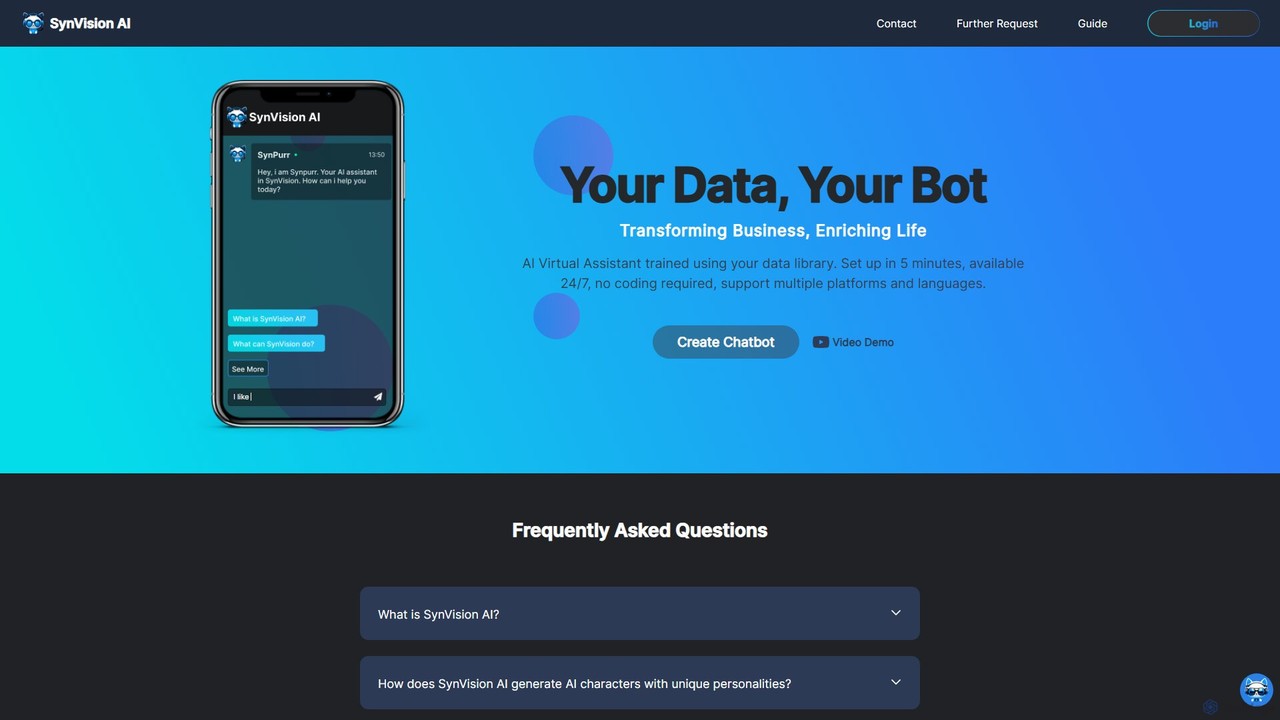
SynVision
SynVision is a no-code AI platform that allows you to create custom virtual assistants and chatbots trained on your own data. Build brand-aligned, multilingual AI characters for customer support, lead generation, and internal knowledge management in just 5 minutes, without any coding expertise.
AutomationChat Thing Categories
Chat Thing Embed Widget
Copy this embed code to place the badge on your blog, article, or product site and send readers directly to this ToolMage detail page.

Related AI tools
re:tune
re:tune is a no-code platform for building, training, and integrating custom AI applications. Create personalized AI chatbots and autonomous agents for customer support, sales, and more, using your own data and integrating with your favorite tools without writing a single line of code.
Automation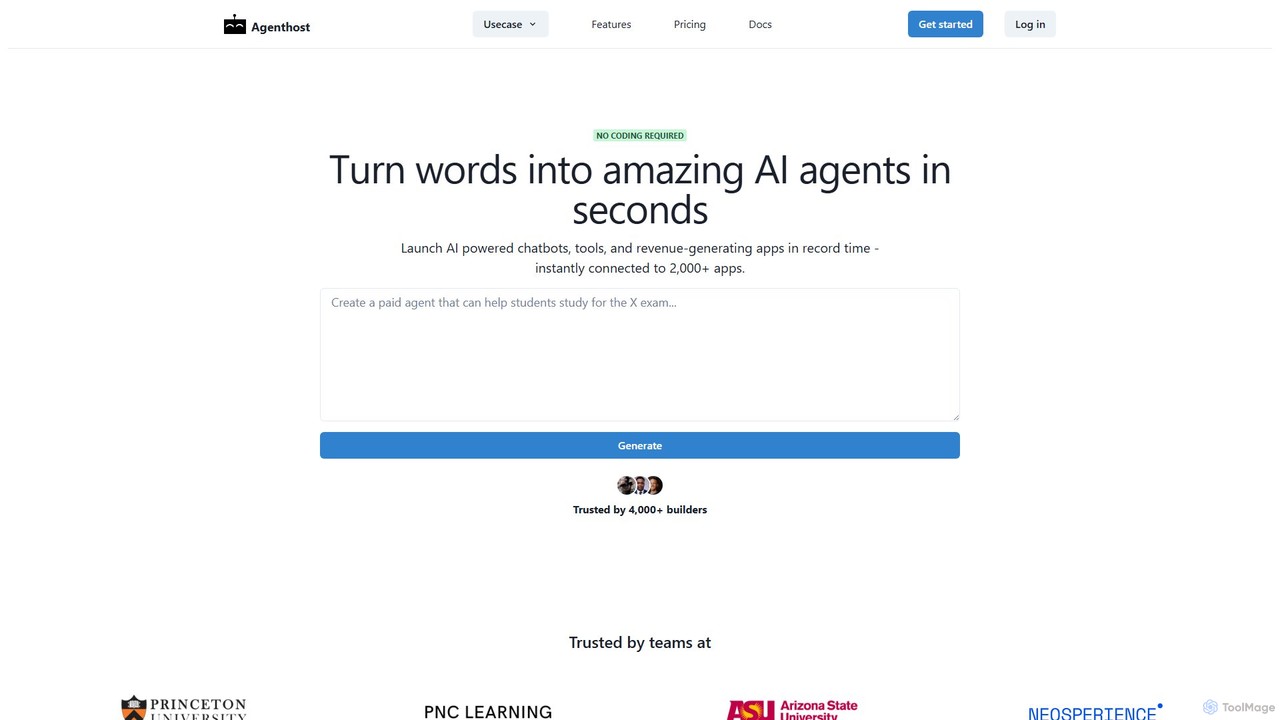
Agenthost
Agenthost is a no-code platform that allows you to create and launch powerful AI agents, chatbots, and revenue-generating apps in seconds. Instantly connect your agents to over 6,000+ apps, train them on your own data, customize their appearance, and monetize them with subscription plans. It's designed for builders, businesses, and creators to transform ideas into functional AI products without any coding.
No Code Builder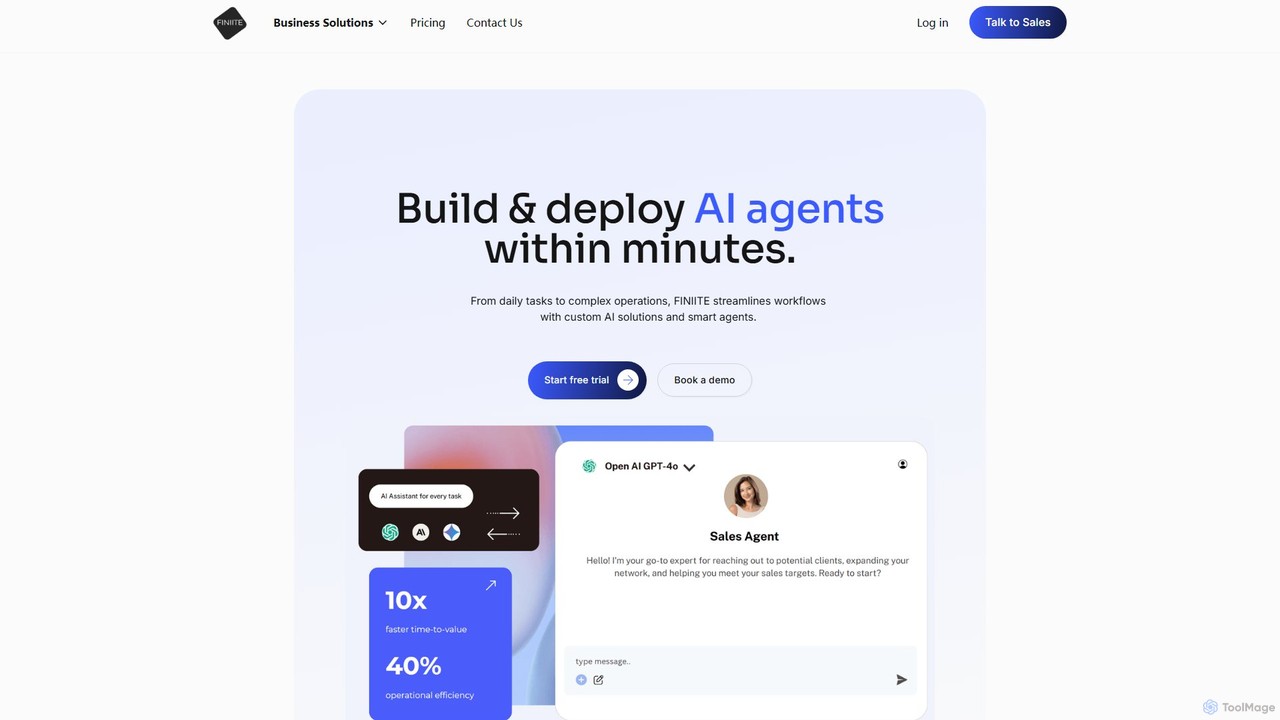
finiite
finiite is an agentic AI platform that enables users to build and deploy custom AI agents in minutes. It connects to various LLMs like OpenAI, Anthropic, and Gemini, allowing you to train agents on your own data (documents, websites) to automate tasks, enhance customer support with intelligent chatbots, collect leads, and streamline complex business workflows without vendor lock-in.
Chatbot
bluegpt
bluegpt is a no-code AI platform that allows you to build custom chatbots trained on your own data. Easily upload documents, scrape websites, and create a personalized AI assistant for customer support, lead generation, or internal knowledge management in minutes.
Automation
YourGPT
YourGPT is a comprehensive no-code AI platform designed for business automation. It enables users to build custom AI chatbots, deploy powerful AI agents, and create self-service helpdesks within minutes. Supporting over 100 languages and various data sources, it's a versatile solution for enhancing customer support, automating sales, and streamlining internal workflows without needing any coding expertise.
Chatbot
hellotars
hellotars is a no-code AI agent builder that empowers businesses to create intelligent conversational AI for both customer-facing interactions and internal team workflows. Streamline customer support, boost lead generation, and automate internal processes with an intuitive drag-and-drop interface, pre-built templates, and powerful integrations.
Chatbot
AgentX
AgentX is a no-code platform for building, training, and deploying sophisticated AI agents and collaborative multi-agent workforces. It supports a wide range of LLMs like GPT-4o and Claude 3.5, enabling seamless integration into websites, Slack, Discord, and more for tasks like lead generation, customer support, and process automation.
Chatbots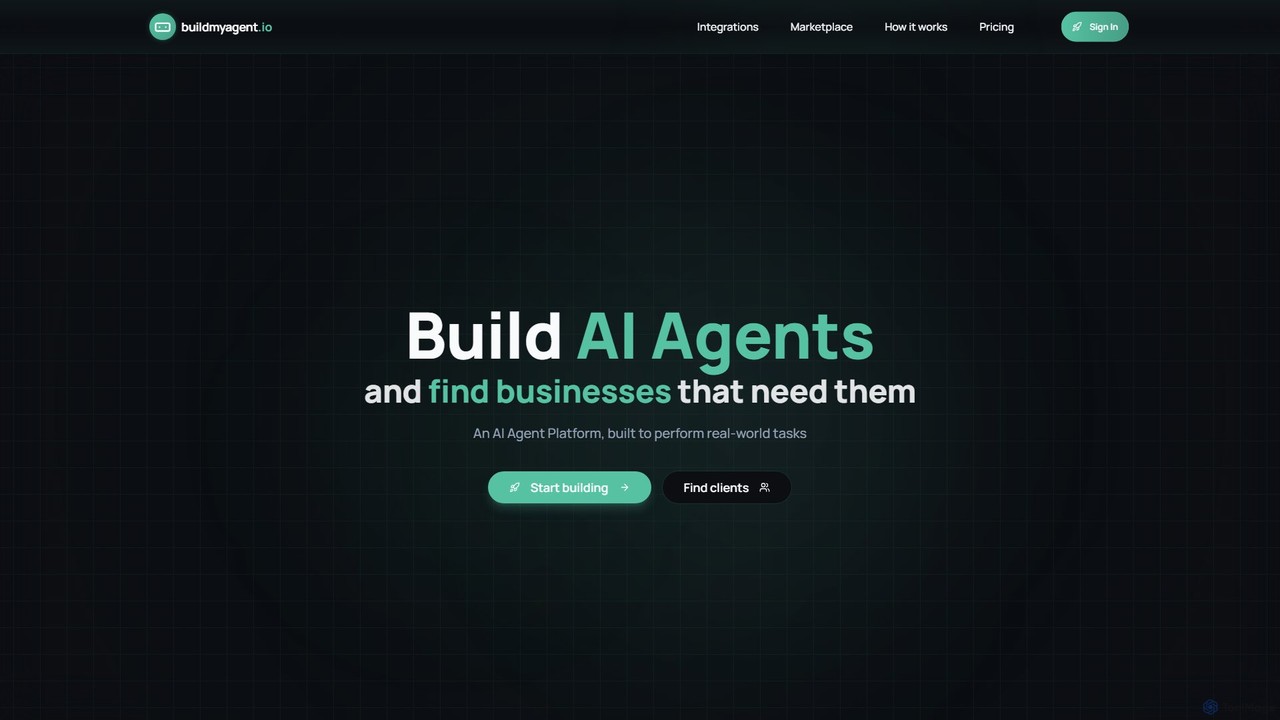
BuildMyAgent
BuildMyAgent is a no-code AI automation platform for creating, testing, and deploying AI agents. It features an advanced prompt editor, seamless integrations with apps like Instagram and Zapier, and a unique AI marketplace connecting developers with businesses seeking automation solutions.
Chatbots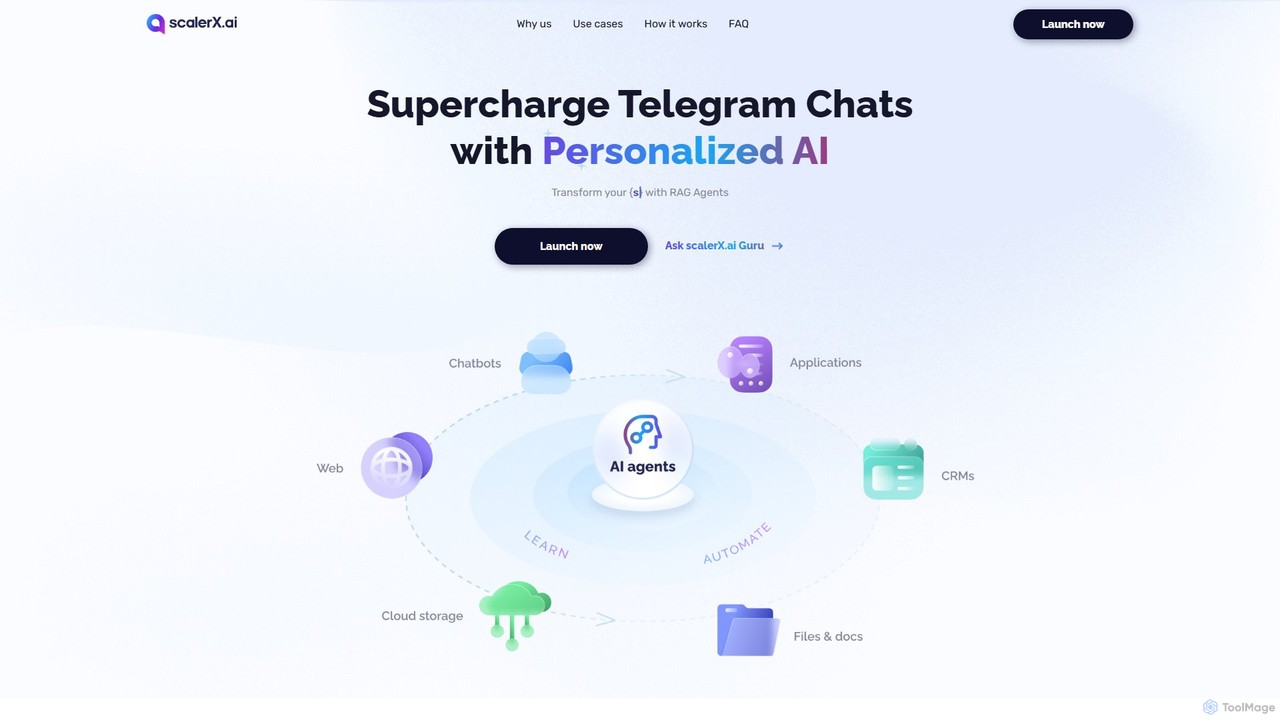
scalerx
scalerx is a no-code platform for creating and deploying personalized Generative AI agents on Telegram. Utilizing RAG (Retrieval-Augmented Generation) technology, it allows you to train AI on your specific knowledge base—documents, websites, and more—to automate customer support, sales, community management, and research with 24/7 availability.
Automation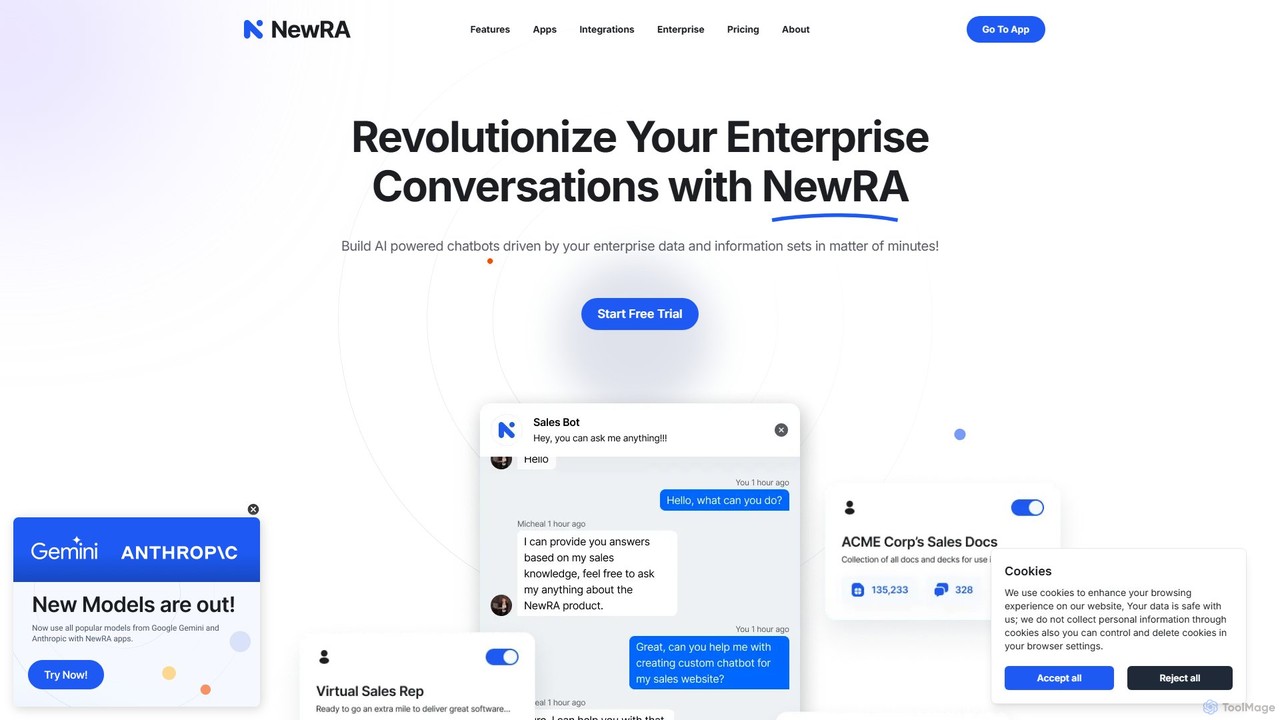
NewRA
NewRA is a no-code, cloud-based RAG platform that enables businesses to build custom AI chatbots powered by their own enterprise data. In minutes, you can connect documents, websites, and cloud storage to create intelligent assistants for customer service, sales, and internal knowledge management, ensuring accurate, context-aware responses.
Help DeskDataLang
DataLang is a powerful platform that enables you to create custom AI chatbots from your own data sources. Connect to SQL databases, files, Notion, Google Sheets, and more to build intelligent chatbots. Deploy them via a public URL, embed them on your website, or publish them to the ChatGPT Store to transform your data into interactive conversational experiences.
AutomationBotMagic
BotMagic is a powerful platform for creating customizable AI chatbots. It caters to businesses, startups, and AI enthusiasts, enabling them to build bots for internal productivity, customer engagement, and rapid AI application development. The platform features a comprehensive productivity suite, robust security, and advanced controls for a seamless bot creation experience.
AutomationUpChatty
UpChatty is a no-code platform for creating and deploying personalized AI chatbots on your website. Train your chatbot with your own data, customize its appearance and personality, and integrate it seamlessly to handle customer support, generate leads, and engage visitors in over 80 languages. It offers advanced features like model cascading and a fully whitelabel solution.
Automation
Landbot
Landbot is a no-code AI chatbot generator that empowers marketing, sales, and customer service teams to create engaging conversational experiences. It helps automate lead generation, qualify prospects, provide 24/7 support, and book appointments across multiple channels like websites, WhatsApp, and Facebook Messenger, ultimately driving revenue and improving customer satisfaction.
Chatbot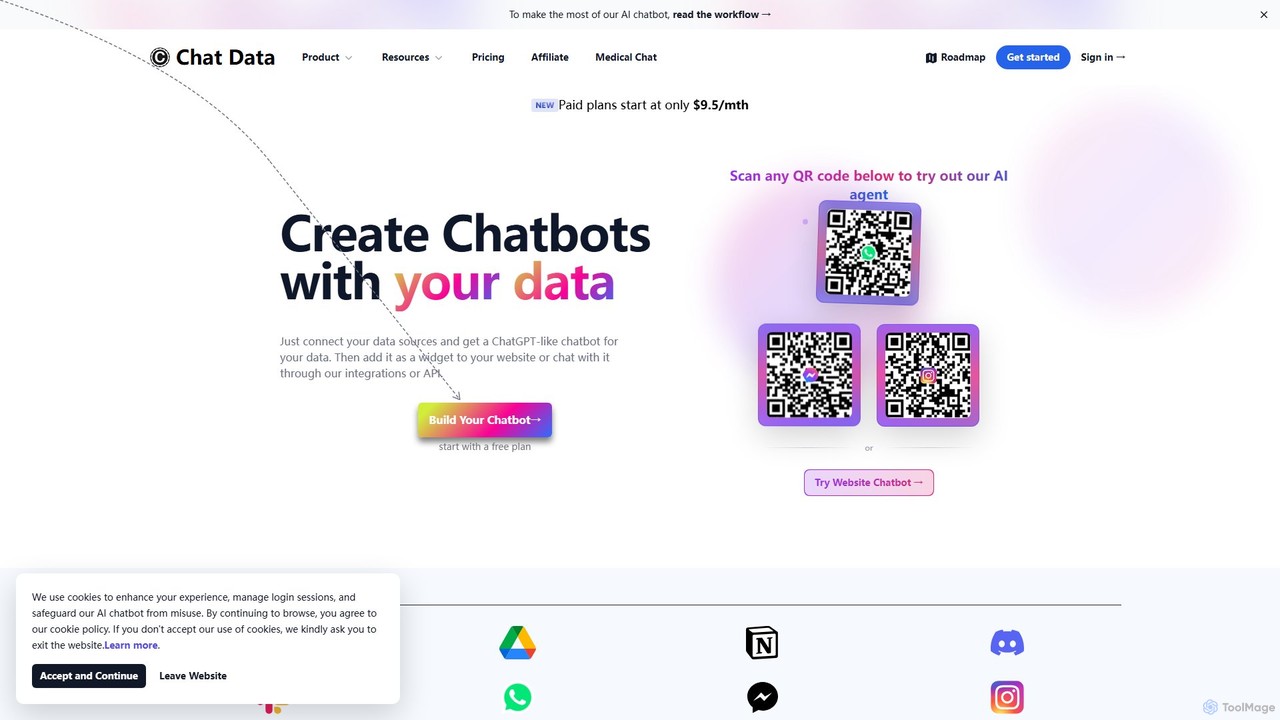
Chat Data
Chat Data is an AI platform to create custom 24/7 AI agents and live chatbots from your own data. Connect websites, documents, or e-commerce stores to build an intelligent assistant. It features real-time voice chat, multi-modal inputs, deep integrations (WhatsApp, Slack), and advanced capabilities like AI actions, full white-labeling with SSO, and HIPAA-compliant models for comprehensive business automation.
Chatbot
Chat Thing Comments (0)
Sign in to comment.
Sign inNo comments yet.