
Quivr Overview
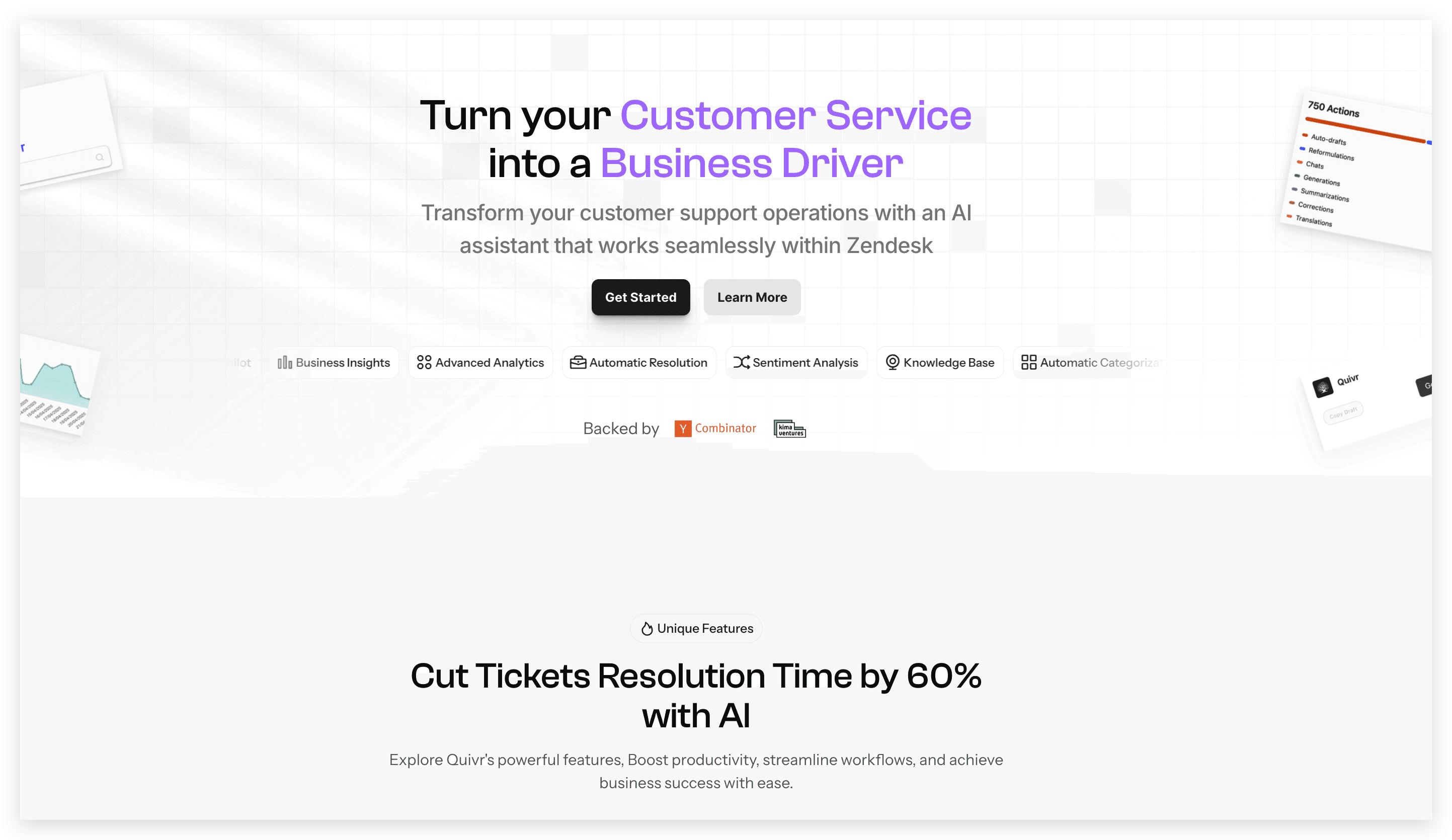
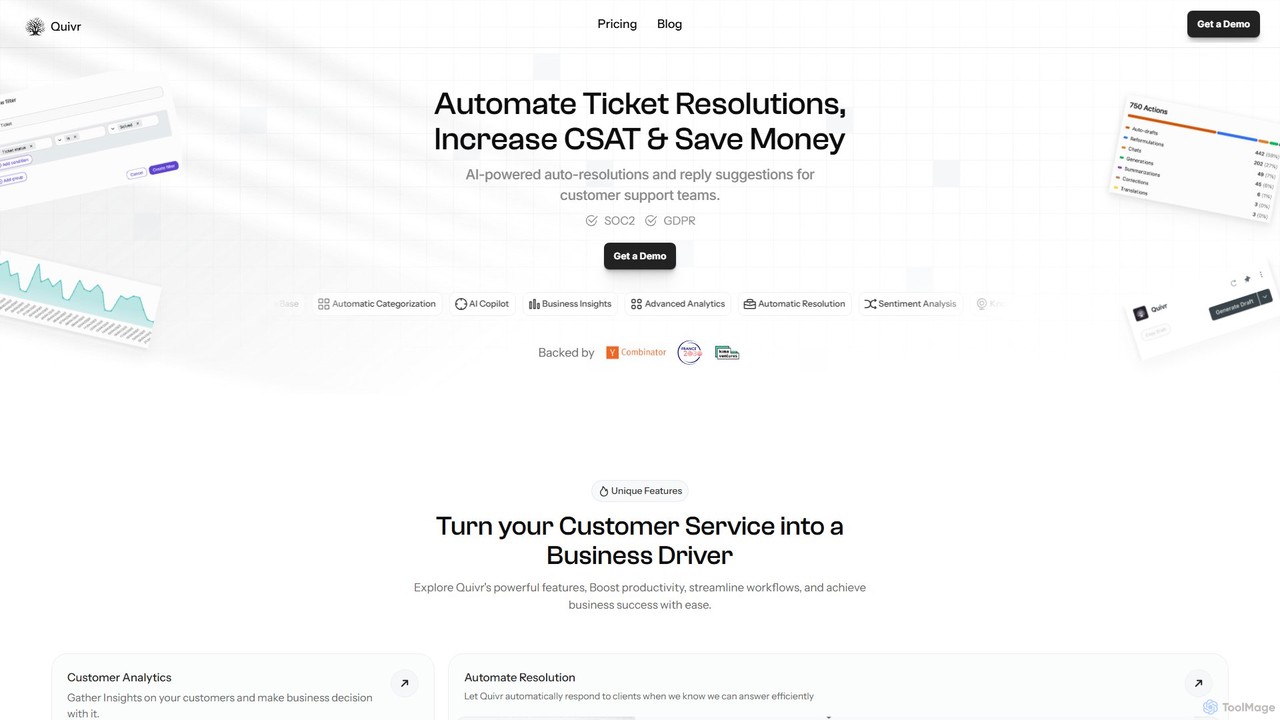
Quivr is a comprehensive AI-driven platform engineered to revolutionize customer support operations. It empowers businesses by automating responses, providing deep customer analytics, and ensuring a consistent brand voice across all interactions. By integrating seamlessly with existing knowledge sources, Quivr equips support teams with the tools they need to resolve issues faster, reduce costs, and turn customer service from a cost center into a powerful business driver. The platform is designed for easy implementation, allowing teams to get started in minutes and immediately see improvements in key metrics like First Contact Resolution (FCR) and Customer Satisfaction (CSAT).
How to use Quivr
Getting started with Quivr is a straightforward process designed for rapid deployment:
- Sign Up & Installation: Begin by signing up for a free trial or a suitable plan on the Quivr website. The platform boasts a 'plug & play' 1-click installation, enabling you to get set up in under two minutes.
- Integrate Knowledge Sources: Connect Quivr to your existing knowledge bases. It supports integrations with various platforms like Zendesk, Google Drive, SharePoint, and Dropbox, allowing the AI to access your company's information to provide accurate answers.
- Configure Automation Rules: Set up business rules for automatic ticket categorization and resolution. Define the conditions under which Quivr can confidently respond to clients without human intervention.
- Empower Your Team: Your support agents can now use Quivr's AI suggestions to answer tickets more quickly and accurately. The AI acts as a co-pilot, providing instant, context-aware drafts.
- Monitor & Optimize: Utilize the advanced analytics dashboard to track performance, gather insights on customer sentiment, identify trends, and monitor key metrics. Use this data to continuously refine your support strategy.
Core Features of Quivr
- Auto-Resolution: Automatically responds to customer queries when it has a high confidence level, resolving common issues instantly and reducing agent workload.
- AI Suggestions: Provides real-time, context-aware response suggestions to support agents, speeding up manual replies and ensuring accuracy.
- Automatic Categorization: Intelligently categorizes incoming tickets based on their content and predefined business rules, streamlining ticket routing and management.
- Advanced Customer Analytics: Gathers deep insights from customer interactions, including sentiment analysis, ticket categorization trends, and anomaly detection to inform business decisions.
- Knowledge Base Integration: Seamlessly connects with external information sources like Zendesk Guides, Google Drive, and SharePoint to ensure answers are always up-to-date and drawn from official documentation.
- Unified Brand Voice: Helps maintain a consistent communication style across the entire support team, reinforcing your brand identity in every customer interaction.
- API Integration: Offers robust API access to integrate Quivr's capabilities with your custom back-office systems and other third-party applications.
- Security & Compliance: Adheres to high security standards, being SOC2 and GDPR compliant, with options for on-premise deployment for enterprise clients.
Use Cases for Quivr
Quivr is ideal for businesses looking to enhance their customer support efficiency. Common use cases include:
- Automating FAQ Responses: Instantly answer repetitive questions, deflecting a significant portion of ticket volume.
- Reducing Escalation Rates: By empowering front-line agents with accurate information and automating simple queries, Quivr minimizes the need to escalate issues to senior staff.
- Improving First Contact Resolution (FCR): Equip agents with the right information from the start to resolve issues in a single interaction.
- Scaling Support Operations: Handle a growing volume of customer inquiries without proportionally increasing headcount.
- Analyzing Customer Feedback: Use sentiment analysis to gauge customer satisfaction at scale and identify areas for product or service improvement.
Advantages of Quivr
Opting for Quivr provides several key advantages:
- Increased Productivity: Automates repetitive tasks, allowing your support team to focus on high-value, complex customer issues.
- Cost Savings: Reduces operational costs by improving FCR, lowering ticket volume, and minimizing escalations.
- Data-Driven Strategy: Turns customer support data into actionable business intelligence.
- Enhanced Customer Experience: Delivers faster, more accurate, and consistent support, leading to higher CSAT scores.
- Rapid Implementation: Get up and running quickly with a simple, user-friendly setup process.
- Transparent & Flexible Pricing: The pay-as-you-use model and a free starter plan make it accessible for businesses of all sizes.
Pricing and Plans
Quivr offers a flexible pricing structure to suit different business needs:
- Starter Plan: $0/month. Includes unlimited users, 50 AI credits per month, AI suggestions, knowledge base integration, and API access. Ideal for small teams getting started.
- Pro Plan: $1200/year. Includes everything in Starter, plus 500 AI credits per month, Auto-Resolution, Advanced Analytics (Sentiment Analysis, Ticket Categorisation), and enhanced integrations. Perfect for growing businesses.
- Enterprise Plan: Custom pricing. Tailored for large organizations, this plan includes volume discounts on credits, on-premise deployment, advanced security reports (SOC2 Type II), and a dedicated success partner.
- Additional Credits: Extra credits can be purchased at $10 per 100 credits to ensure uninterrupted service.
Traffic
Latest traffic
Status
Monthly traffic trend
- 2025-9: 9.9K
- 2026-1: 7.5K
- 2026-2: 8.0K
- 2026-3: 13.5K
- 2026-4: 12.0K
- 2026-5: 13.5K
Geography
Top 5 countries / regions
- 🇧🇷Brazil28.9%
- 🇹🇷Türkiye20.7%
- 🇺🇸United States19.6%
- 🇫🇷France15.9%
- 🇮🇳India14.9%
Top keywords
| Keyword | Cost per click |
|---|---|
| antigravity google | $1.69 |
| çeivr | $0.05 |
| quiver ai | $3.17 |
| quivr | $1.33 |
| rag quivr | $0.00 |
Quivr Alternatives
Typewise
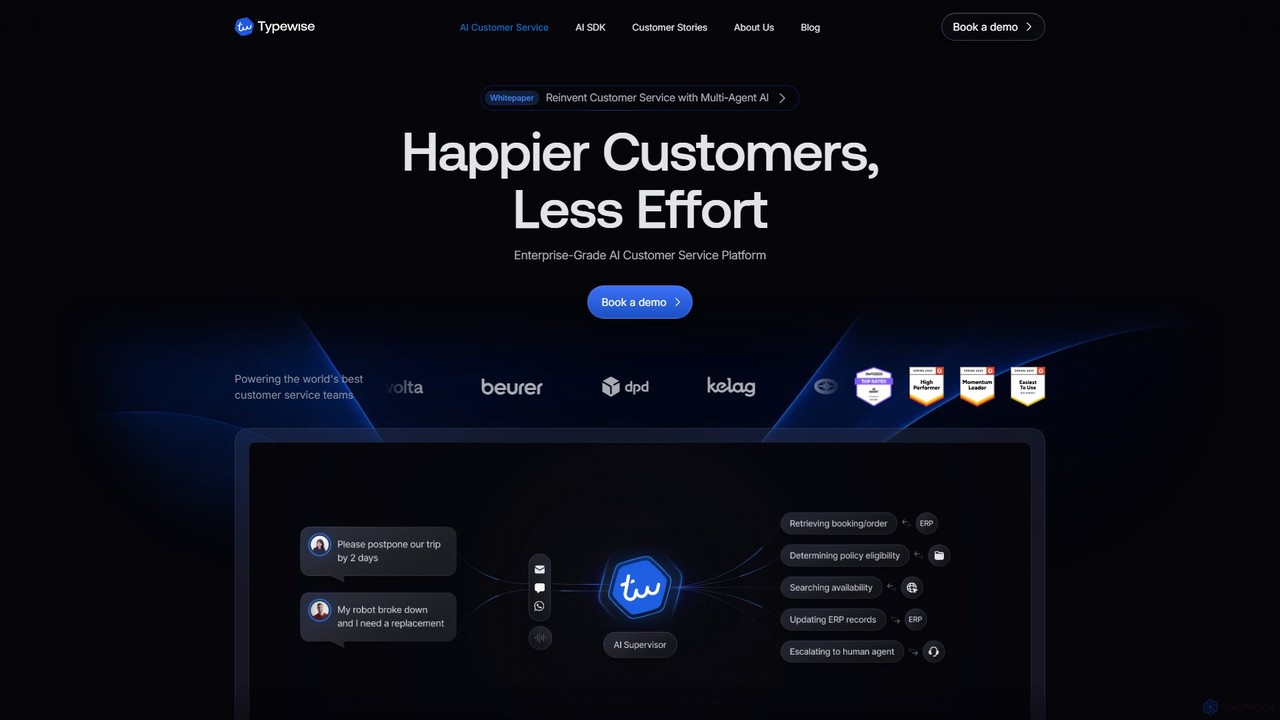
Typewise is an enterprise-grade AI platform designed to automate customer service and enhance agent productivity. It uses advanced AI to handle inquiries, assist human agents with intelligent tools, and provide actionable insights, supporting over 50 languages to deliver personalized and efficient customer experiences.
Crm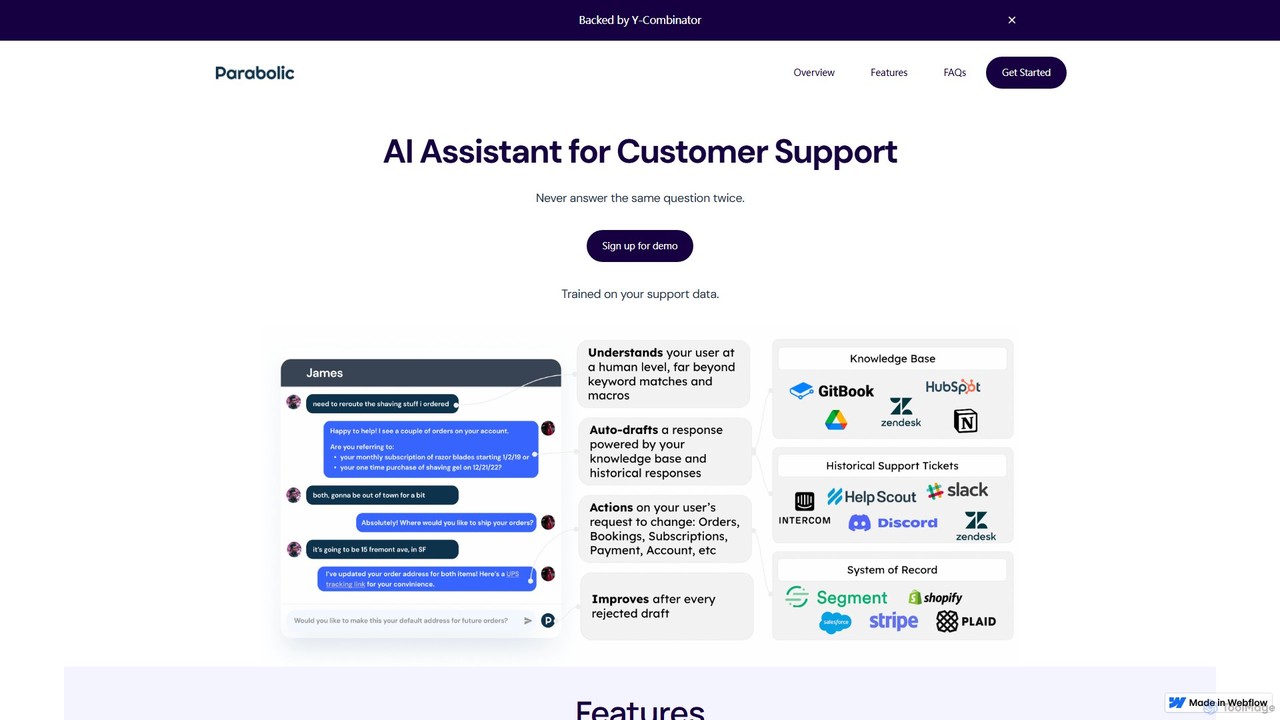
growparabolic
growparabolic is an AI-powered assistant designed to revolutionize customer support. By training on your company's historical support data and knowledge base, it automatically drafts accurate responses to customer inquiries directly within your existing ticketing platforms like Intercom and Zendesk. Featuring a human-in-the-loop system for verification, it learns and improves over time, handles complex multi-step conversations, and can even identify upsell opportunities, transforming your support team into a highly efficient powerhouse.
Automation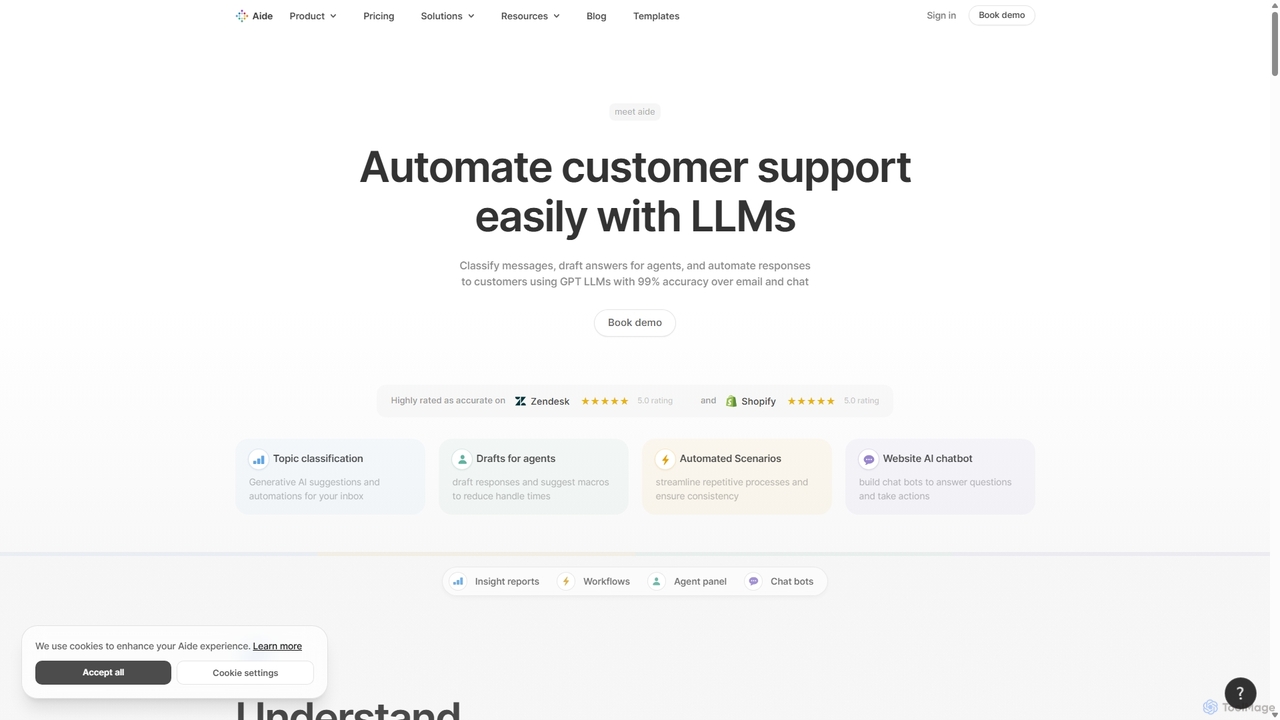
Aide
Aide is an intelligent customer service platform that uses LLMs to automate support workflows, classify conversations, assist agents with AI-drafted responses, and deploy smart chatbots. It integrates with platforms like Zendesk and Shopify to enhance efficiency and provide deep customer insights.
Automation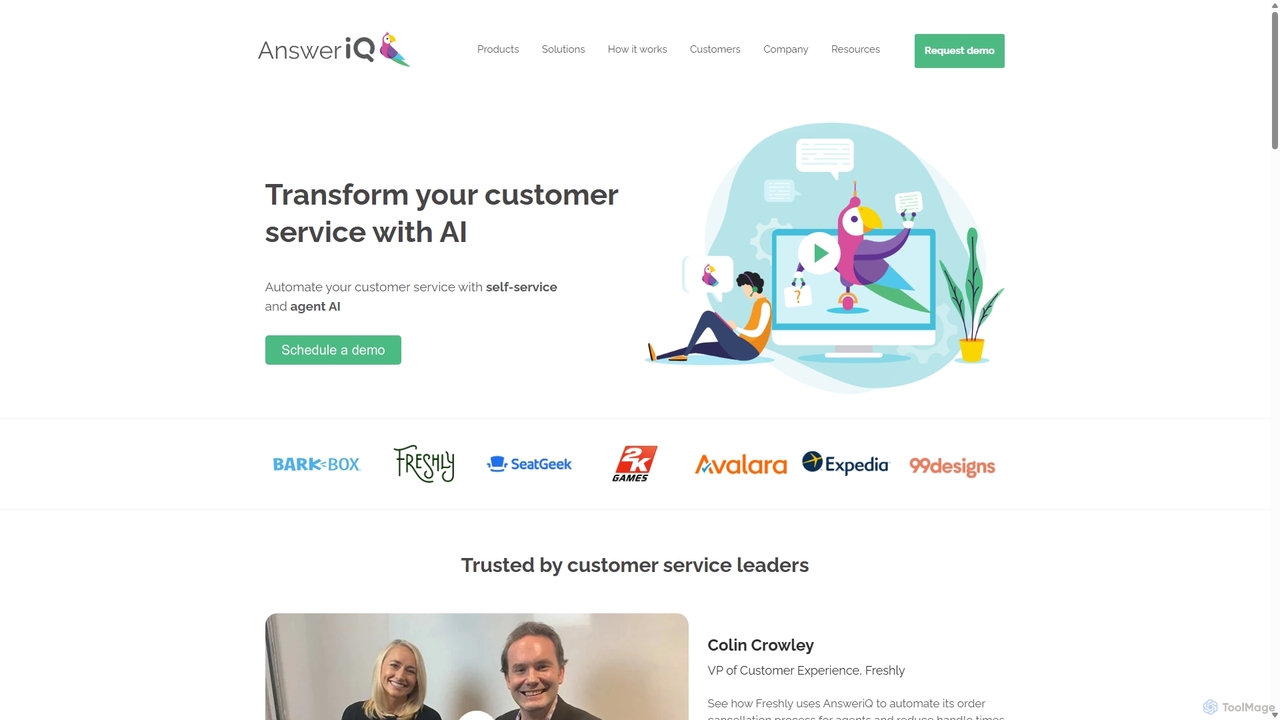
AnsweriQ
AnsweriQ is an intelligent automation platform for customer service, leveraging AI and RPA to automate repetitive tasks, assist agents, and provide self-service solutions. It aims to reduce handle times, decrease case volume, and improve customer satisfaction.
Crm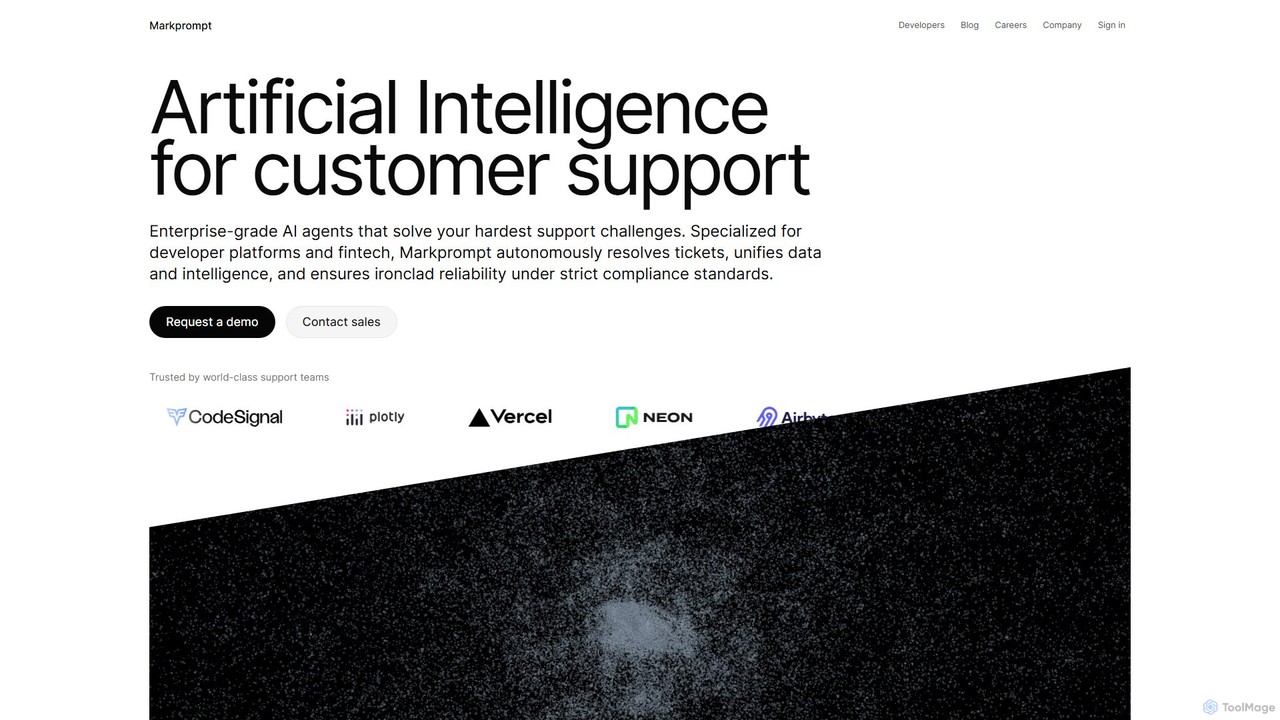
Markprompt
Markprompt is an enterprise-grade AI platform for customer support, specializing in developer platforms and fintech. It deploys autonomous AI agents to resolve support tickets across email, chat, and voice, unifying data and ensuring strict compliance.
AutomationQuivr Categories
Quivr Embed Widget
Copy this embed code to place the badge on your blog, article, or product site and send readers directly to this ToolMage detail page.

Related AI tools
supportguy
supportguy is an AI-powered customer support automation platform designed to streamline customer service operations. It uses an intelligent chatbot to provide 24/7 instant answers, automates ticket routing and management, and integrates with your existing knowledge base to deliver accurate, context-aware support. This helps businesses reduce response times, increase customer satisfaction, and scale their support efforts efficiently.
Analytics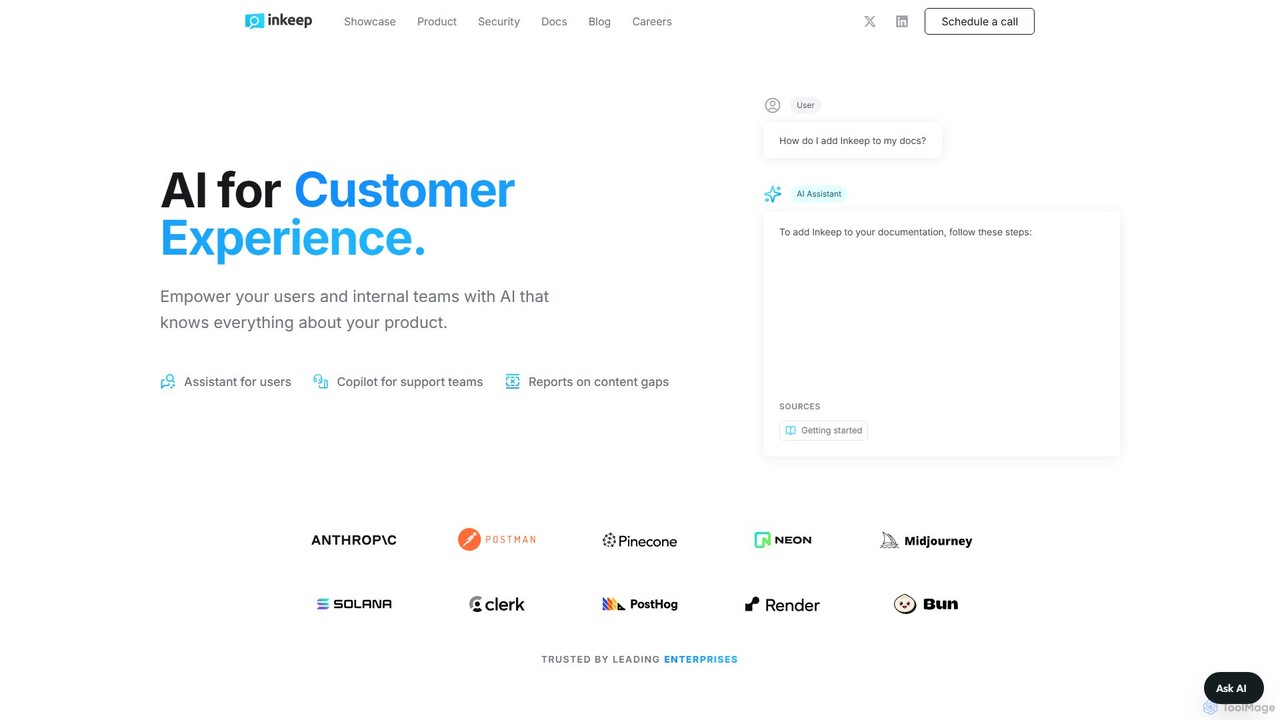
Inkeep
Inkeep is an AI platform for customer experience, empowering users and internal teams with an AI that deeply understands your product. It provides a self-serve AI assistant for users and an intelligent copilot for support teams, all powered by your existing documentation, blogs, and help centers.
Chatbot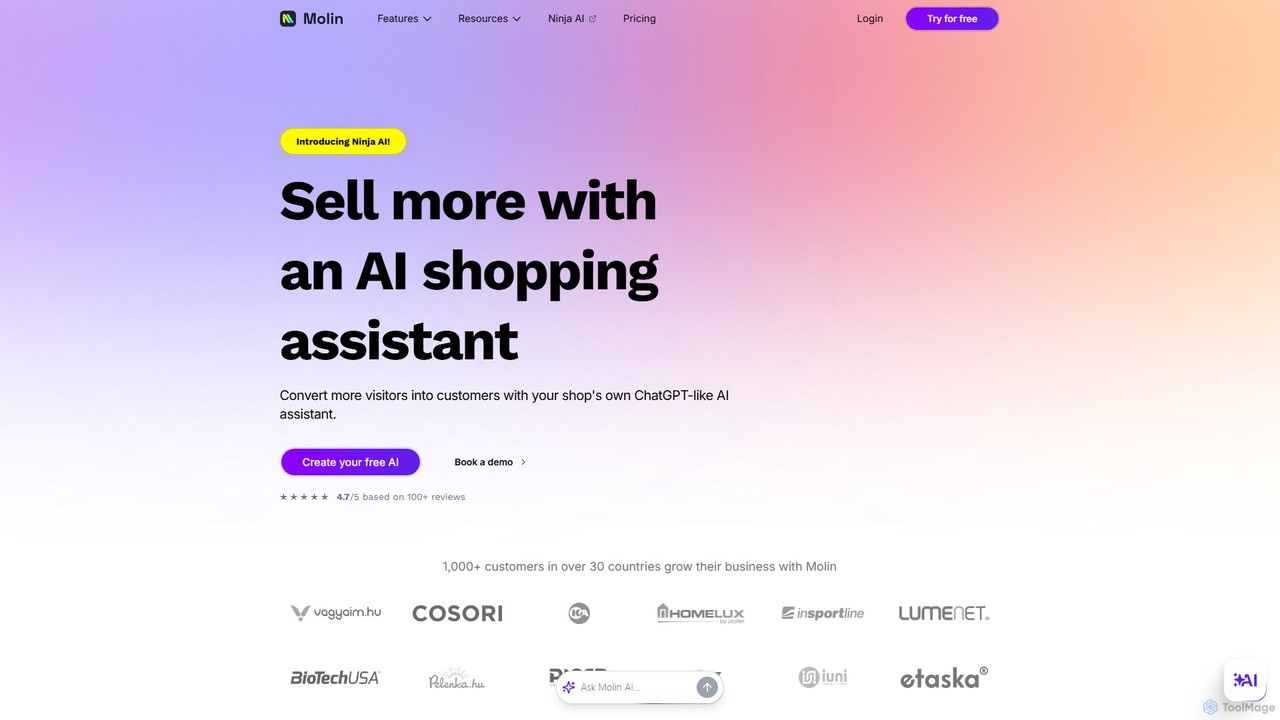
Molin
Molin is an AI-powered chatbot platform designed to automate customer support by up to 80%. It trains on your company's knowledge base, documents, and website content to provide instant, accurate, and 24/7 answers to customer queries, significantly reducing response times and operational costs.
Lead Generation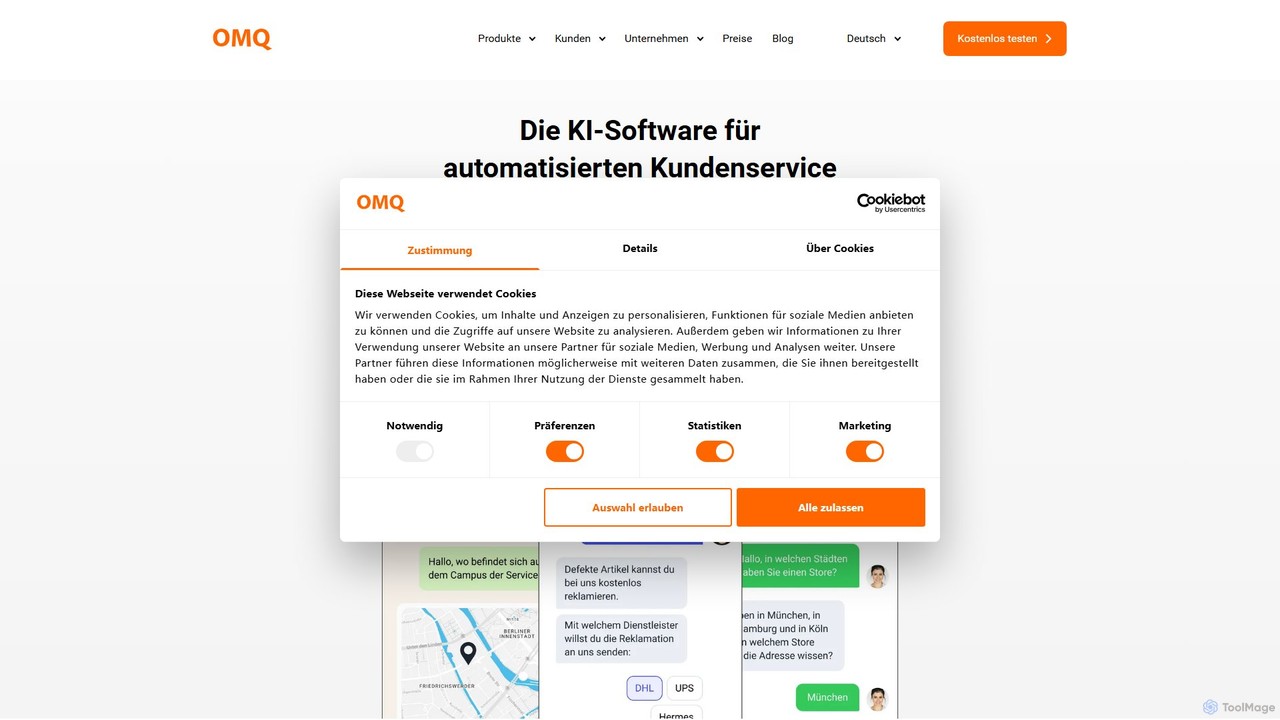
omq
OMQ is an AI-powered customer service automation platform designed to increase efficiency and improve customer satisfaction. It uses artificial intelligence to understand and automatically answer recurring customer inquiries across all communication channels, including email, chat, and contact forms. By automating responses, OMQ frees up service agents to focus on complex issues, provides 24/7 support, and ensures consistent, high-quality answers from a central knowledge base.
Knowledge Management
pippinshelp
pippinshelp is an AI-powered customer support platform designed to automate responses, manage inquiries, and enhance user engagement. It integrates with your knowledge base to provide instant, accurate answers 24/7, freeing up your human agents to handle more complex issues.
Lead Generation
Evidah
Evidah provides a team of specialized AI Employees to automate customer support and business operations 24/7. It integrates a knowledge base, help desk, live chat, and training insights into a single platform, allowing businesses to hire AI agents for specific tasks or bundle them for a complete solution.
Help DeskTypewise
Typewise is an enterprise-grade AI platform designed to automate customer service and enhance agent productivity. It uses advanced AI to handle inquiries, assist human agents with intelligent tools, and provide actionable insights, supporting over 50 languages to deliver personalized and efficient customer experiences.
Crmgrowparabolic
growparabolic is an AI-powered assistant designed to revolutionize customer support. By training on your company's historical support data and knowledge base, it automatically drafts accurate responses to customer inquiries directly within your existing ticketing platforms like Intercom and Zendesk. Featuring a human-in-the-loop system for verification, it learns and improves over time, handles complex multi-step conversations, and can even identify upsell opportunities, transforming your support team into a highly efficient powerhouse.
Automation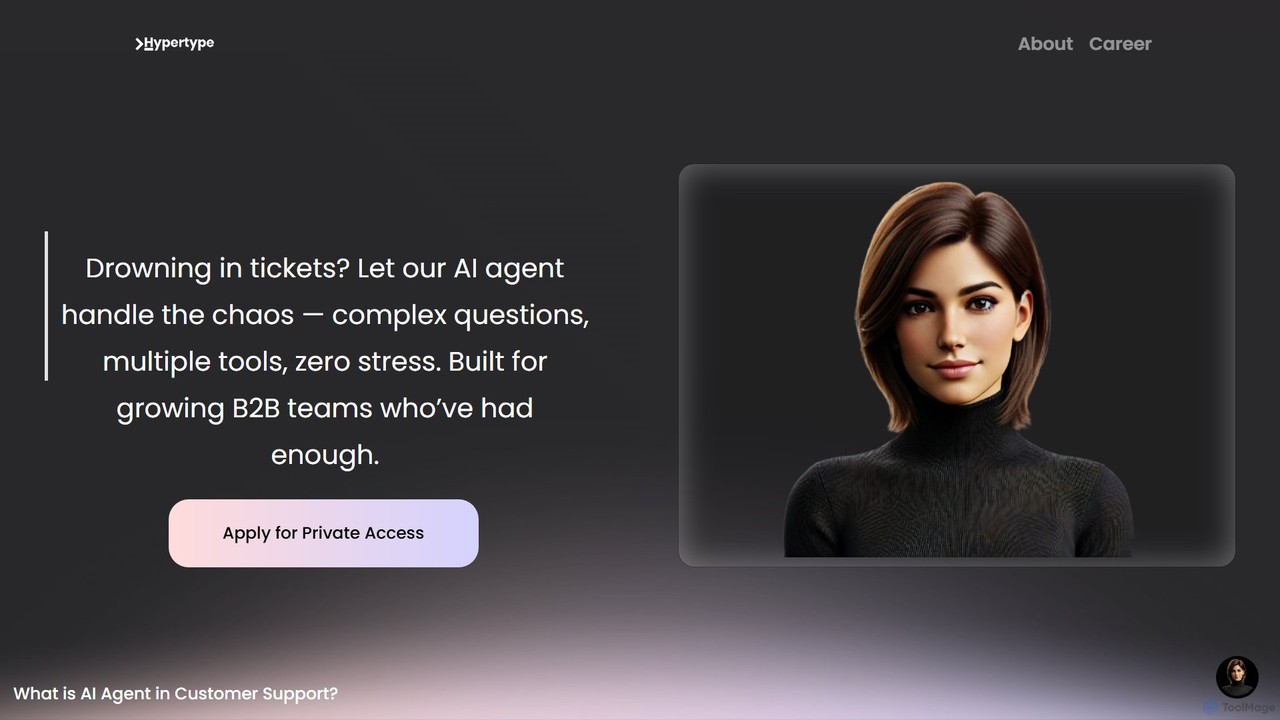
Hypertype
Hypertype introduces HyperAgent, a fully autonomous AI agent designed to revolutionize B2B customer support. It goes beyond traditional chatbots by handling complex inquiries, automating multi-tool workflows, and learning from past interactions. Built for growing teams, it aims to replace outdated support models, offering instant, 24/7 resolutions without human intervention, thereby reducing costs and boosting efficiency.
Customer Relationship Management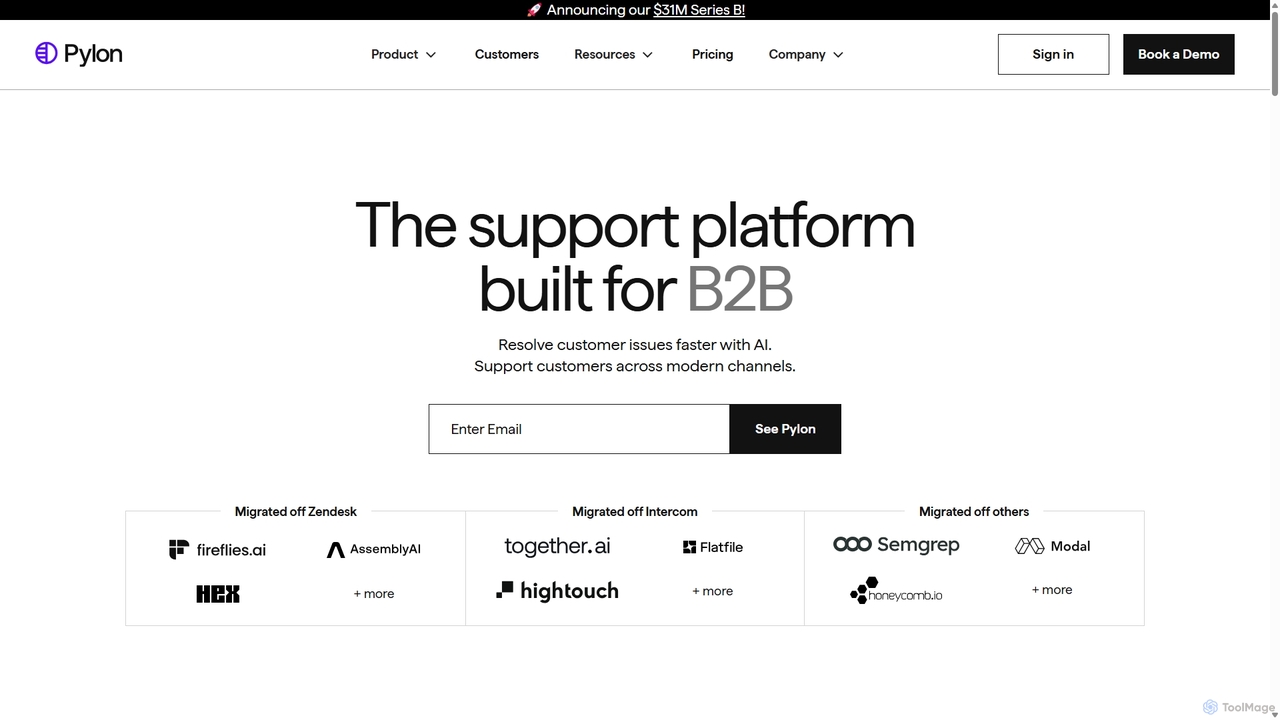
Pylon
Pylon is an AI-powered customer support platform built specifically for B2B companies. It unifies conversations from all channels like Slack, Teams, email, and chat into a single view. Pylon uses AI agents and assistants to automate ticket routing, draft replies, manage knowledge bases, and provide deep account intelligence, helping teams resolve issues faster and manage customer relationships proactively.
Customer Relationship Management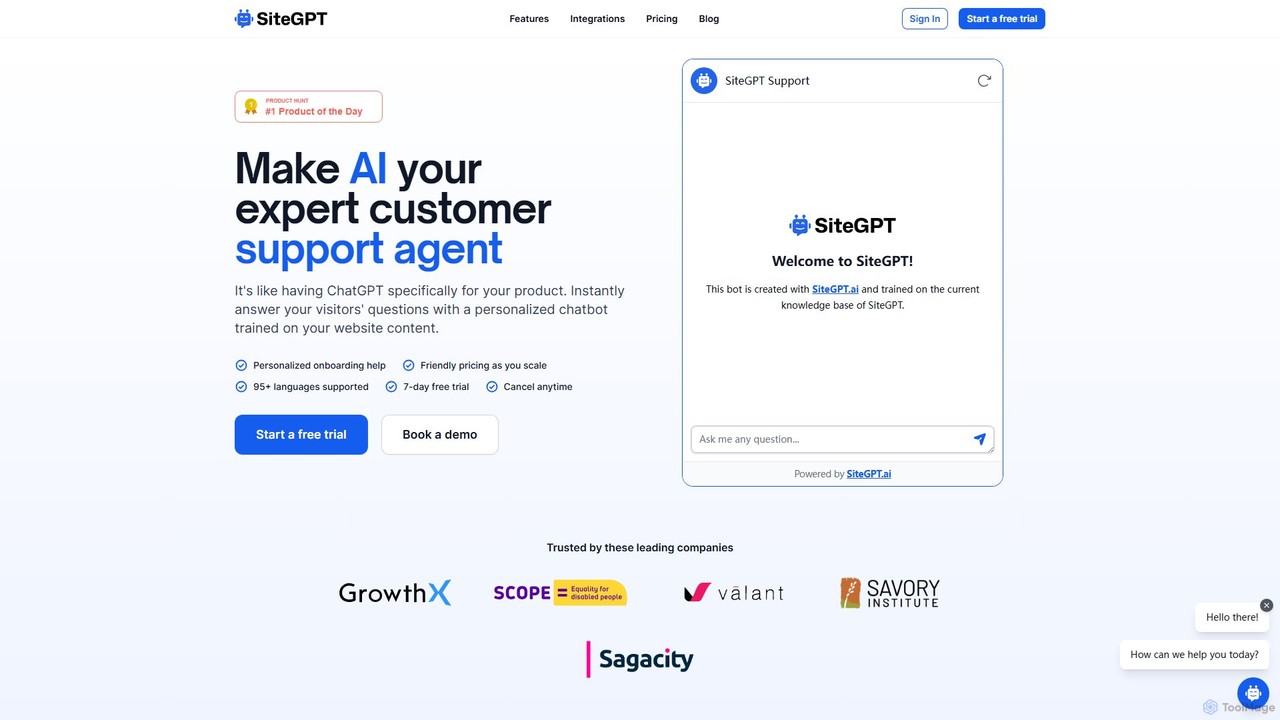
SiteGPT
SiteGPT is an AI-powered chatbot builder that creates a personalized customer support agent trained on your website content. It instantly answers visitor questions 24/7, automates support, generates leads, and integrates with your existing tools, supporting over 95 languages.
Chatbot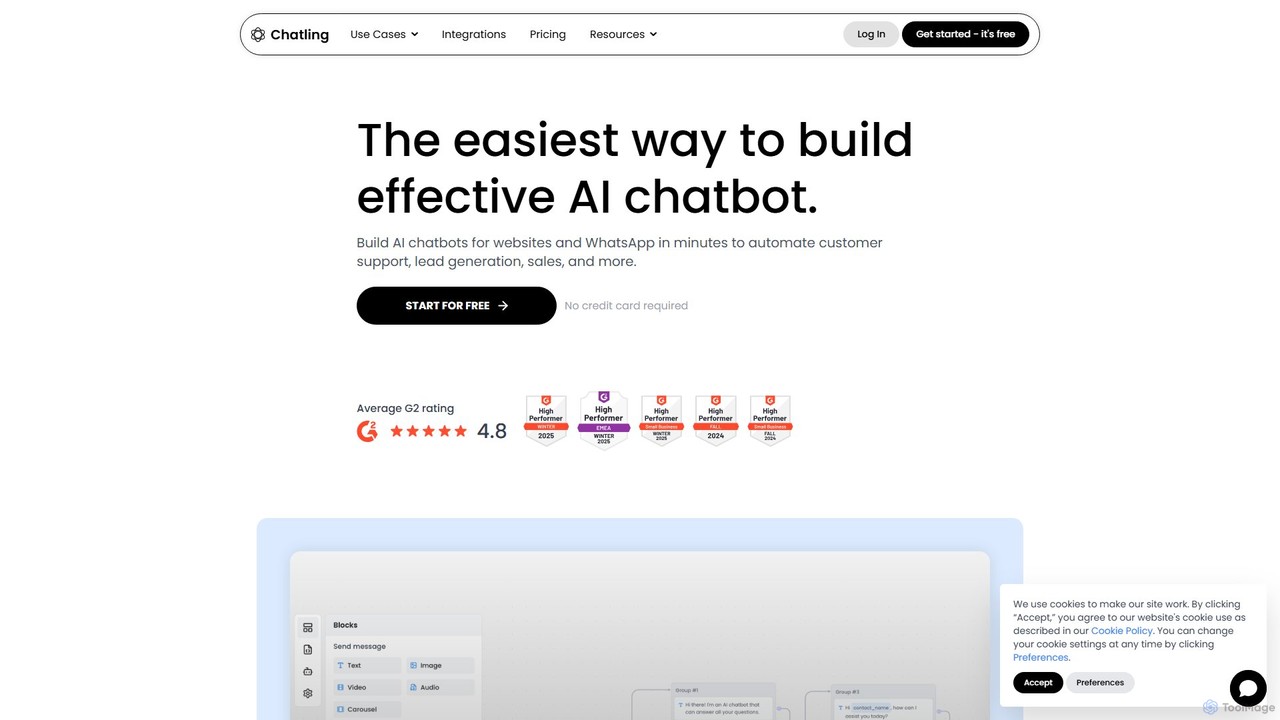
Chatling
Chatling is a no-code platform that allows you to build a custom AI chatbot trained on your own data. Instantly answer visitor questions, generate leads, and improve customer support 24/7. Simply provide a link to your website or upload files, and Chatling will create a ChatGPT-like chatbot that can be embedded on your site in minutes.
Chatbots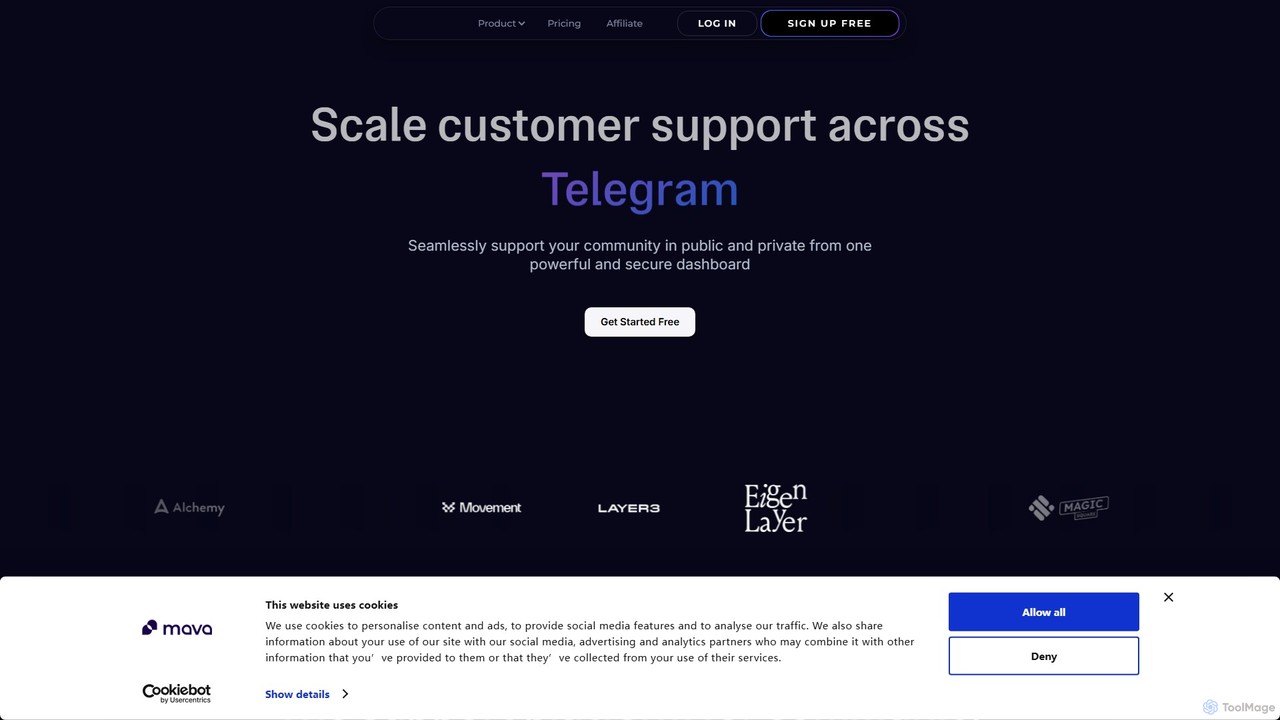
Mava
Mava is an AI-powered customer support platform designed specifically for online communities. It integrates with platforms like Discord and Slack to automatically answer user questions, create support tickets, and provide 24/7 assistance, freeing up your team to focus on more complex issues and fostering a more engaged community.
Community Management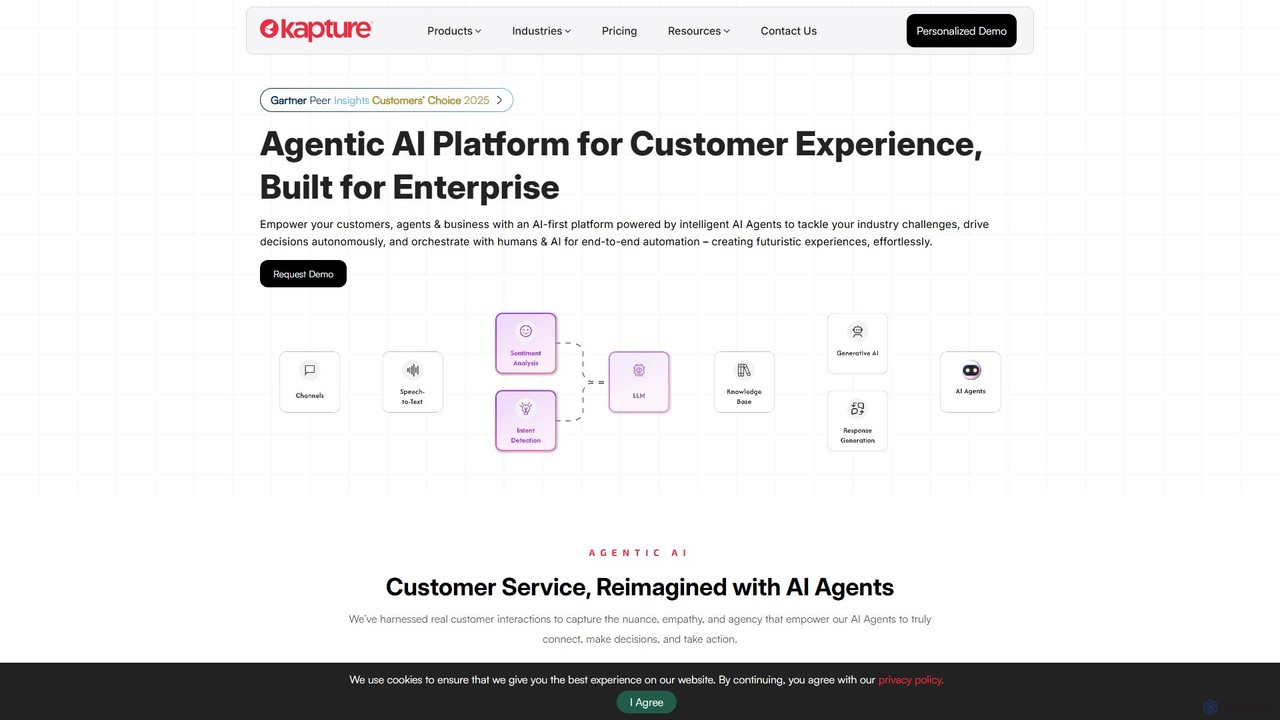
kapturecrm
Kapture CX is an enterprise-grade, AI-first customer experience platform. It utilizes Agentic AI to automate interactions, empower support agents, and provide deep analytics across all channels. Designed for various industries, it offers a unified solution for self-service, agent assistance, and performance insights.
Crm
Jyek
Jyek is an AI agent platform that understands objectives, creates execution plans, uses tools, and delivers verifiable results for complex, multi-step tasks.
Automation
Quivr Comments (0)
Sign in to comment.
Sign inNo comments yet.