
Raccoon AI Overview
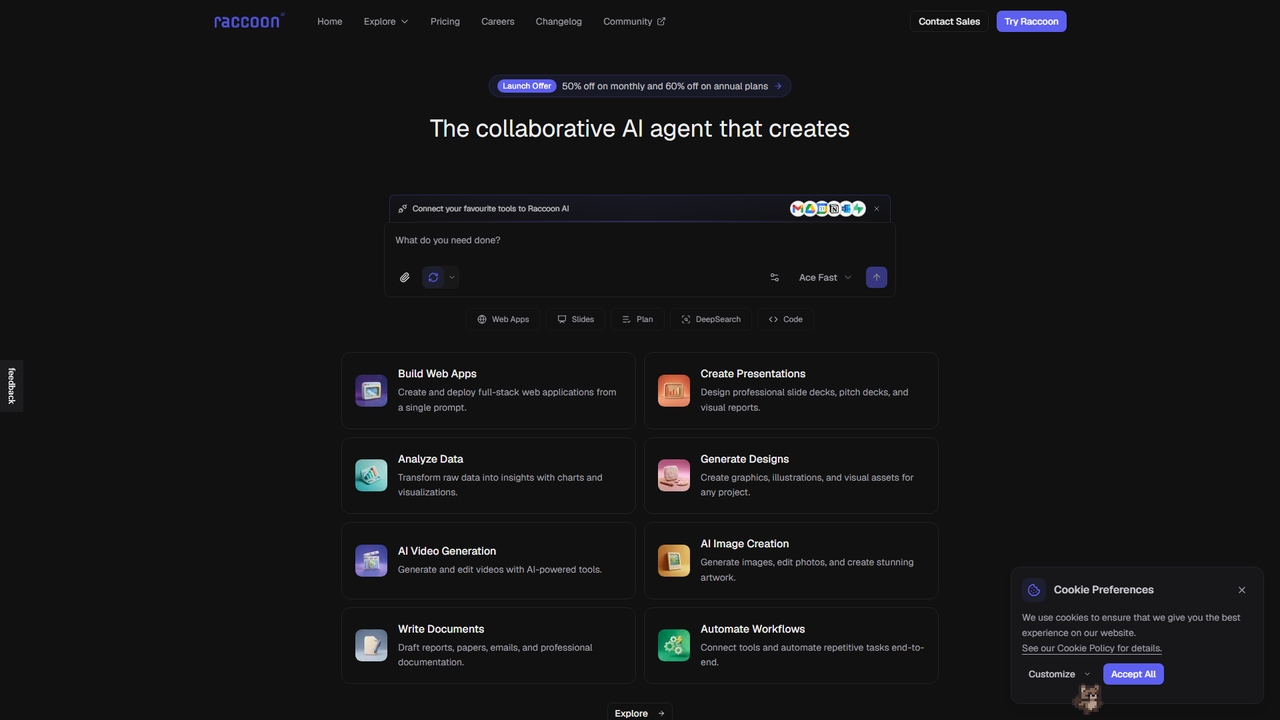
Raccoon AI is a collaborative, agentic AI workspace designed to handle a wide spectrum of creative and technical work through natural conversation. It acts as an intelligent assistant that can build full-stack web applications, create professional presentations and slides, draft comprehensive documents, analyze data, generate images and videos, and automate workflows. By connecting to your existing tools like Gmail and Google Calendar, and allowing you to provide context through files and documents, Raccoon AI delivers tailored, ready-to-use outputs. Its architecture includes different agent modes (like ACE Fast, ACE Think, and ACE Max) for varying task complexities and a system of reusable "Skills" and "Subagents" for specialized work. The platform supports multiple languages and offers a tiered pricing plan to suit individuals and teams.
How to use Raccoon AI
Using Raccoon AI begins with describing your task in natural language. You provide context and instructions, and can enhance your prompts by connecting to various tools (connectors) like Google Drive, Outlook, or Slack, and by uploading relevant files such as spreadsheets, images, or documents directly into the workspace. The AI agent will then process your request, generate plans or drafts, and produce the required output—be it a live web app, a slide deck, a report, or code. You can iterate on the results, ask for revisions, and refine the work collaboratively. For web applications, you can deploy them directly to a production URL with one click. The platform also offers features like session rewind, file publishing, and real-time previews to streamline the process.
Core Features of Raccoon AI
- Web App Builder: Create and deploy full-stack web applications from a single prompt, with live previews and one-click deployment to a production URL with SSL.
- Presentation & Document Creator: Design professional slide decks, pitch decks, reports, proposals, and various business documents with AI assistance and multi-format export options.
- Data Analysis & Visualization: Transform raw data into insights, charts, and visualizations.
- AI Media Studio: Generate and edit images, create illustrations, and produce videos with AI-powered tools.
- Extensive Connectors: Connect 40+ services like Gmail, Google Calendar, GitHub, Salesforce, and Slack to provide context and enable automation.
- Agentic Skills & Subagents: Delegate complex subtasks to specialized subagents and create reusable skill bundles that combine instructions, tools, and actions.
- Multi-modal Workspace: Features a file explorer, inline editors, canvas for image editing, and sandbox environments for code execution.
Use Cases for Raccoon AI
Raccoon AI is versatile and suited for numerous professional and creative scenarios. Developers can use it to build and deploy web applications rapidly. Marketing and business professionals can generate presentations, reports, and customer case studies. Content creators and designers can produce graphics, illustrations, and marketing materials. Data analysts can clean datasets and create visualizations. HR managers can draft policies, offer letters, and onboarding kits. Academic researchers can write papers and literature reviews with proper citations. Essentially, anyone who needs to create, build, analyze, or automate content and projects can leverage Raccoon AI as a central collaborative hub.
Advantages of Raccoon AI
Raccoon AI's primary advantage is its ability to consolidate multiple creative and technical workflows into a single, conversation-driven platform. It reduces context switching by integrating with your existing tools and allowing file uploads. The tiered agent system (Fast, Think, Max) provides scalable intelligence for tasks of different complexities. Its collaborative features, such as session forking, rewinding, and real-time co-editing, facilitate teamwork. The platform is continuously updated with new connectors, features, and language support, demonstrating a commitment to growth and user needs. The existence of a free tier lowers the barrier to entry for individuals to explore its capabilities.
Pricing and Plans
Raccoon AI offers a tiered pricing model with current launch discounts. The Free plan provides standard usage limits and one concurrent task. Plus ($19.50/month, billed monthly, 50% off) offers 2x higher usage limits and full access to all modes and workspace connectors. Plus 5x ($39.50/month, 50% off) popular plan provides 5x higher limits, 5 concurrent tasks, custom domains, and better models. Plus 10x ($39.50/month, 50% off) offers 10x limits, 10 concurrent tasks, SOTA models, and priority support. Raccoon AI for Teams (contact sales) includes everything in Plus 10x with centralized billing, team controls, and a data privacy assurance. Raccoon AI for Enterprise (contact sales) offers tailored solutions with SAML/SSO and dedicated training. Discounted pricing is for a limited time; 50% off applies to the first 3 months.
Raccoon AI FAQ
Traffic
Latest traffic
Status
Monthly traffic trend
- 2026-3: 8.4K
- 2026-4: 25.4K
- 2026-5: 66.4K
Geography
Top 5 countries / regions
- 🇮🇳India90.0%
- 🇪🇬Egypt4.8%
- 🇺🇸United States2.2%
- 🇿🇦South Africa1.7%
- 🇹🇼Taiwan1.3%
Traffic sources
| Source type | Percentage |
|---|---|
Direct | 81.2% |
Referral | 17.4% |
Email | 1.4% |
Top keywords
| Keyword | Cost per click |
|---|---|
| ai | $0.43 |
| deepseek | $0.45 |
| raccoon ai | $2.52 |
| racoon ai | $1.54 |
| rumik ai | $0.49 |
Raccoon AI Alternatives
Tila
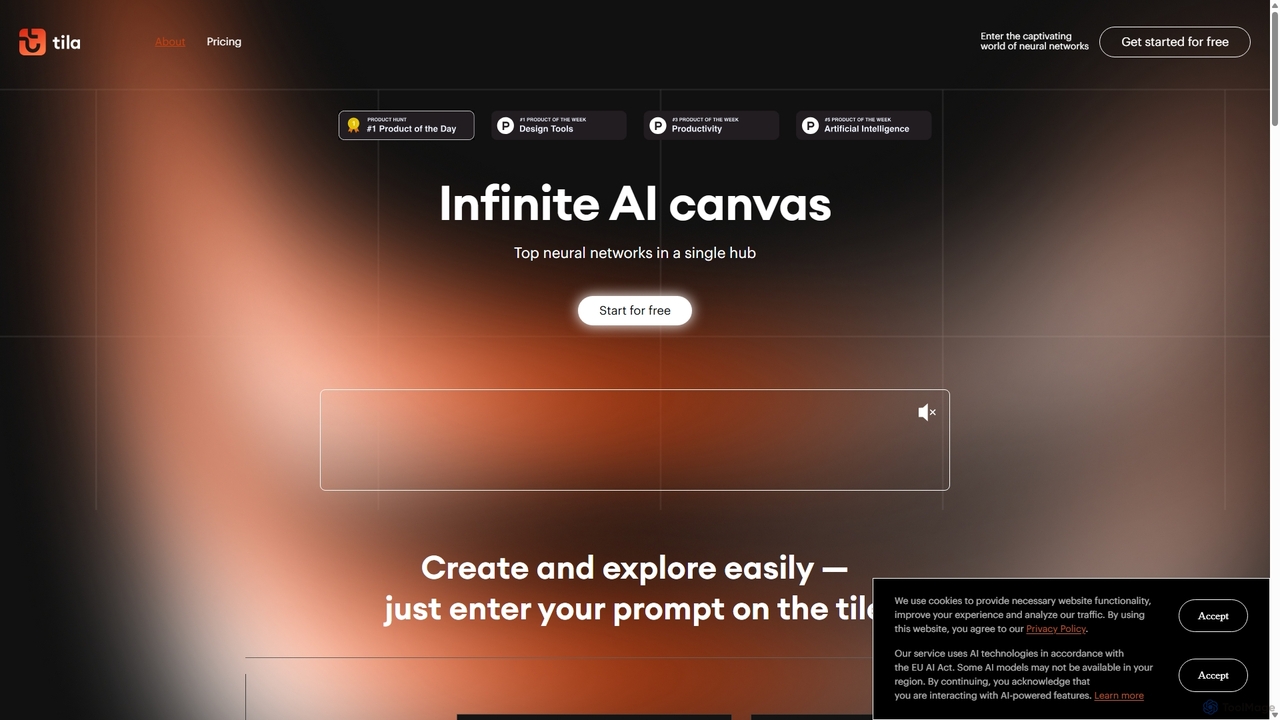
Tila is a multi-agent AI platform that combines workflow automation and content creation in a unified visual workspace. It offers an infinite canvas where users can connect various AI models like GPT-4o, Claude 3.5, and DALL-E 3 to generate text, images, videos, and audio. Its smart multi-agent technology automates complex tasks, from data analysis to app development, streamlining creative and productive workflows without needing multiple subscriptions.
Generative Ai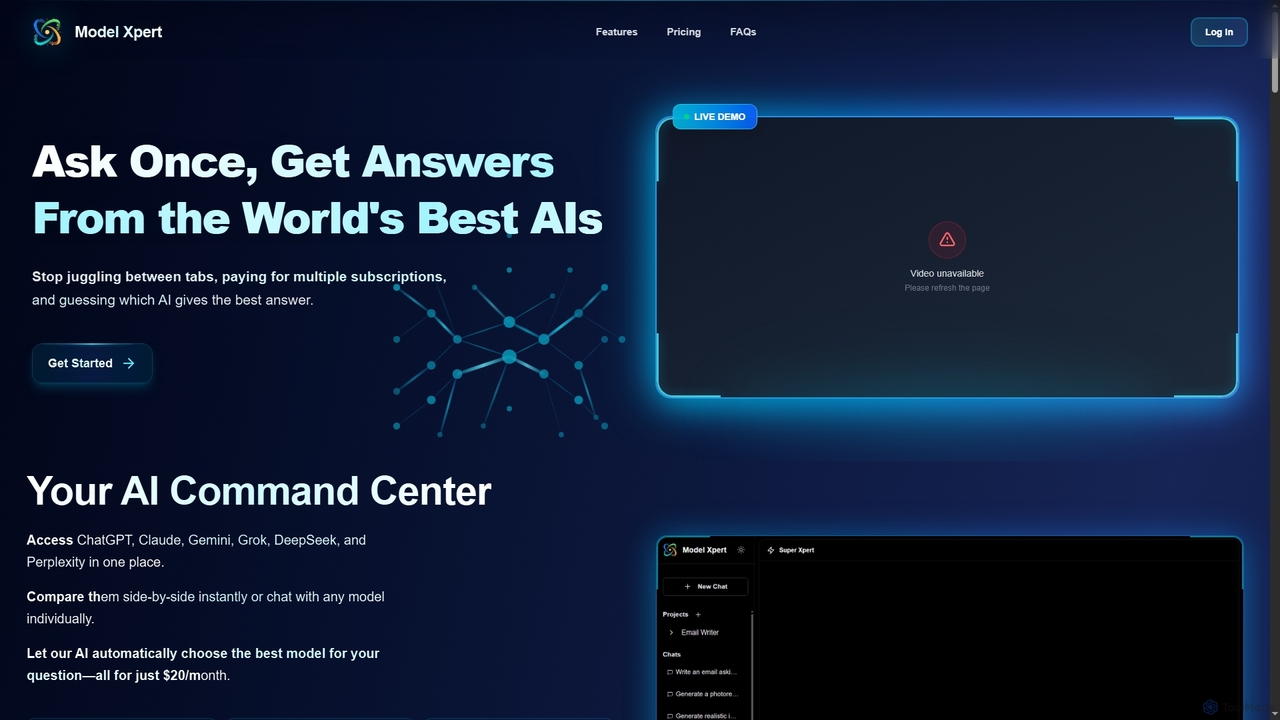
Model Xpert
Model Xpert provides unified access to the world's top AI models like ChatGPT, Claude, Gemini, Grok, DeepSeek, and Perplexity in one chat interface. It eliminates the need for multiple subscriptions and offers features like side-by-side comparison, intelligent auto-selection, prompt enhancement, and an AI image suite for maximum efficiency and cost savings.
Writing
Microsoft Copilot
Microsoft Copilot is your everyday AI companion, enhancing productivity and creativity. It provides intelligent search, content generation, and image creation capabilities by leveraging the latest AI models like GPT-4 and DALL-E 3. Integrated across the Microsoft ecosystem, it assists with writing, coding, planning, and design tasks.
Image Generator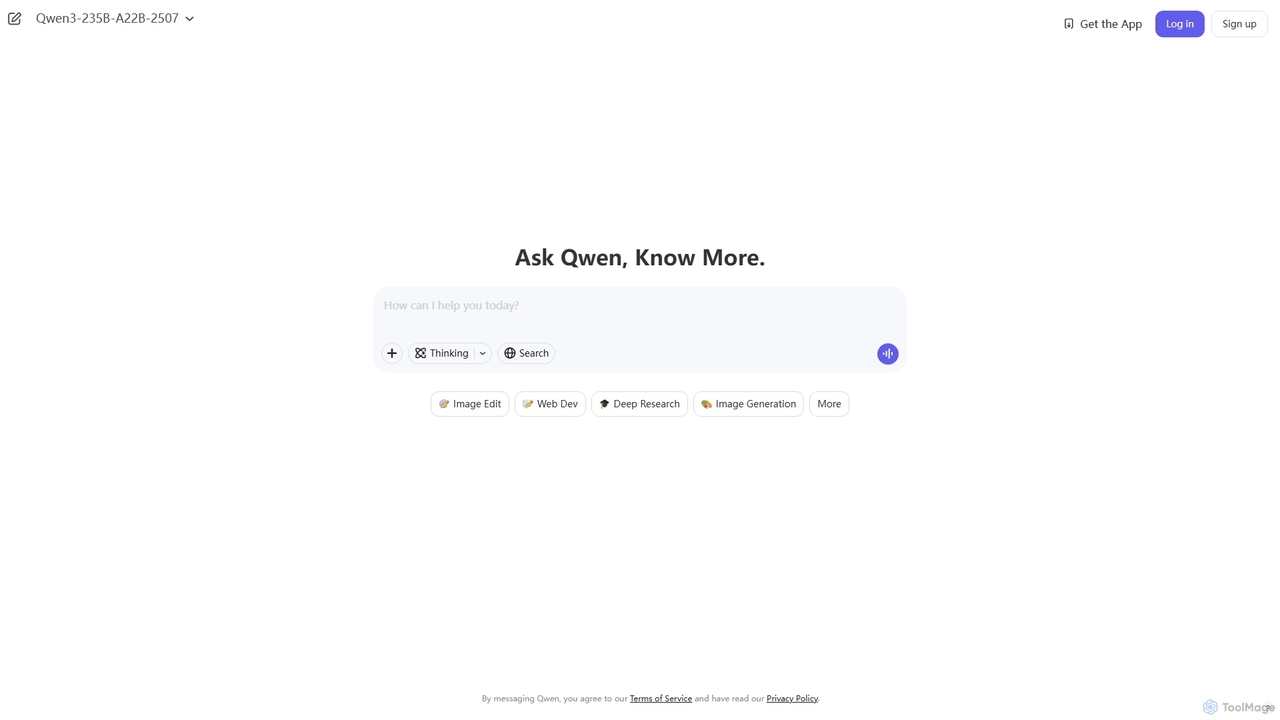
Qwen
Qwen is a powerful multimodal AI chat assistant from Alibaba Cloud. It excels at natural language conversations, content creation, code generation, data analysis, and even image generation. With integrated web search and document analysis, Qwen provides comprehensive, up-to-date, and accurate answers for a wide range of tasks.
Image Generation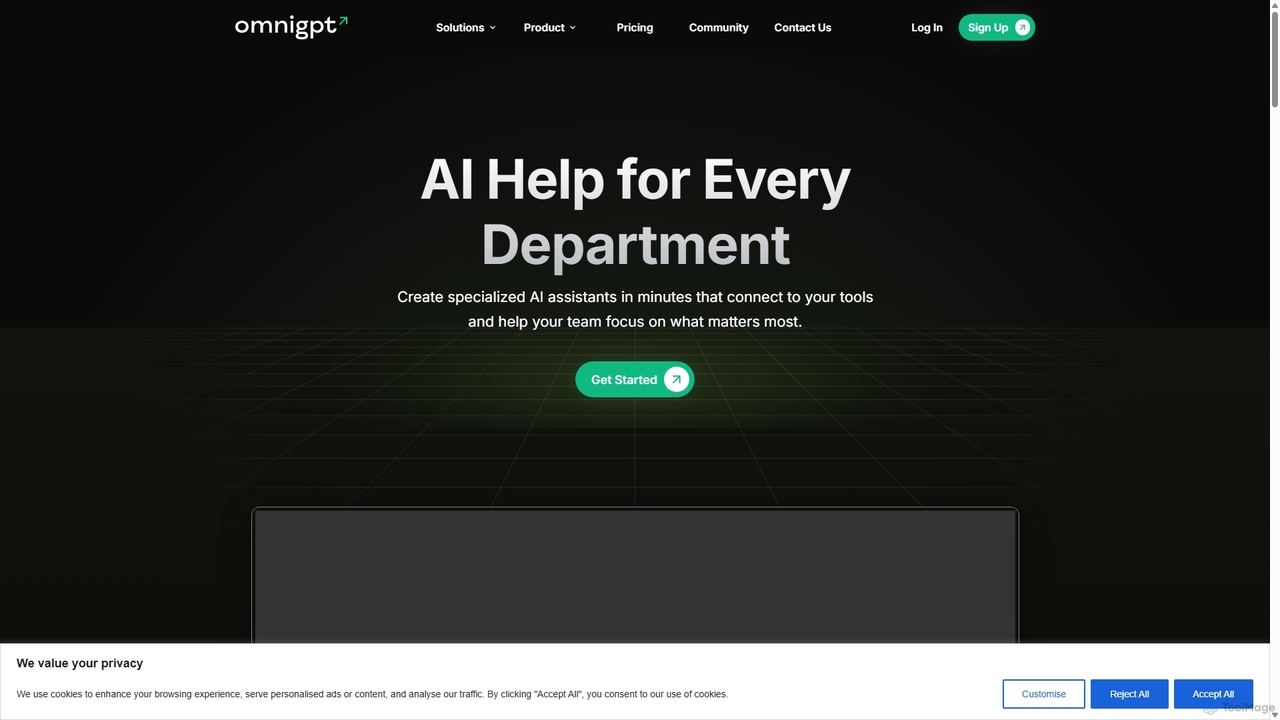
OmniGPT
OmniGPT is an all-in-one AI productivity platform that provides access to multiple leading AI models like GPT-4, Claude 3.5, and Llama 3 through a single subscription. Designed for individuals and teams, it enhances workflows with features such as document analysis, image generation, team collaboration, and seamless integrations with everyday tools like WhatsApp and Slack, offering a cost-effective alternative to multiple AI service subscriptions.
Code AssistantRaccoon AI Categories
Raccoon AI Jobs
Raccoon AI Embed Widget
Copy this embed code to place the badge on your blog, article, or product site and send readers directly to this ToolMage detail page.

Related AI tools
Tila
Tila is a multi-agent AI platform that combines workflow automation and content creation in a unified visual workspace. It offers an infinite canvas where users can connect various AI models like GPT-4o, Claude 3.5, and DALL-E 3 to generate text, images, videos, and audio. Its smart multi-agent technology automates complex tasks, from data analysis to app development, streamlining creative and productive workflows without needing multiple subscriptions.
Generative AiQwen
Qwen is a powerful multimodal AI chat assistant from Alibaba Cloud. It excels at natural language conversations, content creation, code generation, data analysis, and even image generation. With integrated web search and document analysis, Qwen provides comprehensive, up-to-date, and accurate answers for a wide range of tasks.
Image GenerationMicrosoft Copilot
Microsoft Copilot is your everyday AI companion, enhancing productivity and creativity. It provides intelligent search, content generation, and image creation capabilities by leveraging the latest AI models like GPT-4 and DALL-E 3. Integrated across the Microsoft ecosystem, it assists with writing, coding, planning, and design tasks.
Image GeneratorOmniGPT
OmniGPT is an all-in-one AI productivity platform that provides access to multiple leading AI models like GPT-4, Claude 3.5, and Llama 3 through a single subscription. Designed for individuals and teams, it enhances workflows with features such as document analysis, image generation, team collaboration, and seamless integrations with everyday tools like WhatsApp and Slack, offering a cost-effective alternative to multiple AI service subscriptions.
Code Assistant
carlos_app
carlos_app is an intelligent AI personal assistant designed to streamline your workflow, manage tasks, automate scheduling, and enhance communication. It acts as your proactive partner, helping you focus on what truly matters by handling the administrative details.
Task Management
Side Space
Side Space is a powerful AI assistant that integrates seamlessly into your desktop workflow. It operates from a convenient sidebar, providing instant access to AI-powered tools for writing, coding, and general productivity without ever leaving your current application. Enhance your efficiency with contextual actions on selected text and customizable commands.
Code AssistantModel Xpert
Model Xpert provides unified access to the world's top AI models like ChatGPT, Claude, Gemini, Grok, DeepSeek, and Perplexity in one chat interface. It eliminates the need for multiple subscriptions and offers features like side-by-side comparison, intelligent auto-selection, prompt enhancement, and an AI image suite for maximum efficiency and cost savings.
Writing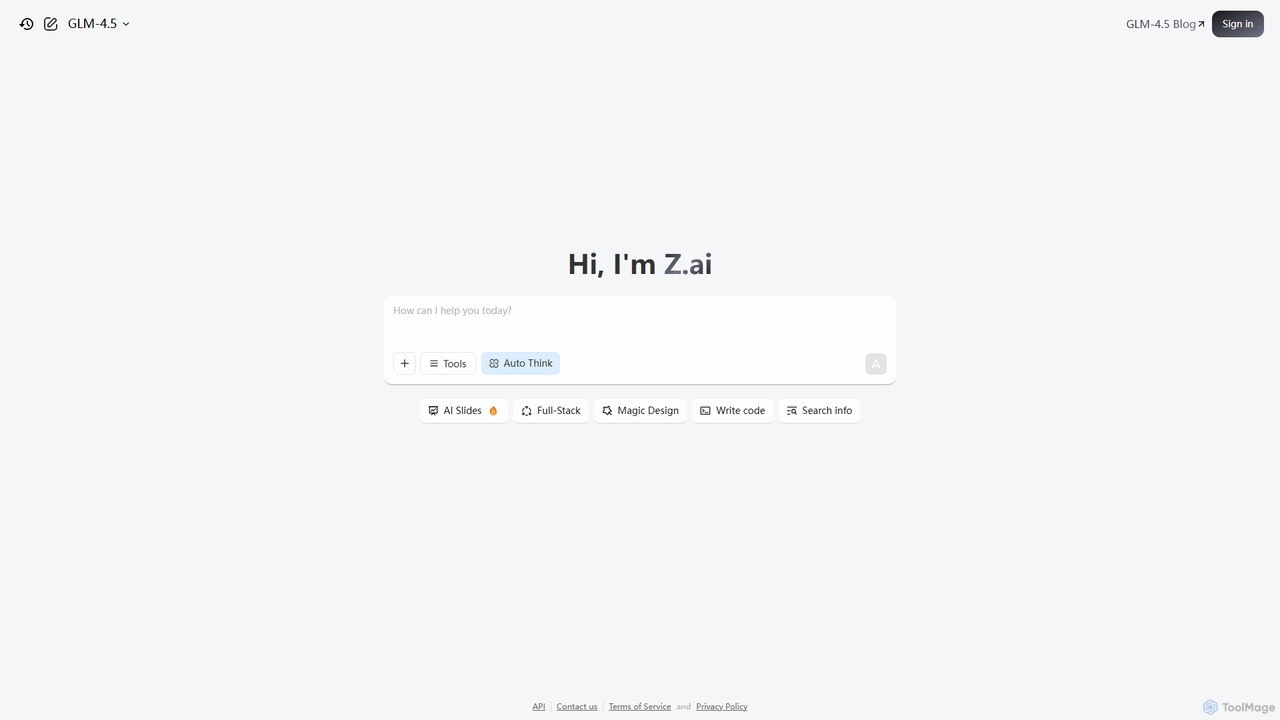
Z.ai
Z.ai is a powerful, free AI assistant powered by the advanced GLM-4.5 model. It's more than just a chatbot, offering a suite of integrated tools for coding, creating presentations, designing, and conducting research. Z.ai aims to be an all-in-one productivity platform, streamlining complex tasks through a simple conversational interface.
Code Assistant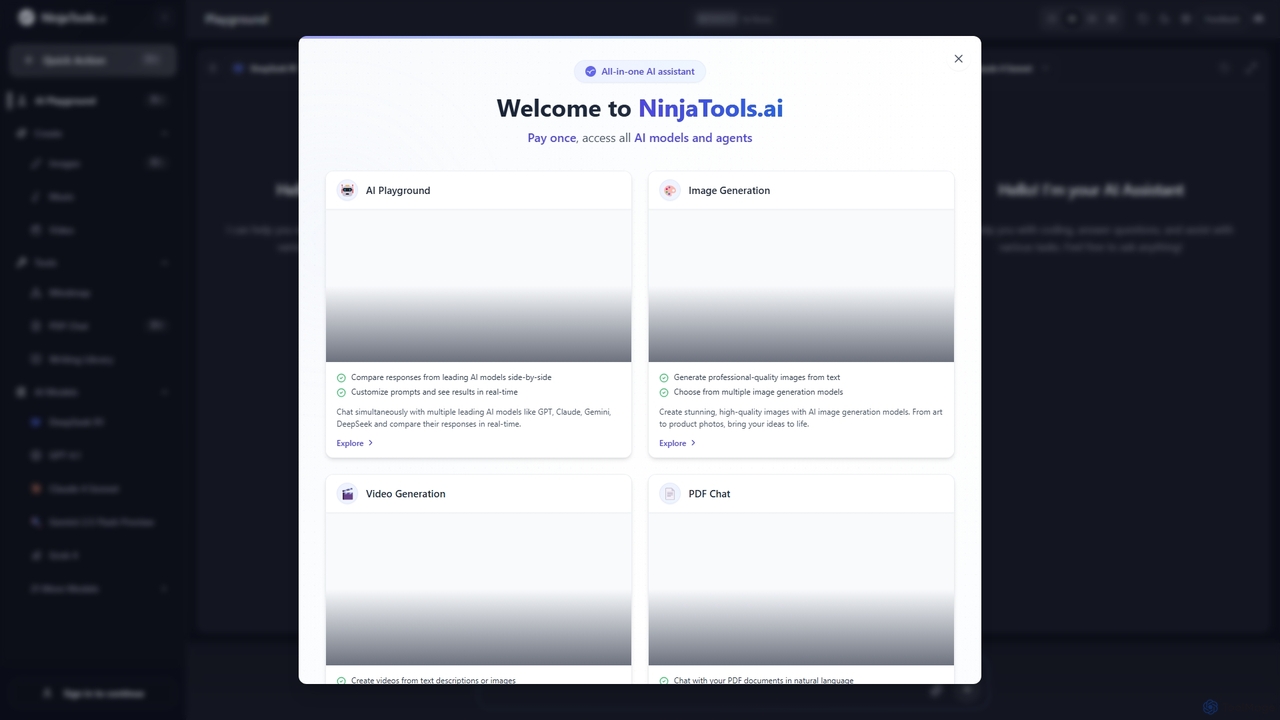
Ninjatools
Ninjatools is an all-in-one AI platform providing unified access to a vast array of leading AI models like GPT, Claude, Gemini, and more. It enables users to generate text, images, videos, and music, chat with PDFs, and compare model responses side-by-side in a single, intuitive interface. It's designed for creators, developers, and marketers seeking efficiency and versatility.
Music Generation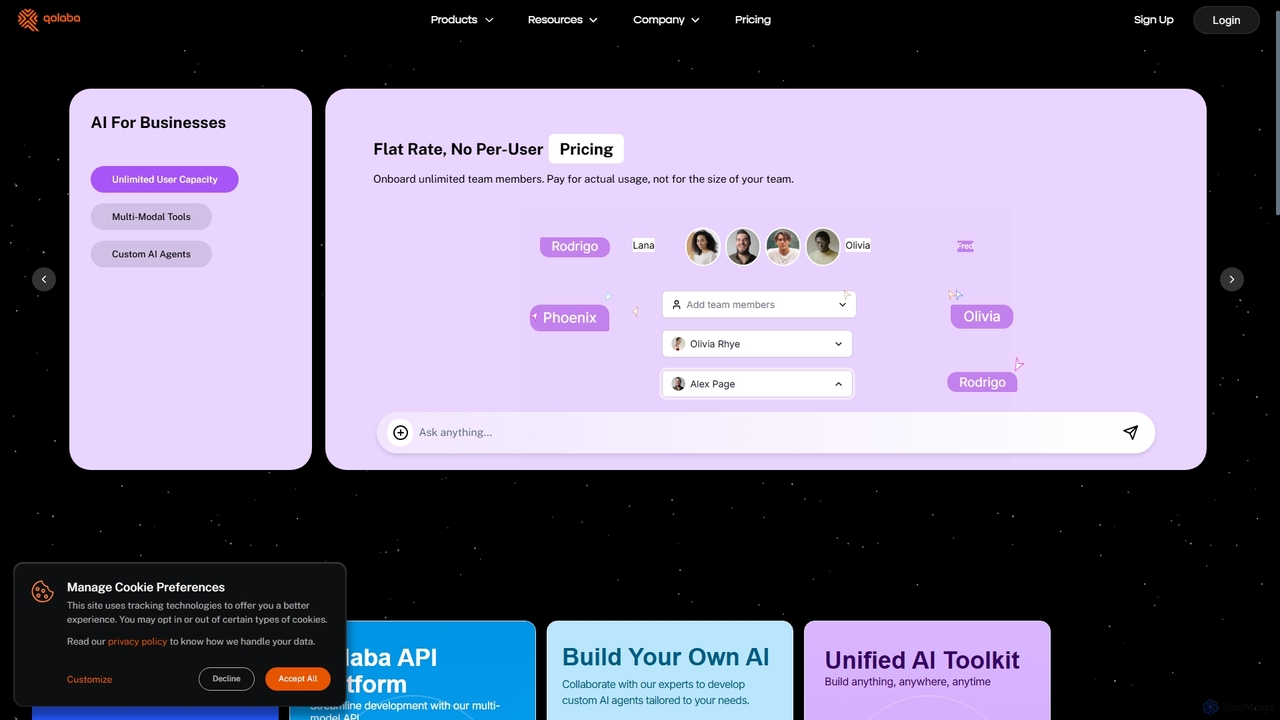
Qolaba
Qolaba is a unified AI studio and API platform providing access to a wide range of generative AI models like GPT-4o, Claude, and SDXL for text, image, video, and speech generation. It caters to individuals, developers, and businesses with features like a no-code AI agent builder, knowledge base interaction, and a flexible, credit-based pricing system, consolidating multiple AI tools into one subscription.
Automation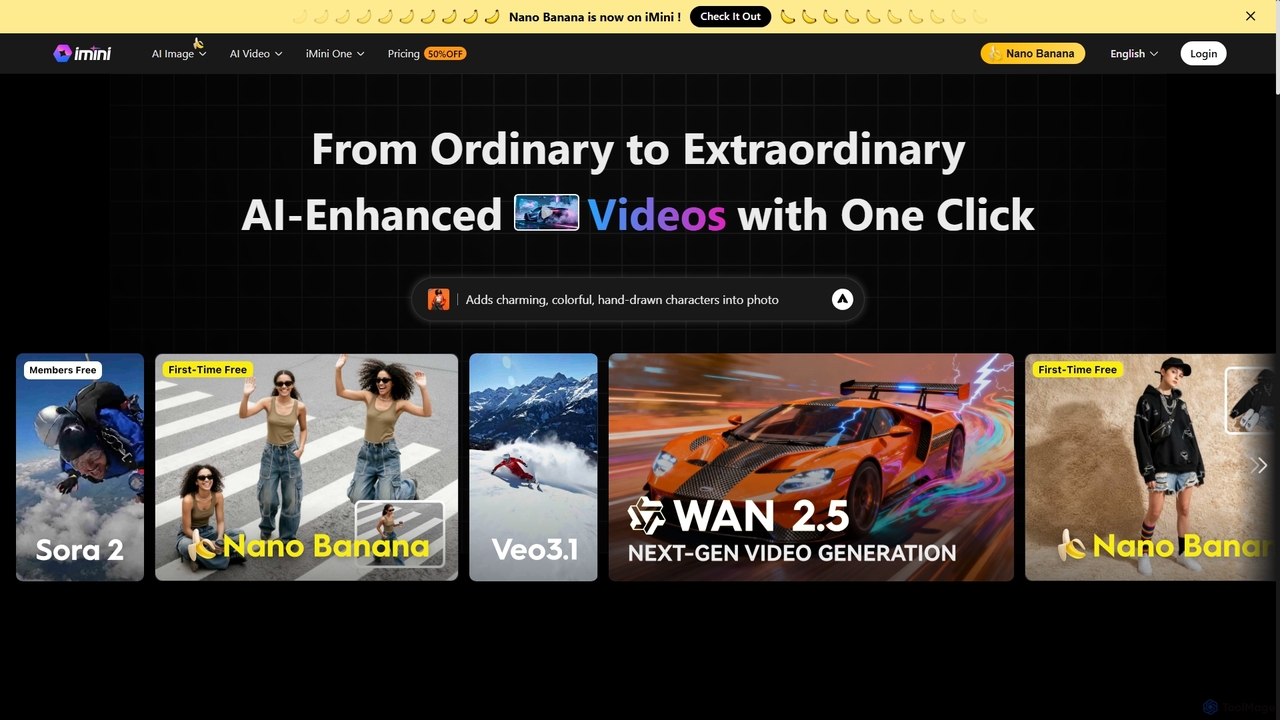
iMini
iMini is an all-in-one AI assistant and creation platform that integrates various AI agents for image generation, video creation, presentation slides, deep research, and document writing. It streamlines workflows, boosts productivity, and offers a unified chat interface for diverse creative and professional tasks.
Multifunctional Assistant
Jyek
Jyek is an AI agent platform that understands objectives, creates execution plans, uses tools, and delivers verifiable results for complex, multi-step tasks.
Automation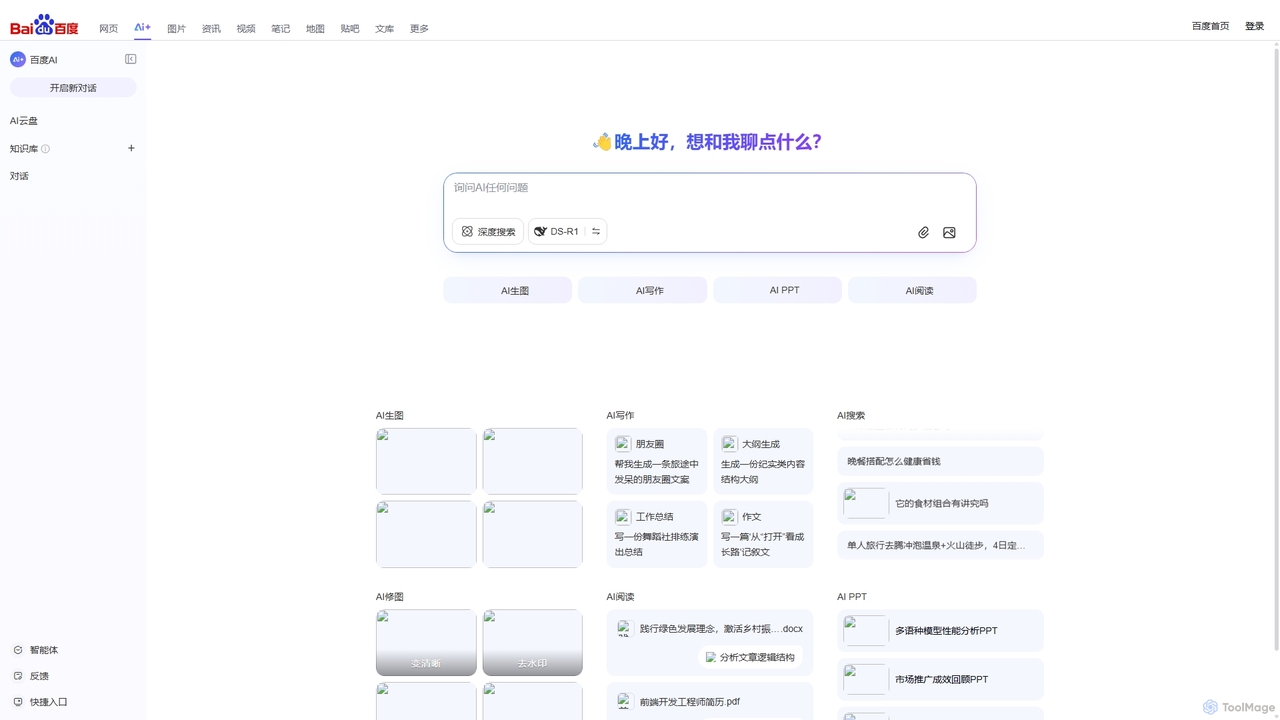
Baidu AI Search
Baidu AI Search is an all-in-one AI-powered platform that integrates conversational search, content creation, document analysis, and image editing. It provides a one-stop solution for work, study, and creative tasks, leveraging Baidu's powerful ERNIE model to deliver comprehensive answers and generate high-quality content.
Writing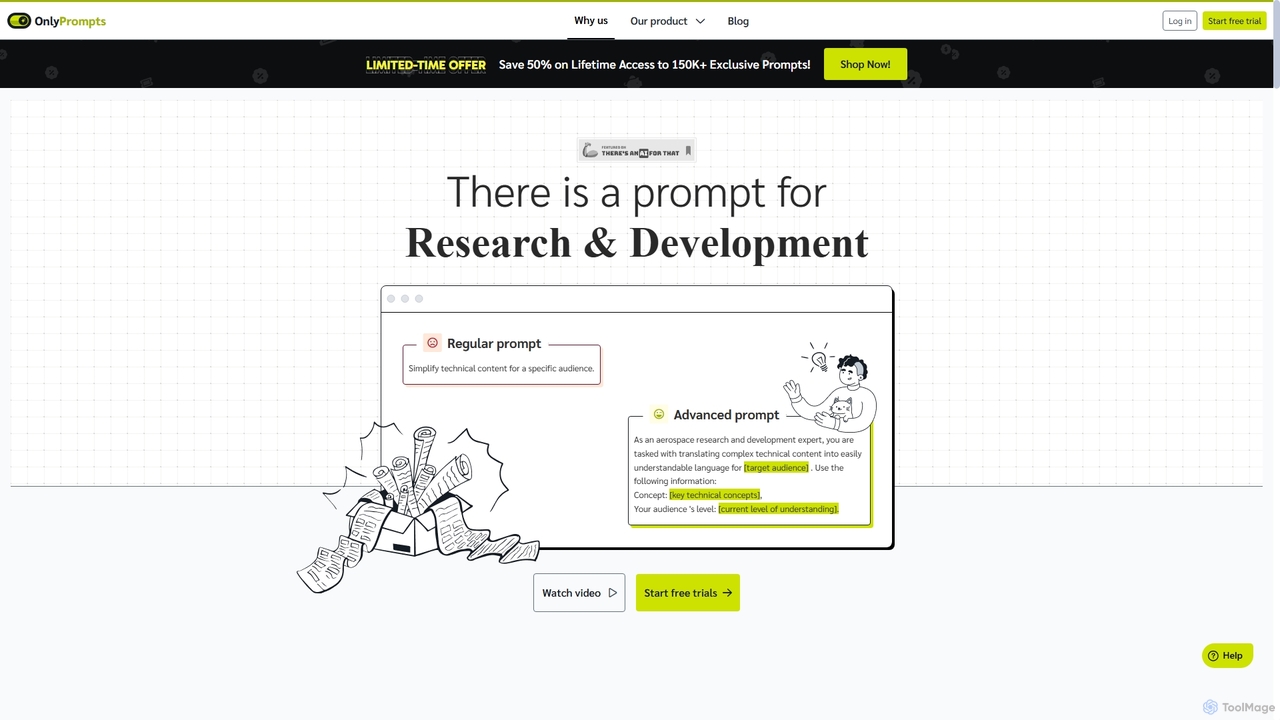
OnlyPrompts
OnlyPrompts is the ultimate AI prompt library, offering over 150,000 expertly crafted prompts for 37,000+ tasks. It features an integrated AI assistant compatible with GPT-4 and Claude 3, side-by-side prompt testing, and customizable templates. Designed for professionals in marketing, HR, finance, and more, it streamlines workflows, enhances productivity, and elevates the quality of AI-generated content.
Operations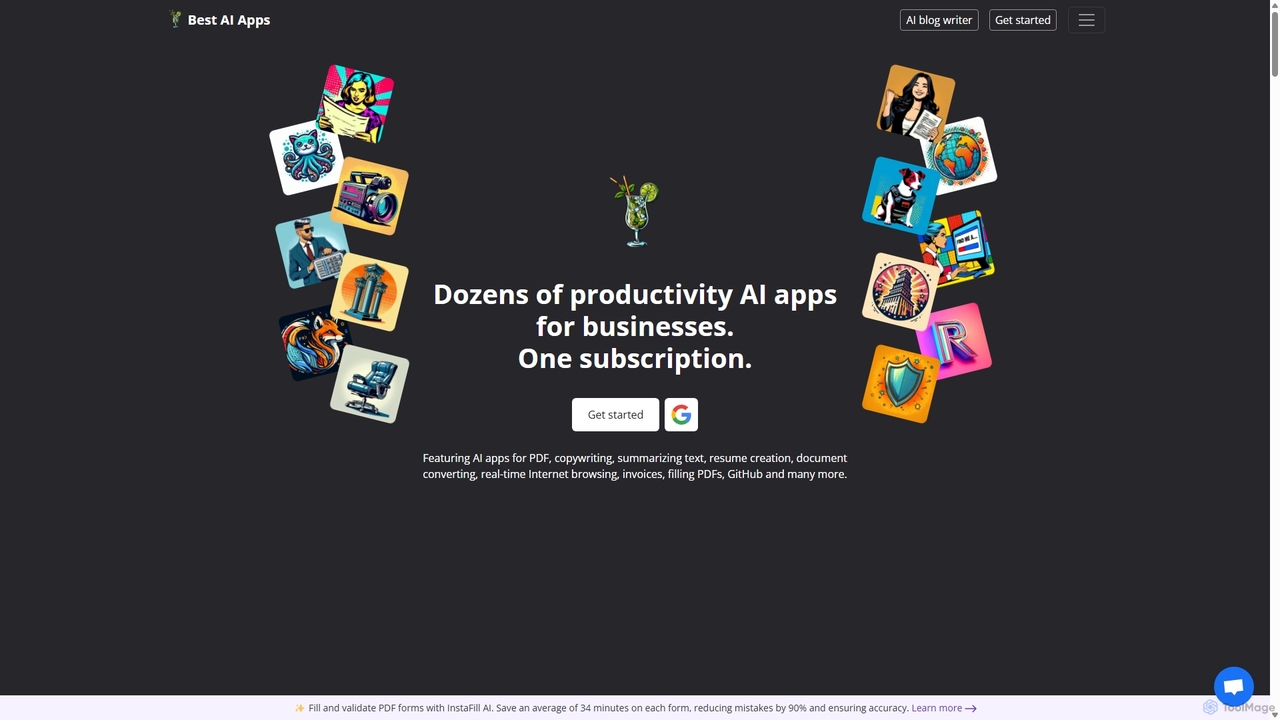
Copilot
Copilot by Best AI Apps is a comprehensive all-in-one suite of AI-powered tools designed to enhance productivity for individuals and businesses. It offers dozens of applications across various categories, including document analysis, content creation, job search assistance, business management, and image generation, all accessible through a single subscription.
Resume Builder
Raccoon AI Comments (0)
Sign in to comment.
Sign inNo comments yet.