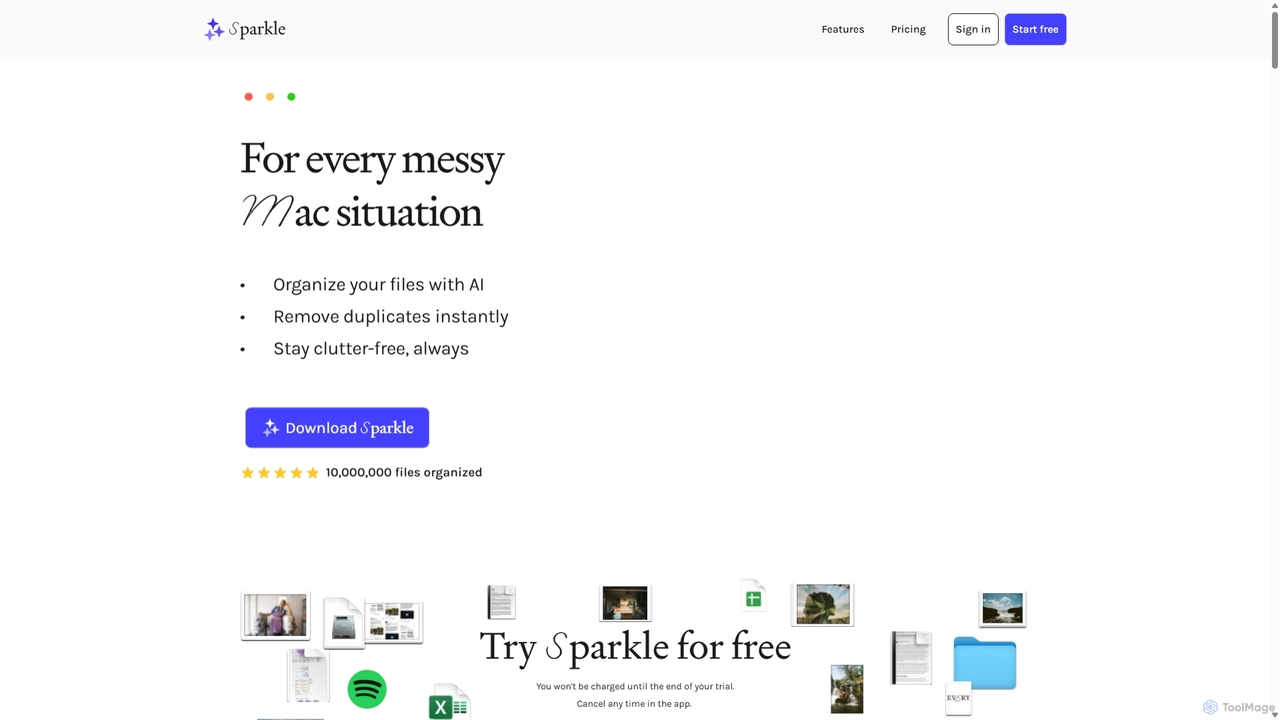
System Cleanup tools are AI-powered utilities designed to optimize computer performance by intelligently identifying and removing unnecessary files, fixing system errors, and managing resources. These tools leverage advanced algorithms to analyze system data, freeing up valuable disk space, enhancing operational speed, and maintaining overall system health. They are essential for users seeking to improve their device's responsiveness and longevity without manual, time-consuming processes.
Core Features
- Disk Space Management: Automatically detects and safely removes temporary files, browser caches, duplicate files, and large unused data.
- Registry Optimization: Scans for and repairs invalid or broken entries within the system registry to prevent errors and improve stability.
- Startup Program Control: Manages applications that launch at system startup, allowing users to disable unnecessary programs to reduce boot times.
- Privacy Data Erasure: Clears sensitive browsing history, cookies, download history, and other digital footprints to protect user privacy.
- Software Residual Cleaner: Ensures complete uninstallation of software by removing leftover files and registry entries that standard uninstallers miss.
Applicable Scenarios
System Cleanup tools are invaluable for individuals and businesses facing various performance challenges. They are ideal for users experiencing slow computer performance, frequent crashes, or long boot times. Additionally, they are crucial for those with limited disk space who need to free up storage for new applications or media, and for proactive users who perform regular maintenance to ensure their devices run smoothly and securely over time.
How to Choose
When selecting a System Cleanup tool, prioritize a comprehensive feature set that includes disk cleanup, registry repair, startup management, and privacy protection. Evaluate the tool's ease of use, ensuring it offers an intuitive interface suitable for your technical comfort level. Crucially, research its safety and reliability to avoid tools that might cause system instability or data loss. Finally, consider customization options, allowing you to specify cleaning areas or exclude important files and folders.