

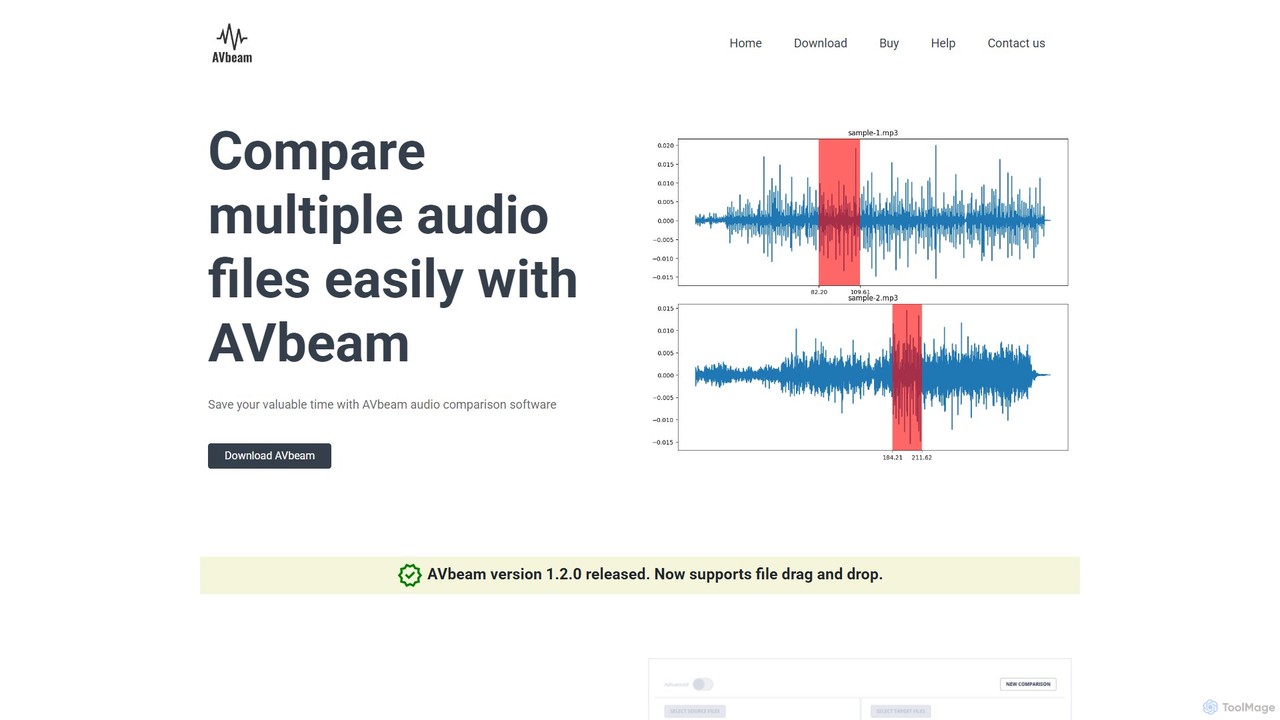
AVbeam Overview
AVbeam is a powerful and efficient audio comparison software designed to streamline the process of analyzing and matching audio files. It serves as an indispensable tool for professionals in the music, media, and forensic industries who need to quickly and accurately compare multiple audio sources. By leveraging advanced audio fingerprinting technology, AVbeam can identify identical or similar audio segments, saving users countless hours of manual work.
The software excels at handling complex comparison tasks. It can simultaneously compare multiple source audio files against multiple target files, generating a comprehensive report of all matches. This capability is crucial for large-scale projects, such as verifying ad placements or checking for copyright infringements across a vast library of content. AVbeam is not limited to finding exact, full-length duplicates; its sophisticated algorithm can detect partial matches, identifying specific segments within longer recordings, complete with their precise time offsets.
How to use AVbeam
Using AVbeam is a straightforward process designed for efficiency:
- Download and Install: First, download the AVbeam software from the official website and install it on your desktop computer.
- Load Files: Launch the application. You can easily load your audio files by selecting them through the file menu or by simply using the convenient drag-and-drop feature. Add the files you want to use as a reference to the 'source' list and the files you want to check to the 'target' list.
- Start Comparison: Once your files are loaded, initiate the comparison process with a single click. AVbeam will begin analyzing the files using its robust audio fingerprinting algorithm.
- Review Results: After the analysis is complete, AVbeam presents a detailed report. This report lists all the matching audio segments found between the source and target files.
- Analyze Matches: For each match, the software displays the exact time offsets in both the source and target files, along with a similarity level expressed as a percentage. You can use the integrated waveform viewer and built-in audio player to listen to the matched segments side-by-side, allowing for immediate auditory verification.
Core Features of AVbeam
- Multi-File Comparison: Compare multiple source audio files against multiple target audio files in a single batch operation.
- Partial Audio Matching: Identifies matching audio segments within files, regardless of their position or duration. Audio files do not need to match entirely.
- Robust Comparison Algorithm: The technology is resistant to common audio alterations such as noise, distortions, frequency filtering, amplification, and changes in file format.
- Audio Fingerprinting Technology: Enables accurate matching even when files are in different formats (e.g., comparing an MP3 to a WAV file).
- Cross-Format Support: Natively supports popular audio formats including MP3, WAV, OGG, and FLAC.
- Detailed Reporting: Provides precise time offsets and a similarity percentage for every detected match.
- Integrated Waveform Viewer and Player: A visual and auditory tool to inspect and confirm the similarity of matched audio segments directly within the application.
Use Cases for AVbeam
AVbeam is a versatile tool suitable for various professional applications:
- Copyright and Plagiarism Detection: Musicians, producers, and content platforms can use it to check if a piece of music or audio contains unauthorized samples or has been plagiarized.
- Broadcast Monitoring: Advertising agencies and brands can verify if their commercials or jingles were broadcasted at the correct times and for the specified duration.
- Forensic Audio Analysis: Law enforcement and legal professionals can compare audio evidence against a database of recordings to find matches or links.
- Media Asset Management: Helps in organizing large audio libraries by identifying duplicate or similar files, freeing up storage and reducing clutter.
- Quality Assurance: Audio engineers can compare a master track with various encoded versions to ensure that no artifacts or errors were introduced during compression.
Advantages of AVbeam
The primary advantage of AVbeam is its ability to save a significant amount of valuable time. The automated, high-speed comparison process eliminates the need for manual listening. Its robust algorithm ensures high accuracy and reliability, delivering results you can trust even when dealing with low-quality or altered audio. The detailed reports provide actionable insights, making it a powerful analytical tool, not just a simple duplicate finder.
Pricing and Plans
AVbeam is offered as a paid software product, available for purchase through the official AVBEAM software store. It typically involves a one-time payment for a software license. According to their policy, all sales are final and non-refundable. If a purchased license is non-functional, they will provide a working replacement. For the most current pricing and purchasing options, please visit the official AVbeam website.
Traffic
Latest traffic
Status
Monthly traffic trend
- 2025-8: 60
- 2025-9: 390
- 2026-3: 0
- 2026-4: 0
- 2026-5: 2.4K
AVbeam Alternatives
Sparkle
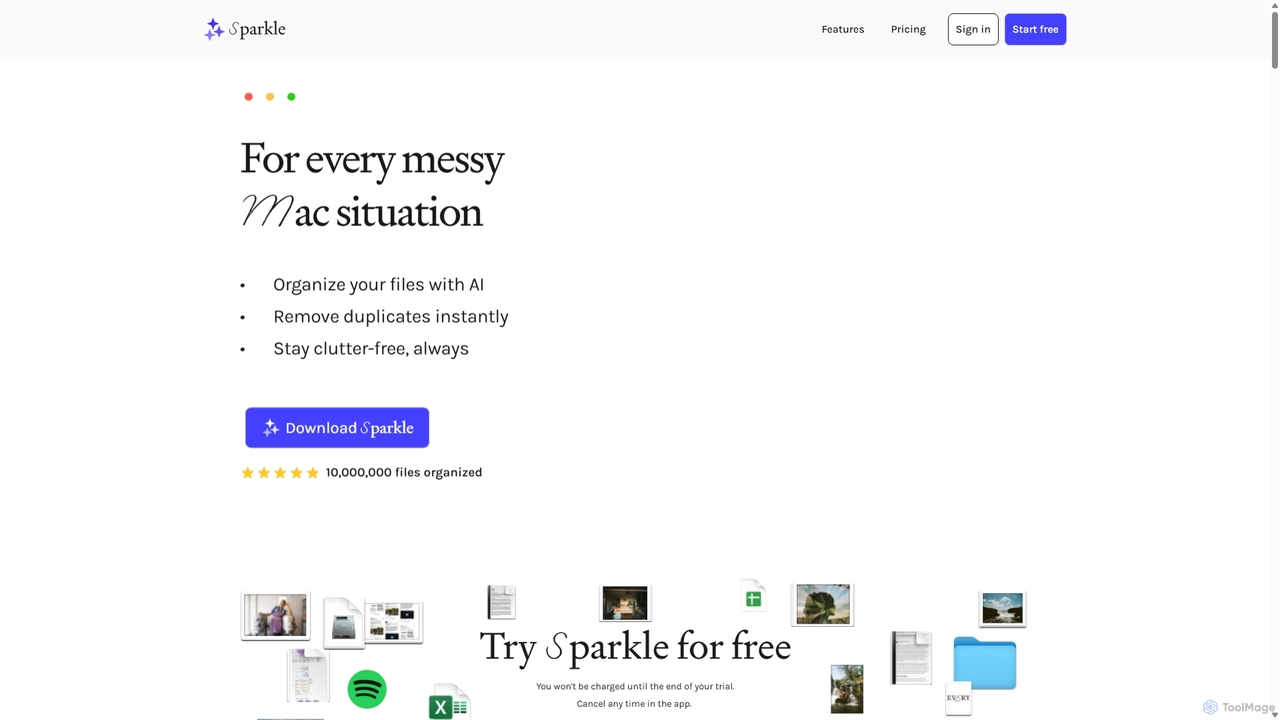
Sparkle is an AI-powered Mac application that automatically organizes your files. It intelligently creates custom folder structures for your Desktop, Downloads, and cloud drives, sorting files into relevant categories. With built-in duplicate detection and a privacy-first approach, Sparkle eliminates digital clutter and saves you hours of manual organization.
Personal Assistant
deepfakedetector.ai
An advanced AI-powered tool designed to detect deepfake images, audio, and videos. It helps users protect themselves from fraud, misinformation, and scams by analyzing media content for signs of AI manipulation with high accuracy.
Audio Analysis
Ai Photo Sorter
A privacy-first, AI-powered web application that helps you efficiently organize local photo collections. Create custom categories, sort images, and detect duplicates securely on your own computer without uploading any data.
Photo Organization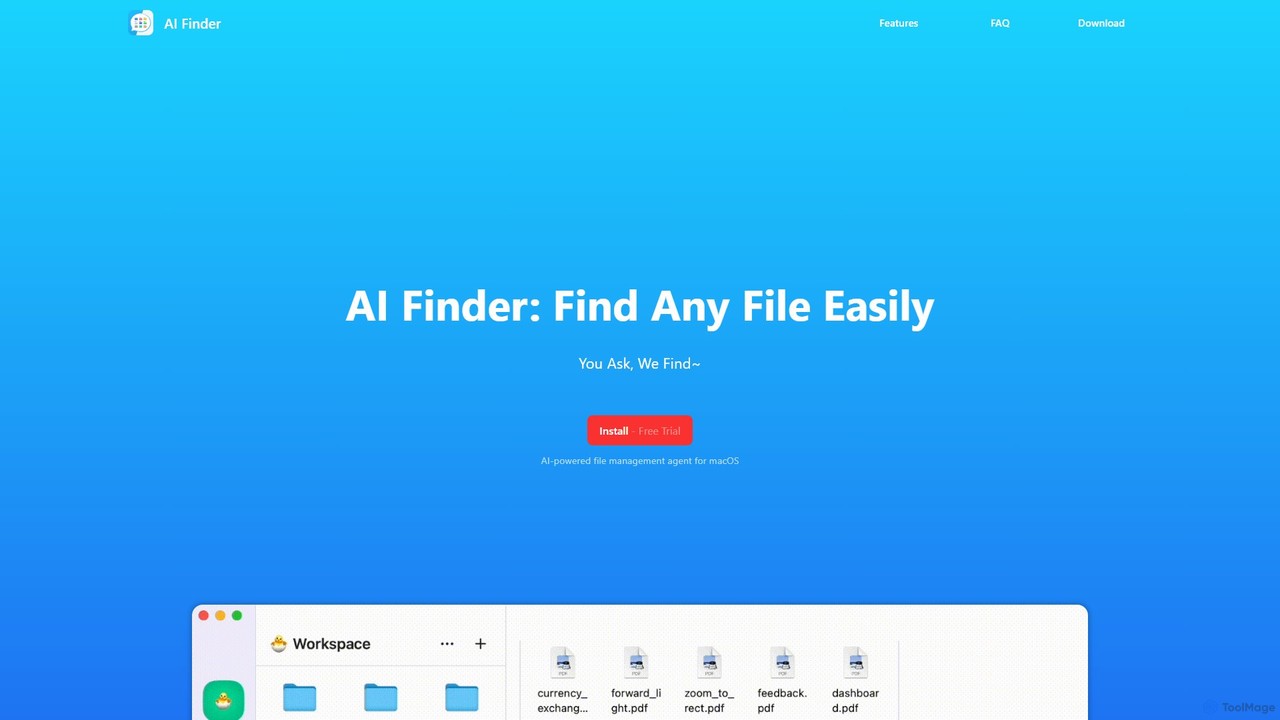
AI Finder
AI Finder is an intelligent file management agent for macOS that revolutionizes how you find files. Using natural language, you can search files by content, creation date, or even vague descriptions. It also features a 'Talk to PDF' function, allowing you to chat with, summarize, and extract key insights from your documents. All processing is done locally, ensuring your data remains private and secure.
Analysis
mega
mega is an intelligent cloud storage and digital asset management platform. It uses powerful AI to automatically organize, tag, and search your files, transforming how you manage your digital life. Securely store, share, and collaborate with AI-driven features that streamline workflows and help you find what you need instantly.
Digital Asset ManagementAVbeam Categories
AVbeam Embed Widget
Copy this embed code to place the badge on your blog, article, or product site and send readers directly to this ToolMage detail page.

Related AI tools
Samplette
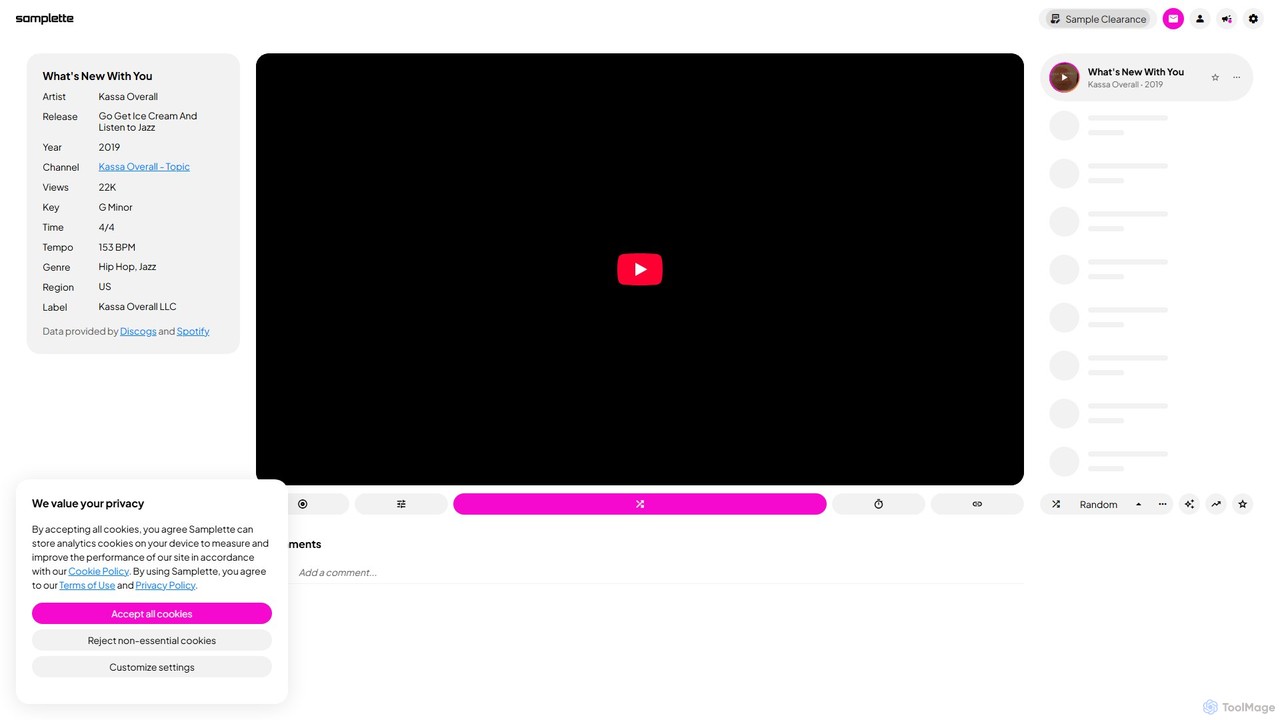
Samplette is an AI-powered music discovery tool that revolutionizes the 'crate digging' experience. It randomly generates music videos from YouTube's vast library, allowing music producers, DJs, and enthusiasts to find unique and obscure tracks. With advanced filters for genre, region, tempo, and more, it's a powerful engine for musical inspiration and sample finding.
Music Discovery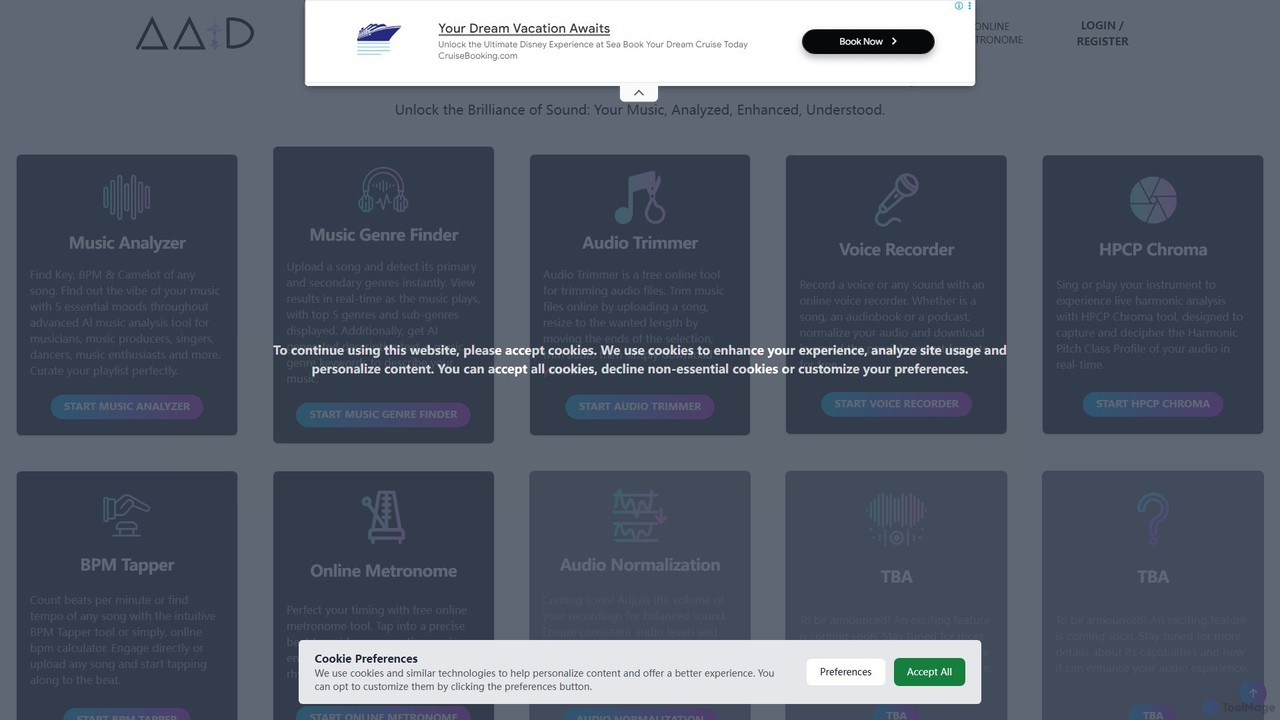
Audio AI Dynamics
Audio AI Dynamics (AAID) is a comprehensive suite of free, web-based AI audio tools. Designed for musicians, producers, and creators, it offers powerful features like music analysis (BPM, key, mood, genre), an advanced audio trimmer with merge capabilities, a voice recorder, and practice utilities like a metronome and real-time harmonic analyzer. Instantly analyze any audio file or YouTube link to gain deep insights and enhance your music production workflow without any cost or software installation.
Analysis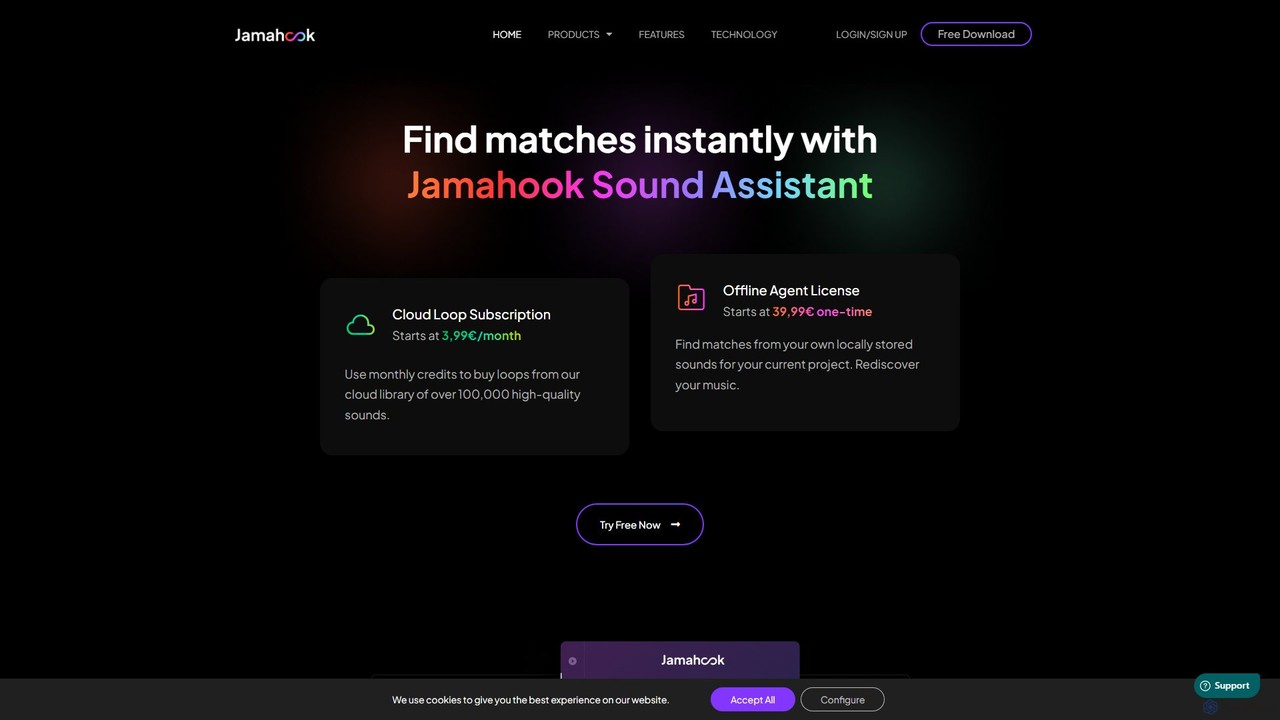
jamahook
Jamahook is an AI-powered sound matching plugin for music producers. It analyzes your current project in your DAW and instantly suggests harmonically and rhythmically compatible loops and sounds. You can find matches from Jamahook's extensive cloud library or rediscover hidden gems within your own local sound collection, streamlining your creative workflow and helping you overcome creative blocks.
Music Production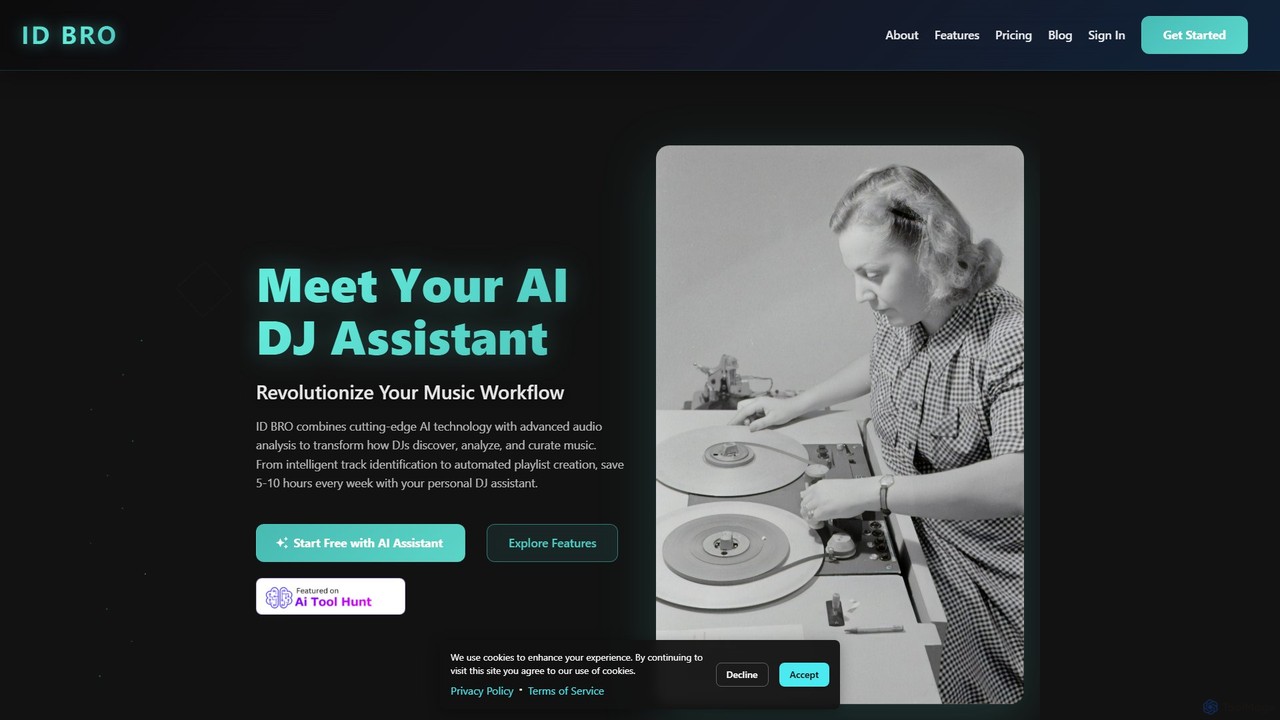
idbro
idbro is an AI DJ Assistant designed to revolutionize the music workflow for DJs and producers. It automates tedious tasks like track identification, BPM analysis, and playlist creation, saving users 5-10 hours weekly. With features like stem separation, sample generation, and advanced audio analysis, idbro empowers users to discover, analyze, and curate music with unprecedented speed and accuracy.
Audio EditingSparkle
Sparkle is an AI-powered Mac application that automatically organizes your files. It intelligently creates custom folder structures for your Desktop, Downloads, and cloud drives, sorting files into relevant categories. With built-in duplicate detection and a privacy-first approach, Sparkle eliminates digital clutter and saves you hours of manual organization.
Personal Assistantdeepfakedetector.ai
An advanced AI-powered tool designed to detect deepfake images, audio, and videos. It helps users protect themselves from fraud, misinformation, and scams by analyzing media content for signs of AI manipulation with high accuracy.
Audio AnalysisAi Photo Sorter
A privacy-first, AI-powered web application that helps you efficiently organize local photo collections. Create custom categories, sort images, and detect duplicates securely on your own computer without uploading any data.
Photo OrganizationAI Finder
AI Finder is an intelligent file management agent for macOS that revolutionizes how you find files. Using natural language, you can search files by content, creation date, or even vague descriptions. It also features a 'Talk to PDF' function, allowing you to chat with, summarize, and extract key insights from your documents. All processing is done locally, ensuring your data remains private and secure.
Analysis
Suno
Suno is a revolutionary AI music generator that creates high-quality, full-length songs from simple text prompts. It empowers users, from beginners to professional musicians, to produce unique music with vocals, lyrics, and instruments across various genres in seconds.
Music Generation
BandLab
BandLab is an all-in-one, free social music creation platform. It offers a powerful online Digital Audio Workstation (DAW), AI-powered mastering, a vast library of royalty-free samples, and robust collaboration tools. It empowers musicians of all levels to create, share, and distribute their music from any device, fostering a global community of over 100 million creators.
Audio Editing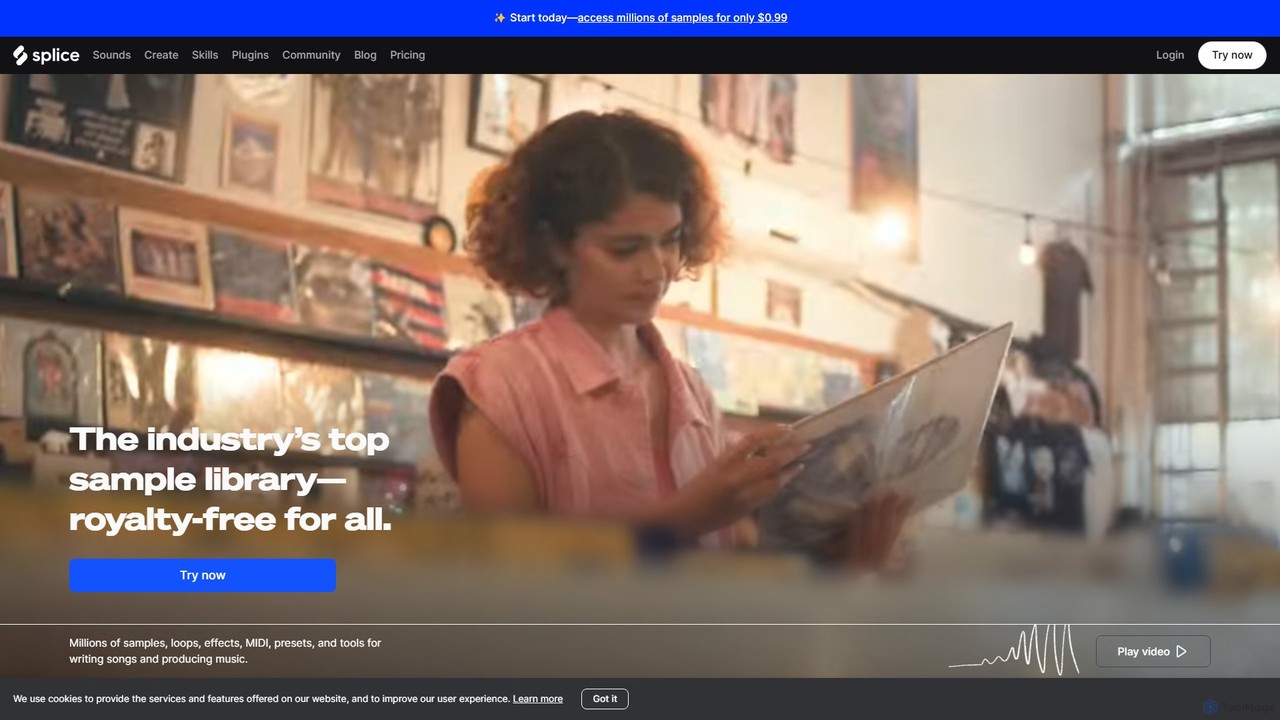
Splice
Splice is a cloud-based music creation platform offering a vast, royalty-free library of millions of samples, loops, and presets. It features AI-powered tools for sound discovery, seamless DAW integration, exclusive plugins, and a rent-to-own marketplace for top music software, empowering producers of all levels.
Music Production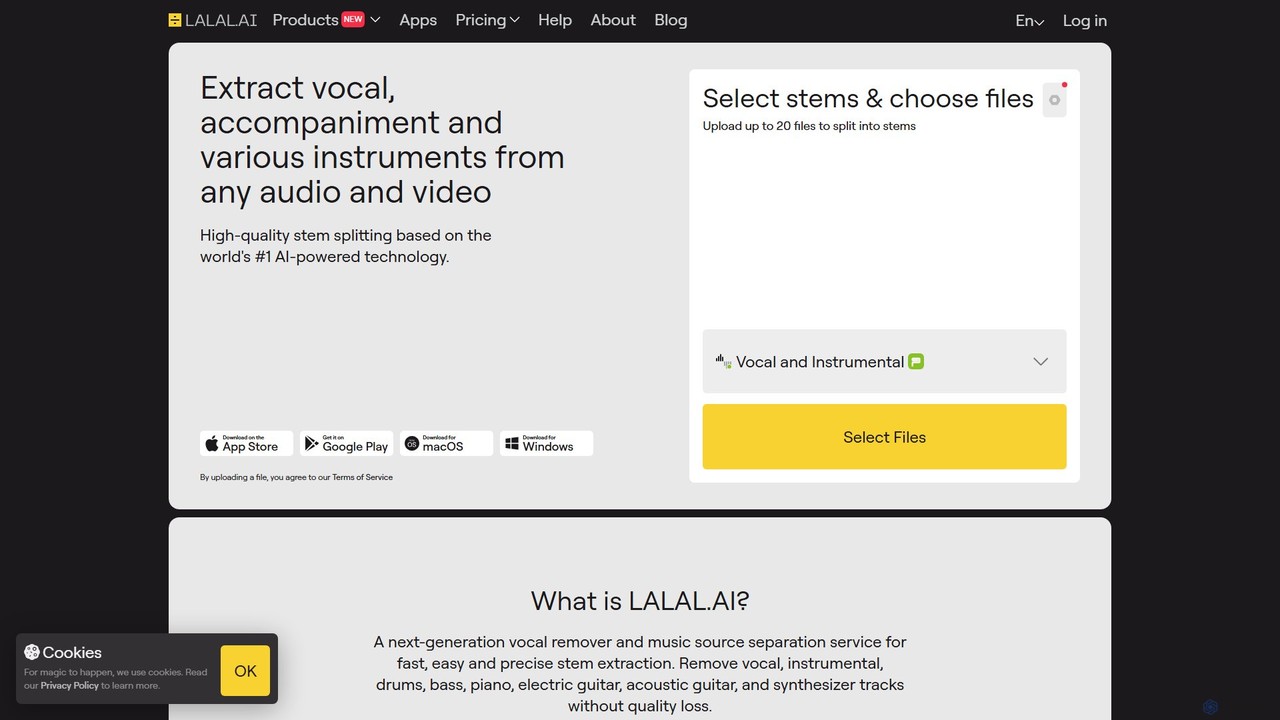
LALAL.AI
LALAL.AI is a next-generation AI-powered service for high-quality vocal and instrumental stem separation. It allows users to quickly and accurately extract up to 10 different stems—including vocals, drums, bass, piano, and more—from any audio or video file. The platform also features a Voice Cleaner for noise reduction, an Echo Remover, and a Voice Cloner, making it a comprehensive toolkit for musicians, producers, and content creators.
Music Editing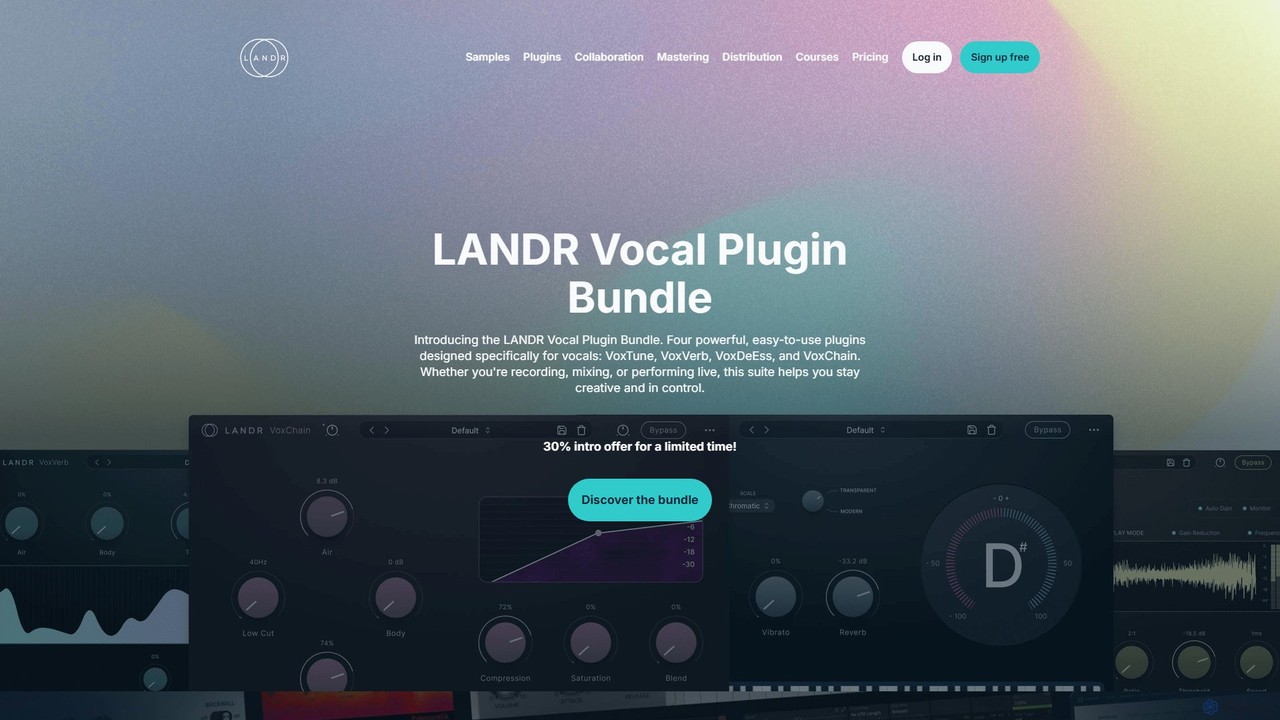
LANDR
LANDR is an all-in-one AI-powered creative platform for musicians. It offers a complete suite of tools for music production, including AI mastering, digital distribution to over 150 platforms, a vast library of royalty-free samples and plugins, remote collaboration tools, and extensive online music courses. It's designed to empower creators from inspiration to release.
Mastering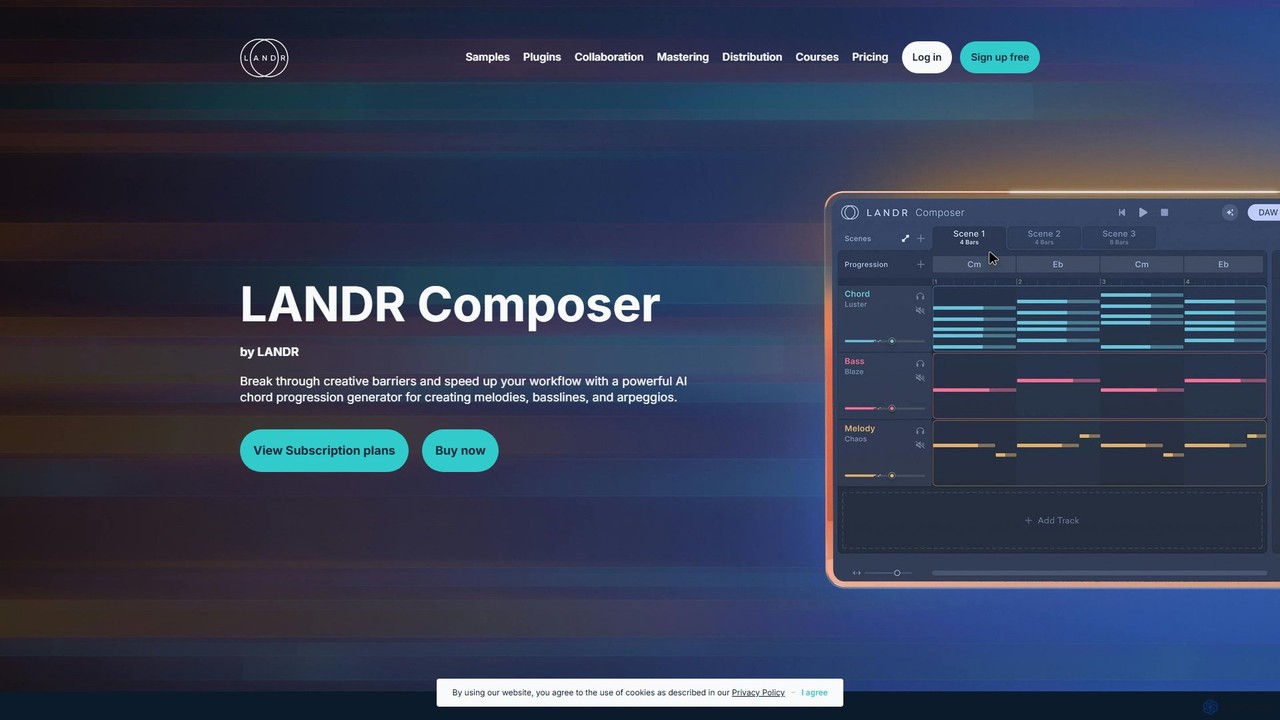
LANDR Composer
LANDR Composer is a powerful AI plugin that generates inspiring chord progressions, melodies, basslines, and arpeggios. It's designed to break through creative barriers and accelerate the music production workflow for artists of all skill levels, integrating seamlessly with any DAW.
Production
Udio
Udio is a powerful AI music generator that transforms text prompts into professional-quality songs. It empowers everyone, from hobbyists to Grammy-winning producers, to create unique music across any genre. It features advanced tools for editing, remixing, extending tracks, and generating stems for professional use, fostering a vibrant community of creators and music lovers.
Music Generation
AVbeam Comments (0)
Sign in to comment.
Sign inNo comments yet.