
Audio AI Dynamics Overview
Audio AI Dynamics (AAID) is a comprehensive platform offering a suite of cutting-edge, free online audio tools designed for everyone from aspiring musicians to seasoned audio engineers. The platform's mission is to ensure your music is not just heard, but deeply analyzed, significantly enhanced, and thoroughly understood. With an intuitive, web-based interface, AAID empowers users to master their sound, make informed adjustments, and unleash their full musical potential without needing to install any software.
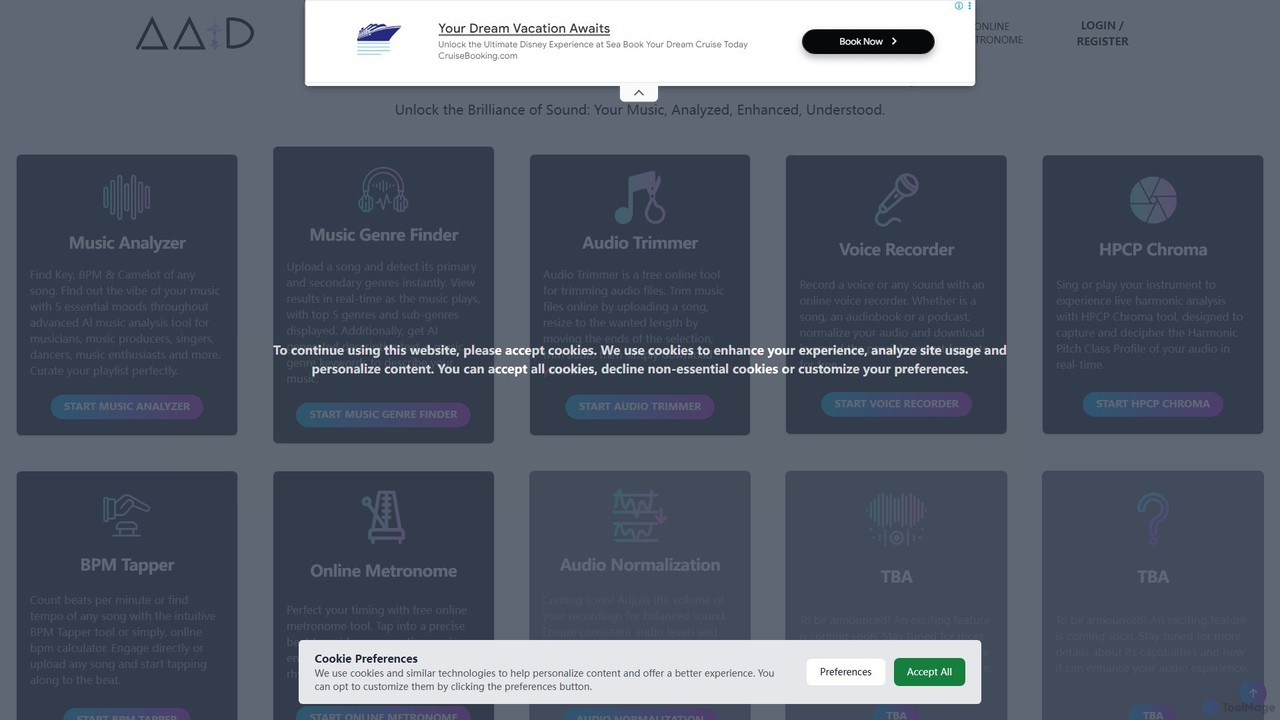
The platform integrates several powerful AI-driven utilities. You can dissect any track to find its key, BPM, and Camelot wheel position, or analyze its emotional vibe across five moods (happy, sad, relaxed, aggressive, danceable). Its standout Music Genre Finder can identify a song's primary and secondary genres from over 400 possibilities, providing a second-by-second analysis and even generating descriptive text and SEO-friendly keywords to help you tag and promote your music effectively.
How to use Audio AI Dynamics
Using the tools on Audio AI Dynamics is designed to be simple and efficient. The general workflow involves uploading your audio file or pasting a YouTube URL. Here’s a breakdown for the key tools:
- Music Analyzer & Genre Finder: Simply drag and drop your audio file (WAV, MP3, OGG, FLAC) or provide a YouTube link. The analysis starts automatically. The tool displays results like BPM, Key, and Mood in real-time. For the Genre Finder, you can watch the genre change second-by-second on the waveform and receive a summary of the top 5 genres, descriptive text, and keywords once the track finishes.
- Audio Trimmer: Upload your audio or video file. For basic trimming, click and drag on the waveform to select the desired section. Adjust the start and end points with your mouse or by entering precise timestamps. For advanced editing, enable 'Pro Mode' to select multiple sections (using CTRL/CMD + Click) to either keep and merge, or remove and merge.
- Voice Recorder: Click 'START VOICE RECORDER', grant microphone access, and begin recording. You can normalize the audio and download it in various formats for free.
- Practice Tools (BPM Tapper, Metronome, HPCP Chroma): These tools are interactive. For the BPM Tapper, simply tap along to the beat of a song. The Online Metronome provides a steady beat for practice. The HPCP Chroma tool offers live harmonic analysis as you sing or play an instrument.
Core Features of Audio AI Dynamics
- Music Analyzer: Instantly finds the Key, BPM, Camelot wheel position, and mood of any song.
- Music Genre Finder: AI-powered detection of over 400 genres and subgenres with real-time, second-by-second analysis. It also generates descriptive text and keywords for your music.
- Audio Trimmer: A versatile tool to cut, trim, and edit audio files. Features a 'Pro Mode' for advanced multi-selection editing, allowing users to merge desired parts or remove unwanted sections seamlessly.
- Online Voice Recorder: Easily record any sound using your microphone, with options for audio normalization and multiple export formats.
- HPCP Chroma: Provides real-time harmonic pitch class profile analysis, perfect for singers and instrumentalists to check their tuning and harmonics live.
- BPM Tapper: A simple and intuitive tool to manually calculate the beats per minute (BPM) of any song by tapping along.
- Online Metronome: A precise and free online metronome to help musicians perfect their timing and rhythm during practice.
Use Cases for Audio AI Dynamics
The toolset is valuable for a wide range of users:
- DJs: Quickly find the BPM and key of tracks for seamless mixing and curate genre-specific playlists.
- Music Producers: Categorize new tracks by genre, extract samples with the audio trimmer, and analyze reference tracks.
- Musicians & Singers: Identify the key of a song for covers, practice timing with the metronome, and analyze harmonic performance with HPCP Chroma.
- Playlist Curators: Build perfectly themed playlists based on genre, mood, and tempo.
- Content Creators & Filmmakers: Trim audio for social media videos, podcasts, or films, and find genre-appropriate music.
- Music Researchers: Analyze genre trends and musical characteristics across large datasets of songs.
Advantages of Audio AI Dynamics
AAID stands out with several key advantages. Firstly, it is completely free to use, making professional-grade audio analysis accessible to everyone. Its comprehensive suite of tools covers analysis, editing, and practice, eliminating the need for multiple separate applications. The platform is entirely web-based, requiring no downloads or installations. Its powerful AI-driven analysis provides deep, accurate, and real-time insights that are difficult to obtain manually. Finally, the user-friendly interface makes complex audio analysis simple and intuitive for both beginners and professionals.
Pricing and Plans
All tools offered by Audio AI Dynamics are completely free to use. Users can access the full range of features, from music analysis to audio trimming and recording, without any subscription fees or hidden costs.
Traffic
Latest traffic
Status
Monthly traffic trend
- 2025-9: 130.9K
- 2026-1: 185.0K
- 2026-2: 167.1K
- 2026-3: 163.9K
- 2026-4: 126.5K
- 2026-5: 127.3K
Geography
Top 5 countries / regions
- 🇺🇸United States42.4%
- 🇲🇹Malta19.5%
- 🇬🇧United Kingdom17.7%
- 🇷🇺Russia11.6%
- 🇩🇪Germany8.8%
Traffic sources
| Source type | Percentage |
|---|---|
Direct | 90.0% |
Referral | 9.0% |
Email | 1.0% |
Top keywords
| Keyword | Cost per click |
|---|---|
| audio ai dynamics | $0.00 |
| audioaidynamics genre finder | $0.00 |
| audio trimmer | $0.44 |
| genre detector | $0.00 |
| genre finder | $0.52 |
Audio AI Dynamics Alternatives

Revocalize AI
Revocalize AI is a powerful AI voice toolkit for musicians, producers, and creators. It offers studio-quality AI voice generation, hyper-realistic voice cloning, and advanced voice modulation. Create unique vocal tracks, enhance your singing, generate AI covers, and even monetize your own AI voice model. It's like Photoshop, but for your voice.
Music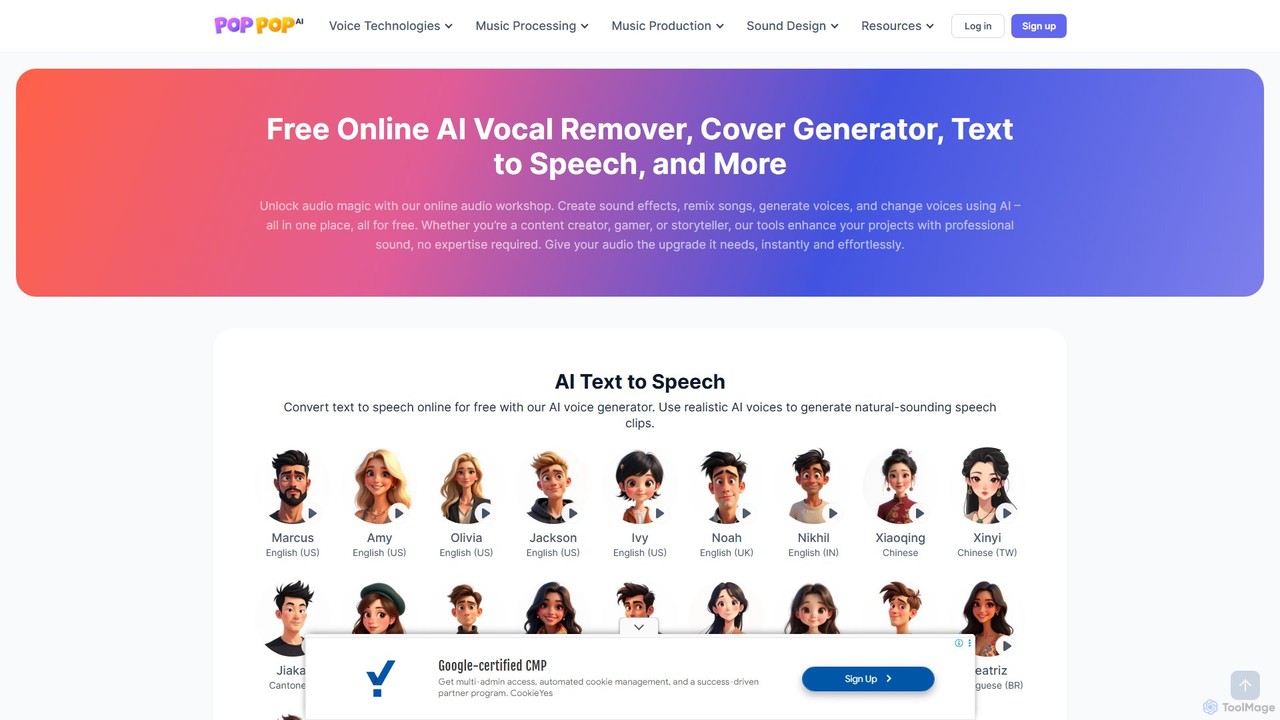
PopPop AI
PopPop AI is a free, all-in-one online audio workshop. It offers a suite of AI-powered tools, including a vocal remover, song cover generator, text-to-speech, sound effect generator, and voice changer. Designed for content creators, musicians, and gamers, it makes professional audio creation accessible to everyone without any cost or technical expertise.
Music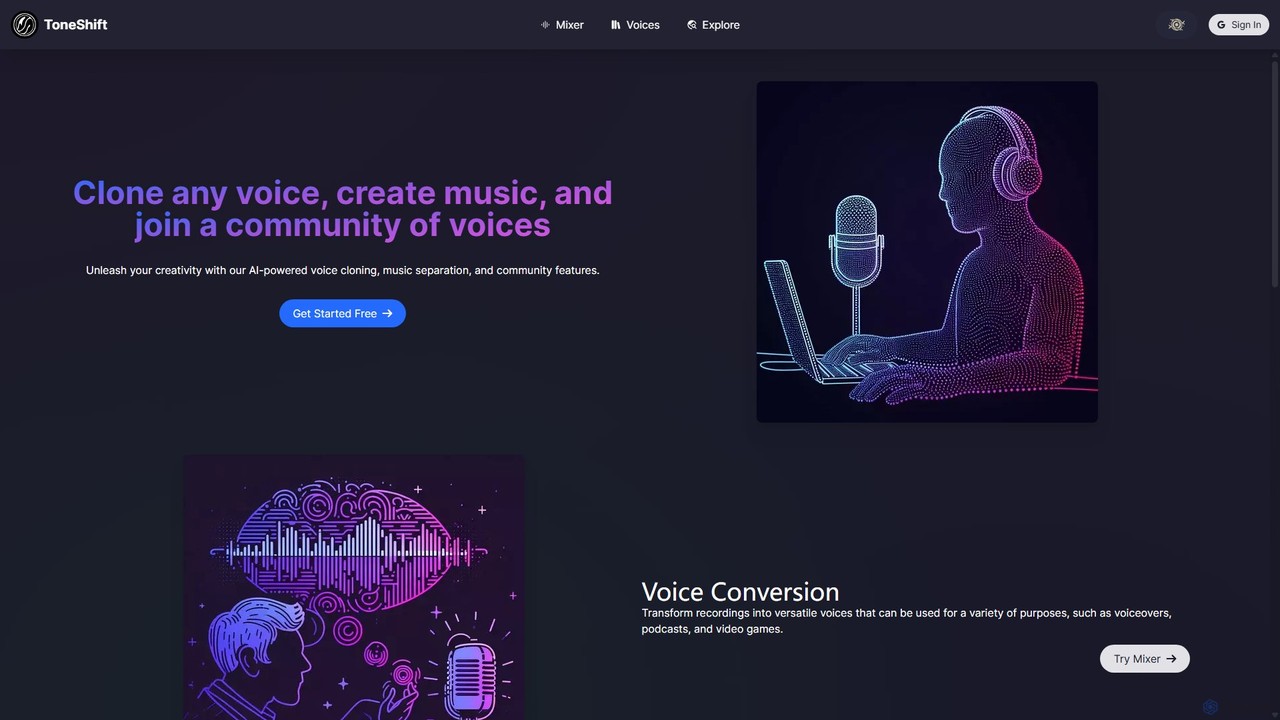
ToneShift
ToneShift is an AI-powered platform for creative audio production. It enables users to clone any voice, convert recordings into different voices, and separate music into vocals and instrumentals. With a vibrant community library, users can explore, use, and share a vast collection of voices for projects like voiceovers, music remixes, podcasts, and video games.
Music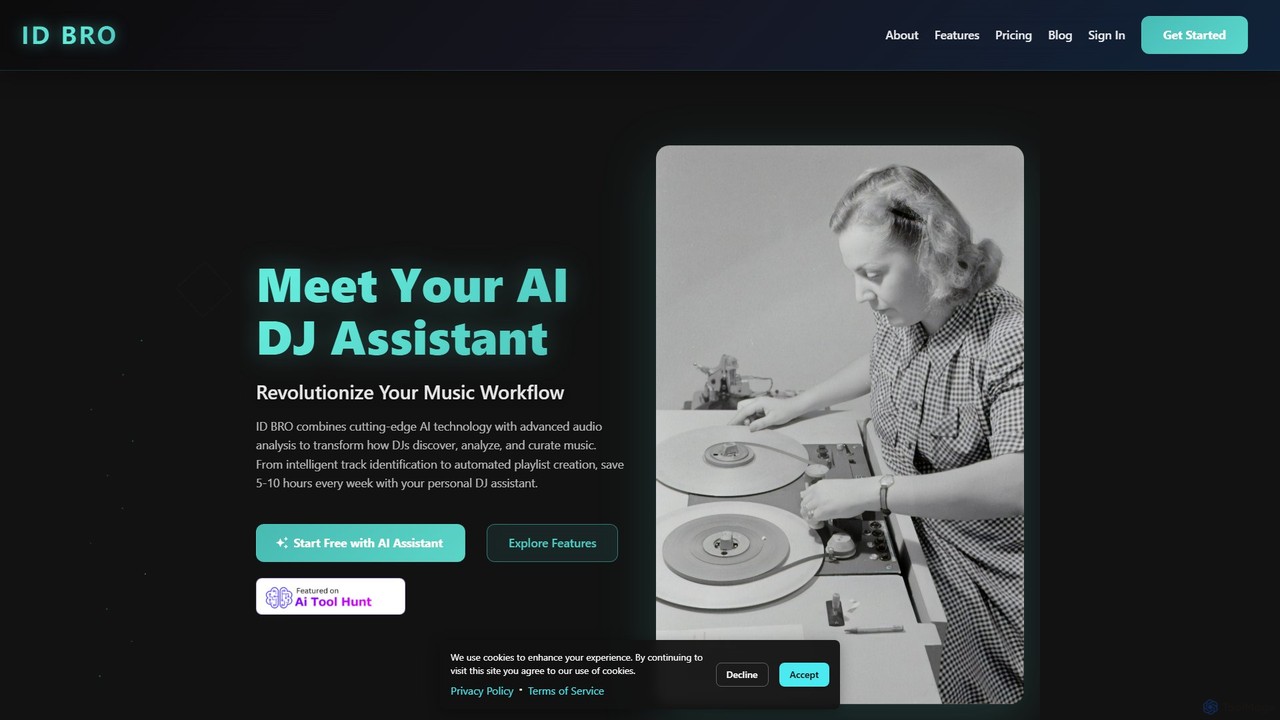
idbro
idbro is an AI DJ Assistant designed to revolutionize the music workflow for DJs and producers. It automates tedious tasks like track identification, BPM analysis, and playlist creation, saving users 5-10 hours weekly. With features like stem separation, sample generation, and advanced audio analysis, idbro empowers users to discover, analyze, and curate music with unprecedented speed and accuracy.
Audio Editing
Udio
Udio is a powerful AI music generator that transforms text prompts into professional-quality songs. It empowers everyone, from hobbyists to Grammy-winning producers, to create unique music across any genre. It features advanced tools for editing, remixing, extending tracks, and generating stems for professional use, fostering a vibrant community of creators and music lovers.
Music GenerationAudio AI Dynamics Categories
Audio AI Dynamics Embed Widget
Copy this embed code to place the badge on your blog, article, or product site and send readers directly to this ToolMage detail page.

Related AI tools
idbro
idbro is an AI DJ Assistant designed to revolutionize the music workflow for DJs and producers. It automates tedious tasks like track identification, BPM analysis, and playlist creation, saving users 5-10 hours weekly. With features like stem separation, sample generation, and advanced audio analysis, idbro empowers users to discover, analyze, and curate music with unprecedented speed and accuracy.
Audio EditingRevocalize AI
Revocalize AI is a powerful AI voice toolkit for musicians, producers, and creators. It offers studio-quality AI voice generation, hyper-realistic voice cloning, and advanced voice modulation. Create unique vocal tracks, enhance your singing, generate AI covers, and even monetize your own AI voice model. It's like Photoshop, but for your voice.
MusicUdio
Udio is a powerful AI music generator that transforms text prompts into professional-quality songs. It empowers everyone, from hobbyists to Grammy-winning producers, to create unique music across any genre. It features advanced tools for editing, remixing, extending tracks, and generating stems for professional use, fostering a vibrant community of creators and music lovers.
Music Generation
Jyek
Jyek is an AI agent platform that understands objectives, creates execution plans, uses tools, and delivers verifiable results for complex, multi-step tasks.
Automation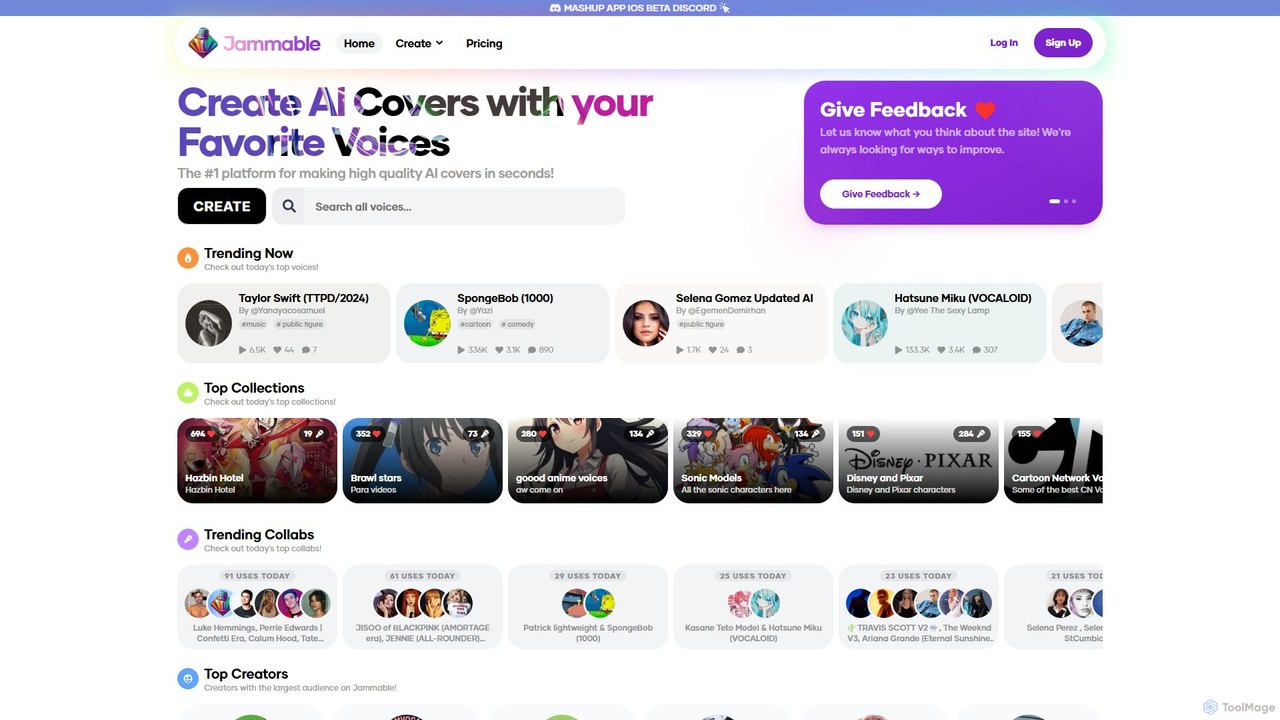
Jammable
Jammable is a leading AI platform for creating high-quality song covers in seconds. It features a massive library of voices, from famous singers and cartoon characters to community-created models. Users can generate unlimited covers, create duets, and even train their own custom voices.
Music
Controlla
Controlla is an AI-powered voice cloning platform designed for musicians, producers, and creators. It allows you to create a high-fidelity digital replica of your own singing voice, which can then be used to generate AI cover songs, create original vocal tracks, or prototype musical ideas with unparalleled ease and personalization.
Voice Cloning
Wondera.ai
Wondera.ai is a conversational AI music co-creator that transforms your ideas into complete songs. Using text prompts, hummed melodies, or reference tracks, you can generate, iterate, and produce music. It features advanced voice cloning, high-quality stem separation, and customizable AI agents, making music creation accessible to everyone from beginners to professionals.
Music Generation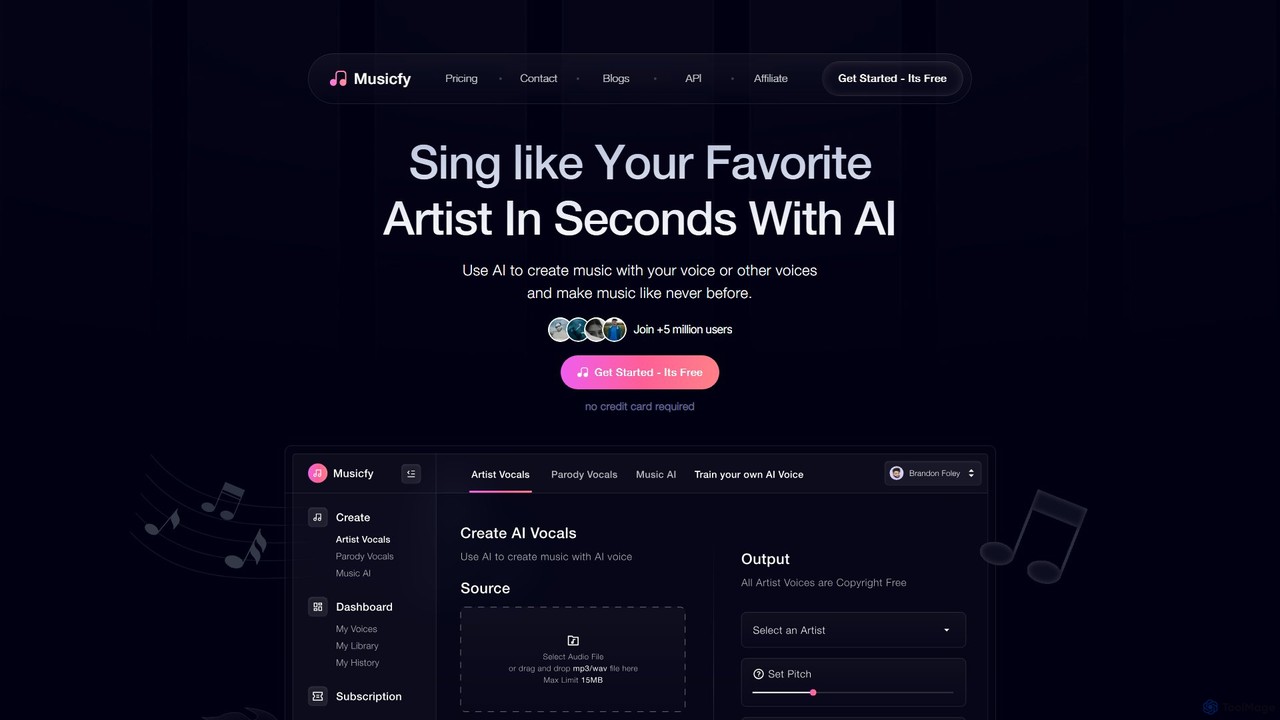
Musicfy
Musicfy is an AI-powered music creation platform that enables users to generate songs using their own voice, a library of copyright-free AI voices, or text prompts. It's designed for musicians, producers, and content creators to produce high-quality music, create vocal tracks, and even generate parody songs or royalty-free albums effortlessly.
Music Generation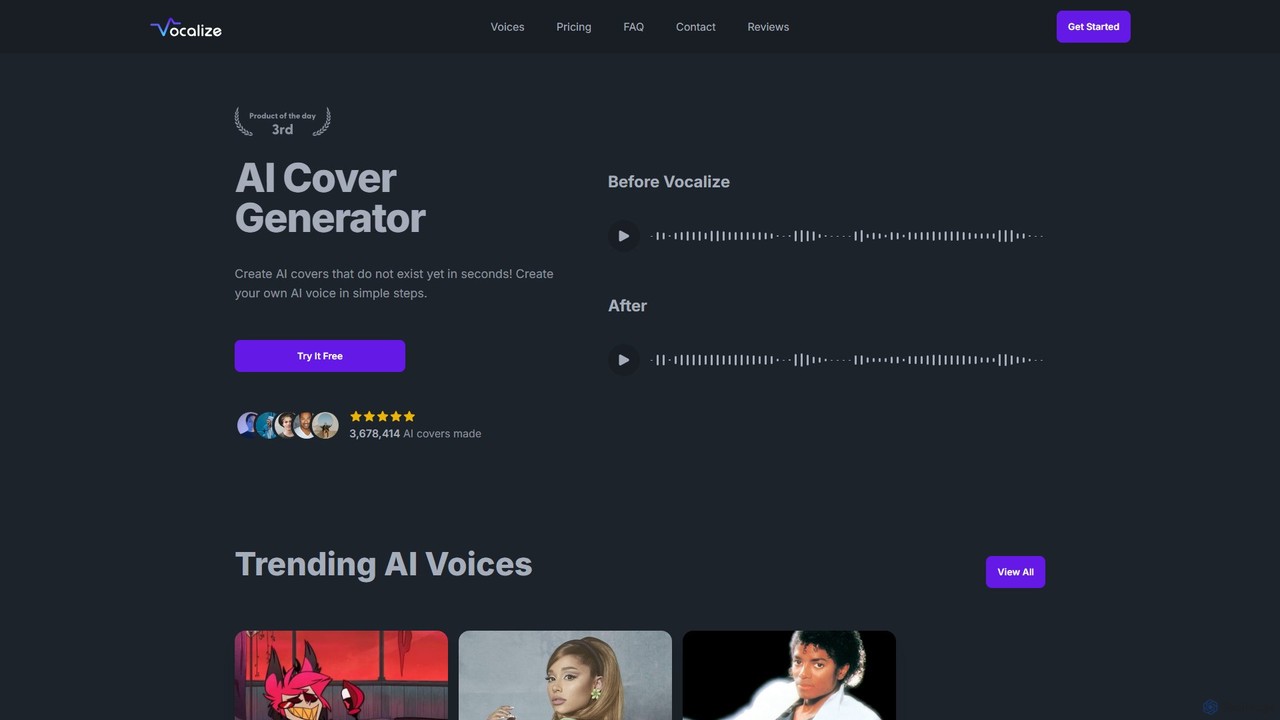
Vocalize
Vocalize is an AI-powered platform for creating AI song covers and text-to-speech audio. It features a vast library of over 50,000 community-contributed voices, including famous singers and characters. Users can also clone their own voice. It's designed for music producers, content creators, and fans to generate high-quality vocal tracks and voiceovers in seconds, offering both a free trial and a premium subscription for unlimited access and faster processing.
Music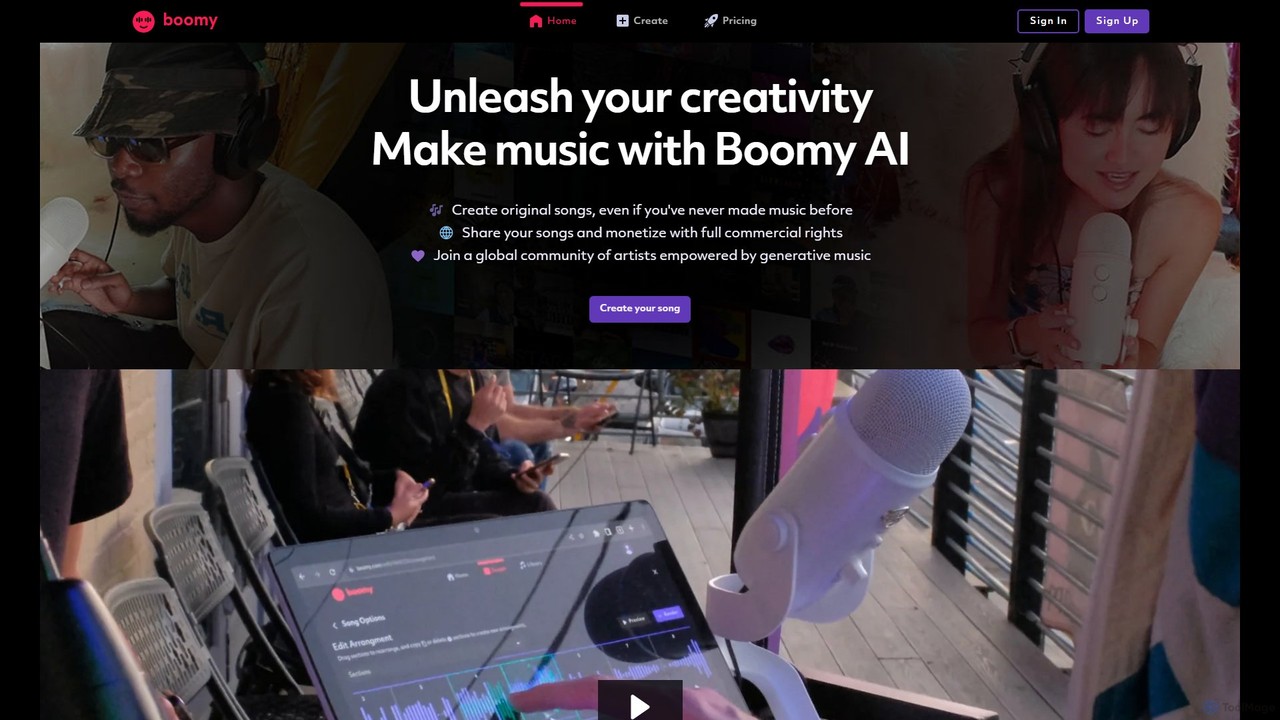
Boomy
Boomy is an AI-powered music generation platform that allows anyone to create original songs in seconds, regardless of their musical experience. Select a style, and Boomy's AI composes and produces a unique track. With advanced editing tools, commercial rights, and monetization options on paid plans, it's perfect for content creators, musicians, and developers seeking custom, royalty-free music.
Generative Art
Sonoteller
Sonoteller is an advanced AI music analysis engine that 'listens' to songs to provide comprehensive data, including genre, mood, instruments, lyrics analysis, and explicit content flagging. It's designed for music professionals and enthusiasts to automatically tag and understand music catalogs.
Music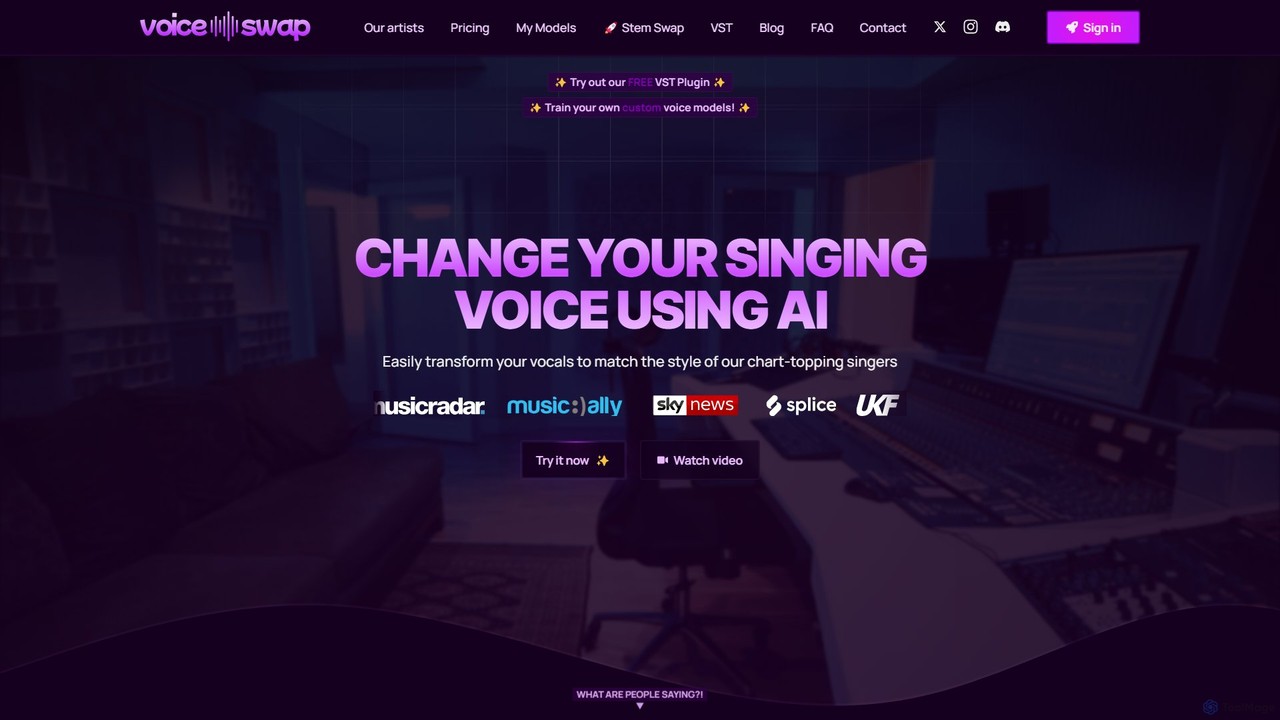
Voice-Swap
Voice-Swap is an AI-powered platform for music creators to legally transform their singing voice into the style of professional artists. It offers a VST plugin for DAW integration, custom voice model training, and a clear licensing framework for commercial use, ensuring artists are compensated.
Music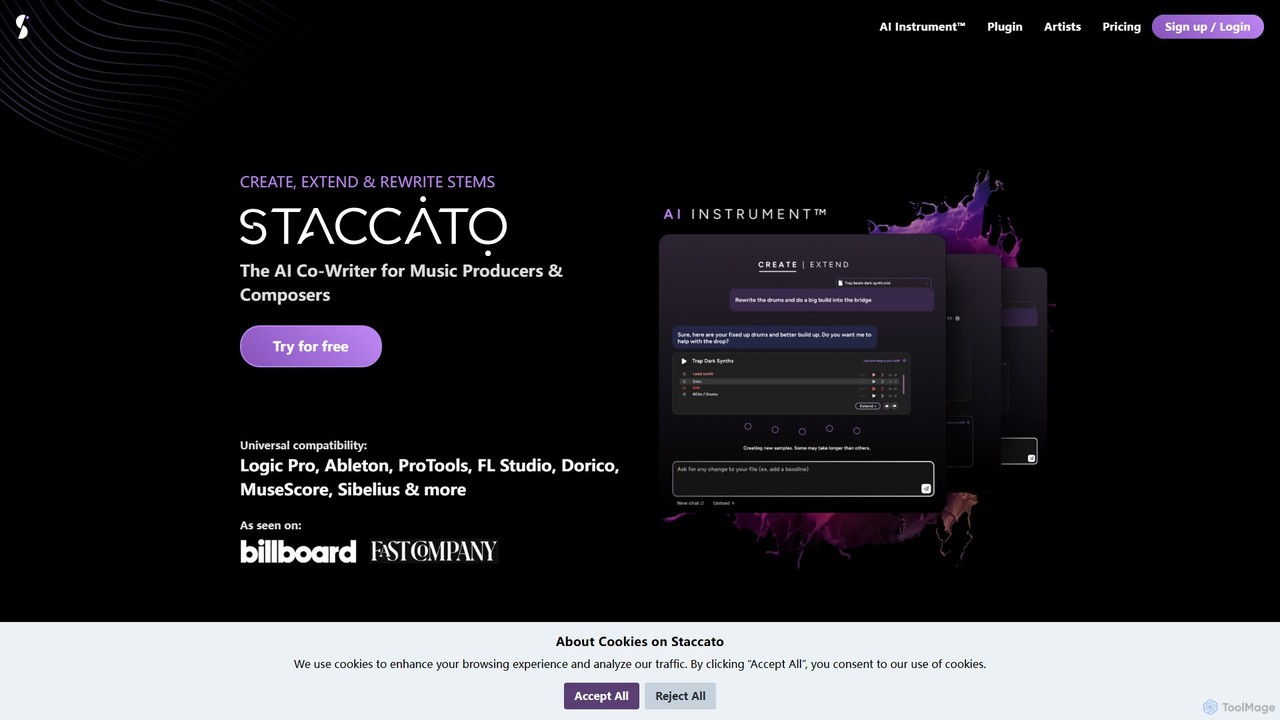
Staccato
Staccato is an AI co-writer for music producers, composers, and songwriters. It generates unique, royalty-free MIDI music and lyrics, acting as a creative partner to inspire ideas and overcome writer's block. It integrates seamlessly into major DAWs as a plugin or can be used online.
Generative Music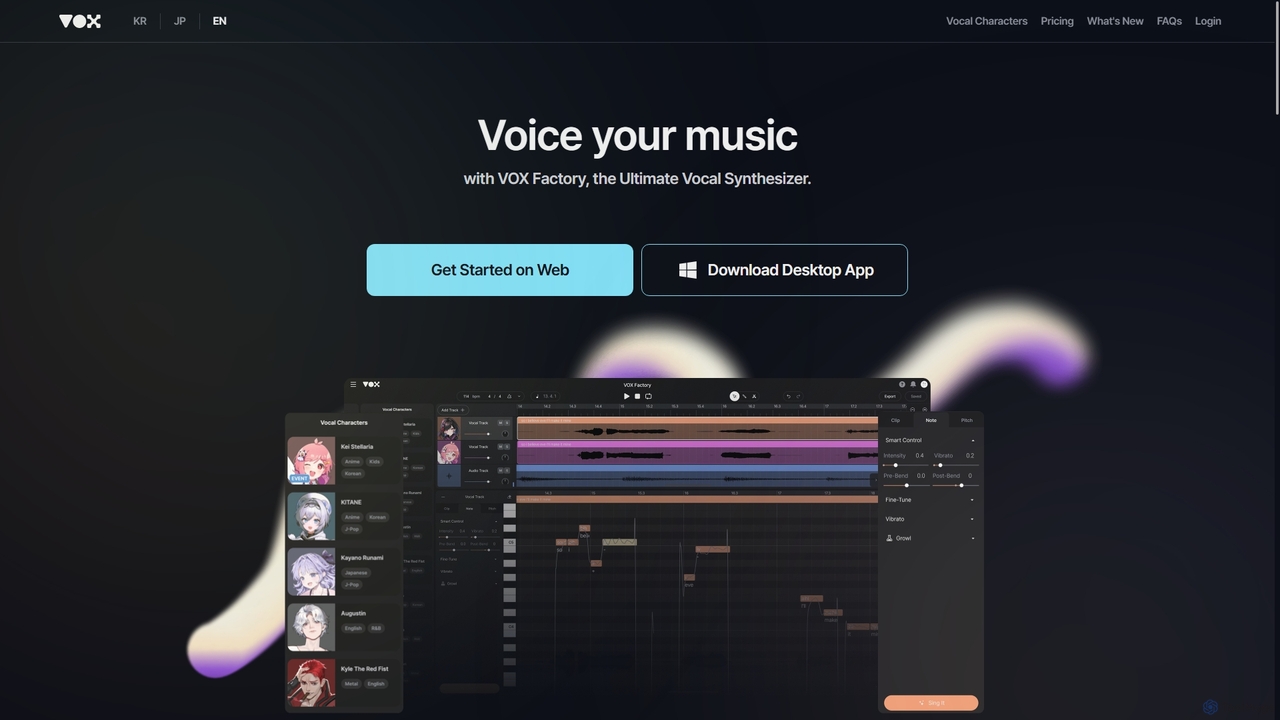
VOX Factory
VOX Factory is an advanced AI vocal synthesizer that enables music producers and creators to generate high-quality, expressive vocal tracks instantly. Simply type in lyrics, provide a melody via MIDI, and choose from a diverse library of virtual vocal characters spanning various genres and languages like English, Korean, and Japanese.
Music Production
Vibrato
Vibrato is an AI-powered music and audio production tool designed to enhance vocal tracks and instrumental performances. It specializes in generating realistic vibrato, harmonizing vocals, and creating expressive, human-like audio for musicians, producers, and content creators.
Music
Audio AI Dynamics Comments (0)
Sign in to comment.
Sign inNo comments yet.