

ToneShift Overview
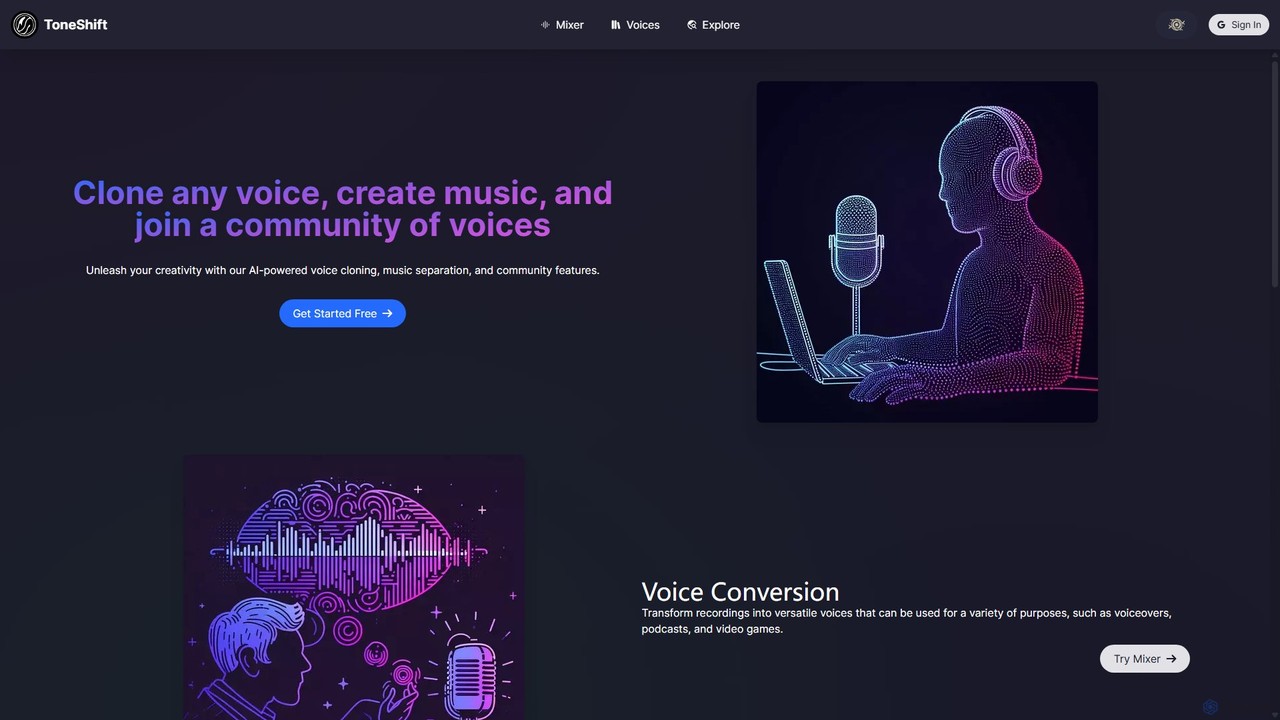
ToneShift is a comprehensive AI-powered audio creation suite designed to unleash the creative potential of musicians, podcasters, content creators, and developers. At its core, ToneShift offers a powerful set of tools for voice manipulation and music production, all accessible through an intuitive web interface. The platform's standout feature is its advanced voice cloning technology, which allows users to replicate any voice with remarkable accuracy, opening up endless possibilities for creating unique characters, narrations, and vocal performances.
Beyond cloning, ToneShift provides a versatile voice conversion tool. Users can upload their own audio recordings and transform them using a vast selection of voices from the community library or their own private collection. This is ideal for generating consistent voiceovers, localizing content, or simply experimenting with different vocal styles. The platform also includes a sophisticated music separation feature, often called a stem splitter. This allows users to upload a song and isolate the vocals from the instrumental tracks, a crucial function for creating remixes, mashups, karaoke tracks, or for producers who want to study song arrangements.
A key element of the ToneShift experience is its community-driven approach. The 'Explore' section features a rich and growing library of voices shared by other users, ranging from famous characters and celebrities to unique user-created tones. This collaborative ecosystem not only provides a massive resource pool but also fosters a space for inspiration and collaboration among creators.
How to use ToneShift
Using ToneShift is a straightforward process designed for both beginners and professionals:
- Select a Tool: Navigate to the desired function, such as 'Voice Conversion', 'Voice Cloning', or the 'Mixer' for music separation.
- For Voice Conversion:
a. Upload your audio file (up to 25MB and 10 minutes long) or use the built-in recorder.
b. Browse the 'Community Voices' or your personal 'Voice Library' to select the target voice you want to apply.
c. Adjust settings like pitch to fine-tune the output. Higher pitch values can create younger or feminine-sounding voices, while lower values can create deeper, more masculine tones.
d. Choose the output quality (Medium or High). Higher quality may consume more credits.
e. Click 'Generate' to start the AI conversion process. - For Music Separation:
a. Go to the 'Mixer' and select the music separation tab.
b. Upload your song file.
c. The AI will process the track and provide separate downloadable files for the vocals and the instrumentals. - Explore and Manage Voices:
a. Visit the 'Explore' page to discover and add new community voices to your personal library.
b. Use the 'Your Voice Library' page to manage, train, and share your own cloned voices.
Core Features of ToneShift
- AI Voice Cloning: Create high-fidelity digital replicas of any voice from an audio sample. Perfect for preserving voices or creating unique character vocals.
- Voice Conversion: Transform any recording by applying a different voice from an extensive library. Supports pitch adjustment for further customization.
- Music Separation (Stem Splitter): Isolate vocals and instrumentals from any song, enabling remixes, mashups, and acapella or instrumental track creation.
- Community Voice Library: Access a vast, user-generated library of voices, including famous personalities, cartoon characters, and original creations.
- Personal Voice Hub: A personalized space to store, manage, train, and share your own collection of cloned and favorite voices.
- Direct Audio Recording: Record audio directly in the browser for quick voice conversions without needing to upload a file.
Use Cases for ToneShift
ToneShift is a versatile tool for various creative and professional applications:
- Content Creators: Generate dynamic voiceovers for YouTube videos, social media content, and animations using a wide range of character voices.
- Musicians and Producers: Create remixes and mashups by separating stems from existing tracks. Experiment with different vocal styles on their songs without needing a singer.
- Podcasters: Maintain a consistent voice for a show, create character voices for narrative podcasts, or generate audio versions of articles in a chosen voice.
- Video Game Developers: Quickly prototype and implement character voices for NPCs and main characters, saving time and resources in early development stages.
- Marketing and Advertising: Produce engaging audio for advertisements and promotional materials with unique and attention-grabbing voices.
Advantages of ToneShift
ToneShift stands out due to its powerful combination of features and user-centric design:
- Creativity Unleashed: The tools for voice cloning and conversion remove traditional barriers in audio production, allowing for limitless creative expression.
- Community-Powered: The ever-expanding community library provides an endless source of inspiration and ready-to-use assets.
- All-in-One Platform: Combines voice cloning, conversion, and music separation in a single, easy-to-use interface, eliminating the need for multiple separate tools.
- High-Quality Output: The AI models are trained to produce clear, natural-sounding voice conversions and clean music separations.
- Accessibility: With a free starting tier, it's accessible to hobbyists and professionals alike, allowing anyone to start creating immediately.
Pricing and Plans
ToneShift operates on a freemium model, providing both free and paid options to suit different user needs.
- Free Plan: Ideal for new users and casual hobbyists. This plan typically includes a limited number of monthly credits, access to community voices, and standard-quality generation. This allows users to test all core features without any financial commitment.
- Paid Plans (e.g., Creator, Pro): For more frequent users and professionals, paid plans offer a significant increase in monthly credits, access to higher-quality audio generation, faster processing times, and potentially advanced features like training private voice models. Pricing is structured as a monthly or annual subscription, providing better value for long-term users.
(Note: Specific pricing details and credit allocations should be checked on the official website.)
ToneShift Alternatives
aivoicelab
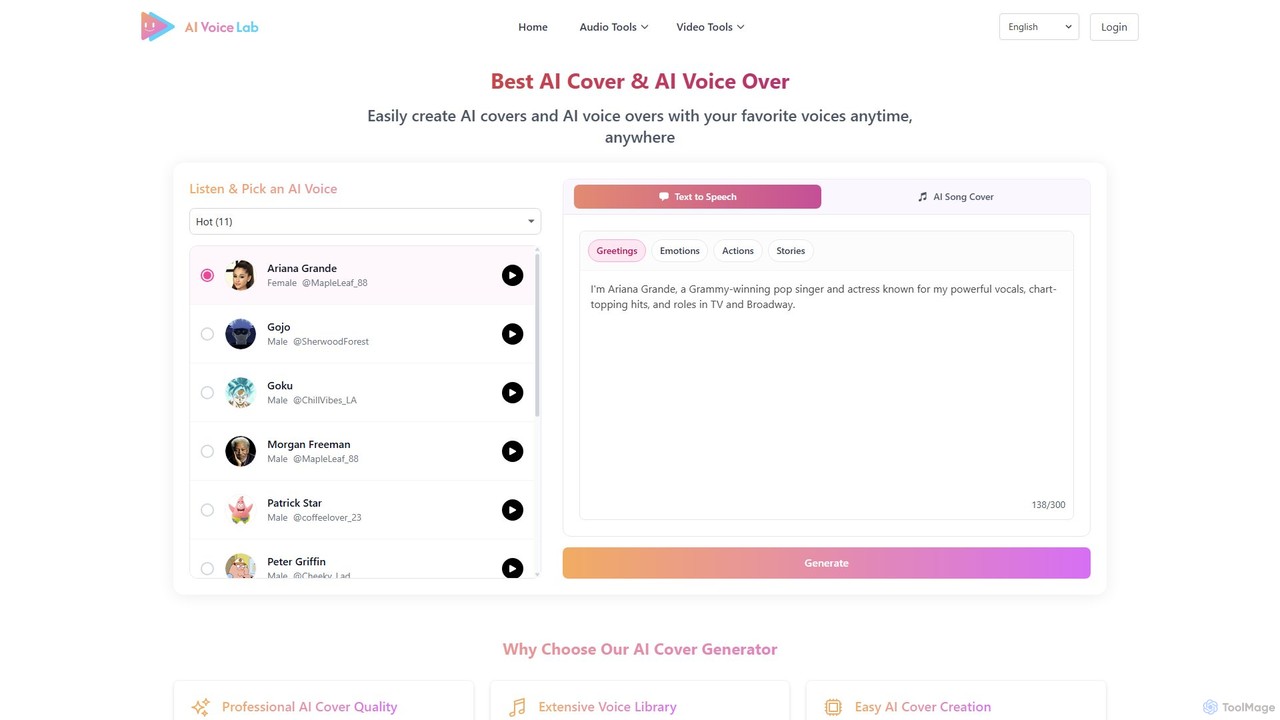
aivoicelab is a powerful AI audio platform for creating high-quality AI song covers, voice-overs, and text-to-speech content. It features an extensive library of over 1000 voices, including celebrities and characters, and offers advanced tools like custom voice cloning, audio editing, and AI-powered duets. It's designed for musicians, content creators, and anyone looking to explore creative audio production.
Music
Revocalize AI
Revocalize AI is a powerful AI voice toolkit for musicians, producers, and creators. It offers studio-quality AI voice generation, hyper-realistic voice cloning, and advanced voice modulation. Create unique vocal tracks, enhance your singing, generate AI covers, and even monetize your own AI voice model. It's like Photoshop, but for your voice.
Music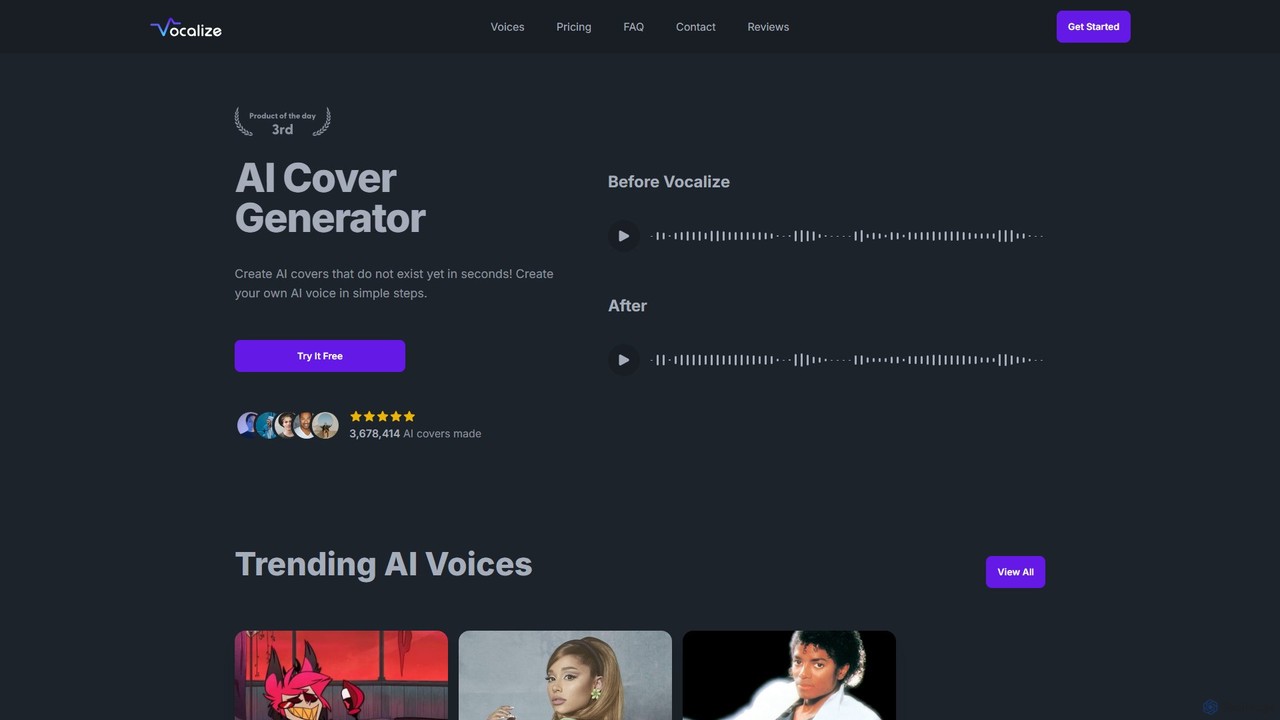
Vocalize
Vocalize is an AI-powered platform for creating AI song covers and text-to-speech audio. It features a vast library of over 50,000 community-contributed voices, including famous singers and characters. Users can also clone their own voice. It's designed for music producers, content creators, and fans to generate high-quality vocal tracks and voiceovers in seconds, offering both a free trial and a premium subscription for unlimited access and faster processing.
Music
Kits AI
Kits AI is a comprehensive AI music platform for producers, singers, and creators. It offers studio-quality tools, including hyper-realistic voice cloning, a vast library of royalty-free AI singers, instrument conversion, vocal separation, and AI-powered mastering. Streamline your workflow, generate high-quality demos, and unlock new creative possibilities ethically and efficiently.
Music Generation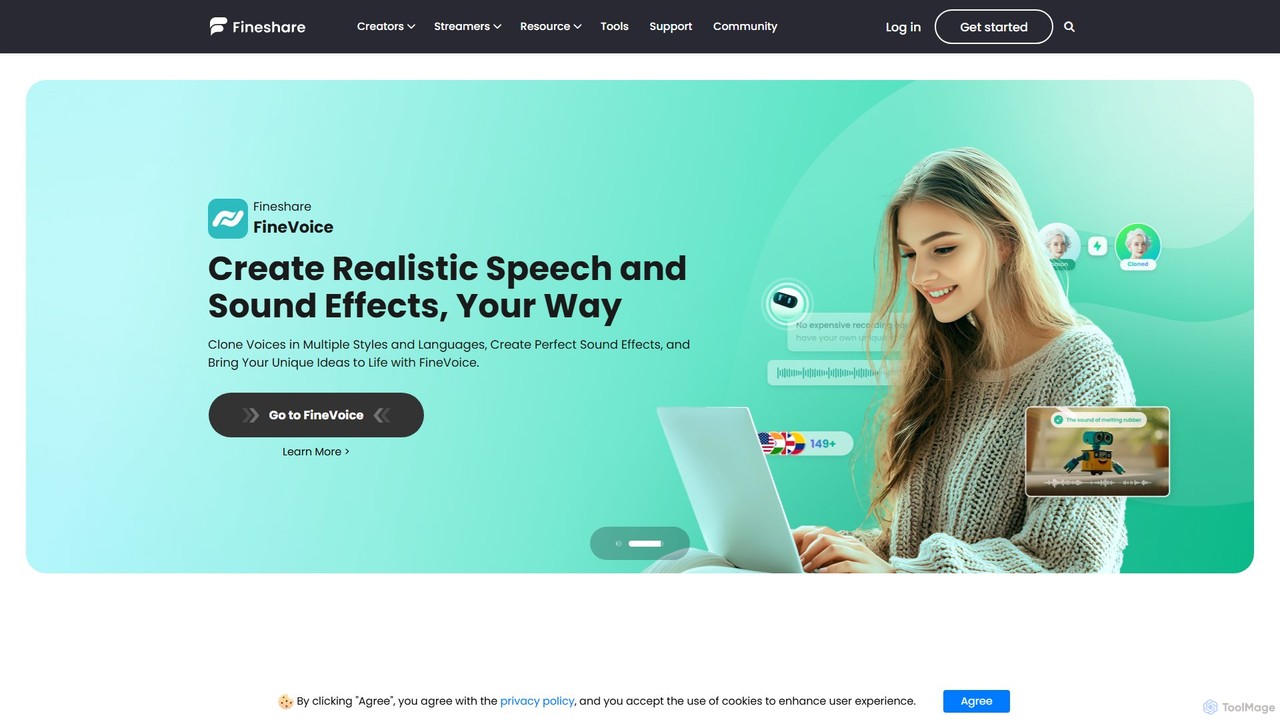
Fineshare
Fineshare offers a suite of AI-powered audio and video tools, including the advanced Finevoice AI voice generator for text-to-speech and voice cloning, and FineCam for turning your phone into a professional HD webcam. It's designed for content creators, marketers, and educators to produce high-quality media effortlessly.
Voice CloningToneShift Categories
ToneShift Embed Widget
Copy this embed code to place the badge on your blog, article, or product site and send readers directly to this ToolMage detail page.

Related AI tools
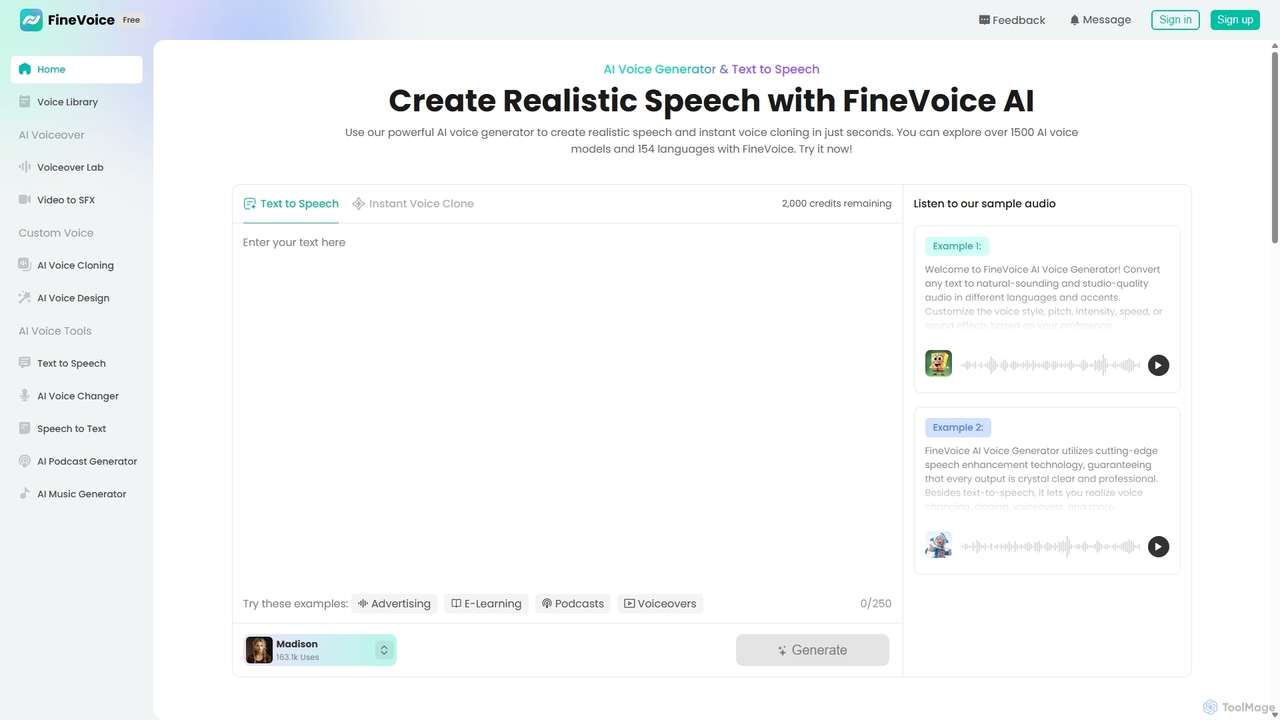
FineVoice
FineVoice is a powerful AI voice generator and audio creation suite. It offers realistic text-to-speech, instant voice cloning, a real-time voice changer, and professional voiceover tools. With a library of over 1500 AI voices in 154 languages, it's designed for content creators, marketers, podcasters, and developers seeking high-quality, customizable audio solutions.
Voice SynthesisVocalize
Vocalize is an AI-powered platform for creating AI song covers and text-to-speech audio. It features a vast library of over 50,000 community-contributed voices, including famous singers and characters. Users can also clone their own voice. It's designed for music producers, content creators, and fans to generate high-quality vocal tracks and voiceovers in seconds, offering both a free trial and a premium subscription for unlimited access and faster processing.
Music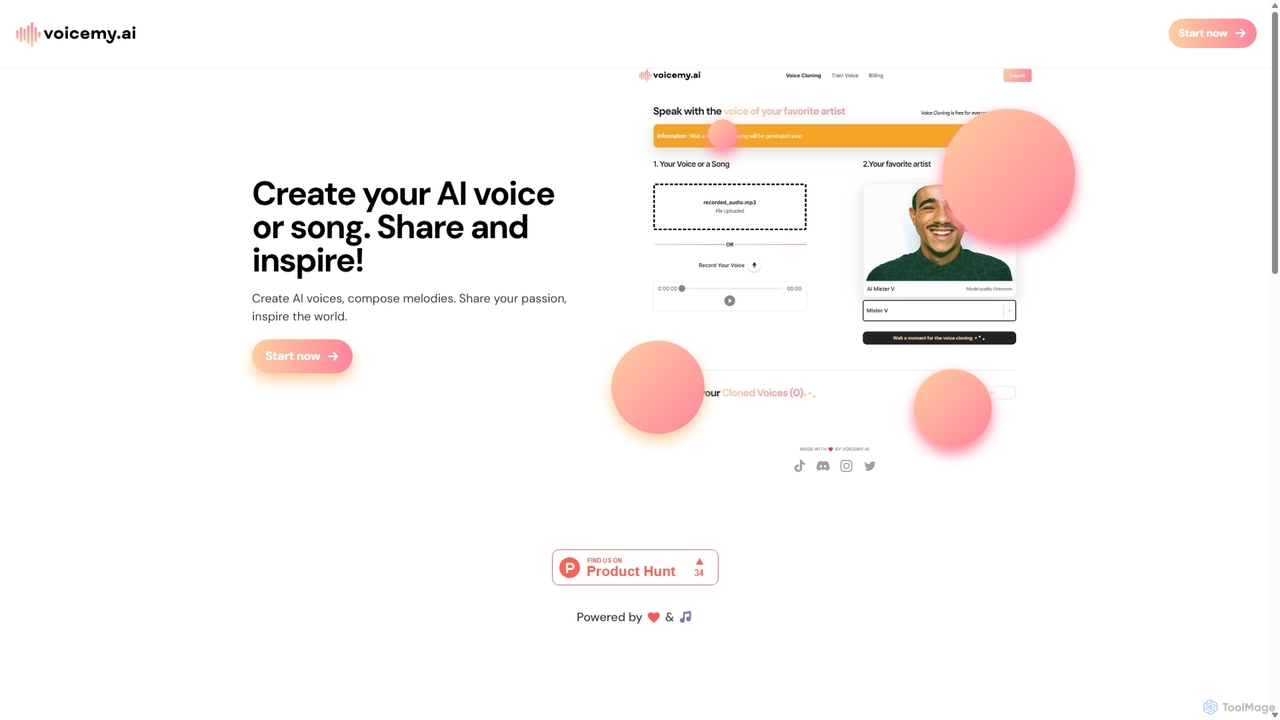
Voicemy.ai
Voicemy.ai is an AI-powered platform for creating unique AI voices and songs. It specializes in voice cloning, custom voice model training, and AI song generation, allowing users to transform their creative audio ideas into reality and share them with a global community.
Voice Cloning
Murf AI
Murf AI is a versatile AI voice generator that converts text to studio-quality, human-like speech. It offers over 200 voices in 30+ languages, voice cloning, and advanced customization. Ideal for creating professional voiceovers for videos, podcasts, presentations, and e-learning content, it streamlines production and significantly reduces costs.
Text To Speech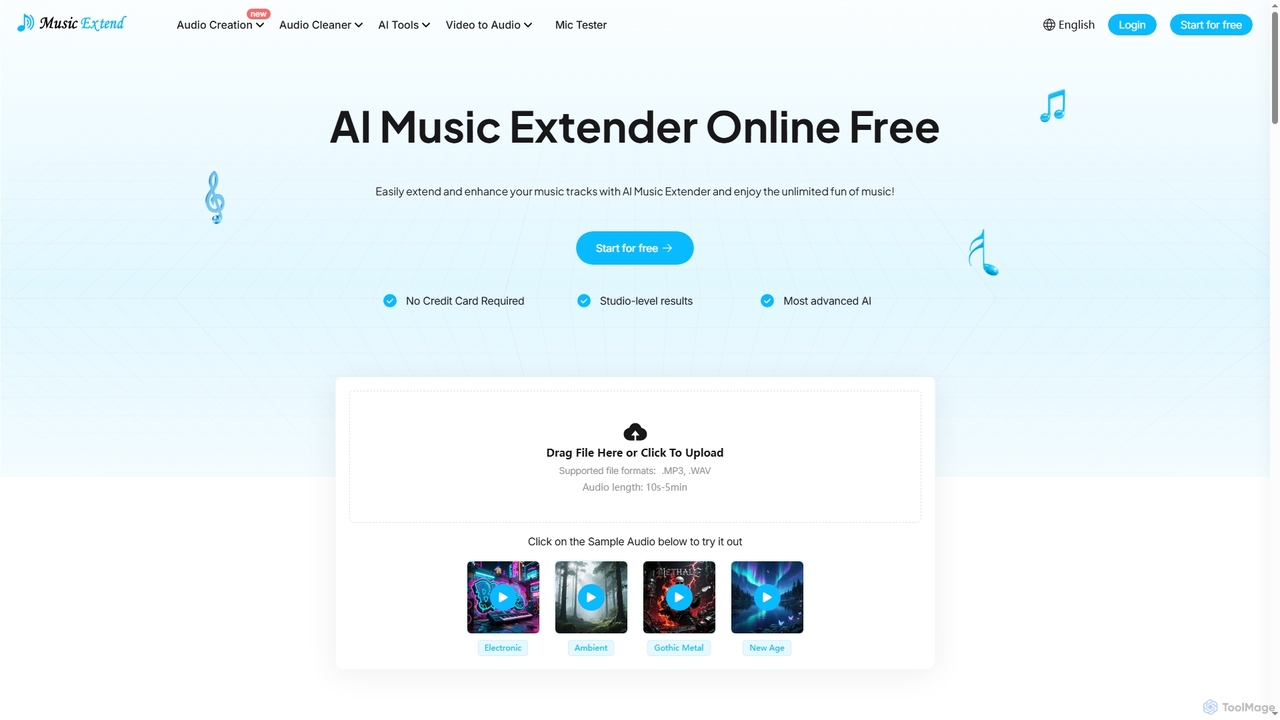
MusicExtend
MusicExtend is an advanced AI-powered online platform offering a suite of audio tools, including music extension, sound effect generation, voice cloning, music mashup creation, BPM detection, and comprehensive audio cleaning. It allows users to enhance, create, and refine audio content with studio-level results, all accessible for free without signup or credit card.
Audio Enhancement
svahame
svahame is an AI-powered audio creation platform that enables users to generate high-quality, realistic voiceovers in multiple languages and styles. It also offers tools for creating dynamic soundscapes and background music, making it ideal for content creators, marketers, and developers looking to enhance their projects with immersive audio.
Voice GenerationKits AI
Kits AI is a comprehensive AI music platform for producers, singers, and creators. It offers studio-quality tools, including hyper-realistic voice cloning, a vast library of royalty-free AI singers, instrument conversion, vocal separation, and AI-powered mastering. Streamline your workflow, generate high-quality demos, and unlock new creative possibilities ethically and efficiently.
Music GenerationFineshare
Fineshare offers a suite of AI-powered audio and video tools, including the advanced Finevoice AI voice generator for text-to-speech and voice cloning, and FineCam for turning your phone into a professional HD webcam. It's designed for content creators, marketers, and educators to produce high-quality media effortlessly.
Voice Cloning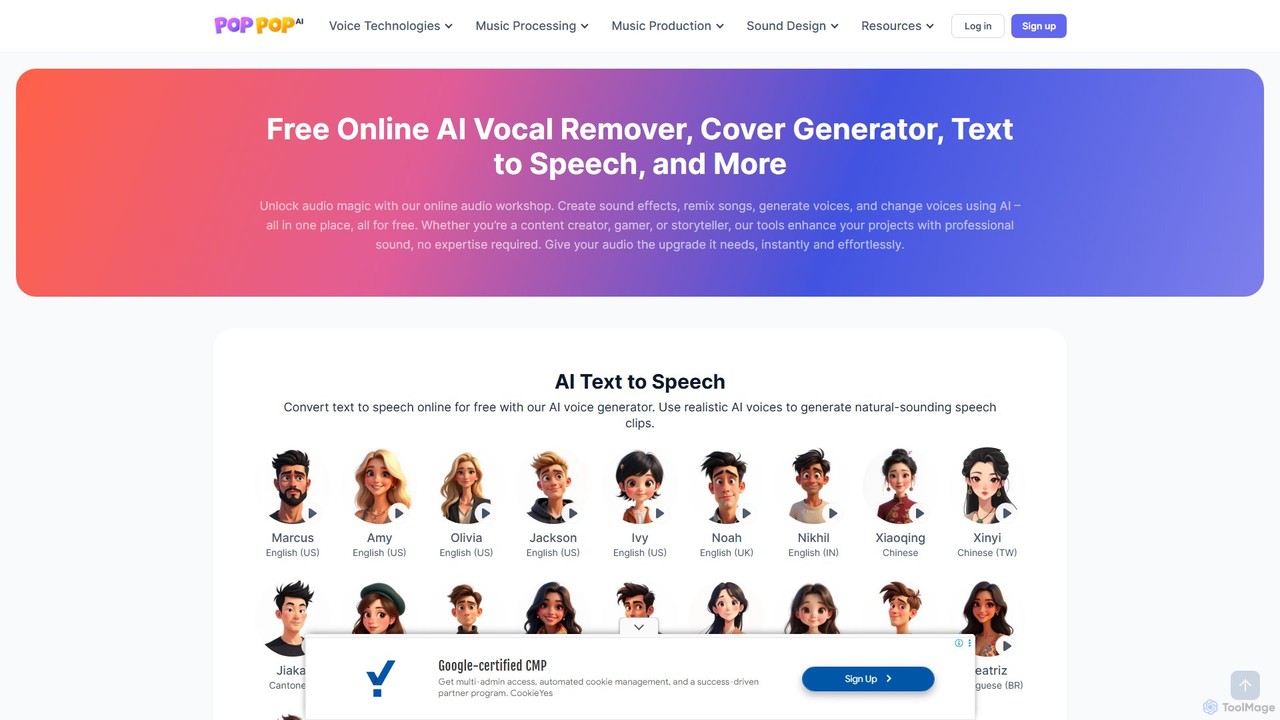
PopPop AI
PopPop AI is a free, all-in-one online audio workshop. It offers a suite of AI-powered tools, including a vocal remover, song cover generator, text-to-speech, sound effect generator, and voice changer. Designed for content creators, musicians, and gamers, it makes professional audio creation accessible to everyone without any cost or technical expertise.
Music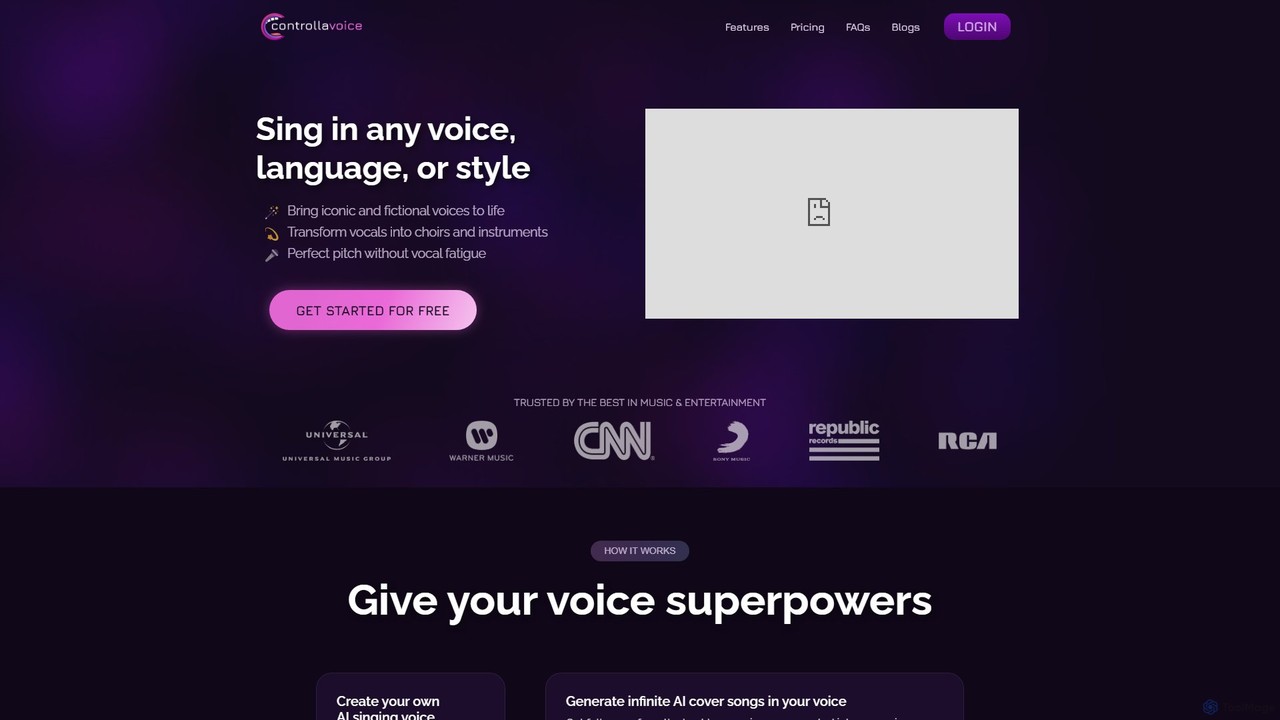
Controlla Voice
Controlla Voice is an advanced AI singing voice generator that allows users to clone their voice, create AI cover songs, transform vocals into instruments or choirs, and perform in any language. It's designed for musicians, producers, and creators to explore new sonic possibilities with ethically sourced, high-quality AI voices.
Voice Cloning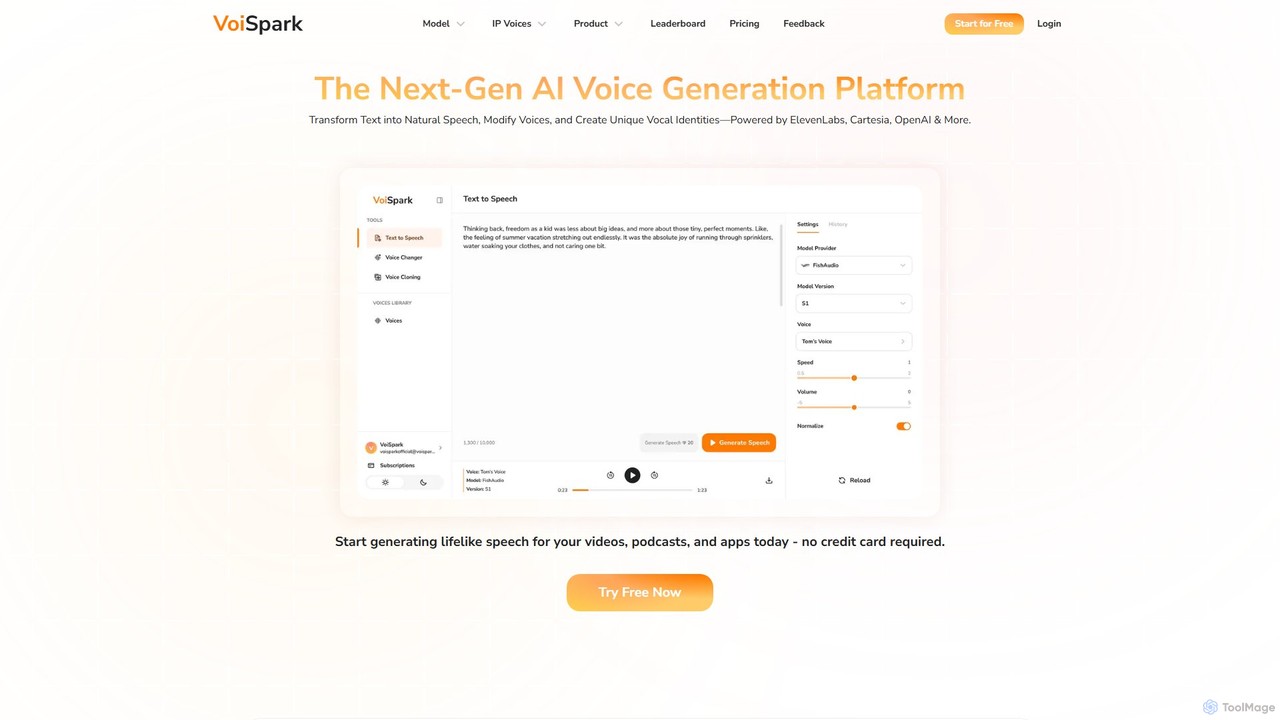
VoiSpark
VoiSpark is a next-generation AI voice platform offering a suite of tools for text-to-speech, voice cloning, voice changing, and custom voice design. Powered by leading models like ElevenLabs and OpenAI, it enables creators and businesses to generate ultra-realistic, studio-quality audio in over 50 languages for podcasts, videos, e-learning, and more.
Audio Editing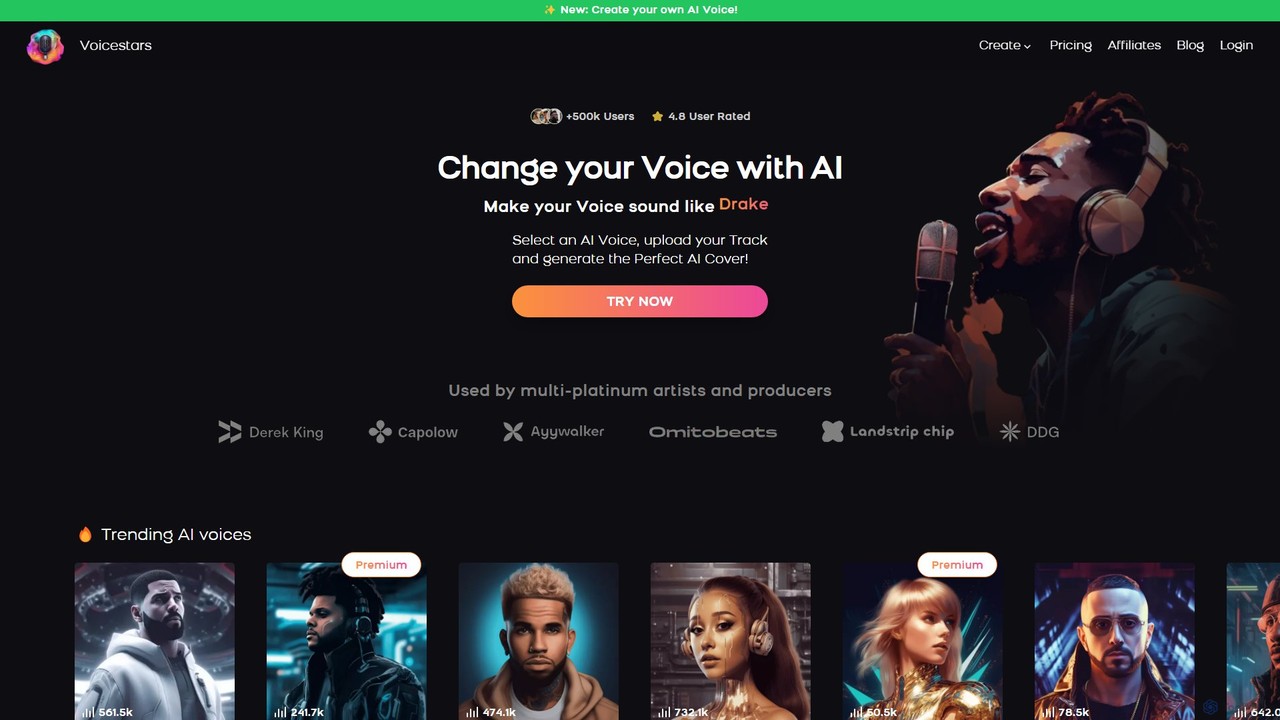
Voicestars
Voicestars is a powerful AI voice changer that allows users to create high-quality AI song covers using a vast library of over 600 voices, including famous artists and characters. It also offers voice cloning technology, enabling musicians, content creators, and hobbyists to transform their audio tracks into viral hits or professional-grade voiceovers.
Music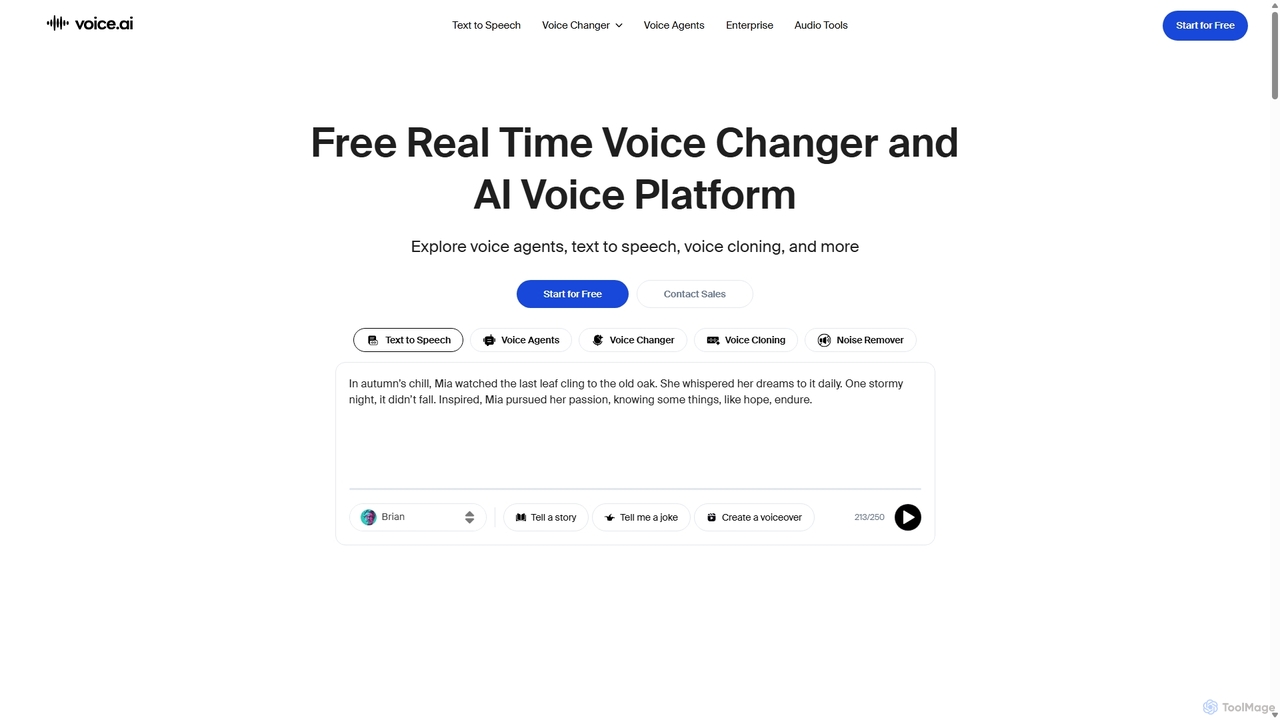
Voice.ai
Voice.ai is a versatile AI voice platform offering a free real-time voice changer, realistic text-to-speech, and precise voice cloning. Designed for gamers, streamers, content creators, and businesses, it features a vast library of user-generated voices, enabling seamless voice transformation across popular apps and games.
Text To Speech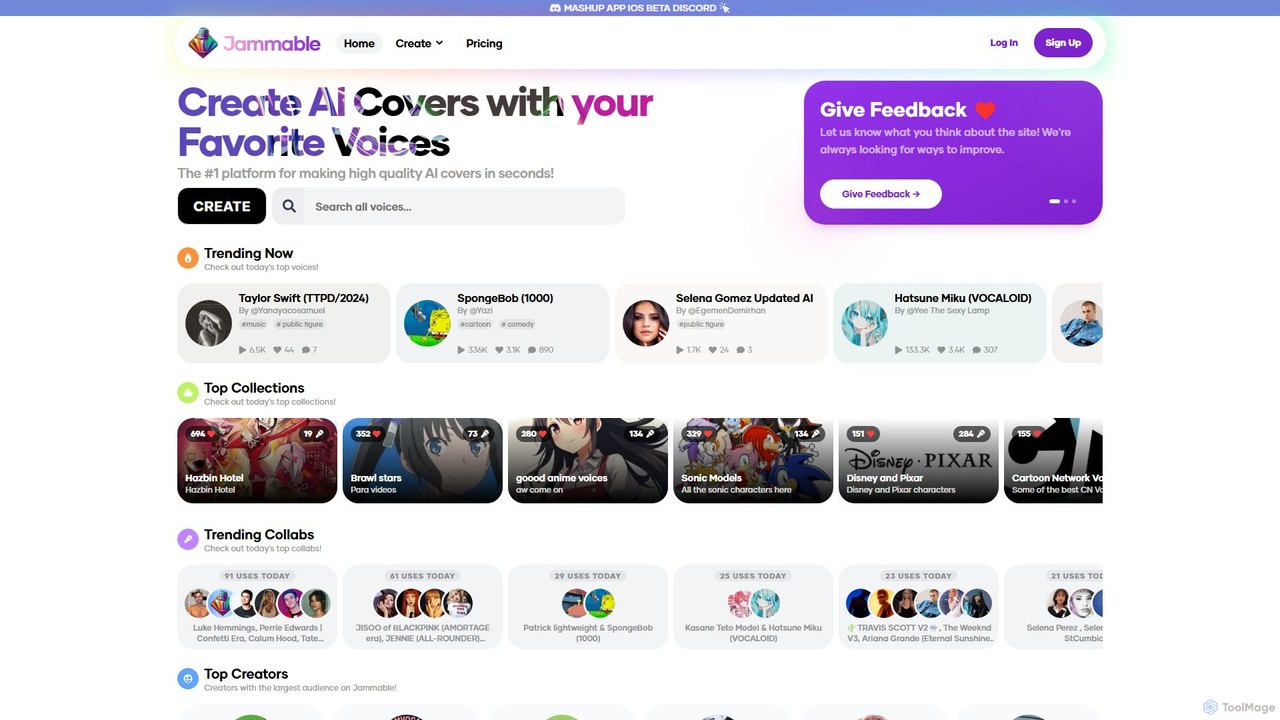
Jammable
Jammable is a leading AI platform for creating high-quality song covers in seconds. It features a massive library of voices, from famous singers and cartoon characters to community-created models. Users can generate unlimited covers, create duets, and even train their own custom voices.
Music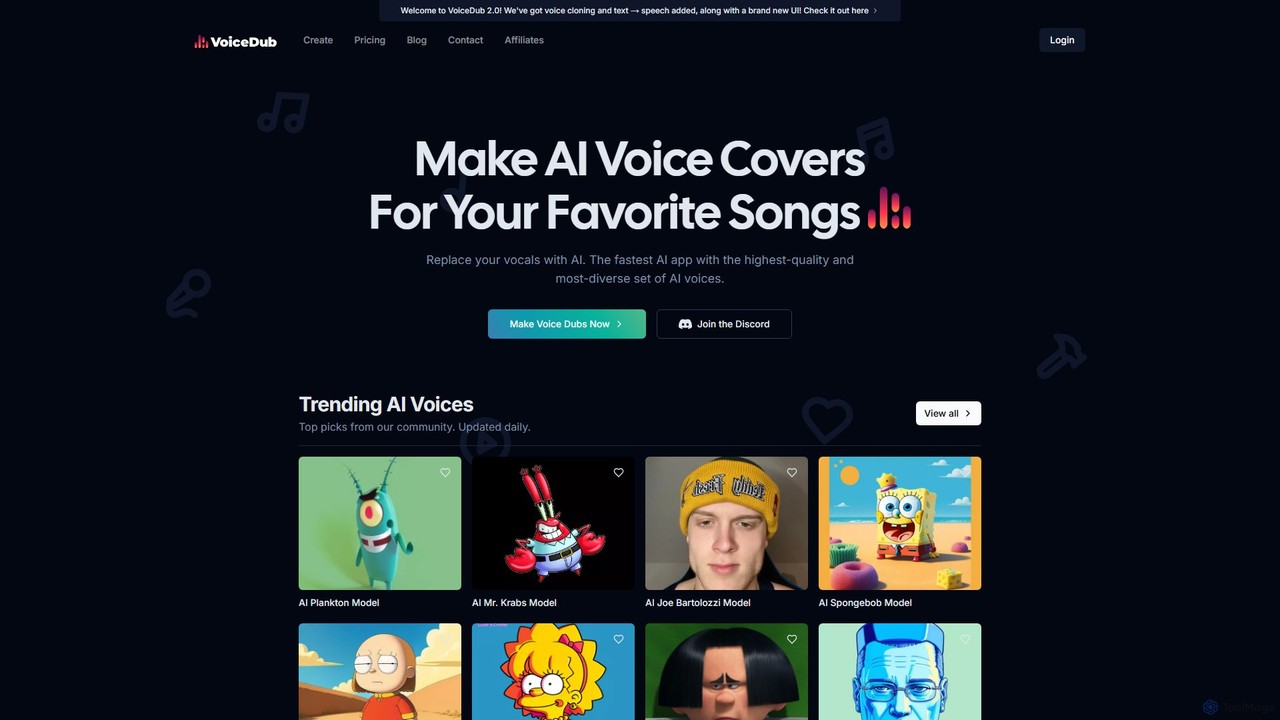
VoiceDub
VoiceDub is an AI-powered platform for creating high-quality voice covers of your favorite songs. It allows you to replace vocals in any audio file with a voice from its extensive library of over 10,000 AI voices, including celebrities and cartoon characters. The platform also features advanced voice cloning, text-to-speech, and a free vocal remover tool, making it ideal for content creators, musicians, and hobbyists.
Music Generation
ToneShift Comments (0)
Sign in to comment.
Sign inNo comments yet.