

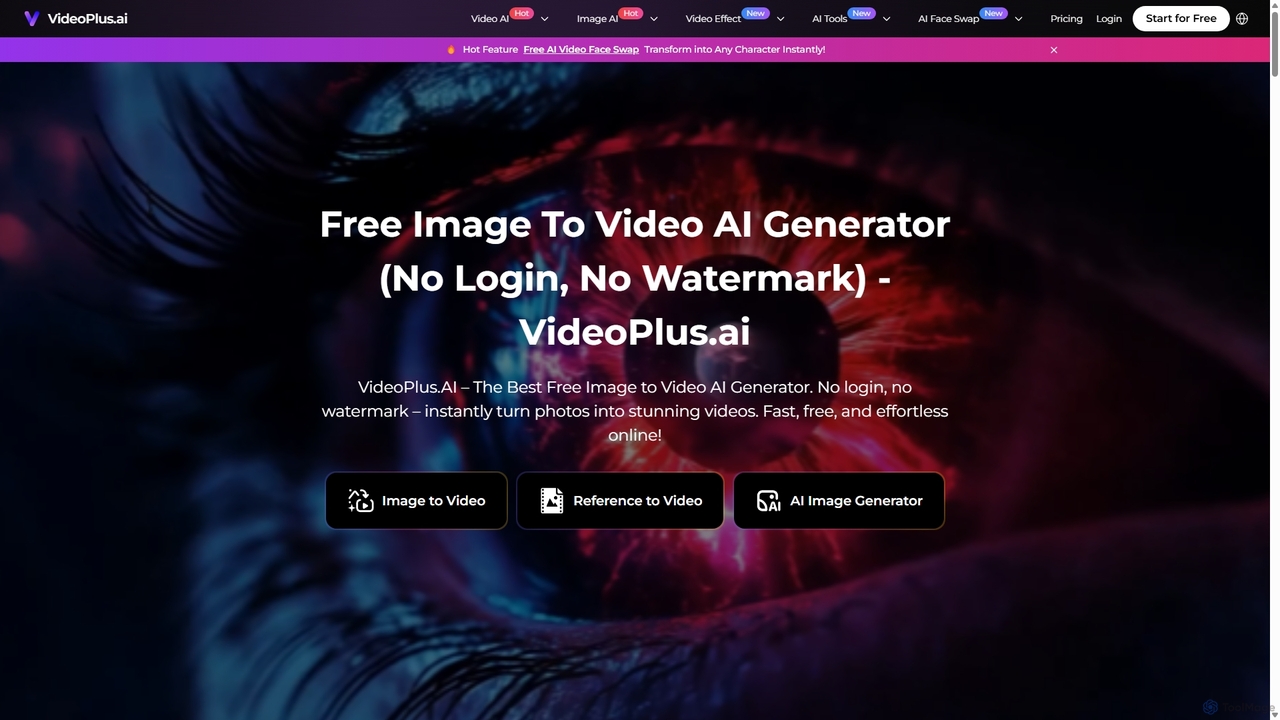
VideoPlus.ai Overview
VideoPlus.ai is a comprehensive, all-in-one AI-powered video creation platform designed to simplify and accelerate the video production process. Trusted by over a million users who have generated more than 65 million videos, it stands out as a versatile tool for transforming static images and text prompts into dynamic, professional-quality videos. The platform is engineered to be accessible for everyone, from beginners with no editing experience to seasoned professionals in marketing, filmmaking, and content creation. Its core promise is to make video generation effortless, fast, and free from common barriers like mandatory logins or watermarks on initial creations.
How to use VideoPlus.ai
Creating a video with VideoPlus.ai is a straightforward, three-step process, particularly for its flagship Image to Video feature:
- Upload Your Media: Navigate to the desired tool, such as 'Image to Video'. Upload one or more images that you want to animate. You can also optionally add a text prompt to guide the AI on the desired style, mood, or action.
- Customize Your Video Settings: Tailor the output to your specific needs. Adjust parameters like resolution (up to 1080p), duration (e.g., 4s, 8s, 10s), and aspect ratio (16:9 for YouTube, 9:16 for TikTok/Reels, 1:1 for Instagram). You can also fine-tune camera controls (e.g., push, pull, rotate, track) and movement amplitude to create cinematic effects.
- Generate and Share: Click the 'Generate Video' button. The AI will process your inputs and create the video within minutes. Once complete, you can download the final product to your device or share it directly on social media platforms.
Core Features of VideoPlus.ai
- Image to Video Generator: The primary function that animates static images, bringing photos to life with dynamic motion and effects.
- Text to Video Generator: Creates videos from scratch based on descriptive text prompts, similar to models like Vidu, Kling, and Veo 2.
- Reference to Video: Generates a video that mimics the style or composition of a reference image you provide.
- AI Video Effects: A rich library of special effects, including AI Dance Generator (transforms a person into a dancer), AI Bridal Carry, AI Hug, and AI Kiss videos for creating emotionally resonant scenes.
- AI Face Swap: Seamlessly transform a person in a video into any character.
- AI Image Generator: Create high-quality, unique images from text prompts to use in your video projects.
- Enhancement Tools: Includes AI Video Enhancer and AI Photo Enhancer to improve the quality of your media, as well as Watermark Removers for video and images.
- Advanced Customization: Offers detailed camera controls, multiple art styles (General, Anime), and aspect ratio adjustments to ensure the final video matches your vision.
Use Cases for VideoPlus.ai
VideoPlus.ai is a versatile tool applicable across numerous industries:
- Marketing and Advertising: Marketing managers can quickly produce high-quality promotional videos, social media ads, and campaign content, saving significant time and resources.
- Content Creation: Social media influencers and content creators can generate engaging short-form videos for platforms like TikTok, Instagram, and YouTube, helping them stay ahead of trends.
- E-commerce: Online store owners can create dynamic product videos and advertisements that boost engagement and sales.
- Education: Teachers and educators can develop engaging visual aids and lesson content to make learning more interactive and memorable.
- Filmmaking: Professionals in the film industry can use it for rapid prototyping, pre-visualization, and brainstorming creative concepts.
- Real Estate: Agents can create dynamic property tours and marketing videos to attract potential buyers.
Advantages of VideoPlus.ai
The platform offers several key advantages:
- Accessibility: No login or watermark on free generations, removing initial barriers for new users.
- Efficiency: Drastically reduces video creation time by over 90% compared to traditional editing software.
- User-Friendly: An intuitive interface makes it suitable for non-professionals without any technical editing skills.
- Cost-Effective: Provides a free entry point and affordable plans, making professional video production accessible to everyone.
- Versatility: An all-in-one toolkit that covers the entire creative process from image generation to final video editing and enhancement.
- Global Reach: Supports multiple languages, allowing users from different backgrounds to use the platform seamlessly.
Pricing and Plans
VideoPlus.ai operates on a freemium model with a credit-based system for premium features. While it offers a free demo experience, generating videos consumes credits.
- Basic Plan: $9.9/month for 110 credits.
- Enhanced Plan (Most Popular): $17.9/month for 220 credits.
- Professional Plan: $29.9/month for 385 credits.
All monthly plans include high-quality video output, video lengths up to 10 seconds, AI image generation, priority processing, and access to advanced features. A key benefit for subscribers is that unused credits roll over for up to five months. Payment can be made via Google Pay, Apple Pay, and major credit cards.
Traffic
Latest traffic
Status
Monthly traffic trend
- 2025-9: 465.5K
- 2026-1: 318.3K
- 2026-2: 297.9K
- 2026-3: 288.8K
- 2026-4: 157.7K
- 2026-5: 129.6K
Geography
Top 5 countries / regions
- 🇺🇸United States32.6%
- 🇮🇳India17.8%
- 🇪🇸Spain17.1%
- 🇬🇧United Kingdom16.7%
- 🇨🇳China15.8%
Traffic sources
| Source type | Percentage |
|---|---|
Direct | 86.8% |
Referral | 13.2% |
Top keywords
| Keyword | Cost per click |
|---|---|
| ai视频修复 | $0.00 |
| videoplus ai | $1.49 |
| 免费ai图片生成视频在线 | $0.00 |
| 图片生成视频 | $0.00 |
| 视频画质修复 | $0.00 |
VideoPlus.ai Alternatives
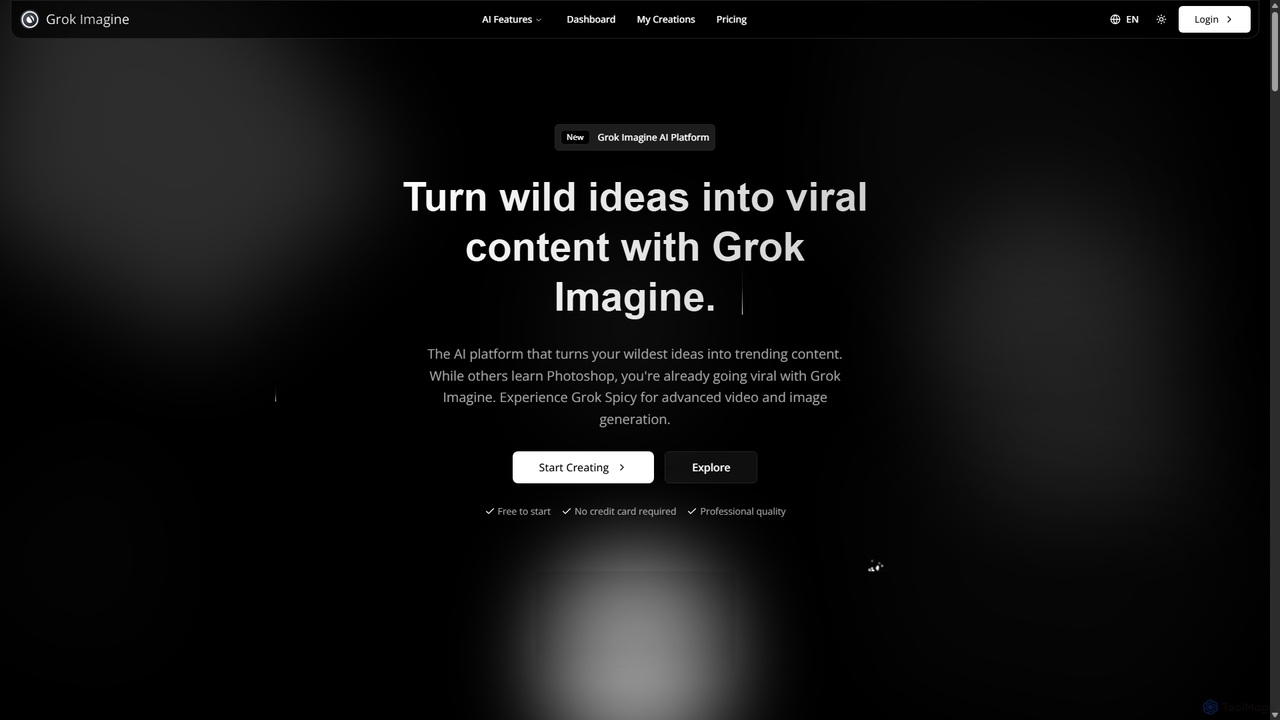
Grok Imagine
Grok Imagine is a powerful AI image and video generation suite powered by Aurora Engine Technology. It transforms text, images, and other videos into stunning, high-quality visual content. Featuring multiple generation modes, resolution options, and a user-friendly interface, it's designed for creators, marketers, and artists to bring their ideas to life effortlessly.
Generative Art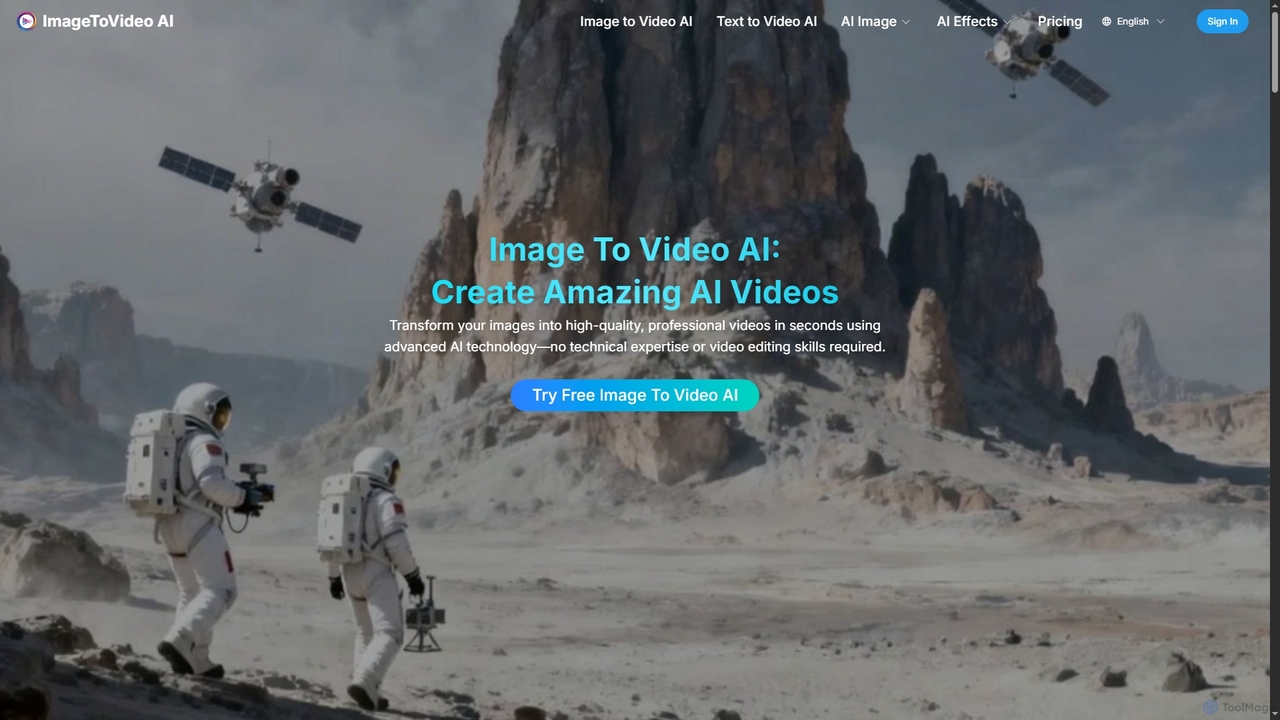
Imagetovideoai
Imagetovideoai is an AI-powered video generator that transforms static images and text prompts into dynamic, animated videos. It features an intuitive interface, requiring no technical skills, and produces high-quality, watermark-free videos suitable for social media, marketing, and personal projects. The platform also includes unique AI effects for creative content.
Entertainment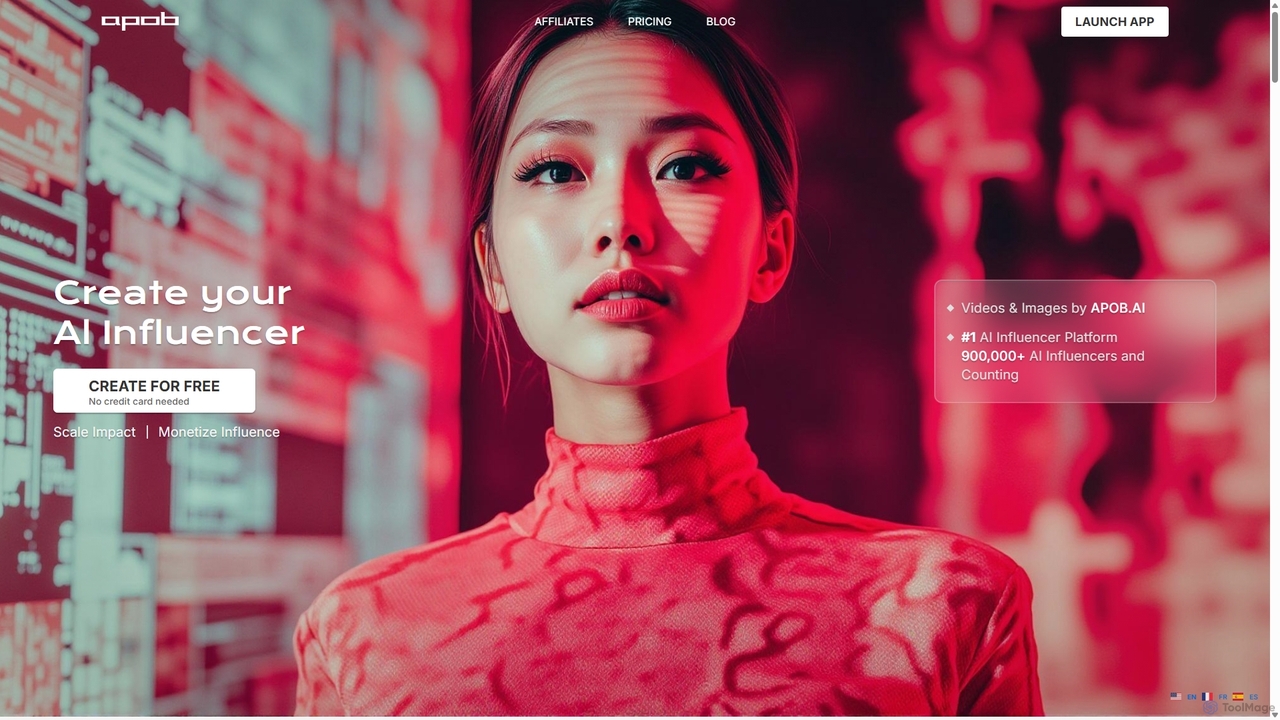
Apob
Apob is an AI-powered platform for creating virtual influencers and digital personas. It enables users to generate realistic AI portraits, images, and videos, featuring tools like talking avatars, lip-sync, and face swapping. It's designed for content creators, marketers, and anyone looking to build a unique online presence without showing their face.
Image Generation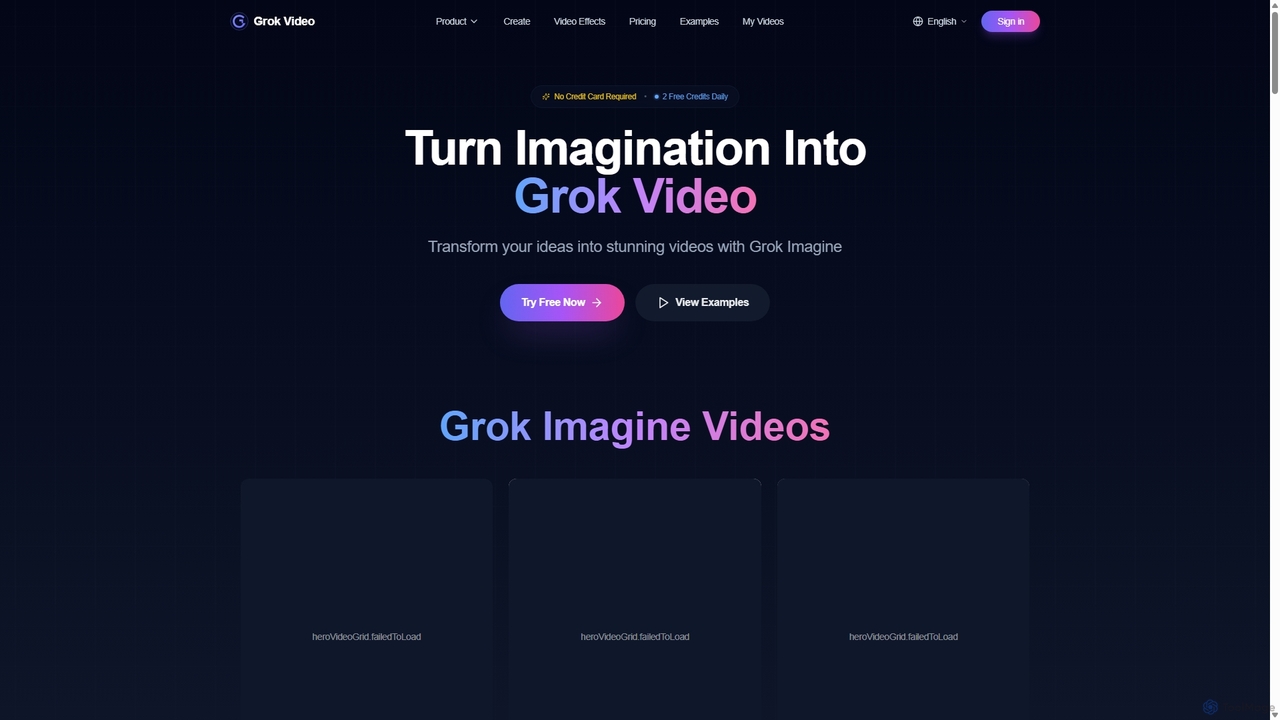
Grok Video
Grok Video is an AI-powered platform that transforms static images into dynamic, high-quality videos. Using simple text prompts, users can animate photos, create engaging content from scratch, and apply professional video effects. It's designed for creators, marketers, and businesses to produce stunning videos in seconds, with no technical skills required.
Image Animation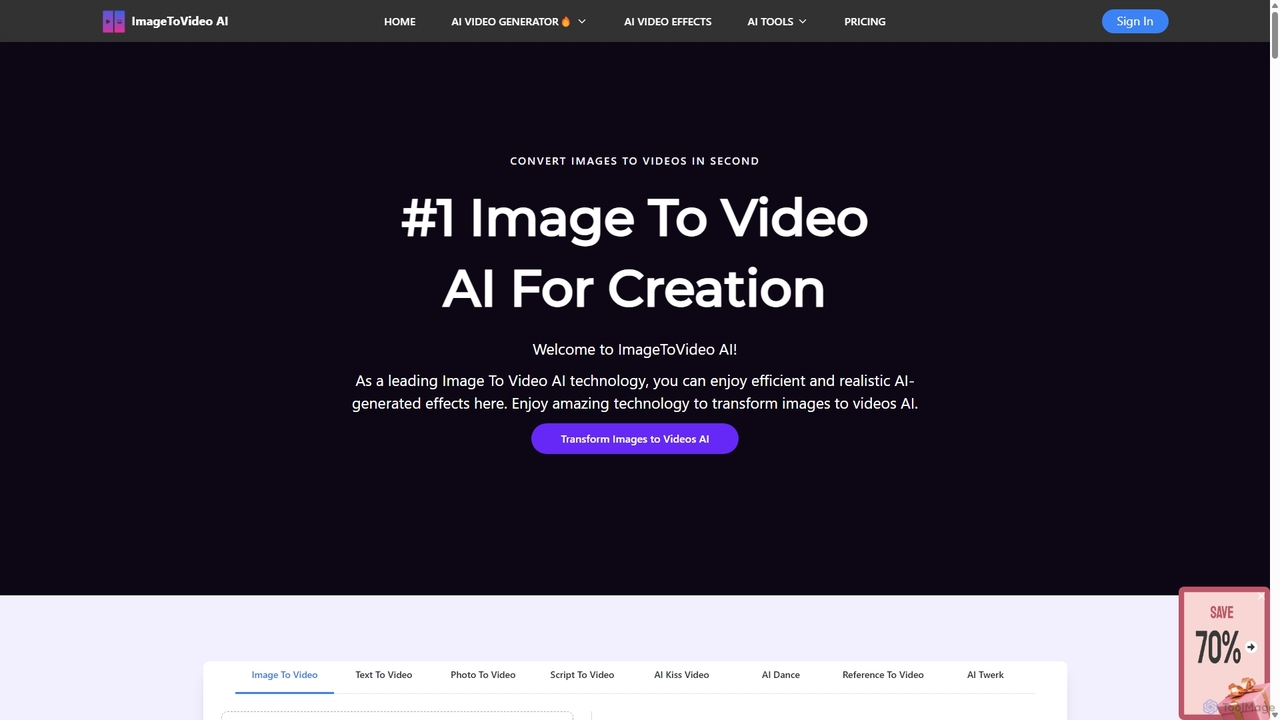
ImageToVideoAI
ImageToVideoAI is a powerful AI-driven platform that effortlessly converts static images, photos, and text scripts into dynamic, engaging videos. It offers a suite of creative tools, including specialized generators for dance, kiss, and hug animations, all while providing high-definition, watermark-free downloads, even for free users. It's designed for content creators, marketers, and individuals to produce professional-quality videos quickly and cost-effectively.
CreativeVideoPlus.ai Categories
VideoPlus.ai Jobs
VideoPlus.ai Embed Widget
Copy this embed code to place the badge on your blog, article, or product site and send readers directly to this ToolMage detail page.

Related AI tools
Imagetovideoai
Imagetovideoai is an AI-powered video generator that transforms static images and text prompts into dynamic, animated videos. It features an intuitive interface, requiring no technical skills, and produces high-quality, watermark-free videos suitable for social media, marketing, and personal projects. The platform also includes unique AI effects for creative content.
Entertainment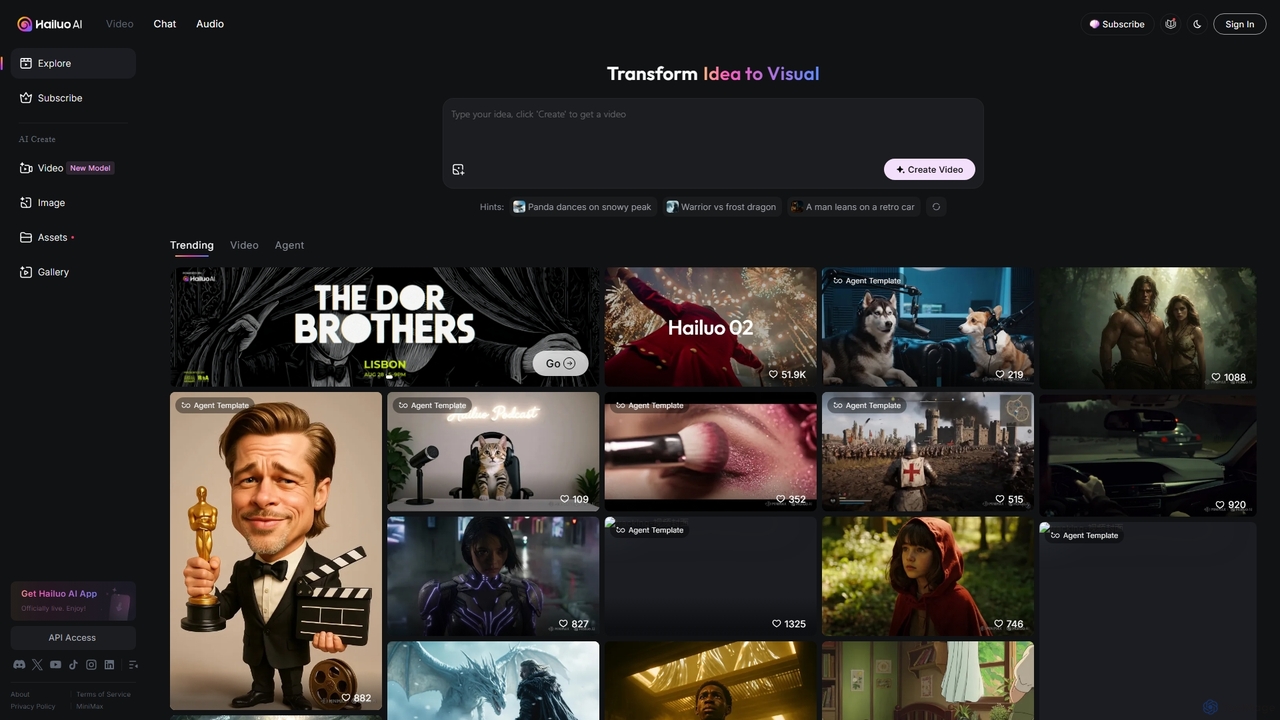
Hailuo AI
Hailuo AI is a powerful AI video generator that transforms ideas into stunning visuals. It supports text-to-video and image-to-video creation, offering a wide range of customizable "Agent Templates" for specific scenarios like pet videos, caricatures, and product showcases. With features like automated editing and support for various resolutions, Hailuo AI simplifies video production for marketers, content creators, and businesses, making it easy to create engaging, professional-quality content effortlessly.
Animation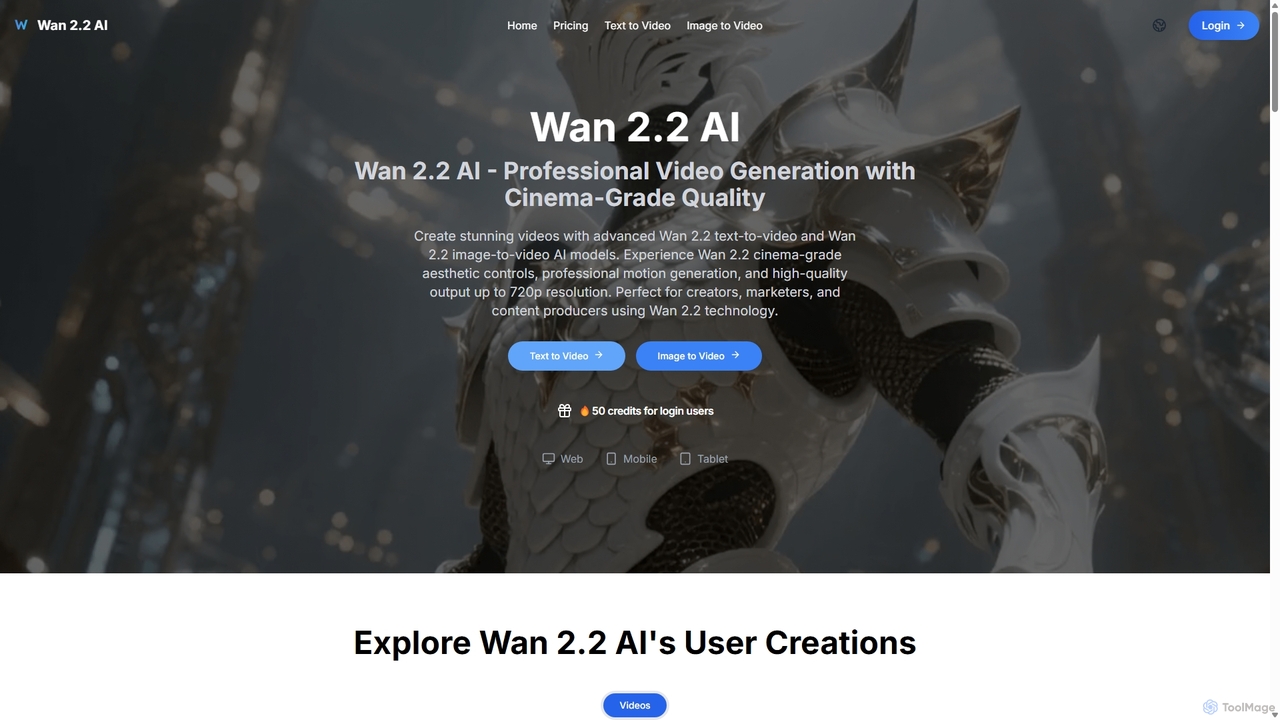
Wan 2.2 AI
Wan 2.2 AI is a professional AI video generation platform specializing in text-to-video and image-to-video conversion. It offers cinema-grade quality with advanced aesthetic and motion controls, allowing users to create stunning videos up to 720p. Designed for creators, marketers, and studios, it provides precise prompt control, multiple aspect ratios, and commercial licenses. Transform simple text descriptions or static images into dynamic, high-quality video content with realistic movements and professional cinematography.
Animation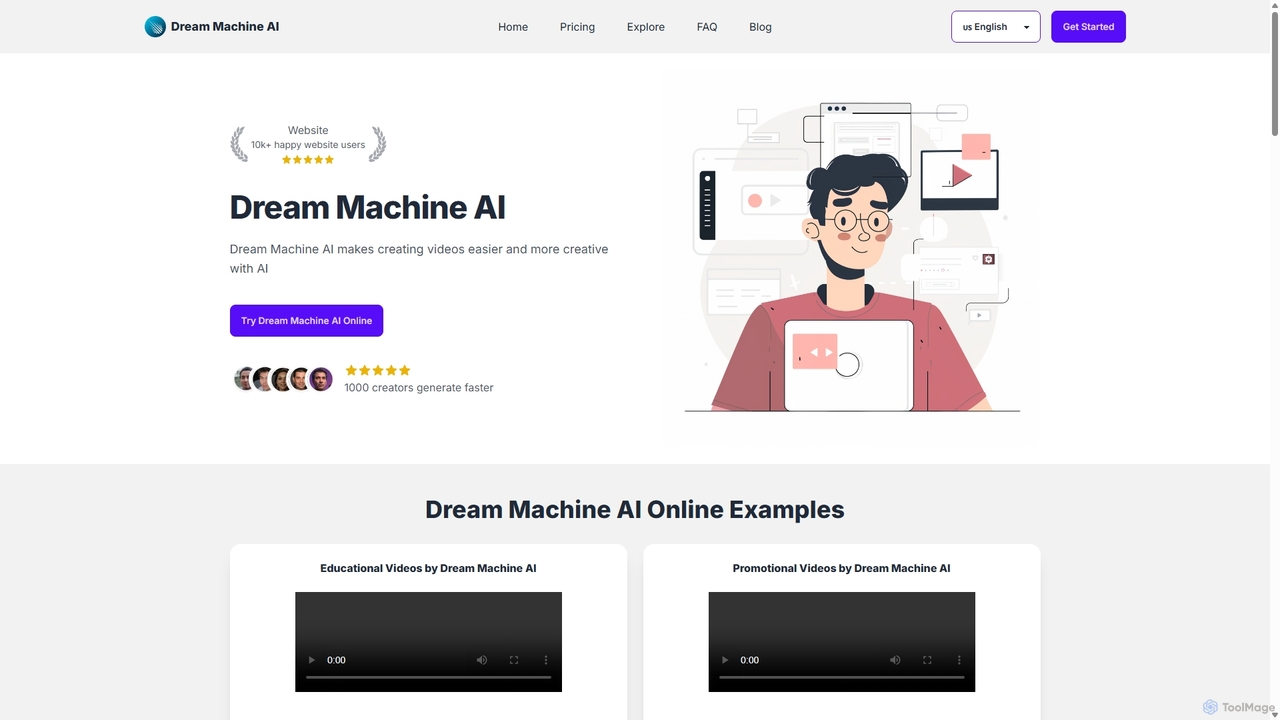
Dream Machine AI
Dream Machine AI is a powerful AI video generator that creates high-quality, realistic videos from text prompts and images. It simplifies video production, making it fast, affordable, and accessible for creators, marketers, and businesses to produce stunning visual content.
Animation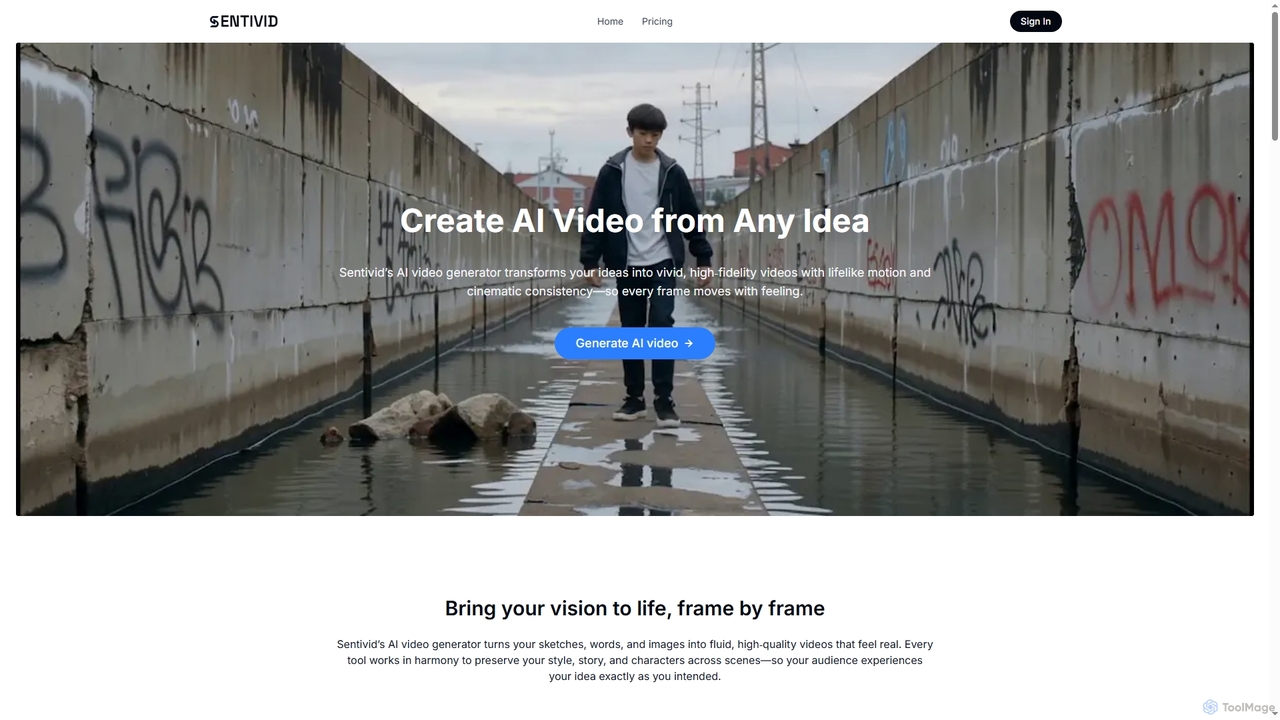
Sentivid
Sentivid is an advanced AI video generator that transforms text, images, and sketches into high-fidelity, lifelike videos. It offers features like text-to-video, image-to-video, reference image consistency, AI lip sync, and talking avatars, complete with auto-generated audio. Ideal for creators, marketers, and businesses.
Animation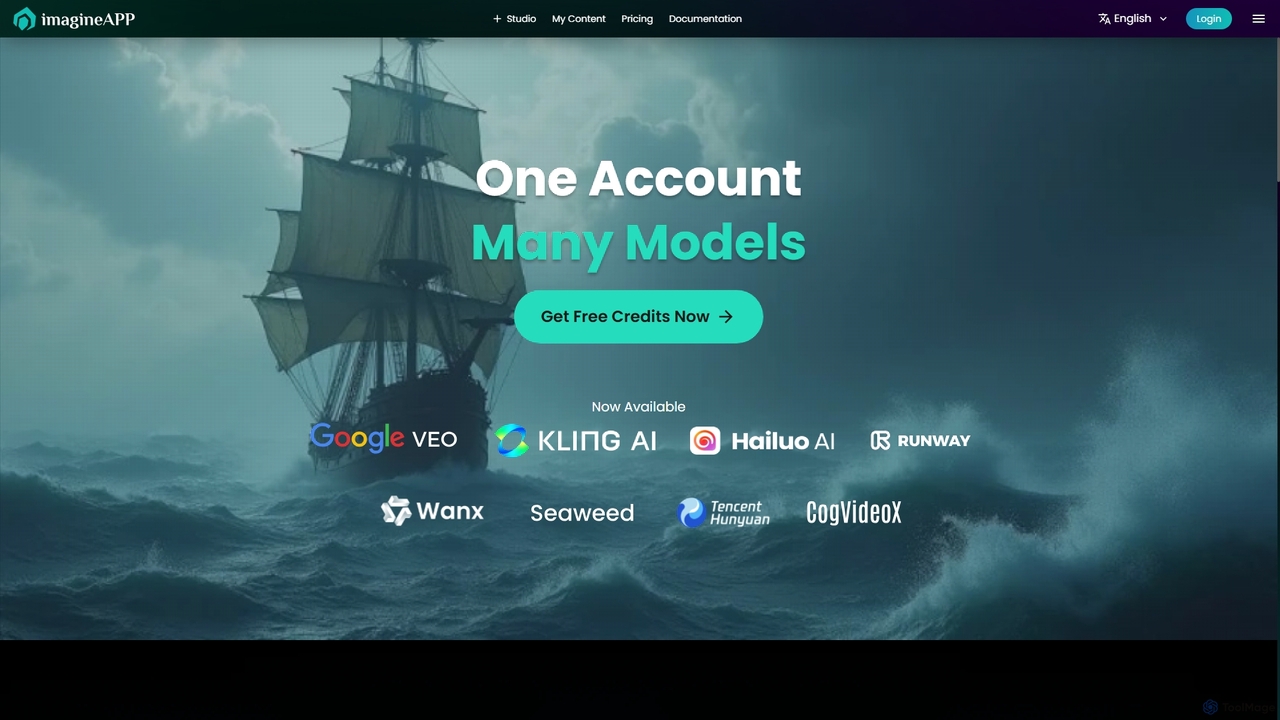
Imagineapp
Imagineapp is a powerful AI video generation platform that transforms text and images into stunning videos. It specializes in creating high-quality music videos, social media content, and marketing materials in minutes. With over 30 artistic styles and multiple AI models, it empowers creators, musicians, and marketers to produce visually compelling content without complex software or large budgets.
Image Animation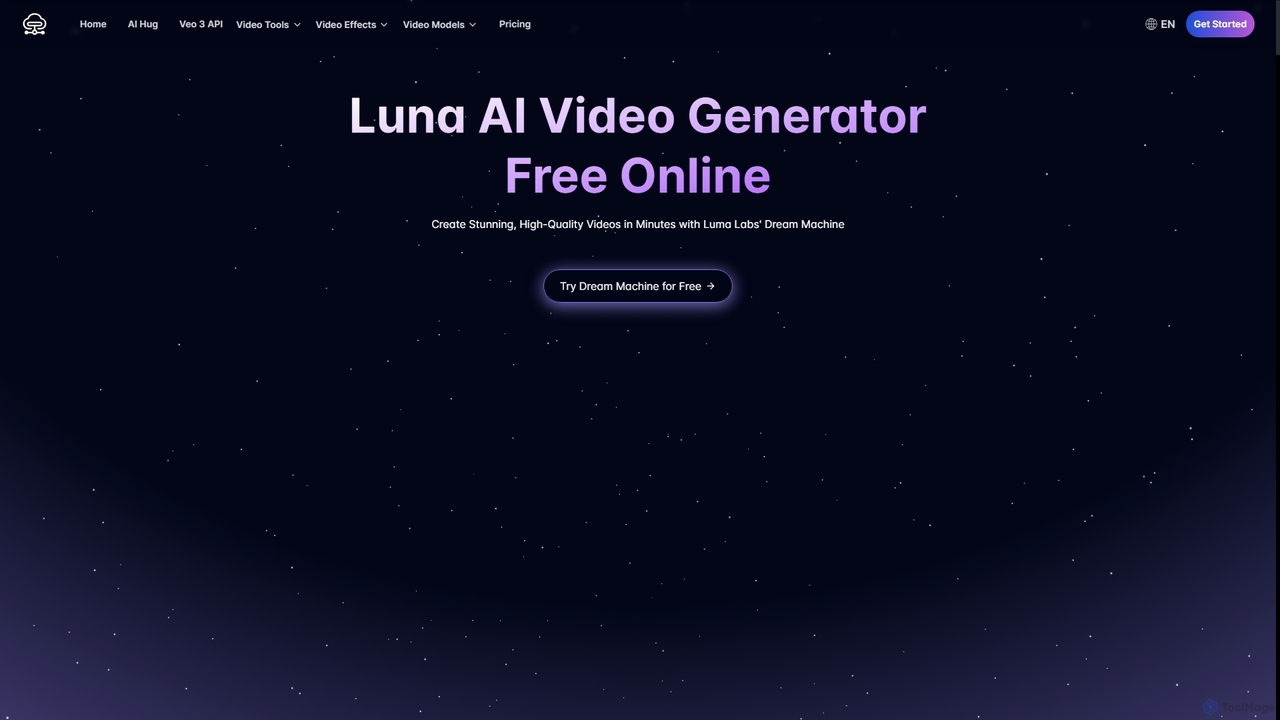
Luna AI
Luna AI is a powerful and free online AI video generator, powered by Luma Labs' Dream Machine. It enables users to effortlessly create stunning, high-quality videos from text prompts or static images in minutes. Designed for accessibility, it requires no prior video editing skills and supports multiple languages, making it ideal for marketers, content creators, and educators.
Animation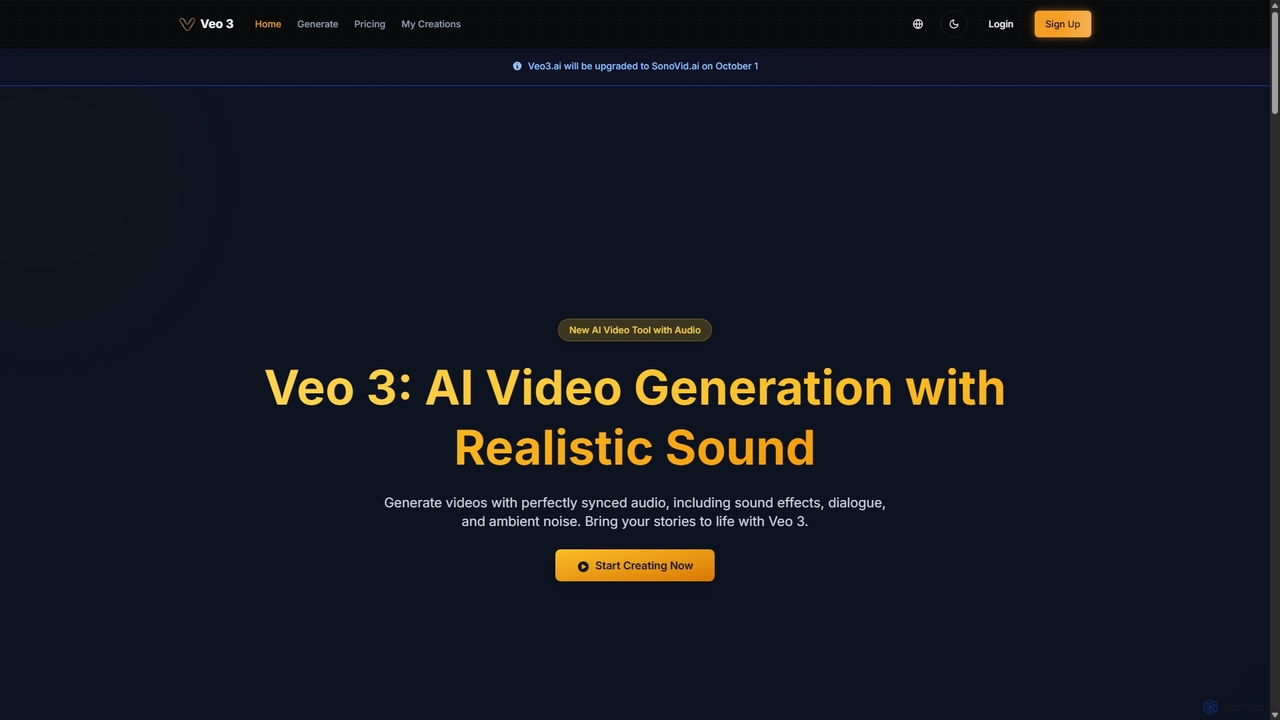
Veo 3
Veo 3 is an advanced AI video generator powered by Google's Veo 3 model. It specializes in creating high-quality, 1080p videos up to 8 seconds long with perfectly synchronized, natively generated audio. Users can generate content from text or image prompts, complete with realistic dialogue, sound effects, ambient noise, and precise lip-syncing, making it ideal for creators and marketers.
Speech Synthesis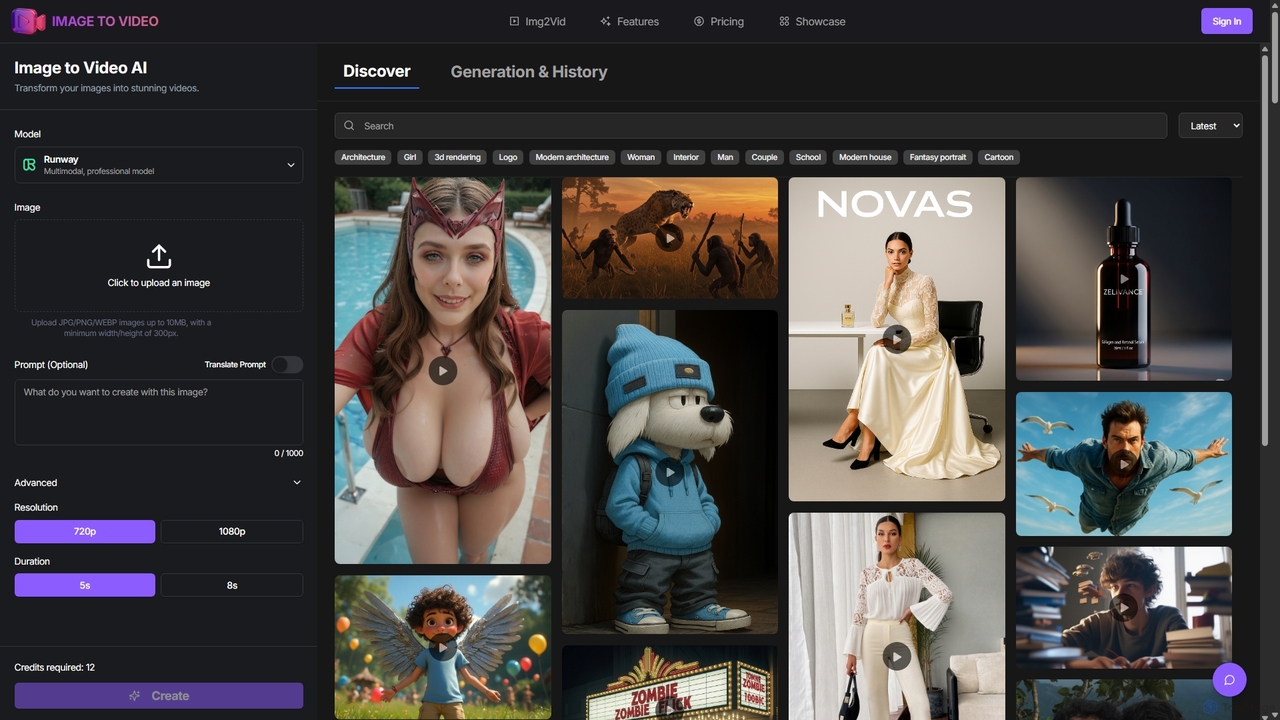
Image to Video AI
Image to Video AI is an all-in-one platform that transforms static images into dynamic, high-quality videos using advanced AI. It integrates multiple leading video models like Runway, Pika, and Luma AI, allowing users to create stunning visuals without technical skills. Simply upload an image, customize settings like duration and style, and generate professional-grade videos in minutes. Ideal for marketers, content creators, and businesses looking to enhance their visual content.
Image Animation
Vidu Studio
Vidu Studio is a cutting-edge AI video generator developed by Shengshu Technology and Tsinghua University. It transforms text prompts and images into high-definition, dynamic videos. Featuring an advanced architecture similar to Sora, it excels at creating stylized content, animations, and marketing videos with remarkable speed and quality.
AnimationGrok Video
Grok Video is an AI-powered platform that transforms static images into dynamic, high-quality videos. Using simple text prompts, users can animate photos, create engaging content from scratch, and apply professional video effects. It's designed for creators, marketers, and businesses to produce stunning videos in seconds, with no technical skills required.
Image Animation
Jyek
Jyek is an AI agent platform that understands objectives, creates execution plans, uses tools, and delivers verifiable results for complex, multi-step tasks.
AutomationImageToVideoAI
ImageToVideoAI is a powerful AI-driven platform that effortlessly converts static images, photos, and text scripts into dynamic, engaging videos. It offers a suite of creative tools, including specialized generators for dance, kiss, and hug animations, all while providing high-definition, watermark-free downloads, even for free users. It's designed for content creators, marketers, and individuals to produce professional-quality videos quickly and cost-effectively.
Creative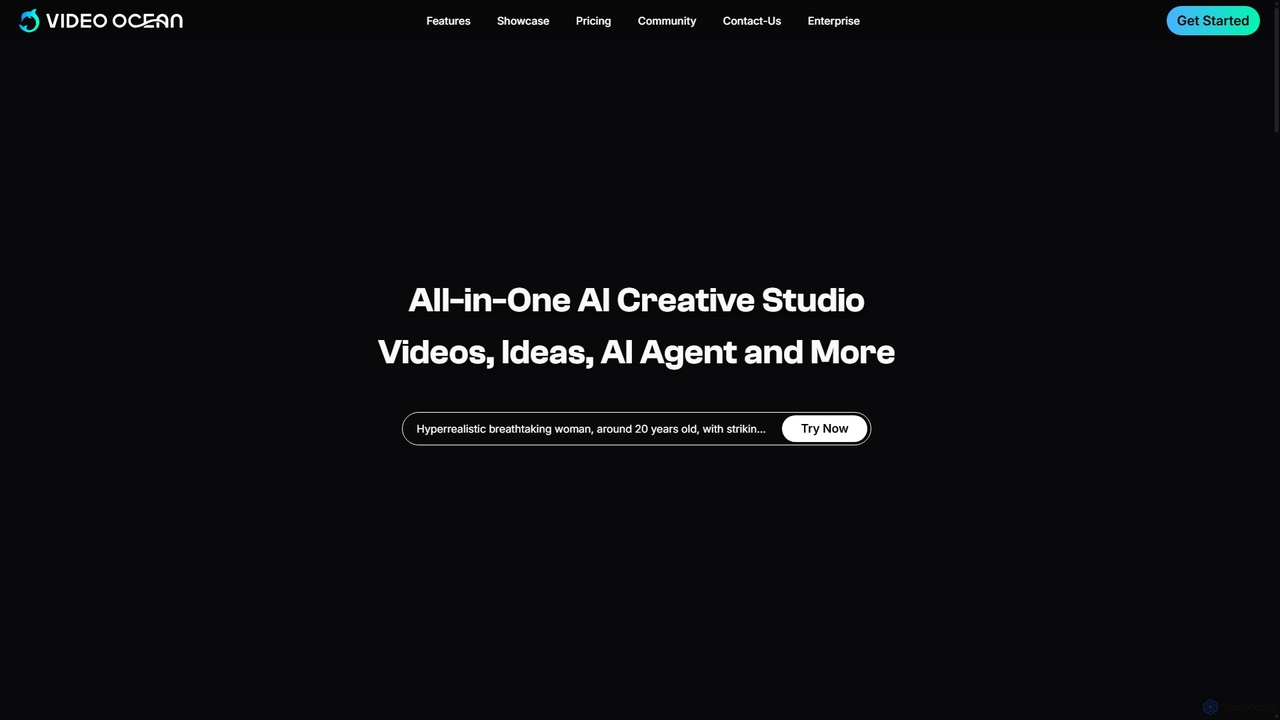
Video Ocean
Video Ocean is an all-in-one AI creative studio that transforms ideas into stunning videos and images. It offers a comprehensive suite of tools, including text-to-video, image-to-video, lip-sync, and multi-reference generation, making high-quality video production accessible to everyone, from marketers to content creators.
Image Generation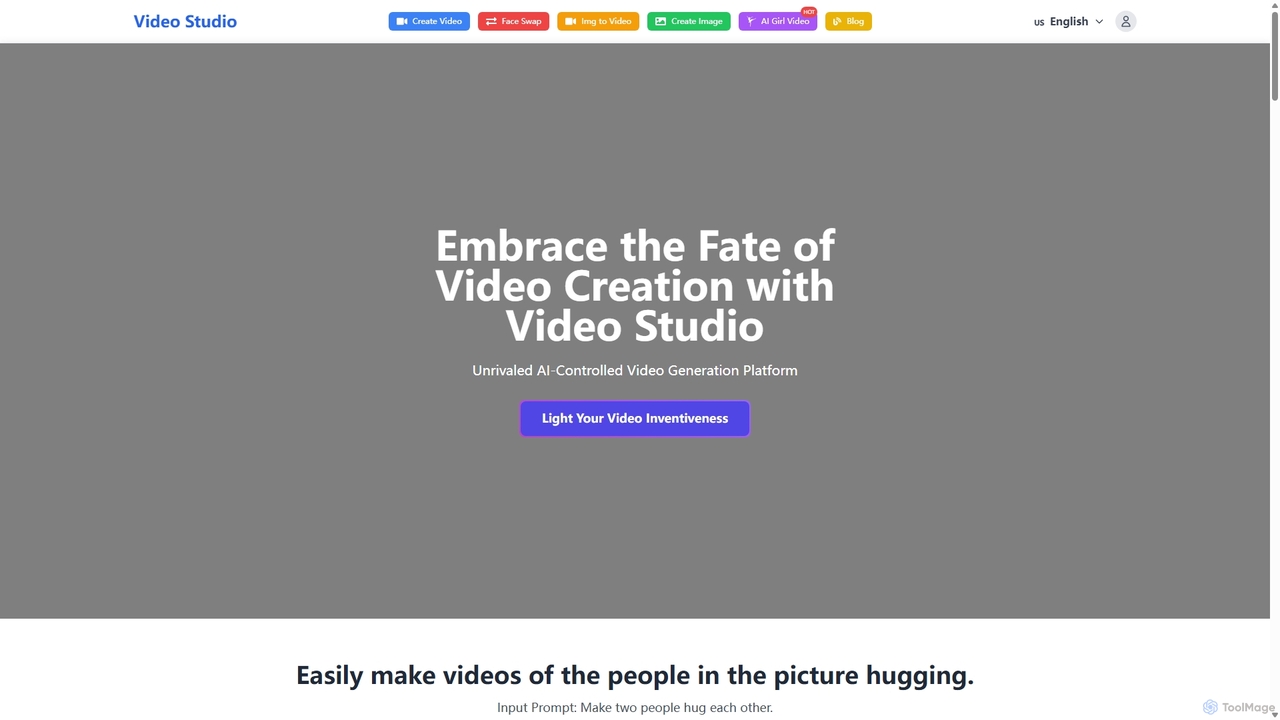
Video Studio
Video Studio is an AI-powered platform for effortless video creation. It transforms text prompts and static images into high-quality, compelling videos. It also features an advanced AI face swap tool for photos, videos, and GIFs, making it ideal for content creators, marketers, and creative professionals.
Face Swap
VideoPlus.ai Comments (0)
Sign in to comment.
Sign inNo comments yet.