ToolMage
Sign in

Best 5 Image Animation AI tools for Image

Popular Image Animation AI tools in Image include Grok Video, CogVideo, Pixverse AI, Ai Image To Video, and Image to Video AI, helping you work more efficiently.

Grok Video
Freemium

Grok Video

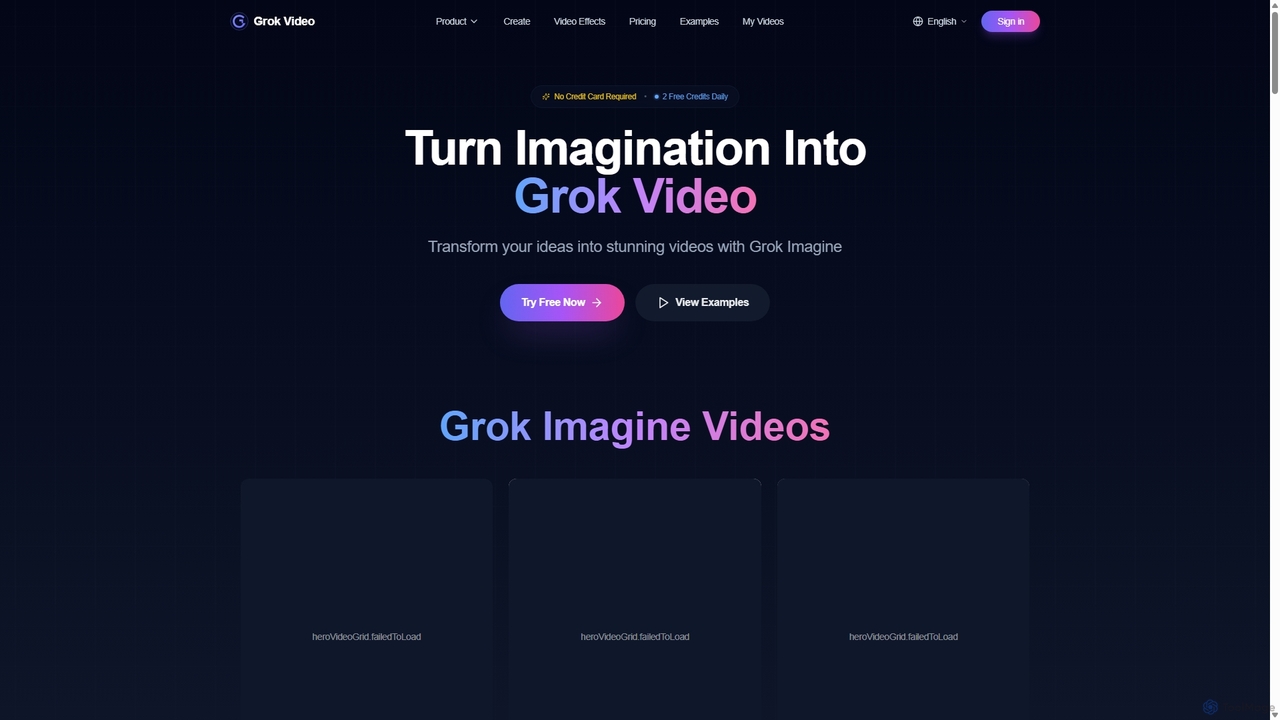
Grok Video is an AI-powered platform that transforms static images into dynamic, high-quality videos. Using simple text prompts, users can animate photos, create engaging content from scratch, and apply professional video effects. It's designed for creators, marketers, and businesses to produce stunning videos in seconds, with no technical skills required.

Image Animation
Visits 130.9KFavorites 92Likes 90
Image to Video AI
Freemium

Image to Video AI

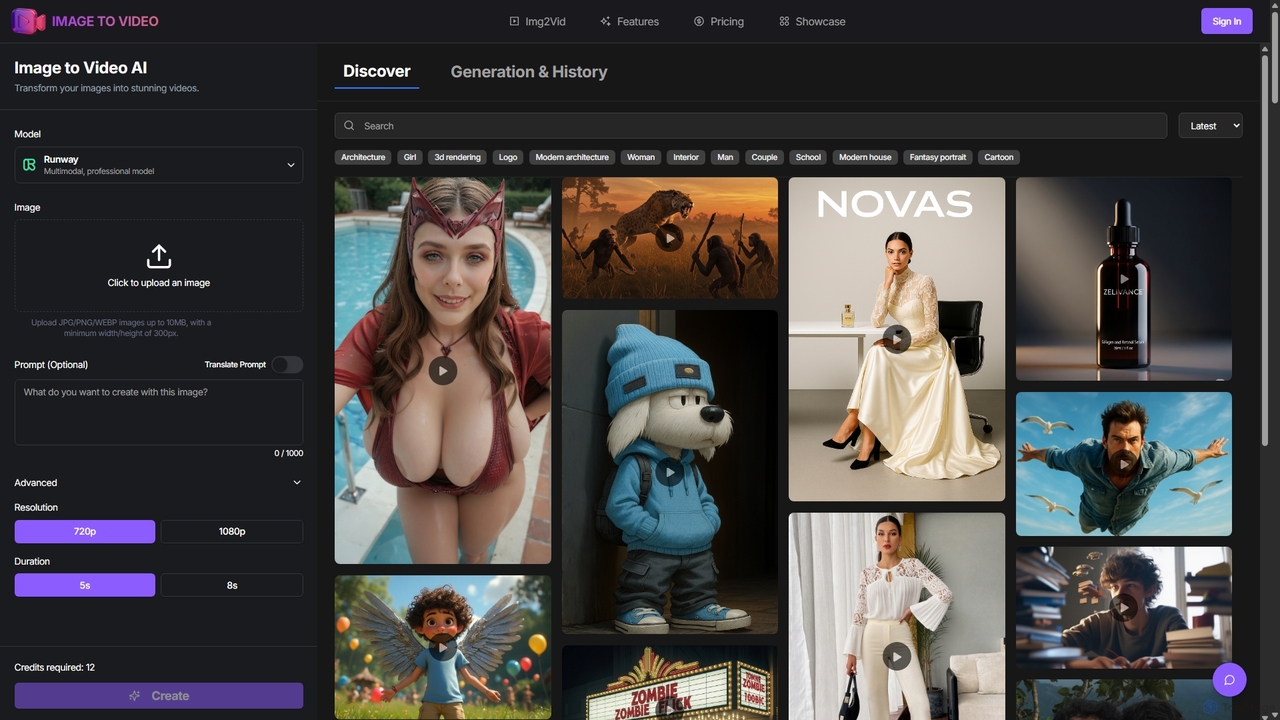
Image to Video AI is an all-in-one platform that transforms static images into dynamic, high-quality videos using advanced AI. It integrates multiple leading video models like Runway, Pika, and Luma AI, allowing users to create stunning visuals without technical skills. Simply upload an image, customize settings like duration and style, and generate professional-grade videos in minutes. Ideal for marketers, content creators, and businesses looking to enhance their visual content.

Image Animation
Visits 8.8KFavorites 113Likes 116
Pixverse AI
Free

Pixverse AI

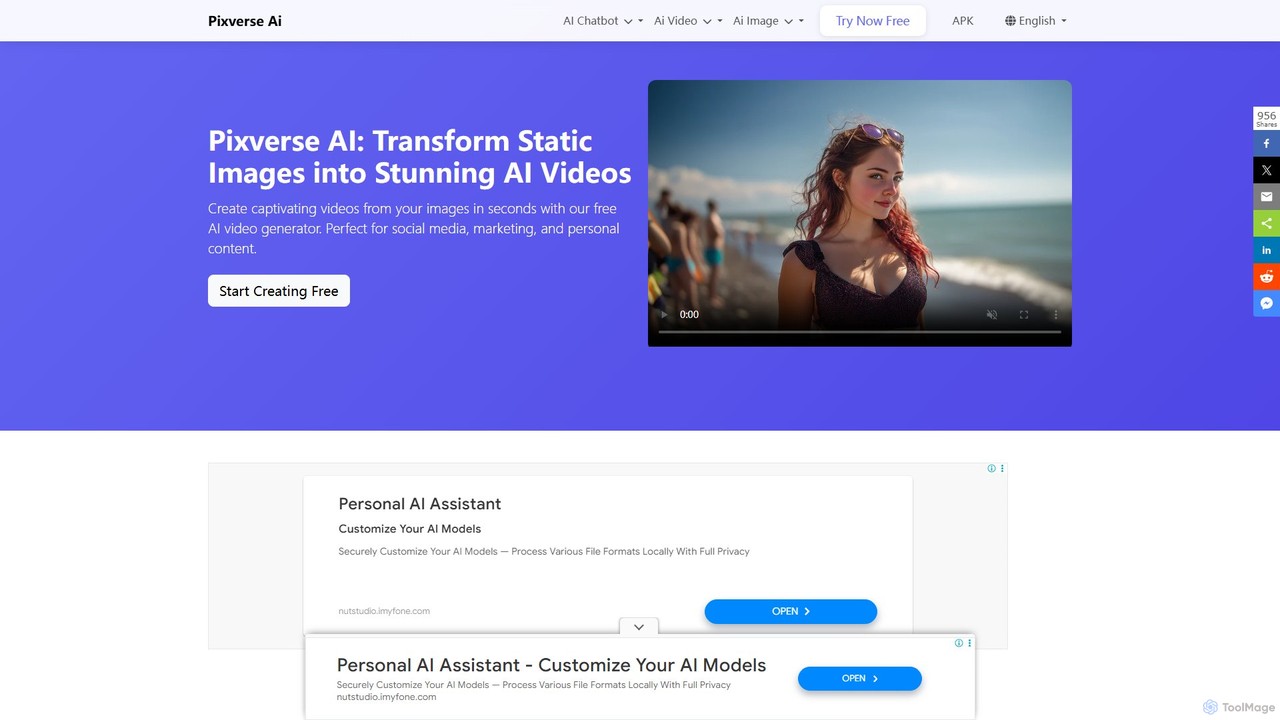
Pixverse AI is a powerful and completely free AI video generator that transforms text prompts and static images into stunning, high-definition videos. Powered by ByteDance's advanced Seedance 1.0 Pro model, it creates cinematic, multi-shot videos with no watermarks, perfect for social media, marketing, and creative projects.

Image Animation
Visits 9.6KFavorites 122Likes 116
Ai Image To Video
Freemium

Ai Image To Video

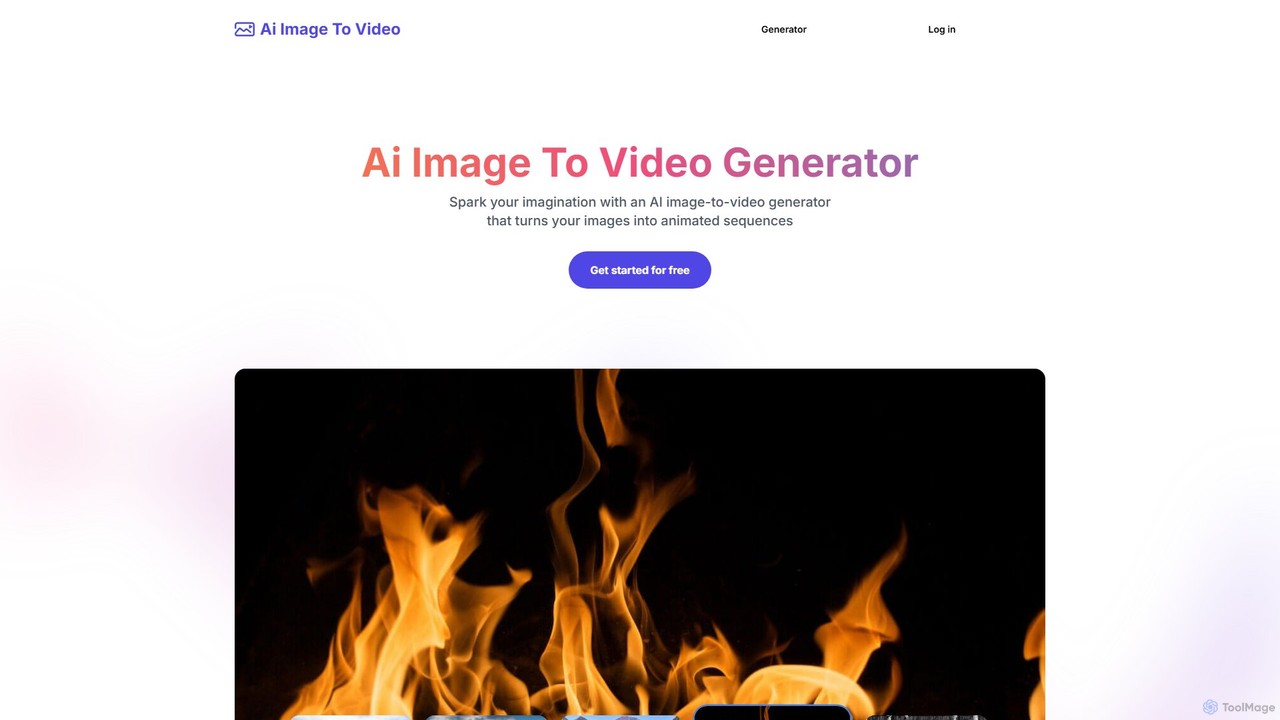
Ai Image To Video is an AI-powered online tool that transforms static images into dynamic, animated videos. By uploading an image and providing a text prompt, users can bring their photos to life with customized movements, styles, and effects. It's designed for creating engaging content for social media, marketing, and personal projects, requiring no video editing skills.

Image Animation
Visits 9.4KFavorites 137Likes 137
CogVideo
Paid

CogVideo

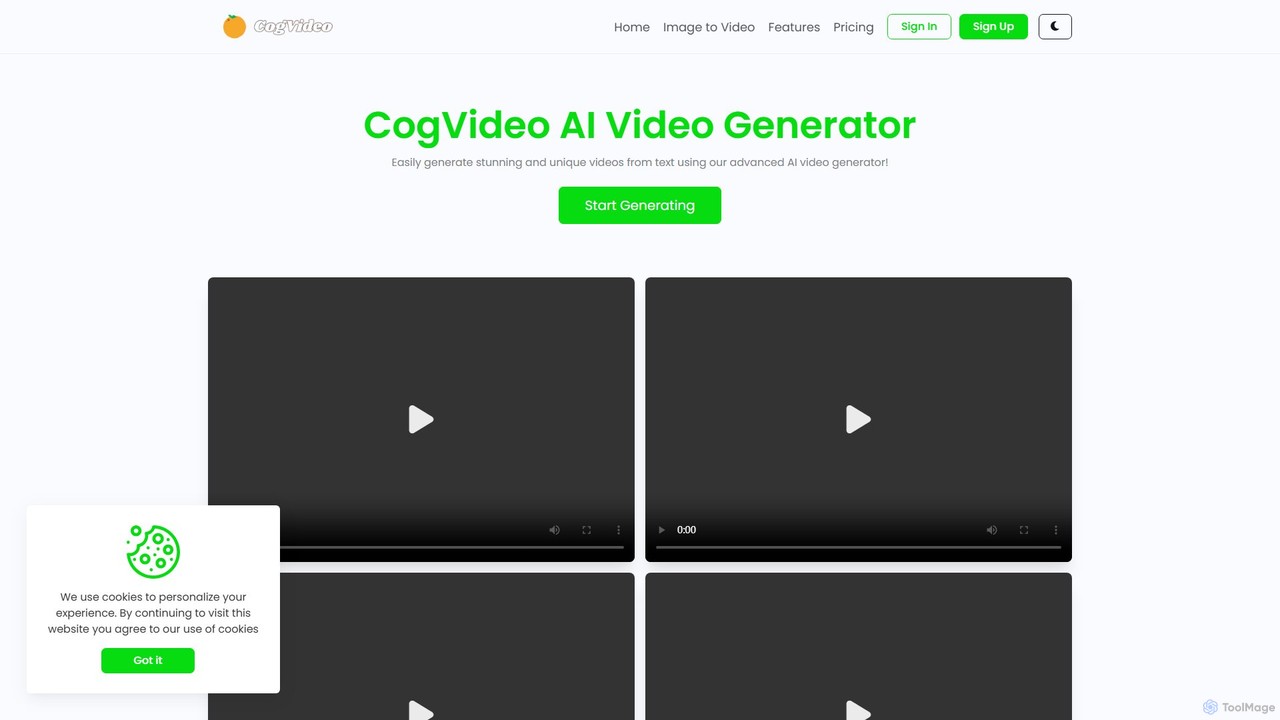
CogVideo is a powerful AI video generator that transforms static images into high-quality, dynamic video clips. Leveraging advanced AI algorithms, it allows users to create engaging, professional-level animations effortlessly, making it ideal for marketers, artists, and social media creators.

Image Animation
Visits 18.5KFavorites 128Likes 119

About Image Animation

Image Animation tools are AI-powered platforms that transform static images into dynamic, moving visuals. These tools leverage advanced AI algorithms, including deep learning and generative adversarial networks, to infer motion and create fluid transitions. They enable creators, marketers, and businesses to bring still photos, illustrations, or product shots to life, enhancing engagement and storytelling. This capability significantly reduces the need for complex video editing software or traditional animation techniques.

Core Features

  • Static to Dynamic Conversion: Automatically adds motion to still images, making them appear alive.
  • Facial Expression & Lip-sync: Animates faces in photos, allowing for subtle expressions or even speech synchronization.
  • Object Motion & Effects: Applies specific movements to objects within an image, such as flowing water or swaying trees.
  • Style Transfer & Enhancement: Integrates various artistic styles or enhances visual quality during animation.
  • Looping & Export Options: Creates seamless loops and provides diverse export formats for different platforms.

Applicable Scenarios

Image Animation tools are invaluable for content creators looking to elevate their social media presence, marketers aiming for more engaging ad campaigns, and educators seeking to make learning materials more interactive. They are also widely used in digital art, game development for concept visualization, and e-commerce for dynamic product showcases.

How to Choose

When selecting an AI Image Animation tool, consider the quality and realism of the generated motion, the variety of animation effects and controls offered, and the ease of use of its interface. Evaluate its export capabilities for different platforms, integration options with other creative software, and the pricing model based on your usage frequency and specific project needs.

Featured tool rankings

Image Animation use cases

1

Enhance Social Media Posts with Dynamic Images

Content creators and social media managers can transform static brand logos, product photos, or personal portraits into eye-catching animated visuals. By adding subtle movements like blinking eyes, flowing hair, or shimmering effects, these tools help posts stand out in crowded feeds, driving higher engagement rates and attracting more followers without needing complex video production.

2

Create Engaging Marketing & Advertising Campaigns

Marketing professionals can utilize image animation to make product advertisements, banner ads, or email marketing visuals more dynamic and persuasive. Animating key product features or a brand mascot can capture audience attention more effectively than static images, leading to increased click-through rates and better campaign performance. This adds a professional touch without extensive animation studio costs.

3

Produce Interactive E-learning & Presentation Materials

Educators and corporate trainers can leverage image animation to make complex diagrams, historical photos, or character illustrations more engaging in e-learning modules and presentations. Adding subtle motion to charts or animating a historical figure's portrait can significantly improve information retention and audience interest, transforming static content into a more dynamic and memorable learning experience.

4

Animate Digital Artworks and NFTs

Digital artists and NFT creators can transform their static digital paintings, illustrations, or generative art pieces into captivating animated versions. By adding subtle movements, shimmering effects, or dynamic transitions, these tools allow artists to imbue their creations with a new dimension of life and expressiveness, increasing their appeal and value in the digital art market and NFT space.

5

Bring Static Character Illustrations to Life

Game developers, comic artists, and visual novel creators can use image animation tools to add simple, yet effective, movements to their static character designs. Animating a character's idle pose, a subtle head turn, or a flowing cape can significantly enhance the visual appeal and immersion of their projects without requiring full-scale character rigging and complex animation pipelines, saving time and resources.

6

Transform Product Images for E-commerce

E-commerce businesses can animate their product images to create more dynamic and informative listings. Instead of static photos, animating a product's features, showing subtle textures, or demonstrating its use with gentle motion can significantly enhance the online shopping experience. This helps customers visualize the product better, potentially reducing return rates and increasing conversion rates by providing a richer visual context.

Image Animation FAQ

What are AI Image Animation tools?

AI Image Animation tools are software applications that use artificial intelligence to add movement and dynamic effects to static images. They analyze the content of a picture and intelligently generate motion, transforming still photos, illustrations, or graphics into short, engaging video clips or animated GIFs. These tools are designed to simplify the animation process, making it accessible to users without extensive animation skills.

How do I choose the best AI Image Animation tool?

To choose the best AI Image Animation tool, consider several factors. First, evaluate the quality and realism of the animation it produces. Look for tools that offer a variety of motion effects, facial animation, and object manipulation. Ease of use, including an intuitive interface and clear controls, is crucial for efficient workflow. Also, check for compatibility with your existing creative software, supported export formats (e.g., MP4, GIF), and pricing models that align with your budget and usage needs.

What's the difference between AI Image Animation and traditional video editing?

AI Image Animation primarily focuses on generating motion from a single static image, often inferring movement based on AI models. It excels at bringing still elements to life quickly and with minimal manual input. Traditional video editing, on the other hand, involves manipulating existing video footage or combining multiple image frames to create sequences. While video editing offers granular control over every frame, AI image animation provides a faster, more automated solution for adding dynamic elements to static visuals, especially for users without extensive animation expertise.

What types of images can be animated using AI tools?

AI image animation tools can animate a wide range of image types. This includes photographs of people (for facial animation, blinking, talking), landscapes (for flowing water, swaying trees, moving clouds), and objects (for subtle movements or rotations). They are also effective with illustrations, digital paintings, and even generative art. The key is that the AI can identify distinct elements within the image to apply motion, making almost any static visual a candidate for animation.

Who can benefit from using AI Image Animation tools?

A diverse range of users can benefit from AI Image Animation tools. Content creators, social media marketers, and advertisers can produce more engaging visuals to capture audience attention. Digital artists and NFT creators can add a new dimension to their static artworks. Educators and trainers can make learning materials more interactive. E-commerce businesses can create dynamic product showcases. Essentially, anyone looking to add life and dynamism to static images without extensive animation expertise or resources will find these tools highly valuable.