
CogVideo Overview
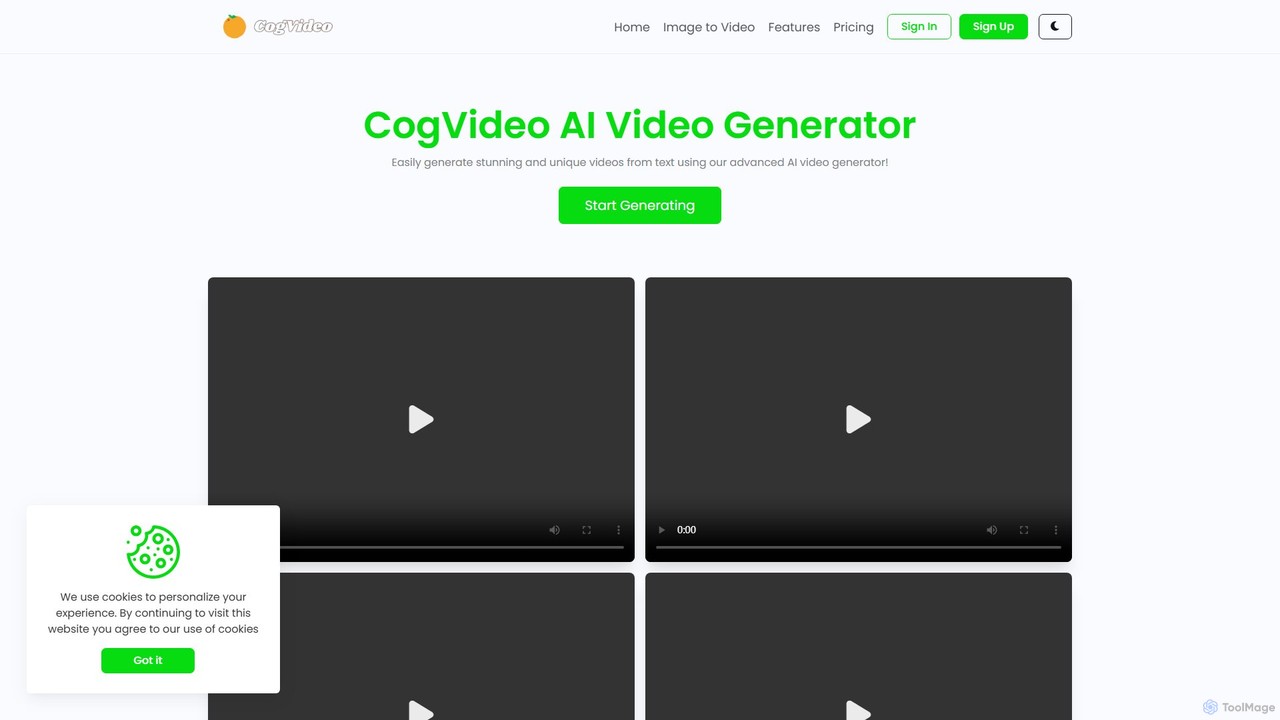
CogVideo is an innovative AI-powered platform designed to bring your static images to life by converting them into stunning, high-quality videos. Built on cutting-edge AI algorithms, likely related to the foundational CogVideo model and technology from Minimax, this tool provides a seamless and intuitive experience for users of all skill levels. Whether you're a digital marketer looking to create eye-catching ads, an artist wanting to animate your creations, or a social media manager aiming to boost engagement, CogVideo offers the features and flexibility to achieve your goals. The platform emphasizes realism and engagement, ensuring that the generated videos are not just simple animations but compelling visual stories.
How to use CogVideo
The process of creating a video with CogVideo is designed to be straightforward and user-friendly, requiring no prior video editing experience. Here is a typical workflow:
- Sign Up and Choose a Plan: Start by creating an account on the CogVideo website and selecting a subscription plan that fits your needs.
- Upload Your Image: Navigate to the 'Image to Video' generator. Upload the static image you wish to animate. This could be a photograph, a digital illustration, a product shot, or concept art.
- Provide Instructions (Prompt): Although not explicitly detailed on the site, tools like this typically require a text prompt to guide the AI. Describe the desired motion, atmosphere, or action you want to see in the video (e.g., 'gentle wind blowing through the hair', 'steam rising from the coffee cup', 'camera slowly zooming in').
- Customize Settings: Select from various artistic styles to match your vision. You can also choose the desired output size or aspect ratio suitable for different platforms like Instagram Stories, YouTube, or TikTok.
- Generate the Video: Click the generate button and let the AI work its magic. The platform's advanced algorithms will process your image and prompt to create the animated video.
- Preview and Download: Once the generation is complete, you can preview the video. If you are satisfied with the result, you can save and download it in your preferred format for easy sharing and use.
Core Features of CogVideo
- High-Quality Video Generation: Utilizes advanced AI to produce realistic, smooth, and professional-level video clips from a single image.
- Advanced AI Algorithms: Powered by sophisticated technology to ensure the resulting videos are engaging and visually impressive.
- Image-to-Video Transformation: The core function allows users to animate any static image, unlocking new creative possibilities.
- Multiple Artistic Styles: Offers a variety of artistic styles, enabling users to customize the look and feel of their videos to match their brand or creative vision.
- User-Friendly Interface: An intuitive platform that makes AI video creation accessible and effortless, even for complete beginners.
- Multiple Sizes Supported: Generate videos in different aspect ratios and sizes, optimized for various social media platforms and use cases.
- Watermark-Free Videos: All paid plans, including the entry-level Trial plan, provide videos without any watermarks.
- Video Saving and Export: Easily save your generated videos in common formats for seamless sharing and integration into your projects.
Use Cases for CogVideo
CogVideo is a versatile tool suitable for a wide range of applications:
- Social Media Marketing: Transform static posts into dynamic video content for platforms like Instagram, Facebook, and TikTok to capture audience attention and increase engagement.
- Digital Advertising: Create short, compelling video ads from product images or promotional graphics, improving click-through rates and campaign performance.
- Artists and Designers: Bring digital paintings, character concepts, and illustrations to life, showcasing their work in a more dynamic and engaging portfolio.
- E-commerce: Animate product photos to highlight features or create a more immersive online shopping experience.
- Content Creation: Generate unique visual elements for blogs, websites, and presentations to make content more memorable.
- Personal Use: Create animated avatars, dynamic digital greeting cards, or fun, shareable clips from personal photos.
Advantages of CogVideo
CogVideo stands out with several key advantages. Its primary strength is the quality of its output, driven by powerful AI that creates realistic motion. The platform is exceptionally easy to use, lowering the barrier to entry for video creation. A significant benefit is that all plans, even the most affordable one, offer watermark-free downloads, which is a rare and valuable feature. Furthermore, the flexible, non-auto-renewing subscription model gives users complete control over their expenses, providing transparency and peace of mind.
Pricing and Plans
CogVideo offers a tiered subscription model to suit different needs and budgets. Subscriptions are not automatically renewed and must be renewed manually.
- Trial Plan: $3.99/month for 4 video generations. Videos are available for 7 days. No advertisements and no watermark.
- Standard Plan: $9.99/month for 15 video generations. Videos are available for 21 days. No watermark.
- Professional Plan: $19.00/month for 30 video generations. Videos are available for 30 days. No watermark.
- Enterprise Plan: $99.00/month for 150 video generations. Videos are available for 90 days. No watermark.
Traffic
Latest traffic
Status
Monthly traffic trend
- 2025-9: 22.0K
- 2026-1: 50.5K
- 2026-2: 36.2K
- 2026-3: 21.0K
- 2026-4: 30.4K
- 2026-5: 14.5K
Geography
Top 5 countries / regions
- 🇺🇸United States48.5%
- 🇲🇽Mexico15.8%
- 🇬🇧United Kingdom13.4%
- 🇮🇳India12.0%
- 🇩🇪Germany10.3%
Traffic sources
| Source type | Percentage |
|---|---|
Direct | 92.3% |
Referral | 7.7% |
Top keywords
| Keyword | Cost per click |
|---|---|
| cogvideo | $1.56 |
| cogvideox | $0.00 |
| cogvideox ai | $0.00 |
| cogvideox ai video generator | $0.00 |
| cogviodeox | $0.00 |
CogVideo Alternatives
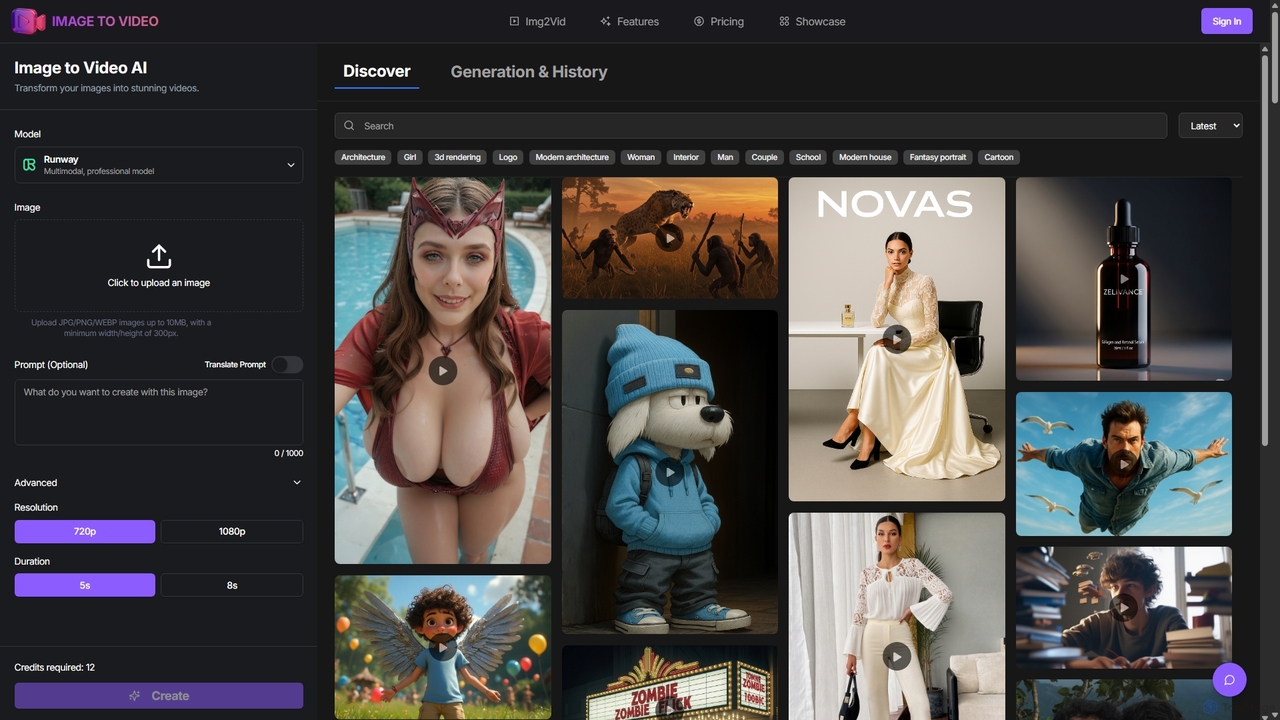
Image to Video AI
Image to Video AI is an all-in-one platform that transforms static images into dynamic, high-quality videos using advanced AI. It integrates multiple leading video models like Runway, Pika, and Luma AI, allowing users to create stunning visuals without technical skills. Simply upload an image, customize settings like duration and style, and generate professional-grade videos in minutes. Ideal for marketers, content creators, and businesses looking to enhance their visual content.
Image Animation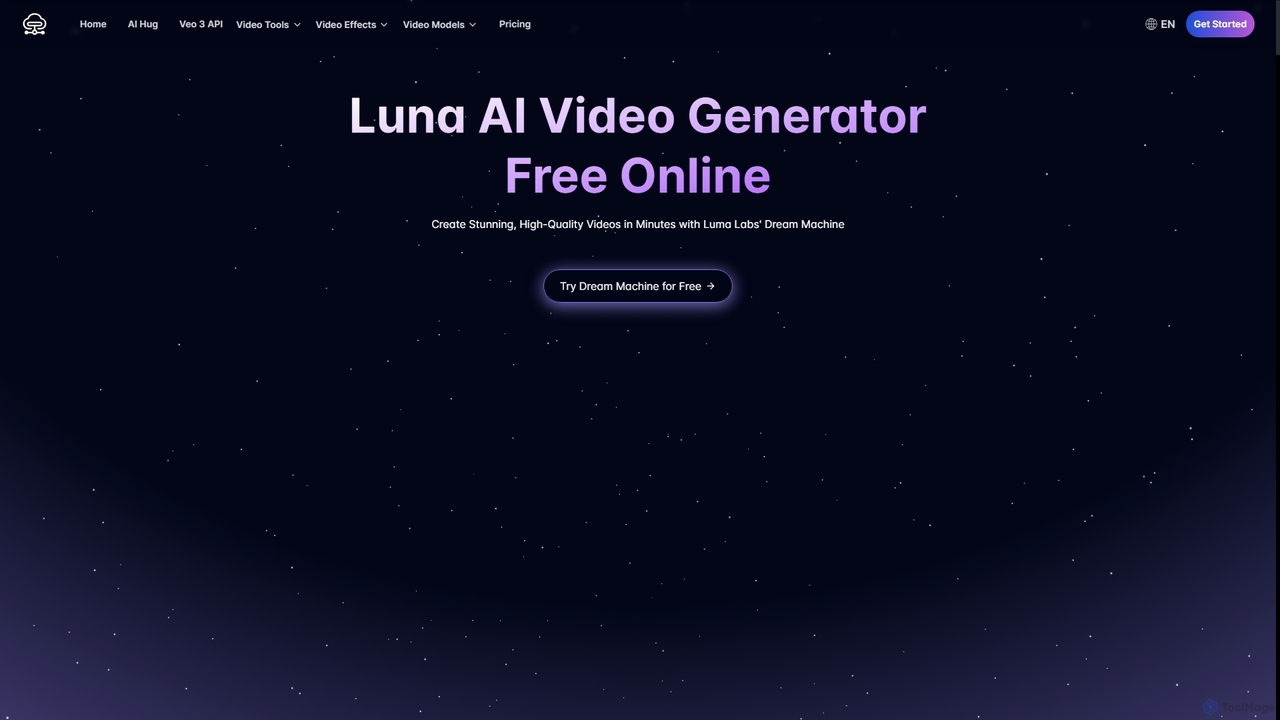
Luna AI
Luna AI is a powerful and free online AI video generator, powered by Luma Labs' Dream Machine. It enables users to effortlessly create stunning, high-quality videos from text prompts or static images in minutes. Designed for accessibility, it requires no prior video editing skills and supports multiple languages, making it ideal for marketers, content creators, and educators.
Animation
vo3ai
VO3 AI is an advanced video generation platform powered by Google's Veo3 model. It transforms text prompts and static images into high-quality, cinematic videos with synchronized audio. Featuring diverse styles, advanced camera controls, and character consistency, it's designed for creators, marketers, and filmmakers to bring their ideas to life quickly and efficiently.
Animation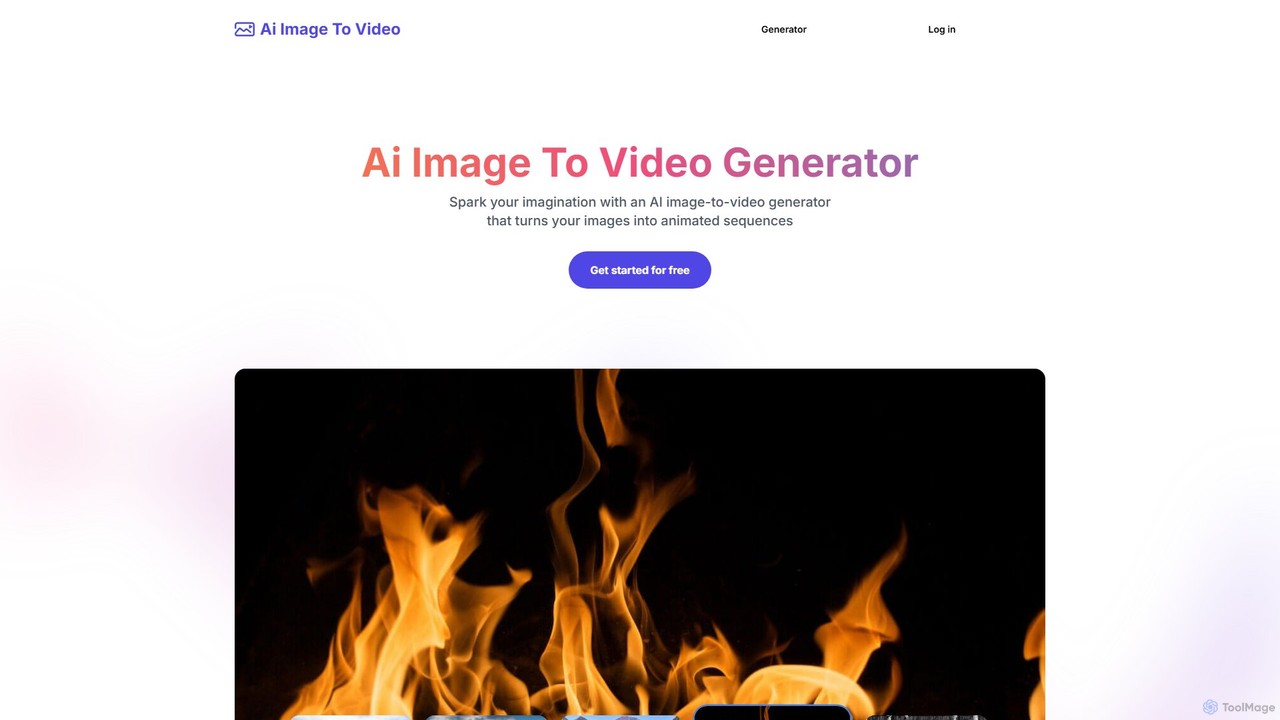
Ai Image To Video
Ai Image To Video is an AI-powered online tool that transforms static images into dynamic, animated videos. By uploading an image and providing a text prompt, users can bring their photos to life with customized movements, styles, and effects. It's designed for creating engaging content for social media, marketing, and personal projects, requiring no video editing skills.
Image Animation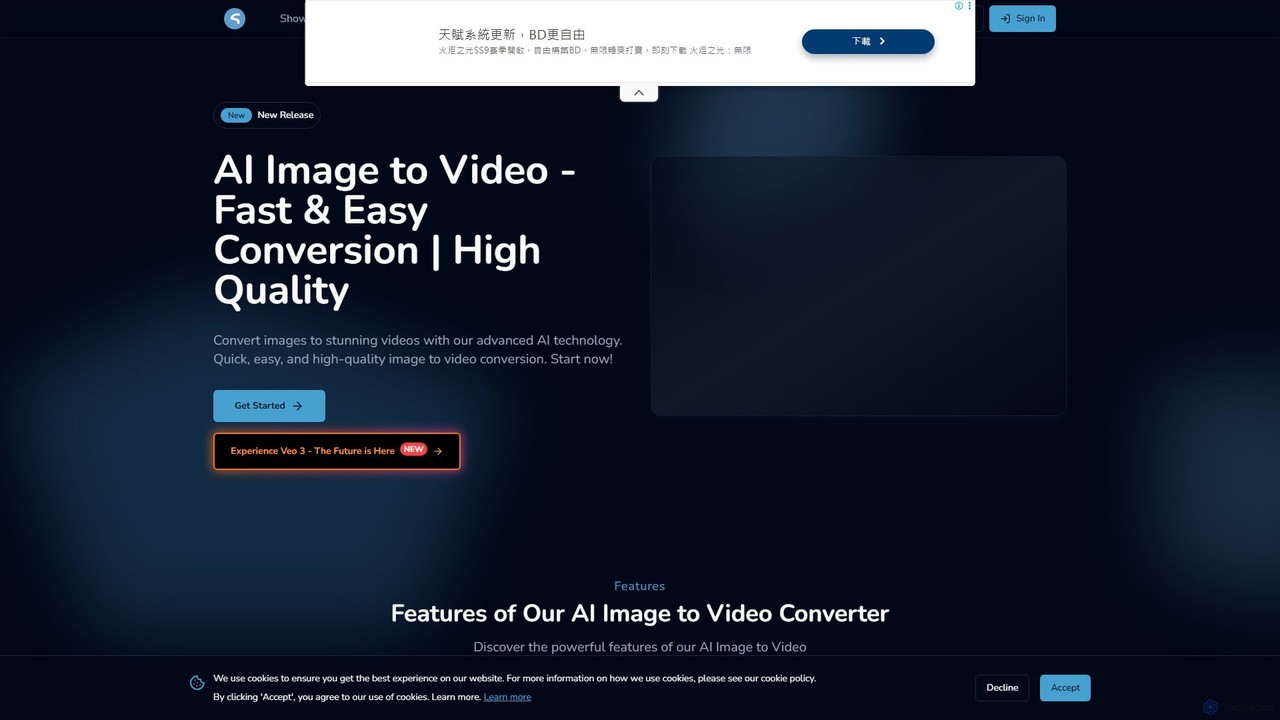
imgtovideoai
imgtovideoai is a comprehensive AI video creation suite that transforms images and text into dynamic, high-quality videos. It offers multiple tools, including Text-to-Video, Image-to-Video, AI Video Effects, and Image Blending, catering to marketers, content creators, and artists.
Image To VideoCogVideo Categories
CogVideo Embed Widget
Copy this embed code to place the badge on your blog, article, or product site and send readers directly to this ToolMage detail page.

Related AI tools
Luna AI
Luna AI is a powerful and free online AI video generator, powered by Luma Labs' Dream Machine. It enables users to effortlessly create stunning, high-quality videos from text prompts or static images in minutes. Designed for accessibility, it requires no prior video editing skills and supports multiple languages, making it ideal for marketers, content creators, and educators.
Animationvo3ai
VO3 AI is an advanced video generation platform powered by Google's Veo3 model. It transforms text prompts and static images into high-quality, cinematic videos with synchronized audio. Featuring diverse styles, advanced camera controls, and character consistency, it's designed for creators, marketers, and filmmakers to bring their ideas to life quickly and efficiently.
AnimationAi Image To Video
Ai Image To Video is an AI-powered online tool that transforms static images into dynamic, animated videos. By uploading an image and providing a text prompt, users can bring their photos to life with customized movements, styles, and effects. It's designed for creating engaging content for social media, marketing, and personal projects, requiring no video editing skills.
Image Animationimgtovideoai
imgtovideoai is a comprehensive AI video creation suite that transforms images and text into dynamic, high-quality videos. It offers multiple tools, including Text-to-Video, Image-to-Video, AI Video Effects, and Image Blending, catering to marketers, content creators, and artists.
Image To Video
Jyek
Jyek is an AI agent platform that understands objectives, creates execution plans, uses tools, and delivers verifiable results for complex, multi-step tasks.
Automation
Vidu Studio
Vidu Studio is a cutting-edge AI video generator developed by Shengshu Technology and Tsinghua University. It transforms text prompts and images into high-definition, dynamic videos. Featuring an advanced architecture similar to Sora, it excels at creating stylized content, animations, and marketing videos with remarkable speed and quality.
Animation
Tencent Hunyuan AI Video
Tencent Hunyuan AI Video is a powerful generative video tool developed by Tencent. Leveraging the advanced Hunyuan large model, it allows users to create high-quality, dynamic videos from simple text prompts or static images. Designed for creators, marketers, and businesses, it simplifies the video production process, enabling the creation of engaging content for social media, advertising, and artistic projects without complex software.
Generative Art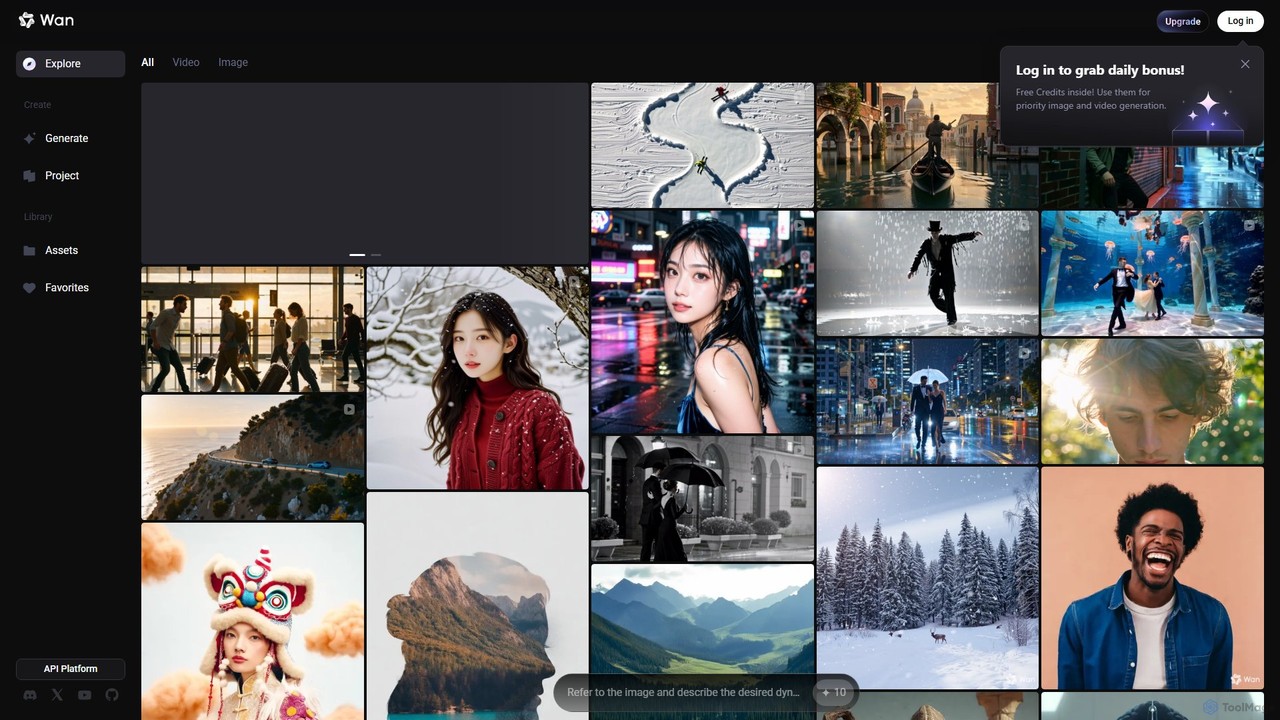
Wan AI
Wan AI is a leading AI video generation platform powered by the Wan 2.2 model. It transforms text prompts and static images into high-quality, dynamic video clips. Ideal for creators, marketers, and developers, it offers an intuitive interface, a project library, and a powerful API for seamless integration.
Generative Art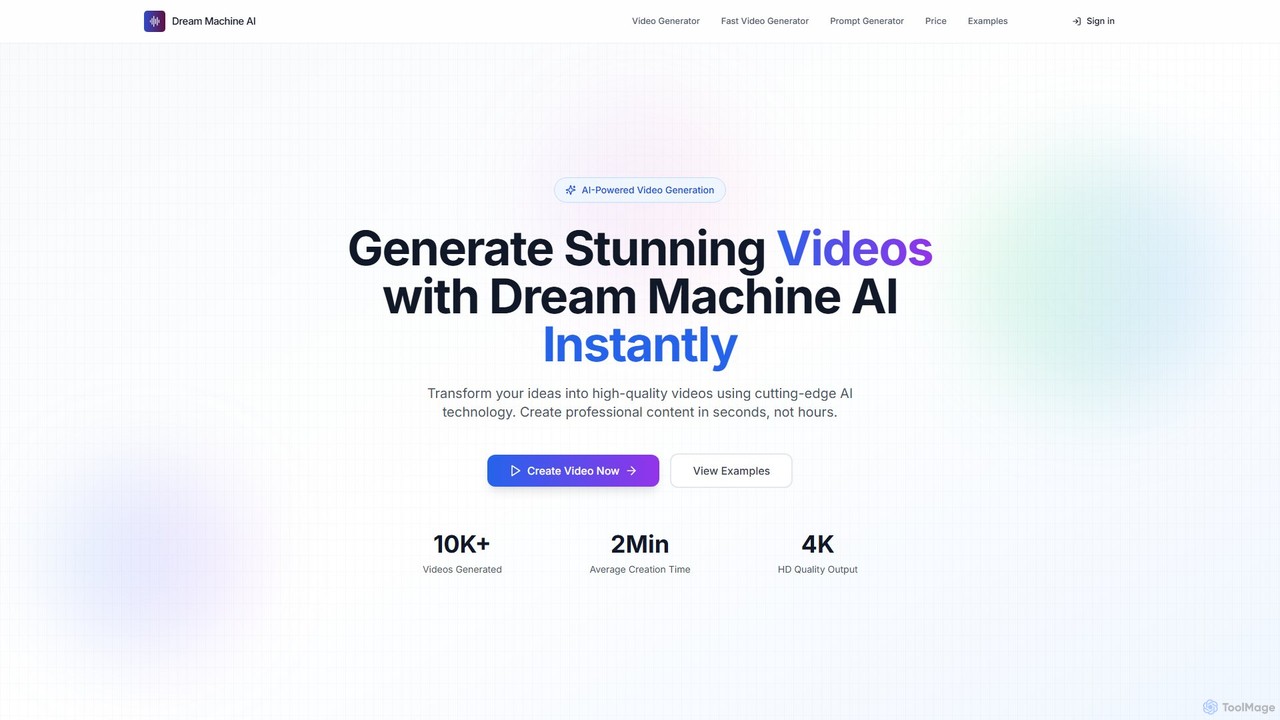
Dream Machine AI
Dream Machine AI is a powerful and affordable AI video generator that transforms text prompts and images into high-quality, realistic videos. Leveraging a model similar to Luma's Dream Machine, it offers fast 4K video creation in under two minutes, featuring character consistency, cinematic camera movements, and realistic physics. It's designed for creators of all levels to produce professional content for social media, marketing, and storytelling with ease.
Generative Art
stablevideodiffusion.online
An accessible online platform that harnesses the power of Stability AI's Stable Video Diffusion model. Effortlessly transform static images or text prompts into dynamic, high-quality short videos. Ideal for artists, marketers, and content creators looking to produce captivating motion content without complex software or powerful hardware.
Generative Art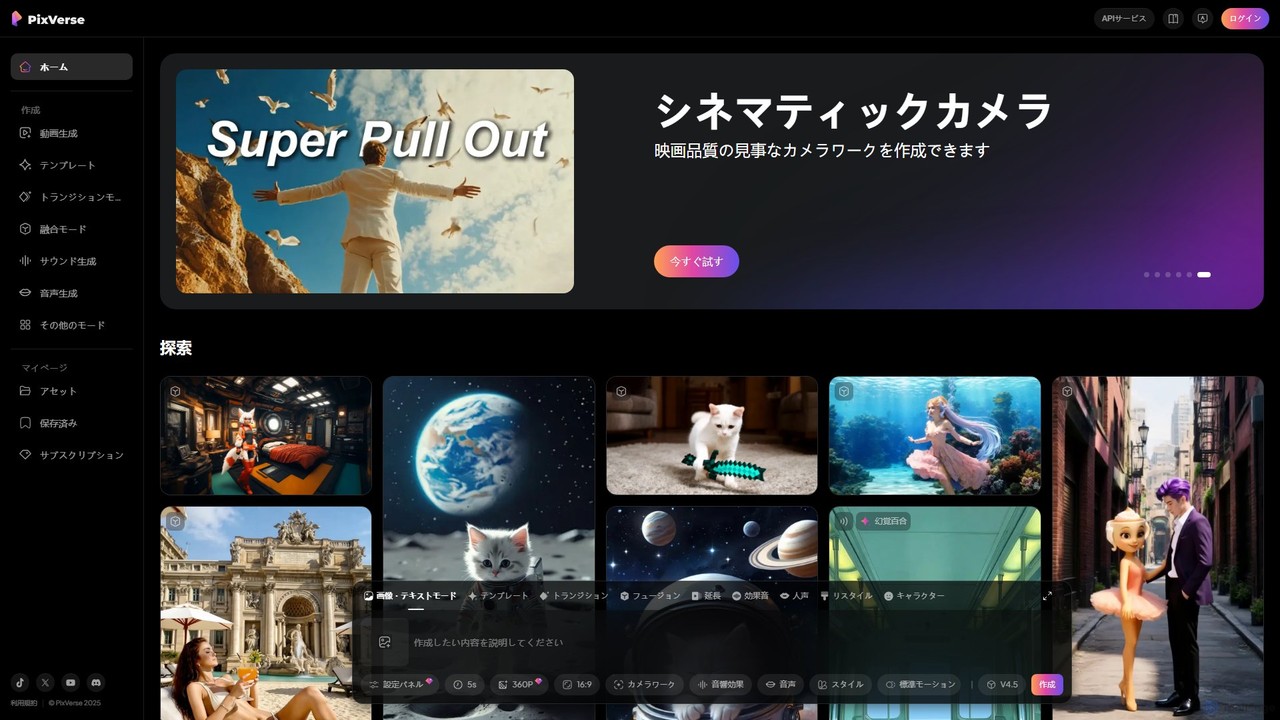
PixVerse
PixVerse is a leading AI video generator that transforms text prompts and static images into stunning, high-quality videos. Leveraging its advanced v4.5 model, it enables users to create captivating animations and viral social media content with ease. Ideal for content creators, marketers, and anyone looking to bring their creative ideas to life through dynamic video.
Animation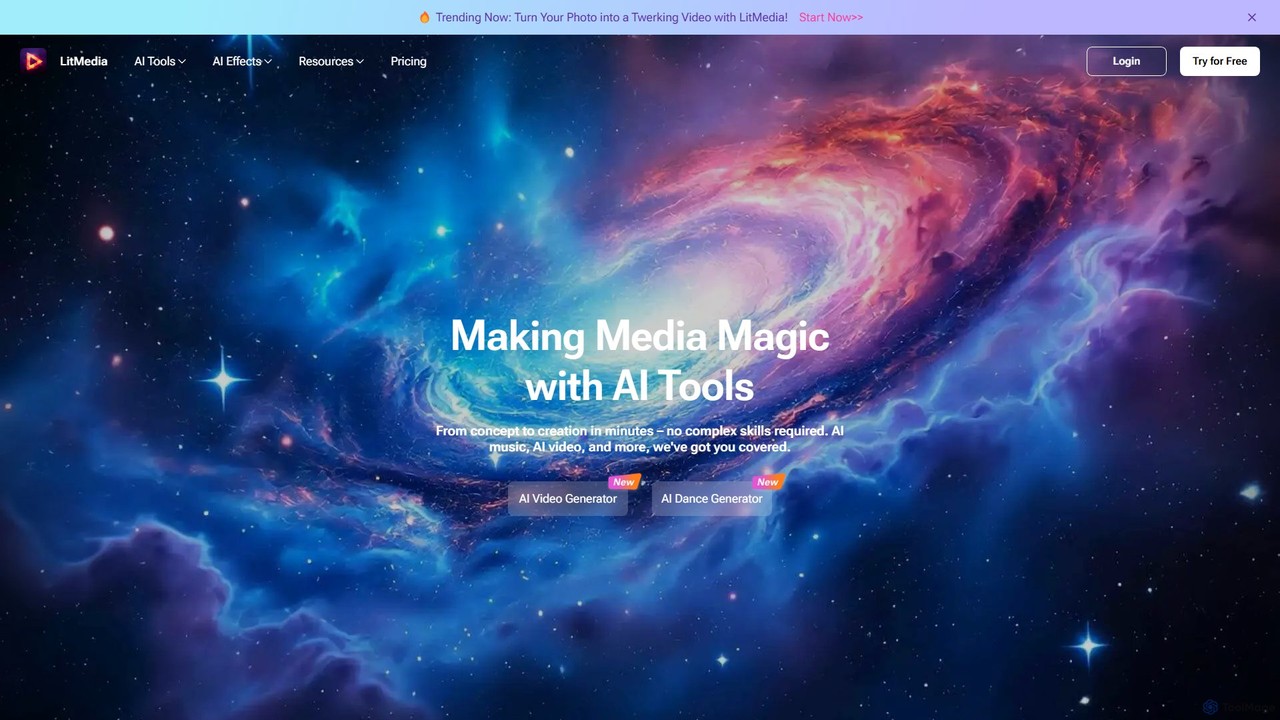
LitMedia
LitMedia is an all-in-one AI-powered creative suite designed to generate stunning videos, royalty-free music, and engaging dance animations. It integrates multiple advanced AI models like Kling and Vidu, allowing users to transform text, images, and videos into high-quality media content effortlessly. Ideal for content creators, marketers, and businesses, LitMedia simplifies the creative process, requiring no technical skills to produce professional-grade results in minutes.
Music Generation
vidful
Vidful is a powerful AI video generator that transforms text and images into high-quality videos in minutes. Leveraging cutting-edge models like Kling, Luma Dream Machine, and Google Veo, it offers features like text-to-video, image-to-video, lip-sync, and cinematic effects. Ideal for marketers, creators, and businesses, Vidful simplifies video production with both free and affordable paid plans.
Animation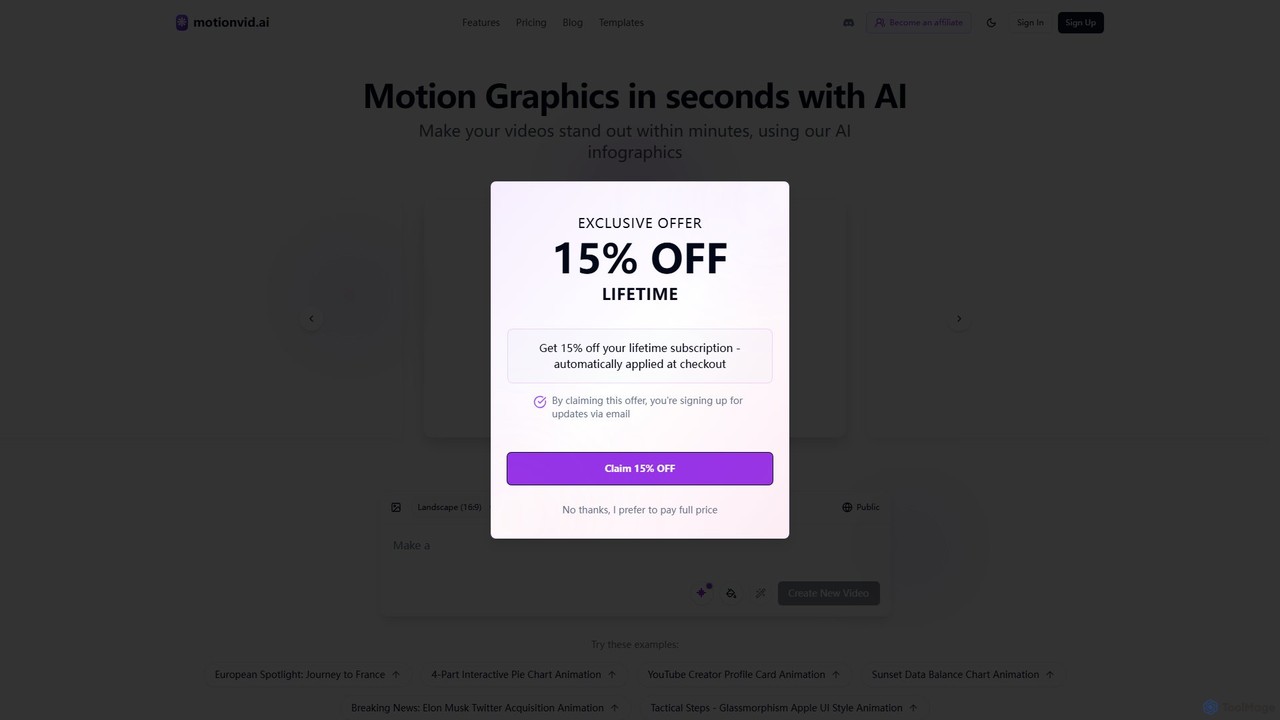
motionvid.ai
motionvid.ai is an AI-powered platform that transforms text prompts and sketches into professional-quality motion graphics and animations in seconds. It's designed for content creators, marketers, and editors to produce stunning videos 20x faster than traditional software like After Effects, without needing any technical skills.
Social Media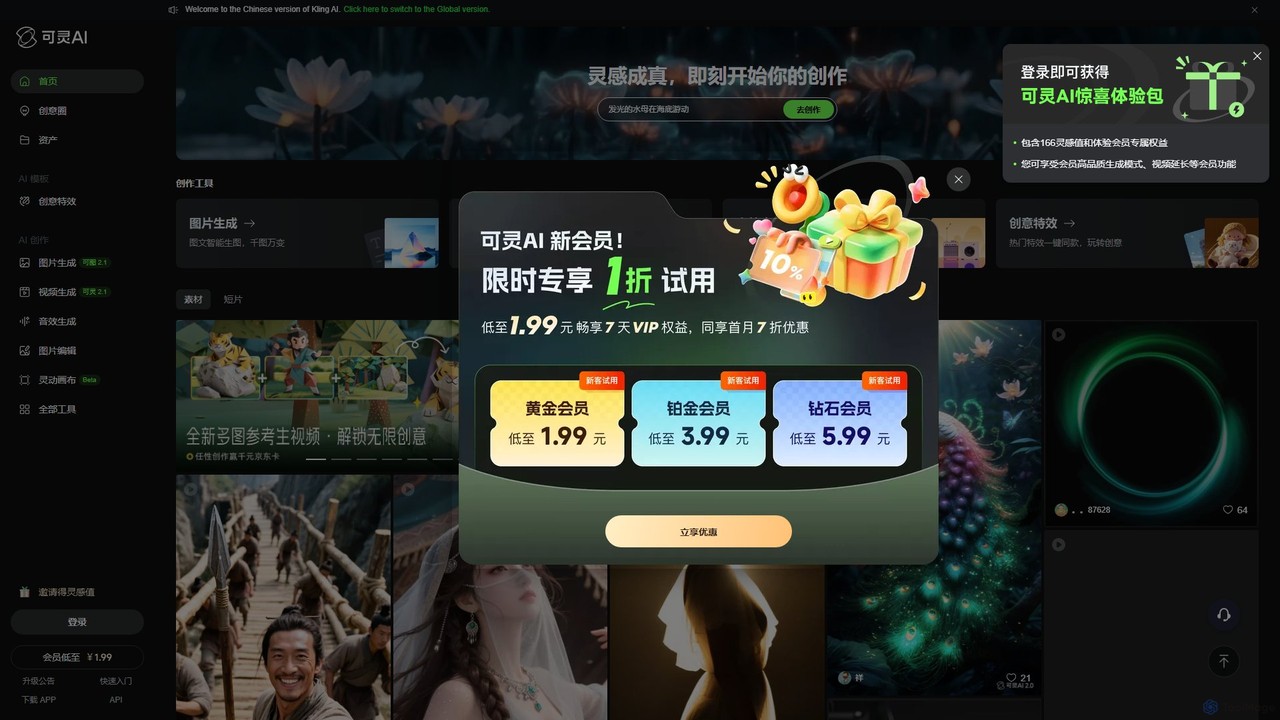
Kling AI
Kling AI is a next-generation creative productivity platform by Kuaishou, specializing in high-fidelity AI video generation. It transforms text prompts into stunning, up to 2-minute long 1080p videos, featuring realistic physics and complex motion. The platform also includes tools for AI image generation, sound effect creation, and one-click creative video effects, making it a comprehensive suite for creators, marketers, and filmmakers.
Image Generation
CogVideo Comments (0)
Sign in to comment.
Sign inNo comments yet.