

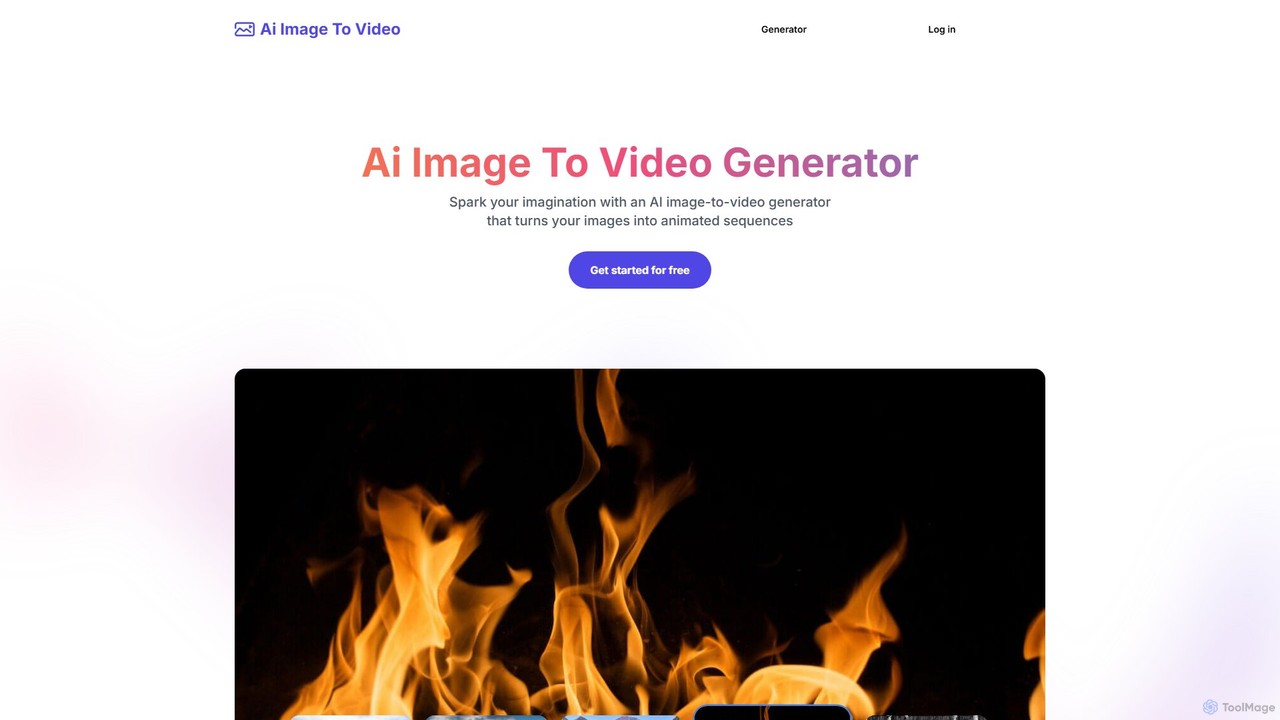
Ai Image To Video Overview
Ai Image To Video is a cutting-edge online platform that leverages artificial intelligence to breathe life into static images, transforming them into captivating animated videos. This tool empowers users, from social media managers to digital artists, to create dynamic visual content effortlessly. By combining an uploaded image with a descriptive text prompt, you can direct the AI to generate specific movements, styles, and atmospheres, turning a simple photo into a short, engaging video sequence.
The platform is built on a foundation of advanced AI algorithms that analyze the content of an image to apply realistic and artistic animations. Whether it's making a character's hair blow in the wind, adding a subtle breathing motion to a portrait, or creating a dramatic fly-through of a landscape, Ai Image To Video provides the controls to achieve your creative vision. The process is designed to be intuitive and fast, delivering results in seconds without the need for complex software or video editing expertise.
How to use Ai Image To Video
Creating an animated video is a simple, three-step process:
- Upload the Image: Start by uploading the static image you want to animate. The platform supports various image formats, with a file size limit of 4MB.
- Enter a Prompt: Provide a text description or keywords (currently in English only) that detail the desired animation. For example, you could write "A cinematic close up of flames" for a fire image or "wind blowing through her hair" for a portrait. This prompt guides the AI's animation process. This step is optional if you want the AI to apply a more general animation.
- Generate the Video: Click the 'Generate' button. The AI will process your image and prompt, and within seconds, your animated video will be ready. You can then preview the result and download it directly from the website.
Core Features of Ai Image To Video
- AI-Powered Animation: Automatically analyzes image content to add dynamic effects like blinking, breathing, expression changes, and environmental movements.
- Text Prompt Control: Users can guide the animation style, movement, and overall atmosphere using simple text descriptions.
- Fast Generation: Utilizes advanced AI algorithms to produce videos in just a few seconds.
- User-Friendly Interface: No prior video editing experience is required. The process is as simple as uploading an image and writing a prompt.
- High-Quality Output: Generates high-resolution, production-ready videos suitable for professional use.
- No Watermark: All paid plans offer video downloads without any watermarks.
- Privacy Control: Videos generated under the free plan are public, while paid plan users have their creations kept private.
Use Cases for Ai Image To Video
This tool is versatile and can be applied in numerous scenarios:
- Social Media: Create eye-catching animated posts for Instagram, Facebook, TikTok, and other platforms to increase engagement.
- Digital Marketing: Develop dynamic ad creatives and promotional content that stands out from static visuals.
- Presentations: Enhance slides and presentations with animated visuals to better illustrate concepts and retain audience attention.
- Digital Art & NFTs: Bring digital paintings, character designs, and other artwork to life, adding a new dimension to creative projects.
- Personal Projects: Animate old family photos (Deep Nostalgia style), create fun videos of pets, or experiment with creative storytelling.
Advantages of Ai Image To Video
The primary advantage is its simplicity and speed. It democratizes video creation, allowing anyone to produce professional-looking animations without a steep learning curve or expensive software. The ability to control the animation with text prompts offers a unique level of creative freedom, while the freemium model allows users to test the platform's capabilities before committing to a paid plan.
Pricing and Plans
Ai Image To Video operates on a freemium, credit-based system. A free trial is available upon registration, allowing users to experience the tool's magic. Paid plans offer more generations, privacy, and no watermarks.
- Starter: $8.9/month for 20 credits (generations).
- Premium: $13.9/month for 40 credits (generations).
- Deluxe (Most Popular): $23.9/month for 100 credits (generations).
- Ultimate: $36.9/month for 200 credits (generations).
All paid plans include fast generations and high-quality video output.
Traffic
Latest traffic
Status
Monthly traffic trend
- 2025-9: 766
- 2026-1: 1.3K
- 2026-2: 266
- 2026-3: 413
- 2026-4: 2.2K
- 2026-5: 5.3K
Geography
Top 5 countries / regions
- 🇺🇸United States53.5%
- 🇻🇳Vietnam17.5%
- 🇮🇩Indonesia14.4%
- 🇫🇷France7.5%
- 🇩🇪Germany7.1%
Top keywords
| Keyword | Cost per click |
|---|---|
| aiimagetovideo | $0.00 |
| aiimagetovideo affiliate | $0.00 |
| grok image to video free | $0.00 |
| how to delete account from aiimagetovideo.pro | $0.00 |
| nano banana pro 4k | $0.52 |
Ai Image To Video Alternatives
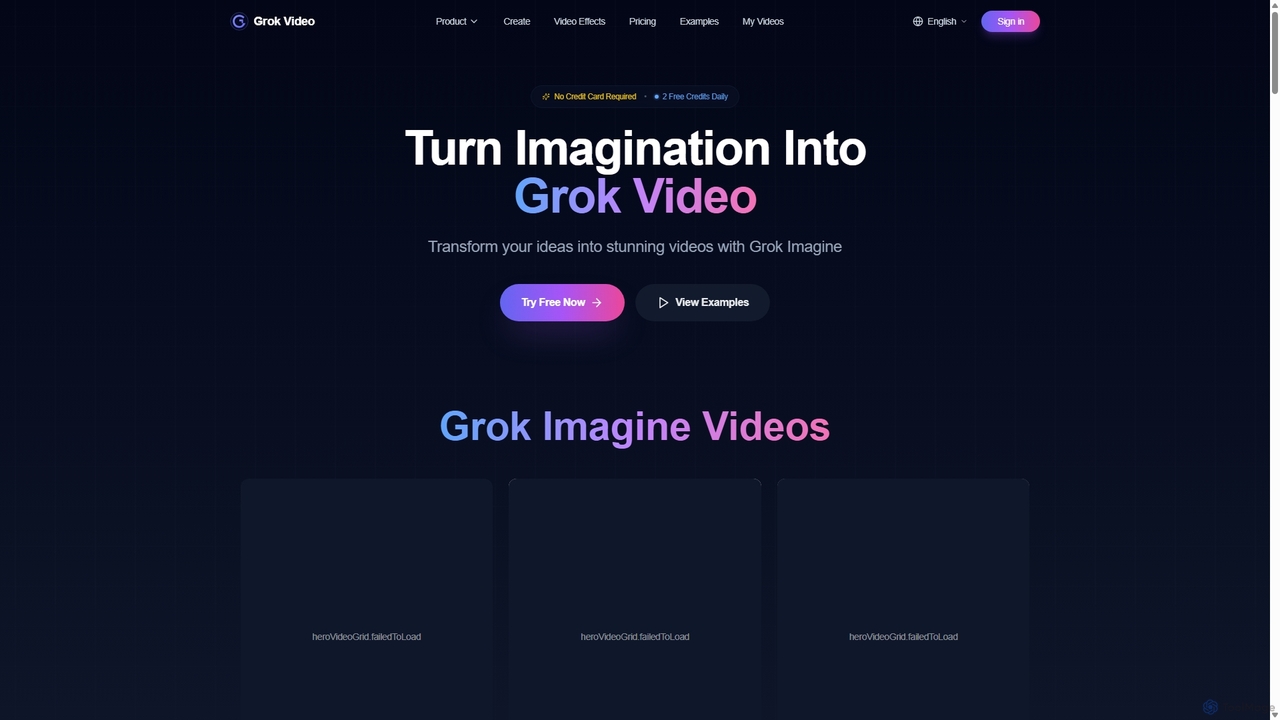
Grok Video
Grok Video is an AI-powered platform that transforms static images into dynamic, high-quality videos. Using simple text prompts, users can animate photos, create engaging content from scratch, and apply professional video effects. It's designed for creators, marketers, and businesses to produce stunning videos in seconds, with no technical skills required.
Image Animation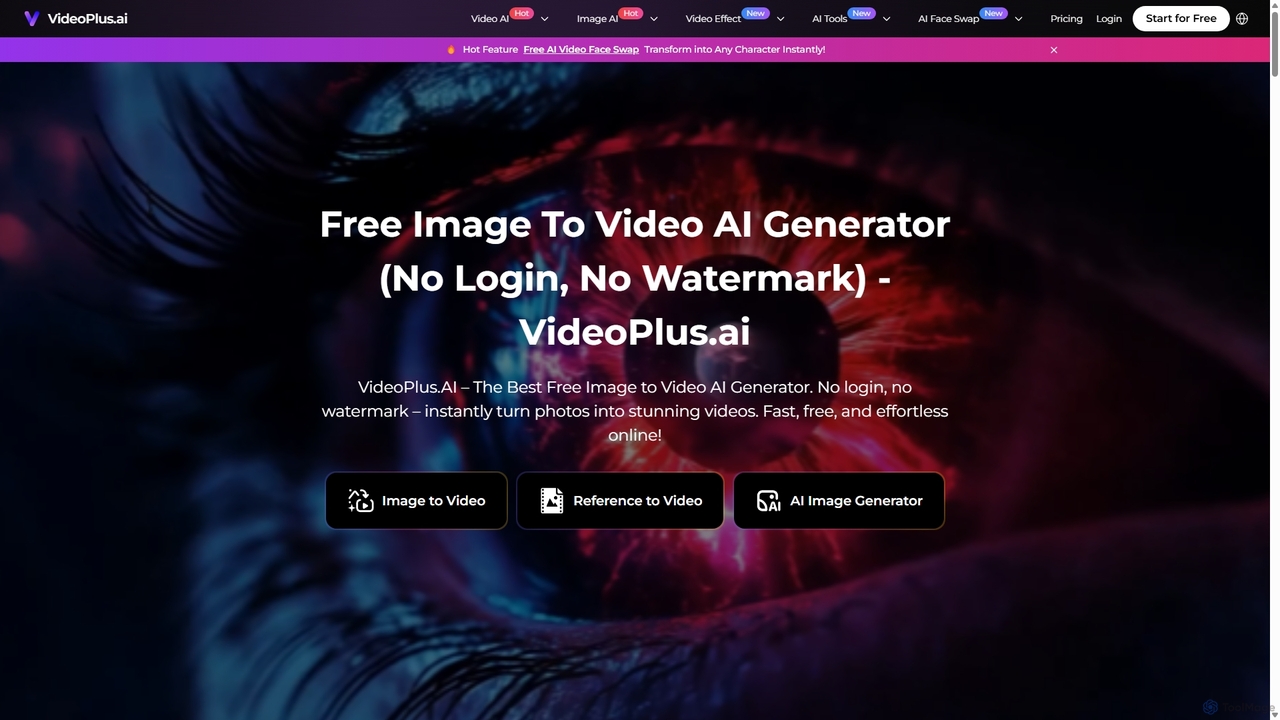
VideoPlus.ai
VideoPlus.ai is a powerful, all-in-one AI video generation platform that effortlessly transforms images and text into stunning, high-quality videos. It offers a suite of tools including image-to-video, text-to-video, AI video effects, and face swapping. Designed for both beginners and professionals, it requires no login or watermark for free use, making video creation fast, accessible, and cost-effective for marketing, content creation, and more.
Image Generation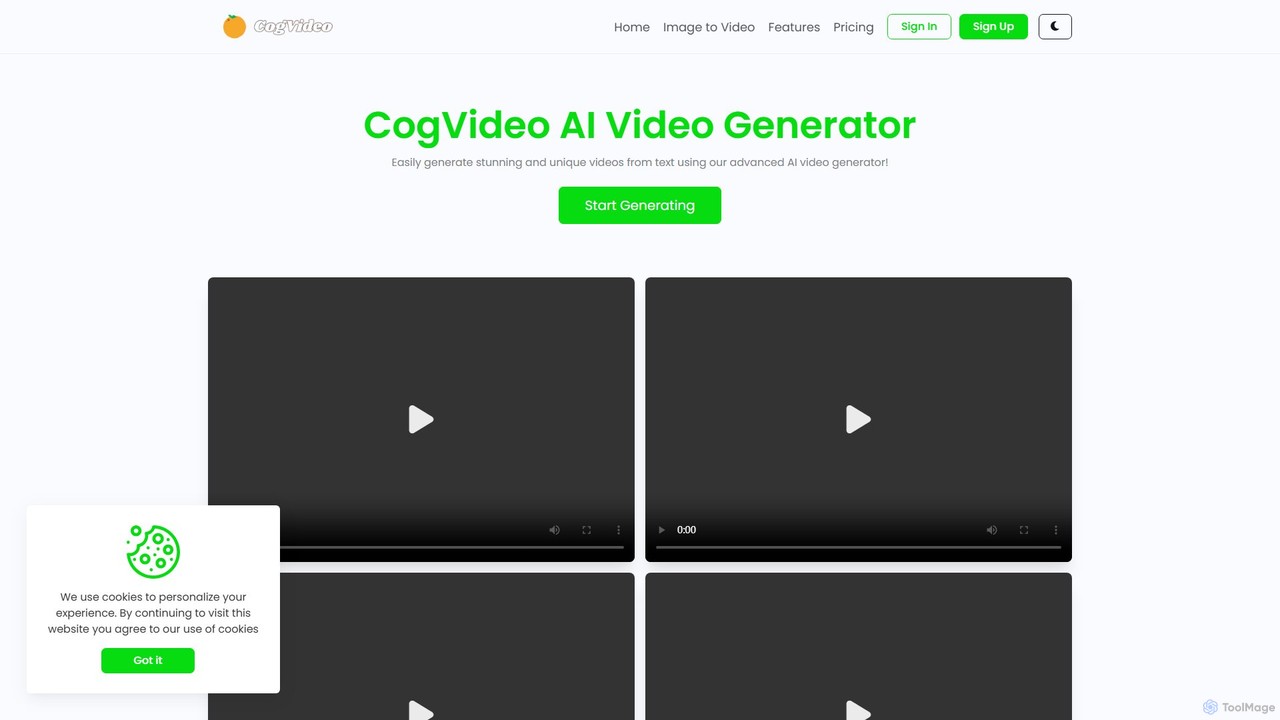
CogVideo
CogVideo is a powerful AI video generator that transforms static images into high-quality, dynamic video clips. Leveraging advanced AI algorithms, it allows users to create engaging, professional-level animations effortlessly, making it ideal for marketers, artists, and social media creators.
Image Animation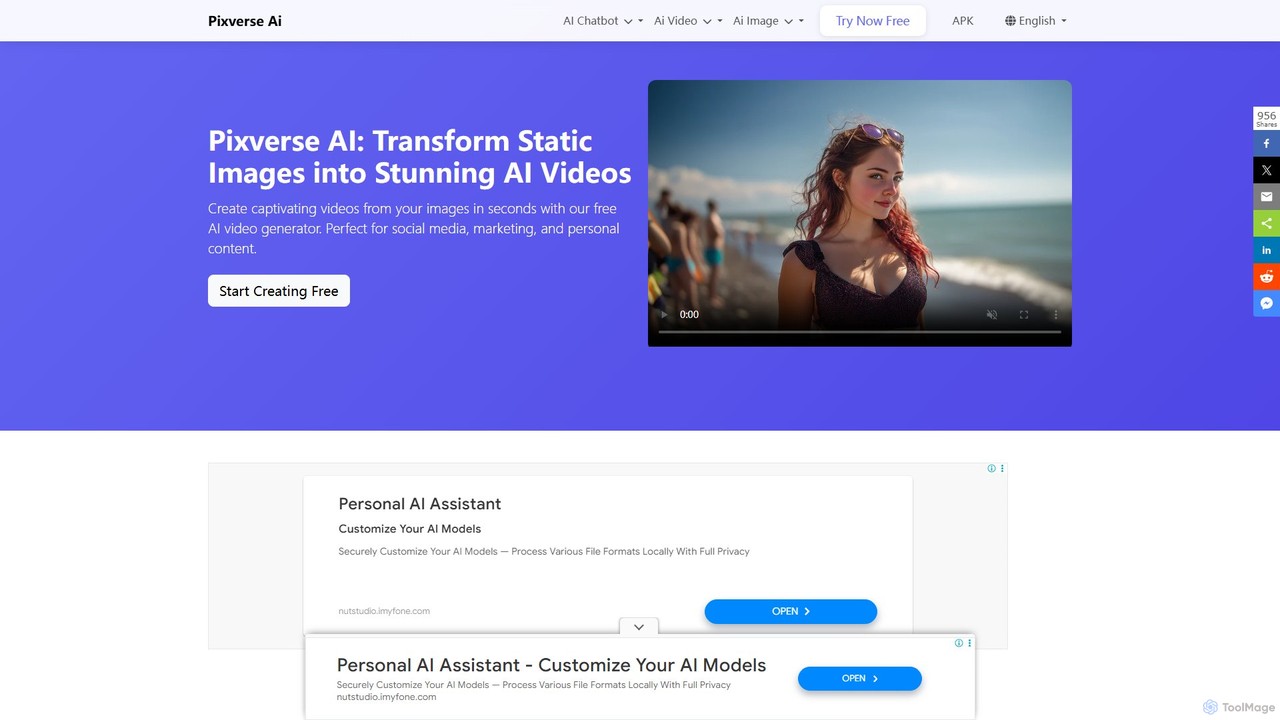
Pixverse AI
Pixverse AI is a powerful and completely free AI video generator that transforms text prompts and static images into stunning, high-definition videos. Powered by ByteDance's advanced Seedance 1.0 Pro model, it creates cinematic, multi-shot videos with no watermarks, perfect for social media, marketing, and creative projects.
Image Animation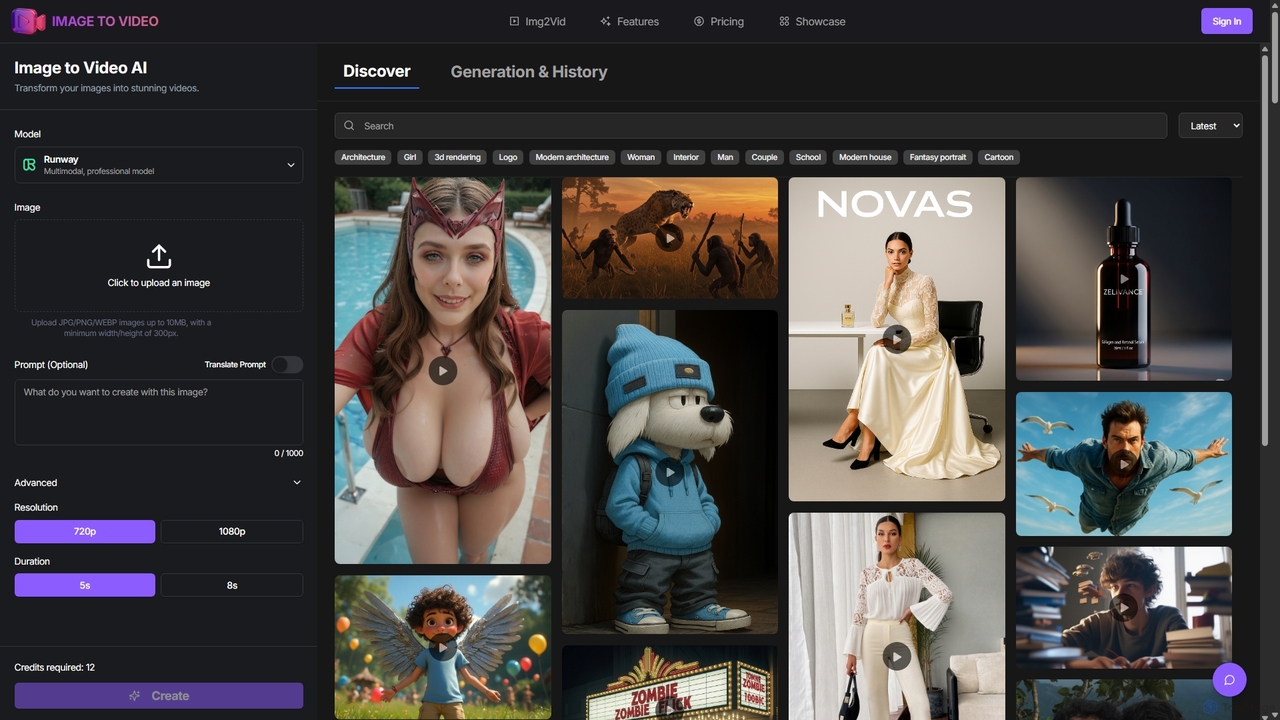
Image to Video AI
Image to Video AI is an all-in-one platform that transforms static images into dynamic, high-quality videos using advanced AI. It integrates multiple leading video models like Runway, Pika, and Luma AI, allowing users to create stunning visuals without technical skills. Simply upload an image, customize settings like duration and style, and generate professional-grade videos in minutes. Ideal for marketers, content creators, and businesses looking to enhance their visual content.
Image AnimationAi Image To Video Categories
Ai Image To Video Embed Widget
Copy this embed code to place the badge on your blog, article, or product site and send readers directly to this ToolMage detail page.

Related AI tools
Grok Video
Grok Video is an AI-powered platform that transforms static images into dynamic, high-quality videos. Using simple text prompts, users can animate photos, create engaging content from scratch, and apply professional video effects. It's designed for creators, marketers, and businesses to produce stunning videos in seconds, with no technical skills required.
Image Animation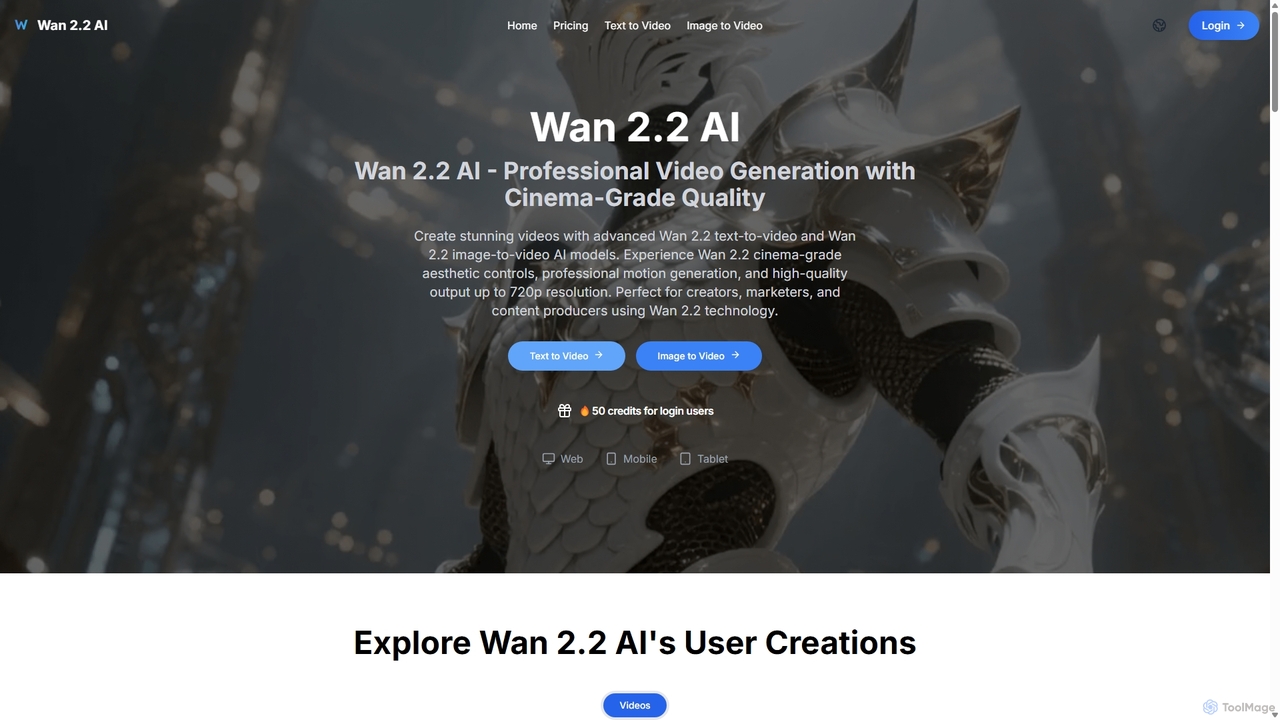
Wan 2.2 AI
Wan 2.2 AI is a professional AI video generation platform specializing in text-to-video and image-to-video conversion. It offers cinema-grade quality with advanced aesthetic and motion controls, allowing users to create stunning videos up to 720p. Designed for creators, marketers, and studios, it provides precise prompt control, multiple aspect ratios, and commercial licenses. Transform simple text descriptions or static images into dynamic, high-quality video content with realistic movements and professional cinematography.
AnimationVideoPlus.ai
VideoPlus.ai is a powerful, all-in-one AI video generation platform that effortlessly transforms images and text into stunning, high-quality videos. It offers a suite of tools including image-to-video, text-to-video, AI video effects, and face swapping. Designed for both beginners and professionals, it requires no login or watermark for free use, making video creation fast, accessible, and cost-effective for marketing, content creation, and more.
Image GenerationCogVideo
CogVideo is a powerful AI video generator that transforms static images into high-quality, dynamic video clips. Leveraging advanced AI algorithms, it allows users to create engaging, professional-level animations effortlessly, making it ideal for marketers, artists, and social media creators.
Image Animation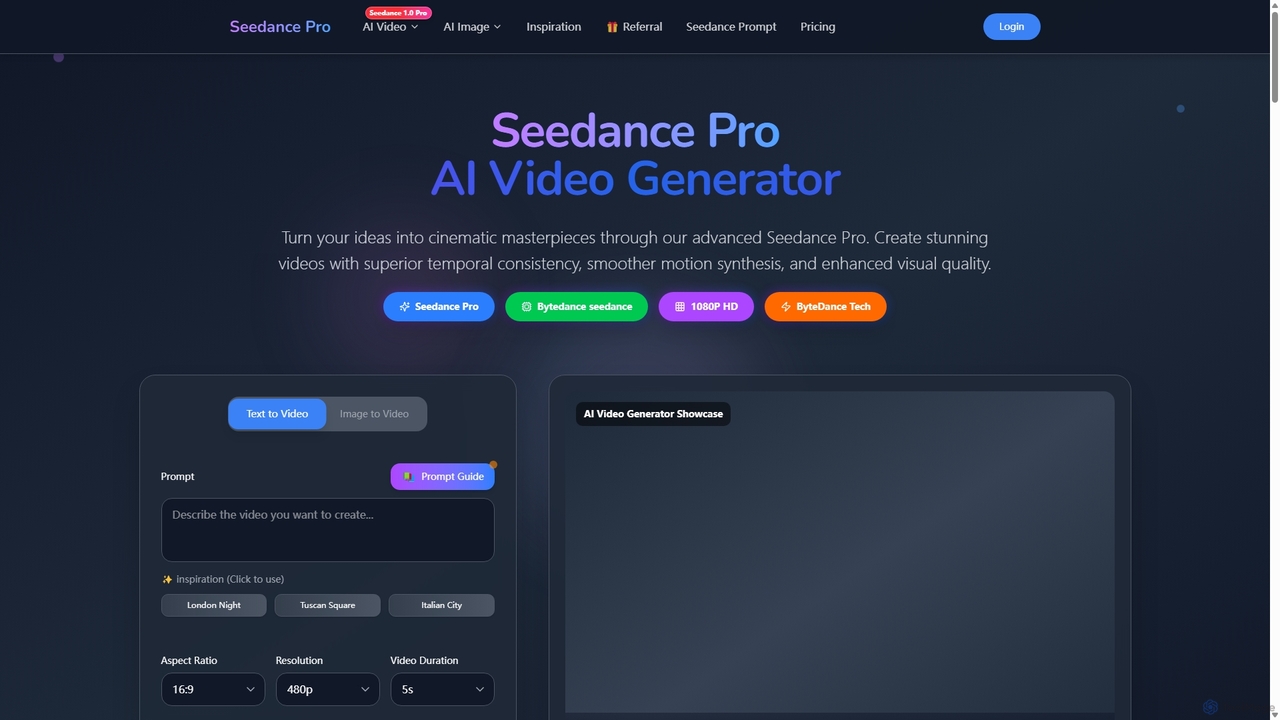
Seedance Pro
Seedance Pro is an advanced AI video generator by ByteDance that transforms text and images into cinematic, 1080p HD masterpieces. It excels in creating videos with superior temporal consistency, smooth motion, and native multi-shot storytelling, making it ideal for creators, marketers, and filmmakers.
Image Generation
Aivo3
Aivo3 is an advanced AI video generator powered by Veo3 AI technology, designed to transform text prompts and images into high-fidelity, cinematic videos with sound in minutes. It offers a user-friendly interface, multi-style rendering, and adaptive scene understanding, making it ideal for marketers, content creators, and developers to produce engaging visual stories effortlessly, without needing complex editing skills or expensive equipment.
Generative Video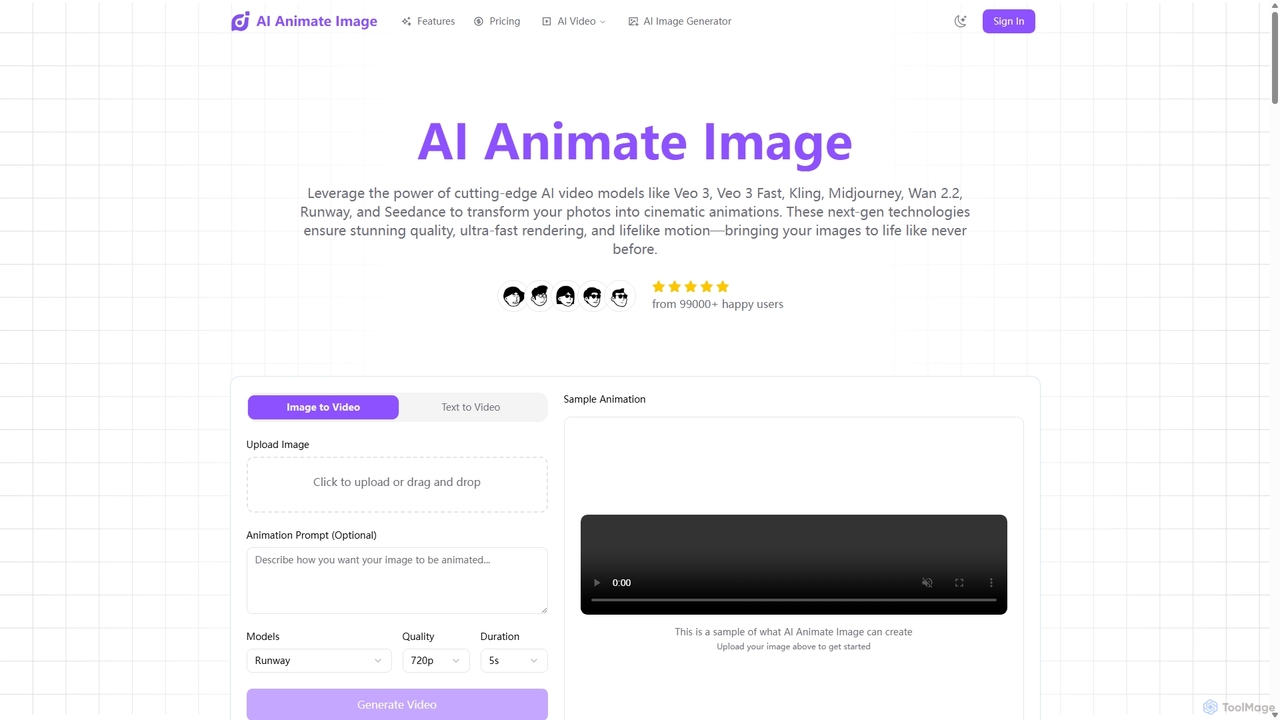
Aianimateimage
Aianimateimage is a comprehensive AI-powered platform that transforms static images into captivating animations and generates stunning visuals from text. Utilizing advanced models like Veo 3, Kling, and GPT-4o, it offers tools for image-to-video, text-to-video, and text-to-image creation. It's designed for creators, marketers, and artists to produce professional-quality animated content and images effortlessly through a user-friendly, browser-based interface.
Image GenerationImage to Video AI
Image to Video AI is an all-in-one platform that transforms static images into dynamic, high-quality videos using advanced AI. It integrates multiple leading video models like Runway, Pika, and Luma AI, allowing users to create stunning visuals without technical skills. Simply upload an image, customize settings like duration and style, and generate professional-grade videos in minutes. Ideal for marketers, content creators, and businesses looking to enhance their visual content.
Image Animation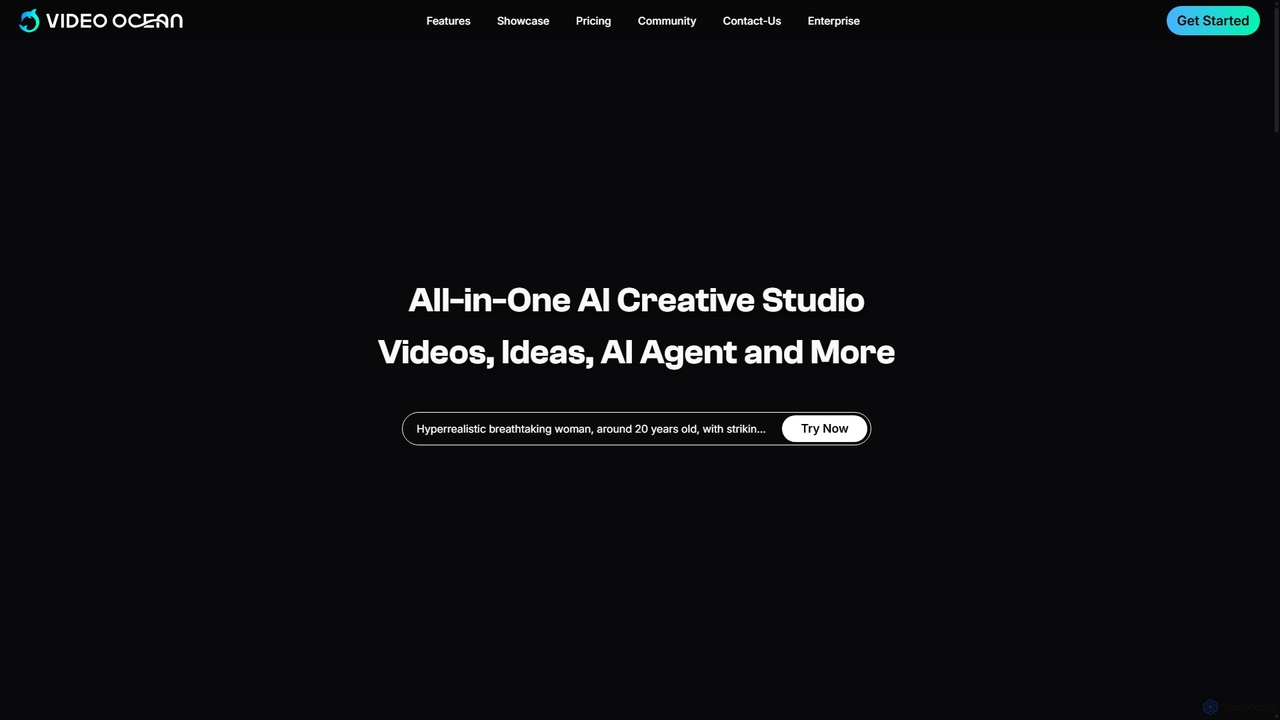
Video Ocean
Video Ocean is an all-in-one AI creative studio that transforms ideas into stunning videos and images. It offers a comprehensive suite of tools, including text-to-video, image-to-video, lip-sync, and multi-reference generation, making high-quality video production accessible to everyone, from marketers to content creators.
Image Generation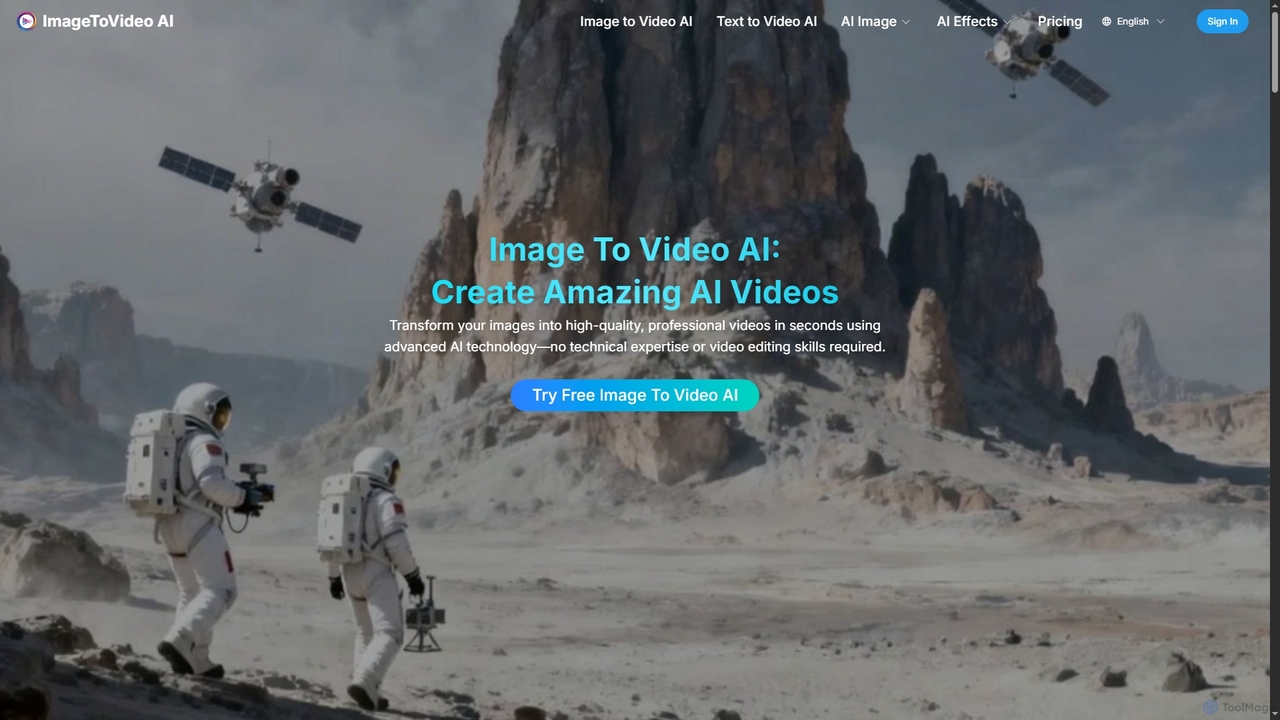
Imagetovideoai
Imagetovideoai is an AI-powered video generator that transforms static images and text prompts into dynamic, animated videos. It features an intuitive interface, requiring no technical skills, and produces high-quality, watermark-free videos suitable for social media, marketing, and personal projects. The platform also includes unique AI effects for creative content.
Entertainment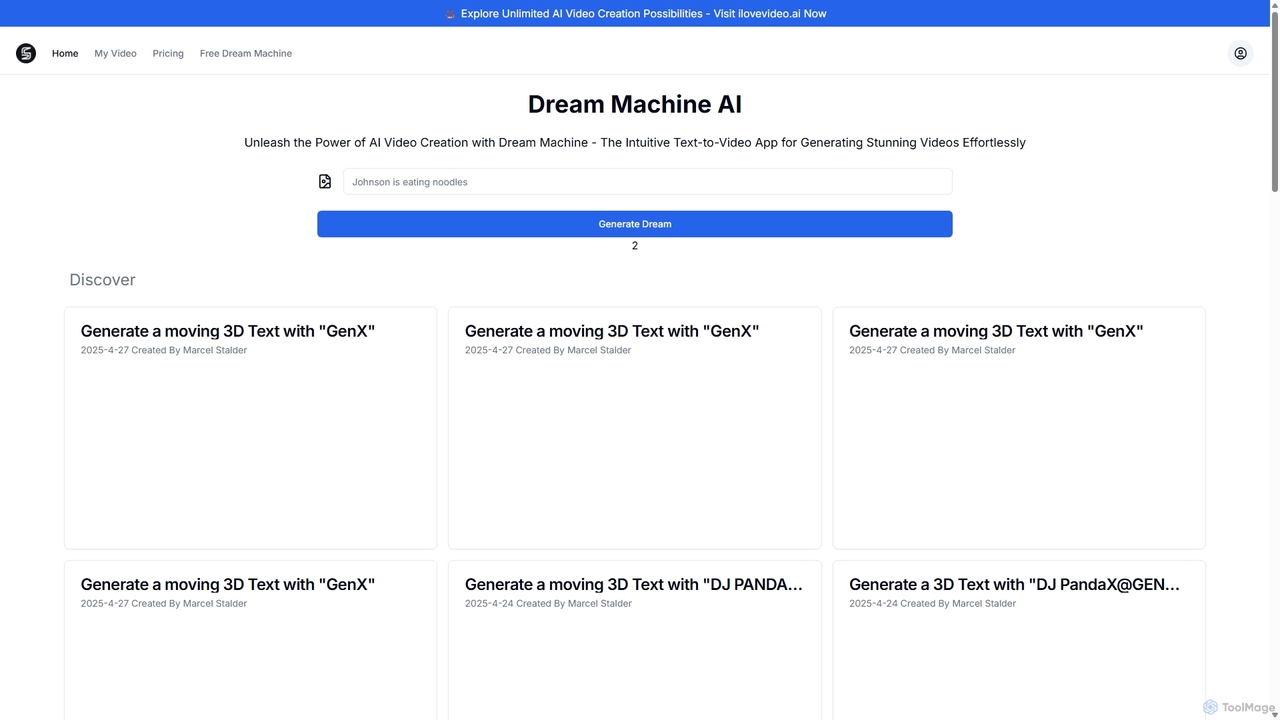
Dream Machine AI
Dream Machine AI by Luma Labs is a revolutionary text-to-video and image-to-video model that generates high-quality, realistic 5-second video clips. It transforms simple text prompts or static images into dynamic, cinematic scenes with consistent characters, accurate physics, and fluid camera movements, making advanced video creation accessible to everyone.
Generative Art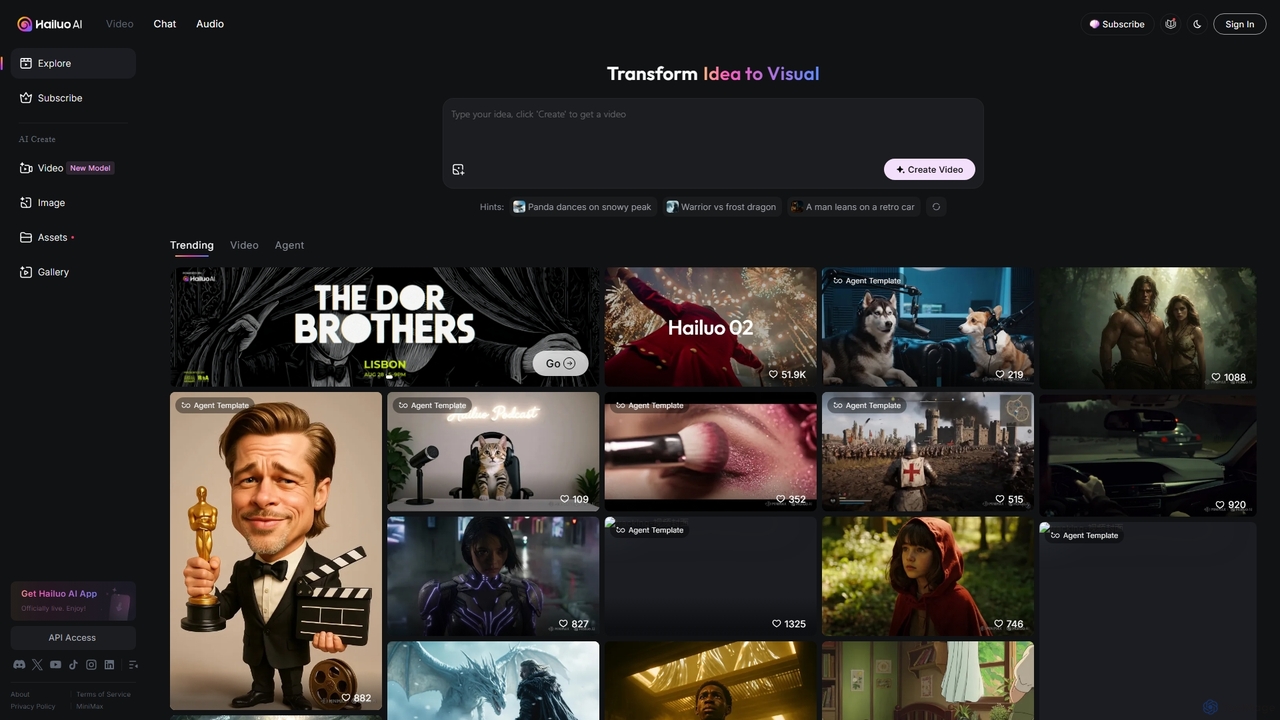
Hailuo AI
Hailuo AI is a powerful AI video generator that transforms ideas into stunning visuals. It supports text-to-video and image-to-video creation, offering a wide range of customizable "Agent Templates" for specific scenarios like pet videos, caricatures, and product showcases. With features like automated editing and support for various resolutions, Hailuo AI simplifies video production for marketers, content creators, and businesses, making it easy to create engaging, professional-quality content effortlessly.
Animation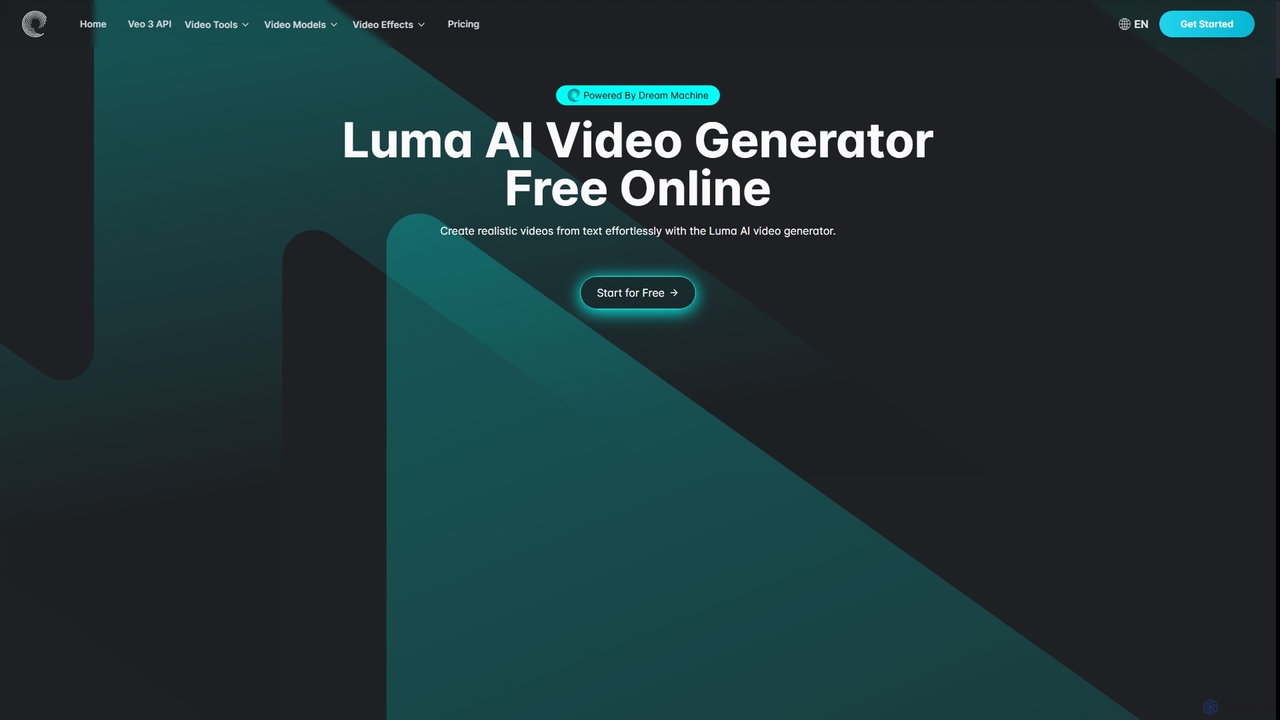
Aivideogenerator
Aivideogenerator is a versatile AI video creation platform that transforms text prompts and static images into realistic, high-quality videos. Powered by advanced models like Luma AI's Dream Machine and Google's Veo 3, it offers both text-to-video and image-to-video generation. The tool is designed for accessibility, providing a free-to-use option and various subscription plans for creators, marketers, and businesses. It supports different aspect ratios, commercial use, and rapid video creation, making it a powerful solution for producing engaging content.
Social Media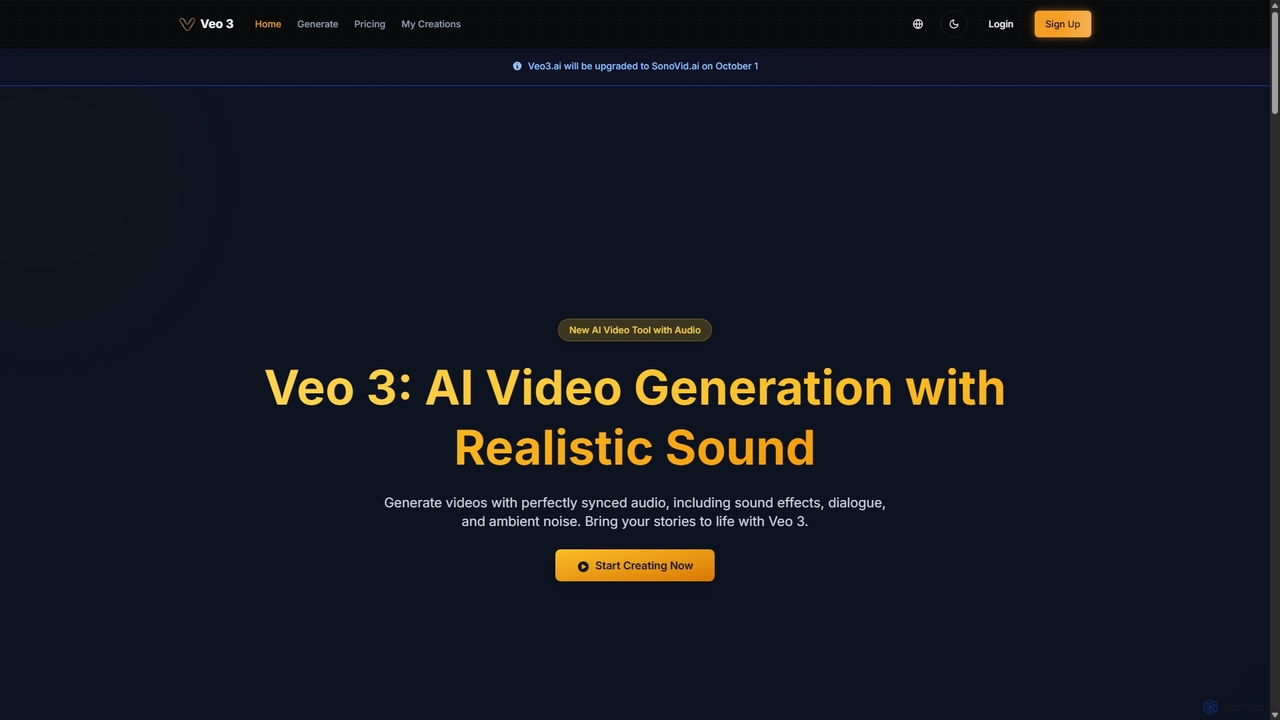
Veo 3
Veo 3 is an advanced AI video generator powered by Google's Veo 3 model. It specializes in creating high-quality, 1080p videos up to 8 seconds long with perfectly synchronized, natively generated audio. Users can generate content from text or image prompts, complete with realistic dialogue, sound effects, ambient noise, and precise lip-syncing, making it ideal for creators and marketers.
Speech Synthesis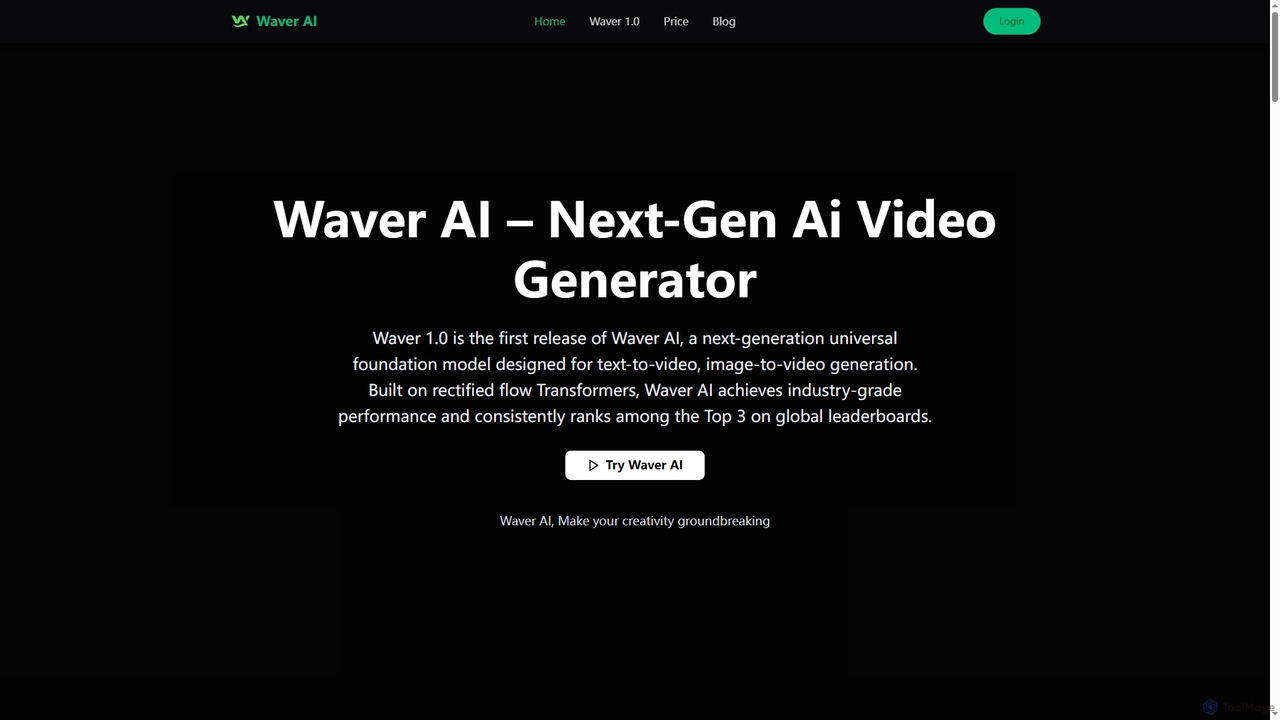
Waverai
Waverai is a next-generation AI video generator that creates cinematic 1080p videos from text or images. Built on rectified flow Transformers, it offers an all-in-one solution for text-to-video, image-to-video, and text-to-image generation with superior motion modeling and temporal consistency.
Image Generation
Ai Image To Video Comments (0)
Sign in to comment.
Sign inNo comments yet.