

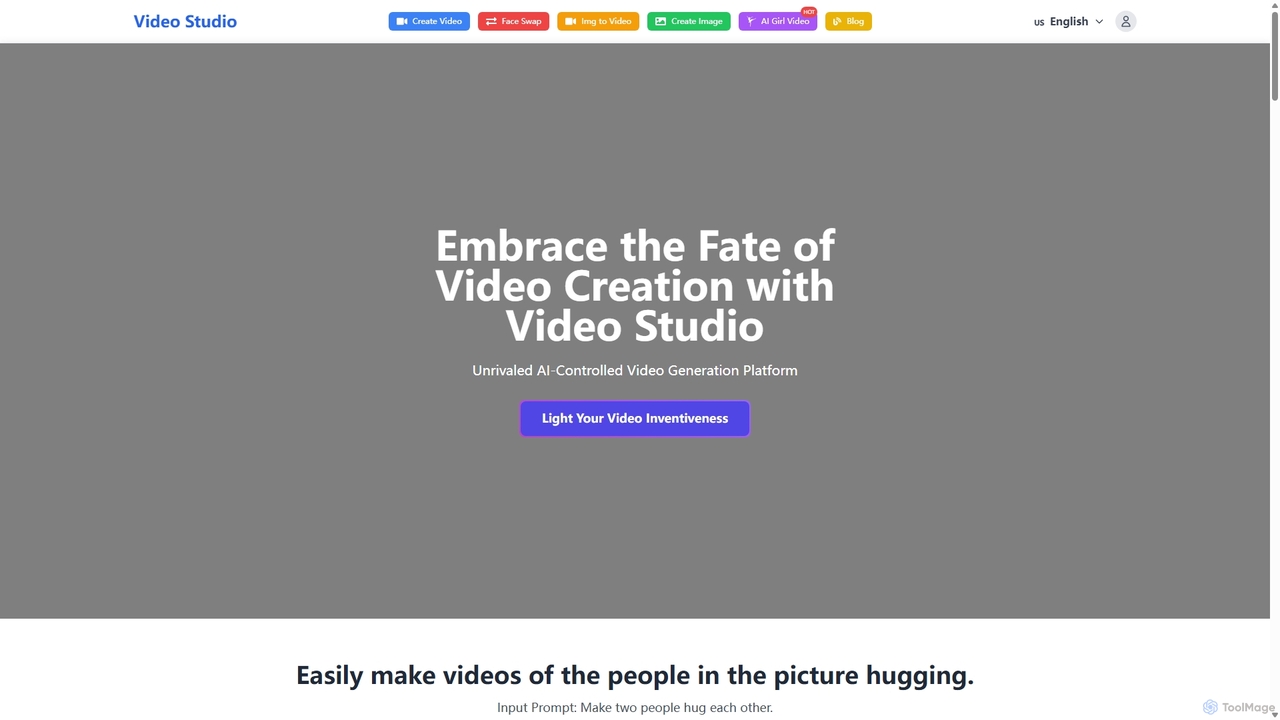
Video Studio Overview
Video Studio is a cutting-edge, AI-controlled video generation platform designed to democratize video creation for everyone, from individual creators to professional agencies. It empowers users to transform their creative concepts into high-definition, engaging videos with minimal effort. By leveraging advanced artificial intelligence, Video Studio streamlines the entire production process, making it faster, more cost-effective, and accessible to users without a technical background. The platform offers a dual-pronged approach to content creation: generating dynamic videos from simple text descriptions and animating static images, breathing life into your photos. Furthermore, it includes a powerful and free-to-try AI Face Swap feature, allowing for seamless face swapping in photos, videos, and GIFs, opening up a new realm of creative and entertaining possibilities.
How to use Video Studio
The platform is designed with a user-friendly interface to ensure a straightforward experience. Here’s how to get started:
For AI Video Generation:
- Navigate to the 'Create Video' section on the website.
- In the 'Prompt' box, type a detailed description of the video you want to create. You can also use the suggested prompts for inspiration.
- Alternatively, you can upload an image by dragging and dropping it or clicking to select a file. The AI will then animate this image based on your prompt or its own interpretation.
- Click the 'Create Video' button (this will consume credits). The AI will process your request and generate the video, which will appear in your generation history.
For AI Face Swap:
- Go to the 'AI Face Swap' section.
- Upload the 'Source Face Image' – this is the face you want to apply to another image or video.
- Upload the 'Target Image' or video where you want the face to be swapped.
- Click the 'Generate Face Swap' button (this also consumes credits).
- The platform's AI will analyze both inputs, perform the swap with high precision, and present the final result.
Core Features of Video Studio
- AI Text-to-Video Generation: Convert written descriptions and scripts into vivid, high-quality video scenes.
- AI Image-to-Video Animation: Animate static photos, turning them into dynamic video clips.
- Advanced AI Face Swap: Seamlessly swap faces in photos, videos, and GIFs with a high degree of realism.
- Multiple Face Swap: The technology supports swapping multiple faces within a single image or video frame simultaneously.
- User-Friendly Interface: A clean and intuitive dashboard that simplifies the creation process for both beginners and professionals.
- High-Quality Rendering: The AI is optimized to produce videos with realistic rendering and captivating visual quality.
- Commercial License: All paid plans include a commercial license, allowing you to use the generated content for professional projects.
- Private Generations: Paid subscribers can keep their creations private and secure.
Use Cases for Video Studio
Video Studio's versatility makes it suitable for a wide range of applications across various industries:
- Social Media Content: Quickly generate eye-catching videos, memes, and animated GIFs for platforms like Instagram, TikTok, and X (Twitter).
- Marketing and Advertising: Create promotional videos, product showcases, and ad creatives without the high cost of traditional video production.
- Creative Arts and Entertainment: Artists and filmmakers can visualize concepts, create animated storyboards, or produce unique visual effects.
- Personal Projects: Bring old photos to life, create fun face-swap videos with friends and family, or experiment with creative ideas.
- E-learning and Presentations: Enhance educational content and business presentations with custom-generated visuals and animations.
Advantages of Video Studio
Video Studio offers a competitive edge through several key benefits:
- Cost-Effectiveness: Drastically reduces the expenses associated with traditional video production, such as hiring actors, renting equipment, and post-production.
- Efficiency and Speed: Accelerates the content creation workflow from hours or days to mere minutes, allowing for rapid ideation and production.
- Accessibility: No technical expertise or video editing skills are required. The intuitive interface empowers anyone to become a video creator.
- Creative Freedom: With both text and image inputs, the possibilities for video creation are virtually limitless, acting as a powerful catalyst for imagination.
- High-Quality Output: Despite the speed and ease of use, the platform does not compromise on quality, delivering professional-grade, realistic videos.
Pricing and Plans
Video Studio operates on a freemium model with flexible plans to suit different needs. You can try the features for free before subscribing.
- Starter Plan: $4.99/Month. Includes 300 credits/month, shared generation queue, 1 running job at a time, commercial license, private generations, and video downloads. Ideal for experimentation.
- Premium Plan: $9.99/Month. Includes 1000 credits/month, priority generation queue, 4 running jobs at once, commercial license, private generations, and video downloads. Suited for businesses and frequent creators.
- Advanced Plan: $24.99/Month. Includes 5000 credits/month, priority generation queue, 10 running jobs at once, commercial license, private generations, and video downloads. Optimized for agencies and power users.
Users can save 20% by opting for an annual subscription.
Traffic
Latest traffic
Status
Monthly traffic trend
- 2025-9: 3.0K
- 2026-1: 3.0K
- 2026-2: 1.6K
- 2026-3: 1.5K
- 2026-4: 845
- 2026-5: 2.6K
Geography
Top 5 countries / regions
- 🇻🇳Vietnam71.1%
- 🇮🇳India16.4%
- 🇺🇸United States11.8%
- 🇪🇸Spain0.7%
Top keywords
| Keyword | Cost per click |
|---|---|
| ai image to video free no sign up | $0.00 |
| image to video ai | $0.38 |
| image to video editor ai no sign up | $0.00 |
| vidu | $0.97 |
| vidu studio | $0.09 |
Video Studio Alternatives
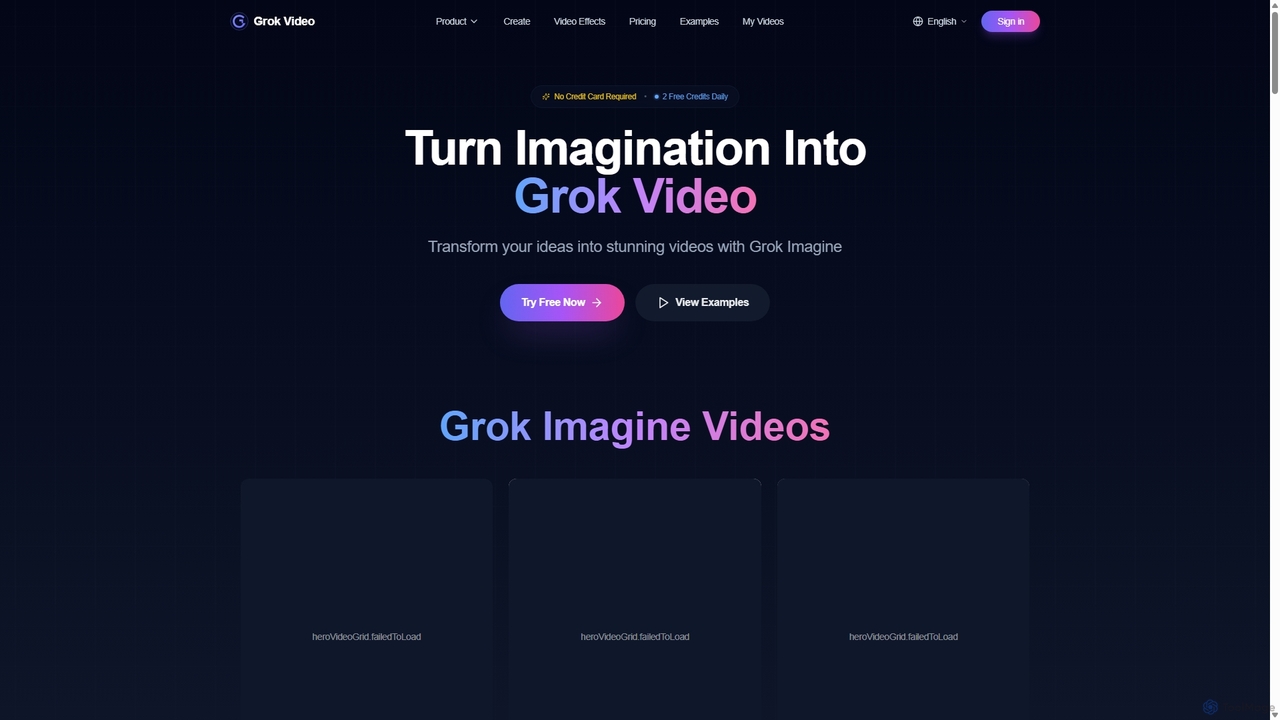
Grok Video
Grok Video is an AI-powered platform that transforms static images into dynamic, high-quality videos. Using simple text prompts, users can animate photos, create engaging content from scratch, and apply professional video effects. It's designed for creators, marketers, and businesses to produce stunning videos in seconds, with no technical skills required.
Image Animation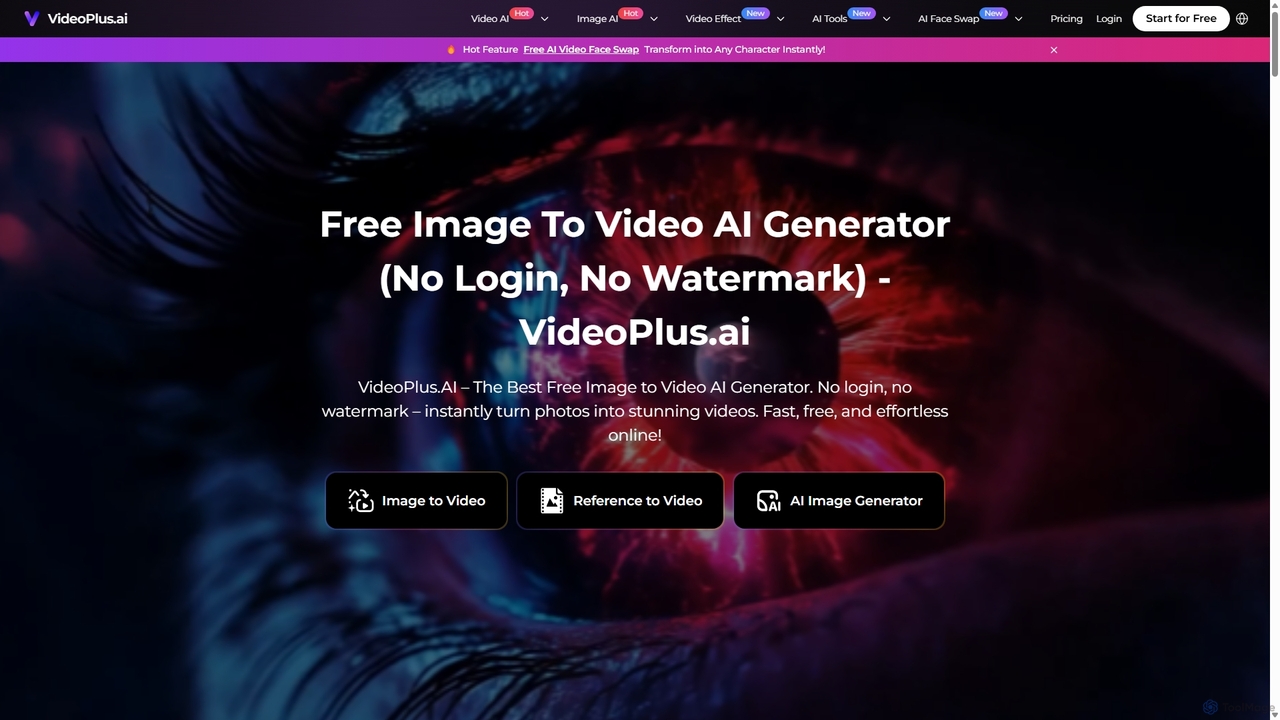
VideoPlus.ai
VideoPlus.ai is a powerful, all-in-one AI video generation platform that effortlessly transforms images and text into stunning, high-quality videos. It offers a suite of tools including image-to-video, text-to-video, AI video effects, and face swapping. Designed for both beginners and professionals, it requires no login or watermark for free use, making video creation fast, accessible, and cost-effective for marketing, content creation, and more.
Image Generation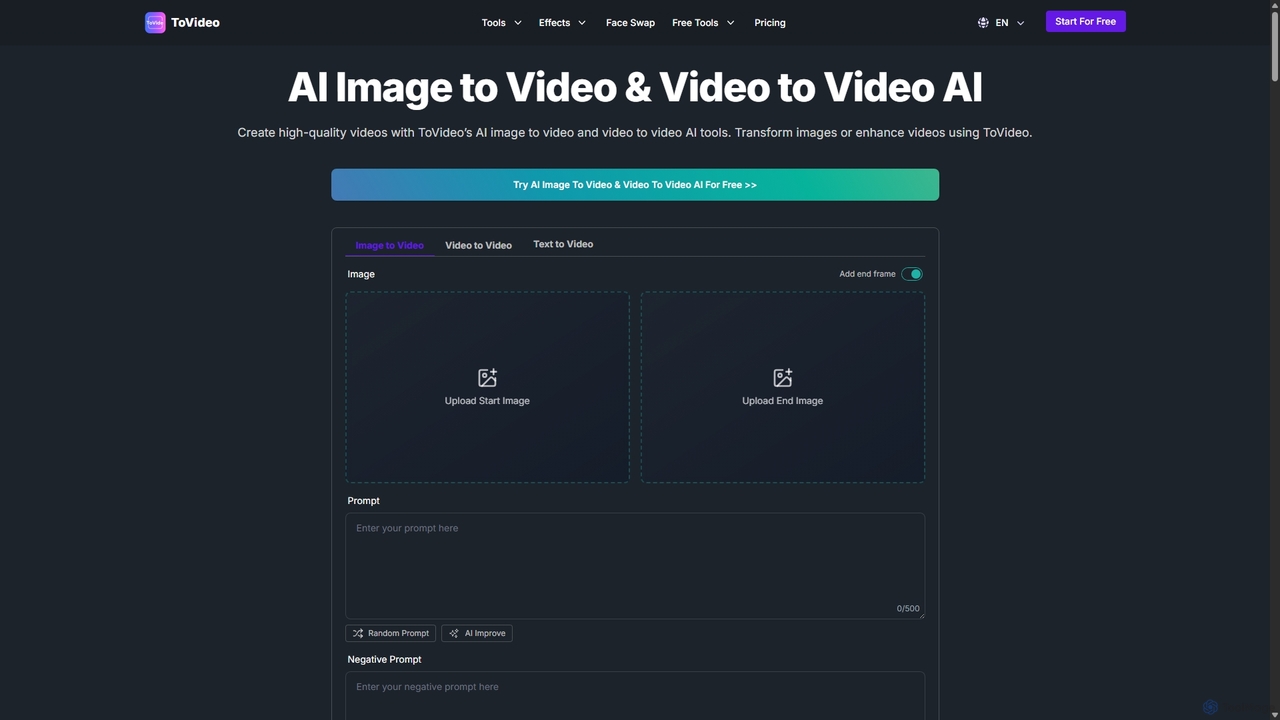
ToVideo
ToVideo is a powerful AI video creation platform that effortlessly transforms images, videos, and text into high-quality, engaging video content. With features like Image-to-Video, Video-to-Video enhancement, Face Swap, and Lip Sync, it's designed for creators, marketers, and businesses to produce professional videos for social media, marketing, and education without needing any editing skills.
Advertising
Video Ocean
Video Ocean is an all-in-one AI creative studio that transforms ideas into stunning videos and images. It offers a comprehensive suite of tools, including text-to-video, image-to-video, lip-sync, and multi-reference generation, making high-quality video production accessible to everyone, from marketers to content creators.
Image Generation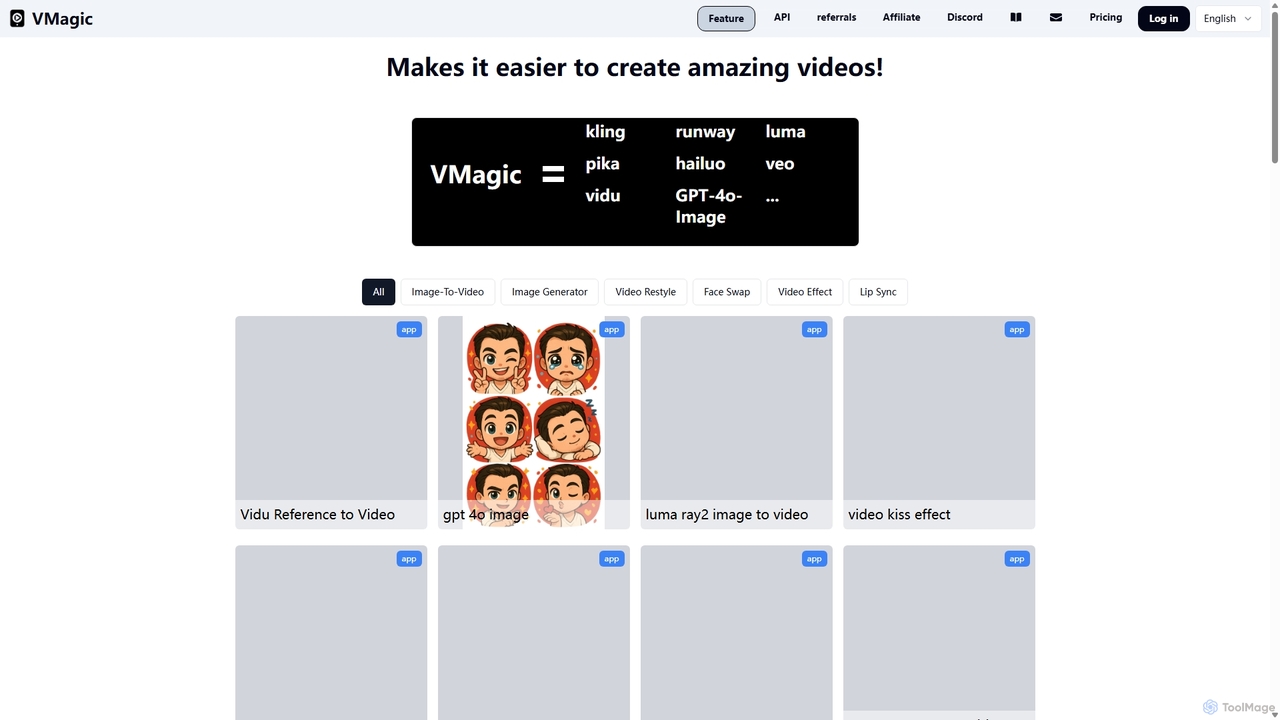
VMagic AI
VMagic AI is a powerful, all-in-one platform for creating stunning videos and images. It integrates top models like Kling, GPT-4O, and Runway to offer features like video-to-animation, text-to-video, AI face swap, lip sync, and advanced image generation. It simplifies the creative process, making it easy for anyone to produce professional-quality visual content.
Face SwapVideo Studio Categories
Video Studio Jobs
Video Studio Embed Widget
Copy this embed code to place the badge on your blog, article, or product site and send readers directly to this ToolMage detail page.

Related AI tools
Grok Video
Grok Video is an AI-powered platform that transforms static images into dynamic, high-quality videos. Using simple text prompts, users can animate photos, create engaging content from scratch, and apply professional video effects. It's designed for creators, marketers, and businesses to produce stunning videos in seconds, with no technical skills required.
Image Animation
Aivideogenerator
Aivideogenerator is a versatile AI video creation platform that transforms text prompts and static images into realistic, high-quality videos. Powered by advanced models like Luma AI's Dream Machine and Google's Veo 3, it offers both text-to-video and image-to-video generation. The tool is designed for accessibility, providing a free-to-use option and various subscription plans for creators, marketers, and businesses. It supports different aspect ratios, commercial use, and rapid video creation, making it a powerful solution for producing engaging content.
Social MediaVideoPlus.ai
VideoPlus.ai is a powerful, all-in-one AI video generation platform that effortlessly transforms images and text into stunning, high-quality videos. It offers a suite of tools including image-to-video, text-to-video, AI video effects, and face swapping. Designed for both beginners and professionals, it requires no login or watermark for free use, making video creation fast, accessible, and cost-effective for marketing, content creation, and more.
Image GenerationToVideo
ToVideo is a powerful AI video creation platform that effortlessly transforms images, videos, and text into high-quality, engaging video content. With features like Image-to-Video, Video-to-Video enhancement, Face Swap, and Lip Sync, it's designed for creators, marketers, and businesses to produce professional videos for social media, marketing, and education without needing any editing skills.
Advertising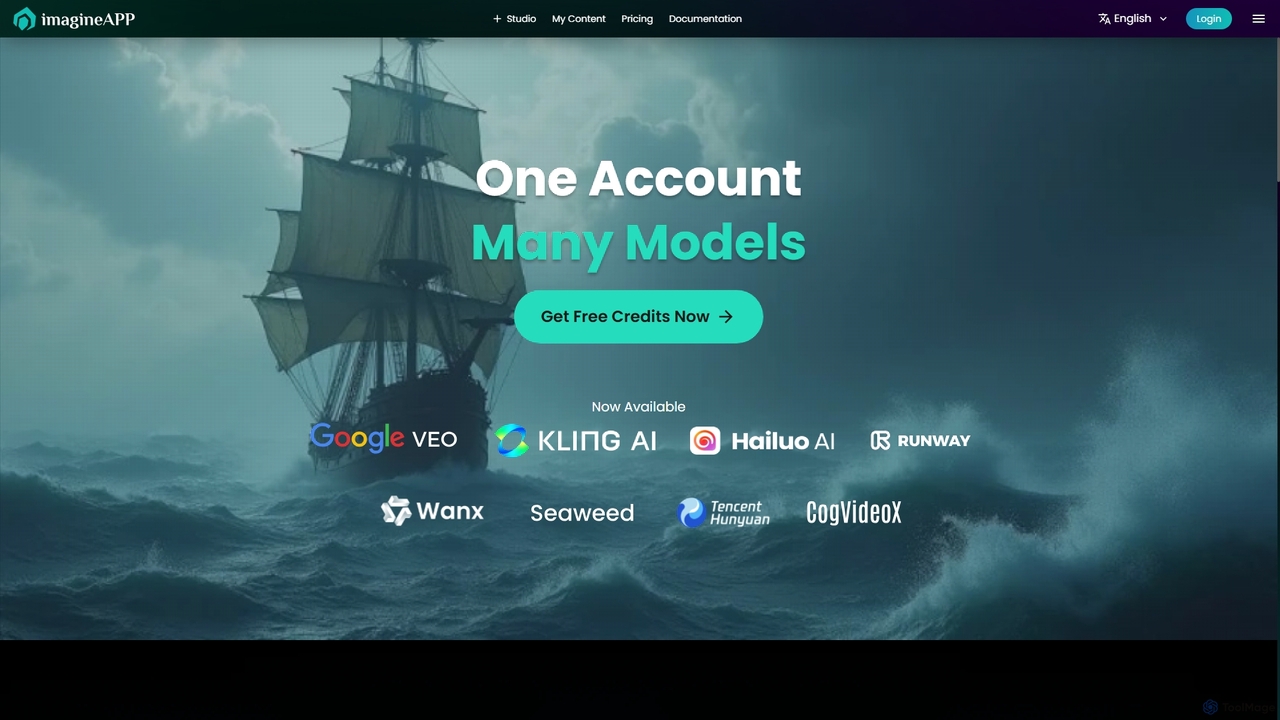
Imagineapp
Imagineapp is a powerful AI video generation platform that transforms text and images into stunning videos. It specializes in creating high-quality music videos, social media content, and marketing materials in minutes. With over 30 artistic styles and multiple AI models, it empowers creators, musicians, and marketers to produce visually compelling content without complex software or large budgets.
Image AnimationVideo Ocean
Video Ocean is an all-in-one AI creative studio that transforms ideas into stunning videos and images. It offers a comprehensive suite of tools, including text-to-video, image-to-video, lip-sync, and multi-reference generation, making high-quality video production accessible to everyone, from marketers to content creators.
Image GenerationVMagic AI
VMagic AI is a powerful, all-in-one platform for creating stunning videos and images. It integrates top models like Kling, GPT-4O, and Runway to offer features like video-to-animation, text-to-video, AI face swap, lip sync, and advanced image generation. It simplifies the creative process, making it easy for anyone to produce professional-quality visual content.
Face Swap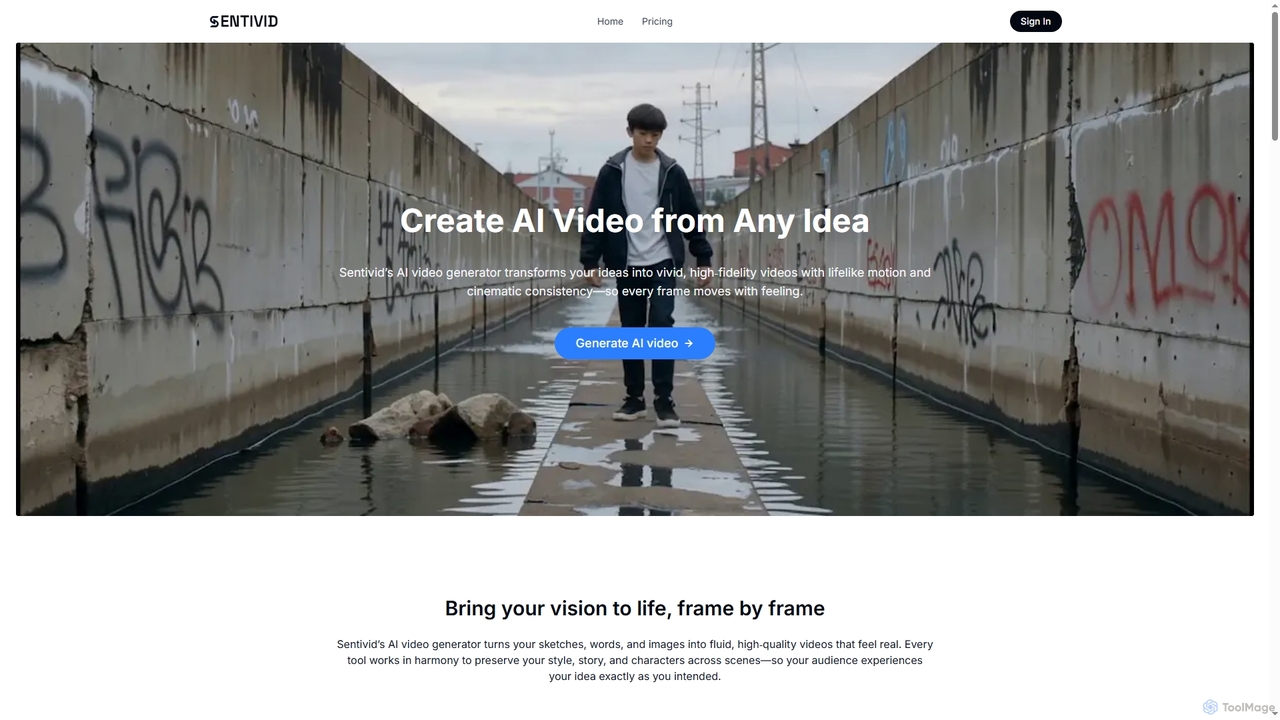
Sentivid
Sentivid is an advanced AI video generator that transforms text, images, and sketches into high-fidelity, lifelike videos. It offers features like text-to-video, image-to-video, reference image consistency, AI lip sync, and talking avatars, complete with auto-generated audio. Ideal for creators, marketers, and businesses.
Animation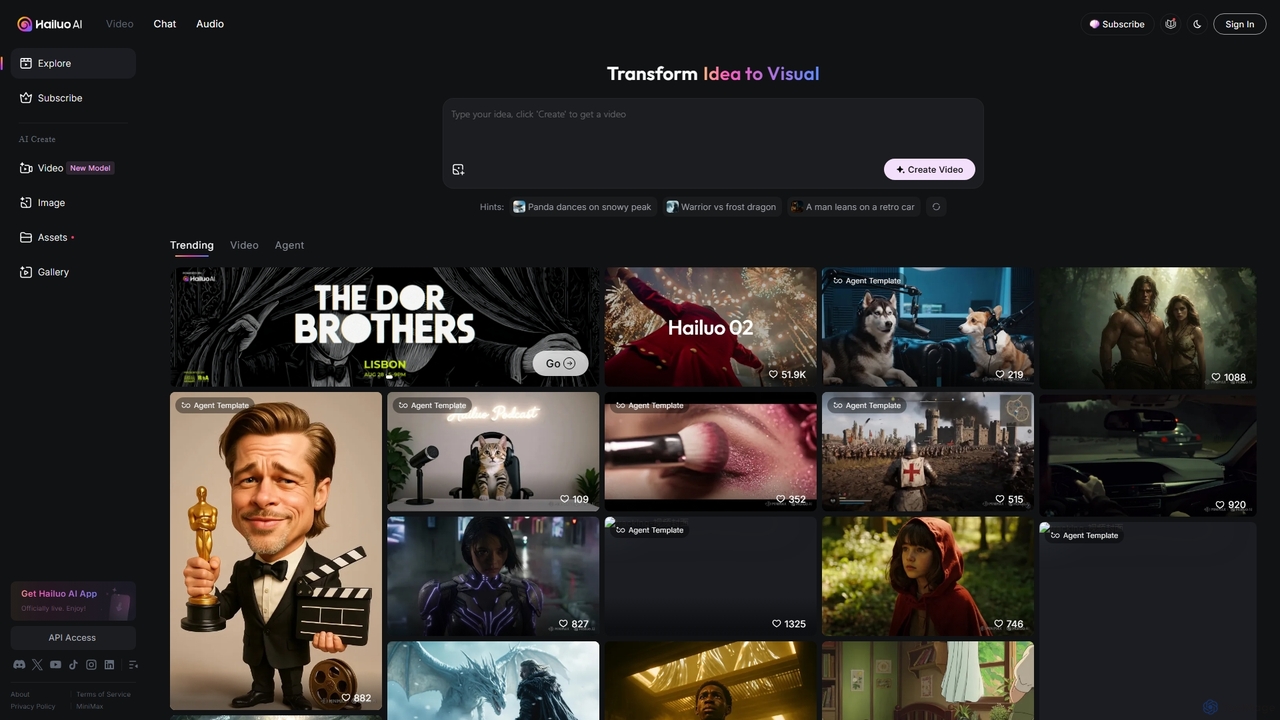
Hailuo AI
Hailuo AI is a powerful AI video generator that transforms ideas into stunning visuals. It supports text-to-video and image-to-video creation, offering a wide range of customizable "Agent Templates" for specific scenarios like pet videos, caricatures, and product showcases. With features like automated editing and support for various resolutions, Hailuo AI simplifies video production for marketers, content creators, and businesses, making it easy to create engaging, professional-quality content effortlessly.
Animation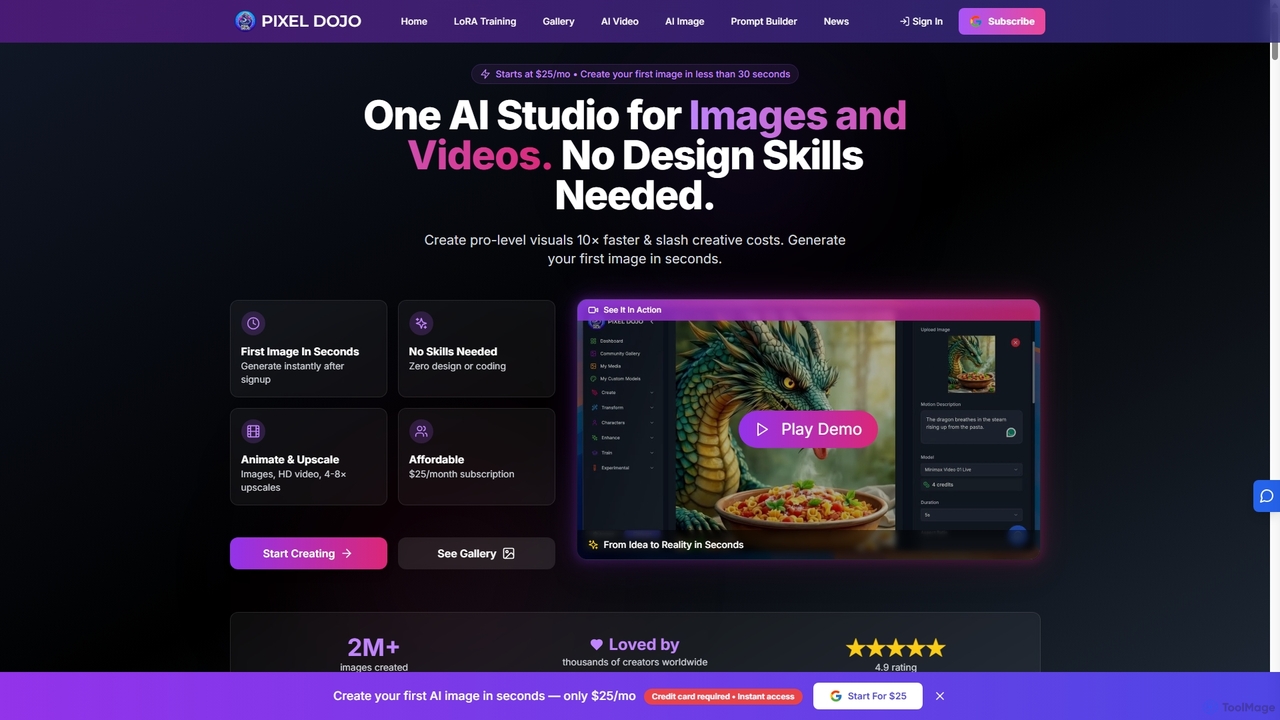
Pixeldojo
Pixel Dojo is an all-in-one AI creative studio for generating professional-quality images and videos. It offers over 67 tools, including text-to-image, text-to-video, image upscaling, and custom LoRA model training. Designed for creators and businesses of all skill levels, it streamlines content creation, reduces costs, and accelerates visual production tenfold without requiring any design skills.
Art Generation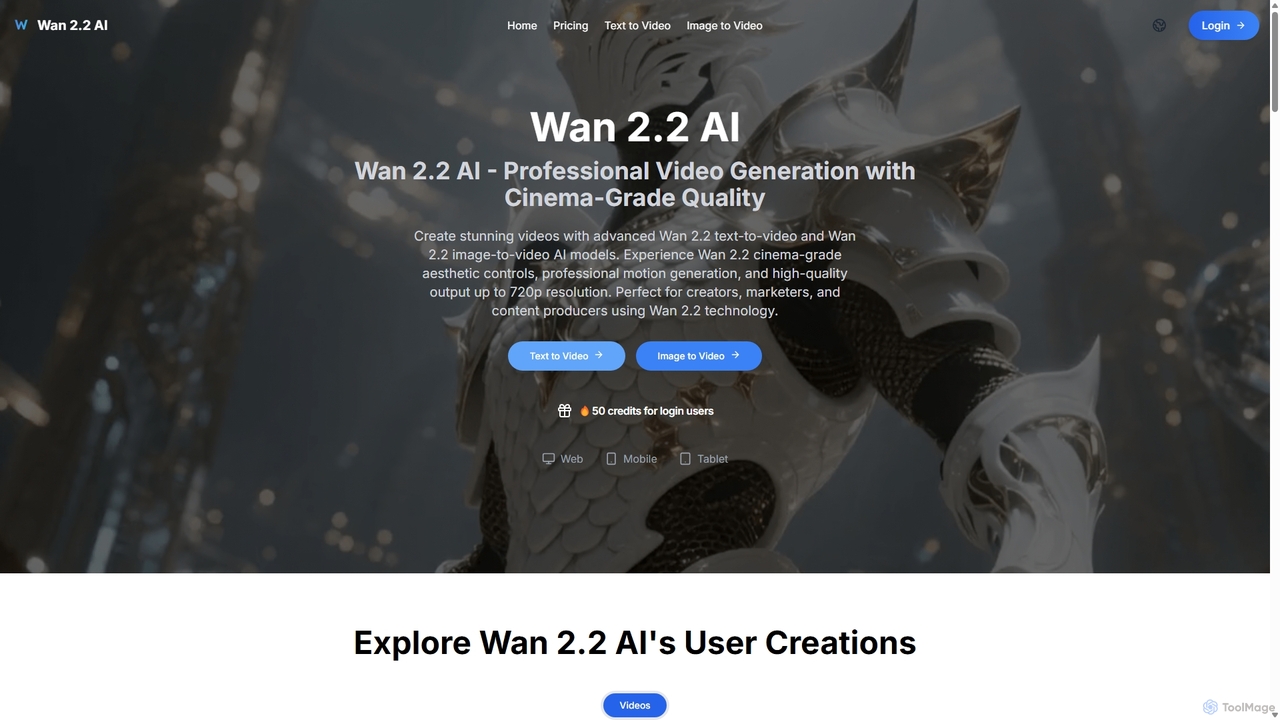
Wan 2.2 AI
Wan 2.2 AI is a professional AI video generation platform specializing in text-to-video and image-to-video conversion. It offers cinema-grade quality with advanced aesthetic and motion controls, allowing users to create stunning videos up to 720p. Designed for creators, marketers, and studios, it provides precise prompt control, multiple aspect ratios, and commercial licenses. Transform simple text descriptions or static images into dynamic, high-quality video content with realistic movements and professional cinematography.
Animation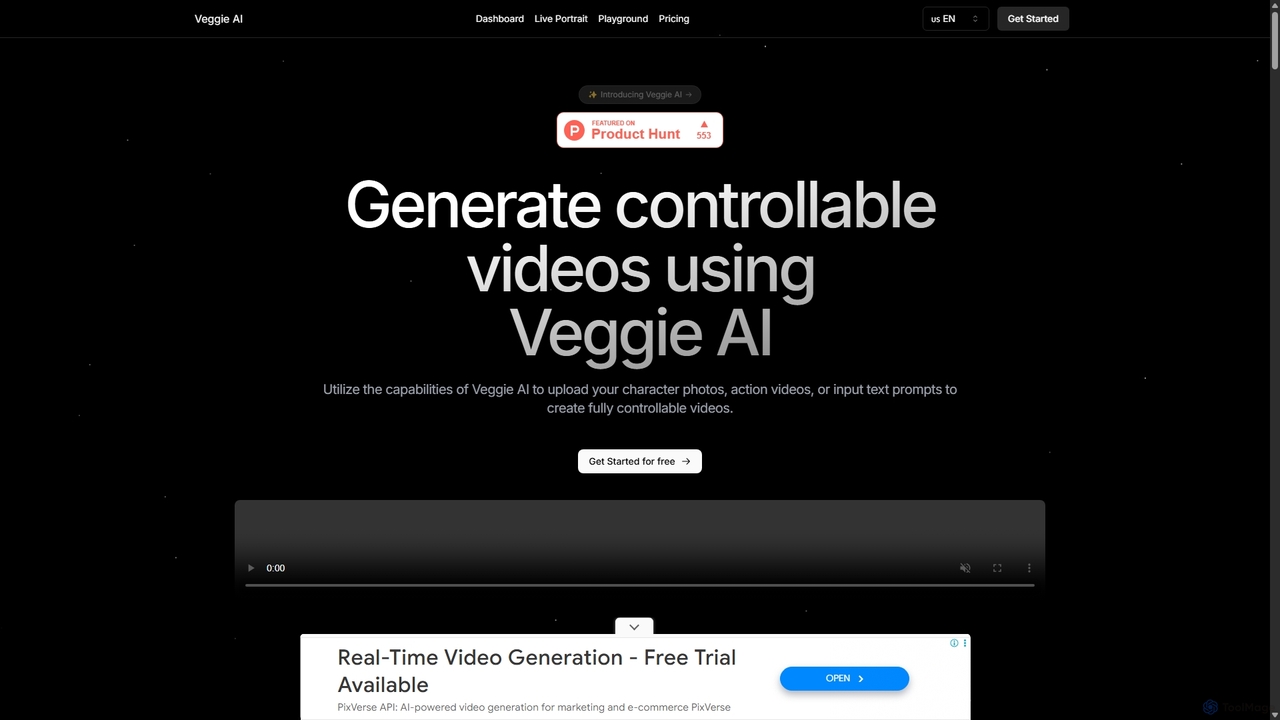
Veggie AI
Veggie AI is a powerful AI video generation platform that creates controllable videos from various inputs. Users can combine character images with action videos, animate photos using text prompts, or generate entire scenes from text descriptions. With four distinct creation modes—Mix, Animate, Ideate, and Stylize—it offers flexible and creative control for producing high-quality, dynamic video content for marketing, social media, and personal projects without requiring any technical AI expertise.
Animation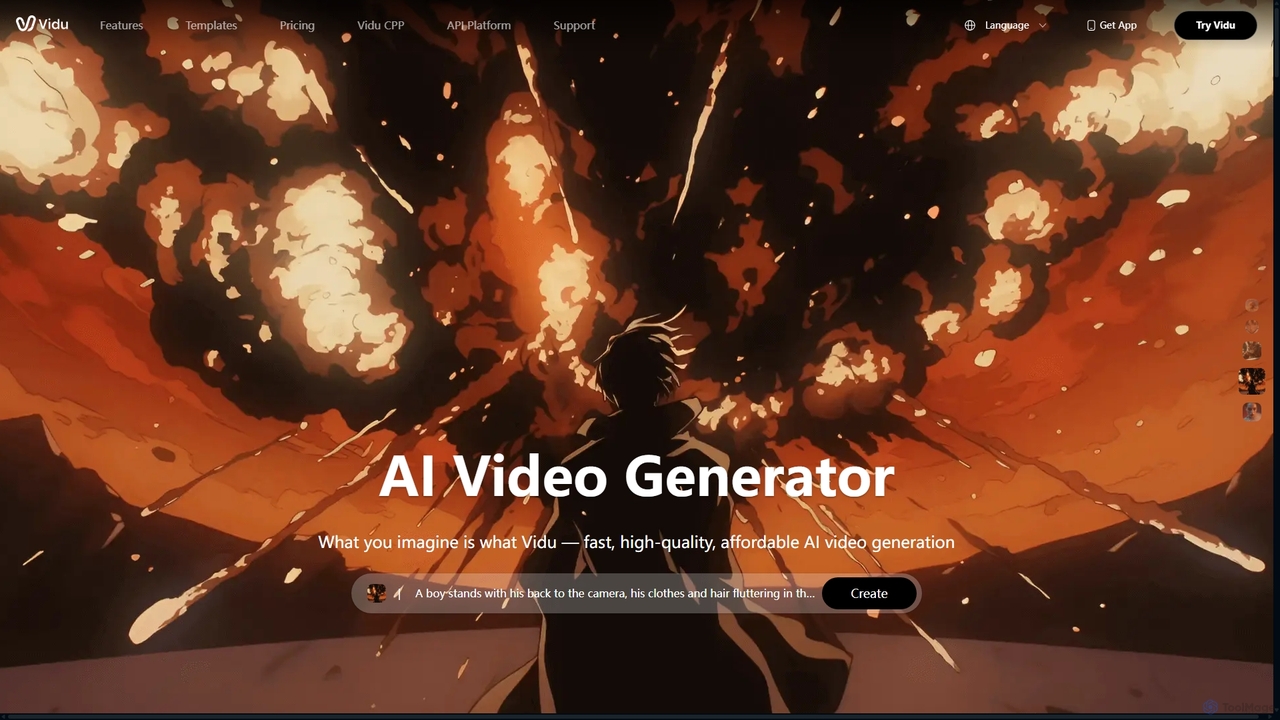
Vidu
Vidu is a powerful AI video generator that transforms text and images into high-quality videos in seconds. It excels in creating anime-style animations and maintaining character consistency across scenes using multi-reference technology. Ideal for creators, marketers, and animators.
Animation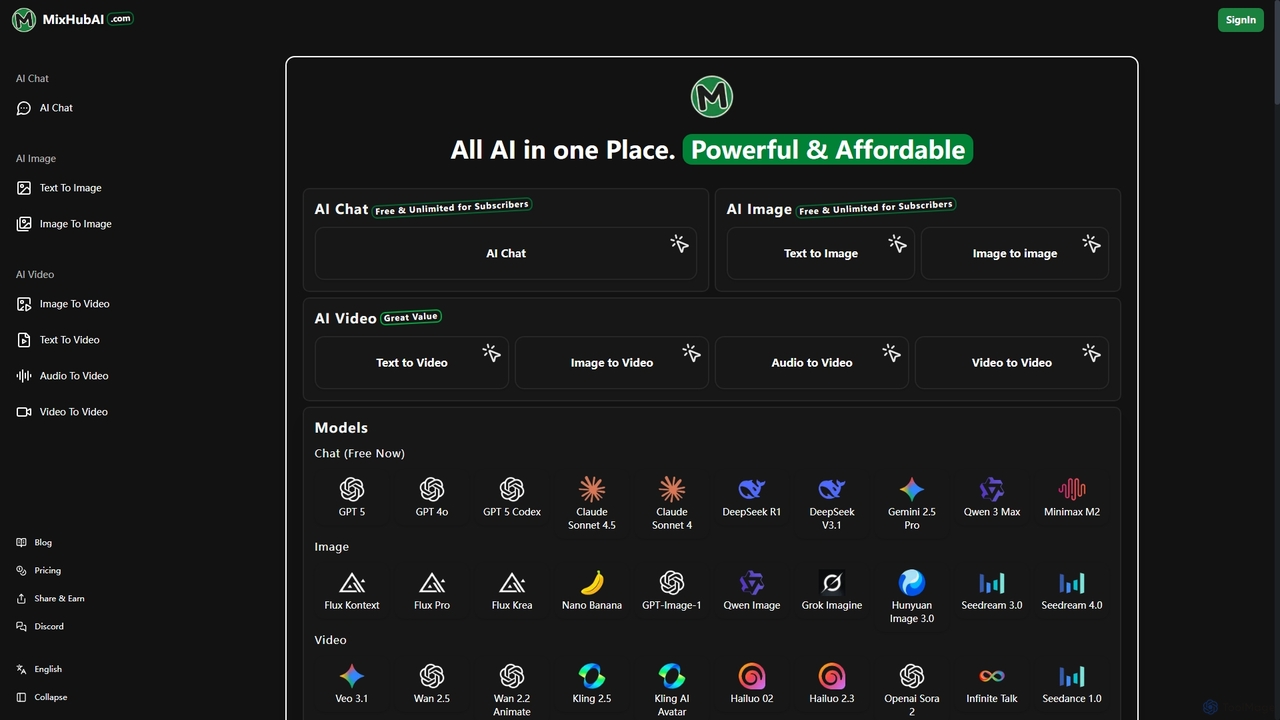
Mixhubai
Mixhubai is an all-in-one AI platform integrating leading models for chat, image, and video generation. Access GPT-5, Sora 2, Kling, and Seedream 4.0 in a single subscription. Create high-quality content from text, images, or audio via an easy-to-use, web-based interface suitable for both beginners and professionals.
Image Generation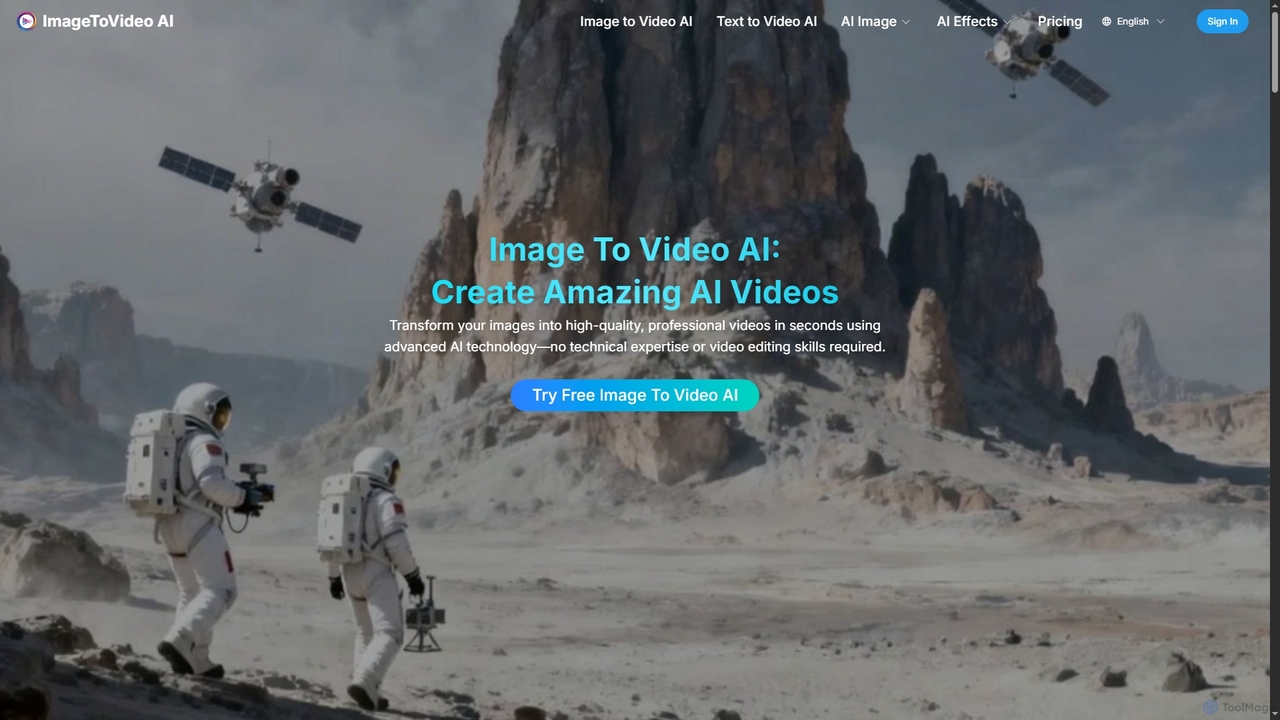
Imagetovideoai
Imagetovideoai is an AI-powered video generator that transforms static images and text prompts into dynamic, animated videos. It features an intuitive interface, requiring no technical skills, and produces high-quality, watermark-free videos suitable for social media, marketing, and personal projects. The platform also includes unique AI effects for creative content.
Entertainment
Video Studio Comments (0)
Sign in to comment.
Sign inNo comments yet.