ToolMage
Sign in

Best 6 Animation AI tools for Image

Popular Animation AI tools in Image include MindVideo, Video Studio, AIGIFY, Stable Video Diffusion, Unboring, and aikissingvideogenerator, helping you work more efficiently.

Video Studio
Freemium

Video Studio

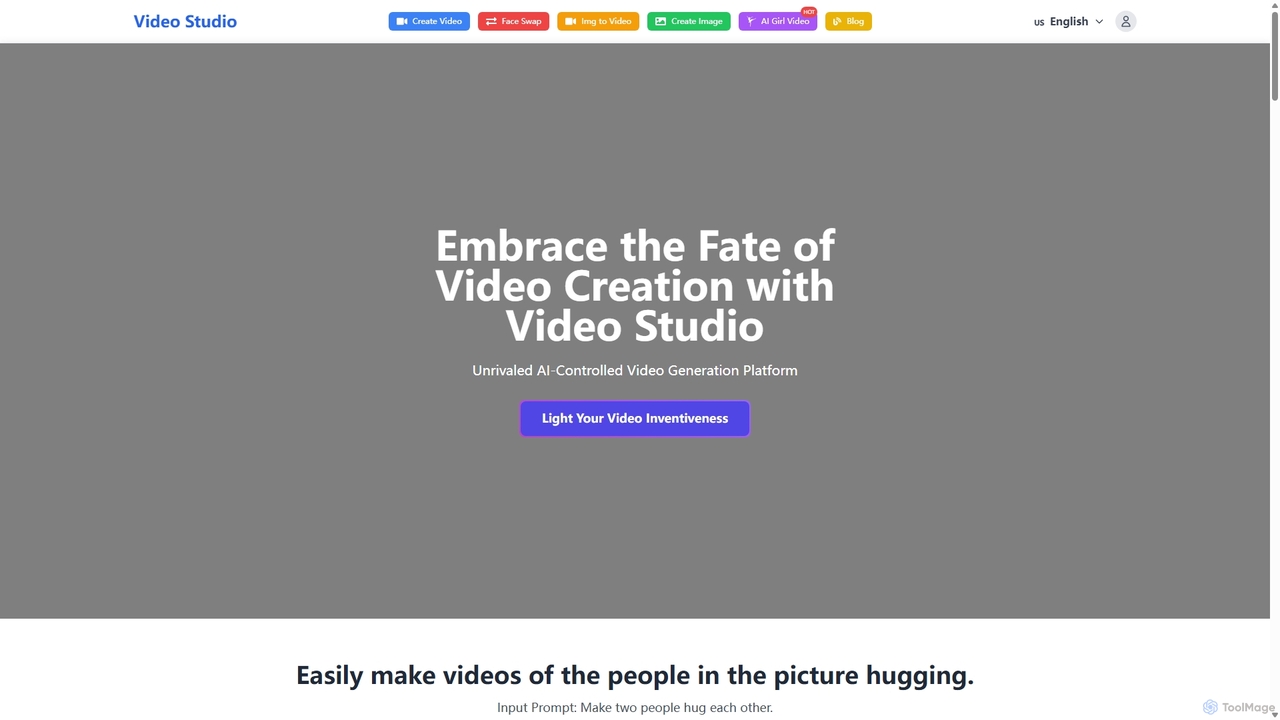
Video Studio is an AI-powered platform for effortless video creation. It transforms text prompts and static images into high-quality, compelling videos. It also features an advanced AI face swap tool for photos, videos, and GIFs, making it ideal for content creators, marketers, and creative professionals.

Face Swap
Visits 6KFavorites 77Likes 85
Unboring
Freemium

Unboring

Unboring is a powerful AI-driven online tool by Reface that specializes in face swapping and photo animation. Effortlessly transform static images into dynamic, expressive videos, or place any face onto popular memes, GIFs, and video clips. It's designed for creating hilarious, engaging, and highly shareable content for social media, marketing, or personal entertainment without requiring any technical skills.

Meme Generator
Visits 3.4KFavorites 145Likes 130
Stable Video Diffusion
Free

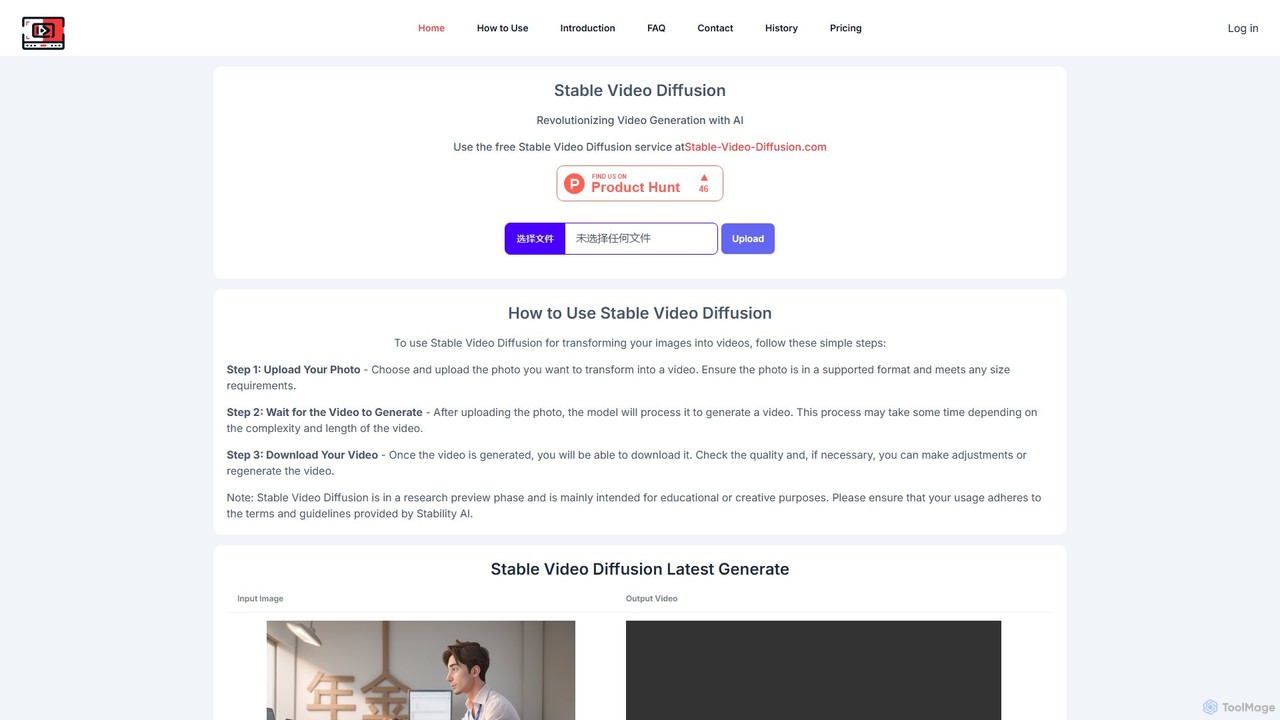
Stable Video Diffusion

Stable Video Diffusion is a powerful AI model from Stability AI that transforms static images into dynamic, short video clips. Available through a free web interface and as an open-source model, it allows users to easily animate photos for creative, educational, or entertainment purposes, offering high-quality video generation.

Meme Generator
Visits 4.2KFavorites 125Likes 112
AIGIFY
Freemium

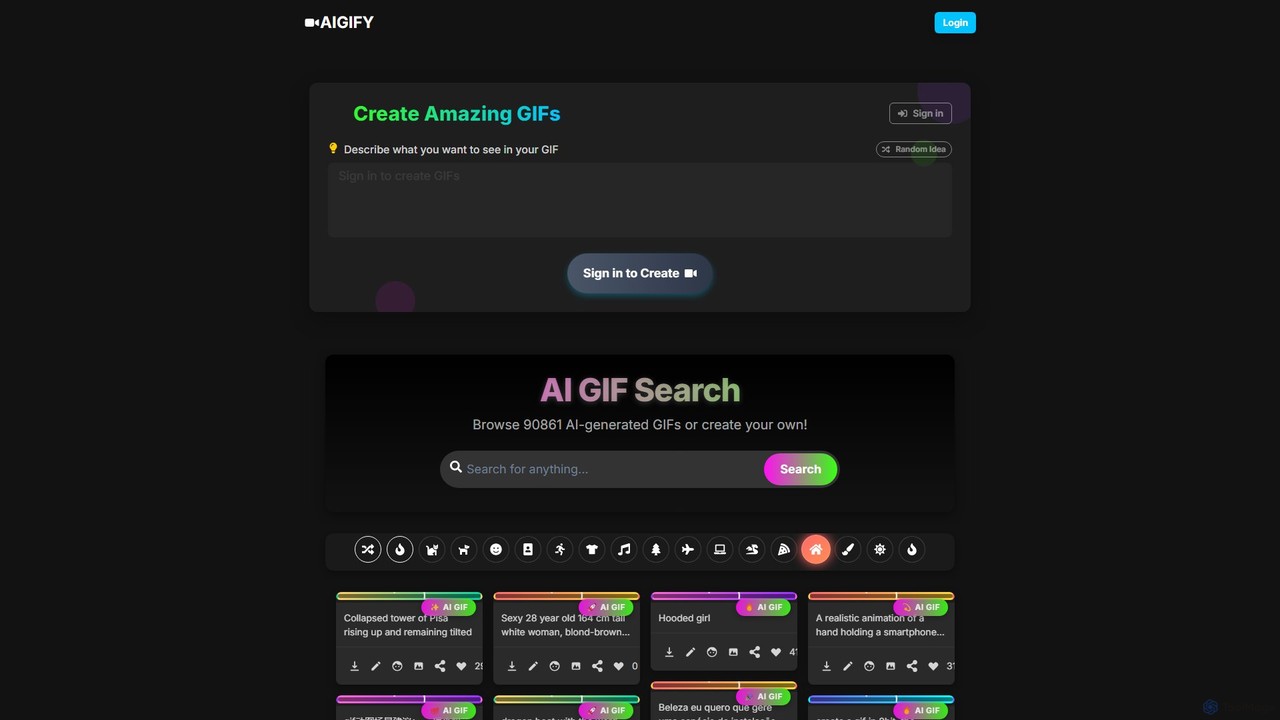
AIGIFY

AIGIFY is a powerful AI GIF generator that transforms text descriptions into unique, high-quality animated GIFs. Describe any scene, character, or action, and AIGIFY's AI will bring it to life in various styles. Perfect for creators, marketers, and anyone looking to generate custom animations instantly.

Meme Generator
Visits 4.9KFavorites 94Likes 97
MindVideo
Freemium

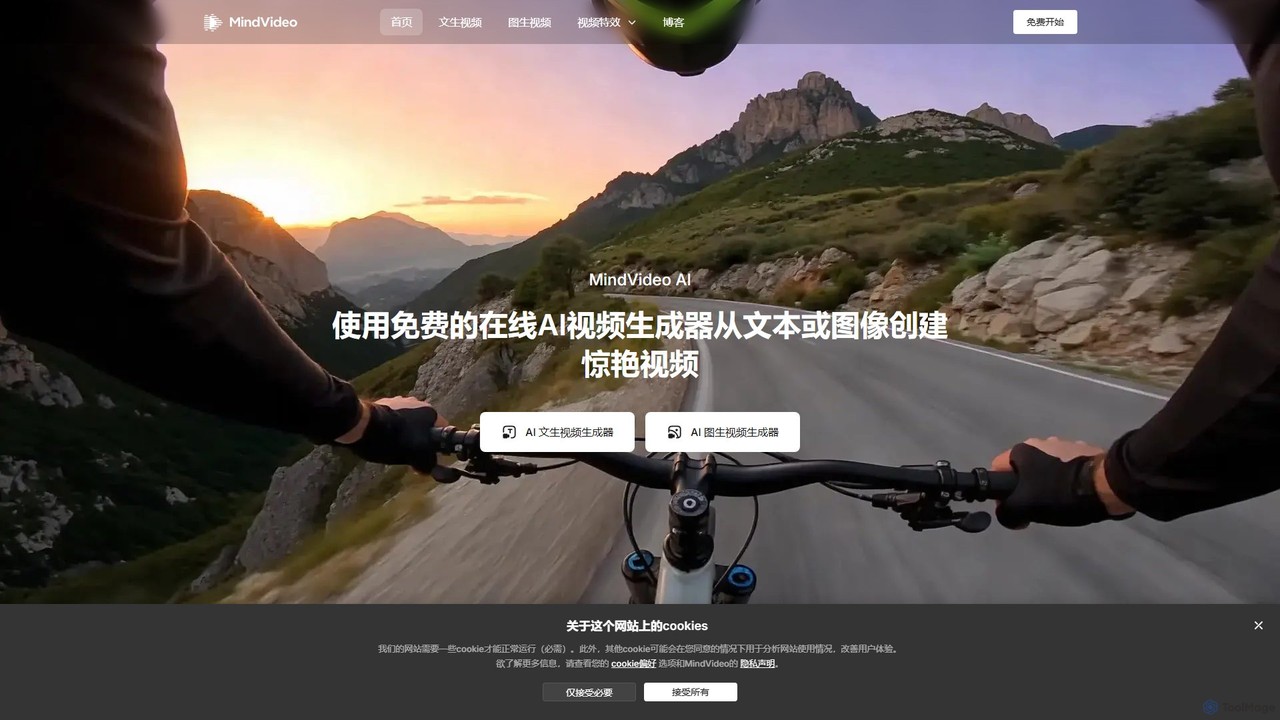
MindVideo

MindVideo is a powerful online AI video generator that creates stunning videos from text or images. It integrates top-tier AI models like Kling, Runway, and Luma, offering a wide range of creative effects like AI Kiss and AI Hug. Generate high-resolution videos up to 4K for free, instantly, and without queues. Perfect for content creators, marketers, and anyone looking to bring their ideas to life through video.

Meme Generator
Visits 947KFavorites 128Likes 123
aikissingvideogenerator
Freemium

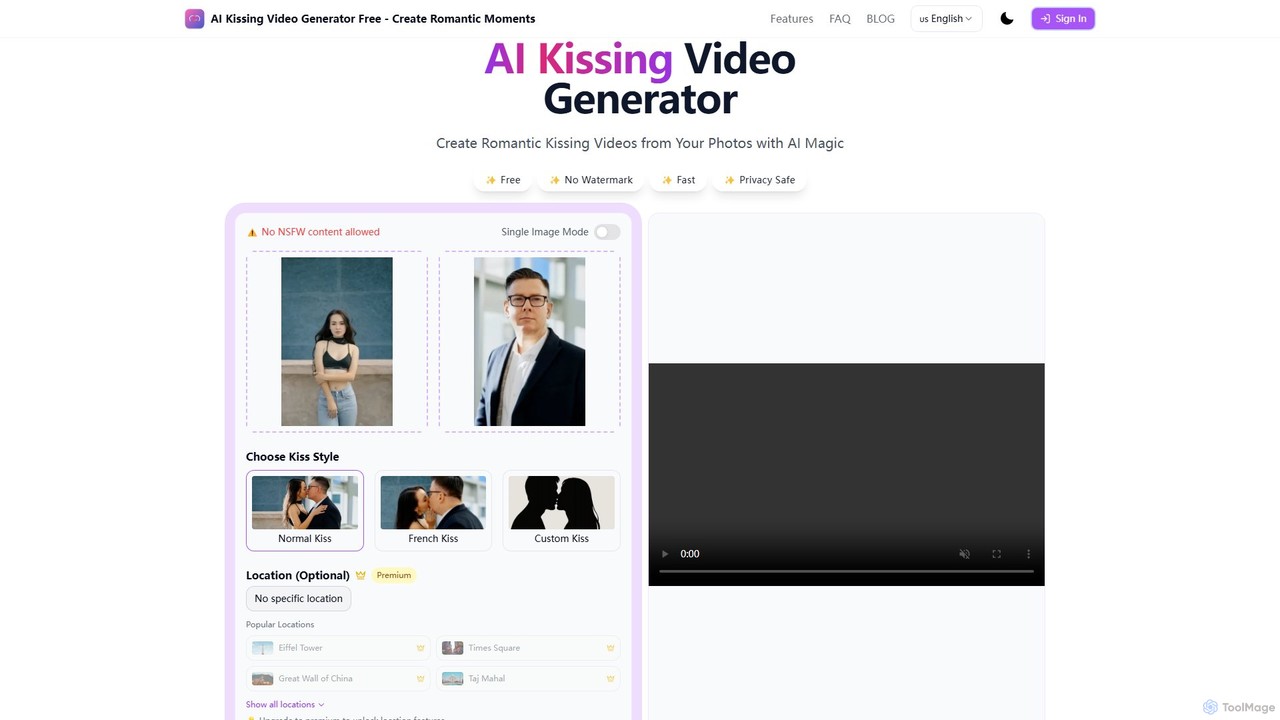
aikissingvideogenerator

aikissingvideogenerator is an AI-powered tool that transforms two static portrait photos into a realistic, animated kissing video. Users can choose from various romantic styles, and premium users can customize backgrounds with famous locations. It offers a simple, three-step process for creating high-quality, shareable romantic moments. The platform emphasizes user privacy with secure processing and automatic data deletion, making it ideal for couples, content creators, and romance writers.

Social Media
Visits 3.4KFavorites 109Likes 105

About Animation

AI Animation tools are a class of software that uses artificial intelligence to generate animated sequences from text, images, or video inputs. These tools leverage generative models to interpret prompts and create motion, transforming static concepts into dynamic visuals. They are designed to automate complex animation processes, making it possible for users without specialized skills to produce engaging video content. This technology significantly speeds up the production workflow for marketing, content creation, and entertainment prototyping.

Core Features

  • Text-to-Animation: Generates animated scenes or characters directly from descriptive text prompts.
  • Image-to-Animation: Animates a static image by adding motion, such as character movements or environmental effects.
  • Video Style Transfer: Applies the artistic style of one video or image to another, creating stylized animated effects.
  • Motion Control: Provides parameters to guide the direction, speed, and dynamics of the animation.
  • Character Rigging Automation: Automatically prepares 2D or 3D character models for animation, simplifying a traditionally manual process.

Use Cases

AI Animation tools are widely used by social media managers, marketers, and content creators to produce eye-catching ads and posts. In the entertainment industry, they serve as a rapid prototyping tool for creating animatics from storyboards. Educators and corporate trainers also use them to develop simple, engaging explainer videos without requiring a large budget or technical team.

How to Choose

When selecting an AI Animation tool, consider the level of control offered over motion and camera angles. Evaluate the range of supported animation styles and the maximum output resolution and length. Also, check its ability to maintain character consistency across different scenes. Finally, compare pricing models, whether it's subscription-based or pay-per-render, to align with your project's budget and frequency of use.

Featured tool rankings

Animation use cases

1

Creating Animated Social Media Ads

A social media marketer needs to produce a series of short, eye-catching video ads for a new product launch on platforms like Instagram and TikTok. Instead of hiring an animation studio, they use an AI Animation tool. By inputting simple text prompts like 'A vibrant animation of a sneaker assembling itself, with energetic background effects,' the tool generates multiple 15-second video variations. This allows for rapid A/B testing of different visual styles to see which one drives more engagement, reducing production time from weeks to hours.

2

Animating Static Illustrations for Videos

A content creator produces educational videos on YouTube and wants to make their static diagrams and character drawings more engaging. Using an AI Animation tool, they upload an image of a historical figure. They then apply a subtle animation effect to make the character's eyes blink and head nod slightly while they narrate. For a diagram of the water cycle, they animate arrows to show the flow of movement. This adds a layer of dynamic visual interest that helps retain viewer attention without the creator needing to learn complex software like Adobe After Effects.

3

Rapid Prototyping of Storyboard Animatics

A film director or game designer has a completed storyboard but needs to visualize the timing and flow of the scenes before committing to full-scale production. They use an AI Animation tool to quickly convert their storyboard panels into a rough animated sequence, or 'animatic'. By uploading each panel and providing simple motion prompts like 'pan camera left' or 'character walks into frame,' they can generate a video that simulates the final product's pacing. This process allows for early feedback and iteration on the story's rhythm, saving significant time and resources compared to traditional animatic creation.

4

Generating Dynamic E-commerce Product Videos

An e-commerce store owner wants to enhance their product listings beyond static images. Using an AI Animation tool, they upload a high-quality photo of a handbag. They then apply a '360-degree spin' effect to create a short video showcasing the product from all angles. For another product, like a watch, they animate the hands to show them moving. These dynamic visuals can be embedded on product pages or used in email marketing campaigns to provide a more comprehensive and engaging view of the items, potentially increasing conversion rates.

5

Creating Simple Explainer Videos for Education

An educator needs to create a short video explaining a complex scientific concept, like photosynthesis, for their online course. Lacking animation skills, they turn to an AI tool. They write a simple script and input it into the tool, which generates a basic animation of a plant absorbing sunlight and water. They can then add voiceover narration. This approach allows the educator to produce visual aids that simplify abstract topics and improve student comprehension, without the high cost and time investment of traditional video production.

6

Bringing Personal Photos to Life

A user wants to create a unique digital greeting card or a memorable social media post using an old family photograph. They upload the static photo to an AI Animation tool. The tool identifies the faces in the picture and allows the user to apply a subtle animation, making the subjects gently smile, blink, or turn their heads. The resulting short video clip, often called a 'live photo,' adds a surprising and emotional layer to a still memory. This can be easily shared with family and friends, creating a novel way to revisit and share personal moments.

Animation FAQ

What are AI Animation tools?

AI Animation tools are software applications that use artificial intelligence, particularly generative models, to create or modify animated sequences. Unlike traditional animation software that requires manual frame-by-frame work, these tools can generate motion from simple inputs like text descriptions or static images. Key features often include text-to-animation, image-to-animation, and automated character movement. They are primarily used to speed up content creation for social media, marketing, and rapid prototyping.

How do AI Animation tools differ from traditional animation software?

The main difference lies in the creation process and the level of control. Traditional software (like Adobe After Effects or Blender) requires animators to manually create keyframes, define motion paths, and rig characters, offering precise control over every detail. AI Animation tools automate much of this process. They generate motion based on high-level instructions, prioritizing speed and ease of use over granular control. Traditional tools are for professional, detailed animation, while AI tools are better for rapid content generation and for users without technical animation skills.

How do I choose the right AI Animation tool?

To choose the right tool, consider your primary goal. For quick social media content, look for tools with pre-made templates and simple text-to-animation features. For more creative control, seek tools that allow you to adjust motion paths, camera angles, and character consistency. Other key factors to evaluate include:

  • Output Quality: Check the maximum resolution (e.g., 1080p, 4K) and look for examples to assess visual clarity and smoothness.
  • Input Types: Does it support text, images, video, or a combination?
  • Cost: Compare subscription plans versus pay-per-video models based on your expected usage.
  • Ease of Use: Look for a tool with an intuitive interface that matches your technical skill level.

What kind of animations can I create with AI?

Current AI Animation tools excel at creating short-form content and simple motion graphics. Common outputs include:

  • Short video clips generated from text prompts (e.g., 'a robot walking on Mars').
  • Animating static images by adding subtle movements like blinking eyes, flowing hair, or moving backgrounds.
  • Applying stylistic effects to existing videos, such as turning a live-action clip into a cartoon.
  • Simple character animations where a character walks, talks, or gestures.
While they are powerful for quick tasks, they generally lack the precision for feature-length films or complex, nuanced character performances seen in professional animation.

Who are AI Animation tools best suited for?

AI Animation tools are best suited for individuals and teams who need to create animated content quickly and efficiently, without requiring deep technical expertise. This includes:

  • Social Media Managers and Marketers: For producing engaging video ads and posts at scale.
  • Content Creators: YouTubers, bloggers, and educators who want to add dynamic visuals to their content.
  • Small Business Owners: For creating product demos or promotional videos on a budget.
  • Designers and Artists: For rapid prototyping of ideas and concepts before committing to a full production pipeline.
They are less suited for professional animation studios working on high-end feature films or TV series that demand absolute creative control.