

Evoke AI Overview
Evoke AI stands at the forefront of generative art technology, offering a sophisticated suite for creators who seek to translate their most abstract and nuanced ideas into compelling visual realities. Unlike standard image generators, Evoke AI is engineered to understand and interpret the emotional and thematic depth of a prompt, allowing for the creation of artwork that is not just visually impressive, but also deeply resonant. It serves as a powerful co-pilot for digital artists, marketing agencies, game developers, and storytellers, providing the tools to visualize concepts with unprecedented speed and artistic fidelity.
The platform is designed with a focus on user control and creative flexibility. It moves beyond simple text-to-image conversion by offering a rich set of parameters and models that cater to a wide spectrum of artistic styles and technical requirements. Whether you're crafting a photorealistic scene, a whimsical anime character, or an abstract piece of art, Evoke AI provides the engine to realize your vision with precision and flair.
How to use Evoke AI
Using Evoke AI is an intuitive process designed to facilitate a seamless creative workflow:
- Describe Your Vision: Begin by writing a detailed text prompt. The more descriptive and evocative your language, the better the AI can capture your intent. Include details about the subject, setting, mood, color palette, and desired artistic style (e.g., 'A melancholic, rain-slicked cyberpunk city at midnight, glowing with neon signs, in the style of a cinematic oil painting').
- Select a Specialized Model: Choose from a curated library of AI models, each trained for a specific aesthetic. Options may include Photorealistic V4, Anime & Manga, Fantasy Worlds, Abstract Expressions, and Architectural Visualization.
- Fine-Tune Creative Parameters: Adjust advanced settings to refine your output. Use 'Negative Prompts' to exclude unwanted elements (e.g., 'blurry, text, watermark'). Set the aspect ratio, control the 'Style Intensity' to determine how strongly the chosen style is applied, and use a 'Seed' number to replicate results or explore variations.
- Generate and Iterate: Click the 'Evoke' button to generate a set of images. Review the results and select the best one. From there, you can use features like 'Upscale' to increase resolution, 'Inpainting' to edit specific areas, or 'Create Variations' to explore similar concepts.
Core Features of Evoke AI
- Advanced Semantic Interpretation: A powerful natural language processing engine that understands complex prompts, including abstract concepts, emotions, and artistic nuances.
- Multi-Model Generation Engine: Access to a diverse range of specialized AI models, each optimized for different styles like photorealism, fantasy, anime, and more.
- Style Blending and Transfer: The ability to upload a reference image and apply its artistic style to your generated content, allowing for unique stylistic combinations.
- Inpainting and Outpainting: Precisely edit generated images by masking an area and describing the desired change (inpainting), or expand the canvas and let the AI intelligently fill in the new space (outpainting).
- High-Resolution Upscaling: Enhance your creations to production-ready quality, with options to upscale images to 4K and even 8K resolutions without losing detail.
- Granular Control with Negative Prompts: A robust negative prompt system that gives users precise control to exclude specific objects, styles, or attributes from the final image.
- Private Workspace and Asset Management: A secure, cloud-based environment to organize your projects, manage your generated assets, and keep your creative work private.
Use Cases for Evoke AI
Evoke AI is a versatile tool applicable across numerous creative and professional fields:
- Concept Artists & Illustrators: Rapidly prototype ideas for characters, environments, and props, dramatically accelerating the pre-production workflow.
- Marketing & Advertising Agencies: Generate unique, on-brand visuals for social media campaigns, blog posts, websites, and advertisements without relying on stock photography.
- Game Developers: Create textures, character portraits, environmental backdrops, and promotional art for indie and large-scale game projects.
- Writers & World-Builders: Bring scenes, characters, and entire fictional worlds to life, providing a visual reference to aid in the creative writing process.
- Fashion and Product Designers: Visualize new product concepts, patterns, and designs in various settings and styles before physical prototyping.
Advantages of Evoke AI
The primary advantage of Evoke AI is its focus on artistic depth and control. It empowers users to act as directors rather than mere operators, guiding the AI to produce results that align closely with their creative intent. Its efficiency saves countless hours of manual work, while its versatility opens up new creative possibilities that were previously inaccessible. The platform's commitment to high-quality output ensures that the generated assets are suitable for professional use.
Pricing and Plans
Evoke AI operates on a freemium model to cater to a wide range of users:
- Free Plan: Ideal for exploration. Provides a limited number of generation credits per month, access to basic models, and standard resolution outputs with a watermark.
- Creator Plan ($15/month): Designed for hobbyists and content creators. Includes a generous monthly credit allowance, access to all standard models, no watermarks, and priority generation queue.
- Pro Plan ($49/month): For professionals and frequent users. Offers a large volume of credits, access to all premium models, advanced features like inpainting/outpainting, high-resolution upscaling, and limited API access.
- Enterprise Plan (Custom Pricing): Tailored for businesses and studios. Features unlimited generation, dedicated support, team collaboration tools, custom model training, and full API access.
Evoke AI Alternatives

aivisions.app
aivisions.app is a powerful AI image generation platform that transforms text prompts into stunning, high-quality visuals. Designed for artists, designers, and marketers, it offers a suite of advanced tools, including various art styles, precise control over image composition, and fast rendering. Whether you're creating concept art, marketing materials, or unique digital masterpieces, aivisions.app provides an intuitive and versatile canvas for your imagination.
Generative Art
Adobe Firefly
Adobe Firefly is a family of creative generative AI models from Adobe. It enables users to generate high-quality images, text effects, and color palettes from simple text prompts. Designed to be commercially safe, it's integrated into Adobe's Creative Cloud apps like Photoshop and Illustrator, and also available as a standalone web application, empowering creators with new ways to ideate, create, and communicate.
Generative Art
Oasis
Oasis by Decart.ai is a powerful AI-powered art and image generator that transforms text descriptions into stunning, high-quality visuals. Designed for artists, designers, marketers, and content creators, it provides an intuitive platform to generate unique illustrations, concept art, and marketing assets in a wide range of styles. Simply describe your vision, and Oasis brings it to life in seconds.
Generative Art
DreamUp
DreamUp is a powerful AI art generator that transforms your text descriptions into stunning, high-quality images and artwork. Leveraging advanced generative models, it allows creators, marketers, and designers to produce unique visuals, concept art, and marketing materials in seconds.
Generative Art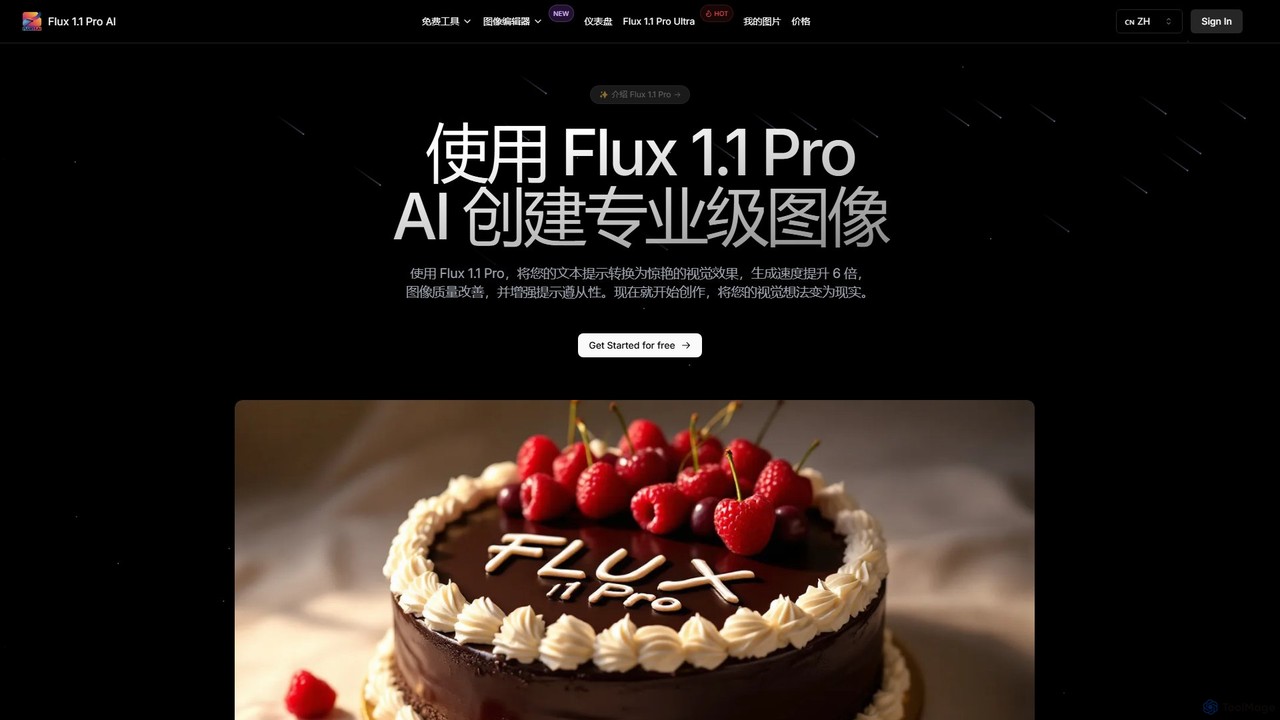
Flux 1.1
Flux 1.1 is an advanced AI image generation suite developed by Black Forest Labs. It transforms text prompts into professional-grade visuals with exceptional speed and quality. Featuring versions like Pro and Pro Ultra, it offers up to 4K resolution, superior prompt adherence, in-image text, and a range of specialized tools for artists, designers, and creative professionals.
Generative ArtEvoke AI Categories
Evoke AI Embed Widget
Copy this embed code to place the badge on your blog, article, or product site and send readers directly to this ToolMage detail page.

Related AI tools
aivisions.app
aivisions.app is a powerful AI image generation platform that transforms text prompts into stunning, high-quality visuals. Designed for artists, designers, and marketers, it offers a suite of advanced tools, including various art styles, precise control over image composition, and fast rendering. Whether you're creating concept art, marketing materials, or unique digital masterpieces, aivisions.app provides an intuitive and versatile canvas for your imagination.
Generative Art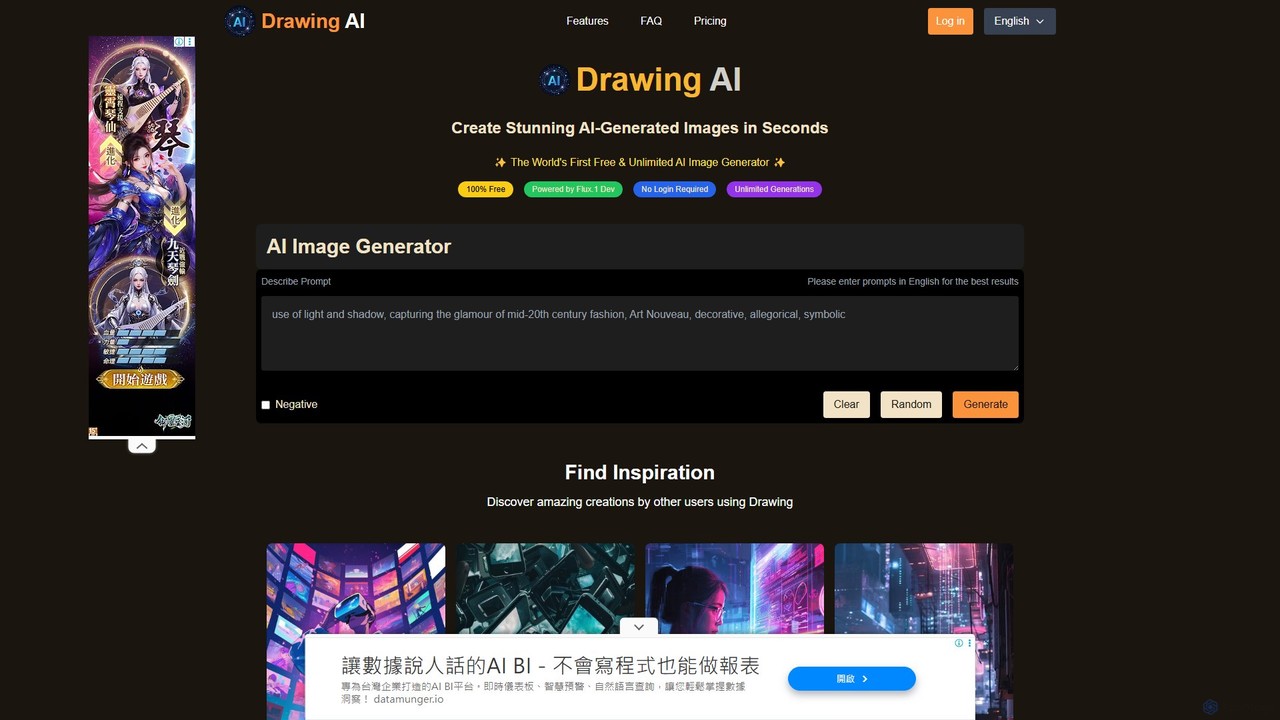
ai_drawing_generator
An online AI image generator that creates unlimited high-quality drawings and images from text prompts. Offers various styles, fast generation speeds, and flexible plans for individuals, teams, and businesses, including a free-to-use option.
Image Generation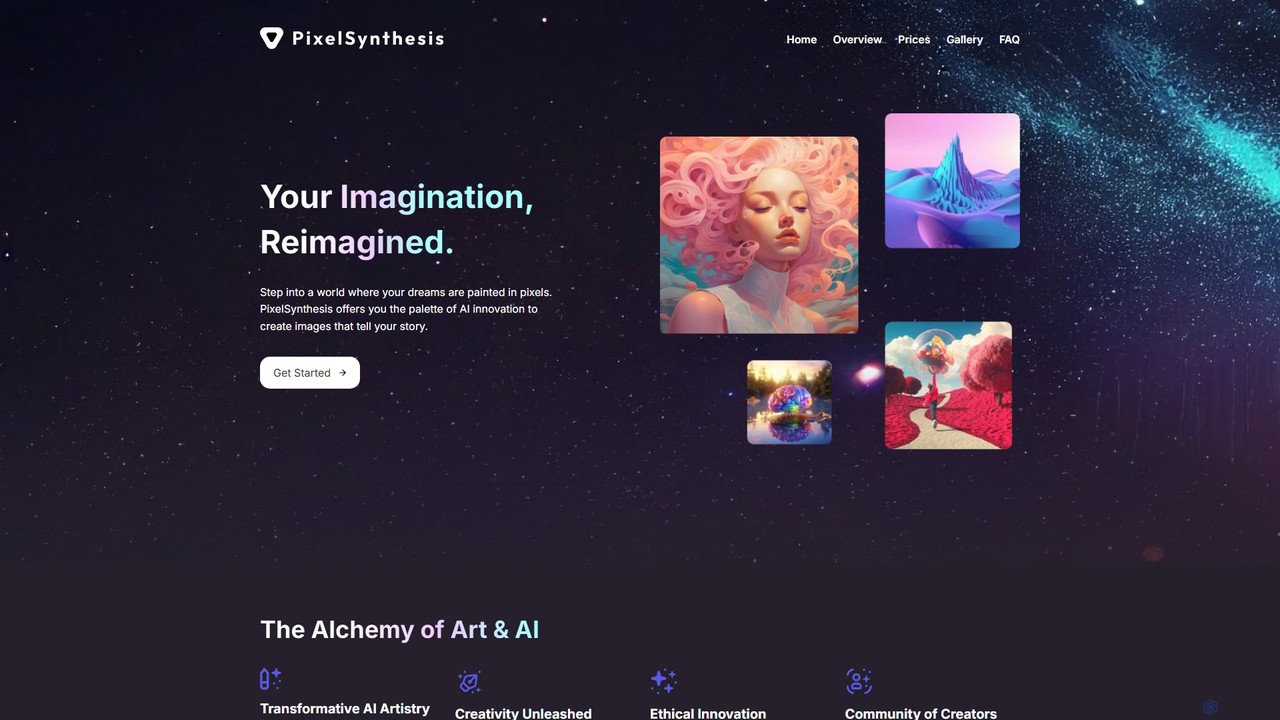
PixelSynthesis
PixelSynthesis is an advanced AI-powered platform that transforms your text descriptions into unique, high-quality visual art. Designed for both beginners and professionals, it offers a user-friendly interface to bring creative ideas to life. With flexible pricing and commercial use options, it's a powerful tool for artists, marketers, and content creators.
Digital ArtAdobe Firefly
Adobe Firefly is a family of creative generative AI models from Adobe. It enables users to generate high-quality images, text effects, and color palettes from simple text prompts. Designed to be commercially safe, it's integrated into Adobe's Creative Cloud apps like Photoshop and Illustrator, and also available as a standalone web application, empowering creators with new ways to ideate, create, and communicate.
Generative ArtOasis
Oasis by Decart.ai is a powerful AI-powered art and image generator that transforms text descriptions into stunning, high-quality visuals. Designed for artists, designers, marketers, and content creators, it provides an intuitive platform to generate unique illustrations, concept art, and marketing assets in a wide range of styles. Simply describe your vision, and Oasis brings it to life in seconds.
Generative ArtDreamUp
DreamUp is a powerful AI art generator that transforms your text descriptions into stunning, high-quality images and artwork. Leveraging advanced generative models, it allows creators, marketers, and designers to produce unique visuals, concept art, and marketing materials in seconds.
Generative Art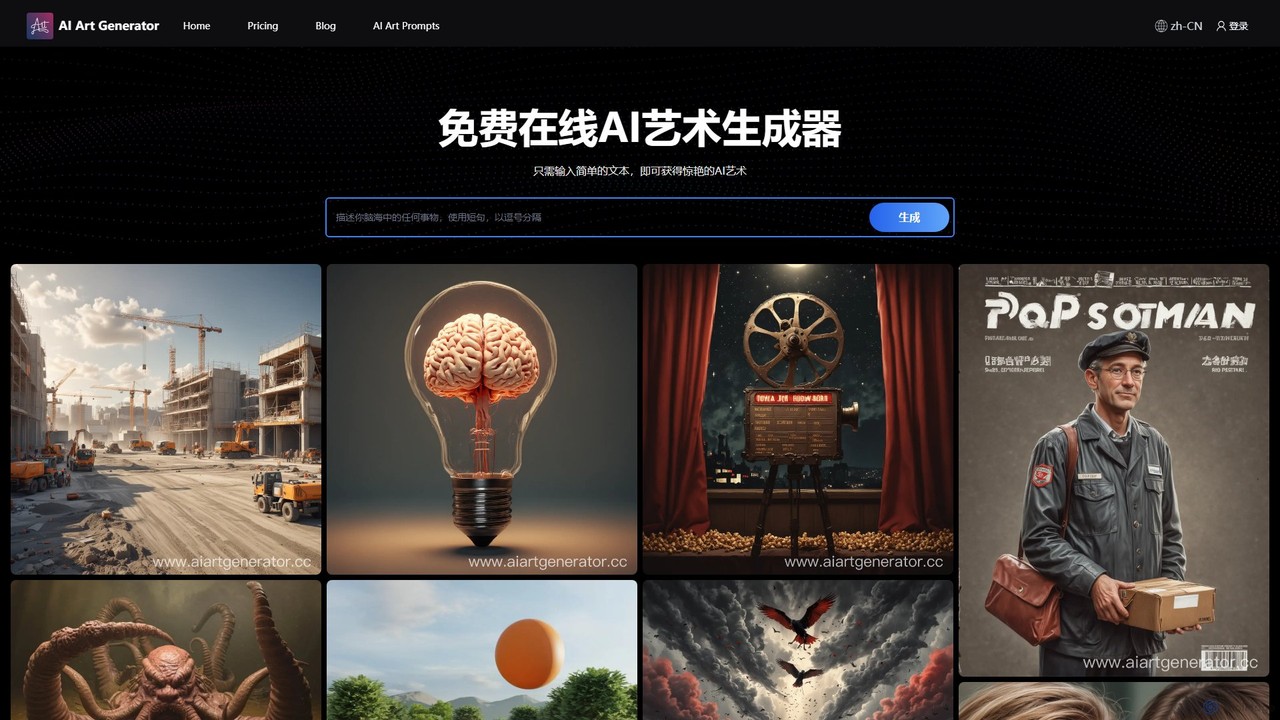
aiartgenerator.cc
aiartgenerator.cc is a powerful and user-friendly AI art generator that transforms your text prompts into stunning, unique images. Leveraging advanced Stable Diffusion technology, it allows anyone, regardless of artistic skill, to create high-quality visuals for personal or commercial use. The platform offers a free plan to get started and premium tiers with advanced features like faster generation, upscaling, and a commercial license.
Image Generation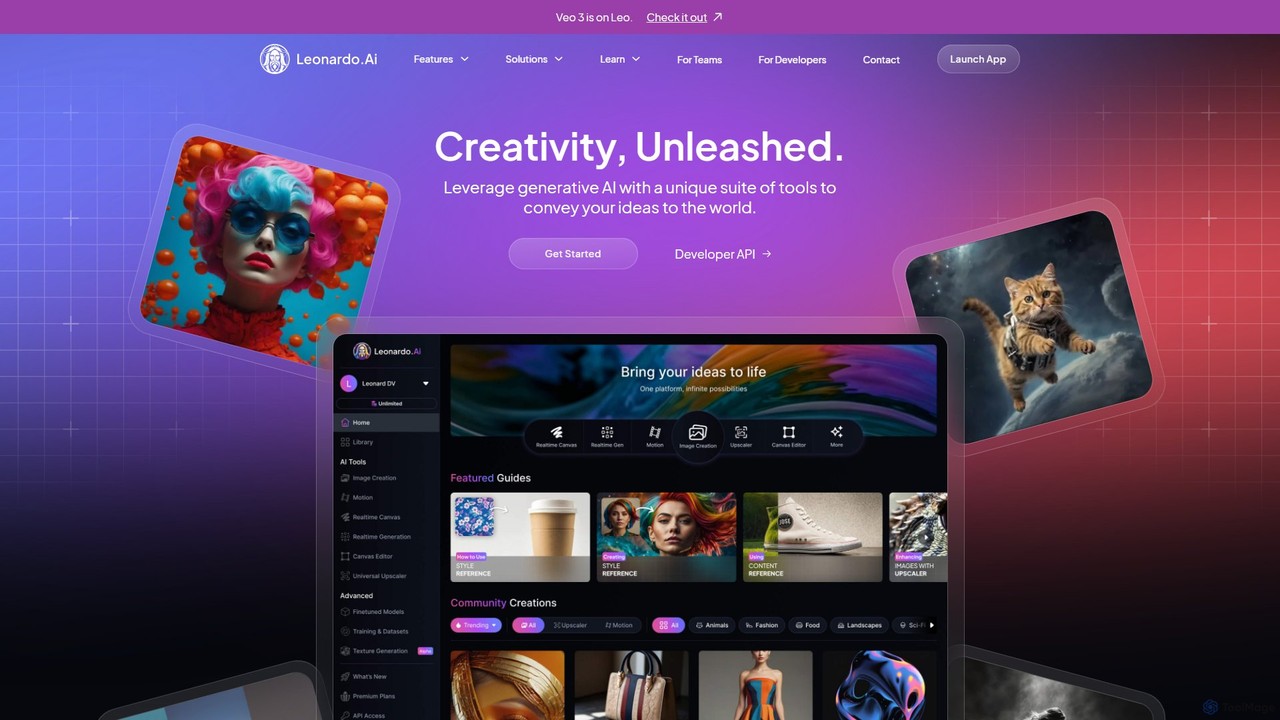
Leonardo.ai
Leonardo.ai is a comprehensive generative AI suite for creating high-quality visual assets. It offers a wide range of tools, including image and video generation, AI Canvas, 3D texturing, and numerous fine-tuned models. Ideal for individual creators, collaborative teams, and developers, it emphasizes quality, speed, and style consistency.
Generative Art
Midjourney
Midjourney is a powerful AI image generator that creates stunning, high-quality, and artistic visuals from simple text prompts. Operating primarily through Discord, it's renowned for its unique aesthetic, advanced customization options, and vibrant creative community, making it a top choice for artists, designers, and creators.
Digital Art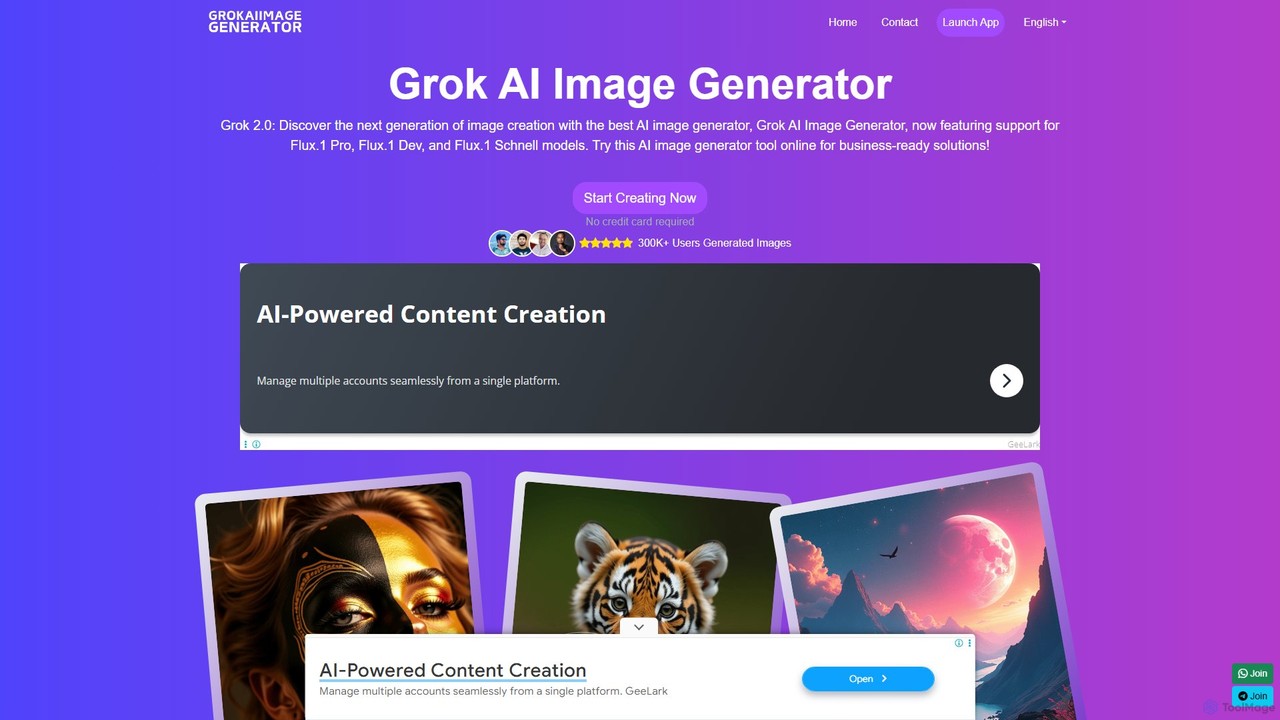
Grok AI Image Generator
Grok AI Image Generator is a next-generation text-to-image tool powered by advanced models like Flux.1. It enables users to create high-quality, detailed visuals from text prompts with incredible speed. Featuring a user-friendly interface, extensive customization options, and a generous free usage tier, it's designed for everyone from professional artists and marketers to hobbyists, offering a faster and more accessible alternative to other leading AI art generators.
Generative Art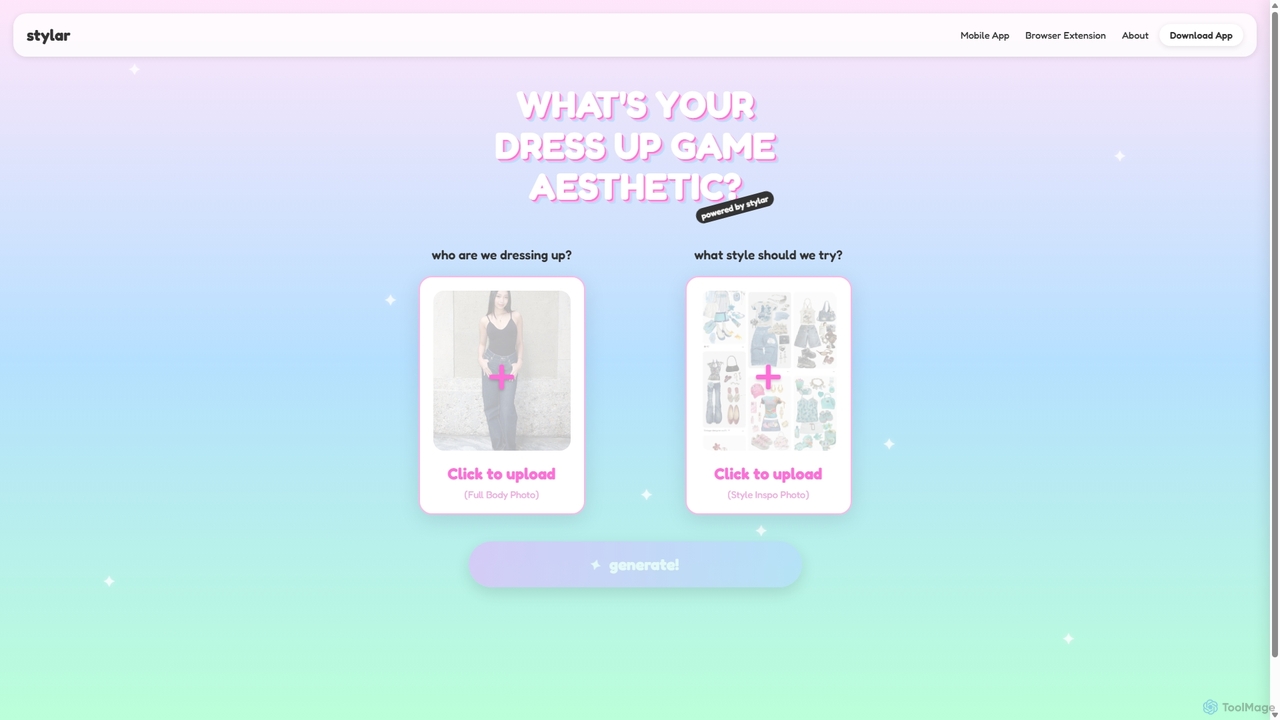
Stylar
Stylar is an all-in-one AI creative suite for artists and designers, offering precise control over image generation. It combines text-to-image, image-to-image, and composition tools with a user-friendly layer-based interface. Ideal for fashion design, character creation, and concept art, Stylar empowers users to bring their exact creative vision to life with unparalleled control and flexibility across web, mobile, and browser extension platforms.
Generative Art
Pixificial
Pixificial is an advanced AI image generator that transforms your text descriptions into stunning, high-quality visuals. From photorealistic images and artistic creations to character designs and marketing assets, Pixificial empowers creators, marketers, and developers to produce unique visuals effortlessly. Its intuitive interface and powerful customization options make professional-grade art accessible to everyone.
Generative Art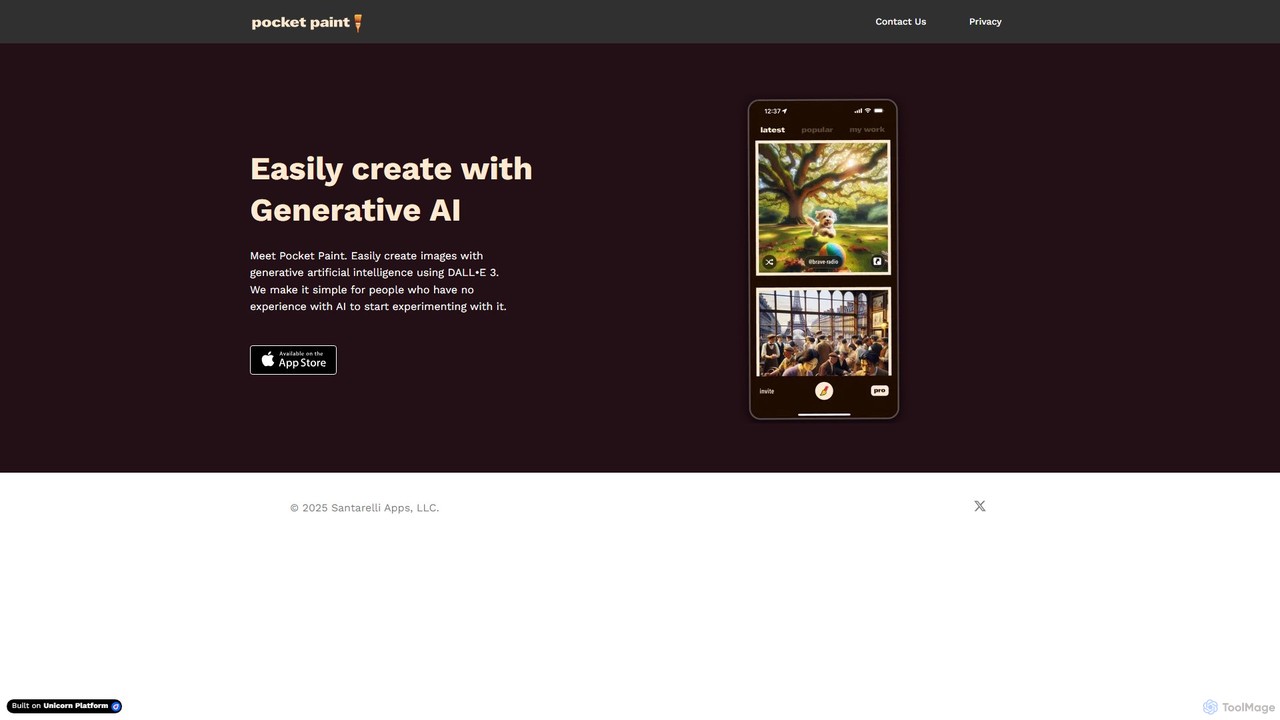
Pocket Paint
Pocket Paint makes AI image creation effortless. Powered by DALL-E 3, it provides a simple, intuitive interface for anyone, especially beginners, to generate high-quality, unique images from text prompts. Perfect for social media, blogs, marketing, and personal creative projects without any technical experience.
Generative Art
Jyek
Jyek is an AI agent platform that understands objectives, creates execution plans, uses tools, and delivers verifiable results for complex, multi-step tasks.
Automation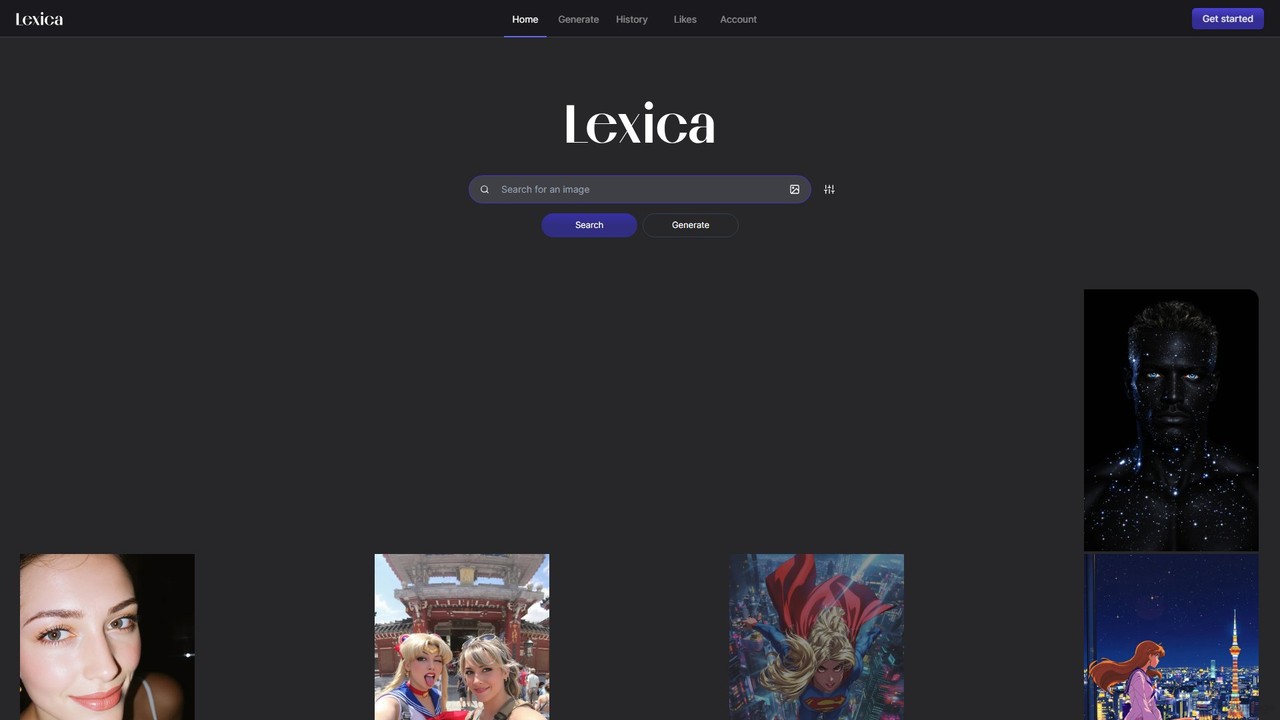
Lexica
Lexica is a powerful AI image generator and search engine. It allows users to create stunning visuals from text prompts using its advanced model, Lexica Aperture. It also features a vast, searchable library of millions of AI-generated images and their prompts, making it an invaluable tool for inspiration and creative exploration.
Inspiration
Evoke AI Comments (0)
Sign in to comment.
Sign inNo comments yet.