ToolMage
Sign in

Best 3 Creative Suite AI tools for Design

Popular Creative Suite AI tools in Design include Krea, Adobe for Business, and Fauxto Labs, helping you work more efficiently.

Fauxto Labs
Freemium

Fauxto Labs

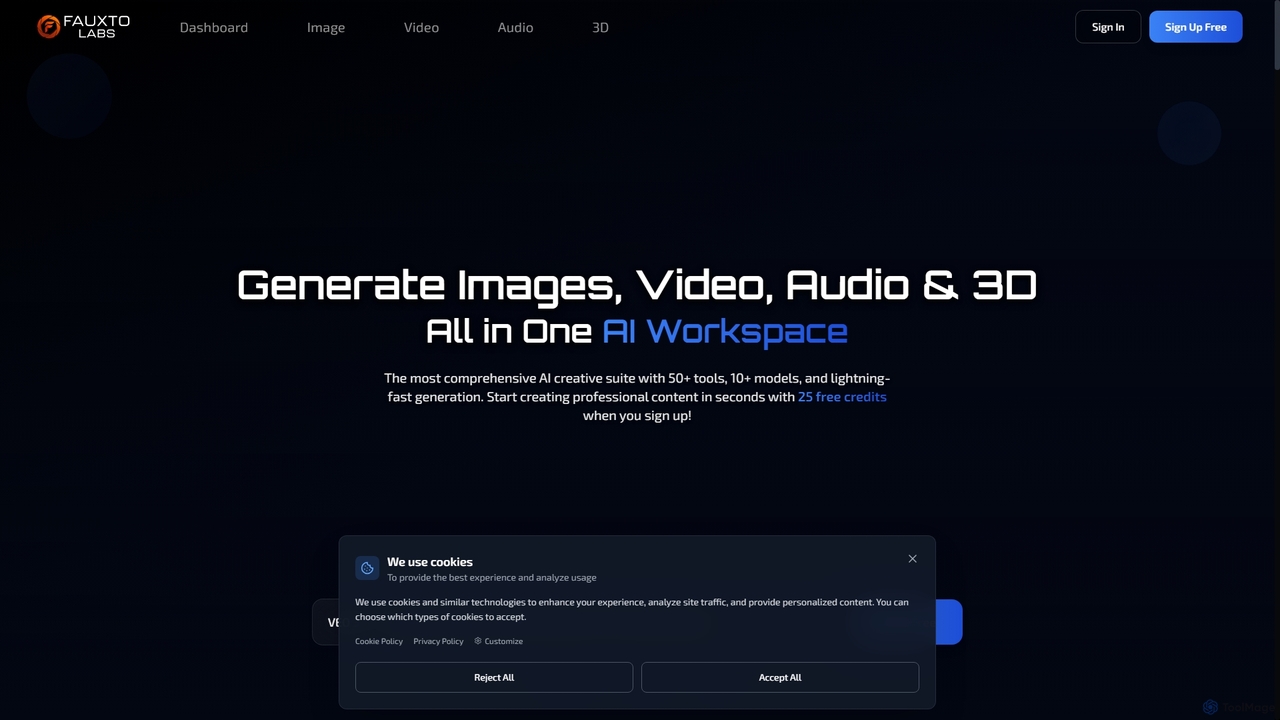
Fauxto Labs is a comprehensive AI creative suite offering over 50 tools and 10+ models for generating images, videos, audio, and 3D content. It provides lightning-fast generation, advanced editing capabilities, and personalized AI models, empowering creators to transform ideas into professional content efficiently.

Creative Suite
Visits 7KFavorites 134Likes 149
Adobe for Business
Paid

Adobe for Business

Adobe for Business is an integrated suite of AI-powered solutions for enterprises, covering digital marketing, creative content production, data analytics, and customer experience management. It empowers organizations to unify customer data, automate workflows, and deliver personalized experiences at scale, driving growth and customer loyalty.

Customer Relationship Management
Visits 1.8MFavorites 152Likes 174
Krea
Freemium

Krea

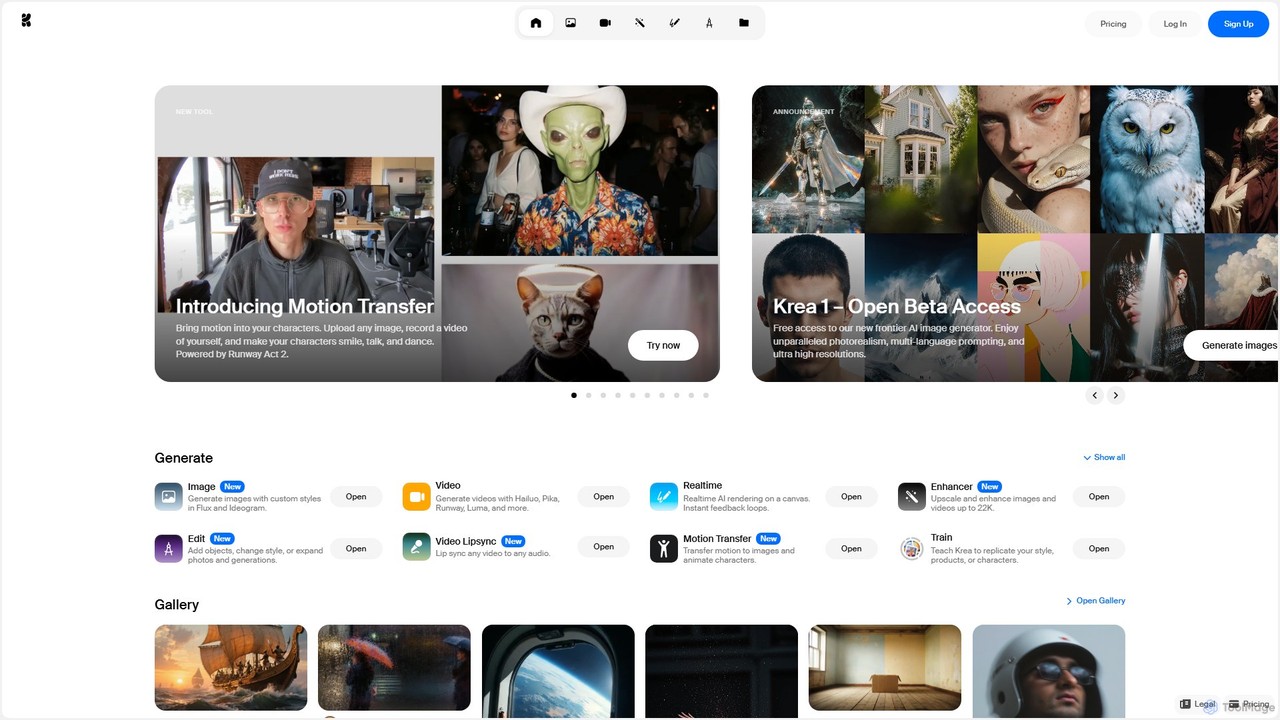
Krea is an all-in-one AI creative suite that empowers users to generate and edit images, videos, and 3D assets in real-time. It integrates multiple state-of-the-art AI models, offering unparalleled control, photorealism, and high-resolution outputs. From real-time canvas rendering to custom model training, Krea is designed to be an intuitive co-pilot for creatives of all levels.

3D Modeling
Visits 4.9MFavorites 85Likes 89

About Creative Suite

AI Creative Suite refers to a collection of integrated AI-powered tools designed to streamline and enhance various creative tasks within a unified platform. These suites leverage advanced artificial intelligence for generative design, intelligent editing, and workflow automation across different media types. They empower designers, marketers, and content creators to produce high-quality visual, textual, and auditory content more efficiently and consistently. By offering a cohesive environment, an AI Creative Suite fosters greater productivity and creative exploration than using disparate standalone applications.

Core Features

  • AI-Powered Content Generation: Automatically generates images, text, video clips, or audio based on user prompts and specifications.
  • Intelligent Editing & Enhancement: Provides automated tools for background removal, image upscaling, color correction, style transfer, and video stabilization.
  • Workflow Automation: Automates repetitive design tasks, asset organization, version control, and content scheduling.
  • Cross-Media Integration: Enables seamless transfer and transformation of assets between different creative modules, such as converting text to speech or image to video.
  • Collaborative Tools: Offers features for team collaboration, real-time feedback, and shared asset libraries to facilitate group projects.

Applicable Scenarios

AI Creative Suites are invaluable for professionals and teams requiring a comprehensive toolkit for diverse creative outputs. Marketing agencies utilize them for rapid campaign asset creation, generating varied social media graphics, ad copy, and short promotional videos. Independent content creators leverage these suites to produce high-quality multimedia for blogs, YouTube, and podcasts with optimized workflows. Product design teams also benefit by quickly generating concept art, mockups, and multiple design variations for new products, accelerating their iterative process.

How to Choose

When selecting an AI Creative Suite, consider the breadth of tools offered and their relevance to your specific needs, such as image, video, text, or audio capabilities. Evaluate the level of integration and interoperability between different modules, ensuring seamless asset transfer and a cohesive workflow. Assess the sophistication of the AI capabilities, including generative quality and editing intelligence. Finally, examine the user interface and learning curve, along with the pricing model, to ensure it aligns with your team's technical proficiency and budget.

Featured tool rankings

Creative Suite use cases

1

Rapid Marketing Campaign Asset Creation

Marketing teams and agencies can utilize an AI Creative Suite to quickly generate a wide array of assets for new campaigns. By inputting brand guidelines and campaign themes, they can produce multiple variations of social media graphics, ad banners, email templates, and short promotional videos in a fraction of the time, ensuring consistent messaging across all channels.

2

Streamlined Brand Content Production

Brand managers and content strategists can leverage the integrated tools to maintain visual and textual consistency across all brand touchpoints. The suite helps in generating on-brand imagery, copywriting for blogs and websites, and even voiceovers for videos, all while adhering to predefined style guides and tone of voice, significantly reducing manual review cycles.

3

Game Concept Art & Asset Generation

Game developers and artists can accelerate the pre-production phase by using AI Creative Suites to generate diverse concept art for characters, environments, and props. They can quickly iterate on visual styles, create texture maps, and even generate basic 3D models from textual descriptions, allowing for faster prototyping and creative exploration.

4

Personalized E-commerce Product Visuals

Online retailers and e-commerce businesses can create a vast library of personalized product visuals. An AI Creative Suite can generate lifestyle images, product variations with different backgrounds, and short animated clips from basic product photos, catering to specific customer demographics or seasonal promotions without expensive photoshoots.

5

Automated Video Content Editing & Production

Video creators, YouTubers, and corporate communicators can automate significant portions of their video production workflow. The suite can automatically identify key moments, generate captions, suggest background music, apply consistent color grading, and even create dynamic transitions, allowing creators to focus on storytelling rather than tedious editing tasks.

6

Interactive Presentation & Infographic Design

Business professionals and educators can design engaging and visually appealing presentations and infographics with ease. AI tools within the suite can assist with layout suggestions, generate relevant icons and images, summarize complex data into digestible visuals, and even create animated elements, making information more impactful and easier to understand.

Creative Suite FAQ

What is an AI Creative Suite?

An AI Creative Suite is an integrated platform comprising multiple AI-powered tools designed to assist with various creative tasks, such as image generation, video editing, and content writing. Unlike individual standalone tools, it offers a unified environment where different creative processes can be seamlessly managed and enhanced by artificial intelligence, streamlining workflows and boosting productivity for designers, marketers, and content creators.

How does an AI Creative Suite differ from individual AI tools?

The primary difference lies in integration and workflow. Individual AI tools are specialized for one task (e.g., just image generation). An AI Creative Suite, however, combines several such tools into a cohesive ecosystem. This allows for seamless asset transfer, consistent user interfaces, and often shared AI models across functionalities, leading to a more efficient, interconnected, and less fragmented creative process compared to juggling multiple separate applications.

Who benefits most from using an AI Creative Suite?

Professionals and teams who regularly engage in diverse creative projects benefit most. This includes marketing agencies needing to produce varied campaign assets quickly, independent content creators managing multiple media types (blogs, videos, social media), and design teams requiring efficient iteration and collaboration. Small businesses and startups also find value in consolidating their creative tools and leveraging AI to maximize output with limited resources.

What are the key features to look for in an AI Creative Suite?

When evaluating an AI Creative Suite, prioritize comprehensive tool coverage that aligns with your needs (e.g., strong image, video, and text AI capabilities). Look for robust integration and interoperability between modules, ensuring a smooth workflow. Advanced generative AI features, intelligent editing tools, and automation capabilities are crucial. Additionally, consider the user-friendliness of the interface, collaboration features, and the flexibility of its pricing model to match your budget and team size.

Can AI Creative Suites replace human creativity?

No, AI Creative Suites are designed to augment, not replace, human creativity. They serve as powerful assistants that automate repetitive tasks, generate initial concepts, and provide enhancement suggestions, freeing up human creators to focus on strategic thinking, artistic direction, and refinement. The human element remains essential for vision, emotional intelligence, critical judgment, and ensuring the final output aligns with specific goals and brand identity.