ToolMage
Sign in

Best 2 Product Image Editing AI tools for Ecommerce

Popular Product Image Editing AI tools in Ecommerce include Refleta and SolidGrids, helping you work more efficiently.

Refleta
Paid

Refleta

Refleta is an AI-powered e-commerce acceleration platform designed to boost online sales. It offers a comprehensive suite of tools for enhancing product images with contextual backgrounds and improved quality, and for generating compelling, SEO-friendly product descriptions, meta titles, and alt tags. It operates independently of major AI providers, using custom-built models to ensure high-quality, reliable results for any e-commerce platform.

Product Image Editing
Visits 5.5KFavorites 143Likes 132
SolidGrids
Paid

SolidGrids

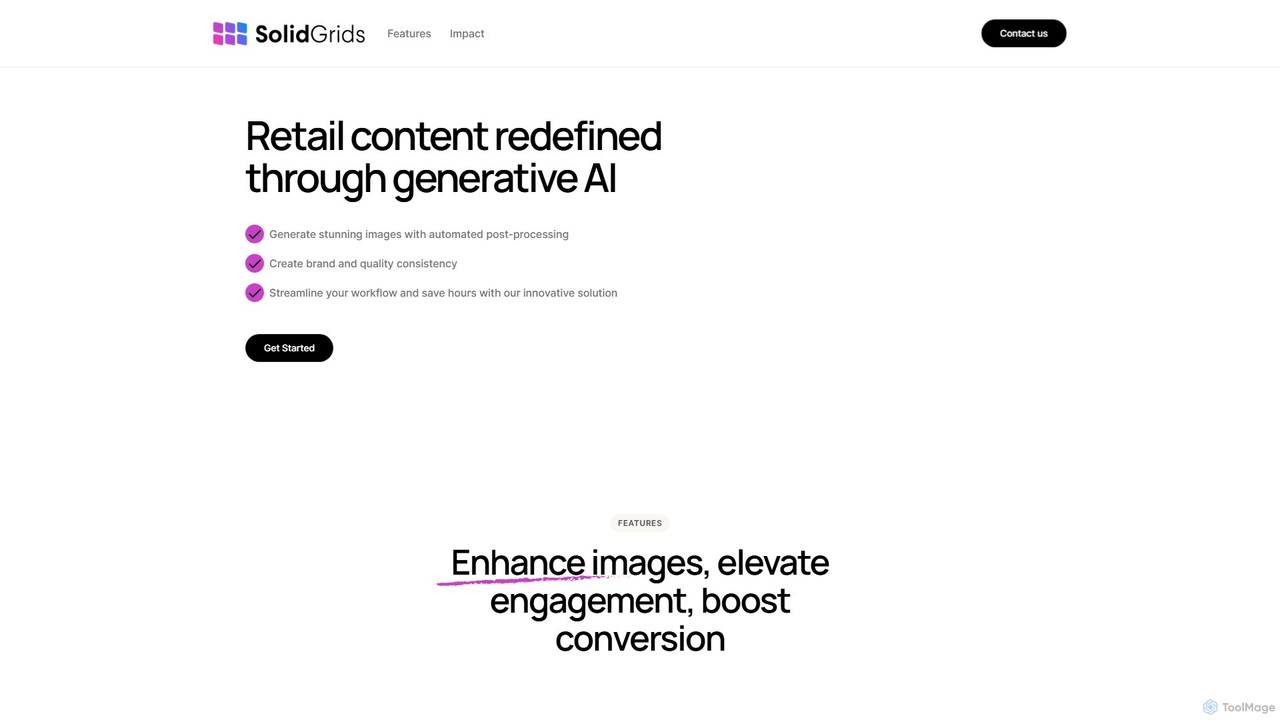
SolidGrids is an AI-powered platform designed for e-commerce, automating image post-processing to create stunning, brand-consistent product visuals. It offers features like automatic background removal, banner generation, and AI-driven copy and SEO optimization, helping businesses boost conversions and streamline workflows.

Product Image Editing
Visits 5.1KFavorites 113Likes 107

About Product Image Editing

Product Image Editing tools are AI-powered applications designed to automate and enhance the visual presentation of products for e-commerce and marketing. These tools leverage computer vision and generative AI to perform complex edits like background removal, object retouching, and scene creation in seconds. Their primary value lies in enabling businesses to create professional, consistent, and high-converting product visuals at scale, significantly reducing the time and cost associated with traditional photography and manual editing.

Core Features

  • AI Background Removal & Replacement: Instantly removes backgrounds from product photos and replaces them with solid colors, gradients, or AI-generated scenes.
  • Smart Object Retouching: Automatically detects and removes blemishes, dust, scratches, or unwanted reflections from product surfaces.
  • Realistic Shadow & Reflection Generation: Adds natural-looking drop shadows, cast shadows, or reflections to make products appear grounded and three-dimensional.
  • AI Scene & Mockup Creation: Places product images into realistic lifestyle settings or onto virtual models to showcase them in context.
  • Batch Processing & Resizing: Applies edits and resizes hundreds of images simultaneously to meet the specifications of various e-commerce platforms and social media channels.

Use Cases

These tools are essential for e-commerce store owners on platforms like Shopify or Amazon, marketing teams creating advertising campaigns, and professional product photographers looking to streamline their post-production workflow. They are also widely used by social media managers to quickly generate diverse and engaging visual content from a single product image.

How to Choose

When selecting a tool, consider the quality and accuracy of its AI, particularly in edge detection for background removal. Evaluate its batch processing capabilities, speed, and any limitations. Check for integration options, such as API access or plugins for e-commerce platforms. Finally, compare pricing models—whether it's a subscription-based plan or a pay-per-image credit system—to find what best suits your volume and budget.

Product Image Editing use cases

1

E-commerce Product Listing Optimization

An online store owner needs to upload 500 new product photos to their marketplace, which requires a pure white background. Instead of manually editing each image, they use an AI tool to batch-process the entire folder. The tool automatically detects the product, removes the original background with high precision, and applies a consistent white background. This process, which would typically take days of manual work, is completed in under an hour, ensuring all listings are compliant and visually uniform, leading to a more professional storefront.

2

Creating Social Media Marketing Content

A marketing manager for a fashion brand wants to promote a new handbag across Instagram and Facebook. Using an AI product image editor, they take one high-quality photo of the handbag and place it into various AI-generated lifestyle scenes. They create images of the bag on a café table, at a sunny beach, and in a bustling city street. This allows them to generate a week's worth of diverse, engaging visual content without the expense and logistics of a physical photoshoot, increasing content variety and audience engagement.

3

Preparing Images for Print Catalogs

A graphic designer for a furniture company is creating a new print catalog. To ensure a consistent and professional look, every product must have a soft, realistic drop shadow. They use an AI tool to automatically add a consistent shadow to over 200 images of chairs, tables, and sofas. The AI analyzes the shape and lighting of each object to generate a natural-looking shadow, saving the designer hours of meticulous manual work in Photoshop and ensuring a uniform aesthetic across the entire catalog.

4

A/B Testing Product Visuals for Conversion

An e-commerce strategist wants to determine which background color converts best for a new skincare product. Using an AI editor, they generate ten variations of the product image, each with a different background color or texture (e.g., white, light pink, marble, with a leaf shadow). These variations are then used in an A/B test on the product detail page. By analyzing the conversion rates for each visual, the team can make a data-driven decision on the most effective product presentation, potentially increasing sales by several percentage points.

5

Generating Apparel Mockups on Models

A print-on-demand t-shirt seller wants to showcase their new designs without hiring models or conducting photoshoots. They upload their flat design files (e.g., a PNG of a graphic) to an AI product image tool. The tool automatically generates realistic mockups of the t-shirt being worn by a diverse range of AI-generated models, showing different body types, ethnicities, and poses. This allows the seller to create a full, inclusive product gallery for their online store in minutes, significantly reducing costs and time-to-market.

6

Enhancing Used Car Dealership Photos

A used car dealership takes photos of vehicles in their crowded lot, resulting in distracting backgrounds. To improve their online listings, they use an AI tool to automatically replace the parking lot background with a clean, professional showroom setting. The same tool also identifies and blurs license plates for privacy. This automated process elevates the perceived value of the vehicles, creates a consistent brand image across all listings, and saves significant time compared to manually editing each photo.

Product Image Editing FAQ

What is AI Product Image Editing?

AI Product Image Editing refers to a category of software that uses artificial intelligence to automate the enhancement of product photos for commercial use. Unlike general photo editors, these tools are specifically trained for e-commerce tasks. Key functions include one-click background removal, generating realistic shadows, creating lifestyle mockups, and automatically retouching product blemishes. The main goal is to help sellers create high-quality, consistent, and conversion-focused visuals quickly and without advanced technical skills.

How to choose the right AI Product Image Editing tool?

When selecting a tool, consider these factors:

  • Quality of Edits: Evaluate the precision of the background removal, especially around complex edges like hair or fur. Check the realism of generated shadows and scenes.
  • Batch Processing: If you handle large volumes, check the tool's capacity and speed for processing multiple images at once.
  • Feature Set: Ensure it has the specific features you need, such as AI scene generation, model mockups, or smart retouching.
  • Integrations: Look for plugins for your e-commerce platform (e.g., Shopify, WooCommerce) or API access for custom workflows.
  • Pricing Model: Compare subscription plans versus pay-as-you-go credits to find the most cost-effective option for your usage.
What's the difference between AI Product Image Editors and general photo editors like Photoshop?

The main difference is specialization and automation. General photo editors like Adobe Photoshop are powerful, versatile tools that require significant manual skill and time to perform tasks like background removal or shadow creation. AI Product Image Editors are specialized for these specific e-commerce tasks. They use AI to automate the process, allowing users to edit hundreds of images in minutes with just a few clicks and no design expertise. While Photoshop offers more creative control, AI editors offer superior speed, consistency, and ease of use for high-volume product photography workflows.

What are the key features of AI Product Image Editing tools?

Most AI Product Image Editing tools share a core set of features designed for e-commerce efficiency. These typically include:

  • Background Removal: Instantly remove and replace backgrounds with a solid color, gradient, or transparent layer.
  • AI Background Generation: Create entirely new, realistic scenes for your product using text prompts.
  • Shadow Generation: Automatically add natural-looking drop shadows or cast shadows to ground the product.
  • Smart Retouching: Clean up minor imperfections like dust, scratches, or smudges on the product.
  • Batch Processing: Apply the same edits to hundreds or thousands of images simultaneously.
Who can benefit from using AI Product Image Editing tools?

A wide range of professionals can benefit from these tools. Key users include e-commerce store owners (on platforms like Amazon, Shopify, Etsy) who need to process many product photos quickly. Marketing teams and social media managers use them to create diverse ad creatives and content. Product photographers can significantly speed up their post-production workflow. Additionally, graphic designers and small business owners with limited budgets can create professional-quality images without hiring expensive agencies or freelancers.