ToolMage
Sign in

Best 7 Ai Art AI tools

Popular Ai Art AI tools include PromptHero, Monet, Nanobananainpaint, ImgtoPrompt, Clean Pixel Art, StickrSnap, and Aimodified, helping you work more efficiently.

Clean Pixel Art

Clean Pixel Art

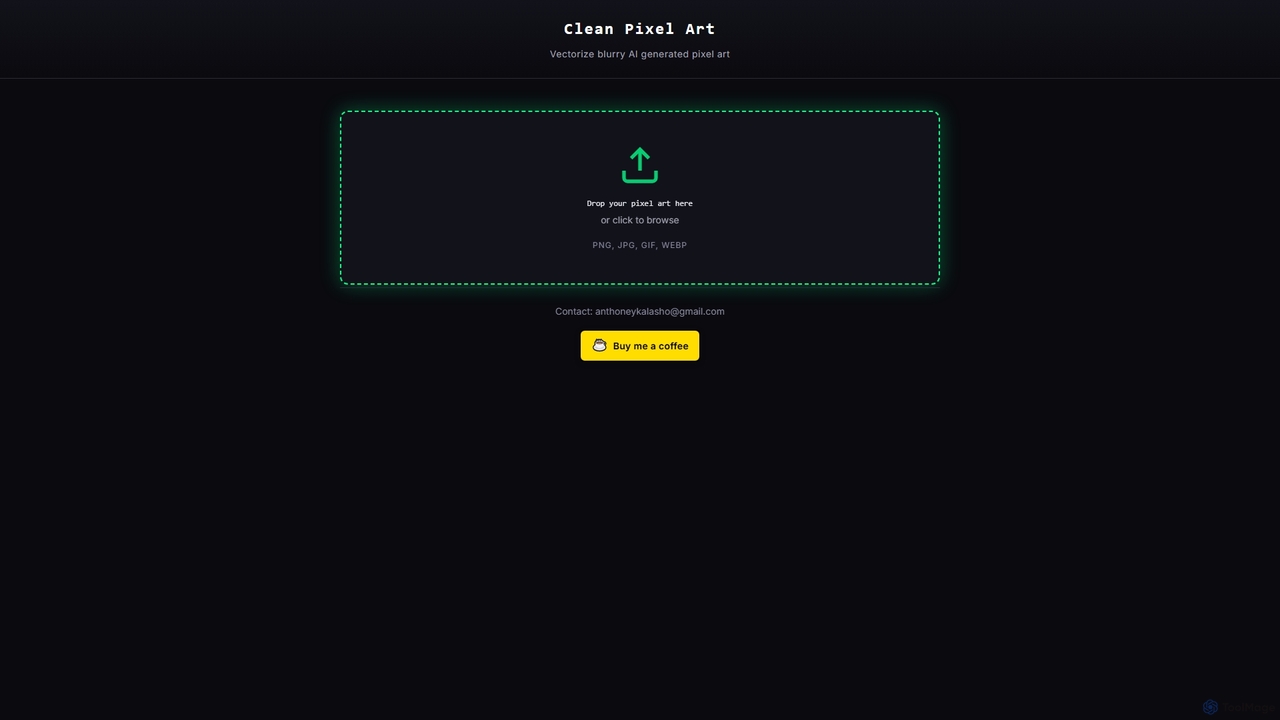
Clean Pixel Art is an online AI-powered tool designed to transform blurry, AI-generated pixel art into crisp, scalable vector graphics. It simplifies the process of enhancing pixel art quality, supporting popular formats like PNG, JPG, GIF, and WEBP for easy conversion.

Enhancement
Visits 4.9KFavorites 26Likes 16
Nanobananainpaint
Freemium

Nanobananainpaint

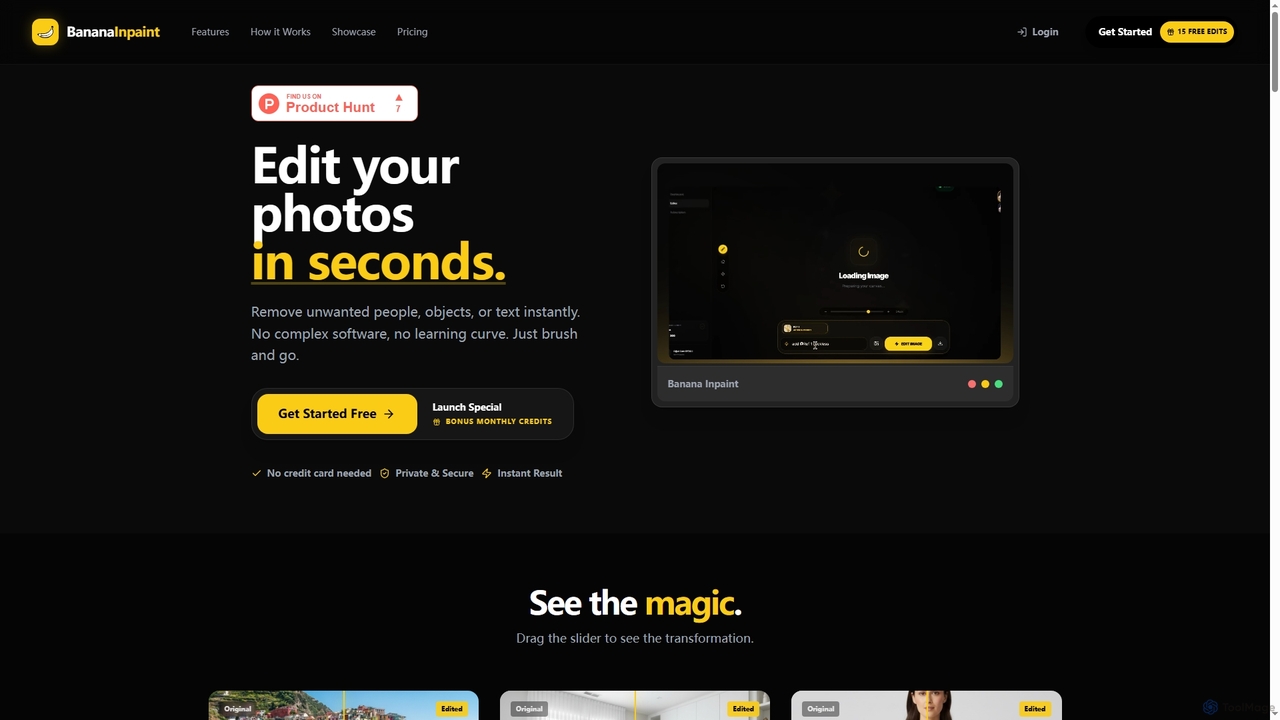
Nanobananainpaint is an AI-powered online photo editor that allows users to effortlessly remove unwanted objects, people, or text from images in seconds. With its intuitive brush-and-go interface, it simplifies complex photo editing tasks, making professional-quality image cleanups accessible to everyone without requiring any software installation or learning curve.

Image Generation
Visits 5.3KFavorites 25Likes 29
ImgtoPrompt
Freemium

ImgtoPrompt

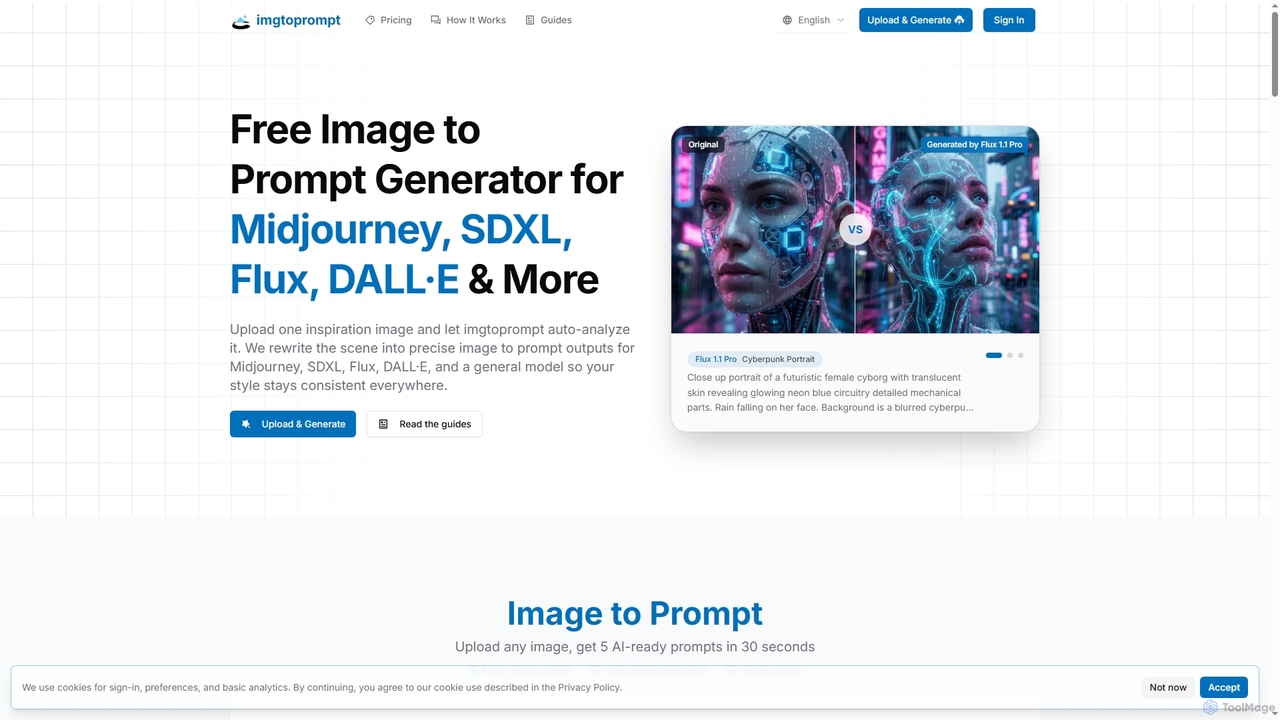
ImgtoPrompt is an AI-powered image-to-prompt generator that transforms inspiration images into precise, optimized prompts for leading AI art models like Midjourney, SDXL, Flux, and DALL·E. It streamlines the creative workflow by offering multi-model support and intelligent adaptation of prompt syntax.

Image Generation
Visits 5.2KFavorites 92Likes 101
Monet
Freemium

Monet

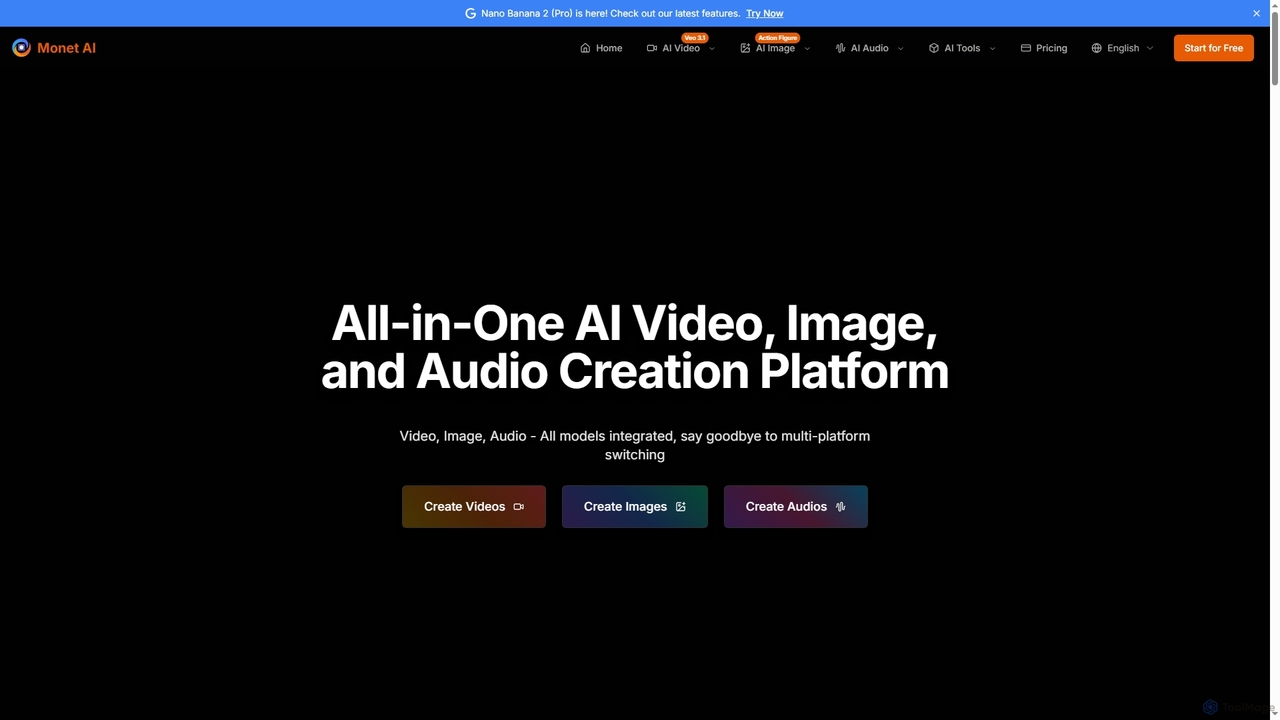
Monet is an all-in-one AI creation platform that integrates leading AI models for generating high-quality videos, images, and audio. It offers text-to-video, image-to-video, text-to-image, style transfer, and text-to-speech functionalities, streamlining creative workflows for diverse users.

Image Generation
Visits 194KFavorites 131Likes 115
StickrSnap

StickrSnap

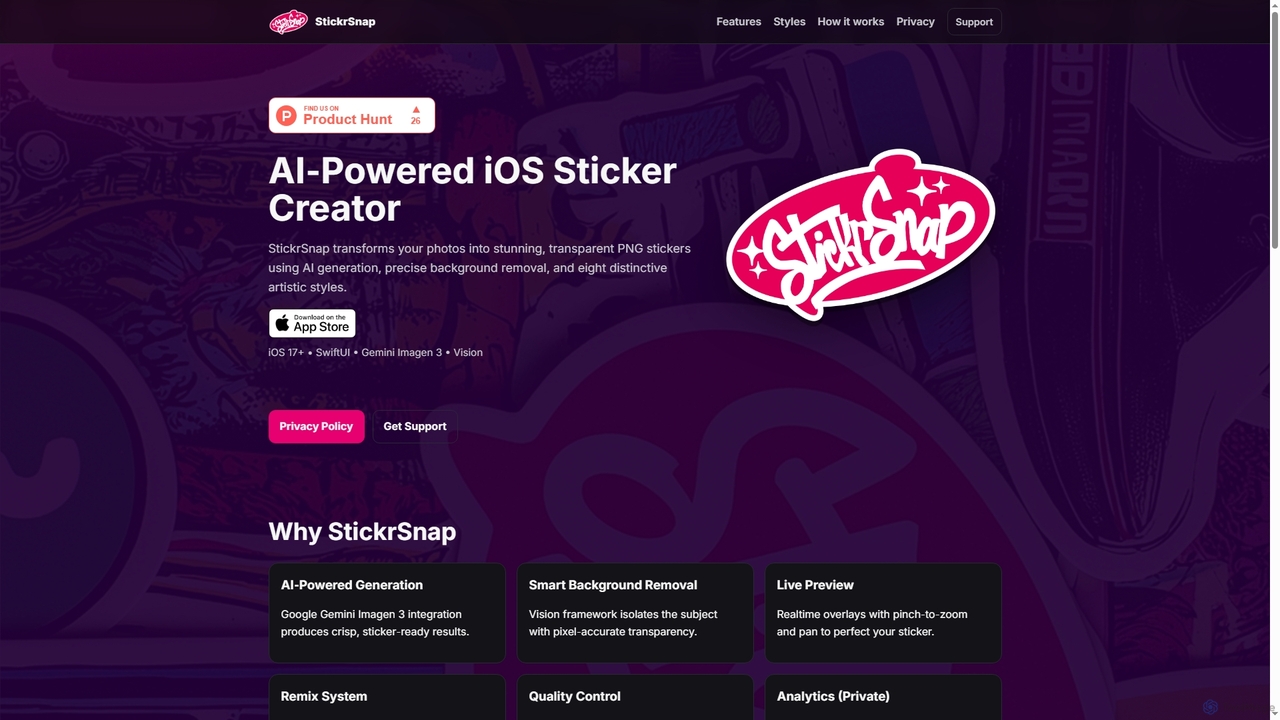
StickrSnap is an AI-powered iOS app that effortlessly transforms your photos into unique, transparent PNG stickers. Leveraging Google Gemini Imagen 3 and Apple's Vision framework, it offers precise background removal and eight distinct artistic styles, enabling users to create personalized digital stickers with ease and creativity.

Photo Effects
Visits 4.9KFavorites 100Likes 104
Aimodified
Free

Aimodified

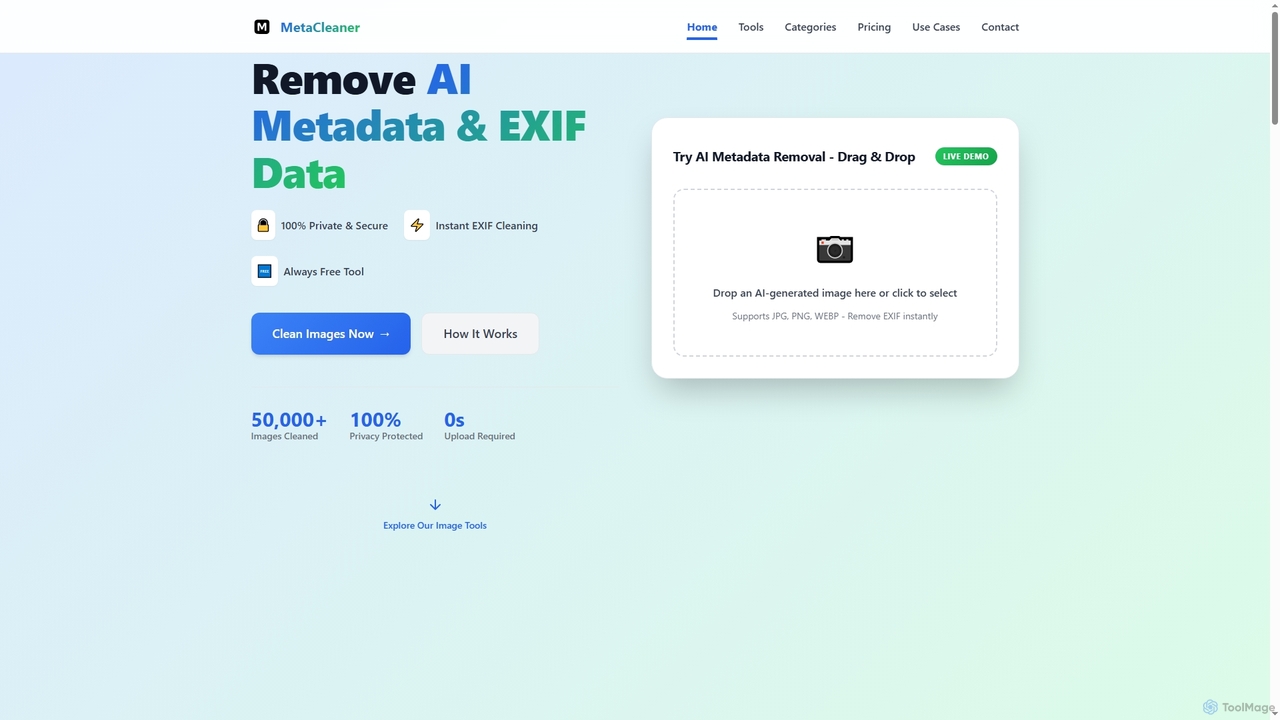
Aimodified is a free, browser-based tool designed to remove AI-generated metadata and EXIF data from images. It ensures privacy and helps content creators bypass AI detection on social media platforms like Pinterest, offering instant cleaning for single or batch image processing.

Post Processing
Visits 4.8KFavorites 108Likes 109
PromptHero
Freemium

PromptHero

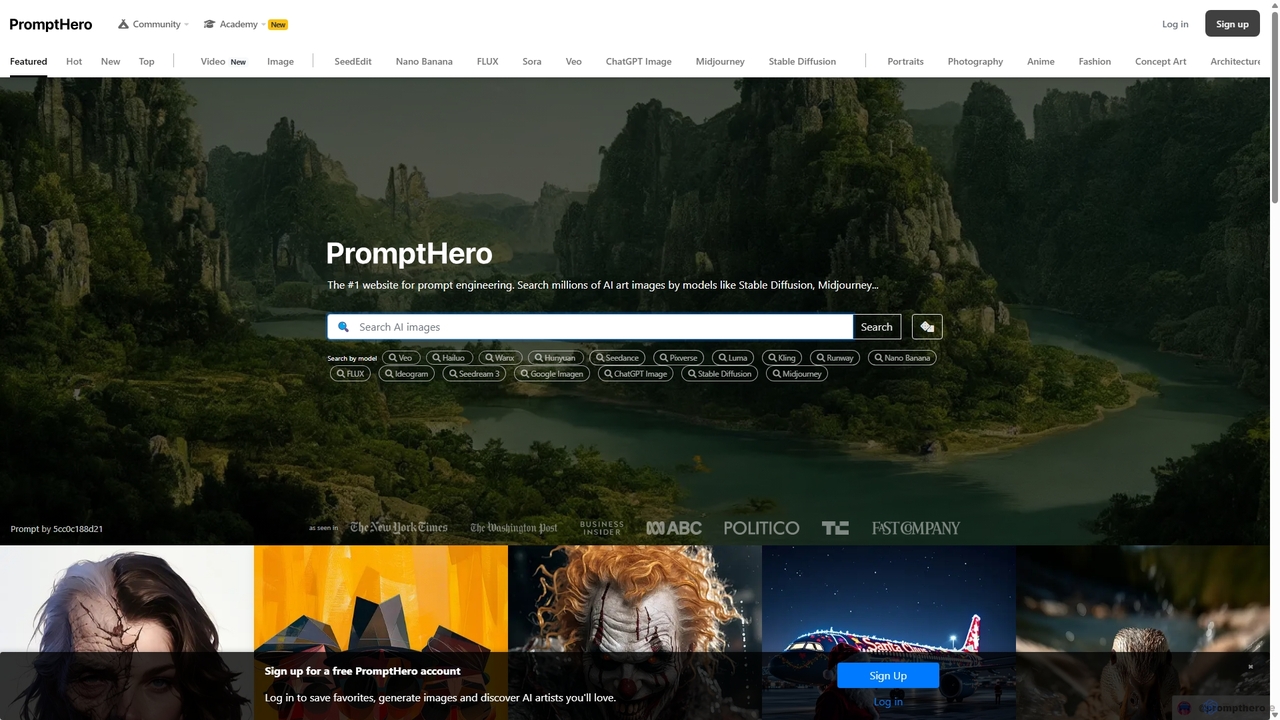
PromptHero is a leading search engine for AI prompts, catering to models like Stable Diffusion, Midjourney, and ChatGPT. It allows users to explore millions of prompts, discover stunning AI-generated art, and learn the techniques behind them. It's an essential resource for artists, designers, and creators looking to master prompt engineering and unlock the full potential of generative AI.

Prompt Engineering
Visits 1MFavorites 114Likes 104

About Ai Art

AI Art tools are AI-powered platforms that enable users to generate, transform, and enhance visual content through artificial intelligence. These tools leverage advanced machine learning models, such as generative adversarial networks (GANs) and diffusion models, to interpret text prompts, image inputs, or other data and produce unique artistic outputs. They empower artists, designers, marketers, and enthusiasts to explore new creative frontiers, automate visual asset creation, and personalize digital content with unprecedented speed and flexibility.

Core Features

  • Text-to-Image Generation: Create diverse images from descriptive text prompts.
  • Image-to-Image Transformation: Modify existing images or apply new styles based on input images and prompts.
  • Style Transfer: Apply the artistic style of one image to the content of another.
  • Upscaling & Enhancement: Improve image resolution and detail without loss of quality.
  • 3D Asset Creation: Generate textures, models, or concept art for 3D environments.

Use Cases

AI Art tools are widely adopted across various creative and commercial sectors. Graphic designers utilize them for rapid ideation and generating unique visual elements for branding. Game developers leverage AI for creating concept art, textures, and character variations, significantly accelerating the design pipeline. Marketers use these tools to produce engaging, customized visuals for campaigns and social media, reducing reliance on stock photography and enhancing brand storytelling.

How to Choose

When selecting an AI Art tool, consider the range of generative models and artistic styles it supports, as this impacts creative flexibility. Evaluate the ease of use and user interface, especially for beginners. Assess the quality and consistency of the output, along with customization options like inpainting or control features. Finally, compare pricing models, community support, and integration capabilities with existing creative workflows to ensure it meets your specific project requirements.

Featured tool rankings

Ai Art use cases

1

Concept Art for Game Development

Game artists and concept designers utilize AI Art tools to rapidly generate diverse visual ideas for characters, environments, and props. By inputting text prompts and reference images, they can explore countless stylistic variations and design iterations in minutes, significantly accelerating the initial ideation phase of game development and fostering greater creative exploration.

2

Marketing & Advertising Visuals

Marketing specialists and advertisers leverage AI Art to create unique, eye-catching images for campaigns, social media, and digital ads. These tools allow them to generate visuals tailored to specific brand guidelines, product descriptions, and target audiences, producing high-quality, customized content quickly and reducing the time and cost associated with traditional graphic design or stock photography.

3

Personalized Digital Portraits & Avatars

Individual users and social media influencers employ AI Art tools to transform personal photos into various artistic styles or create unique digital avatars. By uploading a photo and selecting a desired style (e.g., anime, oil painting, cyberpunk), they can express individuality and enhance their online presence with distinctive, personalized digital art that stands out.

4

Interior Design & Architectural Visualization

Interior designers and architects use AI Art to visualize design concepts for rooms, buildings, and landscapes. By inputting floor plans, material preferences, and style descriptions, they can generate realistic or stylized renderings. This capability allows them to quickly present multiple design options to clients and iterate on ideas without the need for time-consuming manual rendering processes.

5

Storyboarding & Comic Creation

Filmmakers, comic artists, and content creators utilize AI Art tools to generate visual sequences for storyboards, comic panels, or animated shorts. By describing scenes, characters, and actions through text prompts, they can produce consistent visual narratives. This streamlines the pre-production phase, helping to visualize narrative flow and refine storytelling efficiently before full production begins.

6

Fashion Design & Textile Patterns

Fashion designers and textile artists employ AI Art to create new garment designs, fabric patterns, or mood boards. By inputting design inspirations, color palettes, and garment types, they can generate unique fashion concepts and explore innovative patterns. This accelerates the design process, allowing for rapid visualization of collections and experimental textile creations.

Ai Art FAQ

What are AI Art tools?

AI Art tools are software applications that use artificial intelligence, specifically generative AI models like diffusion models and GANs, to create visual content. They interpret user inputs, such as text prompts or reference images, to generate unique artworks, illustrations, photographs, or design elements. These tools democratize art creation, allowing users with varying skill levels to produce high-quality digital art.

How do I choose the right AI Art tool for my needs?

When selecting an AI Art tool, consider several factors. First, evaluate the range of artistic styles and models available to match your creative vision. Second, assess the ease of use and user interface, especially if you're a beginner. Third, look at customization options like inpainting, outpainting, or ControlNet features for fine-tuned control. Finally, compare pricing, community support, and the quality of output to ensure it aligns with your project requirements and budget.

What are the main applications of AI Art?

AI Art has diverse applications across various fields. It's used by digital artists for creative expression, generating unique pieces or exploring new styles. Marketers leverage it for creating engaging visuals for campaigns and social media. Game developers use it for concept art, textures, and character variations. Architects and interior designers utilize it for visualization, while individuals create personalized avatars and digital portraits. It also aids in storyboarding and fashion design.

How does AI Art generation work?

AI Art generation primarily relies on advanced machine learning models, such as diffusion models. These models are trained on vast datasets of images and their corresponding descriptions. When a user provides a text prompt, the AI interprets it and iteratively refines a random noise pattern into a coherent image that matches the prompt's description. This process involves understanding context, style, and composition learned from its training data.

Are there any ethical or copyright concerns with AI Art?

Yes, AI Art raises several ethical and copyright concerns. These include questions about the originality and ownership of AI-generated works, as well as the ethical implications of training models on copyrighted data without explicit consent. There are also concerns about potential misuse, such as generating deepfakes or perpetuating biases present in the training data. The legal and ethical frameworks for AI Art are still evolving and subject to ongoing debate.