
thecela
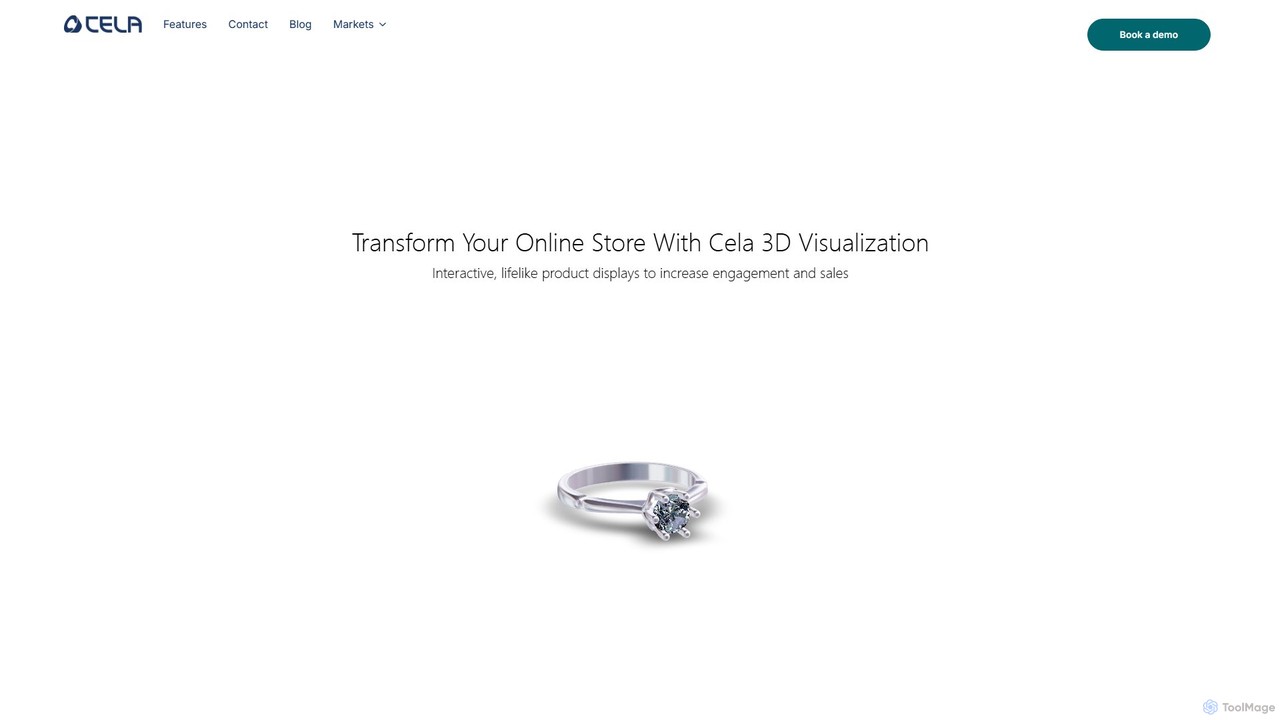
thecela is an AI-powered platform that enhances e-commerce websites with realistic 3D product visualization, AR virtual try-on, and …
thecela is an AI-powered platform that enhances e-commerce websites with realistic 3D product visualization, AR virtual try-on, and interactive product configurators. It aims to boost sales, increase customer engagement, and reduce return rates by providing immersive shopping experiences.
About 3D & Ar Product Visualization
3D & AR Product Visualization tools are a class of software that uses AI to generate interactive, photorealistic digital models of products for e-commerce. These tools often employ techniques like photogrammetry and generative AI to transform 2D images into detailed 3D assets. They enable online shoppers to view items from any angle, zoom in on details, and use augmented reality (AR) to place products in their own environment. This technology bridges the gap between online and in-store shopping, increasing customer confidence and reducing return rates.
Core Features
- AI-Powered 3D Model Generation: Automatically creates 3D models from a series of standard product photos.
- Interactive 360° Viewer: Allows users to rotate, pan, and zoom in on the product model within a web browser.
- AR 'View in Your Space' Functionality: Enables customers to use their smartphone camera to visualize a true-to-scale product in their home or office.
- Real-Time Configuration: Provides options for customers to instantly change colors, materials, or components on the 3D model.
- Platform Integration: Offers seamless embedding into major e-commerce platforms like Shopify, Magento, and WooCommerce.
Use Cases
These tools are primarily used in e-commerce sectors where visual detail and spatial context are critical to the purchasing decision. Industries such as furniture and home decor, fashion (for virtual try-on), consumer electronics, automotive, and even B2B industrial equipment leverage this technology to provide a more immersive and informative online shopping experience.
How to Choose
When selecting a tool, consider its integration capabilities with your existing e-commerce platform. Evaluate the quality and realism of the generated 3D models and the performance of the AR experience on various devices. Also, assess the ease of the workflow for creating and managing your product models and compare pricing models, whether subscription-based or per-asset fees.
3D & Ar Product VisualizationUse Cases
AR Preview for Furniture Shopping
An online furniture retailer integrates an AR feature into their product pages. A customer considering a new sofa can tap a 'View in Your Room' button on their smartphone. Using their device's camera, they can place a true-to-scale 3D model of the sofa in their living room. They can walk around it, check its dimensions against their existing furniture, and see how different fabric colors look in their home's lighting. This immersive experience helps eliminate guesswork about size and style, significantly increasing purchase confidence and reducing the likelihood of costly returns.
Virtual Try-On for Eyewear and Accessories
An online store selling sunglasses and watches uses a virtual try-on (VTO) tool. Shoppers can activate their device's front-facing camera to see a realistic, real-time overlay of the product on their face or wrist. The AI accurately tracks their movements, allowing them to turn their head or move their arm to see the product from different angles. This provides a personalized and engaging experience that mimics trying on items in a physical store, helping customers make better-informed decisions and boosting conversion rates for accessories.
Interactive 3D Car Customization
An automotive brand's website features a 3D configurator for its latest model. A potential buyer can interact with a high-fidelity 3D model of the car, changing the exterior paint, wheel designs, and interior upholstery in real-time. They can open the doors to view the cabin, rotate the vehicle 360 degrees, and zoom in on specific features like the headlights or dashboard. This level of interaction provides a much richer experience than a static photo gallery, allowing customers to build and visualize their exact desired vehicle, which can shorten the sales cycle and increase lead quality.
Detailed 3D Product Exploration for Electronics
An electronics retailer showcases a new high-end laptop using an interactive 3D model on its product page. Customers can manipulate the model to view all ports, see the keyboard layout from different angles, and even watch a short animation of the screen hinge mechanism. Hotspots on the model can be clicked to reveal more information about specific components, like the processor or the webcam. This detailed exploration provides far more information than static images or text descriptions, helping to justify a premium price point and answer technical questions visually.
AR Visualization for B2B Industrial Equipment
A sales representative for a manufacturer of large machinery uses a tablet during a client meeting. Instead of relying on brochures, they launch an AR application to project a full-scale 3D model of the equipment onto the client's factory floor. The client can walk around the virtual machine, assess its footprint, and visualize how it will integrate with their existing production line. This powerful sales tool makes complex products tangible, helps in spatial planning, and accelerates the decision-making process for high-value B2B purchases.
Creating Product Configurators for Custom Goods
A company selling custom-made skateboards uses a 3D visualization tool to power an online configurator. Customers start with a base 3D model of a skateboard deck and can then choose from various graphics, change the color of the wheels, and select different types of trucks. Every change is instantly reflected on the interactive 3D model. This allows for a high degree of personalization and gives customers a clear, dynamic preview of their unique creation before they place an order, increasing satisfaction and reducing order errors.