MuseCraft
MuseCraft is an all-in-one AI creative platform integrating over 15 cutting-edge AI models for text-to-image, text-to-video, and image-to-video …
MuseCraft is an all-in-one AI creative platform integrating over 15 cutting-edge AI models for text-to-image, text-to-video, and image-to-video generation. It also offers powerful AI editing tools like background removal and skin enhancement, streamlining creative workflows and eliminating the need for multiple subscriptions.
Postplus
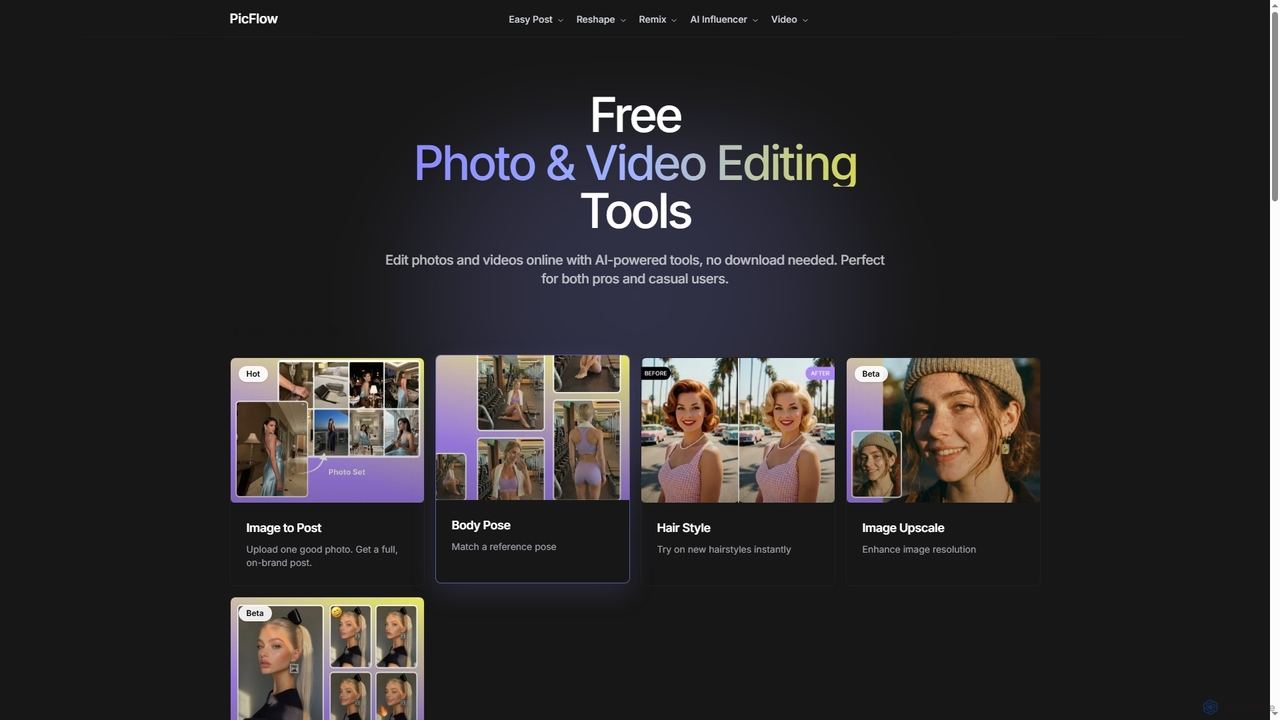
Postplus (also known as PicFlow) is a free, AI-powered online platform offering a comprehensive suite of photo and …
Postplus (also known as PicFlow) is a free, AI-powered online platform offering a comprehensive suite of photo and video editing tools. Designed for both professionals and casual users, it helps create stunning social media content without requiring any downloads. From virtual hairstyle try-ons and body reshaping to intelligent image-to-post generation and video templates, Postplus simplifies content creation with advanced AI capabilities.
Magiq
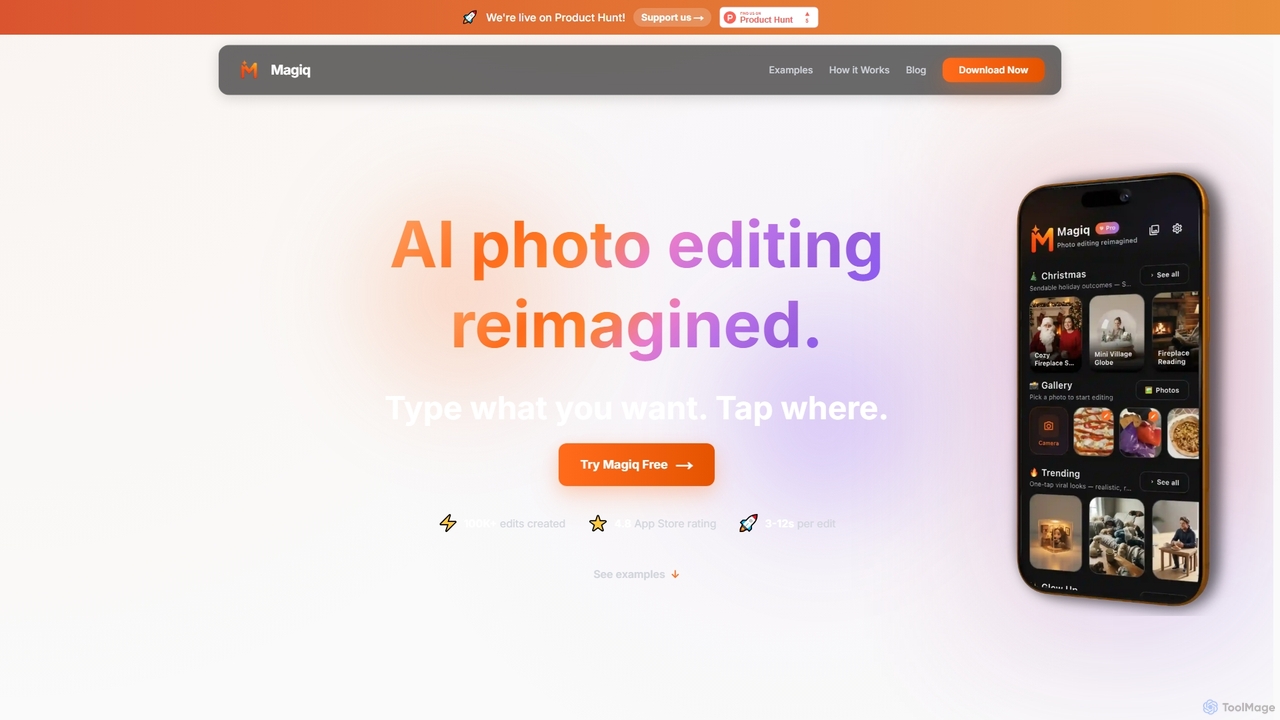
Magiq is an AI-powered photo editor for iOS and Android that redefines image transformation. With simple text instructions, …
Magiq is an AI-powered photo editor for iOS and Android that redefines image transformation. With simple text instructions, users can perform complex edits like background removal, outfit changes, smart lighting adjustments, and professional portrait creation. It delivers realistic, high-quality results in seconds, making advanced photo editing accessible to everyone.
Luminar Neo
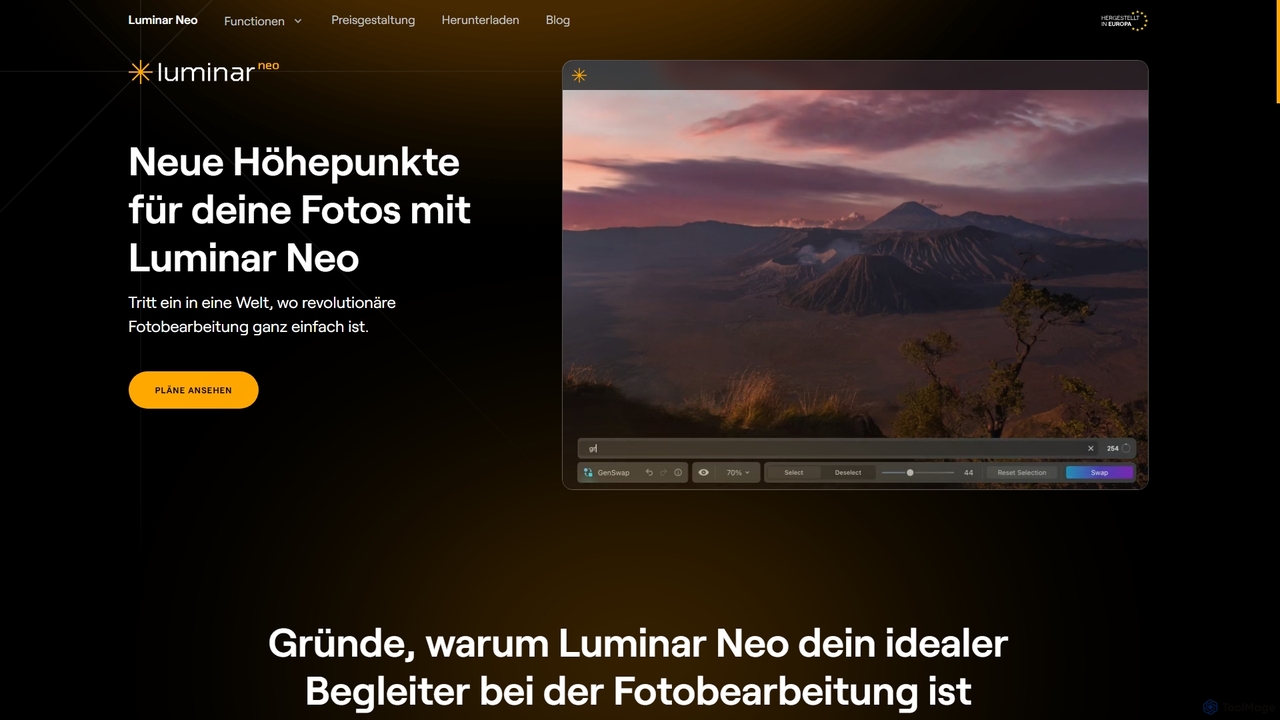
Luminar Neo is a revolutionary AI-powered photo editing software designed to simplify complex tasks and unleash creativity. It …
Luminar Neo is a revolutionary AI-powered photo editing software designed to simplify complex tasks and unleash creativity. It offers a comprehensive suite of advanced tools for image enhancement, RAW processing, and creative composition, making professional-grade results accessible to both beginners and experienced photographers on macOS and Windows.
About Image Enhancement
Image Enhancement tools are a specialized category of AI applications designed to automatically improve the visual quality of digital images. They utilize deep learning models to analyze and intelligently correct issues like low resolution, blurriness, digital noise, and poor lighting. This allows users to restore old photographs, clarify indistinct details, and upscale images for high-quality printing or digital display, often with a single click. Unlike general photo editors, their primary focus is on technical restoration and quality improvement rather than creative manipulation.
Core Features
- AI Upscaling (Super Resolution): Increases image dimensions and pixel density while intelligently generating new details to maintain clarity.
- Noise Reduction (Denoising): Removes unwanted grain and artifacts, typically found in photos taken in low-light conditions or with high ISO settings.
- Deblurring and Sharpening: Corrects motion blur and out-of-focus issues by analyzing image data to restore sharp edges and fine textures.
- Color and Light Correction: Automatically adjusts brightness, contrast, saturation, and white balance to create a more vibrant and natural-looking image.
- Old Photo Restoration: Repairs common damage in scanned vintage photos, such as scratches, creases, and color fading, and can include face enhancement features.
Use Cases
These tools are widely used by professional photographers to salvage imperfect shots, e-commerce businesses to improve product imagery, and graphic designers preparing assets for print. They are also popular among archivists, genealogists, and personal users looking to restore and preserve precious family photos or enhance everyday snapshots.
How to Choose
When selecting an Image Enhancement tool, consider the specific features you need, such as face restoration versus general upscaling. Evaluate its batch processing capabilities for workflow efficiency, the maximum output resolution it supports, and its pricing model—whether it's a subscription, a one-time purchase, or a pay-per-image credit system.
Image EnhancementUse Cases
Optimizing E-commerce Product Photos
An e-commerce manager often receives product images from various suppliers with inconsistent quality and low resolution. Using an AI Image Enhancement tool, they can batch process hundreds of photos to upscale them for high-resolution displays, correct color inconsistencies for a uniform look across the store, and sharpen details to highlight product features. This results in a more professional and trustworthy online storefront, potentially increasing conversion rates without the need for expensive reshoots.
Restoring and Archiving Old Family Photos
An individual working on their family genealogy scans a collection of old, faded, and damaged photographs from the early 20th century. Using an AI restoration tool, they can automatically repair scratches and creases, correct color fading, and enhance the clarity of faces that have become blurry over time. The tool can even colorize black-and-white photos with realistic tones. This process breathes new life into historical records, making them more engaging for younger generations and preserving family heritage in a high-quality digital format.
Enhancing Real Estate Photography
A real estate agent takes photos of a property on an overcast day, resulting in dark and noisy images. Instead of scheduling a costly reshoot, the agent uses an AI Image Enhancement tool. The tool automatically brightens the images, reduces digital noise from indoor shots, and sharpens architectural details. This makes the property look more inviting and professional in online listings, helping to attract more potential buyers and potentially leading to a faster sale.
Preparing Low-Resolution Graphics for Print
A graphic designer receives a company logo from a client that is only available as a small, low-resolution web graphic. To use it in a high-quality print brochure, the designer needs a much larger version. They use an AI upscaling tool to increase the logo's resolution by 4x or more. The AI intelligently redraws sharp lines and smooth curves, producing a print-ready vector-like image without the jagged edges that would result from simple resizing. This saves hours of manual tracing work in illustration software.
Improving Smartphone Photos for Social Media
A social media influencer takes a great photo at an evening event, but the low light results in a grainy and slightly blurry image. Before posting, they use a mobile image enhancement app. With one tap, the app's AI reduces the noise, sharpens the subject's face, and brightens the colors without making it look unnatural. The final image is crisp, vibrant, and professional, helping them maintain a high-quality aesthetic for their feed and better engage their audience.
Clarifying Details in Technical or Scientific Images
A security analyst needs to identify a license plate from a blurry surveillance camera still. A medical researcher wants to enhance the details in a low-resolution microscope image. In both cases, an AI Image Enhancement tool can be crucial. By applying deblurring and super-resolution algorithms, the tool can reveal critical details that were previously illegible or invisible. This application extends beyond security and medicine to fields like satellite imagery analysis and engineering, where clarifying fine details is essential for accurate assessment.