ToolMage
Sign in

Best 2 Enhancement AI tools for Photo Editing

Popular Enhancement AI tools in Photo Editing include Ziina and Neurona, helping you work more efficiently.

Ziina
Freemium

Ziina

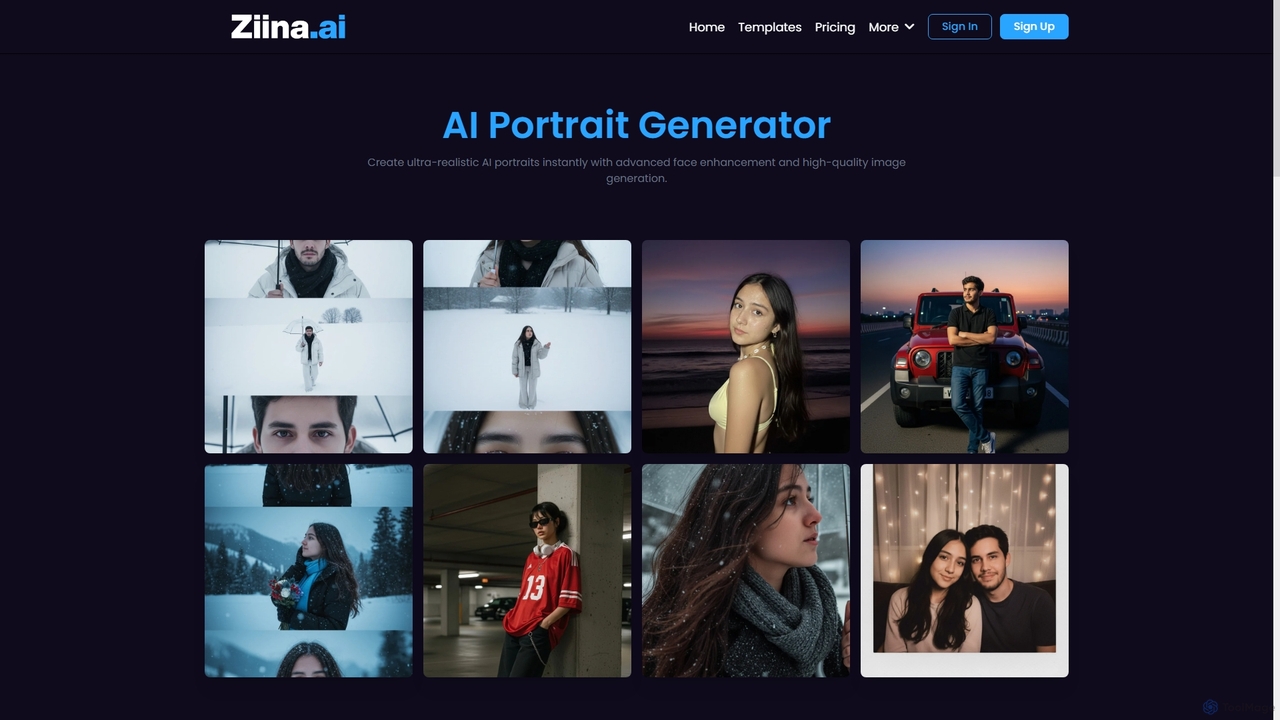
Ziina is an advanced AI tool designed to generate ultra-realistic, studio-grade portrait images with unmatched speed, quality, and simplicity. It offers intelligent face enhancement and multi-format export for various professional and personal uses.

Avatar Generation
Visits 5.9KFavorites 138Likes 144
Neurona
Freemium

Neurona

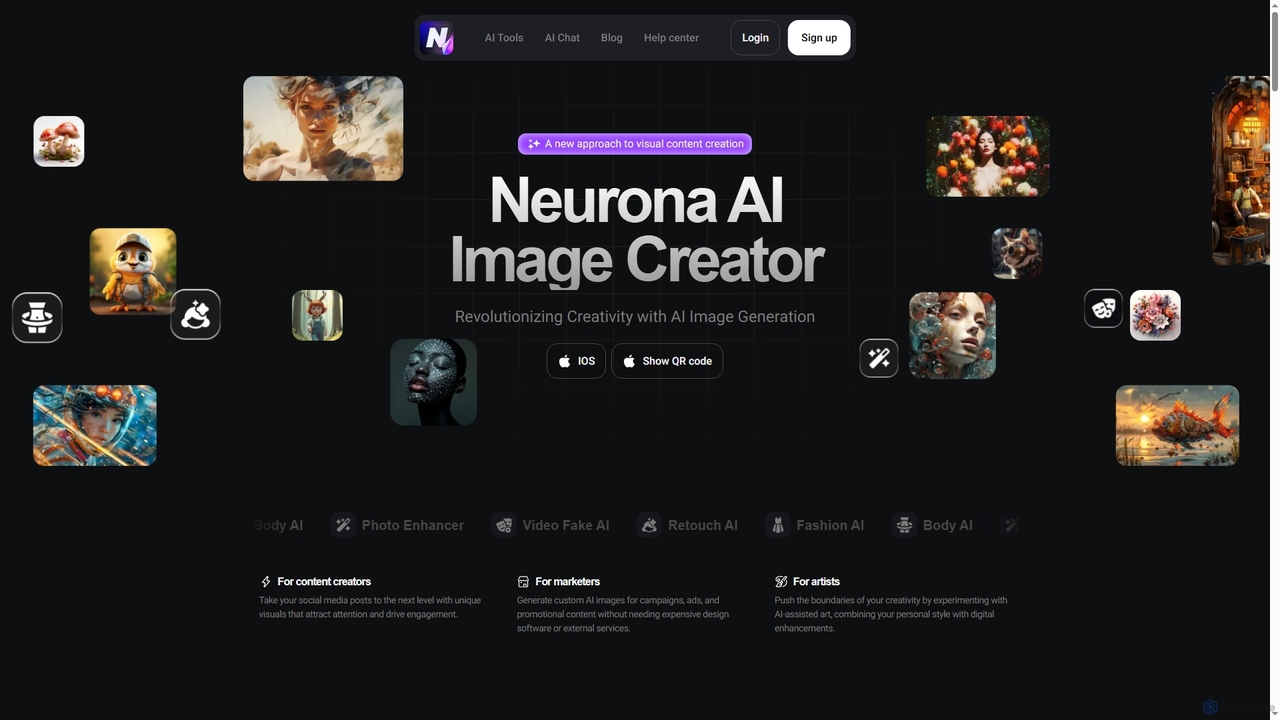
Neurona is an AI-powered platform that revolutionizes visual content creation, offering advanced tools for generating high-quality images from text prompts, performing realistic face swaps in photos and videos, enhancing image quality, and professional photo retouching. It's designed for creators, marketers, and artists seeking fast, customizable, and stunning visuals.

Art Generation
Visits 5.8KFavorites 129Likes 127

About Enhancement

AI Enhancement tools are a specialized category of photo editing software that use deep learning algorithms to automatically improve image quality. These tools analyze pixels to intelligently upscale resolution, reduce noise, sharpen details, and correct colors without significant manual input. They are designed to rescue low-quality images, restore old photos, and refine professional shots with remarkable speed and precision. This automated approach allows users of all skill levels to achieve professional-grade results efficiently.

Core Features

  • AI Upscaling: Increases image resolution and dimensions without causing pixelation or artifacts, ideal for printing or high-definition displays.
  • Noise & Artifact Reduction: Intelligently removes digital noise from low-light photos and compression artifacts from JPEGs.
  • Smart Sharpening & Deblurring: Corrects motion blur and focus issues by analyzing the image content to add clarity where it's needed.
  • Automatic Color & Tone Correction: Adjusts exposure, contrast, white balance, and color vibrancy with a single click for a balanced and natural look.

Use Cases

These tools are widely used by professional photographers to speed up their post-processing workflow, graphic designers to prepare low-resolution assets for print, and e-commerce businesses to improve product photo quality. Hobbyists and individuals also use them to restore old family photographs or enhance everyday pictures taken on mobile devices.

How to Choose

When selecting an AI Enhancement tool, consider the specific functions you need, such as upscaling versus color correction. Evaluate the processing speed and whether it supports batch processing for large volumes of images. Also, check the output formats supported and whether it operates as a standalone application or a plugin for existing software like Photoshop or Lightroom.

Enhancement use cases

1

Restoring Old Family Photographs

A family historian or genealogist working with scanned vintage photos often faces issues like fading colors, scratches, dust, and low resolution. Using an AI Enhancement tool, they can upload these scanned images and apply automated restoration features. The AI can correct color casts, remove physical damage like cracks and scratches, and use its upscaling algorithm to increase the resolution, making faces and details clear enough for printing or digital archives. This process transforms a faded, damaged memory into a vibrant, shareable image in minutes.

2

Enhancing E-commerce Product Images

An e-commerce manager needs to process hundreds of product photos from various suppliers, which often have inconsistent lighting and quality. Using an AI Enhancement tool with batch processing, they can automate the improvement of their entire catalog. The tool automatically adjusts brightness and contrast, corrects white balance for accurate colors, and sharpens details to make products look more appealing. This ensures a consistent, high-quality look across the online store, which can lead to higher customer trust and increased conversion rates, all while saving hours of manual editing time.

3

Upscaling Graphics for Print and Web

A graphic designer is tasked with creating a large banner for an event, but the client only provided a small, low-resolution logo. Redrawing it would be time-consuming. Instead, the designer uses an AI Enhancement tool's upscaling feature. The AI analyzes the logo's shapes and lines, then intelligently enlarges it to the required size, preserving sharp edges and avoiding pixelation. The resulting high-resolution graphic is ready for print. This same process is useful for web designers who need to adapt small icons or images for high-resolution Retina displays without losing quality.

4

Improving Real Estate Photography

A real estate agent often has to take property photos in challenging lighting conditions, resulting in images that are dark, noisy, or have inaccurate colors. Before listing a property online, the agent uses an AI Enhancement tool to quickly fix these issues. The tool's auto-correction feature brightens up interiors, reduces the digital noise from low-light shots, and adjusts the white balance to make the rooms look clean and inviting. This process dramatically improves the visual appeal of the listings, helping to attract more potential buyers and potentially leading to a faster sale.

5

Denoising Photos from Mobile Devices

A social media influencer captures a great moment at an evening event with their smartphone, but the resulting photo is grainy due to the low light. To maintain a high-quality feed, they use an AI Enhancement tool specifically for its denoising capabilities. The tool's algorithm identifies and removes the unwanted grain and color noise while preserving important details like textures and edges. The final image is clean, sharp, and ready to be posted, significantly improving its professional appearance without needing a professional camera or complex editing software.

6

Streamlining a Professional Photographer's Workflow

After a wedding shoot, a professional photographer has over a thousand RAW images to edit. Manually correcting exposure, white balance, and sharpness for each photo is a monumental task. They integrate an AI Enhancement tool into their workflow as a first-pass editor. The tool's batch processing feature analyzes all photos and applies consistent, intelligent corrections for color and tone. It also provides a baseline level of sharpening and noise reduction. This automated step handles up to 80% of the basic adjustments, allowing the photographer to focus their time on creative edits and final touches, drastically reducing turnaround time.

Enhancement FAQ

What are AI Enhancement tools?

AI Enhancement tools are specialized software that use artificial intelligence to automatically improve the quality of digital images. Unlike traditional photo editors that require manual adjustments, these tools analyze an image and apply corrections for issues like low resolution, noise, blurriness, and poor color balance. Their primary goal is to make images clearer, sharper, and more vibrant with minimal user effort, often through one-click processes.

How do I choose the right AI Enhancement tool?

To choose the right tool, consider your primary need. Do you mainly need to upscale low-resolution images, or is denoising and color correction more important? Look for these key factors:

  • Specific Features: Ensure the tool excels at the function you need most (e.g., upscaling, sharpening, color).
  • Batch Processing: If you edit many photos at once, this feature is a significant time-saver.
  • Integration: Check if it works as a plugin for software you already use, like Adobe Photoshop or Lightroom, or if it's a standalone app.
  • Ease of Use: Try a free trial if available to see if the interface is intuitive for your skill level.
  • Output Quality: Compare before-and-after examples to judge the naturalness of the results.
What's the difference between AI Enhancement and manual photo editing?

The main difference lies in automation and speed. Manual photo editing in software like Photoshop requires skill and time to adjust sliders for exposure, color, sharpness, and noise. The user has granular control but needs technical knowledge. AI Enhancement automates these adjustments. It uses a trained algorithm to analyze the image and apply what it determines to be the optimal corrections instantly. AI is best for quick, high-quality fixes and batch processing, while manual editing offers more creative control for artistic expression.

Can AI Enhancement tools fix extremely blurry or damaged photos?

AI Enhancement tools can achieve remarkable results, but they have limits. For moderately blurry photos, they can often recover significant detail through deblurring algorithms. For severely out-of-focus or motion-blurred images, the AI may struggle to recreate details that are not present in the data, resulting in an artificial or 'painted' look. Similarly, for photos with large missing sections or extreme damage, the AI can patch small areas but cannot reconstruct entire faces or complex objects from scratch. The quality of the output is highly dependent on the quality of the input.

What are the key features to look for in an AI Enhancement tool?

While features vary, most top-tier AI Enhancement tools include a core set of functions. When comparing options, look for:

  • Upscaling/Enlarging: The ability to increase image resolution without losing quality. Look for claims of 2x, 4x, or even 8x enlargement.
  • Denoising: A feature to remove digital grain and color noise, especially useful for low-light photos.
  • Sharpening/Deblurring: Algorithms that correct focus issues and motion blur to make details clearer.
  • Color & Tone Correction: Automated adjustments for brightness, contrast, and white balance to create a natural, balanced look.
  • Face Restoration: A specialized feature that specifically identifies and enhances facial details in old or blurry photos.