ToolMage
Sign in

Best 3 Image Generation AI tools for Creative

Popular Image Generation AI tools in Creative include Google AI, Creen, and FLUX, helping you work more efficiently.

Creen
Freemium

Creen

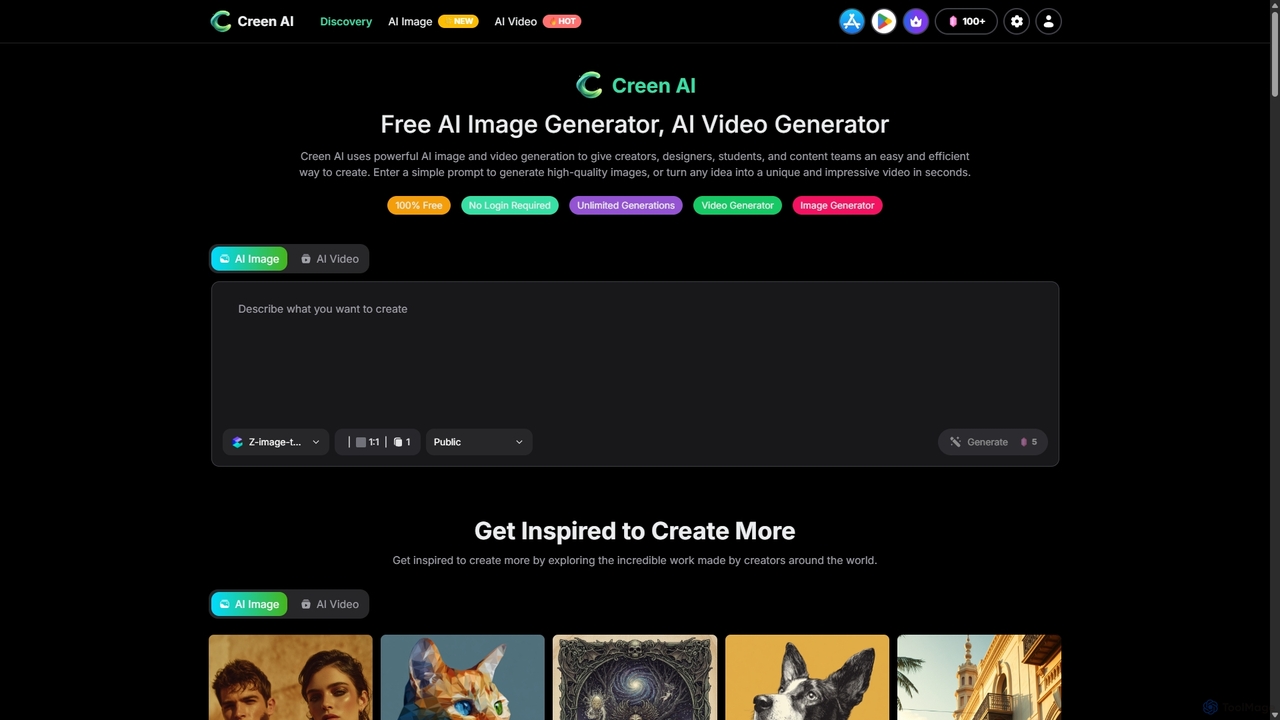
Creen is an advanced AI-driven creation platform that empowers users to generate high-quality images and videos instantly. With a focus on accessibility, it offers unlimited generations for its core features, requiring no sign-up or login for immediate creative work.

Image Generation
Visits 267KFavorites 23Likes 20
FLUX
Paid

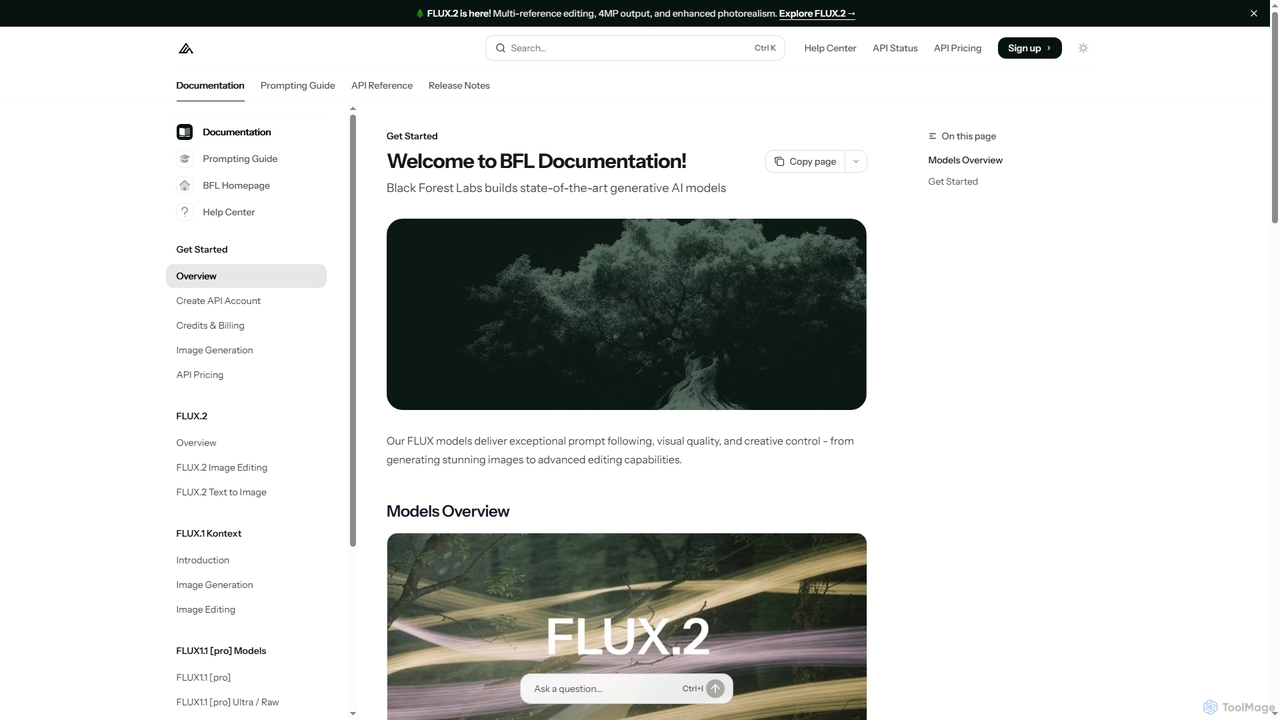
FLUX

FLUX by Black Forest Labs offers advanced AI models for photorealistic image generation and multi-reference editing. It provides precise control over visual elements, supports high-resolution output, and integrates via API for production workflows.

Image Editing
Visits 39.8KFavorites 147Likes 142
Google AI
Freemium

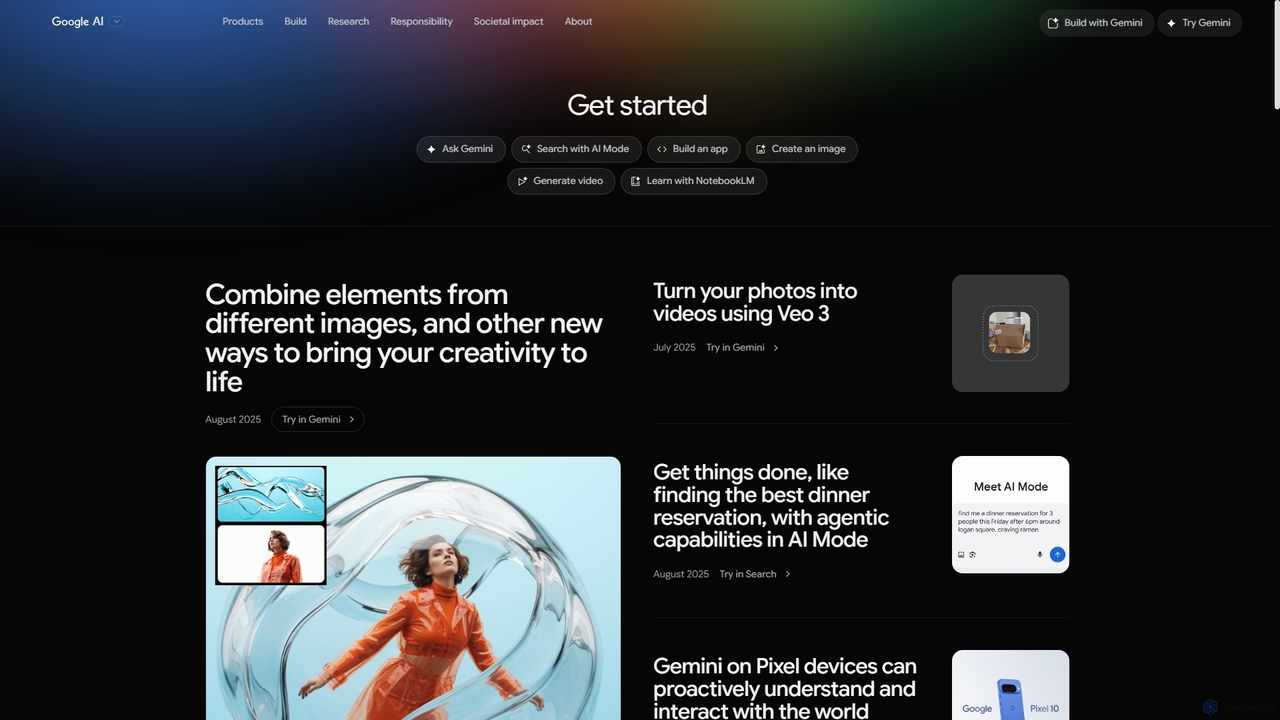
Google AI

Google AI is a comprehensive ecosystem of advanced artificial intelligence models, tools, and research initiatives. It encompasses the powerful Gemini family of models, developer platforms like Vertex AI, and applications across creativity, productivity, and scientific discovery, all built with a commitment to safety and responsibility.

Large Language Models
Visits 2.9MFavorites 107Likes 118

About Image Generation

Image Generation tools are a class of AI applications that create novel visual content from text descriptions, sketches, or other images. These tools leverage advanced deep learning models, such as diffusion models or GANs, to interpret user prompts and synthesize entirely new, original images. Their primary value lies in enabling anyone, regardless of artistic skill, to visualize concepts, produce unique creative assets, and accelerate design workflows. Unlike traditional image editors that modify existing pixels, these generators build visuals from the ground up, offering a powerful engine for creativity and ideation.

Core Features

  • Text-to-Image Synthesis: Generates images directly from detailed natural language descriptions.
  • Image-to-Image Transformation: Modifies an input image based on a text prompt or a reference style.
  • Style Control & Consistency: Allows users to specify artistic styles (e.g., photorealistic, anime, watercolor) and maintain a consistent look across multiple generations.
  • Inpainting & Outpainting: Intelligently fills in or removes parts of an image (inpainting) or extends the image's original boundaries with new content (outpainting).
  • Parameter Tuning: Provides controls for aspect ratio, resolution, negative prompts, and seed numbers to refine the final output.

Use Cases

Image Generation tools are widely used in marketing for creating ad creatives and social media content, in entertainment for concept art and character design, and by content creators for unique blog illustrations. Product designers also use them to quickly visualize prototypes and mockups, significantly speeding up the ideation phase.

How to Choose

When selecting an Image Generation tool, consider the model's output quality and its dominant aesthetic (e.g., photorealism vs. artistic styles). Evaluate its ability to accurately interpret complex prompts. Also, assess the level of control offered through parameters and features like negative prompts. Finally, carefully review the tool's pricing model and the commercial usage rights associated with the generated images.

Featured tool rankings

Image Generation use cases

1

Creating Marketing and Ad Creatives

A marketing manager for a startup needs to produce a high volume of visual content for a new product launch campaign across multiple social media platforms. Without a large budget for photoshoots, they use an AI Image Generator. By inputting detailed prompts like 'a sleek, minimalist water bottle on a granite countertop with morning sunlight streaming in, photorealistic 8k', they can generate dozens of high-quality, on-brand images. This approach allows for rapid A/B testing of different visual concepts, significantly reduces creative production costs, and shortens campaign launch times.

2

Concept Art for Game and Film Development

A concept artist in a game development studio is tasked with exploring different visual styles for a new fantasy character. Instead of spending days sketching multiple versions, they use an AI Image Generator. They input a base description like 'female elf warrior with silver armor and glowing blue eyes' and then add style modifiers such as 'in the style of classic oil painting' or 'cyberpunk neon aesthetic'. The tool generates a wide array of visual interpretations in minutes, allowing the artist and art director to quickly identify promising directions and accelerate the pre-production pipeline.

3

Generating Unique Blog and Website Illustrations

A content creator runs a tech blog and wants to move away from using generic stock photos for their articles. To create a unique visual identity, they use an AI Image Generator to create custom header images. For an article about cloud computing, they might use the prompt 'abstract network of glowing data nodes in a minimalist style, blue and purple color palette'. By using a consistent set of style keywords in their prompts for every article, they can build a cohesive and recognizable brand aesthetic, improving reader engagement and making their content stand out without incurring licensing fees.

4

Product Prototyping and Visualization

An industrial designer is in the early stages of designing a new ergonomic office chair. To quickly explore different material and color combinations, they use an AI Image Generator. They can take a basic 3D render or even a simple sketch of the chair and use image-to-image generation with prompts like 'render this chair in dark walnut wood with cream-colored leather upholstery, in a modern office setting'. This process allows them to generate dozens of realistic product mockups in under an hour, facilitating faster feedback from stakeholders and saving significant time compared to traditional 3D rendering workflows.

5

Architectural and Interior Design Mockups

An interior designer wants to show a client several potential design directions for their living room. Instead of creating detailed 3D models for each option, which is time-consuming, they take a photo of the existing space. Using an image-to-image generator, they can apply different styles with prompts like 'transform this room into a Scandinavian minimalist style with light wood floors and neutral-colored furniture' or 'reimagine this space with a mid-century modern aesthetic'. This allows the designer to produce multiple high-quality, photorealistic mockups quickly, helping clients visualize the final result and make decisions more easily.

6

Personalized Art and Merchandise Creation

An independent artist wants to launch a new line of t-shirts and posters on their online store. To generate a wide variety of unique designs quickly, they use an AI Image Generator. They experiment with creative and abstract prompts like 'a majestic wolf made of constellations, watercolor style, on a black background'. This allows them to create dozens of one-of-a-kind artworks that would have taken weeks to paint manually. The generated high-resolution images can be directly used for print-on-demand services, empowering the artist to expand their product catalog with minimal upfront time investment.

Image Generation FAQ

What is AI Image Generation?

AI Image Generation is the process of using artificial intelligence models to create new, original images from text prompts or other inputs. These tools, often powered by technologies like diffusion models (e.g., Stable Diffusion) or GANs, translate natural language descriptions into visual content. Unlike photo editing software, which modifies existing images, AI generators synthesize pixels from scratch. This technology is widely used by artists, designers, and marketers to quickly visualize ideas, create concept art, and produce unique marketing materials without needing advanced drawing skills.

How to choose the right AI Image Generator?

To choose the right tool, consider these four factors:

  • Image Quality and Style: Assess the generator's output. Does it excel at photorealism, anime, fantasy art, or another style that matches your needs? Review its gallery to see if the aesthetic aligns with your vision.
  • Prompt Interpretation: Test how well the AI understands nuanced and complex prompts. A good generator can accurately handle detailed descriptions of subjects, actions, environments, and artistic styles.
  • Features and Control: Look for essential features like aspect ratio control, negative prompts (to exclude elements), image-to-image capabilities, and upscaling. More control allows for finer-tuned results.
  • Pricing and Licensing: Compare pricing models (e.g., subscription vs. pay-per-image) and carefully read the terms of service regarding commercial use of the generated images.
What's the difference between AI Image Generators and AI Image Editors?

The primary difference lies in their core function: creation versus modification. AI Image Generators create entirely new images from scratch based on text prompts. They are tools for ideation and bringing concepts to life visually. AI Image Editors, on the other hand, use AI to enhance or manipulate existing images. Their features typically include object removal, background replacement, color correction, and upscaling. In short, you use a generator to make something new, and you use an editor to improve or alter something you already have.

What are the key features of AI Image Generation tools?

Most modern AI Image Generators offer a core set of powerful features:

  • Text-to-Image: The fundamental ability to convert a written description into a visual image.
  • Image-to-Image: Using an existing image as a starting point and modifying it with a text prompt.
  • Inpainting and Outpainting: Selectively editing parts of an image by 'painting' over an area and describing the change, or extending the canvas of an image and letting the AI fill in the new space.
  • Style Transfer: Applying the artistic style of one image to the content of another.
  • Upscaling: Increasing the resolution of a generated image while preserving or enhancing detail, making it suitable for print or high-definition displays.
Who can benefit from using AI Image Generators?

A diverse range of professionals and creators can benefit from these tools. Marketers and advertisers can generate unique ad creatives and social media content quickly. Graphic designers and artists use them for brainstorming, concept art, and overcoming creative blocks. Content creators and bloggers can produce custom illustrations and thumbnails that stand out from stock imagery. Product designers and architects can visualize prototypes and design mockups in various styles instantly. Essentially, anyone who needs to create original visual content can leverage these tools to save time, reduce costs, and expand their creative capabilities.