
Grid Maker Overview
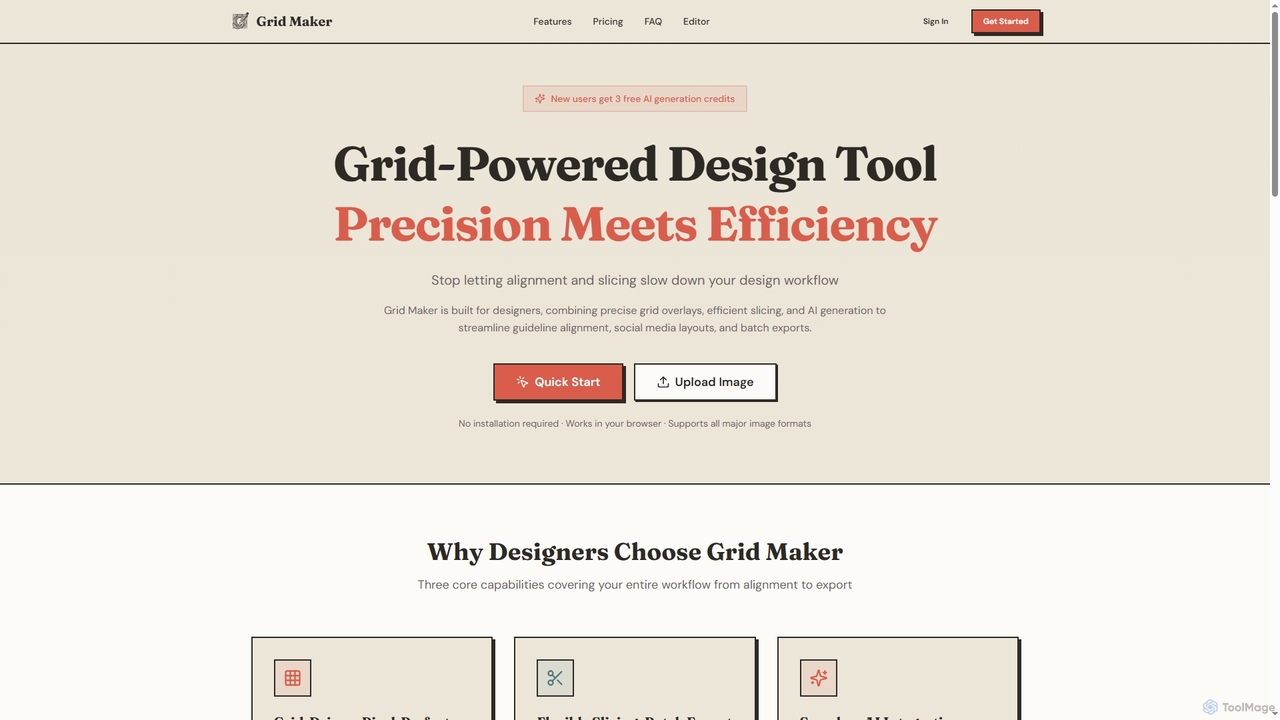
Grid Maker is an advanced, browser-based AI-powered design tool specifically engineered to enhance the efficiency and precision of visual content creation. It integrates sophisticated grid overlays, flexible image slicing, and seamless AI generation to revolutionize how designers approach guideline alignment, social media layouts, and batch exports. By eliminating common workflow bottlenecks related to alignment and slicing, Grid Maker empowers users to achieve pixel-perfect results with unparalleled ease.
How to use Grid Maker
To begin using Grid Maker, simply upload your image directly in your browser – no installation is required. The tool operates in two primary modes: Reference Mode for applying and customizing grid overlays, image adjustments, and drawing, and Slicer Mode for defining custom slice regions and batch exporting. Users can define grid parameters like rows, columns, spacing, and colors, then utilize drawing tools or AI generation. For AI features, sign in and ensure you have credits; select a cell or layer, or choose full-canvas generation, then input a text prompt. Finally, export your work as a PNG with grid overlays (Reference Mode) or a ZIP file of precisely sliced images (Slicer Mode).
Core Features of Grid Maker
- Grid-Driven Precision: Customize rows, columns, spacing, stroke weight, and colors with Excel-style coordinate labels (A1, B2) and subdivision grids for fine-tuned alignment.
- Flexible Slicing & Batch Export: Merge and split grid cells to define custom slice regions, selectively hide unwanted areas, and batch export optimized layouts (e.g., Instagram 3x3 grids) with coordinate-based naming in ZIP format.
- Seamless AI Integration: Leverage Nanobanana-powered text-to-image generation for canvas-sized images or specific cells, featuring accurate text rendering, high detail fidelity, and context-aware AI editing.
- Professional Image Adjustments: Control brightness, contrast, saturation, grayscale, and invert options to refine your visuals.
- Comprehensive Drawing Tools: Utilize freehand, line, rectangle, circle, fill, and eraser tools for detailed annotations and design elements.
- Multi-Layer Management: Support for multiple layers with adjustable opacity, reordering, and merging capabilities.
- Multi-Format Export: High-quality PNG export (with grid overlay in Reference Mode) and batch ZIP packaging for sliced images.
Use Cases for Grid Maker
Grid Maker is ideal for a wide range of design tasks. Graphic designers can use it for precise poster alignment and UI mockups, ensuring every element is perfectly placed. Social media managers and content creators can efficiently generate and slice images into optimized layouts for platforms like Instagram, creating seamless multi-post grids. Web designers can use it for wireframing and ensuring pixel-perfect UI element placement. Anyone needing to quickly prototype visual layouts or generate creative imagery from text prompts will find its AI integration invaluable.
Advantages of Grid Maker
The primary advantage of Grid Maker lies in its ability to significantly boost design efficiency by combining precision grid tools with advanced AI capabilities. Its browser-based nature eliminates installation hurdles, making it accessible anywhere. The Excel-style coordinate labels and subdivision grids offer unparalleled alignment accuracy, while flexible slicing and batch export features save considerable time for social media content creation. The integrated AI, powered by Nanobanana, provides a powerful creative assistant for generating high-quality, context-aware images directly within the design workflow, reducing the need for external tools.
Pricing and Plans
Grid Maker offers three distinct plans to suit various user needs. The Free plan includes unlimited grid overlays, basic slicing and export, batch ZIP export, image adjustment tools, drawing tools, and a one-time trial of 3 AI generations. The Plus plan, priced at $15.17/month (billed annually at $182/year), includes all Free features plus 30 AI generations per month, ideal for content creators. The Pro plan, at $23.17/month (billed annually at $278/year), offers all Plus features and 50 AI generations per month, designed for professional designers and teams. New users receive 3 free AI generation credits upon signing up.
Grid Maker FAQ
Traffic
Latest traffic
Status
Monthly traffic trend
- 2026-1: 274
- 2026-2: 18
- 2026-3: 2.5K
- 2026-4: 1.4K
- 2026-5: 649
Geography
Top 5 countries / regions
- 🇨🇦Canada100.0%
Top keywords
| Keyword | Cost per click |
|---|---|
| b7 size dimensions | $0.00 |
| grid maker | $0.28 |
| gridmaker | $0.00 |
| grid maker ai | $0.00 |
| maker grid | $0.28 |
Grid Maker Alternatives
Seedream 4
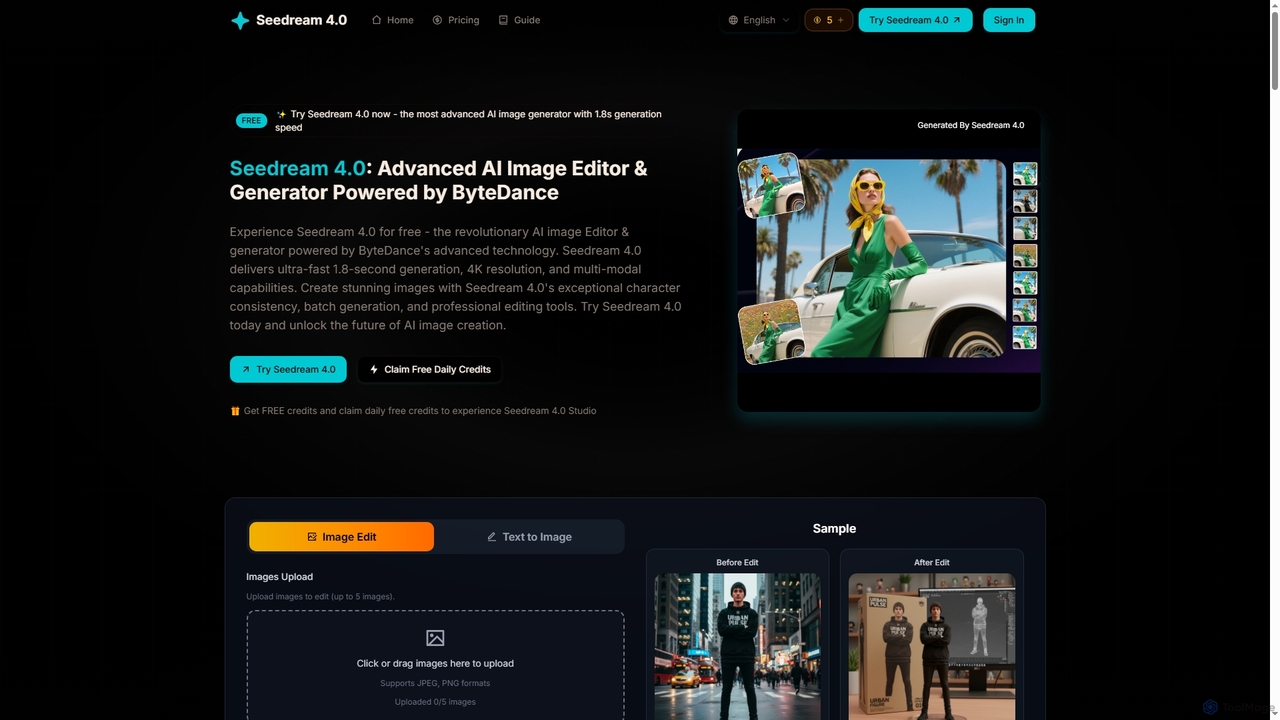
Seedream 4 is an advanced AI image editor and generator powered by ByteDance's cutting-edge technology. It offers ultra-fast 1.8-second generation, 4K resolution, multi-modal capabilities, and exceptional character consistency for professional creative workflows.
Graphic Design
Kira
Kira is a powerful AI-powered platform for professional-grade image generation and editing. It combines a versatile text-to-image generator with a comprehensive suite of editing tools, including background removal, inpainting, upscaling, and stylization. Its key feature is the ability to maintain consistent styles and characters across multiple edits and generations, making it ideal for branding, marketing, and creative projects that require a cohesive visual identity.
Graphic Design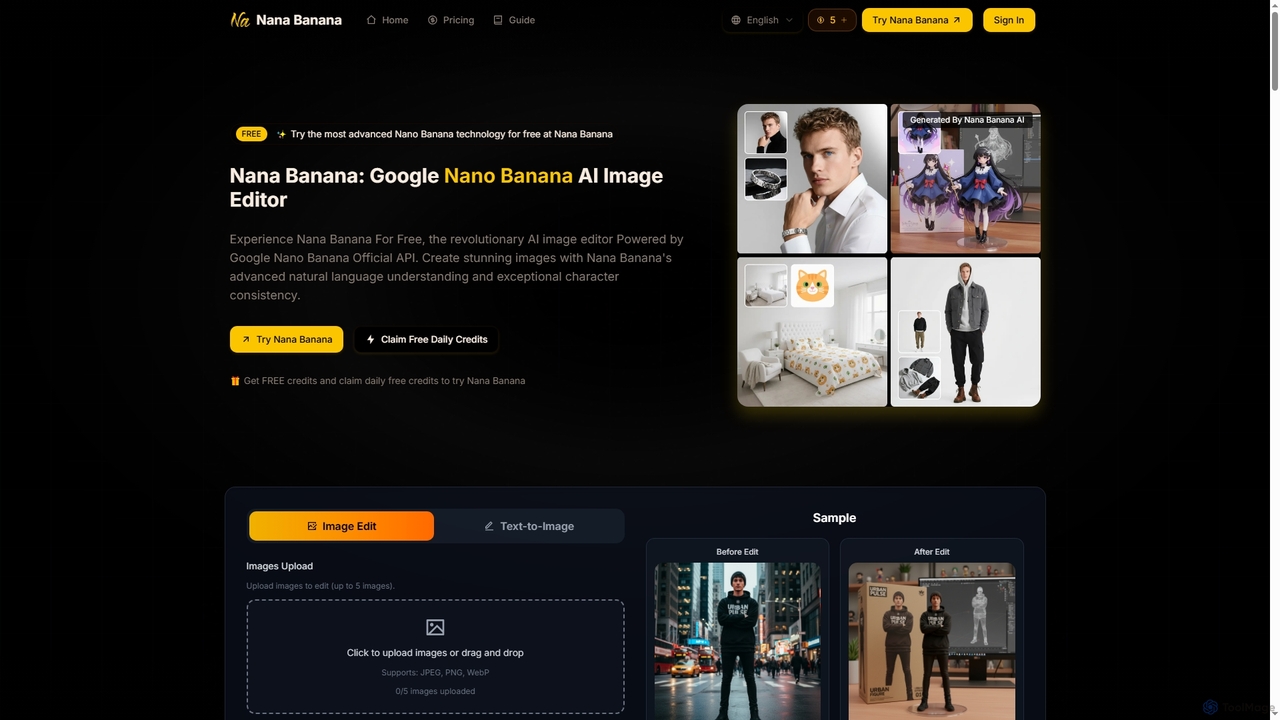
Nana Banana
Nana Banana is an advanced AI image editor and generator powered by Google's cutting-edge Gemini 2.5 Flash Image model. It enables users to create stunning visuals from text prompts or by editing existing images with exceptional natural language understanding, character consistency, and one-shot editing capabilities, delivering professional-grade 4K+ output rapidly.
Graphic Design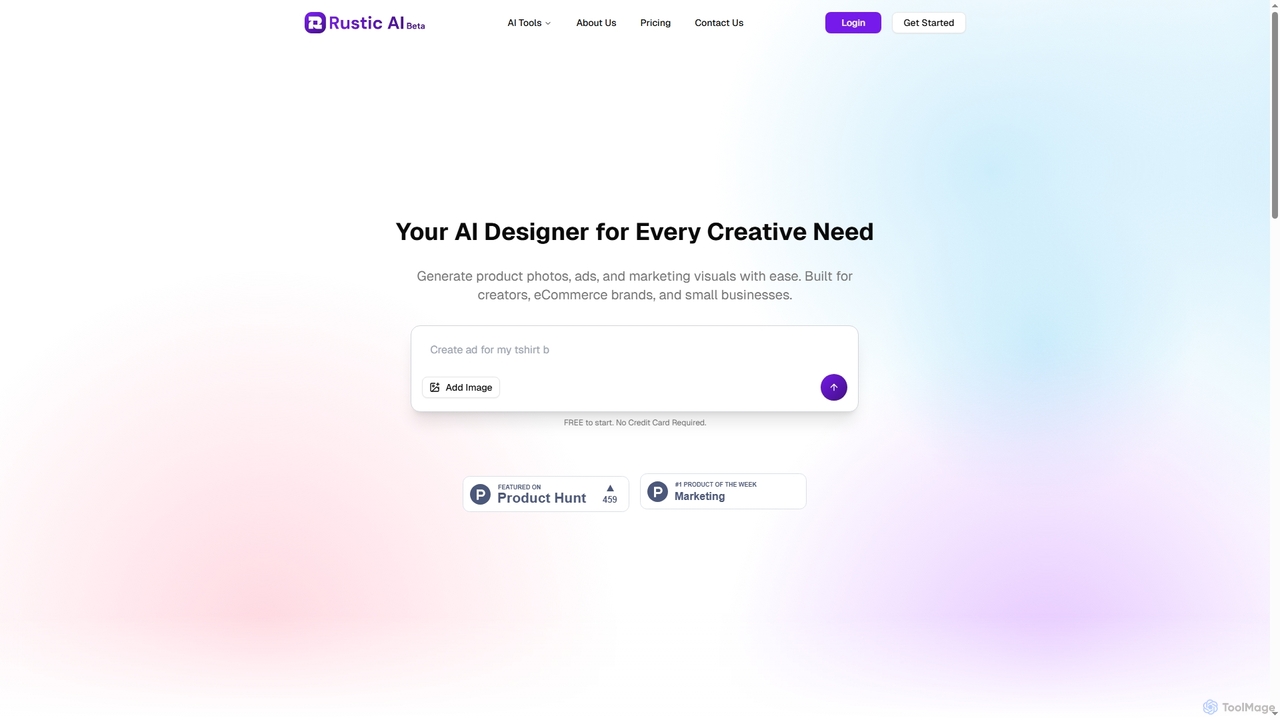
Rustic AI
Rustic AI is an intuitive AI design editor built for creators, e-commerce brands, and small businesses. It simplifies the generation of high-quality product photos, ad creatives, and marketing visuals, transforming ideas into stunning imagery with ease. The platform offers a suite of AI-powered tools to streamline visual content creation.
Graphic Design
Adobe Firefly
Adobe Firefly is a family of creative generative AI models from Adobe. It enables users to generate high-quality images, text effects, and color palettes from simple text prompts. Designed to be commercially safe, it's integrated into Adobe's Creative Cloud apps like Photoshop and Illustrator, and also available as a standalone web application, empowering creators with new ways to ideate, create, and communicate.
Generative ArtGrid Maker Categories
Grid Maker Jobs
Grid Maker Embed Widget
Copy this embed code to place the badge on your blog, article, or product site and send readers directly to this ToolMage detail page.

Related AI tools
Seedream 4
Seedream 4 is an advanced AI image editor and generator powered by ByteDance's cutting-edge technology. It offers ultra-fast 1.8-second generation, 4K resolution, multi-modal capabilities, and exceptional character consistency for professional creative workflows.
Graphic DesignKira
Kira is a powerful AI-powered platform for professional-grade image generation and editing. It combines a versatile text-to-image generator with a comprehensive suite of editing tools, including background removal, inpainting, upscaling, and stylization. Its key feature is the ability to maintain consistent styles and characters across multiple edits and generations, making it ideal for branding, marketing, and creative projects that require a cohesive visual identity.
Graphic DesignNana Banana
Nana Banana is an advanced AI image editor and generator powered by Google's cutting-edge Gemini 2.5 Flash Image model. It enables users to create stunning visuals from text prompts or by editing existing images with exceptional natural language understanding, character consistency, and one-shot editing capabilities, delivering professional-grade 4K+ output rapidly.
Graphic DesignRustic AI
Rustic AI is an intuitive AI design editor built for creators, e-commerce brands, and small businesses. It simplifies the generation of high-quality product photos, ad creatives, and marketing visuals, transforming ideas into stunning imagery with ease. The platform offers a suite of AI-powered tools to streamline visual content creation.
Graphic Design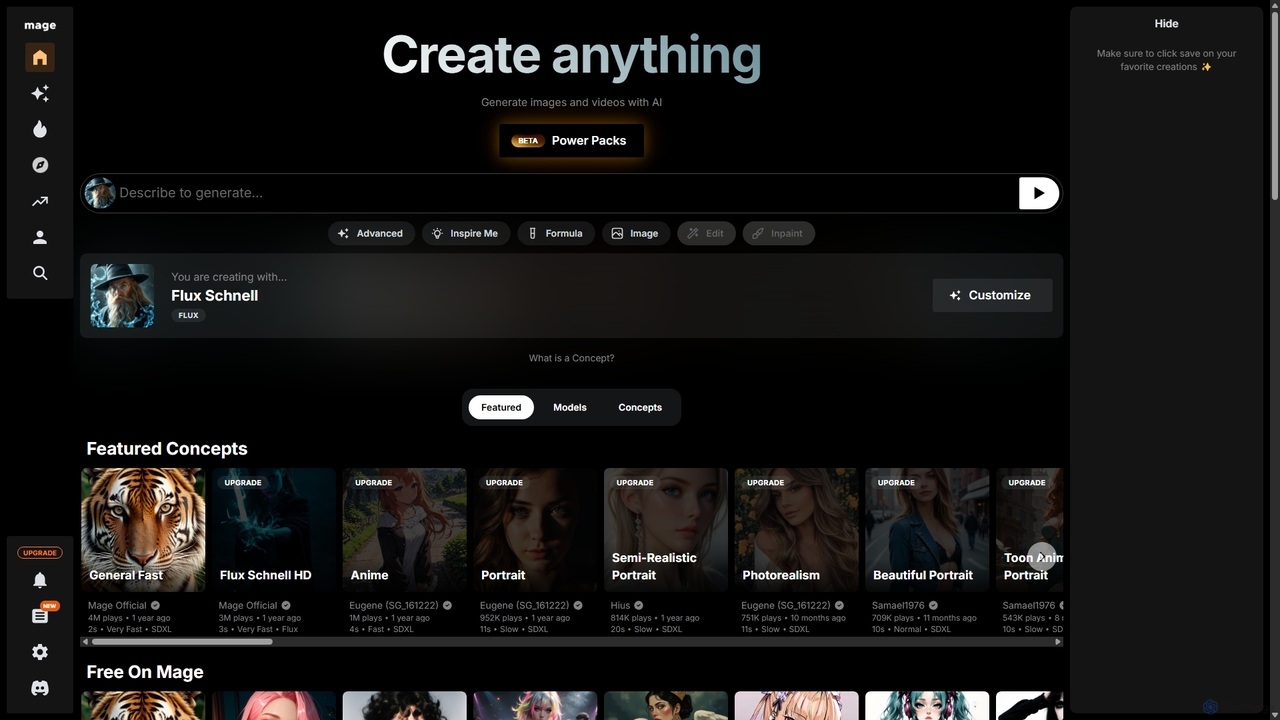
Mage
Mage is a powerful and versatile AI image and video generator offering free, unlimited creation capabilities. It provides access to a vast array of models like Stable Diffusion, Flux, and Wan, enabling users to generate diverse content from photorealistic portraits to anime and abstract art. With advanced features including LoRA, ControlNet, inpainting, and video animation, Mage caters to both beginners and professional artists seeking extensive creative control.
For Fun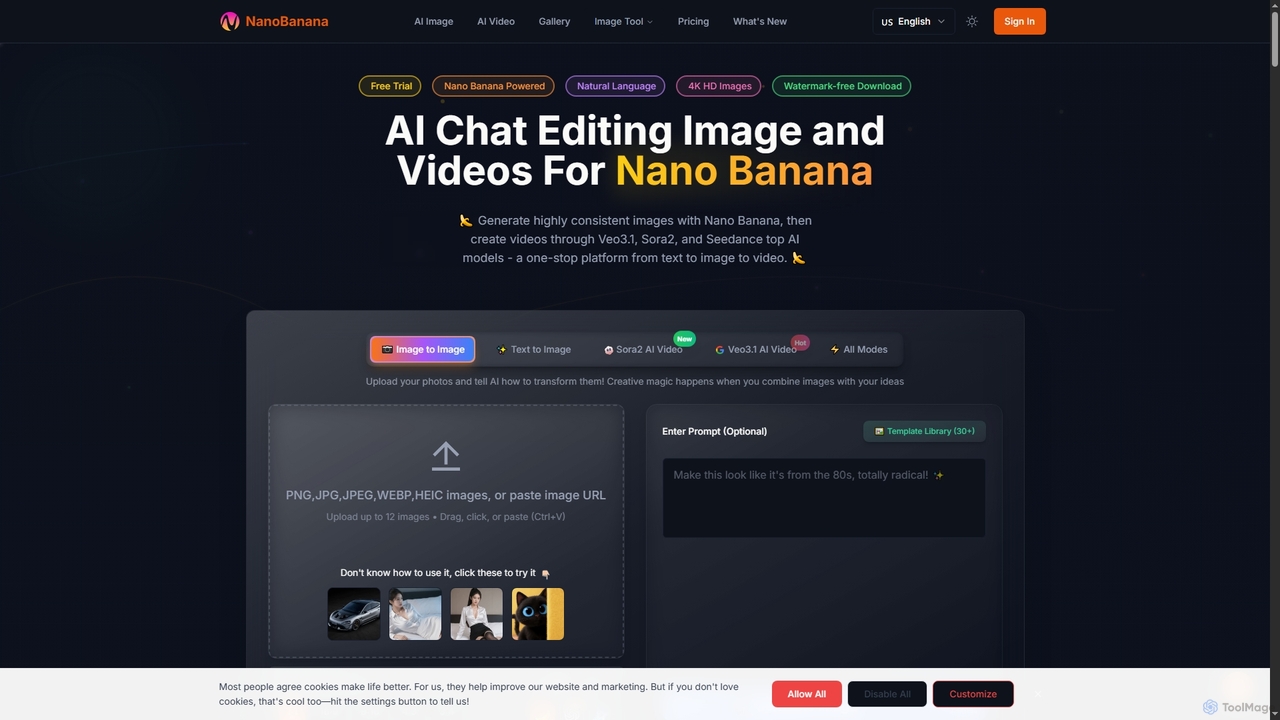
NanoBanana
NanoBanana is an advanced AI-powered platform for generating and editing images and videos using natural language. It offers lightning-fast creation, high-resolution outputs, and a wide array of creative modes, making professional-quality visual content accessible to everyone from beginners to seasoned creators.
Digital Art
JianDan AI
JianDan AI by Sohu is an all-in-one creative suite that integrates AI image generation, copywriting, online photo editing, and a design asset library. It's designed for creators, marketers, and designers to streamline their workflow and produce high-quality content efficiently.
Image Editing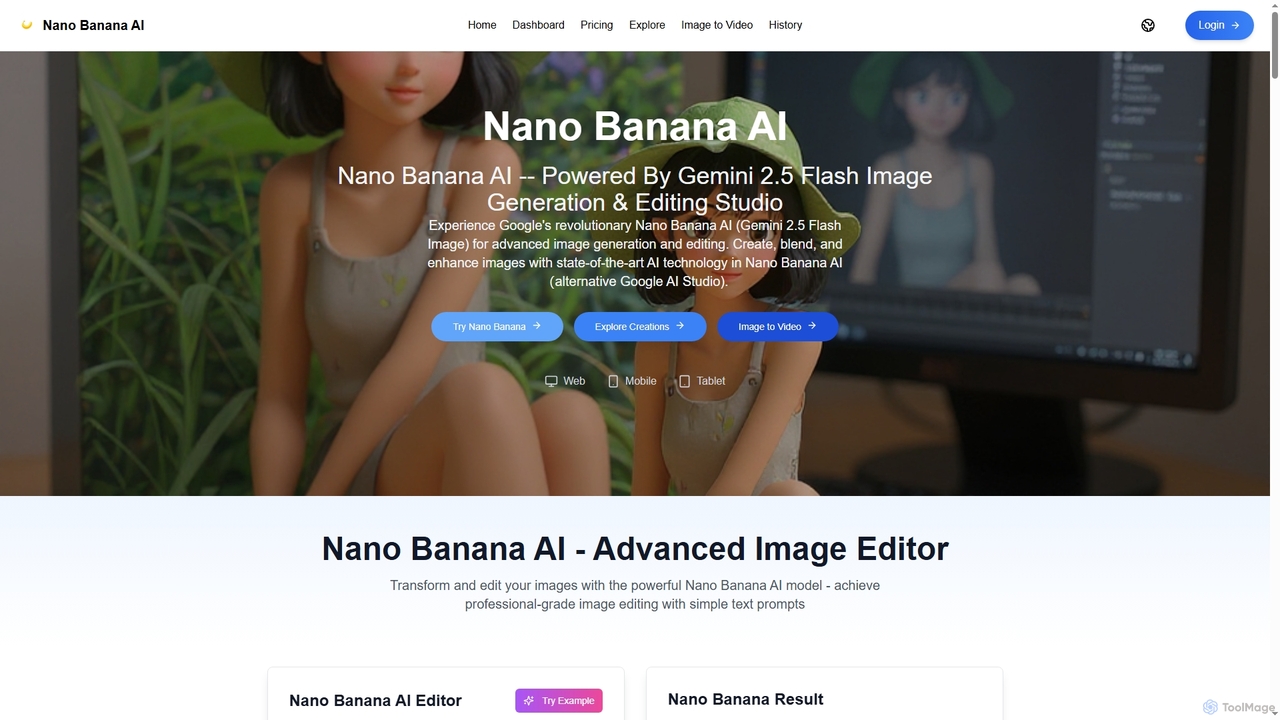
Nano Banana AI
Nano Banana AI is an advanced image generation and editing studio powered by Google's Gemini 2.5 Flash Image technology. It enables users to create, blend, and enhance images with simple text prompts, offering features like one-shot perfect generation, lightning-fast processing, consistent character editing, and face completion technology for professional-grade visual content.
Digital Art
Artimator
Artimator is a versatile, all-in-one AI art and image generator. It leverages powerful models like Stable Diffusion 3, SDXL, and Leonardo Diffusion to transform text prompts into unique, high-resolution images. It offers free generation, photo-to-sketch conversion, AI-powered object removal, and full commercial rights for all created artwork, making it ideal for artists, marketers, and creators.
Generative Art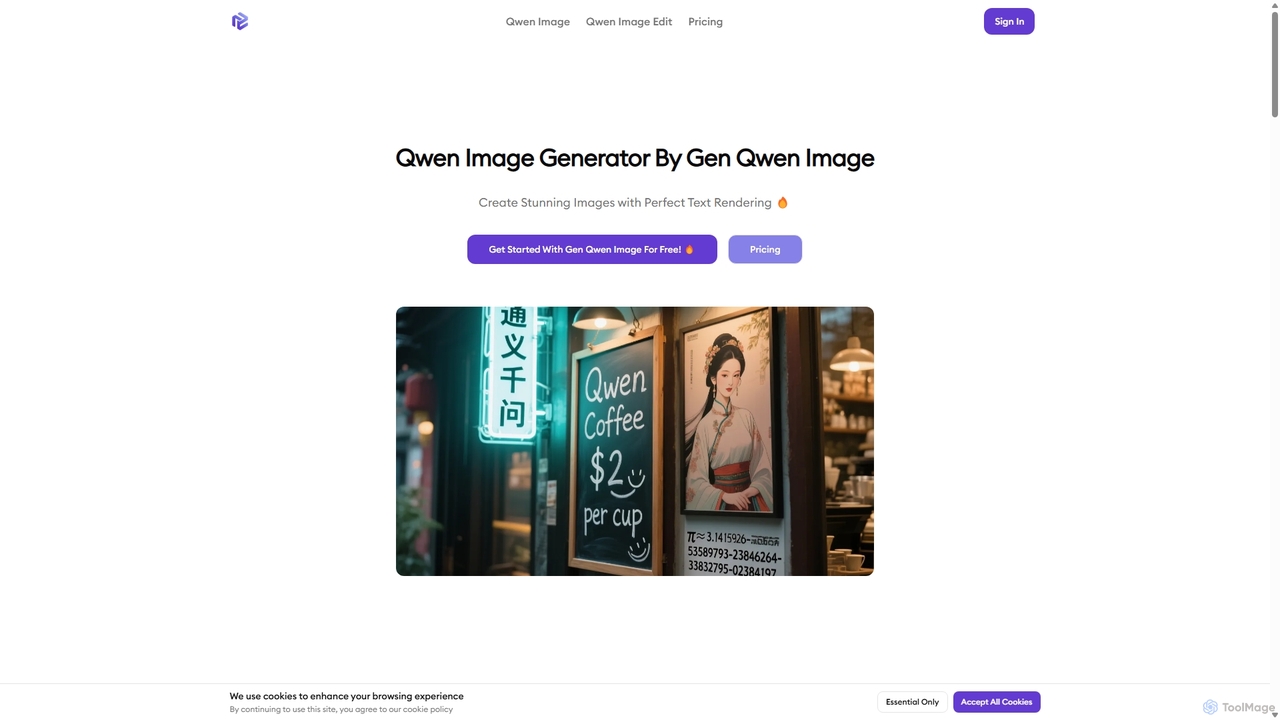
Gen Qwen Image
Gen Qwen Image is a powerful AI image generator and editor built on Alibaba's 20B parameter Qwen-Image model. It excels at revolutionary text rendering, accurately generating complex Chinese and English text within images. The platform also offers precise editing capabilities, including dual-mode semantic and appearance editing, making it ideal for commercial use, marketing, and creative content creation.
Image Editing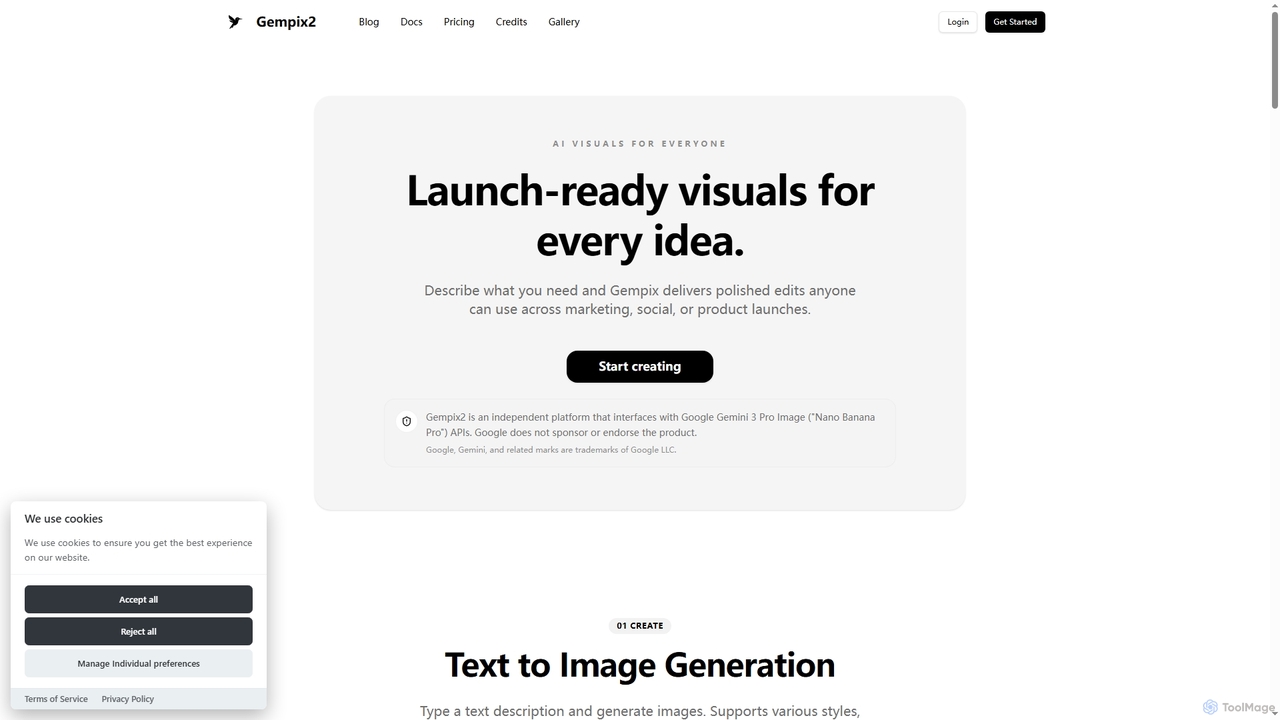
Gempix2
Gempix2 is an advanced AI image generation and editing platform powered by Google Gemini 3 Pro Image (Nano Banana Pro) APIs. It enables users to create stunning visuals from text, modify existing images, and generate style variations with precise control, multilingual text rendering, and factual grounding.
Creative Asset Generation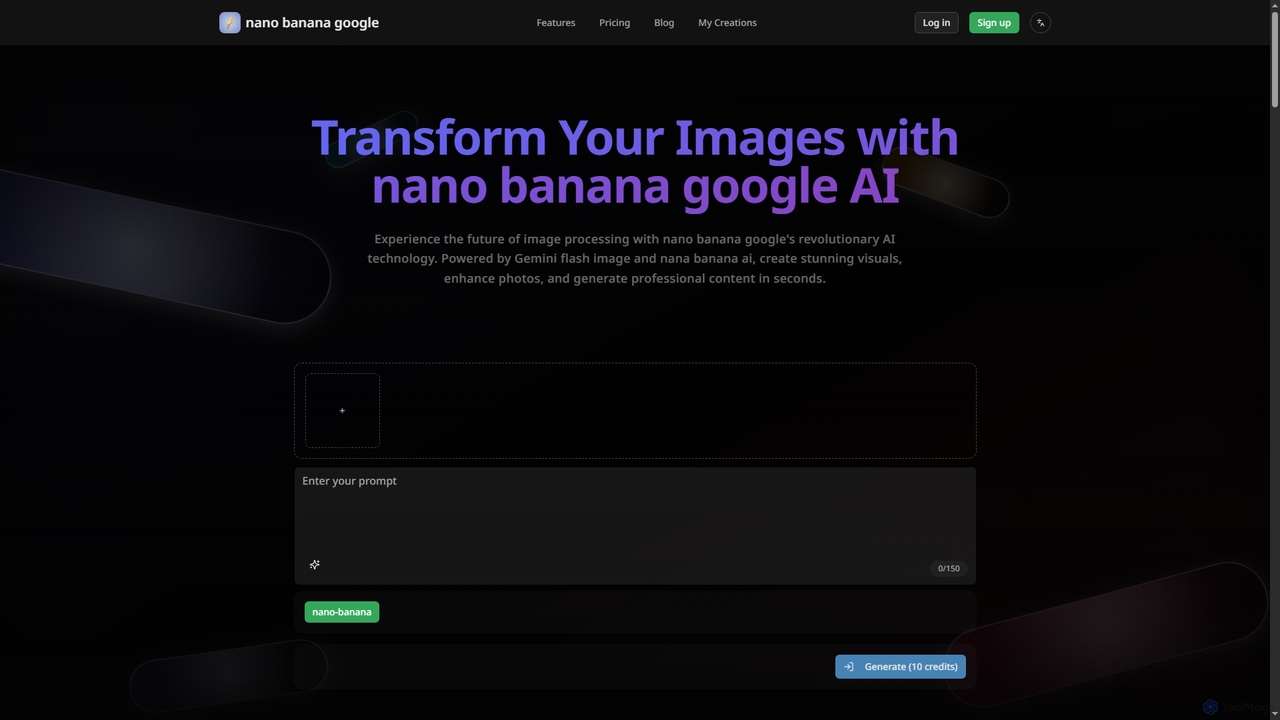
Nanobanana Google
Nanobanana Google is an advanced AI image processing platform powered by Gemini Flash Image and Nana Banana AI. It enables users to generate stunning visuals, enhance photos, apply artistic styles, and automate image tasks with unparalleled efficiency and quality.
Generation
LanHive
LanHive is an all-in-one AI filmmaking platform that integrates top generative AI models for video, image, and audio creation. It empowers creators to rapidly produce high-quality visual and auditory content, streamlining workflows and significantly reducing production costs for various creative and marketing needs.
3D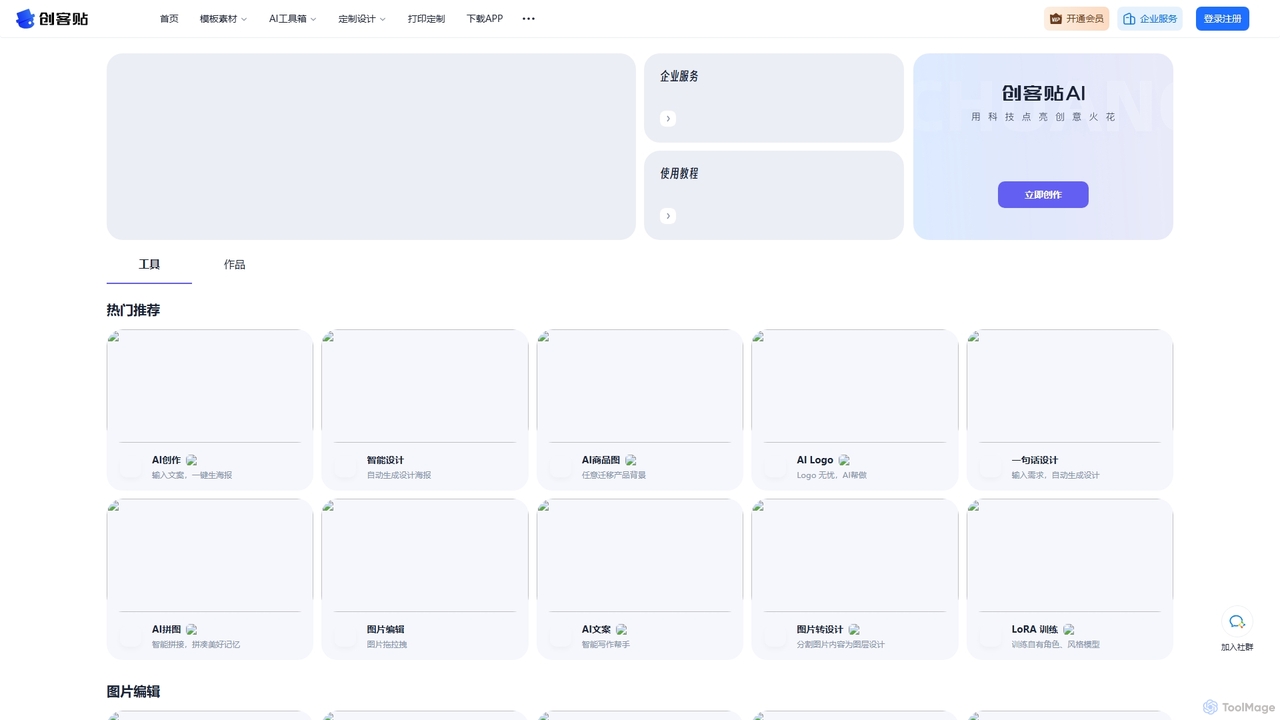
Chuangkit AI
Chuangkit AI is an all-in-one intelligent design platform that leverages AI to automate creative workflows. It enables users to generate posters, product photos, logos, and social media content from simple text prompts, and offers a comprehensive suite of AI-powered image editing tools.
Graphic Design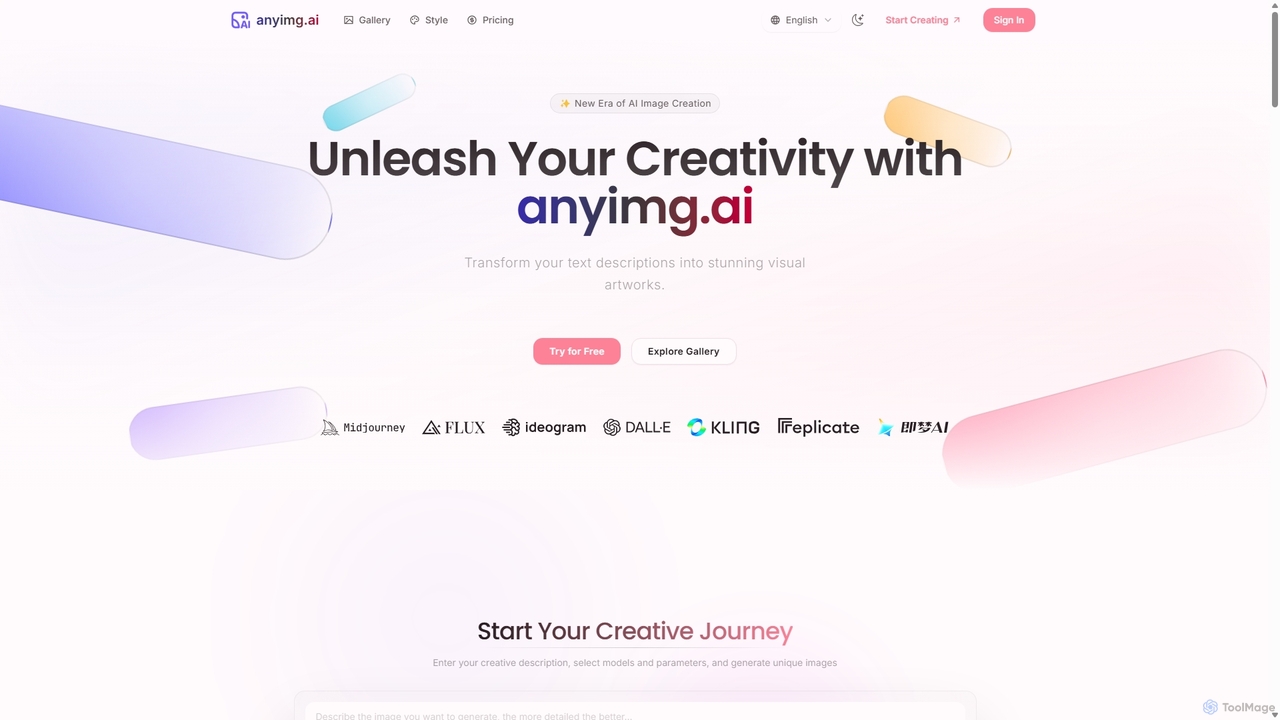
Anyimg
Anyimg is a powerful AI image generation platform that transforms text descriptions into stunning visual artworks. It supports over 12 advanced AI models like Midjourney, DALL-E 3, and Stable Diffusion XL, offering a wide range of art styles, high-resolution outputs up to 4K, and commercial usage rights for professional projects.
Generative Art
Grid Maker Comments (0)
Sign in to comment.
Sign inNo comments yet.