

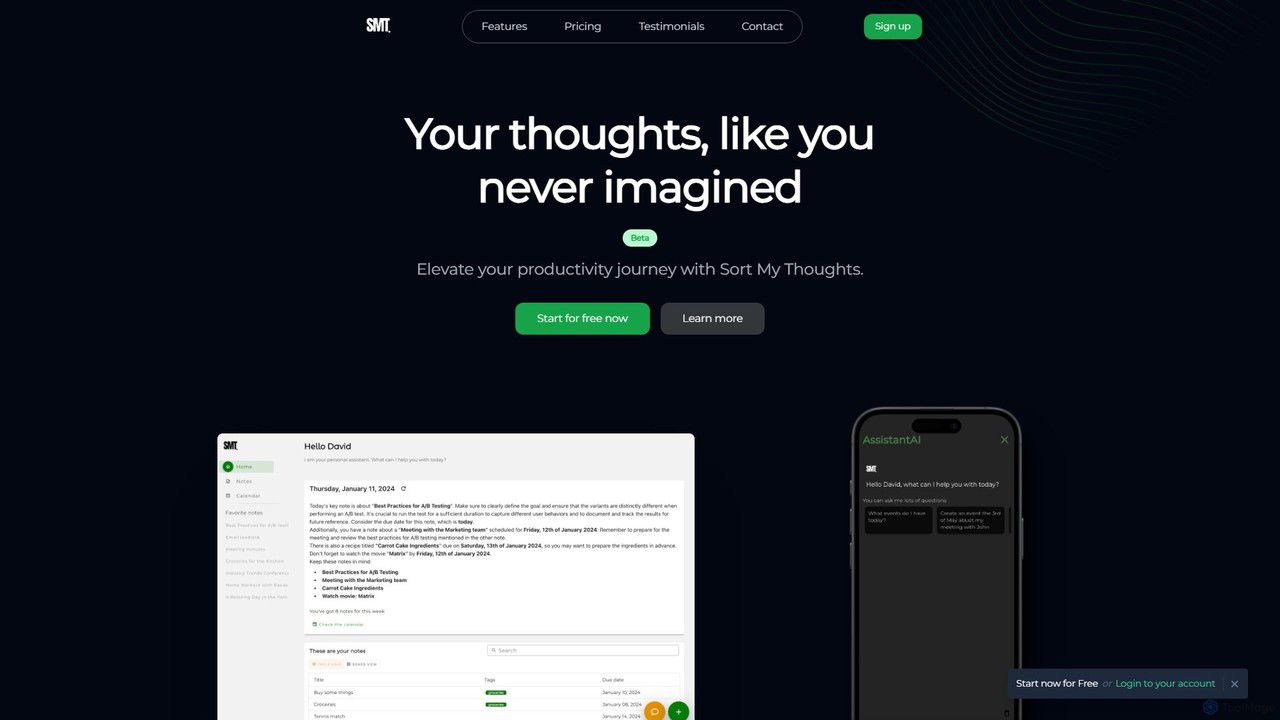
Sort My Thoughts Overview
Sort My Thoughts is an innovative AI-powered platform designed to act as your personal assistant, helping you capture, organize, and manage your thoughts, ideas, and tasks effortlessly. In a world of information overload, this tool provides a streamlined solution to declutter your mind and boost your productivity. It intelligently analyzes your notes and to-dos, offering summaries, suggestions, and a structured schedule to ensure you never miss a beat. Whether you're a student, a professional, or a creative, Sort My Thoughts adapts to your workflow, making organization intuitive and efficient.
The platform combines the functionalities of a note-taking app, a task manager, and a smart scheduler into a single, cohesive interface. By harnessing the power of artificial intelligence, it goes beyond simple storage, actively assisting you in making sense of your information. From daily summaries that keep you informed to smart scheduling that learns your habits, Sort My Thoughts is built to be a proactive partner in your productivity journey.
How to use Sort My Thoughts
Getting started with Sort My Thoughts is simple and intuitive. Follow these steps to take control of your digital life:
- Sign Up: Create an account to begin. The platform offers a free plan during its Beta phase, allowing you to explore its core features immediately.
- Capture Everything: Use the rich-syntax editor to jot down your thoughts, ideas, meeting notes, and to-do lists. You can format your text with bold, italics, bullet points, and even code snippets to match your style.
- Organize with Ease: Apply tags and color-codes to your notes and tasks. This allows the AI to better understand and categorize your information, making it easier for you to find what you need later.
- Engage with the AI Assistant: Let the AI work for you. It will provide daily and weekly summaries of your activities, suggest actions based on your notes (e.g., creating a task from a meeting note), and answer your questions.
- Plan Your Schedule: Use the smart scheduling feature to set due dates and plan your day. The AI learns your habits and suggests optimal times for tasks and events, helping you build a successful routine.
- Sync and Access Anywhere: With seamless integration, your notes and schedule are synced across all your devices, including laptops, tablets, and smartphones. Your information is always at your fingertips.
Core Features of Sort My Thoughts
- AI-Powered Assistant: A personal assistant that provides daily/weekly summaries, suggests actions based on your notes, and helps you stay on top of everything.
- Smart Scheduling: The AI learns your habits and suggests optimal times for meetings, tasks, and events, structuring your day for maximum success.
- Rich-Syntax Editor: Express yourself freely with a versatile editor that supports bold, italics, bullet points, code snippets, and rich highlighting.
- Effortless Organization: Use tags and color-coding to categorize your information. The AI helps to organize your digital life intuitively.
- Robust Search: A powerful search feature that helps you find any piece of information quickly and efficiently, so you never lose track of important details.
- Seamless Multi-Device Sync: Keep your notes and schedule synchronized across your laptop, tablet, and smartphone for constant access.
- Smart Notifications: Receive timely reminders and priority alerts to ensure you never miss a deadline or an important event.
- Export to PDF: Easily export your notes and documents to PDF format for sharing or archiving.
Use Cases for Sort My Thoughts
Sort My Thoughts is a versatile tool suitable for various users:
- Freelancers and Creatives: As mentioned by Sarah, a freelance designer, it's a game-changer for the creative process. Use it to capture fleeting ideas, organize project notes visually, and reflect on progress with weekly summaries.
- Project Managers: Like Alex, project managers can use it to stay on top of deadlines, get quick snapshots of accomplished tasks through summaries, and efficiently manage schedules.
- Students: For students like Emily, it's a perfect study companion. The AI assistant can answer questions instantly, daily summaries help review key points from lectures, and it keeps study schedules on track and stress-free.
- Entrepreneurs and Business Owners: Manage business ideas, track meeting action items, and plan strategic goals, all while receiving AI-driven insights to optimize workflow.
Advantages of Sort My Thoughts
The primary advantage of Sort My Thoughts is its intelligent and proactive approach to organization. It doesn't just store your information; it helps you process it. The AI assistant reduces the mental load of planning and prioritizing, allowing you to focus on execution. Its unified environment for notes, tasks, and schedules eliminates the need for multiple apps, creating a seamless and efficient workflow. The personalization, where the AI adapts to your habits, makes it a truly personal productivity tool.
Pricing and Plans
Sort My Thoughts offers a freemium model with plans designed to scale with your needs. The pricing will change after the Beta period.
- Free Plan: $0/month. This plan is available during the Beta phase and includes limited conversation history (300 chat messages/month), a basic AI assistant, real-time notifications, a smart scheduling assistant, and a single calendar.
- Grow Plan: $9.99/month. This plan includes all features of the Free plan, plus a more advanced AI assistant, online search capability, integration with third-party apps, and multiple calendars.
- Scaler Plan: $14.99/month. This is the ultimate plan, including all features of the Grow plan, plus the best AI assistant, priority support, a higher conversation history limit, and integrations with all available apps.
Traffic
Latest traffic
Status
Monthly traffic trend
- 2025-9: 698
- 2026-1: 0
- 2026-2: 301
- 2026-3: 1.2K
- 2026-4: 1.3K
- 2026-5: 1.1K
Geography
Top 5 countries / regions
- 🇺🇸United States73.4%
- 🇮🇳India18.9%
- 🇫🇮Finland7.7%
Top keywords
| Keyword | Cost per click |
|---|---|
| ai for organizing thoughts | $0.00 |
| is it wrong to ask ai to help sorting ou my thogughts | $0.00 |
Sort My Thoughts Alternatives
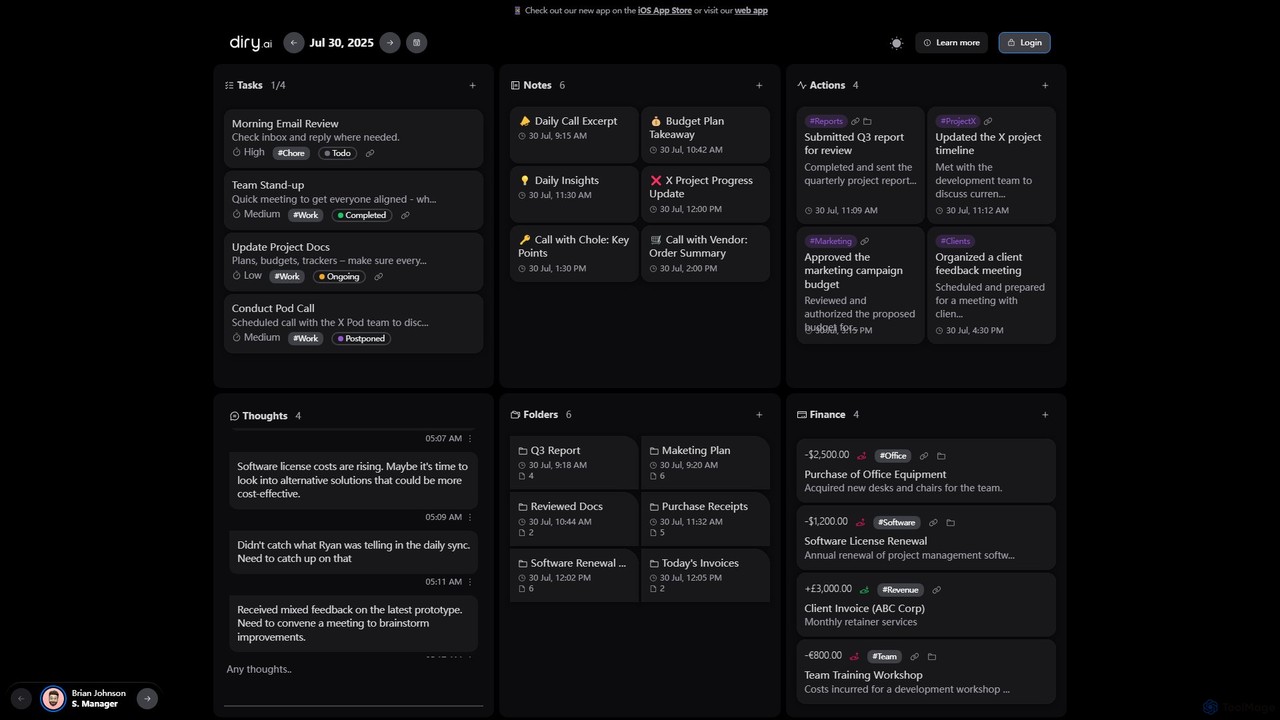
Diry AI
Diry AI is an intelligent life organizer that uses AI to automatically capture, categorize, and connect your daily tasks, notes, thoughts, and finances. It acts as a unified workspace, streamlining your personal and professional life by transforming unstructured inputs into organized, actionable information.
Expense Tracking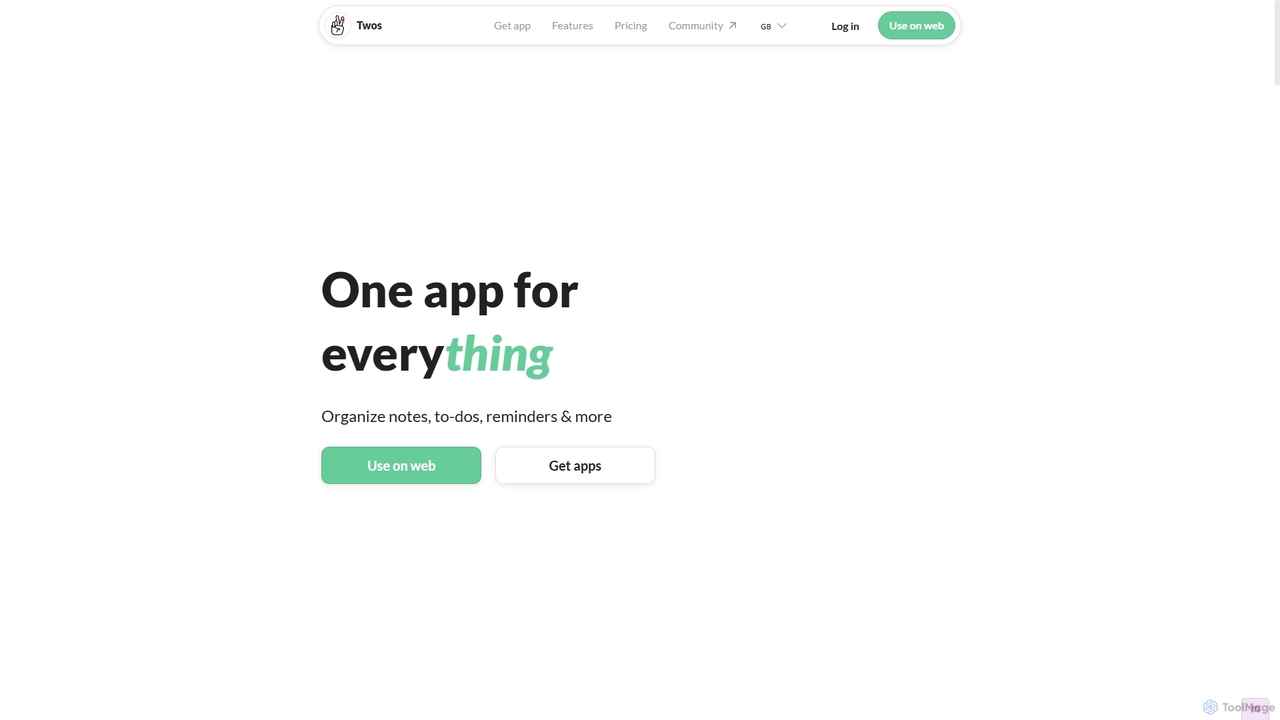
Twos
Twos is an all-in-one productivity app powered by AI that helps you organize notes, to-dos, reminders, lists, and calendar events in one simple place. Capture thoughts quickly as "things" and let the AI assistant, PALs, provide smart suggestions to help you stay organized and productive across all your devices.
Note Taking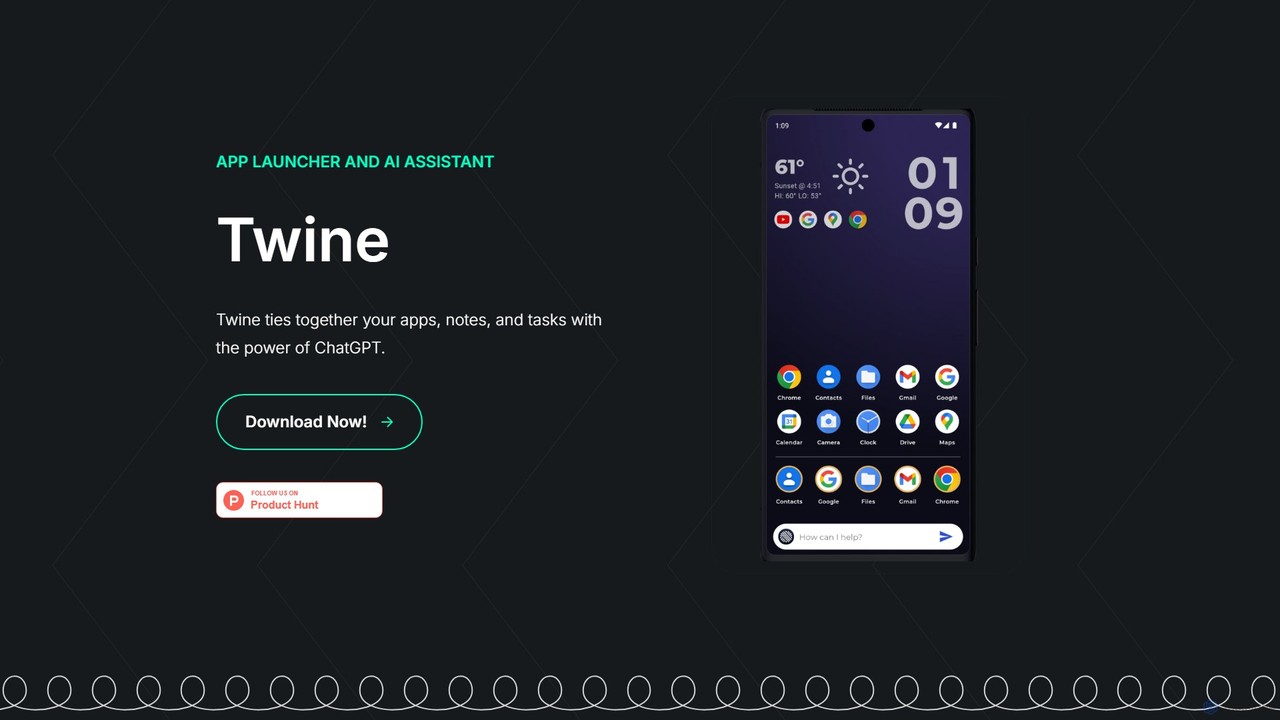
Twine Launcher
Twine Launcher is an intelligent Android app launcher and AI assistant powered by ChatGPT. It integrates your apps, notes, and tasks, allowing you to manage your digital life directly from your homescreen through natural language commands for enhanced productivity.
Launcher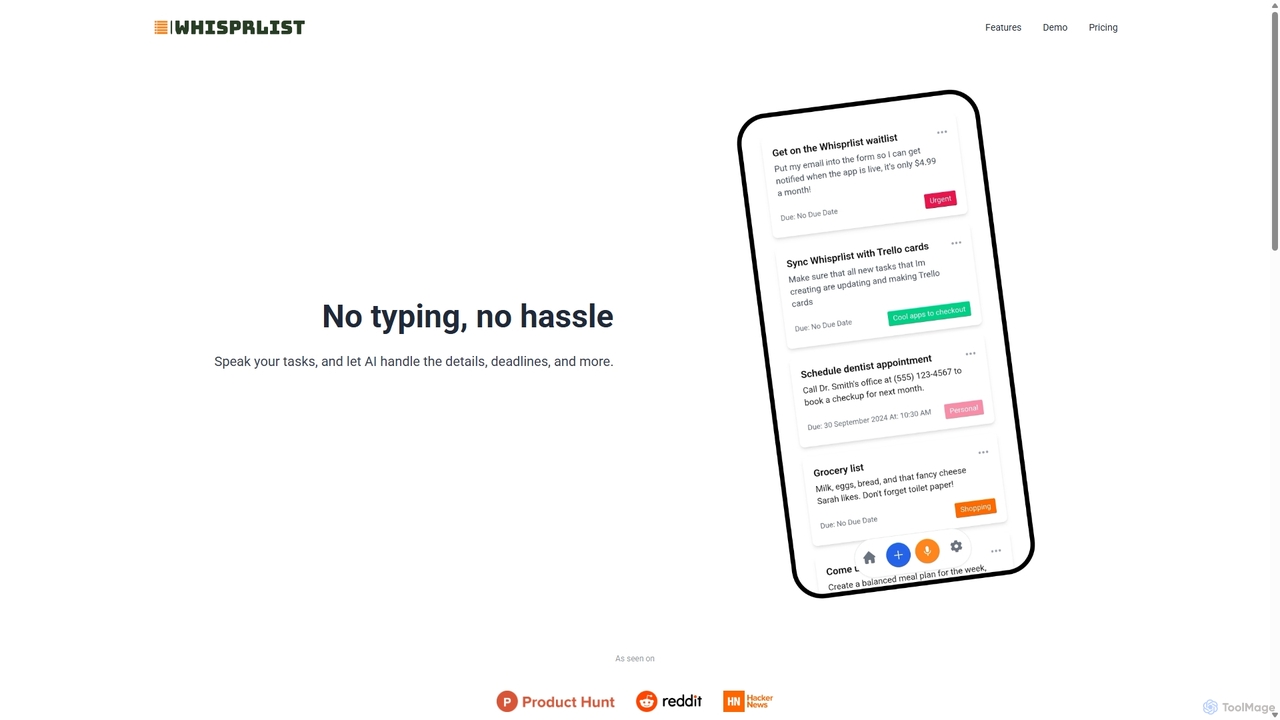
Whisprlist
Whisprlist is an AI-powered task management tool that lets you create and organize your to-do list simply by speaking. It eliminates typing, using advanced voice recognition and AI to parse details, set deadlines, and structure your tasks. Receive a daily summary email to stay on track effortlessly.
Voice Recognition
Craft
Craft is a beautifully designed, native document editor for notes, tasks, and ideas. It combines powerful features like a local AI assistant, task management, and flexible organization with a joyful, fast, and offline-first user experience, making it the perfect tool for writers, thinkers, and teams to capture and structure their thoughts.
Knowledge ManagementSort My Thoughts Categories
Sort My Thoughts Embed Widget
Copy this embed code to place the badge on your blog, article, or product site and send readers directly to this ToolMage detail page.

Related AI tools
Twos
Twos is an all-in-one productivity app powered by AI that helps you organize notes, to-dos, reminders, lists, and calendar events in one simple place. Capture thoughts quickly as "things" and let the AI assistant, PALs, provide smart suggestions to help you stay organized and productive across all your devices.
Note TakingTwine Launcher
Twine Launcher is an intelligent Android app launcher and AI assistant powered by ChatGPT. It integrates your apps, notes, and tasks, allowing you to manage your digital life directly from your homescreen through natural language commands for enhanced productivity.
Launcher
Jyek
Jyek is an AI agent platform that understands objectives, creates execution plans, uses tools, and delivers verifiable results for complex, multi-step tasks.
AutomationWhisprlist
Whisprlist is an AI-powered task management tool that lets you create and organize your to-do list simply by speaking. It eliminates typing, using advanced voice recognition and AI to parse details, set deadlines, and structure your tasks. Receive a daily summary email to stay on track effortlessly.
Voice Recognition
Todo.is
Todo.is is an AI-powered productivity command center designed for streamlined task and project management. It combines a minimalist, text-based interface with a unique AI Export feature, allowing users to instantly transform their to-do lists into structured reports, summaries, and actionable plans. Ideal for individuals and teams seeking efficiency and clarity in their workflow.
Project ManagementDiry AI
Diry AI is an intelligent life organizer that uses AI to automatically capture, categorize, and connect your daily tasks, notes, thoughts, and finances. It acts as a unified workspace, streamlining your personal and professional life by transforming unstructured inputs into organized, actionable information.
Expense Tracking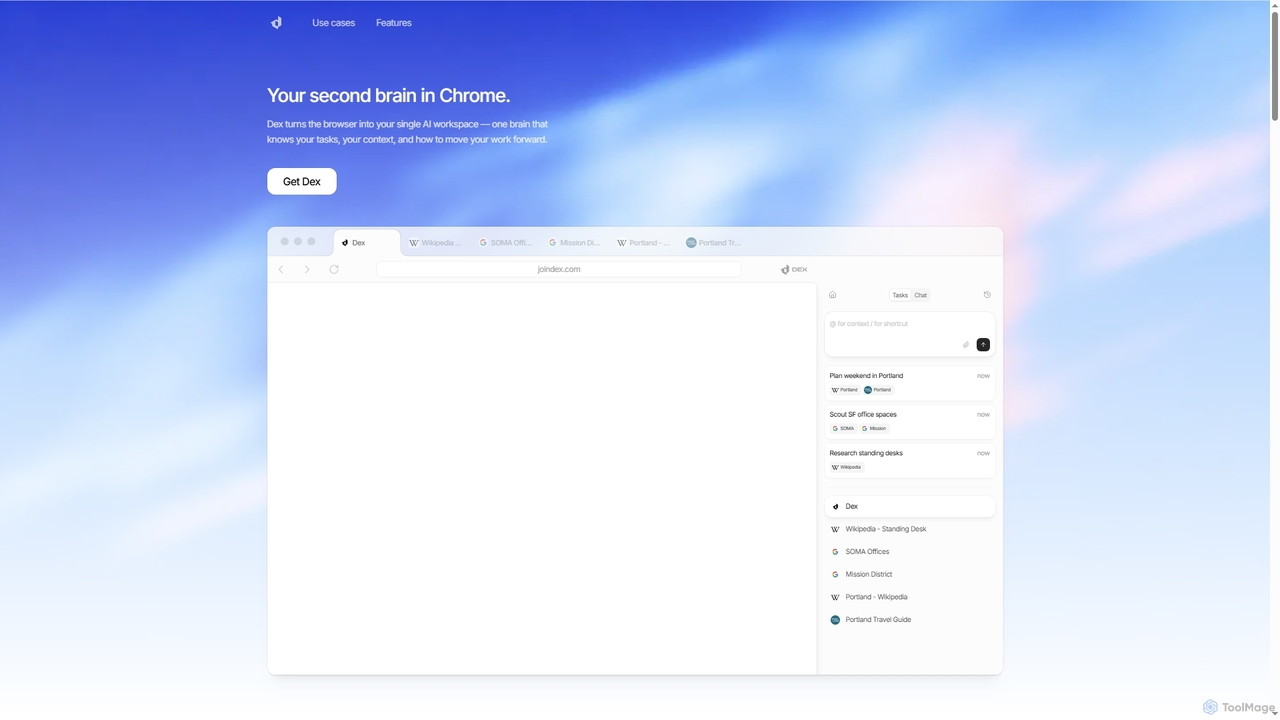
Dex
Dex is an AI-powered Chrome extension that transforms your browser into a smart, integrated workspace. It acts as your second brain, managing tasks, understanding context, and proactively moving your work forward by connecting with over 14 applications to eliminate context switching and boost productivity.
Workflow AutomationCraft
Craft is a beautifully designed, native document editor for notes, tasks, and ideas. It combines powerful features like a local AI assistant, task management, and flexible organization with a joyful, fast, and offline-first user experience, making it the perfect tool for writers, thinkers, and teams to capture and structure their thoughts.
Knowledge Management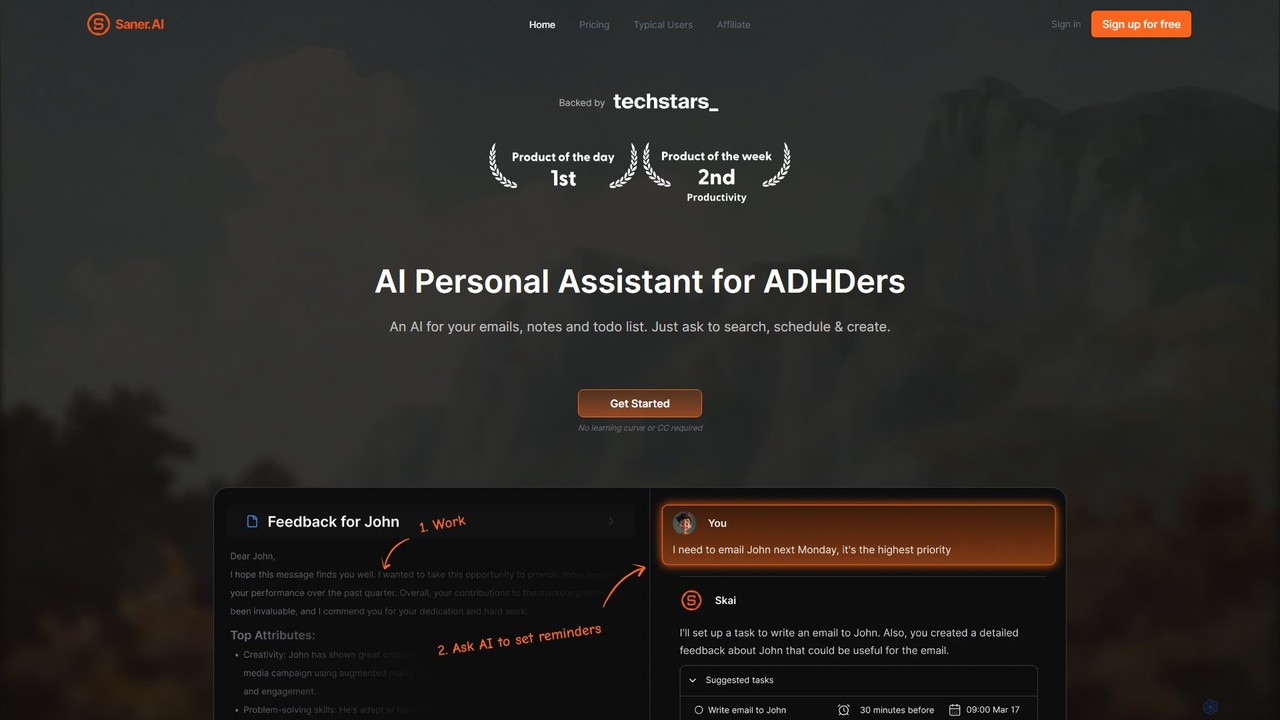
Saner.AI
Saner.AI is an AI personal assistant designed to help users, especially those with ADHD, manage notes, emails, and to-do lists. It acts as a unified workspace to capture, organize, and synthesize information, reducing cognitive load and context switching. With its AI assistant, Skai, it automates task planning, prioritization, and knowledge connection, creating a calmer, more productive workflow.
Second Brain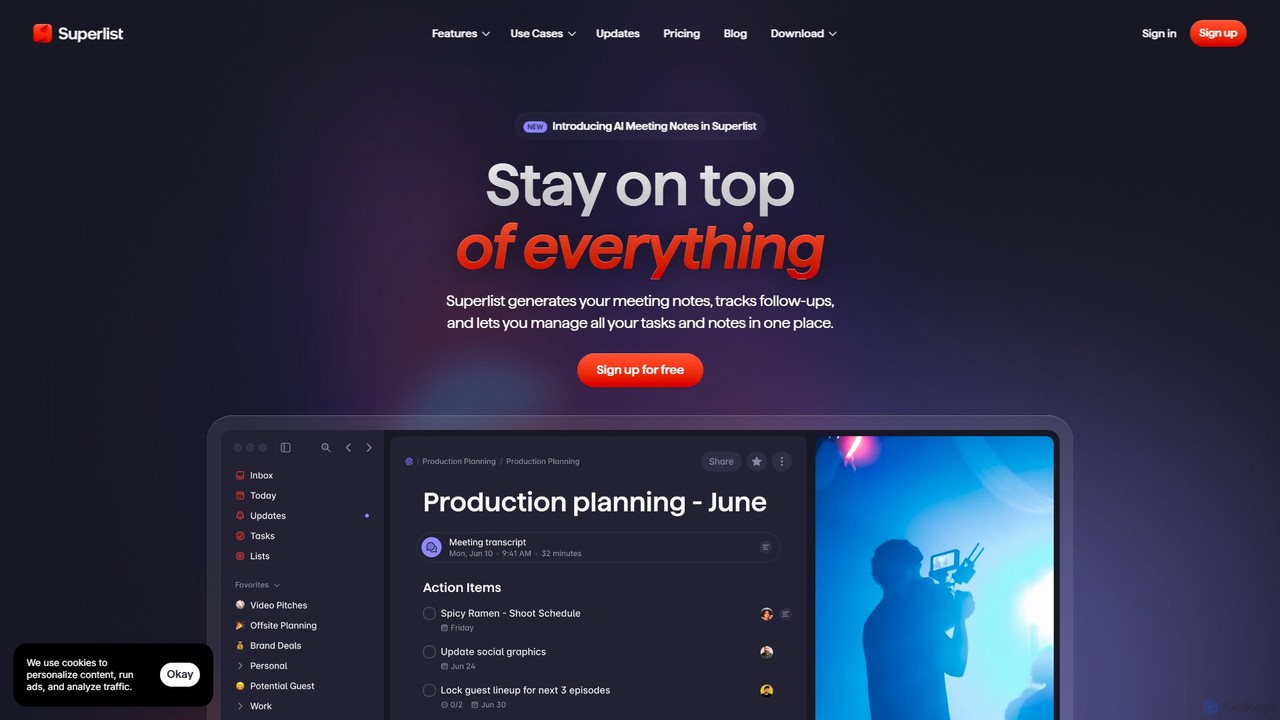
Superlist
Superlist is an AI-powered productivity tool that unifies tasks, notes, and meeting summaries in a single platform. Designed for both individuals and teams, it uses AI to automatically generate meeting notes, track action items, and convert voice memos into tasks, streamlining workflows and enhancing collaboration.
Meeting Assistant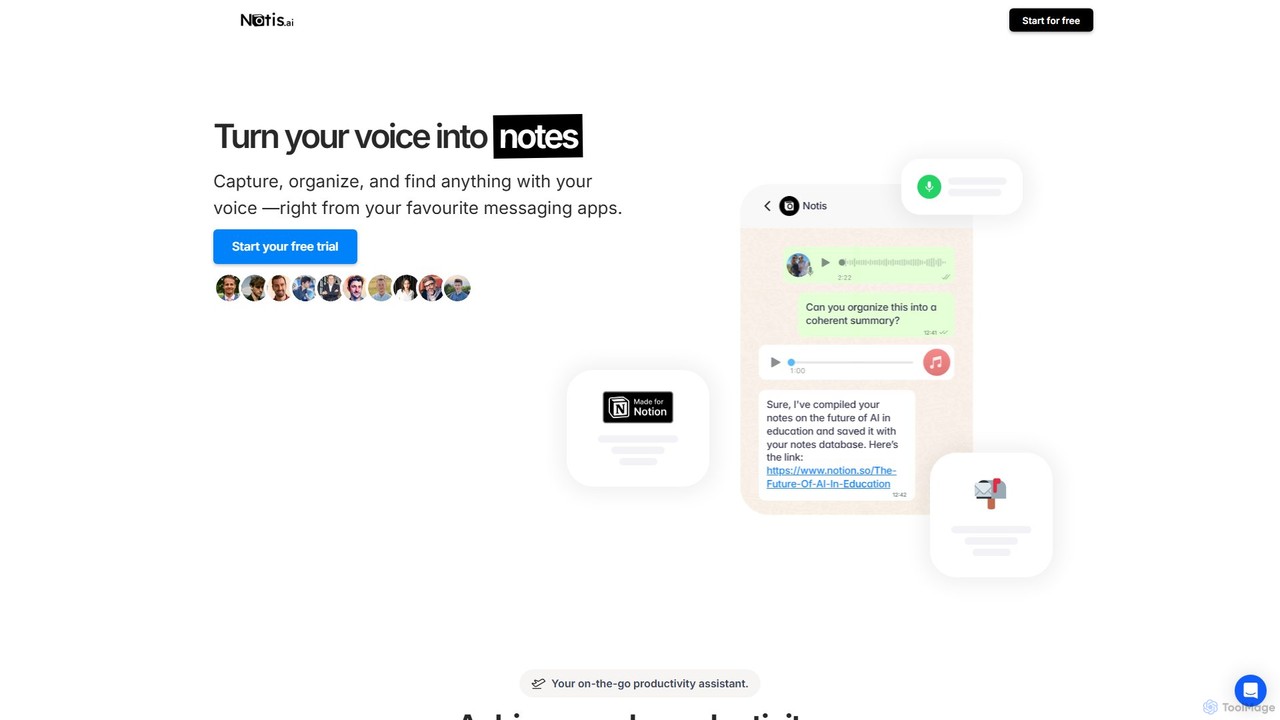
Notis
Notis is an AI-powered productivity assistant that turns your voice, text, and images into structured entries in Notion. Operating directly from messaging apps like WhatsApp and Telegram, it helps you capture ideas, manage tasks, draft content, and organize your life without ever opening the Notion app.
Content Creation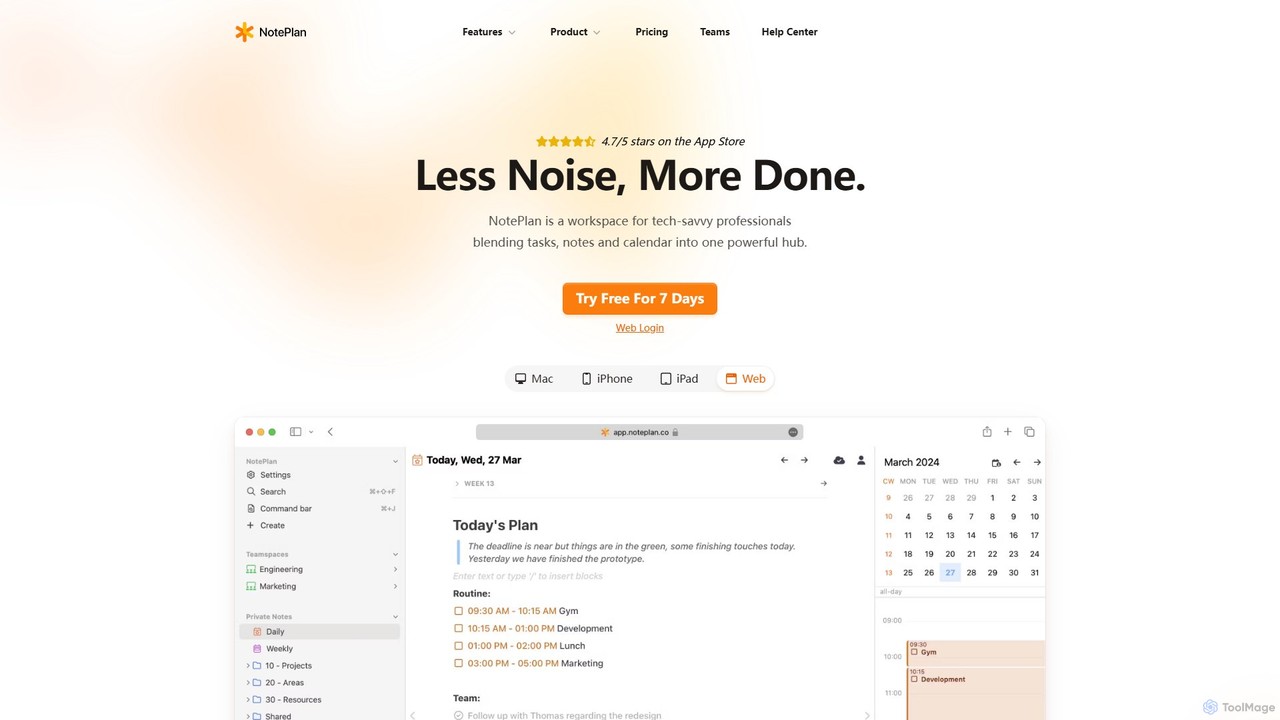
NotePlan
NotePlan is an all-in-one productivity workspace for professionals, blending tasks, notes, and calendar into a single, powerful hub. It supports Markdown, personal knowledge management (PKM) with bi-directional links, and features integrated AI for summarizing, rewriting, and transcribing. Available on Mac, iOS, and Web, it keeps you organized and focused.
Calendar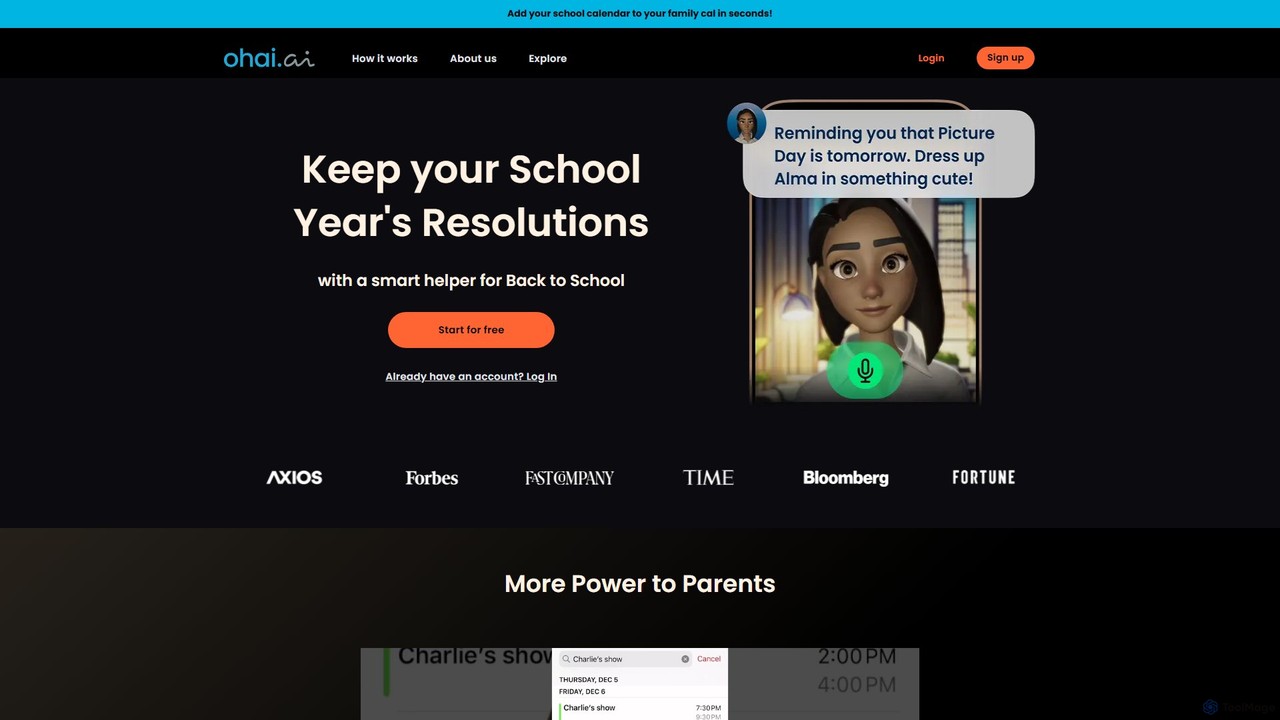
Ohai.ai
Ohai.ai is an AI-powered personal assistant designed to simplify family life and reduce the mental load for parents. It automates scheduling by syncing school and work calendars, manages to-do lists, plans meals, coordinates social events, and sends thoughtful reminders. By centralizing household management, Ohai helps families stay organized, connected, and on top of their busy lives, giving them more time to focus on what matters.
Family & Parenting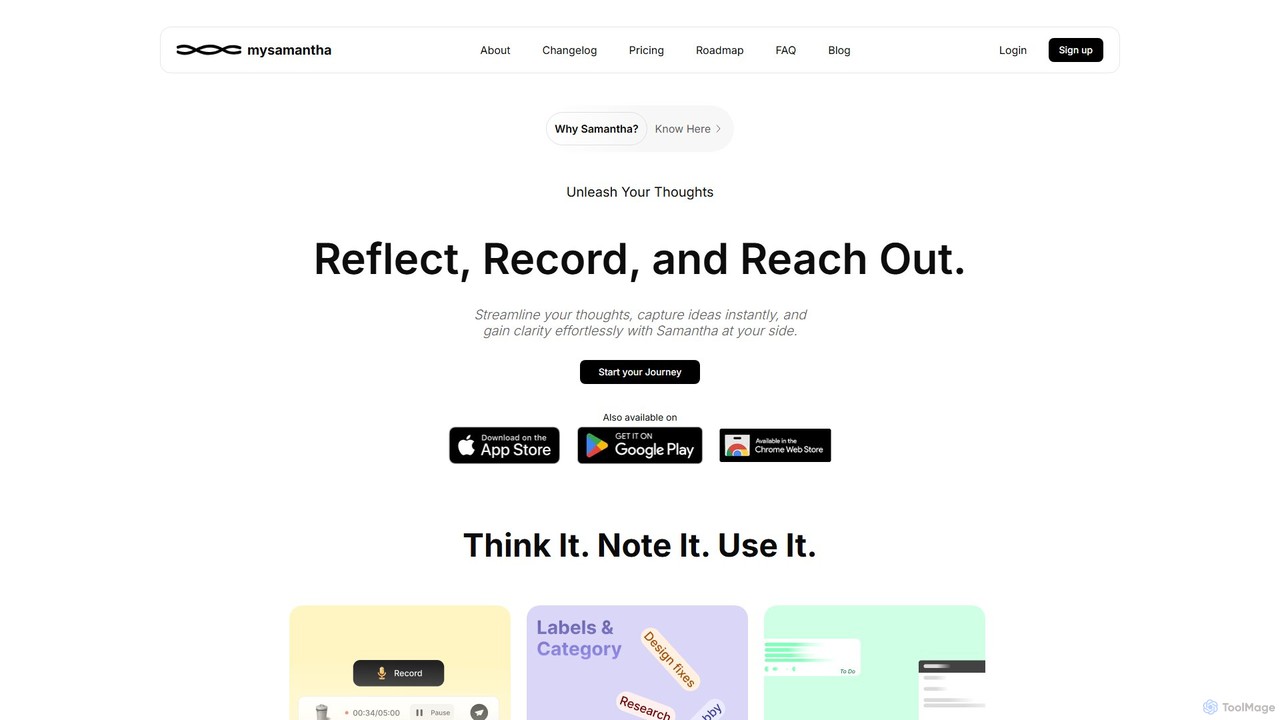
mysamantha
mysamantha is an AI-powered personal assistant designed to enhance productivity and mental well-being. It helps you capture thoughts via voice or text, organizes notes, manages tasks, and offers an empathetic journaling experience. With adaptive AI personas, it provides personalized support, acting as a coach, listener, or advisor to help you gain clarity, stay organized, and navigate life's challenges.
Mental Health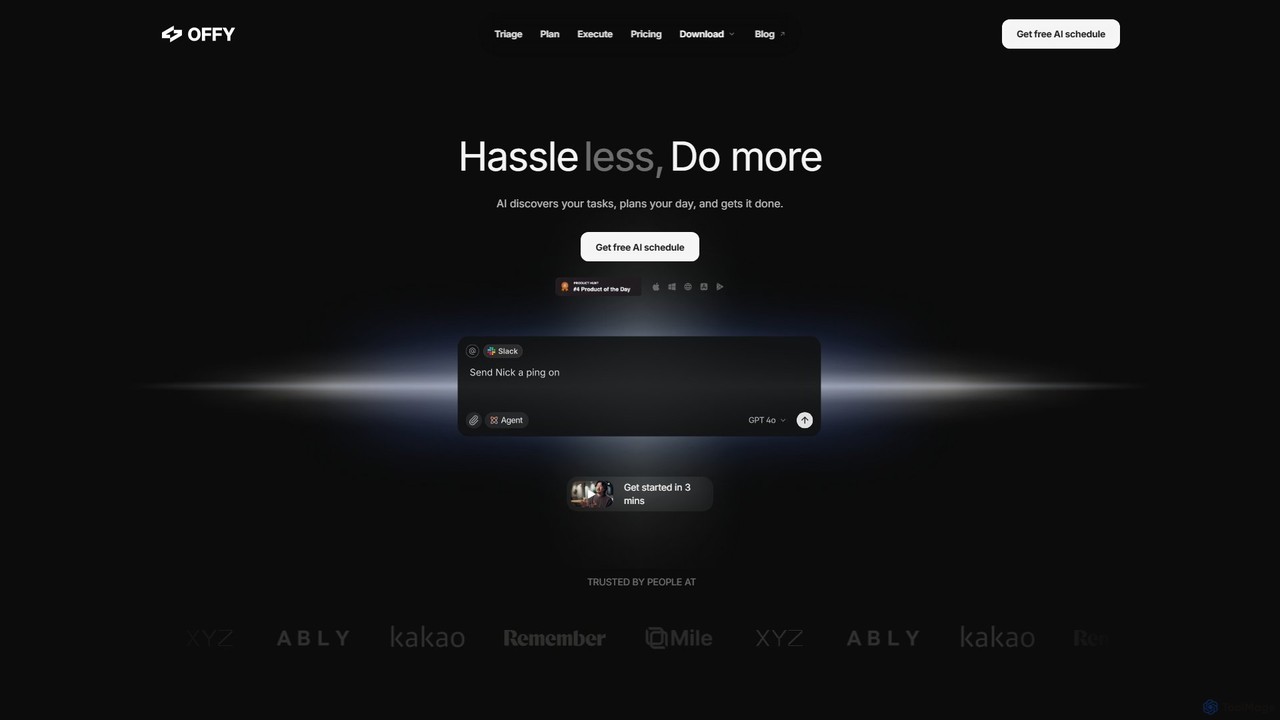
OFFLIGHT
OFFLIGHT is an AI-powered task management tool that automatically discovers tasks from your apps like Gmail and Slack, creates intelligent, time-based plans, and helps you execute them. Centralize your workflow and boost productivity with your personal AI assistant, Offy.
Personal Assistant
Sort My Thoughts Comments (0)
Sign in to comment.
Sign inNo comments yet.