Pansophy
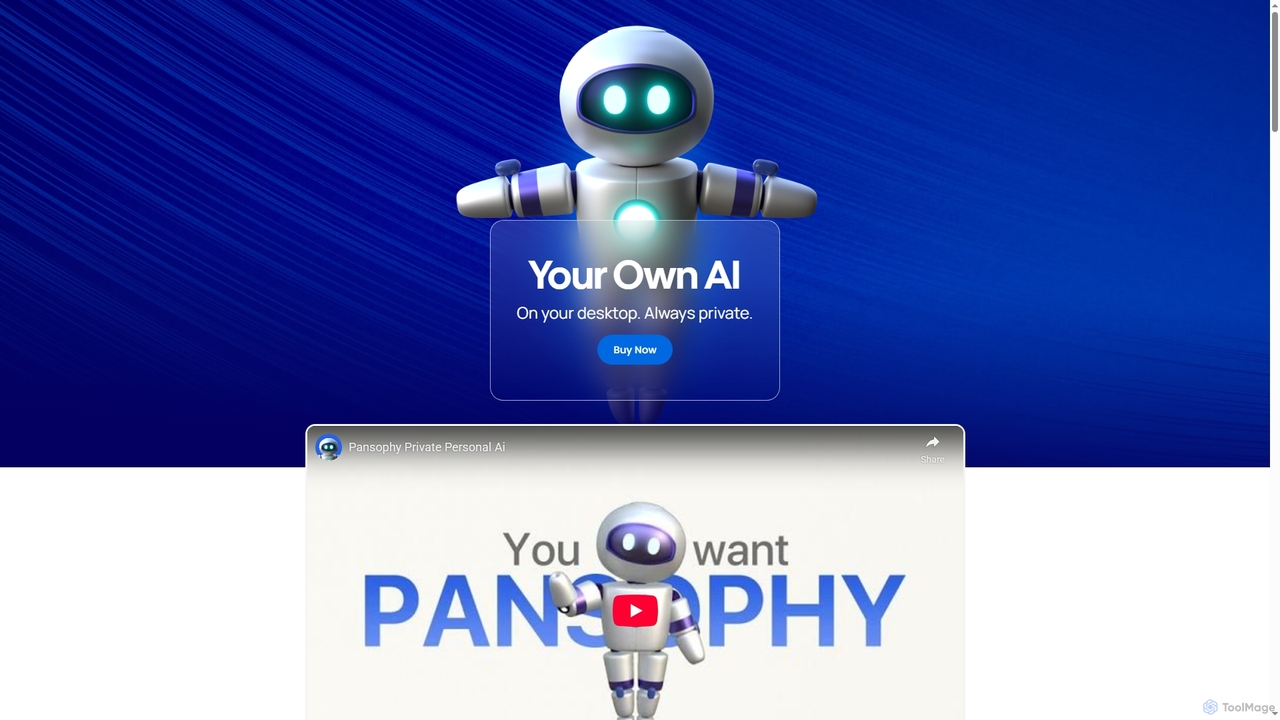
Pansophy is a private desktop AI tool that processes all data locally, offering secure document summarization, text and …
Pansophy is a private desktop AI tool that processes all data locally, offering secure document summarization, text and code generation, and smart search capabilities without cloud dependence. It's designed for enhanced productivity and data privacy across multiple operating systems.
Kairo
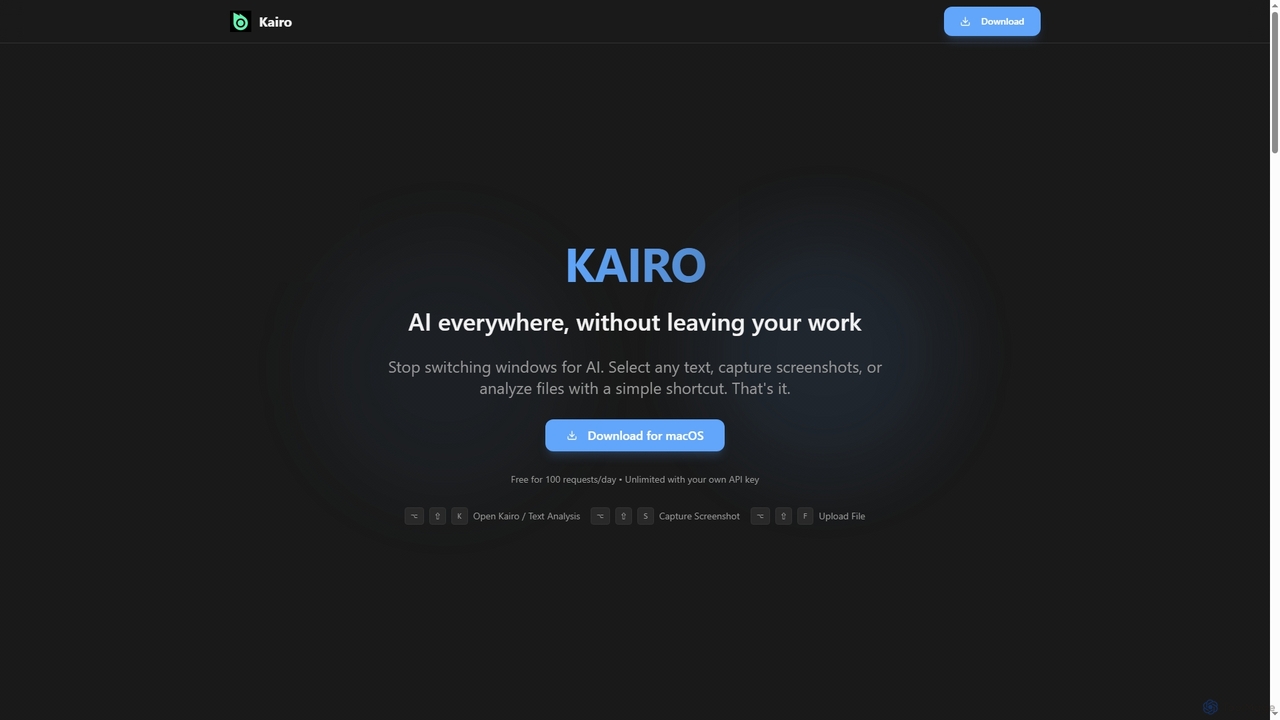
Kairo is an AI-powered desktop assistant for macOS that integrates seamlessly into your workflow, eliminating the need to …
Kairo is an AI-powered desktop assistant for macOS that integrates seamlessly into your workflow, eliminating the need to switch applications for AI tasks. It offers smart text transformation, visual analysis of screenshots, and deep analysis of files directly from any app using simple keyboard shortcuts.
Ai Helper
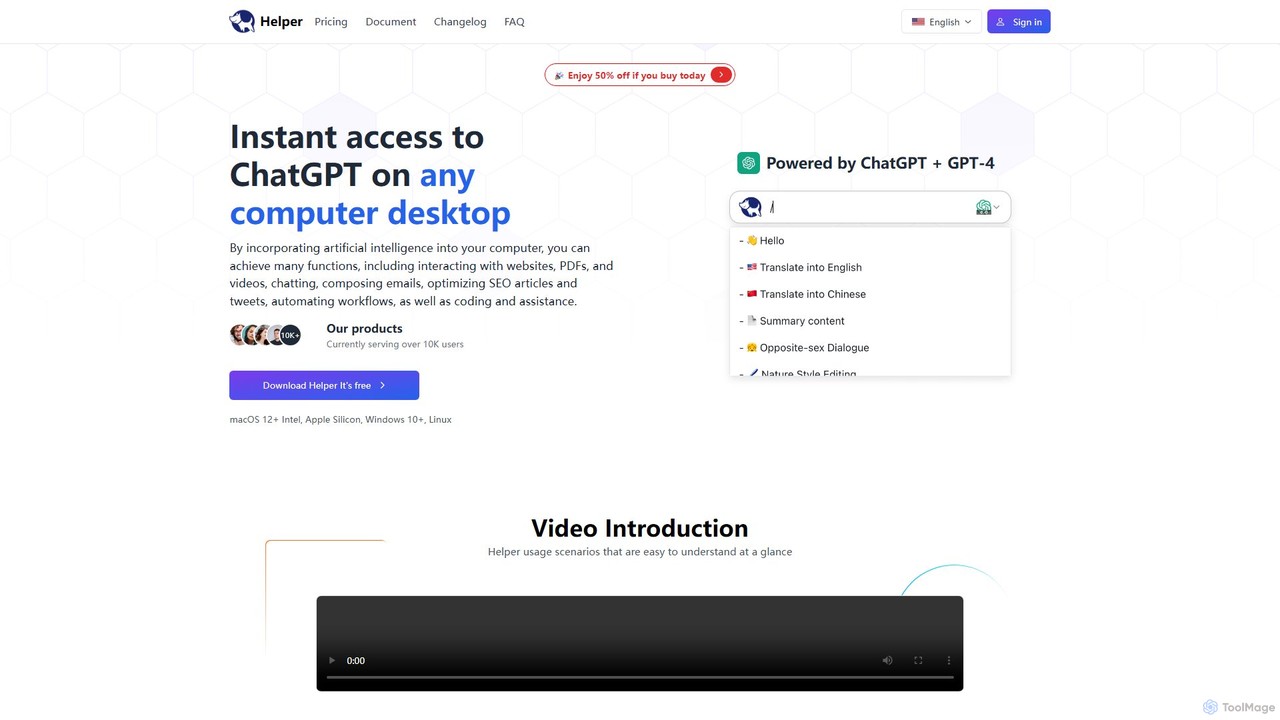
Ai Helper is a versatile desktop client for macOS, Windows, and Linux, providing instant access to AI models …
Ai Helper is a versatile desktop client for macOS, Windows, and Linux, providing instant access to AI models like ChatGPT and Gemini from any application. It streamlines workflows for writing, coding, email composition, and more, acting as a universal AI assistant integrated directly into your operating system.
RAGNA Nano
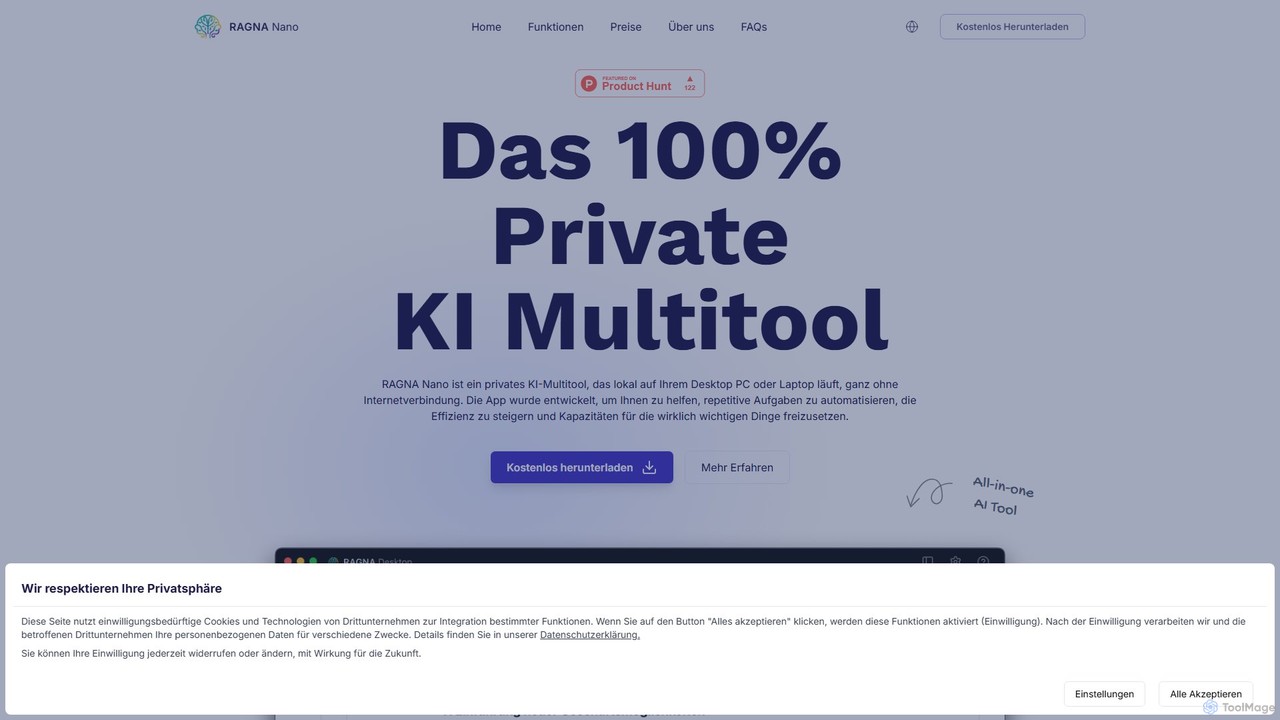
RAGNA Nano is a 100% private, all-in-one AI multitool that runs locally on your desktop, completely offline. It's …
RAGNA Nano is a 100% private, all-in-one AI multitool that runs locally on your desktop, completely offline. It's designed for maximum data security and privacy, allowing you to chat with an AI assistant, analyze sensitive documents, and use an intelligent text editor without your data ever leaving your computer. It offers a free plan for individuals and a customizable enterprise solution, making powerful AI accessible without compromising on security.
About Desktop Assistant
AI Desktop Assistants are software applications installed directly onto your computer's operating system to enhance productivity. They integrate deeply with local files, installed applications, and system-level functions, acting as a centralized command hub. These tools use natural language processing to understand commands, allowing you to search files, launch apps, automate workflows, and manage system settings instantly. Unlike purely web-based assistants, their core strength lies in providing fast, secure, and often offline access to your personal computing environment.
Core Features
- Universal Search: Instantly find local files, applications, browser history, and contacts from a single search bar.
- System-Level Automation: Create custom workflows and shortcuts to control system settings, manage windows, and execute scripts.
- Application Integration: Launch applications, control their functions, and pass data between them using simple commands.
- Offline Functionality: Perform many core tasks like file search and app launching without an active internet connection.
- AI-Powered Commands: Use natural language to perform complex actions, such as "summarize the document I just downloaded."
Use Cases
AI Desktop Assistants are particularly valuable for power users, developers, designers, and any professional who frequently interacts with their local system. Developers use them to quickly navigate codebases and run scripts. Content creators leverage them for instant access to local assets and applications. In corporate environments, they streamline access to internal documents and applications, reducing context switching and improving focus.
How to Choose
When selecting an AI Desktop Assistant, consider its operating system compatibility (macOS, Windows, Linux). Evaluate the extent of its integration with the apps you use daily. Assess its performance and resource consumption to ensure it doesn't slow down your system. Finally, review its privacy policy, especially regarding data processing—whether it happens locally or in the cloud.

Desktop AssistantUse Cases
Automating Developer Workflows
A software developer frequently switches between their code editor, terminal, and browser. Using an AI Desktop Assistant, they can create a single command like "start project X." This command automatically opens the project folder in their IDE, launches a local development server in the terminal, and opens the project's URL in a browser. They can also use it to instantly search for function definitions across the entire local codebase or run build scripts without manually navigating to the correct directory, saving significant time and reducing mental load.
Streamlining Content Creation and Research
A content creator or researcher needs to gather information from various local sources like PDFs, notes, and web clippings. With a desktop assistant, they can perform a universal search to find all relevant documents on a topic instantly. They can then use AI commands to "summarize this PDF" or "extract key points from my notes on AI" without opening each application individually. This creates a seamless research environment, allowing them to focus on synthesizing information rather than locating and managing files across different apps.
Efficient System and Application Control
A project manager needs to quickly manage their daily tasks. Instead of clicking through multiple menus, they use the desktop assistant to type commands like "create a new calendar event for 2 PM," "open Slack and message the design team," or "toggle dark mode." The assistant integrates with system settings and installed applications (like calendars, communication tools) to execute these commands directly. This command-line interface approach for everyday tasks minimizes mouse usage and keeps the user in their flow state, boosting overall productivity.
Secure, Offline Data Management
A legal professional works with highly confidential client documents and cannot risk uploading them to the cloud. They use an AI Desktop Assistant that processes all data locally. This allows them to search for specific clauses across thousands of case files, find relevant contracts based on keywords, and organize documents without an internet connection. The assistant acts as a secure, local intelligence layer on top of their file system, ensuring data privacy and providing uninterrupted access to critical information, even when traveling or in areas with poor connectivity.
Personalized Knowledge Base Interaction
An academic researcher maintains a vast personal library of research papers, notes, and e-books on their local drive. Using an AI Desktop Assistant with semantic search capabilities, they can ask complex questions in natural language, such as "What were the main arguments against string theory in the late 90s?" The assistant searches the content of all local documents, not just filenames, to provide a synthesized answer with links to the source files. This transforms their local drive into an interactive, personal knowledge base they can converse with, accelerating the discovery process.
Managing Daily Communications and Scheduling
An executive assistant manages a busy schedule and a high volume of emails. They use their desktop assistant as a central hub for communication. By typing "draft an email to John about the Q3 report" or "show me my meetings for tomorrow," the assistant interacts with their local email client and calendar app. It can even be configured to perform multi-step actions like "find the latest sales report, attach it to a new email to the sales team, and add the subject 'Weekly Update'." This centralizes control over communication tasks, saving clicks and streamlining their daily routine.