

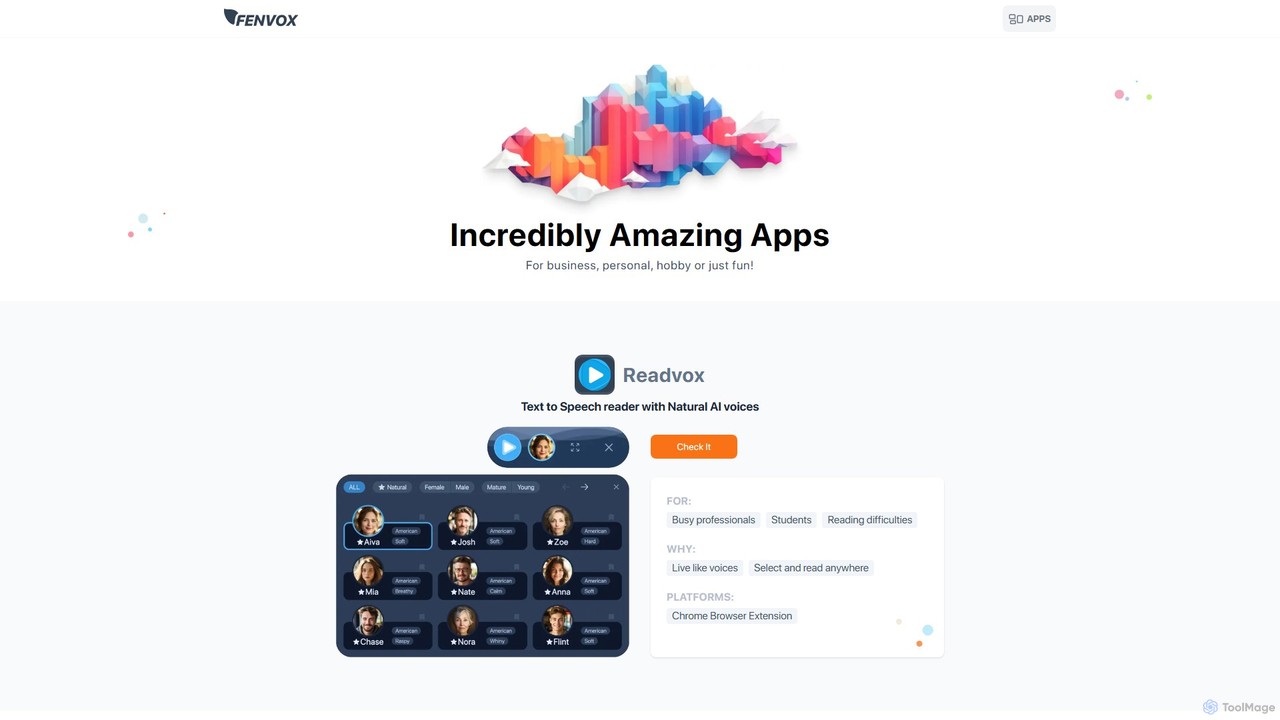
Fenvox Overview
Fenvox is a multifaceted platform that hosts a collection of innovative and specialized applications designed to cater to a wide array of users, including business professionals, creative artists, developers, and individuals seeking productivity enhancements. The suite aims to provide practical solutions through a combination of web applications, browser extensions, and mobile apps, each with a distinct purpose and target audience.
The Fenvox ecosystem includes several key applications. Anylytix is a powerful tool for managers and recruiters to track team actions across various software, providing transparent statistics and analytics. Readvox is an AI-powered text-to-speech reader that converts written content into natural-sounding audio. For the creative community, Fenvox offers Silugen, a silhouette generator; Paletto, a color palette generator; and Tella, a text prompt generator, all designed to spark imagination and overcome creative blocks. Additionally, Gridman serves front-end developers as a handy toolkit for inspecting CSS Grid and Flexbox layouts, while the 'Would you rather' game provides entertainment for friends and family.
How to use Fenvox
The usage of Fenvox tools varies depending on the specific application:
- Web Applications (Silugen, Paletto, Tella): Simply navigate to their respective pages on the Fenvox website. These tools are instantly accessible online, allowing you to start generating creative assets without any installation.
- Chrome Extensions (Anylytix, Readvox, Gridman): These tools require installation from the Chrome Web Store. For Anylytix, the process involves:
a. Installing the Fenvox Analytics Chrome extension.
b. As a manager, you select the specific elements within your team's web tools that you want to track.
c. Your colleagues install the extension, and you assign the tracking flows to them via the dashboard. They can see what is being tracked, as the elements are highlighted. - Mobile Apps ('Would you rather' game): This game can be downloaded and installed from the iOS App Store or Google Play Store for Android devices.
Core Features of Fenvox
- Anylytix - Team Analytics: Track user actions across any web-based tool, assign tracking flows to team members, and view detailed analytics on a centralized dashboard. It ensures transparency by highlighting tracked elements for the user.
- Readvox - AI Text-to-Speech: Utilizes natural-sounding AI voices to read text aloud from any webpage. Users can simply select text to have it read, making it ideal for multitasking or for individuals with reading difficulties.
- Creative Suite (Silugen, Paletto, Tella): A set of tools for artists and designers. Silugen generates unique silhouettes, Paletto creates harmonious color palettes with shades and lights, and Tella provides text prompts to inspire new artistic ideas.
- Gridman - Developer Toolkit: A Chrome extension specifically for front-end developers to inspect, debug, and understand CSS Grid and Flexbox layouts directly in the browser.
- Multi-Platform Accessibility: Fenvox offers its tools as online web apps, Chrome extensions, and mobile apps (iOS/Android), ensuring users can access them on their preferred platform.
Use Cases for Fenvox
For Business Managers and Recruiters: Use Anylytix to monitor the productivity of remote teams, track the progress of recruiters through their workflow on different platforms, and gather data for process optimization, all while maintaining transparency with employees.
For Artists and Designers: Overcome creative blocks by using Silugen to generate character or environment shapes, Paletto to discover unique color schemes, and Tella to get story-based prompts for illustrations.
For Students and Professionals: Employ Readvox to listen to long articles, research papers, or emails while commuting or doing other tasks. It's also an excellent accessibility tool for those with visual impairments or dyslexia.
For Front-End Developers: Leverage Gridman to quickly diagnose layout issues, learn how complex grid and flexbox systems are built, and accelerate the front-end development and debugging process.
Advantages of Fenvox
Fenvox stands out by offering a diverse yet specialized collection of tools under one roof. Instead of a one-size-fits-all approach, it provides targeted solutions for distinct needs. The platform emphasizes accessibility, with many tools being free and easy to use directly from a web browser. The freemium model for its business tool, Anylytix, allows small teams to get started at no cost, providing significant value and scalability. The focus on using smart algorithms and AI to spark creativity and streamline workflows makes it a modern and effective toolkit.
Pricing and Plans
Fenvox offers a mix of free and paid tools, with pricing specific to each application. Many of the creative and utility tools like Silugen, Paletto, and Readvox are offered for free.
The pricing for Anylytix is as follows:
- Free Plan: Manage up to 3 colleagues for free, forever.
- Monthly Plan: Includes 3 free colleagues, with additional users costing $6.99/month per user.
- Yearly Plan: Includes 3 free colleagues, with additional users costing $4.89/month per user (30% discount).
Traffic
Latest traffic
Status
Monthly traffic trend
- 2025-9: 5.8K
- 2026-1: 1.2K
- 2026-2: 3.0K
- 2026-3: 932
- 2026-4: 61
- 2026-5: 1.5K
Geography
Top 5 countries / regions
- 🇮🇩Indonesia65.7%
- 🇫🇷France34.3%
Top keywords
| Keyword | Cost per click |
|---|---|
| random silhouettes generator | $0.00 |
| tella prompt | $0.00 |
Fenvox Alternatives

Voice Out
Voice Out is a leading text-to-speech (TTS) Chrome extension that converts any written content—from webpages and PDFs to Google Docs—into natural-sounding audio. Supporting over 60 languages with 100+ AI-powered voices, it enhances productivity, aids learning, and improves accessibility for all users. Listen to content while multitasking, proofread documents, or give your eyes a rest.
Screen Reader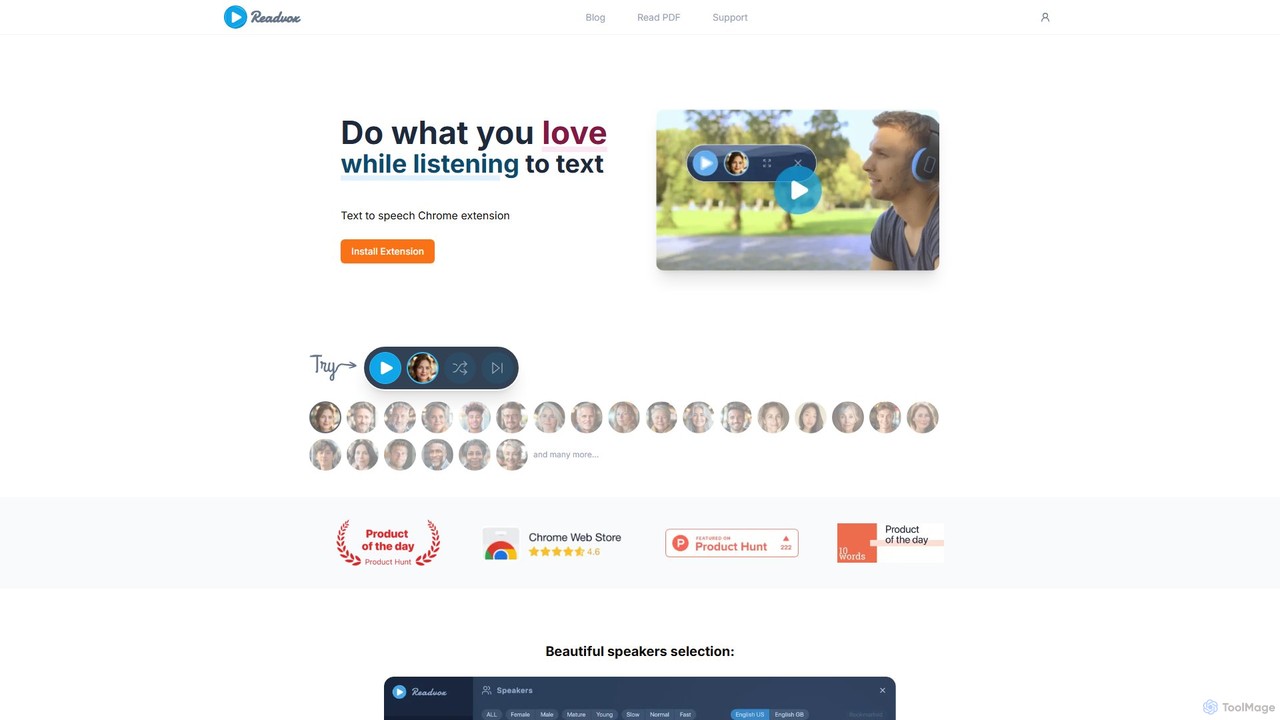
Readvox
Readvox is an AI-powered text-to-speech Chrome extension that converts web pages, PDFs, and Google Docs into natural-sounding audio. Listen to articles, books, and documents while multitasking, improving productivity and accessibility with its high-quality voices and customizable reading controls.
Chrome Extensions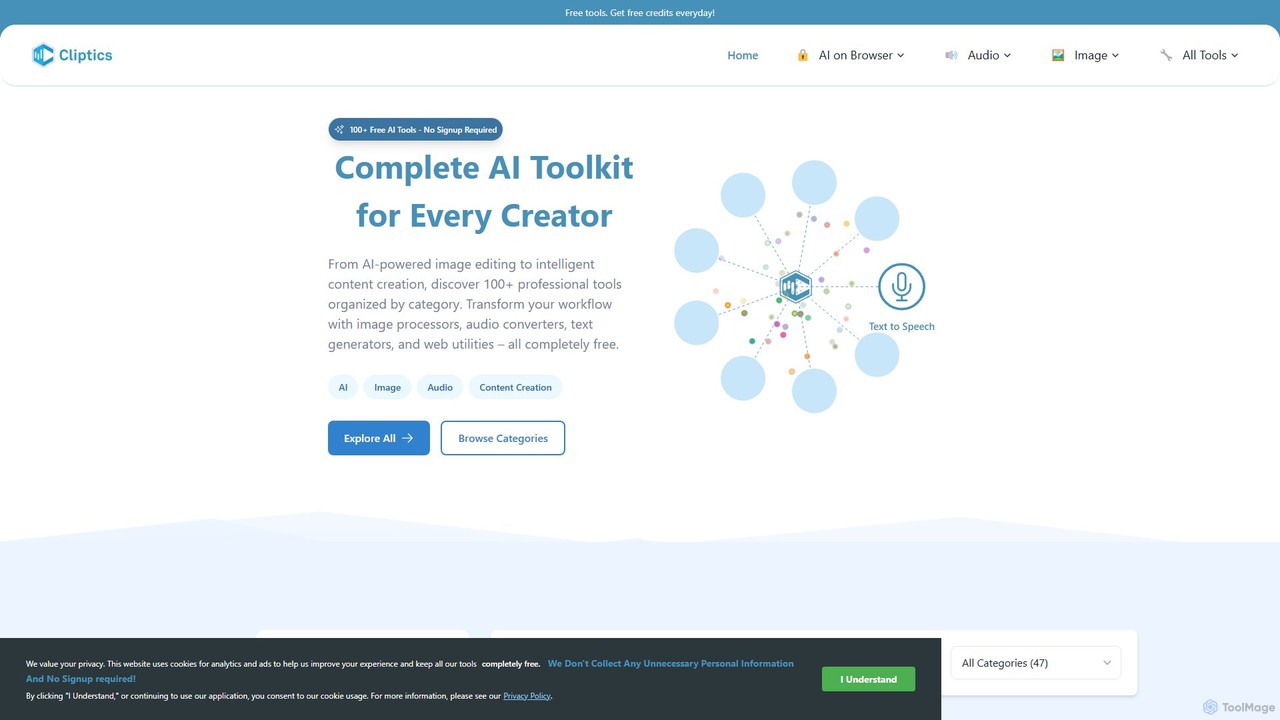
Cliptics
Cliptics offers a comprehensive suite of over 100 free AI tools for image editing, audio creation, content generation, and web development. It requires no signup and provides instant, professional-quality results. Ideal for content creators, marketers, e-commerce sellers, and developers, it aims to make powerful AI technology accessible to everyone, completely free of charge.
Text To Speech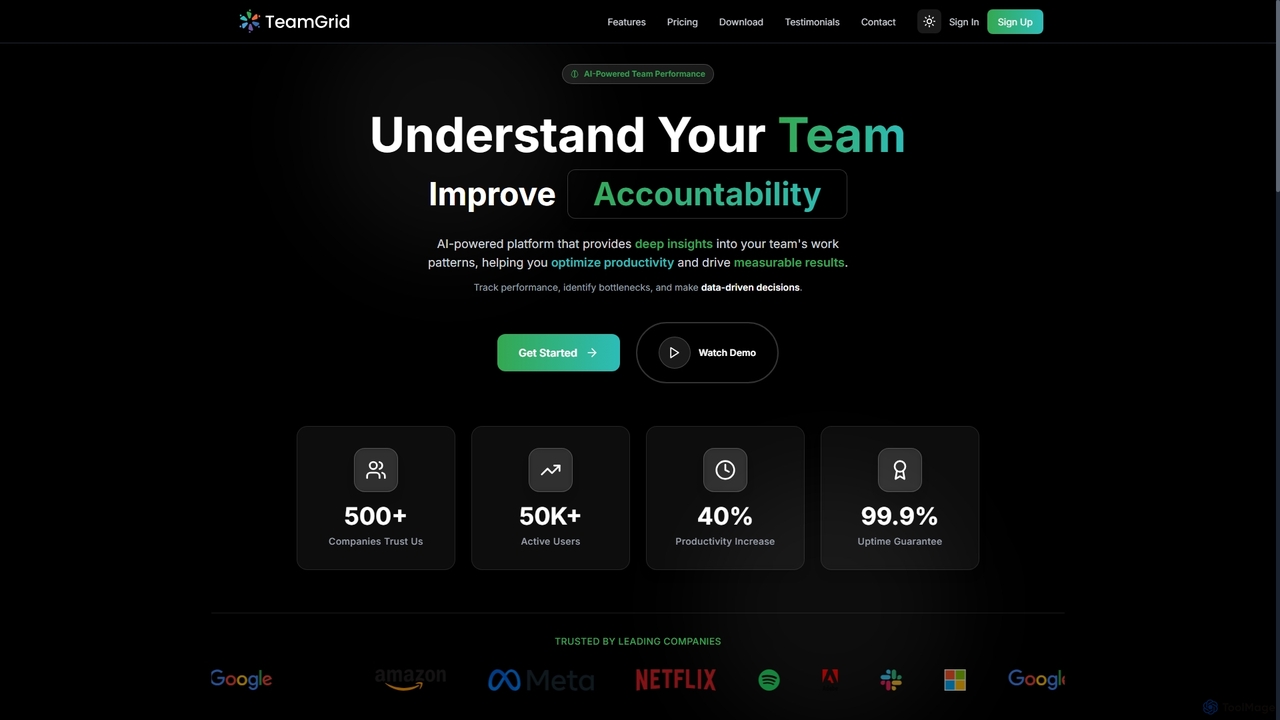
TeamGrid
TeamGrid is an AI-powered platform designed to enhance team performance by providing deep insights into work patterns. It helps organizations optimize productivity, improve accountability, and drive measurable results through real-time monitoring, goal tracking, and advanced analytics.
Performance Monitoring
WebWhisper
WebWhisper is a free Chrome extension that instantly converts any webpage, article, or blog post into a high-quality audio podcast. It allows you to listen to web content on the go, create playlists for later, and even access them offline. With natural-sounding AI voices and automatic language detection, it transforms your reading experience into an effortless listening one, reducing eye strain and boosting productivity.
Screen ReaderFenvox Categories
Fenvox Embed Widget
Copy this embed code to place the badge on your blog, article, or product site and send readers directly to this ToolMage detail page.

Related AI tools
Voice Out
Voice Out is a leading text-to-speech (TTS) Chrome extension that converts any written content—from webpages and PDFs to Google Docs—into natural-sounding audio. Supporting over 60 languages with 100+ AI-powered voices, it enhances productivity, aids learning, and improves accessibility for all users. Listen to content while multitasking, proofread documents, or give your eyes a rest.
Screen ReaderReadvox
Readvox is an AI-powered text-to-speech Chrome extension that converts web pages, PDFs, and Google Docs into natural-sounding audio. Listen to articles, books, and documents while multitasking, improving productivity and accessibility with its high-quality voices and customizable reading controls.
Chrome ExtensionsCliptics
Cliptics offers a comprehensive suite of over 100 free AI tools for image editing, audio creation, content generation, and web development. It requires no signup and provides instant, professional-quality results. Ideal for content creators, marketers, e-commerce sellers, and developers, it aims to make powerful AI technology accessible to everyone, completely free of charge.
Text To SpeechTeamGrid
TeamGrid is an AI-powered platform designed to enhance team performance by providing deep insights into work patterns. It helps organizations optimize productivity, improve accountability, and drive measurable results through real-time monitoring, goal tracking, and advanced analytics.
Performance MonitoringWebWhisper
WebWhisper is a free Chrome extension that instantly converts any webpage, article, or blog post into a high-quality audio podcast. It allows you to listen to web content on the go, create playlists for later, and even access them offline. With natural-sounding AI voices and automatic language detection, it transforms your reading experience into an effortless listening one, reducing eye strain and boosting productivity.
Screen Reader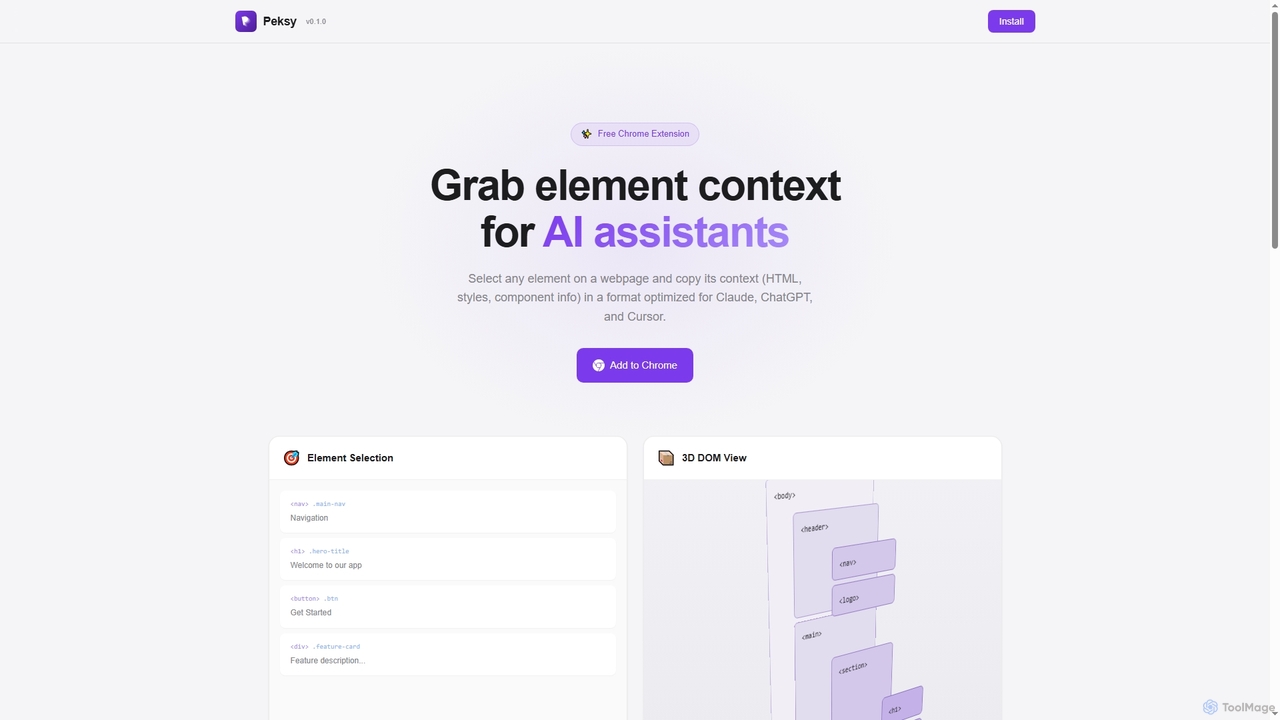
Peksy
Peksy is a free Chrome extension for developers. It lets you select any web element and instantly copy its context—including HTML, CSS, and component info—in a Markdown format optimized for AI coding assistants like ChatGPT, Claude, and Cursor.
Chrome Extensions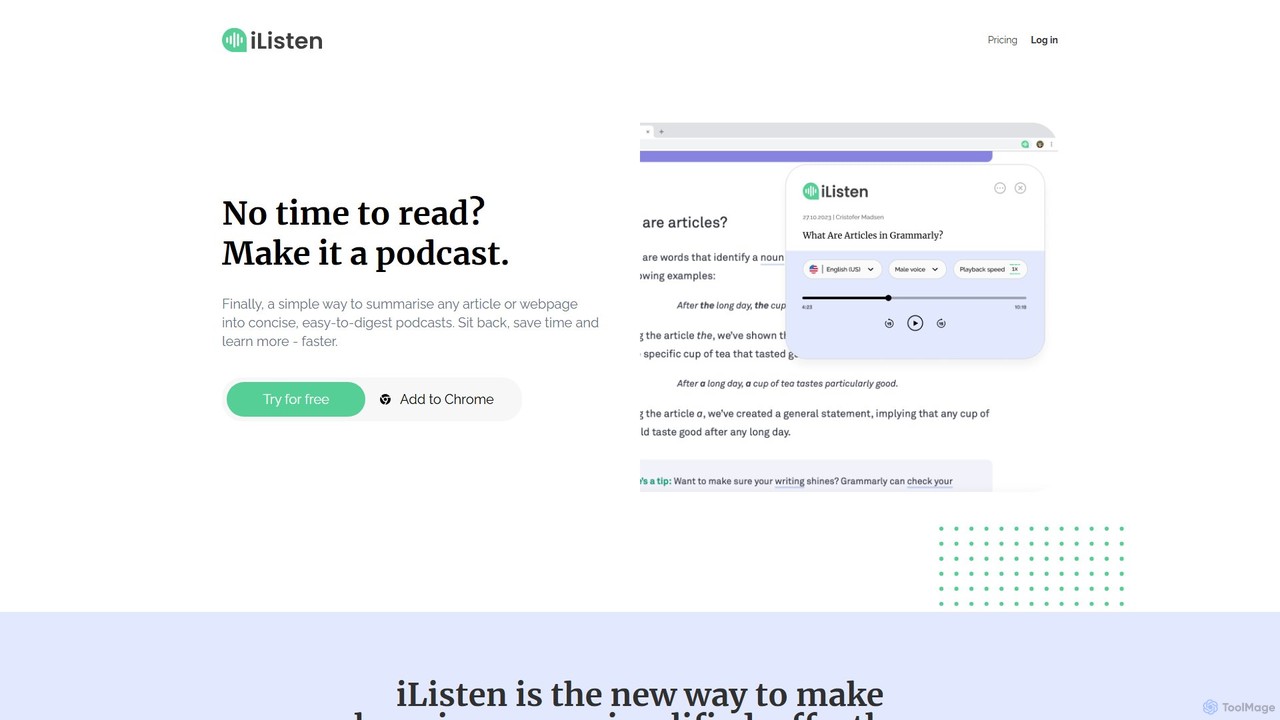
iListen
iListen is an AI-powered tool that transforms any online article or webpage into a concise, easy-to-digest audio podcast. It allows users to save time and learn on the go by listening to summarized content. With features like customizable summary lengths, various voice options, and a personal podcast library, iListen makes information consumption effortless, efficient, and memorable.
Reading Assistant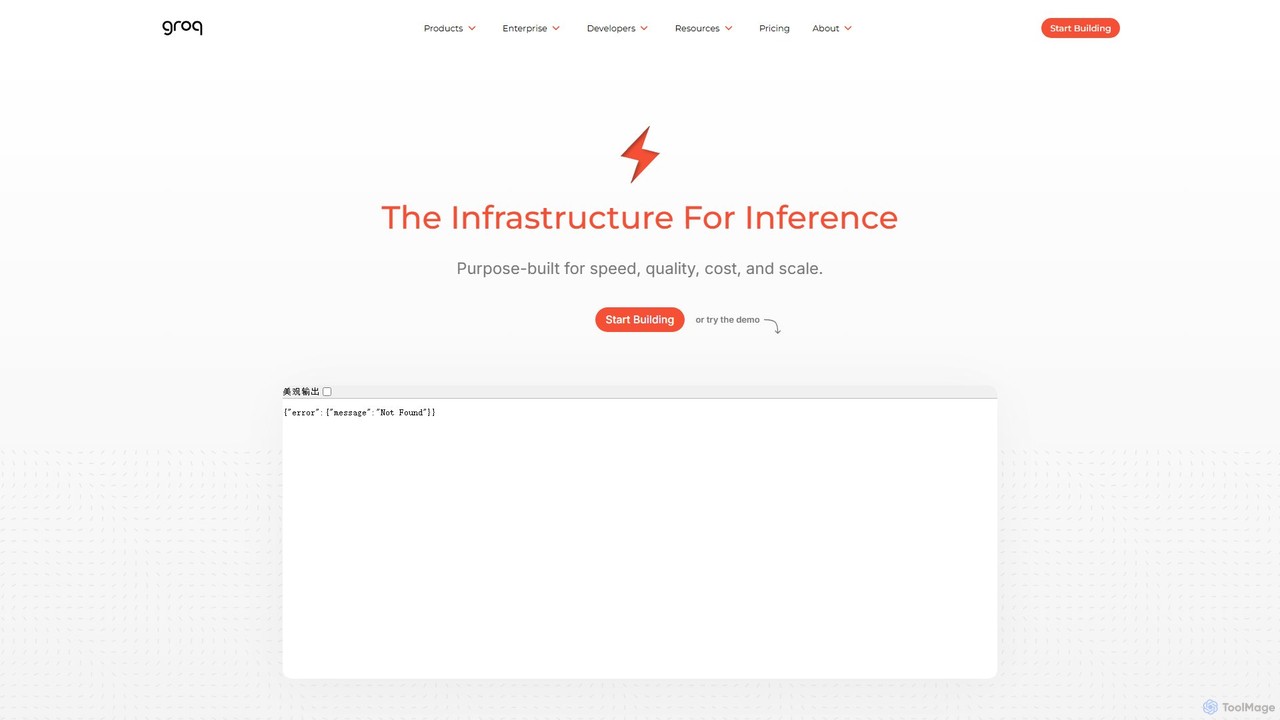
Groq
Groq is a revolutionary AI inference platform providing developers with unparalleled speed and cost-efficiency. Powered by its custom-built Language Processing Unit (LPU), Groq delivers real-time performance for large language models (LLMs), speech recognition, and text-to-speech applications. It offers a developer-friendly API, enabling seamless integration for building next-generation, low-latency AI solutions at scale.
Ai Services
LobeHub
LobeHub is an all-in-one AI platform that allows you to build and manage a personalized team of AI Agents. It offers a superior user experience to standard LLM interfaces like ChatGPT, with support for numerous models, plugins, and multi-modal interactions. Create, share, and use specialized agents for tasks ranging from coding and writing to academic research and daily life, all within a single, intuitive chat interface.
Chatbot Platform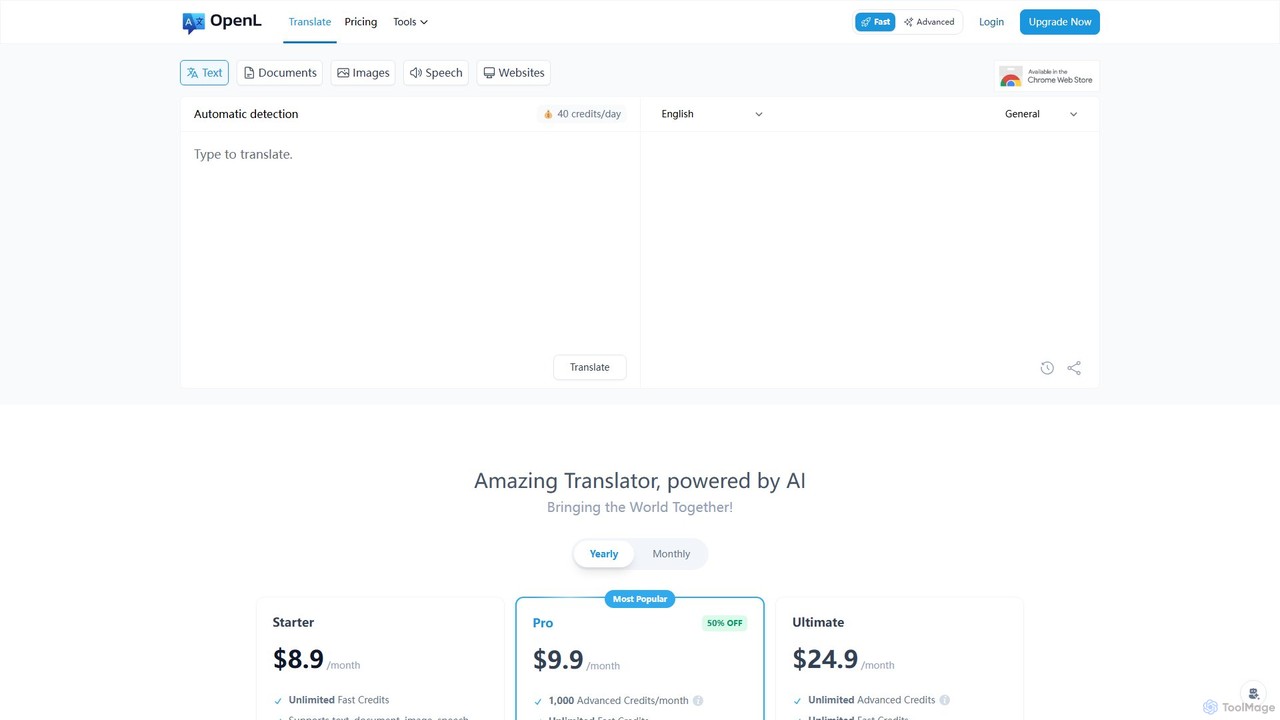
OpenL
OpenL is an advanced AI-powered translation platform that provides highly accurate, native-level translations for over 186 languages. It supports a wide range of formats, including text, documents (PDF, Word), images, and voice. Beyond translation, OpenL offers an AI language assistant for grammar checking, writing refinement, and language learning, making it a comprehensive tool for global communication and academic excellence.
Language Learning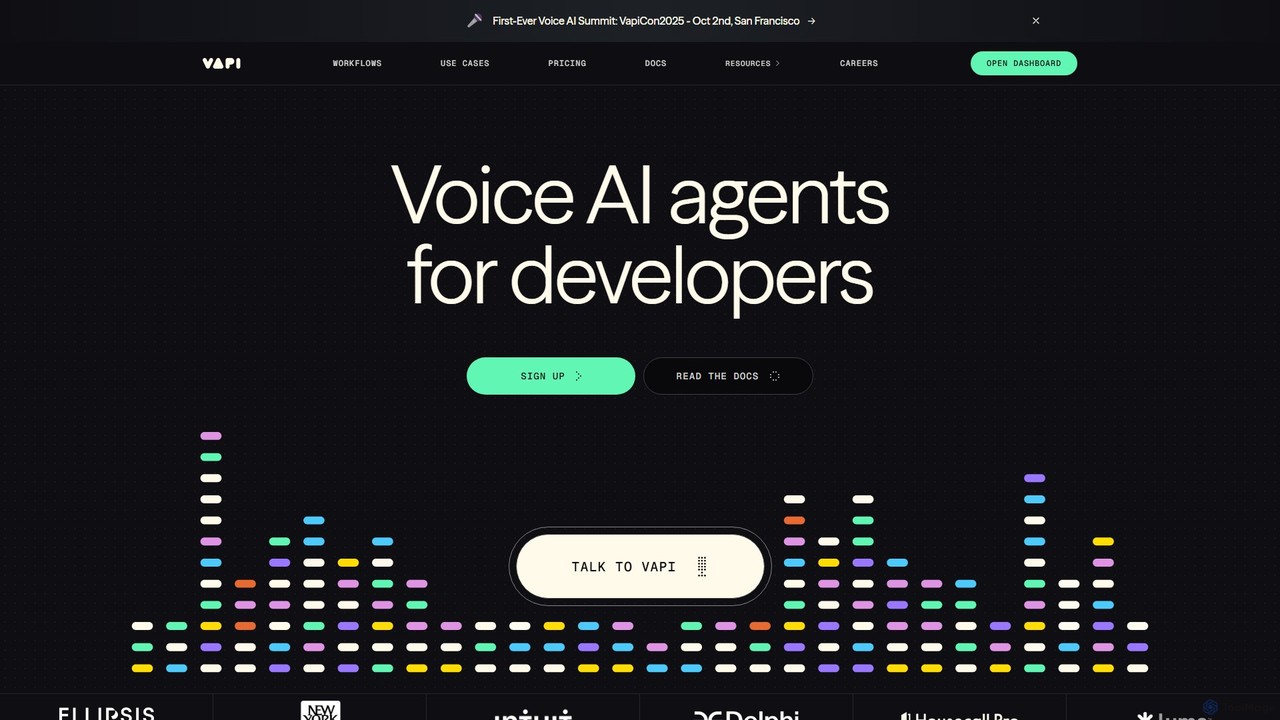
Vapi
Vapi is a developer-first API platform for building, deploying, and scaling advanced, human-like voice AI agents. It enables the creation of sophisticated conversational AI for inbound/outbound calls, in-app assistants, and more, with ultra-low latency and high configurability.
Voice Assistant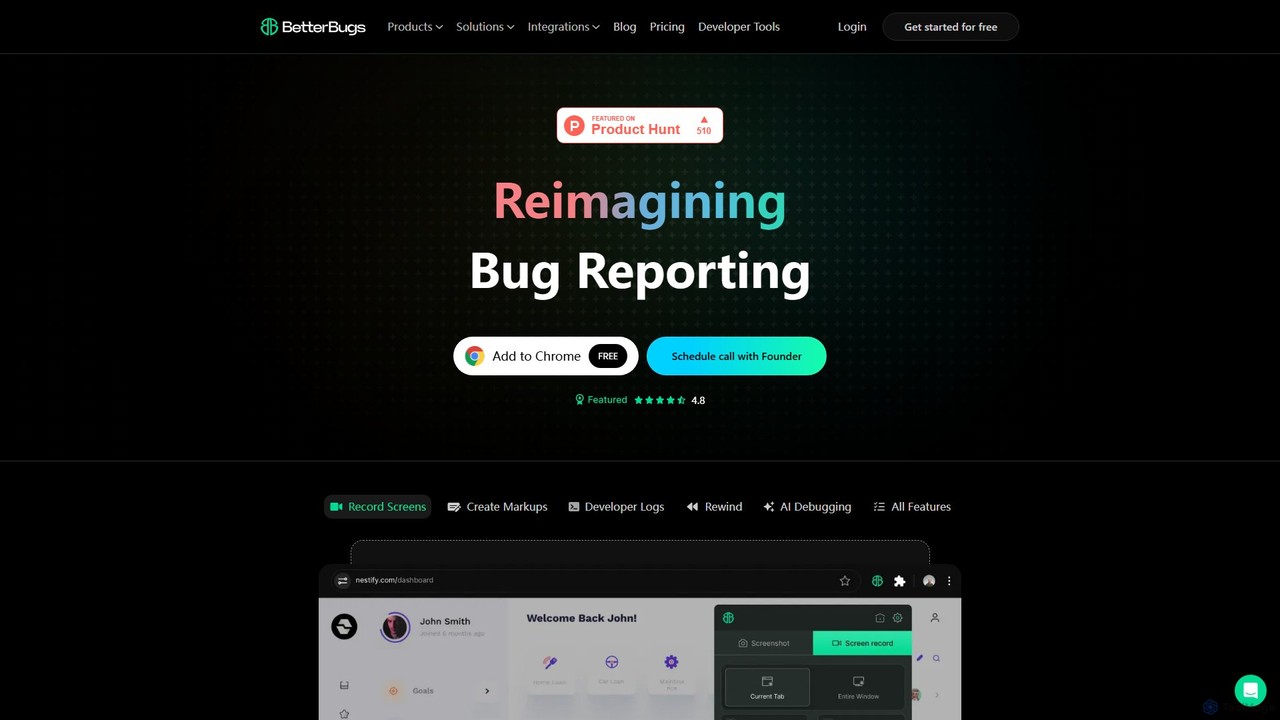
BetterBugs
BetterBugs is an AI-powered bug reporting tool that helps development and QA teams capture precise, context-rich bug reports with a single click. It automatically includes screen recordings, annotations, and comprehensive developer logs (console logs, network requests) to streamline the debugging process and accelerate bug resolution.
Debugging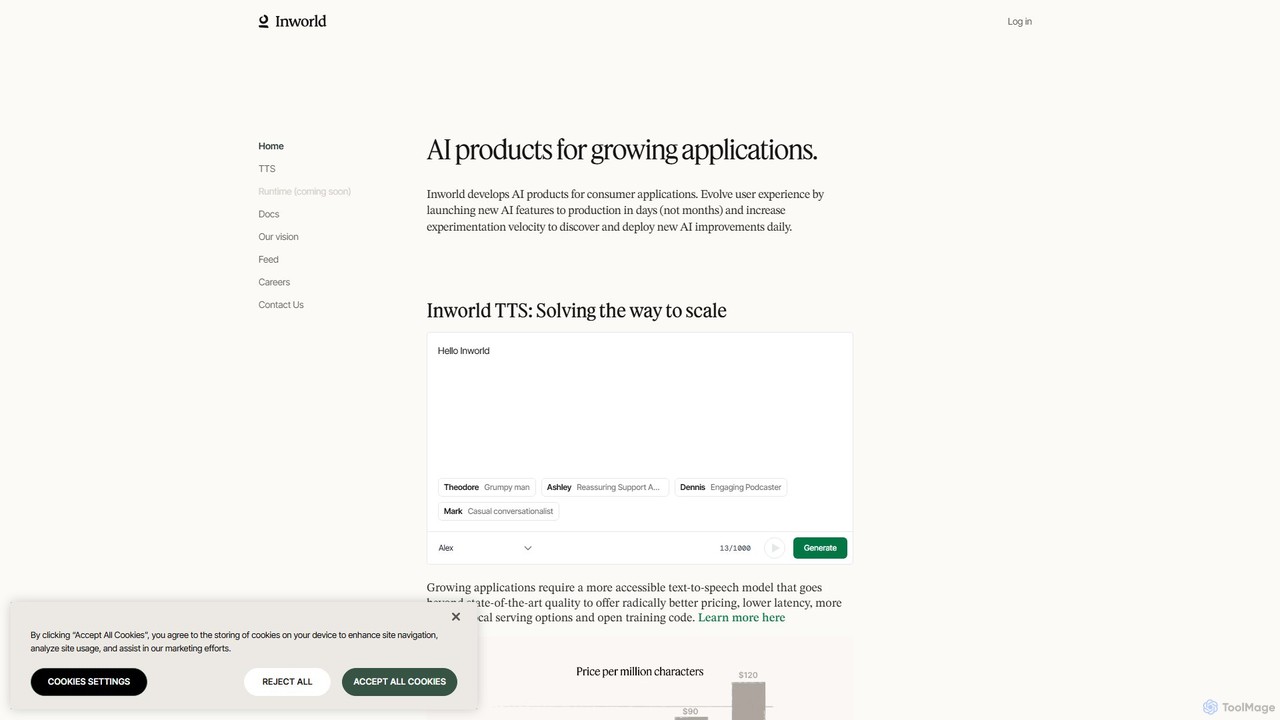
Inworld
Inworld provides a suite of AI products and an intelligent runtime for developers to build, scale, and evolve dynamic AI characters and applications. Featuring state-of-the-art, affordable Text-to-Speech (TTS) with voice cloning and a platform that drastically cuts AI costs, Inworld enables the creation of 'living applications' that improve with user interaction, perfect for gaming, social simulations, and virtual companions.
Text To Speech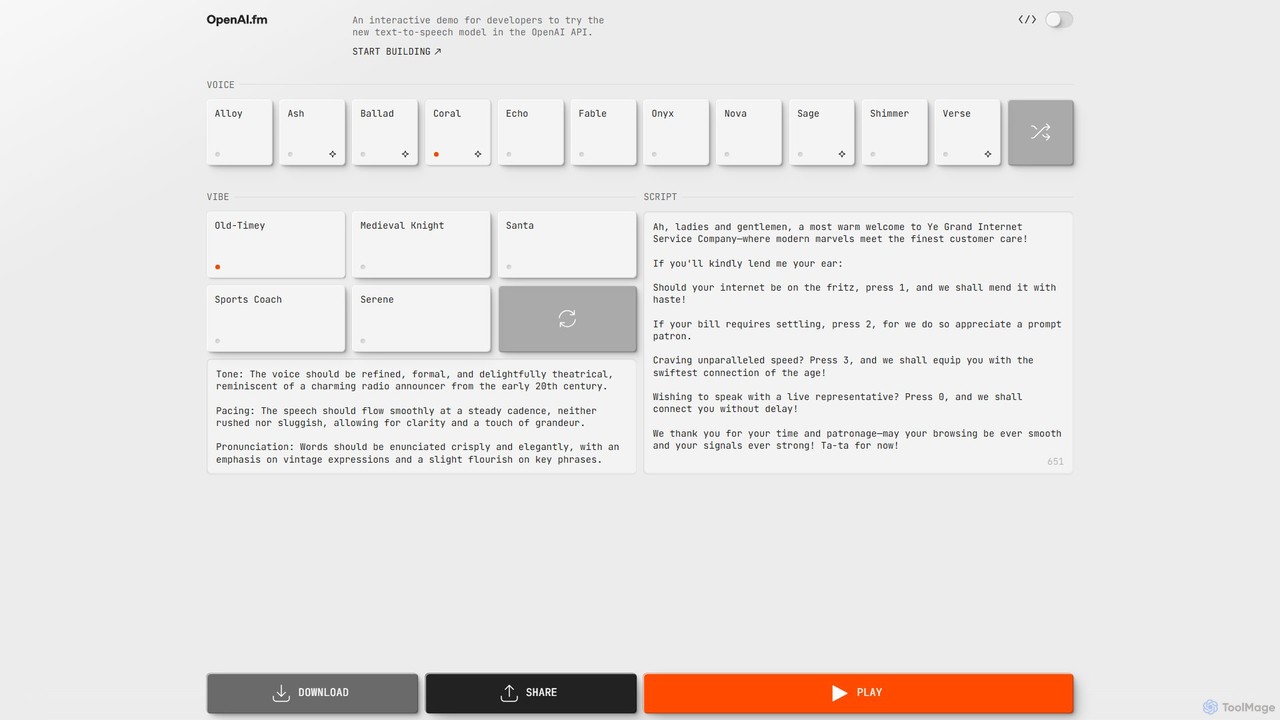
OpenAI.fm
OpenAI.fm is an interactive web-based demo showcasing OpenAI's powerful text-to-speech (TTS) API. It allows developers and creators to instantly convert text into high-quality, natural-sounding audio using various voices and models. This tool serves as a practical playground for testing the API's capabilities, providing code snippets for easy integration into applications, and exploring use cases from voiceovers to accessibility tools.
Text To Speech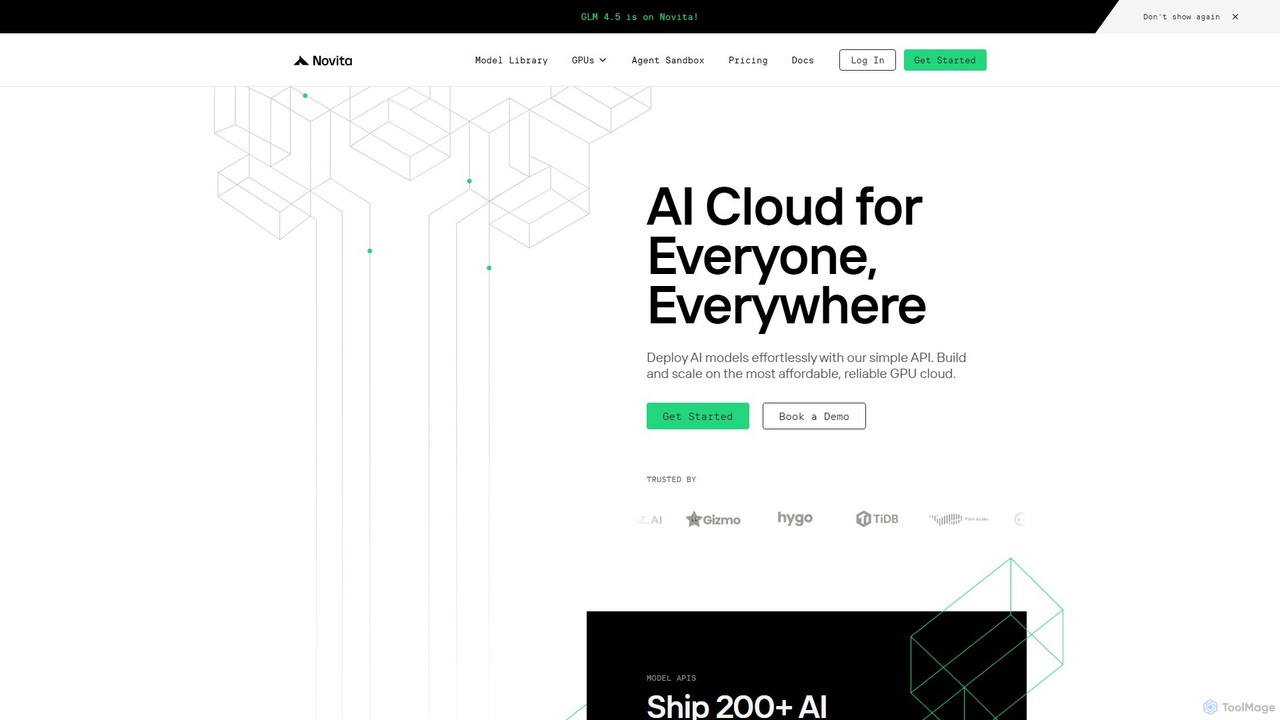
novita.ai
Novita AI is a developer-centric cloud platform offering affordable, scalable access to over 200 AI models via simple APIs. It provides serverless GPUs, dedicated GPU instances, and custom model deployment, enabling developers to build and scale AI applications without managing infrastructure.
Gpu
Fenvox Comments (0)
Sign in to comment.
Sign inNo comments yet.