Analytics Best in category 2 results Performance Monitoring AI Tool

Popular AI tools in the Performance Monitoring field of Analytics include TeamGrid、Citronetic, etc., helping you quickly improve efficiency.

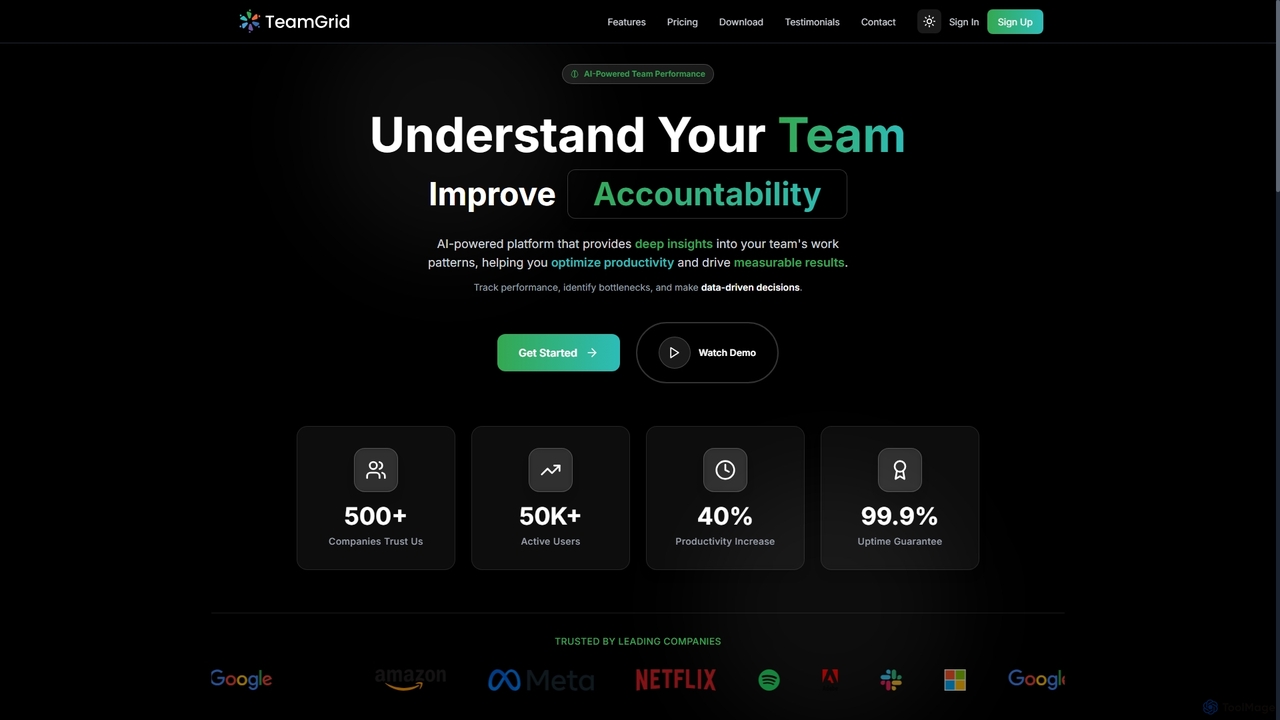
TeamGrid

TeamGrid

TeamGrid is an AI-powered platform designed to enhance team performance by providing deep insights into work patterns. It …

3.5K
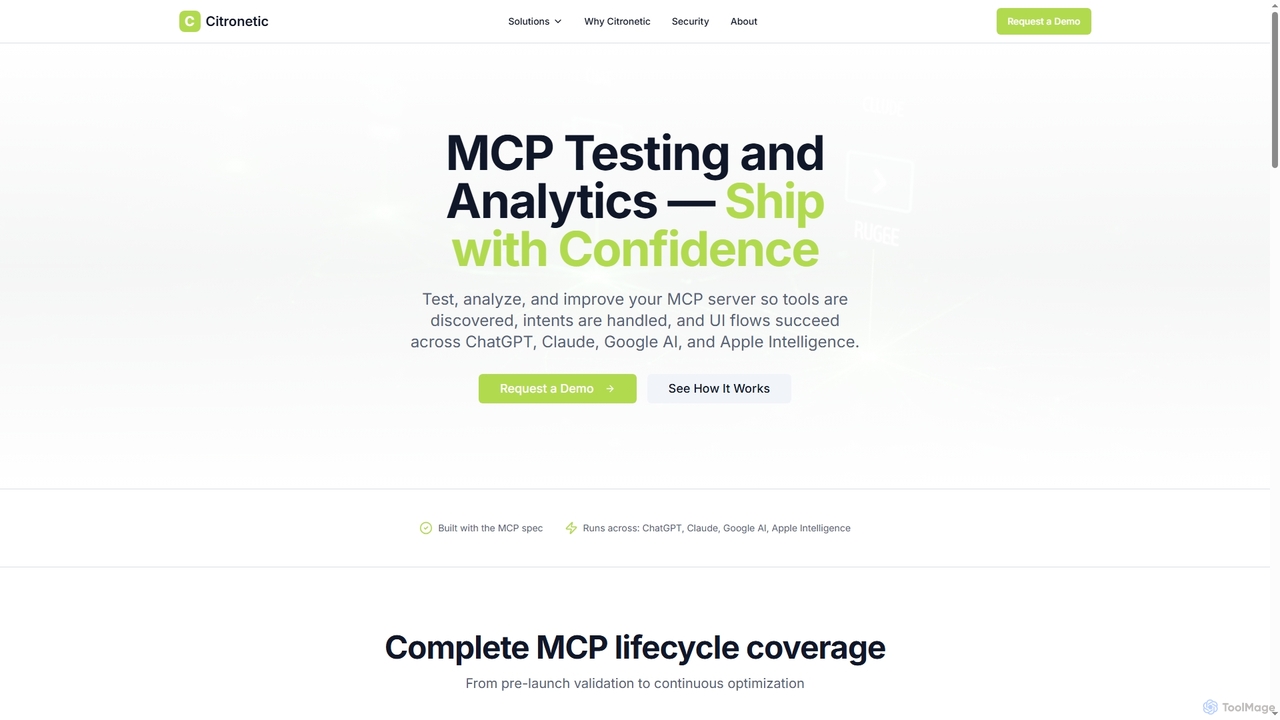
Citronetic

Citronetic

Citronetic is a specialized SaaS platform for MCP (Multi-modal Conversational Platform) testing and analytics, ensuring robust tool discovery, …

22

About Performance Monitoring

Performance Monitoring tools are a specialized category of analytics software designed to track, measure, and optimize the operational health of applications, systems, and infrastructure in real-time. These tools collect granular technical data such as response times, error rates, and resource utilization. This enables DevOps teams and developers to proactively identify performance bottlenecks, diagnose issues before they impact users, and ensure system reliability. Unlike broader business analytics, performance monitoring provides the deep, actionable insights needed to maintain a stable and efficient digital experience.

Core Features

  • Real-time Metrics Tracking: Continuously monitors key performance indicators (KPIs) like CPU usage, memory, latency, and throughput.
  • Error and Exception Tracking: Automatically captures, groups, and provides alerts for application errors and exceptions in production.
  • Distributed Tracing: Visualizes the end-to-end journey of a user request across multiple services to pinpoint delays.
  • Log Management Integration: Aggregates and allows searching of logs from various sources to investigate incidents and understand system behavior.
  • Customizable Alerting: Configures automated alerts based on performance thresholds to notify teams of potential issues immediately.

Applicable Scenarios

These tools are essential for Site Reliability Engineers (SREs), DevOps teams, and software developers responsible for maintaining the health of web applications, mobile apps, and backend services. They are widely used in e-commerce to ensure checkout process availability, in SaaS platforms to guarantee service uptime and meet SLAs, and in any complex microservices architecture to manage dependencies.

Selection Criteria

When choosing a tool, consider its support for your specific technology stack (languages, frameworks, cloud providers). Evaluate the data granularity and retention period for historical analysis. Assess its integration capabilities with your existing CI/CD, incident response (e.g., PagerDuty), and project management tools. Finally, analyze the pricing model and its ability to scale with your application's growth.

Performance MonitoringUse Cases

1

Proactive Bottleneck Detection in E-commerce

An SRE team for a major e-commerce platform uses a performance monitoring tool to track their checkout service latency. They configure alerts for any transaction response time exceeding 500ms. During a flash sale, an alert is triggered. Using the tool's distributed tracing feature, the team visualizes the request path and immediately identifies a slow database query as the root cause. This allows them to optimize the query before it leads to widespread cart abandonment, directly protecting revenue and maintaining customer trust during a critical sales period.

2

Real-time Error Triage for a SaaS Application

A development team for a B2B SaaS product deploys a new feature. Shortly after, the performance monitoring tool alerts them to a spike in 500-level server errors. The tool automatically groups the exceptions, providing the exact line of code and stack trace responsible. Instead of sifting through raw logs, developers can pinpoint the bug in minutes. This enables them to quickly roll back the problematic change and deploy a hotfix, minimizing service disruption for their enterprise customers and upholding their service-level agreements (SLAs).

3

Optimizing Mobile App Startup Time

A mobile app team notices a drop in user retention and suspects slow app startup is the cause. They integrate a performance monitoring SDK into their iOS and Android apps. The tool's startup tracing visualizes each phase of the app launch, from process initialization to the first screen render. They discover that a third-party analytics script is blocking the main thread for nearly two seconds. By deferring this script's execution until after the initial render, they successfully reduce the app startup time by 40%, leading to improved user satisfaction and better app store ratings.

4

Monitoring Microservices Dependencies

A DevOps team manages a complex architecture with over 50 microservices. They use a performance monitoring tool to generate a real-time service map, which visualizes the dependencies and data flow between services. When the 'user-profile' service starts showing increased latency, the map immediately highlights all upstream and downstream services being affected. This allows the team to quickly assess the blast radius of the issue, prioritize the fix, and proactively communicate potential slowdowns to other teams, preventing a cascading failure across the system.

5

Cloud Cost Optimization via Resource Monitoring

An infrastructure team uses a performance monitoring tool to track CPU and memory utilization across their cloud server fleet. The tool's dashboard reveals several over-provisioned instances that consistently operate at less than 20% CPU capacity, even during peak hours. By analyzing this historical performance data, the team can confidently downsize these instances to a more appropriate tier. This action results in a direct 15% reduction in their monthly cloud computing bill without any negative impact on application performance, turning performance data into financial savings.

6

Validating Performance Impact of A/B Tests

A product team launches an A/B test for a new recommendation algorithm. They use performance monitoring to tag user sessions with their respective test groups (control vs. variant). After a week, they analyze the performance data. The tool shows that while the new algorithm (variant) increases user engagement, it also increases average API response time by 150ms. This crucial performance insight allows the team to refine the algorithm's implementation to be more efficient before a full rollout, preventing a widespread negative user experience despite positive engagement metrics.

Performance MonitoringFrequently Asked Questions