

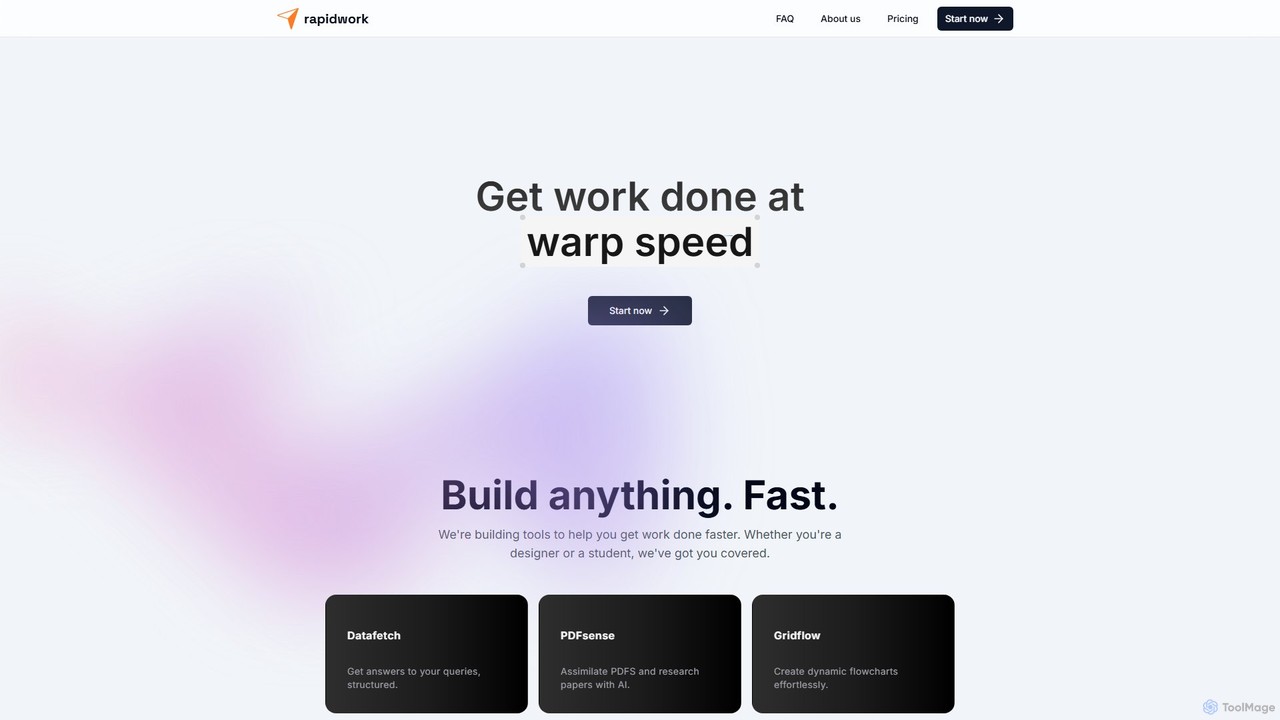
rapidwork Overview
rapidwork is a comprehensive, integrated platform designed to help users complete tasks at "warp speed." It consolidates a variety of powerful AI-driven tools into a single, intuitive interface, eliminating the need to switch between multiple applications. Whether you're a student analyzing research papers, a designer creating graphics, a developer building UI components, or a team collaborating on a project, rapidwork provides the necessary utilities to streamline your entire process from idea to execution.
The suite is built on a robust technology stack including Postgresql, Next.js, React, and Tailwind CSS, ensuring a fast, responsive, and seamless user experience. With a growing community and a clear roadmap for new features, rapidwork positions itself as a dynamic and evolving ecosystem for modern productivity.
How to use rapidwork
Getting started with rapidwork is straightforward. After a quick sign-up, you gain access to a central dashboard where all the tools are available. From there, you can select the specific tool you need for your task:
- For Research: Navigate to PDFsense, upload your PDF document (like a research paper or a report), and start asking questions in natural language. The AI will analyze the content and provide concise, relevant answers.
- For Data Queries: Use Datafetch to input your queries and receive structured, easy-to-understand answers, perfect for quick data extraction.
- For Visual Planning: Open Gridflow to create dynamic flowcharts and diagrams. Use the drag-and-drop interface to map out processes, workflows, or ideas effortlessly.
- For Creative Design: Launch Designbox to create graphics. The Pro plan unlocks AI-powered image generation and background removal to enhance your designs.
- For Collaboration: Start a new document in Docstream. You can write, edit, and format content in real-time, inviting team members to collaborate seamlessly.
- For UI Development: Access rapidUI to design and share simple UI components using semantic HTML, shadcn/ui, and Tailwind CSS, with AI assistance to speed up the process.
Core Features of rapidwork
- PDFsense: An AI-powered tool that assimilates PDFs and research papers, allowing you to 'chat' with your documents and extract key information quickly.
- Datafetch: Provides structured answers to your queries, turning complex questions into organized data.
- Gridflow: An effortless tool for creating dynamic and professional-looking flowcharts and diagrams.
- Designbox: A powerful yet easy-to-use graphic design tool. The Pro version includes AI image generation and background removal.
- Docstream: A real-time collaborative document editor for teams to create and manage documentation.
- rapidUI: A specialized tool for designers and developers to build, share, and browse a library of UI components with AI-powered assistance.
- Utility Tools: Includes practical utilities like an image format converter (Imgr), a JSON editor, and a strong password generator.
Use Cases for rapidwork
rapidwork is versatile and can be applied in various scenarios:
- Students and Academics: Use PDFsense to quickly digest dense academic papers, summarize key findings for literature reviews, and get answers for homework assignments.
- Designers and Creatives: Employ Designbox for creating social media posts, web graphics, and marketing materials. Use rapidUI to prototype and build web components efficiently.
- Project Managers and Teams: Utilize Gridflow to visualize project workflows and processes. Use Docstream for collaborative brainstorming, meeting notes, and project documentation.
- Developers: Leverage rapidUI for front-end development, the JSON Editor for data validation, and Datafetch for quick data retrieval tasks.
- Entrepreneurs and Marketers: Quickly generate marketing copy, design promotional visuals, and analyze market data using the integrated suite of tools.
Advantages of rapidwork
The primary advantage of rapidwork is its consolidation of essential tools into one platform. This 'many apps in one' approach saves time and reduces context switching. The platform lives up to its name by focusing on speed and efficiency. Its clean, user-friendly interface ensures a smooth experience, and the integration of AI in key areas like research and design provides a significant productivity boost. The freemium model makes it accessible to everyone, from individuals with small side projects to professionals with larger needs.
Pricing and Plans
rapidwork offers a simple two-tiered pricing structure:
- Free Plan ($0/month): Ideal for small side projects. It includes:
- Datafetch: 15 queries per day
- PDFsense: 10 PDFs per month (4MB file size limit)
- Designbox: No AI Image generation or AI Background removal
- Gridflow & Docstream: All features included
- Pro Plan ($10/month): Designed for larger projects with higher needs. It includes:
- Datafetch: Unlimited queries per day
- PDFsense: 50 PDFs per month (16MB file size limit)
- Designbox: Includes AI Image generation and AI Background removal
- Gridflow & Docstream: All features included
rapidwork Alternatives
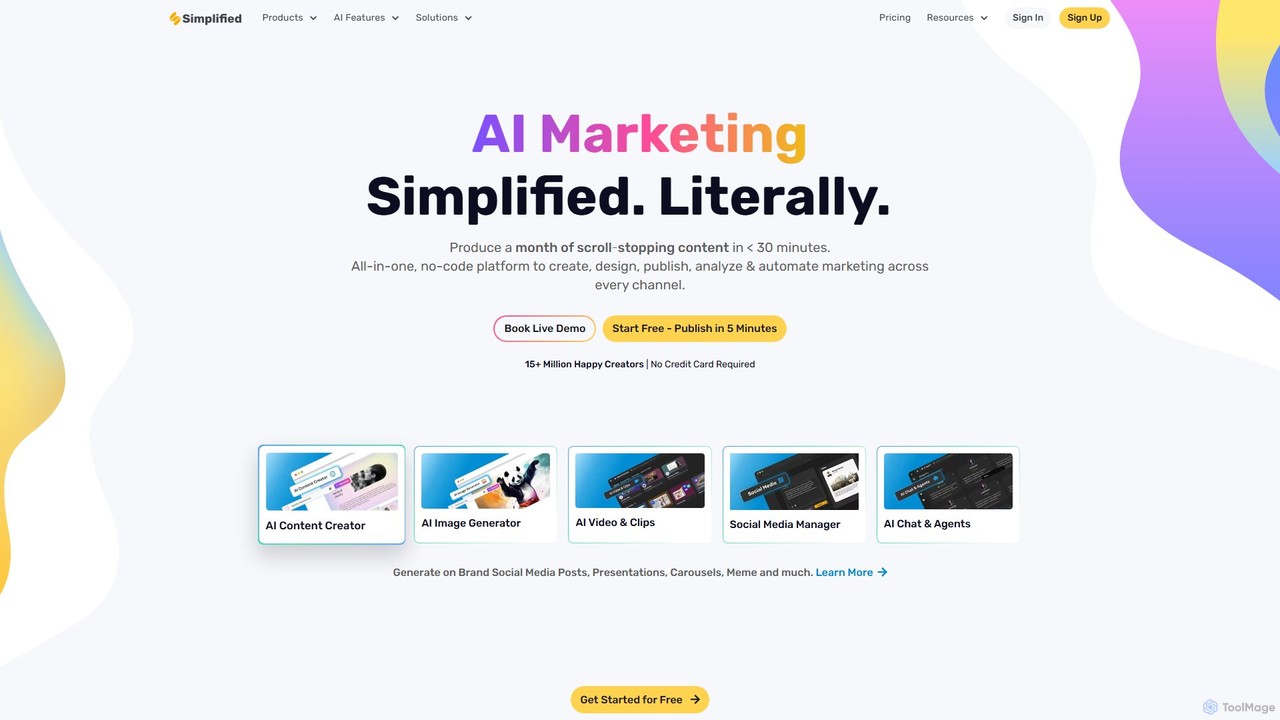
Simplified
Simplified is an all-in-one AI marketing platform designed for modern teams. It integrates graphic design, video editing, AI writing, and social media management into a single, collaborative workspace. Create, collaborate, and scale your marketing content effortlessly with powerful AI tools, extensive templates, and seamless workflow automation.
Writing
UPDF AI
UPDF AI is a powerful AI assistant integrated into the UPDF editor, designed to revolutionize how you interact with PDF documents. It allows you to chat with your PDFs, get instant summaries, translate entire documents or selected text, explain complex data, and even convert dense content into visual mind maps. Available on Windows, macOS, iOS, Android, and the web, it streamlines workflows for students, researchers, and professionals by making document comprehension and analysis faster and more efficient.
Research
Creatosaurus
Creatosaurus is an all-in-one AI-powered creative and marketing platform designed for teams. It consolidates social media management, AI content and image generation, graphic design, video editing, and analytics into a single workspace. This helps businesses streamline workflows, enhance collaboration, and scale their content strategy efficiently while reducing costs.
Writing
docubro
docubro is an AI-powered document intelligence platform designed to help users instantly summarize, query, and extract key information from complex documents. Upload PDFs, reports, or articles and interact with them through a conversational AI to boost productivity and accelerate research.
Data Analysis
pdfai.io
pdfai.io is an AI-powered document assistant that lets you chat with your PDF files. Instantly summarize complex documents, ask questions, and extract key information effortlessly. It's designed to boost productivity for students, researchers, and professionals by turning static PDFs into interactive knowledge bases.
Data Extractionrapidwork Categories
rapidwork Embed Widget
Copy this embed code to place the badge on your blog, article, or product site and send readers directly to this ToolMage detail page.

Related AI tools
UPDF AI
UPDF AI is a powerful AI assistant integrated into the UPDF editor, designed to revolutionize how you interact with PDF documents. It allows you to chat with your PDFs, get instant summaries, translate entire documents or selected text, explain complex data, and even convert dense content into visual mind maps. Available on Windows, macOS, iOS, Android, and the web, it streamlines workflows for students, researchers, and professionals by making document comprehension and analysis faster and more efficient.
Researchdocubro
docubro is an AI-powered document intelligence platform designed to help users instantly summarize, query, and extract key information from complex documents. Upload PDFs, reports, or articles and interact with them through a conversational AI to boost productivity and accelerate research.
Data Analysispdfai.io
pdfai.io is an AI-powered document assistant that lets you chat with your PDF files. Instantly summarize complex documents, ask questions, and extract key information effortlessly. It's designed to boost productivity for students, researchers, and professionals by turning static PDFs into interactive knowledge bases.
Data Extraction
Lilys AI
Lilys AI is a powerful knowledge assistant that instantly summarizes diverse content formats, including YouTube videos, audio files, PDFs, websites, and Excel sheets. It extracts key insights, creates structured notes, and allows you to build a searchable personal knowledge base. Ideal for students, researchers, and professionals looking to save time and accelerate learning by quickly grasping the core ideas from lengthy materials.
Research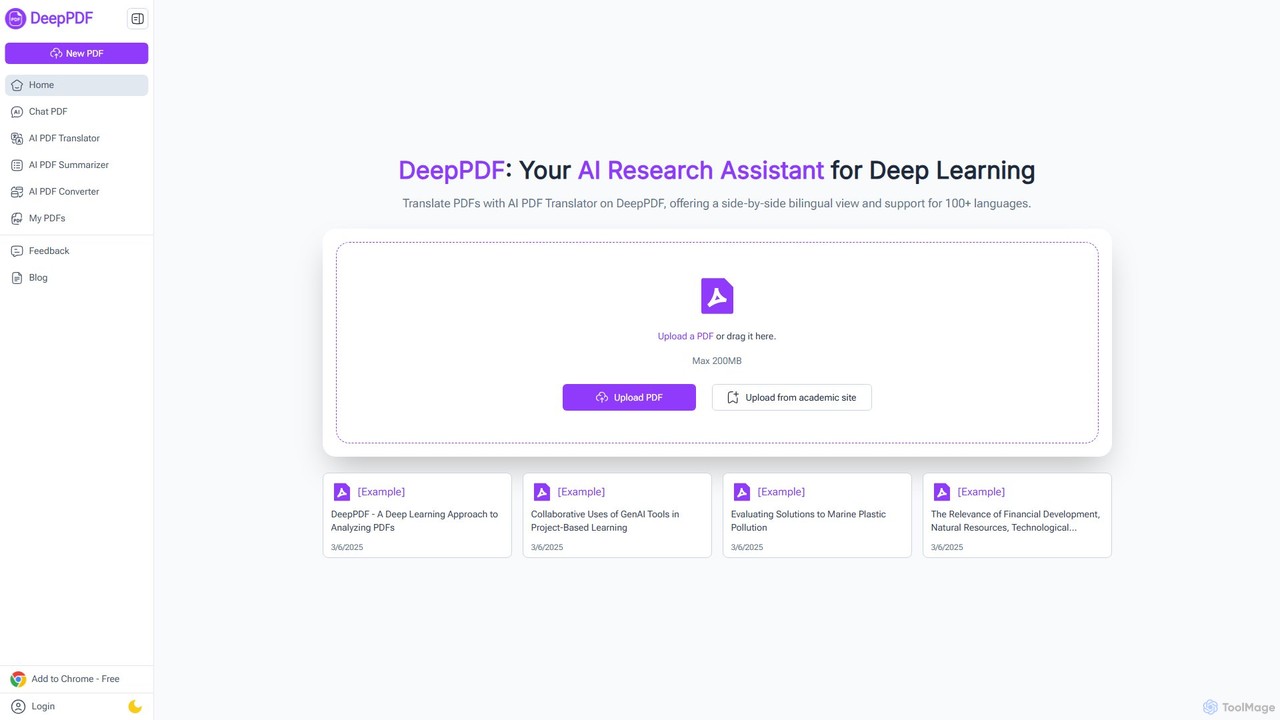
DeepPDF
DeepPDF is an AI-powered research assistant for deep interaction with PDF documents. It allows users to chat with their PDFs, get instant summaries, translate content into over 100 languages with a side-by-side view, and convert files. Featuring OCR, image analysis, and academic search integration, it's designed to enhance productivity for students, researchers, and professionals by making complex documents easy to understand and manage.
Document Management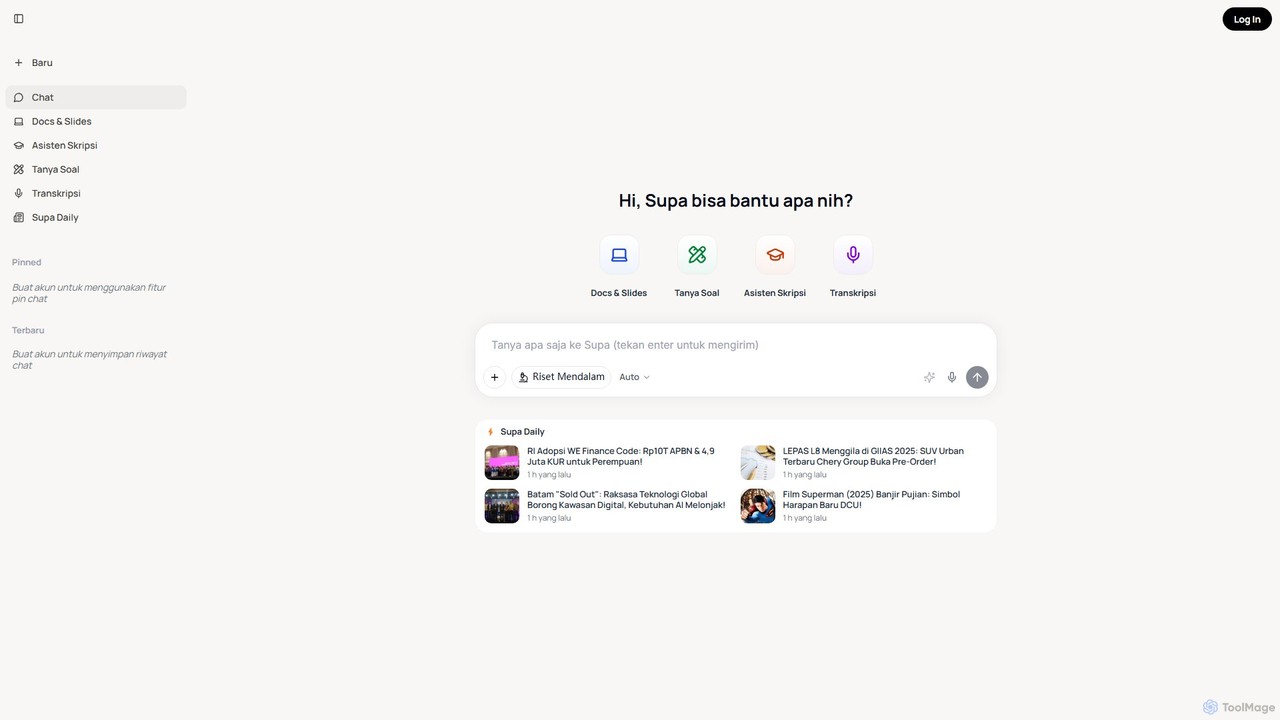
SuperAI
SuperAI is an all-in-one AI assistant designed to boost productivity for students and professionals. It integrates a versatile chatbot with specialized tools for creating documents and slides, a thesis assistant for academic research, a homework helper, and an audio/video transcription service, all within a single, user-friendly platform.
Transcription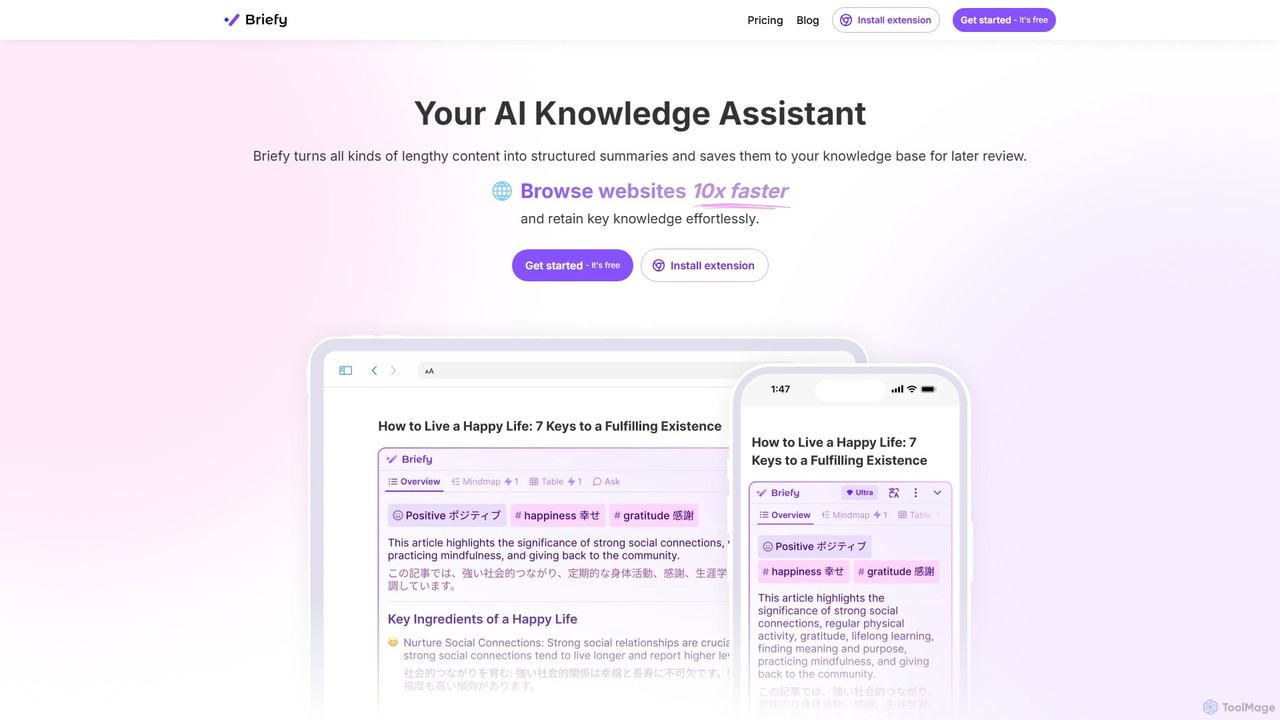
Briefy
Briefy is an AI-powered knowledge assistant that transforms lengthy content like articles, videos, and PDFs into structured summaries. It helps you conduct research 10x faster, retain key knowledge, and build a personal, searchable knowledge base for later review and interaction.
Research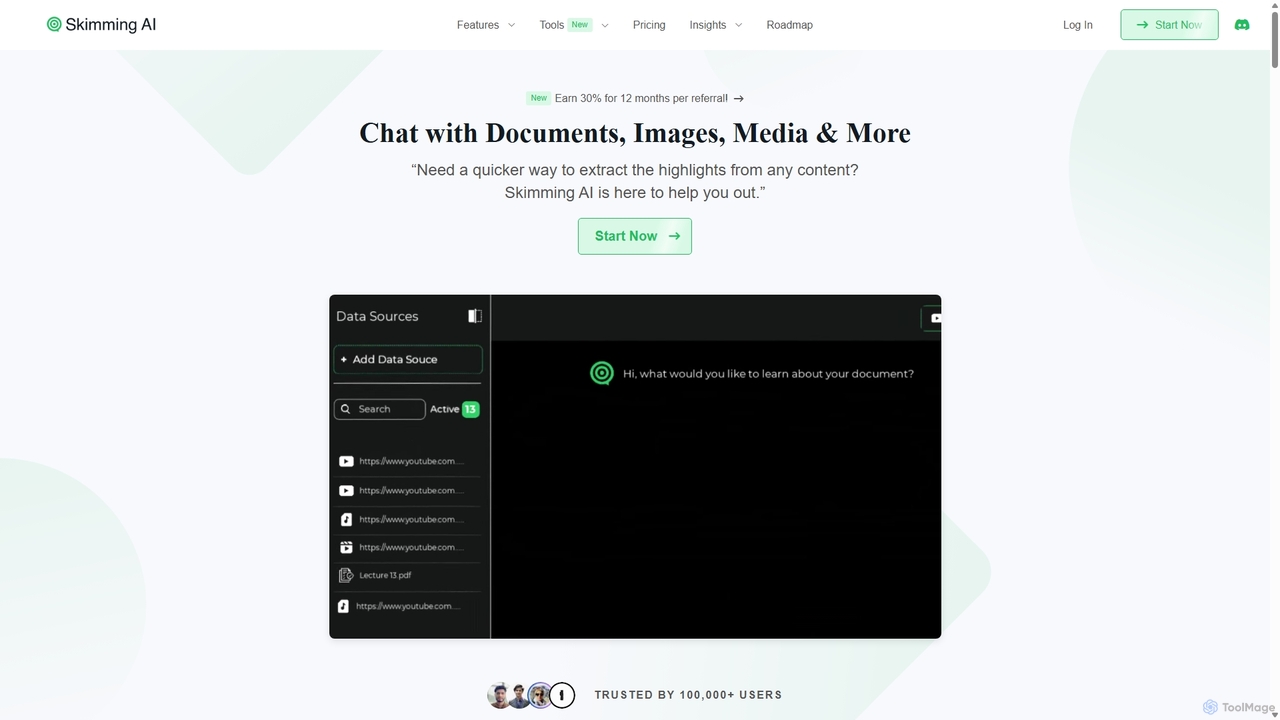
Skimming AI
Skimming AI is a versatile AI-powered platform that allows you to chat with and summarize a wide range of content, including documents, PDFs, YouTube videos, audio, images, and social media posts. Instantly extract key insights, ask questions, and get accurate answers without sifting through hours of material. It's designed to boost productivity for students, researchers, and professionals by making information consumption faster and more efficient across multiple formats and languages.
Analysis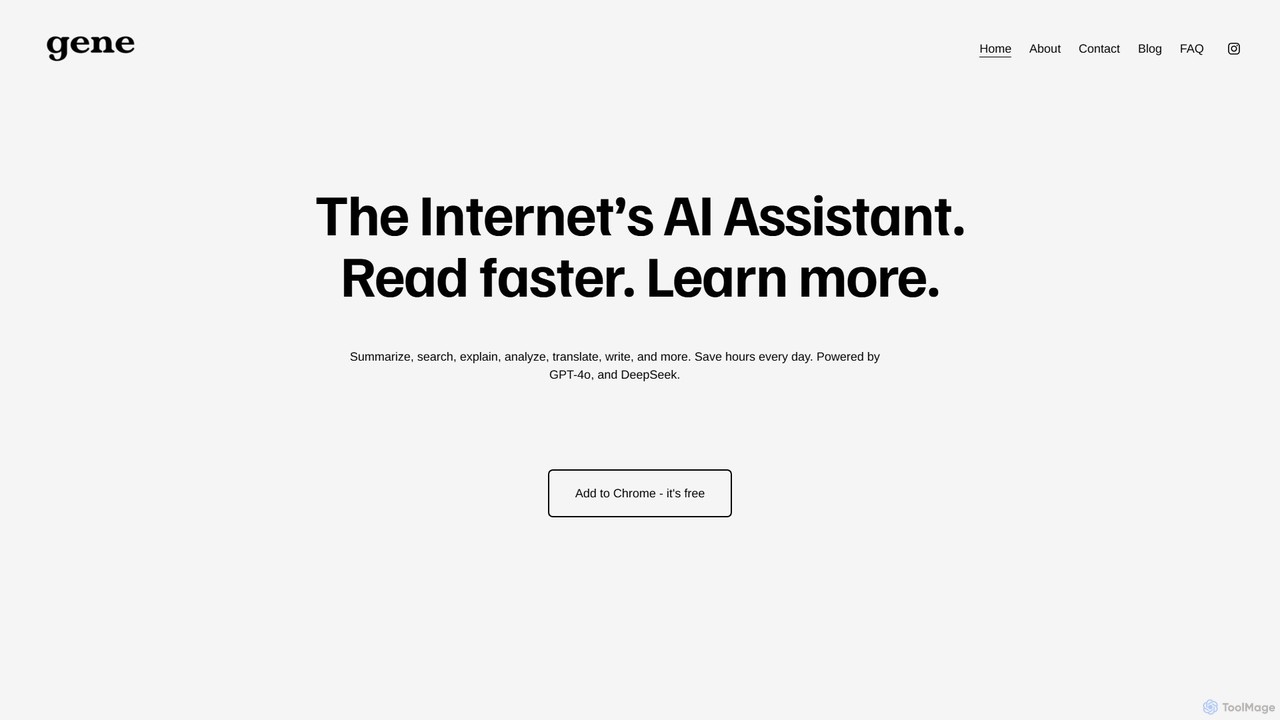
Ask Gene
Ask Gene is a free AI-powered Chrome extension that acts as your personal internet assistant. Powered by GPT-4o and DeepSeek, it allows you to summarize webpages and PDFs, chat with AI without leaving your tab, explain complex text, translate, and assist with writing, all seamlessly integrated into your browser.
Research
bunni
Bunni is an AI-powered tool that allows you to chat with your PDF documents. Simply upload a file to summarize its content, extract key information, and ask specific questions in any language. It supports large files, multiple document chats, and offers a flexible pay-as-you-go pricing model, making it ideal for researchers, students, and professionals who need to quickly analyze and understand dense documents.
Data Extraction
pdfpilot.ai
pdfpilot.ai is an AI-powered assistant that transforms your PDF documents into interactive chatbots. Instantly get summaries, ask complex questions, and extract key information from research papers, reports, and contracts, saving you hours of reading time.
Data Analysis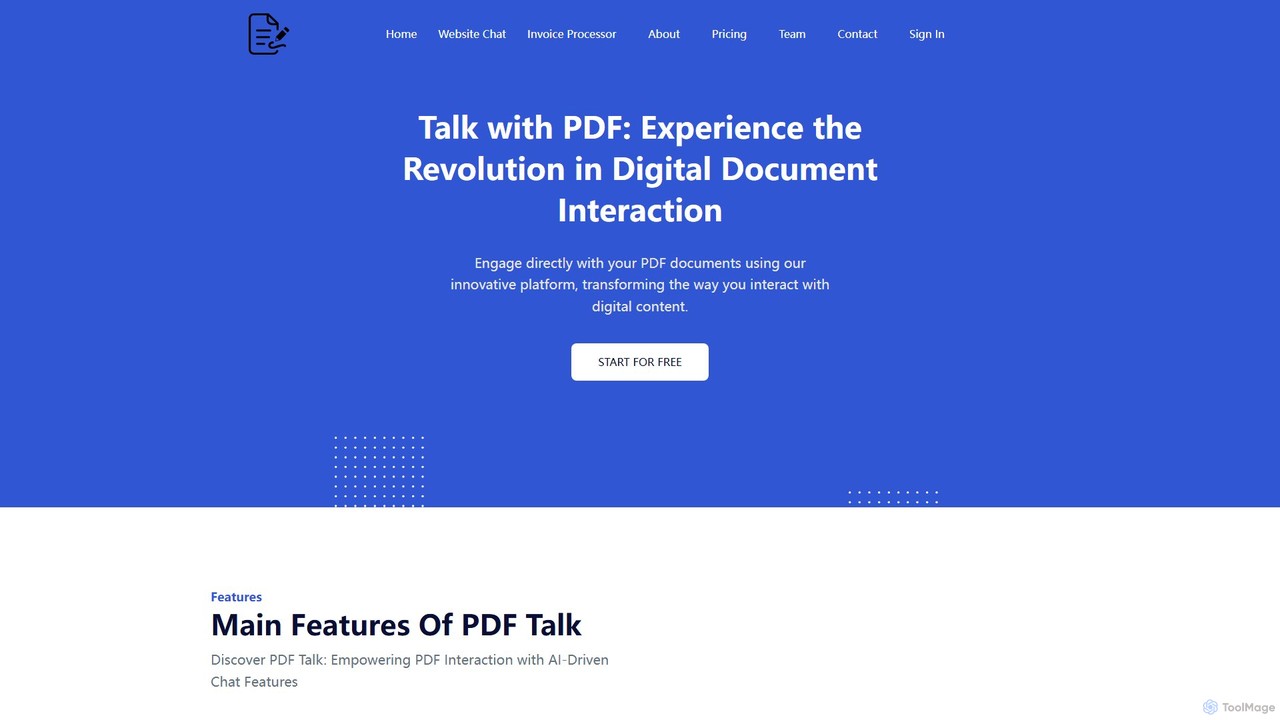
pdf_talk
pdf_talk is an AI-powered platform that revolutionizes how you interact with documents. Simply upload your PDF files and start a conversation. Ask questions, request summaries, and extract key information instantly. It supports querying across multiple documents, making it ideal for students, researchers, and professionals.
Data Extraction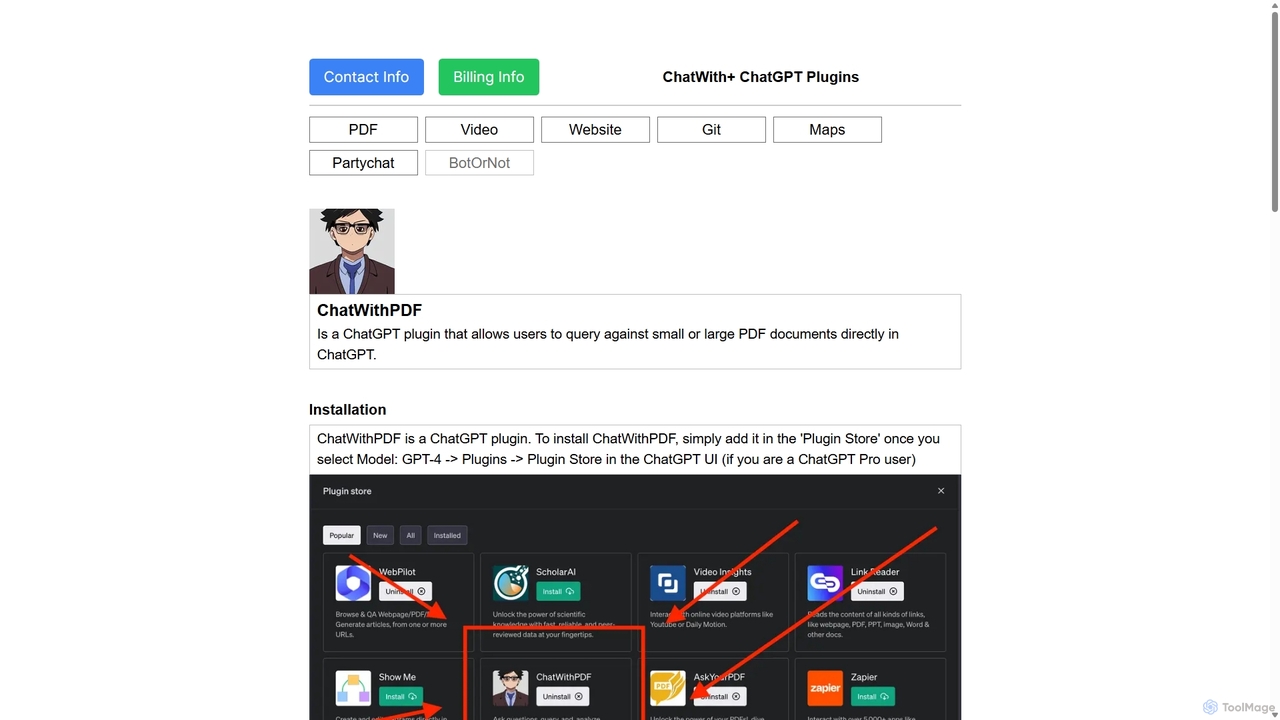
ChatWithPDF
A powerful ChatGPT plugin that allows you to have interactive conversations with any PDF document. Simply provide a public URL to a PDF, and you can ask questions, request summaries, and extract specific information directly within the ChatGPT interface. Ideal for students, researchers, and professionals.
Data Extraction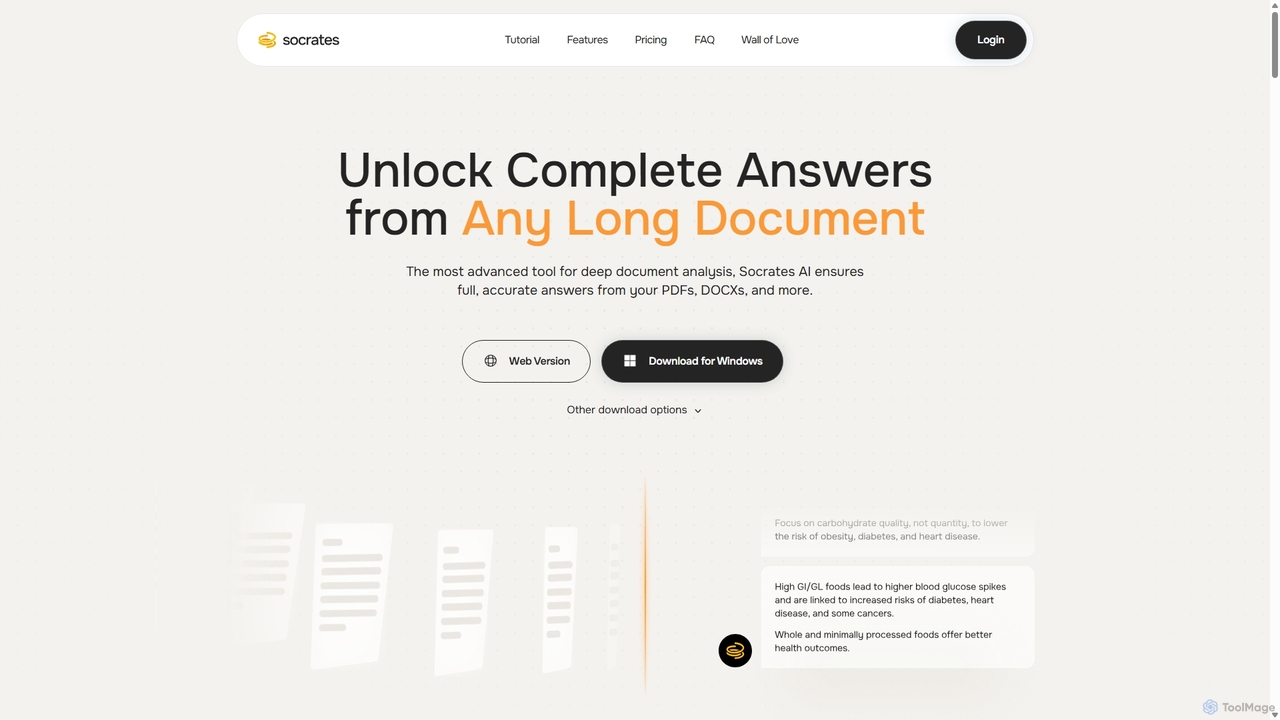
Socrates
Socrates is an advanced AI tool for deep document analysis. It allows users to upload long documents like PDFs and DOCX to get complete, accurate answers. Its unique 'Deep Dive' feature provides thorough analysis, while features like Table AI and Local LLM support cater to researchers, legal professionals, and students seeking detailed insights with enhanced data privacy.
Data Analysis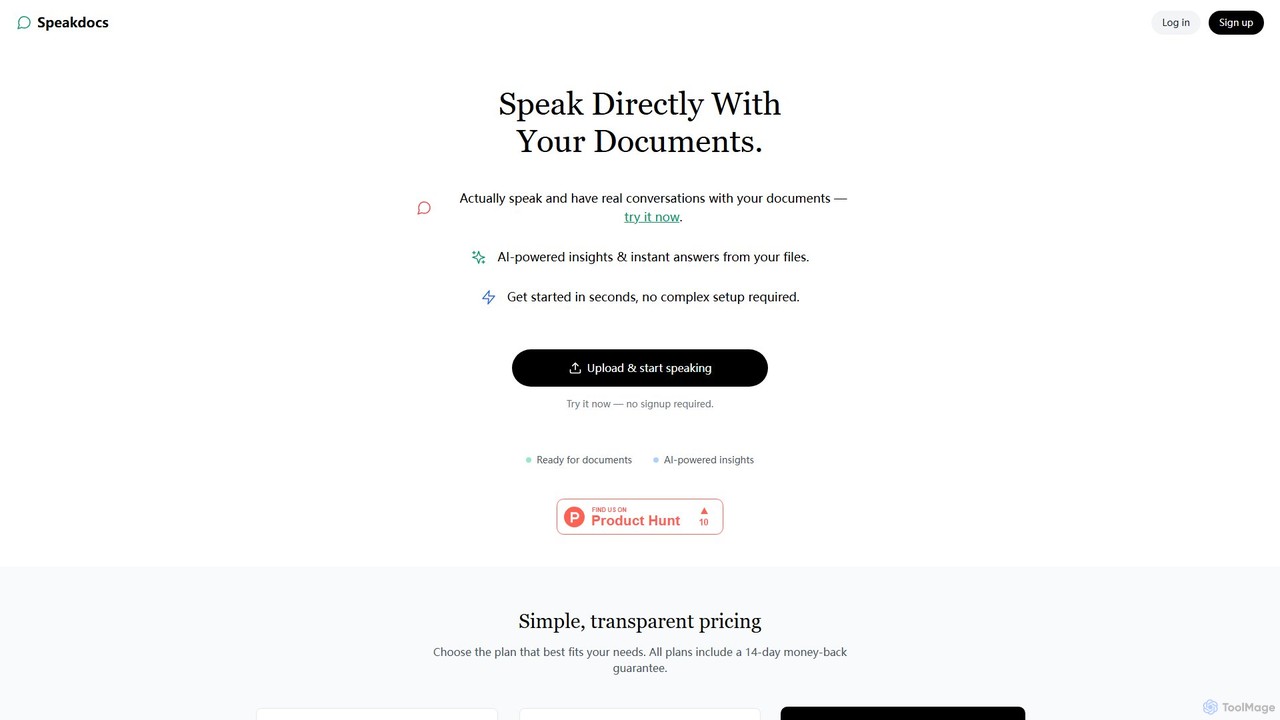
SpeakDocs
SpeakDocs is an AI-powered tool that transforms your documents into interactive conversational partners. Simply upload a file and ask questions using your voice or text to get instant answers, summaries, and key insights. It saves time by eliminating the need to manually read through lengthy materials, making it ideal for students, researchers, and professionals.
Text To Speech
rapidwork Comments (0)
Sign in to comment.
Sign inNo comments yet.