

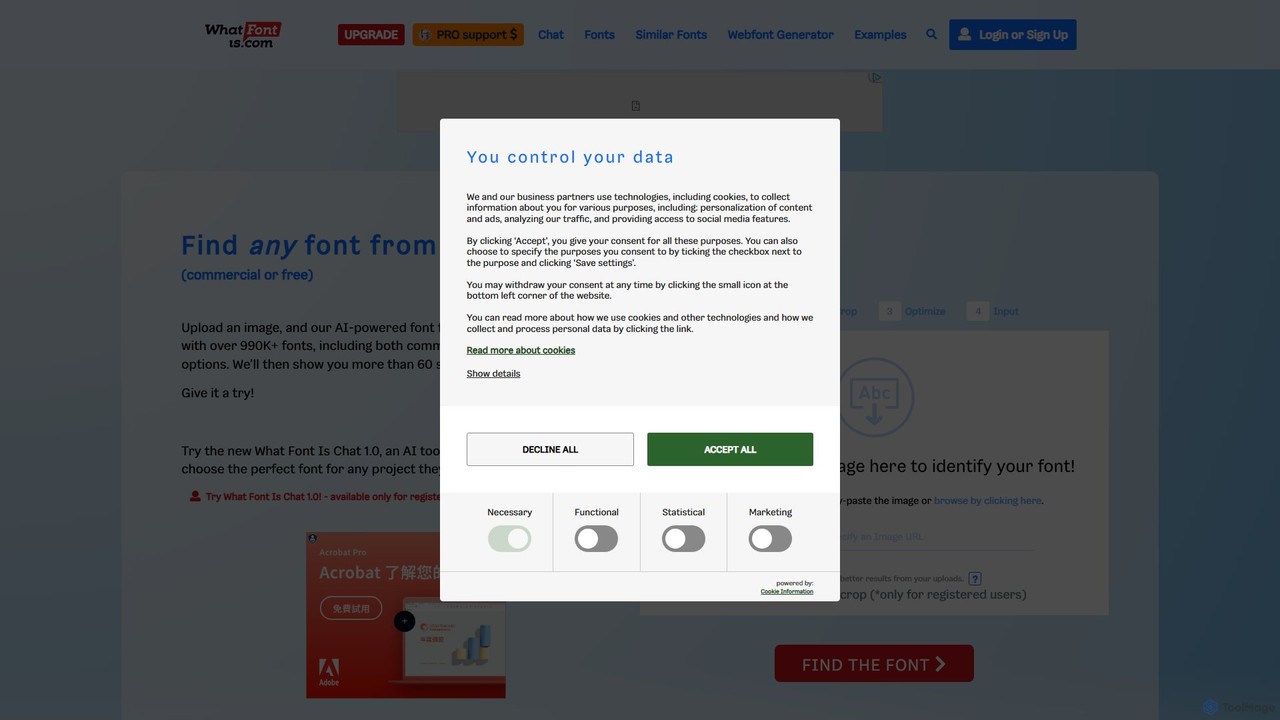
WhatFontIs Overview
WhatFontIs is a leading AI-driven font identification tool designed to solve a common problem for creatives and professionals: identifying a font from an image. Whether you've seen a typeface on a website, in a logo, on a poster, or in any other visual media, WhatFontIs can find it for you. By leveraging sophisticated Optical Character Recognition (OCR) and deep learning algorithms, the tool analyzes the characters in your uploaded image and scours its massive database of over 990,000 commercial and free fonts to provide accurate matches in seconds.
The platform is built for efficiency and ease of use, catering to graphic designers, web developers, marketing professionals, and anyone with an interest in typography. It eliminates the hours of manual searching and guesswork, streamlining the design workflow and ensuring brand consistency. In addition to finding the exact font, WhatFontIs also suggests close alternatives, giving users a range of options, including many free-to-use fonts from sources like Google Fonts.
How to use WhatFontIs
Using WhatFontIs is a straightforward, three-step process:
- Upload the Image: Start by dragging and dropping your image file (PNG, JPG, GIF) onto the website, or simply paste the URL of an image you found online. For best results, use a high-quality, clear image where the text is horizontal and well-defined.
- Confirm Characters: The AI will automatically crop the image and perform OCR to detect the characters. You will be presented with the separated letters and asked to confirm or correct them. This step is crucial for refining the search and ensuring the highest accuracy. The tool also has advanced options to improve image quality, such as adjusting brightness and contrast.
- Get Results: After confirming the characters, the system will display a list of over 60 matching fonts. Each result includes the font name, a preview, and links to where you can purchase or download it. You can filter the results to show only free fonts, commercial fonts, or fonts from specific foundries like Google Fonts.
Core Features of WhatFontIs
- AI-Powered Font Recognition: Utilizes advanced AI and machine learning to achieve high accuracy in font identification.
- Massive Font Database: Searches a catalog of over 990,000 fonts, one of the largest collections available.
- Free and Commercial Font Results: Identifies both premium fonts from foundries and free alternatives from sources like Google Fonts.
- Image and URL Upload: Supports identifying fonts from local image files or online images via URL.
- Smart Character Editor (OCR): An interactive tool that helps the AI by allowing users to verify the recognized text characters, significantly improving match quality.
- Font Similarity Engine: Finds not only the exact font but also visually similar alternatives, providing more creative options.
- Browser Extension: Offers a Chrome extension to identify any font directly on a webpage with a simple click, without needing to take a screenshot.
- API Access: Provides an API for developers to integrate the font identification functionality into their own applications and services.
Use Cases for WhatFontIs
For Graphic Designers: A designer sees a font used in a competitor's branding or on an inspiring piece of art. They can use WhatFontIs to quickly identify the font and use it or a similar one in their own project, saving valuable time.
For Web Developers: When building a website from a design mockup (e.g., a PSD or Figma file), a developer can use the tool to identify fonts used in the design images, ensuring the final website is pixel-perfect and true to the original vision.
For Marketers: A marketing team needs to create new assets that align with existing brand guidelines. If they only have an image of an old ad, they can use WhatFontIs to identify the correct brand font and maintain consistency across all campaigns.
For Hobbyists and Students: Anyone working on a personal project, presentation, or school assignment can find and use professional-looking fonts they've seen online, elevating the quality of their work.
Advantages of WhatFontIs
WhatFontIs stands out due to its speed, accuracy, and comprehensive database. Its AI is specifically trained to handle various image qualities and complex font styles. The ability to find both free and paid options makes it accessible to users with any budget. The interactive character confirmation step is a unique advantage that puts the user in control and significantly boosts the chances of a perfect match. Furthermore, the browser extension and API access extend its utility beyond a simple website tool, integrating it seamlessly into professional workflows.
Pricing and Plans
WhatFontIs operates on a freemium model:
- Free Plan: Users can identify fonts for free. This plan is supported by ads and may have some limitations on the number of daily searches or advanced features. It's perfect for occasional users.
- Premium Plan: For professionals and heavy users, the Premium plan offers an enhanced experience. It typically includes an ad-free interface, unlimited font identifications, the ability to use your own custom text for previews, and priority customer support. The premium subscription is offered at a competitive annual price, making it a cost-effective tool for any professional's toolkit.
Traffic
Latest traffic
Status
Monthly traffic trend
- 2025-9: 2.4M
- 2026-1: 2.2M
- 2026-2: 1.9M
- 2026-3: 2.1M
- 2026-4: 2.0M
- 2026-5: 2.0M
Geography
Top 5 countries / regions
- 🇺🇸United States29.5%
- 🇧🇷Brazil26.2%
- 🇮🇳India22.4%
- 🇮🇩Indonesia11.0%
- 🇲🇽Mexico10.9%
Traffic sources
| Source type | Percentage |
|---|---|
Direct | 90.8% |
Referral | 6.4% |
Email | 2.9% |
Top keywords
| Keyword | Cost per click |
|---|---|
| font finder | $0.99 |
| what font is | $1.32 |
| whatfontis | $0.15 |
| what font is this | $0.68 |
| what the font | $1.15 |
WhatFontIs Videos on YouTube
Kelly Barkhurst: DesignerToFullstack
WhatFontIs Alternatives
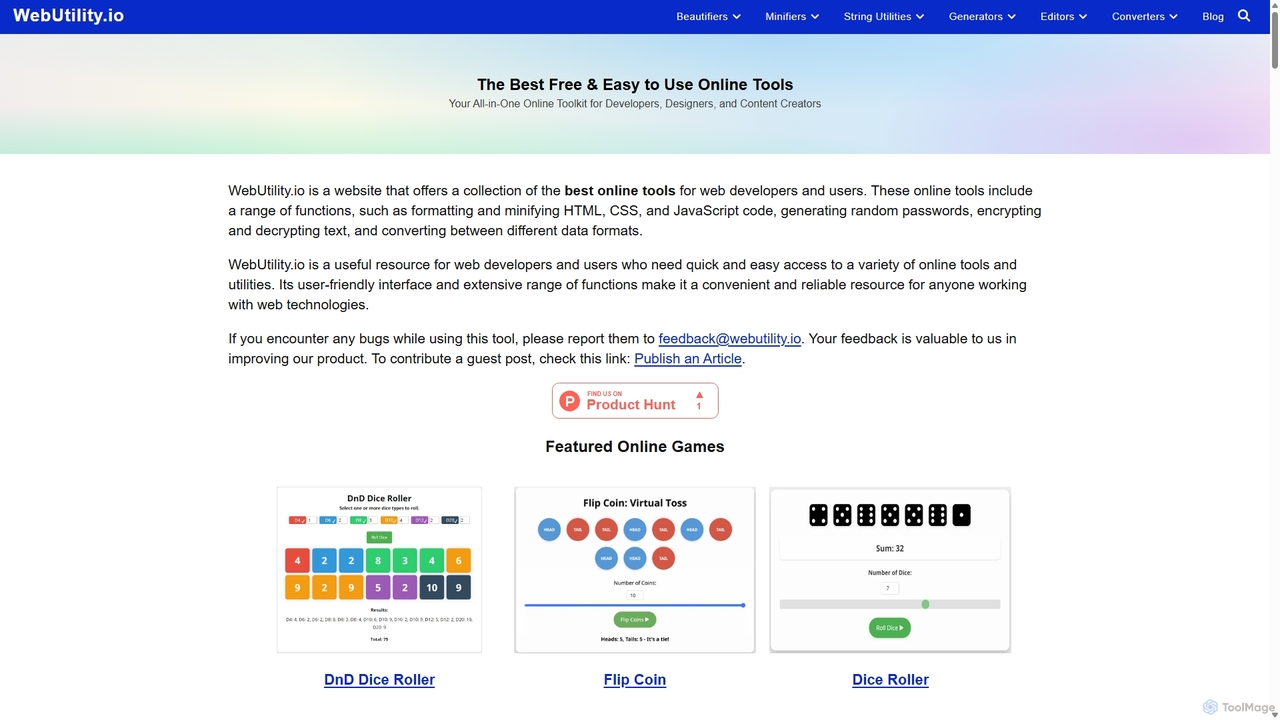
Webutility
WebUtility.io is a comprehensive suite of free online tools for web developers, content creators, and general users. It offers a vast collection of utilities, including code beautifiers and minifiers, data converters, various generators (passwords, dummy data, AI prompts), text formatters, and image tools. With a user-friendly interface and no registration required, it provides quick and efficient solutions for a wide range of daily digital tasks.
Prompting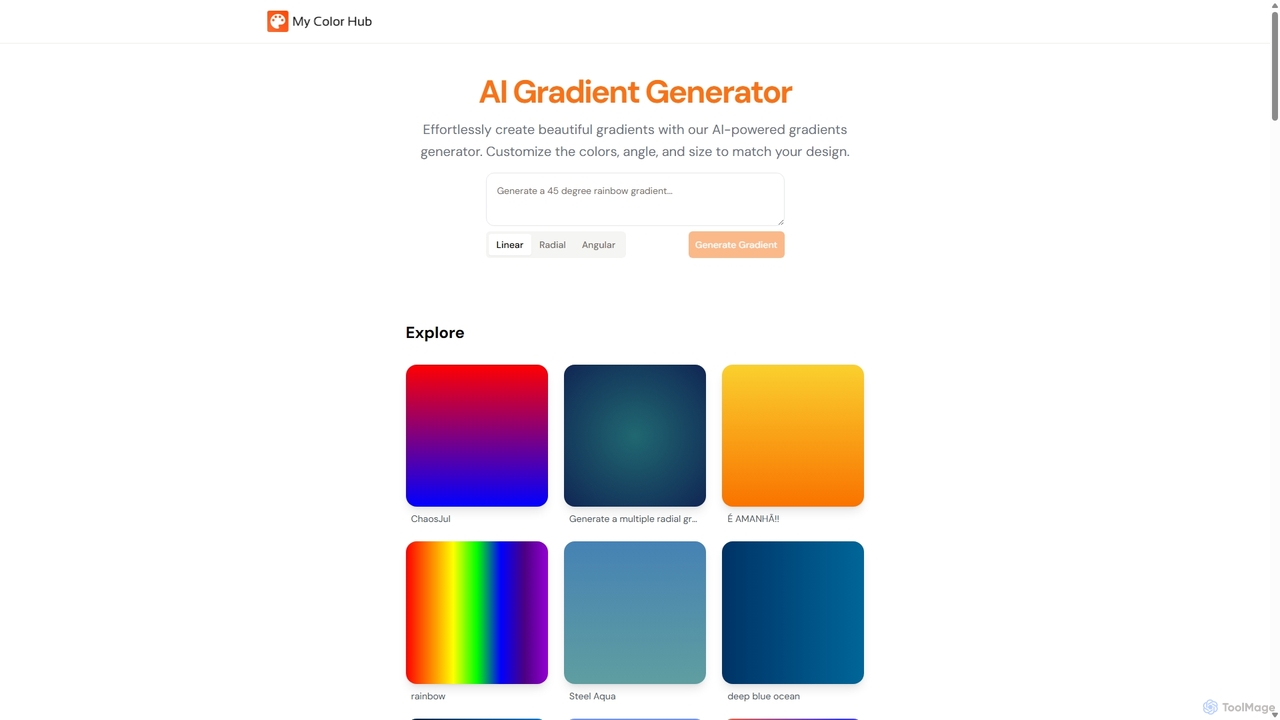
MyColorHub
MyColorHub is an AI-powered gradient generator that effortlessly creates beautiful, unique color gradients from simple text prompts. Describe a mood, a scene, or a color combination, and the AI will generate stunning linear, radial, or angular gradients. It's an intuitive tool for designers, developers, and content creators to quickly find inspiration and generate custom color schemes for their projects.
Graphics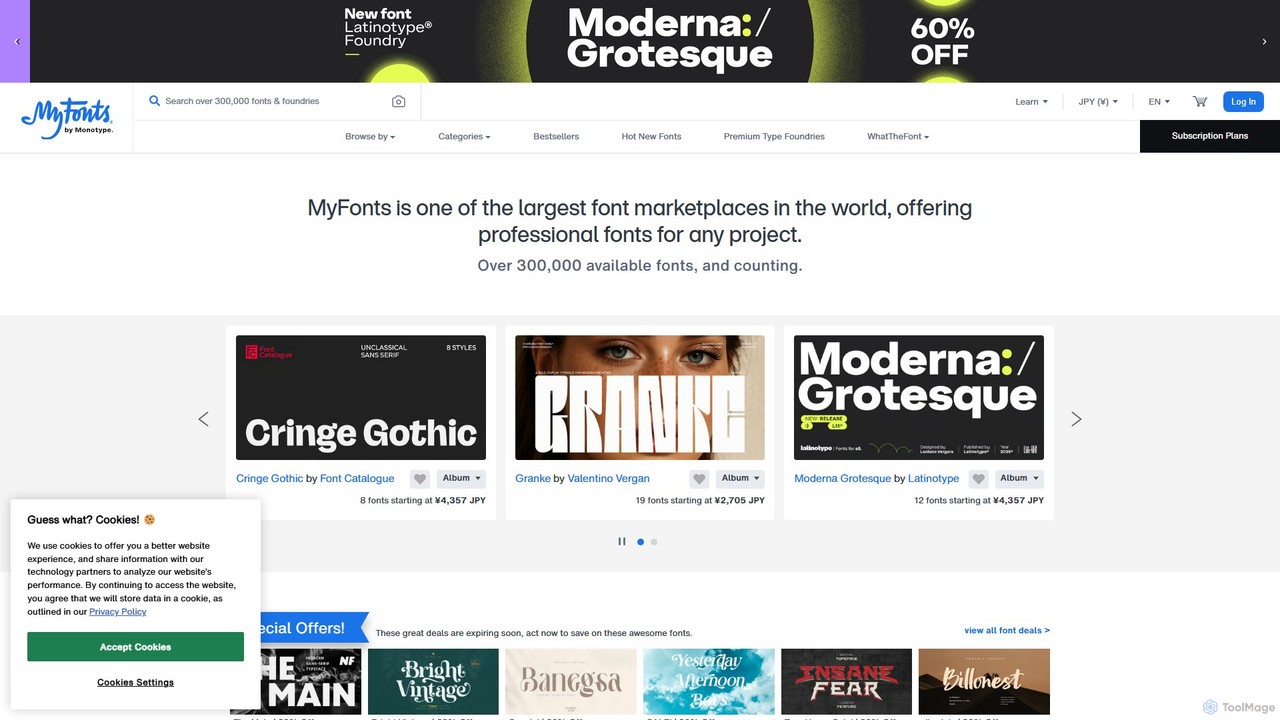
MyFonts
A comprehensive digital font marketplace offering a vast library of typefaces for web and print. MyFonts features the powerful AI-driven tool, "WhatTheFont," which can identify fonts from any image, making it an essential resource for designers, developers, and creatives seeking the perfect font for their projects.
Fonts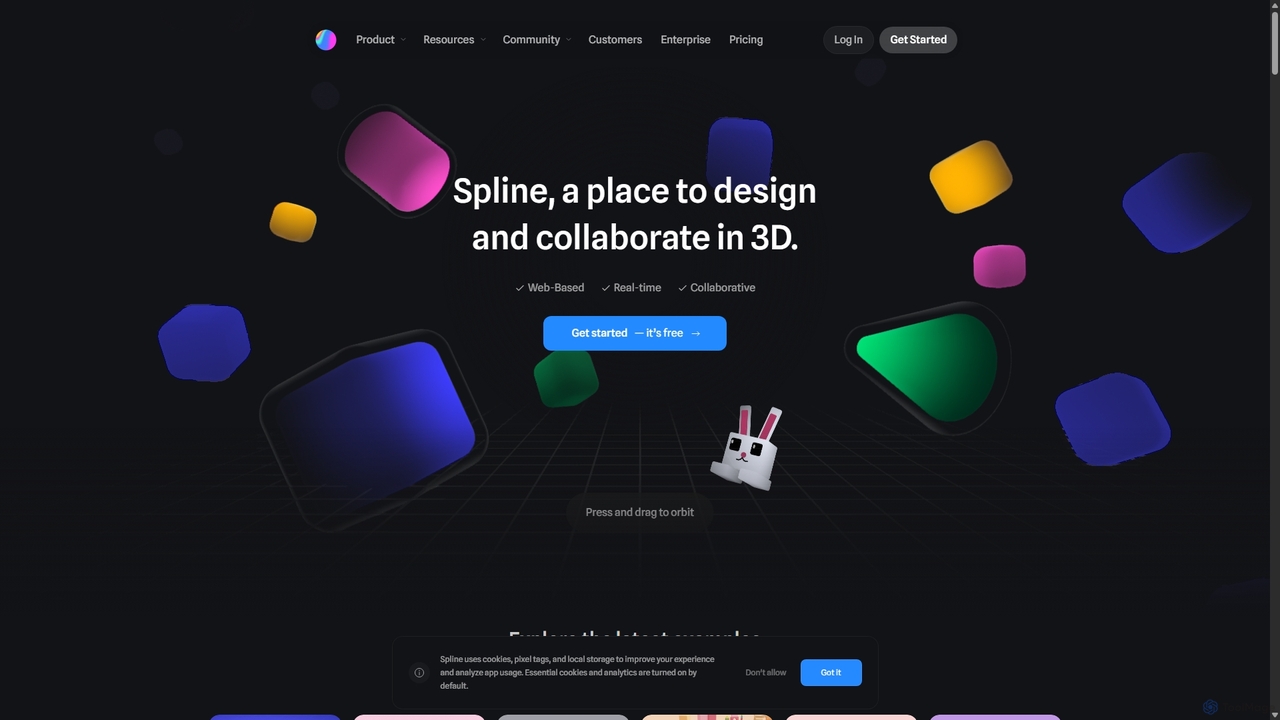
Spline
Spline is a collaborative, web-based 3D design tool that simplifies the creation of interactive 3D experiences. It features real-time collaboration, animation, physics, and an optional AI add-on for generating 3D models and textures, making 3D design accessible to everyone from designers to developers.
3D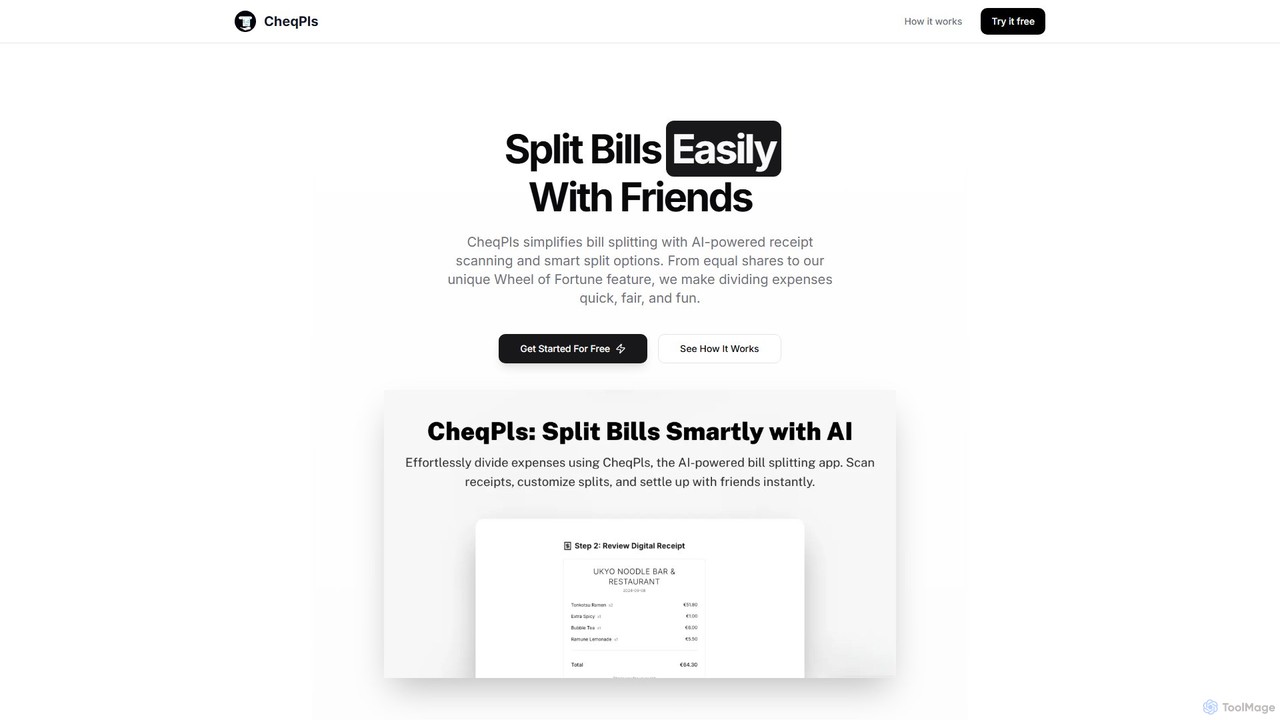
CheqPls
CheqPls is an AI-powered tool that simplifies bill splitting for groups. Just snap a photo of your receipt, and its AI will automatically itemize the bill. It offers flexible splitting options, including by item, equally, or a fun 'Wheel of Fortune' feature. Generate instant payment links to settle up easily, eliminating awkward money conversations and manual calculations.
Expense TrackingWhatFontIs Categories
WhatFontIs Embed Widget
Copy this embed code to place the badge on your blog, article, or product site and send readers directly to this ToolMage detail page.

Related AI tools
MyFonts
A comprehensive digital font marketplace offering a vast library of typefaces for web and print. MyFonts features the powerful AI-driven tool, "WhatTheFont," which can identify fonts from any image, making it an essential resource for designers, developers, and creatives seeking the perfect font for their projects.
Fonts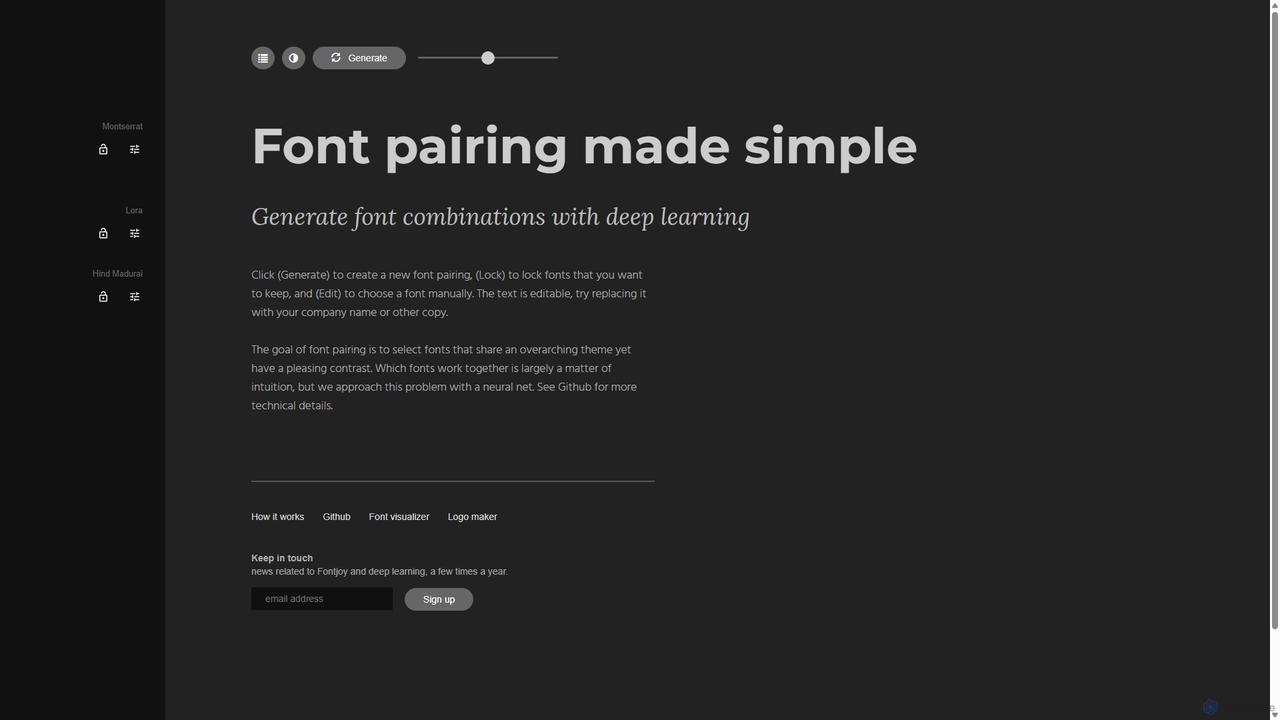
Fontjoy
Fontjoy is an AI-powered tool that helps designers and developers generate beautiful and harmonious font pairings with a single click. Using deep learning, it intelligently selects fonts for headings, subheadings, and body text that balance contrast and similarity, streamlining the design process.
TypographyMyColorHub
MyColorHub is an AI-powered gradient generator that effortlessly creates beautiful, unique color gradients from simple text prompts. Describe a mood, a scene, or a color combination, and the AI will generate stunning linear, radial, or angular gradients. It's an intuitive tool for designers, developers, and content creators to quickly find inspiration and generate custom color schemes for their projects.
Graphics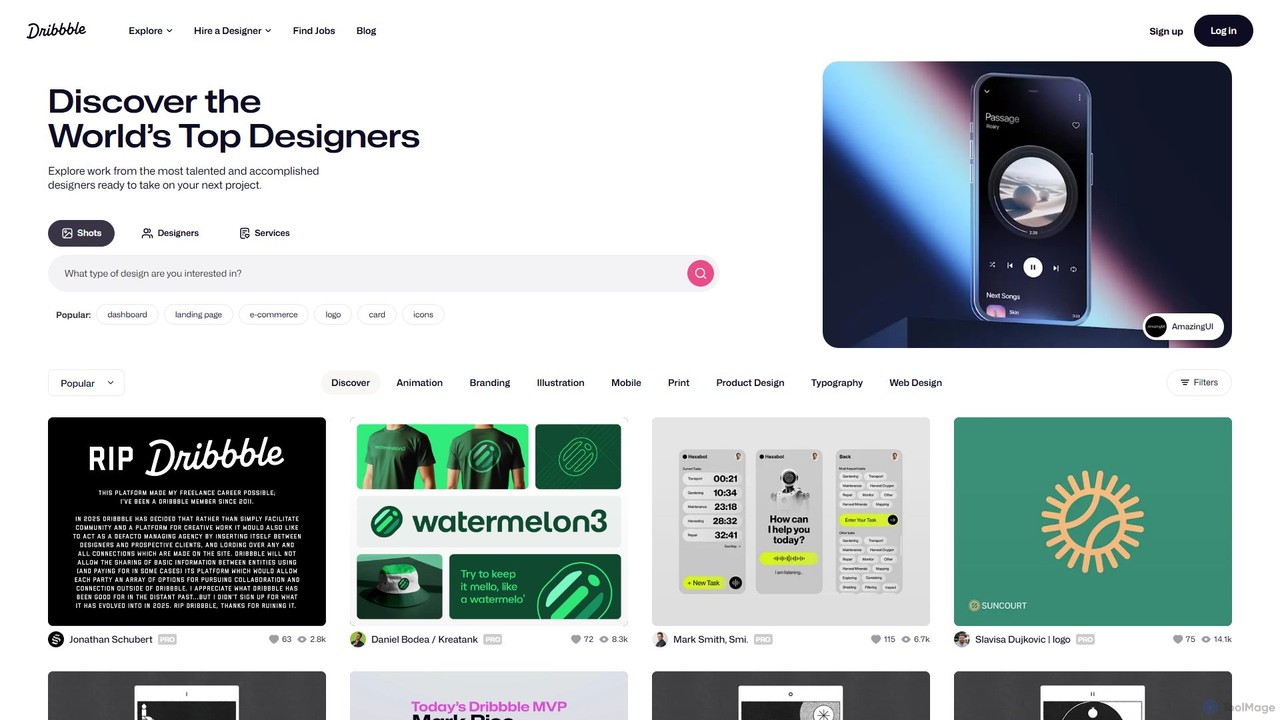
Dribbble
Dribbble is the leading online community for creative professionals and designers worldwide. It serves as a portfolio platform, a source of inspiration, and a marketplace where designers can showcase their work, connect with peers, and find job opportunities. From UI/UX and branding to illustration and animation, Dribbble is the go-to destination for discovering top design talent and creative work.
Social Network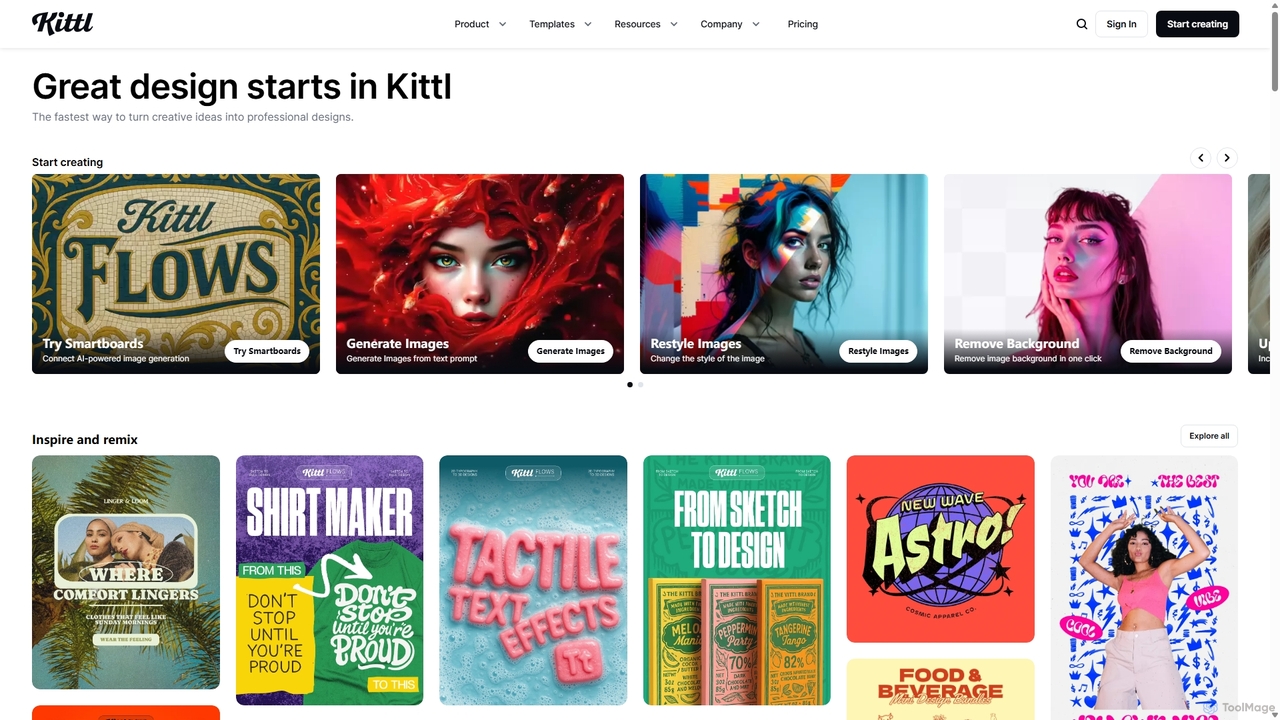
Kittl
Kittl is an intuitive, AI-powered collaborative design platform that simplifies the creation of professional graphics. It combines an advanced editor, powerful AI tools, a vast asset library, and unique text effects, making it ideal for everything from logos and t-shirts to social media posts and marketing materials.
Graphic Design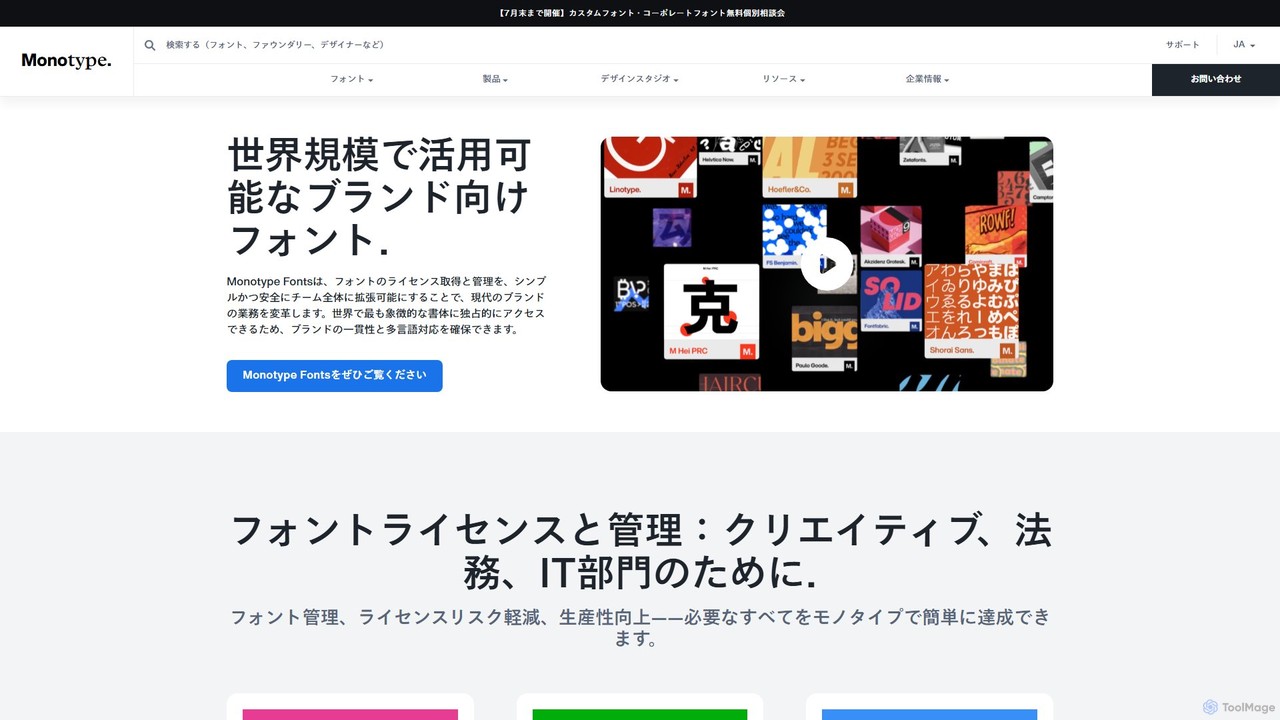
Monotype
Monotype is a leading typography platform that leverages AI to help designers and brands discover, pair, manage, and license fonts. It offers access to a vast library of world-class typefaces, ensuring brand consistency and creative excellence across all platforms.
Typography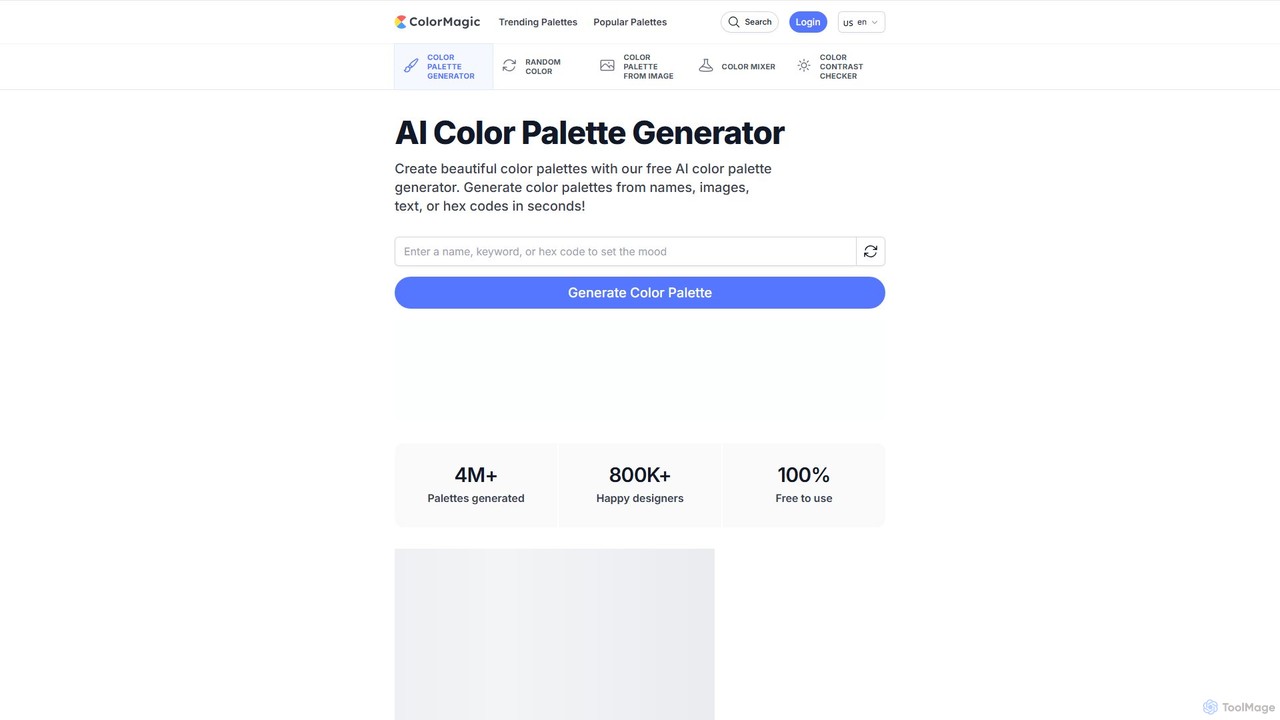
ColorMagic
ColorMagic is a free AI-powered color palette generator. It allows designers, artists, and developers to instantly create beautiful and harmonious color schemes from text prompts, keywords, images, or hex codes. It's a versatile tool for finding color inspiration and practical design assets.
Color Palette
Huemint
Huemint is an AI-powered color palette generator that uses machine learning to create unique and harmonious color schemes for brands, websites, graphics, and illustrations. It provides contextual previews to visualize how colors work together in real-world applications.
Inspiration
Khroma
Khroma is an AI-powered color tool for designers that learns your personal aesthetic preferences. By training a neural network with colors you like, it generates an infinite number of unique and beautiful color palettes, which can be viewed as typography, gradients, or on custom images. It's a powerful assistant for discovering, searching, and saving color combinations for any design project.
Generative Art
Typogram
Typogram is an intuitive, AI-powered design tool for startup founders and small business owners. It simplifies the process of creating a unique logo and a comprehensive brand kit, even with no prior design experience, focusing on stunning typography and brand personality.
Logo Generation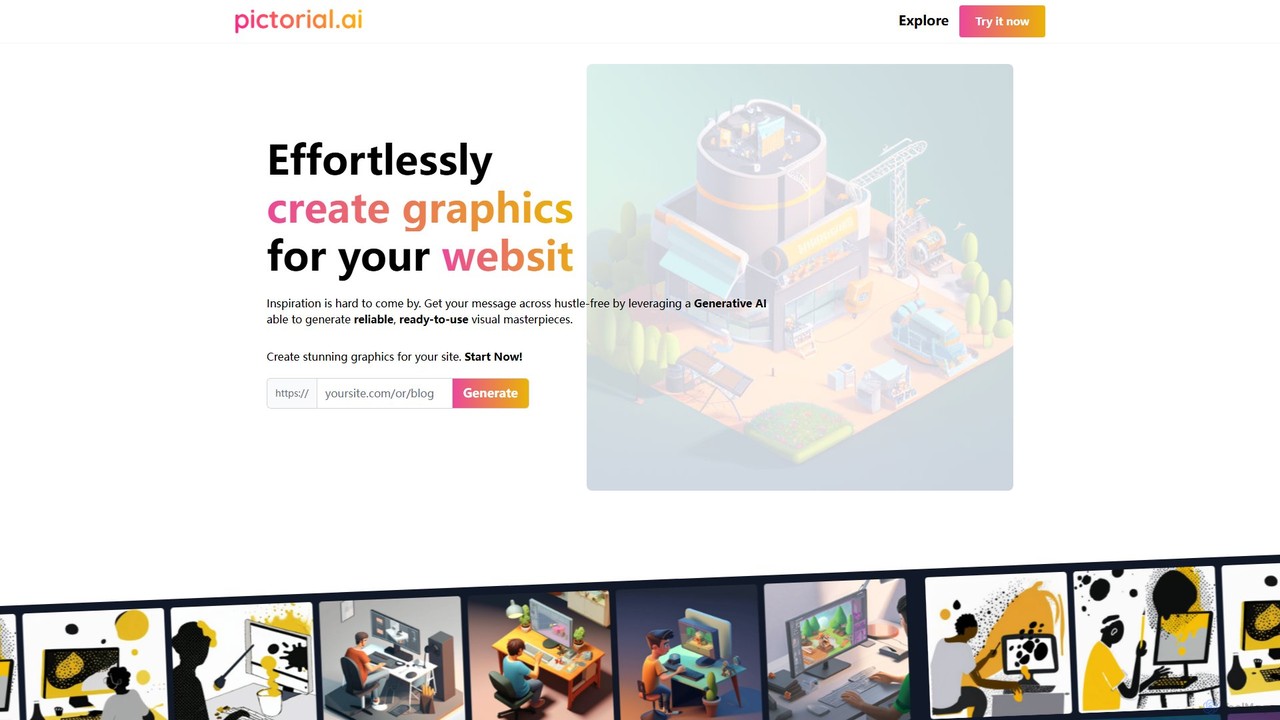
Pictorial
Pictorial is an AI-powered graphic generator that creates stunning, on-brand visuals for your web applications, blogs, and social media simply from a URL. It analyzes your content and brand identity to produce unique, ready-to-use, copyright-free images, eliminating the need for design skills or creative inspiration.
Image Generation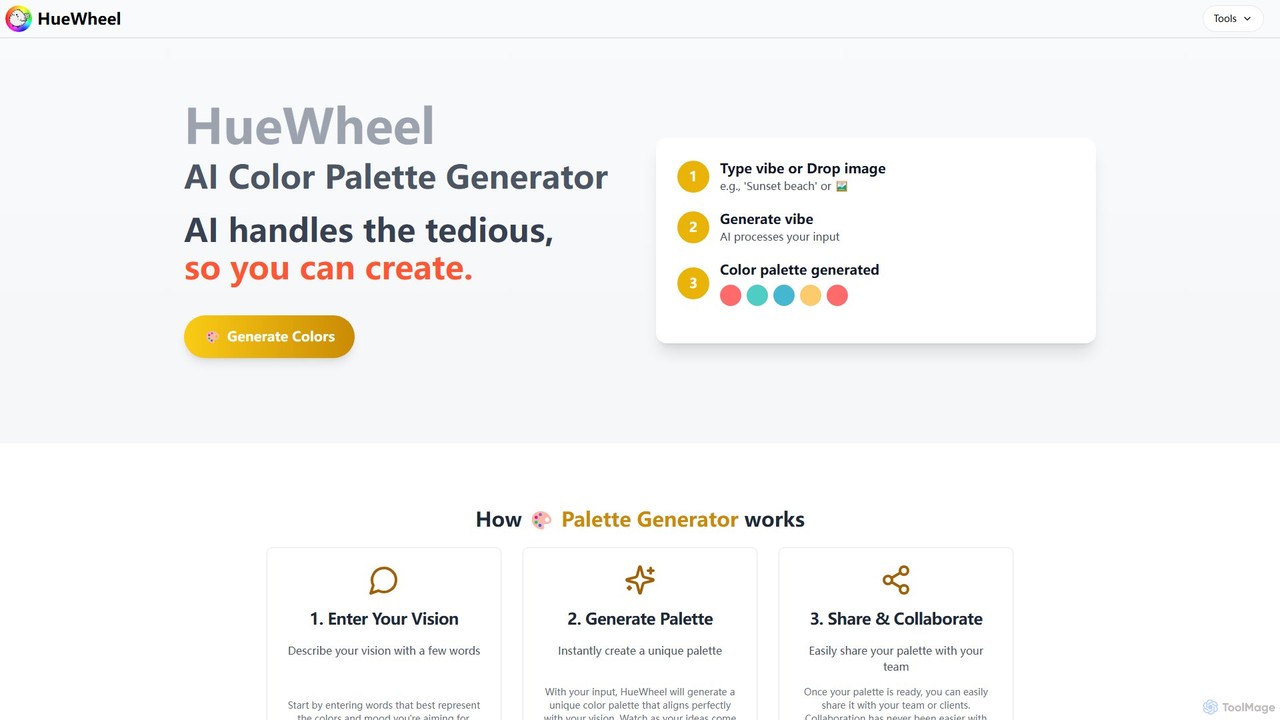
huewheel
huewheel is an AI-powered color palette generator that creates stunning color combinations from natural language descriptions or image uploads. It's designed for designers, developers, and creatives to quickly find harmonious and trending palettes. The platform includes a comprehensive Color Studio for fine-tuning, a Mockup Generator for previews, and a community gallery for endless inspiration.
Inspiration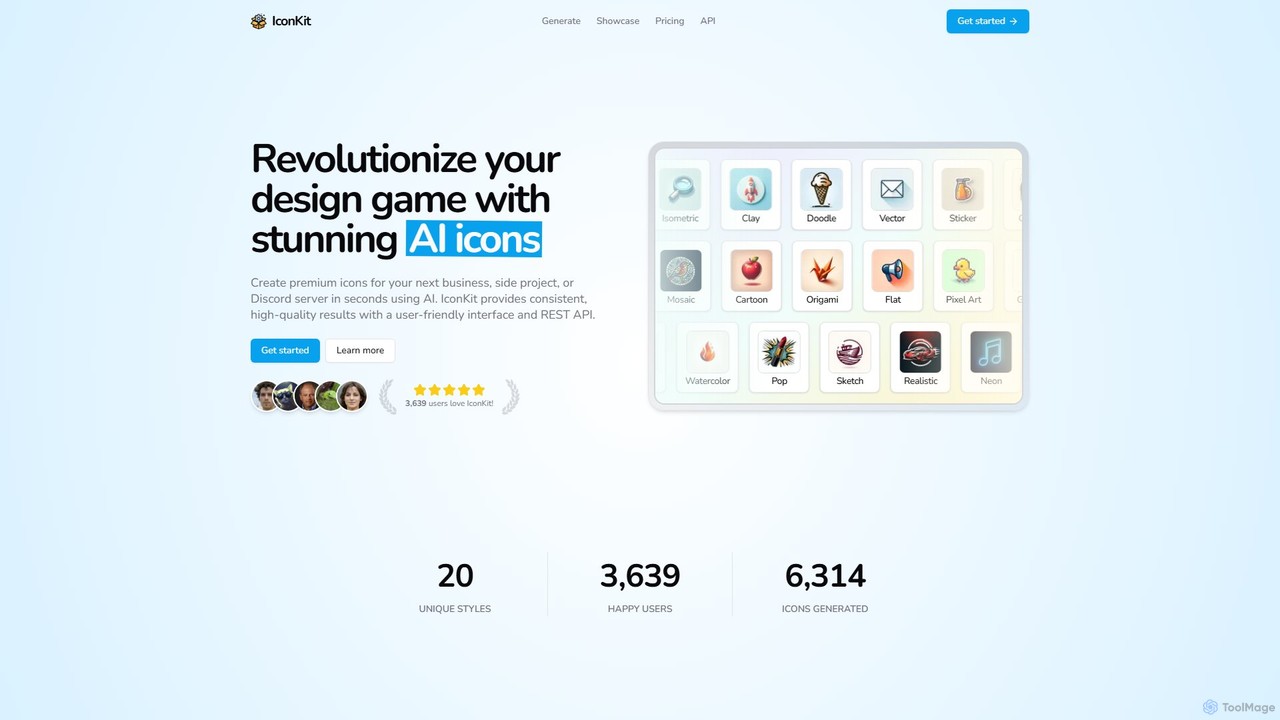
IconKit
IconKit is an AI-powered icon generator that allows users to create stunning, unique, and high-quality icons in seconds. By simply describing the desired object, style, and color, users can generate custom icons for websites, apps, and projects. It offers a wide range of styles and provides commercial-friendly icons with a simple, credit-based pricing model.
Image Generation
heropack
heropack is an AI-powered platform for designers and developers to generate unique, high-quality hero sections, UI components, and visual assets. It streamlines the design process by creating custom graphics, layouts, and code snippets based on simple text prompts, accelerating web development and enhancing visual appeal.
Web Design
Jyek
Jyek is an AI agent platform that understands objectives, creates execution plans, uses tools, and delivers verifiable results for complex, multi-step tasks.
Automation
WhatFontIs Comments (0)
Sign in to comment.
Sign inNo comments yet.