

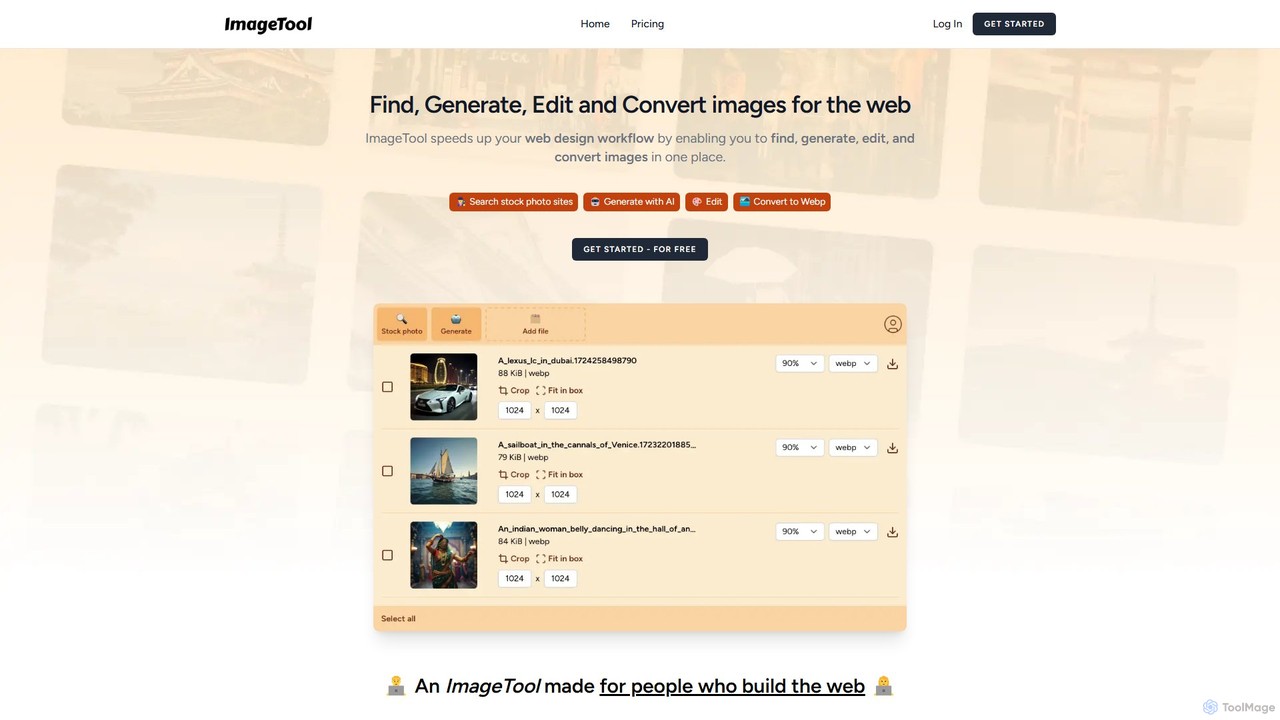
ImageTool Overview
ImageTool is a comprehensive and powerful image solution designed specifically for web developers, designers, and content creators who want to optimize their workflow. It consolidates all essential image-related tasks into a single, intuitive web application, eliminating the need to juggle multiple tools and websites. Whether you need to find the perfect stock photo, create a unique visual from scratch, or prepare existing images for web publication, ImageTool provides the necessary features to get the job done efficiently and effectively.
The platform's core mission is to accelerate the web design and development process. It achieves this by integrating a multi-platform stock photo search, a state-of-the-art AI image generator, a robust suite of editing tools, and an automatic converter for next-generation image formats. This unified approach not only saves valuable time but also ensures that all images are perfectly optimized for web performance, contributing to faster loading times, better SEO, and an improved user experience.
How to use ImageTool
Using ImageTool is designed to be a seamless experience. The workflow is straightforward and can be adapted to your specific needs:
- Start Your Project: Begin by deciding on your image source. You can either import your own images, search for free stock photos, or generate a new image using AI.
- Find or Generate: To find an image, use the integrated search bar to query Unsplash, Pexels, and Pixabay simultaneously. The results are aggregated in one clean interface. To generate an image, navigate to the AI generation module, write a descriptive text prompt, and let the AI create a unique visual for you.
- Edit and Refine: Once you have your image, the powerful editor becomes available. You can crop the image to specific dimensions, perform bulk resizing for multiple images at once, and use the compression tool to reduce file size without significant quality loss.
- Convert and Export: After editing, simply click 'Export'. ImageTool automatically converts your images into web-friendly formats like WebP and AVIF. This step ensures your images are lightweight and load quickly on any website, without requiring external conversion software. The optimized images are then ready to be downloaded and uploaded to your website or project.
Core Features of ImageTool
- Integrated Stock Photo Search: Search across major free stock photo platforms like Unsplash, Pexels, and Pixabay with a single query, saving time and effort.
- AI Image Generation: Leverage cutting-edge AI models to generate up to 500 high-quality, unique images per year with the paid plan.
- Advanced Image Editor: A suite of essential editing tools, including precise cropping, quick resizing, and powerful bulk resizing for handling multiple images efficiently.
- Smart Compression: Optimize image file sizes for the web, striking the perfect balance between quality and performance.
- Automatic Next-Gen Conversion: Effortlessly convert images to modern, high-performance formats such as WebP and AVIF upon export.
- Unified Workflow: All functionalities—finding, generating, editing, and converting—are available in one cohesive interface, streamlining the entire process.
- Import Your Own Images: Easily upload your existing images to the platform for editing and optimization.
Use Cases for ImageTool
ImageTool is versatile and caters to a wide range of professionals:
- Web Developers: Can quickly find placeholder images, optimize final assets for performance, and ensure all images are in the correct modern format without leaving their development workflow.
- Web & UI/UX Designers: Can source inspiration from stock photos, generate unique AI visuals for mockups, and prepare all web graphics in the correct sizes and formats for handoff.
- Bloggers and Content Creators: Can find or create compelling featured images for articles and optimize them for fast page load times, which is crucial for SEO and reader engagement.
- Digital Marketers: Can efficiently create and prepare optimized images for landing pages, social media campaigns, and email newsletters, ensuring brand consistency and high performance.
Advantages of ImageTool
The primary advantage of ImageTool is its incredible efficiency. By bringing together disparate tools into one platform, it drastically reduces the time and complexity associated with preparing images for the web. Its focus on web-optimized formats like WebP and AVIF directly contributes to better website performance. Furthermore, its affordable pricing model makes it an accessible, cost-effective solution for freelancers and teams alike, providing a comprehensive suite of tools for a single, low annual fee.
Pricing and Plans
ImageTool operates on a freemium model, making it accessible to everyone.
- Free Plan: Users can get started for free to explore the basic functionalities of the platform. This is ideal for trying out the workflow and features before committing.
- Yearly Plan: For $30 USD per year, users unlock the full potential of ImageTool. This plan includes:
- Unlimited image searching, editing, compression, and conversion.
- A generous credit to generate up to 500 images with AI.
- Access to all advanced features and future updates.
Traffic
Latest traffic
Status
Monthly traffic trend
- 2025-9: 344
- 2026-1: 1.7K
- 2026-2: 822
- 2026-3: 162
- 2026-4: 537
- 2026-5: 58
Geography
Top 5 countries / regions
- 🇩🇪Germany77.2%
- 🇦🇷Argentina22.8%
Top keywords
| Keyword | Cost per click |
|---|---|
| images tool .com | $0.00 |
| imagetools | $0.00 |
ImageTool Alternatives
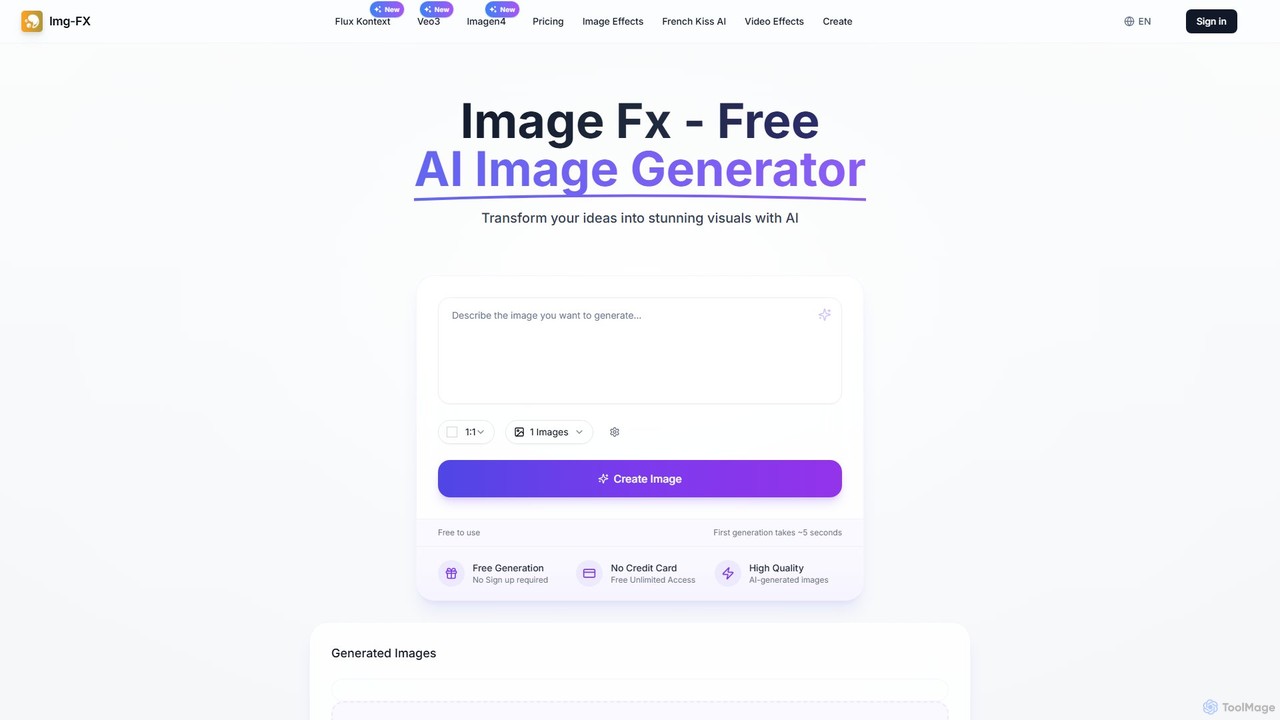
img_fx
A versatile AI creative suite for generating stunning images and videos. It offers free, no-signup text-to-image creation powered by Google's Imagen, advanced context-aware image editing with Flux Kontext, and high-quality text-to-video generation with Veo 3. Ideal for artists, marketers, and creators of all skill levels.
Image Editing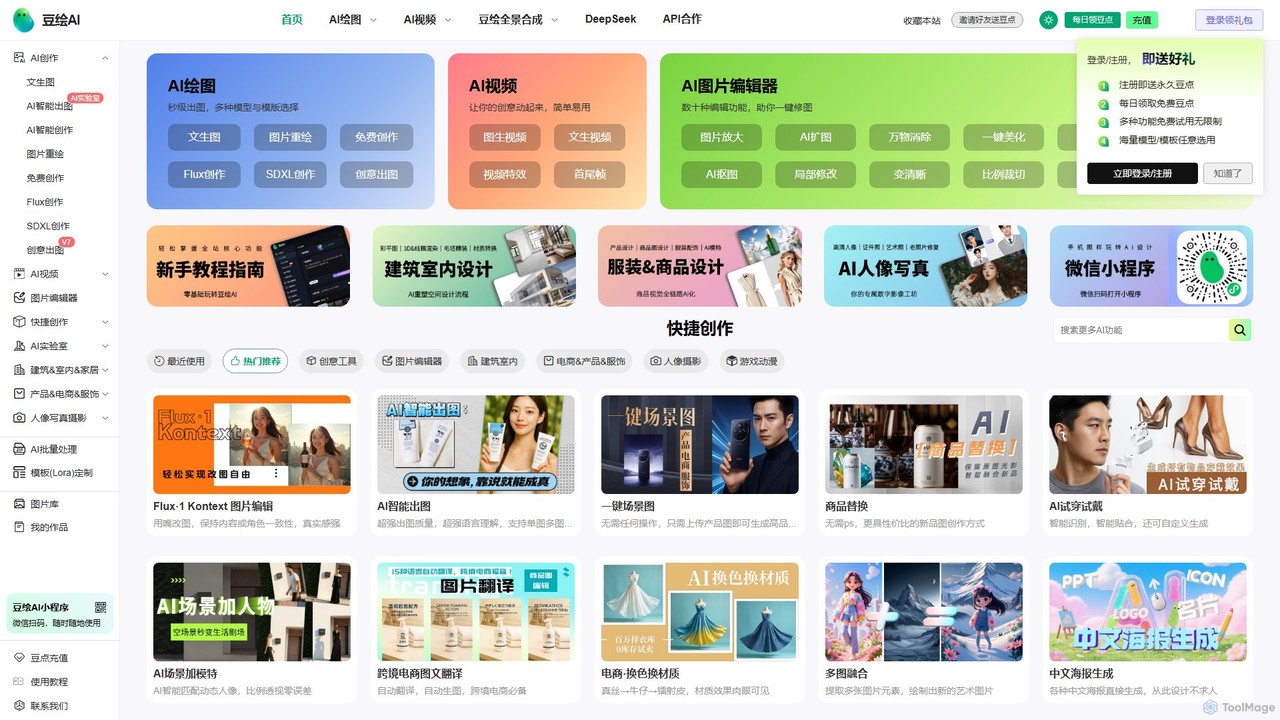
douhuiai
douhuiai is a comprehensive AI creation platform specializing in image generation, video creation, and advanced photo editing. It offers text-to-image, image-to-image, AI video, and a suite of powerful editing tools like object removal, background change, and AI try-on. It's designed for designers, marketers, and e-commerce professionals, providing specialized features for product photography, architectural visualization, and creative design.
Image Editing
Cloudbooklet AI
Cloudbooklet AI is a versatile suite of free online AI tools, featuring an unlimited AI image generator, a powerful face swap for photos and videos, an AI chatbot, and more. Create, edit, and transform digital content effortlessly without any sign-up required.
Face Swap
Picit
Picit is a comprehensive, free online AI image suite. It offers a wide range of tools, including text-to-image generation, background removal, image upscaling, AI filters, avatar creation, and watermark removal. Designed for ease of use, it empowers users to create and edit high-quality visuals in seconds without any cost or technical expertise, making it ideal for designers, marketers, and content creators.
Image Editing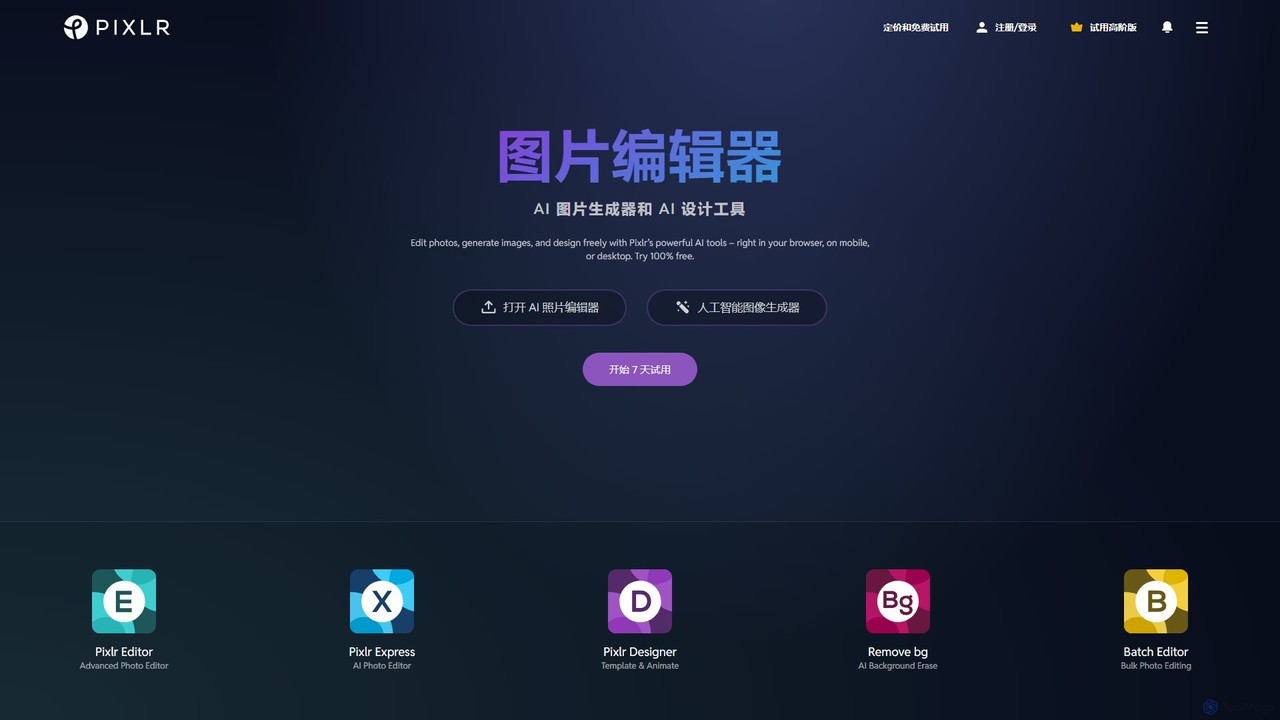
Pixlr
Pixlr is a comprehensive suite of online AI-powered tools for photo editing, image generation, and graphic design. Accessible on web, mobile, and desktop, it caters to both beginners and professionals with its intuitive interface, offering everything from quick edits and AI enhancements to advanced layer-based editing and text-to-image creation.
Graphic DesignImageTool Categories
ImageTool Embed Widget
Copy this embed code to place the badge on your blog, article, or product site and send readers directly to this ToolMage detail page.

Related AI tools
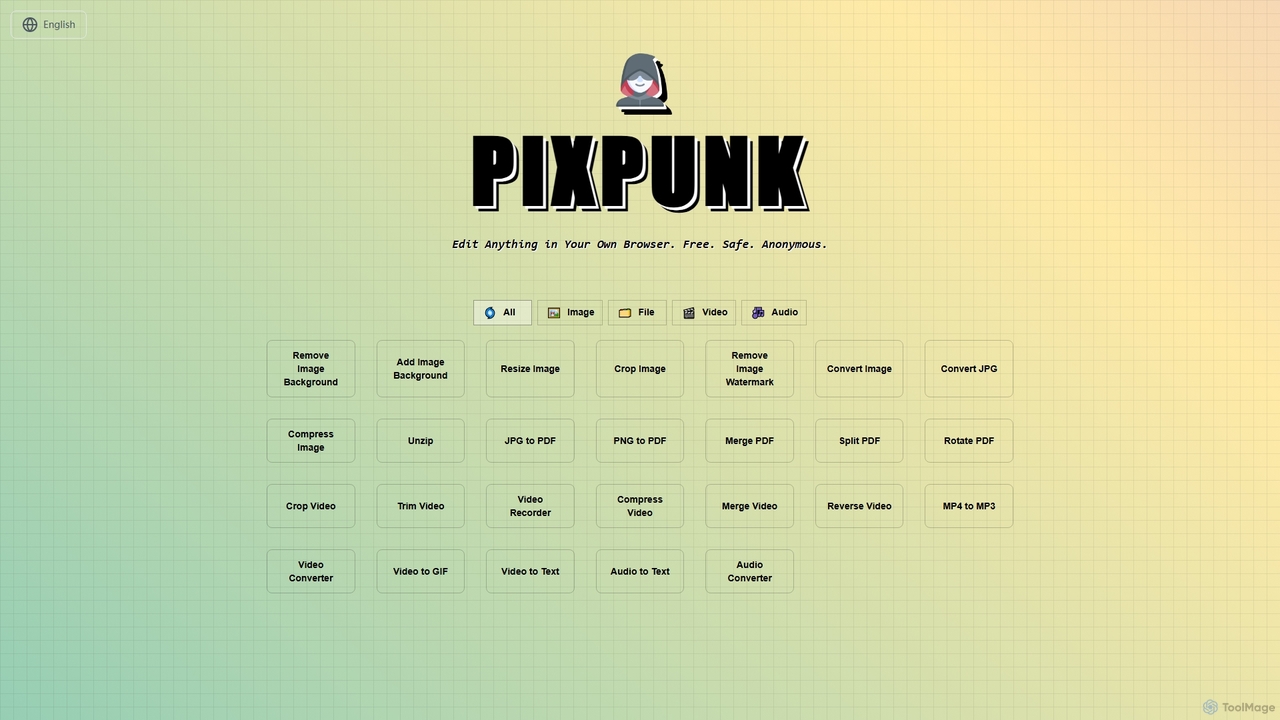
PixPunk
PixPunk is a free, safe, and anonymous online tool that allows users to edit images, convert files, and process videos and audio directly in their browser. It offers a suite of functionalities including background removal, image resizing, cropping, and format conversion, all without uploads or watermarks, ensuring maximum privacy.
Audio Converterimg_fx
A versatile AI creative suite for generating stunning images and videos. It offers free, no-signup text-to-image creation powered by Google's Imagen, advanced context-aware image editing with Flux Kontext, and high-quality text-to-video generation with Veo 3. Ideal for artists, marketers, and creators of all skill levels.
Image Editingdouhuiai
douhuiai is a comprehensive AI creation platform specializing in image generation, video creation, and advanced photo editing. It offers text-to-image, image-to-image, AI video, and a suite of powerful editing tools like object removal, background change, and AI try-on. It's designed for designers, marketers, and e-commerce professionals, providing specialized features for product photography, architectural visualization, and creative design.
Image EditingCloudbooklet AI
Cloudbooklet AI is a versatile suite of free online AI tools, featuring an unlimited AI image generator, a powerful face swap for photos and videos, an AI chatbot, and more. Create, edit, and transform digital content effortlessly without any sign-up required.
Face SwapPicit
Picit is a comprehensive, free online AI image suite. It offers a wide range of tools, including text-to-image generation, background removal, image upscaling, AI filters, avatar creation, and watermark removal. Designed for ease of use, it empowers users to create and edit high-quality visuals in seconds without any cost or technical expertise, making it ideal for designers, marketers, and content creators.
Image Editing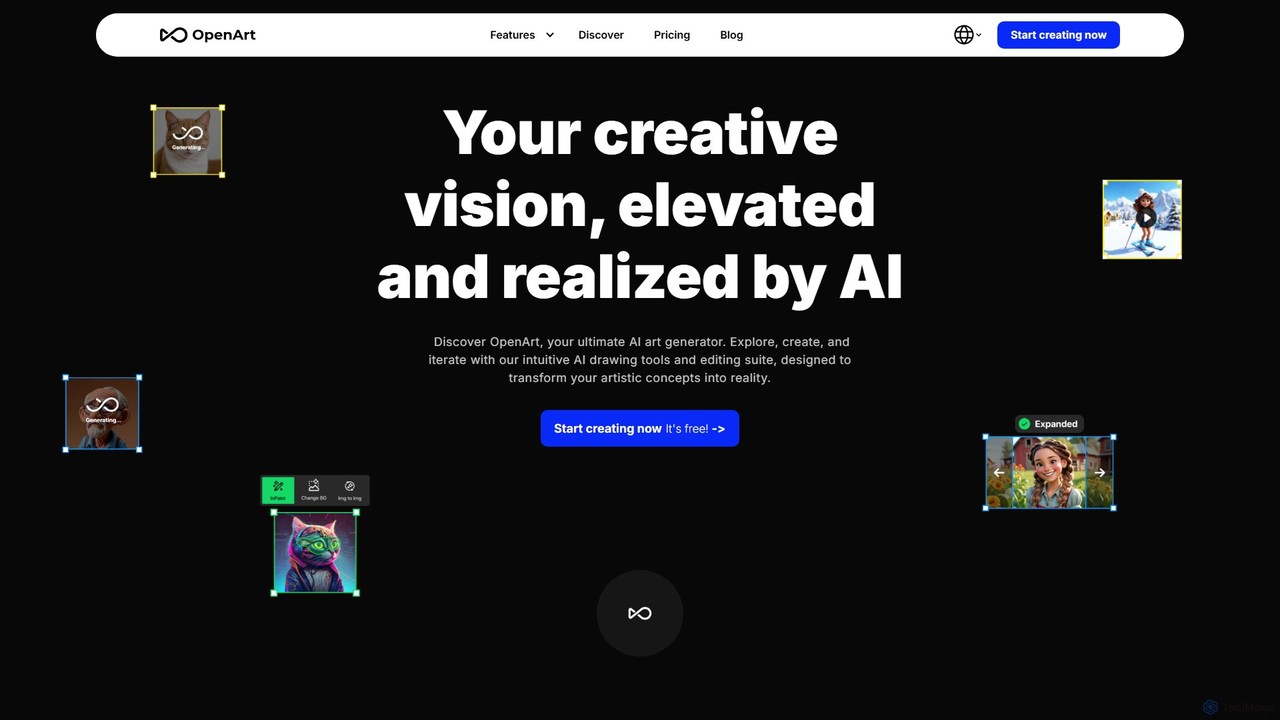
OpenArt
OpenArt is a powerful AI art platform for creating and editing images. It features an advanced AI image generator, a comprehensive suite of editing tools, and the unique ability to train custom AI models for specific styles or characters. Ideal for artists, designers, and hobbyists, it offers both free and professional plans.
Art Generation
dzine
dzine is an all-in-one, controllable AI design platform for generating and editing images, videos, and 3D models. It excels at creating consistent characters and offers a comprehensive suite of tools, including text-to-video, generative fill, and face swapping, streamlining the creative workflow for designers, developers, and marketers.
Graphic Design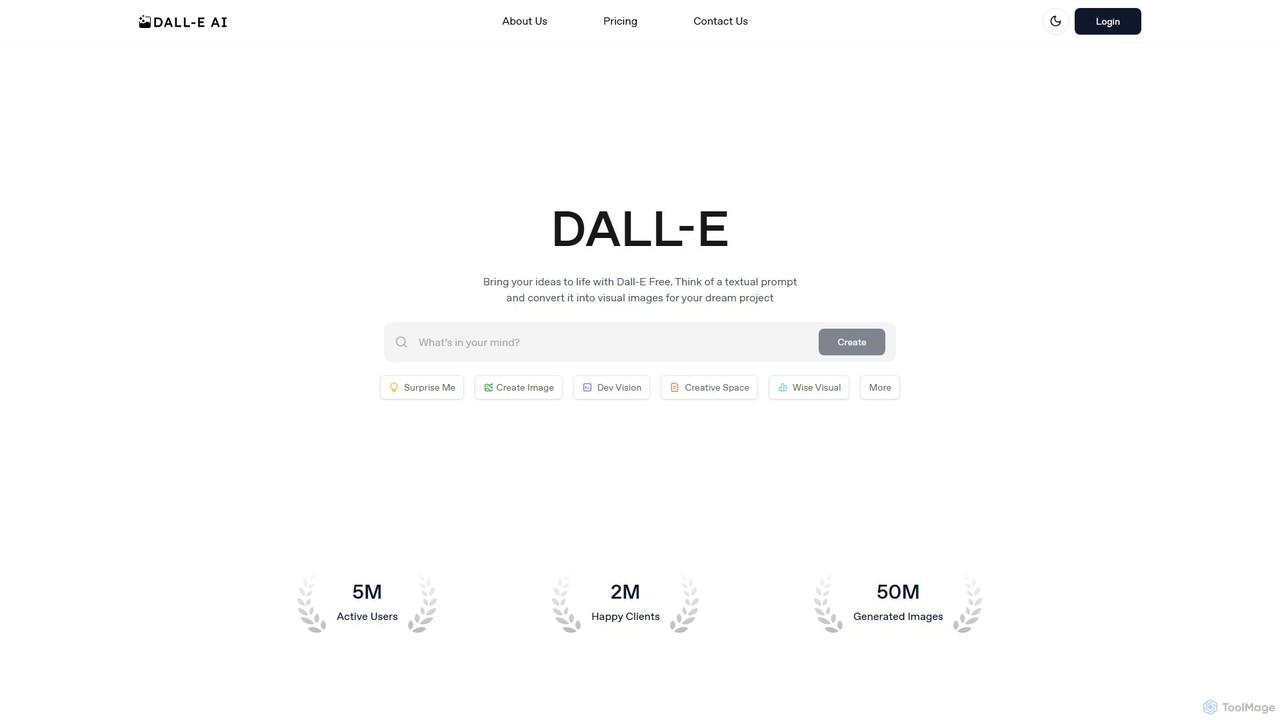
dall_efree
An accessible AI image generation platform powered by DALL-E 2 and DALL-E 3. It allows users to create images from text prompts, edit existing images, and upscale resolutions. It offers a free plan for casual use and affordable premium plans for faster generation, higher volume, and commercial rights, all through a user-friendly web interface.
Image Generation
This Person Does Not Exist
This Person Does Not Exist is a free AI-powered tool that generates hyper-realistic, high-resolution faces and full-body images of people who do not exist. Using advanced models like StyleGAN, it allows users to create unique, copyright-free images with customizable attributes like age, gender, and race. Ideal for designers, developers, and creators needing unique character visuals without copyright concerns.
Avatar
AI Magicx
AI Magicx is an all-in-one AI automation platform designed for creators and businesses. It integrates over 15 AI models to supercharge productivity through content creation, code generation, image and logo design, voice AI, and advanced research. Featuring the unique Model Context Protocol (MCP), it enables seamless workflow automation and integration with external data sources and APIs.
Code Generation
Jyek
Jyek is an AI agent platform that understands objectives, creates execution plans, uses tools, and delivers verifiable results for complex, multi-step tasks.
Automation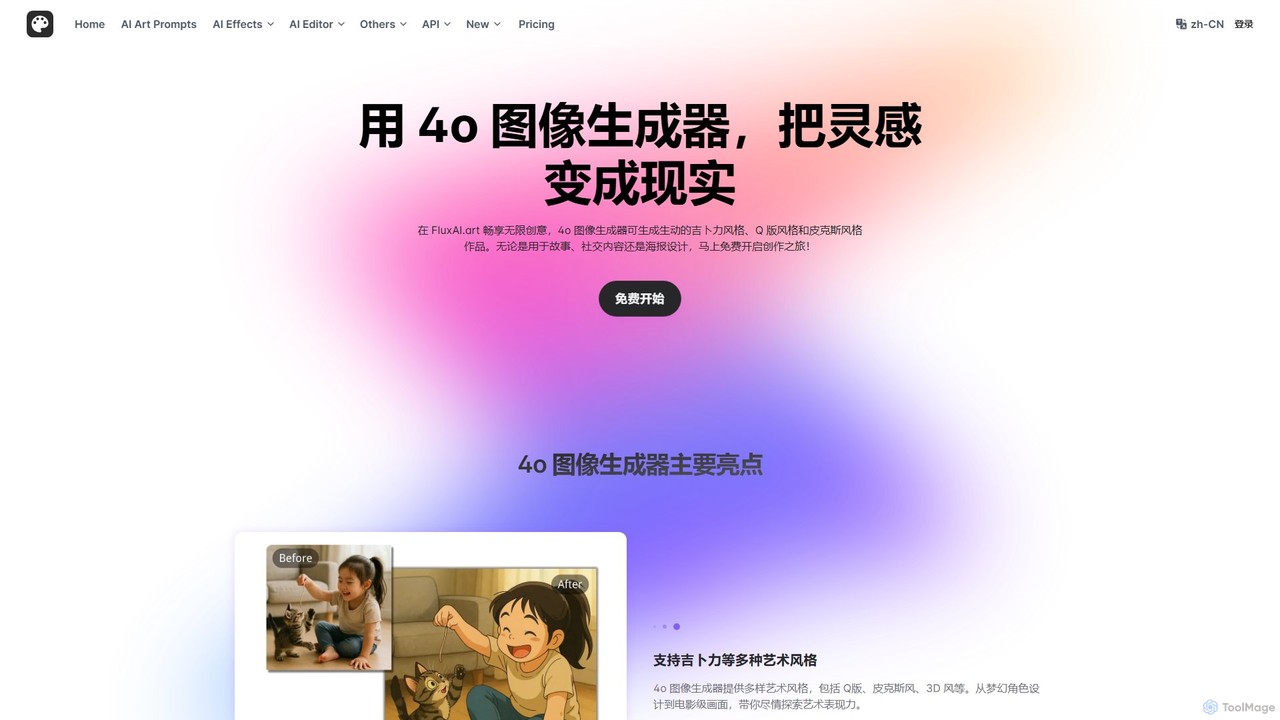
FluxAI.art
FluxAI.art is a powerful AI image generator powered by GPT-4o, enabling users to create stunning visuals in various artistic styles like Ghibli, Pixar, and Q-style (Chibi). It offers text-to-image generation, image recreation, and unique tools like a realistic aging filter and stylized text integration. It's designed for artists, designers, marketers, and social media users.
Ai Art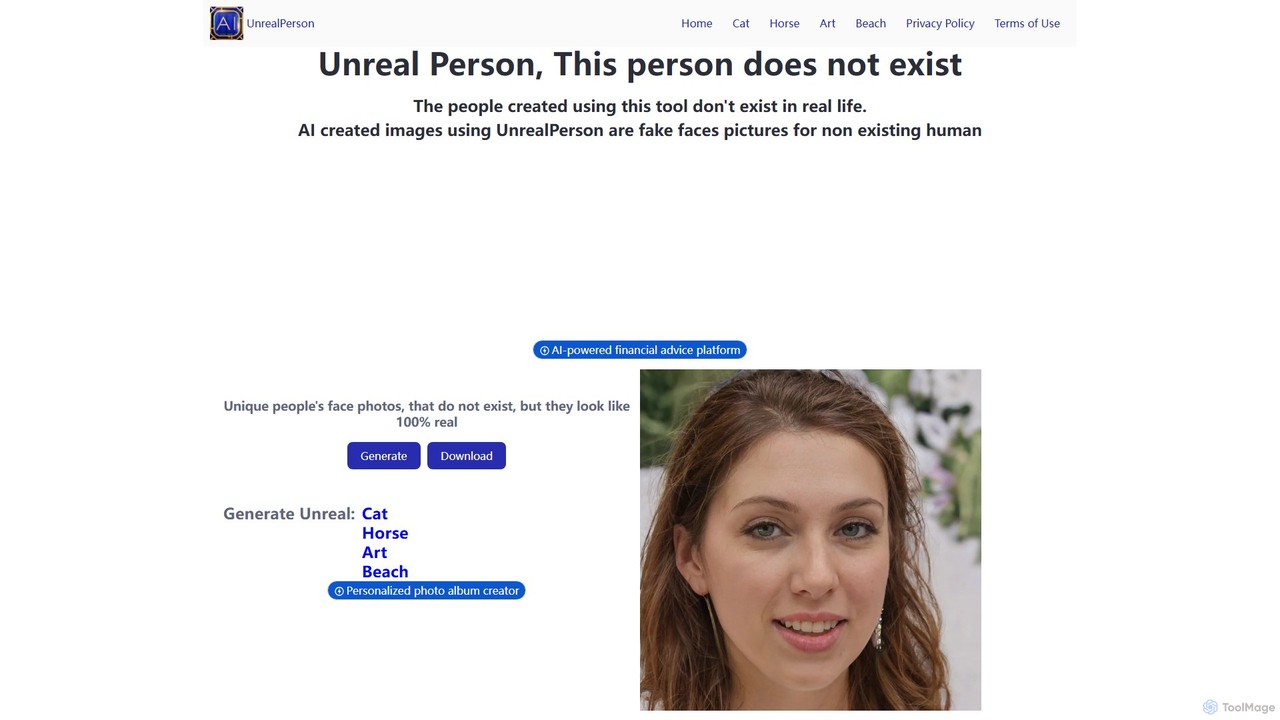
unrealperson
unrealperson is a free AI-powered image generator that creates unique, high-quality, and realistic images of people, animals (cats, horses), art, and beaches that do not exist in reality. Leveraging advanced Generative Adversarial Networks (GANs), it provides royalty-free images instantly with a single click, perfect for creative projects, content creation, and entertainment.
Stock Images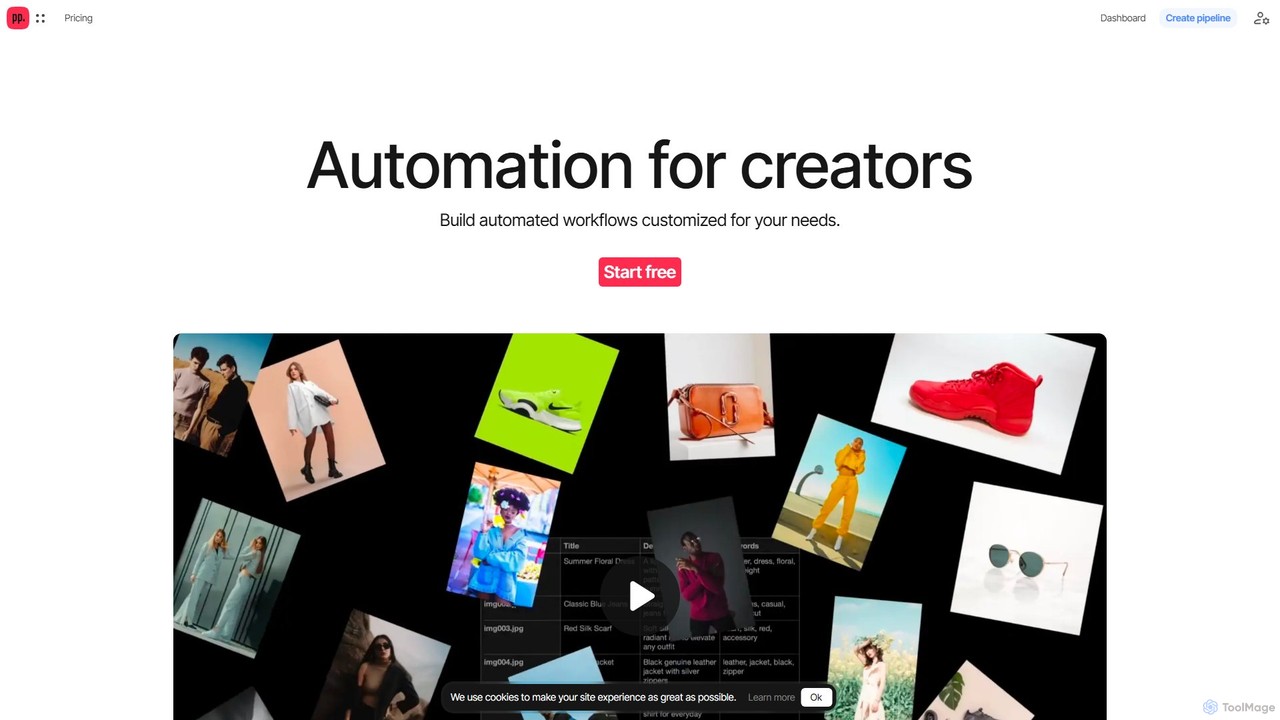
Ceacle Pipeline
Ceacle Pipeline is an AI-powered automation platform for creators. It enables the creation of custom workflows to automate repetitive tasks in image processing, content generation, and design. Build pipelines using natural language or templates to save time and boost productivity.
Graphics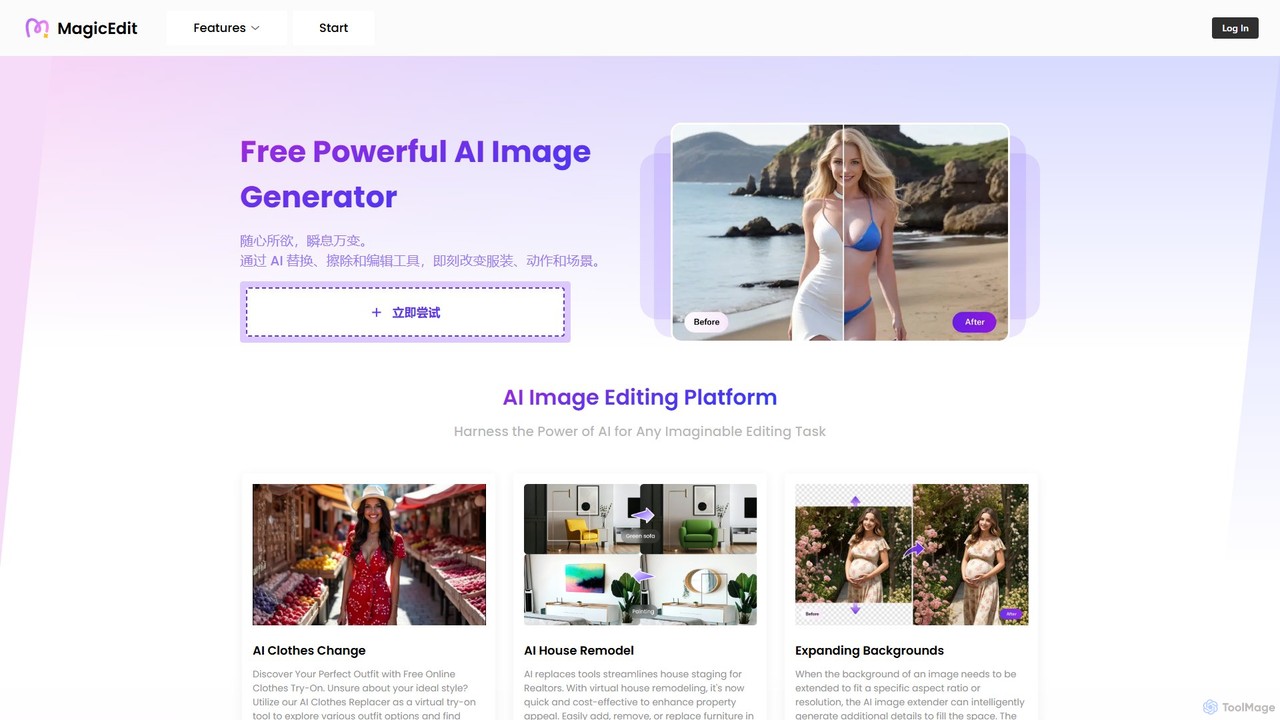
MagicEdit
MagicEdit is a powerful AI-driven image editing suite that allows users to effortlessly modify photos. Its key features include object and person removal, AI-powered clothing and background replacement, image expansion (outpainting), virtual hairstyle try-ons, and AI image generation from text prompts. It's designed for both casual users and professionals in marketing, real estate, and e-commerce, making complex photo editing simple and fast.
Image Generator
ImageTool Comments (0)
Sign in to comment.
Sign inNo comments yet.