

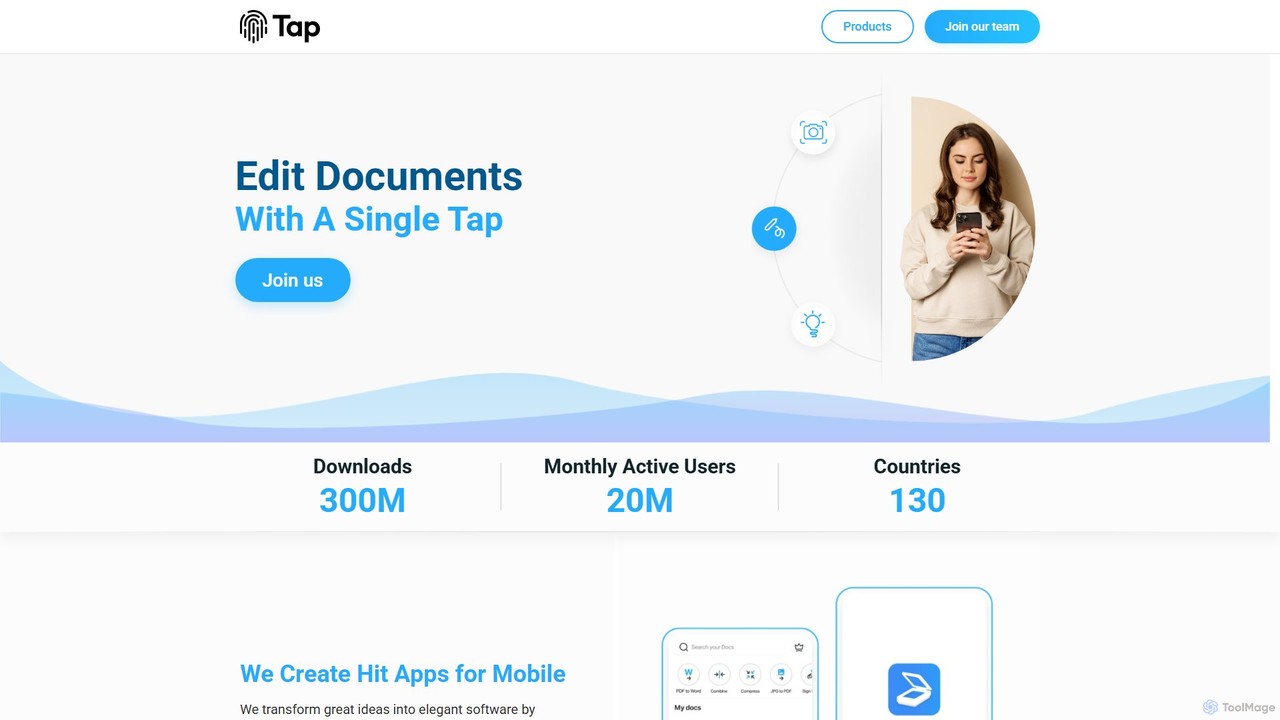
Tap Mobile Overview
Tap Mobile is a leading developer dedicated to creating hit utility applications for mobile platforms. With a mission to transform great ideas into elegant and powerful software, the company utilizes state-of-the-art technologies, including artificial intelligence, to empower users with capabilities that were once exclusive to professionals. Boasting over 300 million downloads and 20 million monthly active users across 130 countries, Tap Mobile has established a strong presence in the mobile app market with a diverse portfolio of tools designed to enhance productivity, creativity, and communication.
The core of Tap Mobile's success lies in its suite of highly functional apps. These applications are designed with user-friendliness in mind, often allowing complex tasks to be completed with just a single tap. By integrating cutting-edge AI and machine learning, Tap Mobile delivers sophisticated features like automatic document border detection, optical character recognition (OCR), and intelligent photo enhancement, making professional-grade tools accessible to everyone.
How to use Tap Mobile
Using the apps from Tap Mobile is designed to be intuitive and straightforward. Here’s a general guide on how to get started with their key applications:
- Download the App: Search for the specific app you need (e.g., 'Tap Scanner', 'Selfix') on the Google Play Store or Apple App Store and install it on your mobile device.
- Grant Permissions: Upon first launch, the app will request necessary permissions to function correctly, such as camera access for Tap Scanner or contacts access for ViewCaller.
- For Tap Scanner: Simply open the app and point your device's camera at the document, receipt, or ID card you wish to scan. The app's AI will automatically detect the borders. Tap the capture button to scan. Afterward, you can edit the scan, apply filters, convert it to a PDF, or use the OCR feature to extract text.
- For Selfix: Open a photo from your gallery or take a new selfie within the app. You can apply one-tap beautifying filters by swiping left or right, or use specific tools from the menu to remove blemishes, whiten teeth, or smooth skin for a perfect finish.
- For ViewCaller: Once set up, the app works automatically in the background to identify incoming calls from unknown numbers and alert you to potential spam, enhancing your call security.
Core Features of Tap Mobile
- Tap Scanner: An all-in-one scanning solution featuring AI-powered automatic border detection, high-quality PDF conversion, and an advanced OCR engine that supports over 110 languages to convert scanned images into editable text. It also includes e-signature capabilities and seamless integration with cloud services like Google Drive, Dropbox, and OneDrive.
- Selfix: A professional-level photo editor focused on selfies. It uses AI face recognition for precise retouching. Key features include a blemish and pimple remover, teeth whitening, skin smoothing, and a 'sharpen' module to enhance details in eyes and hair.
- ViewCaller: A smart communication app that provides real-time Caller ID to identify unknown numbers and block spam calls. It functions as an all-in-one contacts, dialer, and call management tool.
- Call Recorder: A reliable tool for recording both incoming and outgoing phone calls on Android & iOS. It offers features like whitelisting contacts, easy playback, and cloud backup for all your recordings.
- Walli: A personalization app that offers a curated collection of unique and artistic wallpapers to help users express themselves and customize their phone's appearance.
Use Cases for Tap Mobile
Tap Mobile's apps cater to a wide range of users:
- Students and Educators: Use Tap Scanner to digitize lecture notes, textbook pages, and research papers, making them easily searchable and shareable.
- Business Professionals: Leverage Tap Scanner for scanning contracts, receipts for expense reports, and business cards. The e-signature feature is perfect for signing documents on the go.
- Social Media Influencers and Content Creators: Use Selfix to quickly retouch photos and selfies, ensuring a polished and professional look for their posts on Instagram, Facebook, and other platforms.
- Everyday Users: Benefit from ViewCaller to avoid annoying spam calls and identify unknown callers. Walli allows for easy and fun phone personalization, while Call Recorder can be used to save important conversations (where legally permissible).
Advantages of Tap Mobile
The primary advantage of the Tap Mobile suite is its ability to deliver professional-grade technology in a simple, accessible package. The apps are user-friendly, powerful, and solve common everyday problems efficiently. By focusing on mobile-first design and leveraging AI, Tap Mobile provides tools that are both intelligent and intuitive, saving users time and effort while delivering high-quality results.
Pricing and Plans
Tap Mobile's applications generally operate on a freemium model. Users can download and use the core features of apps like Tap Scanner and Selfix for free. To access advanced functionalities—such as unlimited scans, an ad-free experience, premium filters and editing tools, or enhanced cloud storage options—users can opt for in-app purchases or subscribe to a premium plan. Specific pricing details are available within each individual app on the Apple App Store and Google Play Store.
Traffic
Latest traffic
Status
Monthly traffic trend
- 2025-9: 92.8K
- 2026-1: 83.9K
- 2026-2: 53.6K
- 2026-3: 43.4K
- 2026-4: 38.3K
- 2026-5: 56.5K
Geography
Top 5 countries / regions
- 🇺🇸United States42.6%
- 🇷🇺Russia17.2%
- 🇮🇳India16.0%
- 🇮🇩Indonesia14.2%
- 🇫🇷France10.1%
Traffic sources
| Source type | Percentage |
|---|---|
Direct | 76.2% |
Email | 16.4% |
Referral | 7.3% |
Top keywords
| Keyword | Cost per click |
|---|---|
| tap ai | $0.00 |
| tap pm | $0.00 |
| tap scanner | $0.60 |
| tapscanner app | $3.26 |
| unlist phone number | $0.75 |
Tap Mobile Alternatives

TeraBox
TeraBox is a comprehensive cloud storage solution offering a generous 1TB of free space. It integrates a powerful suite of AI tools for enhanced productivity, including a document scanner, essay writer, and slideshow maker. With a focus on security and cross-platform accessibility, TeraBox allows users to store, back up, share, and manage their files effortlessly, while also providing opportunities to monetize content through its referral program.
Presentation Maker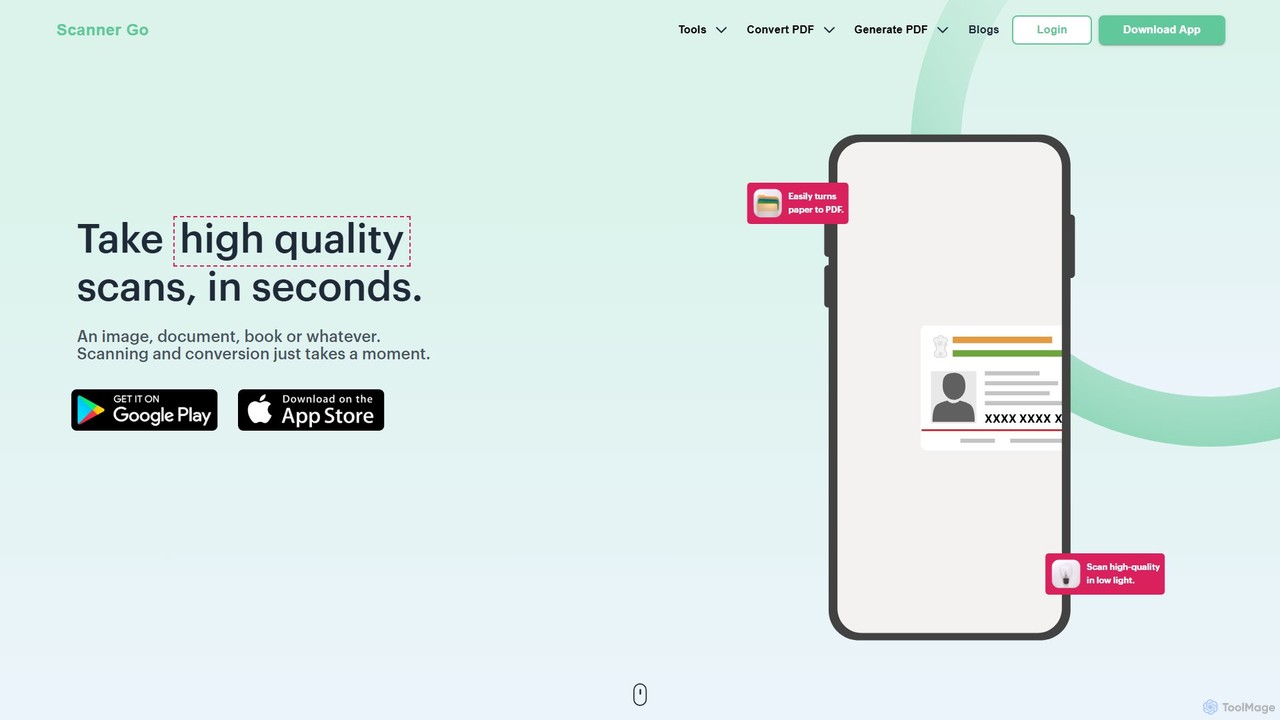
ScannerGo
ScannerGo is an all-in-one productivity tool that combines a powerful mobile document scanner with a comprehensive suite of online PDF utilities. Easily scan, convert, edit, merge, split, and secure your documents on any device, enhanced with OCR technology to extract text from images and PDFs.
File Conversion
Perfect365
Perfect365 is a leading AI-powered virtual makeup and beauty platform. It allows users to instantly try on thousands of makeup looks, hairstyles, and colors on their photos. With advanced photo editing and touch-up tools, you can create flawless, natural-looking selfies and explore the latest beauty trends risk-free.
Virtual Try On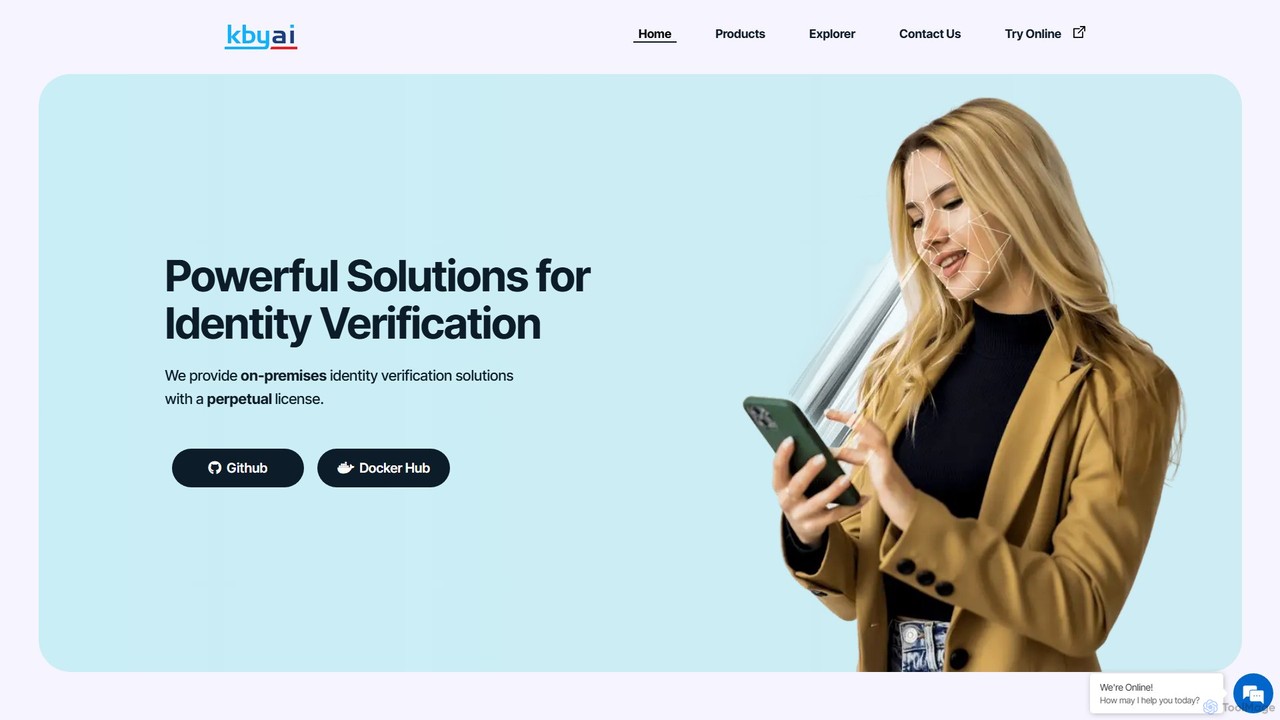
kby_ai
KBY-AI provides high-accuracy, on-premises identity verification SDKs with a perpetual license. Its solutions include NIST-ranked face recognition, 3D liveness detection, ID document scanning, and palm recognition. The SDKs work fully offline, support multiple platforms, and are designed for easy integration into applications for KYC, security, and access control.
Api & Sdk
ScantextAI
ScantextAI is a free, web-based OCR tool that instantly converts images into editable text. It supports over 50 languages and various image formats, allowing users to export text to PDF or Word (DOCX) files. With a strong focus on privacy, it processes files locally on your device, ensuring your data remains secure. No registration is required, making it a quick and efficient solution for students, professionals, and anyone needing to digitize documents.
OcrTap Mobile Categories
Tap Mobile Embed Widget
Copy this embed code to place the badge on your blog, article, or product site and send readers directly to this ToolMage detail page.

Related AI tools
TeraBox
TeraBox is a comprehensive cloud storage solution offering a generous 1TB of free space. It integrates a powerful suite of AI tools for enhanced productivity, including a document scanner, essay writer, and slideshow maker. With a focus on security and cross-platform accessibility, TeraBox allows users to store, back up, share, and manage their files effortlessly, while also providing opportunities to monetize content through its referral program.
Presentation MakerScannerGo
ScannerGo is an all-in-one productivity tool that combines a powerful mobile document scanner with a comprehensive suite of online PDF utilities. Easily scan, convert, edit, merge, split, and secure your documents on any device, enhanced with OCR technology to extract text from images and PDFs.
File ConversionPerfect365
Perfect365 is a leading AI-powered virtual makeup and beauty platform. It allows users to instantly try on thousands of makeup looks, hairstyles, and colors on their photos. With advanced photo editing and touch-up tools, you can create flawless, natural-looking selfies and explore the latest beauty trends risk-free.
Virtual Try Onkby_ai
KBY-AI provides high-accuracy, on-premises identity verification SDKs with a perpetual license. Its solutions include NIST-ranked face recognition, 3D liveness detection, ID document scanning, and palm recognition. The SDKs work fully offline, support multiple platforms, and are designed for easy integration into applications for KYC, security, and access control.
Api & SdkScantextAI
ScantextAI is a free, web-based OCR tool that instantly converts images into editable text. It supports over 50 languages and various image formats, allowing users to export text to PDF or Word (DOCX) files. With a strong focus on privacy, it processes files locally on your device, ensuring your data remains secure. No registration is required, making it a quick and efficient solution for students, professionals, and anyone needing to digitize documents.
Ocr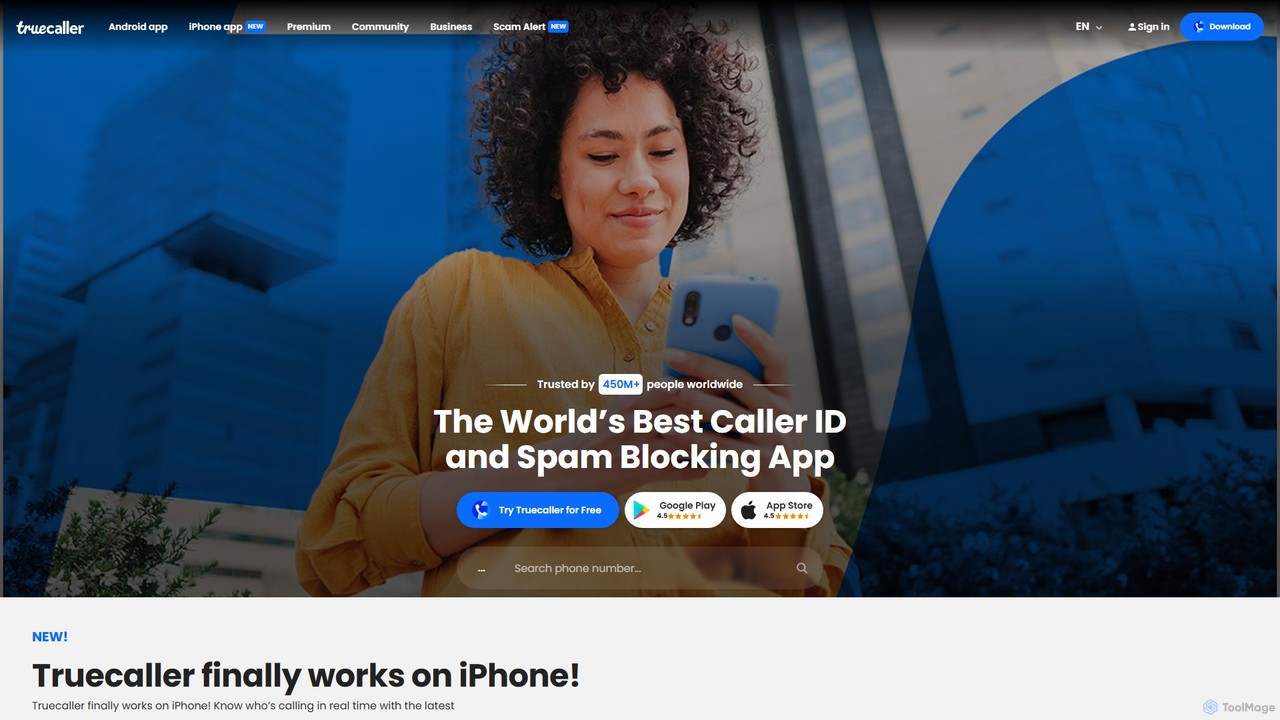
Truecaller
Truecaller is a leading global platform for verifying contacts and blocking unwanted communication. It uses AI and a vast community-based spam list to provide real-time Caller ID, powerful spam and fraud protection for calls and SMS, and an intelligent communication suite. It helps users identify unknown callers, avoid scams, and manage their communications safely and efficiently.
Android & Ios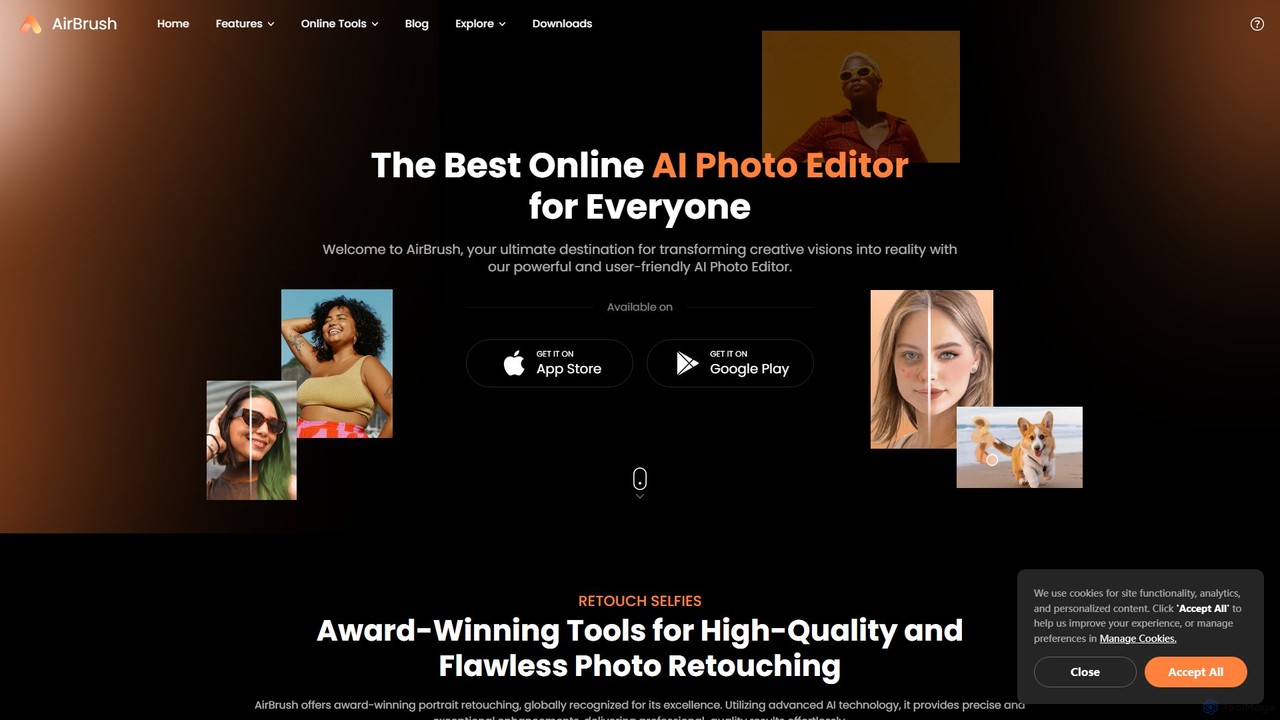
AirBrush
AirBrush is a comprehensive AI-powered photo and video editor available on web and mobile. It offers a wide range of tools for effortless editing, including one-click portrait retouching, image and video enhancement up to 4K, object and background removal, and creative AI generators for avatars and headshots. Designed for both beginners and professionals, AirBrush makes it easy to achieve flawless, high-quality results.
3D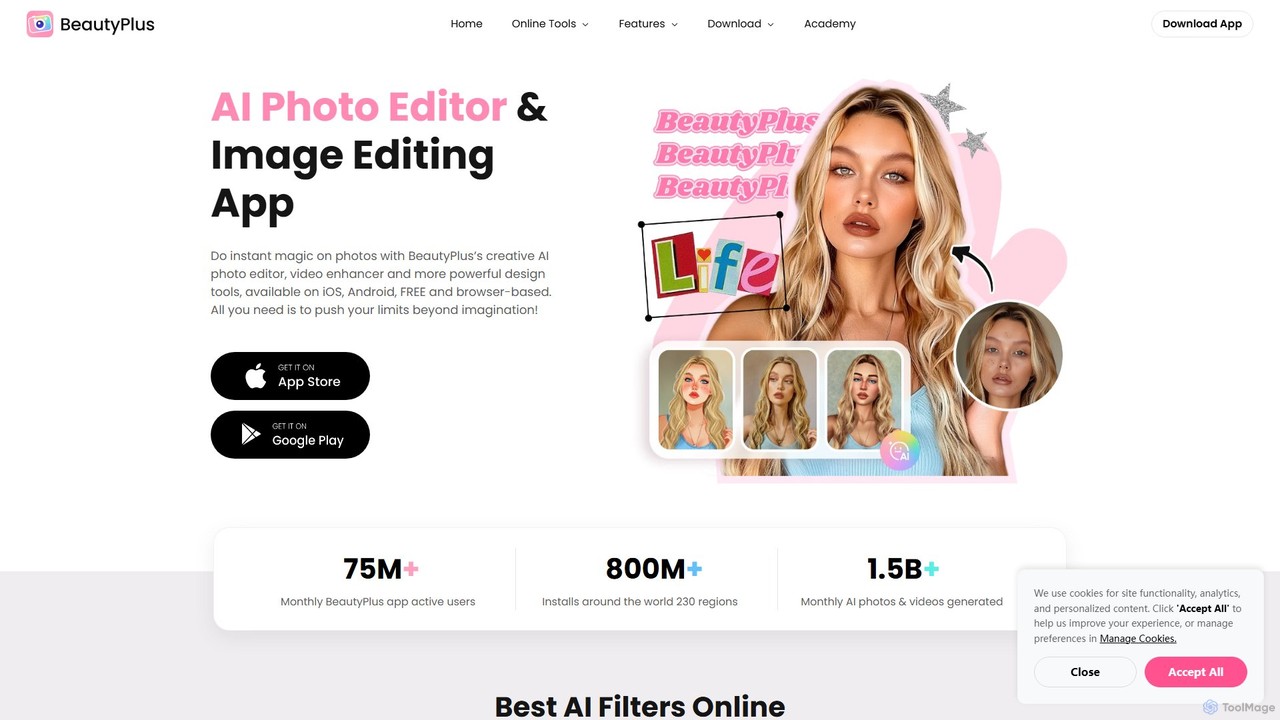
BeautyPlus
BeautyPlus is an all-in-one AI-powered photo and video editor. It offers a vast suite of tools for selfie enhancement, virtual makeup, body reshaping, and creative editing. With features like AI filters, background removal, object eraser, and image enhancement, it allows users of all skill levels to create professional-quality visuals effortlessly on mobile and web.
Generative Art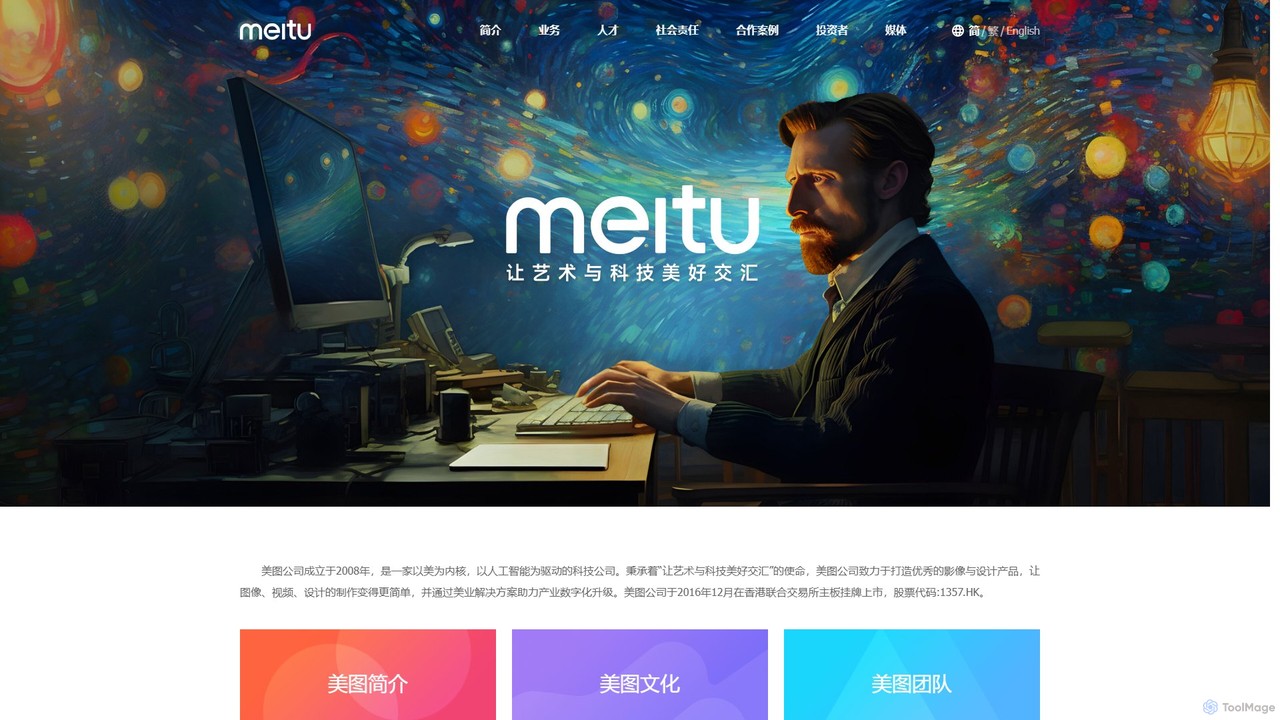
Meitu
Meitu is a comprehensive suite of AI-powered tools for photo and video editing, graphic design, and professional creative workflows. It simplifies complex tasks like photo retouching, video quality restoration, and content creation, making advanced editing accessible to everyone from casual users to businesses.
Graphic Design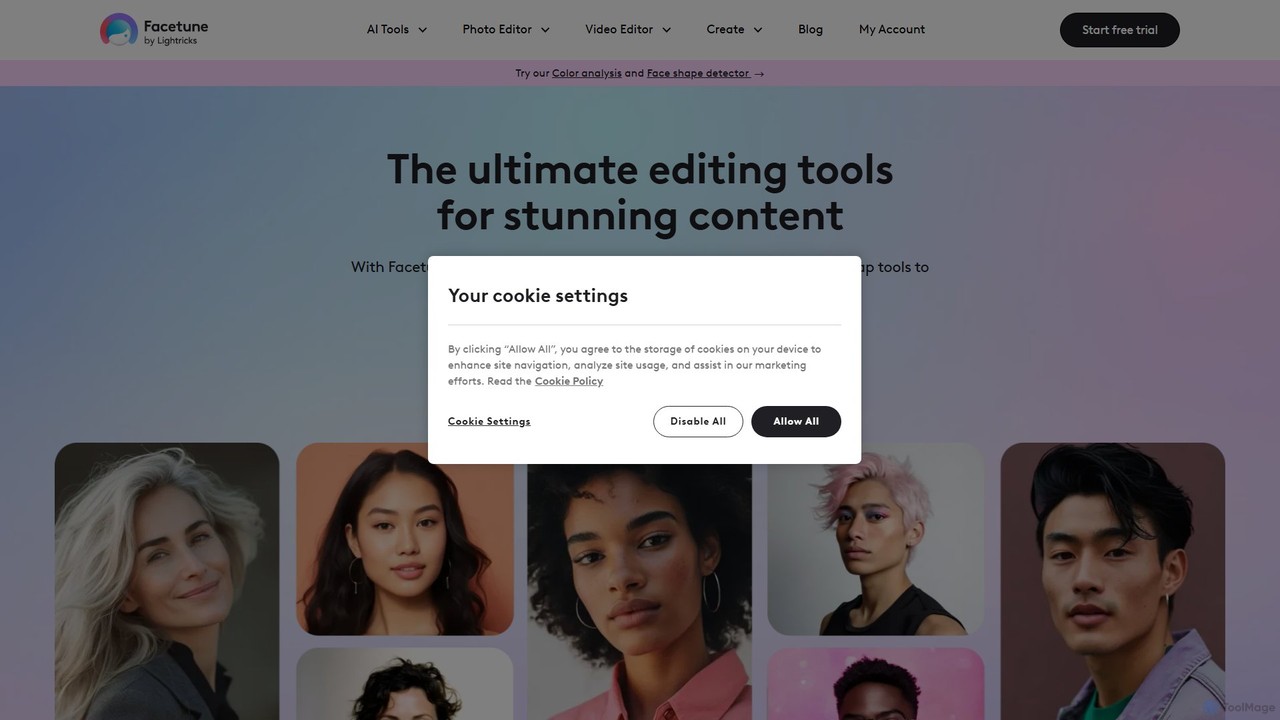
Facetune
Facetune is a premier AI-powered photo and selfie editor app. It offers a vast suite of tools for retouching, face and body reshaping, virtual makeup and hairstyle try-ons, and AI-generated content like professional headshots and creative avatars. It's designed for both casual users and social media creators to effortlessly enhance their photos.
3D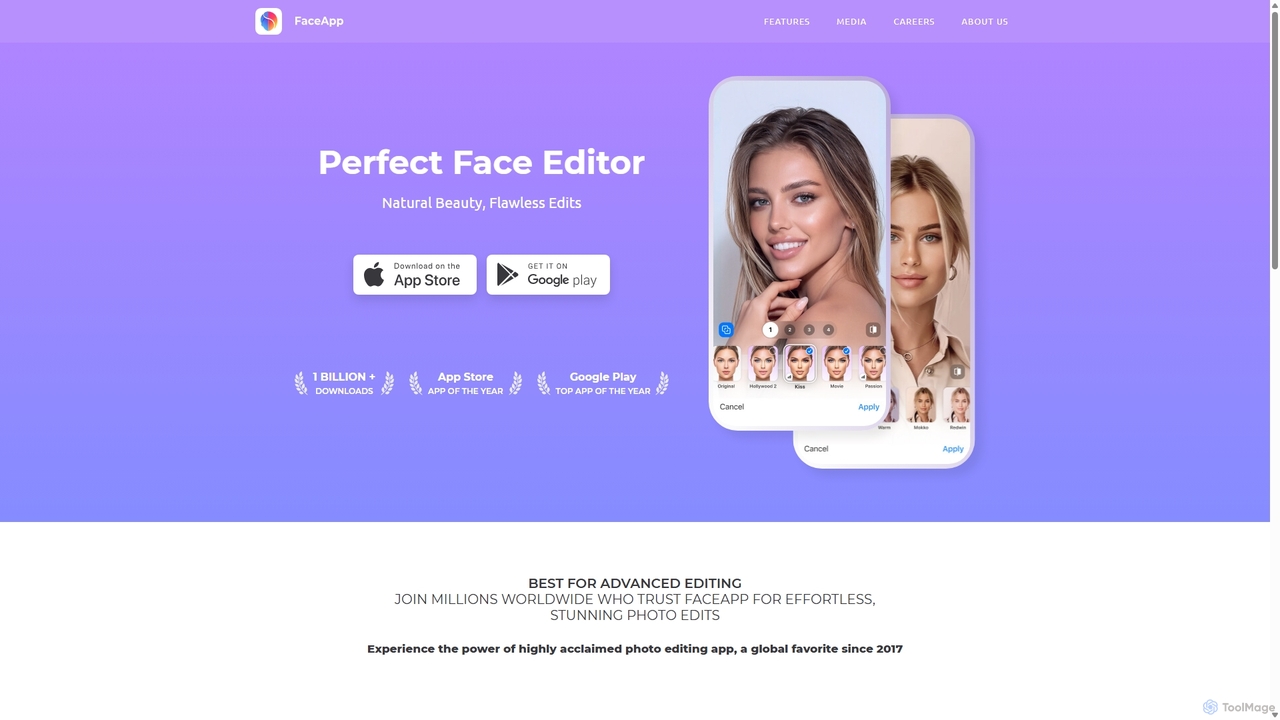
FaceApp
FaceApp is a leading AI-powered photo and selfie editor for iOS and Android. With over a billion downloads, it uses advanced neural networks to offer hyper-realistic transformations. Effortlessly apply filters for aging, gender swap, makeup, hairstyles, and beauty retouching. Perfect for creating stunning, shareable content for social media or simply for fun.
Entertainment
Lightricks
Lightricks is an AI-first company that develops a powerful suite of creative applications for photo and video editing. Its flagship products, including Facetune, Photoleap, Videoleap, and the groundbreaking LTX Studio, empower creators and brands to produce stunning visual content using cutting-edge generative AI technology, bridging the gap between imagination and creation.
Image Editing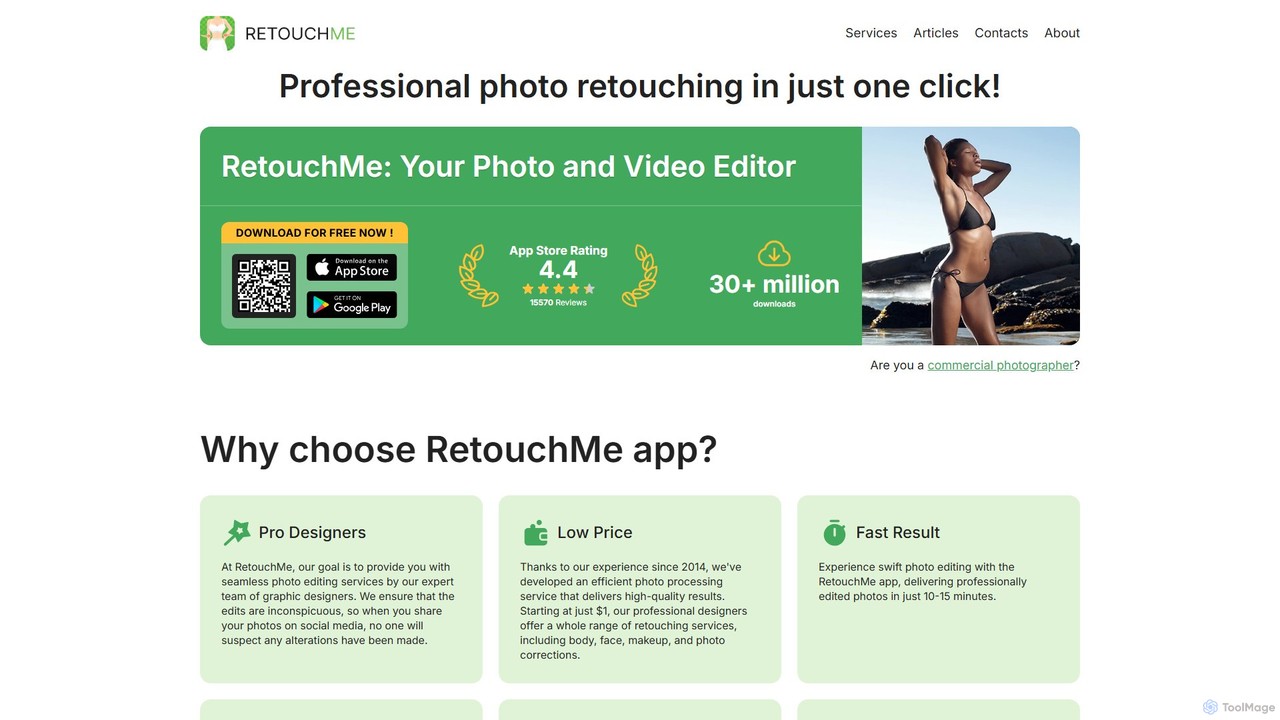
RetouchMe
RetouchMe is a unique photo and video editing service that connects users with a team of professional graphic designers. Through its user-friendly app, you can get high-quality, natural-looking retouches for body, face, makeup, background, and more. It combines the convenience of an app with the expertise of real human editors.
Photo Retouching
Filterly
Filterly is an AI-powered mobile photo editing app that lets you transform your appearance in photos with a single tap. Experiment with new hairstyles, visualize age changes, and apply a wide range of artistic and retro filters to unveil your best self.
Avatar Generator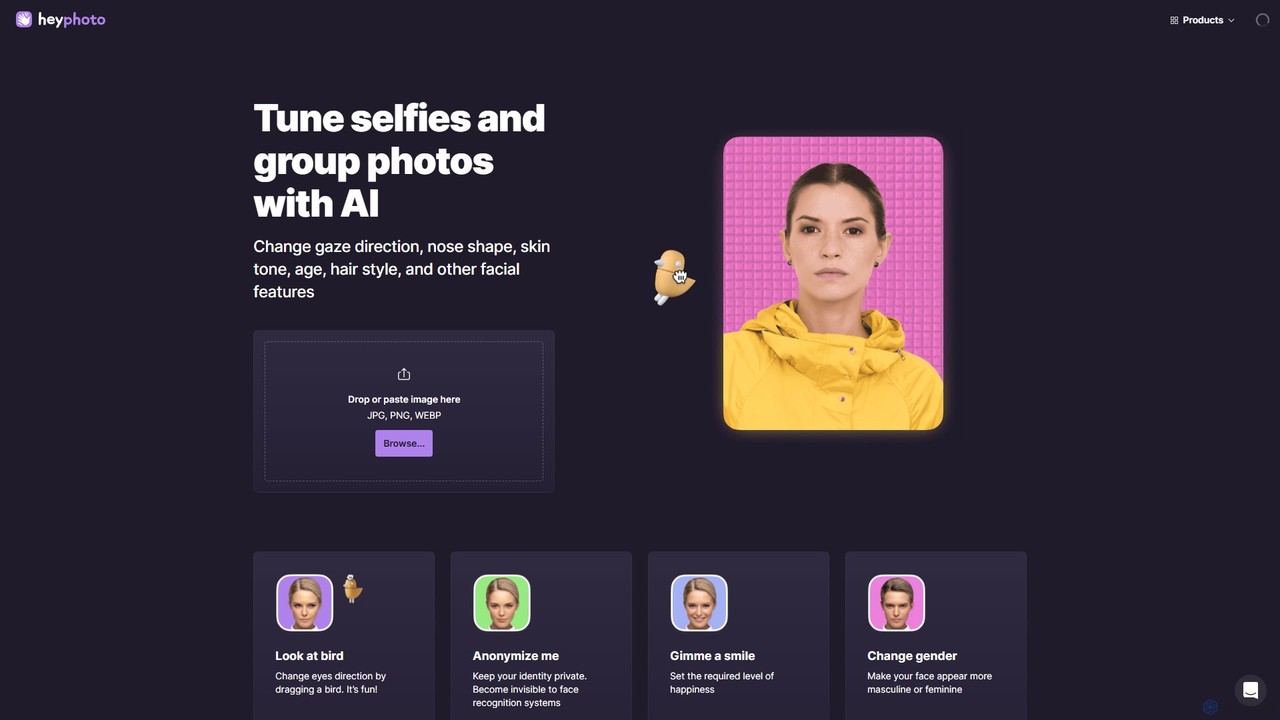
hey_photo
hey_photo is an online AI photo editor designed for effortless facial feature manipulation. It allows users to easily change expressions, age, gender, gaze, and other facial attributes in selfies and group photos without complex software. It's intuitive, fun, and free to use.
Avatars
Tap Mobile Comments (0)
Sign in to comment.
Sign inNo comments yet.