

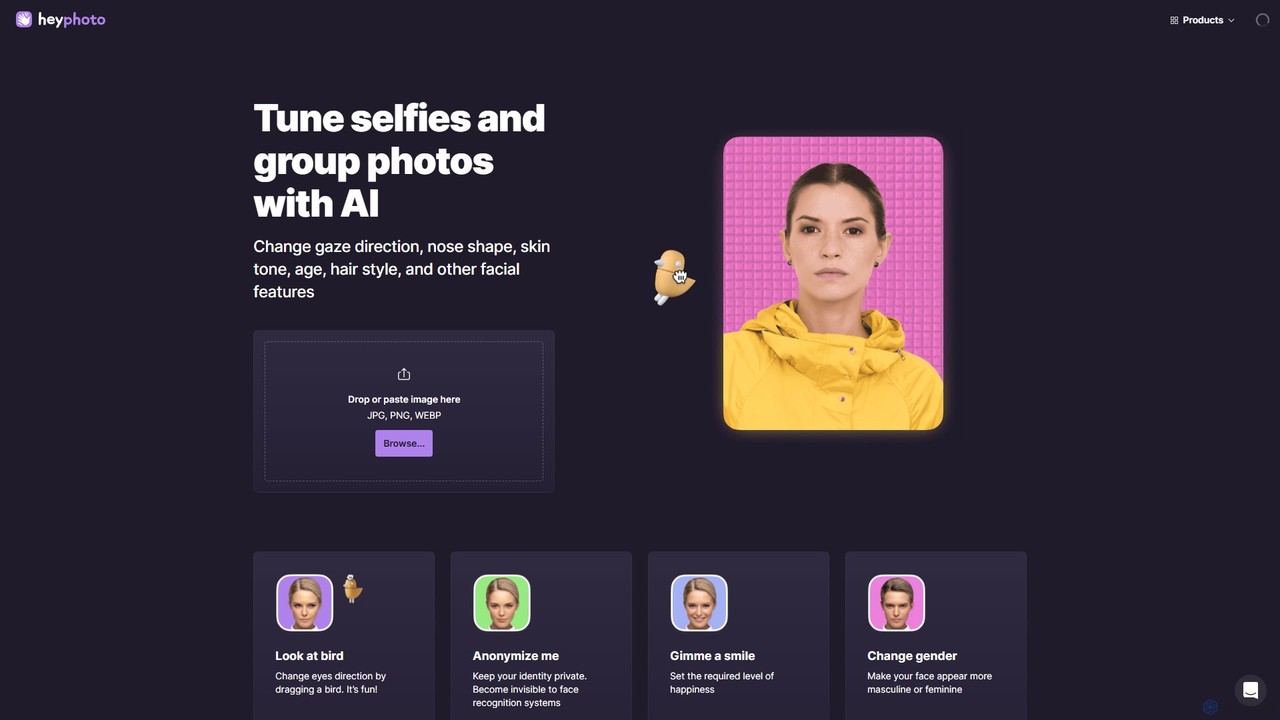
hey_photo Overview
hey_photo is a powerful yet user-friendly online AI tool from the creators at Icons8, designed to make sophisticated photo editing accessible to everyone. It leverages advanced artificial intelligence to analyze and modify facial features in your photos with just a few clicks. Forget spending hours in complicated software; hey_photo allows you to tune selfies and group photos in seconds. You can alter a person's gaze, add a smile, change their apparent age or gender, and even adjust their emotional expression. The tool also includes a unique privacy feature to anonymize faces, making them unrecognizable to facial recognition systems.
The platform is designed for simplicity and fun. Whether you're looking to perfect a profile picture, create a funny meme, or protect your privacy online, hey_photo provides a suite of intuitive tools to achieve your goals. While some advanced features like skin tone adjustment, nose reshaping, and AI makeup are still in development, the existing toolset is robust and constantly evolving.
How to use hey_photo
Using hey_photo is an incredibly straightforward process that requires no prior editing experience:
- Upload Your Image: Navigate to the hey_photo website. You can either drag and drop your photo (JPG, PNG, WEBP) directly onto the page or click to browse and select a file from your device. The tool works best with quality photos where subjects face the camera, with a maximum file size of 5 MB and face resolution up to 1024x1024 pixels.
- Select an AI Tool: On the interface, you'll find a variety of editing tools. Choose the transformation you want to apply, such as 'Gimme a smile', 'Change my age', 'Change gender', or 'Change gaze direction'.
- Adjust the Effect: Most tools feature a simple slider or interactive element. For example, to change the gaze, you drag a bird icon to where you want the eyes to look. To add a smile, you adjust a happiness level slider. The changes are previewed in real-time.
- Experiment with Features: Feel free to combine different effects. You can make someone younger and add a smile simultaneously.
- Download Your Creation: Once you are satisfied with the result, you can download the edited image. The output image maintains the same size and quality as the original. As a free service, hey_photo adds a small watermark to the final image.
Core Features of hey_photo
- Facial Expression Editor: Instantly add a natural-looking smile to a neutral face or adjust the level of happiness. You can also tweak emotions to match any desired mood.
- Gaze Correction: Effortlessly change the direction of a person's eyes. This is perfect for group photos where someone isn't looking at the camera.
- Age Transformation: See a future version of yourself or recapture your youth by making faces appear older or younger with a simple slider.
- Gender Swap: Experiment with appearances by making a face look more masculine or feminine.
- Face Anonymizer: A crucial privacy tool that subtly alters facial features to make an individual invisible to facial recognition algorithms while keeping the photo looking natural.
- Upcoming Enhancements: The platform is actively developing new features, including skin tone adjustment, nose reshaping, face slimming/gaining, AI-powered makeup application, and virtual hairstyle try-ons.
Use Cases for hey_photo
hey_photo is versatile and can be used for various purposes:
- Social Media Enhancement: Create the perfect profile picture for platforms like Tinder, Instagram, or LinkedIn by correcting a gaze or adding a subtle smile.
- Content Creation: Generate funny and engaging content for social media by creating humorous transformations of friends, family, or celebrities.
- Privacy Protection: Use the 'Anonymize me' feature to share photos of people (including children) online without exposing their identities to data-scraping and recognition software.
- Creative Exploration: Artists, designers, and writers can use the tool to visualize character concepts or experiment with different human aesthetics for their projects.
- Personal Entertainment: Simply have fun with photos, exploring how you or your friends would look with different features, expressions, or ages.
Advantages of hey_photo
- Intuitive Interface: No technical skills are required. The drag-and-drop and slider-based controls are extremely easy to use.
- High-Quality AI: The tool is powered by sophisticated neural networks that produce realistic and seamless results.
- Instantaneous Edits: All changes are processed and displayed in real-time, providing immediate feedback.
- Completely Free: The service is free to use for everyone. The business model is based on promoting the Icons8 ecosystem via a small watermark on exported images.
- Web-Based Convenience: No need to download or install any software. It works directly in your browser.
Pricing and Plans
hey_photo operates on a simple and transparent model: it is completely free to use. In exchange for the free service, a small watermark is placed on the resulting photos. This win-win approach allows users to access powerful AI editing tools without any cost, while helping to promote the hey_photo service.
Traffic
Latest traffic
Status
Monthly traffic trend
- 2025-9: 166.7K
- 2026-1: 126.0K
- 2026-2: 117.8K
- 2026-3: 124.3K
- 2026-4: 96.4K
- 2026-5: 96.3K
Geography
Top 5 countries / regions
- 🇺🇸United States39.5%
- 🇮🇳India20.5%
- 🇬🇧United Kingdom15.1%
- 🇨🇦Canada12.8%
- 🇫🇮Finland12.2%
Traffic sources
| Source type | Percentage |
|---|---|
Direct | 85.8% |
Referral | 14.2% |
Top keywords
| Keyword | Cost per click |
|---|---|
| ai photo editor | $0.40 |
| heyphoto | $0.00 |
| heyphoto ai | $0.00 |
| smile generator | $0.00 |
| what ai software is best for making someone smile in photo | $0.00 |
hey_photo Alternatives
instanice
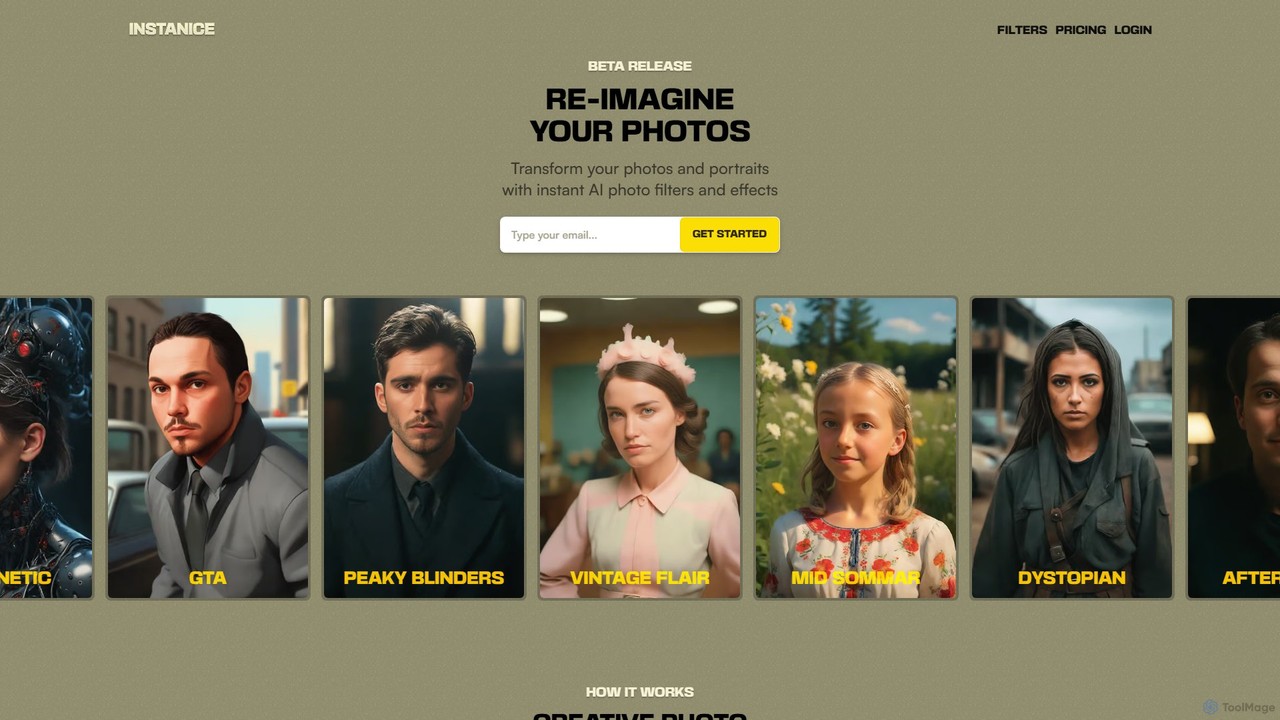
Instanice is an AI-powered tool that transforms your photos and portraits with a single click. Choose from a wide range of curated artistic filters, such as Cybernetic, GTA, and Vintage, to instantly reimagine your images without any editing skills. It's perfect for creating unique profile pictures, social media content, and fun avatars.
Avatars
aieasyphoto
aieasyphoto is a comprehensive AI-powered photo and video studio offering over 50 tools. Create professional headshots, creative portraits, and dynamic videos by training a custom AI model or using instant editing tools. Features include text-to-image generation, face swap, background removal, and various style transformers. With a vast library of free-to-try tools and flexible pricing plans, it's perfect for professionals, social media users, and creatives looking to enhance their visual content effortlessly.
Avatars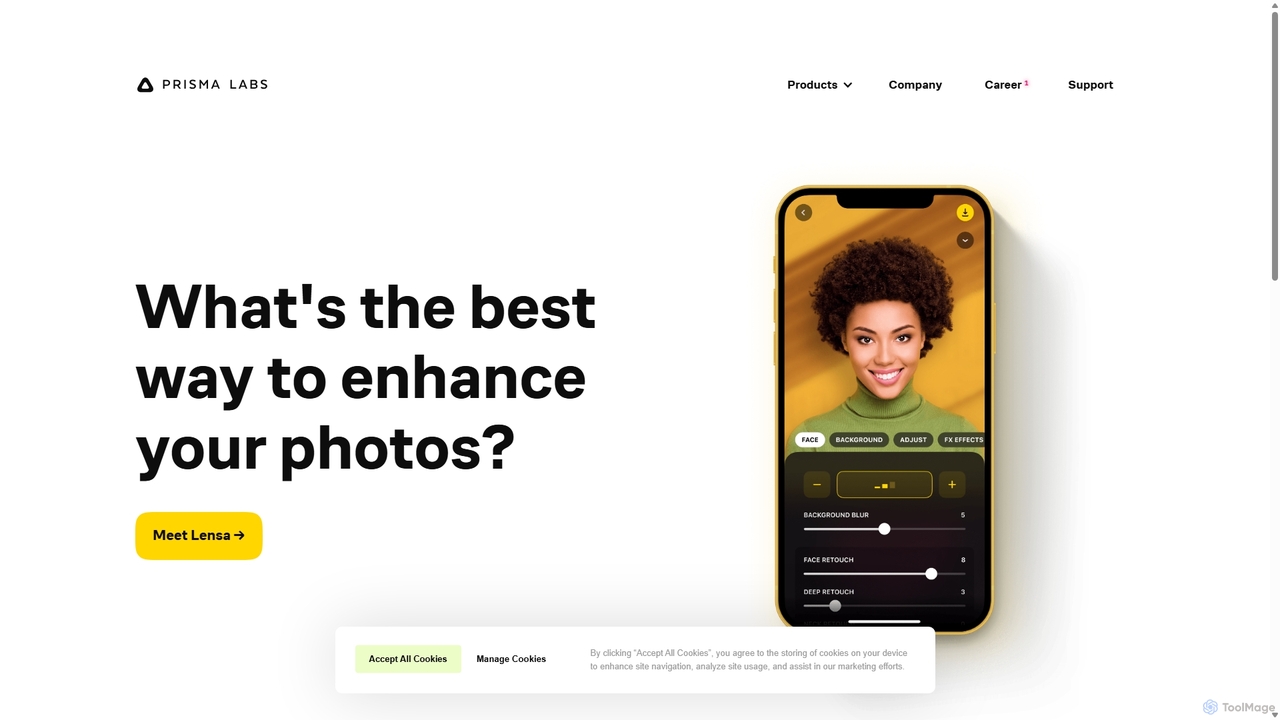
Prisma AI
Prisma AI, from Prisma Labs, is a suite of powerful mobile applications, including the famous Lensa and Prisma apps. It leverages advanced AI to transform your photos and videos into stunning works of art, create personalized 'Magic Avatars', and perform professional-grade image and video editing with ease.
Generative Art
Photify AI
Photify AI is a mobile app that transforms a single selfie into hundreds of stunning, stylized photos in just seconds. Explore a vast library of themes, from professional headshots and travel scenes to anime and cartoon characters, and create unique looks effortlessly.
Avatar & Face Swap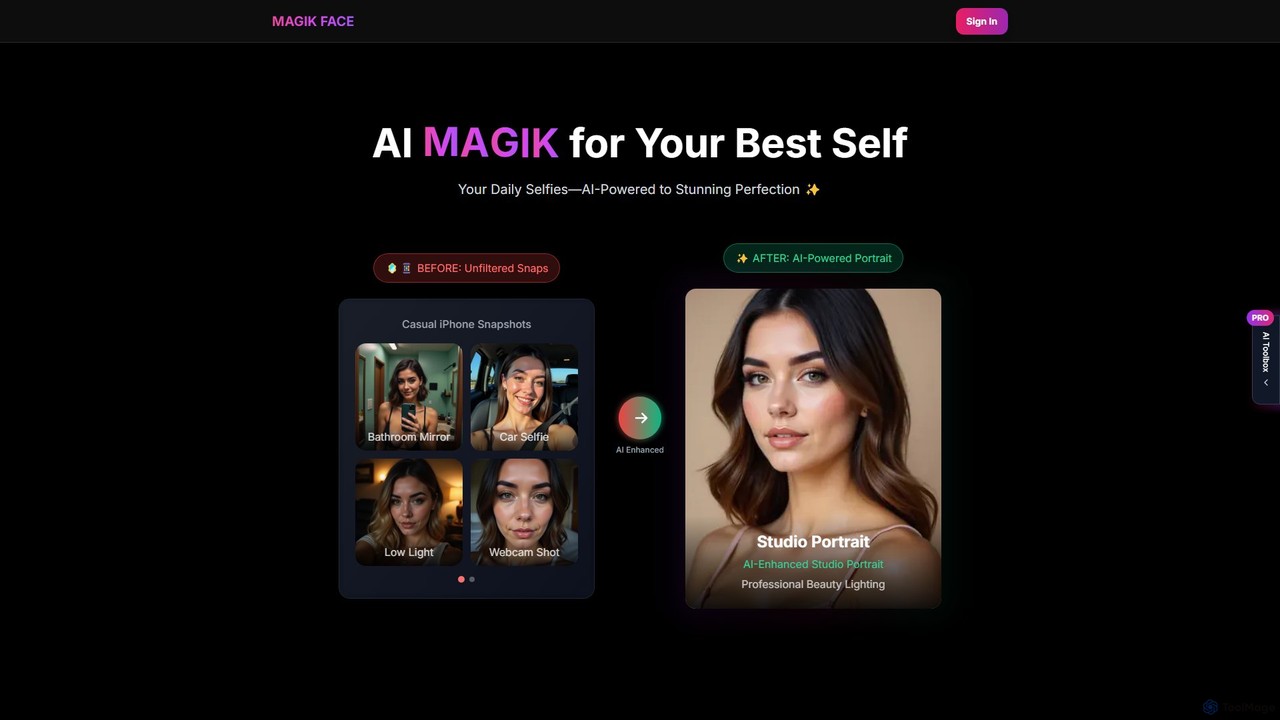
Magik Face
Magik Face is an AI-powered platform that transforms your everyday selfies and photos into stunning, studio-quality portraits and videos. Train a personal AI model in minutes and explore hundreds of artistic styles. With a flexible pay-as-you-go system, you get total creative control without subscriptions.
Avatarshey_photo Categories
hey_photo Embed Widget
Copy this embed code to place the badge on your blog, article, or product site and send readers directly to this ToolMage detail page.

Related AI tools
FaceApp
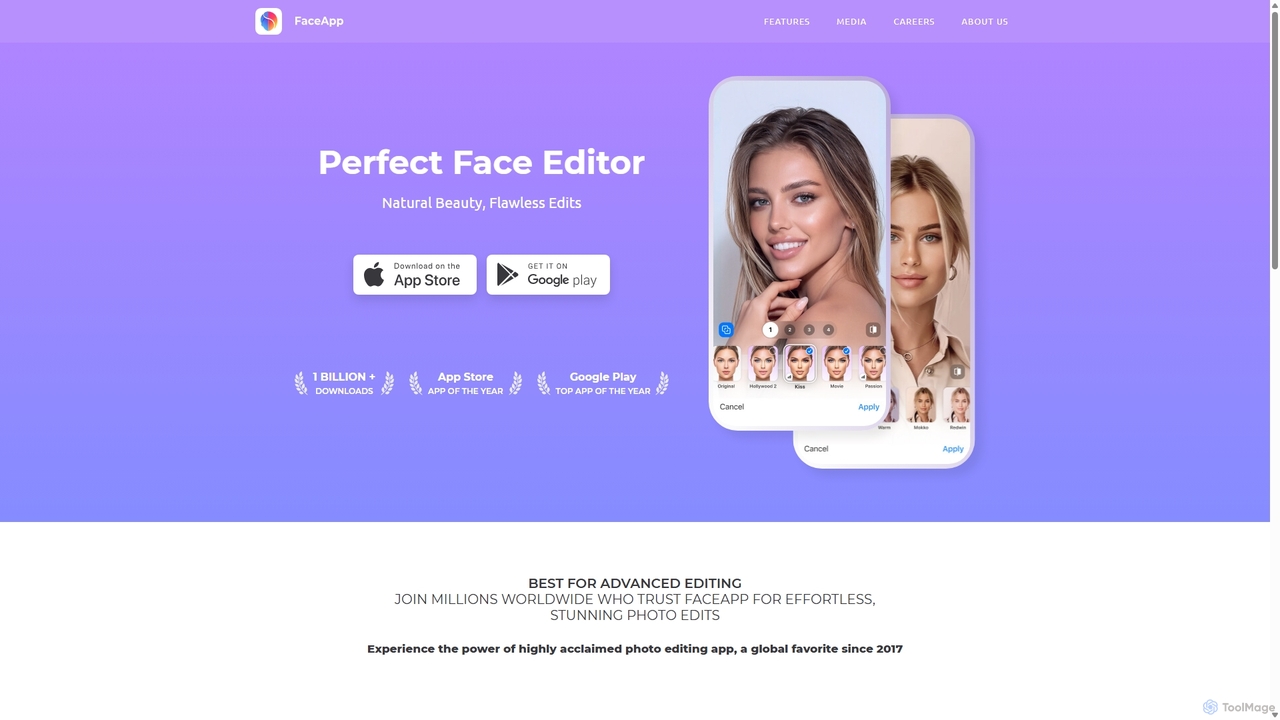
FaceApp is a leading AI-powered photo and selfie editor for iOS and Android. With over a billion downloads, it uses advanced neural networks to offer hyper-realistic transformations. Effortlessly apply filters for aging, gender swap, makeup, hairstyles, and beauty retouching. Perfect for creating stunning, shareable content for social media or simply for fun.
Entertainment
PhotoGrid
PhotoGrid is an all-in-one online collage maker and AI photo editor. It offers over 20,000 templates and a suite of powerful AI tools to create stunning photo collages, remove backgrounds, enhance image quality, and apply creative filters, making professional photo editing accessible to everyone.
Collage Maker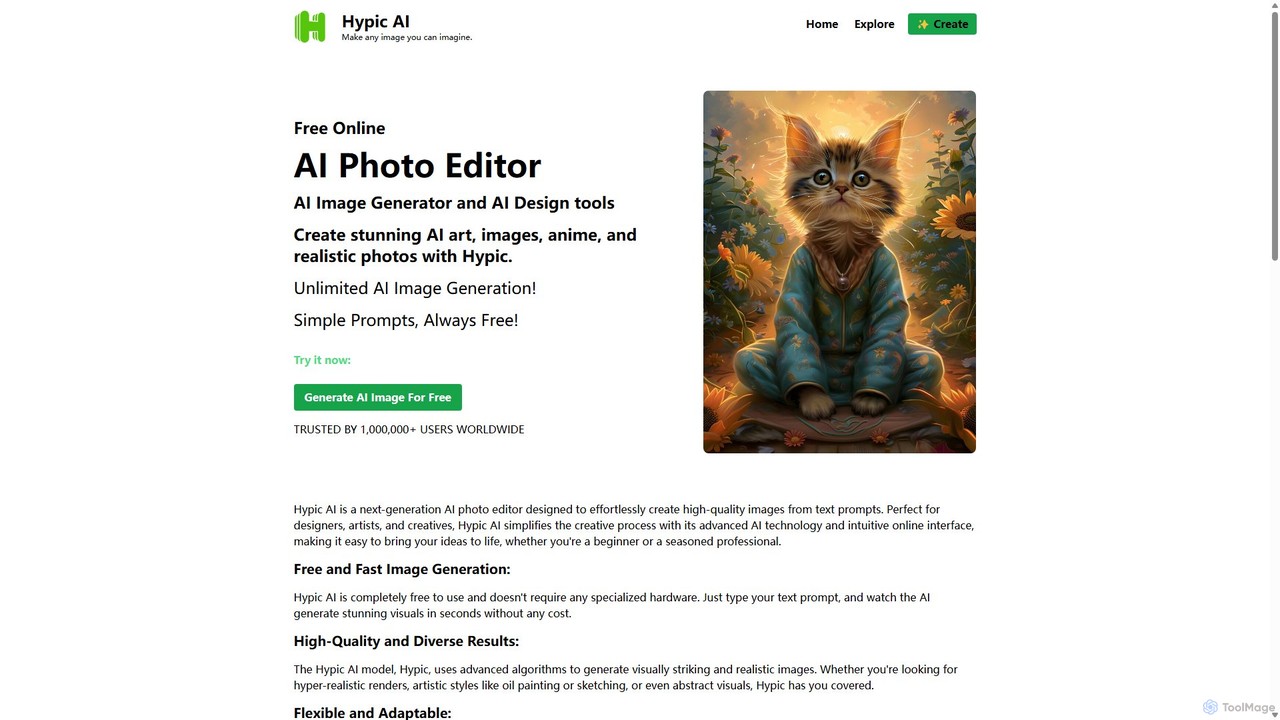
Hypic
Hypic is a powerful, all-in-one AI photo editing app for both beginners and professionals. It offers a wide range of AI-powered features, including one-tap portrait retouching, object removal, background replacement, and creative filters. Elevate your photos for social media, personal use, or e-commerce with professional-grade tools made simple and accessible on your mobile device.
Image Generationinstanice
Instanice is an AI-powered tool that transforms your photos and portraits with a single click. Choose from a wide range of curated artistic filters, such as Cybernetic, GTA, and Vintage, to instantly reimagine your images without any editing skills. It's perfect for creating unique profile pictures, social media content, and fun avatars.
Avatars
Filterly
Filterly is an AI-powered mobile photo editing app that lets you transform your appearance in photos with a single tap. Experiment with new hairstyles, visualize age changes, and apply a wide range of artistic and retro filters to unveil your best self.
Avatar Generator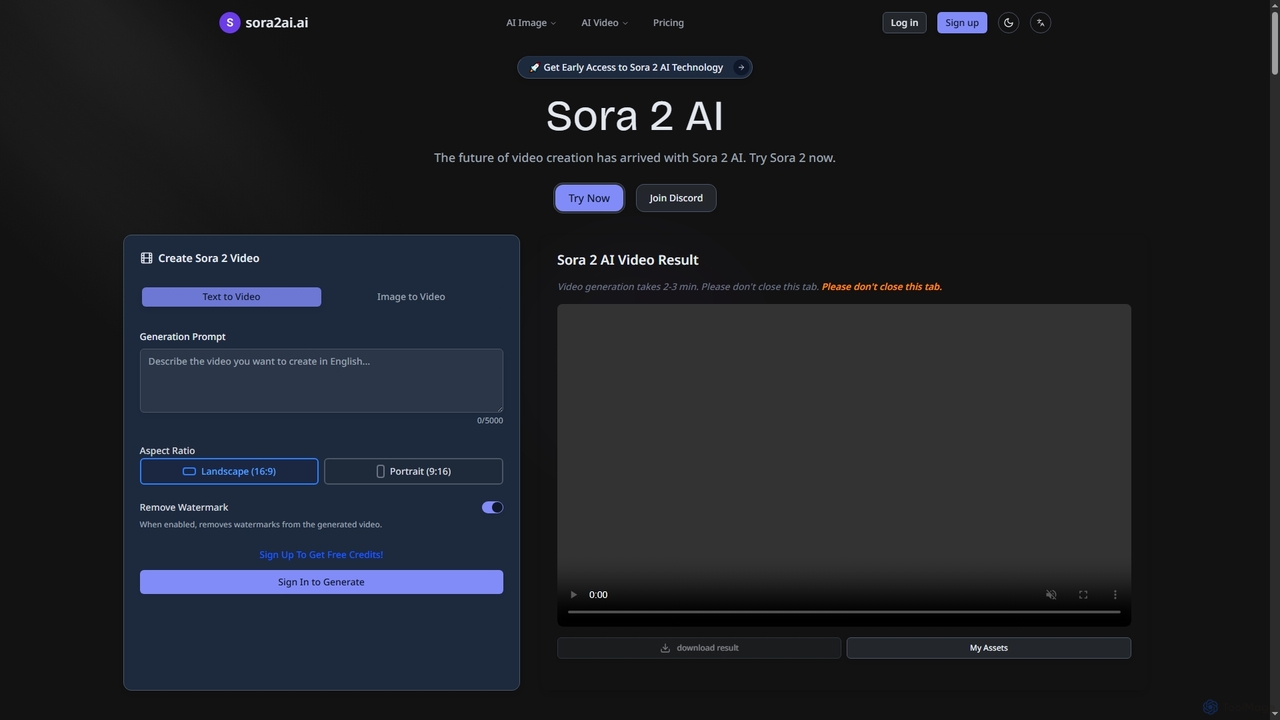
Sora2ai
Sora2ai is a comprehensive AI creative platform offering early access to advanced AI video and image generation. It integrates cutting-edge models like Sora 2 for 20-second continuous video generation with unique cameos and native audio, Google's Veo 3 for cinematic videos, and NanoBanana for powerful image editing, providing a unified workflow for diverse creative needs.
Content Creation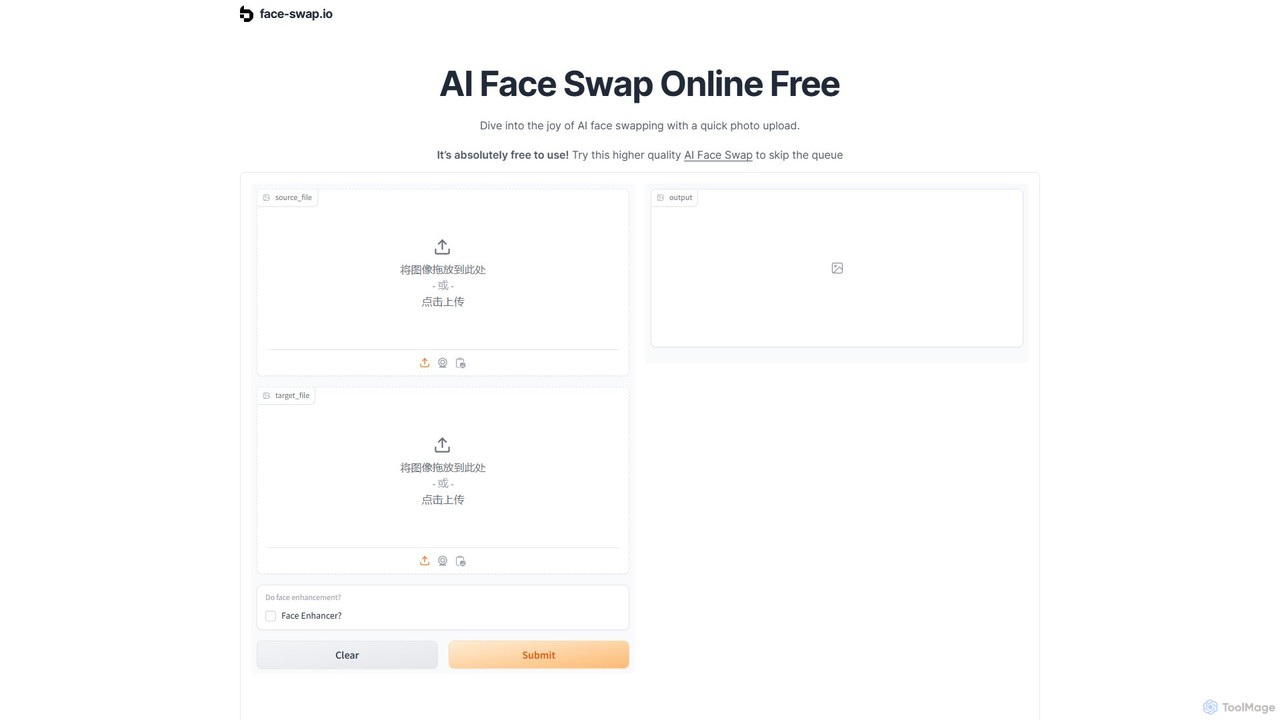
face-swap.io
A free, AI-powered online tool for creating high-quality, realistic face swaps in seconds. Easily swap faces in photos to create funny memes, social media content, or simply for fun. No technical skills required.
3D
Photoroom
Photoroom is an AI-powered photo editor that automatically removes backgrounds to create professional product photos, profile pictures, and marketing images in seconds. Featuring AI-generated backgrounds, magic eraser, and batch editing, it simplifies complex editing tasks for e-commerce sellers, marketers, and creators. Available on web and mobile, it offers a fast, easy way to produce studio-quality visuals without any design skills.
Graphic Design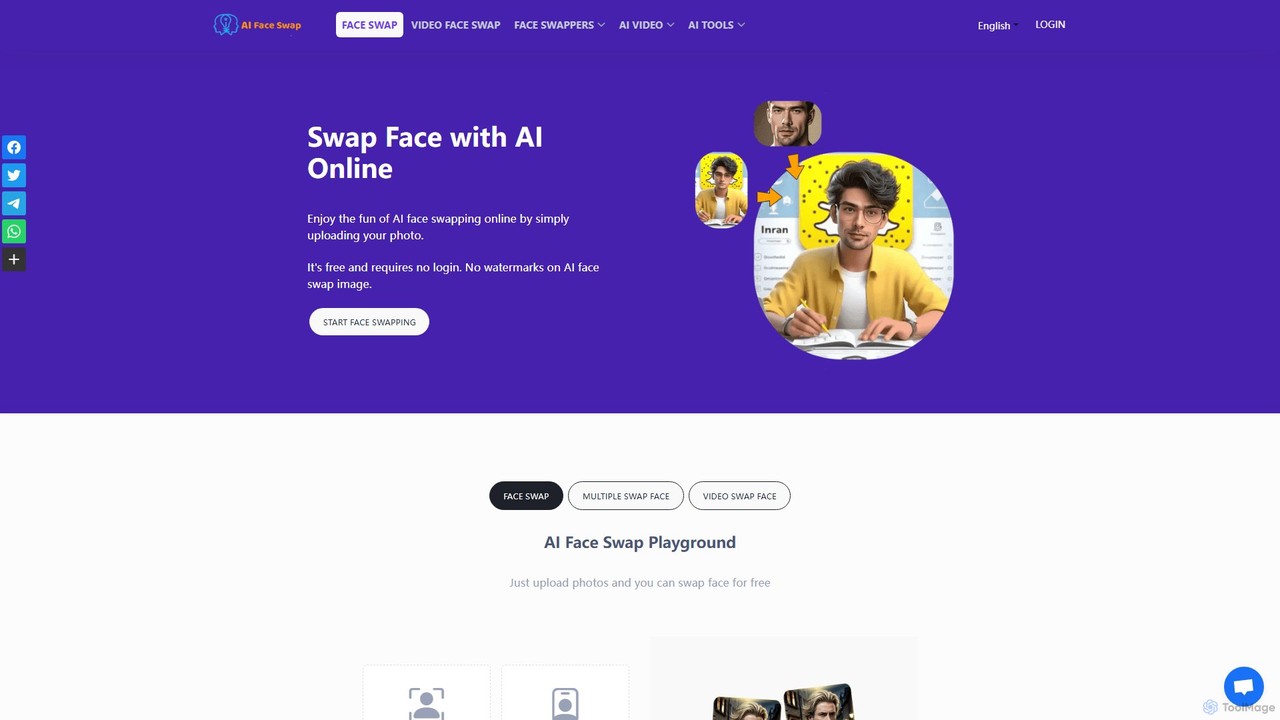
aifaceswap
A powerful and free online AI tool for seamlessly swapping faces in both images and videos. Create hilarious memes, transform into celebrities, or produce high-quality video edits in seconds without any sign-up required for basic features.
Face Swap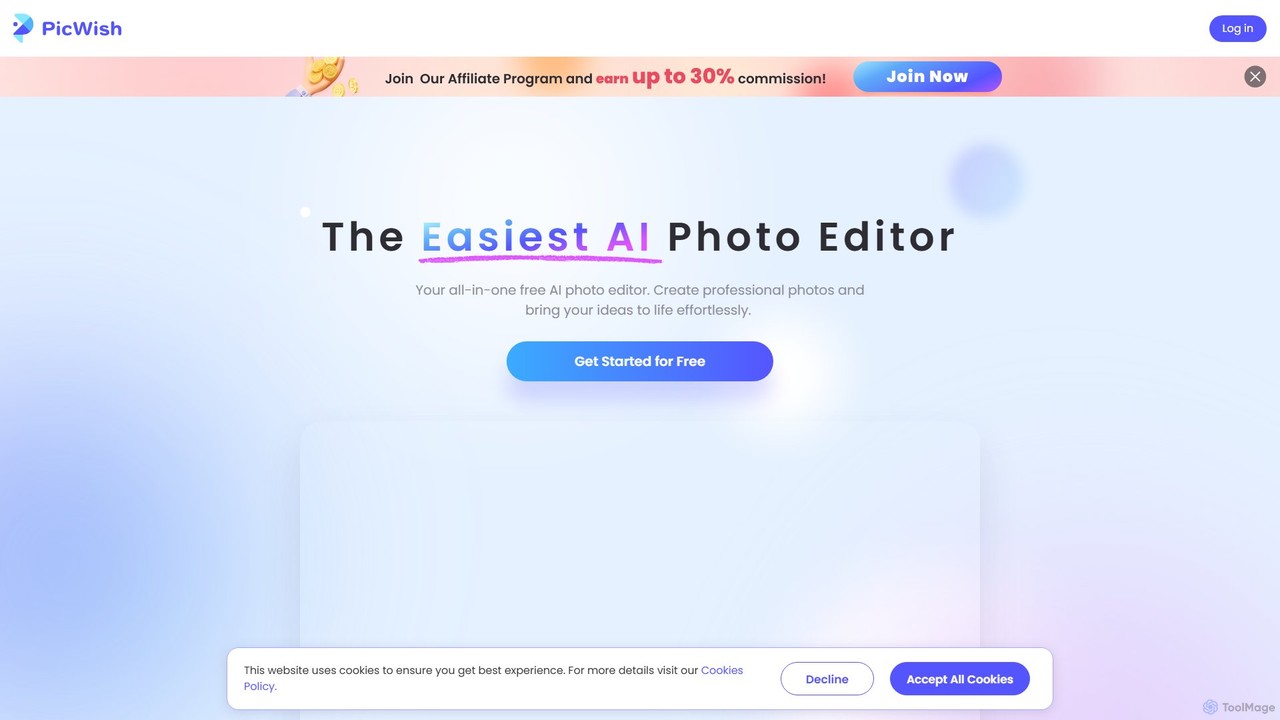
PicWish
PicWish is an all-in-one AI-powered photo editing suite designed to simplify complex image processing. It offers a wide range of free and pro tools, including background removal, photo enhancement, object removal, and AI background generation. Available online and as a dedicated app, PicWish empowers e-commerce sellers, designers, and content creators to produce professional-quality visuals effortlessly, without needing advanced technical skills.
Image Generation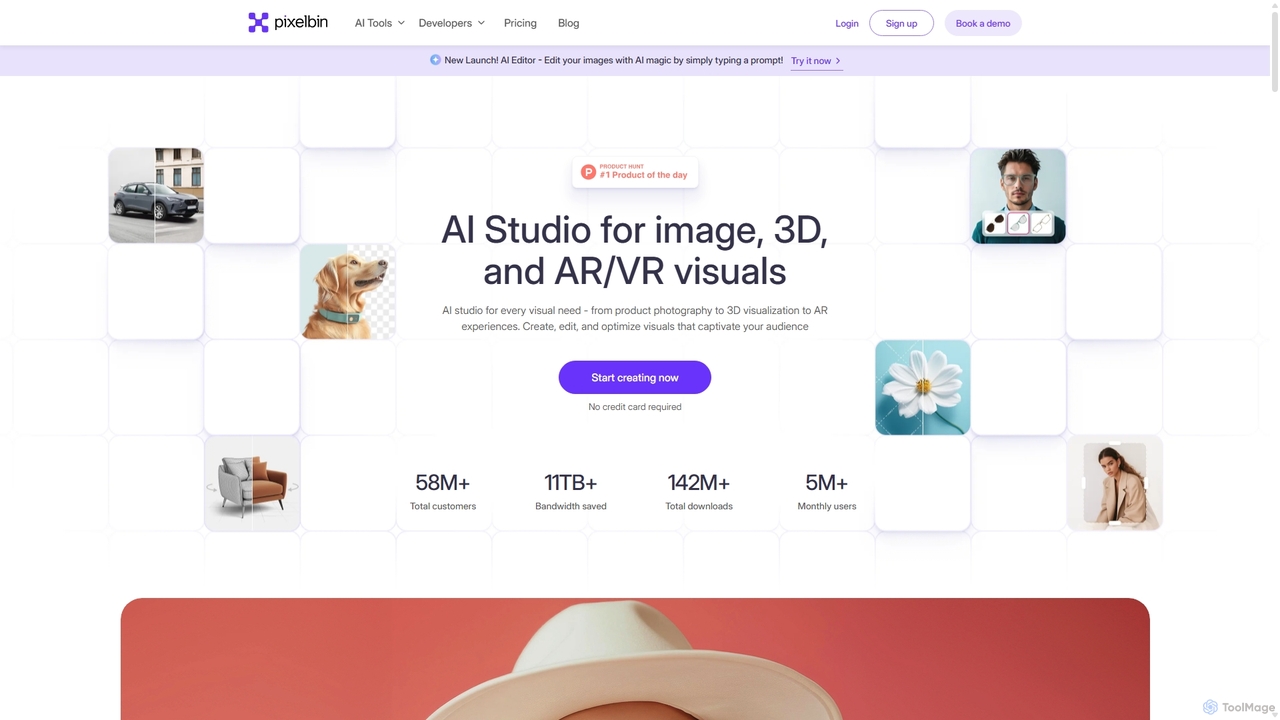
Pixelbin
Pixelbin is a comprehensive AI-powered platform for visual asset management and real-time image transformation. It offers a suite of tools including an AI editor, background remover, image upscaler, and watermark remover, alongside a robust Digital Asset Management (DAM) system and a smart CDN. Designed for developers, marketers, and e-commerce businesses, Pixelbin streamlines the entire visual content lifecycle from creation and storage to optimization and delivery, ensuring high-quality visuals and faster performance.
Digital Asset Management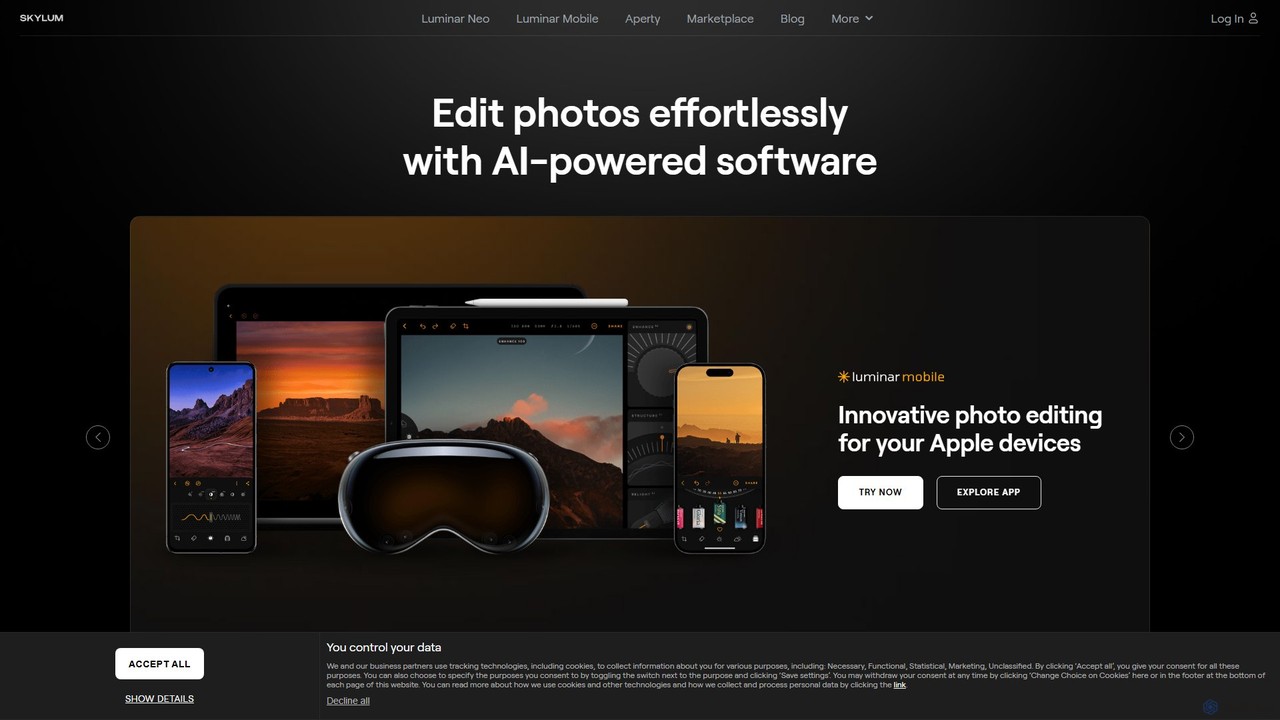
Skylum
Skylum develops AI-powered photo editing software, including the flagship Luminar Neo. Designed for photographers of all skill levels, its tools simplify complex editing tasks like sky replacement, portrait retouching, and landscape enhancement, enabling users to achieve professional-quality results with intuitive controls and creative automation.
Graphics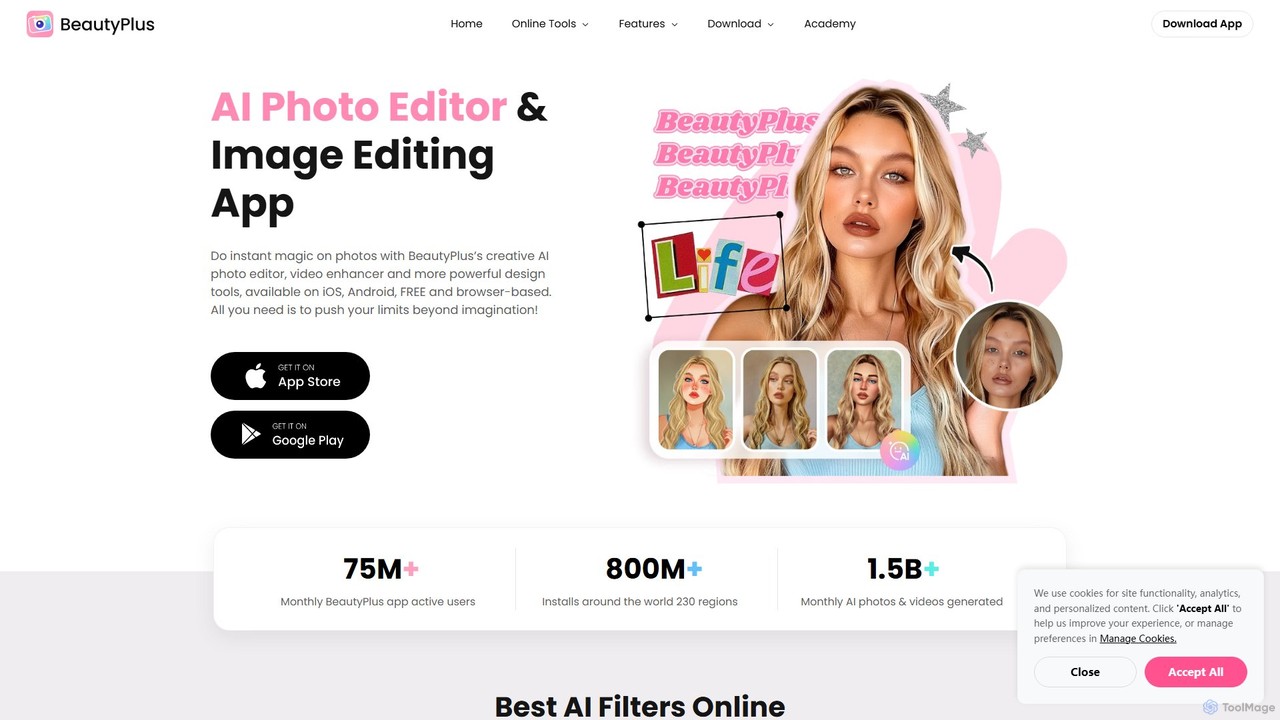
BeautyPlus
BeautyPlus is an all-in-one AI-powered photo and video editor. It offers a vast suite of tools for selfie enhancement, virtual makeup, body reshaping, and creative editing. With features like AI filters, background removal, object eraser, and image enhancement, it allows users of all skill levels to create professional-quality visuals effortlessly on mobile and web.
Generative Art
Meitu
Meitu is a comprehensive suite of AI-powered tools for photo and video editing, graphic design, and professional creative workflows. It simplifies complex tasks like photo retouching, video quality restoration, and content creation, making advanced editing accessible to everyone from casual users to businesses.
Graphic Design
RoboNeo
RoboNeo is an AI agent by Meitu, focused on visual productivity. It streamlines content creation by integrating AI-powered photo editing, graphic design, and video generation into a single, intuitive platform. Ideal for marketers, creators, and businesses to produce high-quality visuals effortlessly.
Graphic Design
hey_photo Comments (0)
Sign in to comment.
Sign inNo comments yet.