
glitchyimage Overview
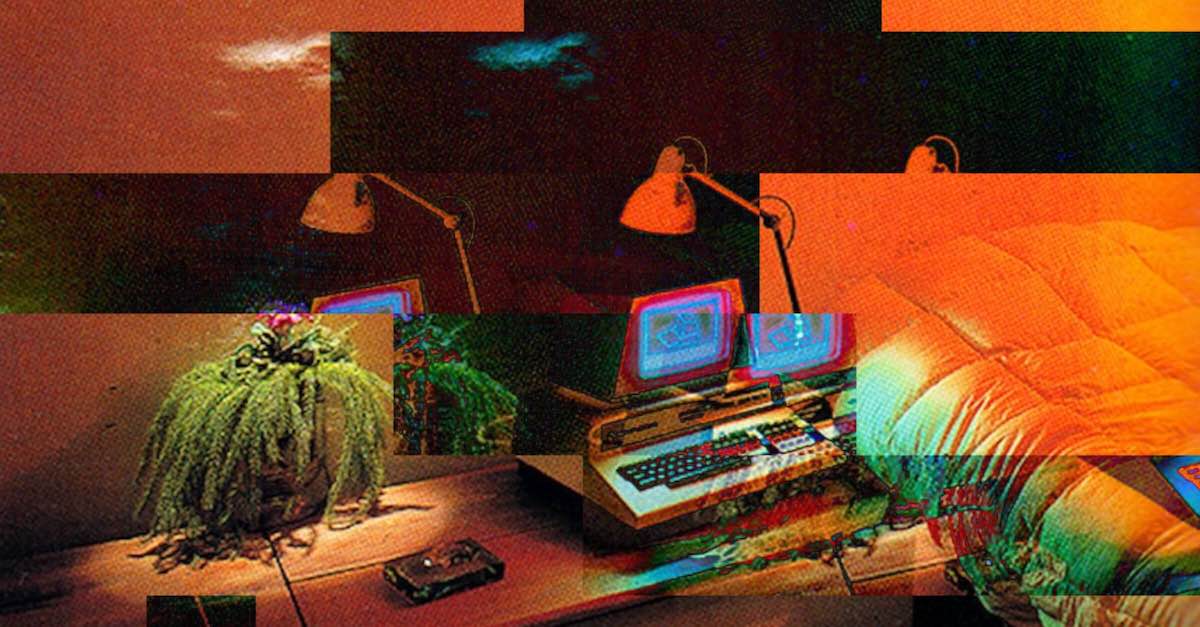
glitchyimage is a powerful and accessible online tool designed for the creation of glitch art. It empowers users to transform standard photographs into unique pieces of digital art characterized by digital errors, distortions, and vibrant color aberrations. This browser-based generator is perfect for digital artists, graphic designers, musicians, and social media content creators who want to infuse their visuals with a distinctive cyberpunk or vaporwave aesthetic without needing complex software like Photoshop.
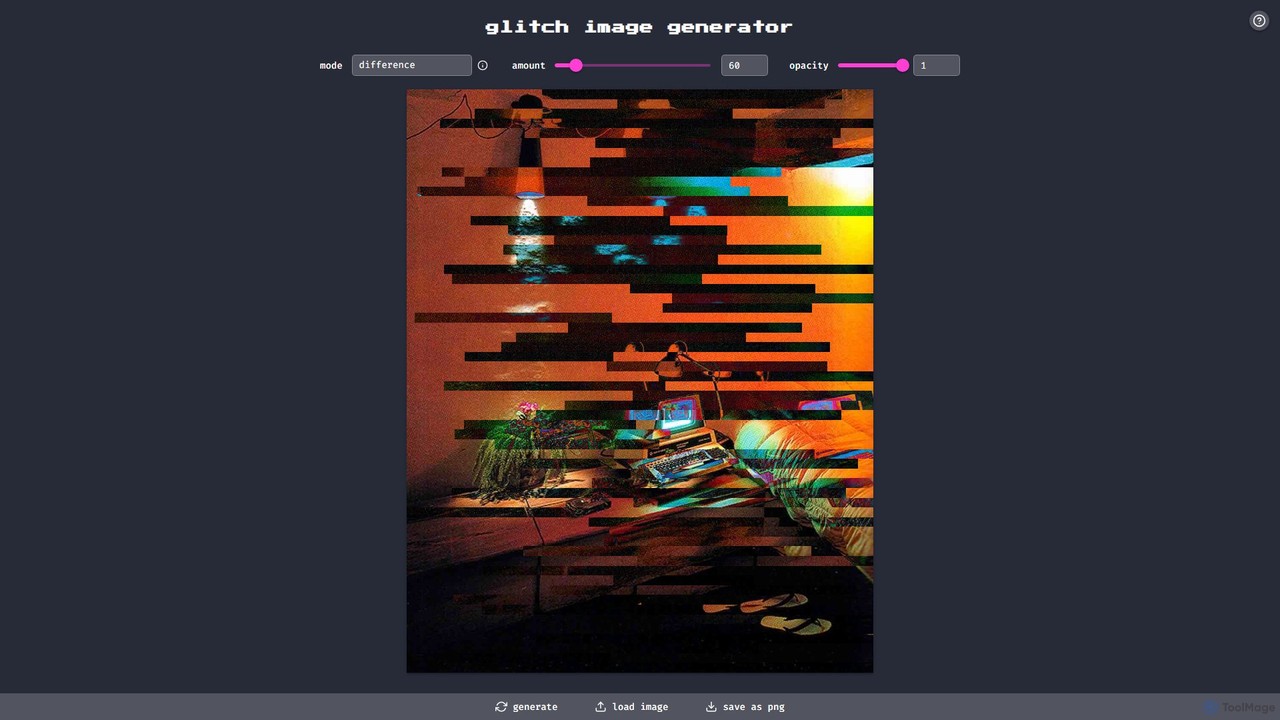
The platform operates on a simple yet highly customizable engine. Users can upload their own images and then manipulate them using a variety of controls. The core of its functionality lies in the extensive selection of blend modes, which dictate how the glitch effect interacts with the source image. This, combined with adjustable intensity and opacity, provides a granular level of control that allows for a wide spectrum of results, from subtle, almost imperceptible distortions to chaotic and abstract data-moshed visuals.
How to use glitchyimage
Using glitchyimage is a straightforward, four-step process designed for maximum creativity with minimum hassle:
- Load Your Image: Begin by clicking the "Load Image" button. This will open a file dialog, allowing you to select and upload an image from your computer. The tool supports common image formats.
- Customize the Glitch Effect: Once your image is loaded, you can start experimenting with the available settings. Adjust the 'Amount' slider to control the overall intensity of the glitch effect. Use the 'Opacity' slider to manage the transparency of the glitch layer. The most powerful feature is the 'Mode' dropdown, which contains numerous blend modes like 'Multiply', 'Screen', 'Overlay', 'Color Dodge', and 'Exclusion'. Each mode will create a different visual interaction between the glitch pattern and your original image.
- Generate and Preview: After setting your desired parameters, click the "Generate" button. The tool will process the image and display the glitched version in the preview area. You can continue to tweak the settings and regenerate as many times as you like until you achieve the perfect look.
- Save Your Artwork: When you are satisfied with the result, click the "Save as PNG" button. Your unique glitch art will be downloaded directly to your device as a high-quality PNG file, ready to be shared or used in your projects.
Core Features of glitchyimage
- Extensive Blend Modes: Offers a wide array of professional blend modes (e.g., source-atop, destination-out, lighter, multiply, screen, overlay, darken) for sophisticated effect layering.
- Adjustable Intensity and Opacity: Provides precise control over the strength and transparency of the glitch effect, enabling both subtle and extreme transformations.
- Custom Image Uploads: Users are not limited to stock images; they can upload their own photos to create personalized art.
- Real-Time Generation: The tool quickly applies effects and generates the final image, allowing for a fast and efficient creative workflow.
- High-Quality PNG Output: Saves images in the PNG format, which preserves image quality and transparency, making it ideal for further design work.
- Entirely Browser-Based: No software to download or install. It works on any modern web browser, making it accessible on any operating system.
Use Cases for glitchyimage
The unique aesthetic of glitch art makes it suitable for a variety of creative applications:
- Social Media Content: Create eye-catching profile pictures, posts for Instagram, and banners for Twitter or Facebook that stand out from the crowd.
- Music and Album Art: Design striking album covers, promotional materials, and social media visuals for musicians, especially in genres like electronic, lo-fi, and experimental music.
- Graphic Design and Branding: Incorporate glitch effects into posters, flyers, website headers, and other branding materials to convey a modern, tech-forward, or edgy identity.
- Digital Art and Illustration: Use the tool as a starting point or a finishing touch for digital paintings, photo manipulations, and other artistic creations.
Advantages of glitchyimage
glitchyimage stands out for several key reasons:
- Completely Free: The tool is 100% free to use with no limitations, subscriptions, or hidden costs.
- Simplicity and Accessibility: Its intuitive interface makes the complex process of creating glitch art accessible to everyone, regardless of their technical skill.
- Creative Freedom: The combination of multiple parameters and blend modes offers a vast canvas for creative experimentation.
- Instant Gratification: Create and download unique artwork in a matter of seconds.
Pricing and Plans
glitchyimage is a completely free tool. There are no pricing tiers, subscription plans, or premium features locked behind a paywall. All features, including unlimited image generation and high-quality downloads, are available to all users at no cost.
Traffic
Latest traffic
Status
Monthly traffic trend
- 2025-9: 10.6K
- 2026-1: 18.8K
- 2026-2: 10.5K
- 2026-3: 9.3K
- 2026-4: 10.6K
- 2026-5: 11.9K
Geography
Top 5 countries / regions
- 🇺🇸United States55.7%
- 🇧🇷Brazil12.5%
- 🇻🇳Vietnam11.3%
- 🇮🇳India11.3%
- 🇬🇧United Kingdom9.2%
Traffic sources
| Source type | Percentage |
|---|---|
Direct | 61.8% |
Referral | 38.2% |
Top keywords
| Keyword | Cost per click |
|---|---|
| glitch art generator | $0.00 |
| glitch image | $0.00 |
| glitch image generator | $0.00 |
| glitch maker | $0.00 |
| make image glitchy | $0.00 |
glitchyimage Alternatives
unboring
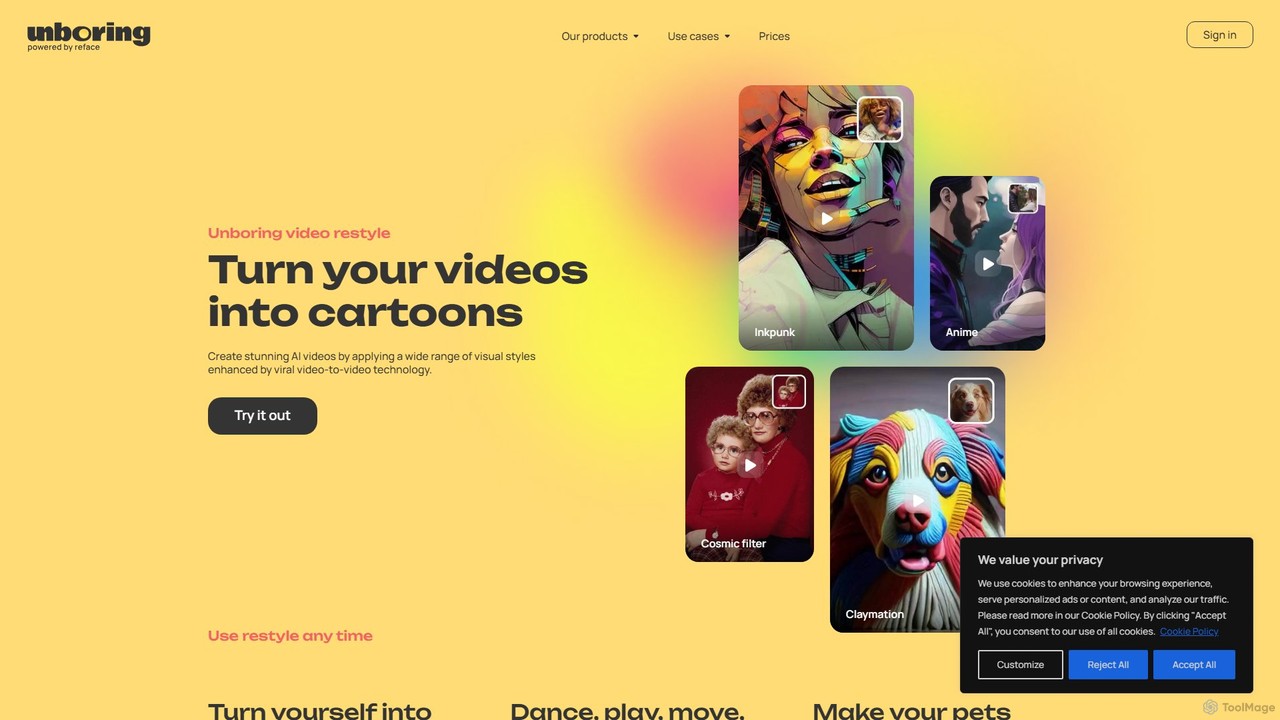
unboring is an AI-powered online tool by Reface that specializes in high-quality face swapping and photo animation. It allows users to transform static images into dynamic, entertaining content like memes, animated portraits, and funny videos, making content creation simple and fun.
Meme Generator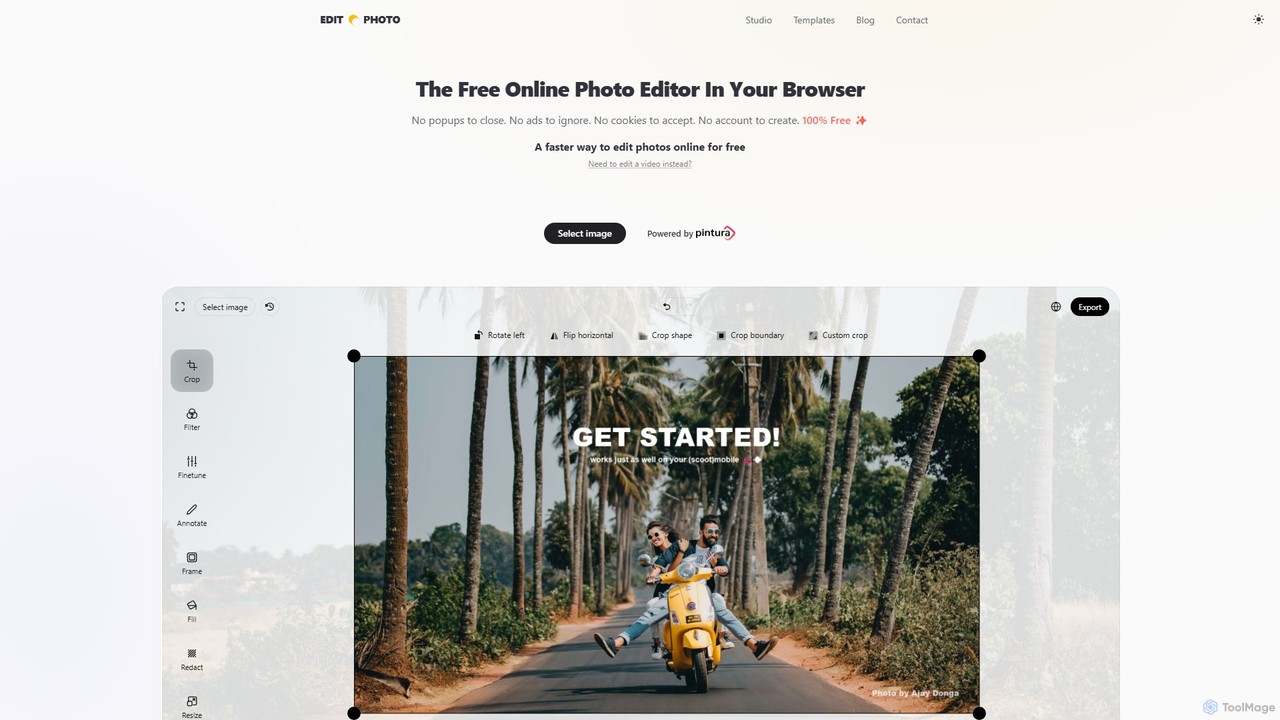
Edit.Photo
A completely free, private, and browser-based online photo editor. Edit.Photo offers a seamless experience with no ads, popups, or account creation. It features quick editing tools, social media templates, and a unique studio to build your own custom editor.
Image Editing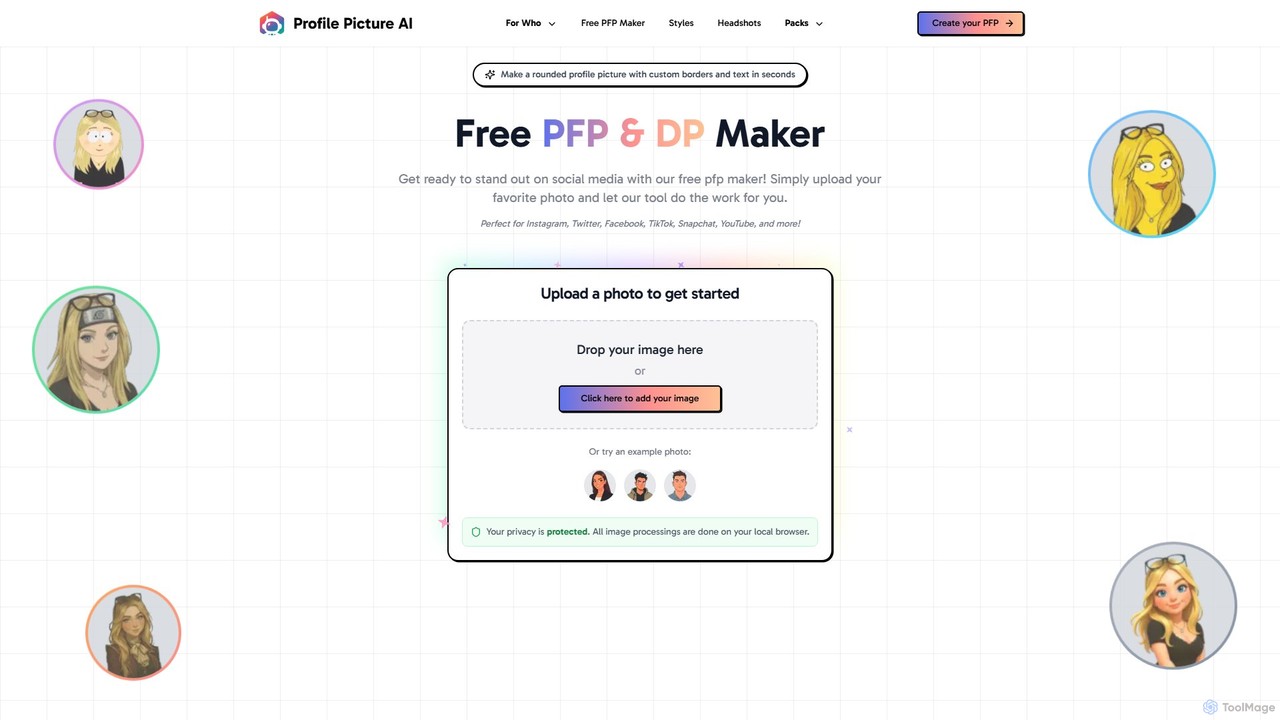
ProfilePicture.AI
ProfilePicture.AI is a versatile platform offering a 100% free PFP Maker for creating custom social media profile pictures with borders and text. It also features a powerful AI Headshot Generator that produces professional, studio-quality headshots from your photos, eliminating the need for a physical photoshoot.
Profile Picture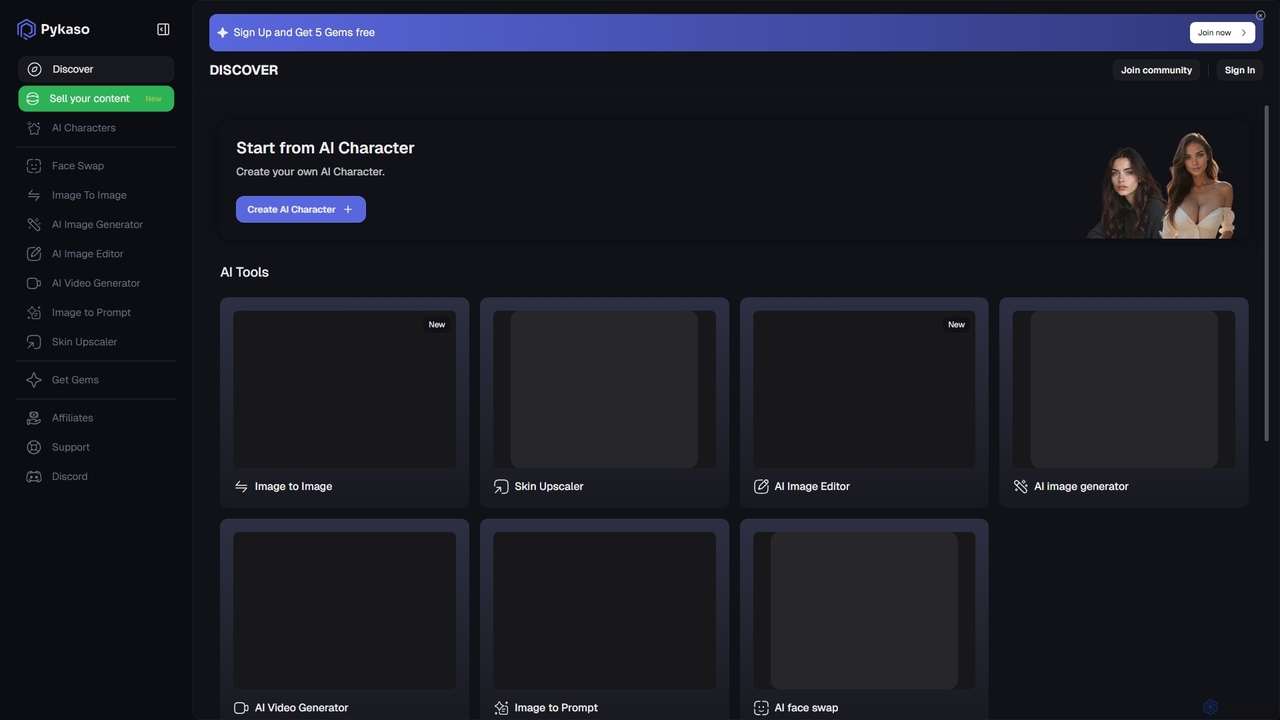
Pykaso
Pykaso is an all-in-one AI content creation suite designed for creating realistic AI influencers and digital characters. It offers a powerful set of tools including high-quality face swapping, an AI image and video generator, a character creator for maintaining consistency, and advanced image editing features like a skin upscaler. It's ideal for content creators, marketers, and social media managers looking to produce unique and engaging visual content effortlessly.
Character Creator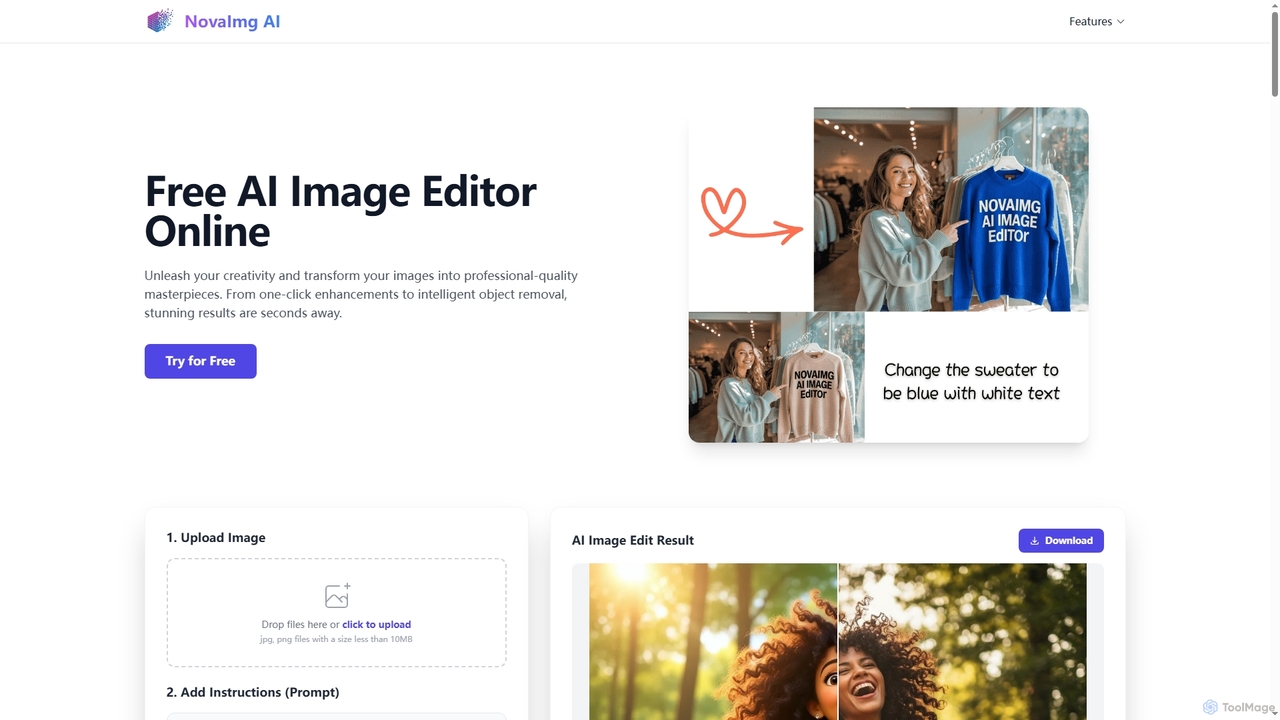
Novaimg
Novaimg is a versatile online AI tool suite for transforming and enhancing visual content. It offers a range of features including AI image editing with text prompts, 4K image upscaling, realistic face swapping for photos, videos, and GIFs, and an intelligent watermark remover. Designed for ease of use, Novaimg helps users create professional-quality images and videos for social media, e-commerce, and creative projects, often for free or with generous daily limits.
Graphic Designglitchyimage Categories
glitchyimage Embed Widget
Copy this embed code to place the badge on your blog, article, or product site and send readers directly to this ToolMage detail page.

Related AI tools

nifty_nft
An all-in-one AI-powered platform for creating, managing, and launching entire NFT collections. Generate unique art, automate metadata, and deploy smart contracts with no code required. Perfect for artists, brands, and creators entering the Web3 space.
Nft Generator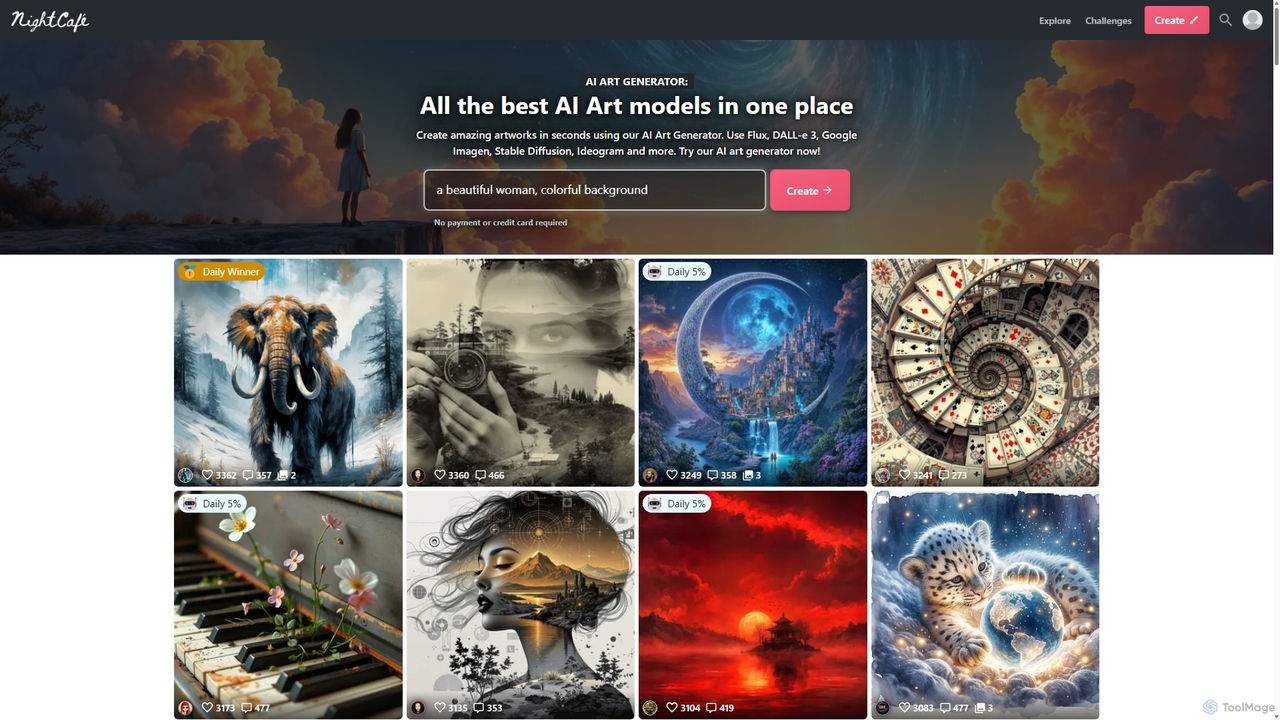
NightCafe
NightCafe is a versatile AI art generator and a vibrant community platform. It provides access to a wide range of AI models like DALL-E 3, Stable Diffusion, and Flux, allowing users to create, share, and discuss AI-generated art. Engage in daily challenges, collaborate with friends, and explore millions of creations in a supportive environment, suitable for both beginners and experts.
Generative Art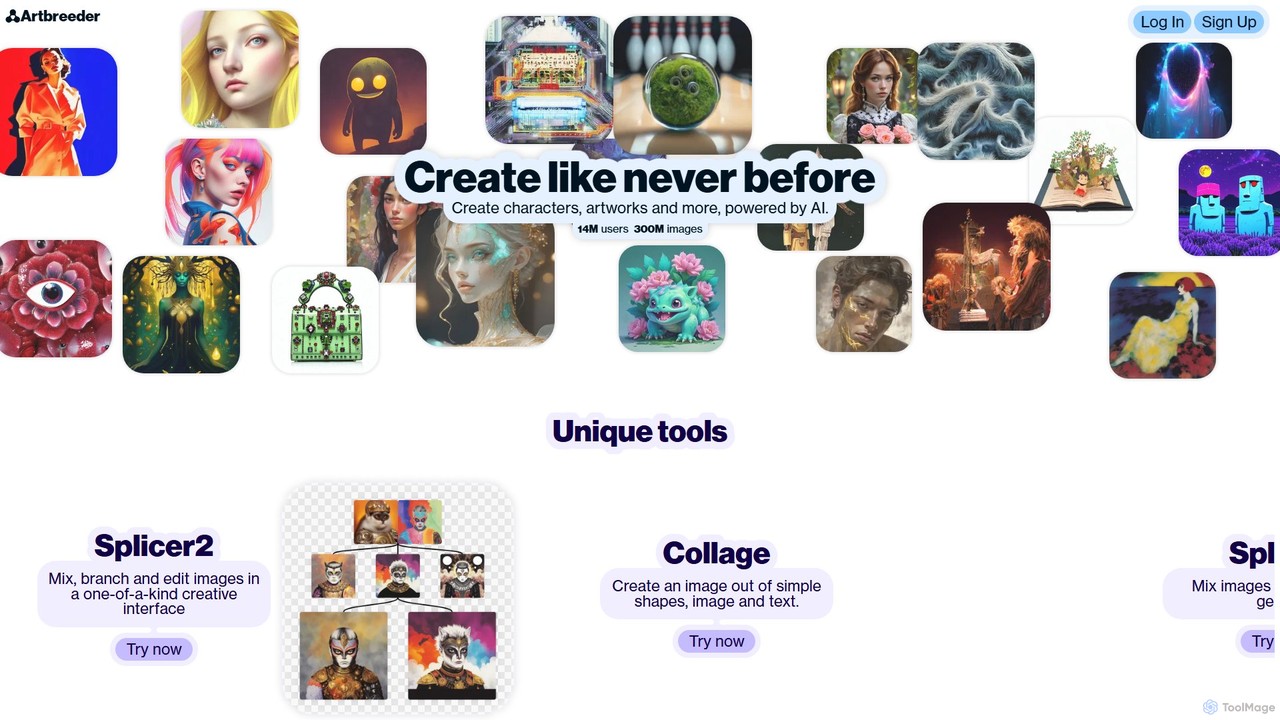
Artbreeder
Artbreeder is a unique AI-powered art and character creation platform. It allows users to generate and modify images by mixing them together and adjusting their 'genes'. Create stunning characters, artworks, and more through a collaborative and exploratory process.
Image Generation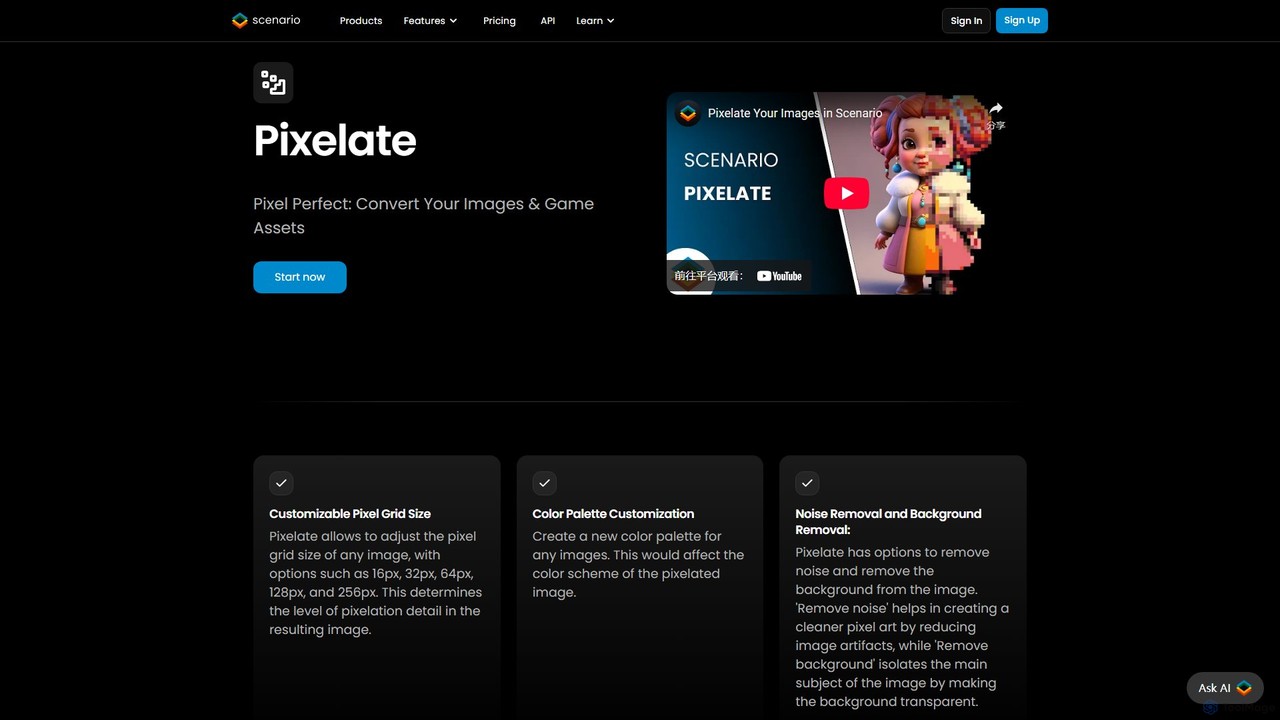
Pixelicious
Pixelicious is an AI-powered tool that effortlessly converts any image into high-quality, retro-style pixel art. Ideal for game developers, digital artists, and creators, it simplifies the process of generating pixelated graphics for games, art projects, and social media avatars.
Generative Art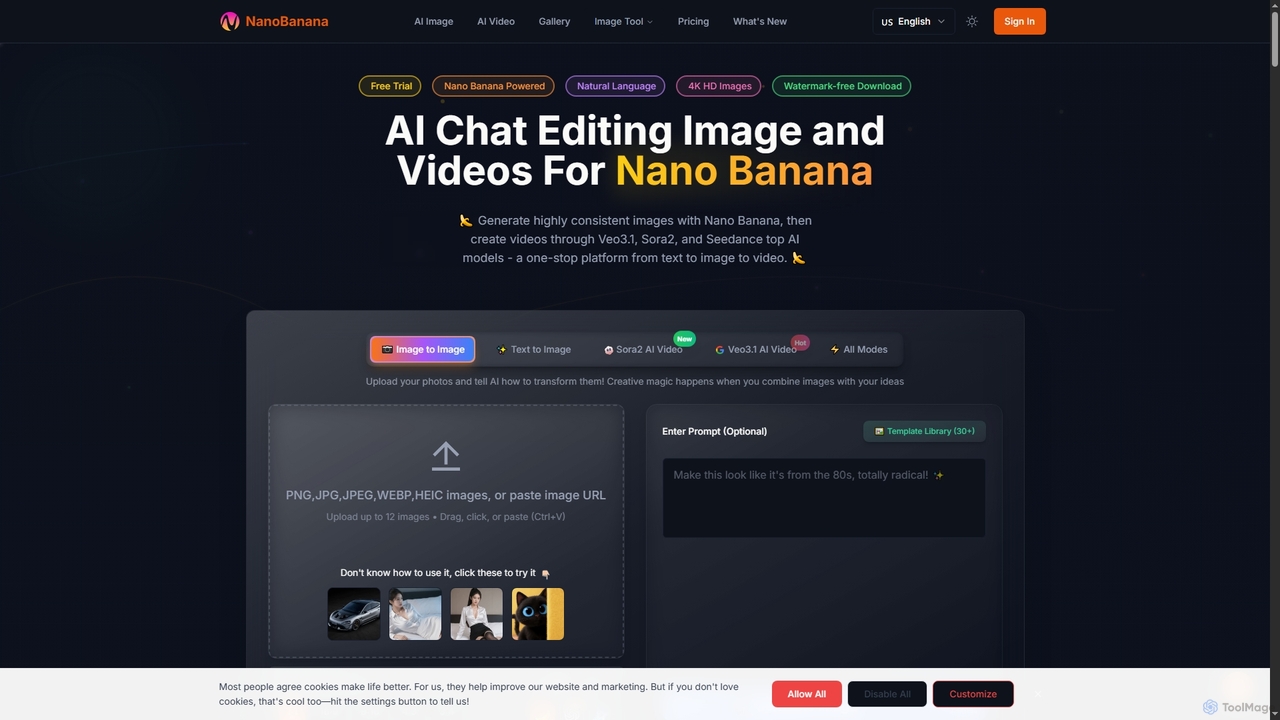
NanoBanana
NanoBanana is an advanced AI-powered platform for generating and editing images and videos using natural language. It offers lightning-fast creation, high-resolution outputs, and a wide array of creative modes, making professional-quality visual content accessible to everyone from beginners to seasoned creators.
Digital Art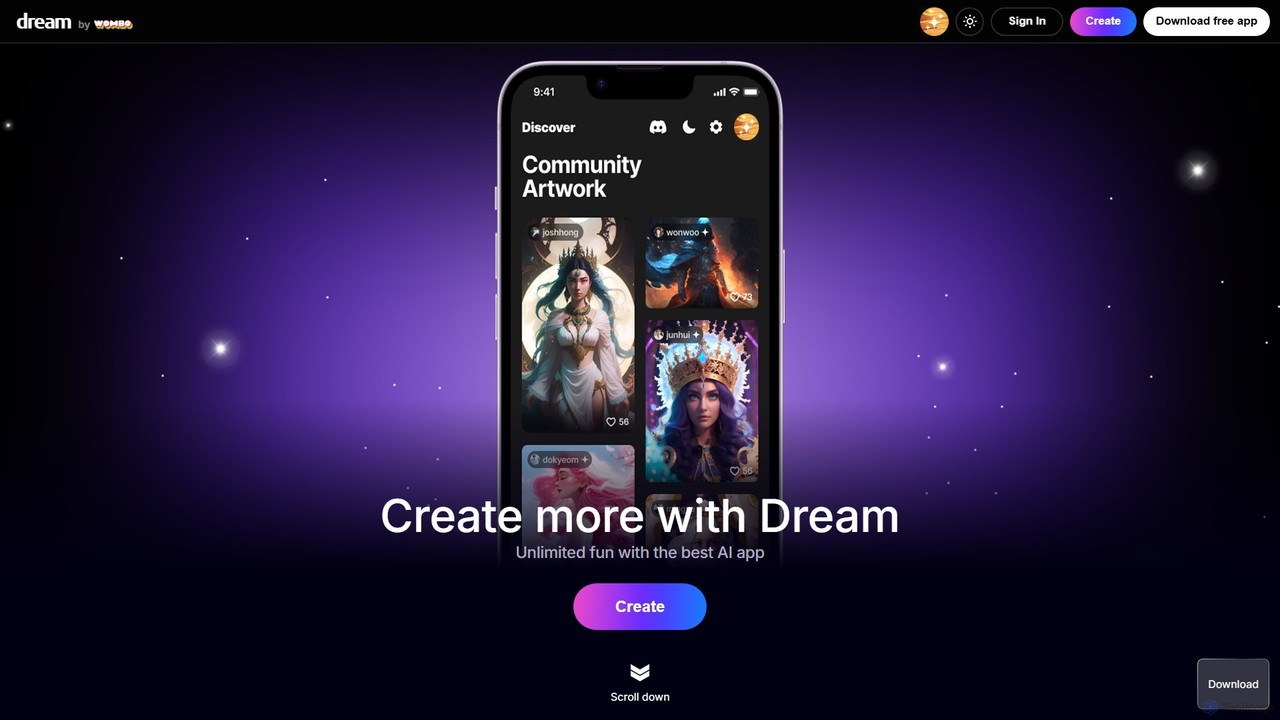
Dream by WOMBO
Dream by WOMBO is a powerful AI art generator that transforms your text prompts into stunning paintings and images in seconds. With a vast library of art styles, an intuitive interface, and both web and mobile app versions, it makes creating unique digital art accessible to everyone, from artists to hobbyists.
Image Generation
Jyek
Jyek is an AI agent platform that understands objectives, creates execution plans, uses tools, and delivers verifiable results for complex, multi-step tasks.
Automation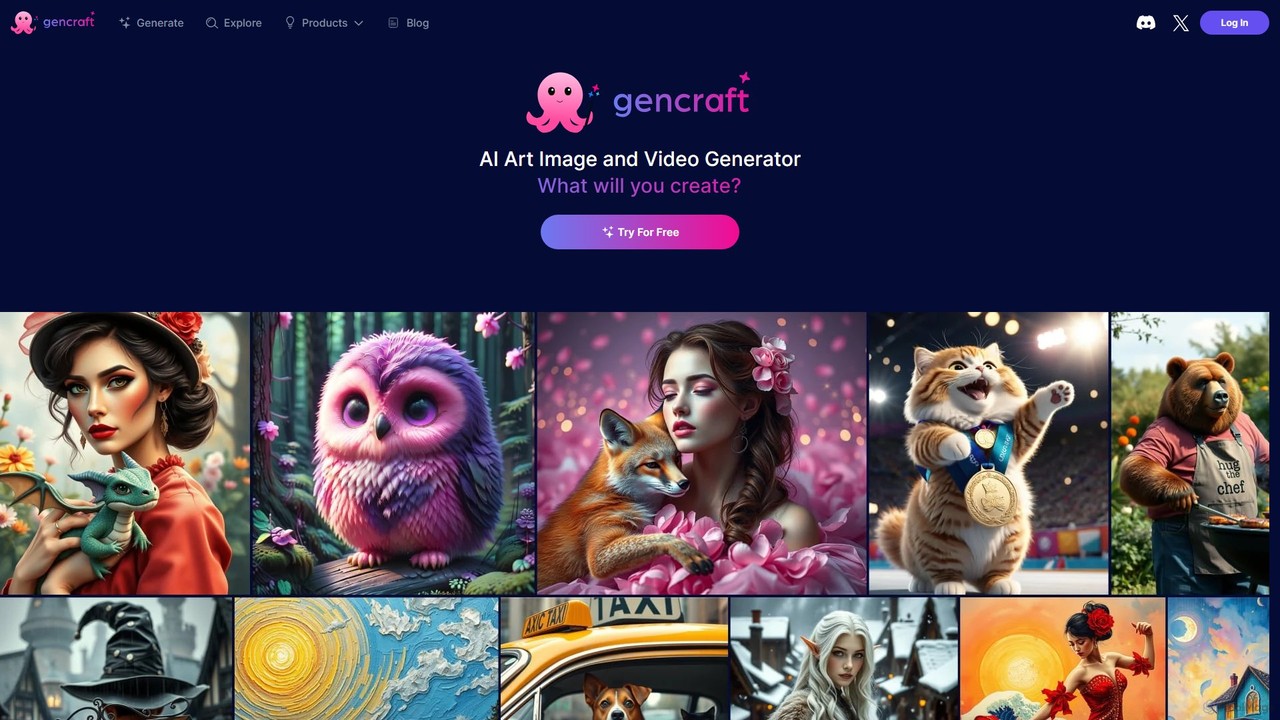
Gencraft
Gencraft is a powerful AI art and video generator that transforms text prompts into stunning visuals. It offers a wide range of styles, custom model training, and an integrated community platform. Available on web, iOS, and Android, it caters to everyone from hobbyists to professional creators, providing tools for image generation, video creation, and advanced editing.
Ai Art Generator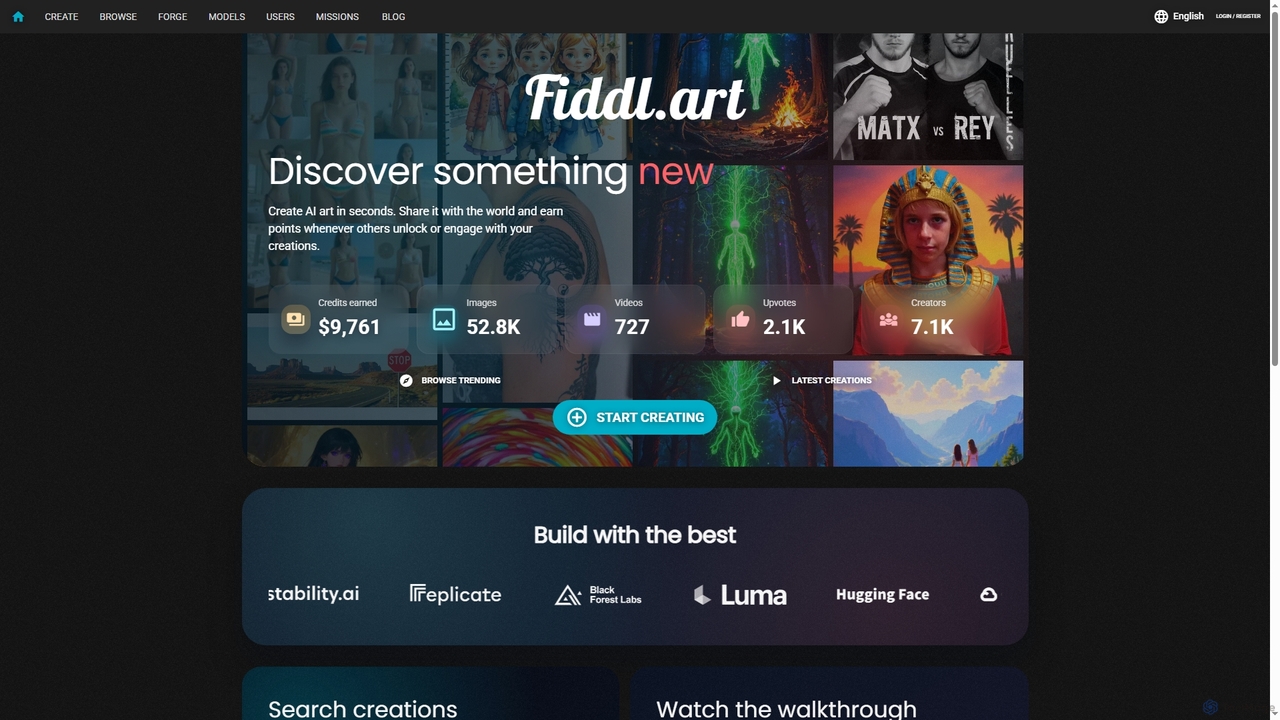
Fiddl
Fiddl is an advanced AI art and video generation platform that allows users to create stunning visuals in seconds. It features a diverse range of AI models, custom model training, and a vibrant community where creators can share their work, earn points, and explore new artistic possibilities without a subscription.
Generative Art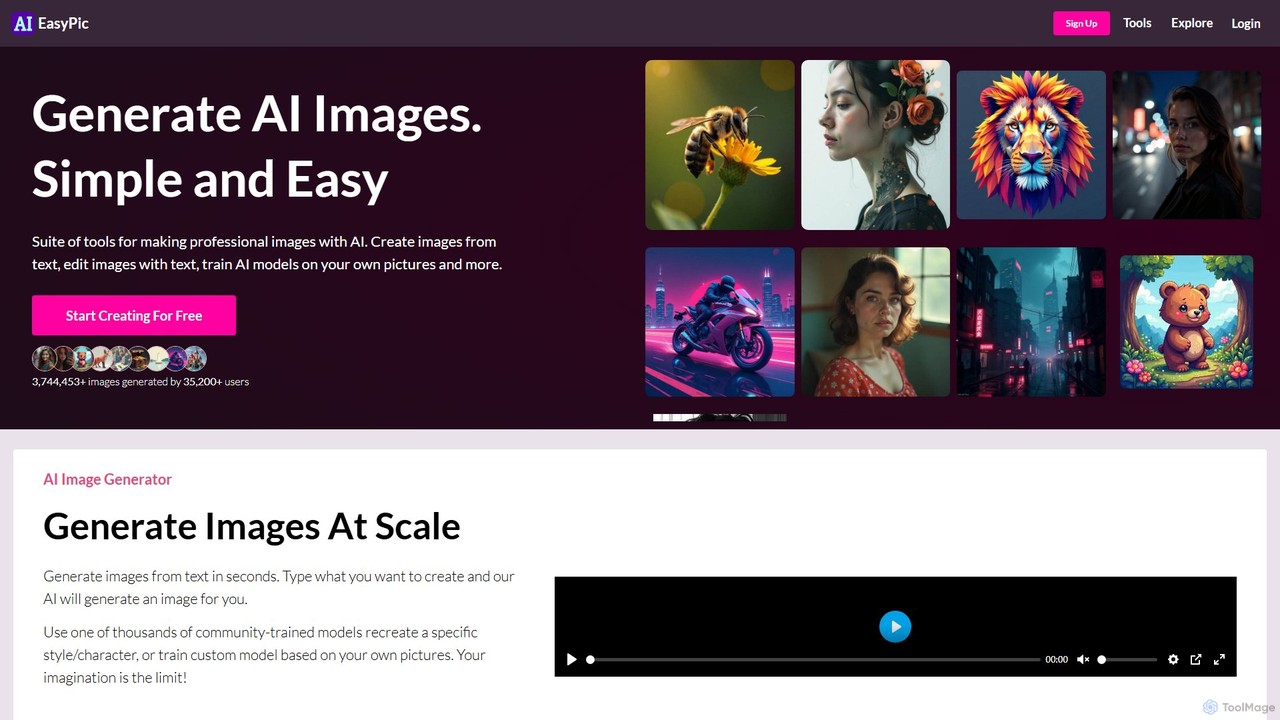
AIEasyPic
AIEasyPic is a user-friendly AI suite for creating professional-quality visuals. It simplifies AI image generation, allowing users to create images from text, edit with prompts, and even generate short videos. A key feature is the ability to train custom AI models on your own photos for personalized avatars or specific styles. With tools for face swapping and professional headshots, it's an all-in-one platform for creators, marketers, and individuals.
Generative Art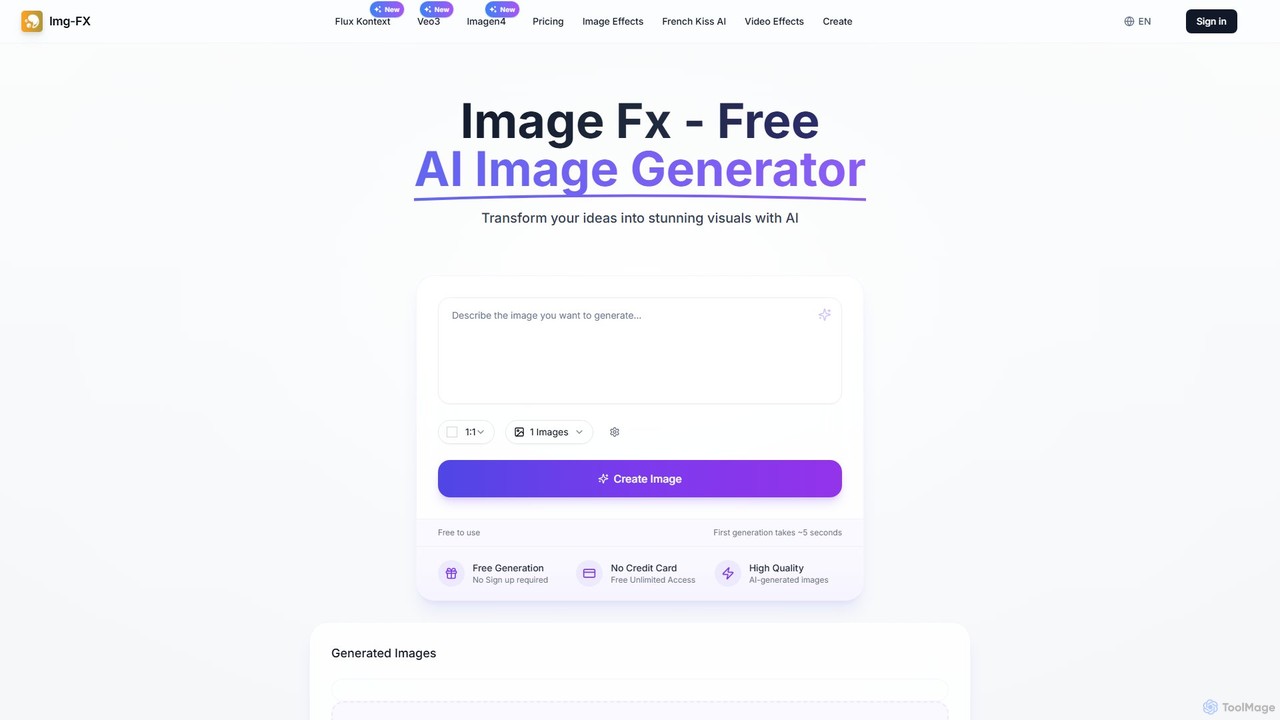
img_fx
A versatile AI creative suite for generating stunning images and videos. It offers free, no-signup text-to-image creation powered by Google's Imagen, advanced context-aware image editing with Flux Kontext, and high-quality text-to-video generation with Veo 3. Ideal for artists, marketers, and creators of all skill levels.
Image Editing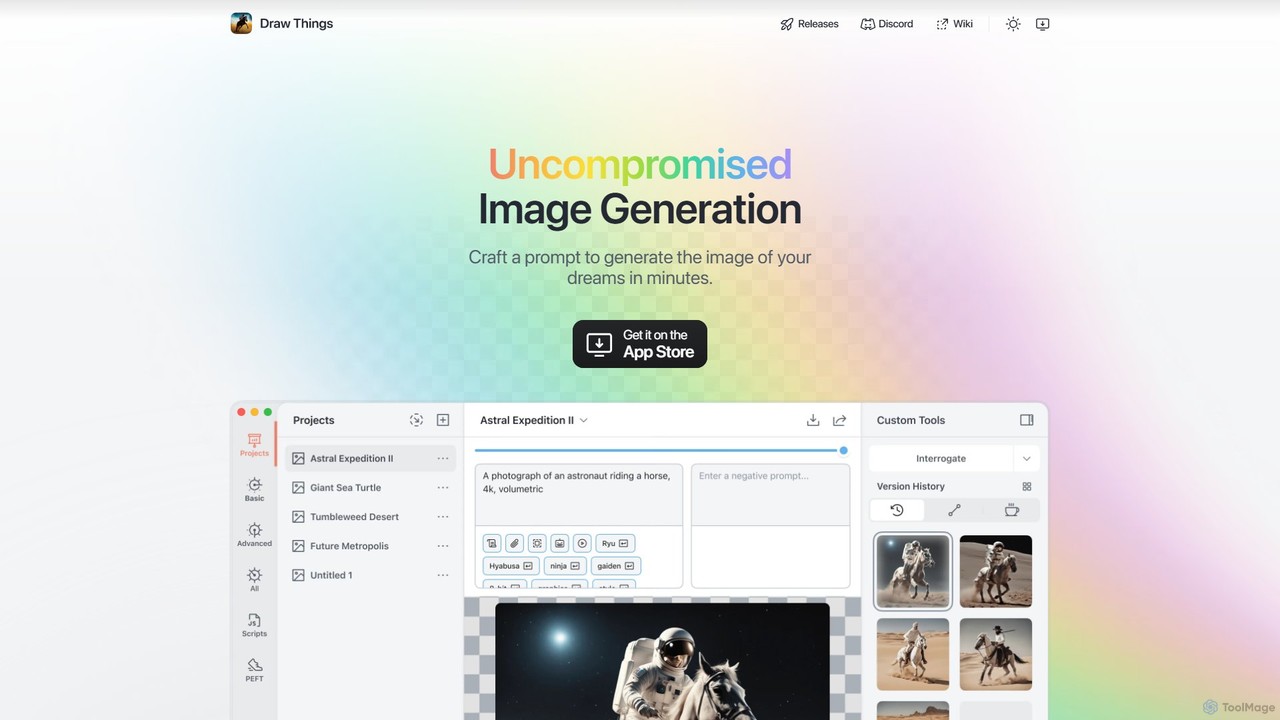
Draw Things
Draw Things is a powerful, free AI image generation app for iPhone, iPad, and Mac. It runs entirely offline on your device, ensuring 100% privacy. Create stunning art from text prompts, edit with advanced tools like in-painting, out-painting, and pose control, and manage your creative process with a non-destructive workflow. It's a full-featured art studio in your pocket, with no subscriptions or server costs.
Digital Art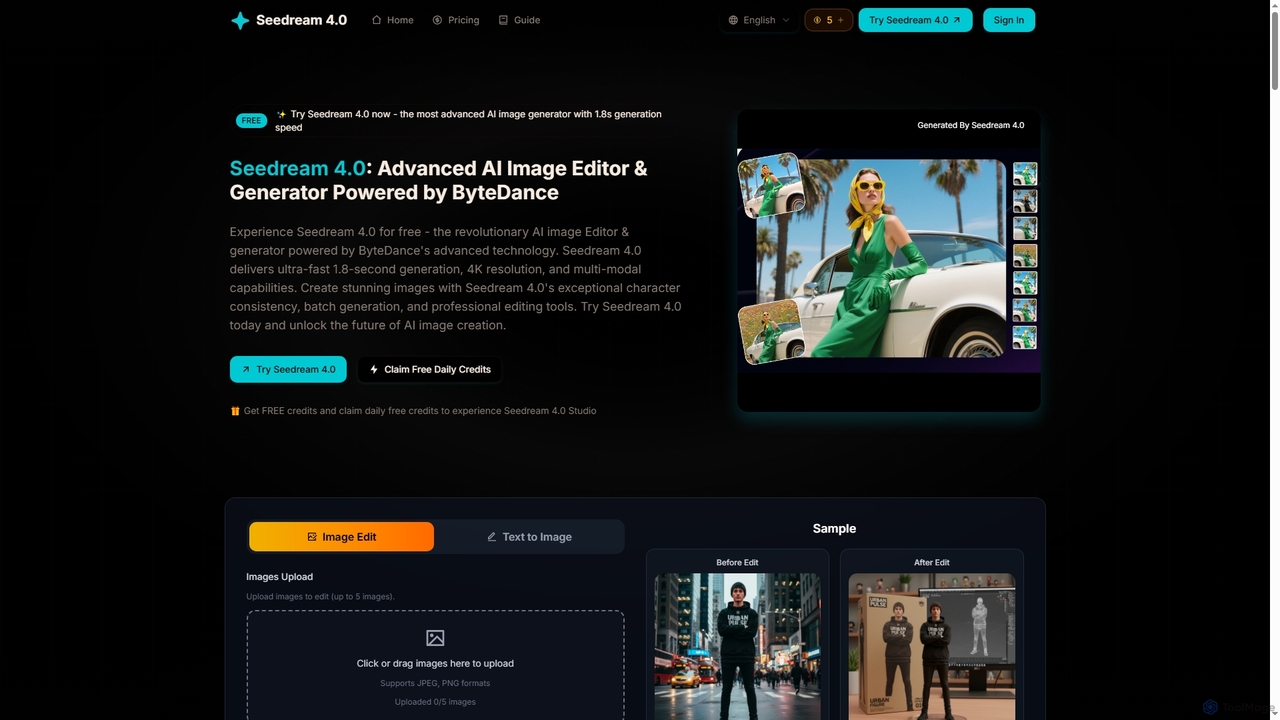
Seedream 4
Seedream 4 is an advanced AI image editor and generator powered by ByteDance's cutting-edge technology. It offers ultra-fast 1.8-second generation, 4K resolution, multi-modal capabilities, and exceptional character consistency for professional creative workflows.
Graphic Design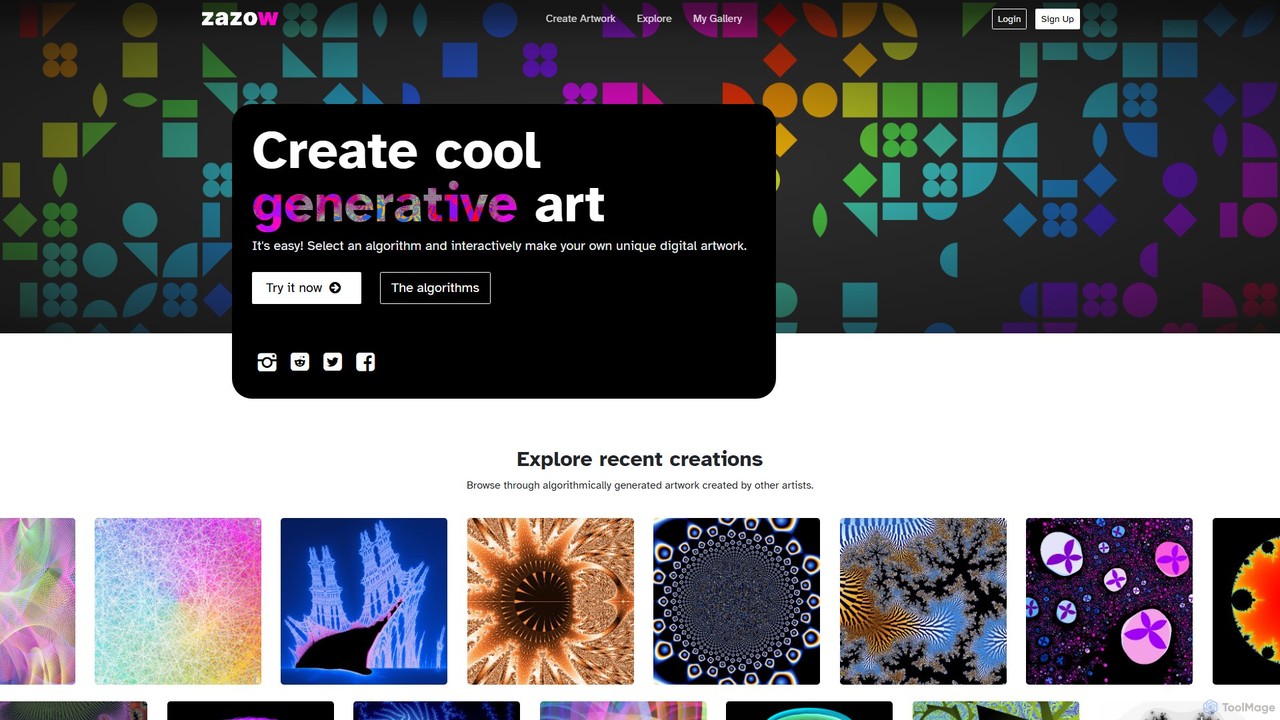
zazow
Zazow is a web-based platform for creating algorithmic generative art. It offers a suite of interactive tools that allow users to generate unique digital artwork by manipulating parameters of various algorithms like Mandelbrot fractals, Plasma, Spiro, and Bauhaus shapes. It's designed for both artists and enthusiasts to easily explore, create, save, and share complex visual patterns.
Generative Art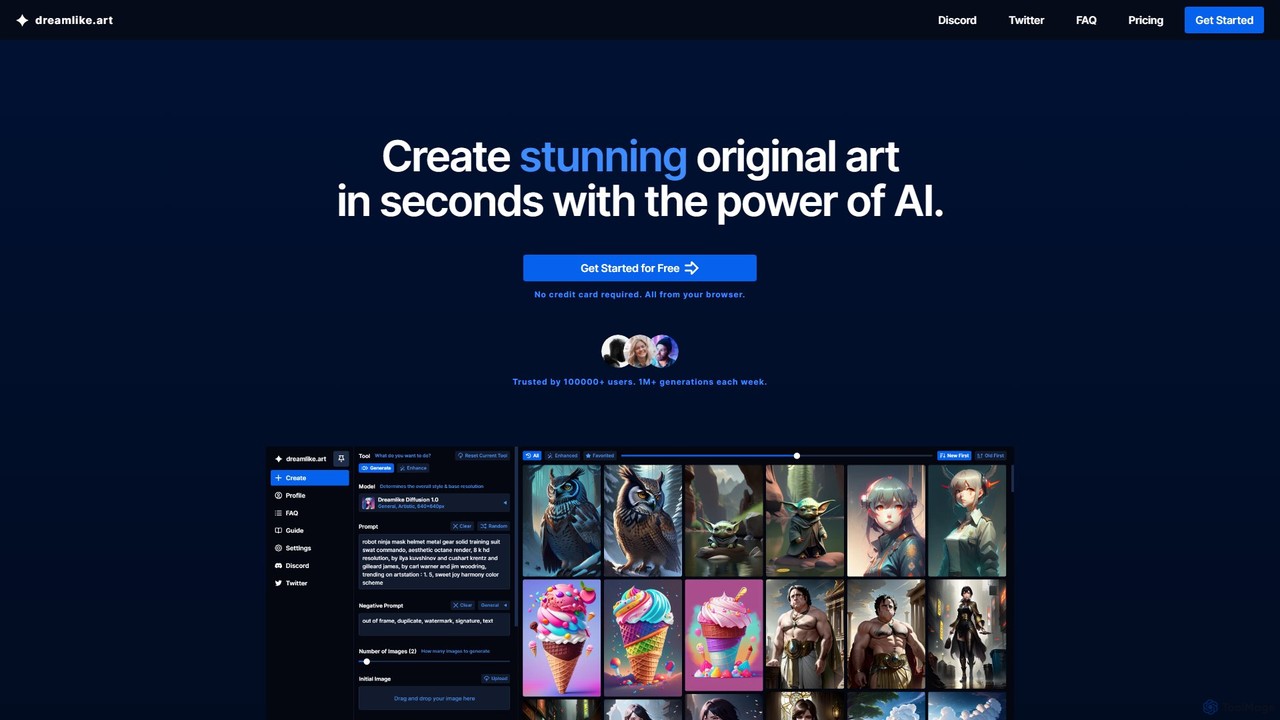
dreamlike.art
dreamlike.art is a powerful, browser-based AI art generator that uses Stable Diffusion and other advanced models to create stunning, original artwork in seconds. It offers a suite of tools for generation, editing, upscaling, and more, all accessible through a user-friendly interface. A generous free plan is available.
Graphics
glitchyimage Comments (0)
Sign in to comment.
Sign inNo comments yet.