ToolMage
Sign in

Best 3 Nft Generator for Art

Popular Nft Generator in Art include nifty_nft, open_nft, and AiBlocks, helping you work more efficiently.

nifty_nft
Freemium

nifty_nft

An all-in-one AI-powered platform for creating, managing, and launching entire NFT collections. Generate unique art, automate metadata, and deploy smart contracts with no code required. Perfect for artists, brands, and creators entering the Web3 space.

Nft Generator
Visits 25.4MFavorites 132Likes 137
AiBlocks
Freemium

AiBlocks

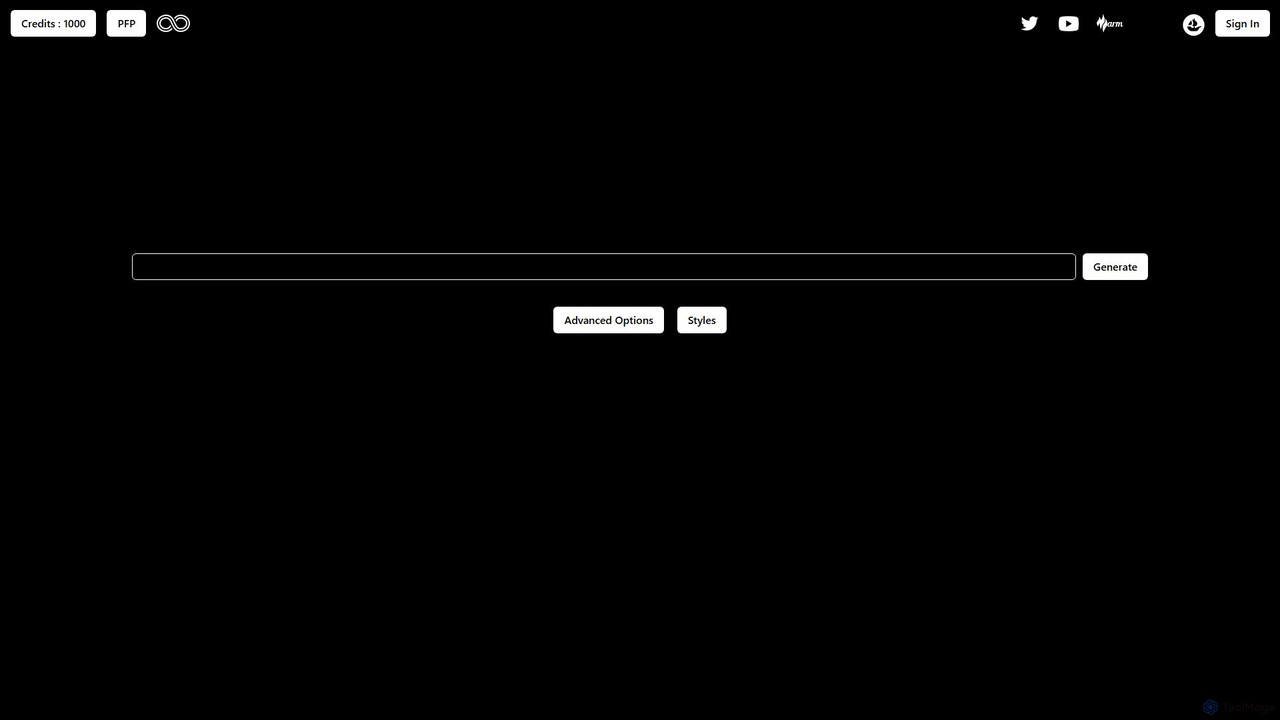
AiBlocks is an innovative AI art generator specializing in the creation of digital assets for the Web3 space. It uniquely allows users to not only generate stunning images and PFPs but also to directly inscribe them onto the Bitcoin blockchain as Ordinals. With a focus on NFT-centric styles and a user-friendly, credit-based system, AiBlocks bridges the gap between AI creativity and blockchain ownership, making it accessible for both artists and crypto enthusiasts.

Nft Generator
Visits 6.3KFavorites 149Likes 137
open_nft
Freemium

open_nft

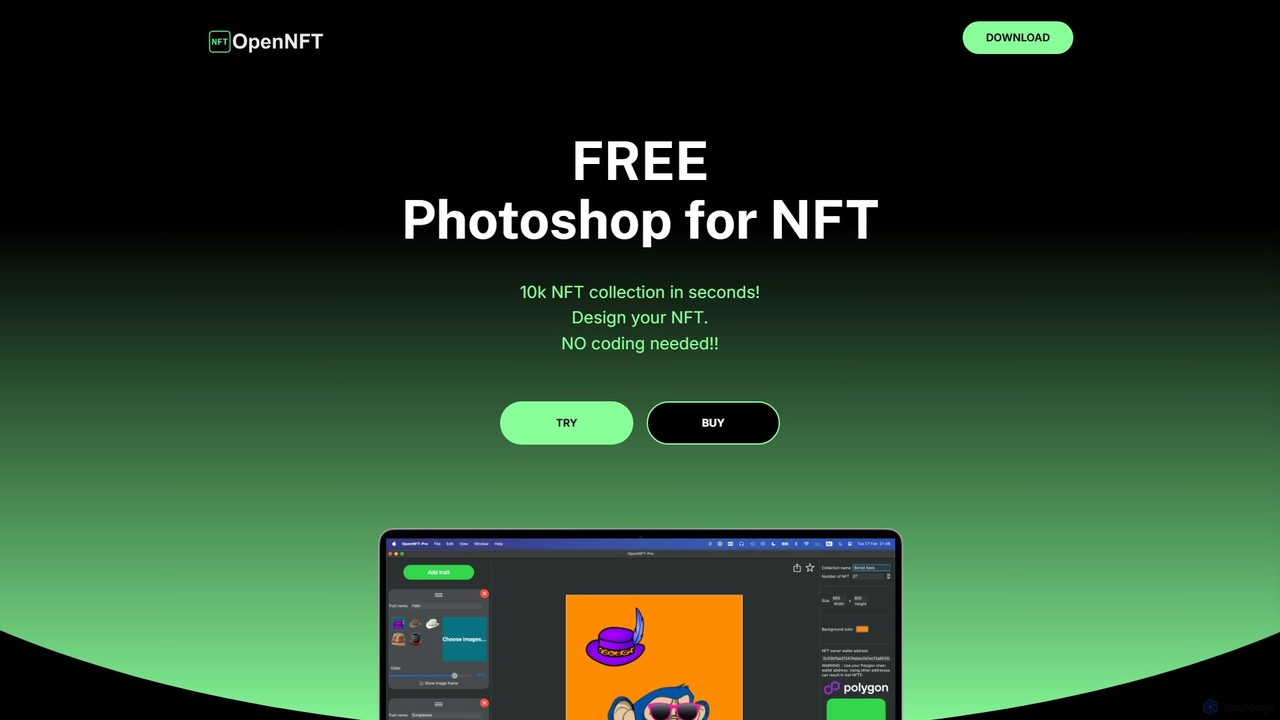
A powerful, no-code NFT generator software that allows artists and creators to generate thousands of unique NFTs for a collection in seconds. It simplifies the process of creating layered art and metadata for marketplaces like OpenSea, requiring no programming skills.

Nft Generator
Visits 6.3KFavorites 124Likes 120

About Nft Generator

NFT Generators are specialized AI-powered tools designed to create large-scale collections of unique digital assets for the blockchain. These platforms programmatically combine pre-designed art layers, such as backgrounds, characters, and accessories, to generate thousands of distinct variations. This automation is crucial for producing PFP (Profile Picture) projects and other generative art series efficiently. The core value of an NFT Generator lies in its ability to manage rarity and produce blockchain-ready metadata alongside each visual asset.

Core Features

  • Layer & Trait Management: Upload and organize individual art components (layers) and their variations (traits) that form the basis of the collection.
  • Rarity Control: Assign specific probabilities or weights to each trait, ensuring that some combinations are rarer and more valuable than others.
  • Batch Generation: Create hundreds or thousands of unique images from the defined layers and rarity rules in a single process.
  • Metadata Generation: Automatically produce corresponding metadata files (typically JSON) for each NFT, containing its attributes for smart contract integration.
  • Real-time Preview: Instantly visualize random combinations to test the aesthetic and identify potential conflicts between traits before final generation.

Use Cases

NFT Generators are essential for digital artists, creative agencies, game developers, and brands aiming to launch NFT collections. They are most commonly used for creating 10K PFP projects, generative art series, unique in-game items, and digital collectibles. The tools abstract away the complex combinatorial logic, allowing creators to focus on art and strategy.

How to Choose

When selecting an NFT Generator, evaluate its user interface for ease of use in managing layers and setting rarity. Check its compatibility for exporting metadata for your target blockchain (e.g., Ethereum, Solana). Consider advanced features like trait conflict rules (e.g., preventing a hat and headphones from appearing together) and the speed of the generation engine. Finally, review the pricing model, whether it's a one-time fee or subscription-based.

Nft Generator use cases

1

Create a PFP Avatar Collection

An artist or a community manager can use an NFT Generator to create a large-scale collection of 10,000 unique profile picture (PFP) avatars. They start by designing individual traits like backgrounds, body types, clothing, eyes, and accessories as separate image layers. Within the tool, they upload these layers and assign rarity percentages to each trait—for example, making a 'golden crown' accessory appear in only 1% of the collection. The generator then programmatically combines these layers according to the rarity rules, producing thousands of unique characters and their corresponding metadata files, ready for minting on a marketplace.

2

Generate Unique In-Game Items

A game developer can leverage an NFT Generator to create a vast array of unique in-game assets like swords, shields, or potions. Each component of an item (e.g., blade, hilt, gem for a sword) is created as a separate layer. The developer can set rarity rules to ensure that swords with a 'diamond gem' are much rarer than those with a 'ruby gem'. The tool generates thousands of visual variations and, crucially, outputs metadata for each item that defines its in-game stats (e.g., attack power, durability). This allows for the creation of a rich, player-driven economy based on verifiably unique and rare items.

3

Produce a Generative Art Series

A digital artist specializing in generative art can use an NFT Generator to produce a cohesive series of artworks. Instead of character traits, the layers might consist of different geometric shapes, color palettes, textures, and algorithmic patterns. The artist sets rules for how these elements can combine and their frequency of appearance. The generator then acts as a digital assistant, exploring the combinatorial space defined by the artist to produce hundreds of unique yet stylistically related pieces. This method allows the artist to scale their creative vision into a large collection suitable for exhibition and sale as NFTs.

4

Design NFT Membership Passes

A brand or exclusive club can use an NFT Generator to create unique digital membership passes. The base layer could be a standard pass design, with subsequent layers for membership tiers (e.g., Gold, Silver, Bronze), unique member numbers, and special visual flairs. By setting the rarity, the 'Gold' tier passes can be made visually distinct and limited in number. The generated metadata for each pass can include specific utility information, such as access rights or discount levels, which can be read by smart contracts to grant members their specific perks. This automates the creation of a tiered, visually diverse, and functional membership system.

5

Create Collectible Digital Trading Cards

An IP holder, like a comic book creator or a sports league, can use an NFT Generator to launch a series of digital trading cards. The layers would include different characters, backgrounds, poses, special effects (e.g., holographic foil), and edition numbers. The rarity engine is used to control the distribution of common, uncommon, and ultra-rare cards within the generated set. For example, a 'legendary' character pose might be set to appear only 10 times in a 10,000-card collection. The tool streamlines the production of the entire series, ensuring each card is verifiably unique and adheres to the planned rarity distribution.

6

Prototype and Test NFT Concepts

Before committing to a full-scale 10K collection launch, a project manager or designer can use an NFT Generator for rapid prototyping. They can upload a preliminary set of art traits to quickly generate a sample batch of 100-200 NFTs. This allows the team to visually inspect for undesirable trait combinations, check the overall aesthetic balance, and validate the rarity distribution. The real-time preview feature is especially useful for iterating on the fly. This process significantly de-risks the project, ensuring the final, large-scale generation will meet creative and quality standards without costly rework.

Nft Generator FAQ

What is an NFT Generator?

An NFT Generator is a specialized software tool designed to automate the creation of large digital art collections, known as generative NFTs. Unlike a standard image editor, it works by taking a set of pre-made art layers (e.g., backgrounds, characters, accessories) and programmatically combining them to produce thousands of unique variations. Its key functions include managing art layers, controlling the rarity of specific traits, and automatically generating the corresponding metadata files required for blockchain integration.

How to choose the right NFT Generator?

When selecting an NFT Generator, consider these key factors:

  • Ease of Use: Look for an intuitive interface for uploading art layers and setting rarity rules without needing to code.
  • Rarity Control: Ensure the tool offers precise control over trait probabilities, allowing you to define the exact distribution of rare items in your collection.
  • Metadata Compatibility: Verify that it generates metadata in a format (e.g., JSON) compatible with your target blockchain's standards (like Ethereum or Solana).
  • Performance and Scalability: Check if the generator can handle the size of your collection (e.g., 10,000 items) and generate it in a reasonable amount of time.
What's the difference between an NFT Generator and an AI Image Generator?

The primary difference lies in their purpose and method. An AI Image Generator (like Midjourney or DALL-E) creates entirely new, single images from text prompts using complex AI models. Its focus is on novel creation from scratch. In contrast, an NFT Generator is a combinatorial tool. It doesn't create art from scratch; instead, it assembles thousands of unique images by combining pre-existing art layers (traits) that you provide. Its main functions are batch production, rarity management, and metadata creation for a collection, not single-image synthesis.

Do I need coding skills to use an NFT Generator?

No, the vast majority of modern NFT Generators are no-code platforms. They are designed with user-friendly graphical interfaces that allow creators to upload their art layers, organize them, set rarity percentages using sliders or input fields, and generate the entire collection with the click of a button. The software handles all the complex logic of image combination and metadata generation in the background, making the process accessible to artists and project managers without any programming knowledge.

What kind of files do I need to start with an NFT Generator?

To begin, you need a collection of image files, typically in PNG format with transparent backgrounds. These files should be organized into folders that represent the layers of your artwork. For example, you would have a 'Background' folder containing different background images, a 'Head' folder with various head shapes, and a 'Hats' folder with different hat designs. Each image file within these folders represents a 'trait'. The generator will stack these layers in a specified order (e.g., background first, then head, then hat) to create the final, composite images.