

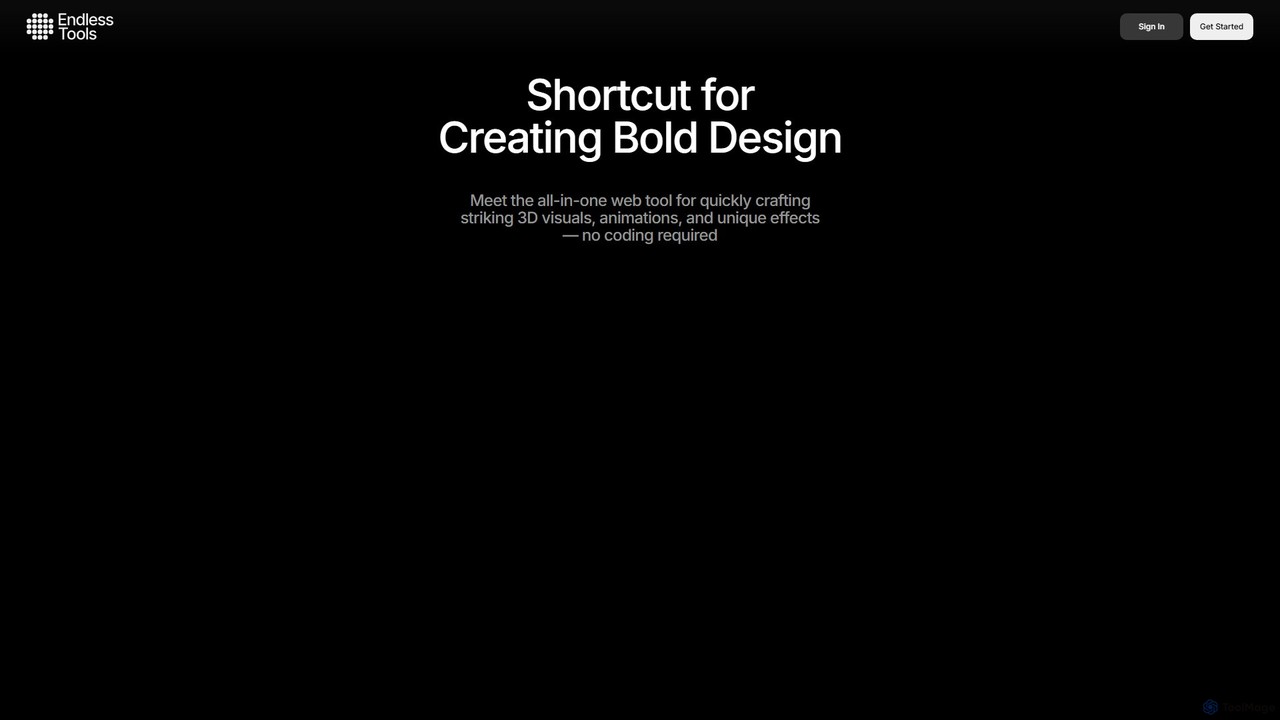
Endless Tools Overview
Endless Tools is a powerful, browser-based design platform that empowers creatives to produce stunning 3D visuals, animations, and interactive web elements without writing a single line of code. It bridges the gap between complex 3D software and the need for fast, high-quality visual content. Designed for freelancers, agencies, and designers, it provides an intuitive workflow to craft eye-catching graphics for social media, websites, and digital presentations.
The platform features a rich, curated library of 3D objects, materials, and effects, which are continuously updated by top designers. Users can easily import their own assets, including SVG vectors and FBX 3D models, and customize them within the tool's user-friendly interface. From 3D typography to complex animations, Endless Tools streamlines the entire creative process.
How to use Endless Tools
Using Endless Tools is designed to be a straightforward and intuitive process. First, you start a new project and choose your base element. You can select from a curated collection of 3D objects, import your own FBX file, convert an SVG vector into a 3D shape, or start with 3D text. Next, you can customize your object by applying materials from the extensive library, which includes everything from realistic wood and metal to abstract shaders. You can also create your own custom materials by adjusting properties like bump mapping and roughness. After styling your object, you can apply a wide range of visual effects using the Cover Tool, such as glitches, distortions, or kaleidoscopes. If you want to create motion, the dedicated animation system allows you to set keyframes and build stunning animations. Finally, you can export your creation as a high-resolution 4K image, an MP4/WebM video, or generate an interactive embed code to place the live 3D element directly onto your website.
Core Features of Endless Tools
- 3D Object & Material Collections: Access a constantly growing, professionally curated library of 3D objects and ready-to-use materials like wood, metal, stone, and abstract shaders.
- Vector to 3D Conversion: The Shape Tool instantly transforms your SVG files into 3D objects, with controls for extrusion depth and edge smoothness.
- Powerful Effects Suite: The Cover Tool offers a diverse range of artistic effects, including halftone, liquify, distortions, and glitches, applicable to both images and videos.
- Animation System: Create compelling animations with 3D objects, shapes, fonts, and visual effects using an intuitive keyframing system.
- 3D Model Import: Easily import your own FBX files to experiment with materials, lighting, and effects without needing complex 3D software.
- Interactive Embeds: Generate embeddable, interactive 3D elements for any website, providing a unique and engaging user experience in minutes.
- Custom Material Creation: Design your own unique materials with advanced features like bump mapping, roughness, and custom textures.
- High-Quality Exports: Render your creations as 4K images, MP4/WebM videos, or export as USDZ files for augmented reality applications.
Use Cases for Endless Tools
Endless Tools is versatile and can be used by various professionals. Digital marketers can create unique 3D visuals and short animations for social media campaigns to boost engagement. Web designers and developers can build interactive landing pages and product showcases with embedded 3D elements, as demonstrated by collaborations with Readymag. Brand designers can quickly mock up 3D concepts for logos and identity systems. Freelance artists and creators can produce unique digital artwork by applying artistic effects and combining 3D elements. It's also ideal for creating pitch presentations with dynamic, draggable 3D components that capture attention.
Advantages of Endless Tools
The primary advantage of Endless Tools is its accessibility. It eliminates the steep learning curve and high cost associated with traditional 3D software, making 3D design available to everyone. Its no-code, web-based nature means you can create from any device with a browser, without any installation. The workflow is incredibly fast, allowing for rapid prototyping and content creation. The curated asset libraries save users significant time, while the interactive embed feature offers a unique way to enhance web projects and create memorable user experiences.
Pricing and Plans
Endless Tools operates on a freemium model with several tiers:
- Free (3-day trial): Includes 10 total image saves, 1 video export, post-processing effects, custom material creation, and 3D import.
- Creator Plan ($12.99/month): Includes everything in the free trial, plus an embed generator, access to animated object collections, project saving, 1GB of storage for custom materials, and 1GB for 3D imports.
- Master Plan ($24.99/month): Includes all Creator features, plus video embeds, video textures, USDZ export, and cloud saving for all results.
- Enterprise Plan: Custom pricing and features for large organizations and teams, available by contacting sales.
Traffic
Latest traffic
Status
Monthly traffic trend
- 2025-9: 77.3K
- 2026-1: 99.5K
- 2026-2: 146.0K
- 2026-3: 150.8K
- 2026-4: 101.0K
- 2026-5: 62.6K
Geography
Top 5 countries / regions
- 🇺🇸United States46.8%
- 🇬🇧United Kingdom17.4%
- 🇮🇳India15.0%
- 🇩🇪Germany10.7%
- 🇮🇩Indonesia10.1%
Traffic sources
| Source type | Percentage |
|---|---|
Direct | 89.3% |
Email | 7.2% |
Referral | 3.5% |
Top keywords
| Keyword | Cost per click |
|---|---|
| endlesstool | $0.00 |
| endless tools | $1.60 |
| endlesstools | $0.00 |
| endlesstools.io | $0.00 |
| nounproject.io | $0.00 |
Endless Tools Alternatives
Spline
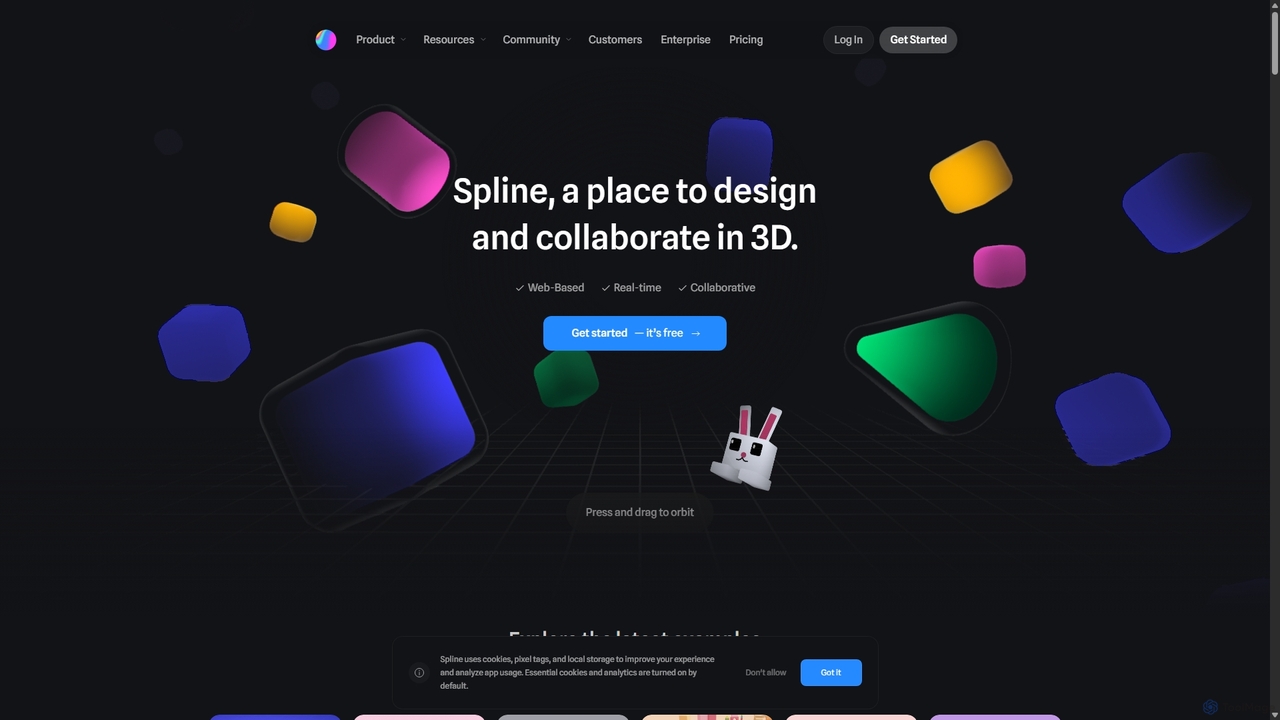
Spline is a collaborative, web-based 3D design tool that simplifies the creation of interactive 3D experiences. It features real-time collaboration, animation, physics, and an optional AI add-on for generating 3D models and textures, making 3D design accessible to everyone from designers to developers.
3D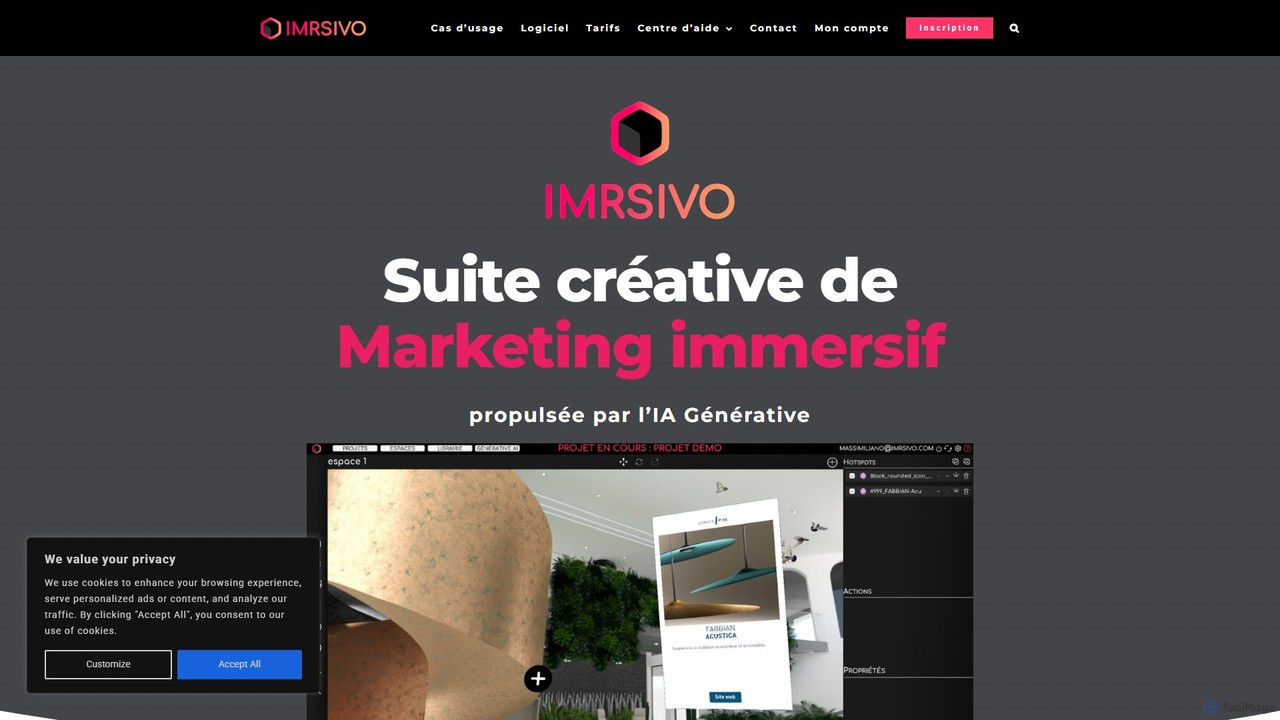
imrsivo
imrsivo is a generative AI-powered creative suite for building immersive marketing experiences. Create interactive 3D/VR tours and product showcases to boost engagement, traffic, and sales. Features an intuitive editor, multi-platform support, and API integration.
3D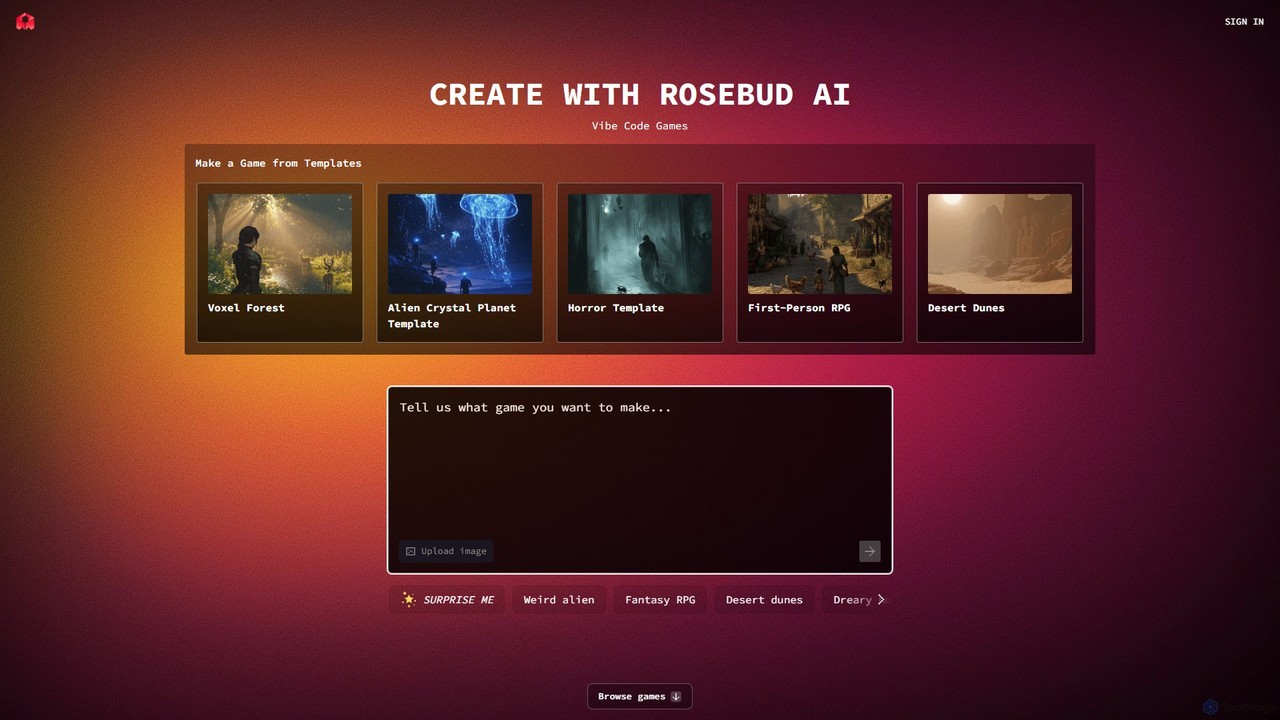
Rosebud AI
Rosebud AI is a revolutionary web-based platform that empowers users to create 2D and 3D games, interactive worlds, and simple applications using natural language. Through its unique "Vibe Coding" feature, you can describe game mechanics, assets, and environments, and the AI will generate them for you, no coding or downloads required.
3D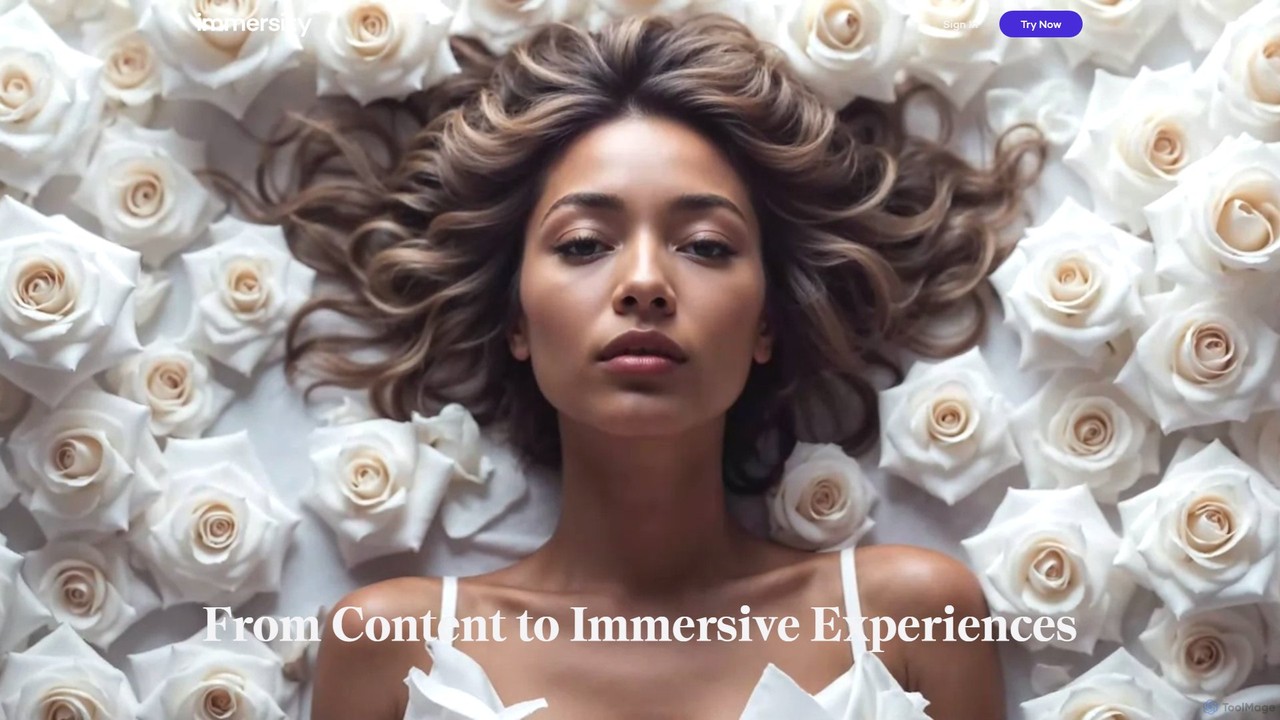
Immersity
Immersity is an AI-powered platform that converts 2D images and videos into immersive 3D experiences. It generates depth and motion, allowing users to create animated 3D photos, videos, and specialized content like Apple Music Album Motion. Ideal for artists, marketers, and creators seeking to add a dynamic dimension to their visuals without complex 3D software.
Animation
threedee
threedee is an award-winning design studio offering massive libraries of customizable 3D assets and bespoke 3D design services. It provides millions of combinations of characters, icons, emojis, and more, complete with Blender source files and tutorials to elevate creative projects for designers, marketers, and developers.
IconsEndless Tools Categories
Endless Tools Embed Widget
Copy this embed code to place the badge on your blog, article, or product site and send readers directly to this ToolMage detail page.

Related AI tools
Spline
Spline is a collaborative, web-based 3D design tool that simplifies the creation of interactive 3D experiences. It features real-time collaboration, animation, physics, and an optional AI add-on for generating 3D models and textures, making 3D design accessible to everyone from designers to developers.
3D
CogVideo
CogVideo is a powerful AI video generator that transforms static images into high-quality, dynamic video clips. Leveraging advanced AI algorithms, it allows users to create engaging, professional-level animations effortlessly, making it ideal for marketers, artists, and social media creators.
Image Animation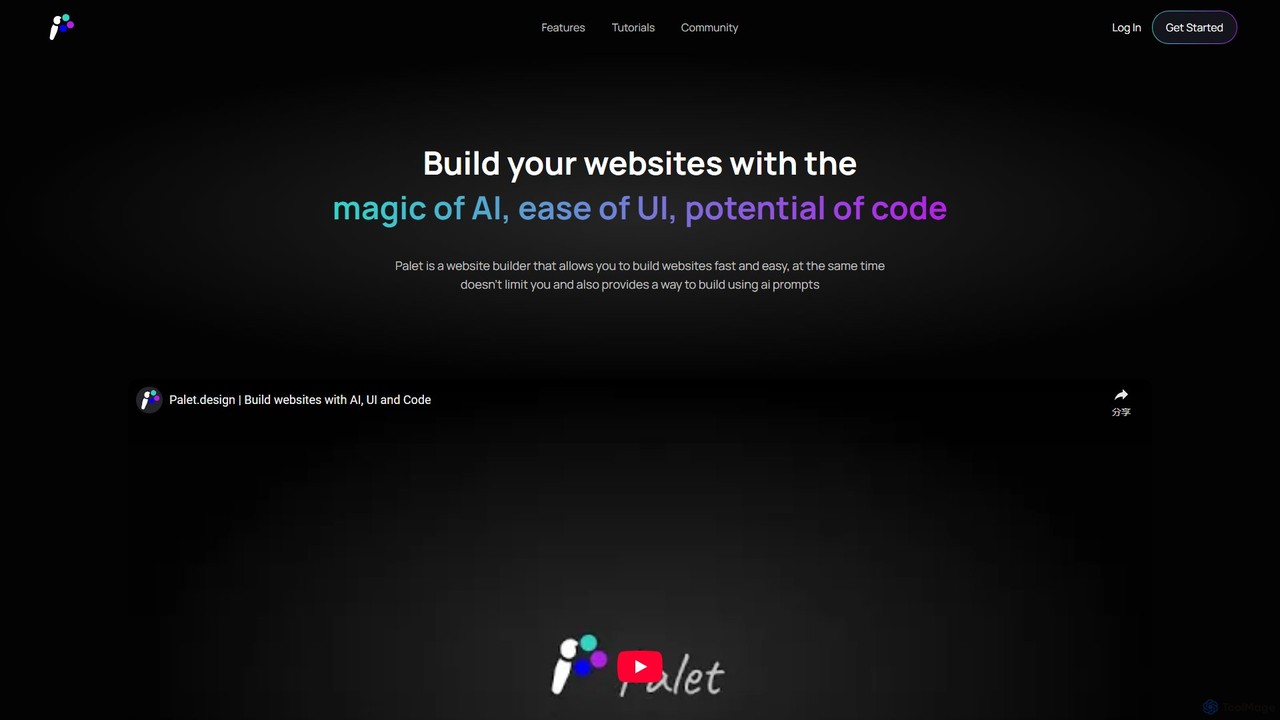
Palet
Palet is an AI-powered website builder that merges an intuitive UI with the power of code and AI prompts. It enables users to create stunning, interactive, and animated websites with ease, featuring the first-ever UI for the GSAP animation library. Ideal for designers and developers, Palet simplifies complex web development, allowing for seamless switching between visual editing and direct coding, and offers one-click deployment to Netlify.
Web Design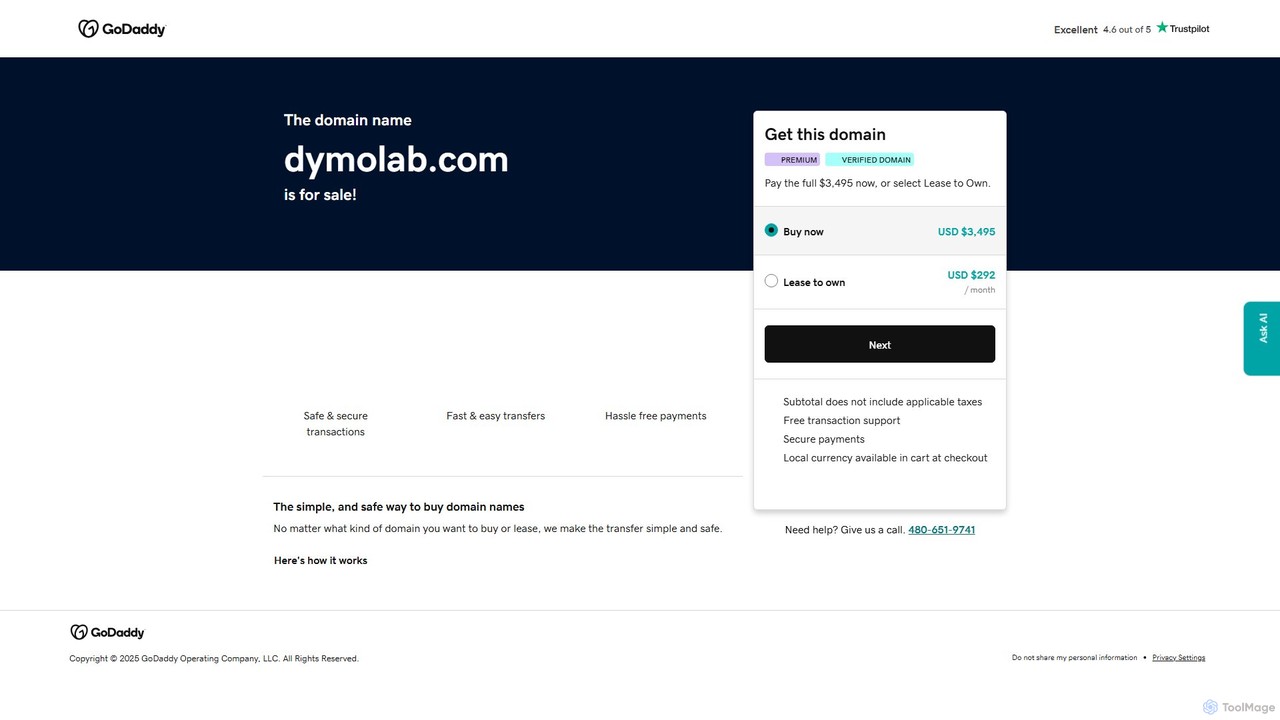
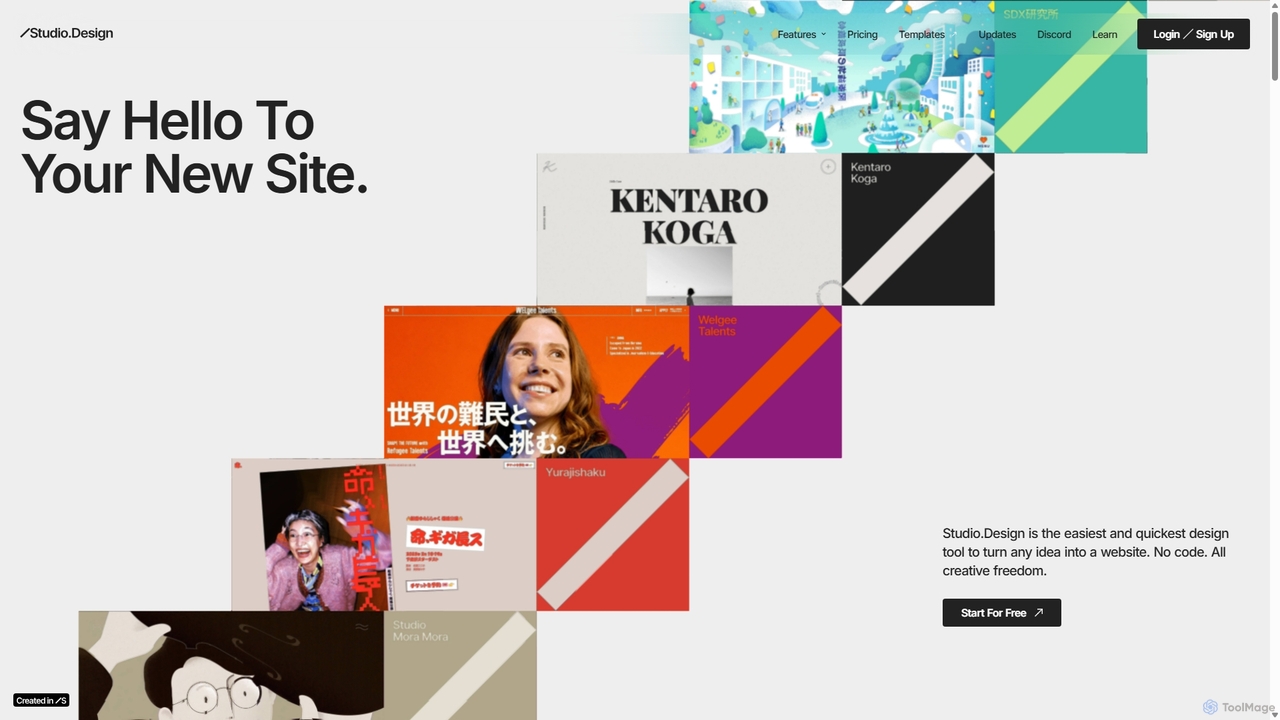
Studio.Design
Studio.Design is a powerful no-code website builder that empowers designers and creators to turn ideas into fully responsive, animated websites with complete creative freedom. It features an intuitive visual editor, real-time collaboration, an integrated CMS, and AI-powered SEO tools, allowing you to publish professional sites in a single click.
Web Design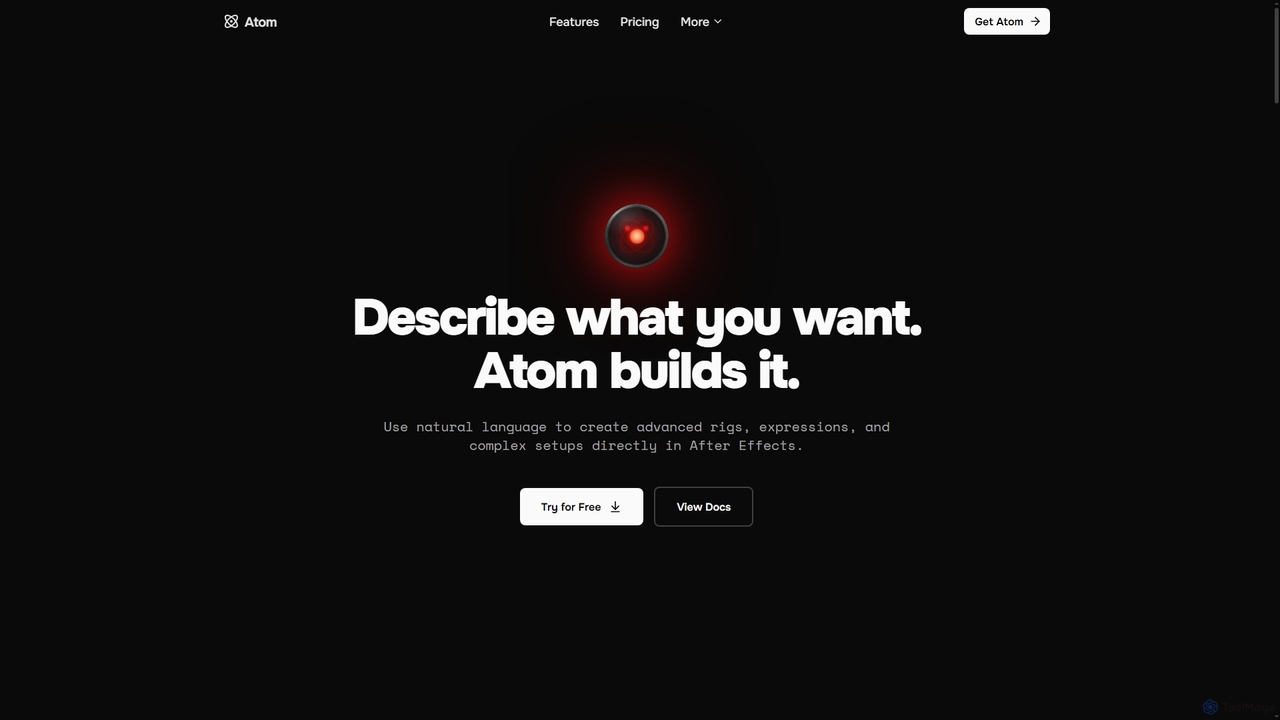
Atom
Atom is an AI agent for Adobe After Effects that allows motion designers to create advanced rigs, expressions, and complex setups using natural language. It streamlines workflows by translating plain English commands into scripts and actions, eliminating the need for manual coding.
Low Code No Code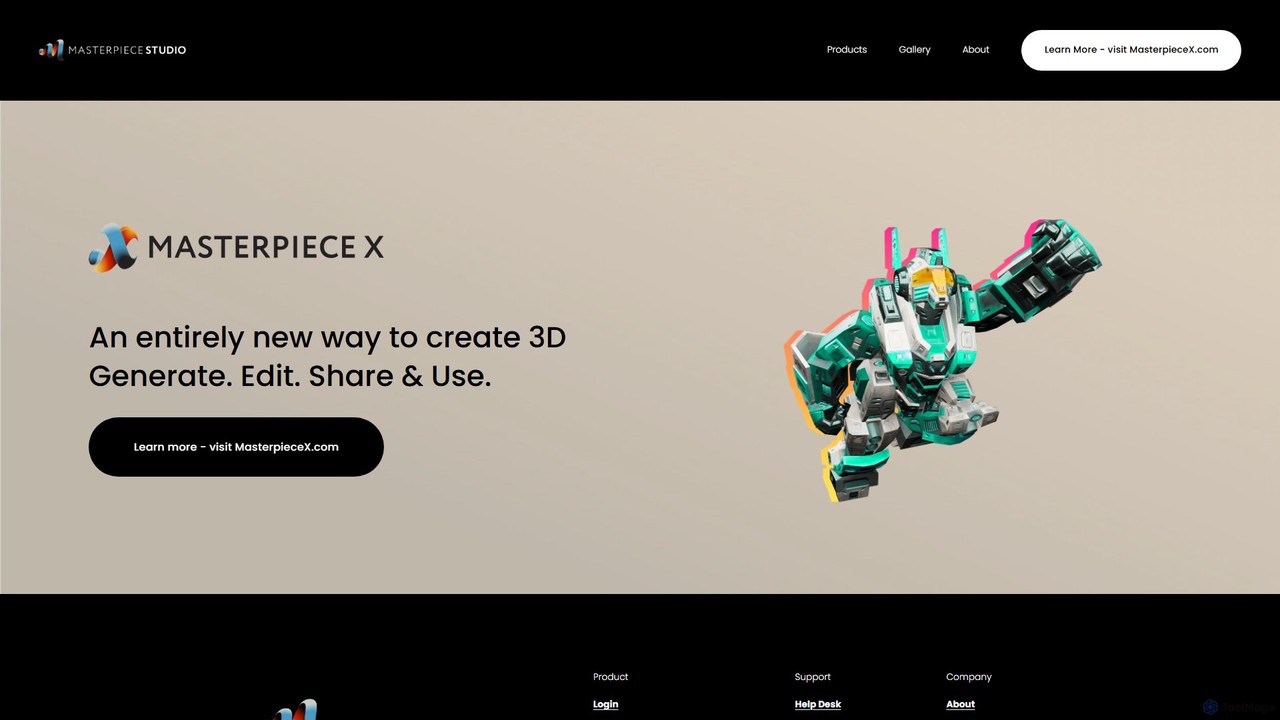
Masterpiece Studio
Masterpiece Studio is an AI-powered 3D creation platform that simplifies the entire workflow from generation to editing and sharing. It's designed for creators of all levels, enabling them to produce high-quality 3D models, characters, and animations effortlessly for games, VR/AR, and other digital media.
3D Modeling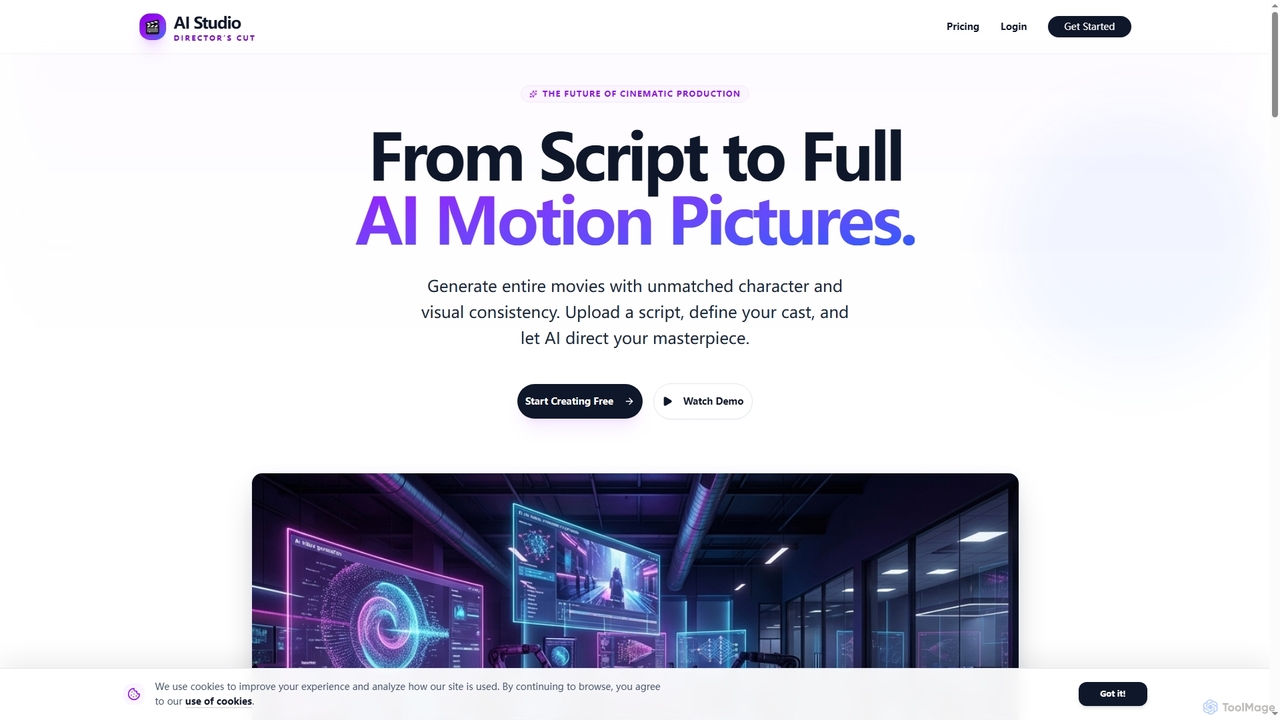
AIStudio247
AIStudio247 is an advanced AI movie generator that transforms scripts into full cinematic productions with unparalleled character and visual consistency. Leveraging Actor Lock™ technology and diverse artistic styles, it empowers creators to produce high-quality videos, from 720p to 4K, without extensive filmmaking or editing expertise.
Movie Productionimrsivo
imrsivo is a generative AI-powered creative suite for building immersive marketing experiences. Create interactive 3D/VR tours and product showcases to boost engagement, traffic, and sales. Features an intuitive editor, multi-platform support, and API integration.
3D
nifty_nft
An all-in-one AI-powered platform for creating, managing, and launching entire NFT collections. Generate unique art, automate metadata, and deploy smart contracts with no code required. Perfect for artists, brands, and creators entering the Web3 space.
Nft Generator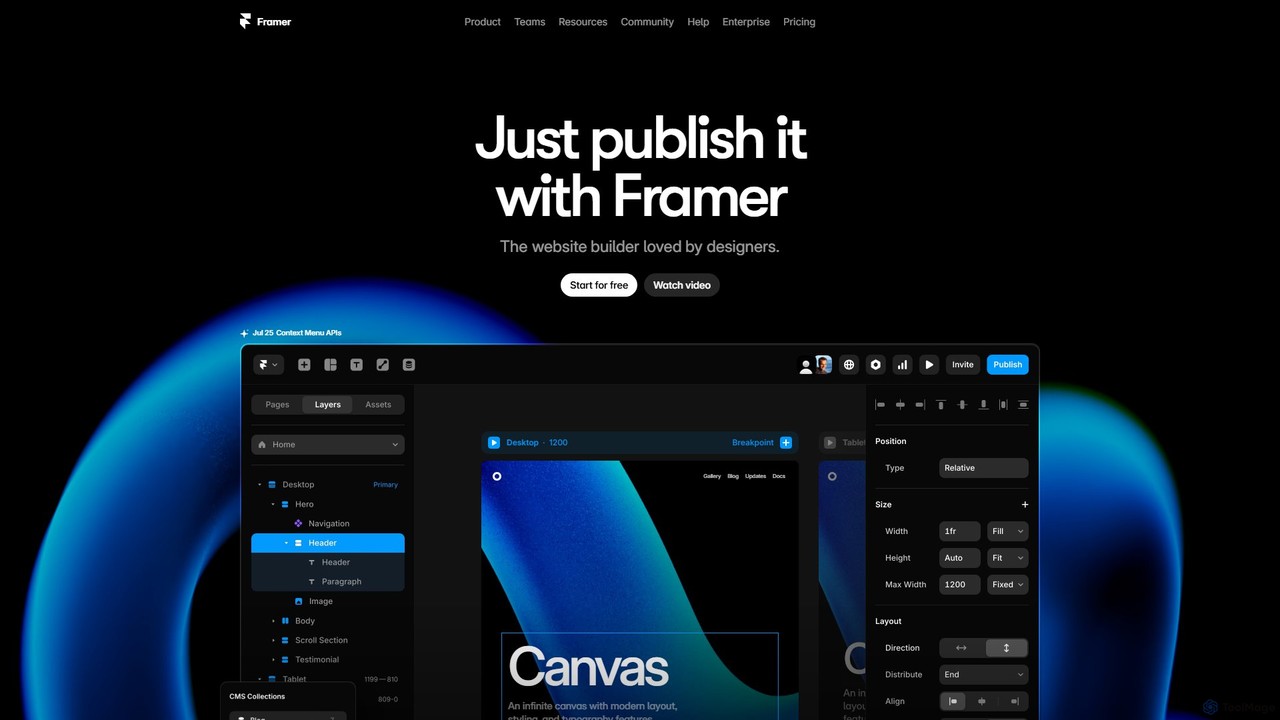
Framer
Framer is a professional no-code website builder that empowers designers and teams to create high-performance, production-ready websites. Leveraging AI, Framer can generate entire websites from a simple text prompt, complete with copy and visuals. It combines a powerful design canvas, advanced animations, a built-in CMS, and seamless collaboration features into a single, intuitive platform.
Prototyping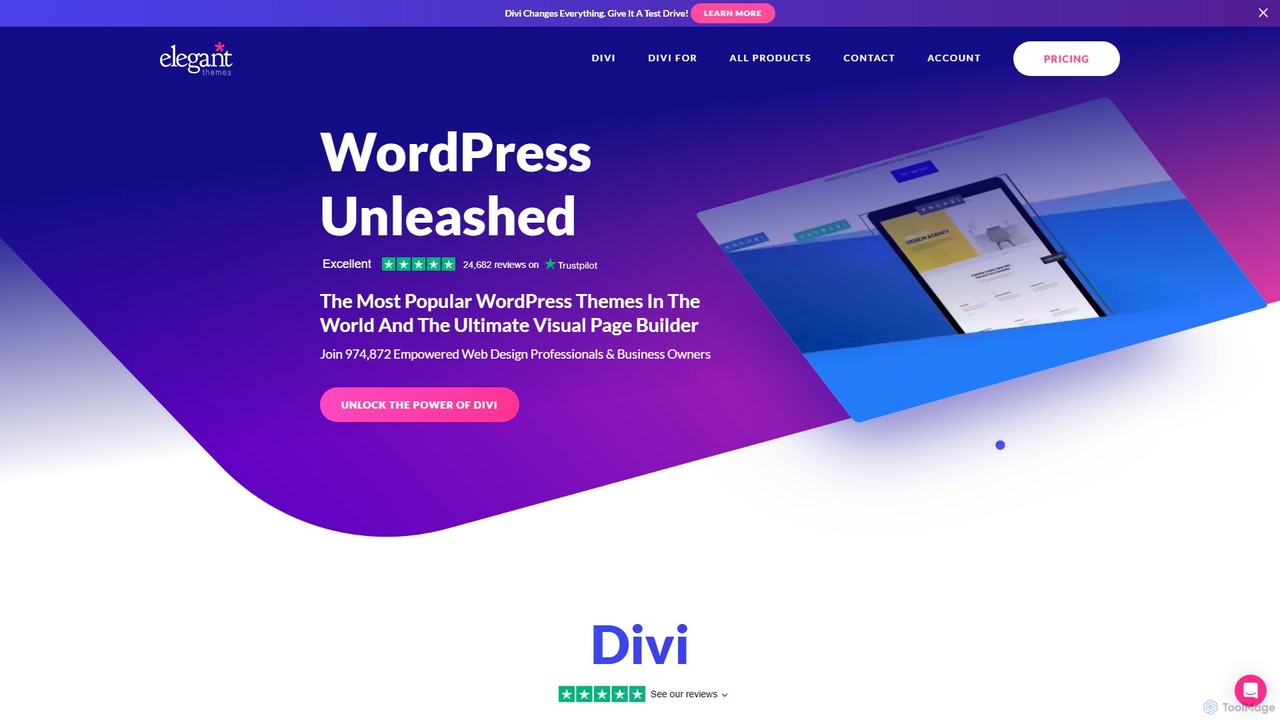
Elegant Themes
Elegant Themes is a leading WordPress development company, renowned for its flagship product, Divi. Divi is a powerful visual page builder and theme framework that allows users of all skill levels to create stunning, professional websites without coding. It includes a suite of marketing tools, e-commerce integration, and the innovative Divi AI to streamline the web design process.
Lead Generation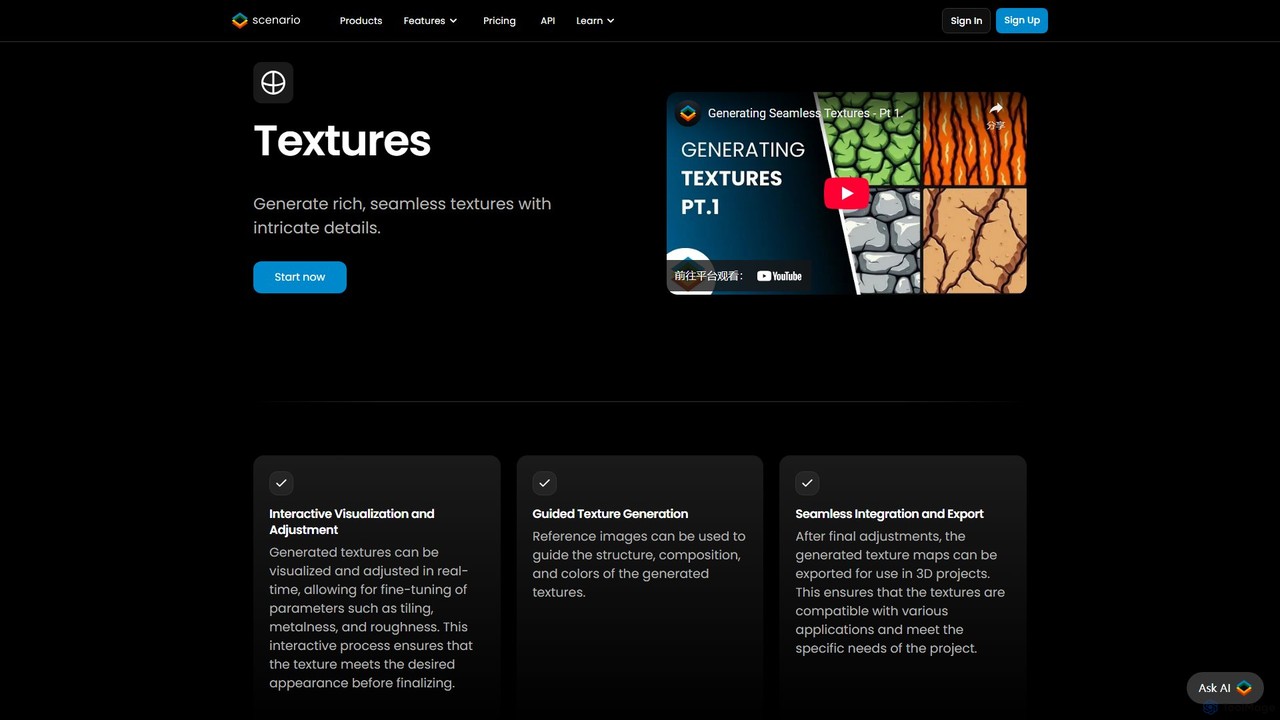
TextureLab
TextureLab is an AI-powered texture generation tool by Scenario, designed for game developers, 3D artists, and architects. It creates high-quality, seamless PBR materials from text or image prompts. Users can generate diverse textures and train custom AI models to maintain a consistent art style across projects, significantly accelerating creative workflows.
Generative Art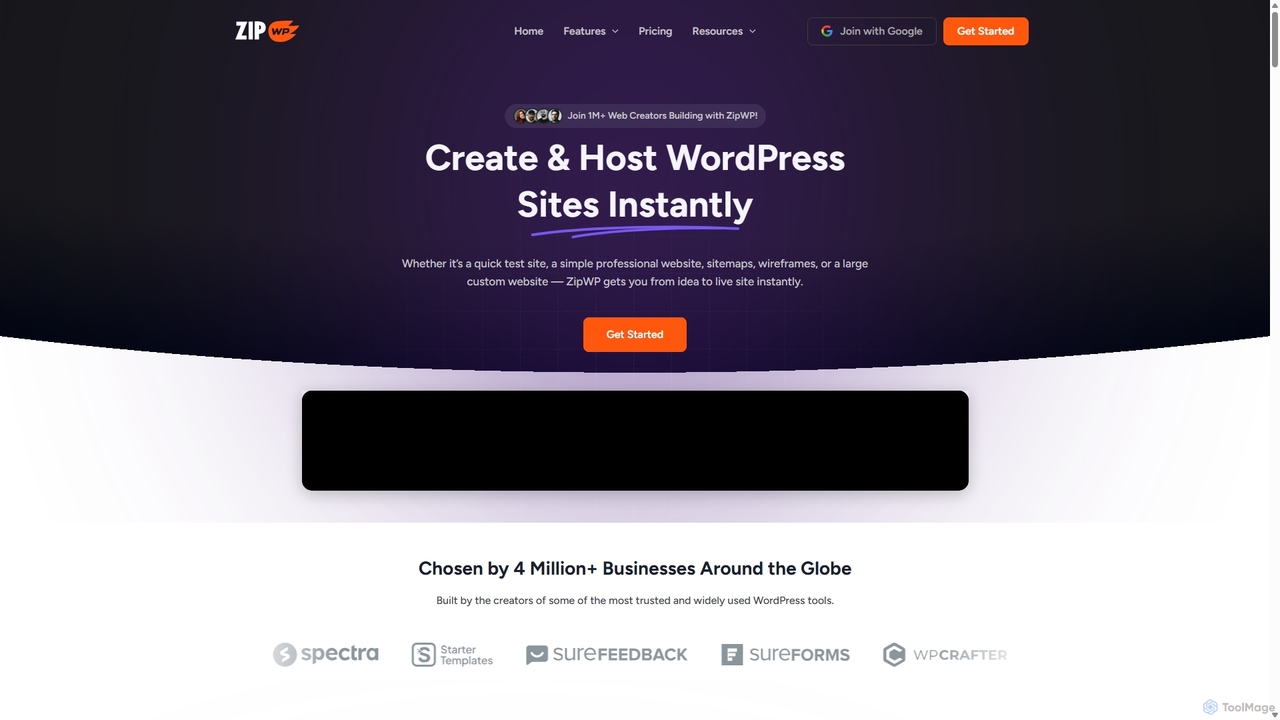
ZipWP
ZipWP is an AI-powered platform that enables users to create and host professional WordPress websites in minutes. It streamlines the entire web creation workflow, from generating sitemaps and wireframes to building fully functional sites with content and design, all without needing any coding skills. It's an all-in-one solution for rapid website development and deployment.
Wordpress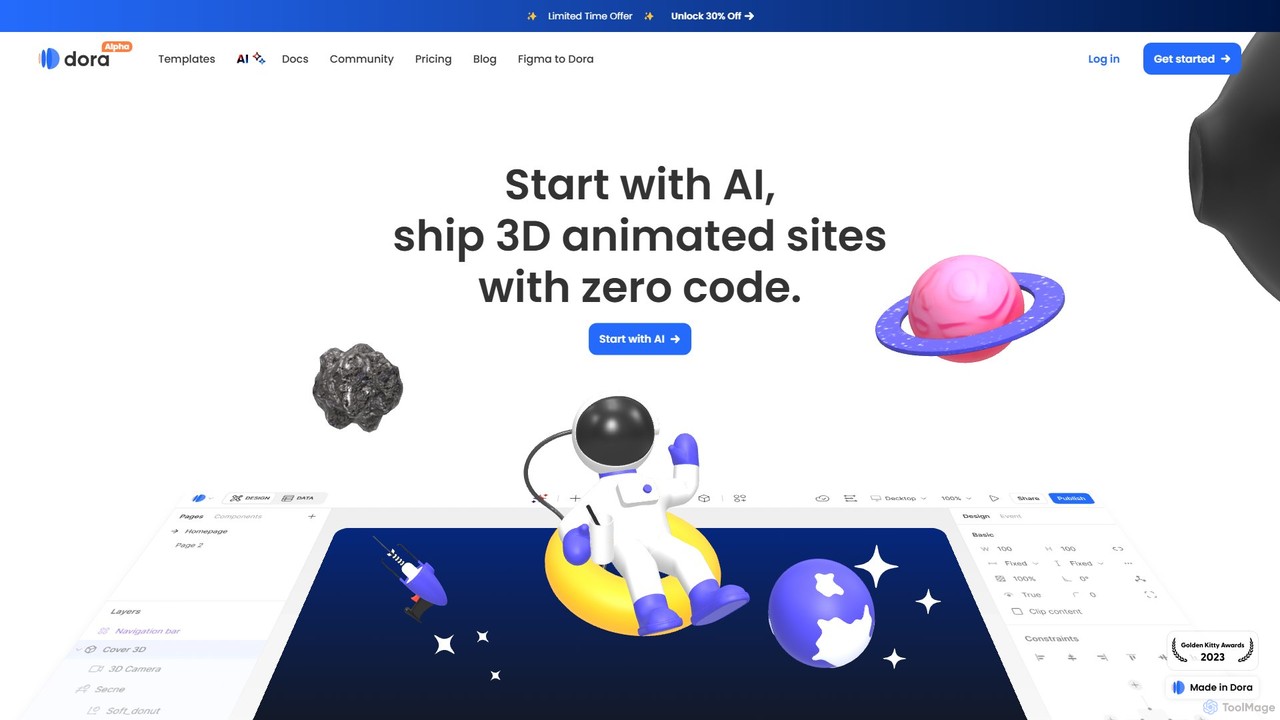
Dora
Dora is a revolutionary no-code AI website builder that empowers users to create and publish stunning 3D and animated websites from a single text prompt. It intelligently generates unique layouts, copy, and visuals tailored to your brand. With advanced features like a constraint-based layout system, keyframe animations, and 3D object import, Dora makes professional, interactive web design accessible to everyone, without needing to write a single line of code.
3D Modeling
Endless Tools Comments (0)
Sign in to comment.
Sign inNo comments yet.