

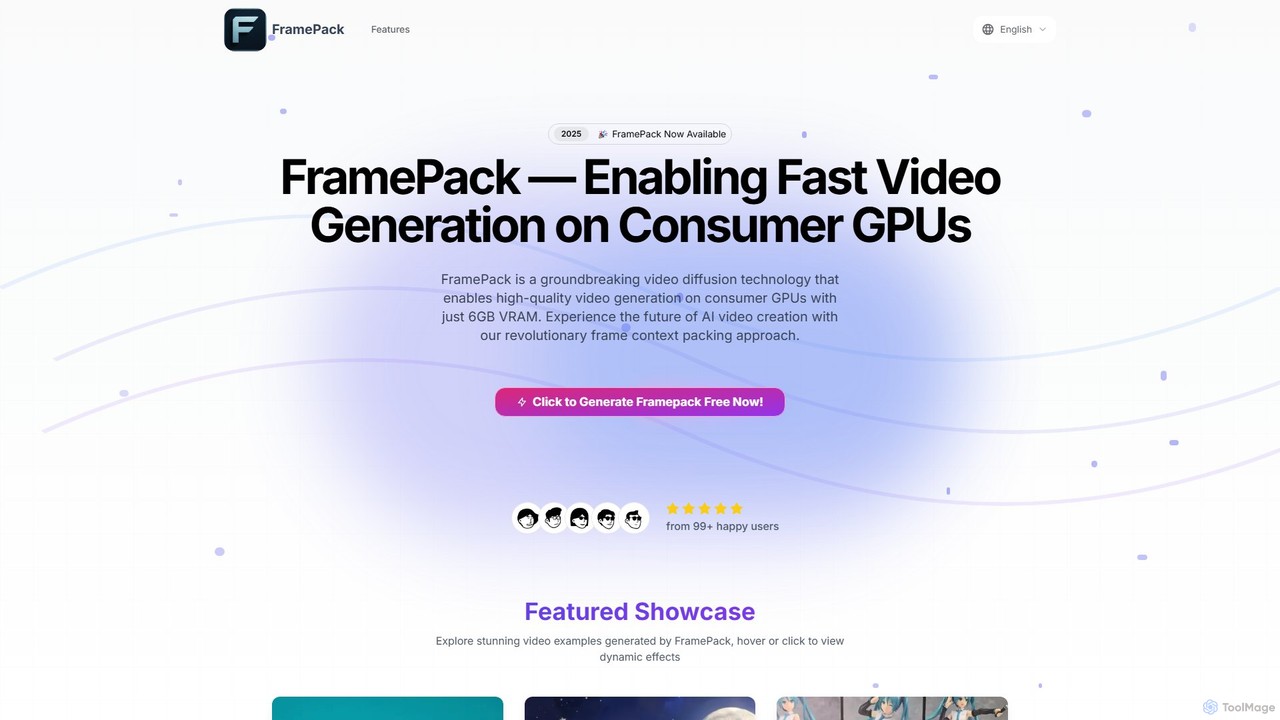
FramePack Overview
FramePack is a revolutionary video diffusion technology designed to democratize AI video creation. It empowers users to generate high-quality, temporally consistent videos directly on their personal computers, requiring only a consumer-grade GPU with at least 6GB of VRAM. This breakthrough is achieved through its core innovation: 'frame context packing', which efficiently compresses information from previous frames into a constant-length format. This method allows the model to maintain scene and subject consistency over long sequences without the escalating memory demands that plague other models.
Unlike cloud-based video generation services, FramePack operates entirely locally. This provides users with unparalleled privacy, as their data never leaves their machine, and eliminates recurring costs associated with GPU rentals or per-video fees. It's an ideal solution for independent creators, VFX artists, and researchers who need full control over their creative process and data.
How to use FramePack
FramePack offers an intuitive and straightforward workflow for generating custom video content:
- Installation and Setup: As an open-source tool, FramePack is installed via its GitHub repository. Users need to set up their local environment with the necessary dependencies, such as a compatible NVIDIA GPU, CUDA, and PyTorch.
- Define Your Initial Frame: Begin your video sequence by providing a starting point. This can be an existing image or a new one generated from a descriptive text prompt.
- Create Motion Prompts: Guide the AI by describing the desired actions, movements, and transformations in natural language. These prompts dictate how the scene evolves from the initial frame.
- Generate and Review: Initiate the generation process. FramePack will create your video frame by frame, ensuring impressive temporal consistency. You can then review the output and refine your prompts for different results.
Core Features of FramePack
- Low VRAM Requirements: Runs effectively on consumer GPUs with just 6GB of VRAM (e.g., NVIDIA RTX 3060), making it accessible on standard laptops and desktops.
- Local Video Generation: All processing happens on your device, ensuring data privacy and eliminating the need for cloud servers or internet connectivity during generation.
- Anti-Drifting Technology: Utilizes a sophisticated bi-directional sampling approach that maintains reference to the initial frames, preventing the common issue of 'drifting' where subjects and scenes gradually lose consistency in long videos.
- Optimized Performance: On high-end GPUs (like the RTX 4090) with Teacache optimization, it can generate frames at approximately 1.5 seconds per frame.
- Open Source Access: The complete implementation is available on GitHub, allowing for full transparency, community-driven improvements, and custom modifications to suit specific needs.
- Multimodal Input: Supports both text prompts and image inputs as a starting point for video generation, offering creative flexibility.
Use Cases for FramePack
FramePack is versatile and can be used by various professionals and hobbyists:
- Independent Animators: Quickly prototype and create high-quality animations on a laptop, enabling work from anywhere without expensive render farms. (As mentioned by animator Emily Johnson).
- VFX Specialists: Efficiently create concept prototypes for visual effects sequences, saving countless hours in production by avoiding long render queues. (As highlighted by VFX specialist Michael Rodriguez).
- AI Researchers: Experiment with long-sequence video generation on standard lab equipment, significantly accelerating research cycles in AI video synthesis. (As noted by researcher Sarah Chen).
- Content Creators: Generate unique content for social media, including fashion shorts, product showcases, travel vlogs, food explorations, and creative advertisements.
Advantages of FramePack
Choosing FramePack offers significant benefits over other solutions. Its primary advantage is accessibility, bringing professional-grade video generation to consumer hardware. The local execution model guarantees privacy and cost-effectiveness, freeing users from subscription fees and usage limits. Furthermore, its innovative anti-drifting technology ensures superior quality and consistency in longer videos, a challenge for many other AI video tools. The open-source nature fosters a collaborative community and allows for endless customization.
Pricing and Plans
FramePack operates on a freemium model. It offers a fully functional, free open-source version that anyone can download and use. For professional users, teams, and enterprises, premium tiers are available which provide additional features, priority customer support, and extended capabilities tailored for commercial workflows.
FramePack Alternatives
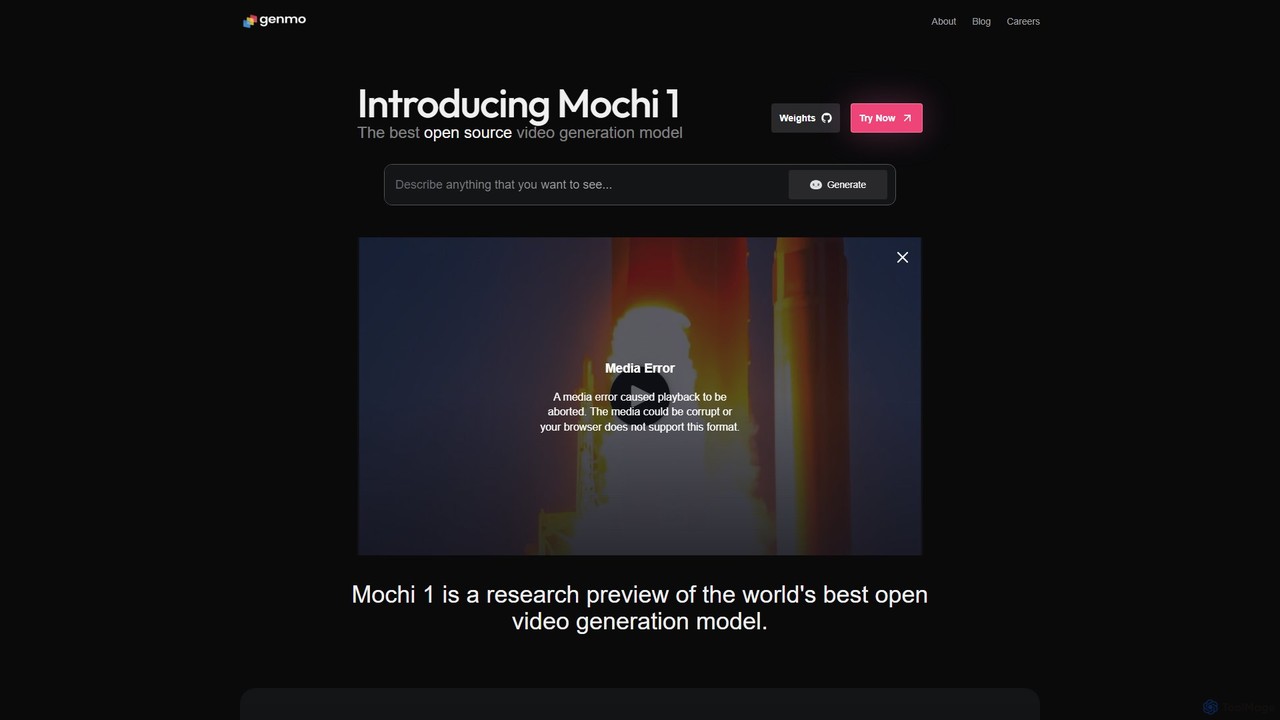
Genmo
Genmo is a pioneering AI video generation platform featuring Mochi 1, a state-of-the-art open-source model. It transforms text prompts into high-fidelity videos with exceptional motion quality and prompt adherence. Designed for creators, developers, and researchers, Genmo offers both a user-friendly web interface and an open ecosystem for building custom applications, making it a versatile tool for filmmaking, marketing, and synthetic data generation.
Generative Art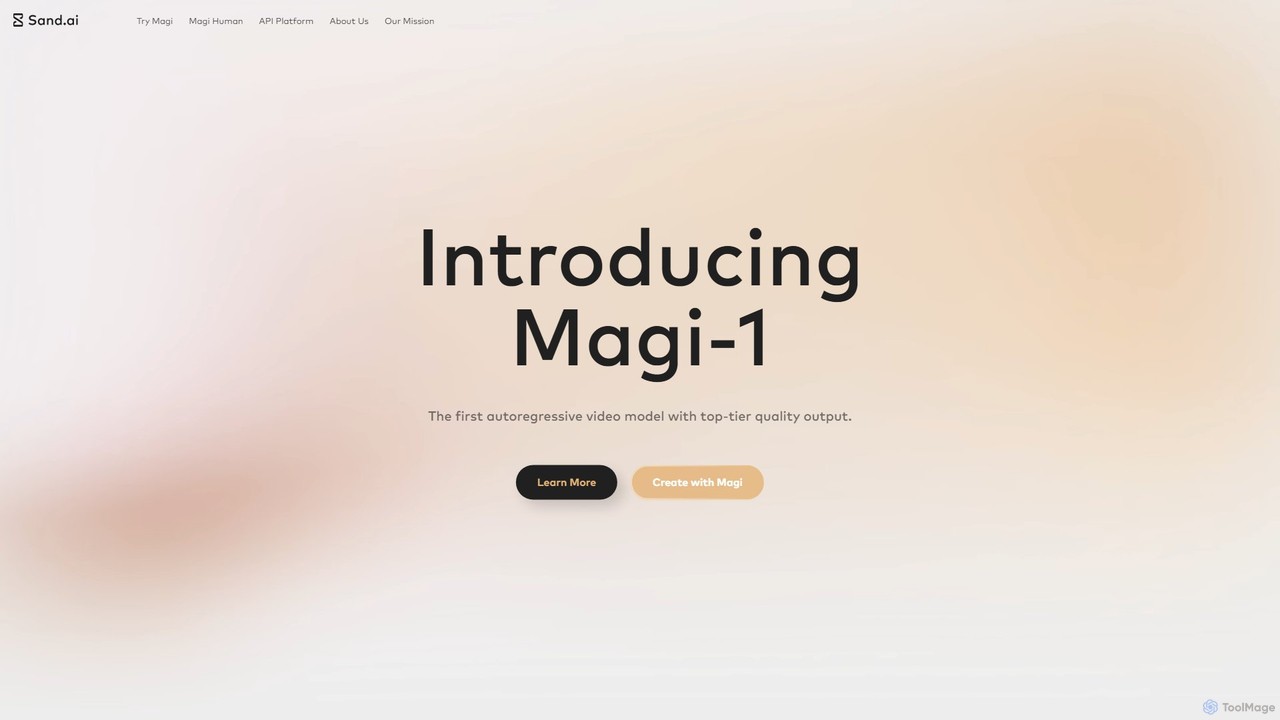
Magi
Magi, by Sand.ai, is a revolutionary AI video platform featuring the world's first autoregressive video model, Magi-1. It transforms images or text into high-quality videos, offers infinite video extension capabilities, and creates lifelike talking avatars from a single photo. With an open-source model, Magi provides creators with unparalleled control, speed, and creative freedom for filmmaking, marketing, and content creation.
Talking Avatar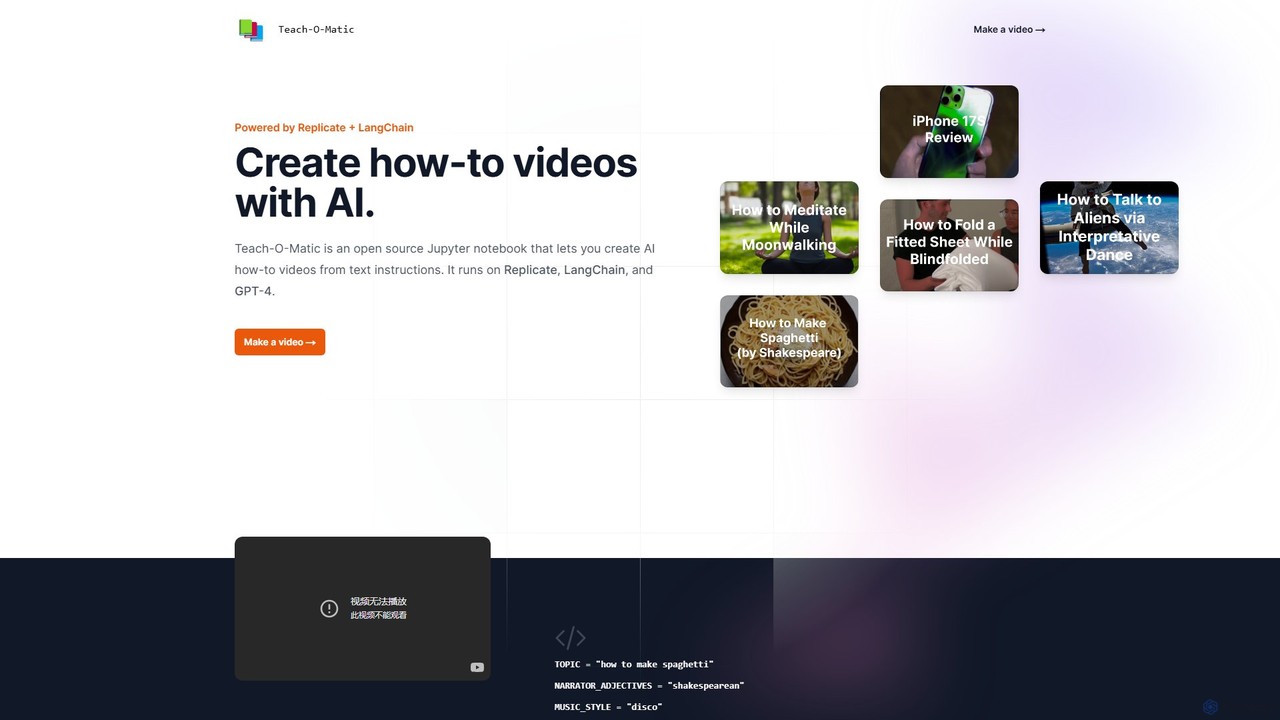
Teach-O-Matic
Teach-O-Matic is an open-source AI tool that automatically creates how-to videos from simple text instructions. It leverages a suite of AI models, including GPT-4 and LangChain, to generate scripts, voiceovers, video clips, music, and cover art, streamlining the entire video production process.
Open Source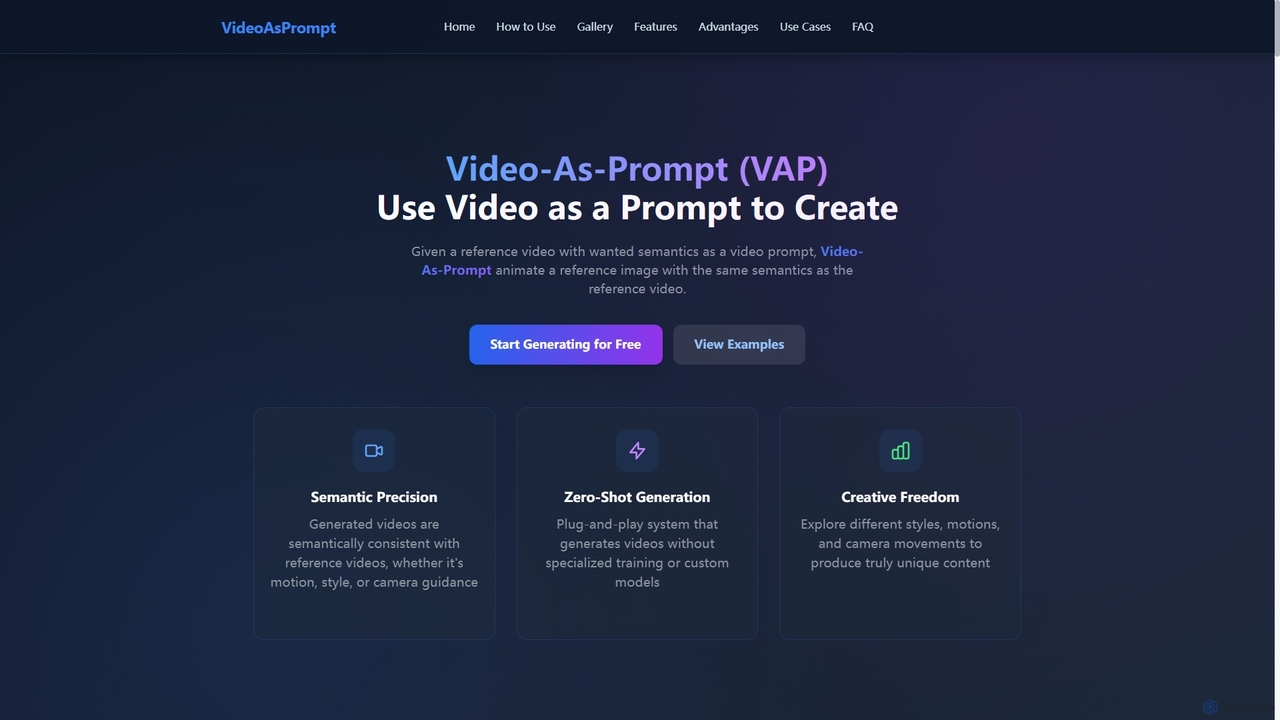
Videoasprompt
Videoasprompt is an AI-powered tool by ByteDance that generates videos using a reference video or image as a prompt. It animates a source image with the same semantics (concept, style, motion, camera movement) as the reference video, enabling zero-shot, high-quality video creation.
Generative Art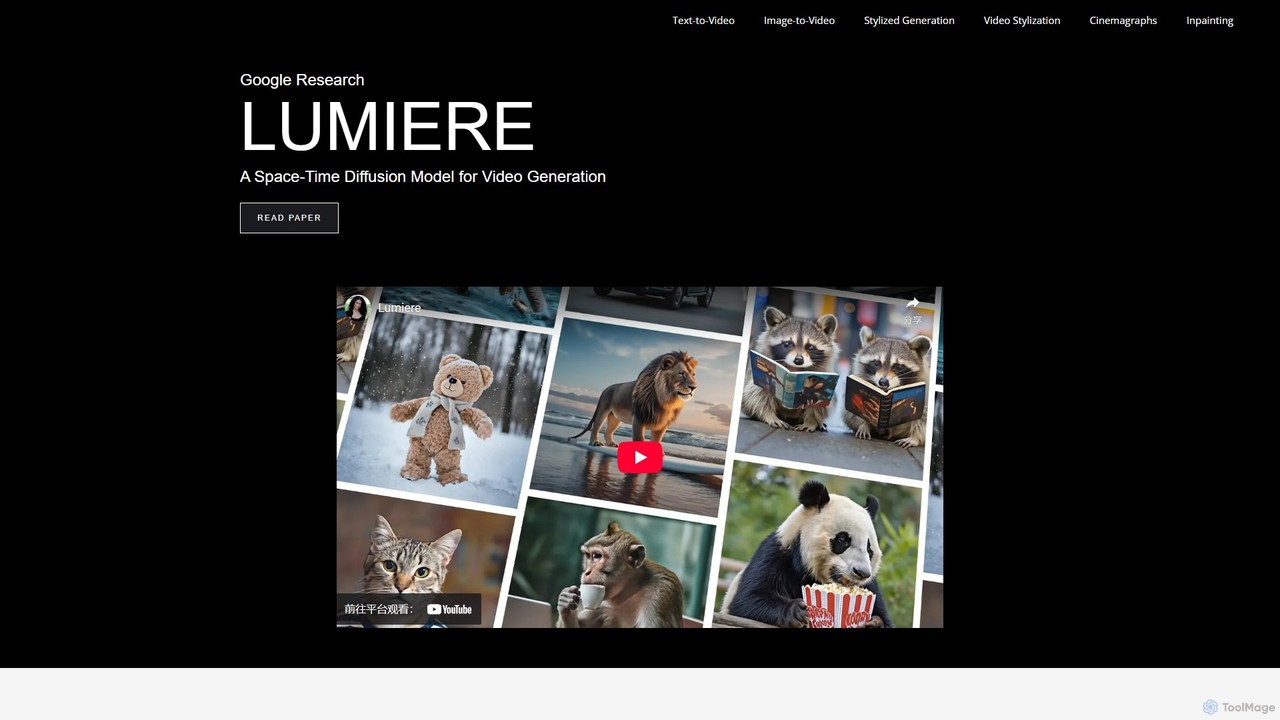
Lumiere
Lumiere is a state-of-the-art text-to-video diffusion model by Google Research. It is designed to generate videos with realistic, diverse, and coherent motion. Its unique Space-Time U-Net architecture generates the entire video duration in a single pass, ensuring exceptional temporal consistency and enabling a wide range of video creation and editing tasks.
AnimationFramePack Categories
FramePack Embed Widget
Copy this embed code to place the badge on your blog, article, or product site and send readers directly to this ToolMage detail page.

Related AI tools
Magi
Magi, by Sand.ai, is a revolutionary AI video platform featuring the world's first autoregressive video model, Magi-1. It transforms images or text into high-quality videos, offers infinite video extension capabilities, and creates lifelike talking avatars from a single photo. With an open-source model, Magi provides creators with unparalleled control, speed, and creative freedom for filmmaking, marketing, and content creation.
Talking AvatarGenmo
Genmo is a pioneering AI video generation platform featuring Mochi 1, a state-of-the-art open-source model. It transforms text prompts into high-fidelity videos with exceptional motion quality and prompt adherence. Designed for creators, developers, and researchers, Genmo offers both a user-friendly web interface and an open ecosystem for building custom applications, making it a versatile tool for filmmaking, marketing, and synthetic data generation.
Generative ArtLumiere
Lumiere is a state-of-the-art text-to-video diffusion model by Google Research. It is designed to generate videos with realistic, diverse, and coherent motion. Its unique Space-Time U-Net architecture generates the entire video duration in a single pass, ensuring exceptional temporal consistency and enabling a wide range of video creation and editing tasks.
Animation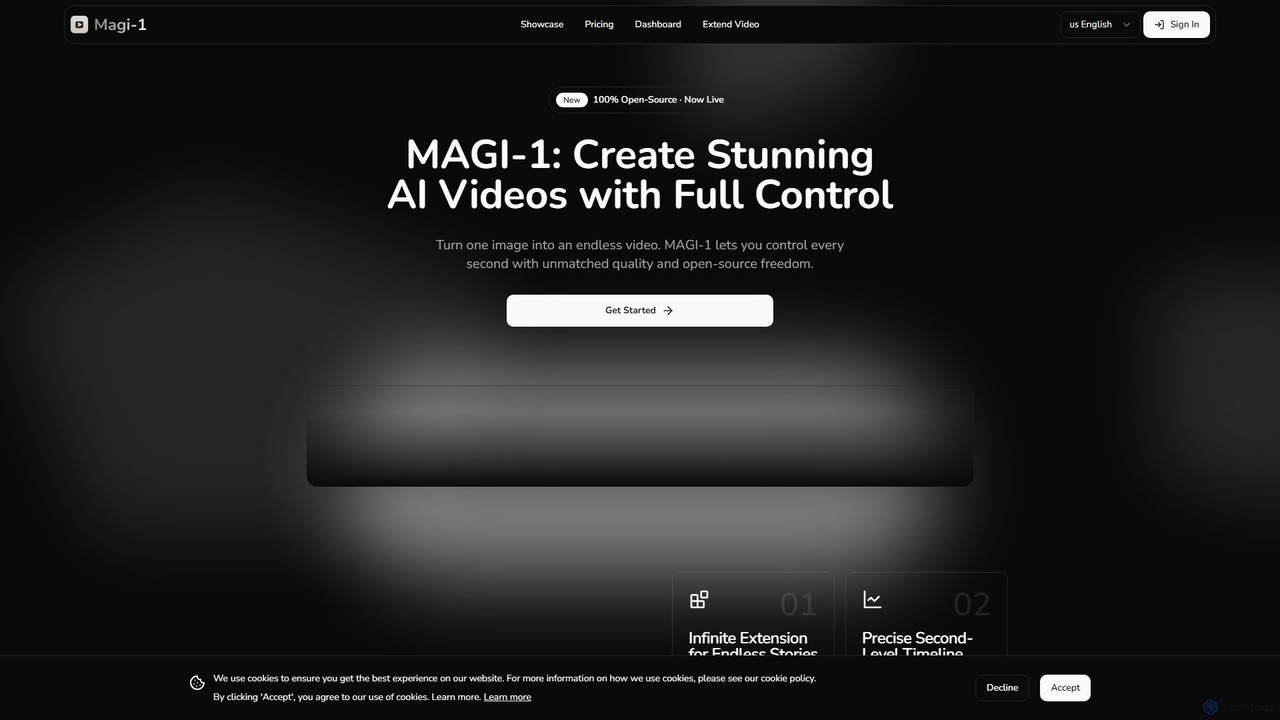
magi_1
MAGI-1 is a revolutionary open-source autoregressive diffusion model for AI video generation. It empowers users to create stunningly realistic, high-resolution videos (up to 1440p QHD) from simple text prompts. Offering advanced features like video extension, detailed parameter control, and real-time streaming support, MAGI-1 is designed for creators, developers, and marketers seeking to push the boundaries of visual content.
Generative Art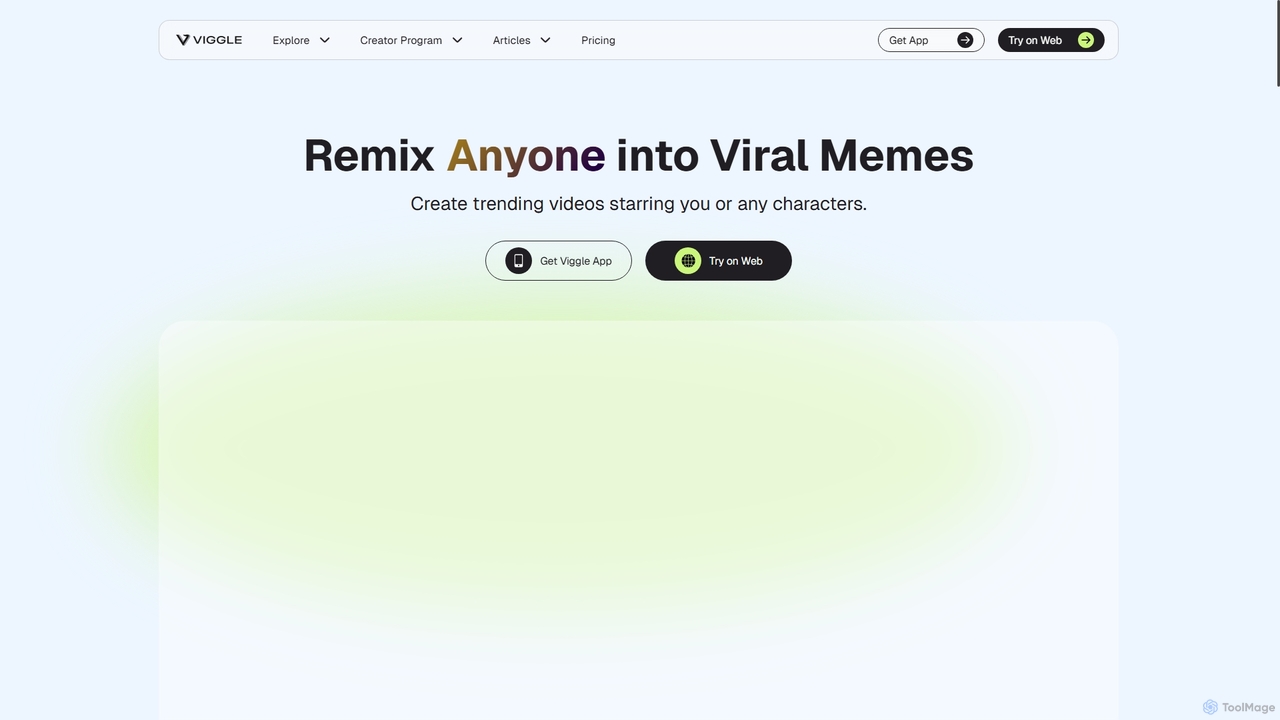
Viggle
Viggle is a revolutionary AI video generation tool that animates static character images with realistic, controllable motion from source videos. Powered by the JST-1 video-3D foundation model, it offers precise control over character movements, making it ideal for filmmakers, content creators, and meme enthusiasts. Create high-quality animations, viral memes, and immersive visual effects with ease, breaking free from the technical and financial barriers of traditional animation and motion capture.
Generative Art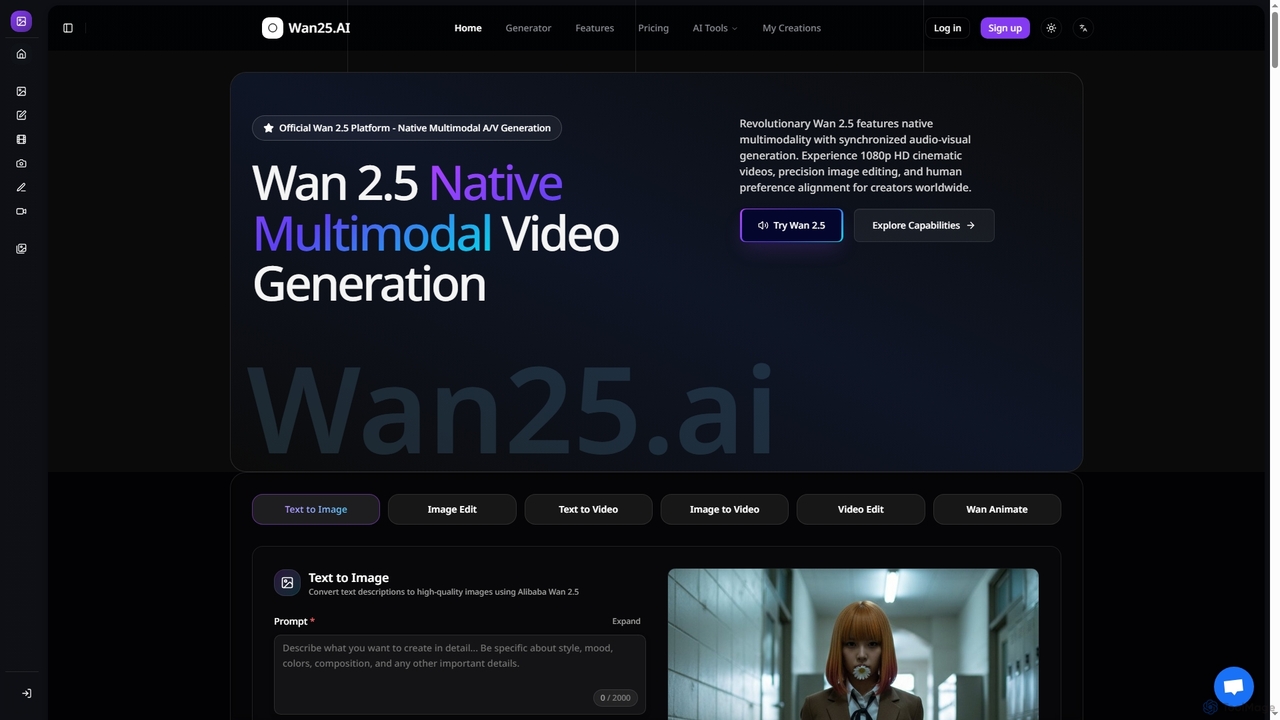
Wan25
Wan25 is a revolutionary native multimodal AI platform for synchronized audio-visual content generation. It creates 1080p HD cinematic videos, high-quality images, and offers advanced editing capabilities from text or images. Leveraging a unified architecture and RLHF, Wan25 delivers professional-grade results with high fidelity and human preference alignment for creators and researchers.
Ai Content Creation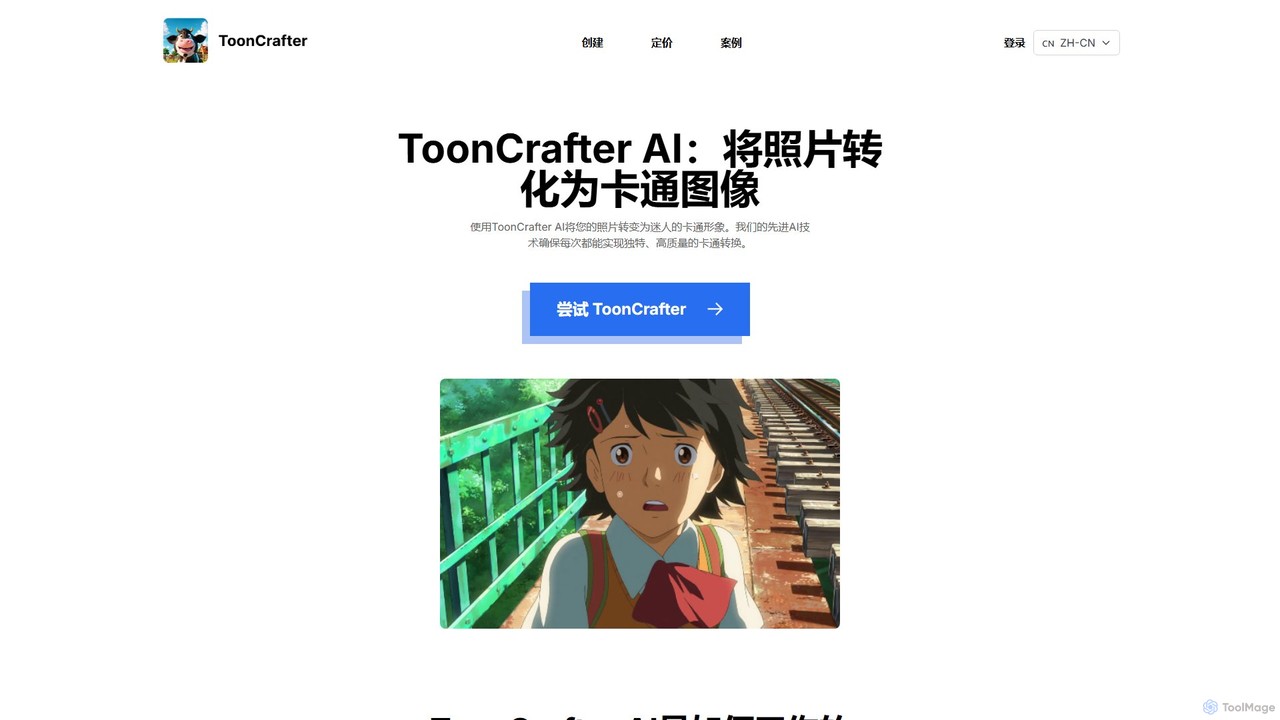
ToonCrafter
ToonCrafter is an innovative AI tool that transforms static images into dynamic cartoon animations. By leveraging advanced image-to-video diffusion models, it seamlessly interpolates between two keyframes, allowing users to create fluid visual narratives from sketches or photos. It's ideal for animators, content creators, and artists looking to bring their cartoon characters to life with minimal effort.
Image Generation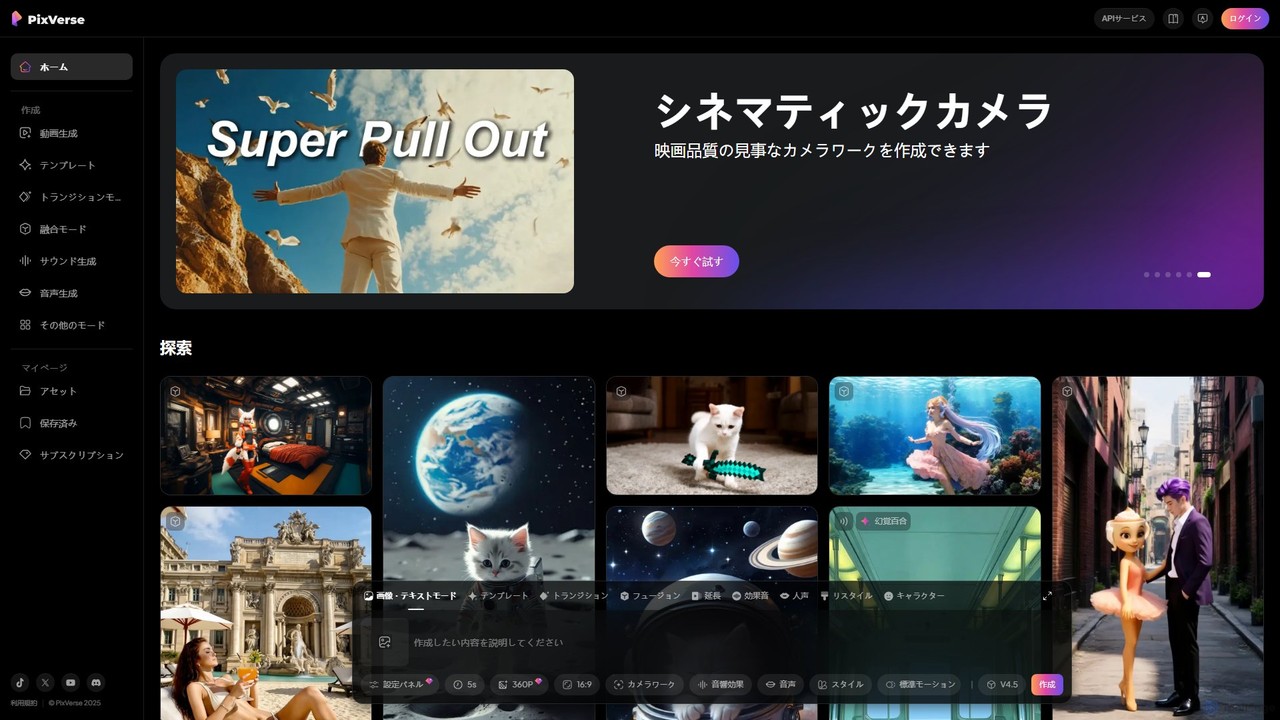
PixVerse
PixVerse is a leading AI video generator that transforms text prompts and static images into stunning, high-quality videos. Leveraging its advanced v4.5 model, it enables users to create captivating animations and viral social media content with ease. Ideal for content creators, marketers, and anyone looking to bring their creative ideas to life through dynamic video.
Animation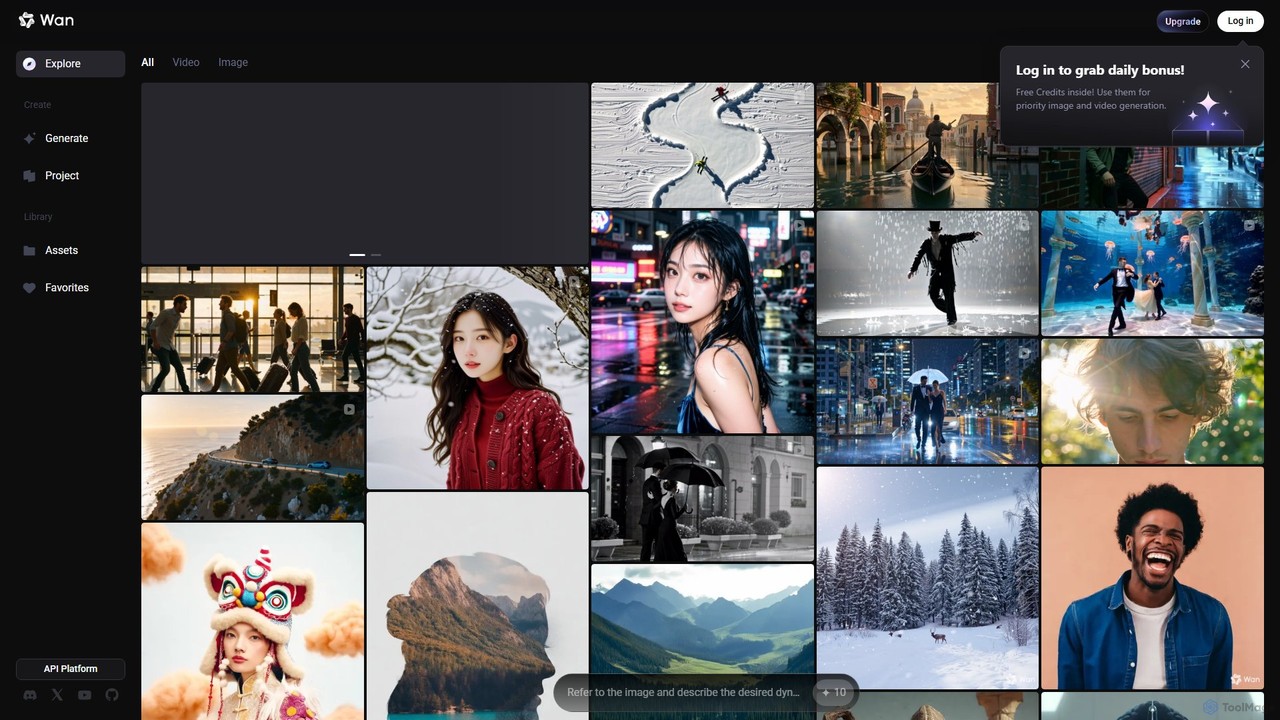
Wan AI
Wan AI is a leading AI video generation platform powered by the Wan 2.2 model. It transforms text prompts and static images into high-quality, dynamic video clips. Ideal for creators, marketers, and developers, it offers an intuitive interface, a project library, and a powerful API for seamless integration.
Generative Art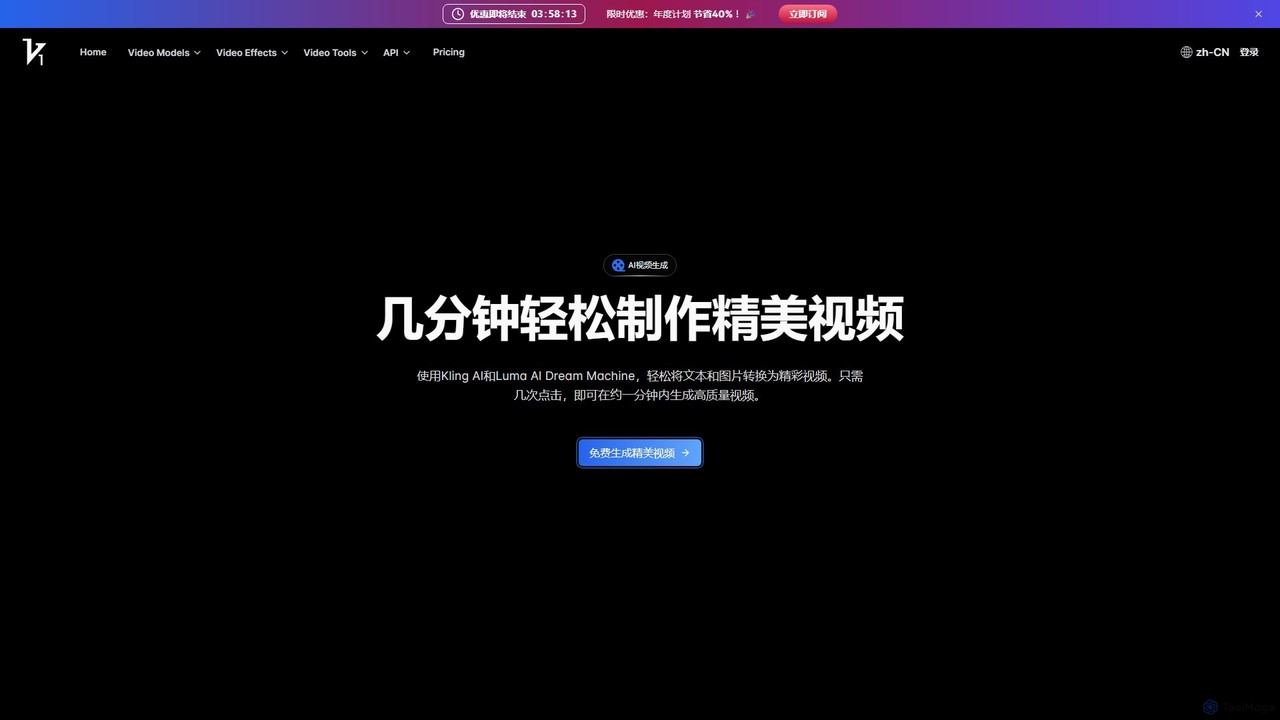
vidful
Vidful is a powerful AI video generator that transforms text and images into high-quality videos in minutes. Leveraging cutting-edge models like Kling, Luma Dream Machine, and Google Veo, it offers features like text-to-video, image-to-video, lip-sync, and cinematic effects. Ideal for marketers, creators, and businesses, Vidful simplifies video production with both free and affordable paid plans.
Animation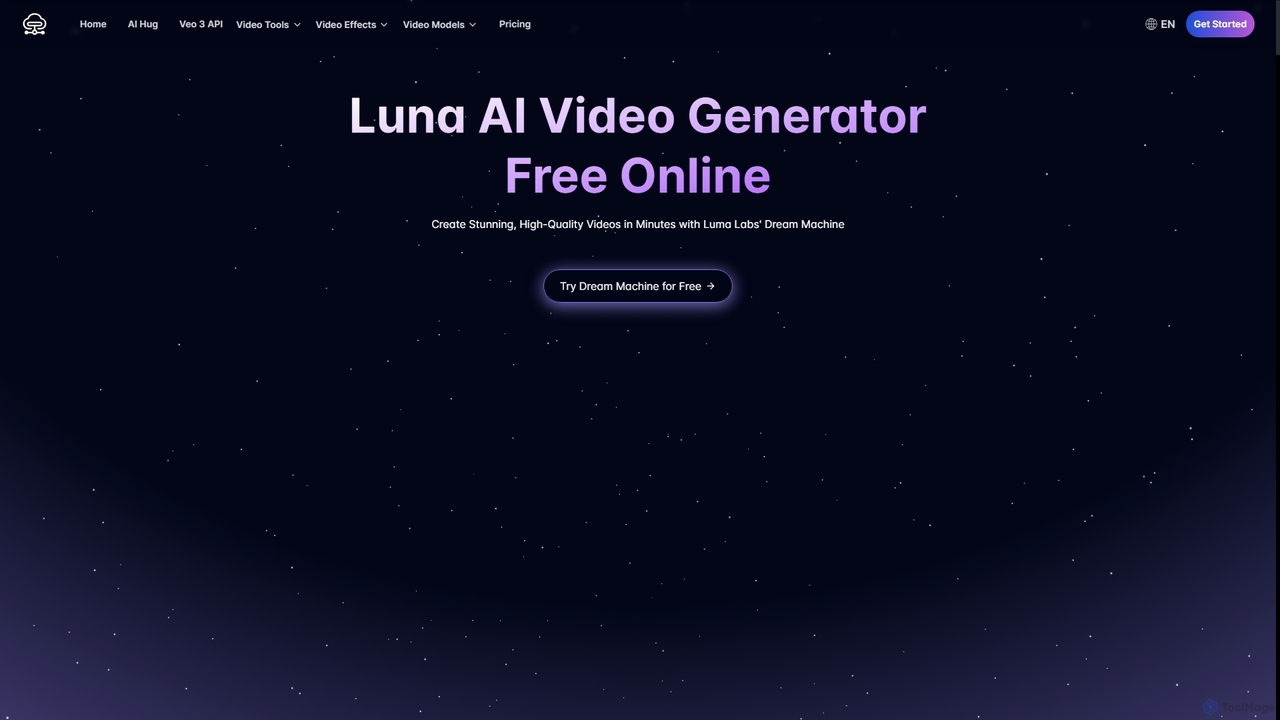
Luna AI
Luna AI is a powerful and free online AI video generator, powered by Luma Labs' Dream Machine. It enables users to effortlessly create stunning, high-quality videos from text prompts or static images in minutes. Designed for accessibility, it requires no prior video editing skills and supports multiple languages, making it ideal for marketers, content creators, and educators.
Animation
Jyek
Jyek is an AI agent platform that understands objectives, creates execution plans, uses tools, and delivers verifiable results for complex, multi-step tasks.
Automation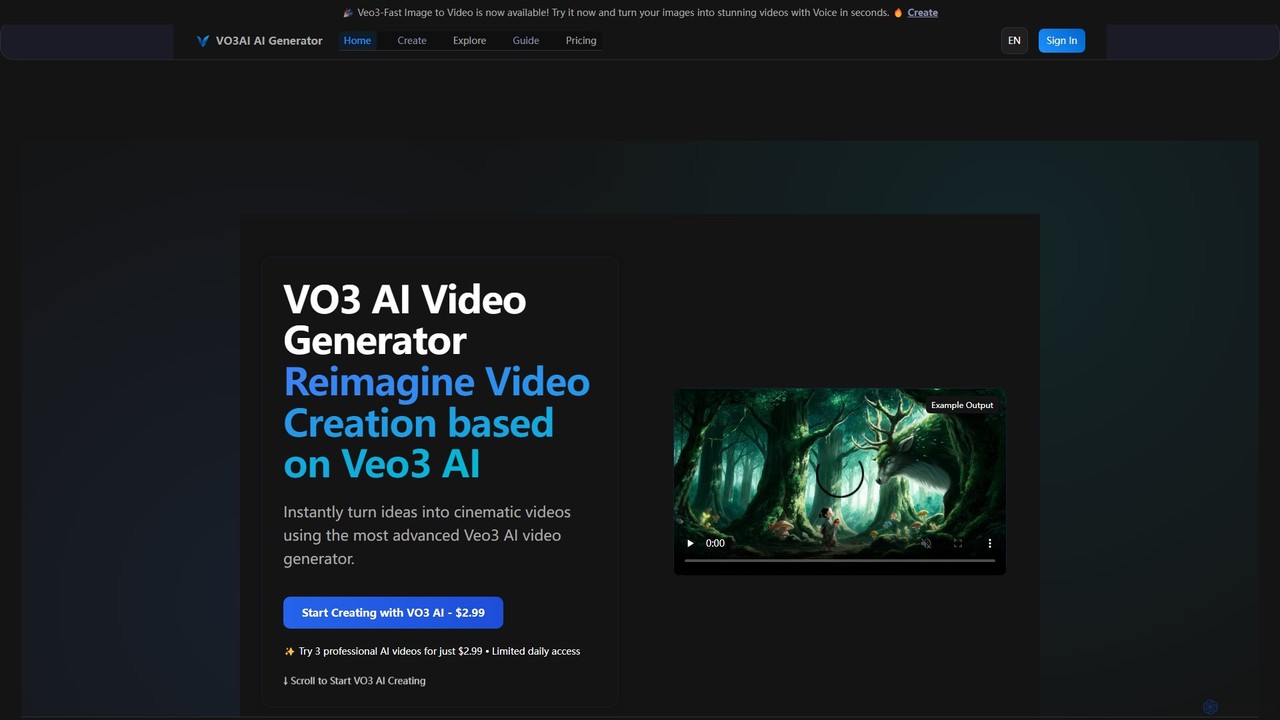
vo3ai
VO3 AI is an advanced video generation platform powered by Google's Veo3 model. It transforms text prompts and static images into high-quality, cinematic videos with synchronized audio. Featuring diverse styles, advanced camera controls, and character consistency, it's designed for creators, marketers, and filmmakers to bring their ideas to life quickly and efficiently.
Animation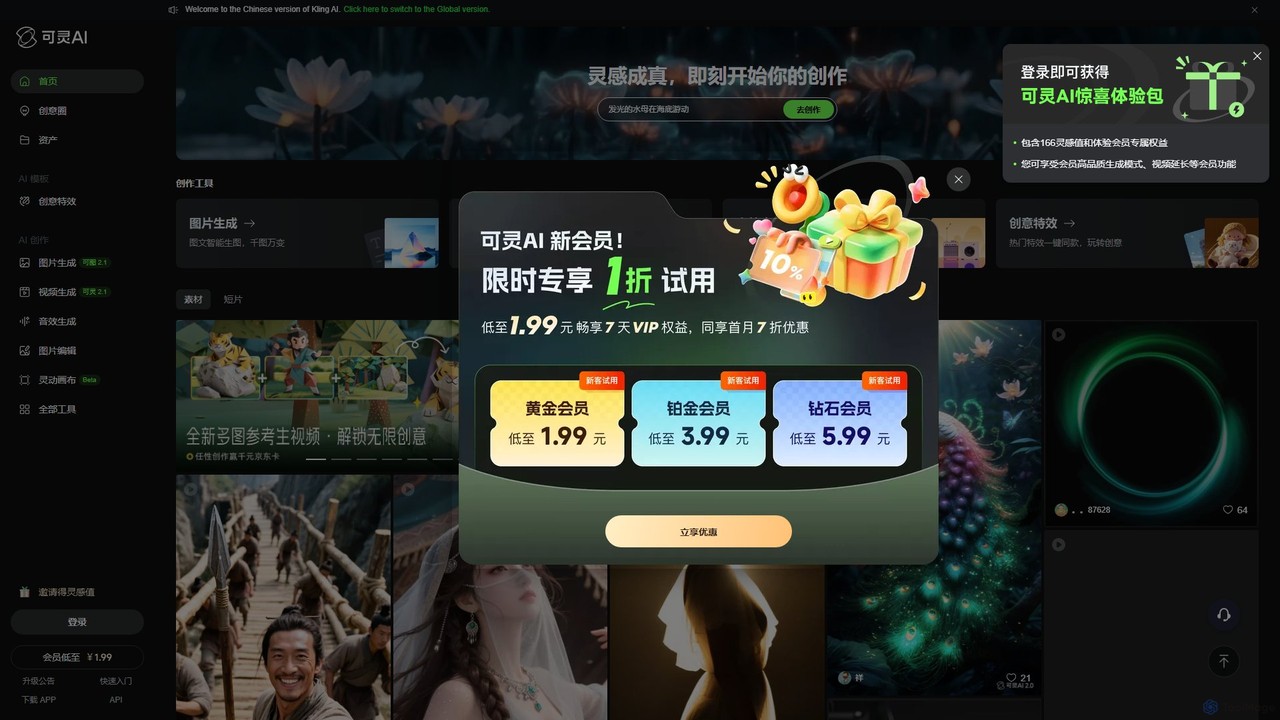
Kling AI
Kling AI is a next-generation creative productivity platform by Kuaishou, specializing in high-fidelity AI video generation. It transforms text prompts into stunning, up to 2-minute long 1080p videos, featuring realistic physics and complex motion. The platform also includes tools for AI image generation, sound effect creation, and one-click creative video effects, making it a comprehensive suite for creators, marketers, and filmmakers.
Image Generation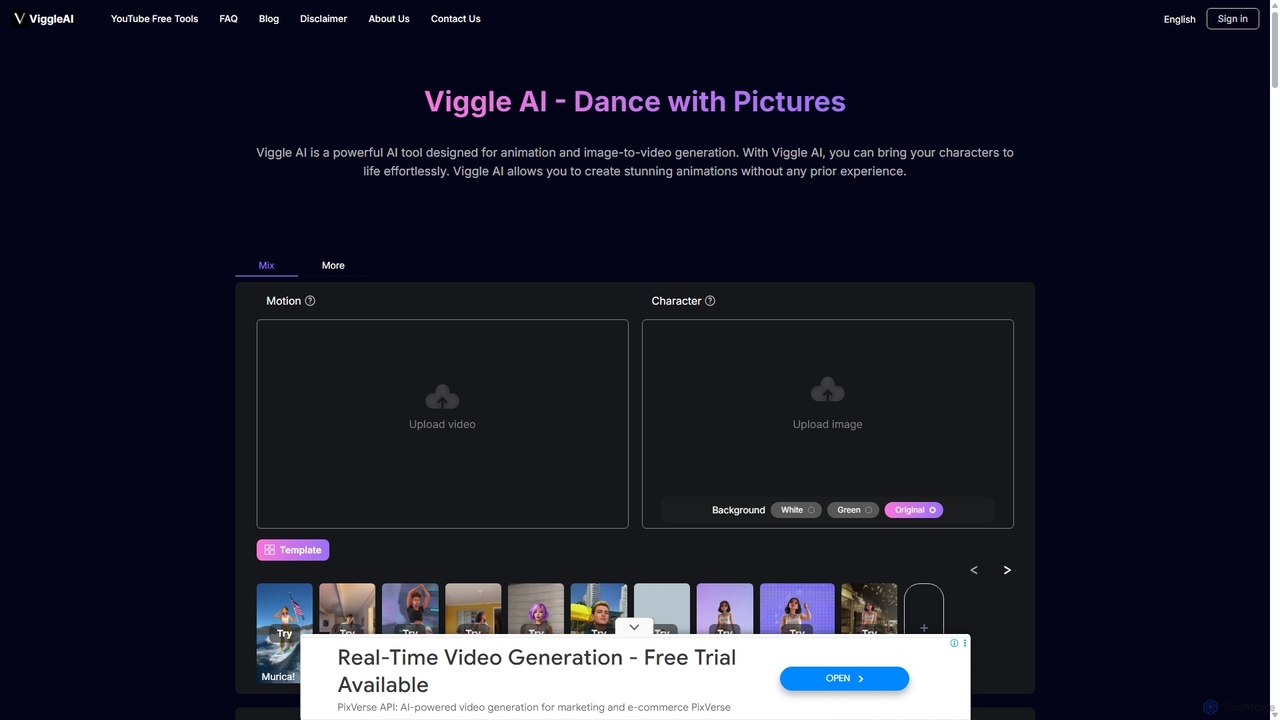
Viggle AI
Viggle AI is a revolutionary AI-powered video generation platform that animates static character images into dynamic, lifelike videos. Powered by the JST-1 video-3D foundation model, it allows users to apply motion from existing videos or text prompts to their characters, creating everything from viral dance videos and memes to professional animations with realistic, physics-based movements. It's designed for everyone, from beginners to professional creators, offering an intuitive and powerful way to bring characters to life.
Meme Generator
FramePack Comments (0)
Sign in to comment.
Sign inNo comments yet.