
Teach-O-Matic Overview
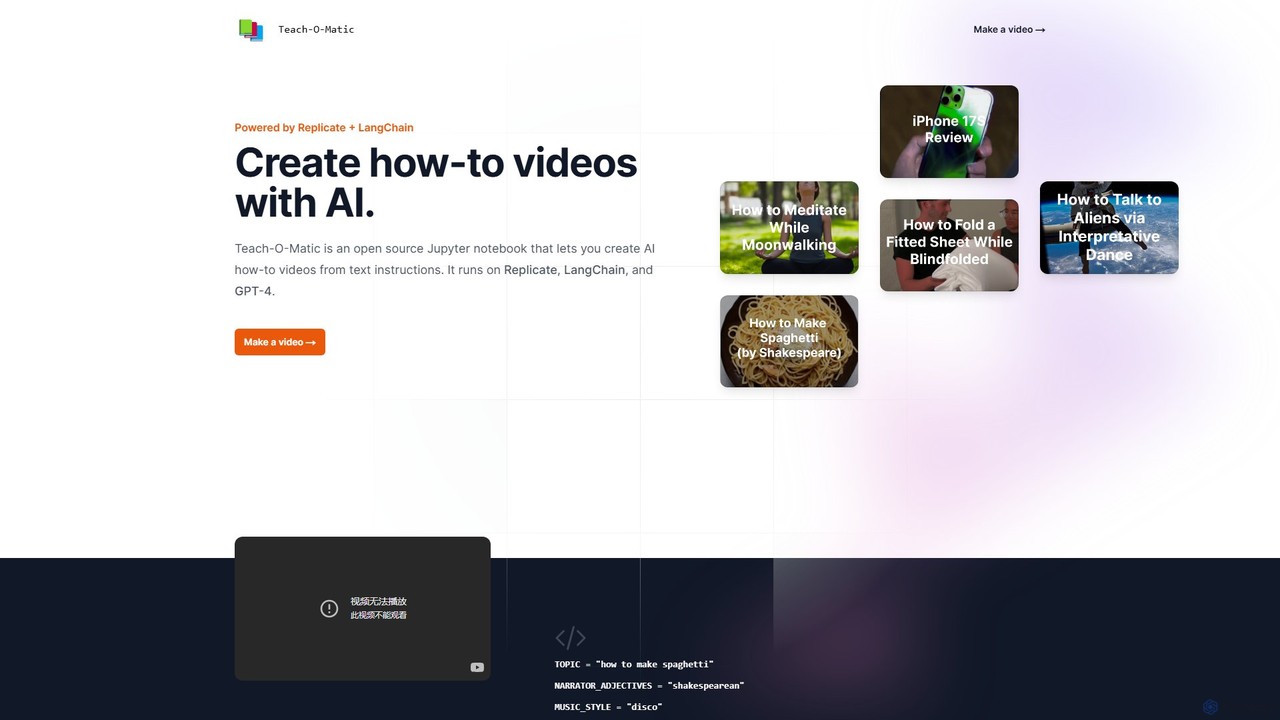
Teach-O-Matic is an innovative open-source project designed to automate the creation of instructional "how-to" videos. By simply providing a topic, a narrator style, and a music style, users can generate complete videos without any filming or manual editing. It operates as a Jupyter notebook, making it a powerful tool for developers, educators, and content creators who are comfortable with a code-based environment.
The magic of Teach-O-Matic lies in its sophisticated integration of multiple best-in-class AI models, all orchestrated by LangChain. This multi-agent system works seamlessly to produce each component of the video, transforming a simple text prompt into a rich, multimedia experience.
How to use Teach-O-Matic
Using Teach-O-Matic involves running a pre-configured Jupyter notebook, which is designed to be straightforward for those with some technical familiarity. The process eliminates the need for a local development environment by running on cloud platforms like Replicate.
- Access the Notebook: Open the Teach-O-Matic Jupyter notebook on a platform like Replicate or Google Colab.
- Define Parameters: In the notebook, specify your desired video content by setting a few simple variables. For example: `TOPIC = "how to bake a cake"`, `NARRATOR_ADJECTIVES = "enthusiastic, friendly"`, `MUSIC_STYLE = "upbeat acoustic"`.
- Execute the Code: Run the cells in the notebook. Teach-O-Matic initiates the AI workflow.
- AI-Powered Generation: The tool automatically calls upon different AI services: GPT-4 writes a detailed script, Suno AI Bark generates a human-like voiceover, Damo Text-to-Video creates relevant video clips, Riffusion composes background music, and Stable Diffusion designs a cover image.
- Video Compilation: LangChain chains all these elements together, compiling them into a final, cohesive video file.
- Download and Share: Once the process is complete, you can download the generated video and share it on any platform.
Core Features of Teach-O-Matic
- Automated End-to-End Video Creation: Generates complete videos from text, including script, voice, visuals, and music.
- Multi-AI Model Integration: Utilizes a powerful stack: GPT-4 for scripting, Suno AI Bark for narration, Damo Text-to-Video for visuals, Riffusion for music, and Stable Diffusion for cover art.
- LangChain Orchestration: Employs LangChain to intelligently manage the complex workflow and ensure seamless communication between the different AI models.
- High Customization: Allows users to define the topic, the personality of the narrator (e.g., 'Shakespearean', 'robotic'), and the musical genre (e.g., 'disco', 'classical').
- Open-Source Framework: As an open-source project, its code is transparent, modifiable, and can be extended or integrated into other applications.
- No Local Setup Required: Runs in the cloud via a Jupyter notebook, removing the need for powerful local hardware or complex software installations.
Use Cases for Teach-O-Matic
Teach-O-Matic is versatile and can be used by various professionals and hobbyists:
- Educators: Quickly create engaging video tutorials and lesson materials for students on any subject.
- Content Creators: Produce a high volume of "how-to" videos for platforms like YouTube, TikTok, and Instagram Reels without the overhead of filming.
- Marketers: Generate simple and effective product demonstration videos, feature explainers, or social media content.
- Corporate Trainers: Develop internal training videos for new software, company policies, or standard operating procedures.
- Developers and AI Enthusiasts: Experiment with cutting-edge multi-modal AI generation and use the project as a base for their own creations.
Advantages of Teach-O-Matic
- Efficiency: Reduces video production time from hours or days to just a few minutes.
- Cost-Effective: Eliminates the costs associated with hiring voice actors, videographers, and video editors.
- Creative Freedom: Enables the creation of unique and entertaining videos by combining different styles and tones.
- Accessibility: Lowers the barrier to video creation, making it accessible even to those without traditional video production skills (though some technical knowledge is beneficial).
- Transparency and Flexibility: The open-source nature allows for full control, customization, and understanding of the underlying processes.
Pricing and Plans
Teach-O-Matic is an open-source project, meaning the software itself is free to use, modify, and distribute. However, running the notebook involves making API calls to various third-party AI services (such as Replicate for hosting the models and OpenAI for GPT-4). Users are responsible for the costs associated with the usage of these underlying services, which are typically billed on a pay-as-you-go basis depending on the computational resources consumed.
Teach-O-Matic Alternatives
Genmo
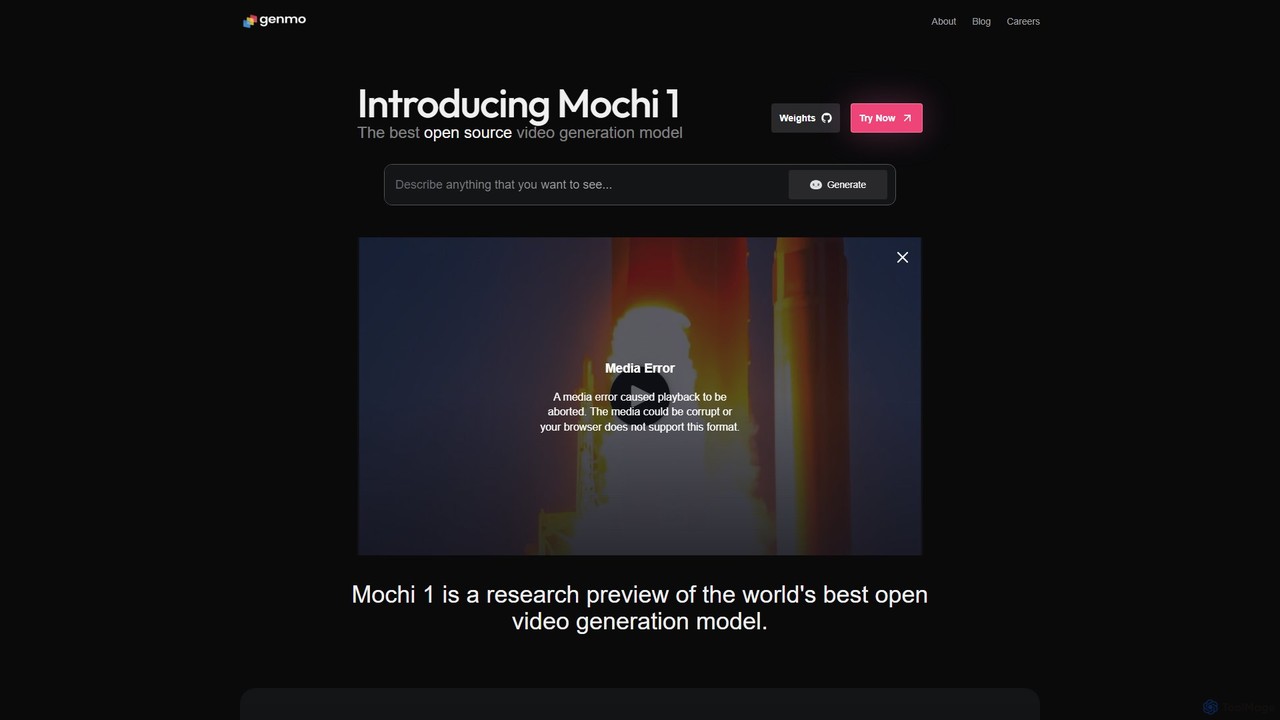
Genmo is a pioneering AI video generation platform featuring Mochi 1, a state-of-the-art open-source model. It transforms text prompts into high-fidelity videos with exceptional motion quality and prompt adherence. Designed for creators, developers, and researchers, Genmo offers both a user-friendly web interface and an open ecosystem for building custom applications, making it a versatile tool for filmmaking, marketing, and synthetic data generation.
Generative Art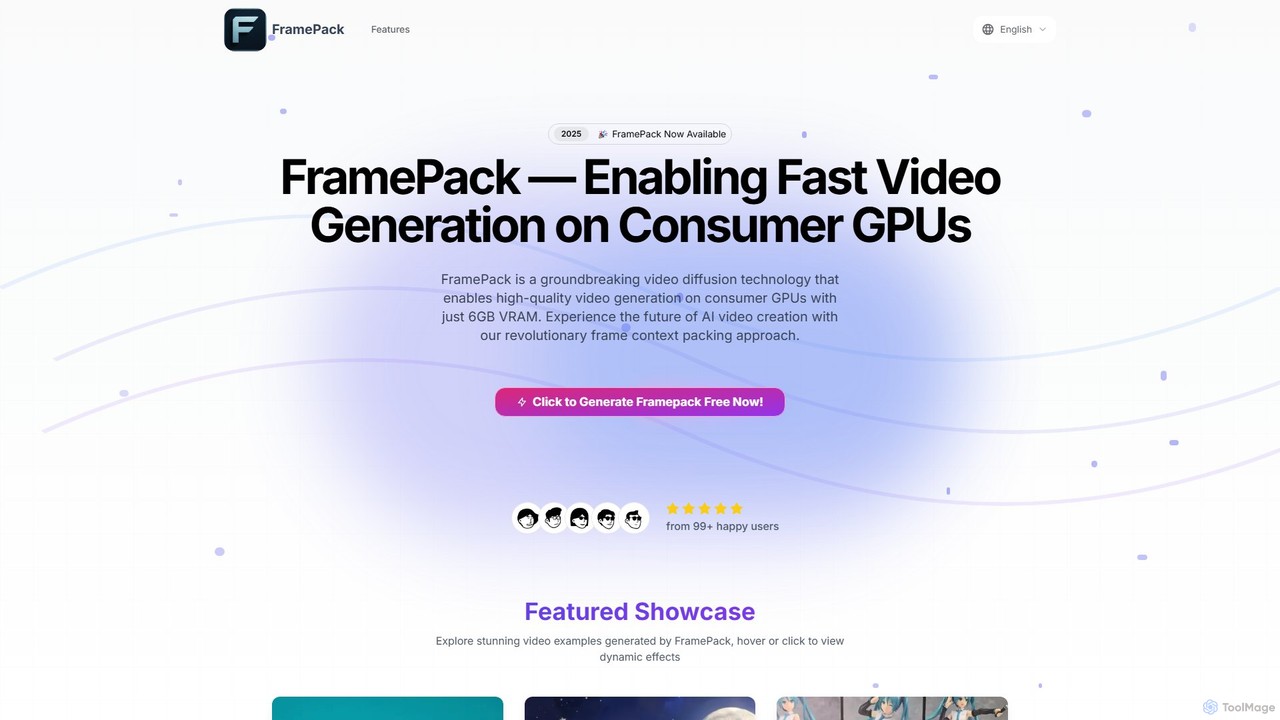
FramePack
FramePack is a groundbreaking open-source video diffusion technology that enables high-quality AI video generation on local consumer GPUs with as little as 6GB VRAM. It offers a cost-effective, private, and customizable solution for creators, animators, and researchers to produce long, consistent video sequences without relying on expensive cloud services.
Animation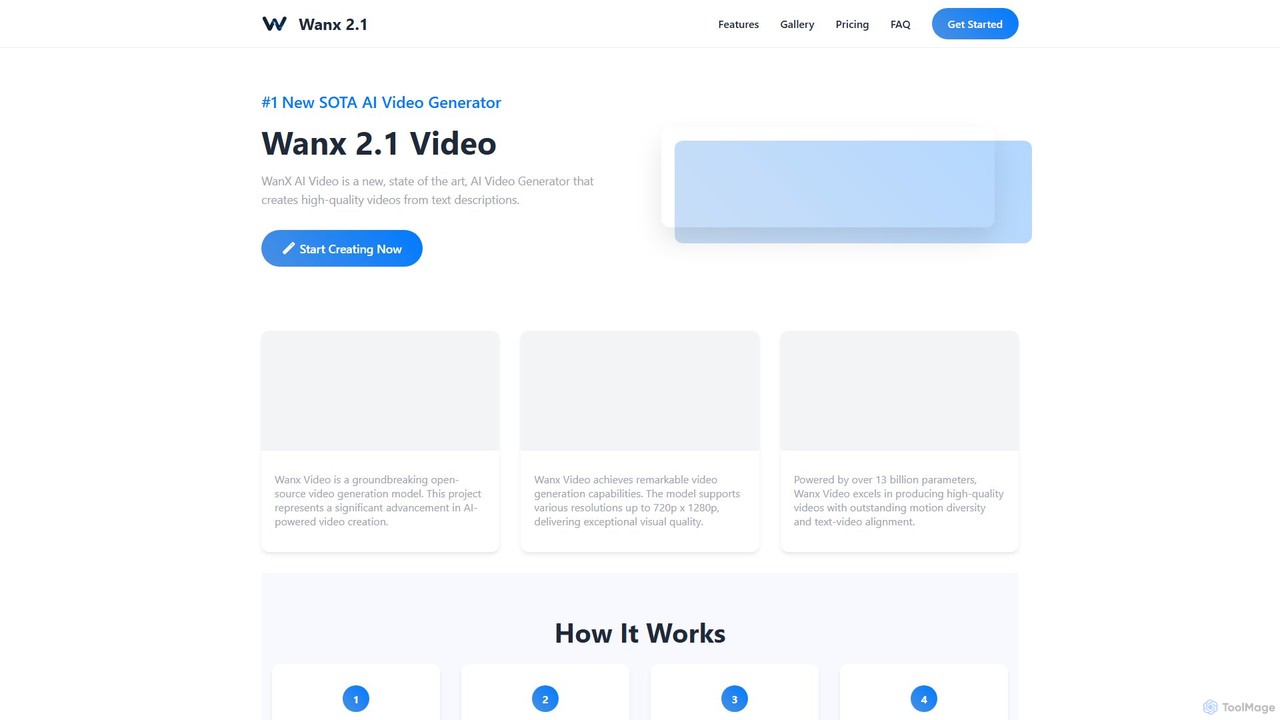
wanx_ai
wanx_ai is a state-of-the-art AI video generator that transforms text prompts into high-quality, professional videos. Powered by a 13-billion parameter open-source model, it excels in creating cinematic and photorealistic scenes with smooth motion and excellent text-video alignment. Users can generate 5-second, 720p HD videos for social media, commercials, or artistic projects. Features include a smart prompt builder, native camera cuts, and support for both landscape and vertical formats, making it a versatile tool for content creators.
Generative Art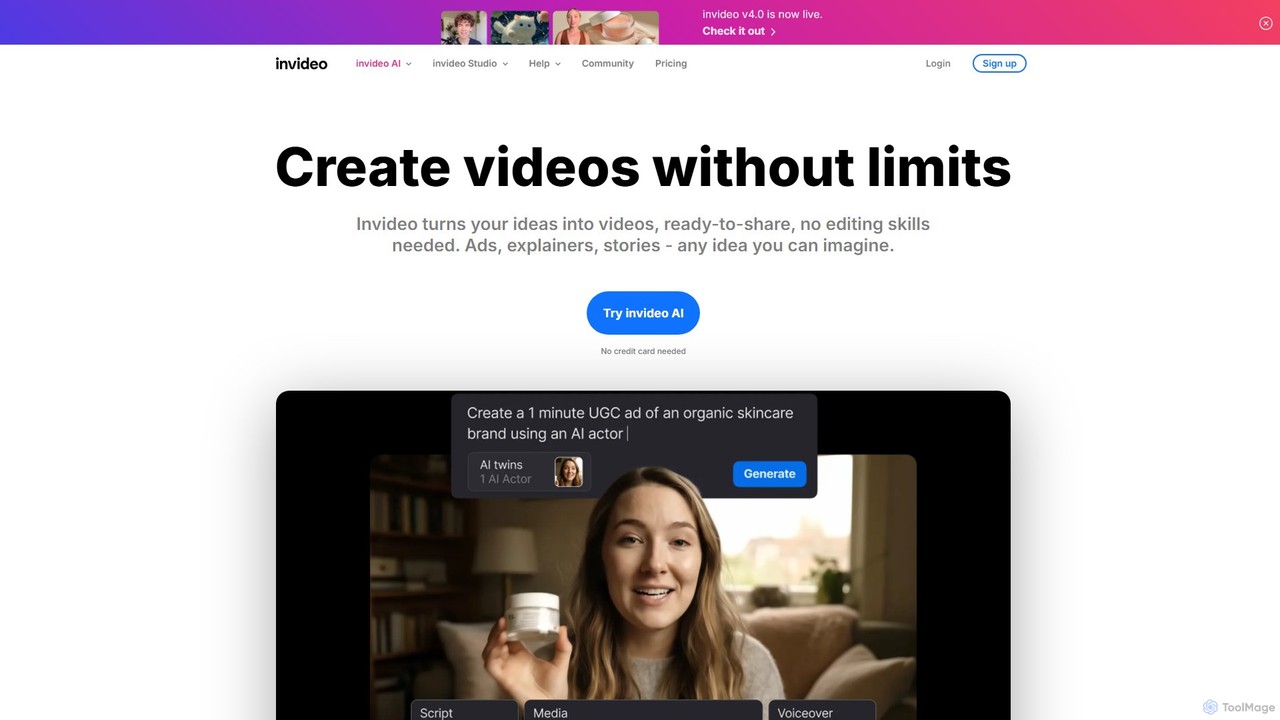
invideo
invideo is an AI-powered video creation platform that transforms text prompts, ideas, or URLs into publish-ready videos. It automates scriptwriting, visual creation, voiceovers, and editing, enabling users without technical skills to produce high-quality ads, social media content, and explainer videos in minutes.
Text To Speech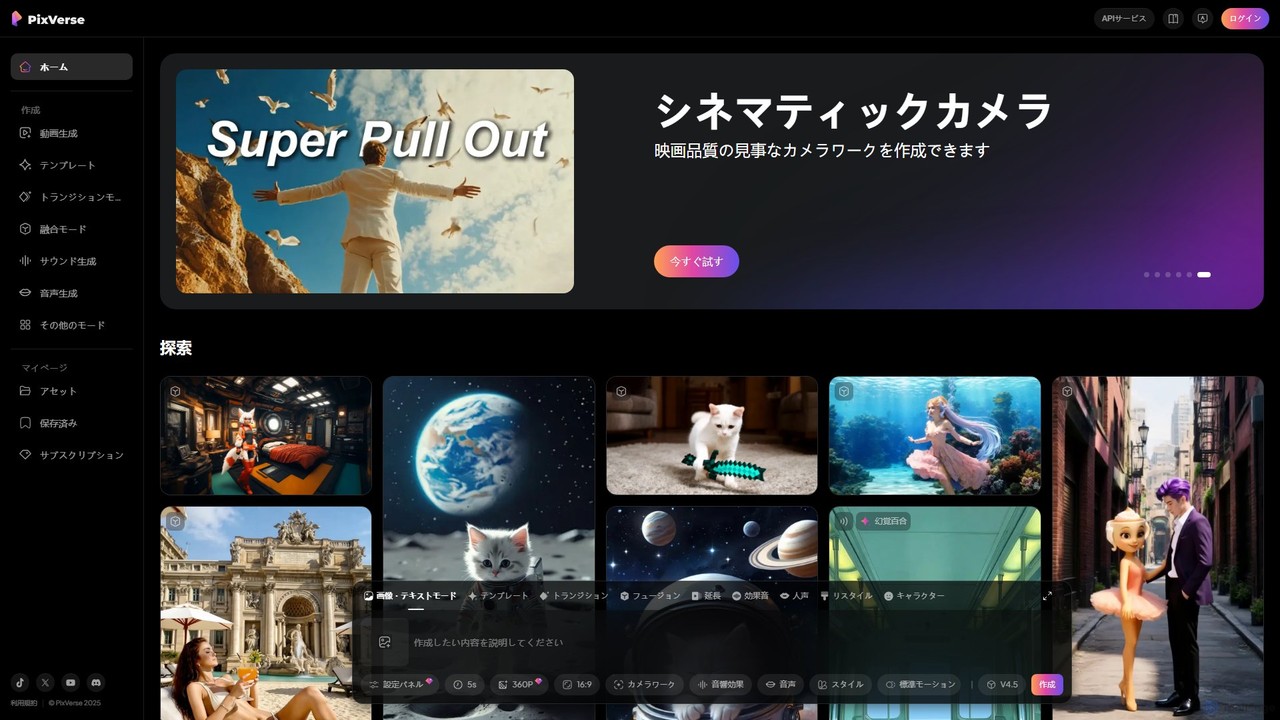
PixVerse
PixVerse is a leading AI video generator that transforms text prompts and static images into stunning, high-quality videos. Leveraging its advanced v4.5 model, it enables users to create captivating animations and viral social media content with ease. Ideal for content creators, marketers, and anyone looking to bring their creative ideas to life through dynamic video.
AnimationTeach-O-Matic Categories
Teach-O-Matic Embed Widget
Copy this embed code to place the badge on your blog, article, or product site and send readers directly to this ToolMage detail page.

Related AI tools
wanx_ai
wanx_ai is a state-of-the-art AI video generator that transforms text prompts into high-quality, professional videos. Powered by a 13-billion parameter open-source model, it excels in creating cinematic and photorealistic scenes with smooth motion and excellent text-video alignment. Users can generate 5-second, 720p HD videos for social media, commercials, or artistic projects. Features include a smart prompt builder, native camera cuts, and support for both landscape and vertical formats, making it a versatile tool for content creators.
Generative Art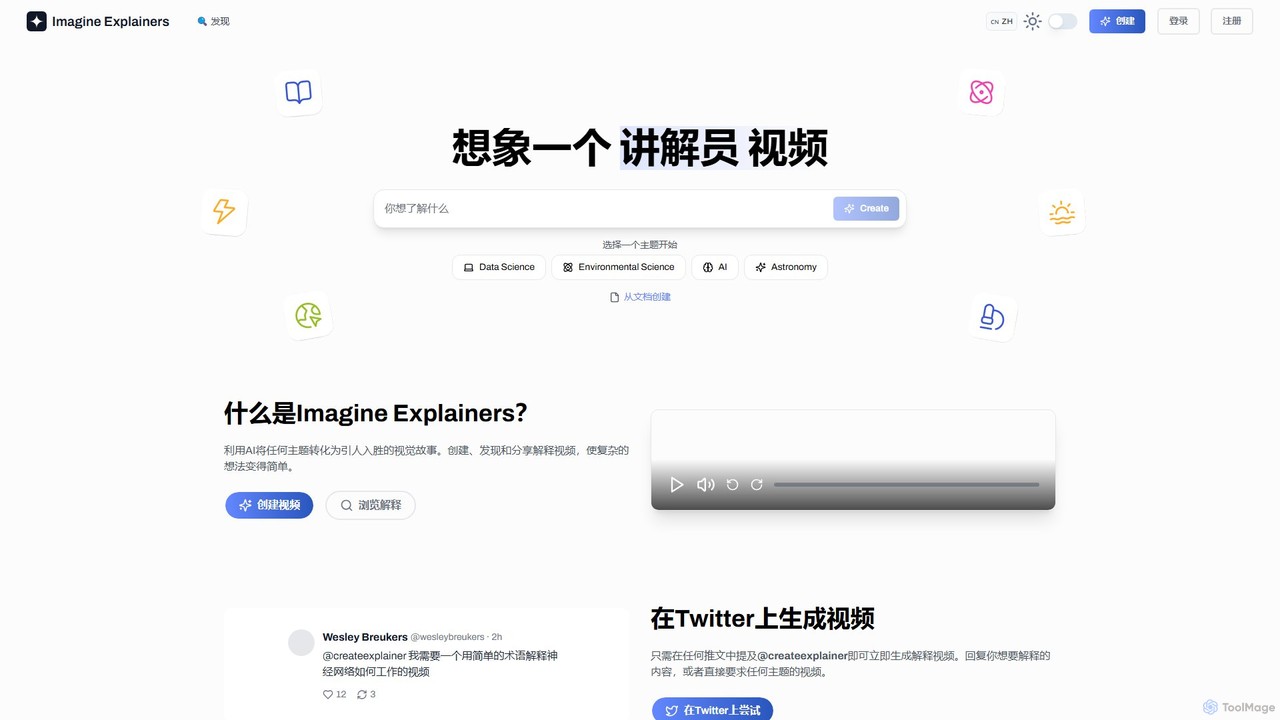
Imagine Explainers
Imagine Explainers is an AI-powered platform that transforms any topic, text prompt, or document into engaging animated explainer videos and audio podcasts. It simplifies complex concepts into easy-to-understand visual stories, making learning and content creation fast, interactive, and accessible for everyone.
LearningGenmo
Genmo is a pioneering AI video generation platform featuring Mochi 1, a state-of-the-art open-source model. It transforms text prompts into high-fidelity videos with exceptional motion quality and prompt adherence. Designed for creators, developers, and researchers, Genmo offers both a user-friendly web interface and an open ecosystem for building custom applications, making it a versatile tool for filmmaking, marketing, and synthetic data generation.
Generative Artinvideo
invideo is an AI-powered video creation platform that transforms text prompts, ideas, or URLs into publish-ready videos. It automates scriptwriting, visual creation, voiceovers, and editing, enabling users without technical skills to produce high-quality ads, social media content, and explainer videos in minutes.
Text To SpeechPixVerse
PixVerse is a leading AI video generator that transforms text prompts and static images into stunning, high-quality videos. Leveraging its advanced v4.5 model, it enables users to create captivating animations and viral social media content with ease. Ideal for content creators, marketers, and anyone looking to bring their creative ideas to life through dynamic video.
Animation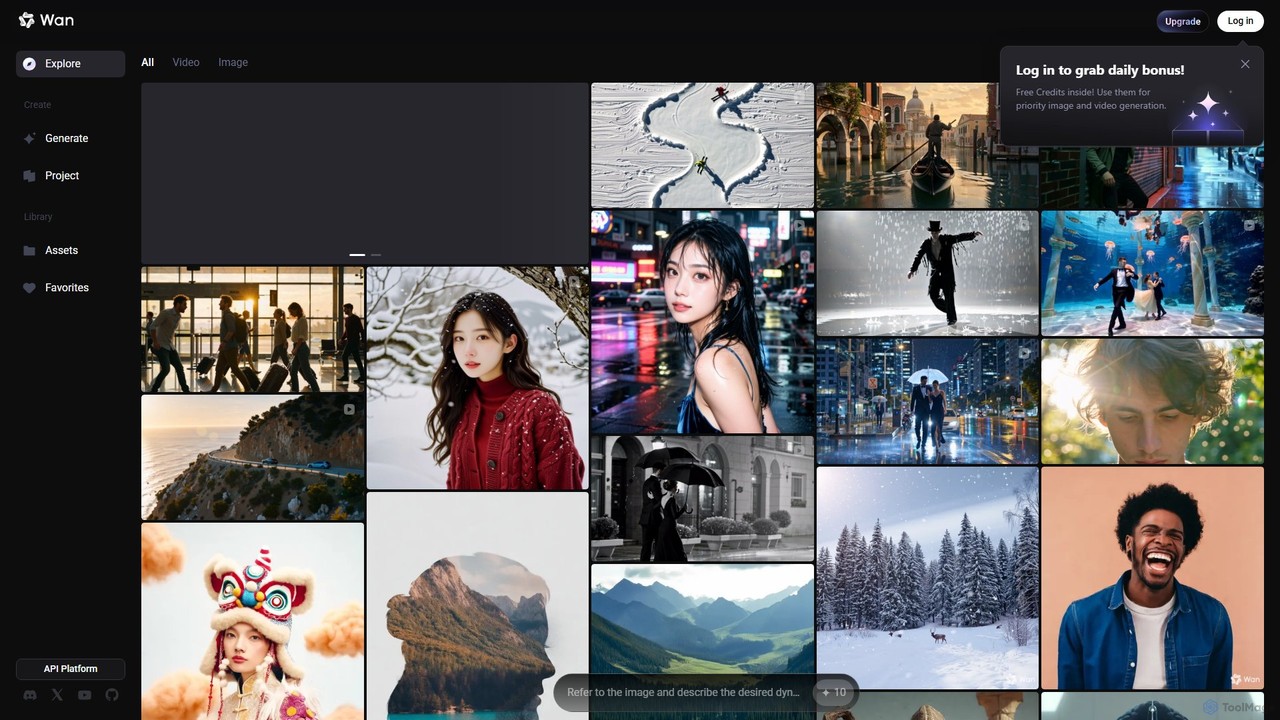
Wan AI
Wan AI is a leading AI video generation platform powered by the Wan 2.2 model. It transforms text prompts and static images into high-quality, dynamic video clips. Ideal for creators, marketers, and developers, it offers an intuitive interface, a project library, and a powerful API for seamless integration.
Generative Art
OpenAI Sora
OpenAI Sora is a revolutionary text-to-video AI model that generates high-fidelity, coherent, and imaginative video scenes up to one minute long from simple text instructions. It can create complex scenes with multiple characters, specific types of motion, and accurate details of the subject and background, transforming how we create and consume visual content.
Art Generation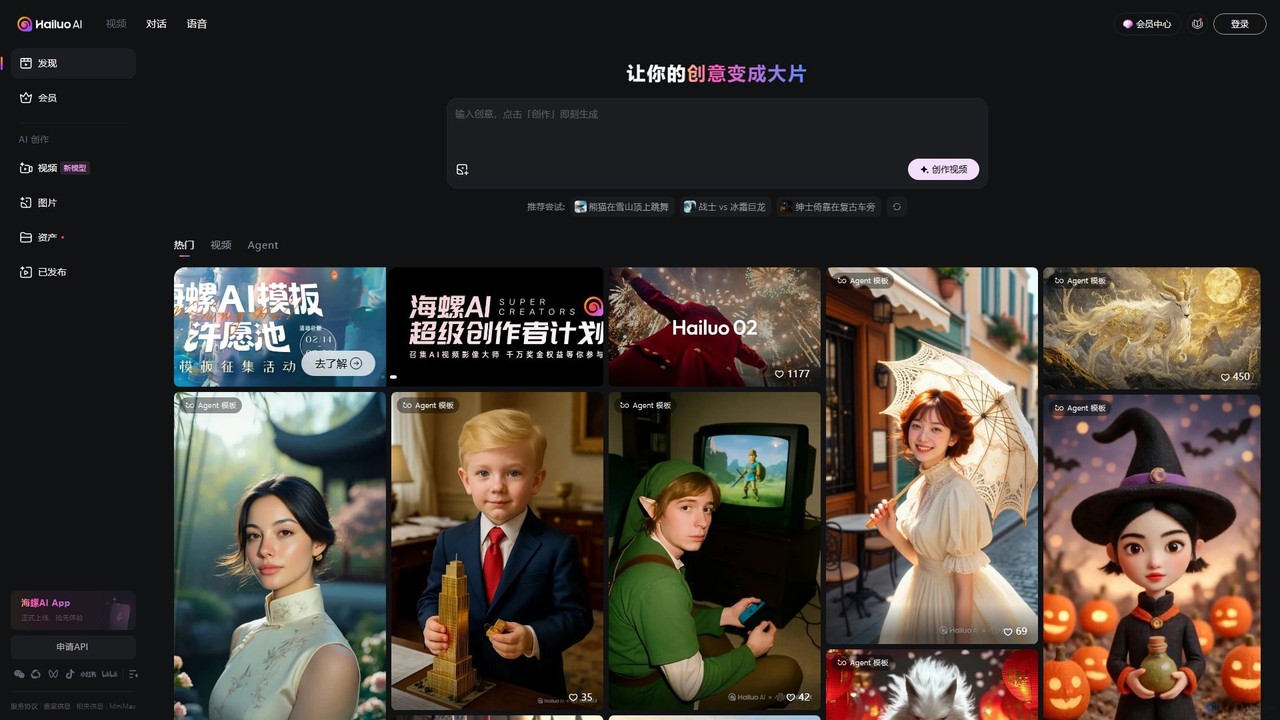
Hailuo AI
Hailuo AI is a powerful AI video generator that transforms your ideas, text prompts, and images into stunning, high-quality videos. Leveraging advanced AI from MiniMax, it offers a wide range of creative templates and customization options, making video creation simple, fun, and efficient for marketers, content creators, and individuals.
Generative Art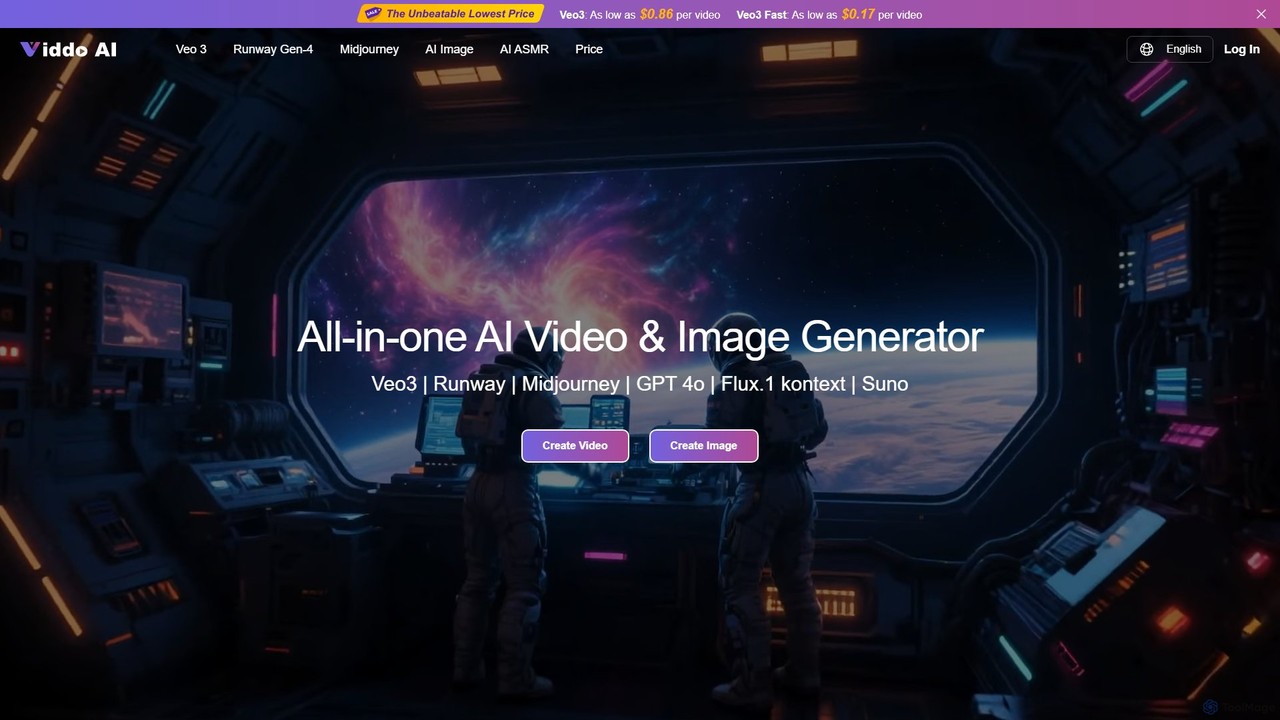
Viddo
Viddo is an all-in-one AI generation platform that integrates leading models like Google's Veo3, Runway, Midjourney, and Suno. It empowers users to effortlessly create high-quality, cinematic videos, images, and audio from simple text prompts or static images, streamlining the creative workflow for marketers, artists, and content creators.
Music Generation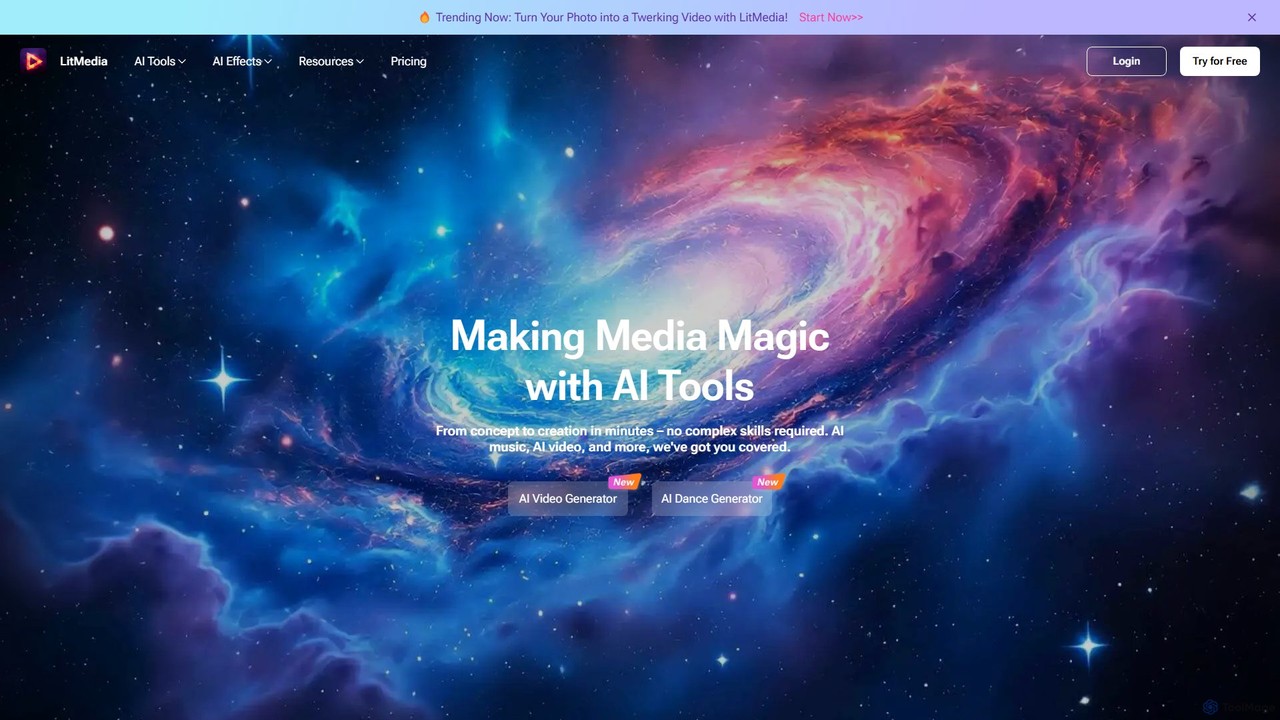
LitMedia
LitMedia is an all-in-one AI-powered creative suite designed to generate stunning videos, royalty-free music, and engaging dance animations. It integrates multiple advanced AI models like Kling and Vidu, allowing users to transform text, images, and videos into high-quality media content effortlessly. Ideal for content creators, marketers, and businesses, LitMedia simplifies the creative process, requiring no technical skills to produce professional-grade results in minutes.
Music Generation
Vid.AI
Vid.AI is an AI-powered video generation platform that transforms ideas or scripts into engaging faceless videos for both short-form and long-form content. It automates scriptwriting, voiceovers, visuals, and editing, enabling creators to produce high-quality videos for YouTube, TikTok, and Reels in minutes, with no prior editing skills required.
Video Marketing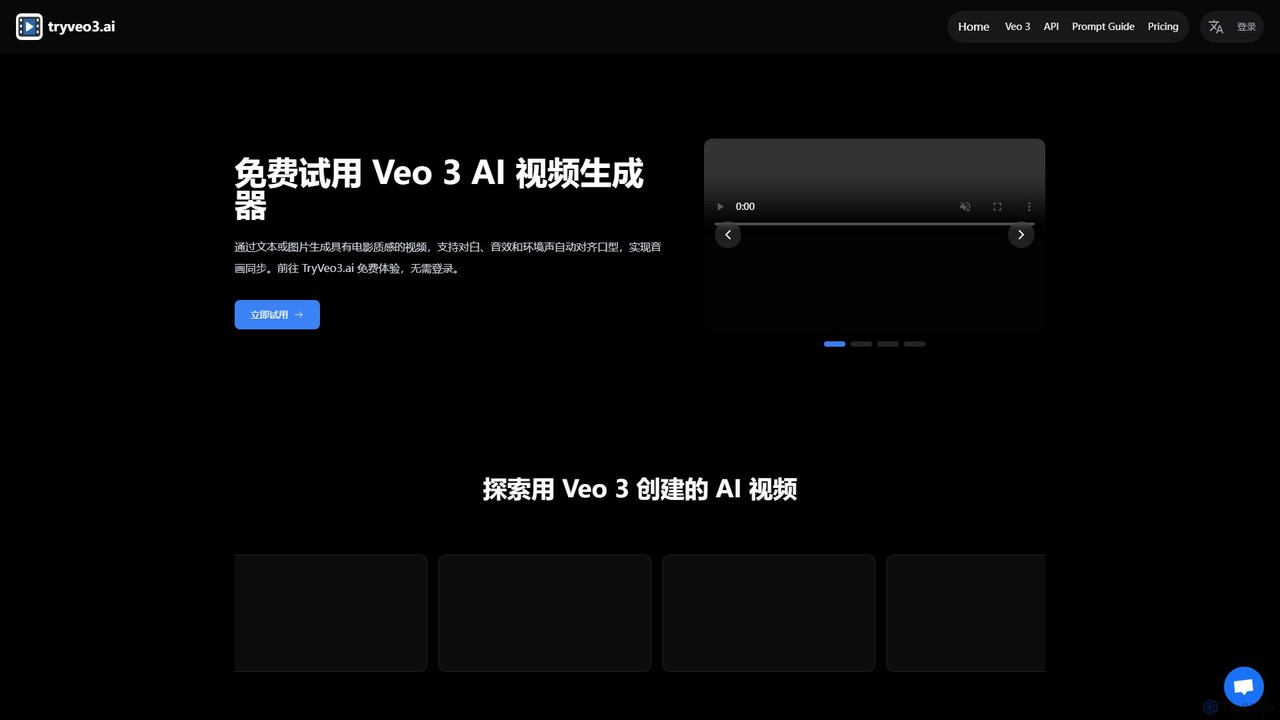
tryveo3
tryveo3 is an AI video generation platform powered by Google's Veo 3 model. It creates high-quality, 1080p cinematic videos from text or image prompts. Its standout feature is the ability to generate videos with perfectly synchronized audio, including dialogue, sound effects, and accurate lip-syncing, making it ideal for creators, marketers, and filmmakers.
Social Media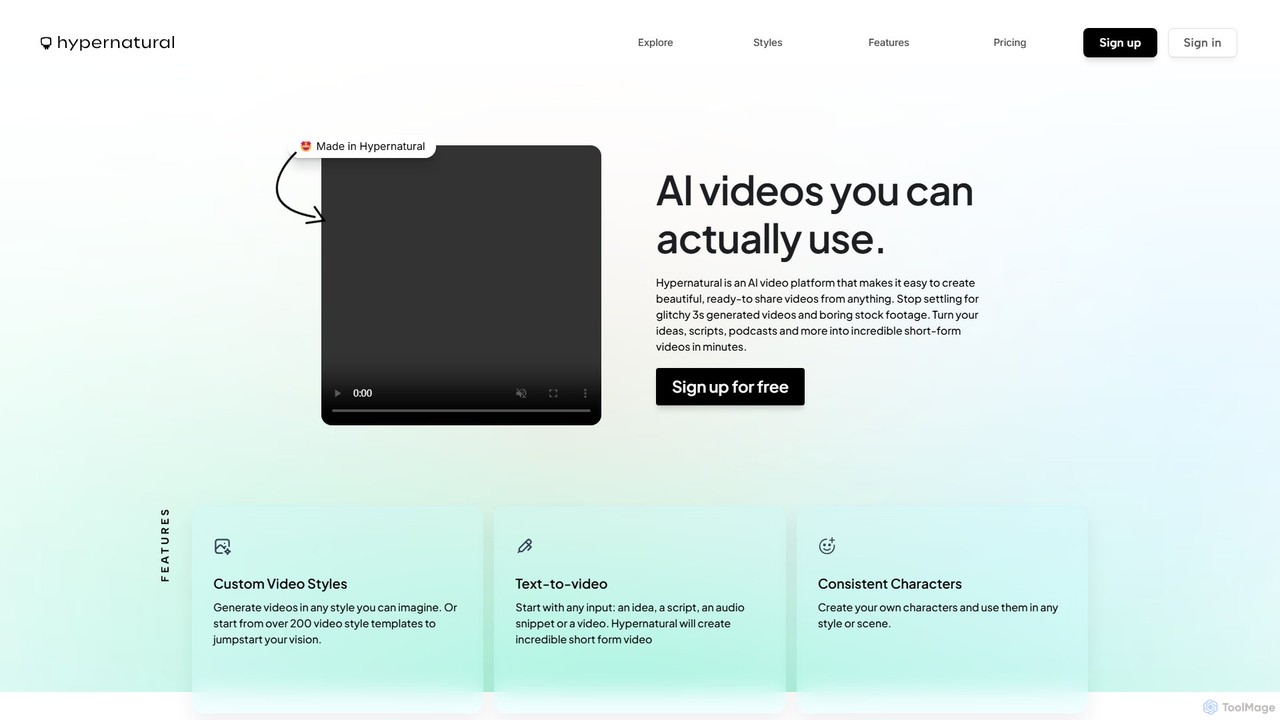
Hypernatural
Hypernatural is an AI video platform that transforms text, scripts, or audio into high-quality, ready-to-share short-form videos. It focuses on creating usable, non-glitchy content with consistent characters and custom styles, making professional video creation accessible to everyone from marketers to content creators.
Advertising
makefilm
makefilm is an all-in-one AI video platform that enables users to create professional videos from text or images in minutes. It offers a comprehensive suite of tools, including a text-to-video generator, image animator, video summarizer, AI voice generator, and automatic captioning. Designed for marketers, educators, and content creators, makefilm streamlines the video production process, saving significant time and resources while delivering high-quality, engaging content.
Text To Speech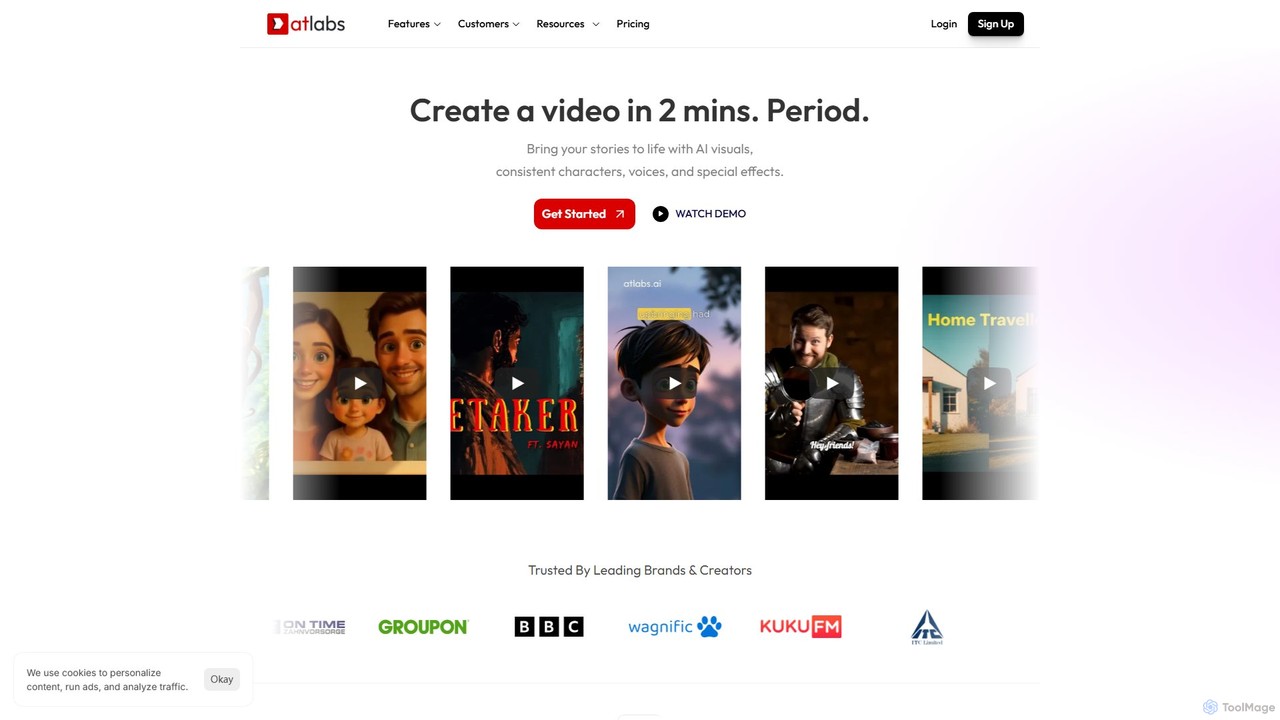
atlabs
atlabs is a powerful AI video generator that transforms text scripts into engaging visual stories in minutes. It features AI-driven scriptwriting, consistent character generation, ultra-realistic voiceovers, and intelligent editing. With support for over 40 languages and various visual styles, it's designed for marketers, creators, and businesses to produce high-quality video content efficiently, from social media clips to full-length series.
Social Media
Teach-O-Matic Comments (0)
Sign in to comment.
Sign inNo comments yet.